True Elegance Gallery Poster Template
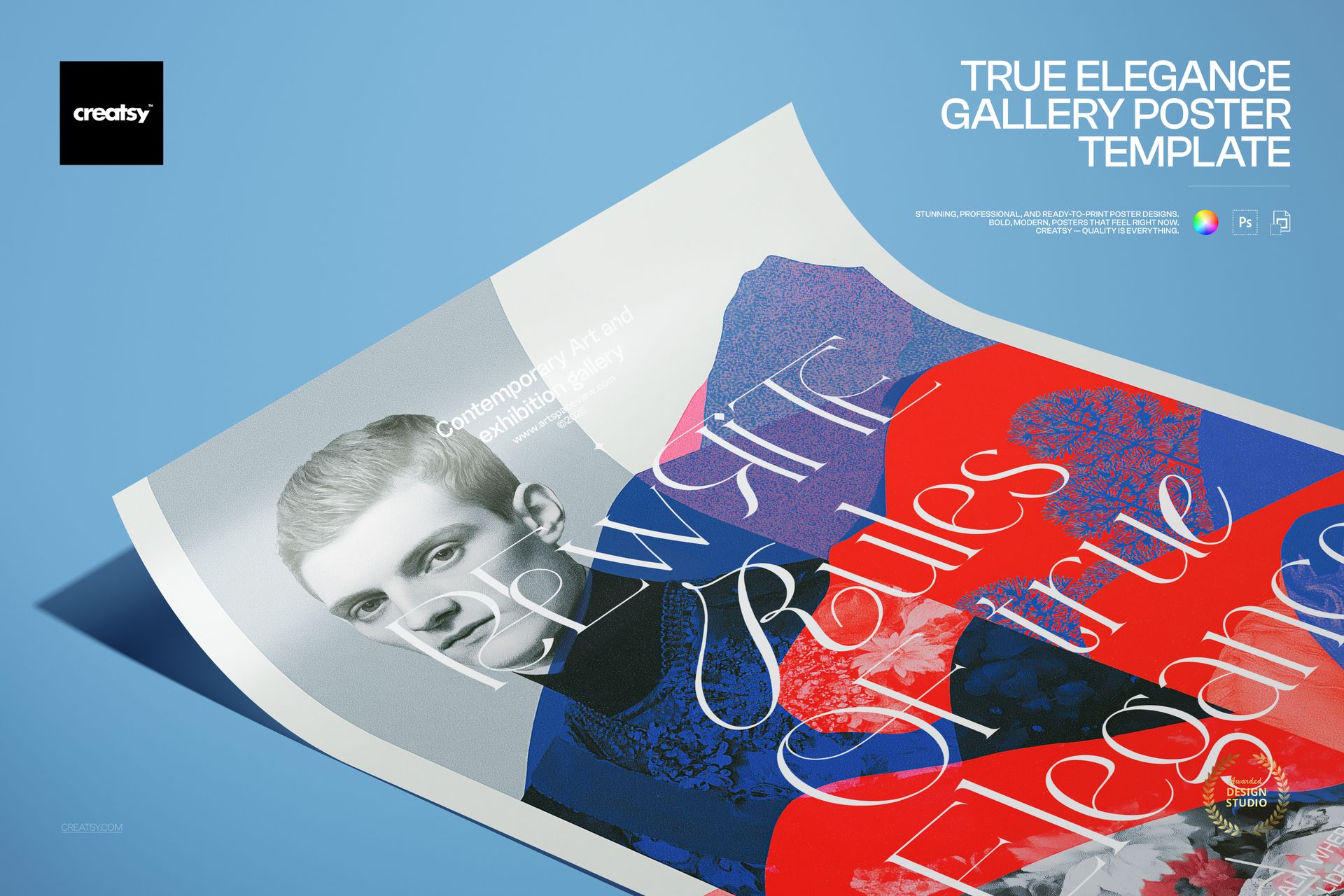
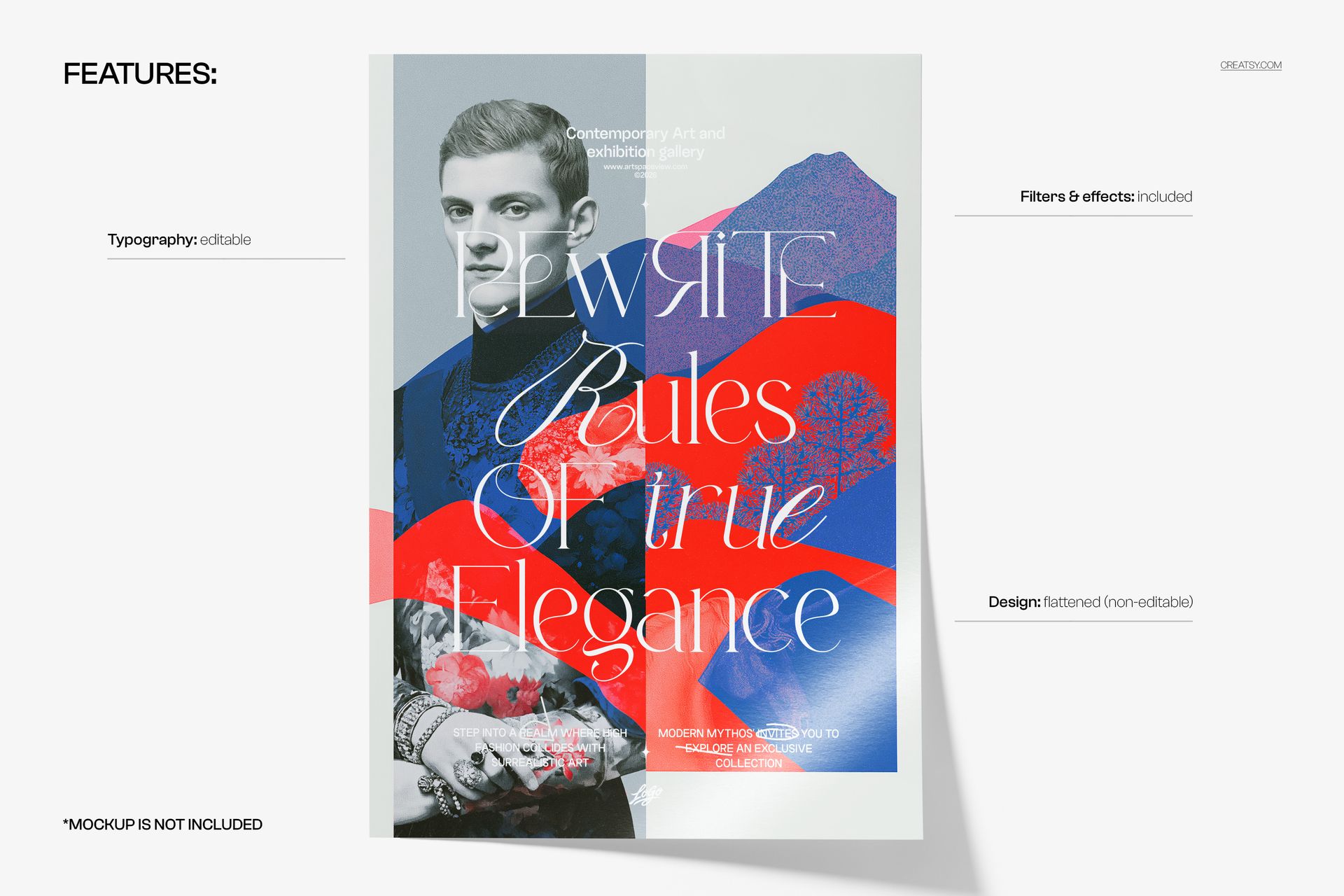
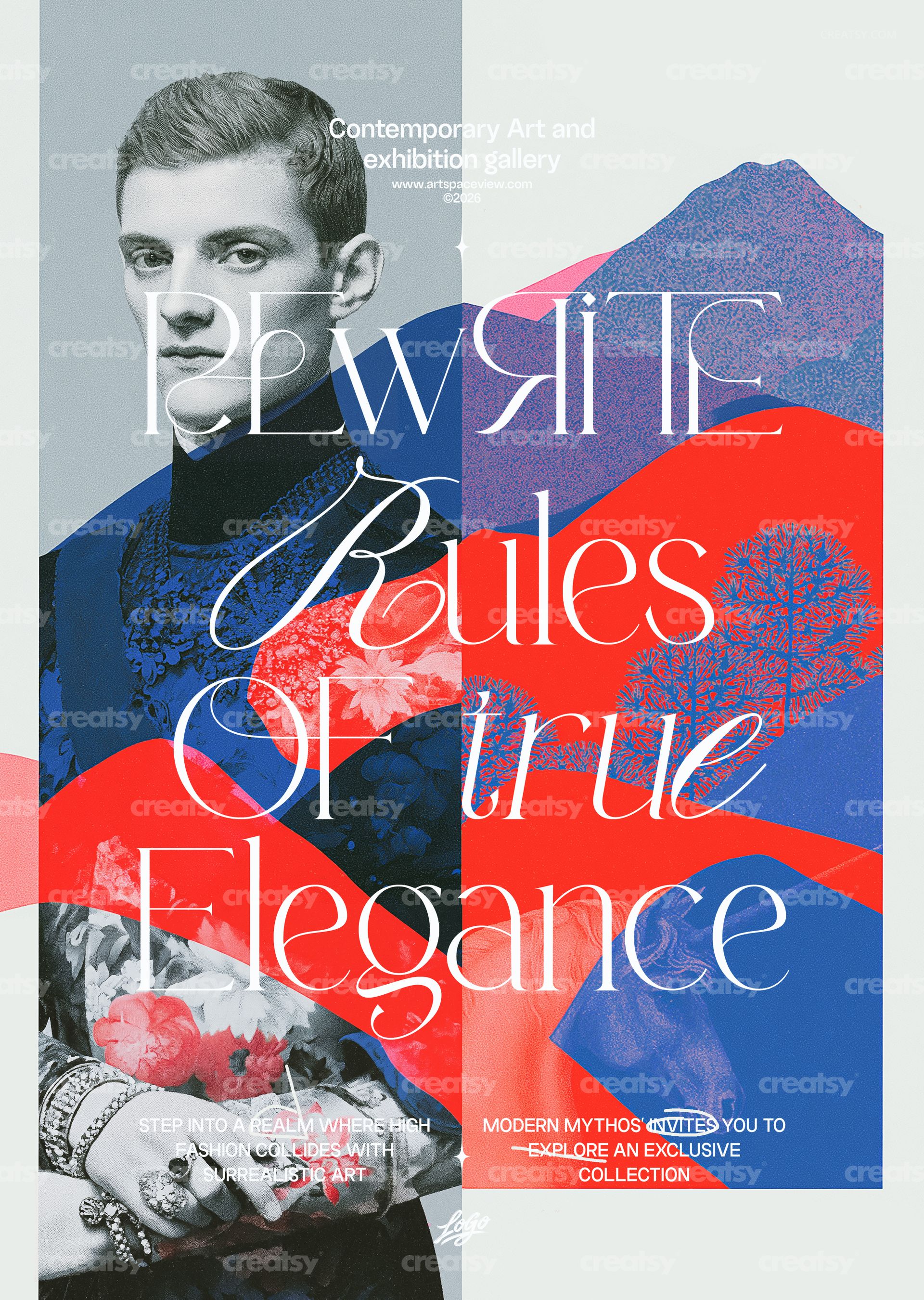
True Elegance Gallery Poster Template by Creatsy is a collage art gallery poster template: a split composition with a black-and-white portrait on the left and a red-and-blue collage of hills and floral silhouettes on the right, tied together by a tall serif headline in four lines, delivered as two layered PSD files, CMYK and RGB, at 297 x 420 mm (A3) with 3 mm bleed, 3579 x 5032 px at 300 DPI. The headline, the gallery line at the top and the two short paragraphs at the bottom are editable text layers; the collage and the portrait are a flattened image.
The design was made for a gallery that wants to look like it prints its own invitations: a quiet line naming the venue at the top, a headline that takes half the height, and two small paragraphs at the foot for the exhibition statement and the invitation. Change those four text groups and the poster announces a different show.
What the Package Contains
A CMYK PSD for print production, 297 x 420 mm (A3) plus 3 mm bleed, 3579 x 5032 px at 300 DPI.
An RGB PSD with the identical layout for screens.
Fonts used.txt, which names the typefaces so you can install them before opening the files.
Organized layers: text you can edit, the flattened artwork you cannot, and the included filters and effects.
Where You Can Type
Four places: the venue line and its web address at the top, the four-line serif headline, the paragraph on the left at the bottom and the paragraph on the right with its small highlighted word. Each is a text layer, so you can rewrite it, set another typeface, change its size or color, or switch it off. The portrait, the red-and-blue collage and their grainy texture are one flattened, non-editable layer, and the filters and effects that give the poster its finish are included in the file.
From Download to Print
Install the typefaces from Fonts used.txt, open the CMYK PSD in Adobe Photoshop CS6 or newer, or in Photopea, click into each text layer with the Type tool and replace the copy, then export a flattened PDF or TIFF for the print shop. Repeat the edit in the RGB PSD and export a JPG or PNG for the website and social media. Keep both layered files as your masters.
Use It For
Art gallery exhibitions and vernissages, fashion-meets-art shows, photography and mixed-media exhibitions, museum programs and late openings, auction previews, magazine and book launches with an editorial tone, or a printed run for the gallery window, the foyer and the neighborhood.
This is a digital print template, not a printed poster. The poster shown in a scene in the first preview is a separate mockup and is not included; the fonts are not bundled, only listed in Fonts used.txt.