Transcend The Limit Poster Template
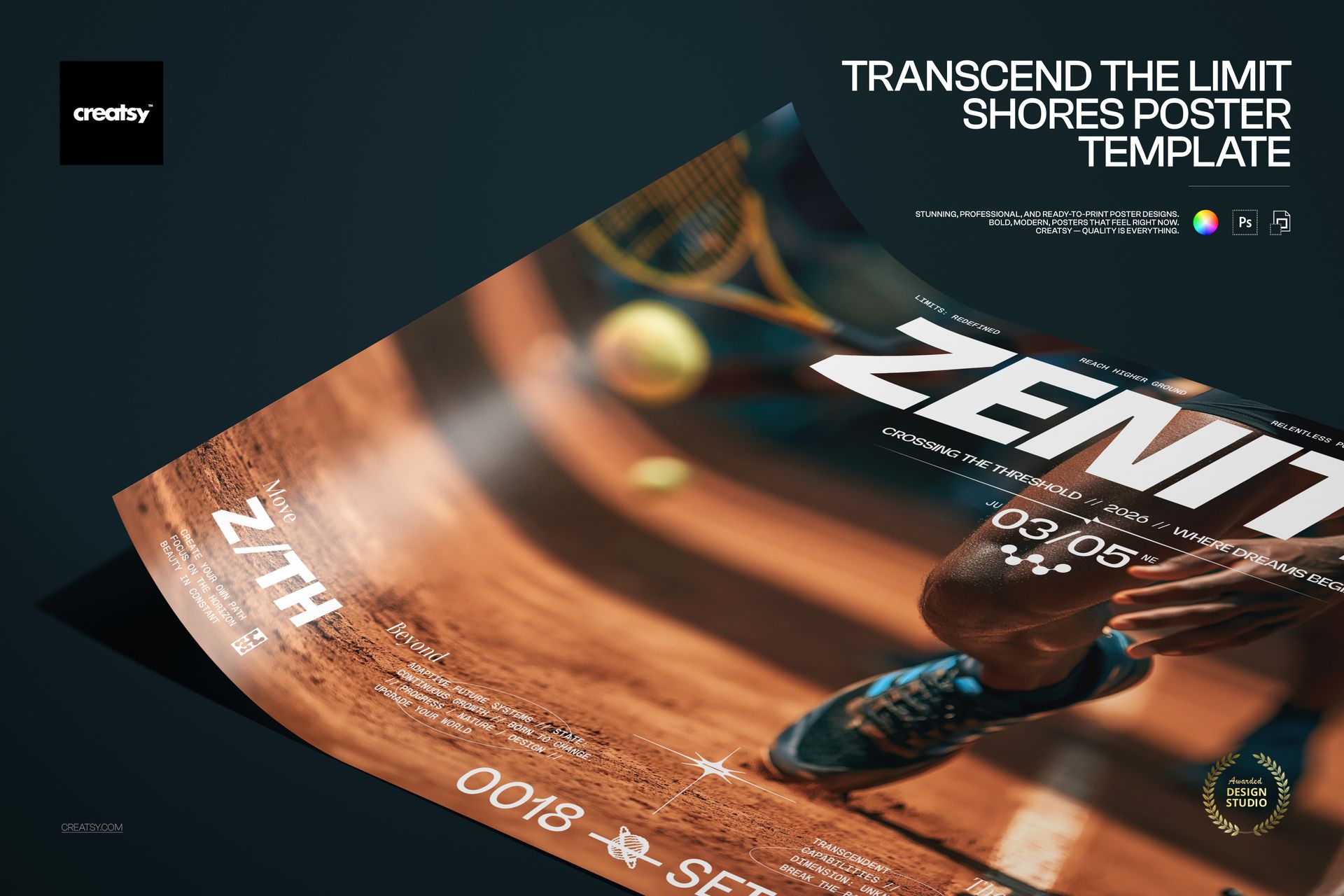
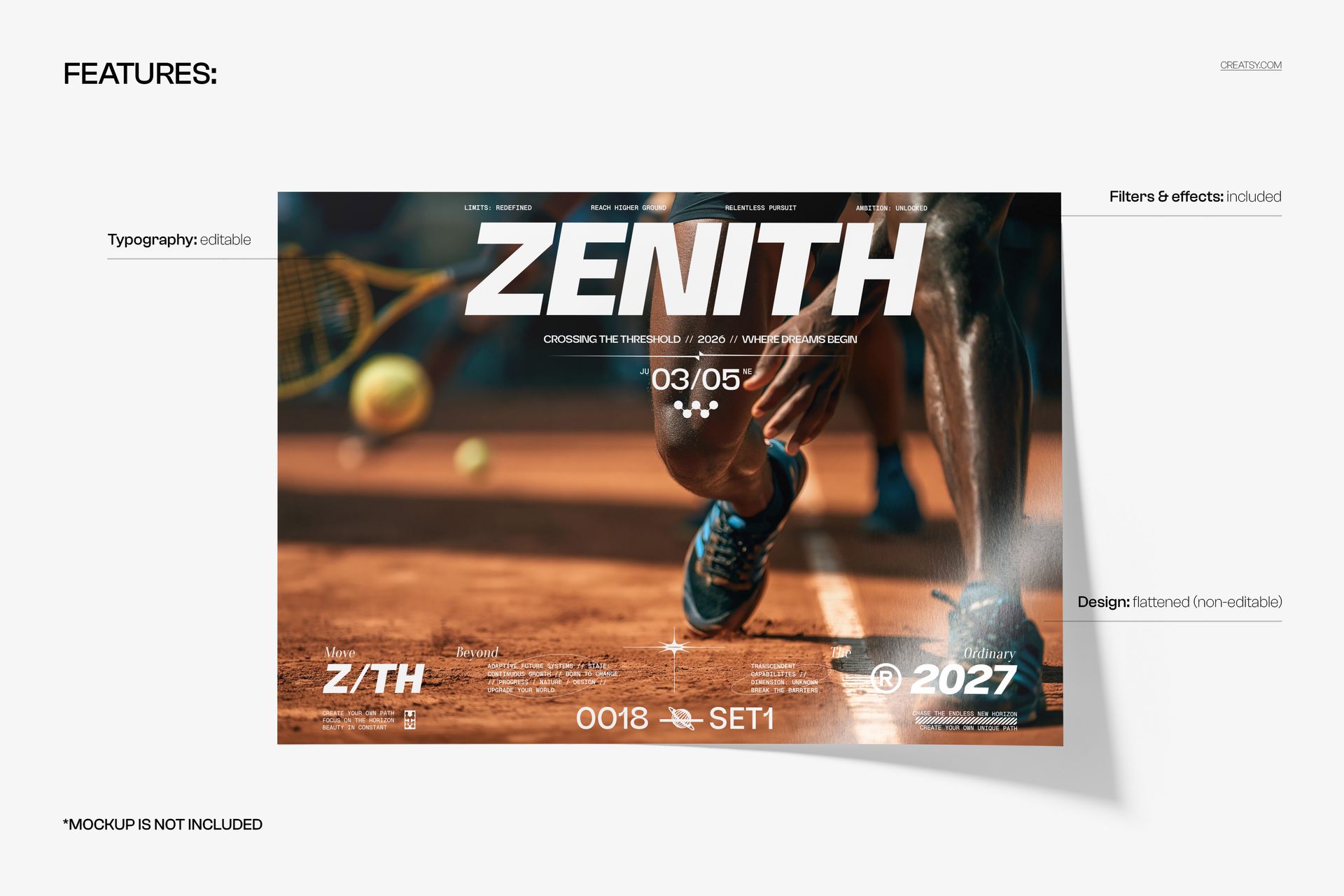
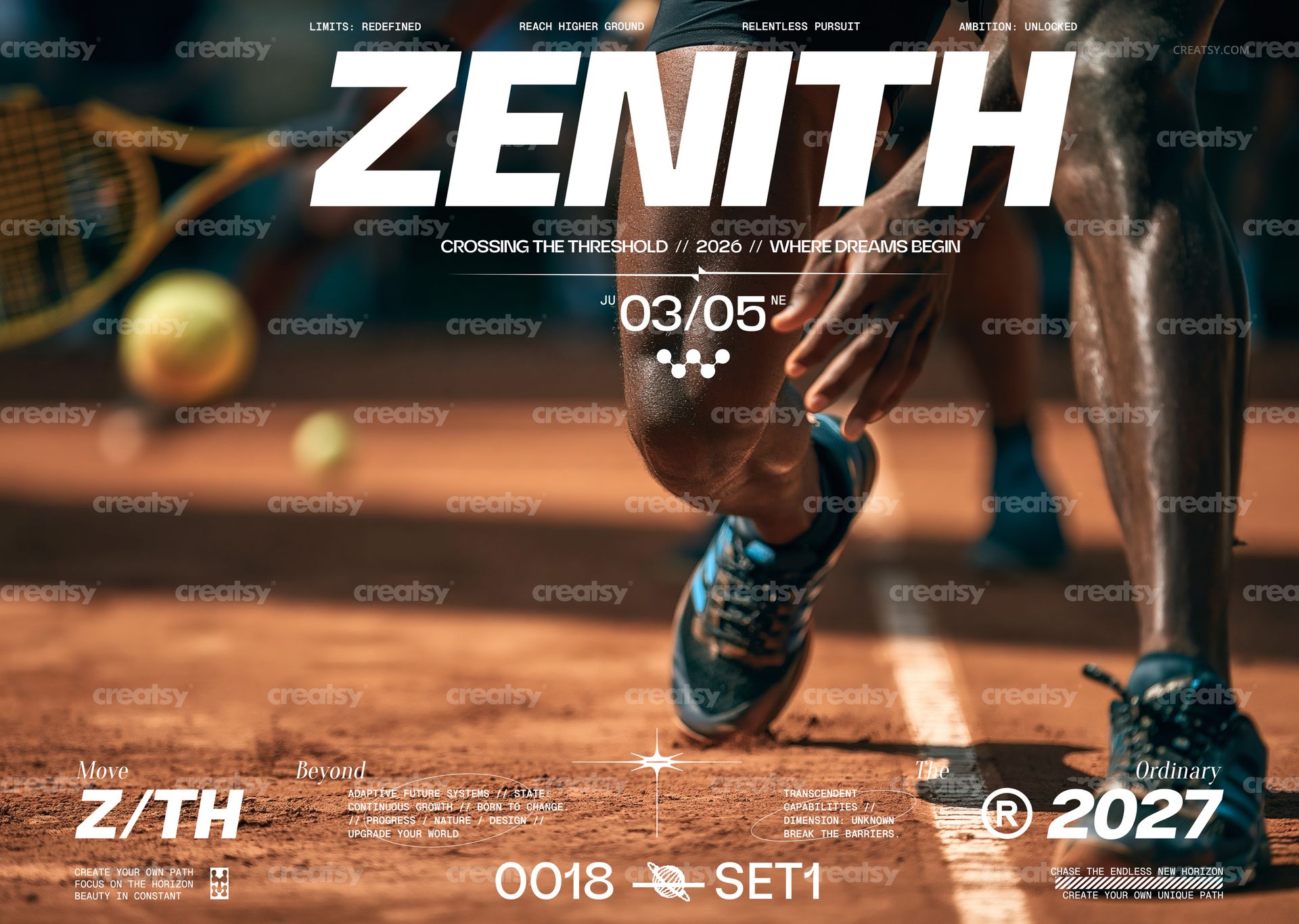
Transcend The Limit Poster Template by Creatsy is a sports event poster template in landscape A3: a tennis player crouched at the baseline of a clay court, the word ZENITH in a heavy italic sans stretched across the full width, a date block beneath the headline and rows of small monospace labels along the top and bottom edges. The download holds two layered PSD files, CMYK and RGB, at 420 x 297 mm with 3 mm bleed, 5032 x 3579 px at 300 DPI. Every line of type is editable; the photograph is flattened.
The format is horizontal, which sets this poster apart from the portrait layouts in the series and suits a wide wall, a screen above a court, a banner slot on a website or a landscape frame. The headline was written for an athletics campaign, the date block for a match day and the labels for a brand's slogans; rewrite all three and the same layout announces your tournament, your training camp or your sportswear drop.
The Two PSDs and the Fonts List
The CMYK PSD, the print master at 420 x 297 mm (A3 landscape) with 3 mm bleed, 5032 x 3579 px at 300 DPI.
The RGB PSD, the same layout in RGB for screens and social media.
Fonts used.txt, a short list of the typefaces so you can install them before opening the files.
Organized layers with the editable type, the flattened photograph, and the filters and effects that finish the look.
What Changes and What Stays
Changes: the ZENITH headline, the line under it (CROSSING THE THRESHOLD // 2026 // WHERE DREAMS BEGIN), the JU 03/05 NE date, the four labels across the top (LIMITS: REDEFINED, REACH HIGHER GROUND, RELENTLESS PURSUIT, AMBITION: UNLOCKED), the Move / Beyond / The / Ordinary strip at the foot with the Z/TH and 2027 marks, the 0018 SET1 marker and the small blocks of monospace copy in the corners. Each of these is a text layer, so you can retype it, resize it, recolor it, set a different typeface or hide it. Stays: the photograph of the player, the racket and the ball on the clay court is one flattened, non-editable layer, and the grain, filters and effects applied over it are included in the file.
Working in the File
Install the typefaces named in Fonts used.txt. Open the CMYK PSD in Adobe Photoshop CS6 or newer, or upload it to Photopea in a browser, select a text layer with the Type tool, type over the copy and adjust the size where a longer word needs more room. When the print version is done, export a flattened PDF or TIFF for the print shop, then open the RGB PSD, repeat the edits and export a JPG or PNG for the web. Keep the layered PSDs untouched as your masters.
Suited To
Tennis tournaments and club championships, athletics meets and training camps, sportswear and footwear campaigns, gym and fitness studio openings, a season launch for a team or academy, motivational editorial spreads, sports bars and venues with a match to promote, and any brand that wants a landscape poster with an action photograph and a loud headline.
This is a digital print template, not a printed poster, and it does not include the curled poster scene from the first preview, which is a separate mockup. The typefaces are listed in Fonts used.txt but not bundled.