Urban Sneaker Scene Poster Template
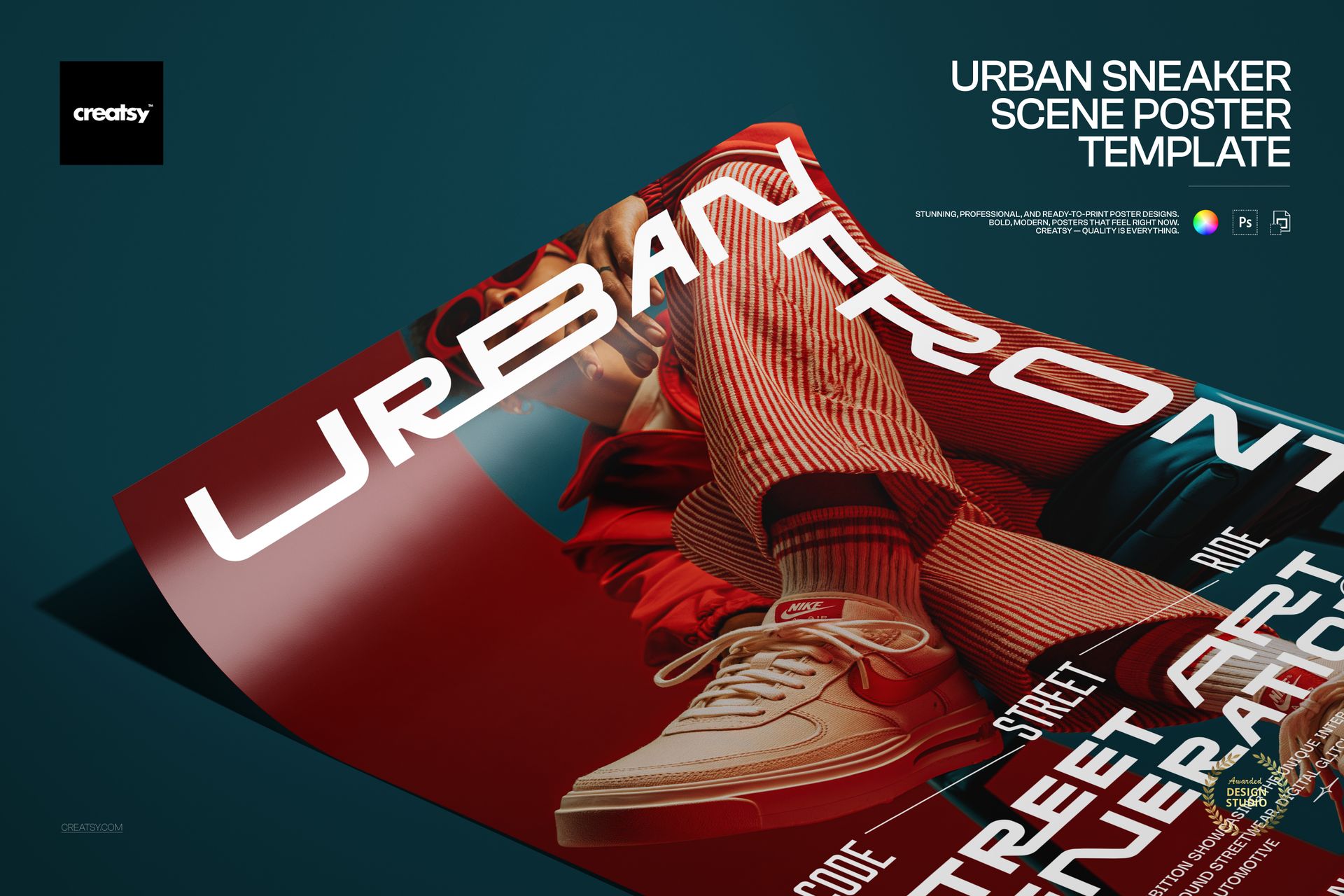
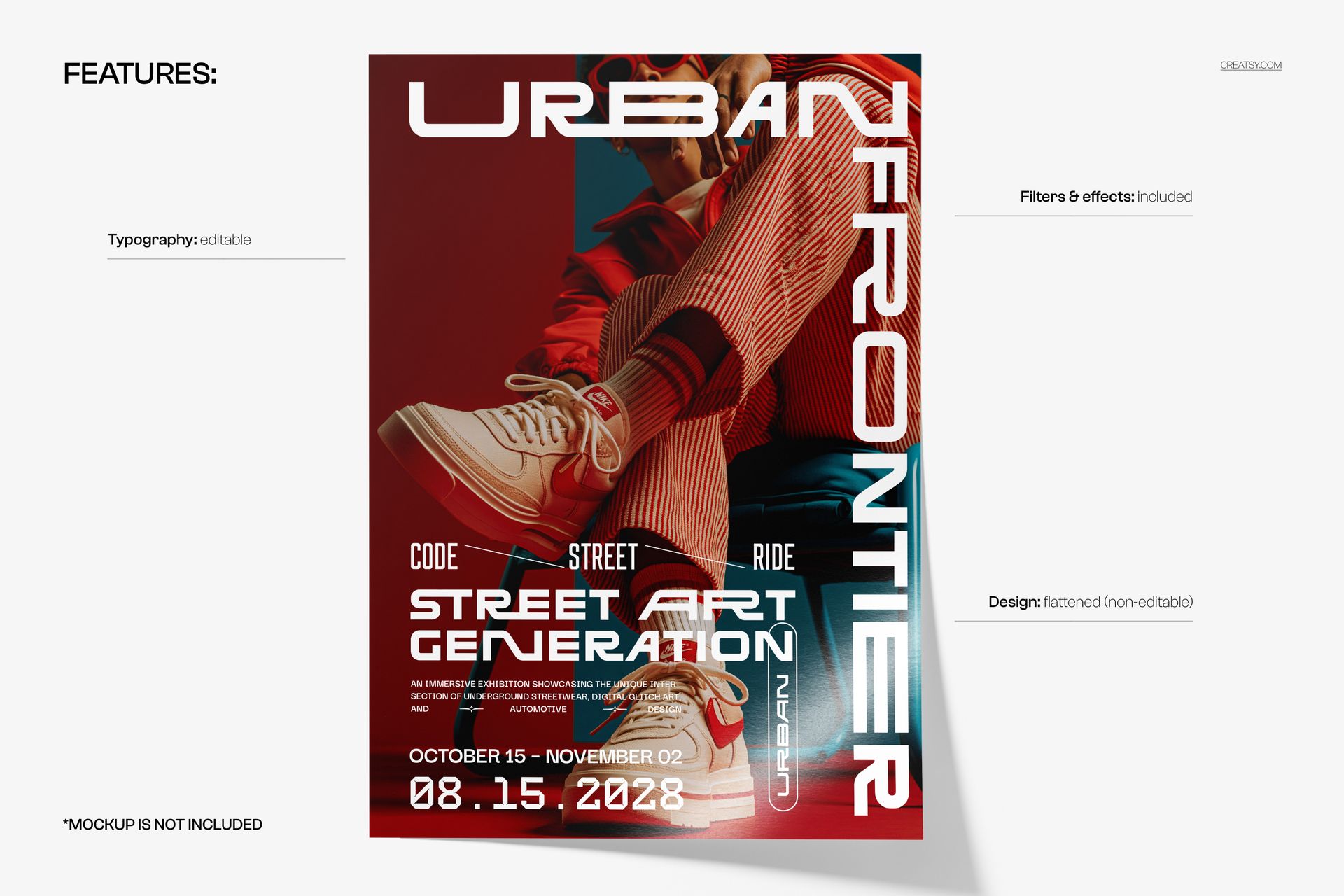
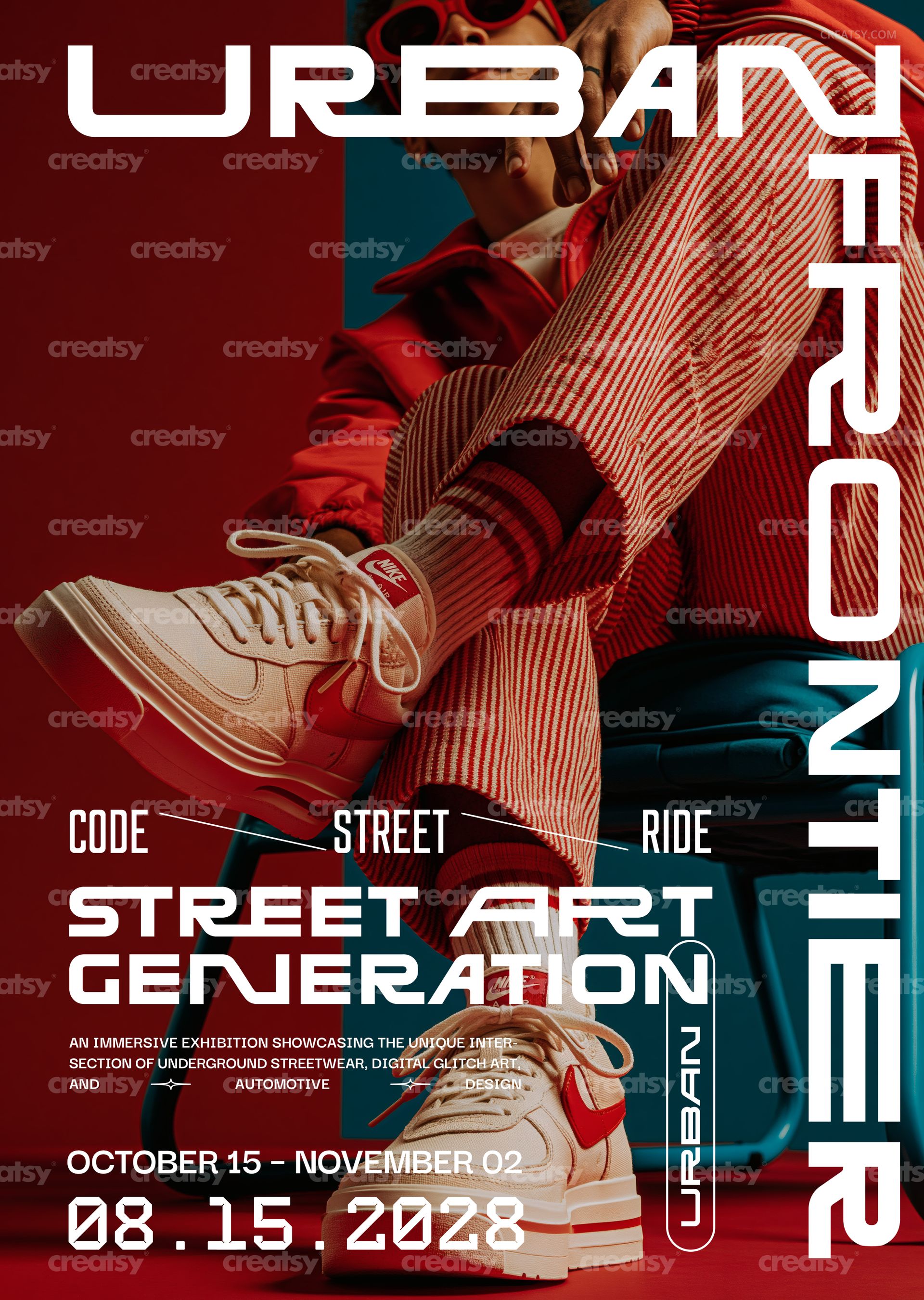
Urban Sneaker Scene Poster Template by Creatsy is a streetwear sneaker poster template: a red-toned photograph of a seated figure in a red jacket, striped trousers and cream sneakers, with a wide futuristic URBAN across the top, FRONTIER running down the right edge, a wide display headline, a short paragraph and a large date, delivered as two layered PSD files at 297 x 420 mm (A3) with 3 mm bleed, 3579 x 5032 px at 300 DPI. The typography is editable and the photograph is flattened, so the words become your drop, your exhibition or your night, and the picture stays as shown.
The layout leans on two axes: the horizontal word across the top and the vertical word down the side frame the photo, while the headline, the paragraph, the three small labels and the date sit in the lower left. Replace each line with your own copy and the frame still holds.
What Is Included
A print-ready CMYK PSD: 297 x 420 mm (A3) with 3 mm bleed, 3579 x 5032 px at 300 DPI.
An RGB PSD with the same layout for social media and the web.
A Fonts used.txt file listing the typefaces in the design.
Organized layers with editable text, the flattened photo, and the included filters and effects.
Rewrite the Words, Keep the Photo
The top word, the vertical word, the three small labels, the two-line headline, the paragraph, the date range, the large numeric date and the small vertical tag are editable text layers. Retype them, change the fonts, sizes and colors, or hide what you do not need. The photograph of the sneakers and the outfit is a flattened, non-editable layer; the filters and effects that finish the poster are included in the file.
Easy Editing in Photoshop or Photopea
The two PSDs work in Adobe Photoshop CS6 or newer and in Photopea. Put the typefaces from Fonts used.txt on your system first, then go layer by layer with the Type tool and replace the placeholder copy with yours. The layered file stays your master; what leaves your desk is a flattened export, PDF or TIFF from the CMYK version for the printer, JPG or PNG from the RGB version for the feed.
Perfect For
Sneaker and streetwear drops, store openings and pop-ups, street art and skate exhibitions, urban culture festivals, club nights and hip-hop shows, car and custom-culture meets, campus events, or a printed run for the store window, the venue and the streets around it.
This is a digital print template, not a printed poster. The poster with the curled corner on the dark teal surface in the first preview is a separate mockup and is not included; the fonts are not bundled, only listed in Fonts used.txt.