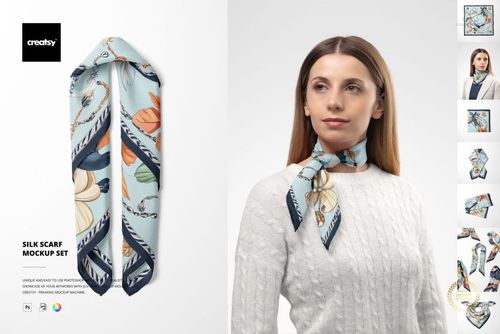
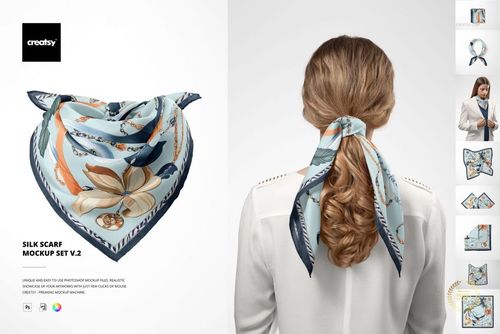
Free 13x103 cm Chiffon Silk Neck Scarf On-Model PSD Mockup
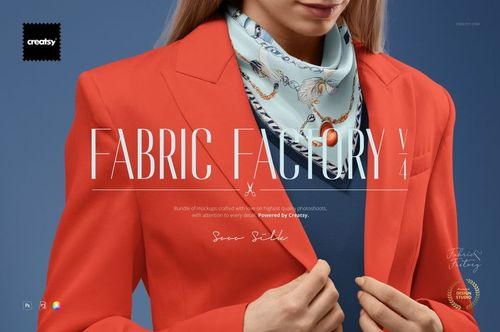
This product is a part of Fabric Factory v.4 Mockup Bundle
Product Details
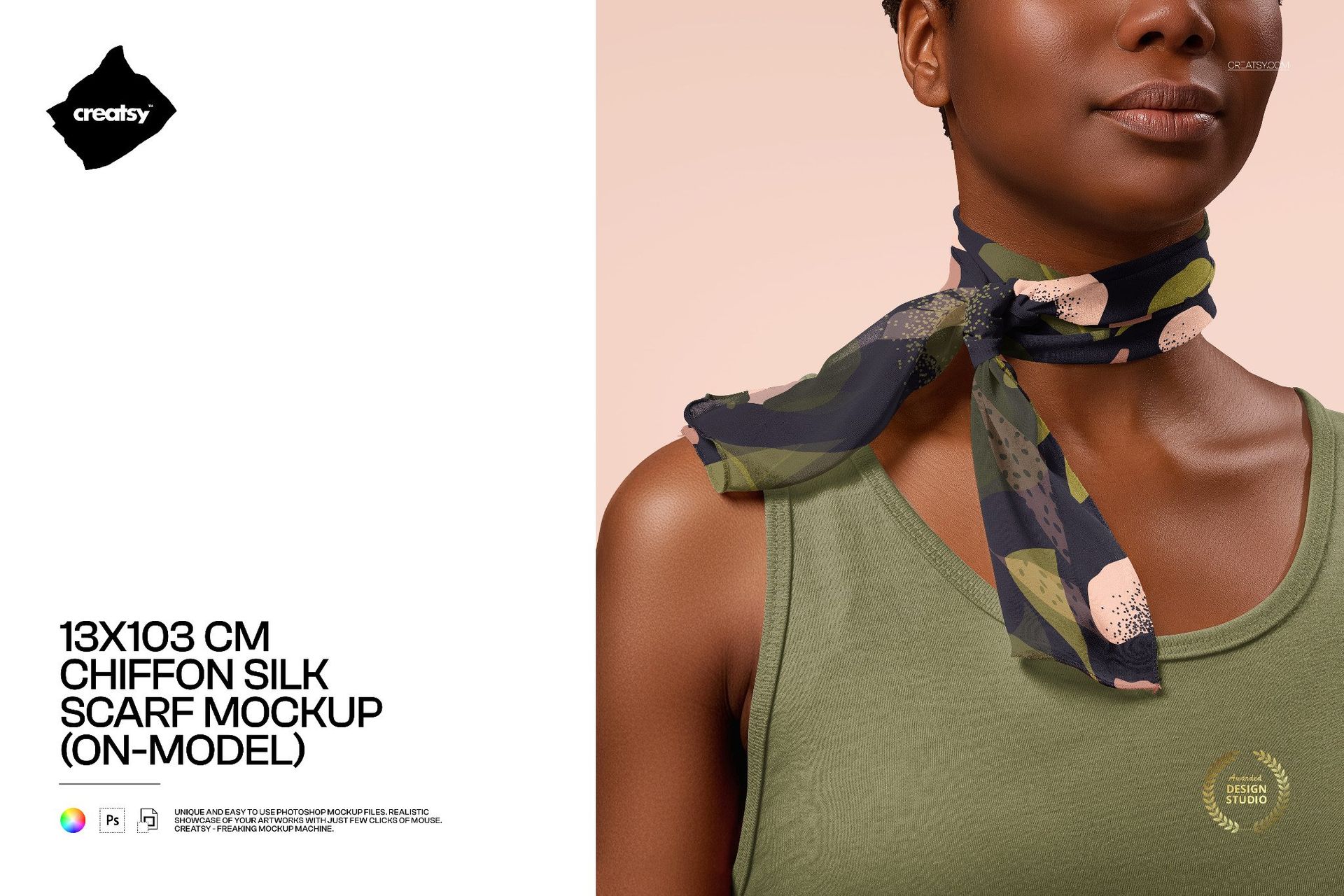
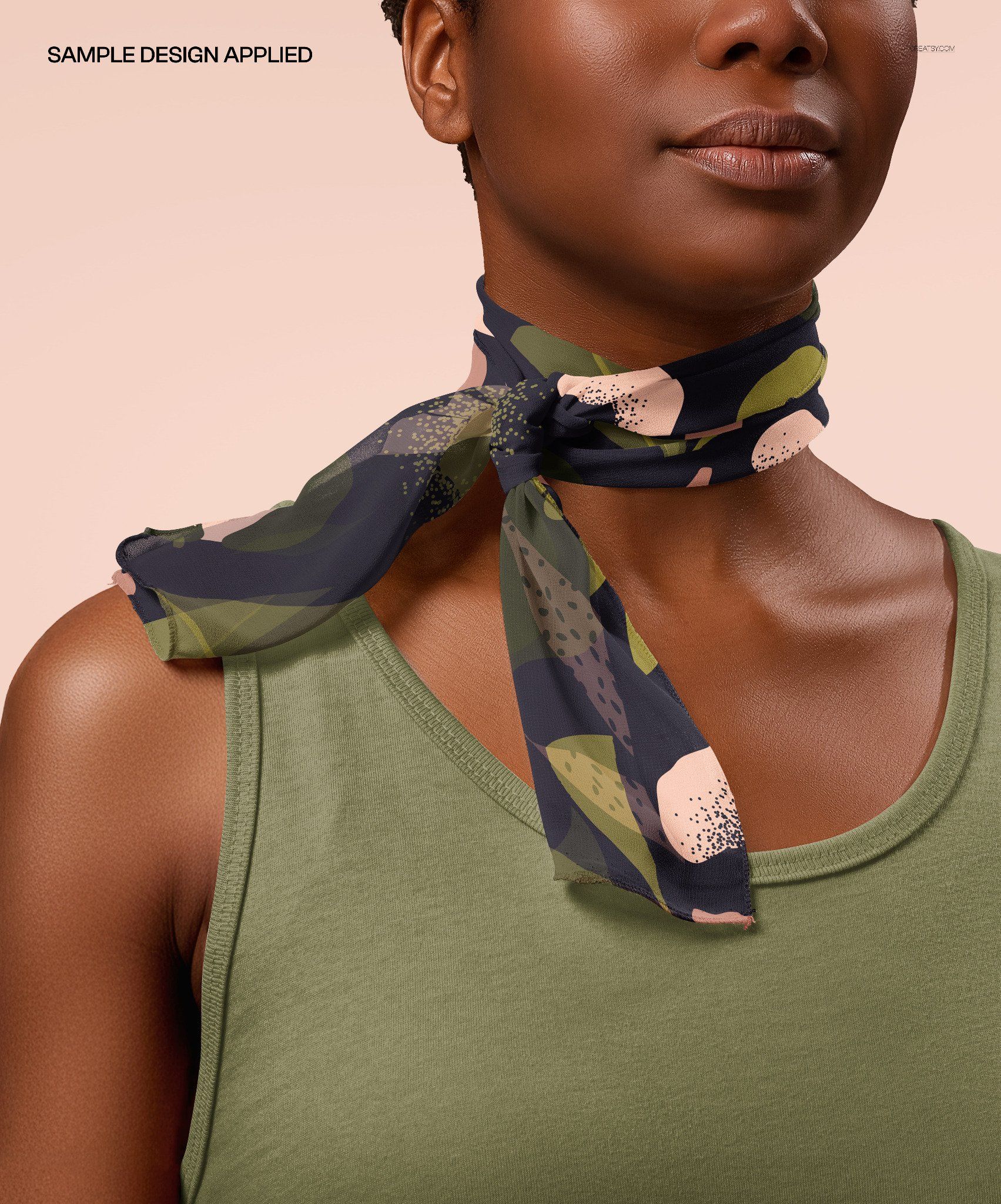
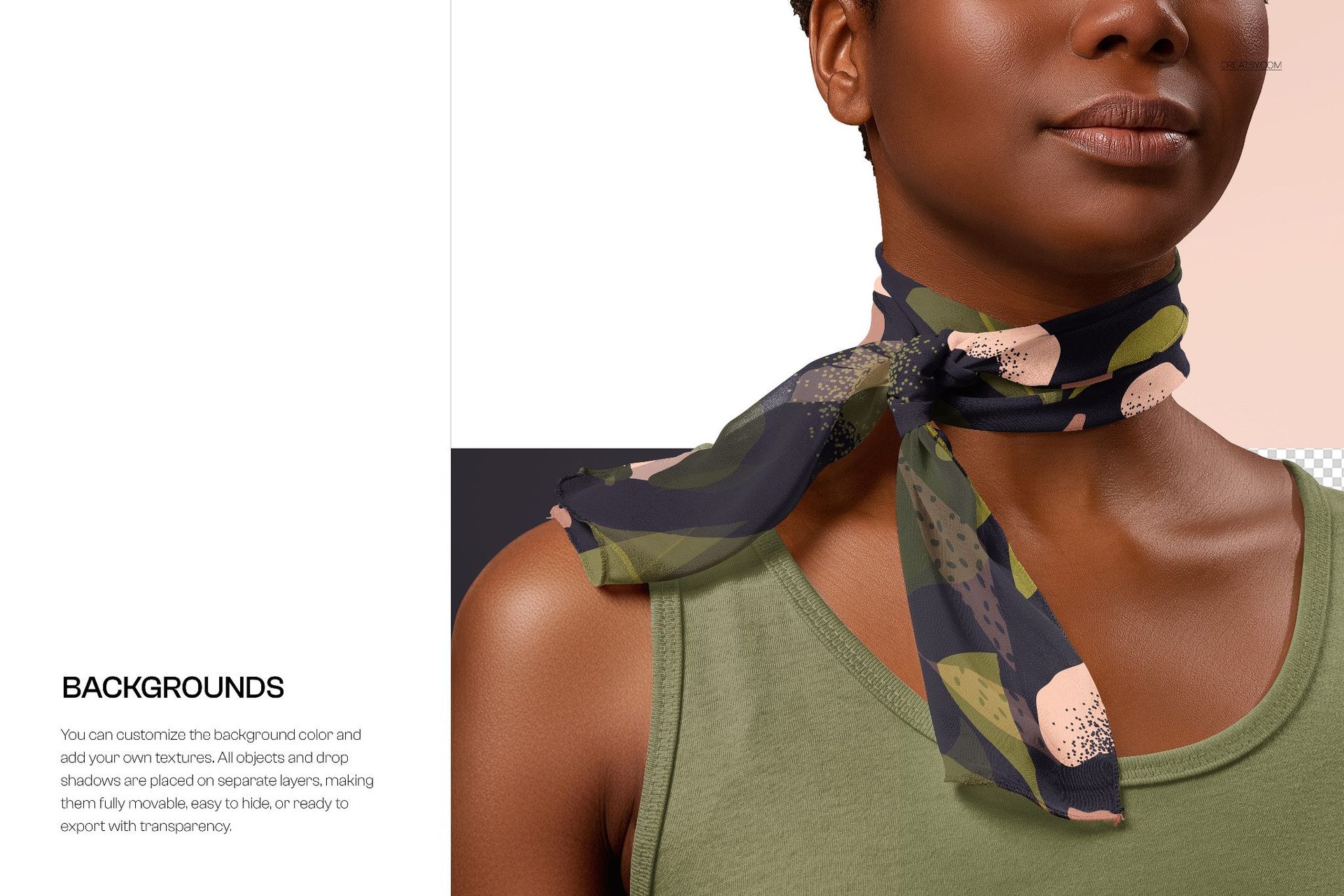
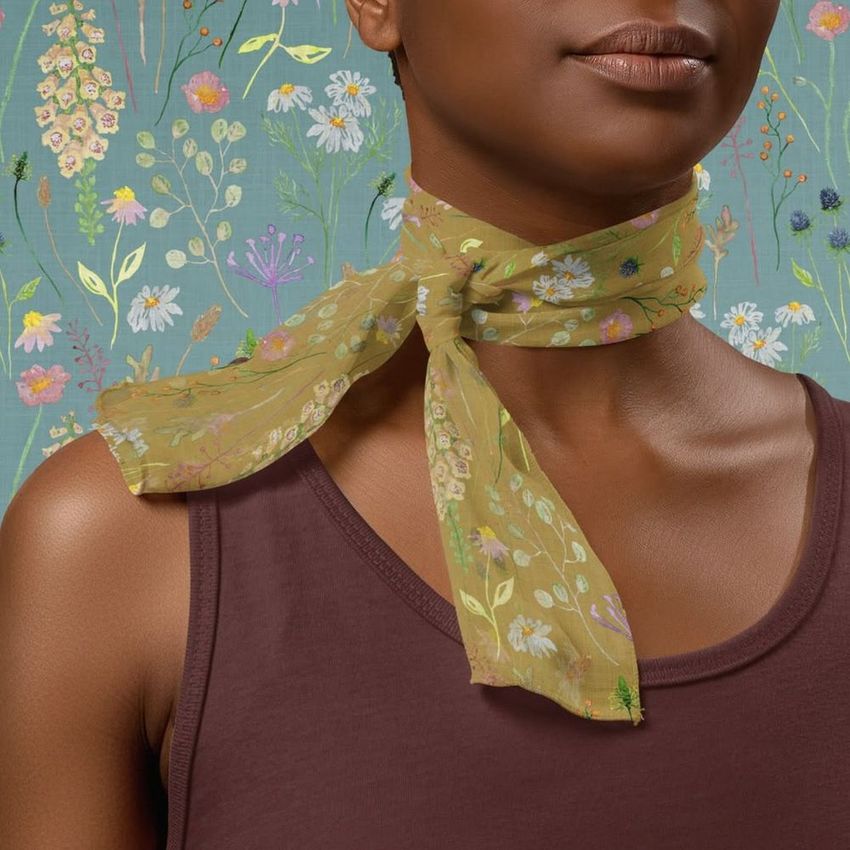
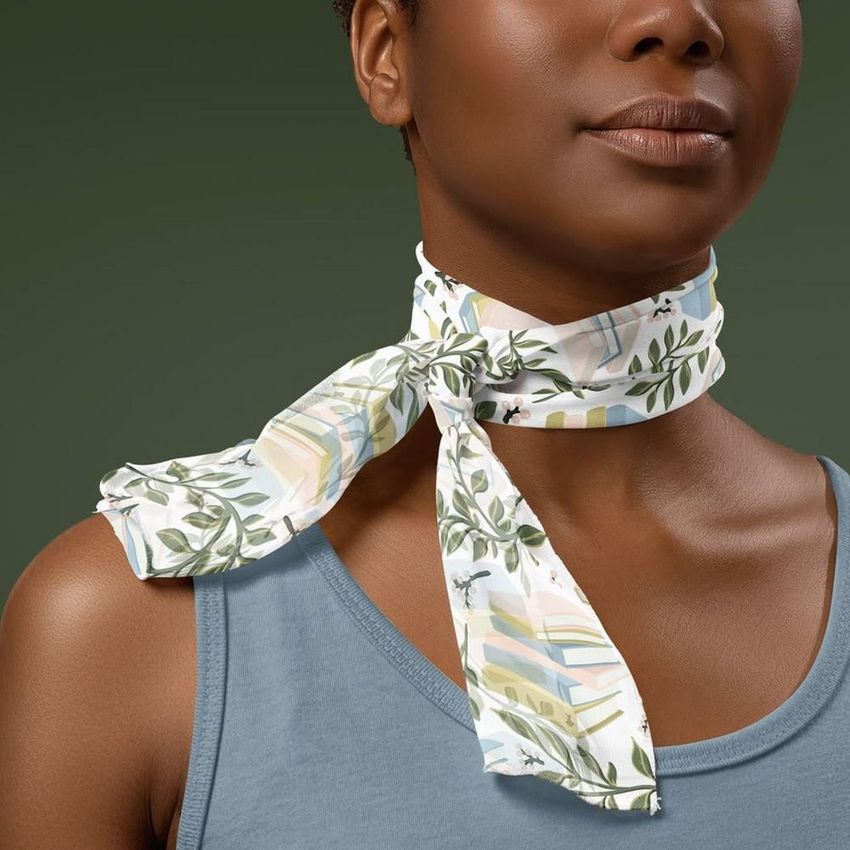
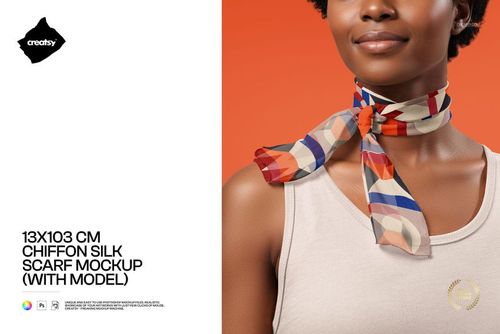
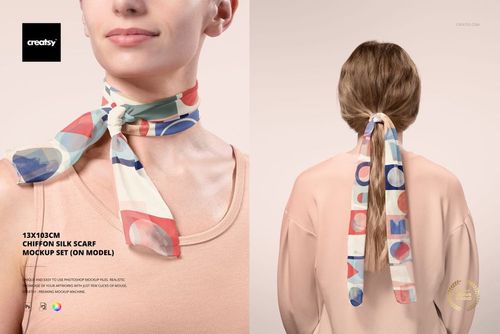
Show off elegant scarf patterns in context with this free 13×103 cm Chiffon Silk Scarf Mockup. Present narrow chiffon / silk neckerchiefs wrapped around the model’s neck, with true-to-life transparency, folds, and sheen. Perfect for fashion, textile, and accessories designers building lookbooks, shop images, and pitch decks. Free for commercial use – see license for details.
Highlights
Format: 1× PSD, 5000×4000 px, 300 dpi
Workflow: Smart Objects; clean, well-organized layers
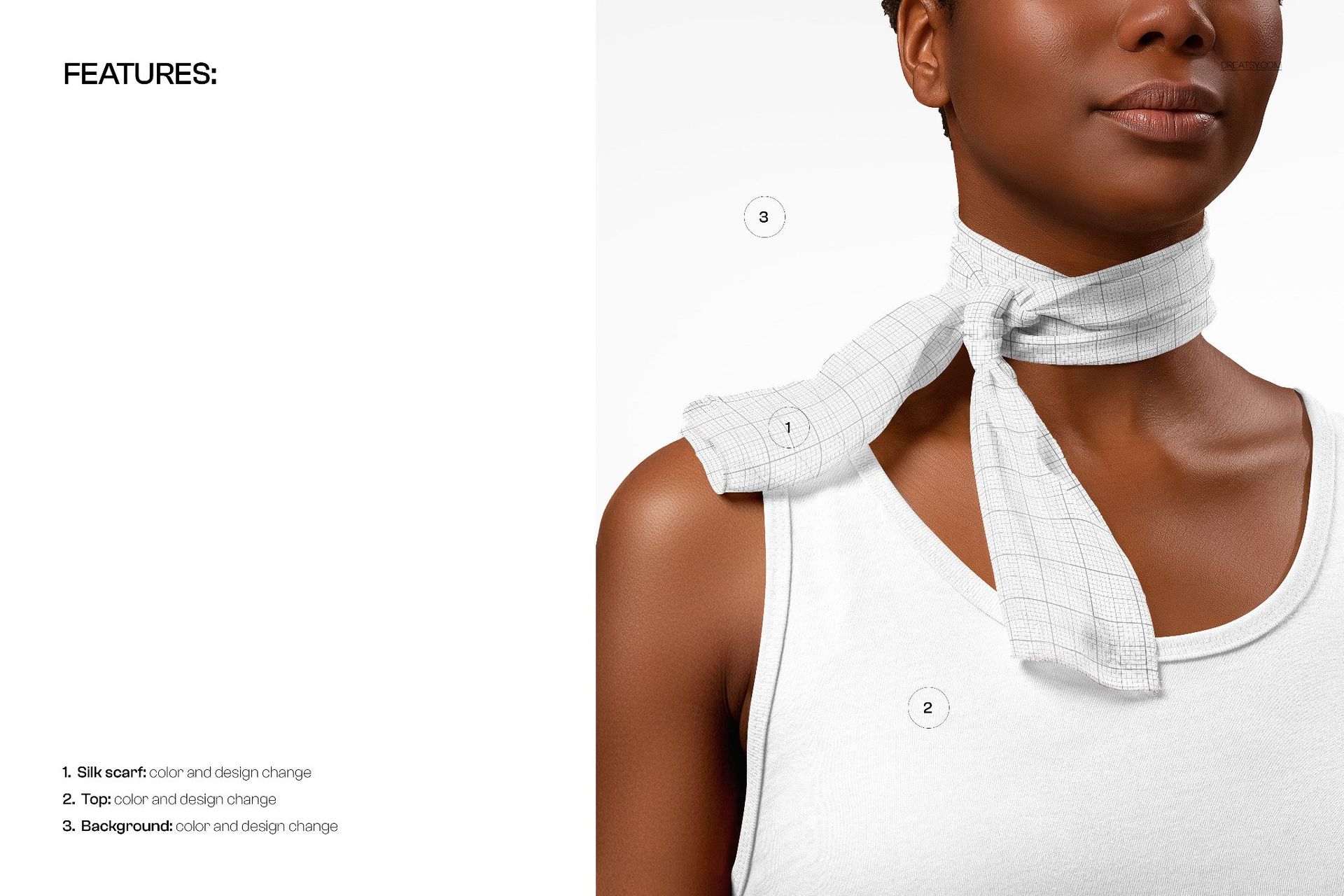
Editable: chiffon silk scarf design & color, top design & color, background color/design
Backgrounds: add your own textures or keep it minimal; shadows on separate layers for easy tweaks or transparent exports
Apps: Photoshop (min. CC 2020) + Photopea (free online editor)
Use cases: scarf and bandana collections, pattern showcases, ecommerce galleries, social media, portfolios
License: free for personal & commercial use (see terms)
What’s inside / Specs
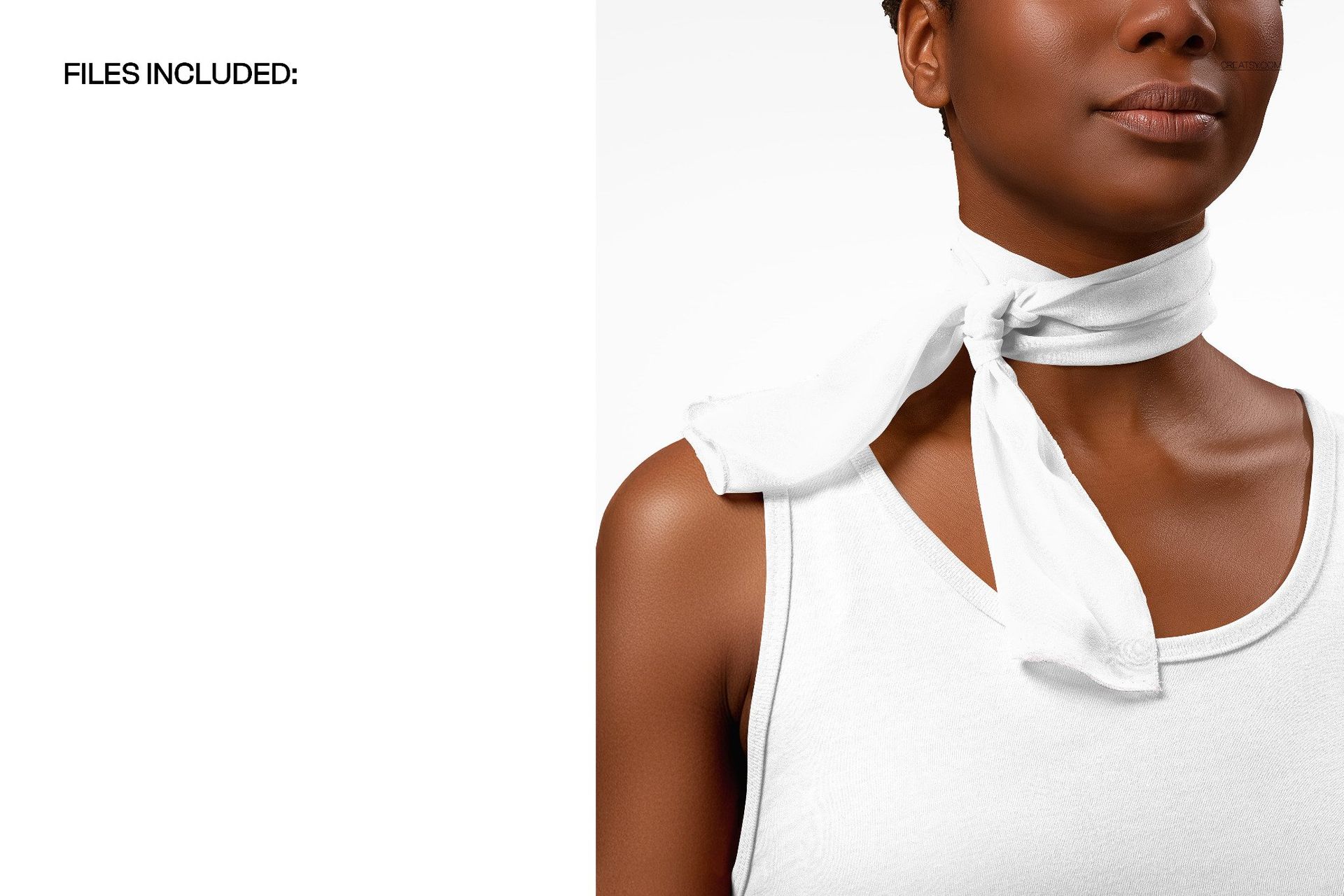
Files: PSD (+ preview JPG)
Canvas: 5000×4000 px, 300 dpi
Layers:
- Smart Object for the 13×103 cm scarf artwork
- Separate controls for scarf color, top color/design, and background
- Editable shadows/highlights to fine-tune contrast and depth
Fabric: light chiffon/silk look with realistic drape and semi-sheer areas
Scene: close-up on-model view with scarf tied around the neck
Compatibility: Photoshop CC 2020 or newer; works in Photopea
Approx. size: ~349–366 MB (archive may vary by compression)
How-to (Photoshop & Photopea)
Open the PSD in Photoshop (CC 2020+) or Photopea.
Place your pattern in the scarf Smart Object, then Save to refresh the mockup.
Adjust top color/design and background to match your brand palette or collection theme.
Refine shadows and highlights, or export on transparent background for flexible layouts.
Save high-resolution JPG/PNG/WebP files for web, print, or client presentations.
License & usage
Free for personal & commercial use (for 1 business, up to 5,000 end products). Source files cannot be resold, shared, or redistributed as-is. Check the full license – “Freebie” row – for all terms.
File details
- Compatibility
- Number of files included
- 2
- Package size
- 349 MB
|366 MB
- Files type
- .psd, .jpg
- Files size
- 5000x4000


Reviews
Professional PSD mockups built in-house - editable, realistic, high-resolution, and supported by real people.
I love Creatsy's mockups! They are clean, easy to use and display my art in a professional manner.
That’s exactly what we’re going for - thank you so much! 🧡
I love working with creatsy mockups. They are easy to work with and of high quality. This mockup in particularly compliments my designs on many levels.
So happy to hear it complements your designs! Thank you 🧡
Creatsy make the best Mockups on the market, no matter what you need to showcase. These mockups are highly customizable, and the lighting in them makes everything look very realistic. You can keep or turn off many of the Items in the mockup, also a great feature giving control over the look you want. They have the most friendly and very helpful support. I highly recommend these mockups!
Thank you for such a kind and detailed review - it really means a lot! 🧡
Made with Creatsy
Real designs. Real customers. See how creatives use Creatsy mockups to turn their artwork, branding, and product ideas into polished visuals.
MEET THE SHOP
- $1820$26.00
- $1890$27.00
- $1330$19.00
- $1330$19.00

HOW IT WORKS
3 clicks. That's it.
No tutorial needed. If you can copy-paste, you can use this.
- 1OpenDouble-click the smart object inside the PSD - in Adobe Photoshop, or free in your browser with Photopea.
- 2PasteDrop in your pattern, print, or artwork. Any design, any style.
- 3SaveHit save and the mockup wraps it in for you - shadows, folds, and lighting included.
FROM IDEA TO IMAGE
Built for real workflows
Skip the photo shoot Show your artwork on the real product type for approvals or listings - no studio, no model, no sample.
See it on the product, not a swatch Drop your file into the smart object and the scene's lighting and folds wrap around it, so you judge the real thing before you commit.
Smart Objects
Edit once and you're done. Your artwork drops into a smart object and the mockup updates itself - no masking, no warping by hand.
Perfectly Organized
Named layers and folders you can actually navigate. Find what you need, change what you want, and get out fast.
Print-Ready
High-resolution files built to hold up on screen and in print. Exact size and DPI are in this product's Details above.


excellent!
Thank you!