Paper Labels Mockup Set
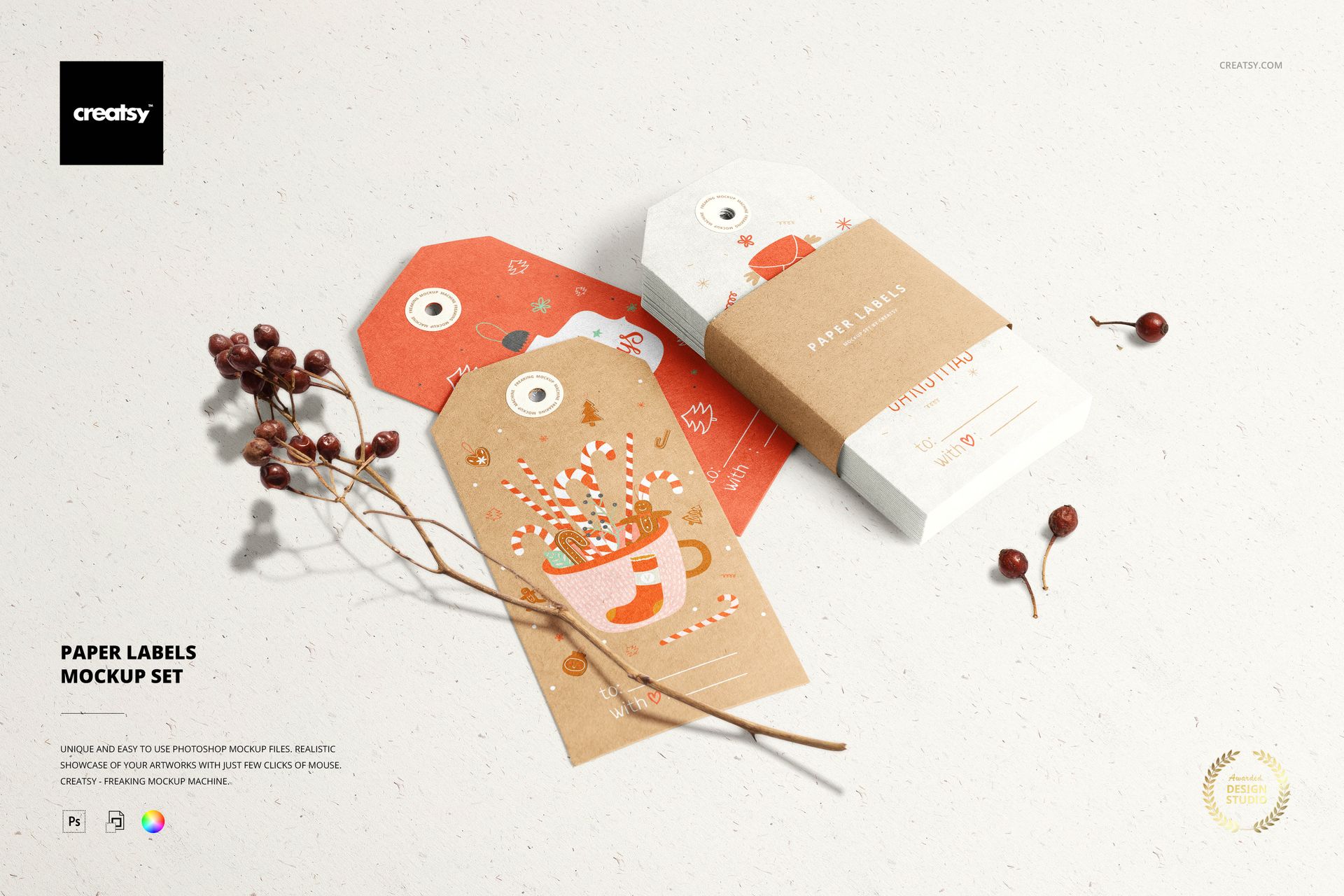
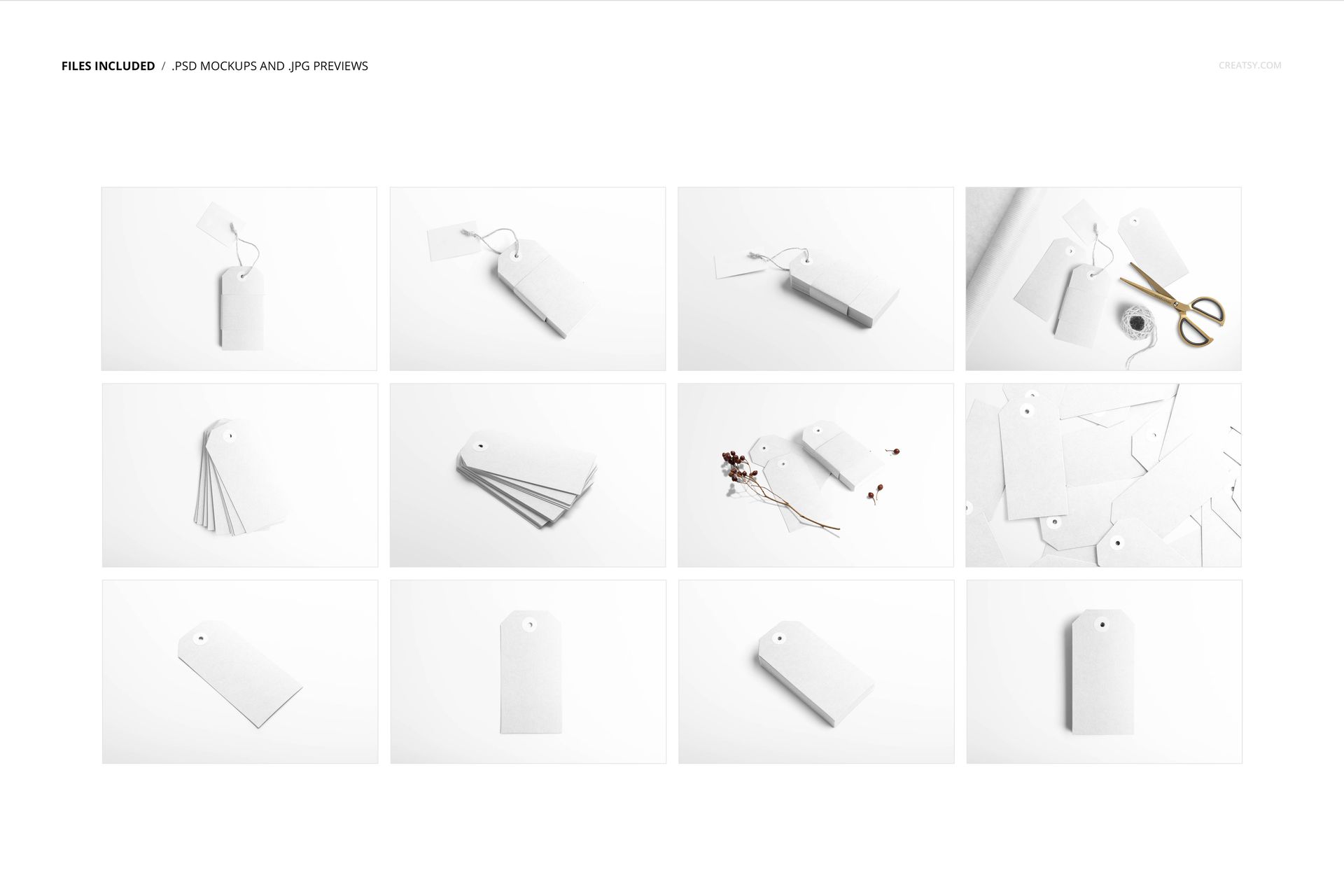
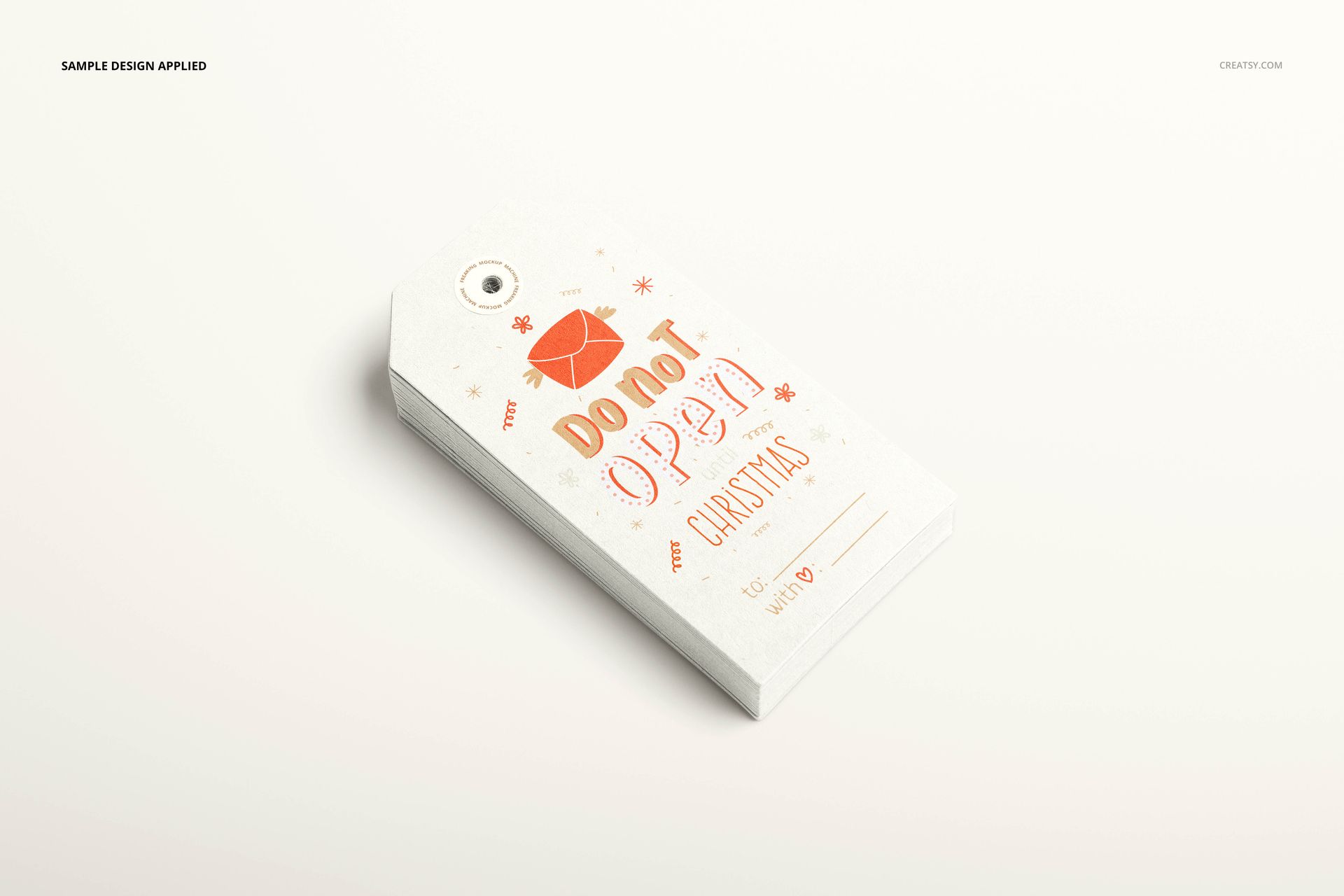
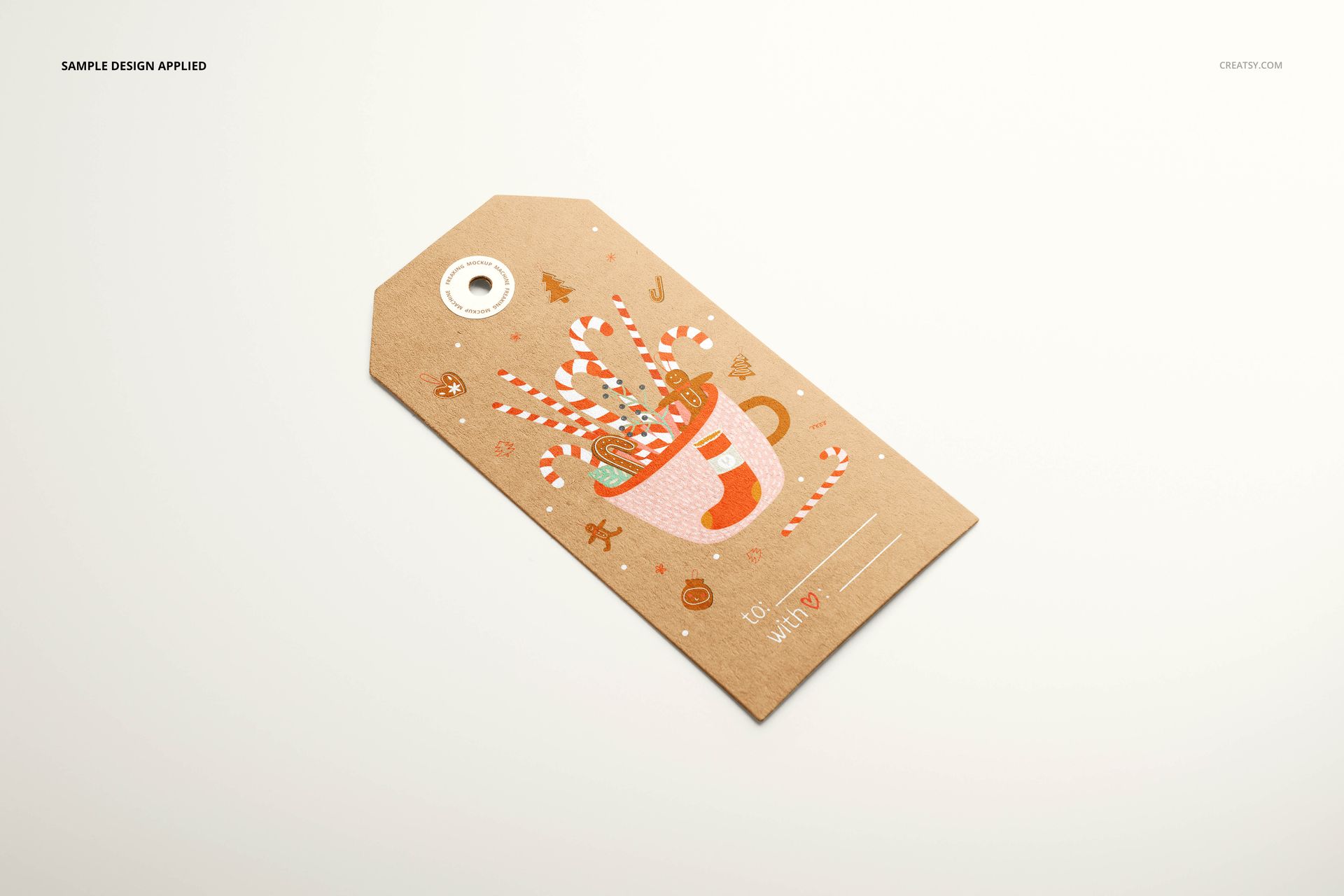
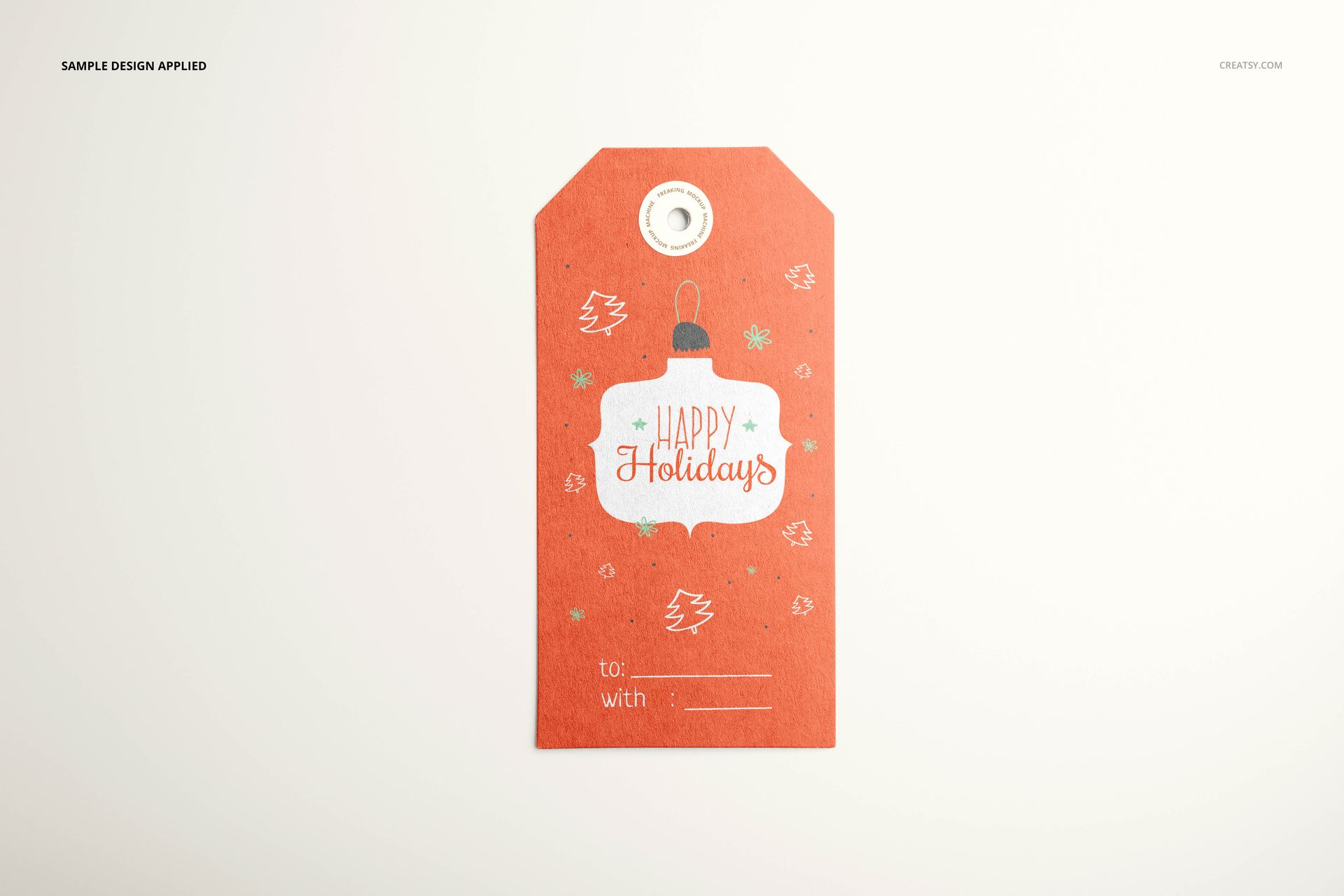
Present gift tag artwork as individual designs and coordinated retail packs with this paper gift tags mockup set. The collection includes 12 editable PSD scenes at 6000 × 4000 px and 300 dpi, with compatibility for Adobe Photoshop CC 2015 or later and Photopea. Its elongated paper tags have clipped upper corners, punched holes and circular reinforcement stickers, giving illustrations, lettering and brand details a defined place on the page.
Single tags, stacked packs and styled arrangements
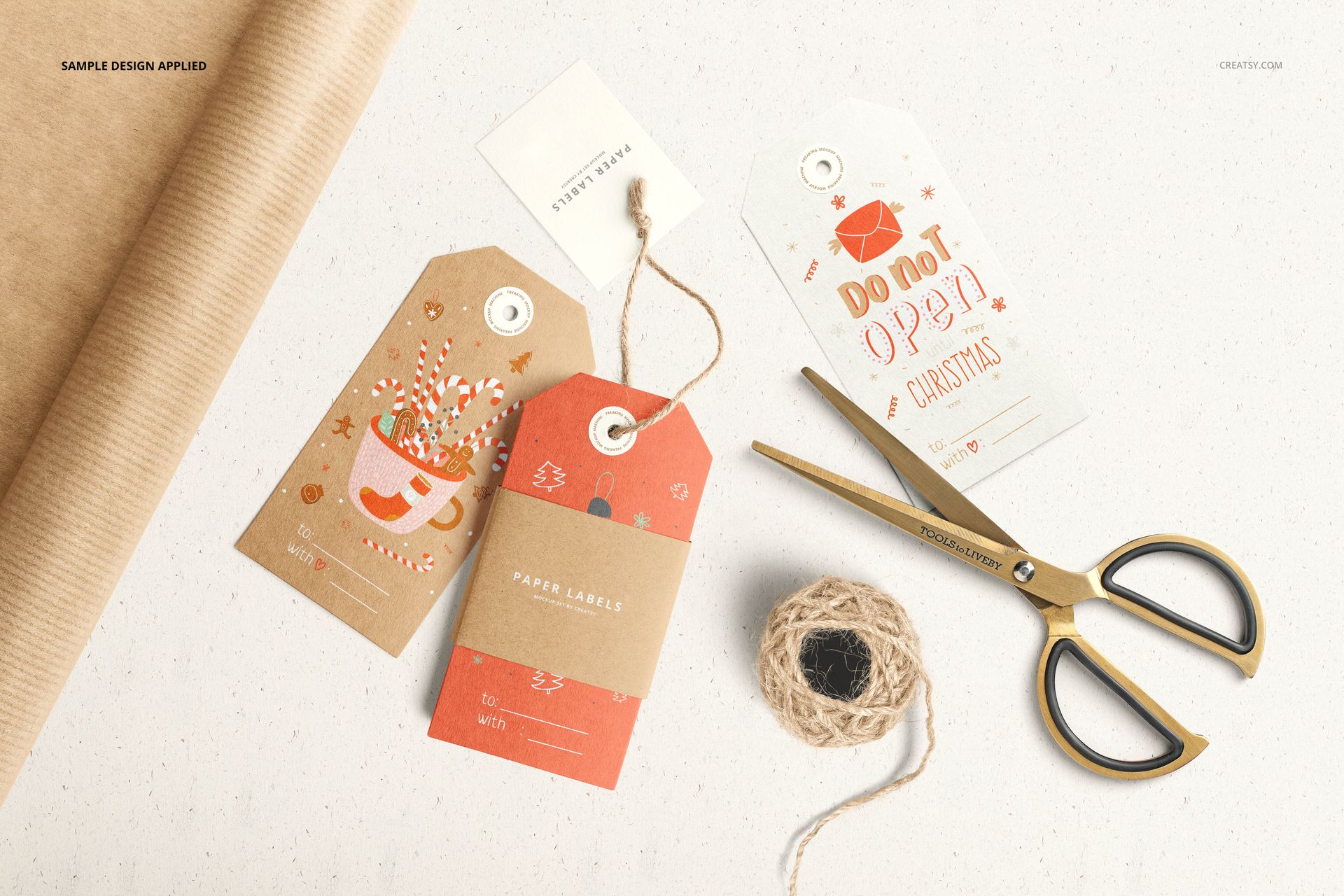
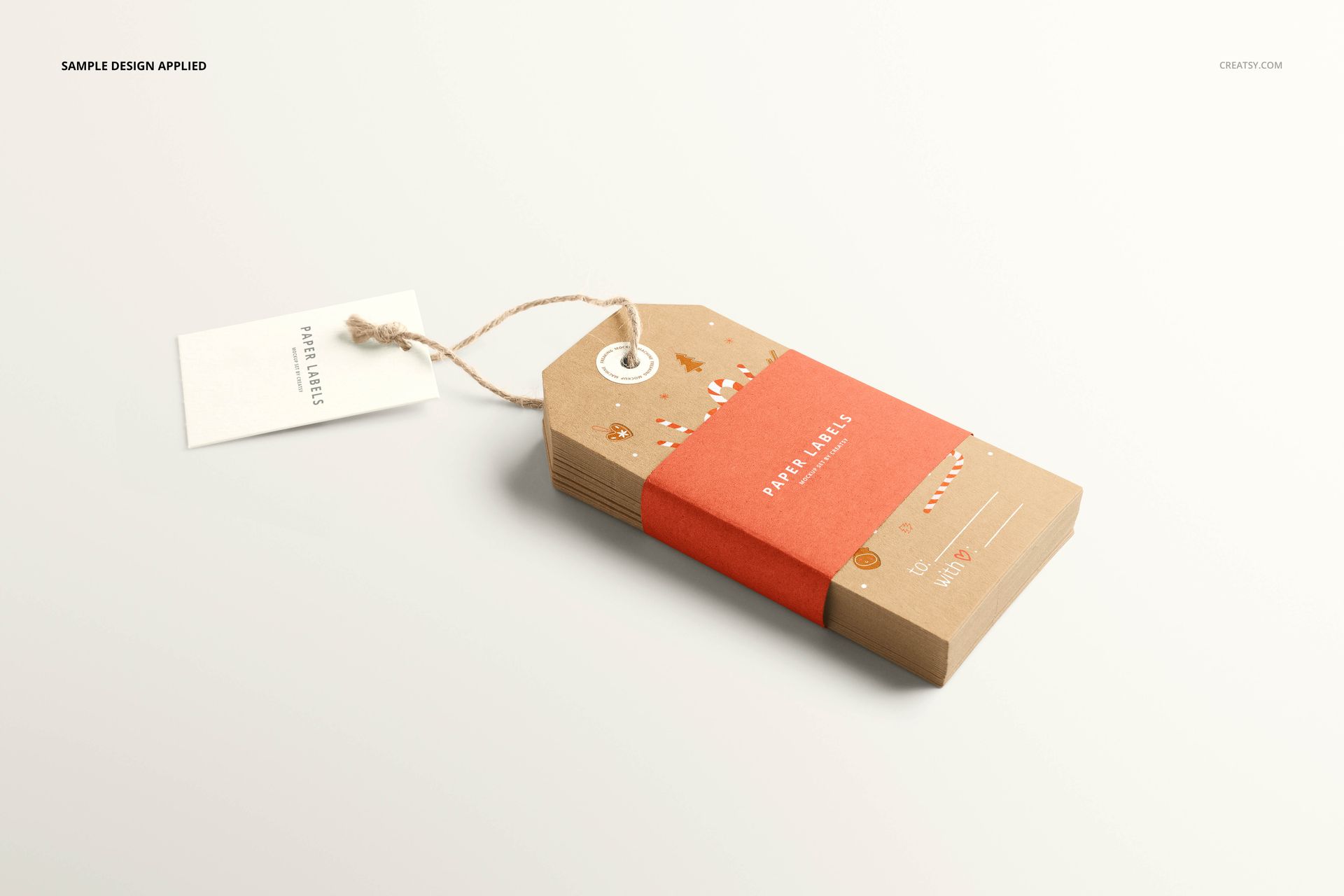
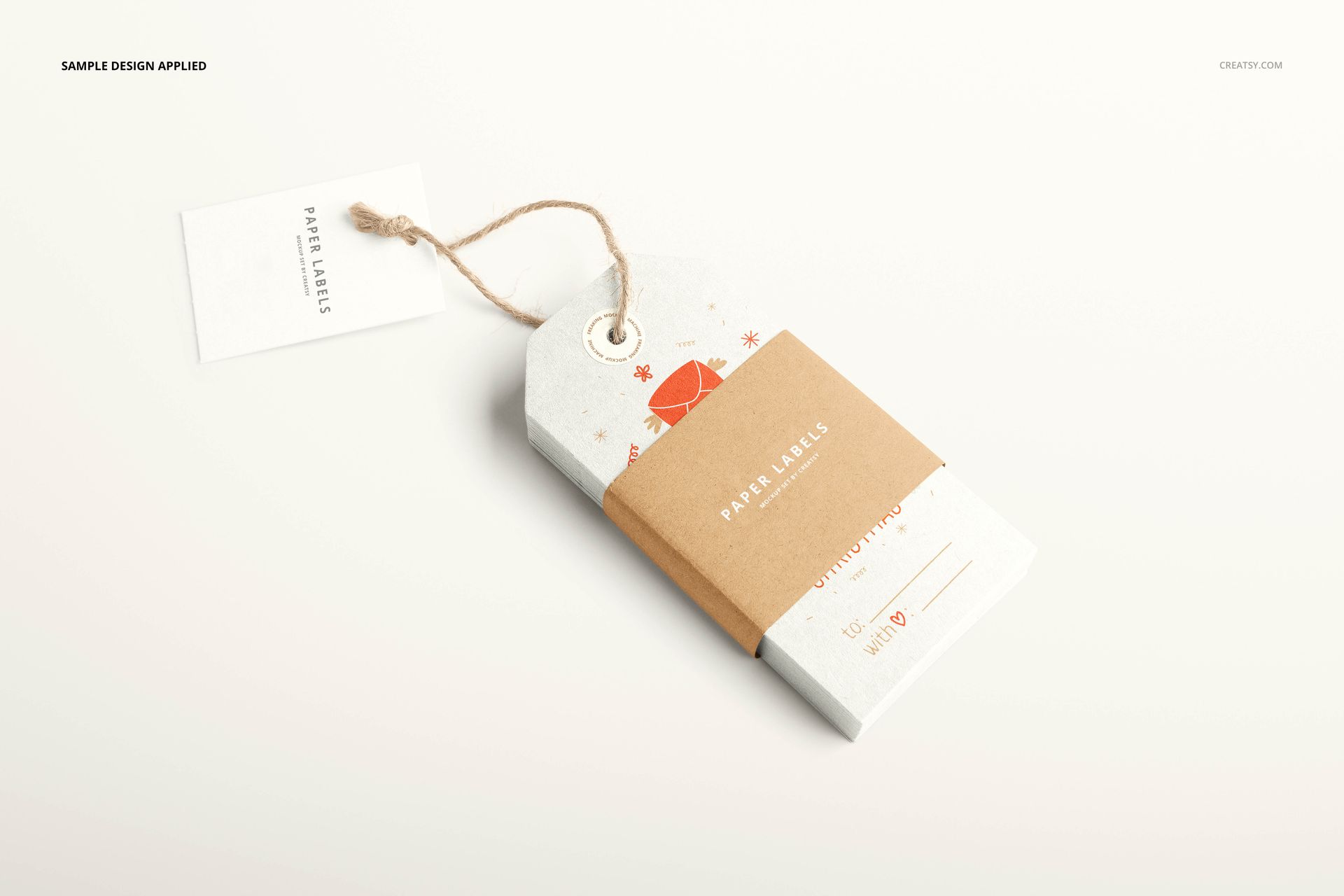
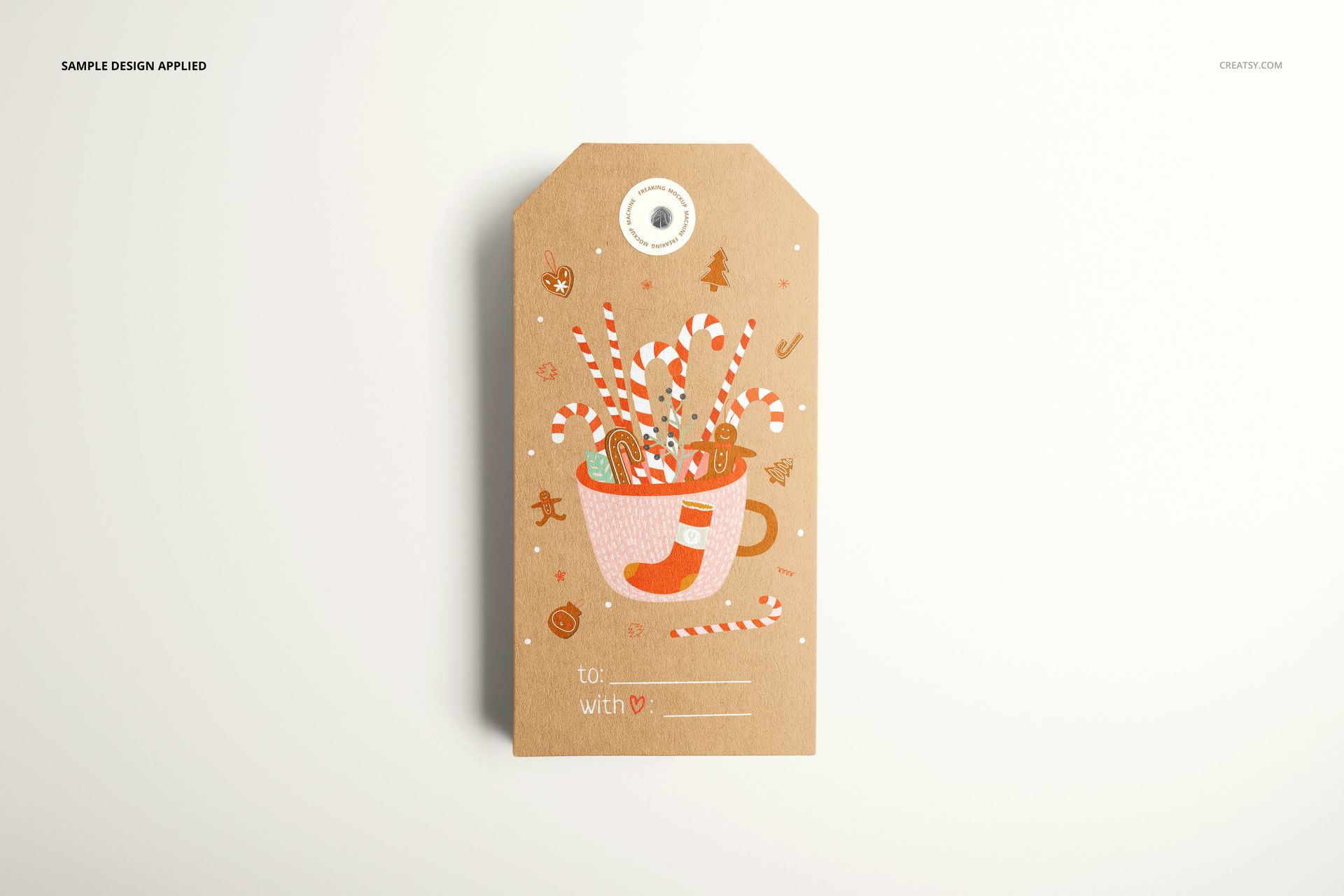
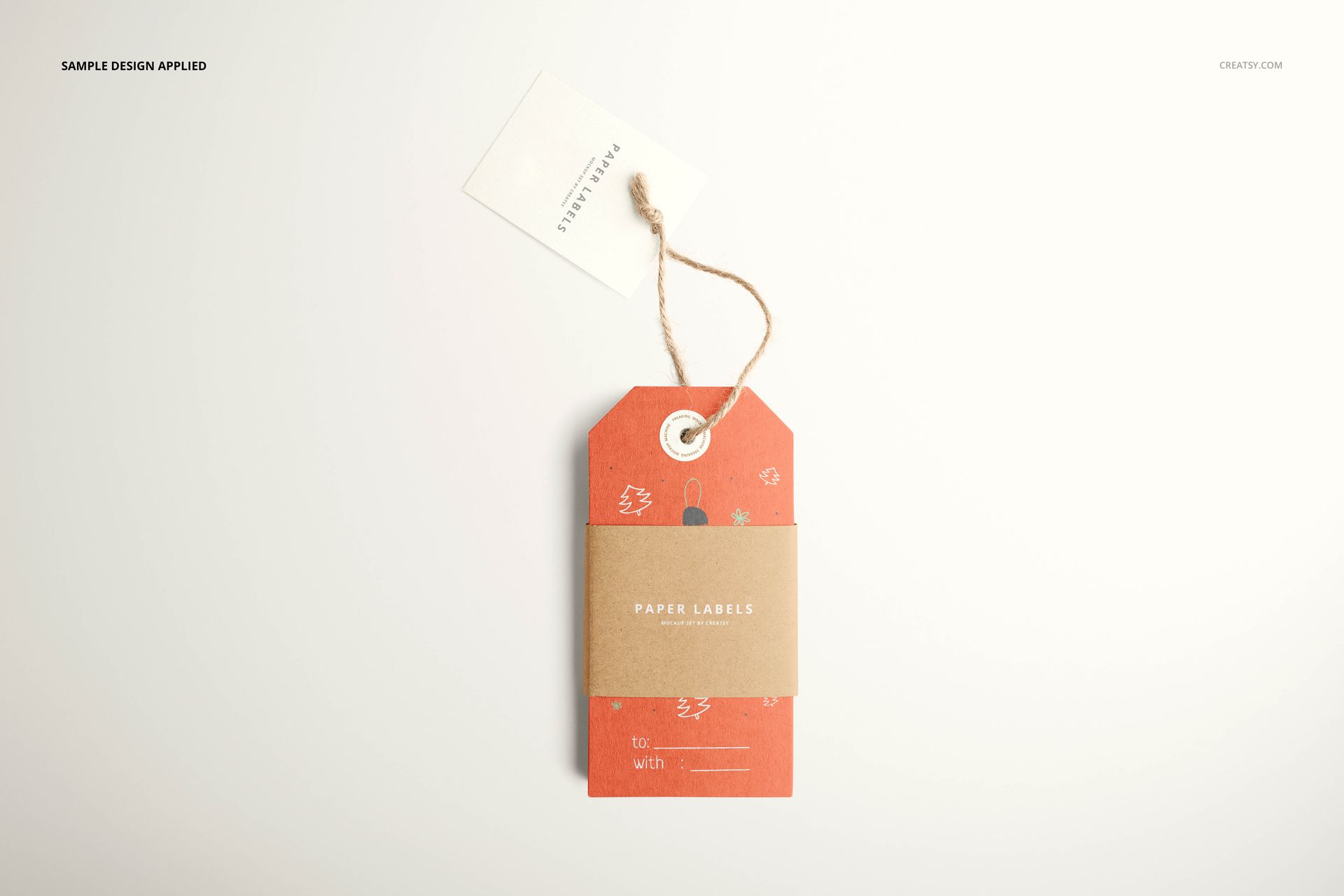
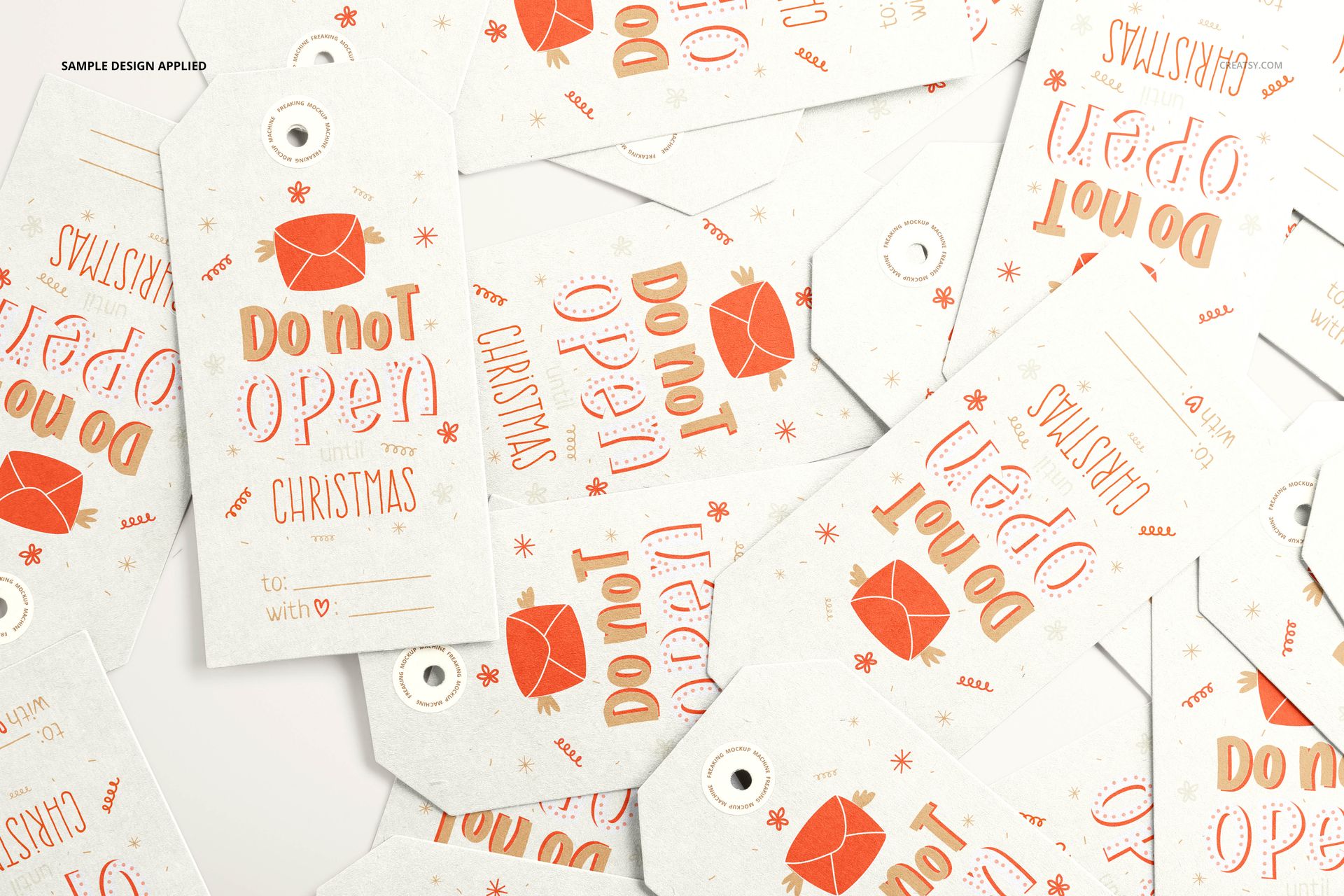
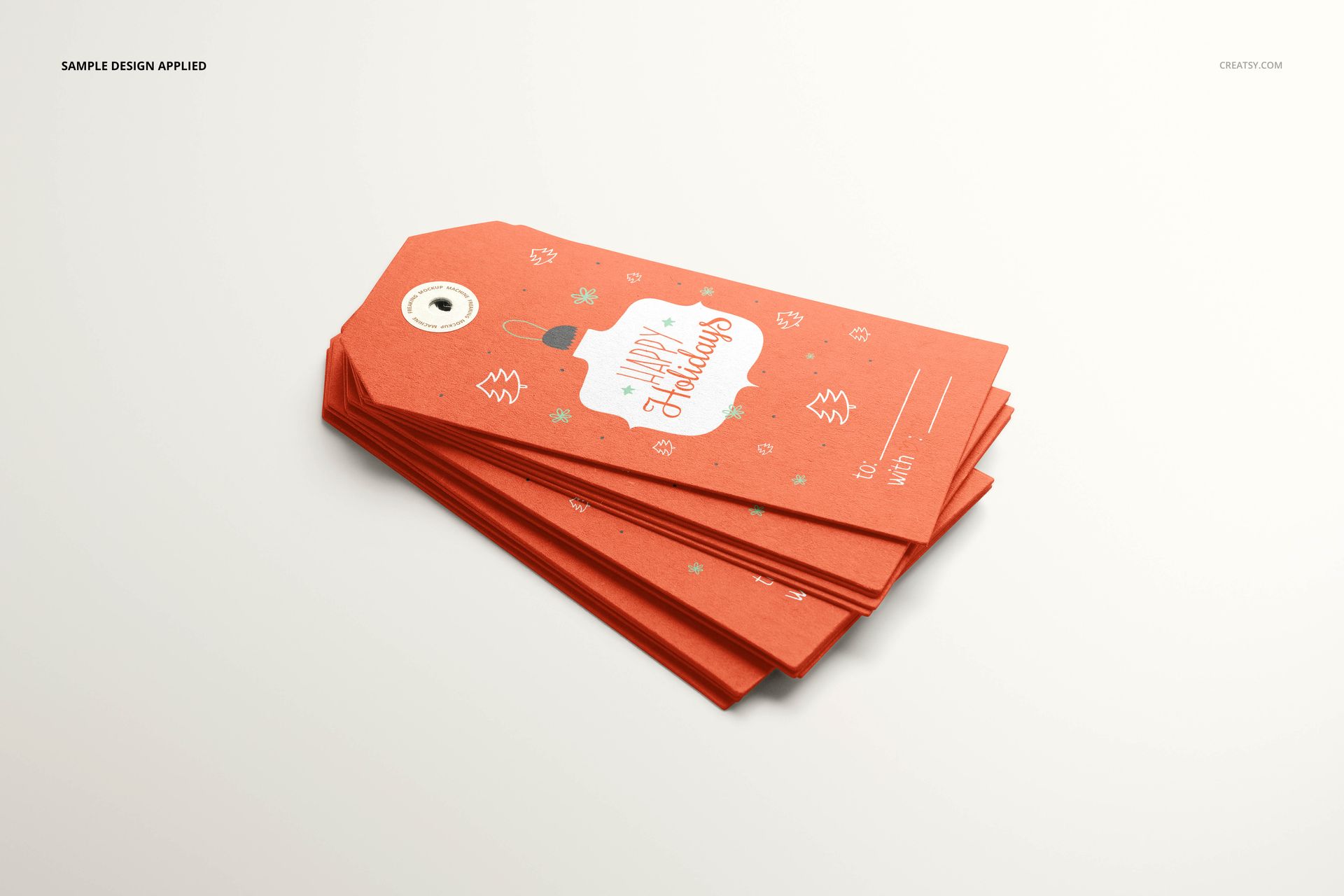
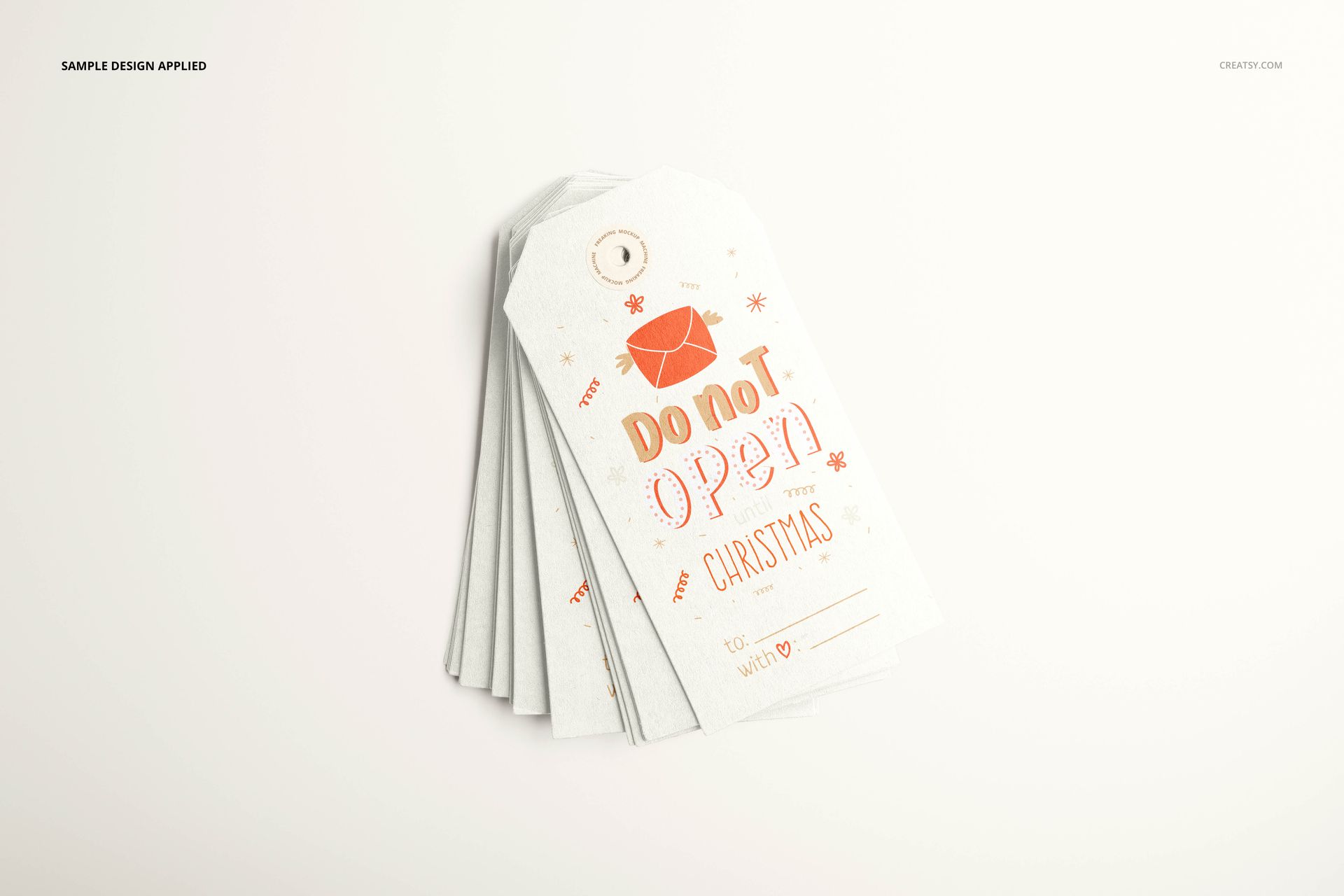
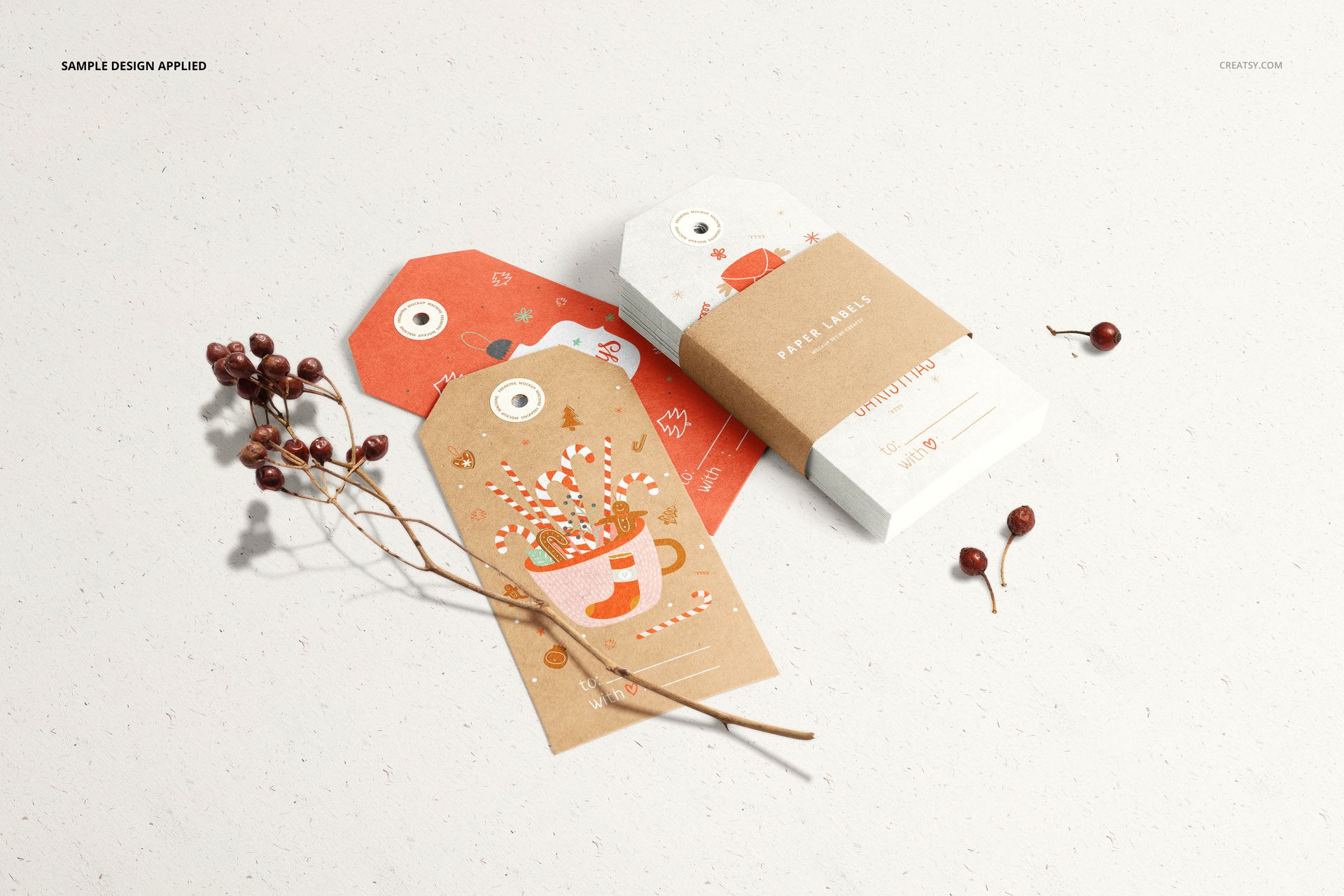
Choose a clean single-tag view to show the entire design, an angled stack to reveal the layered paper edges, or a fanned arrangement to introduce a series. Banded stacks with a small string-tied card suggest a packaged set, while scattered tags and scenes with scissors, twine or a berry branch add context. The previews show white, colored and kraft-style paper looks with visible grain, suited to Christmas gifting, boutique stationery and personal thank-you notes.
Coordinate the label, reinforcement sticker and paper band
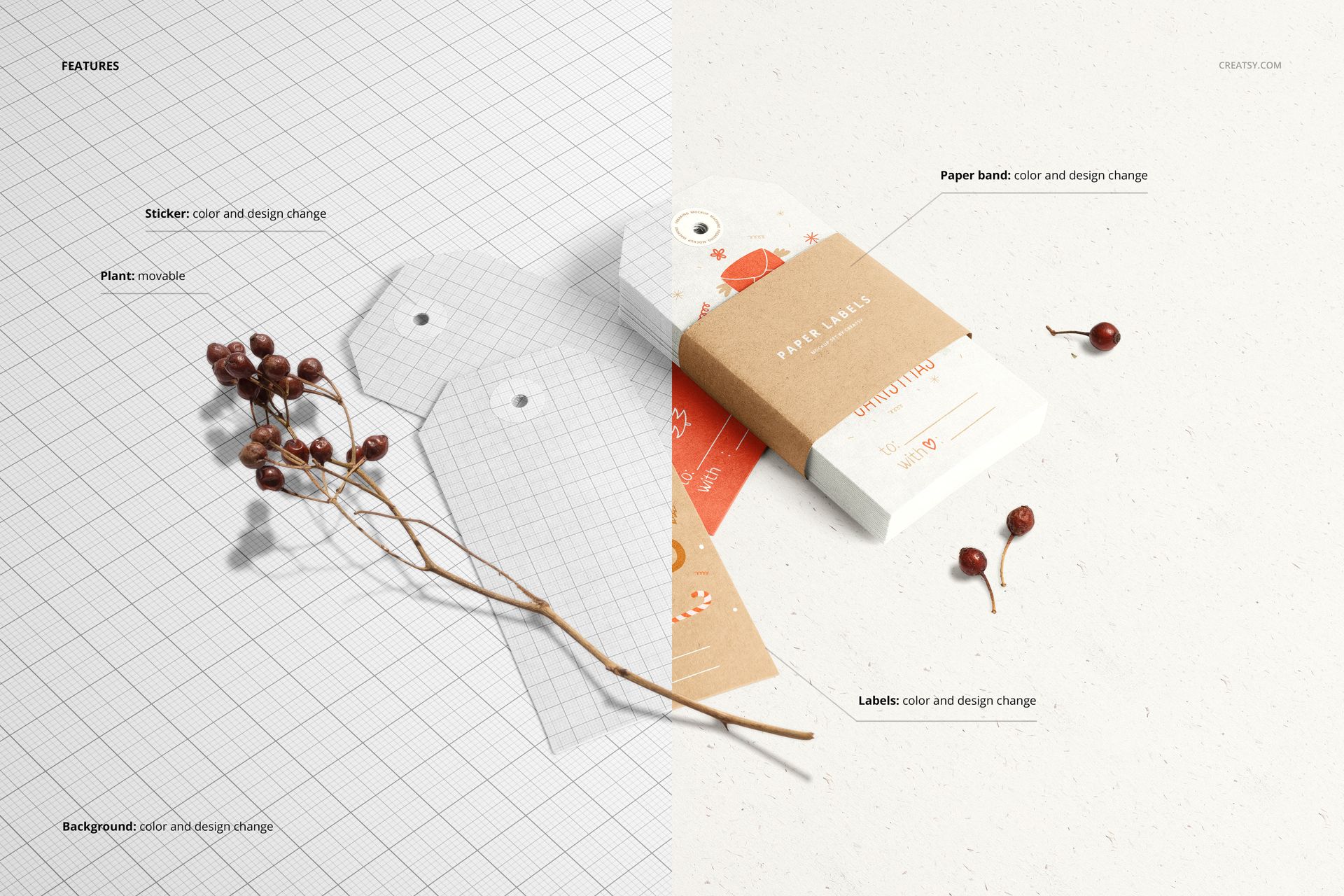
Use Smart Objects and color layers to replace the label artwork and adjust its color. The feature guide also confirms color and design editing for the circular reinforcement sticker and paper band, plus a movable plant prop in the styled scene. Match these small surfaces to the main illustration, or use a contrasting band to identify a collection without covering its visual identity.
Give each presentation image a clear purpose
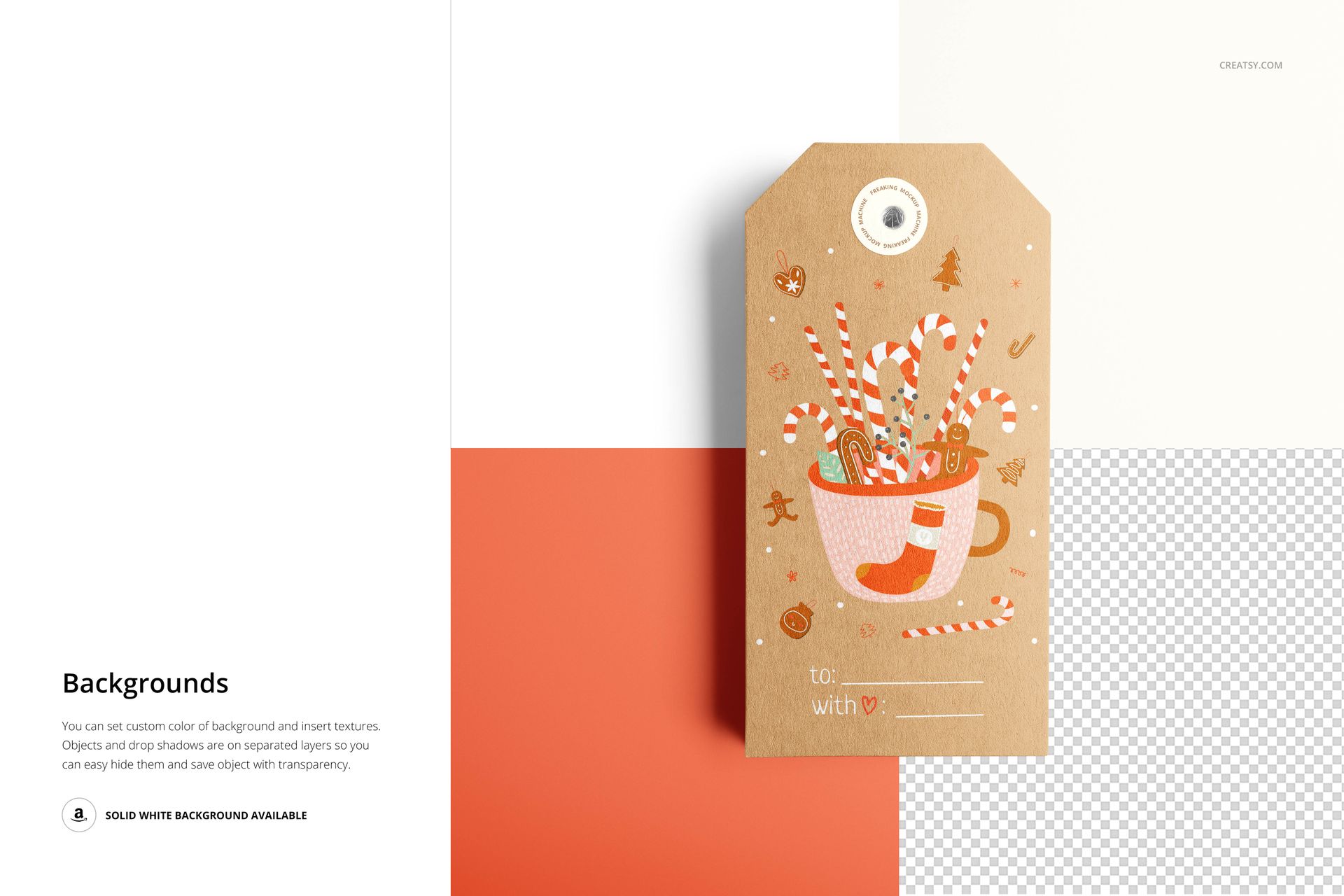
A banded stack communicates the retail pack, but it hides part of the tag beneath it. Pair that view with an unobstructed tag so a customer can assess both the packaging and the complete layout. Use the background controls to keep the same visual setting across product images, portfolio pages and client presentations. The mockup is a digital presentation resource; the sample Christmas artwork and physical tags are not included.