Wrapping Paper with Sticker Mockup
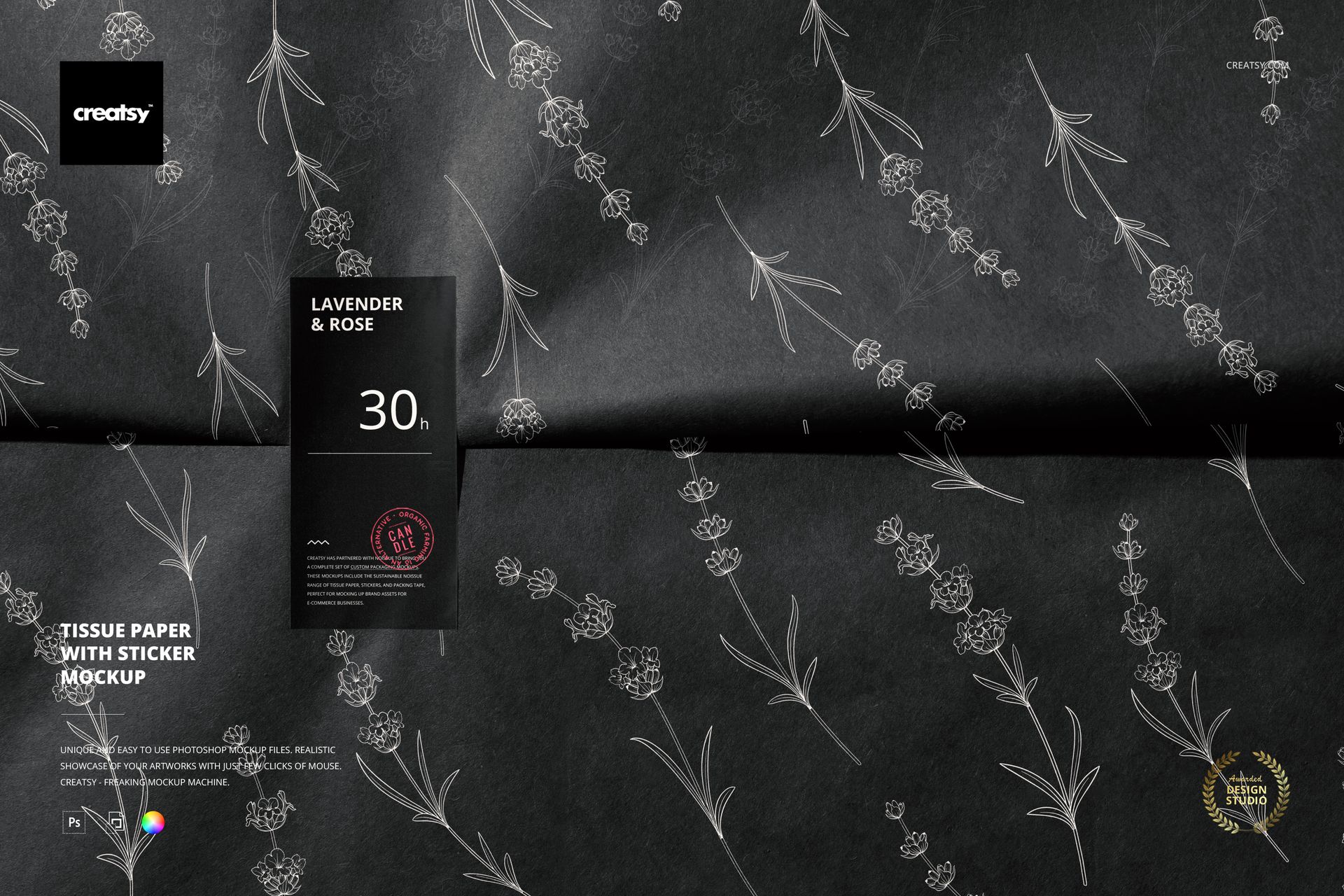
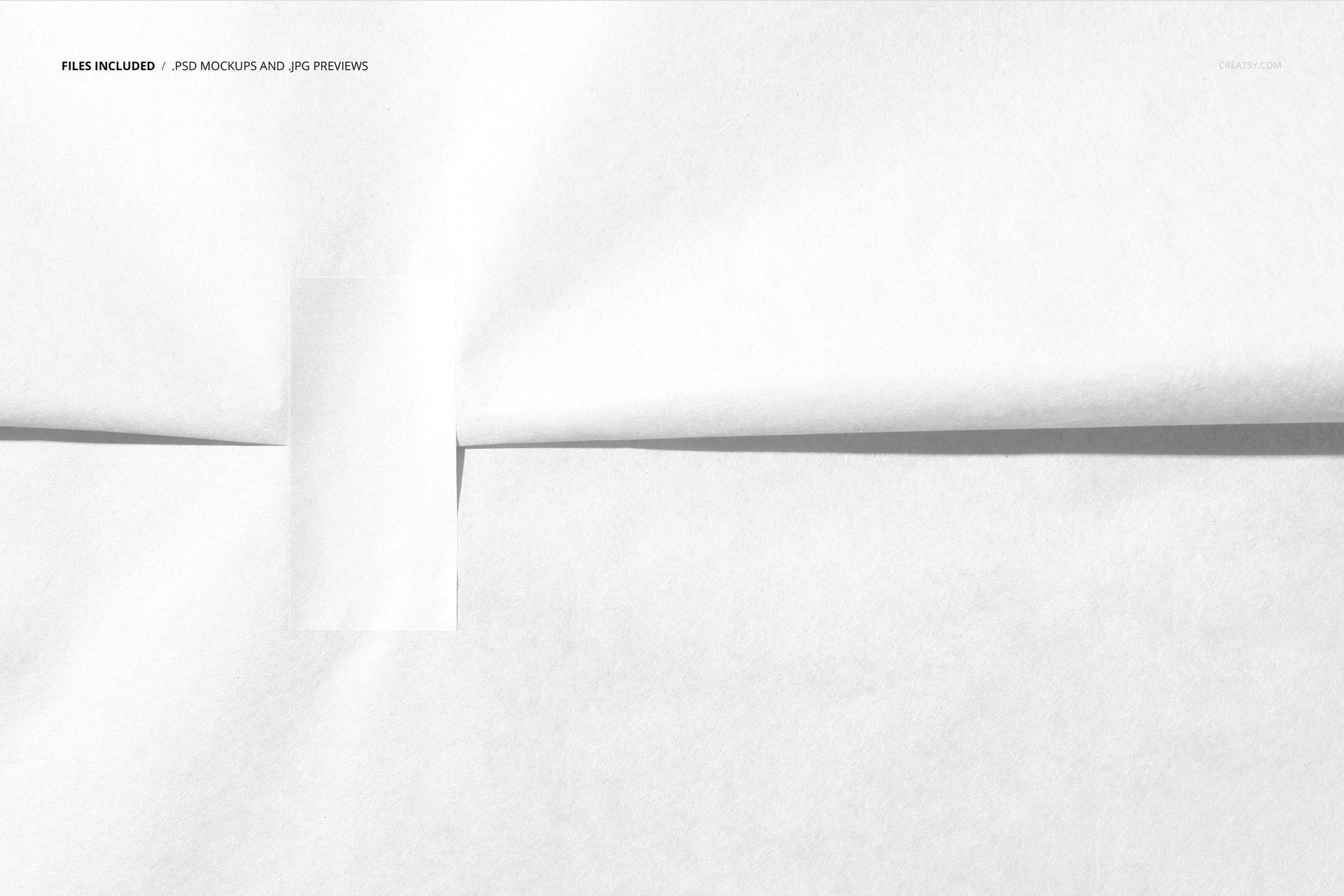
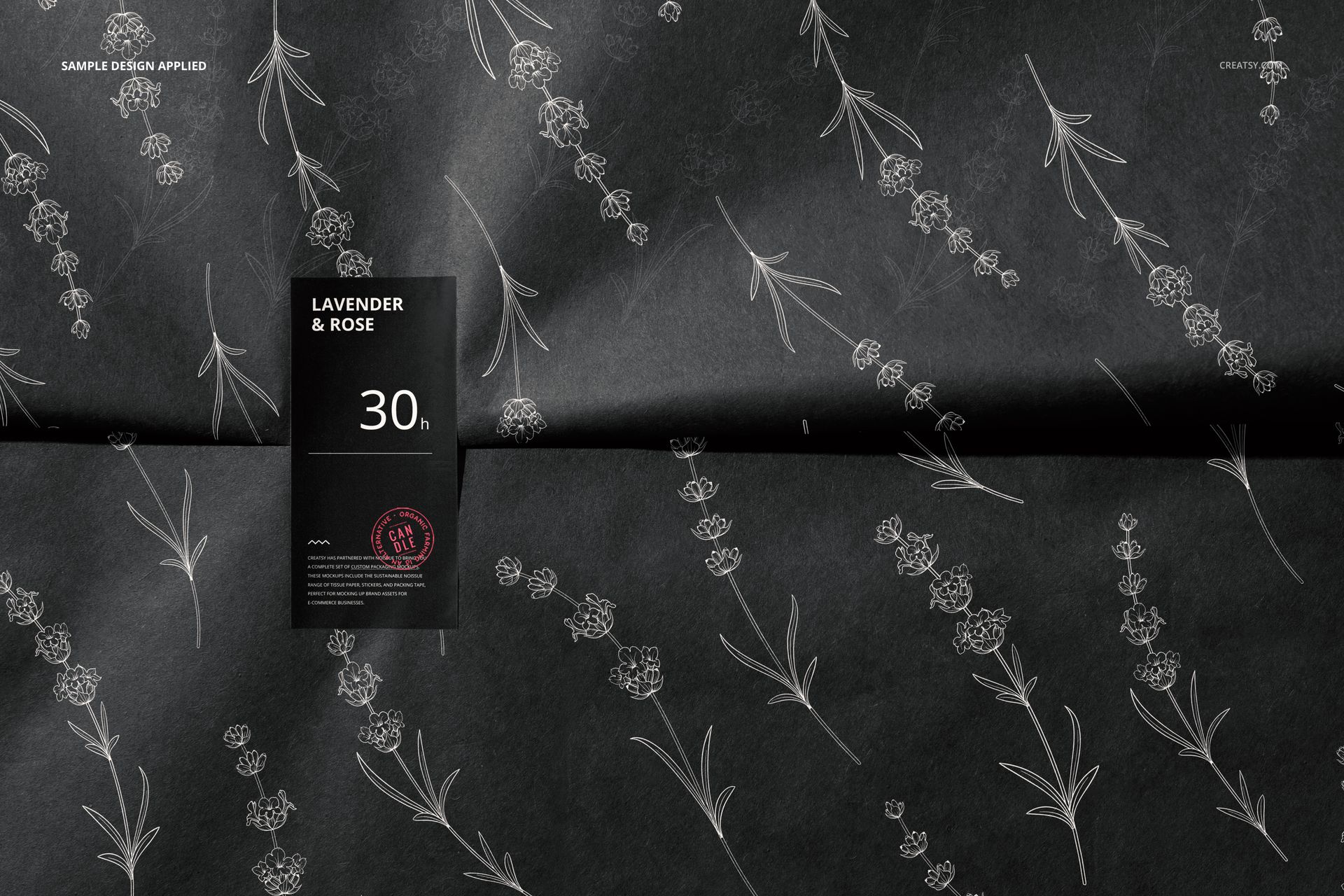
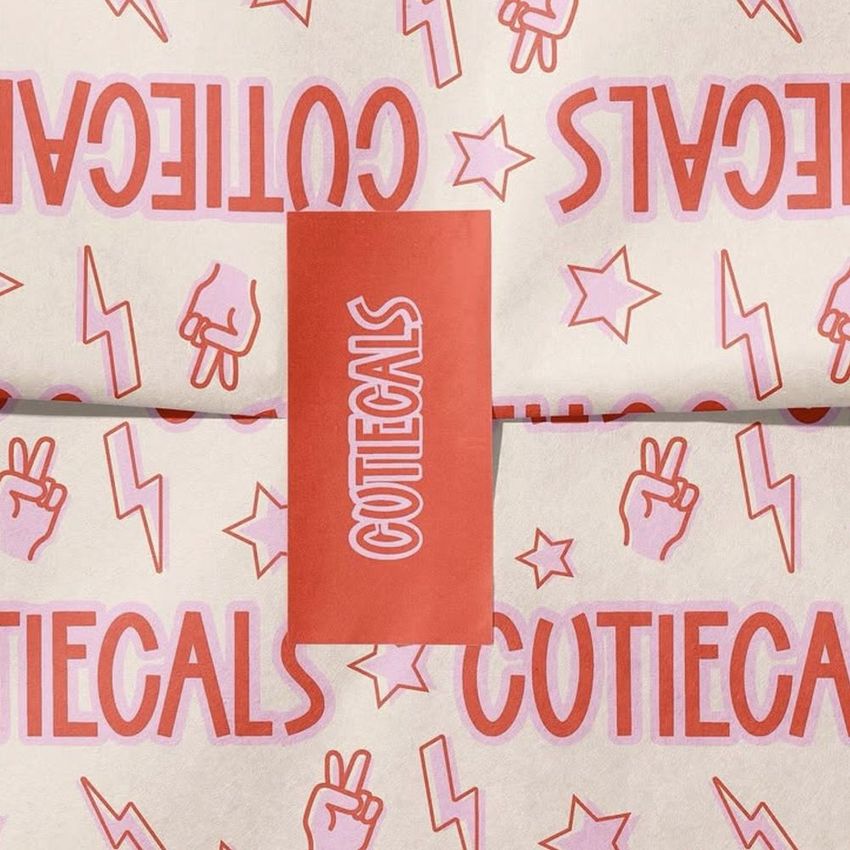
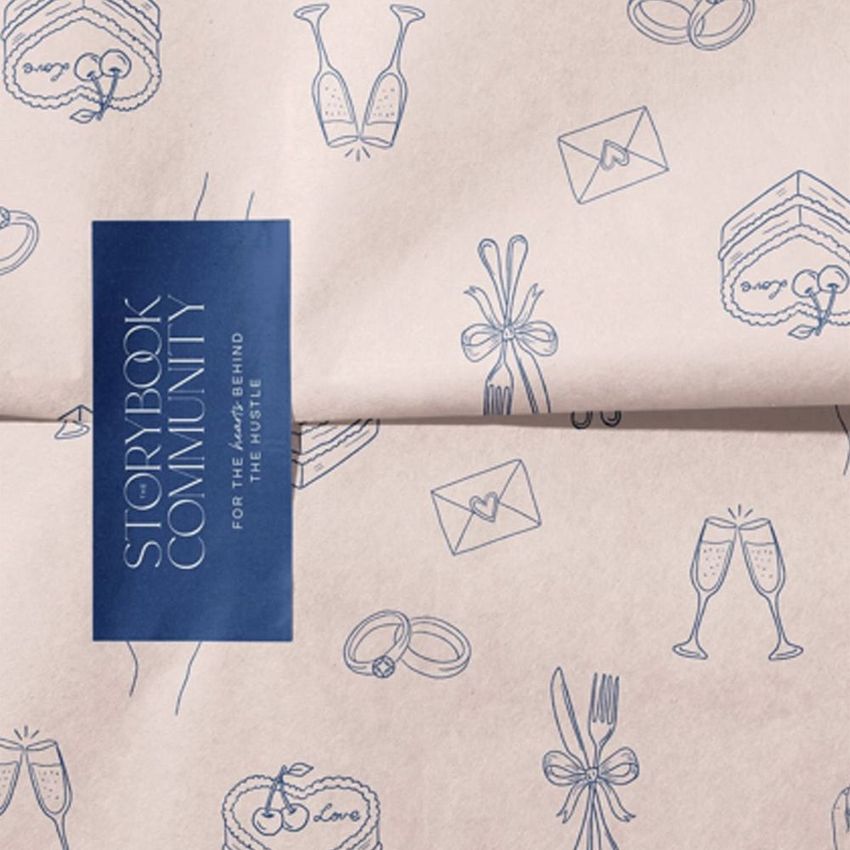
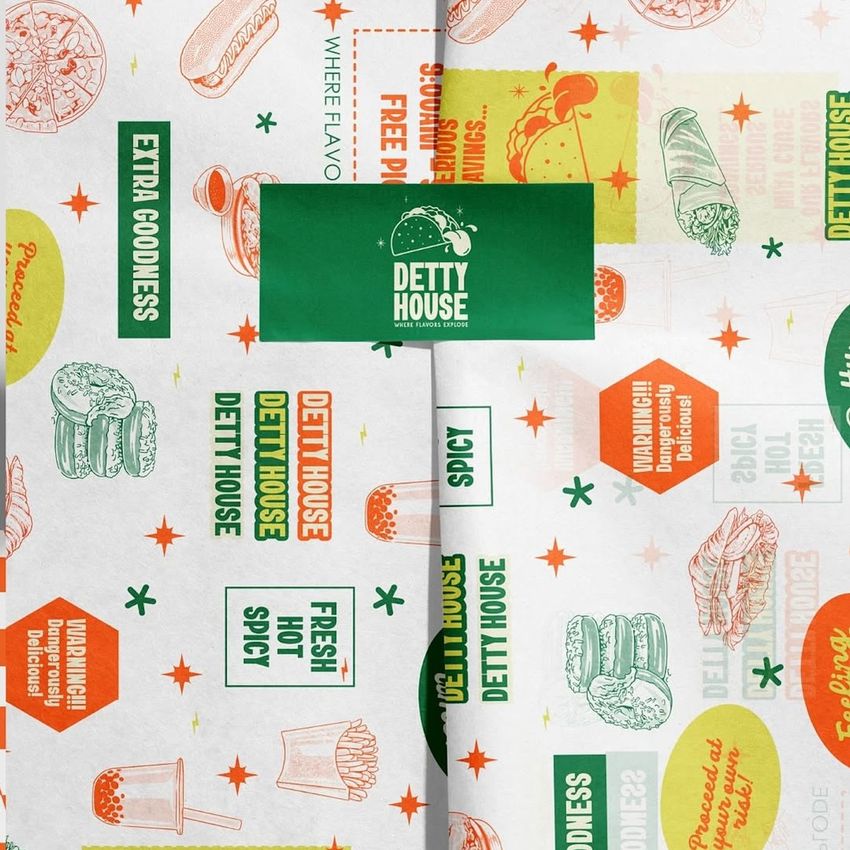
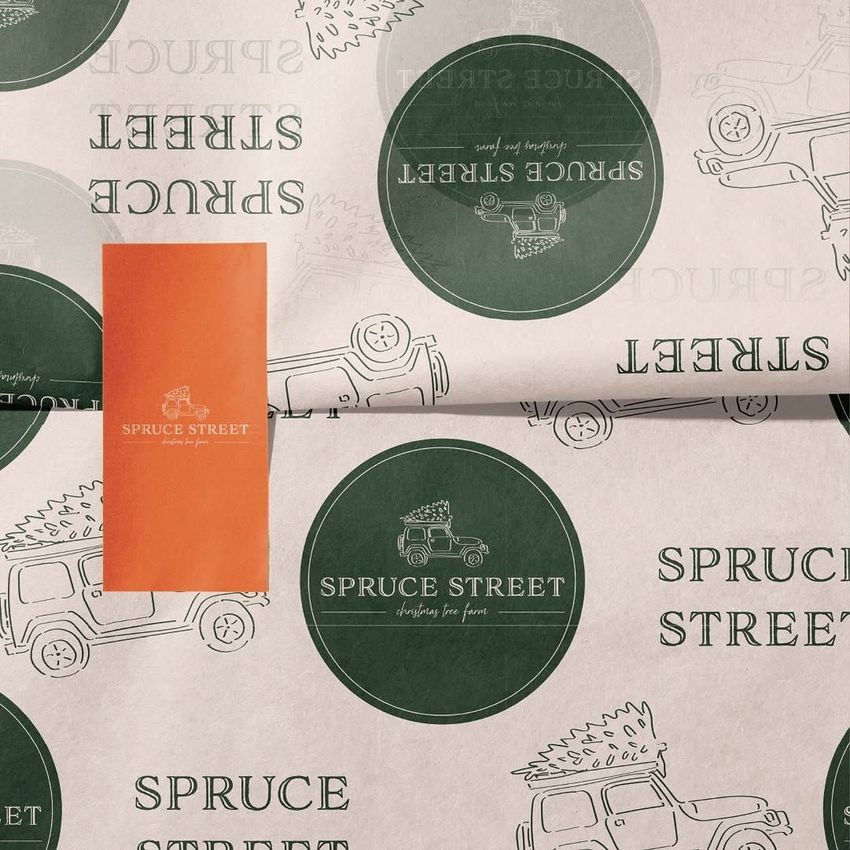
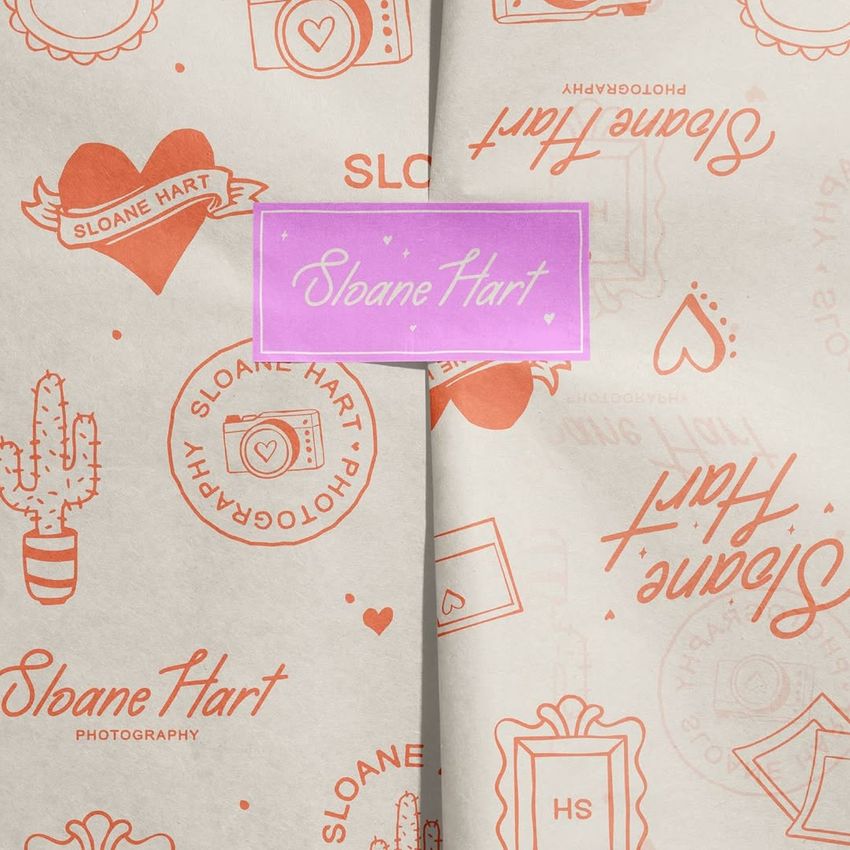
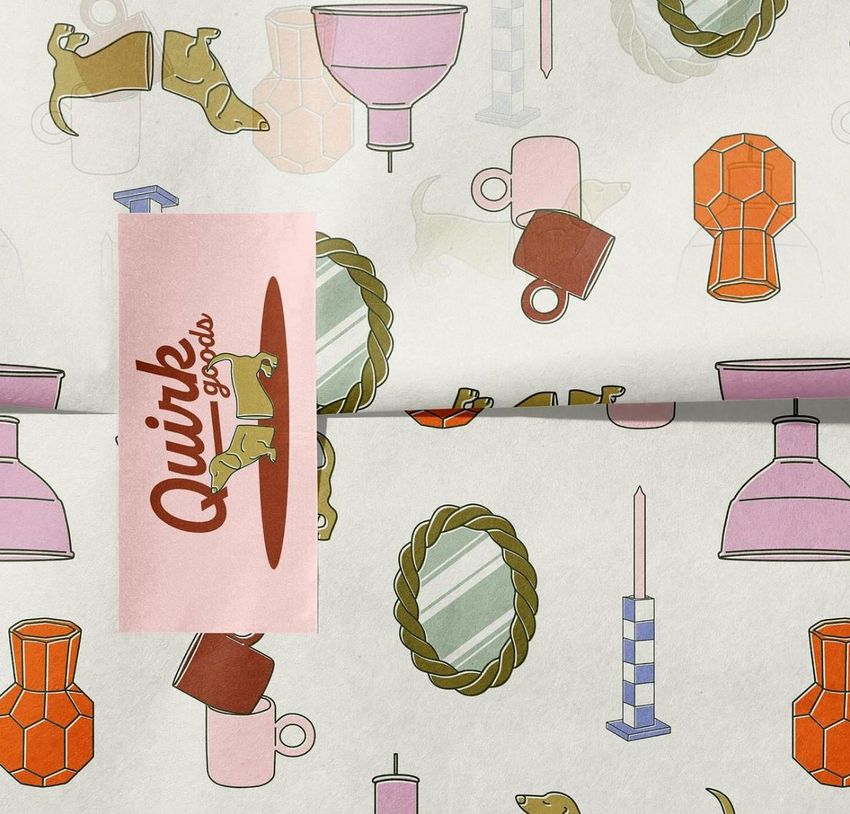
The small seal is the focal point of this close-up wrapping scene. A vertical rectangular sticker crosses a horizontal fold in the tissue paper, placing your label beside a broad area of printed pattern. With no ribbon or surrounding props to compete for attention, the composition gives the relationship between the wrap and sticker room to be seen.
Use the single prepared view to compare a bold brand mark with delicate linework, test a contrasting label against a busy repeat, or present a coordinated inner-packaging concept. The visible overlap also shows how artwork looks near a fold instead of only on a flat swatch.
What Is Included
1 layered PSD mockup with one close-up wrapping-paper and sticker composition.
1 JPG preview and 1 PDF user manual, making 3 files in total.
A 6000 × 4000 px landscape PSD at 300 dpi, with organized layers.
A Printed Wrap and a Clear Point of Focus
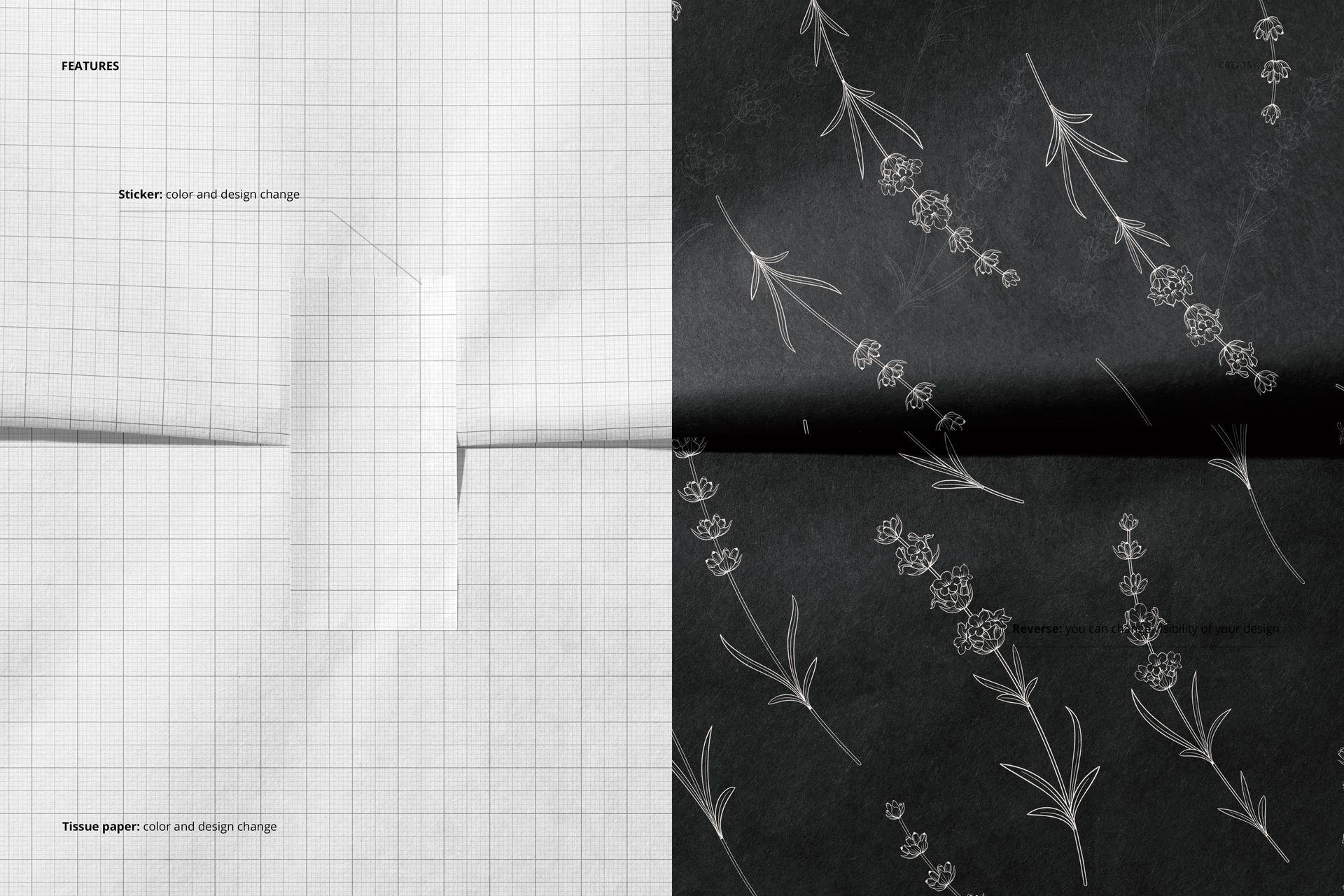
Change the color and design of the tissue paper and sticker. The reverse control lets you adjust the visibility of the design on the reverse of the paper. Keep the sticker quiet when the pattern is detailed, or use the label as the strongest element in a restrained wrapping design.
Easy Smart Object Editing
Open the PSD in Adobe Photoshop CC 2015 or later, or in Photopea. Add your wrapping and label artwork through the Smart Objects, save each edited object within the document and return to the mockup to check the result. Use the available color and reverse-visibility controls to refine the presentation, with the included PDF manual for guidance.
Perfect For
Packaging designers, surface pattern designers, illustrators and boutique brands can use this scene for tissue-wrap concepts, branded sealing labels, licensing portfolios and client presentations. It is especially useful when the paper pattern and the label need to work as a pair.
This is a digital mockup, not physical wrapping paper or printed stickers. The sample artwork shown in the previews is for presentation only and is not included.