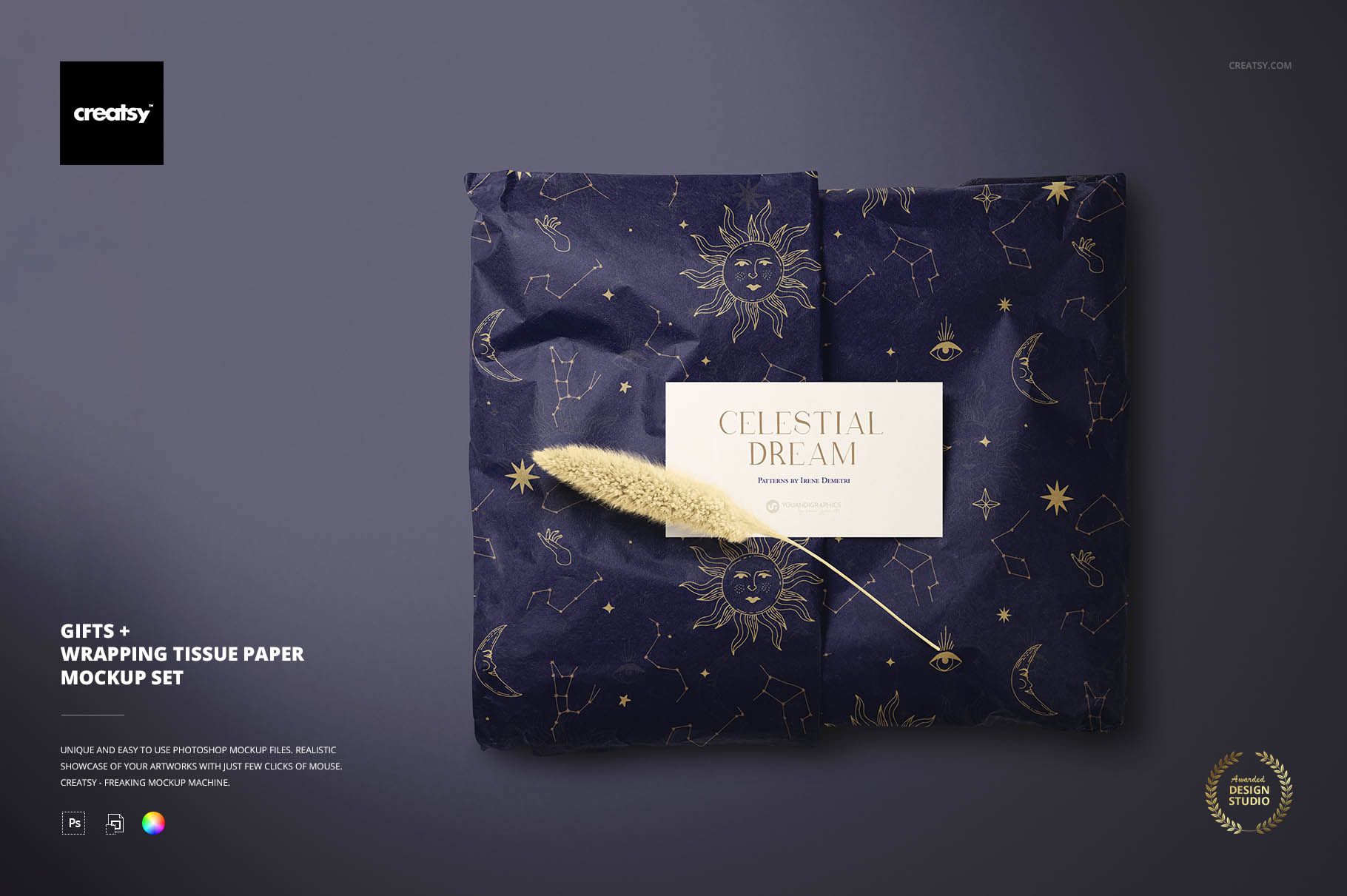
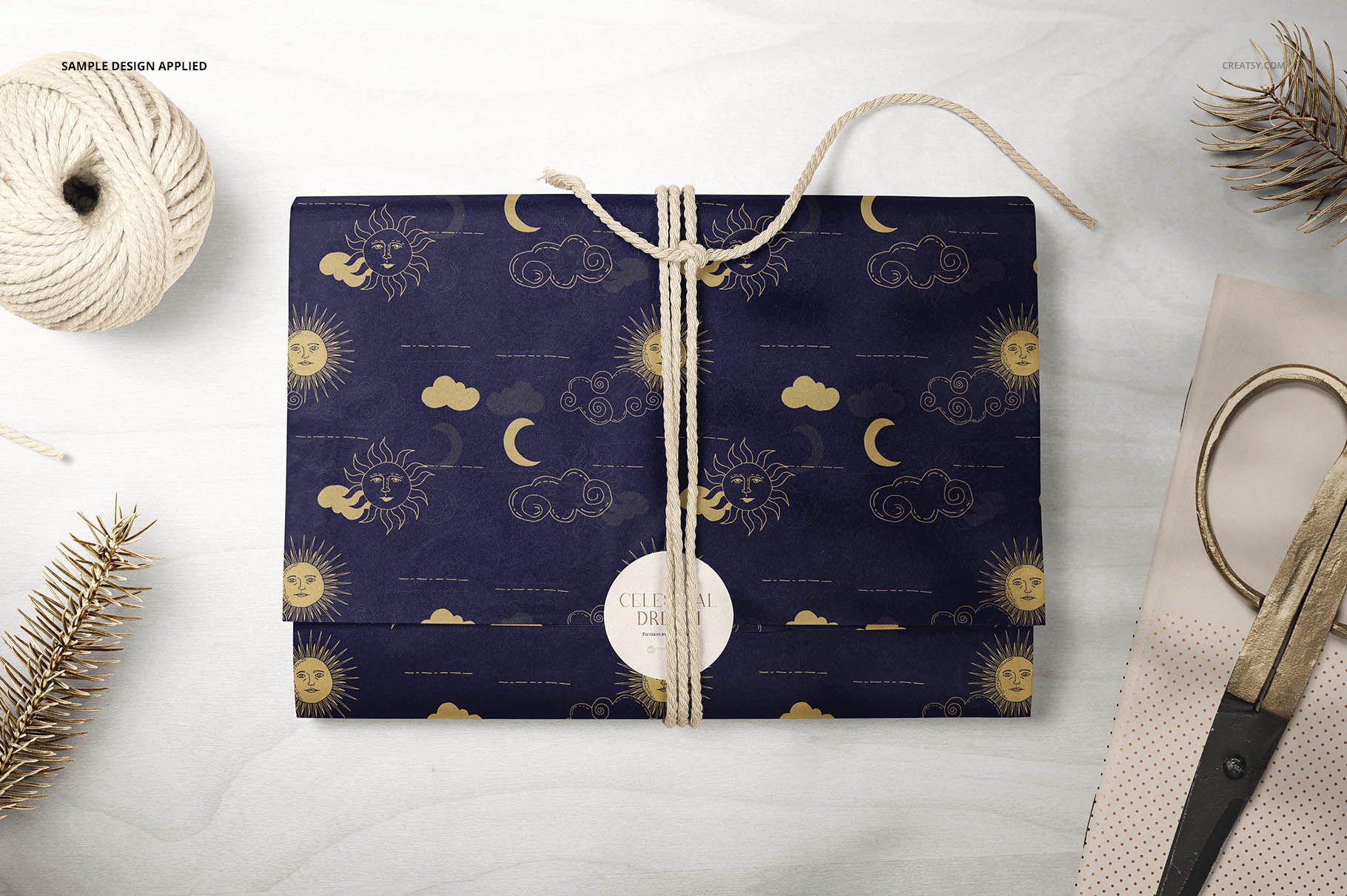
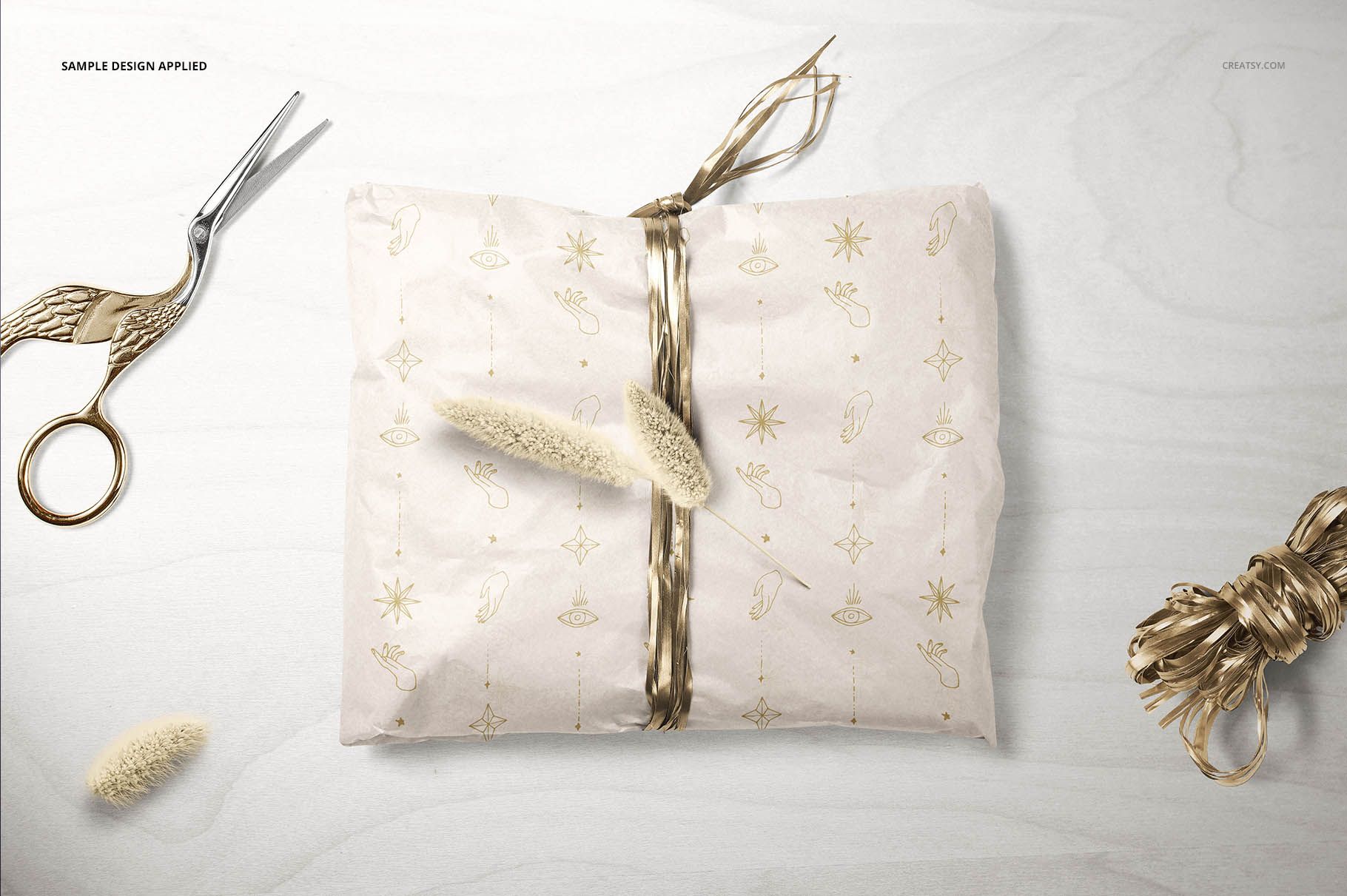
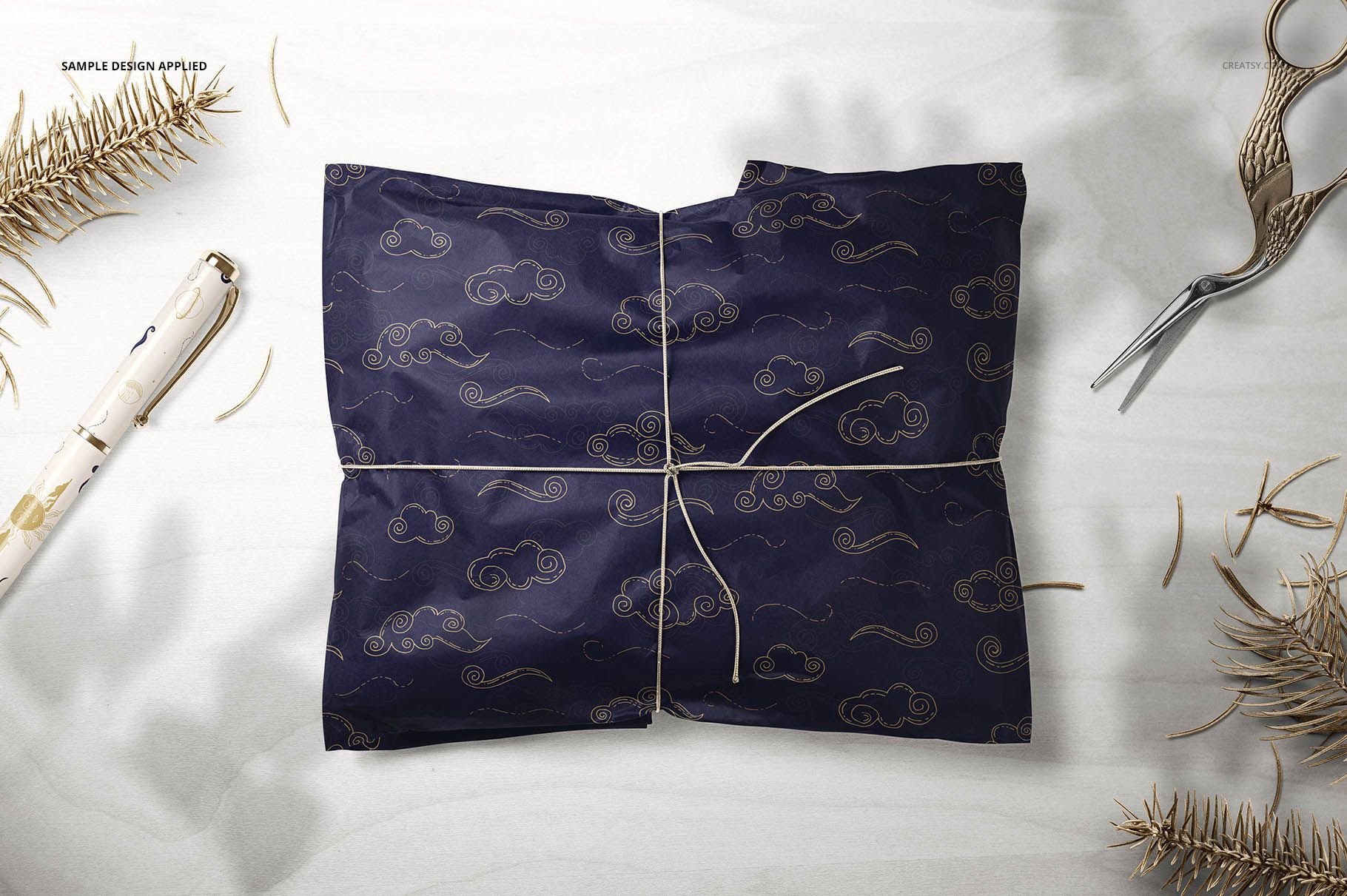
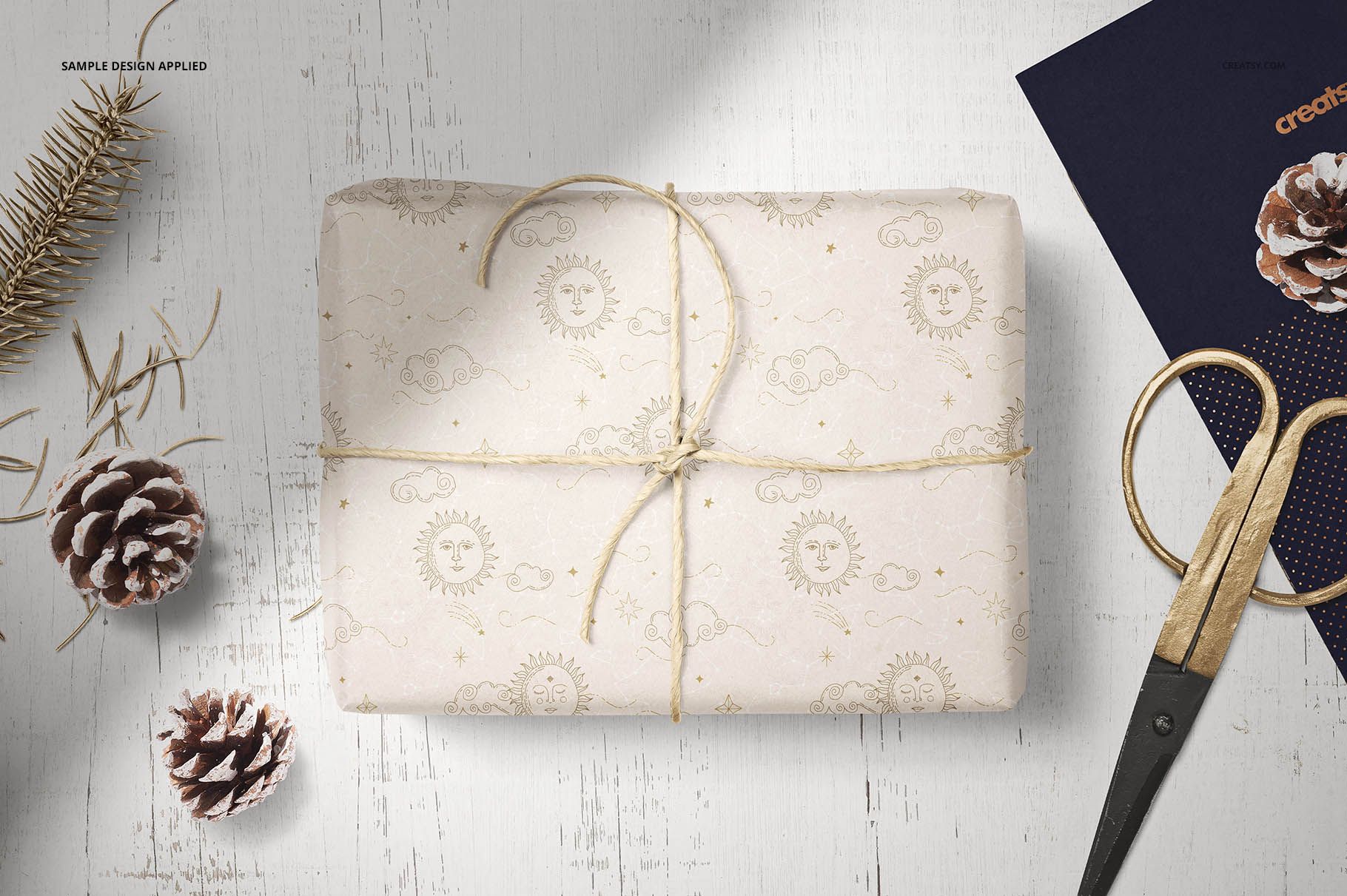
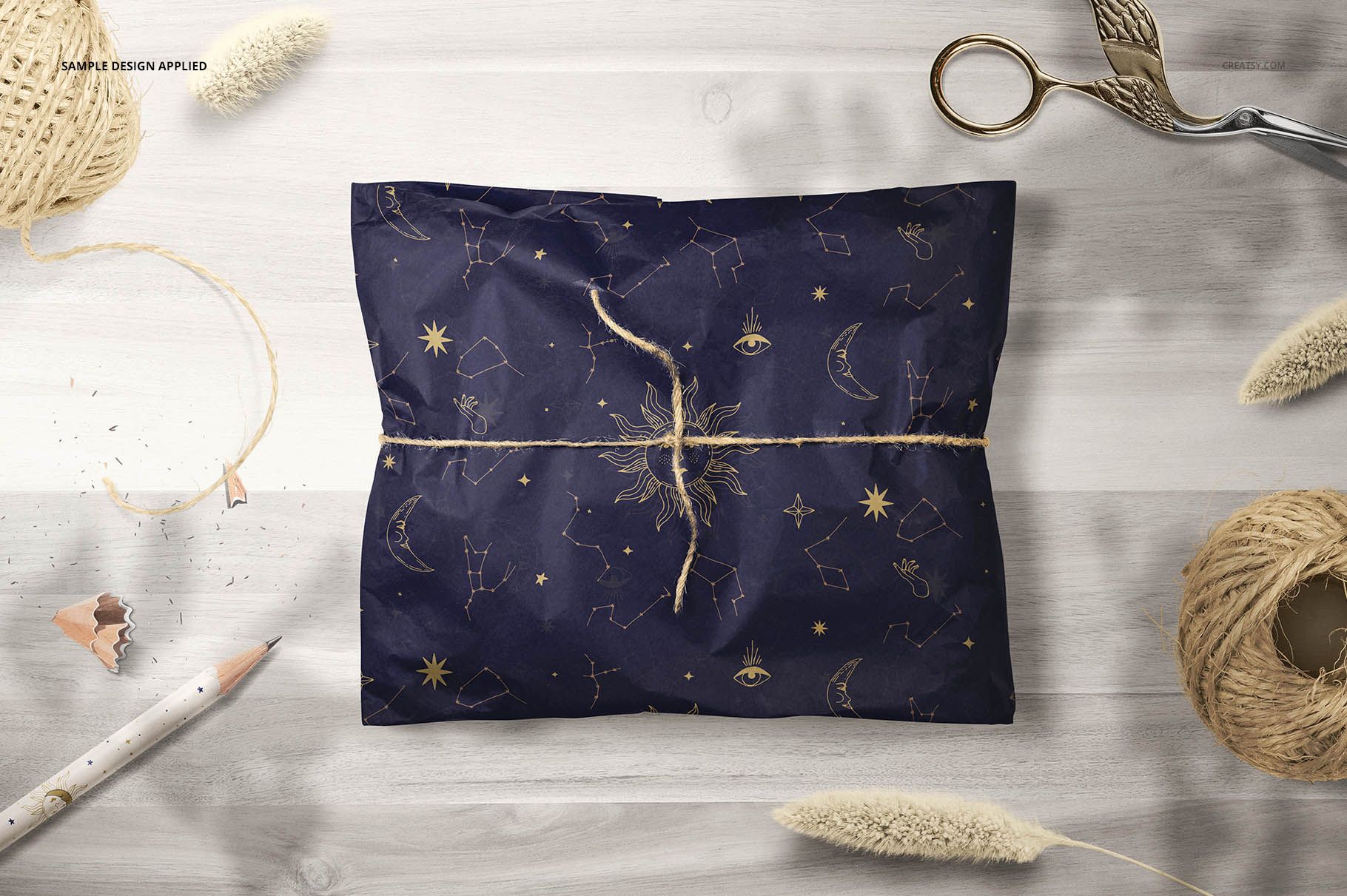
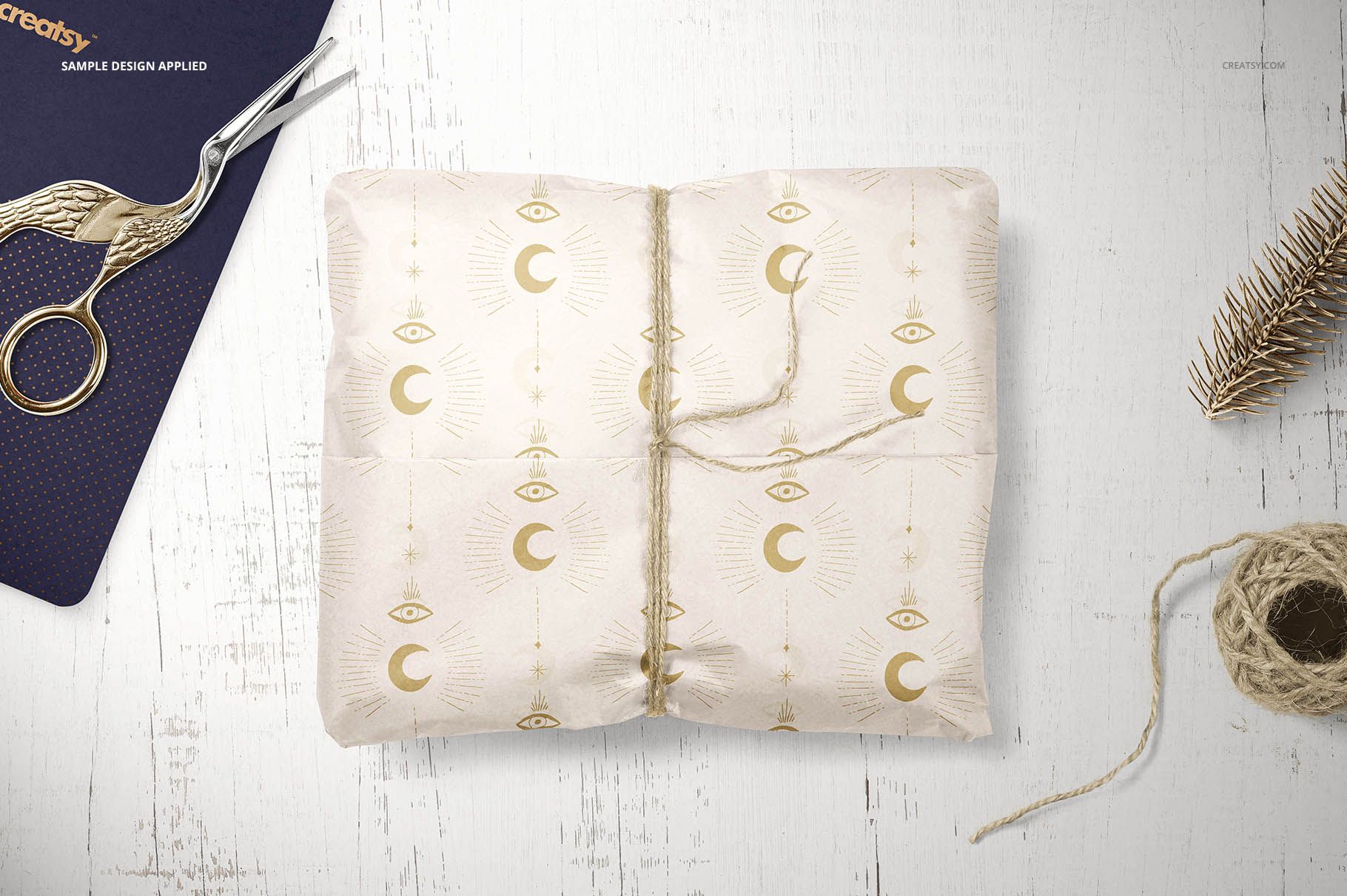
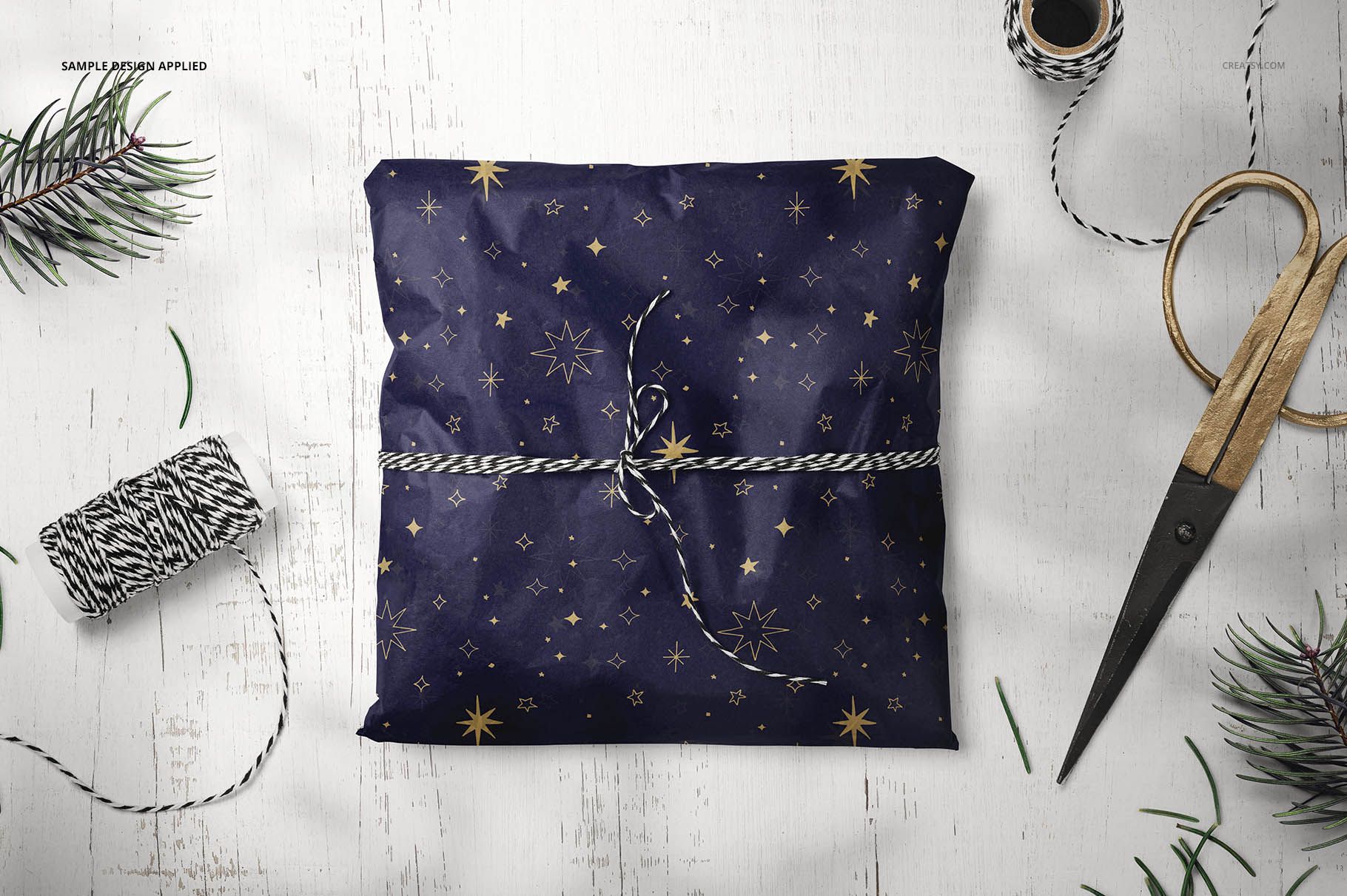
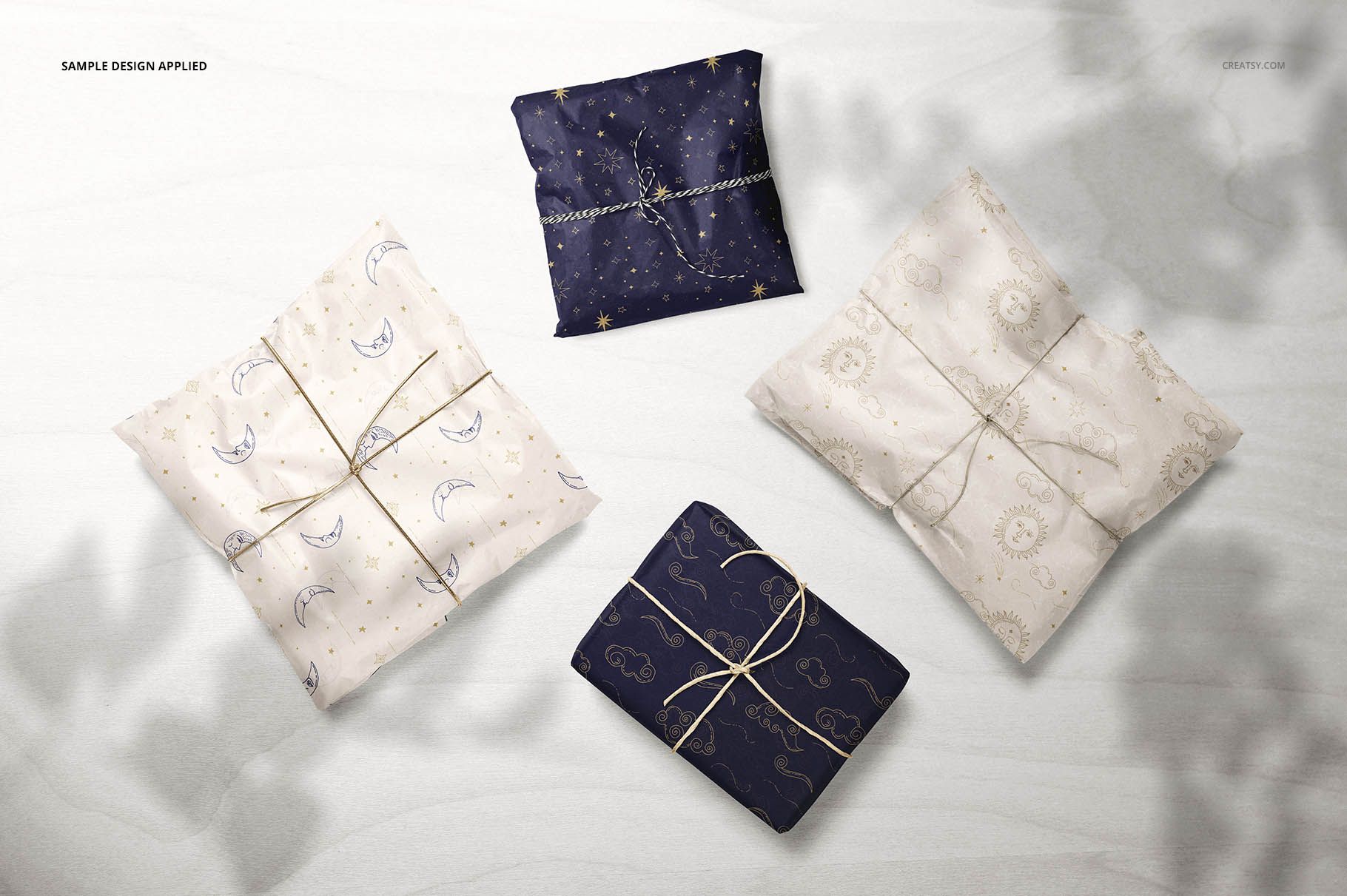
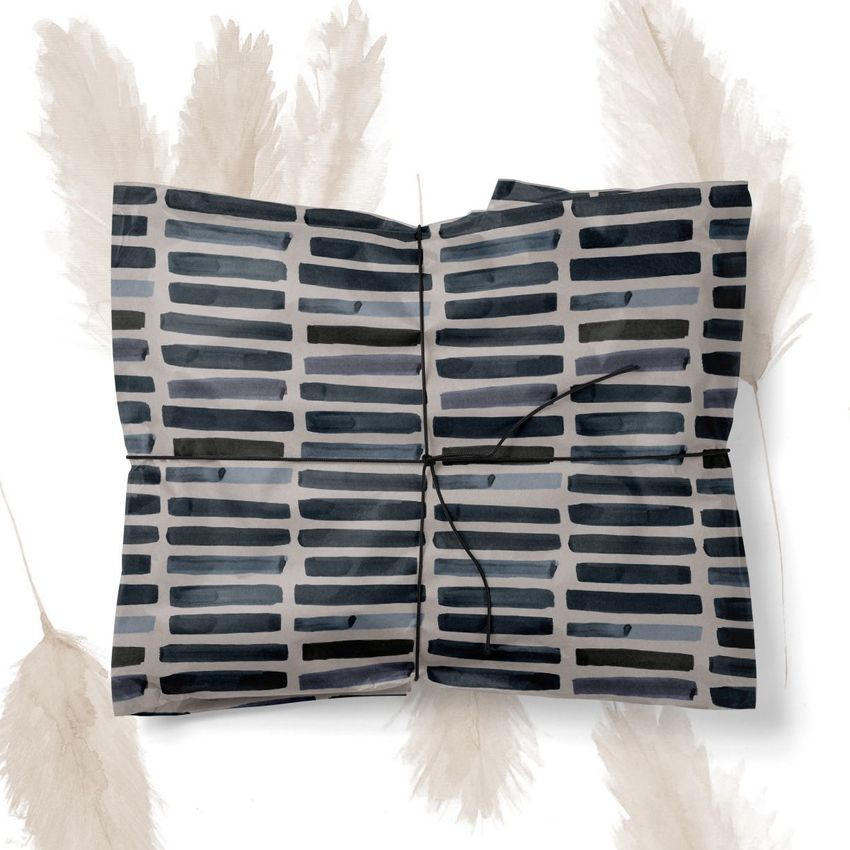
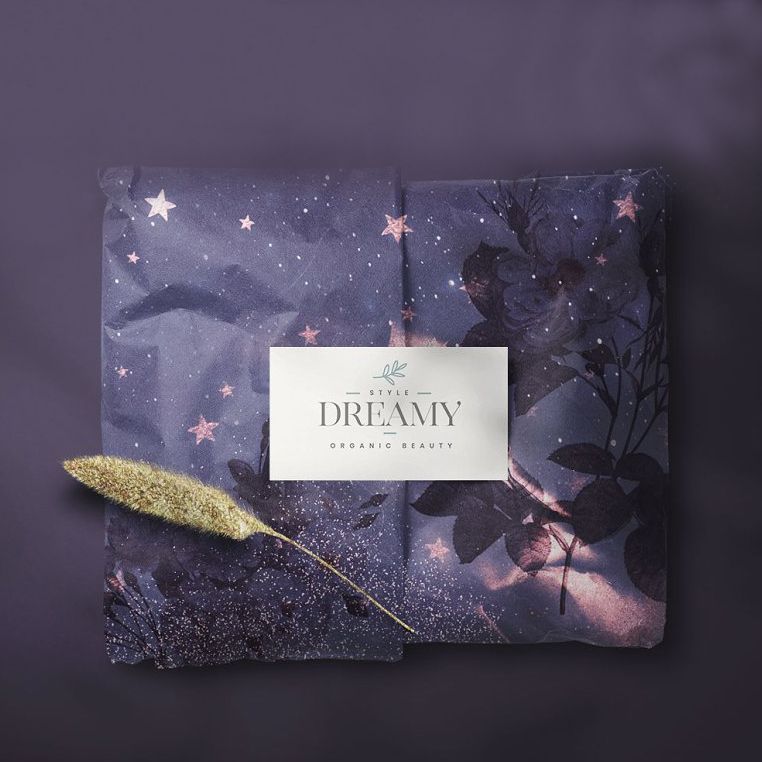
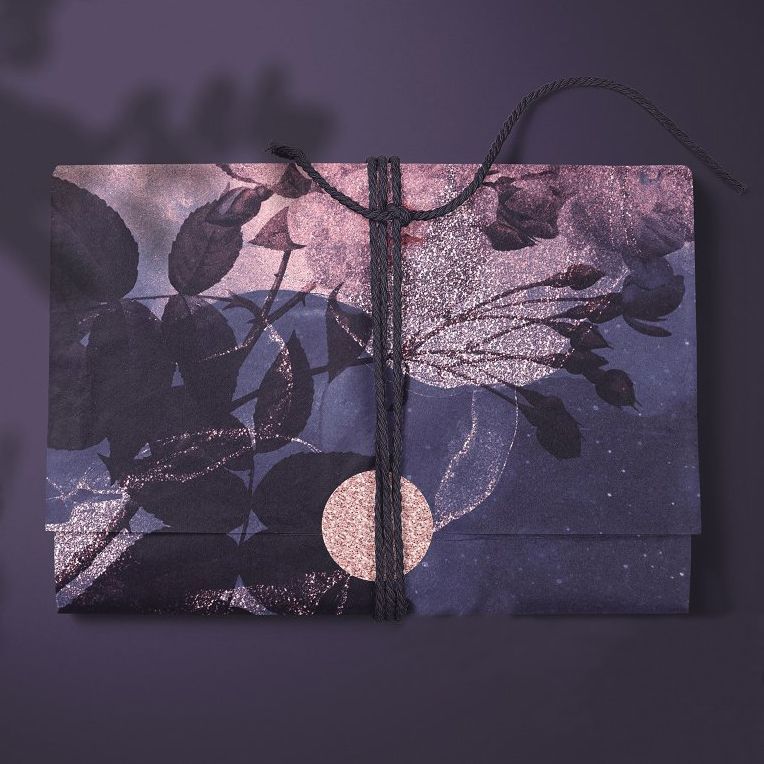
Gifts Wrapping Tissue Paper Mockup Set
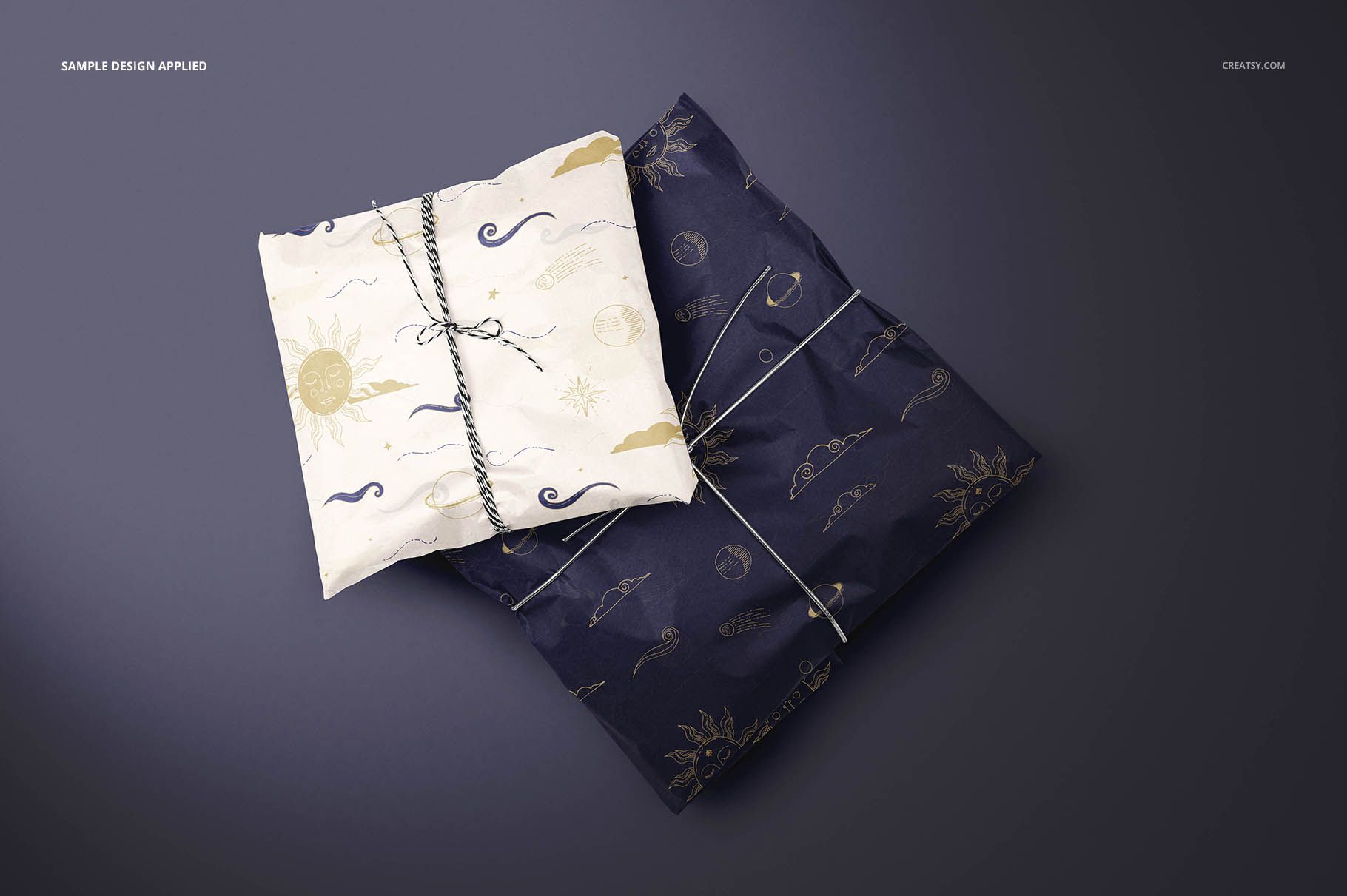
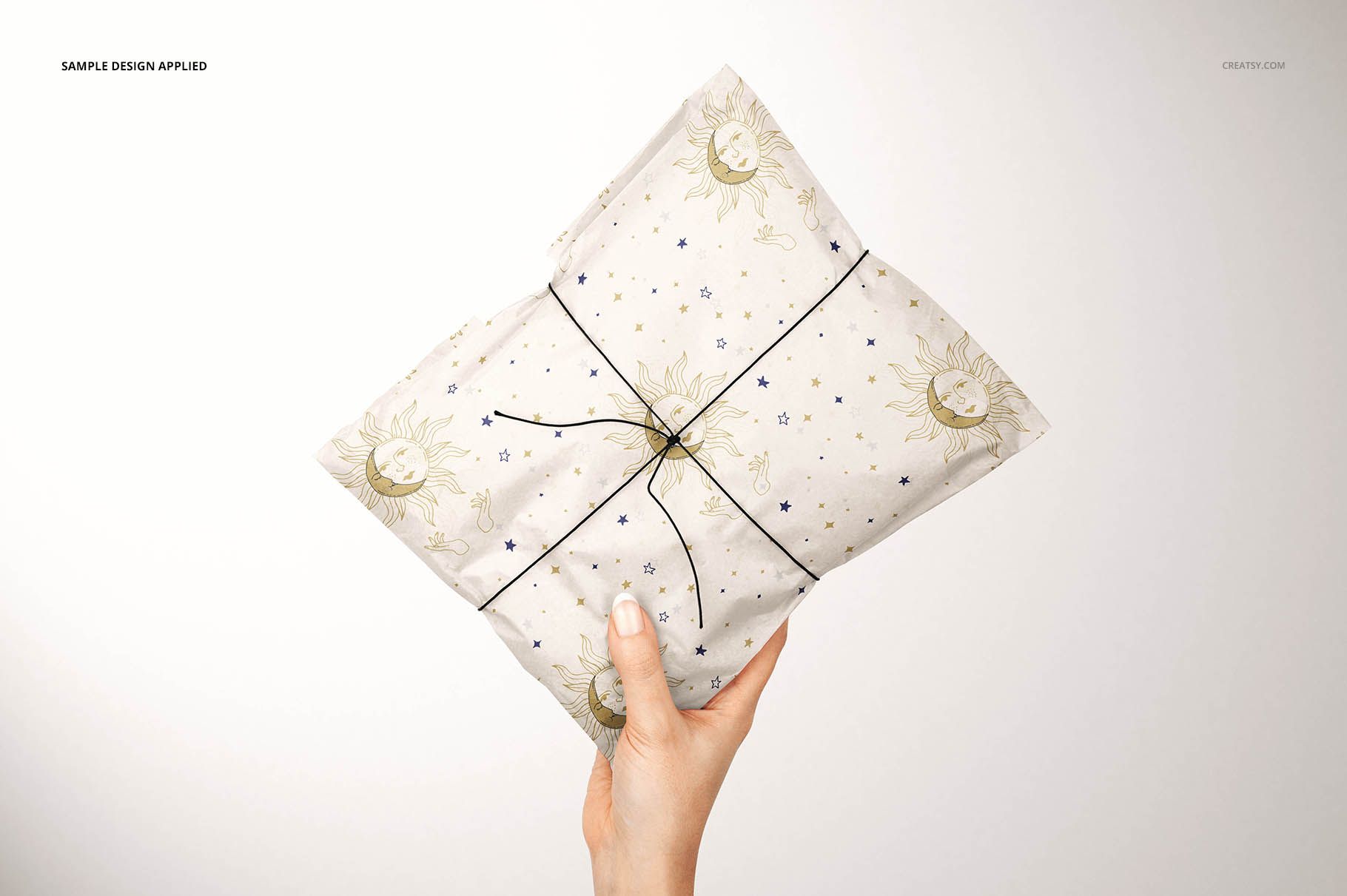
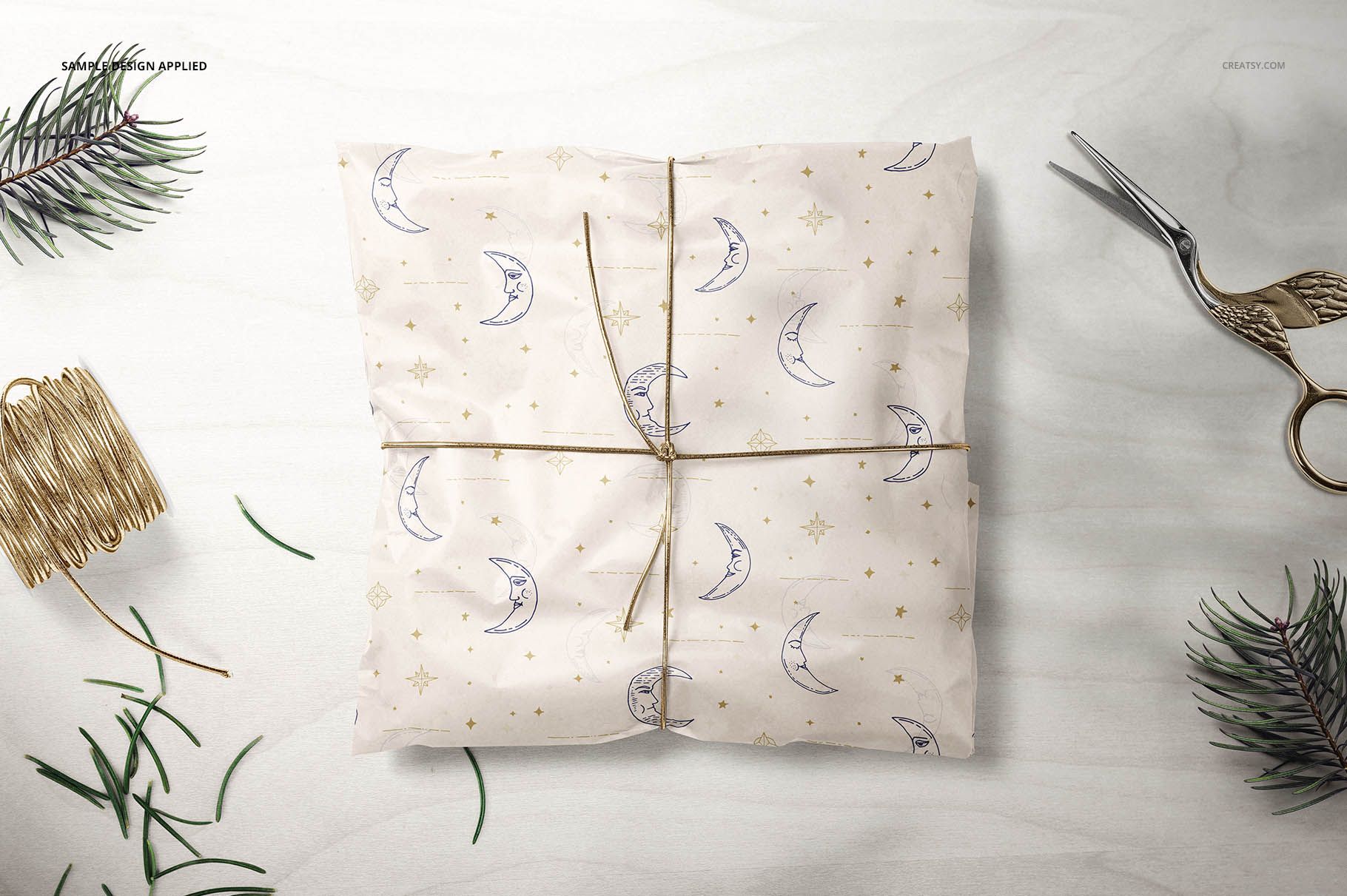
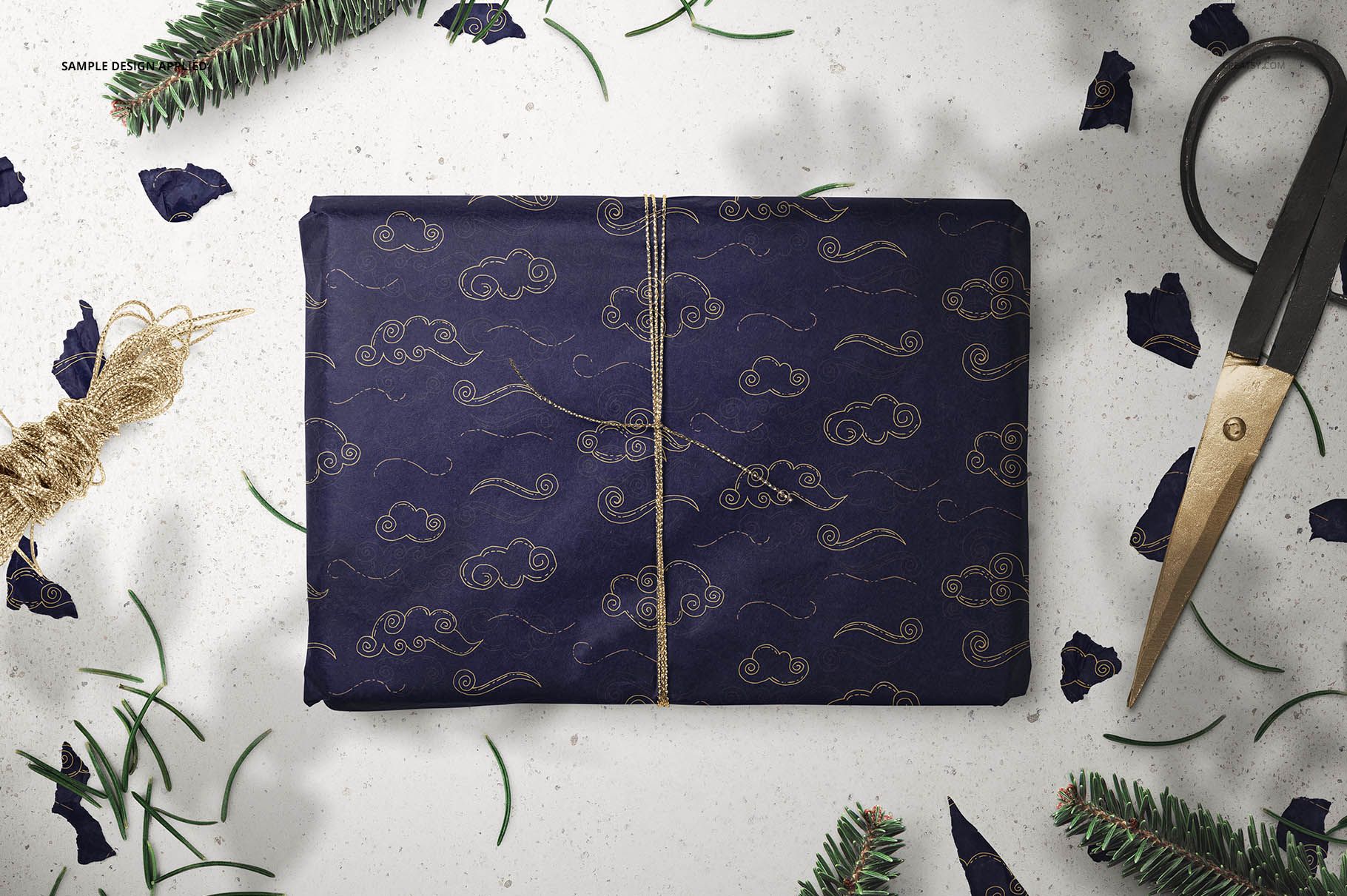
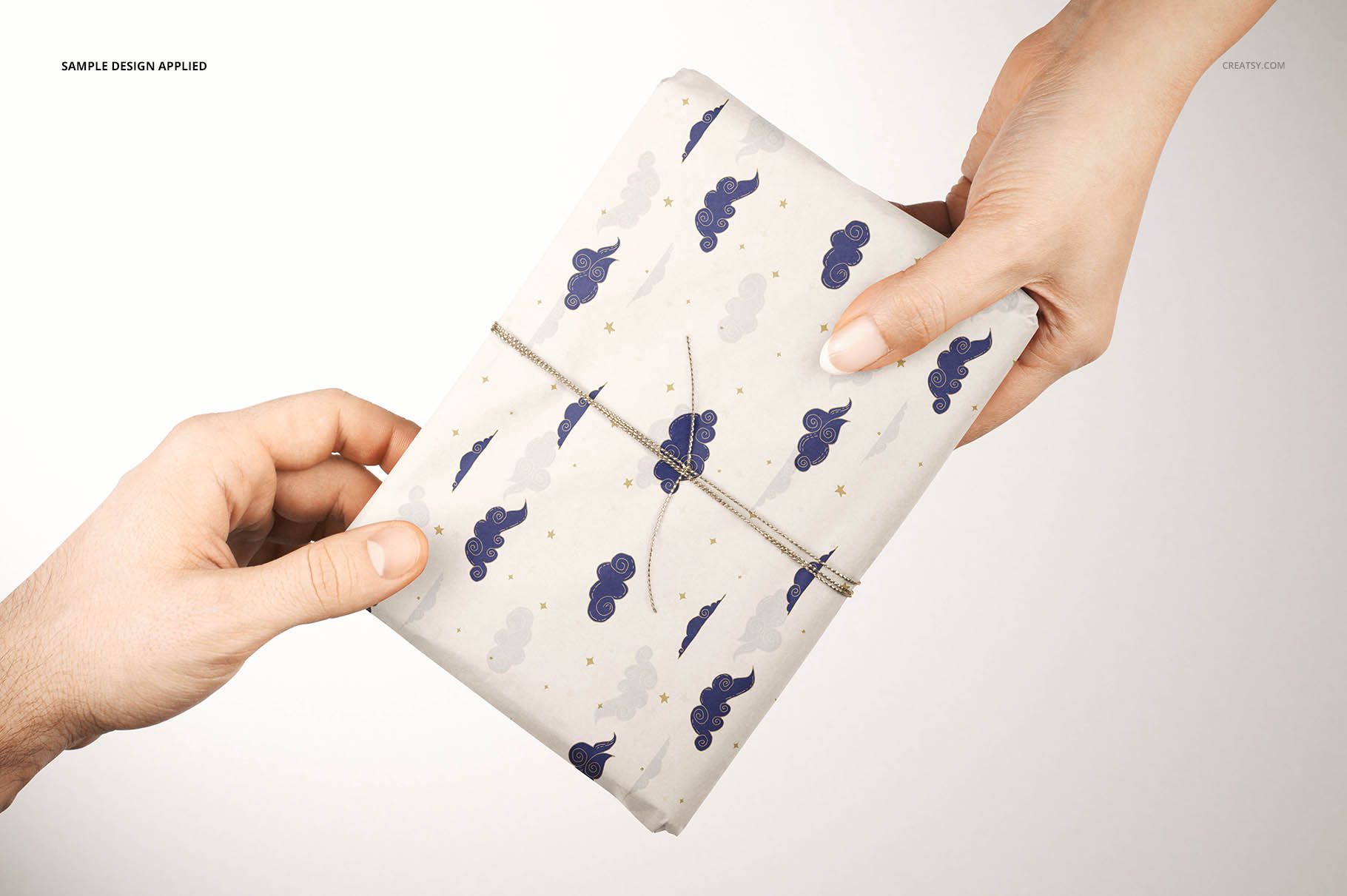
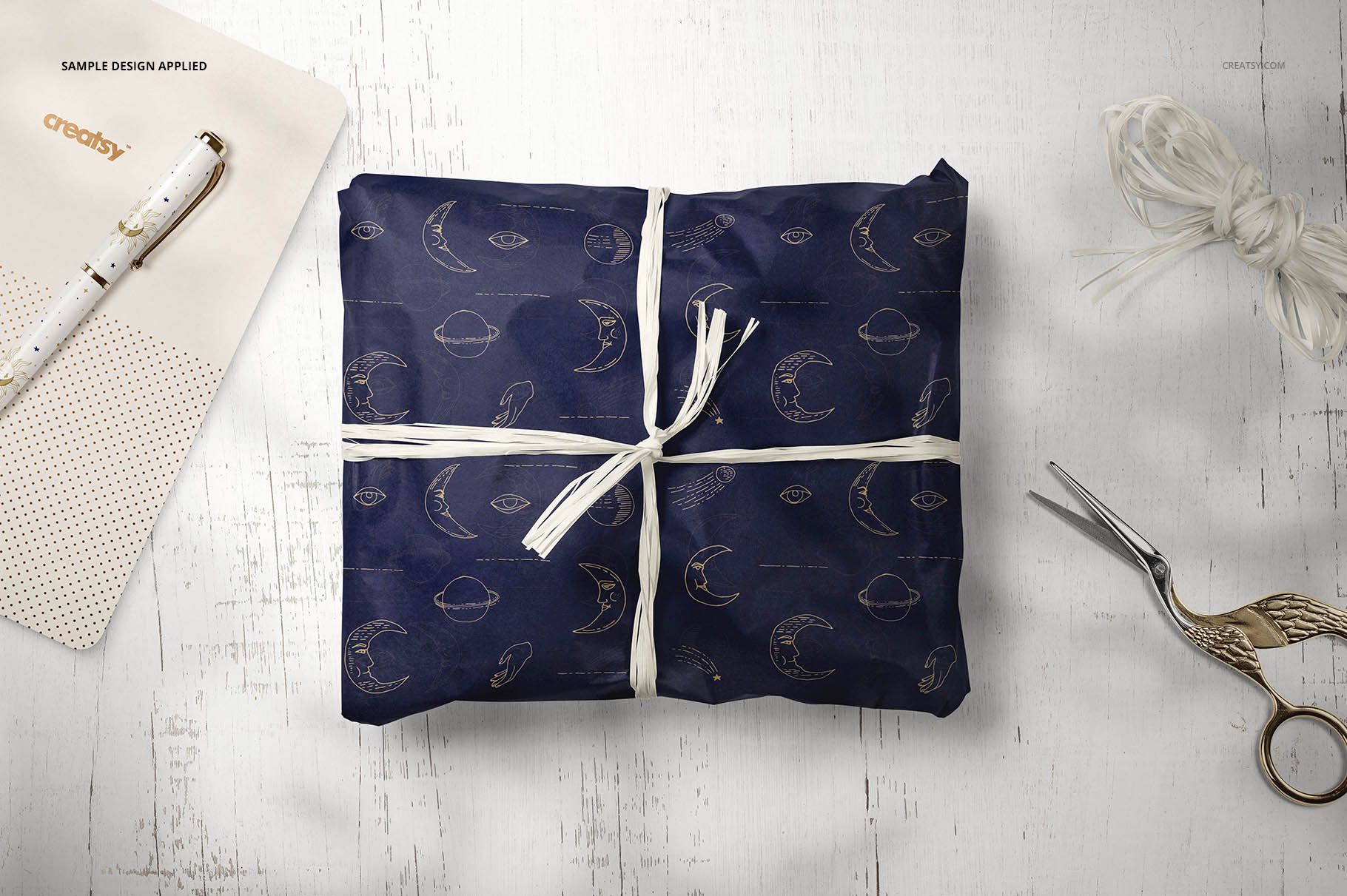
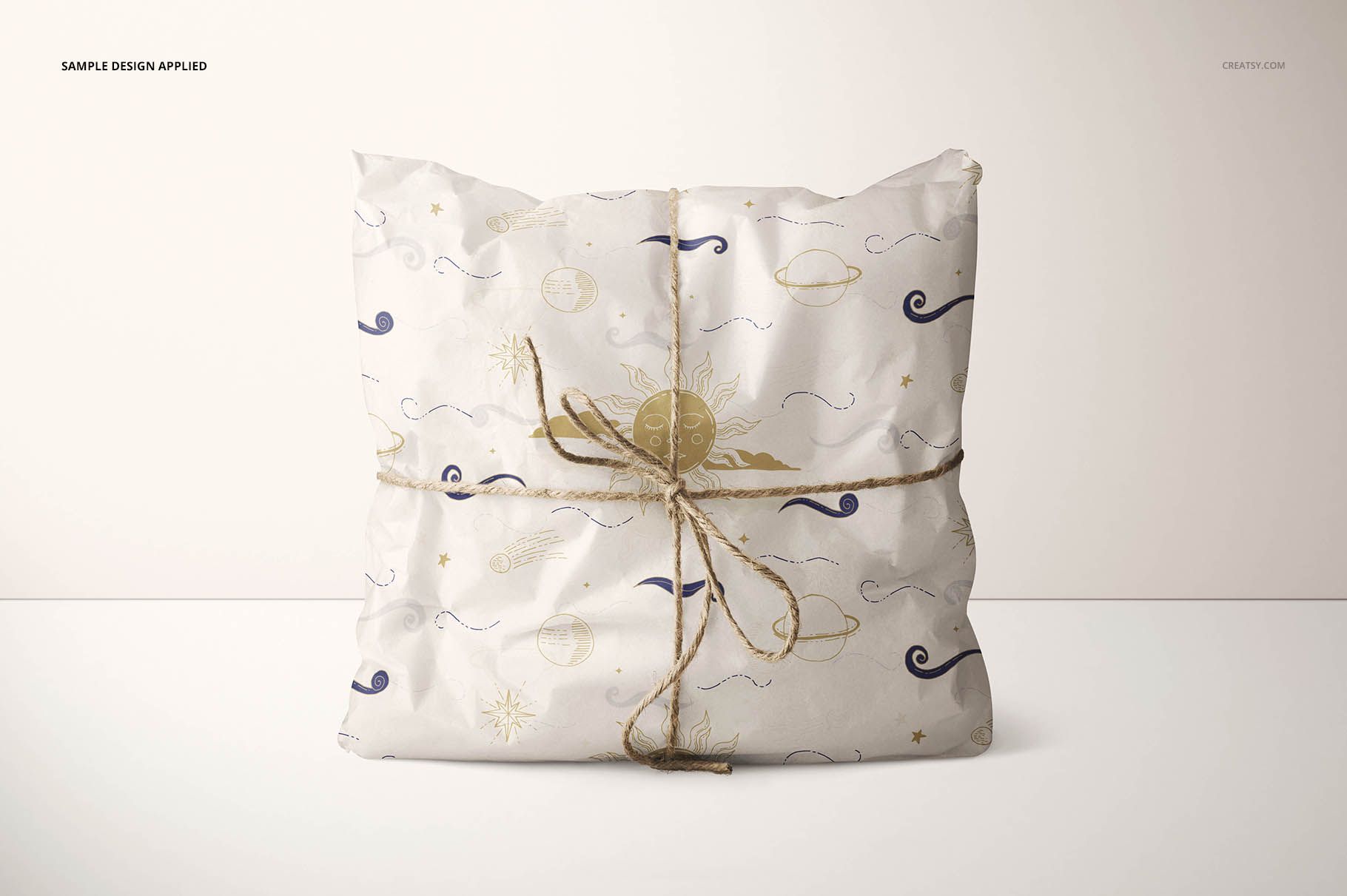
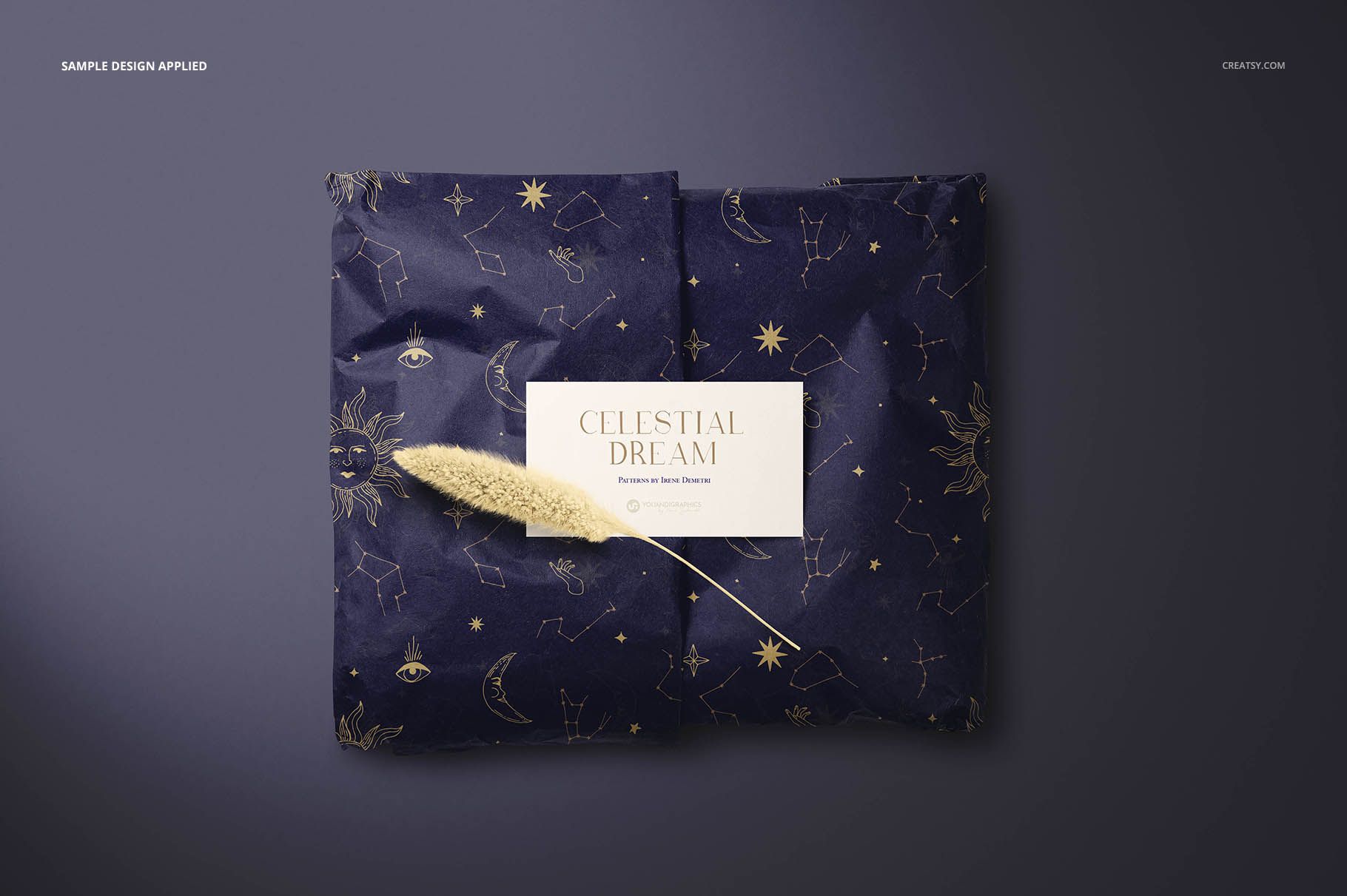
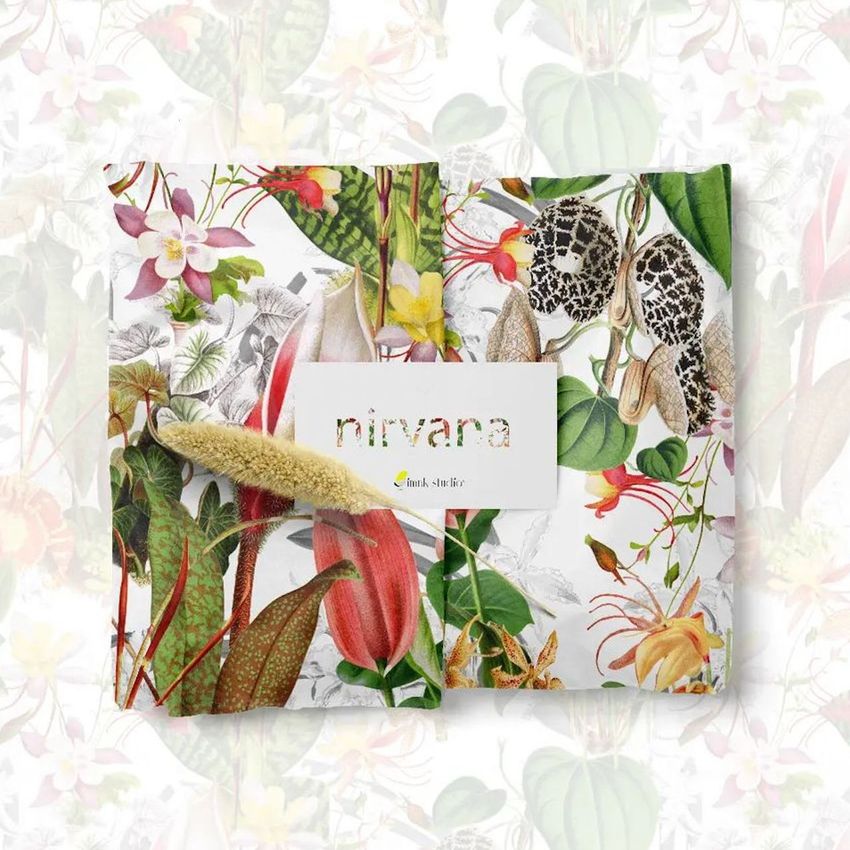
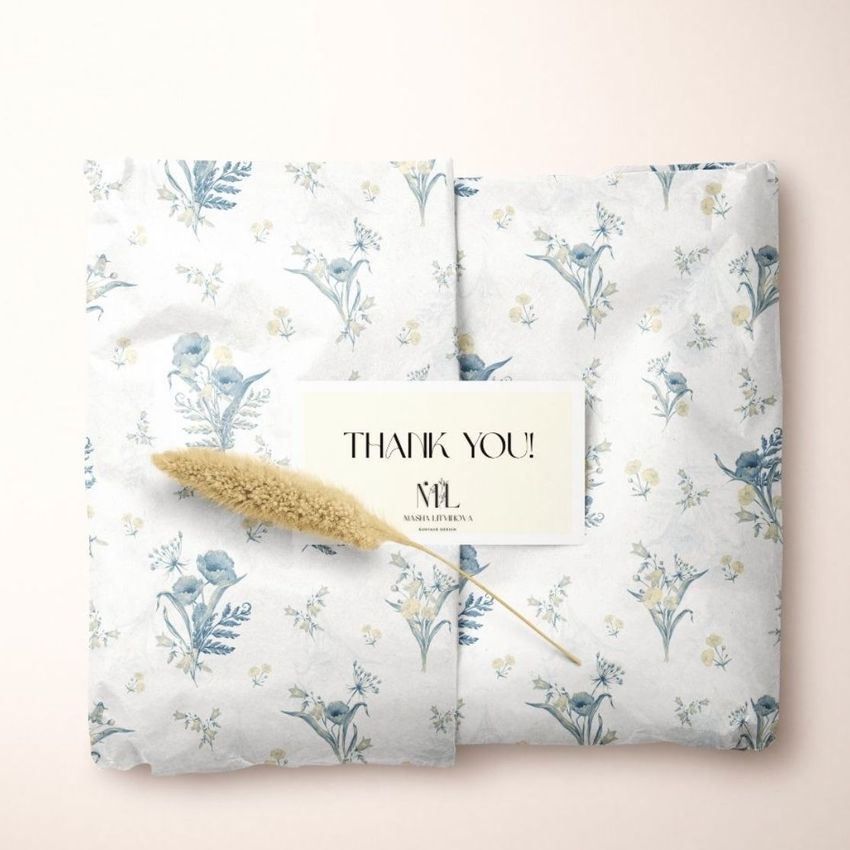
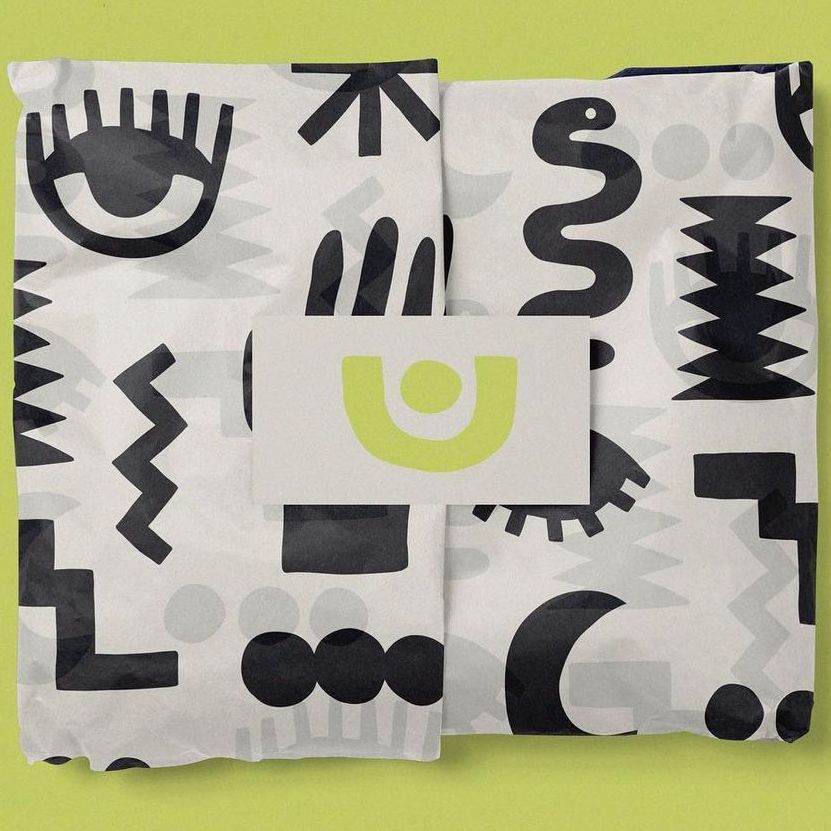
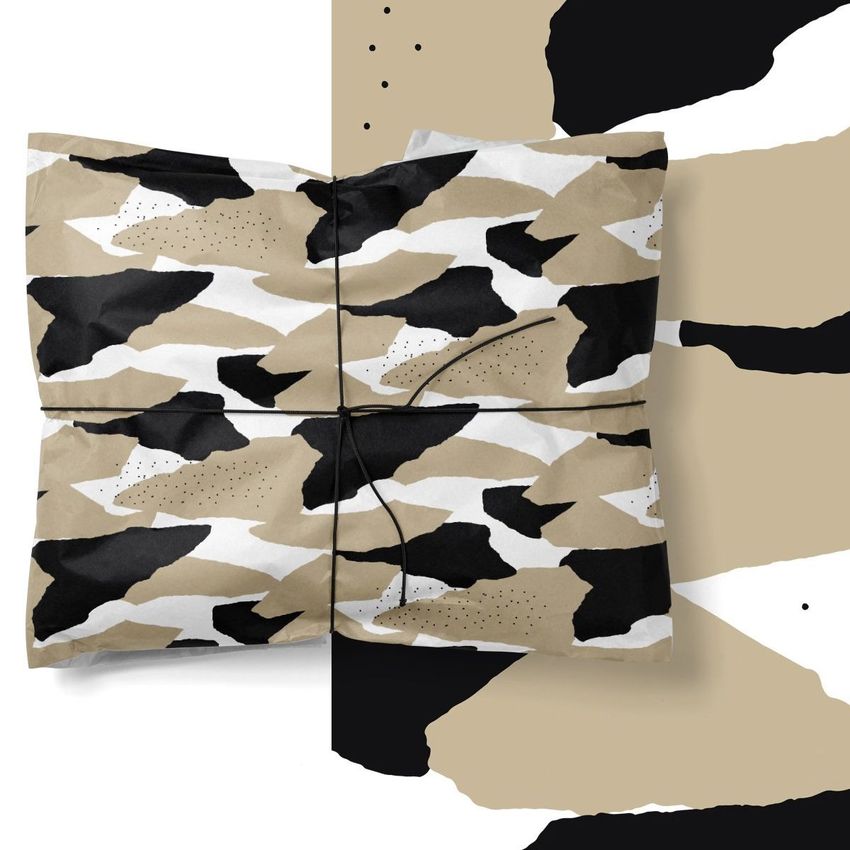
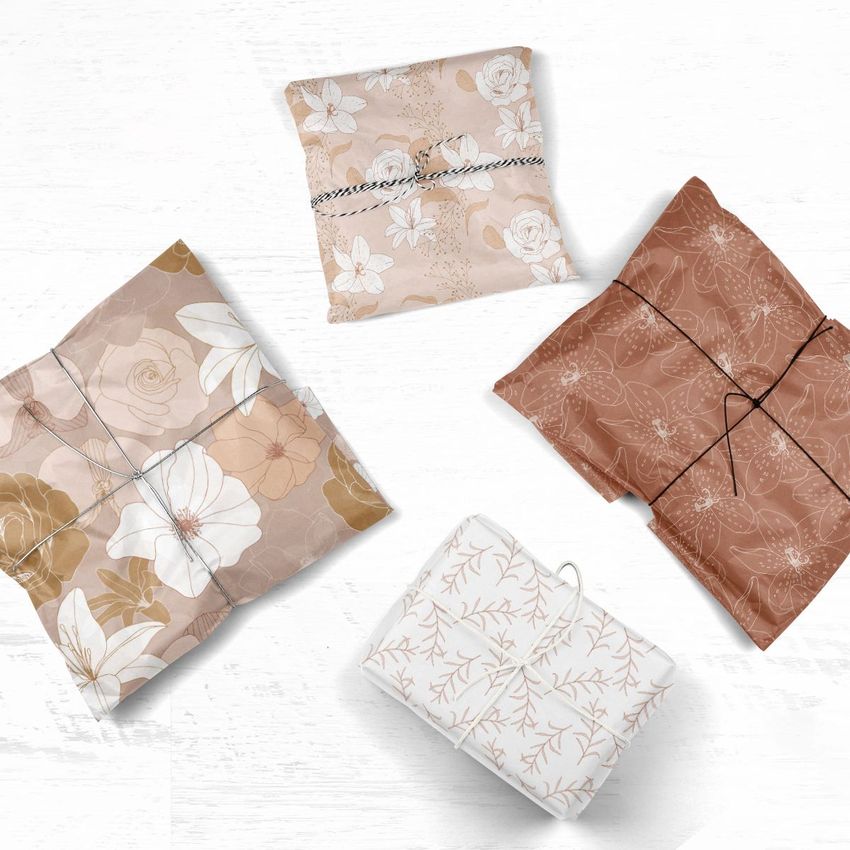
Show how a tissue paper collection looks from the wrapping table to the moment a gift changes hands. This set contains 18 layered PSD mockups with folded paper, softly wrapped parcels, box-shaped gifts, grouped arrangements and hand-held presentations. Use the different forms to compare how a repeating pattern reads across broad surfaces, creases and tied closures.
Why This Set Works for Gift Collections
A flat pattern swatch cannot show which motifs a knot, fold or hand will cover. These prepared scenes let you present the same design as a close-up, a coordinated group and a gift being passed between two people. The range is useful for explaining a collection to a client, not just showing another color variation of one image.
What Is Included
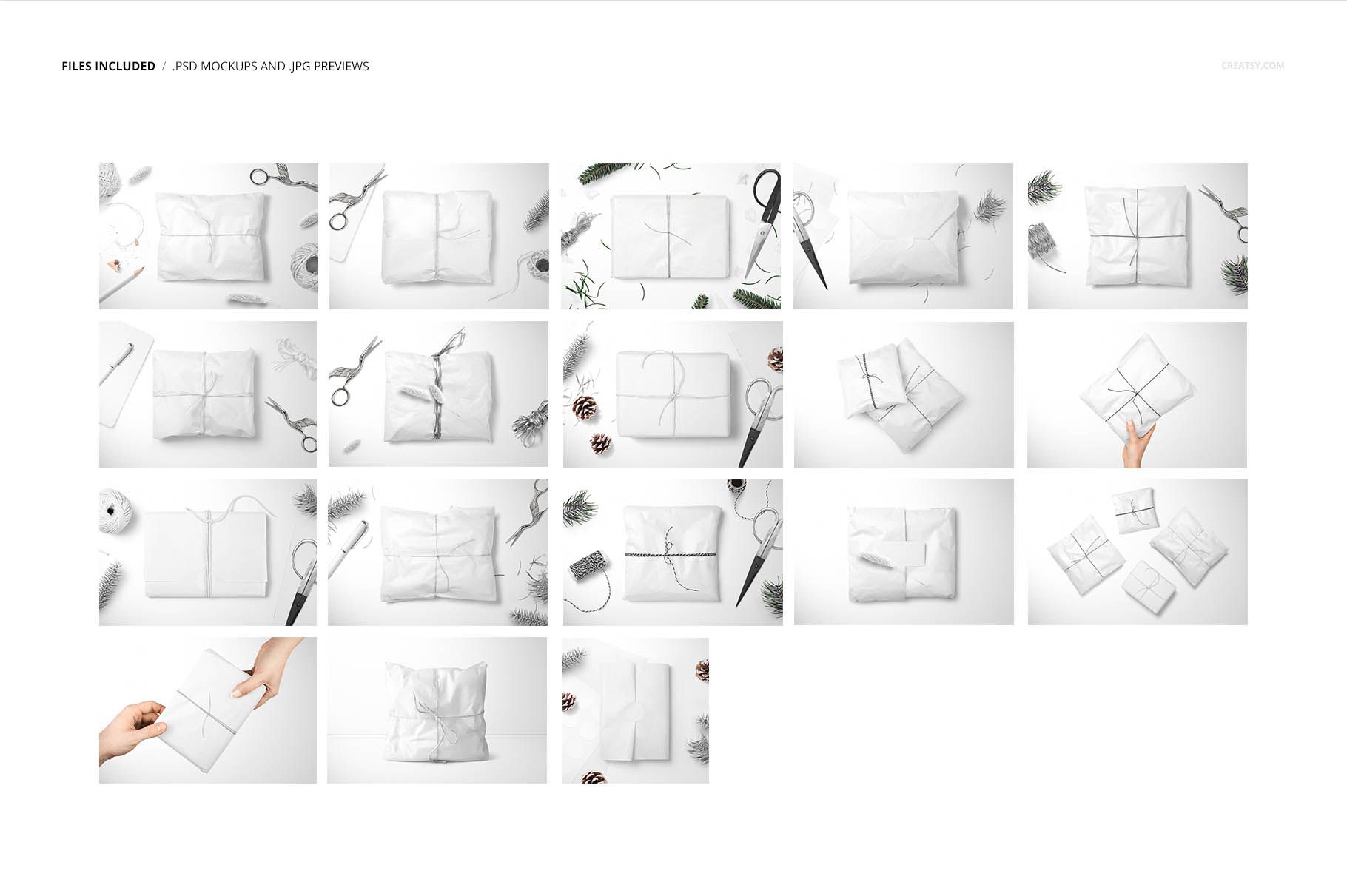
18 layered PSD mockup files covering single gifts, grouped gifts, folded wrapping paper, a standing parcel and scenes with hands.
18 JPG previews for identifying the prepared compositions before editing.
A PDF user manual.
Background customization with four premade textures, plus scene props and ties shown in the previews.
Paper, Seals and Finishing Details
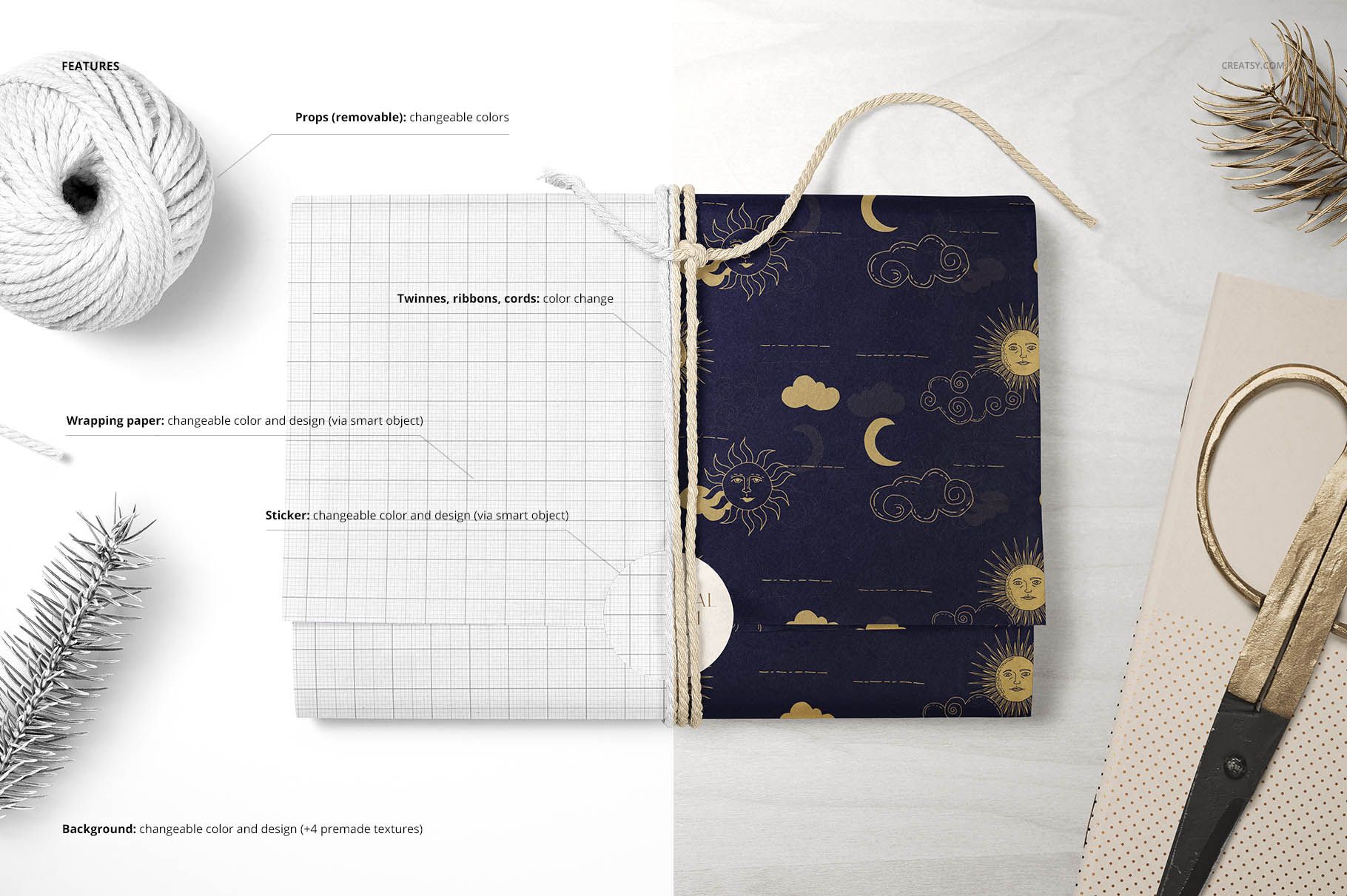
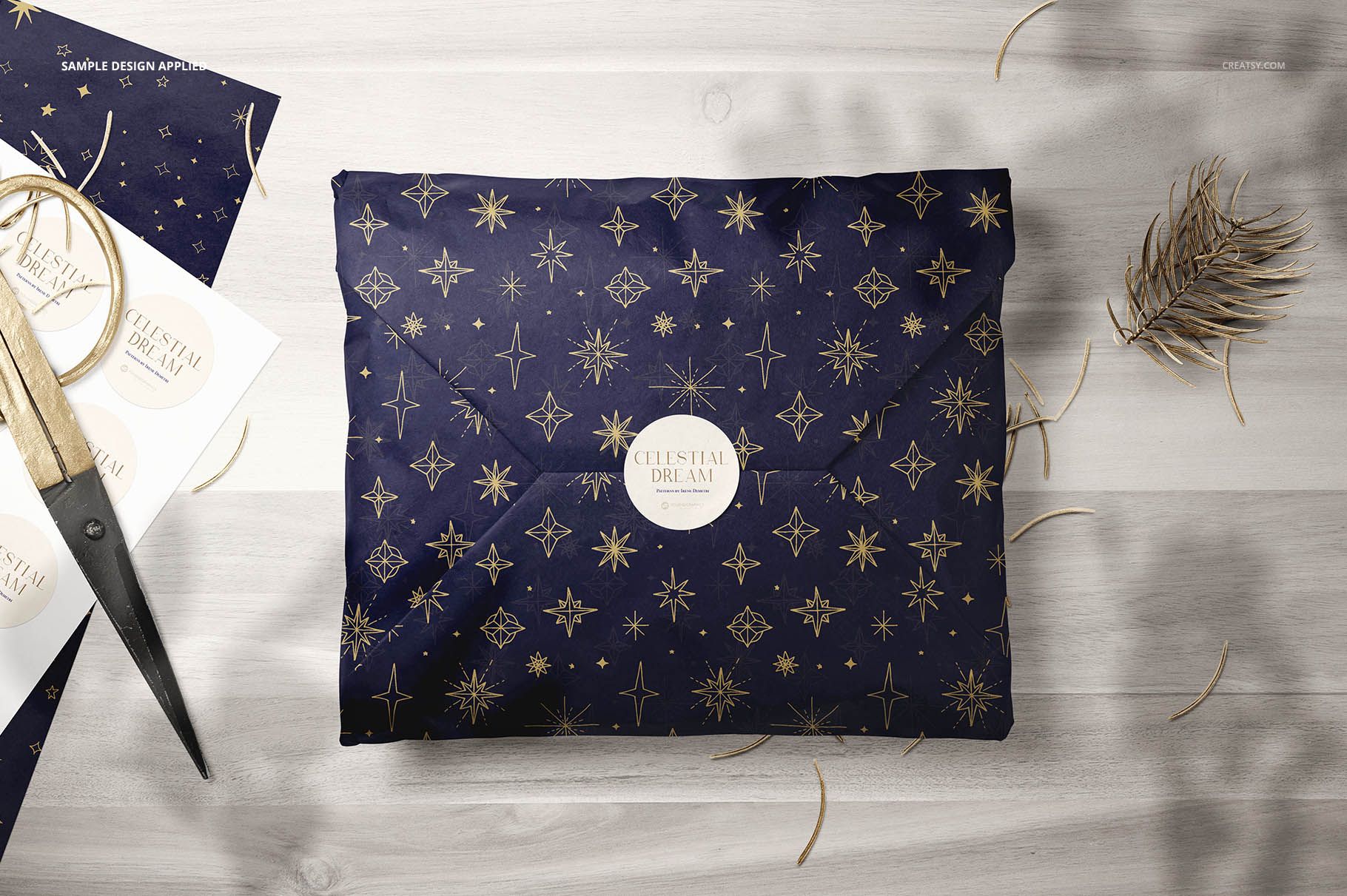
Change the wrapping paper color and artwork through Smart Objects, and customize the sticker color and design in scenes that include a seal. Twine, ribbons and cords have color controls. The feature guide also identifies removable, recolorable props, so you can reduce the surrounding decoration when the paper design needs more attention.
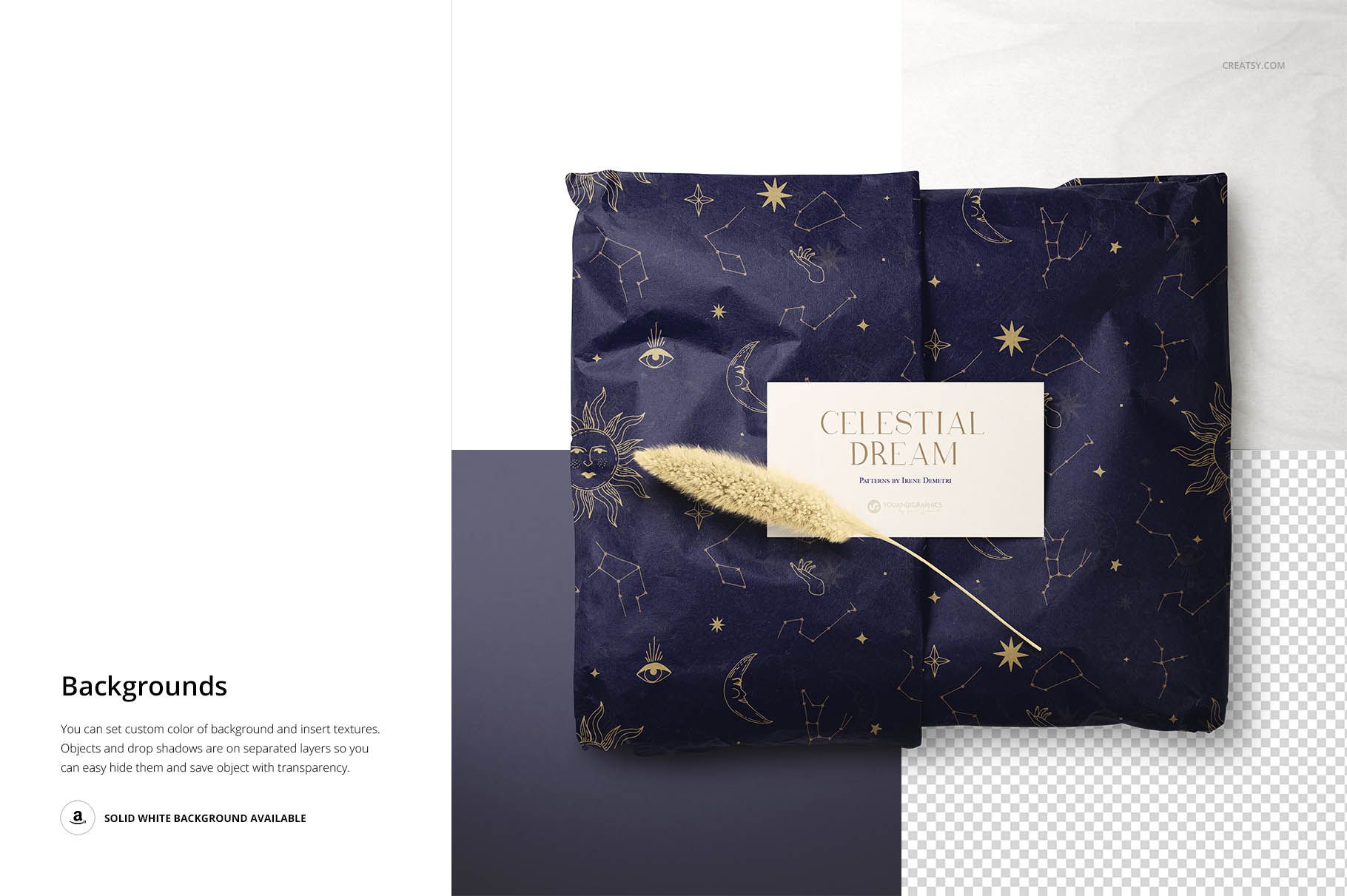
Background Options
Set a background color, insert a texture or use one of the four supplied textures. Objects and drop shadows are on separate layers, with a transparent-background option for placing the finished mockup in your own presentation layout.
Easy Smart Object Editing
Open a PSD in Adobe Photoshop CC 2015 or later, or in Photopea. Replace the artwork in the relevant Smart Object, save the edited object within the document and return to the mockup. Adjust the available colors, then check the design around folds, stickers and ties before exporting your presentation.
Perfect For
Surface pattern portfolios, boutique gift packaging, festive paper collections, client presentations and online shop imagery. Start with a quiet single-gift view for the main pattern, then use a grouped scene to show coordinating prints.
Artwork Credit and Product Scope
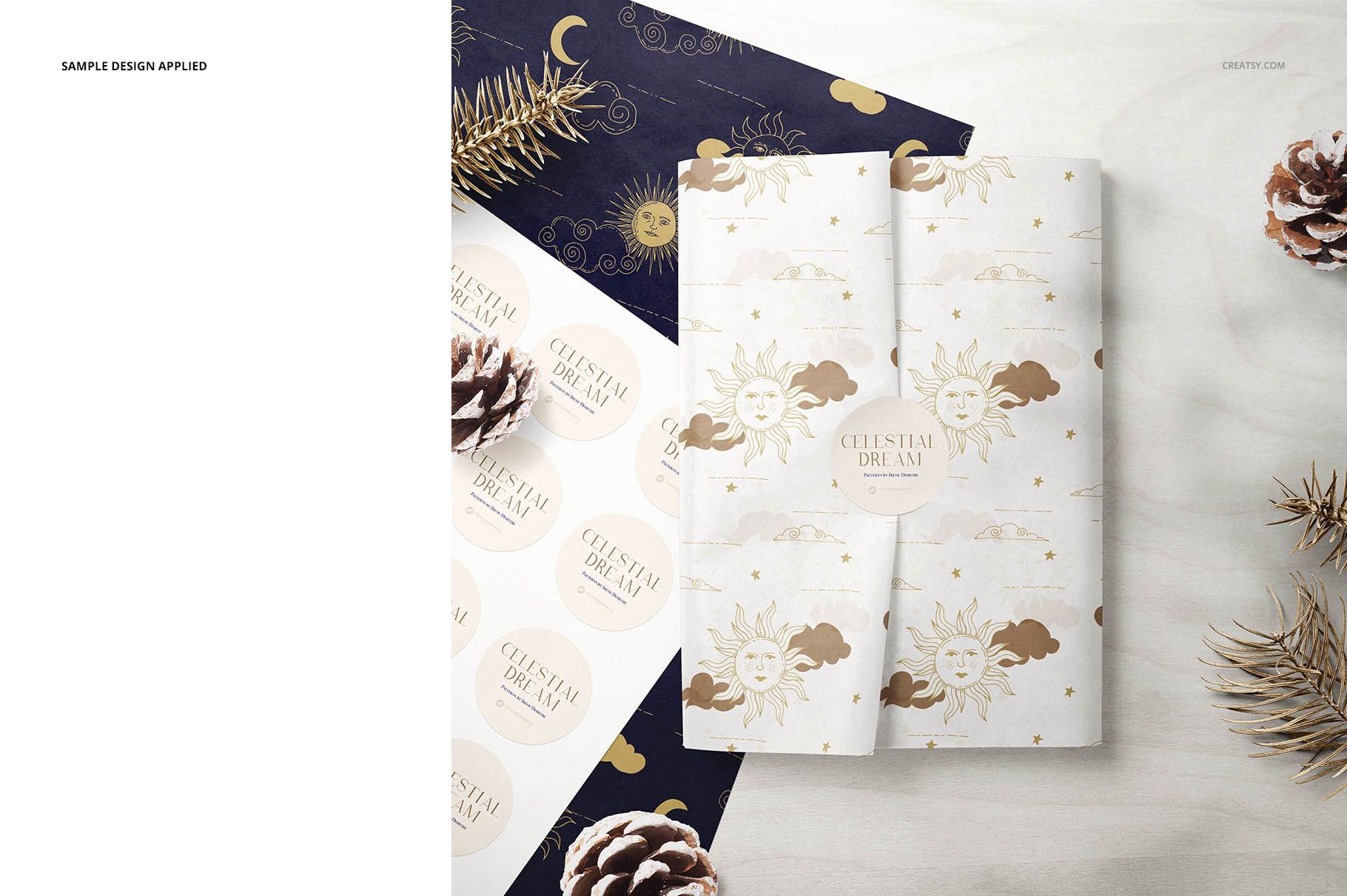
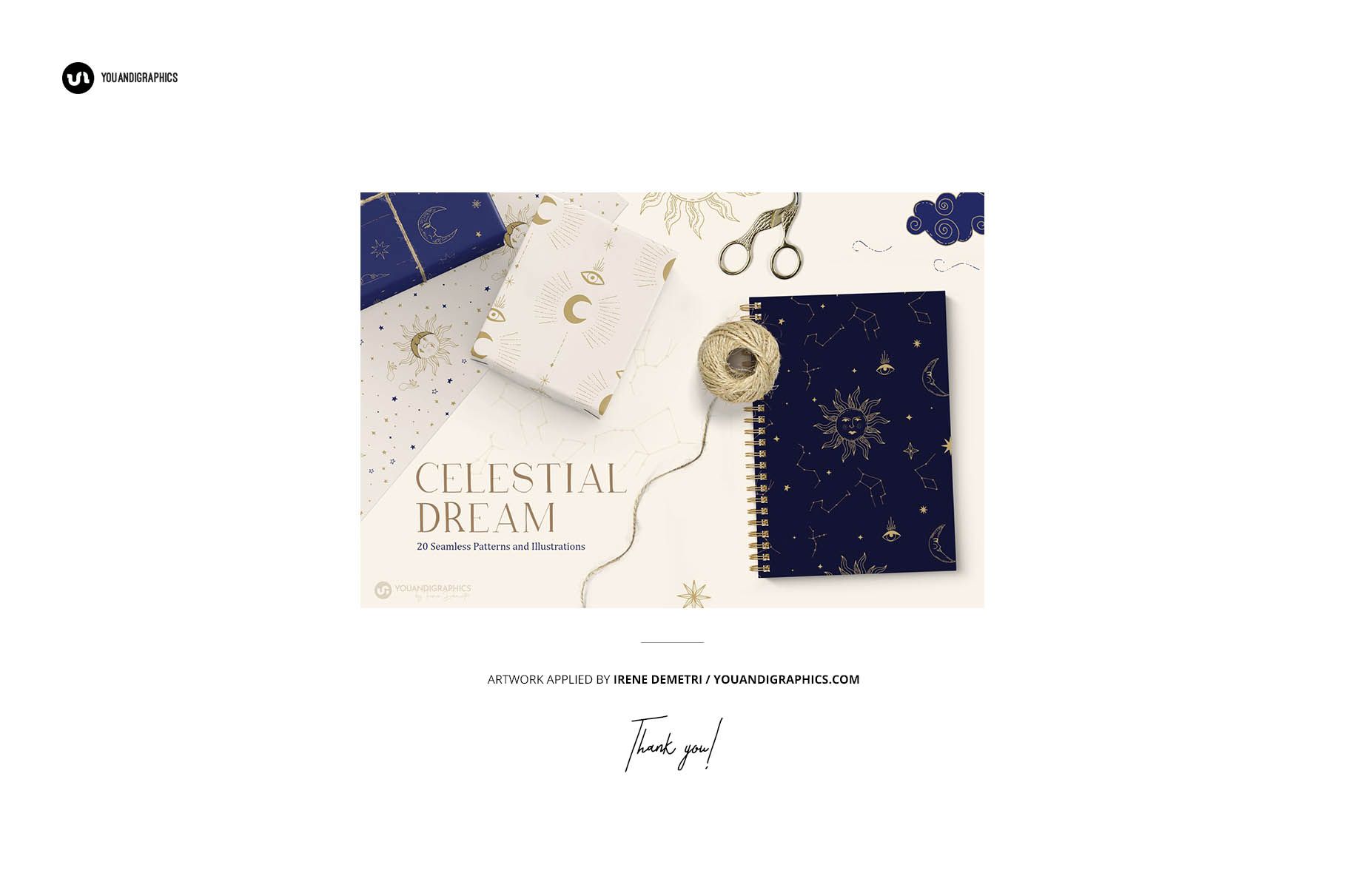
Irene Demetri created the example artwork shown in the original previews, including the Celestial Dream patterns. The sample patterns are not included. This is a digital mockup set for applying your own artwork, not physical tissue paper, gifts or printing templates.