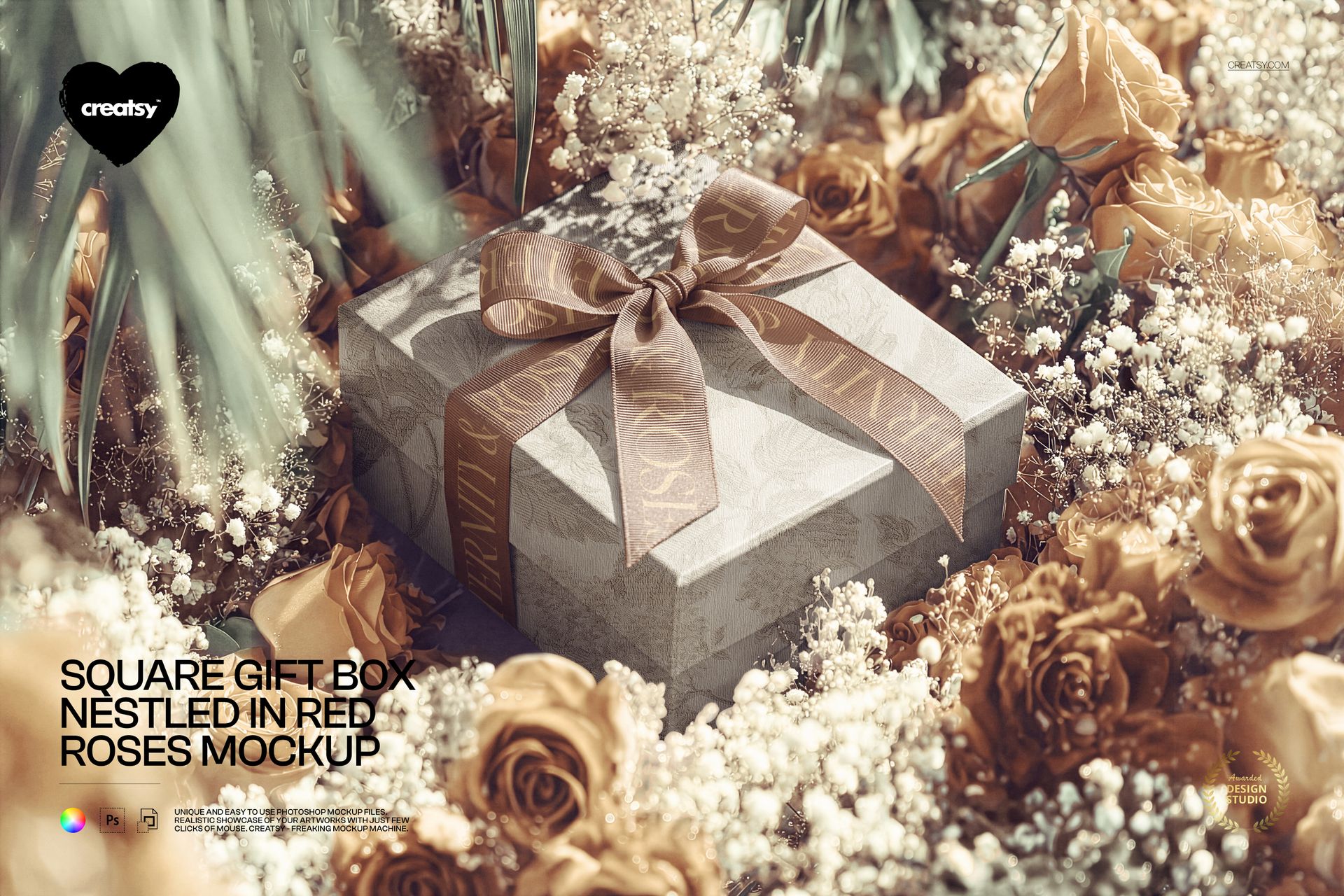
Square Gift Box Nestled in Red Roses Mockup
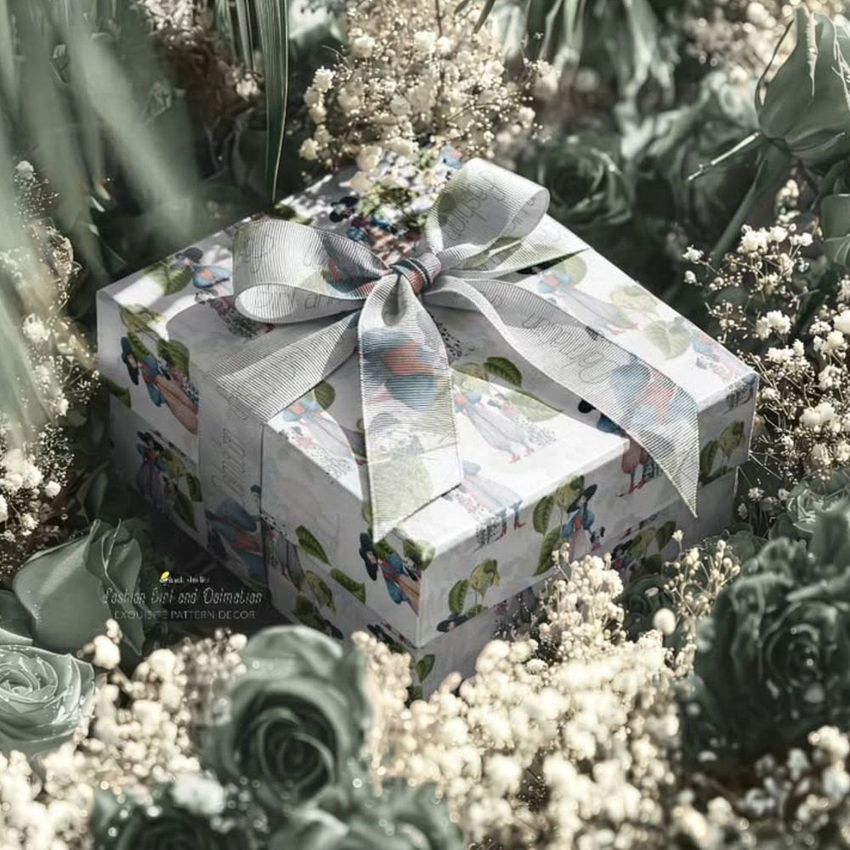
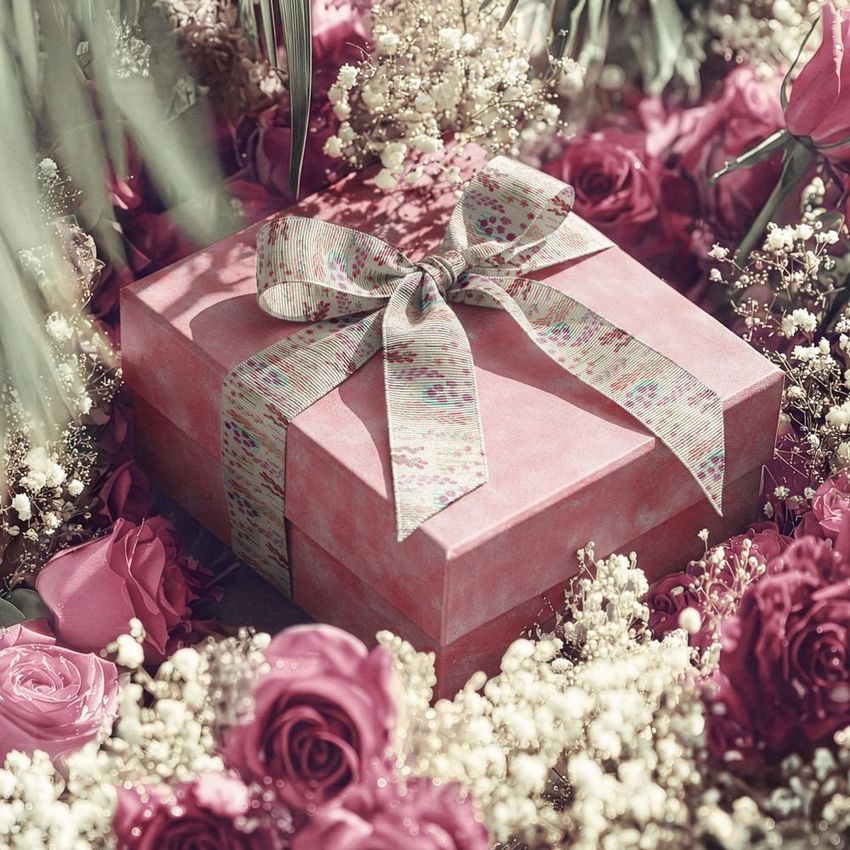
A ribbon-tied square box sits deep within roses, baby’s breath and leafy stems, with an elevated view revealing its lid and sides. This gift box mockup turns a packaging design into a floral campaign image, while keeping the artwork visible against a richly detailed setting.
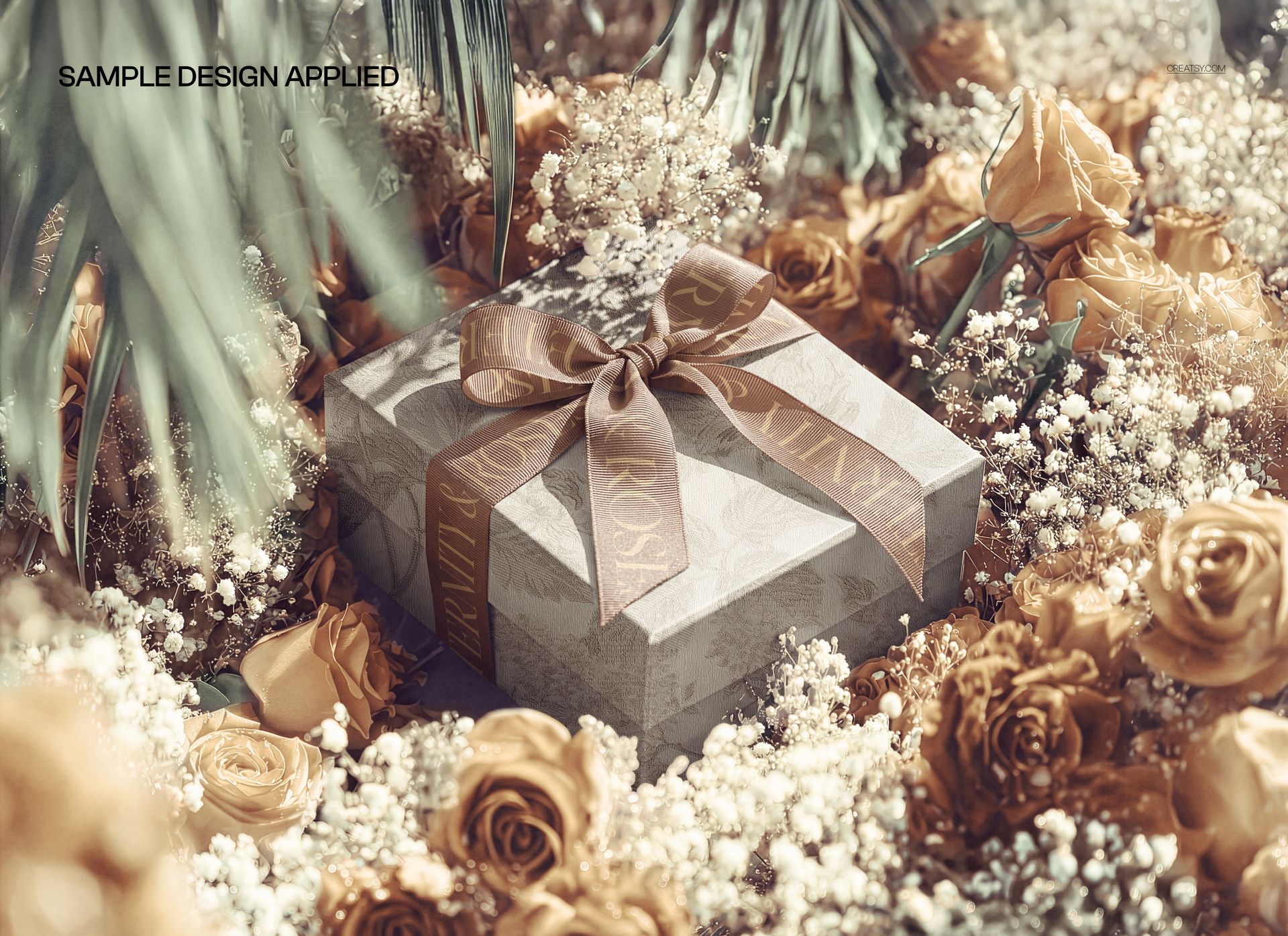
Use the scene to compare a quiet box design with a branded ribbon, or test a bolder pattern against the flowers. The rose color can be changed, so the palette is not limited to red.
What Is Included
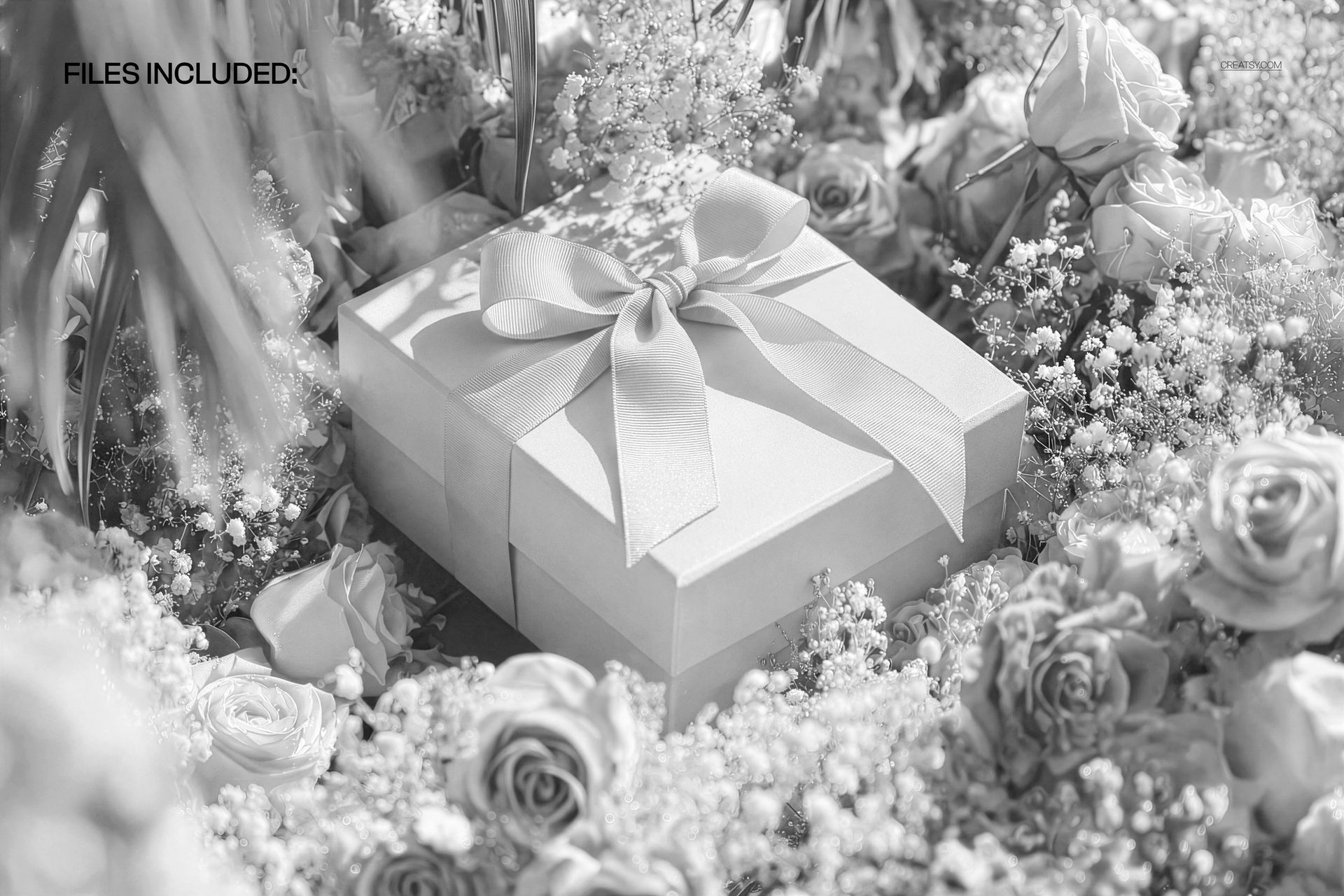
1 layered PSD mockup, 6000 × 4000 px at 300 DPI.
1 JPG preview, 2 files in total.
One landscape scene with a closed square gift box, tied ribbon and surrounding flowers.
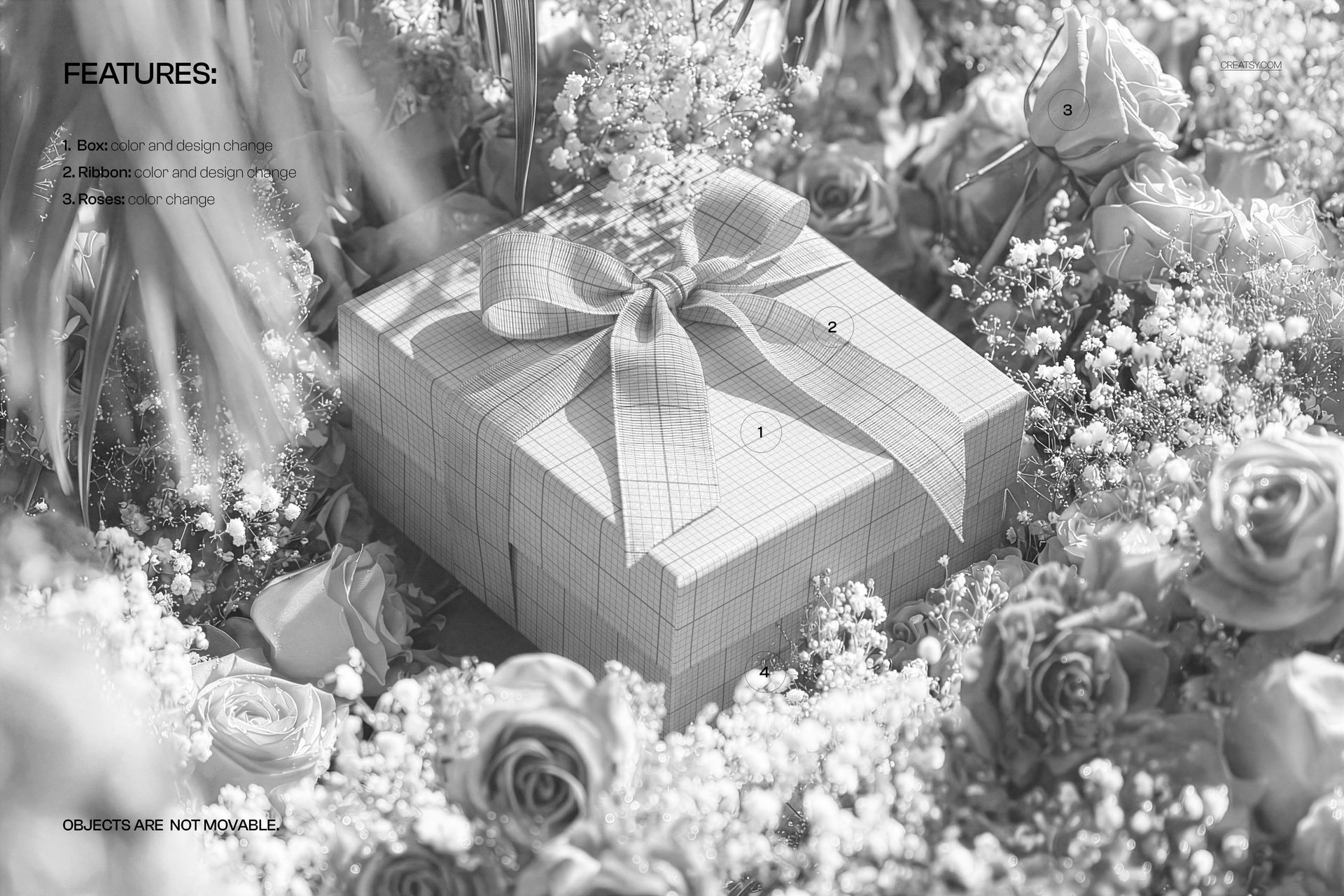
Coordinate the Box, Ribbon and Roses
Change the color and design of the box.
Apply your own color and artwork to the ribbon.
Adjust the rose color to support your packaging palette.
Objects remain fixed in the photographed arrangement.
Easy Smart Object Editing
Open the PSD in Adobe Photoshop CC2020 or newer, or Photopea. Open the relevant artwork Smart Object, place and scale your design, then save it to update the scene. Use the organized layers to refine the available colors and review the result across the lid, sides and ribbon folds.
Perfect For
Florist branding, wedding gift packaging, anniversary collections and romantic retail campaigns that need a close, flower-filled presentation.
This is a digital mockup, not a physical box or flower arrangement. Sample artwork shown in the previews is not included.