Flat and Filled Drawstring Pouches Mockup
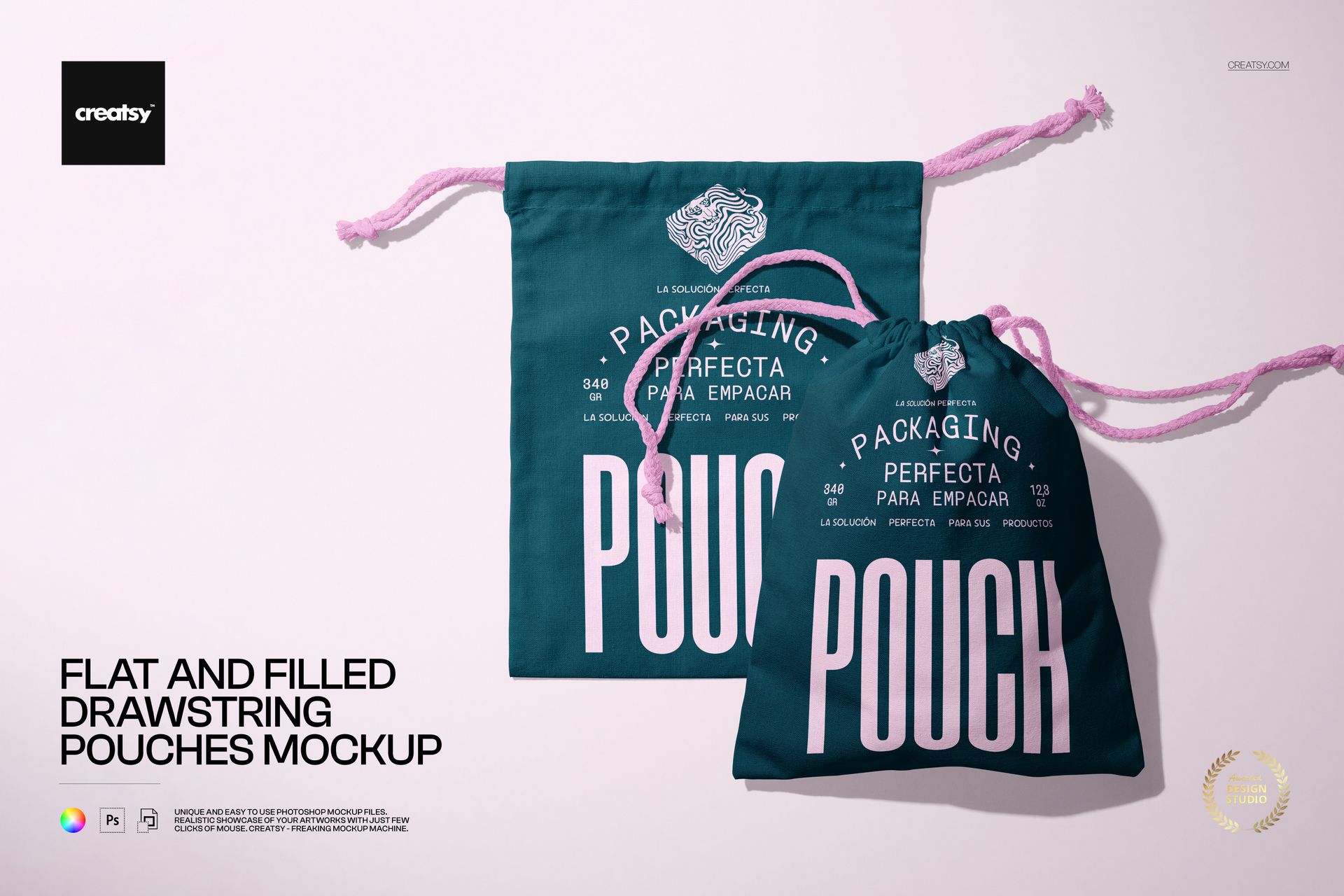
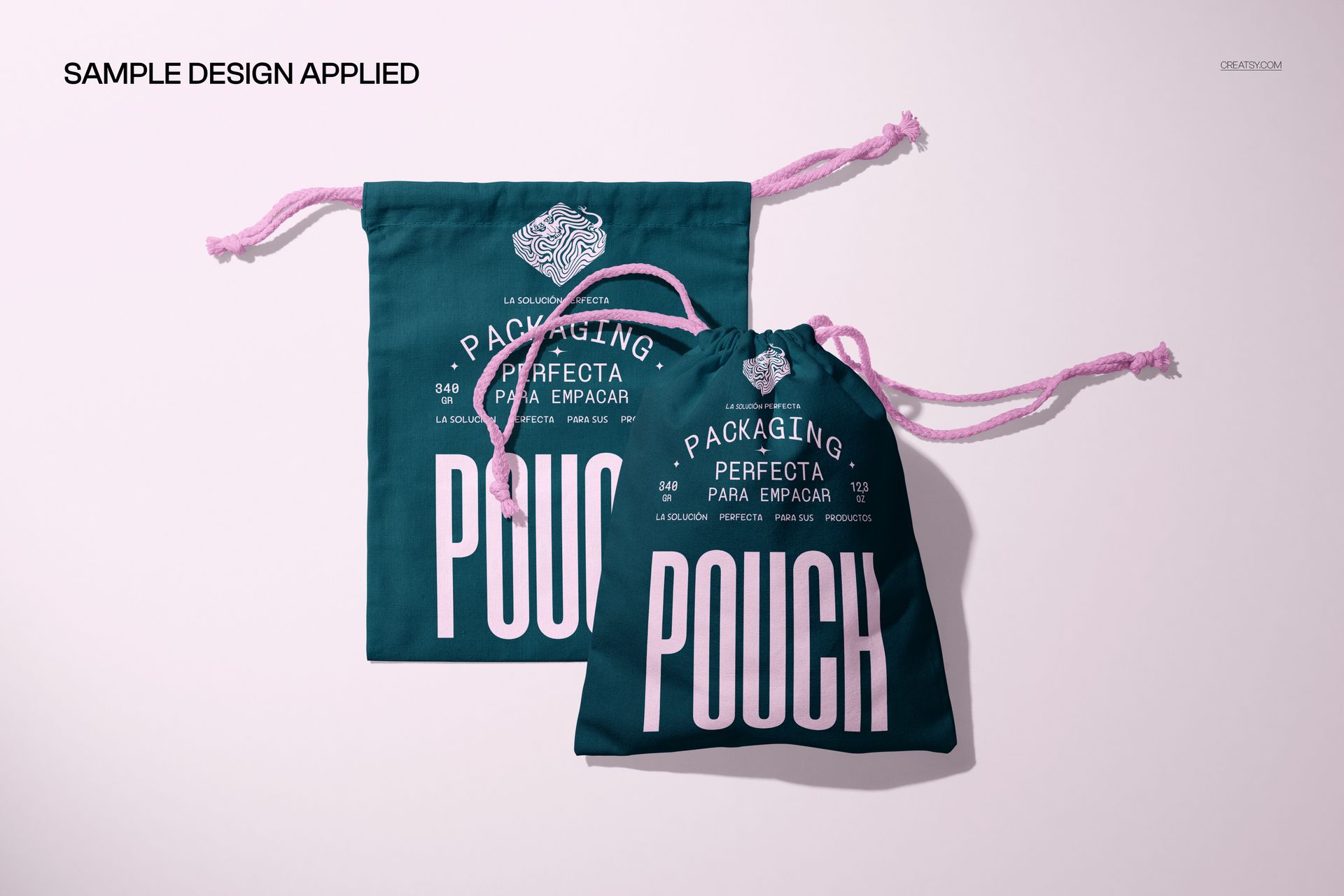
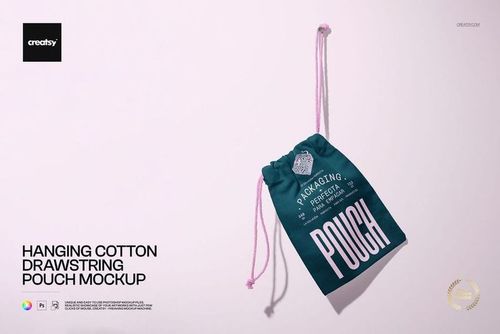
Show the same packaging idea in two different states: a flat drawstring pouch and a fuller pouch with its opening gathered closed. Together in one scene, they reveal how a fabric print reads across a flatter surface and around the folds of a filled form.
The paired arrangement is useful for presenting a logo, illustration or repeating pattern beyond a single flat preview. You can move the objects, customize the pouch artwork and coordinate the strings with the background.
What Is Included
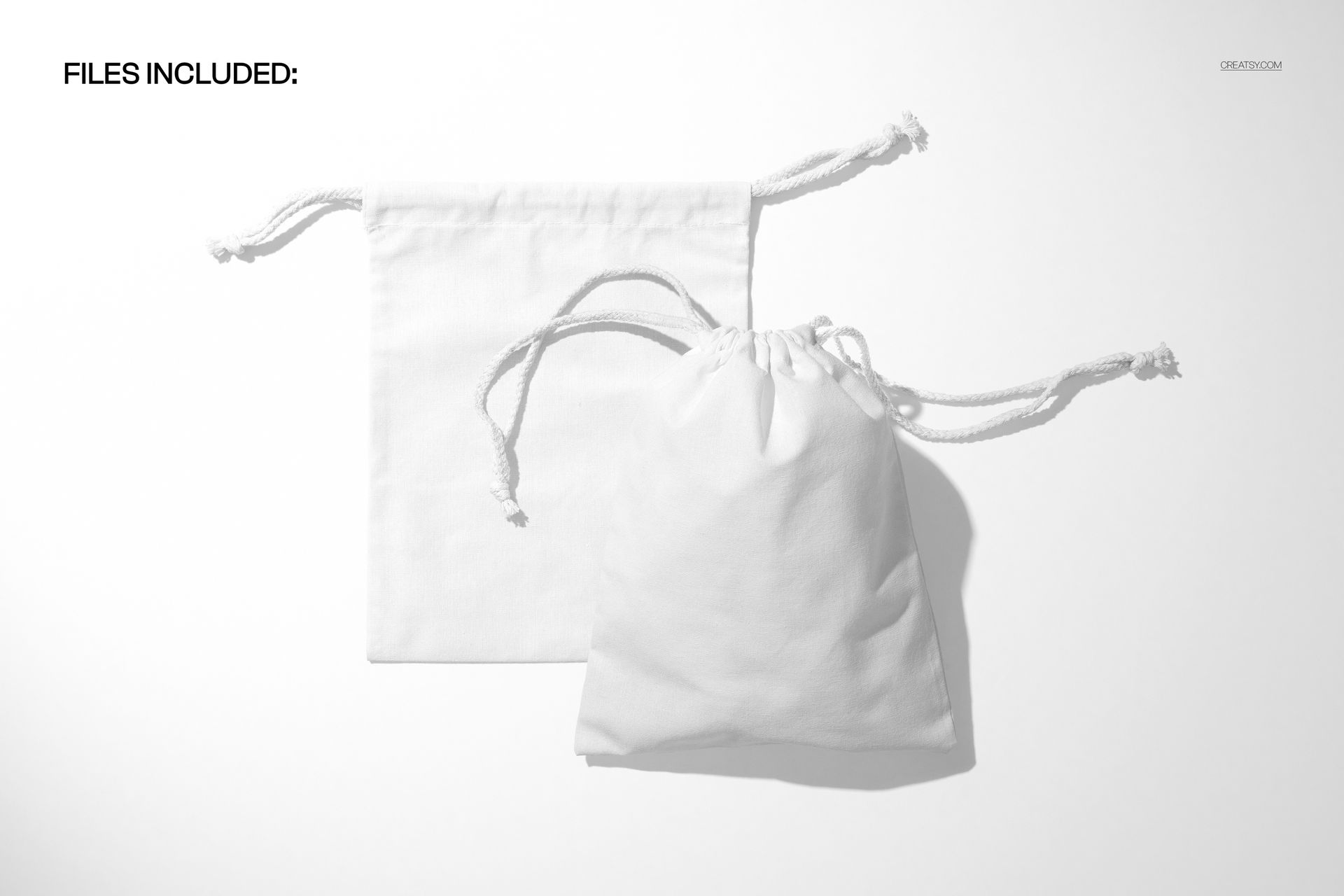
1 layered PSD mockup, 6000 × 4000 px at 300 DPI.
1 JPG preview, 2 files in total.
One landscape scene containing two pouch forms: flat and filled.
Two Pouch Forms, One Packaging Presentation
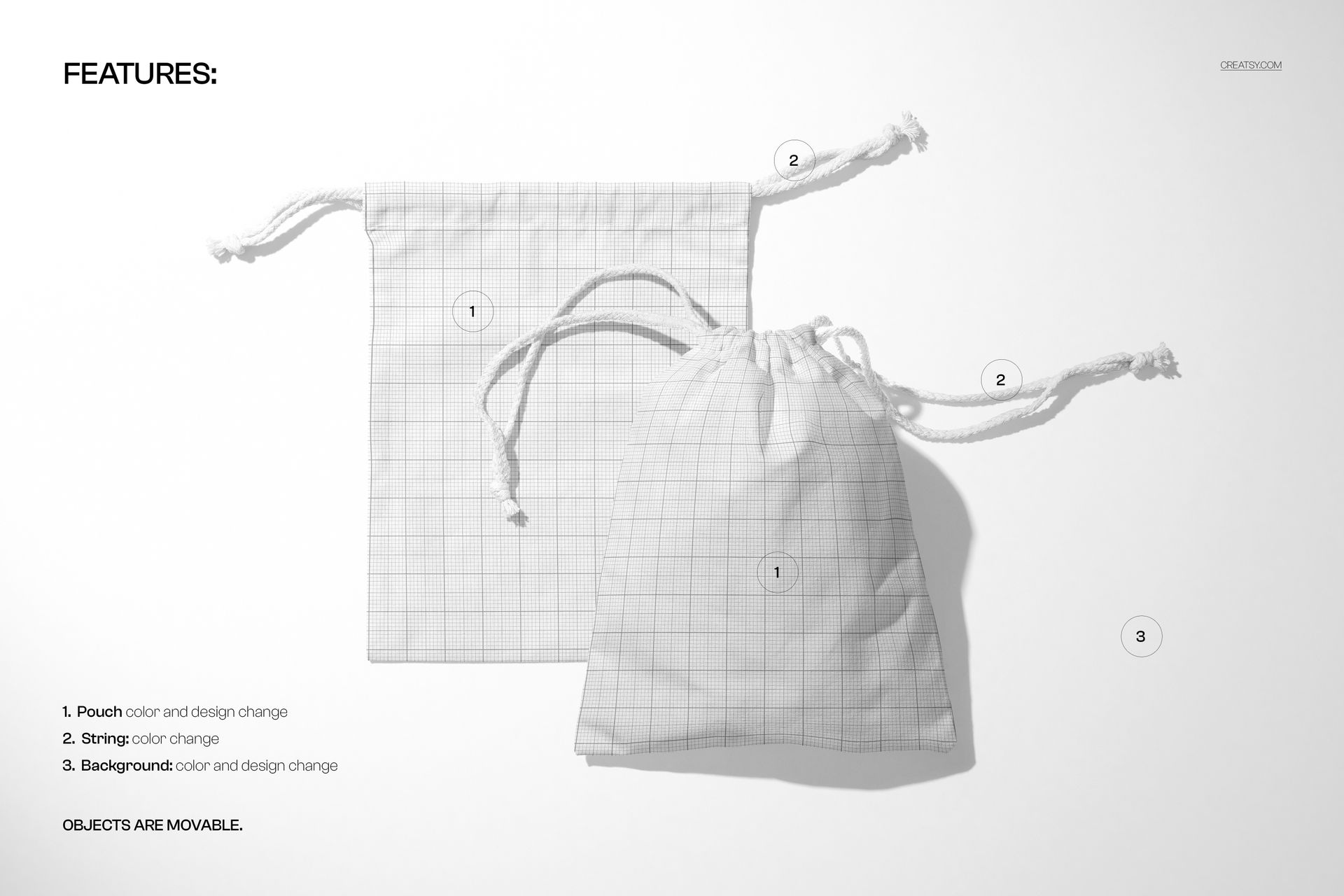
Change the pouch color and design.
Adjust the drawstring colors to complement the fabric artwork.
Customize the background color and design.
Move the objects to refine the paired composition.
Easy Smart Object Editing
Open the PSD in Adobe Photoshop CC2020 or newer, or Photopea. Insert your artwork into the relevant pouch Smart Object, adjust its position and scale, then save the Smart Object to update the scene. Check the design on both forms before refining the available colors.
Perfect For
Jewelry and accessory packaging concepts, illustrated gift pouches, wedding favor designs and branded fabric bags for small retail collections.
This is a digital mockup, not a physical pouch or production pattern. Sample artwork shown in the previews is not included.