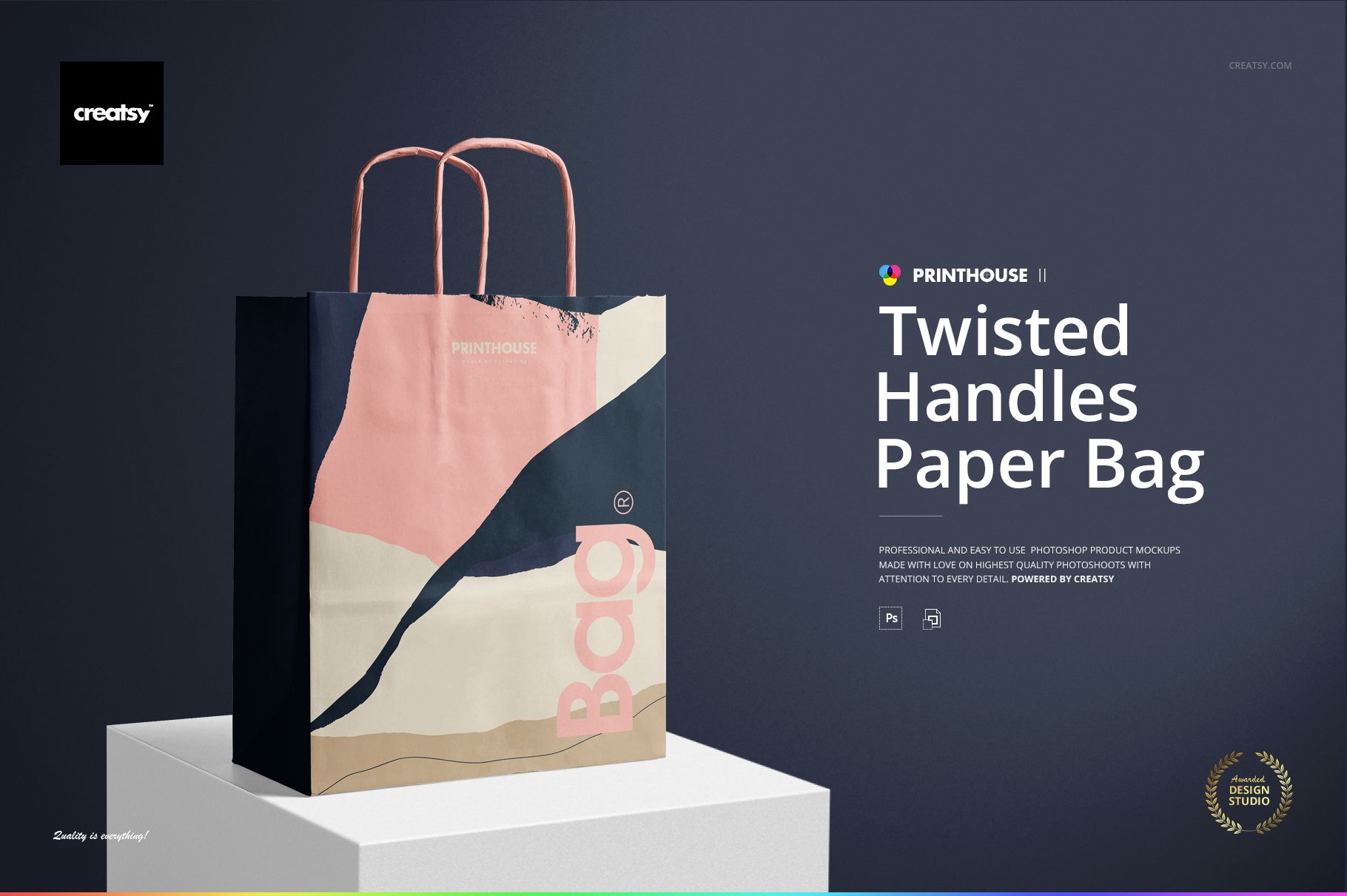
Twisted Handles Paper Bag Mockup Set
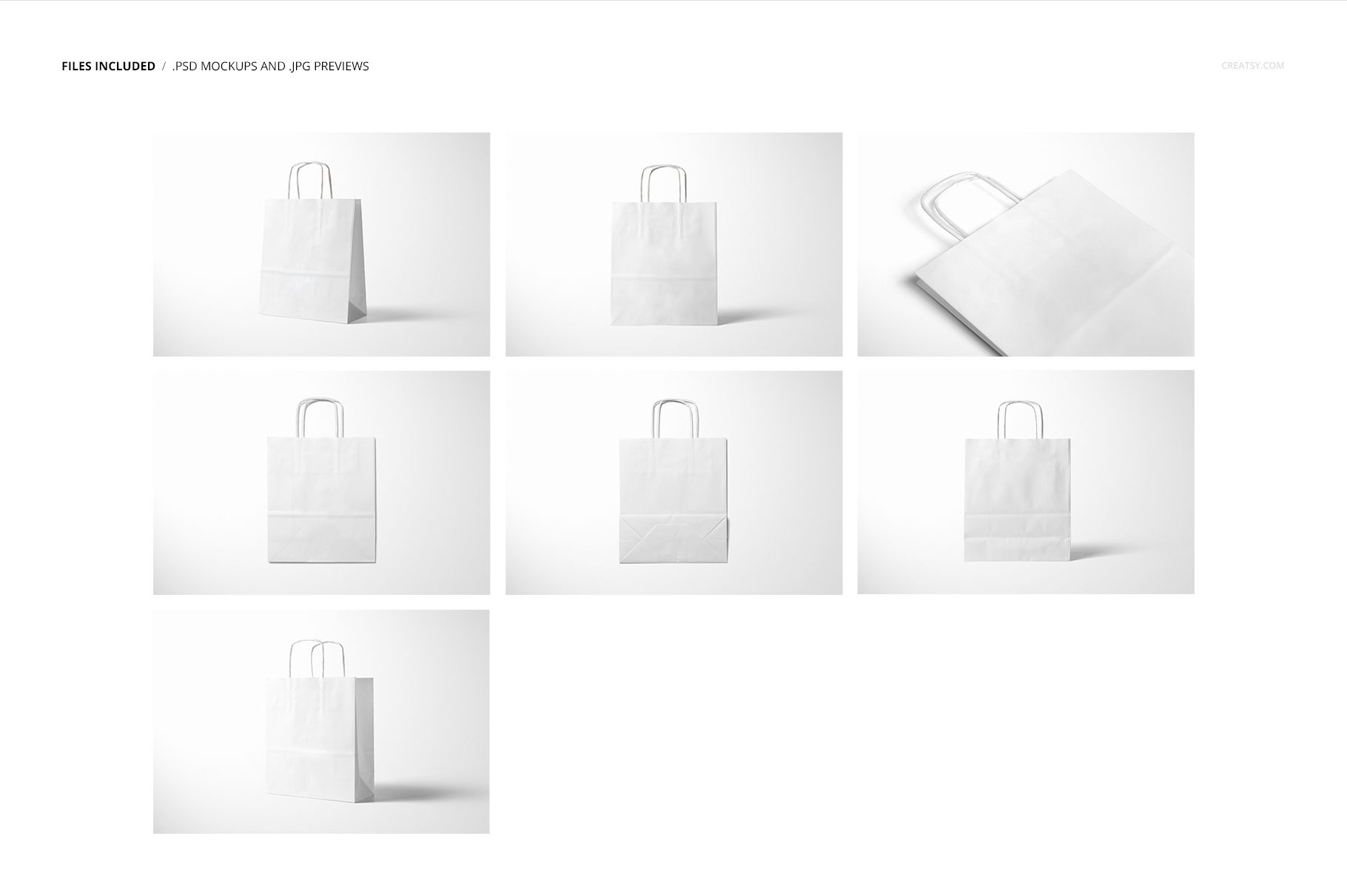
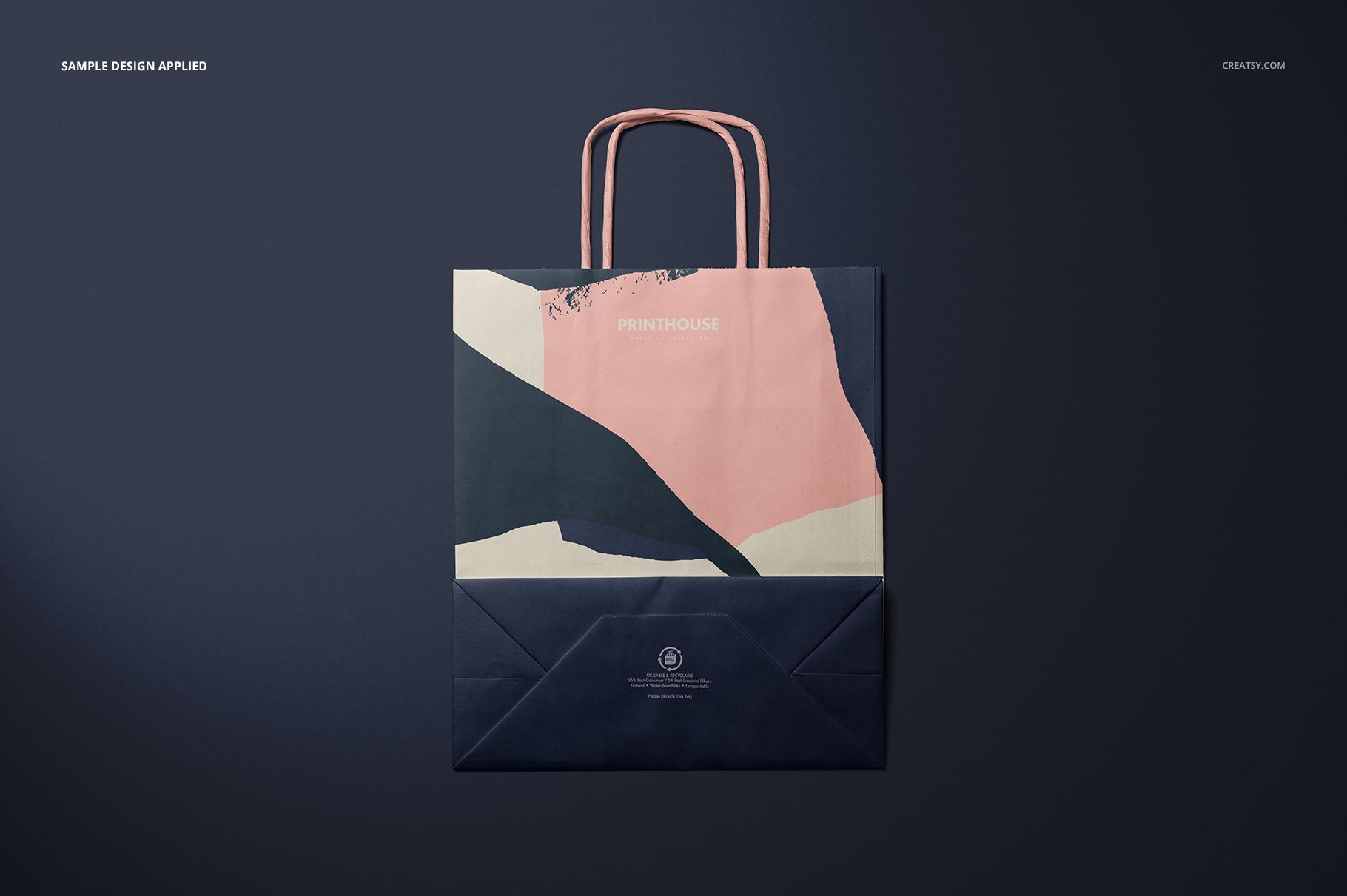
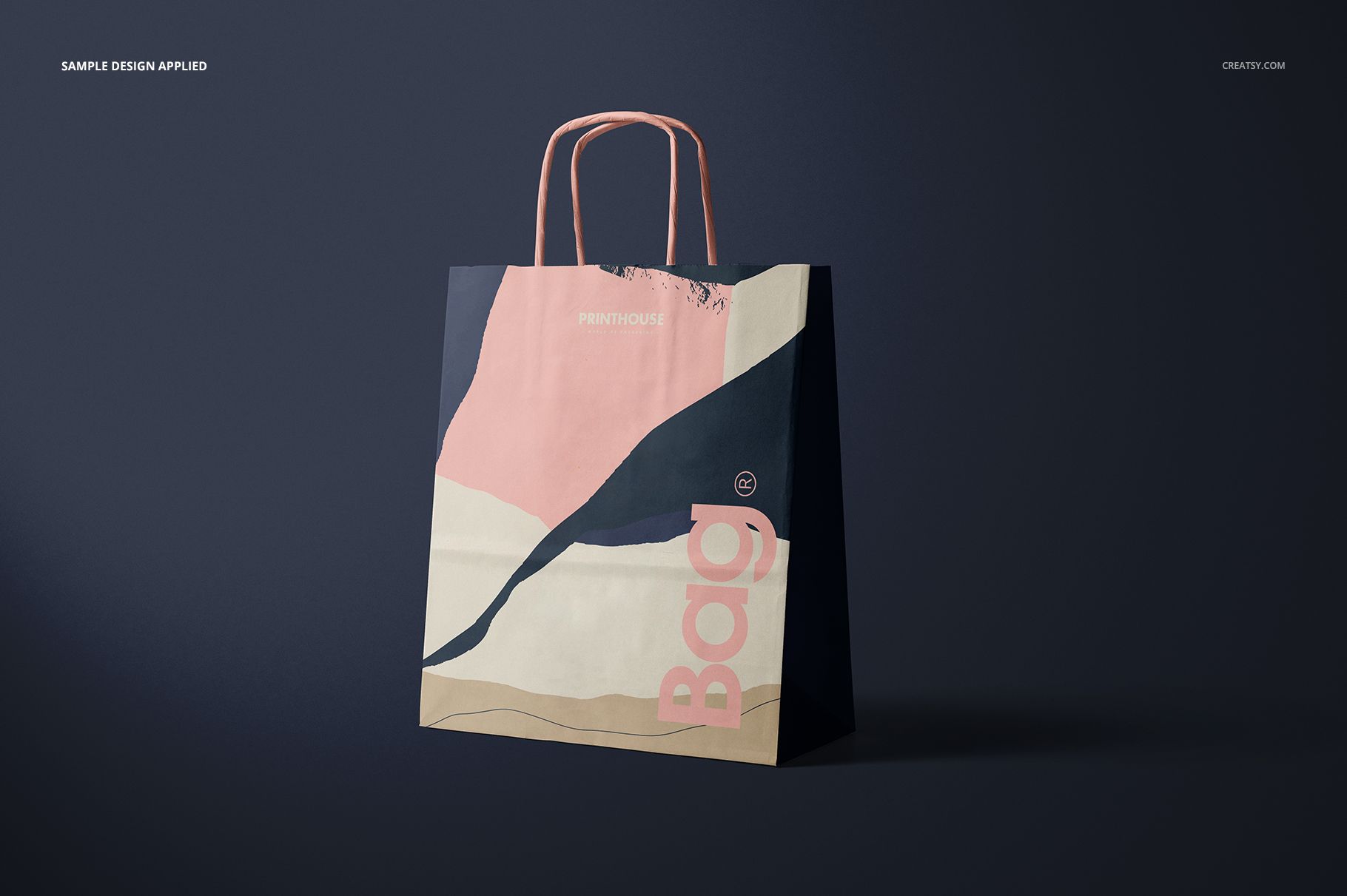
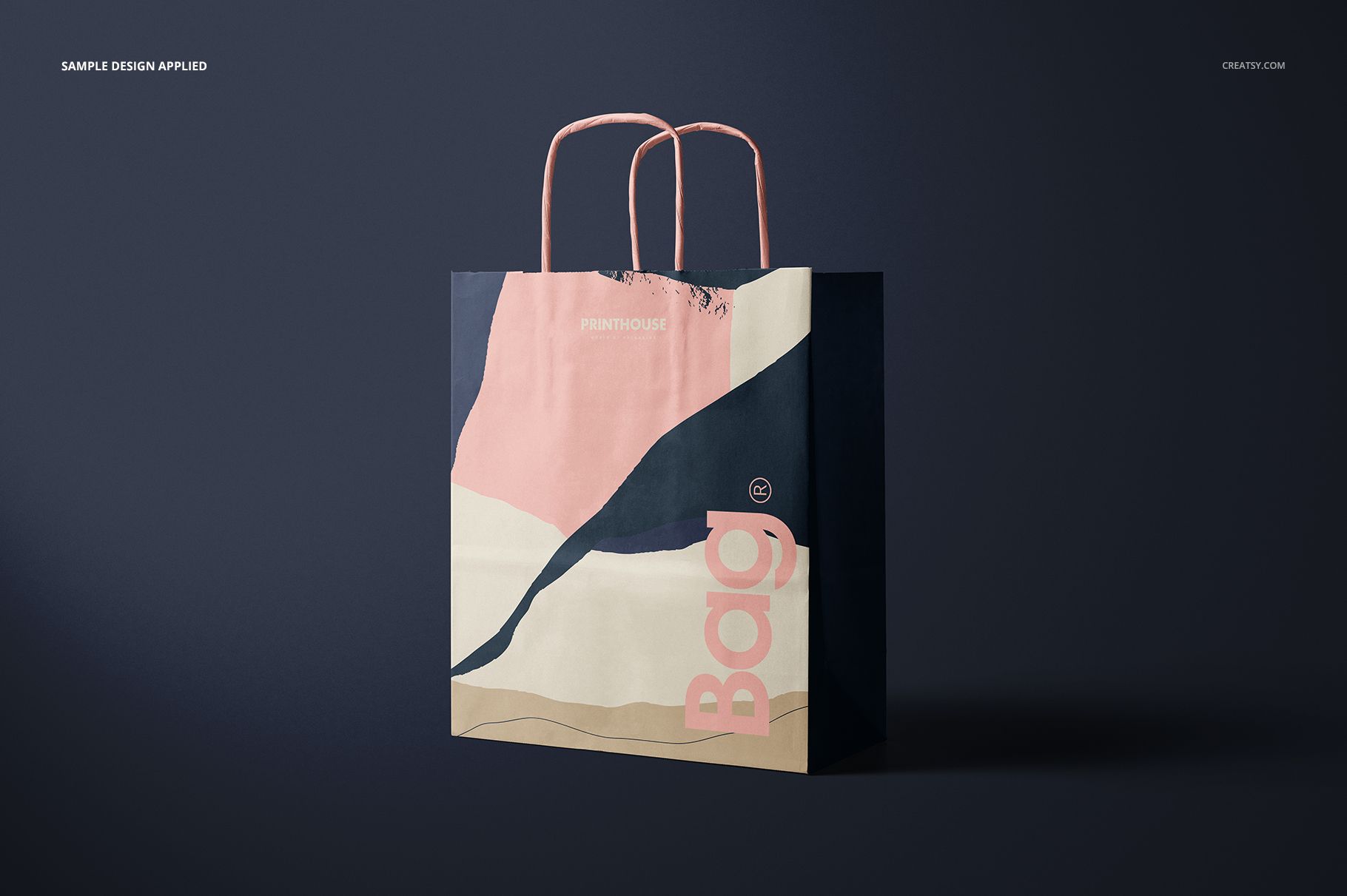
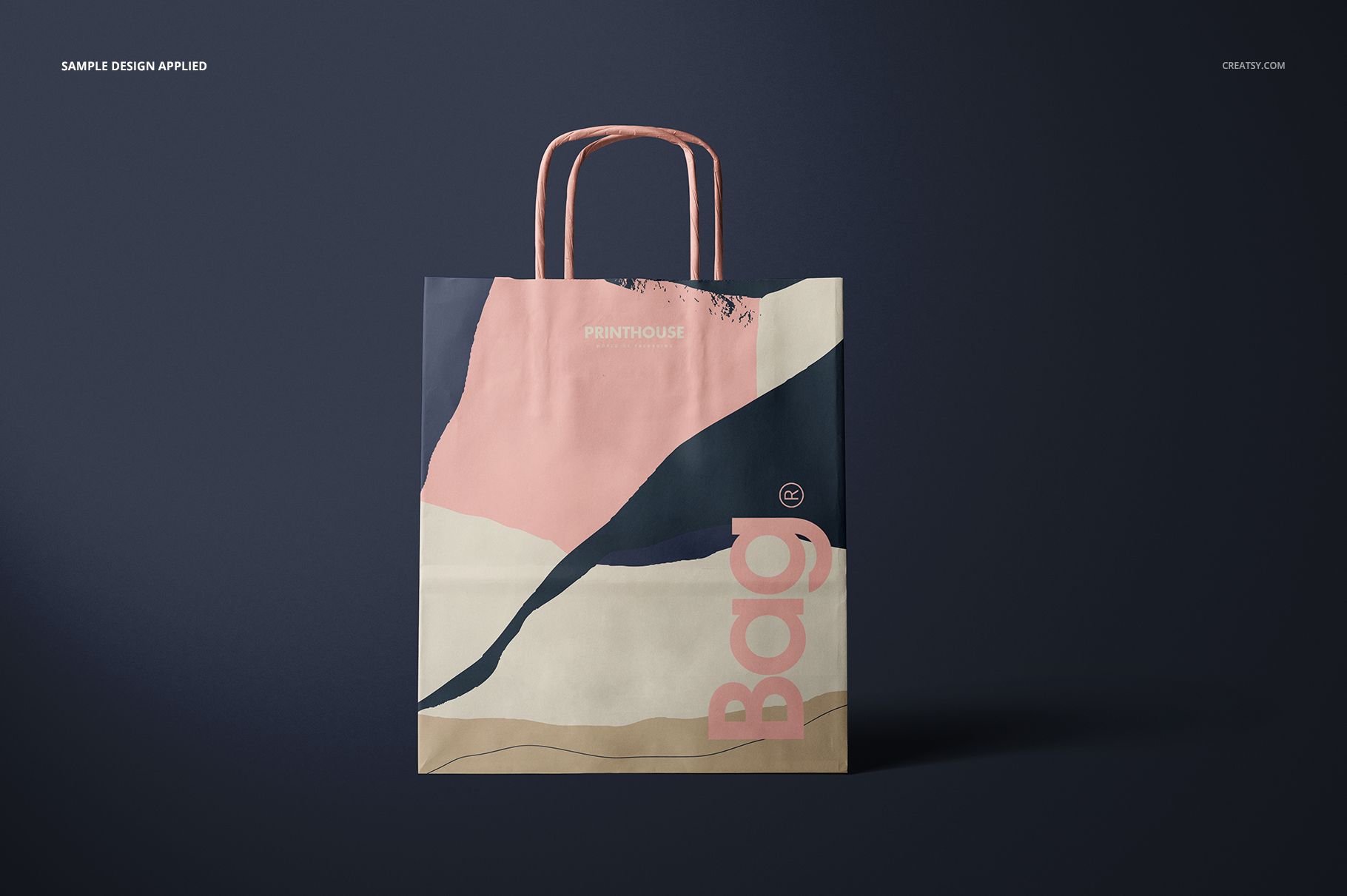
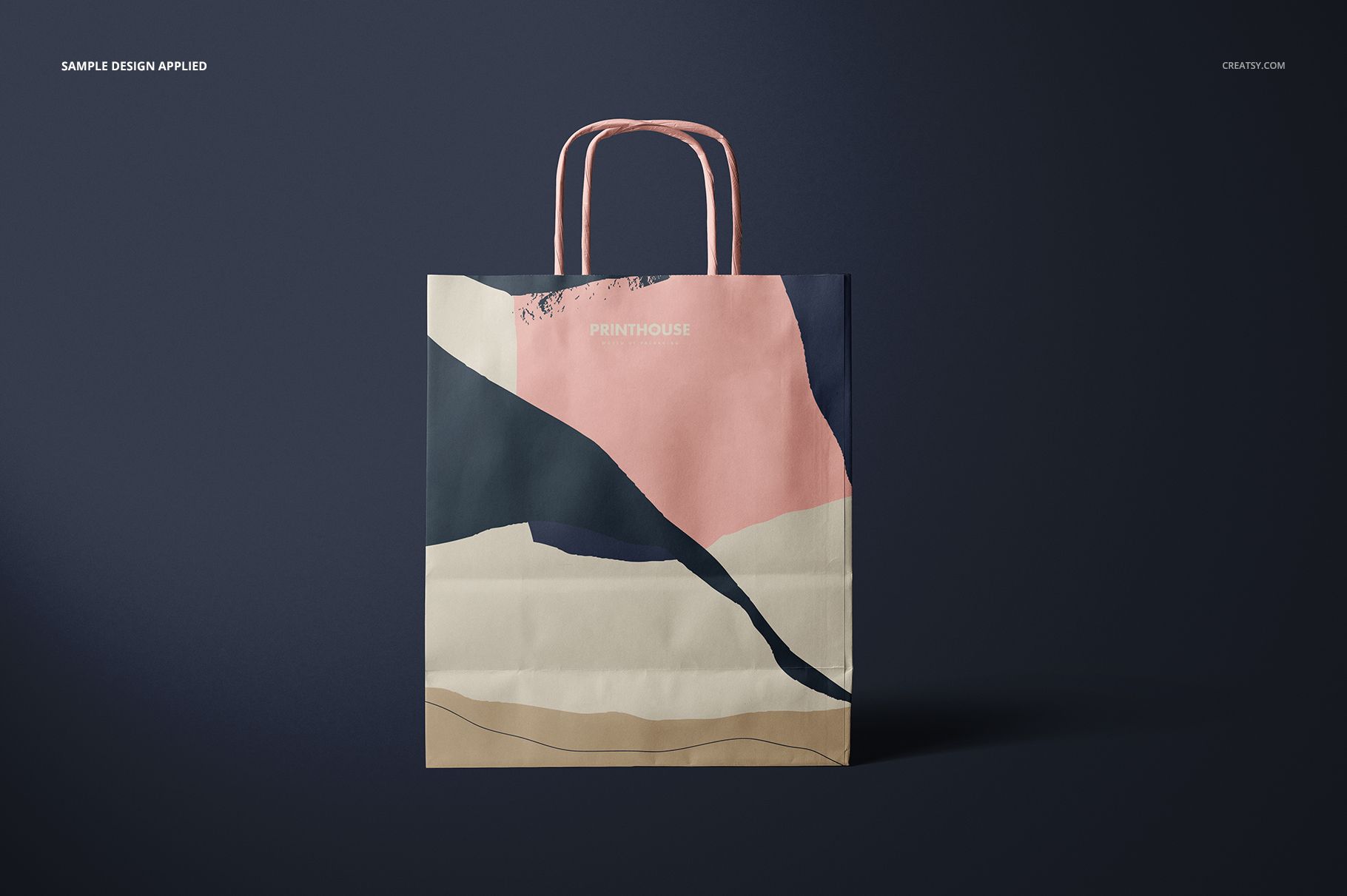
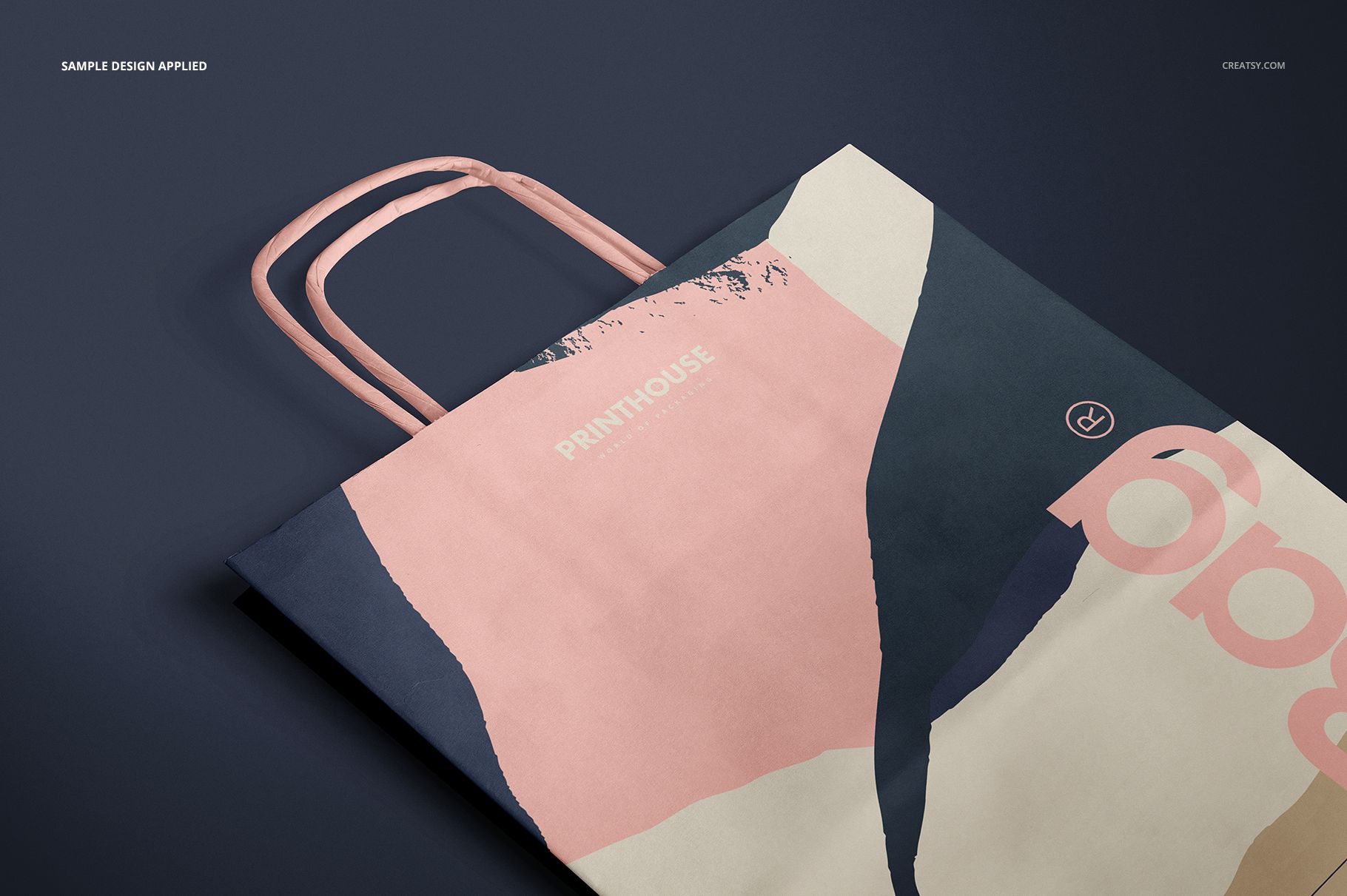
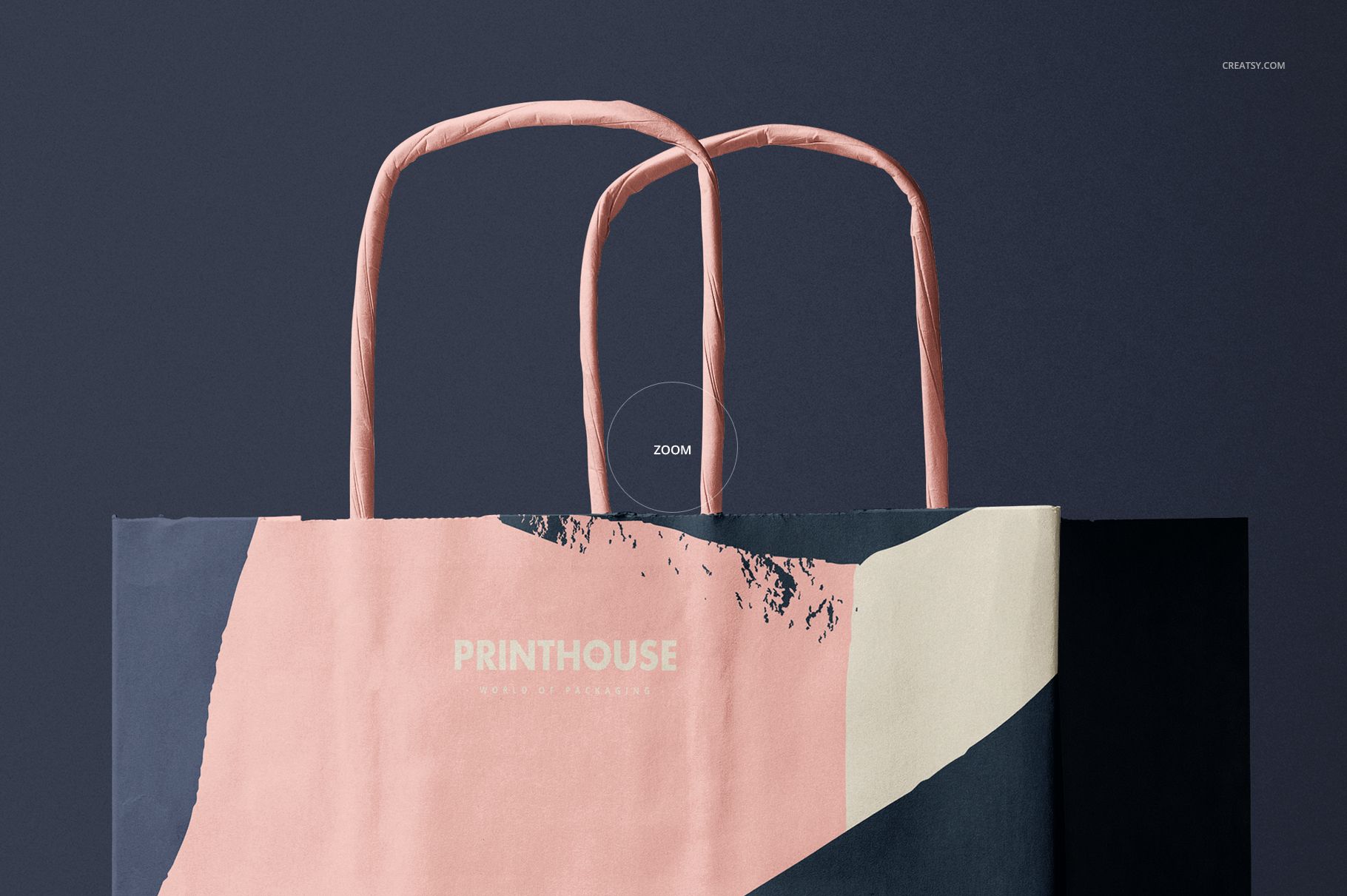
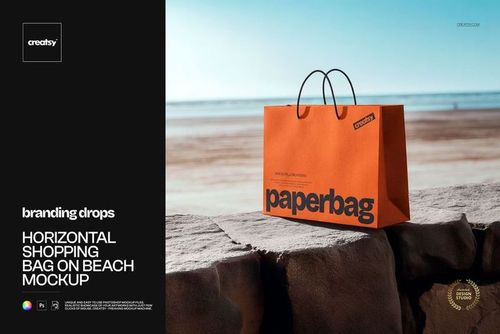
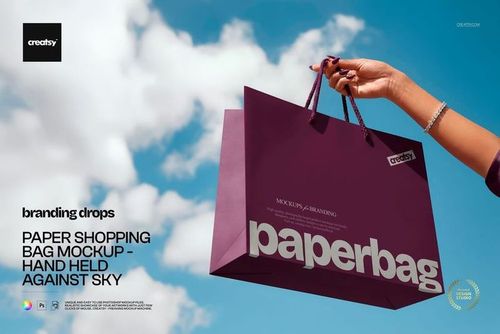
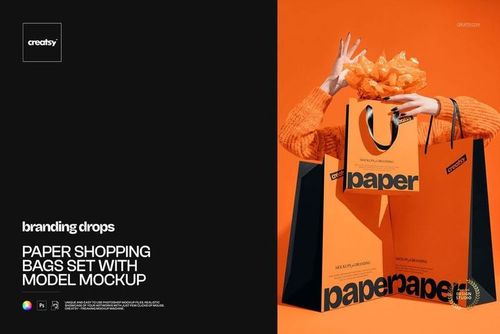
Show one paper carrier concept from every side with seven coordinated, high-resolution PSD scenes. Front, Back, two Angled views, Top Front, Top Back and Closeup help buyers understand the complete branding system, from the main logo panel to the reverse, side folds, bottom construction and twisted paper handles.
The set is particularly useful when a design extends beyond the front face. It lets you compare panel-to-panel continuity, pattern scale and handle color before arranging a physical sample or photo shoot.
What Is Included
7 layered PSD mockups: Front, Back, Angled, Angled 2, Top Front, Top Back and Closeup
7 matching JPG previews at 6000 x 4000 px
1 PDF User Manual, 15 files in total
Adobe Photoshop CC2015 or newer compatibility
Artwork Across the Whole Paper Bag
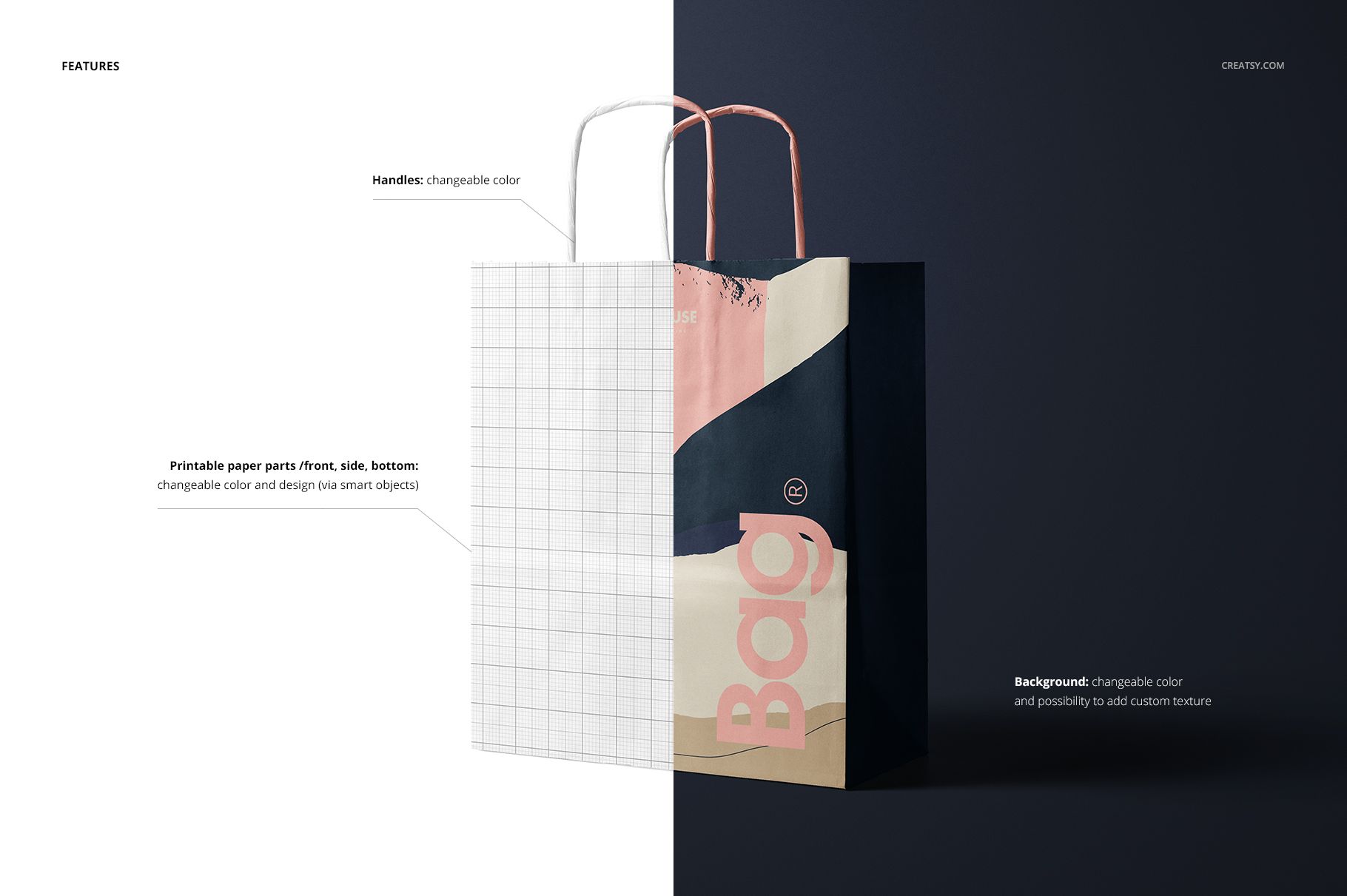
Apply artwork to the printable front, side and bottom parts through Smart Objects. The multiple angles make it easier to assess how an all-over pattern, oversized typography or a restrained logo system travels around folds and gussets. Handles have their own color control, so they can complement or contrast with the paper body.
Easy Smart Object Editing
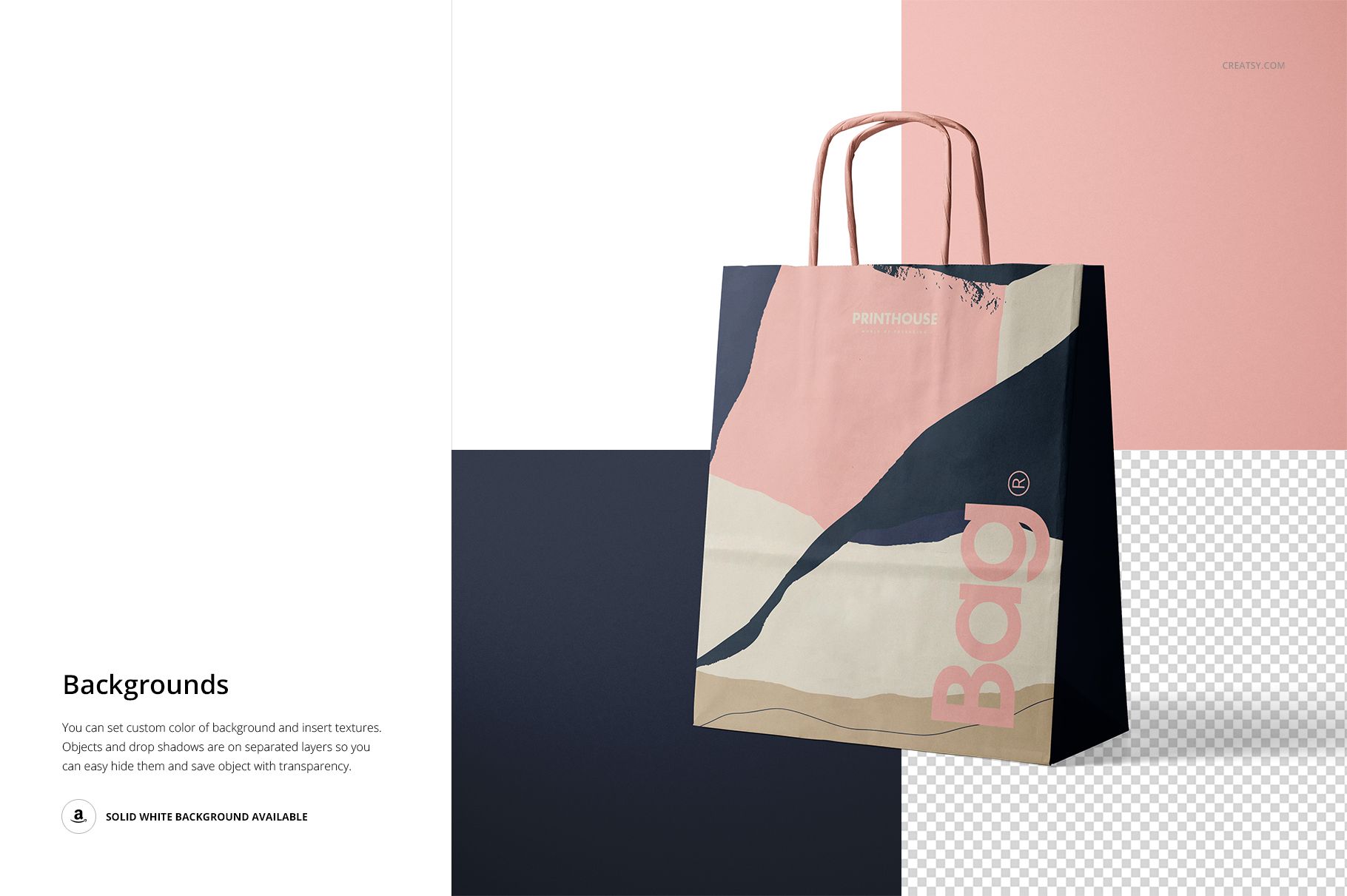
Open a PSD, replace the placeholder artwork in its Smart Object and adjust the relevant color layers. You can also recolor the background or introduce a custom background texture to match a campaign, portfolio or retail concept.
Perfect For
Retail and boutique paper bag branding
Logo systems, typography and surface pattern presentations
Packaging proposals, client approvals and portfolio case studies
Consistent product galleries built from several viewpoints
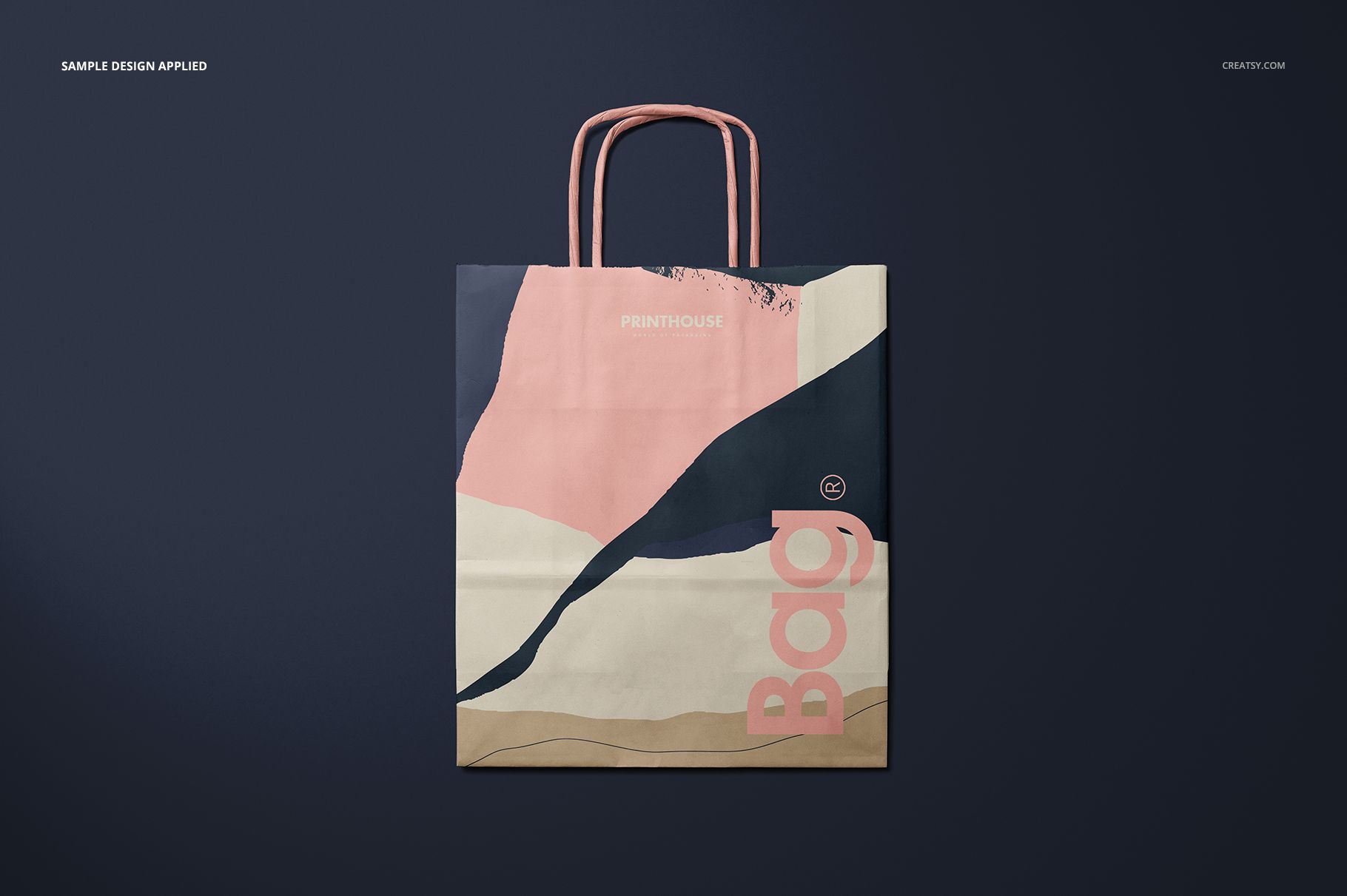
This is a digital presentation mockup, not a physical bag or print dieline. The sample artwork shown in the previews is not included.