Winter Paper Cup Mockup Set v.2
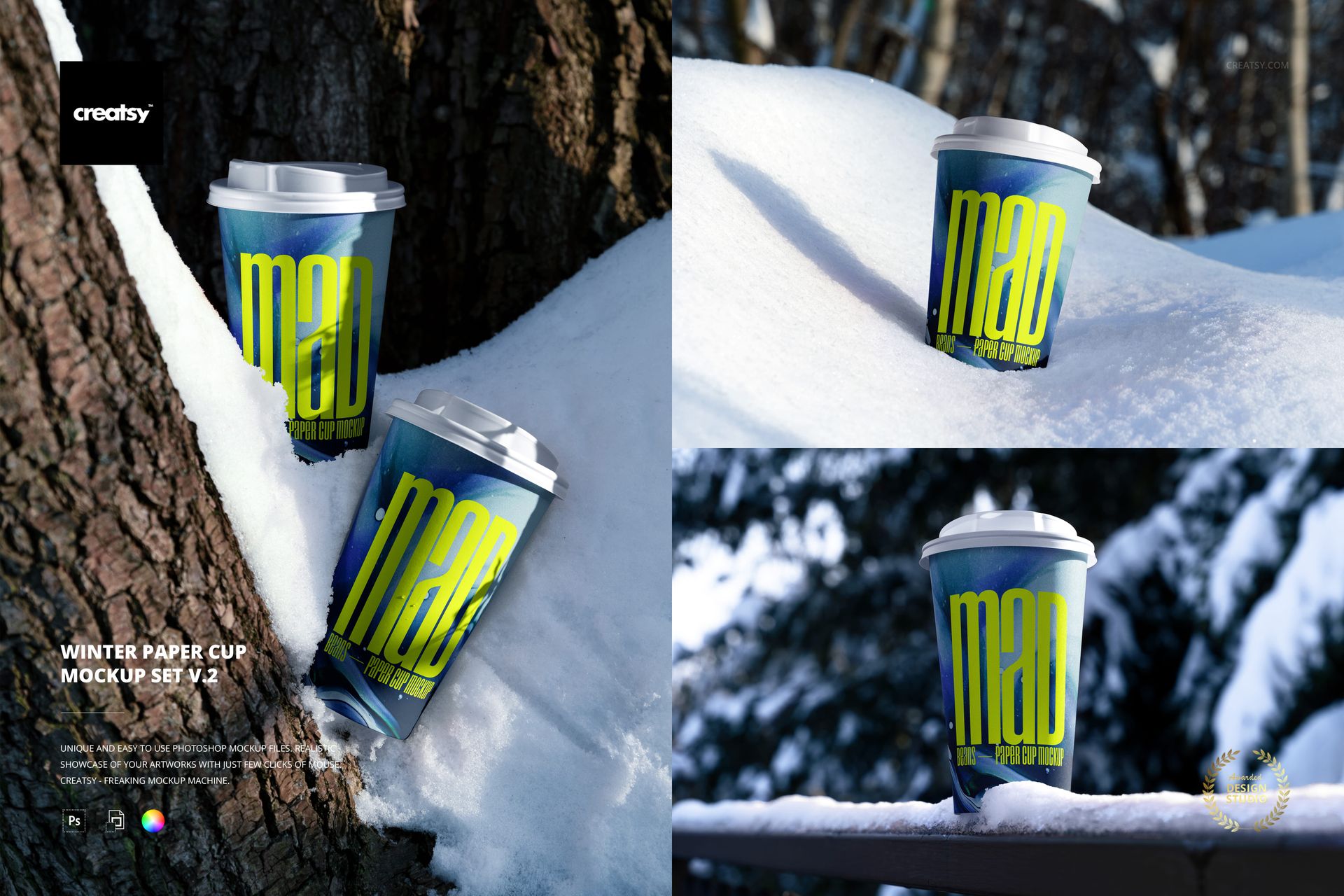
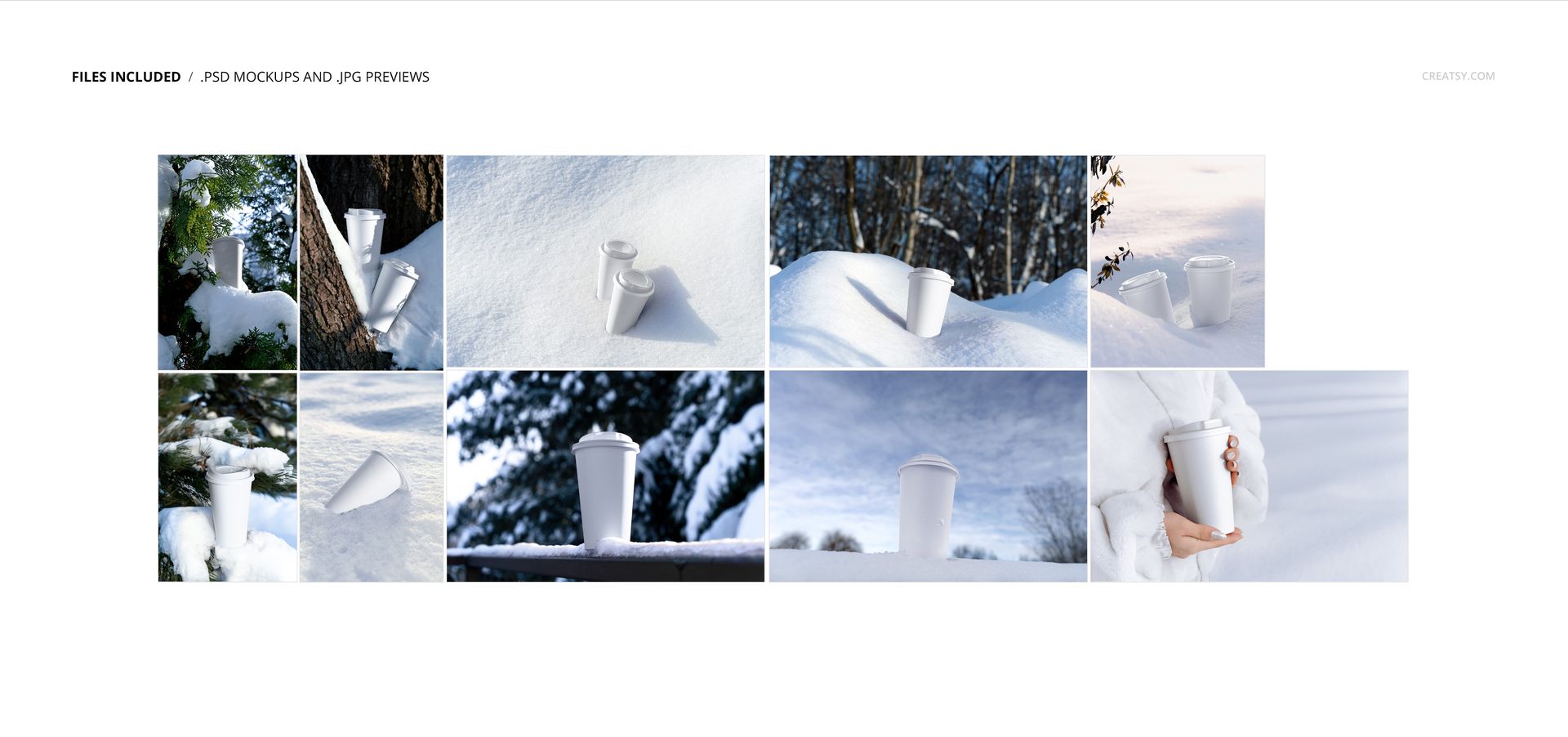
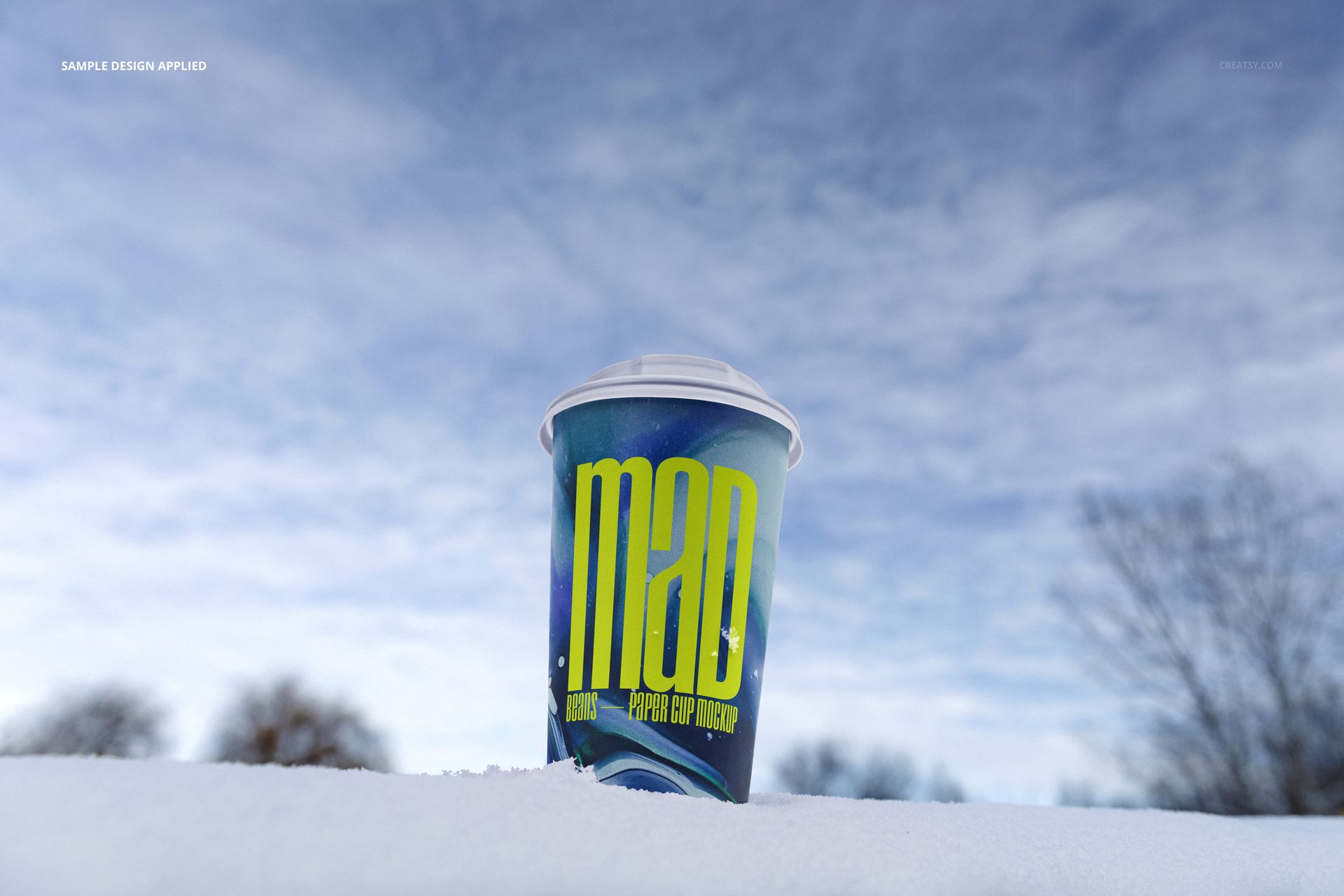
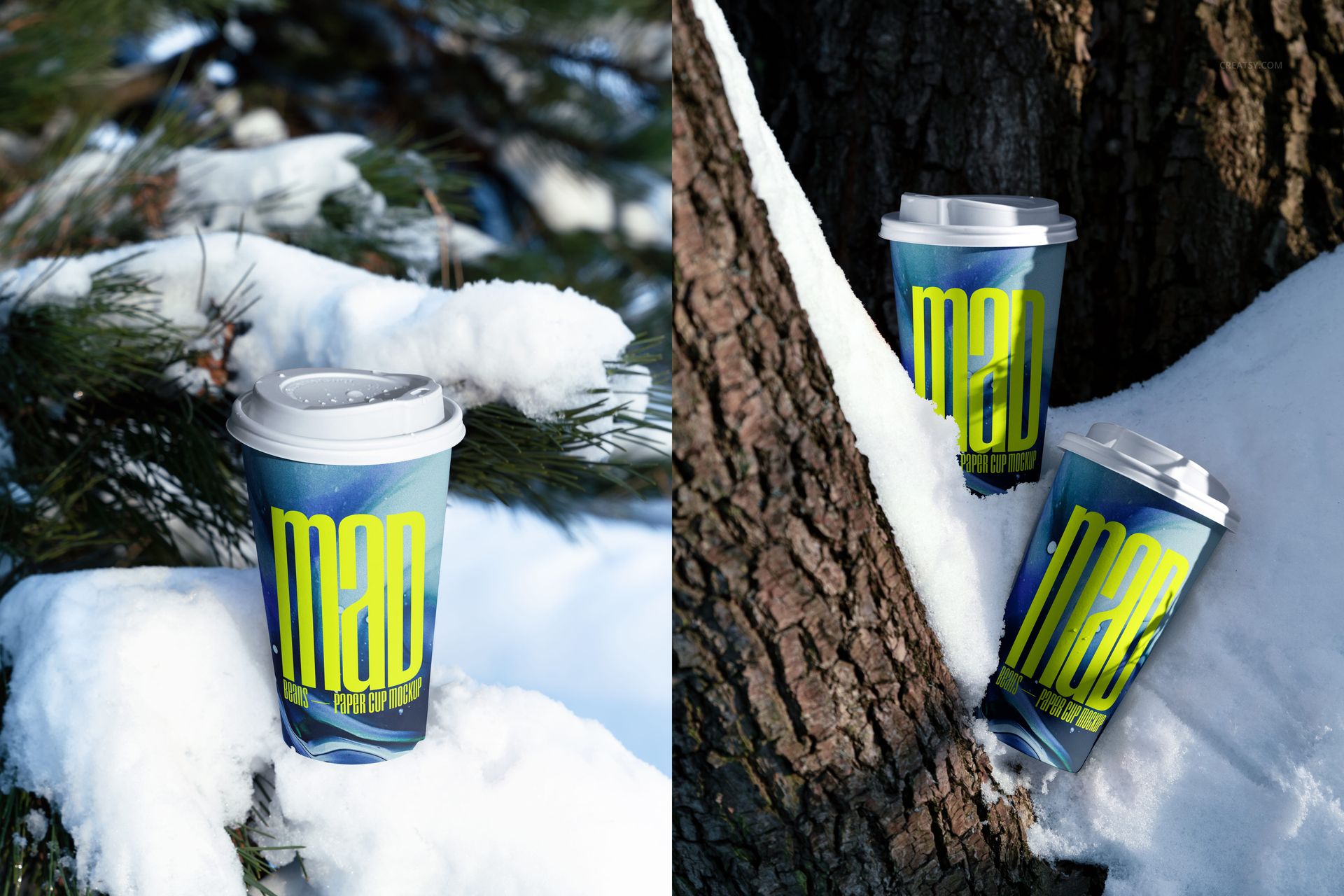
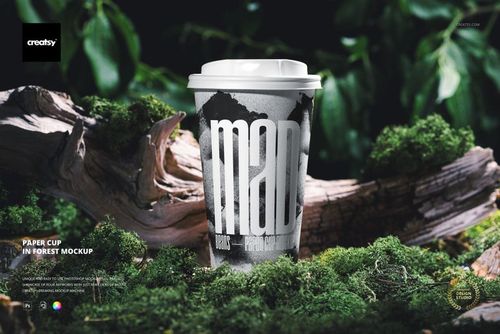
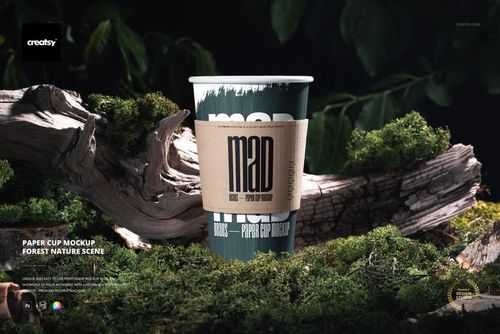
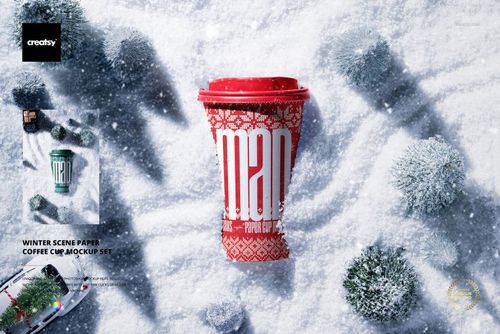
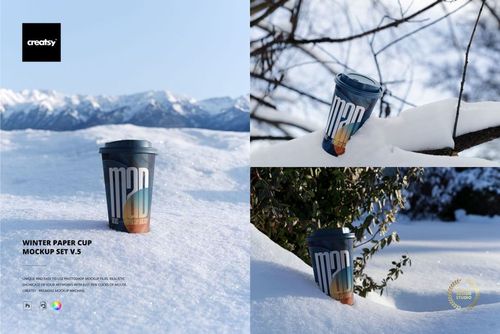
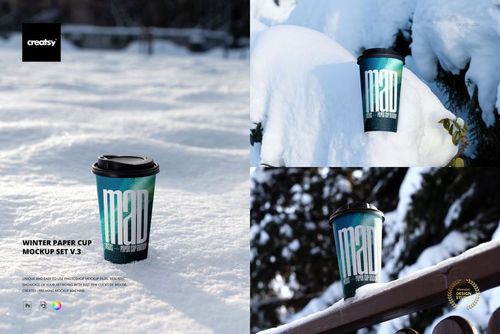
Present takeaway drink branding across ten photographed winter scenes set among fresh snow, tree trunks, evergreen branches, and a quiet woodland landscape. The collection combines single and paired paper cups, upright and reclining arrangements, a close hand-held view, and compositions with generous snow or sky space for seasonal campaign copy.
Cool daylight, realistic snow texture, soft forest bokeh, and white lids create a consistent visual system for winter menus, limited-edition beverage packaging, and cold-weather brand stories.
Ten Distinct Winter Scenes
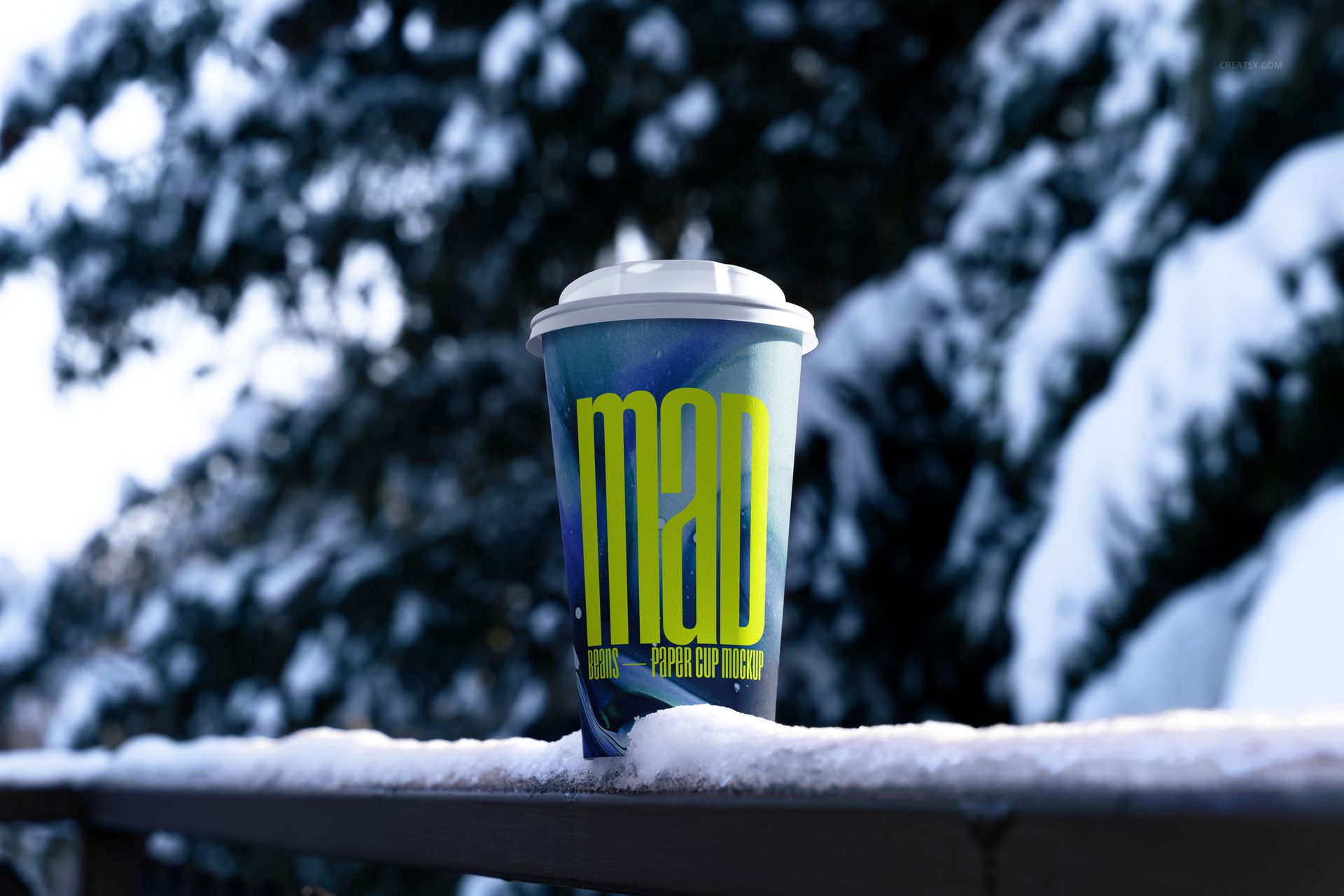
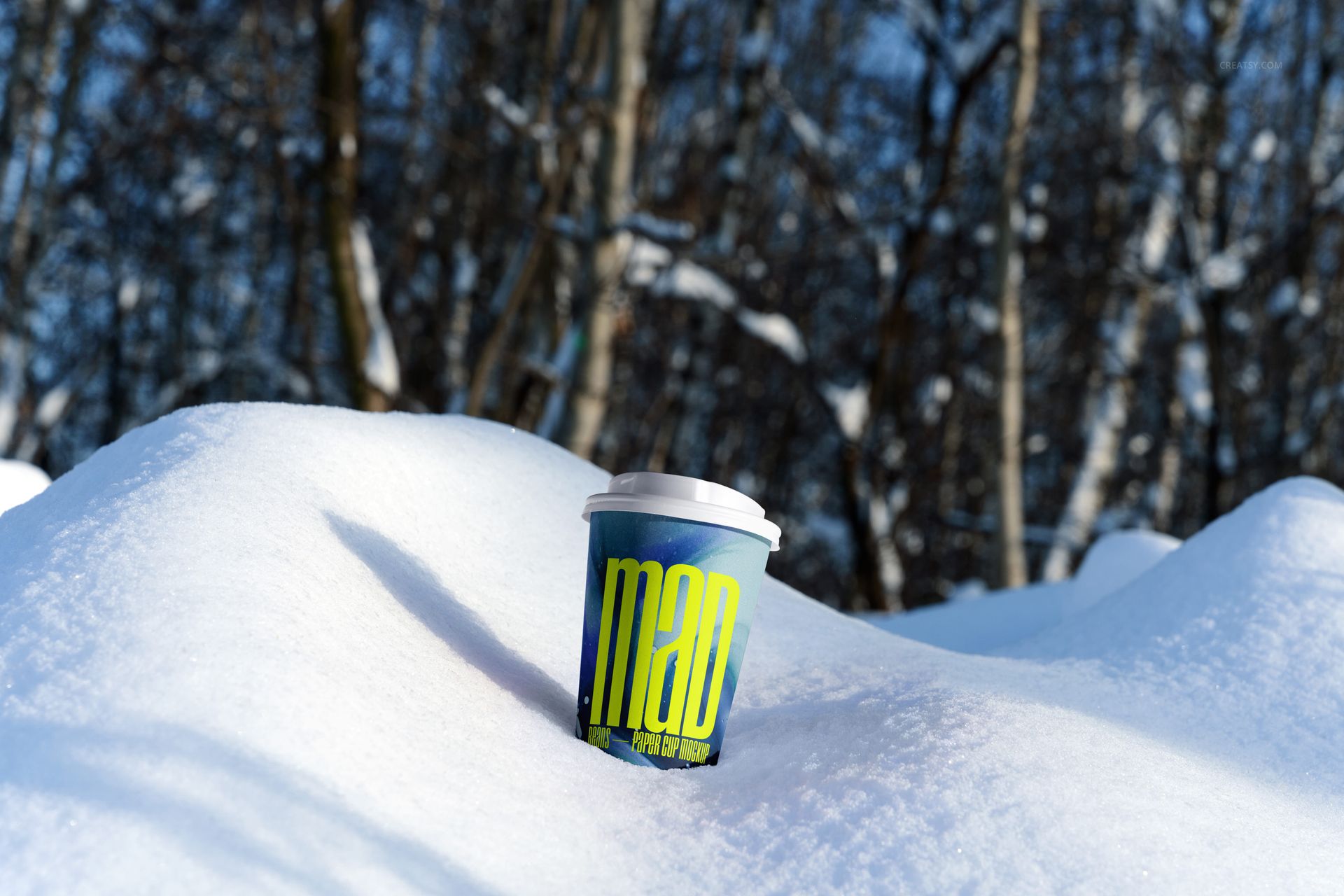
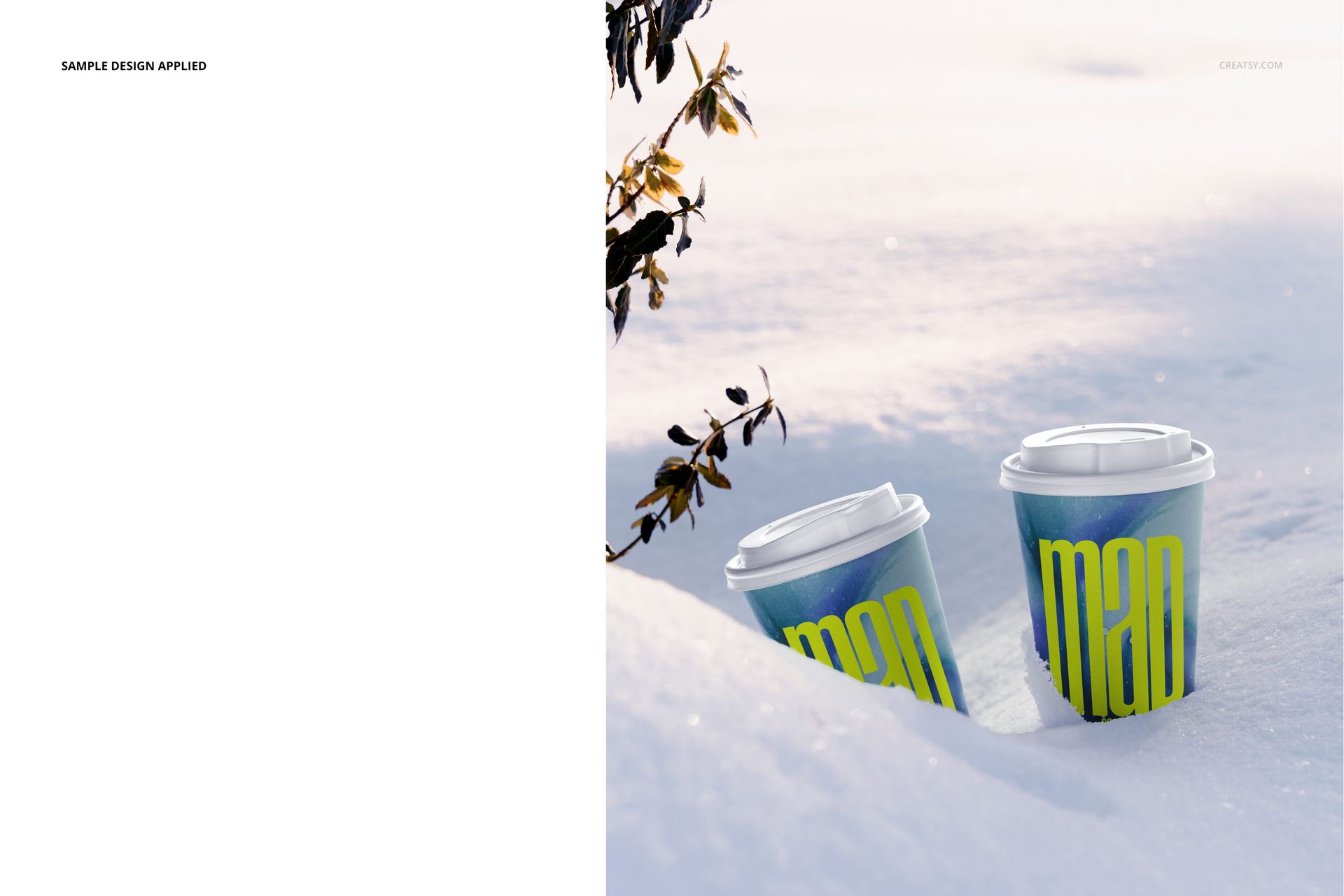
Single cups placed in snow banks and on a snow-covered wooden rail
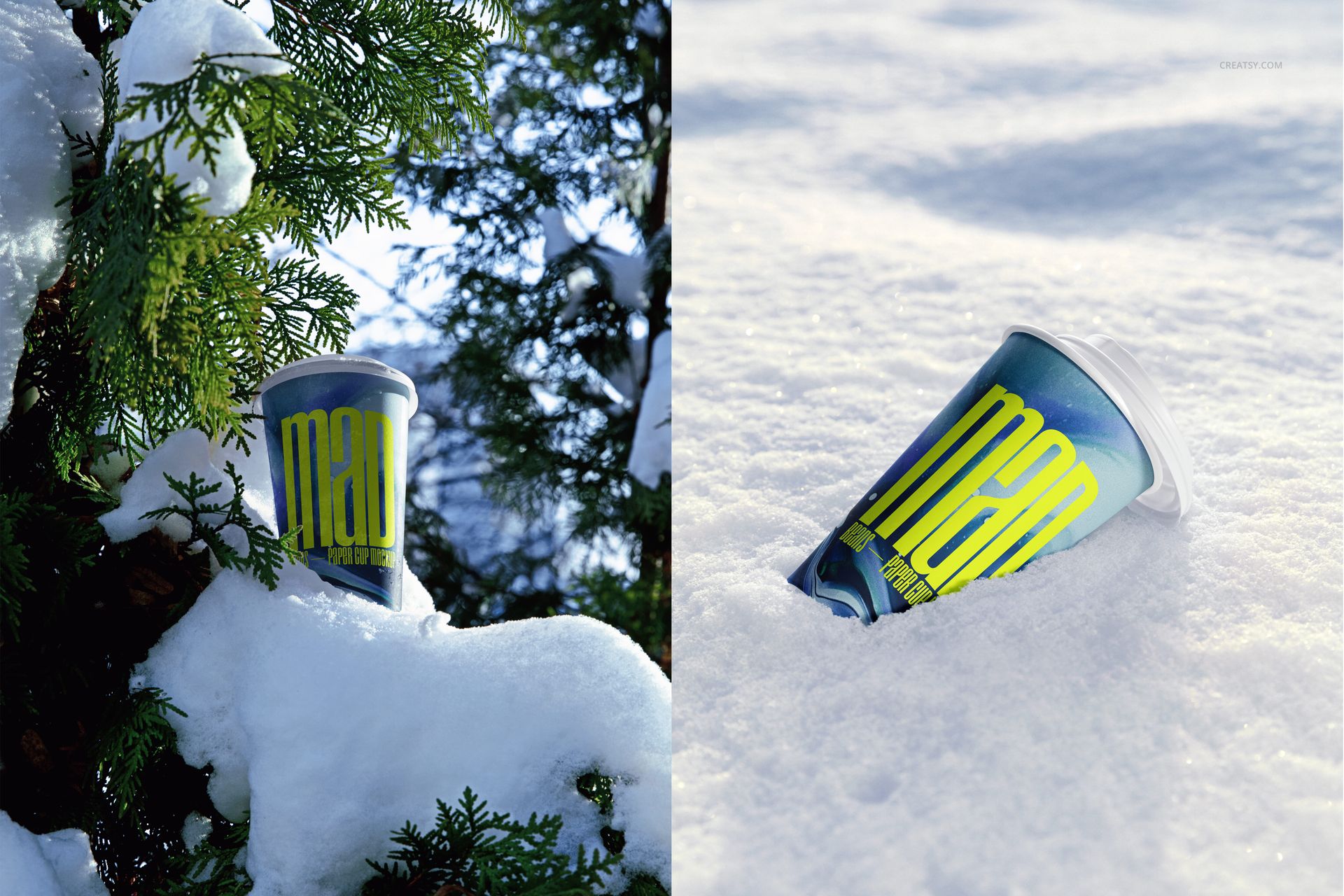
Paper cups framed by tree bark and snow-covered evergreen branches
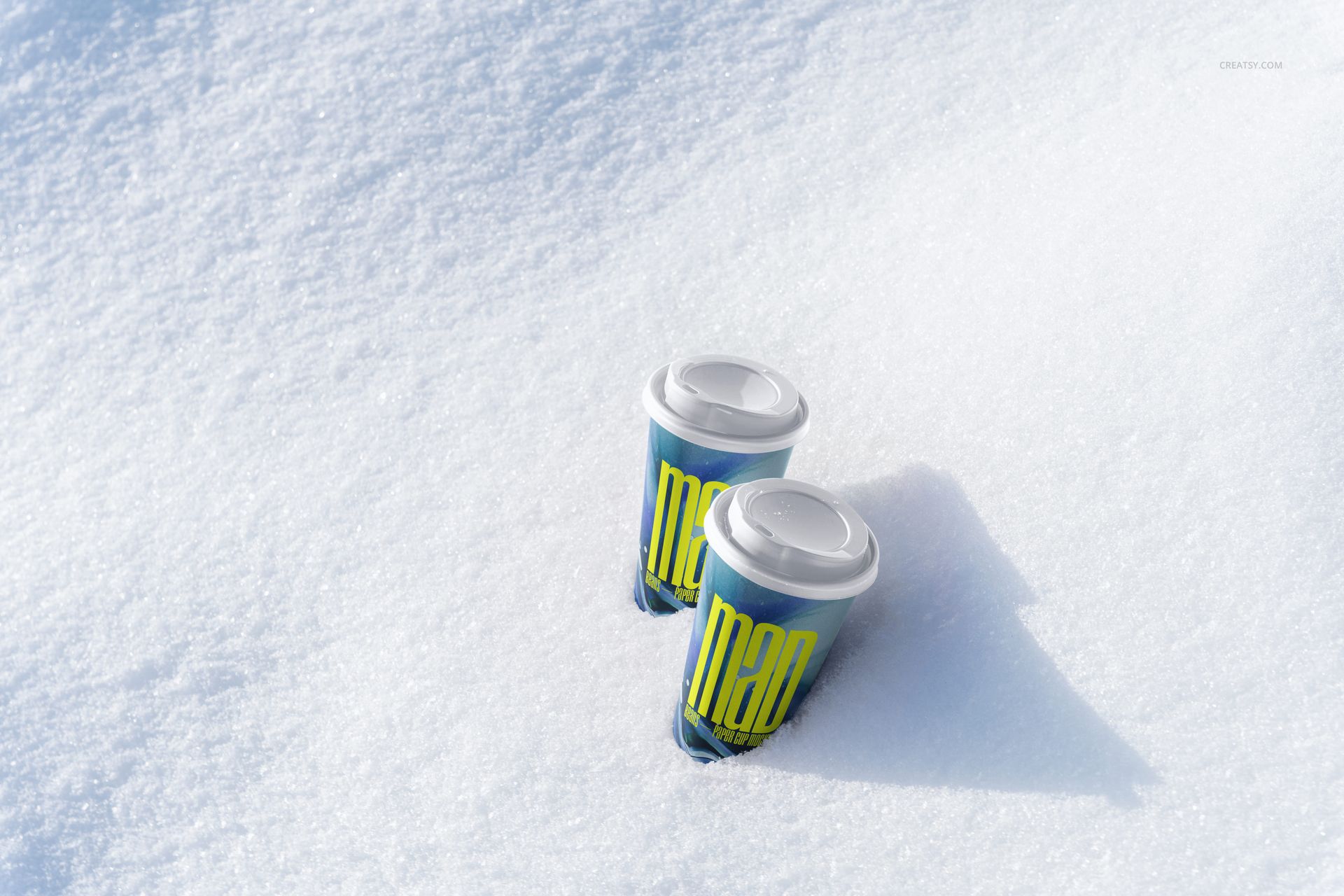
Single and paired cup arrangements shown upright or reclining in snow
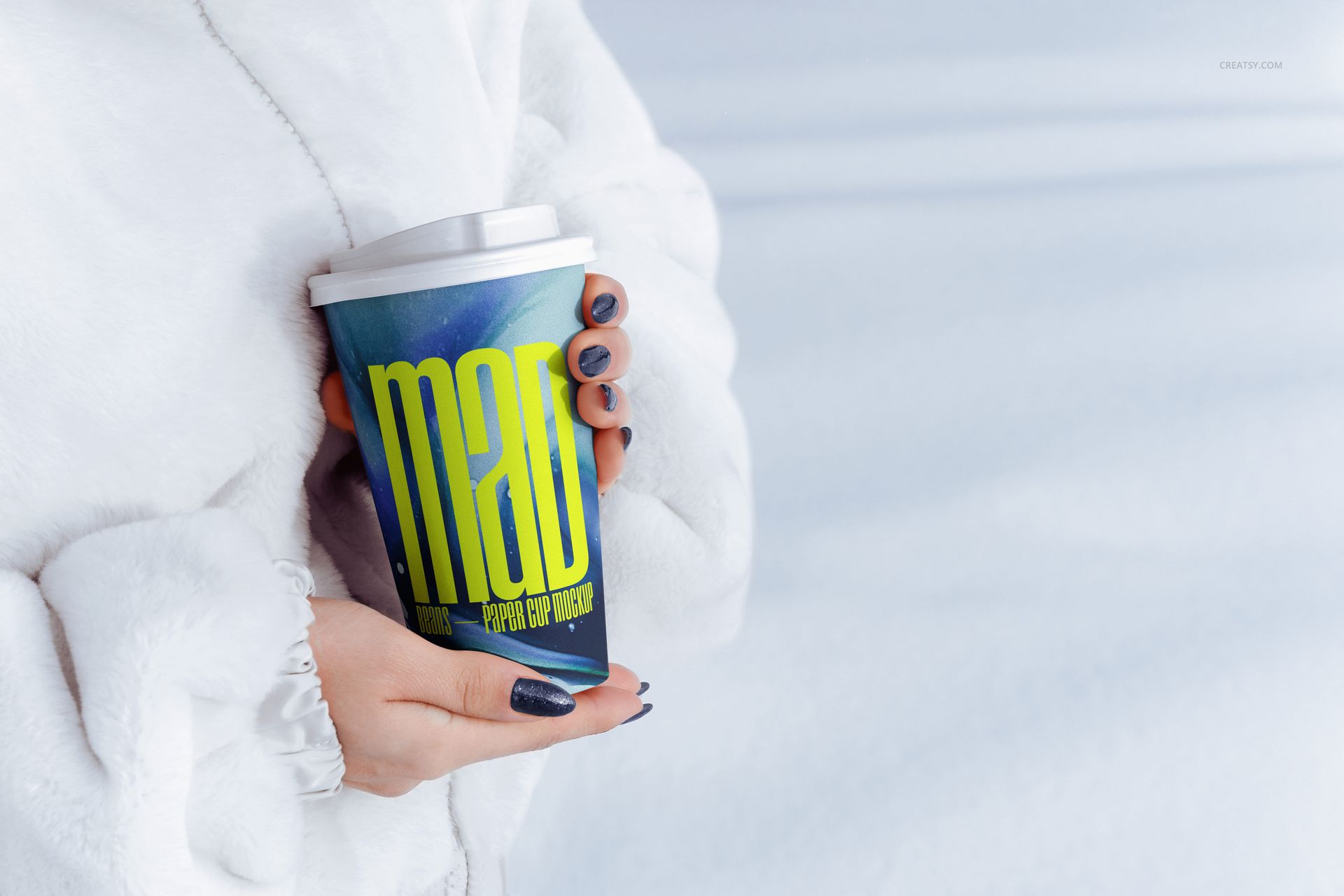
A lifestyle close-up of a lidded cup held with both hands against white winter clothing
Low, eye-level, and high-angle compositions with useful negative space
What Is Included
10 layered PSD mockup files
10 JPG reference previews
20 files in total, with no PSB or PDF files
Working size listed at approximately 6000 x 4000 px and 300 DPI
Five landscape and five portrait JPG references in several aspect ratios
Smart Object Editing
Insert a logo, repeat pattern, illustration, or full cup wrap through Smart Objects while preserving the photographed curvature, natural shadows, snow contact, and winter light. Organized layers provide controls for the cup artwork and color, plus lid and background colors.
Photoshop and Photopea Compatibility
The PSD files support Adobe Photoshop CS6 or later and are confirmed for Photopea. The largest PSD is 216 MB on Windows and 227 MB on Mac, so browser-based editing can require extra loading and saving time on lower-memory devices.
Useful For
Winter cafe menus and coffee shop identity systems
Seasonal takeaway packaging and limited-edition drink launches
Holiday advertising, social campaigns, and ecommerce banners
Client presentations, portfolio projects, and beverage brand guidelines
Preview Artwork Credit
Product preview imagery is credited to Creatsy®. The sample graphics are shown for presentation and are not included as separate design assets.