Alu-Dibond, Aluminum and Acrylic Print Closeup Mockups
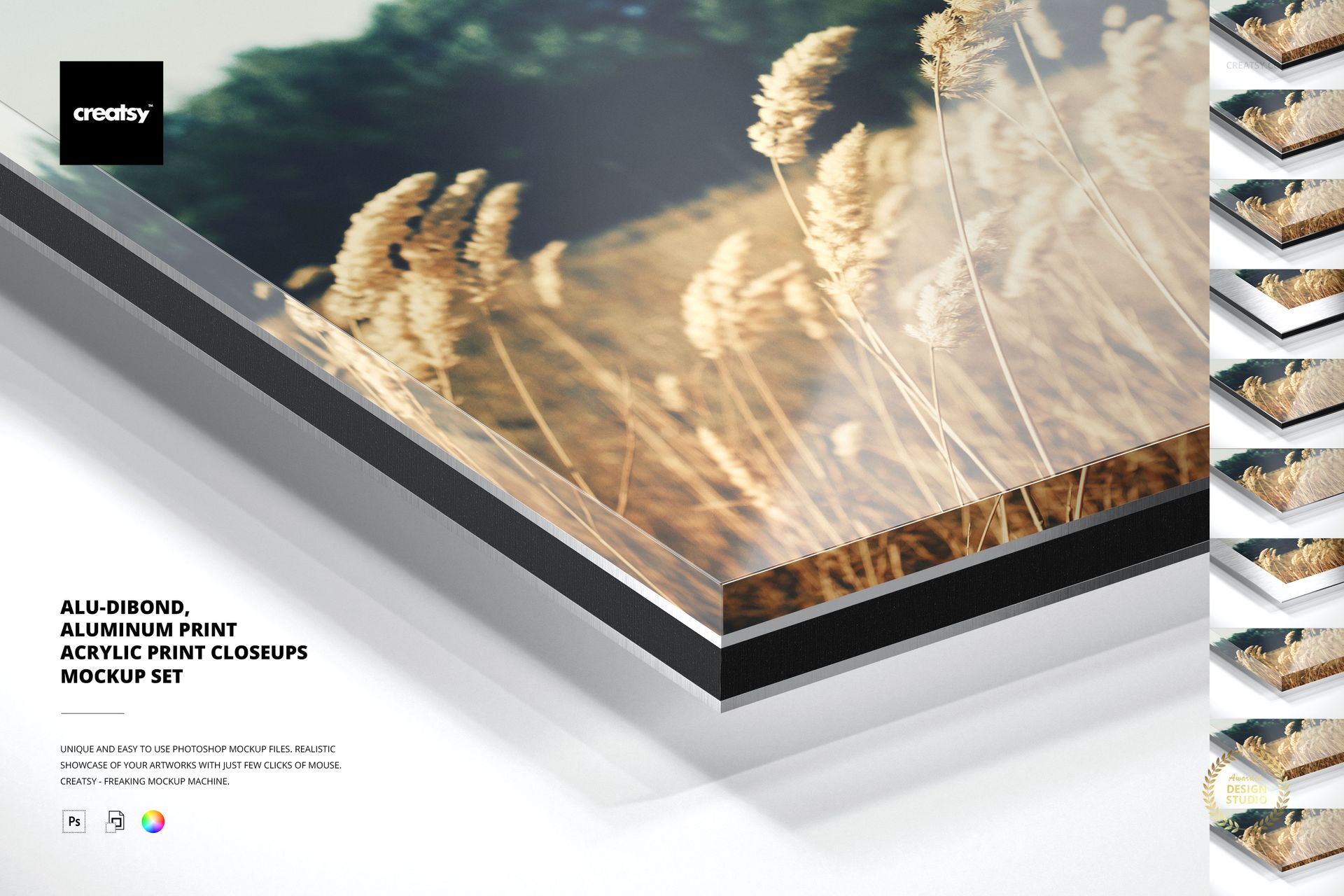
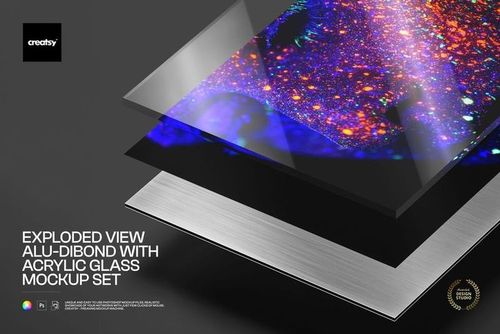
Compare four photo print constructions in one coordinated corner close-up scene. Eighteen layered PSD files cover Alu-Dibond with acrylic glass, Alu-Dibond alone, acrylic glass alone and aluminum print surfaces.
The set combines multiple acrylic glass thicknesses and finish options with Smart Object artwork replacement, editable backgrounds, removable shadows and transparent export controls for detailed material presentations.
What Is Included
18 layered PSD working files
18 full-size JPG reference previews
4 PDF user manuals
One consistent 6000 x 4000 px close-up composition
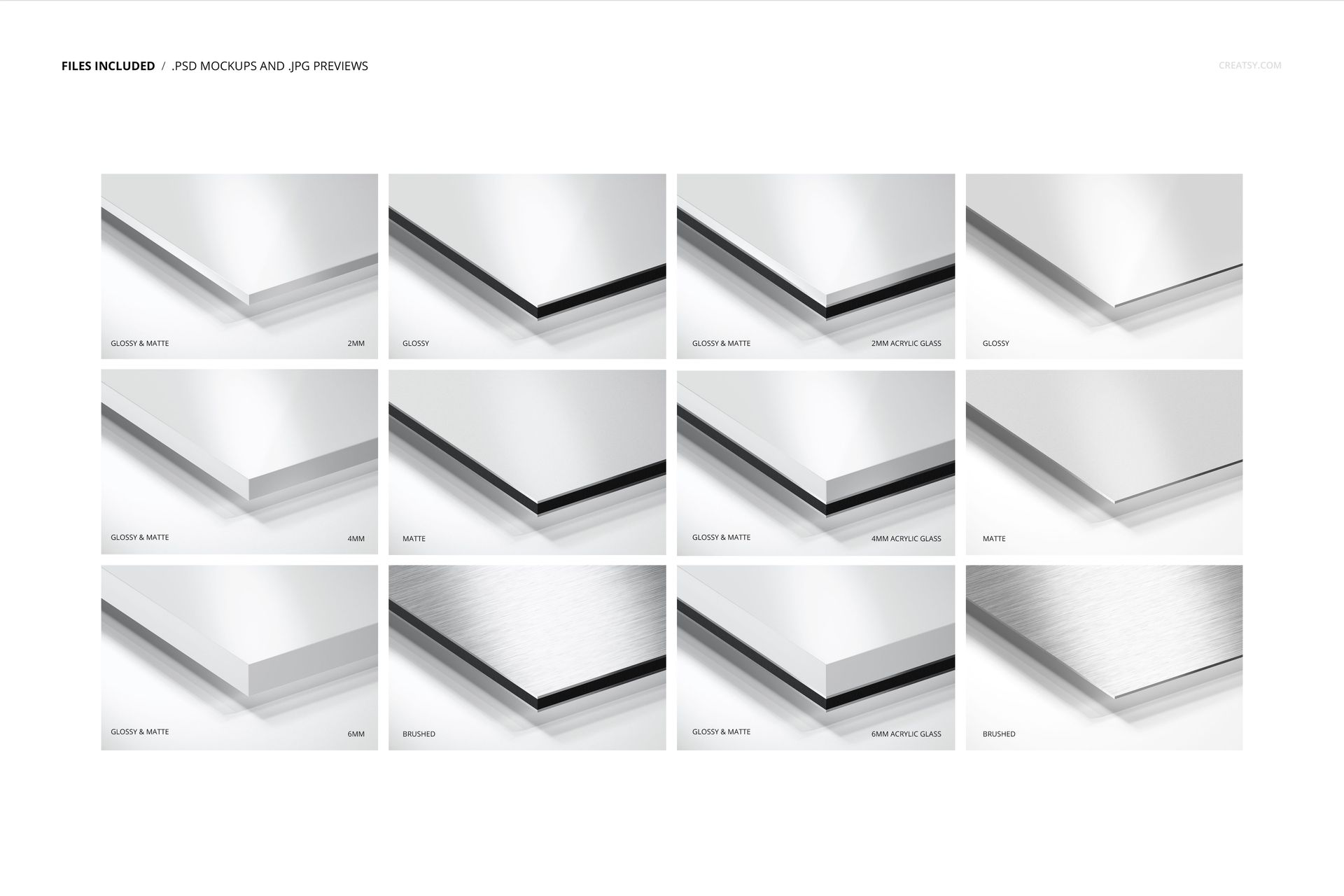
Four material groups with accurately matched thickness and finish variants
Compare Four Print Constructions
Keeping the camera angle consistent makes it easier to compare edge construction, material depth and surface behavior without introducing a different scene.
Acrylic Glass Thickness Options
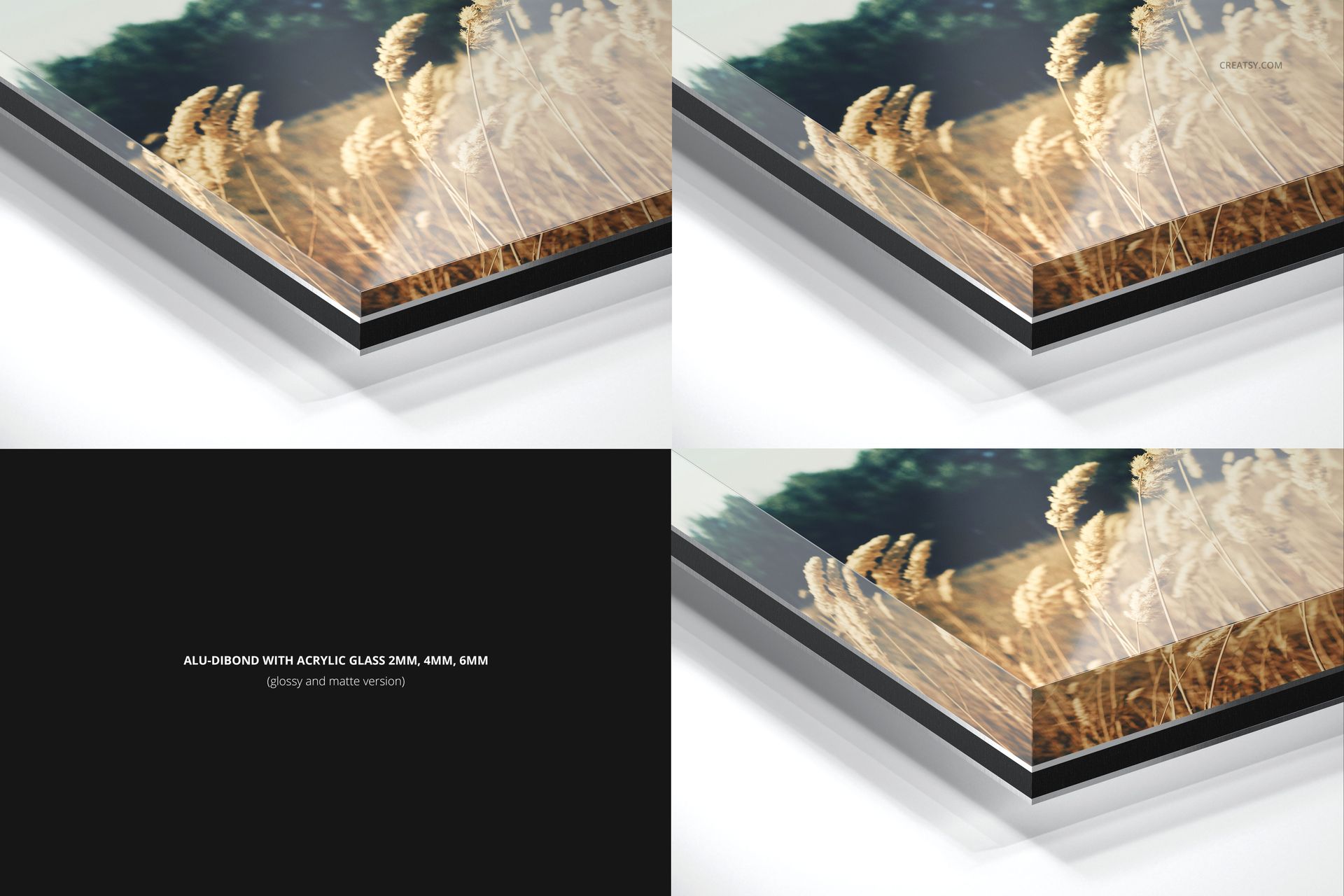
2 mm acrylic glass
4 mm acrylic glass
6 mm acrylic glass
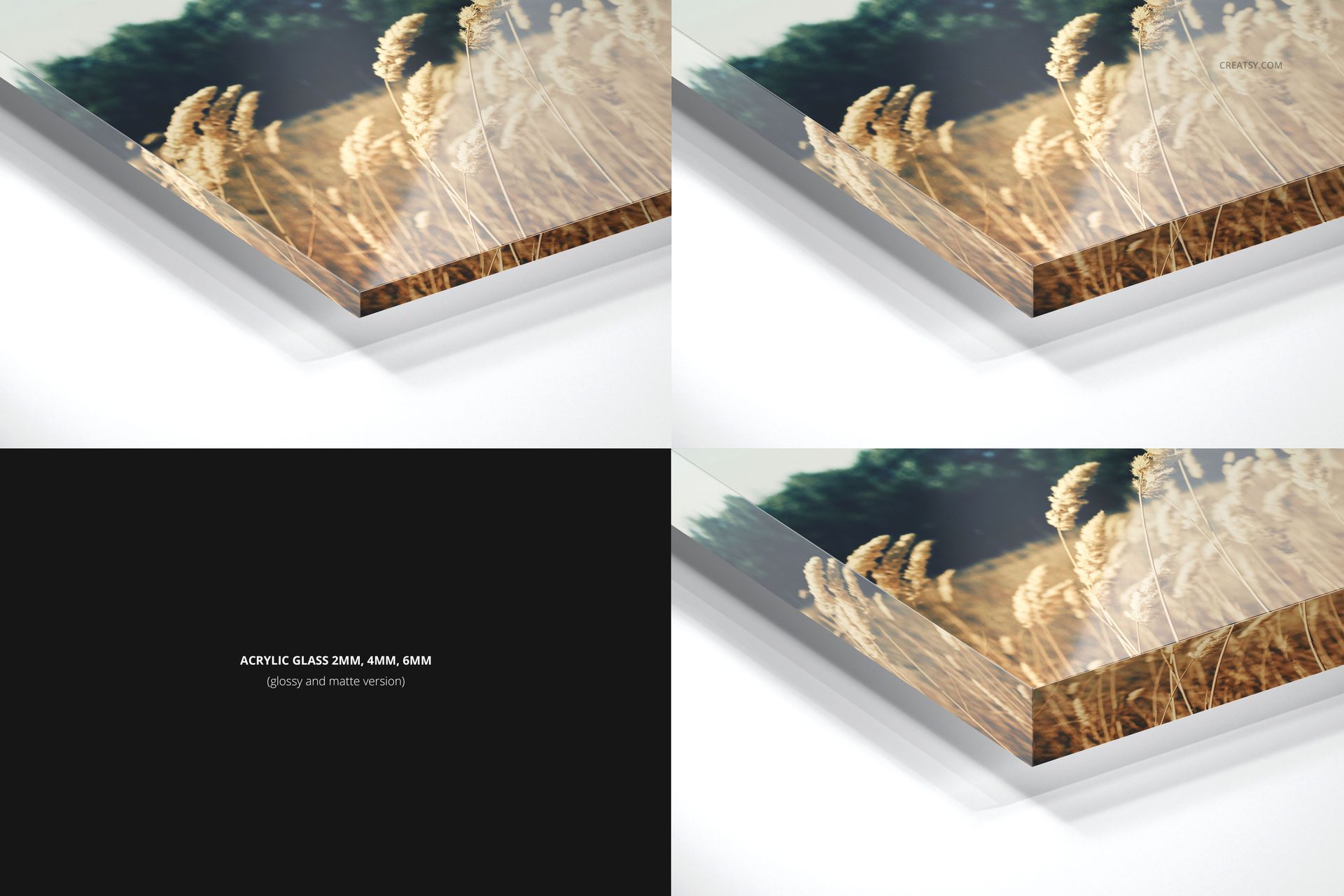
All three thicknesses are included for Alu-Dibond with acrylic glass and for acrylic glass alone, helping clients see how a thinner or more substantial edge changes the close-up presentation.
Finish Options by Material
Alu-Dibond with acrylic glass: glossy and matte
Acrylic glass: glossy and matte
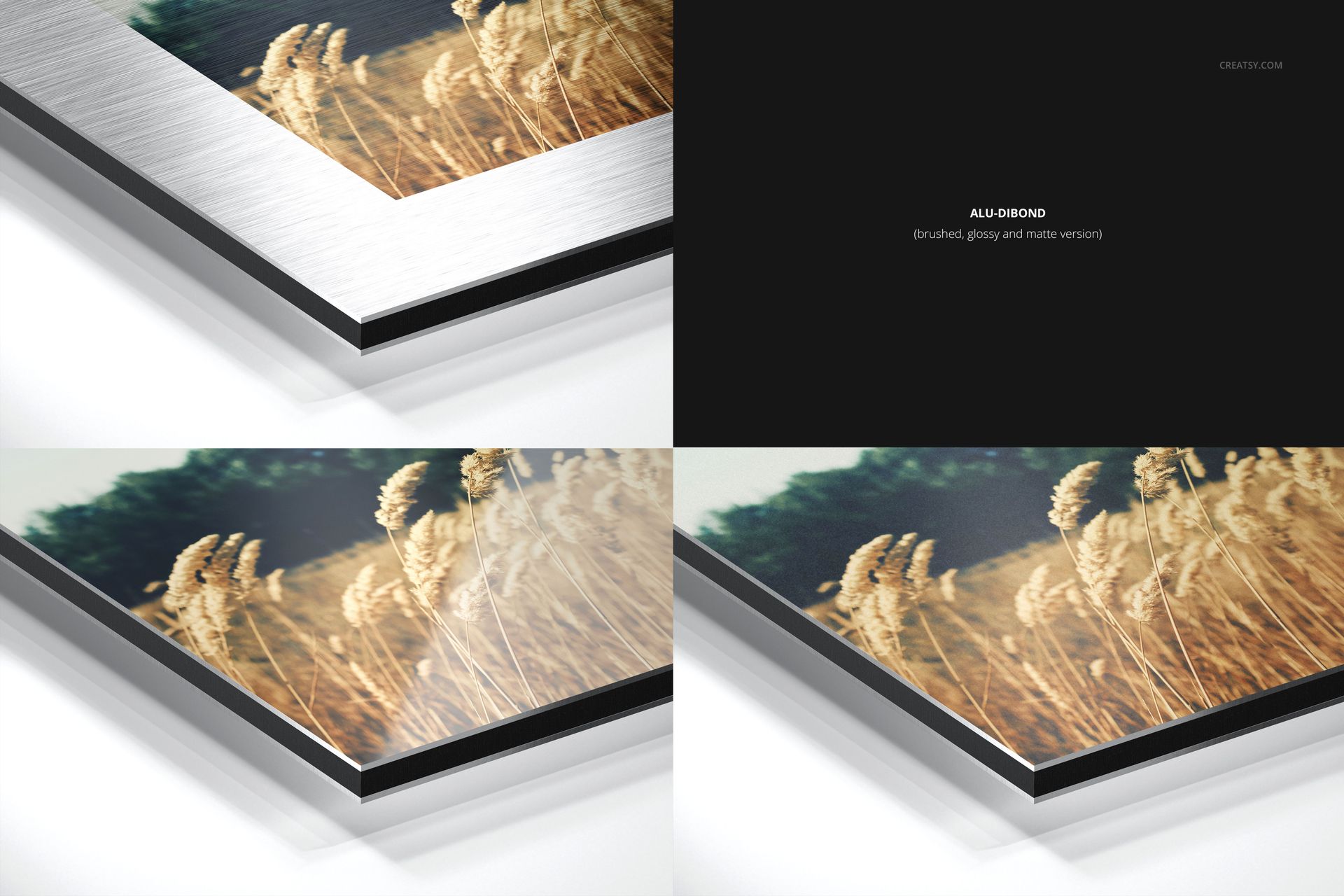
Alu-Dibond: glossy, matte and brushed
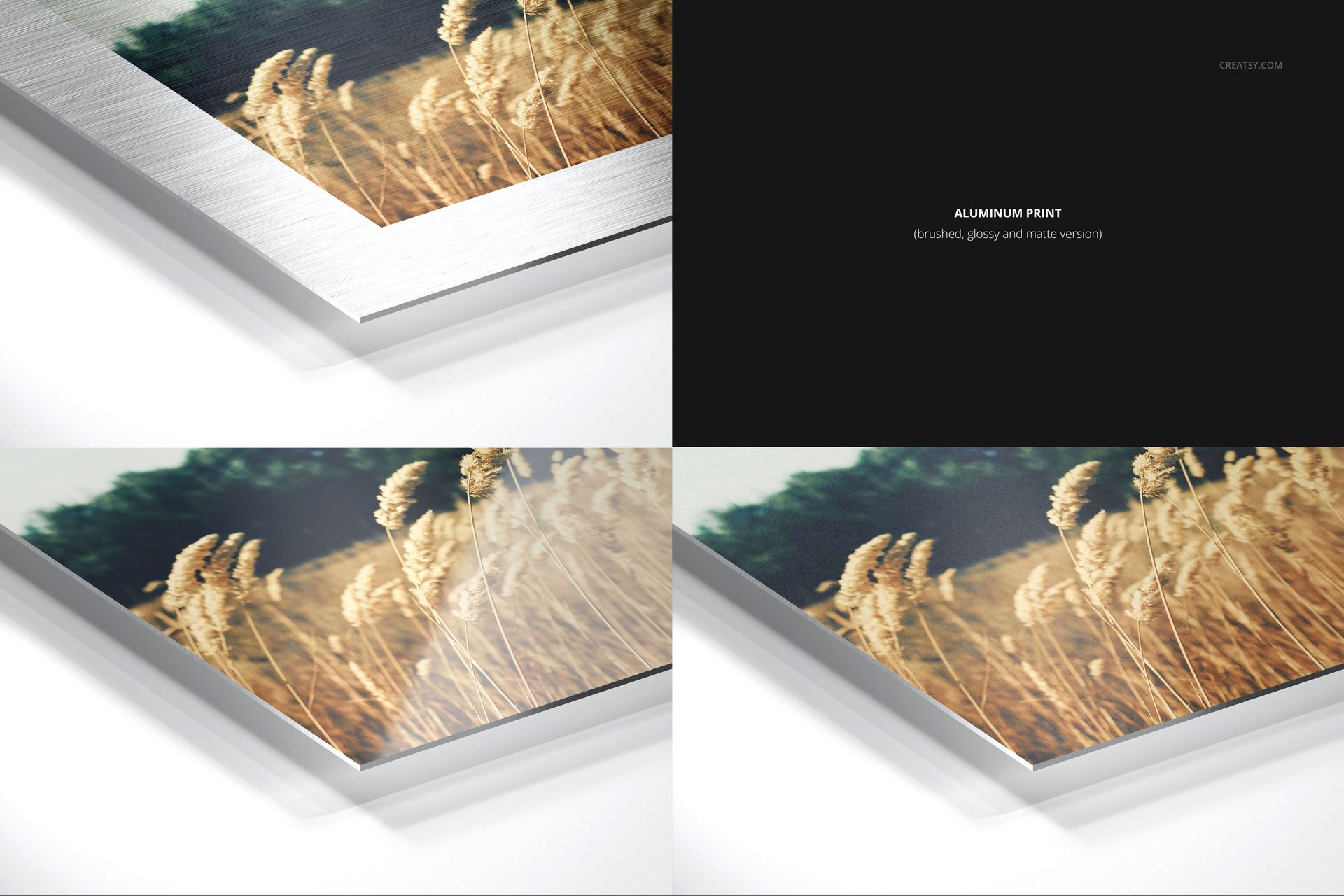
Aluminum print: glossy, matte and brushed
Brushed is included only for the Alu-Dibond and aluminum print groups. The acrylic glass groups use glossy or matte surfaces.
Edit Artwork, Background and Shadow
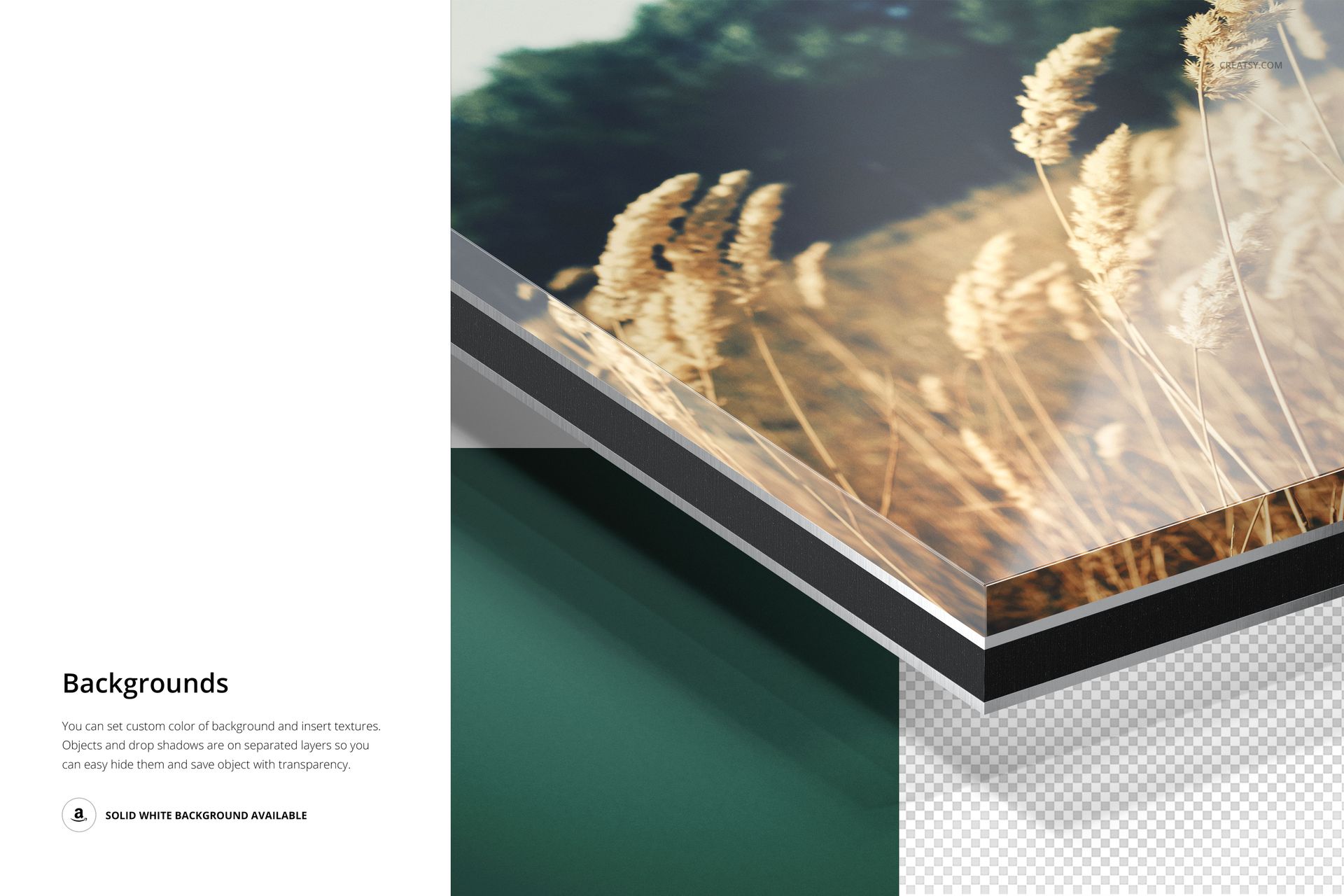
Place your design through Smart Objects, adjust supported color layers and replace the background with a solid color or custom texture. The object and drop shadow remain separate, so the shadow can be hidden and the panel can be exported with transparency.
Useful For
Photo print material comparison pages
Acrylic glass thickness guides
Alu-Dibond and aluminum finish previews
Client product configuration presentations
Close-up edge details for online stores
Photography and fine art print portfolios
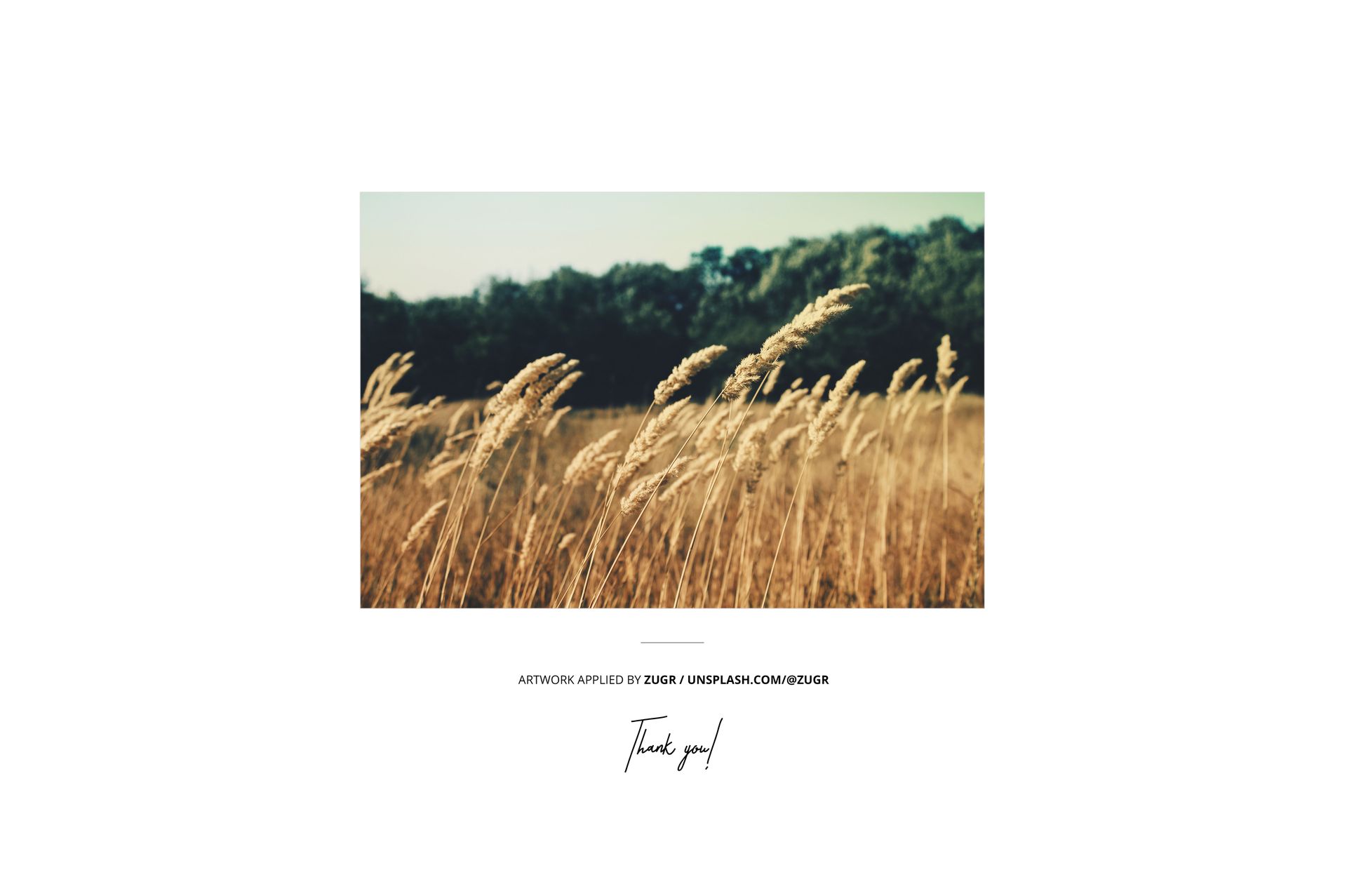
This is a digital mockup set, not a physical print product. The field photograph shown in the previews is demonstration artwork and is not included.
















I'm absolutely thrilled. It feels like magic when your own art is visible behind these beautiful and precisely designed mockups.
Thank you so much! We’re delighted that the mockups help bring your artwork to life and that you appreciate the precision of the set. We hope you create many beautiful presentations with it!