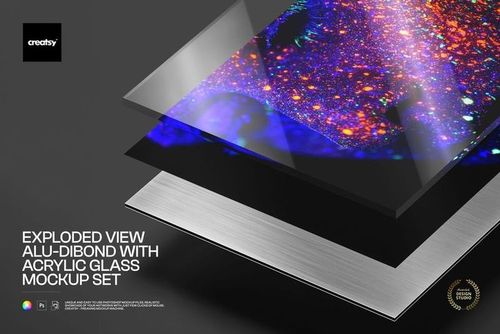
Dibond Aluminum Print Closeup Mockup Set
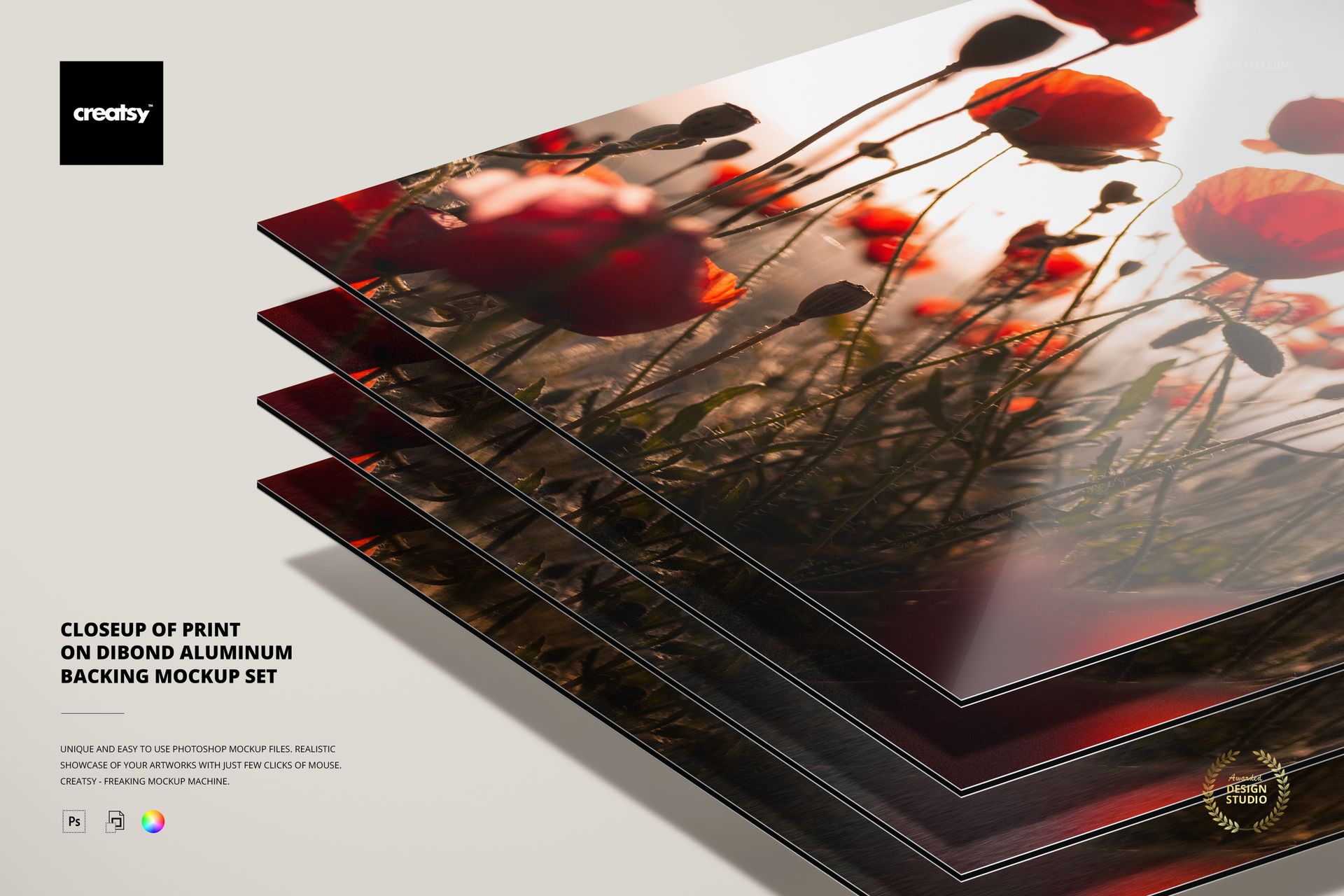
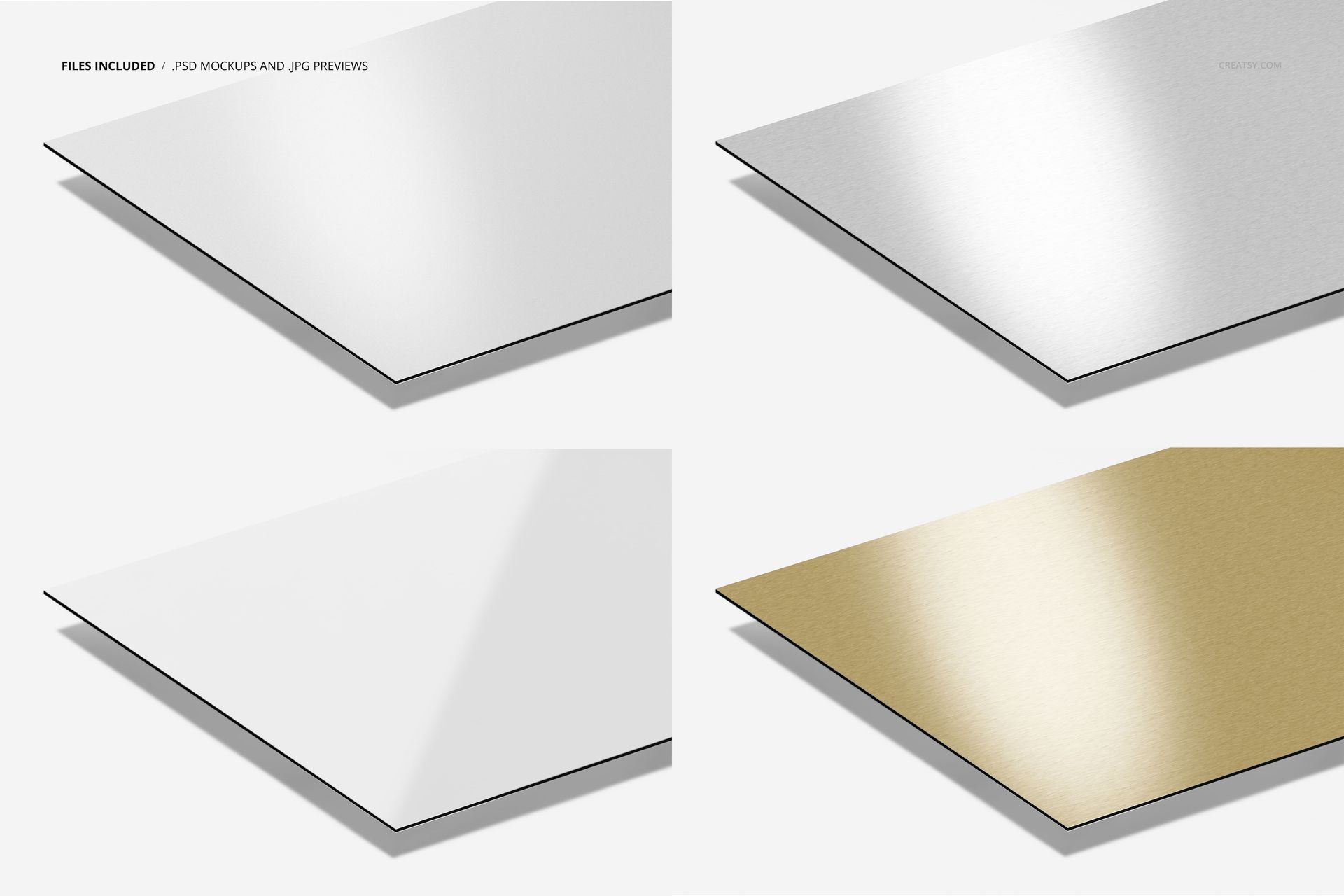
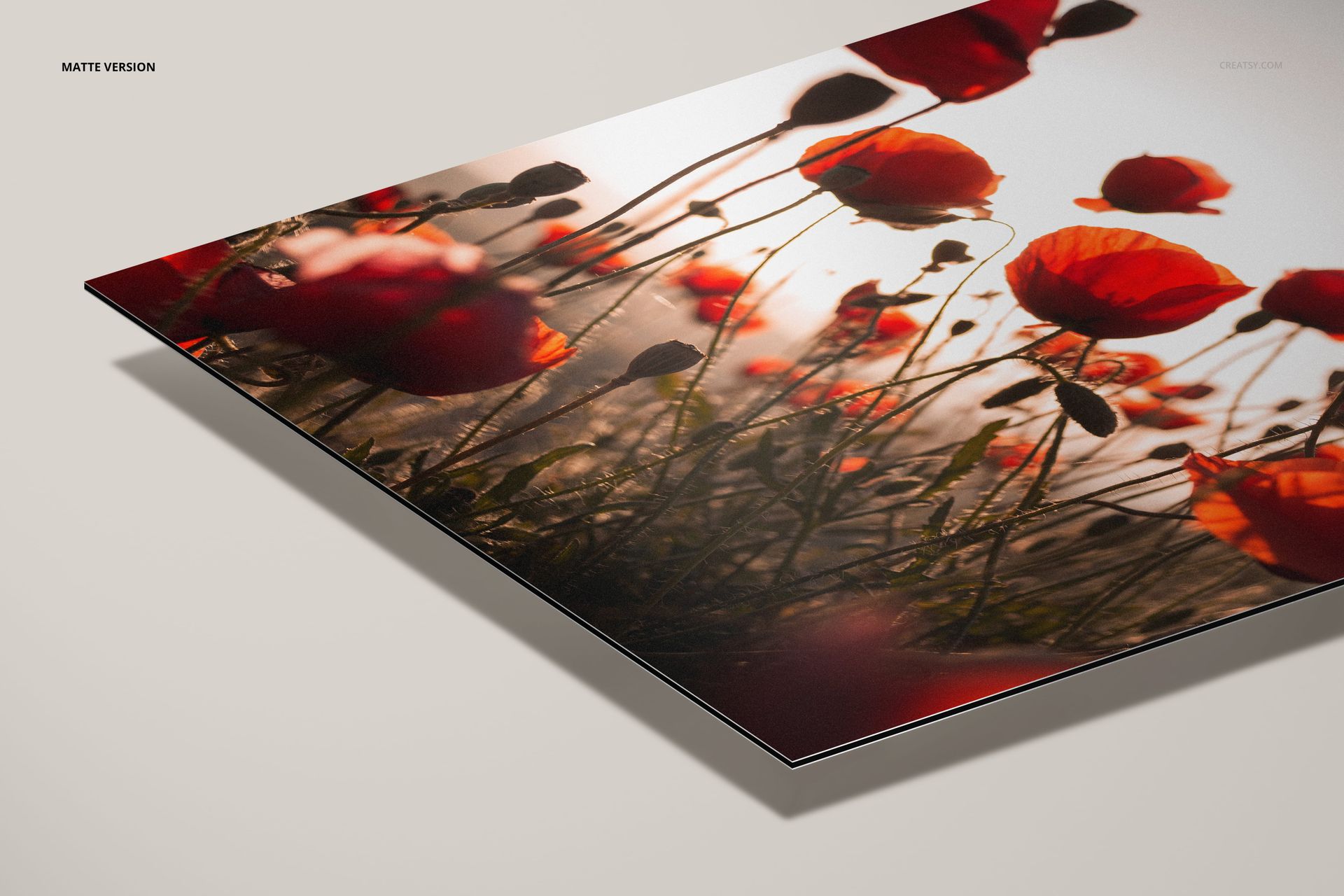
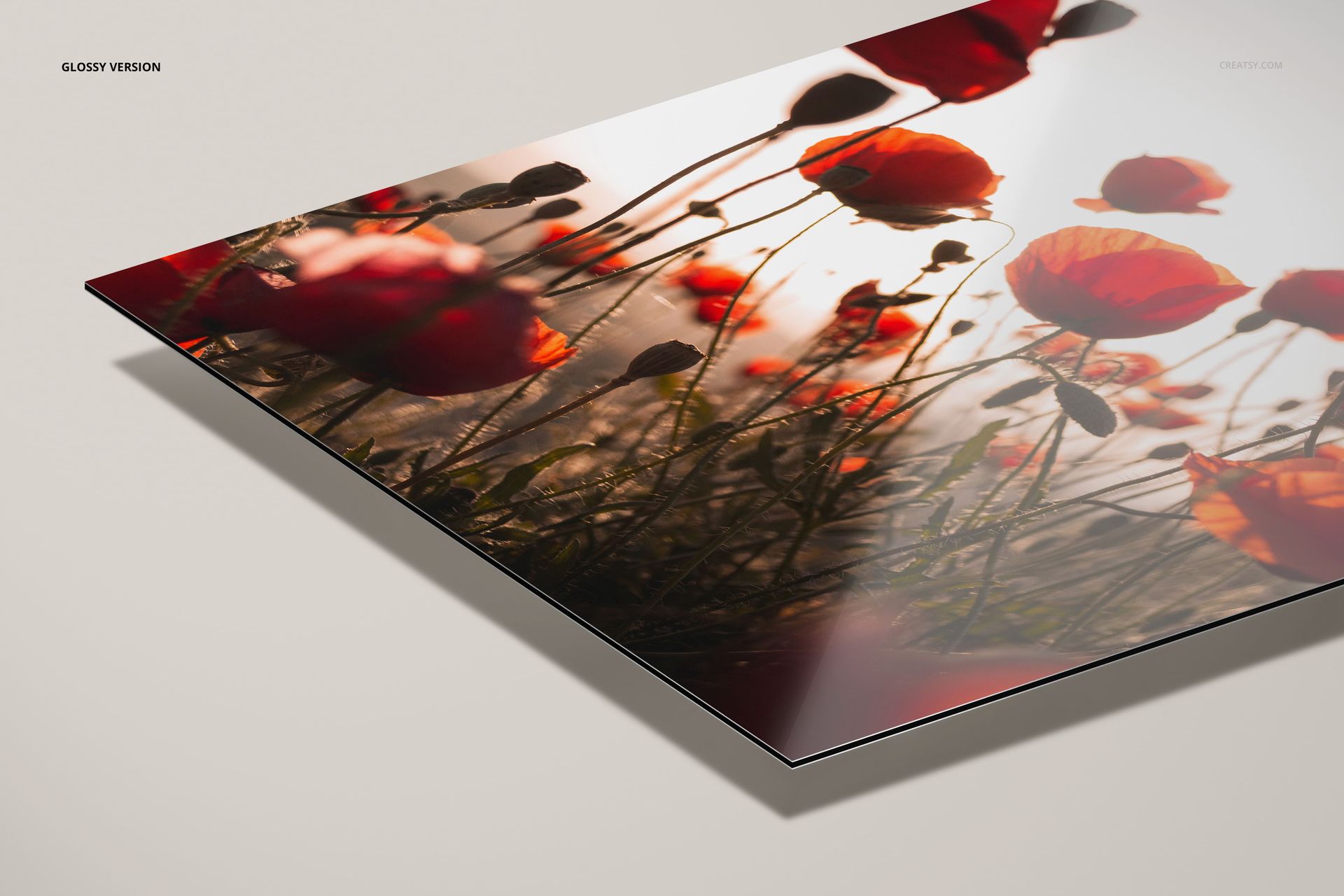
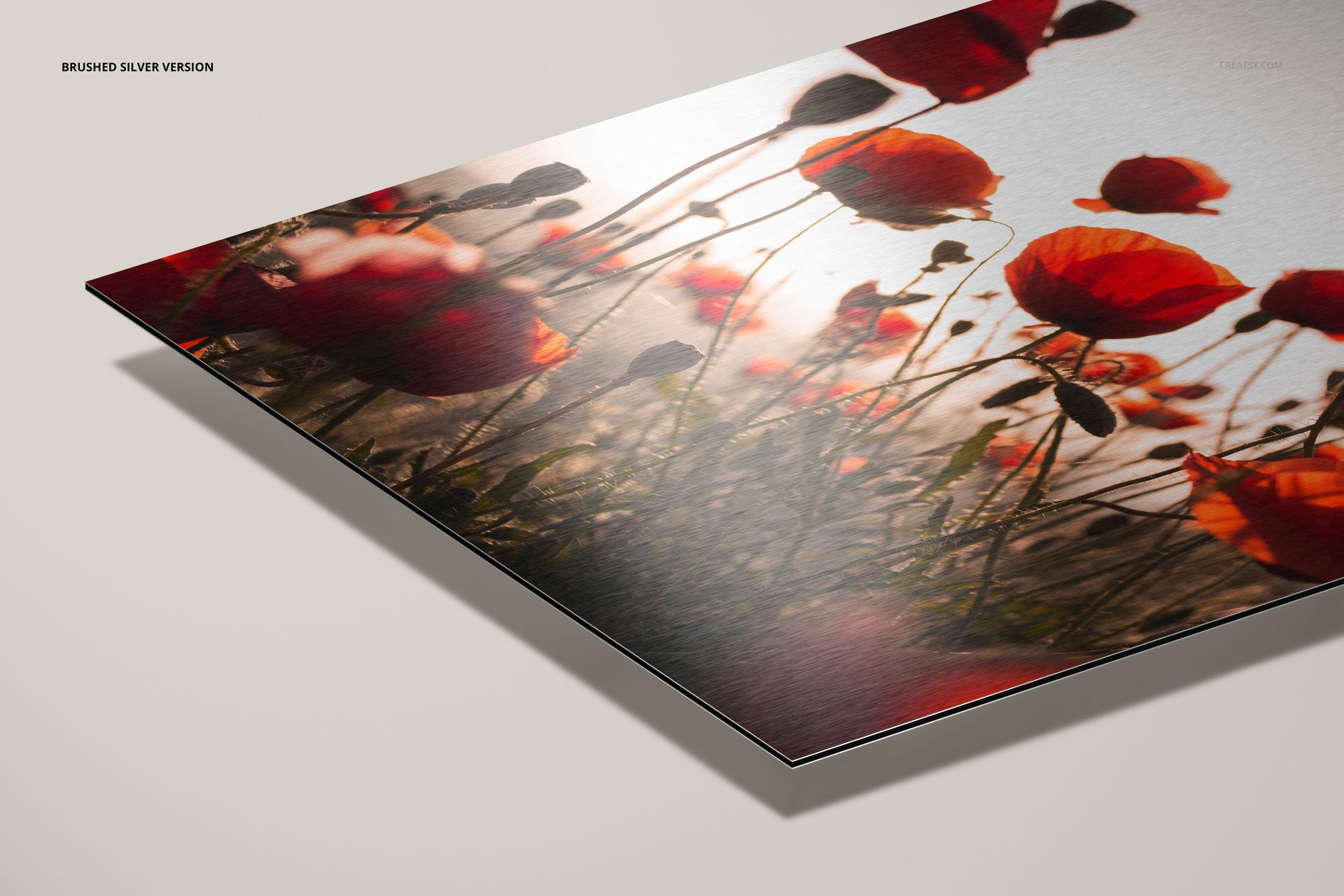
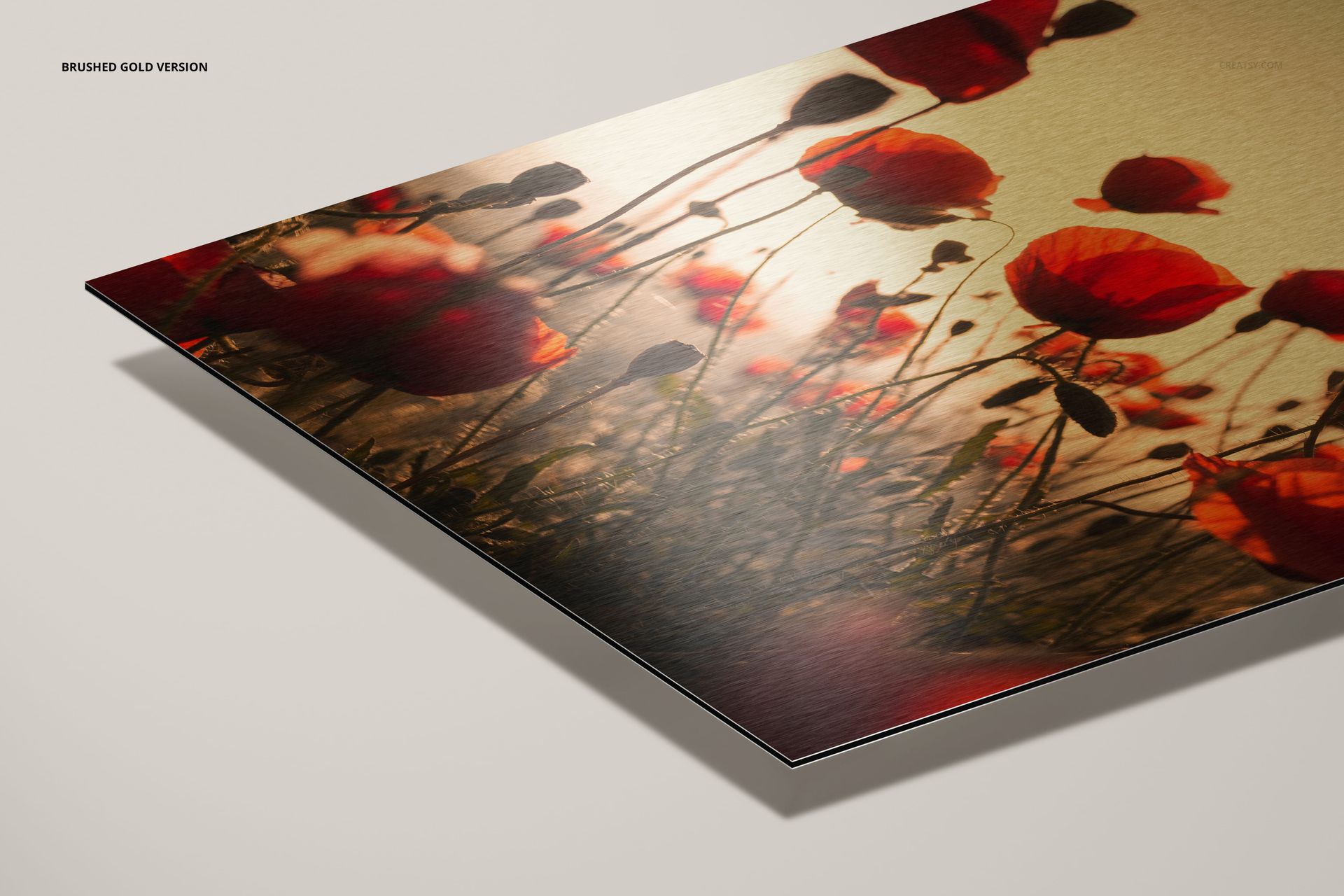
Present artwork on a thin aluminum composite print panel in one landscape close-up. Four layered PSD files keep the same angled view while changing the surface to matte, glossy, brushed silver or brushed gold.
The consistent crop makes it easier to compare reflections, color response and brushed metal texture without changing the artwork or camera angle.
What Is Included
4 layered PSD mockup files
4 small JPG preview files
Matte aluminum print finish
Glossy aluminum print finish
Brushed silver and brushed gold finishes
One landscape 3:2 close-up composition
Compare Four Surface Finishes
Matte for a restrained surface response
Glossy for stronger highlights and reflections
Brushed silver for a cool visible metal texture
Brushed gold for a warmer visible metal texture
Replace Artwork in the PSD
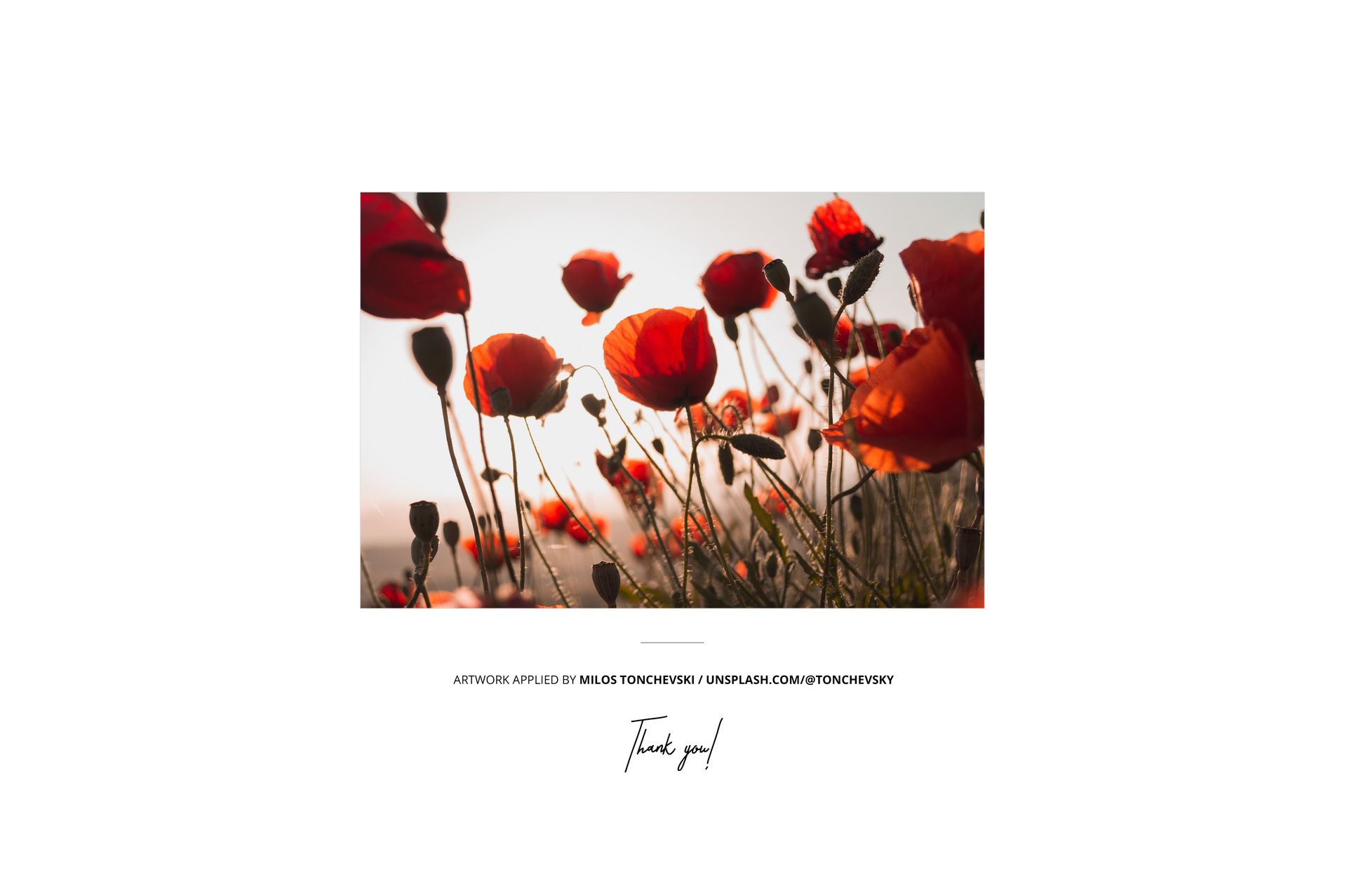
Open the artwork Smart Object, place a landscape photograph or illustration and save it to refresh the print surface. Use the same artwork in all four PSDs when you need a direct finish comparison.
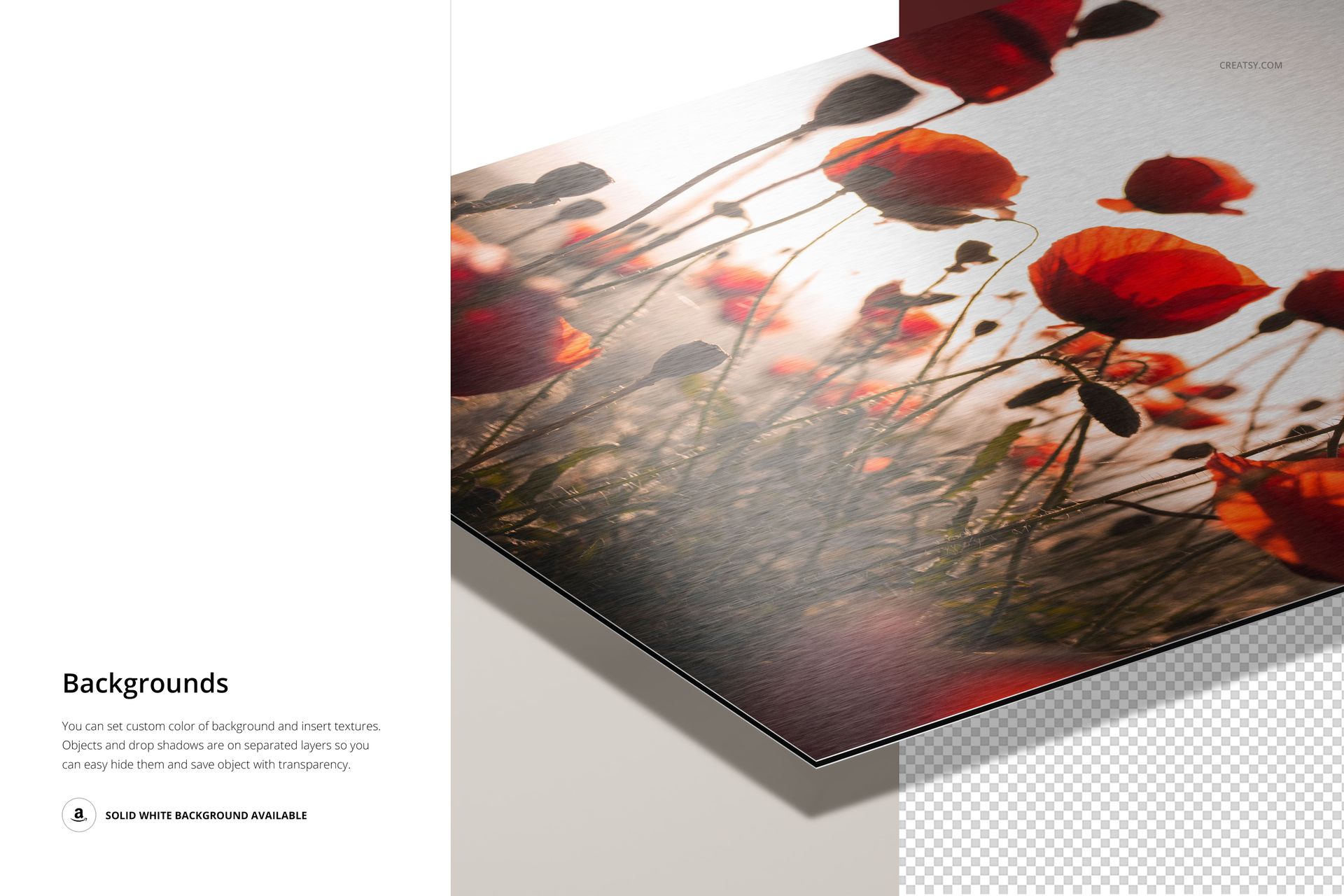
Background, Shadow and Export Controls
Change the background color
Add a custom background texture or design
Control the panel and drop shadow separately
Hide the drop shadow
Use the solid white background or export on transparency
Useful For
Metal wall art product pages
Photography and illustration portfolios
Print shop finish guides
Client material selection proposals
Ecommerce galleries with consistent close-ups
This is a downloadable digital mockup set, not a physical Dibond or aluminum print. The demonstration artwork shown in the previews is not included.