Paper Cup Mockup Set v.2
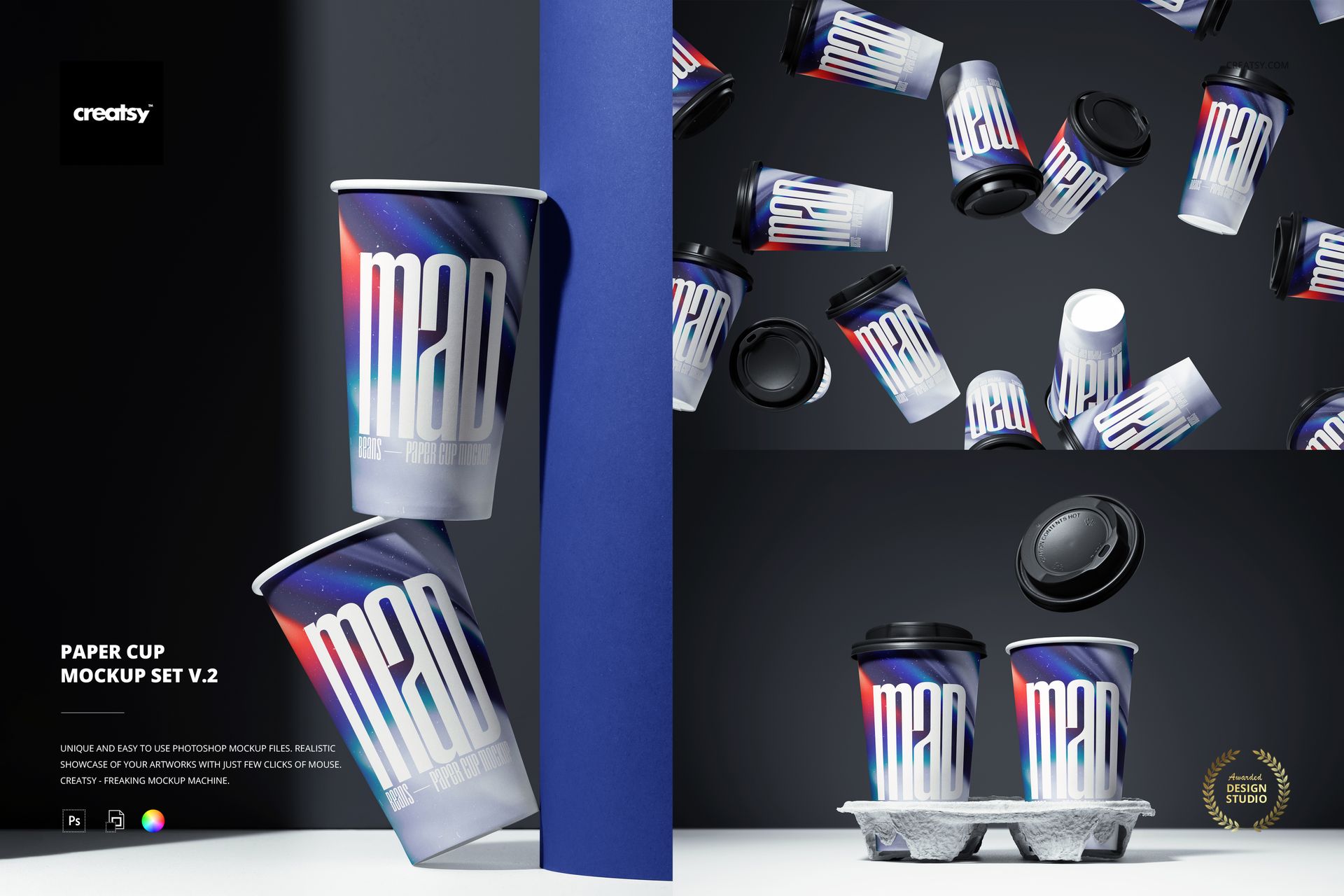
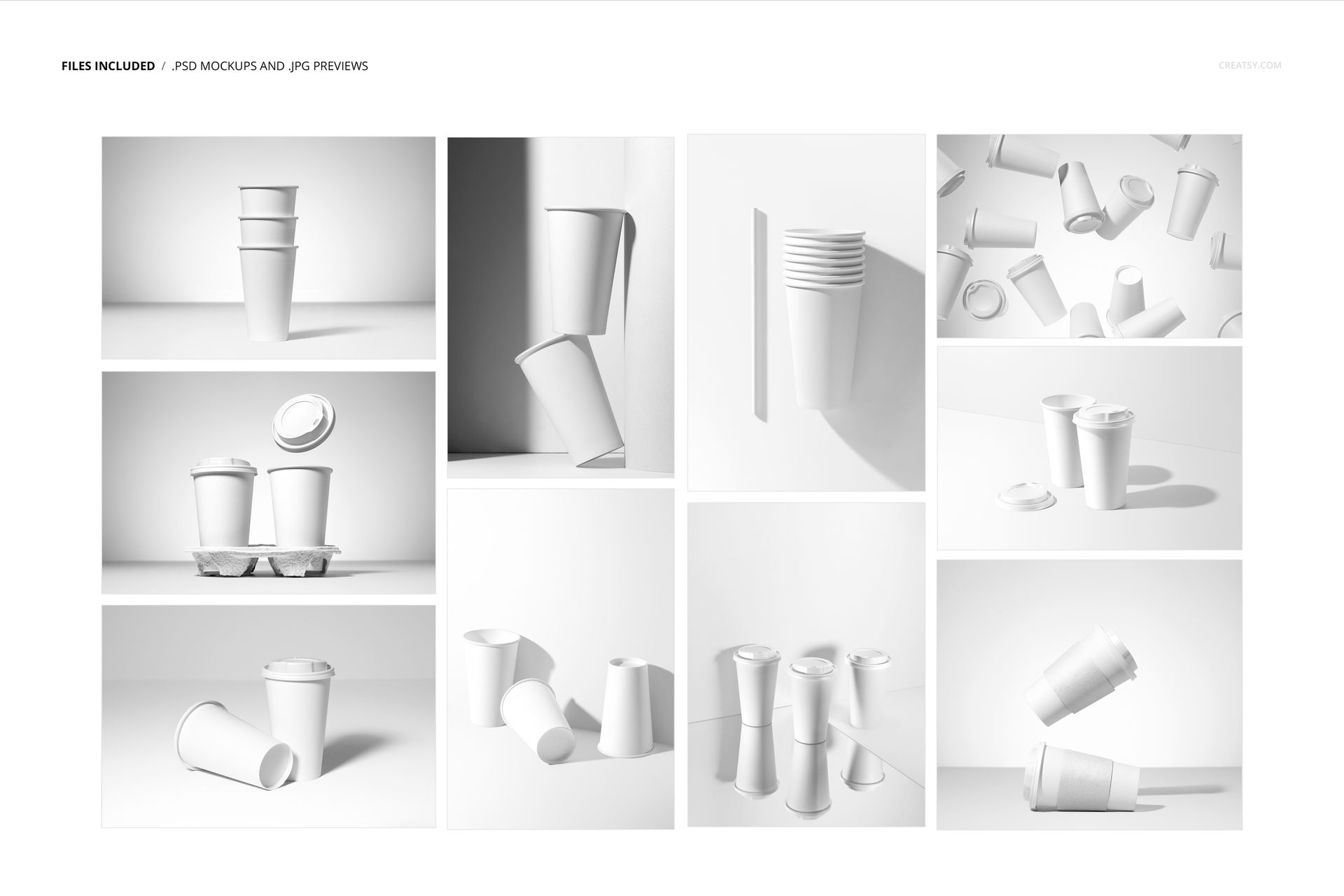
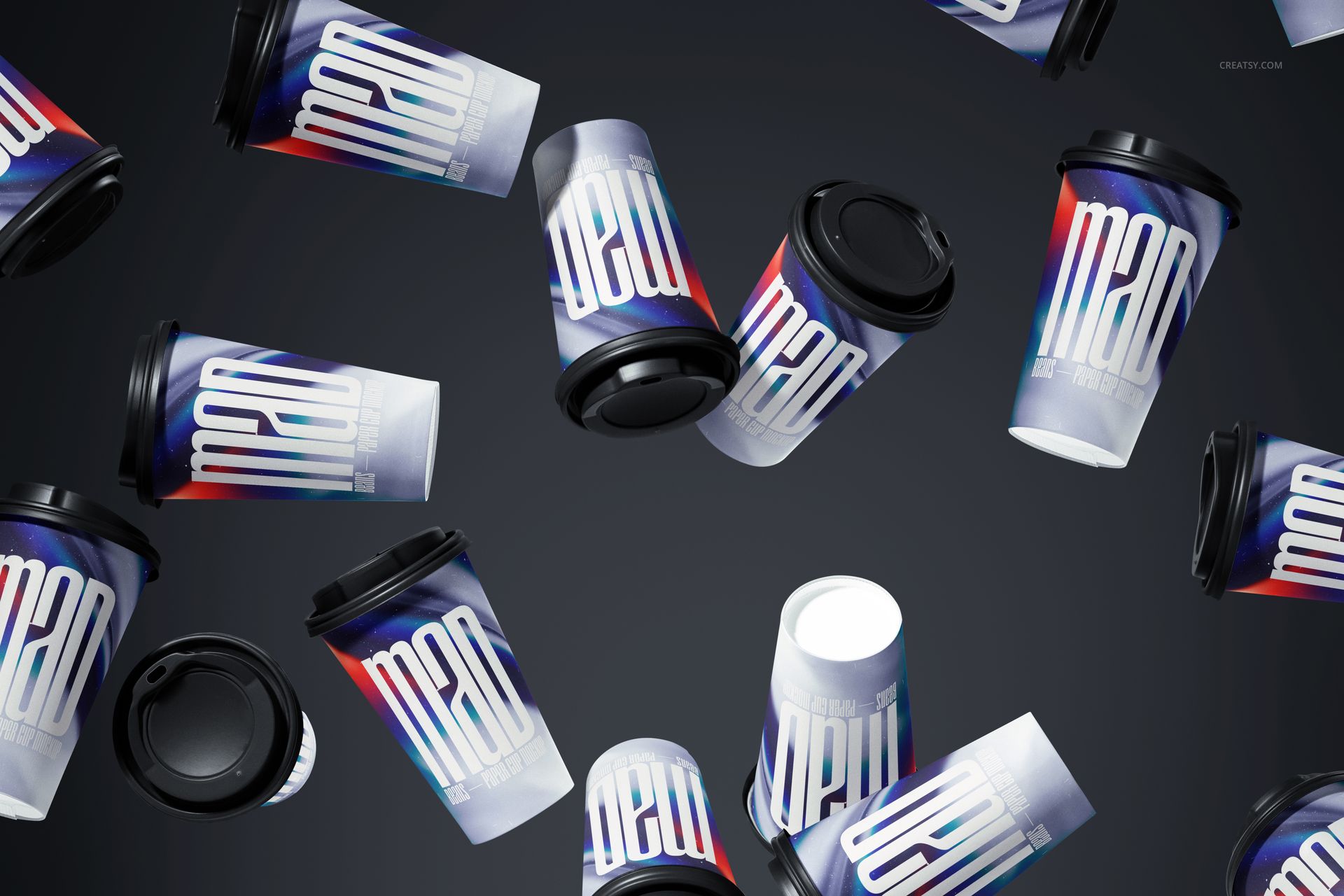
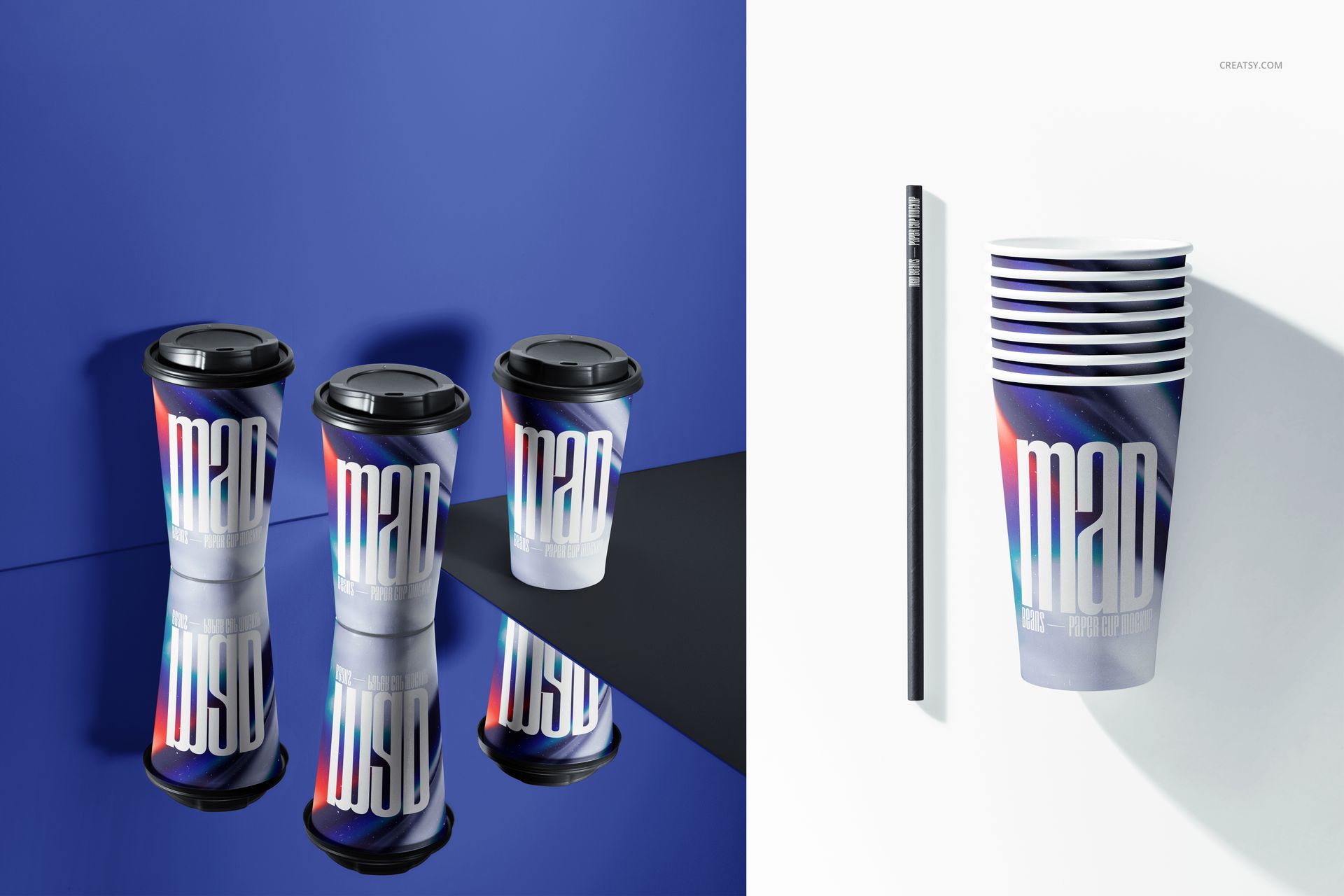
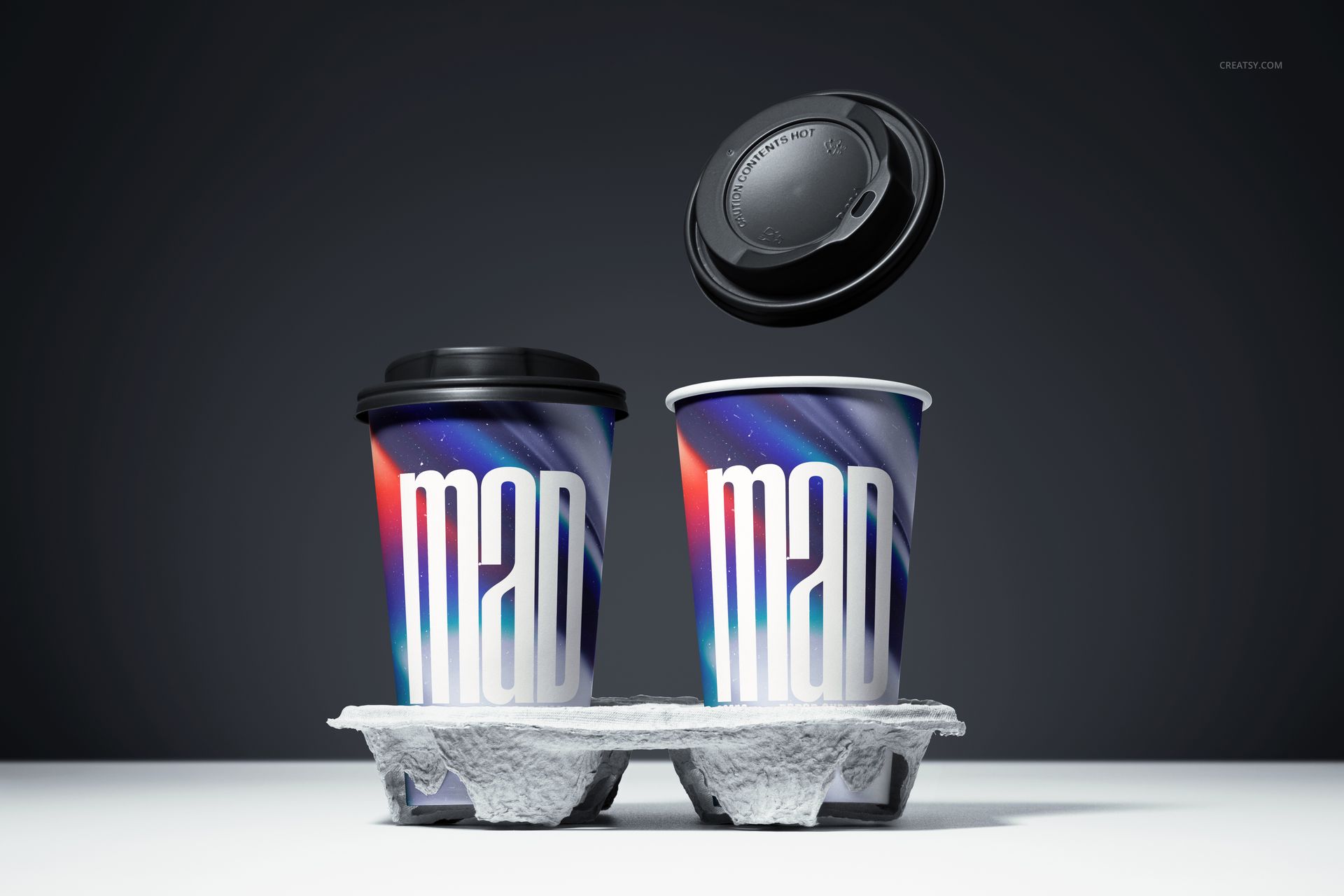
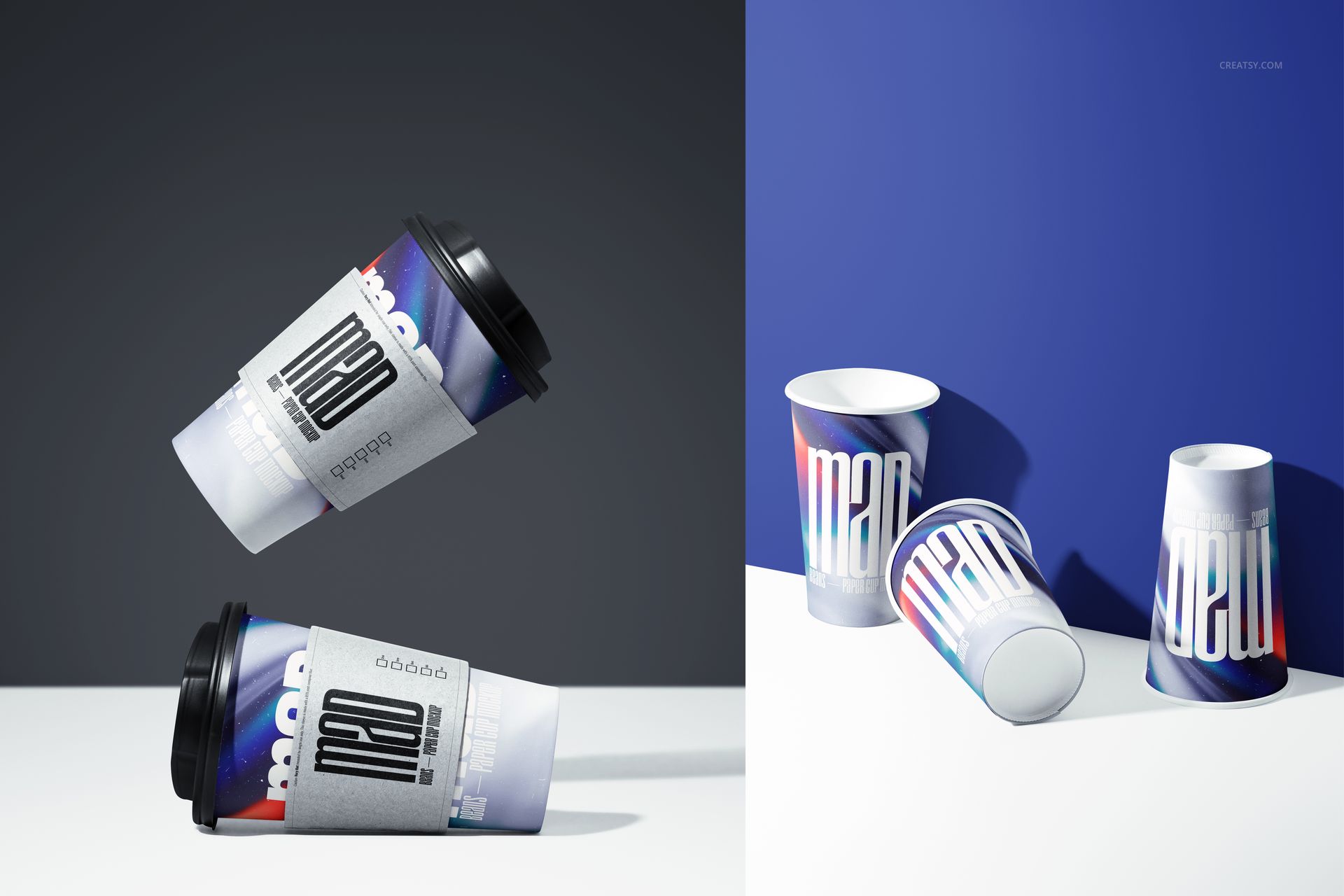
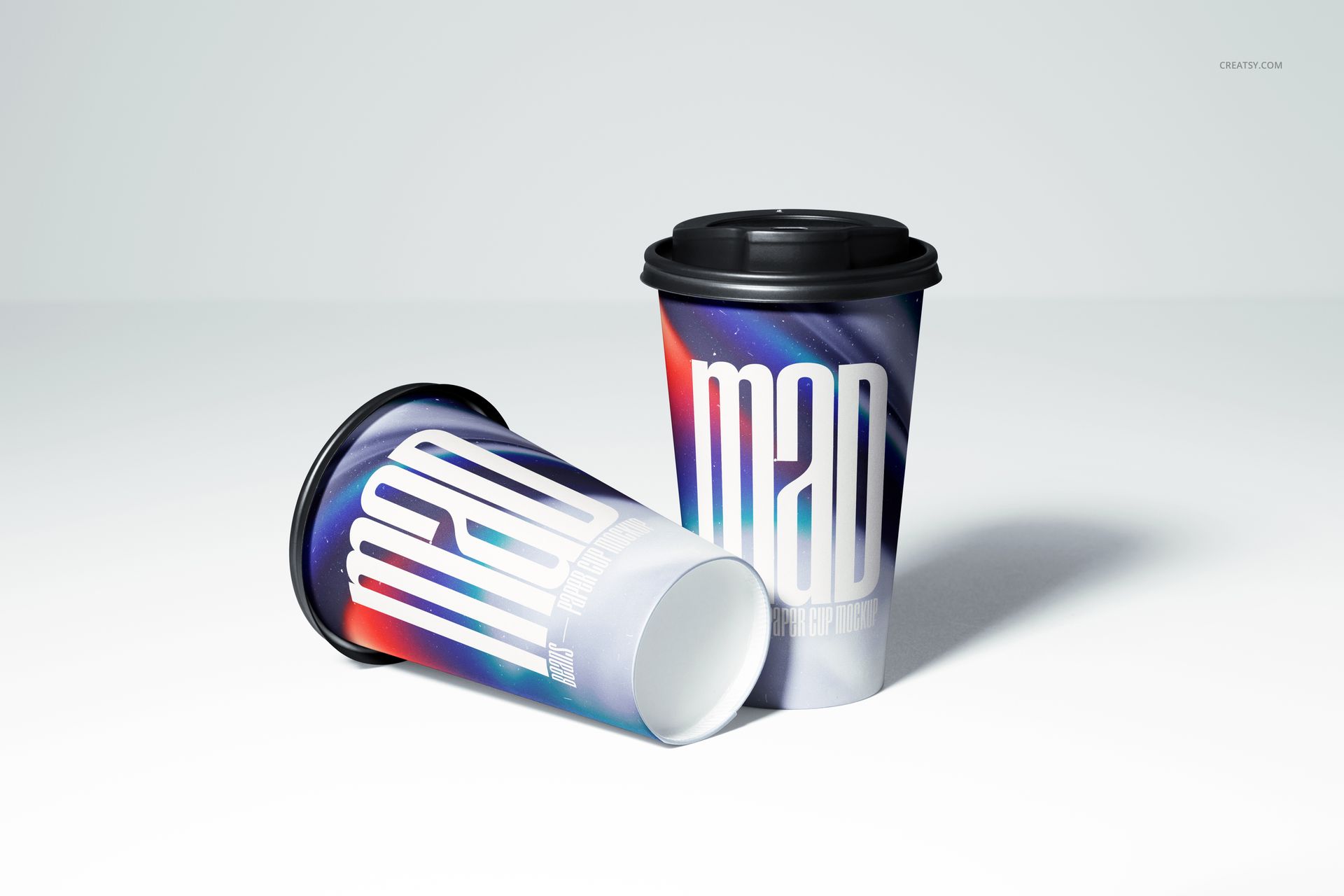
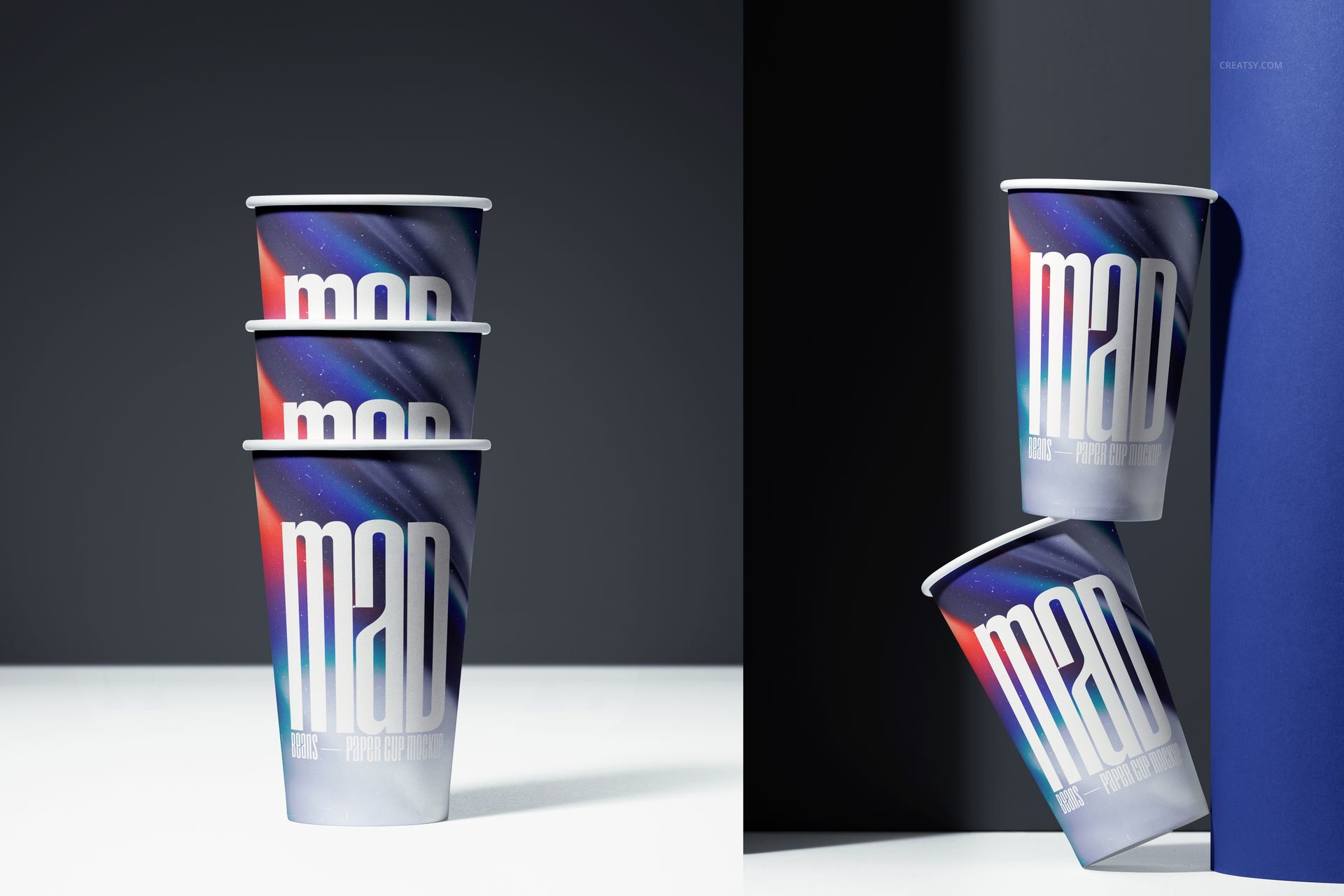
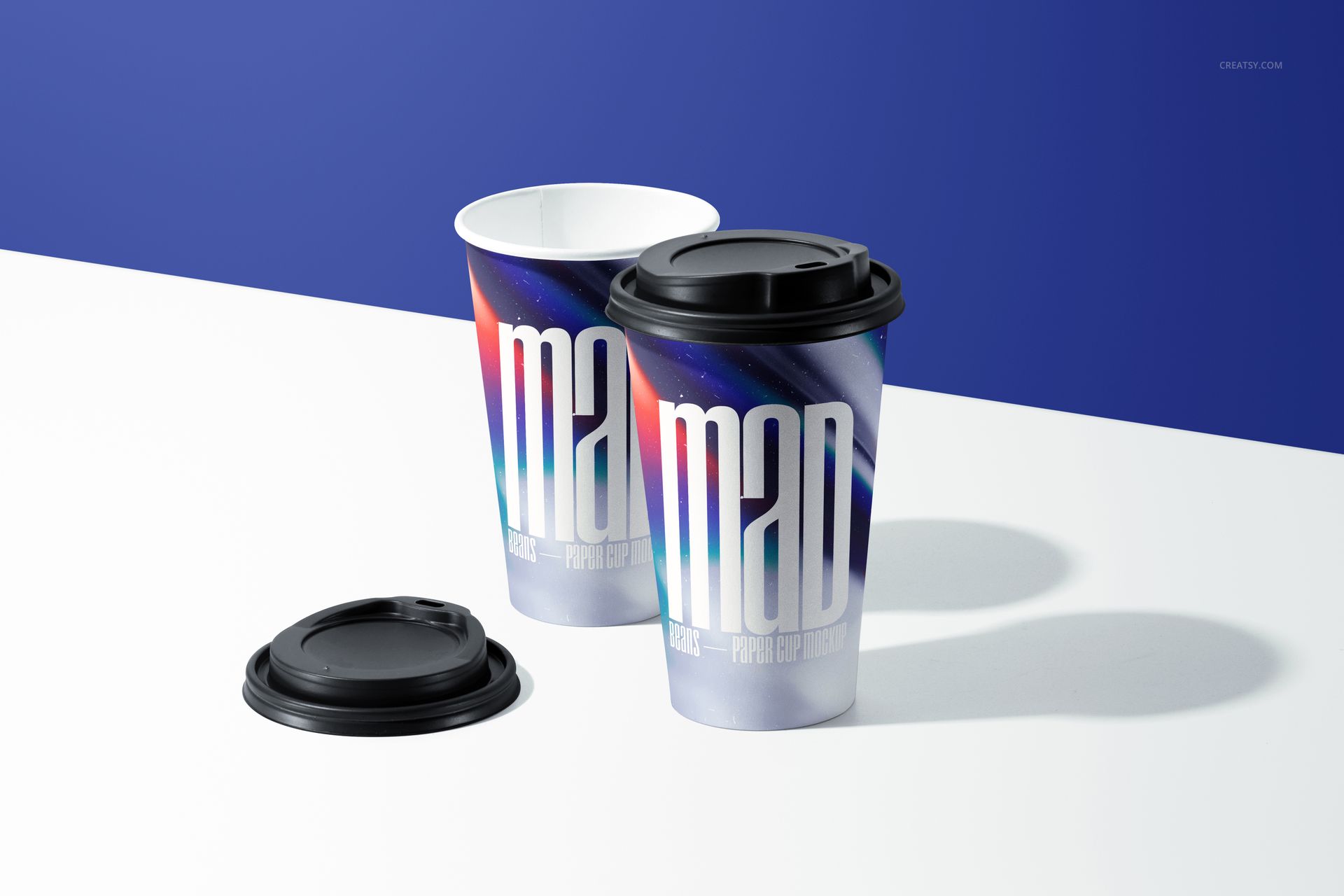
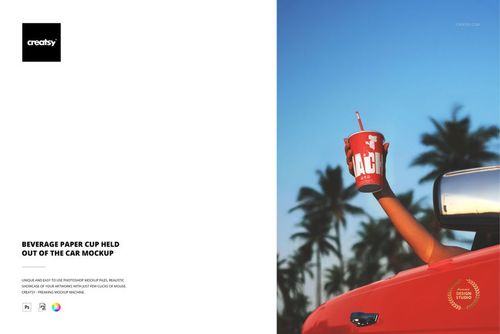
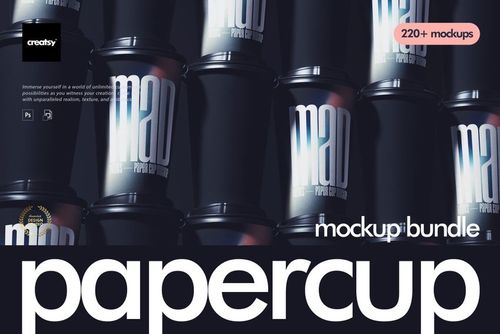
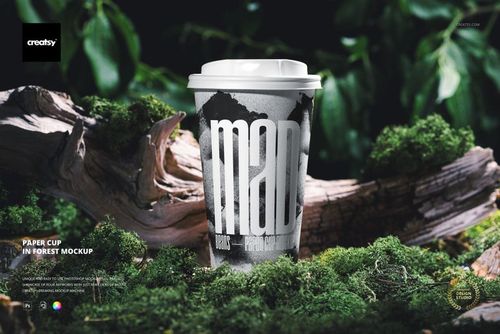
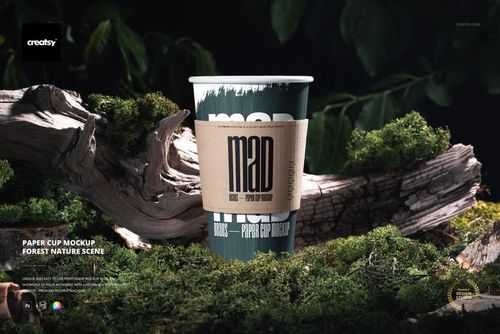
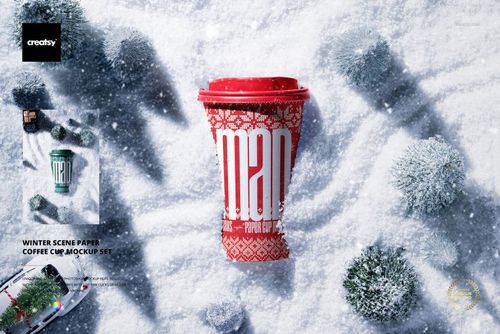
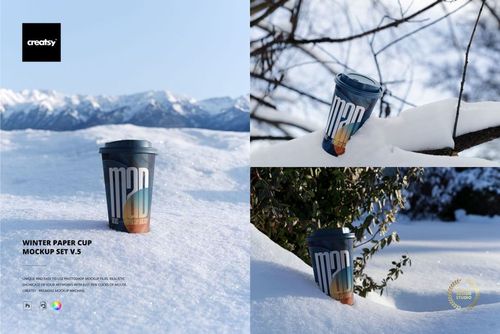
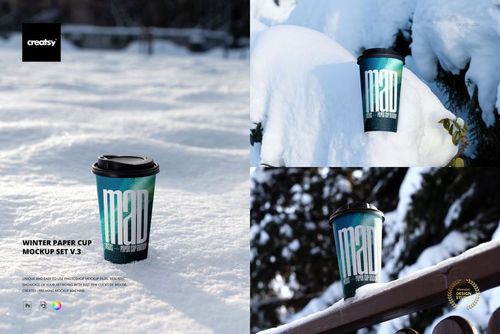
Present a takeaway drink identity across ten layered PSD scenes instead of relying on a single cup angle. The set moves from clean single and paired views to stacked, nested, floating and balanced arrangements. It also includes lidded and open cups, paper sleeves, a straw, loose lids and a molded two-cup carrier.
Use the range to compare wordmarks, repeat graphics, menu campaign artwork and seasonal branding across curved cup surfaces. Dark studio frames, bright white setups, split blue backgrounds and reflective panels provide contrasting settings for presentations, menus, advertising and social content.
Files and Compatibility
10 layered PSD files, described as 6000 x 4000 px at 300 DPI
10 JPG previews in landscape and portrait orientations
1 PDF user manual
Adobe Photoshop CS6 or newer
Photopea compatibility is listed for this product
ZIP package size: 2.29 GB on Windows | 2.46 GB on Mac
Editing Controls
Replace cup artwork through Smart Objects
Change the cup artwork and cup colors
Adjust the lids, straw colors and backgrounds
Work with open, lidded, sleeved, stacked, grouped and suspended cup arrangements
Retain the prepared lighting, shadows and curved-surface rendering
The sample patterns shown in the preview boards are not included.
Preview Artwork Credit
Product preview imagery is credited to Creatsy.