Wrapping Tissue Paper Mockup Bundle
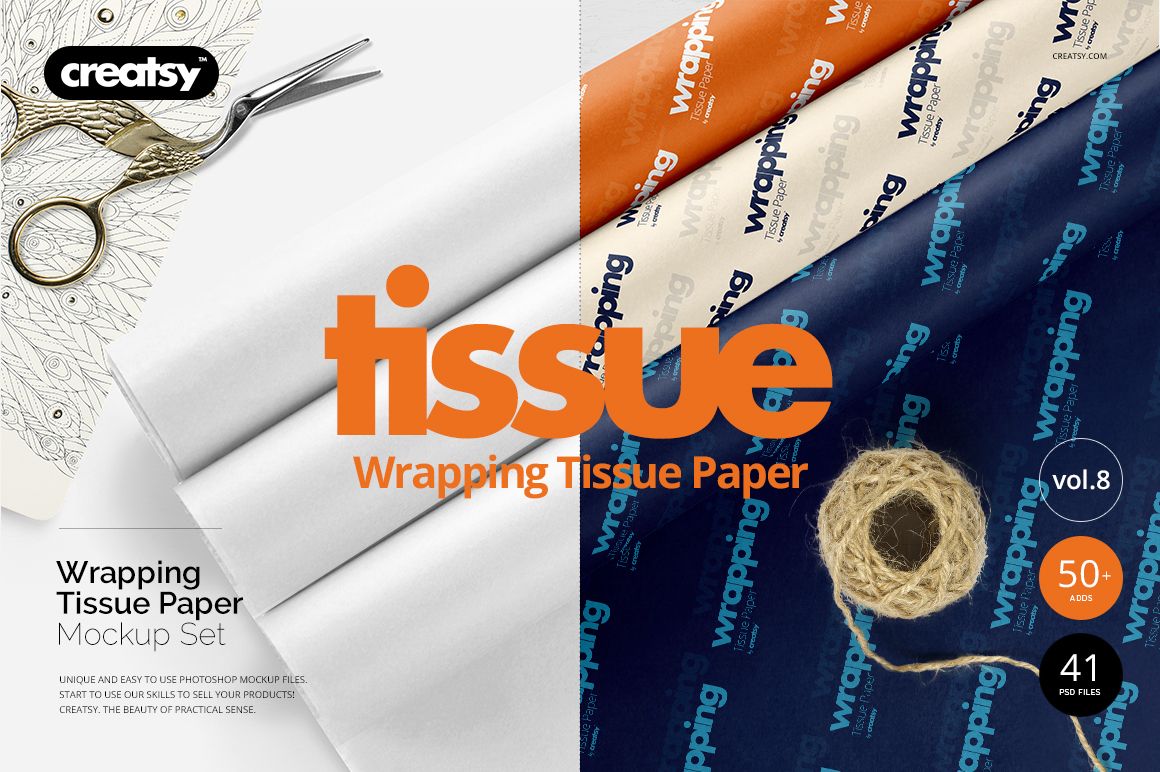
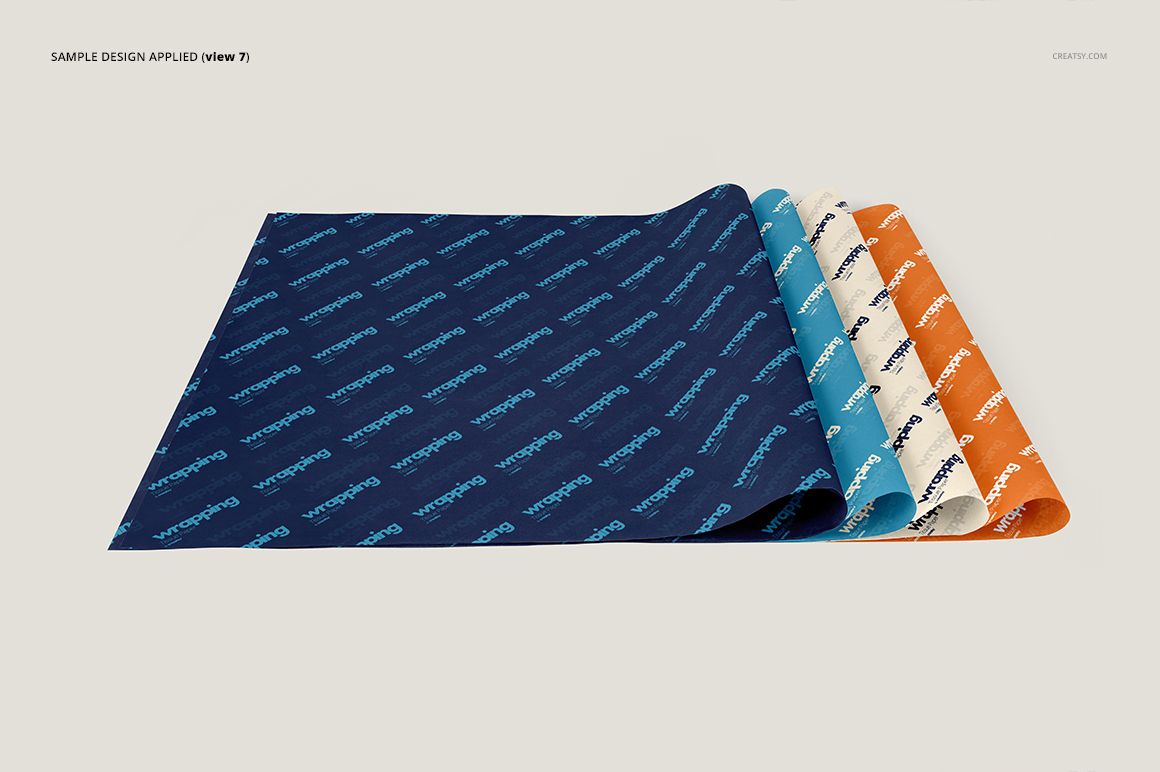
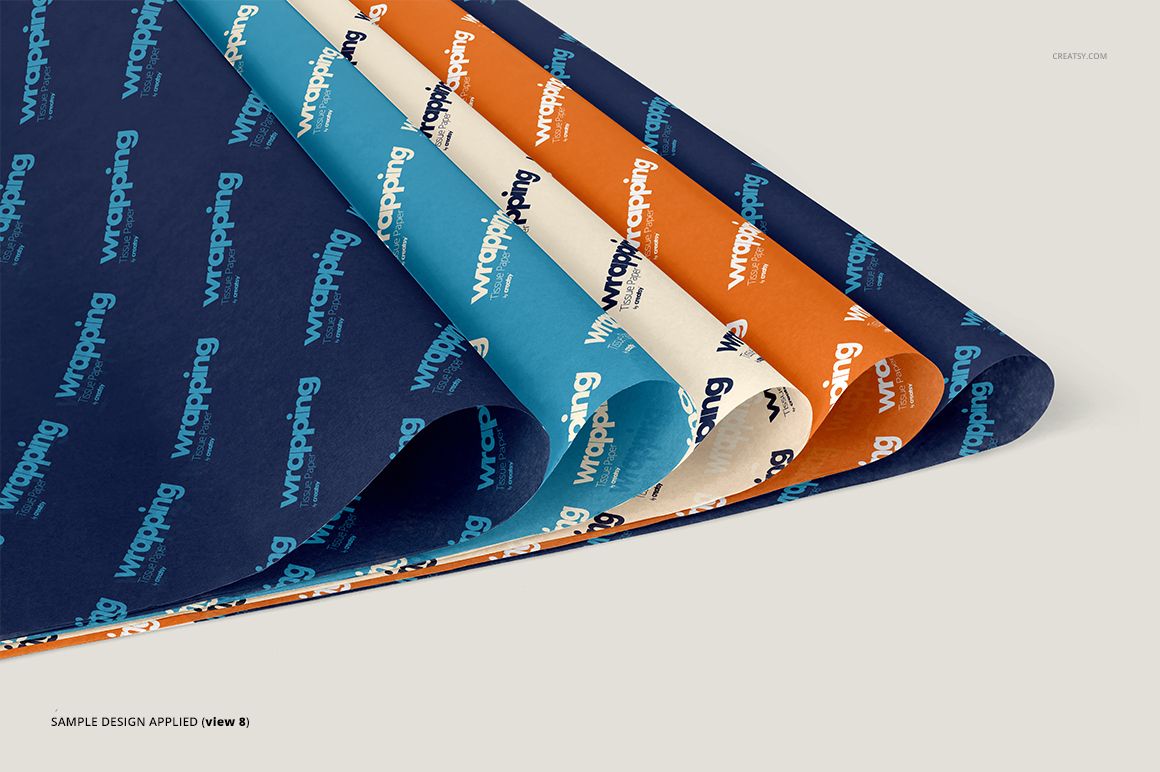
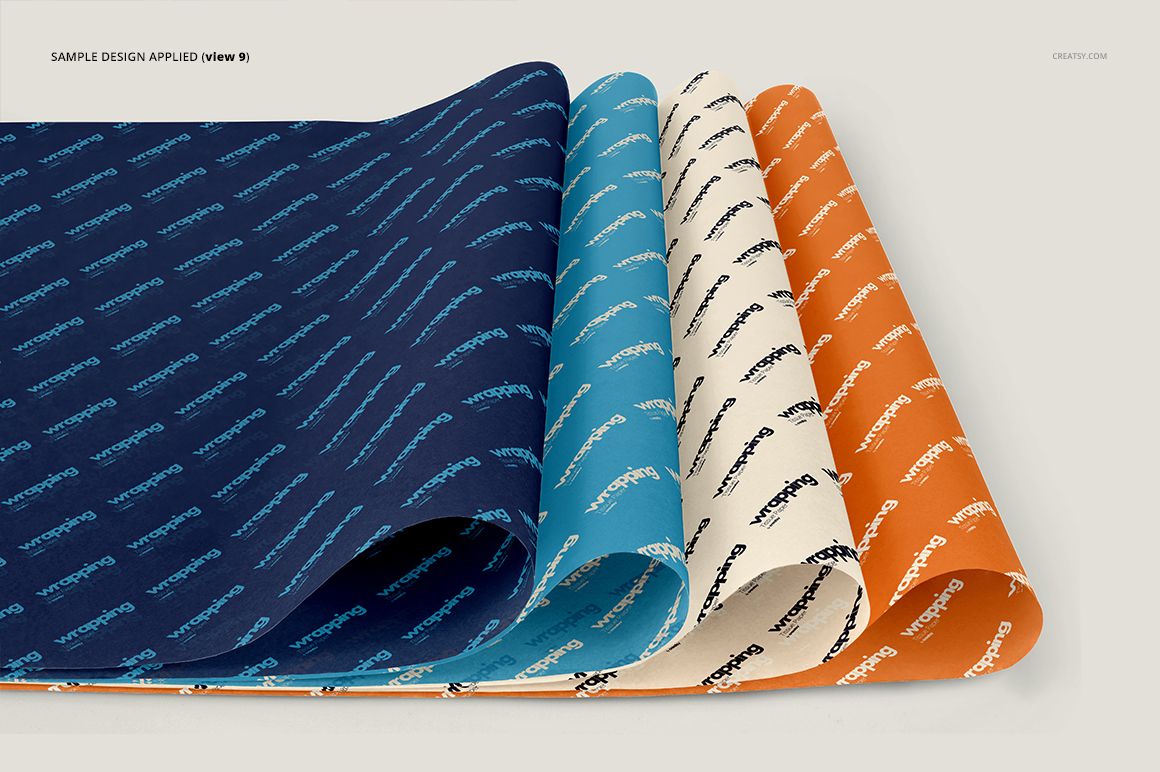
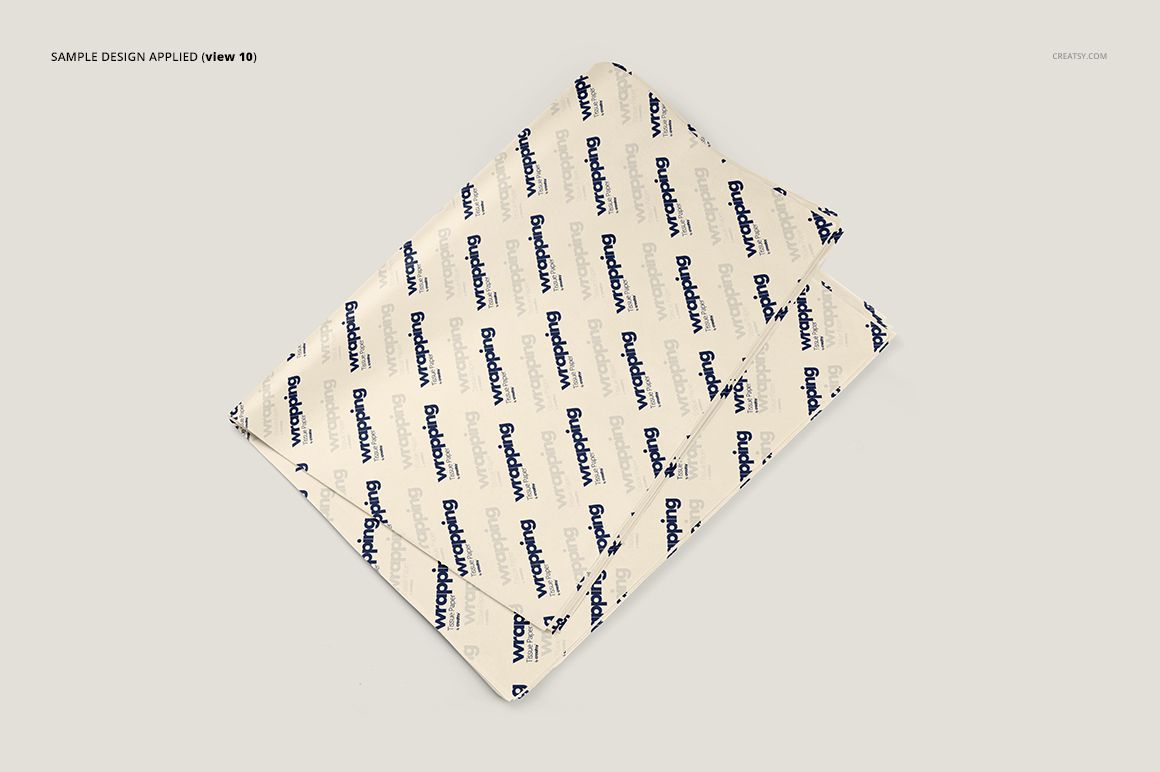
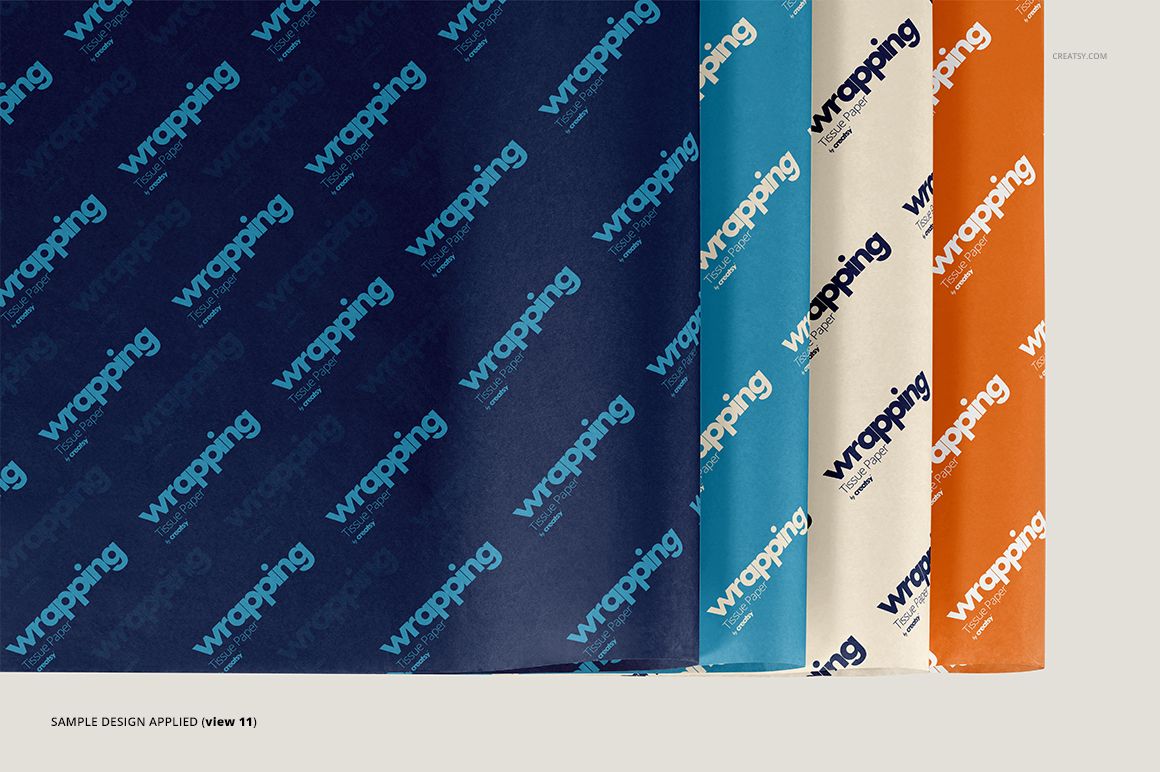
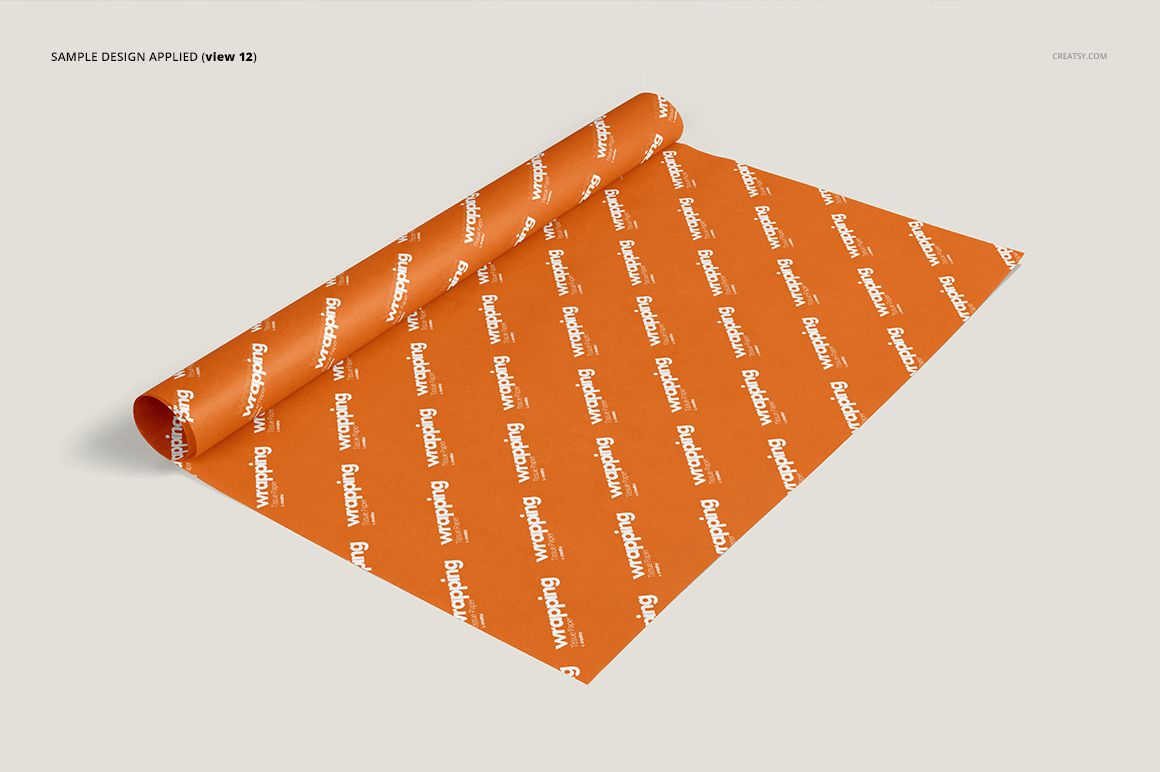
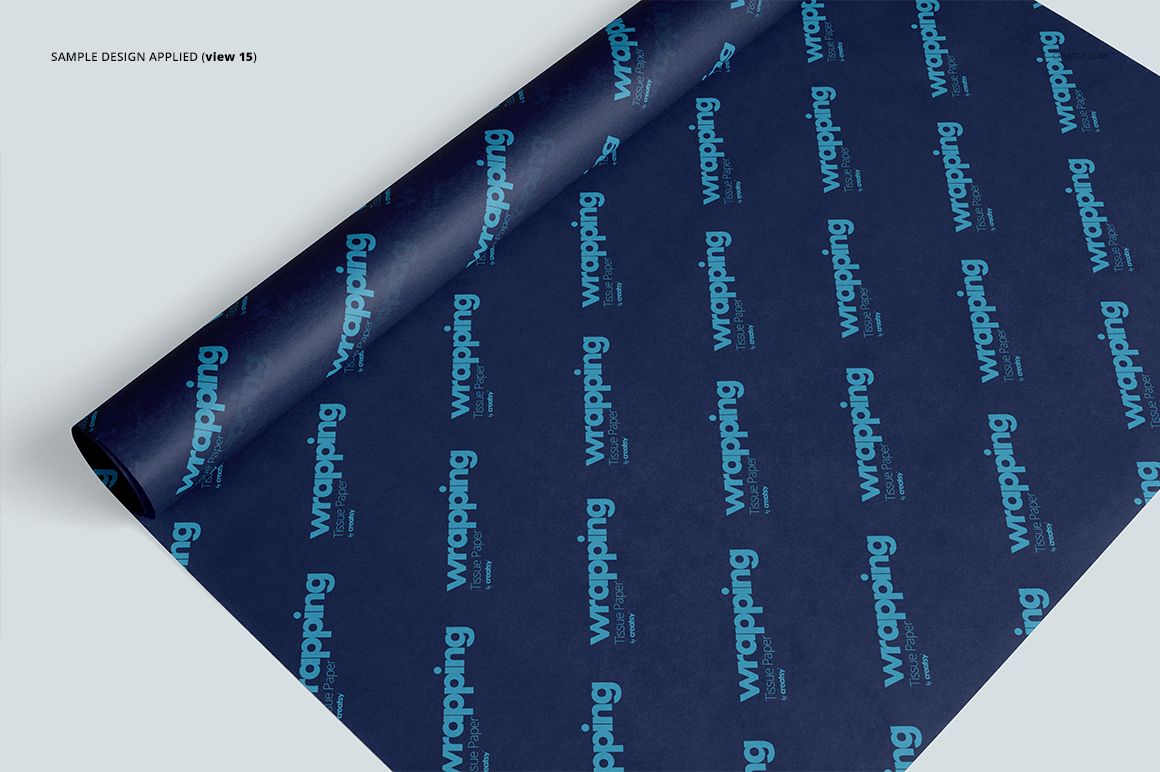
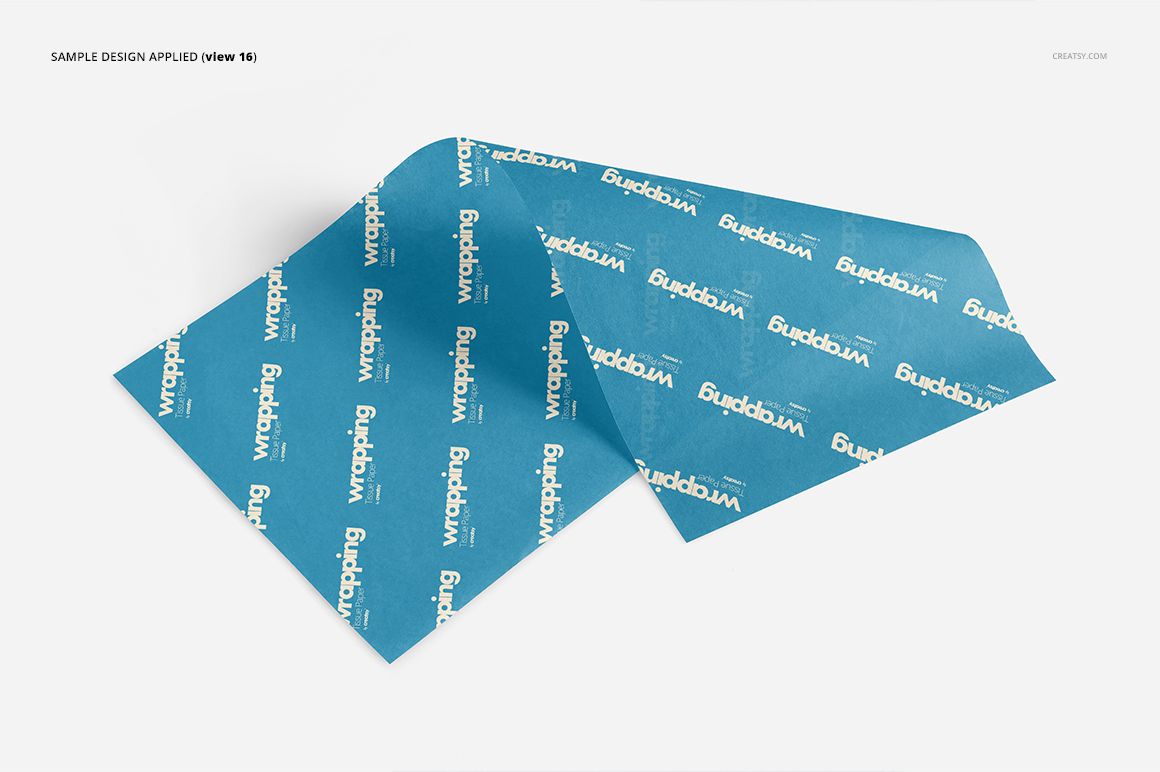
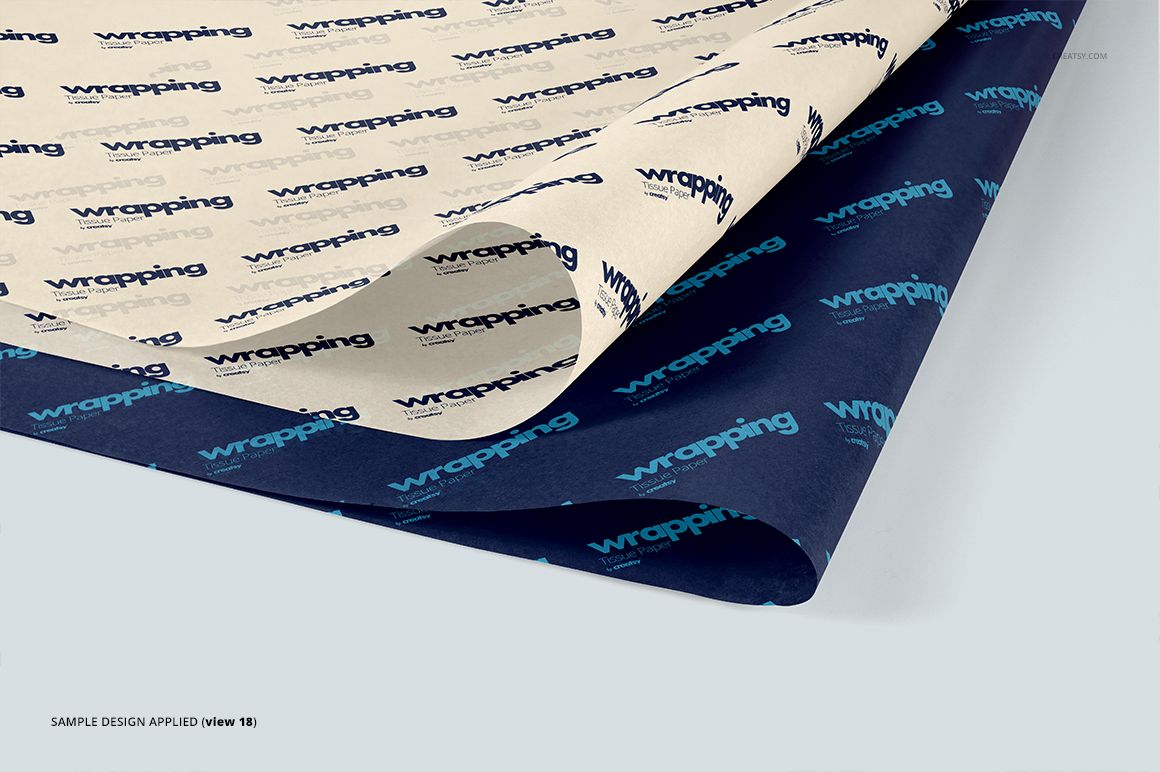
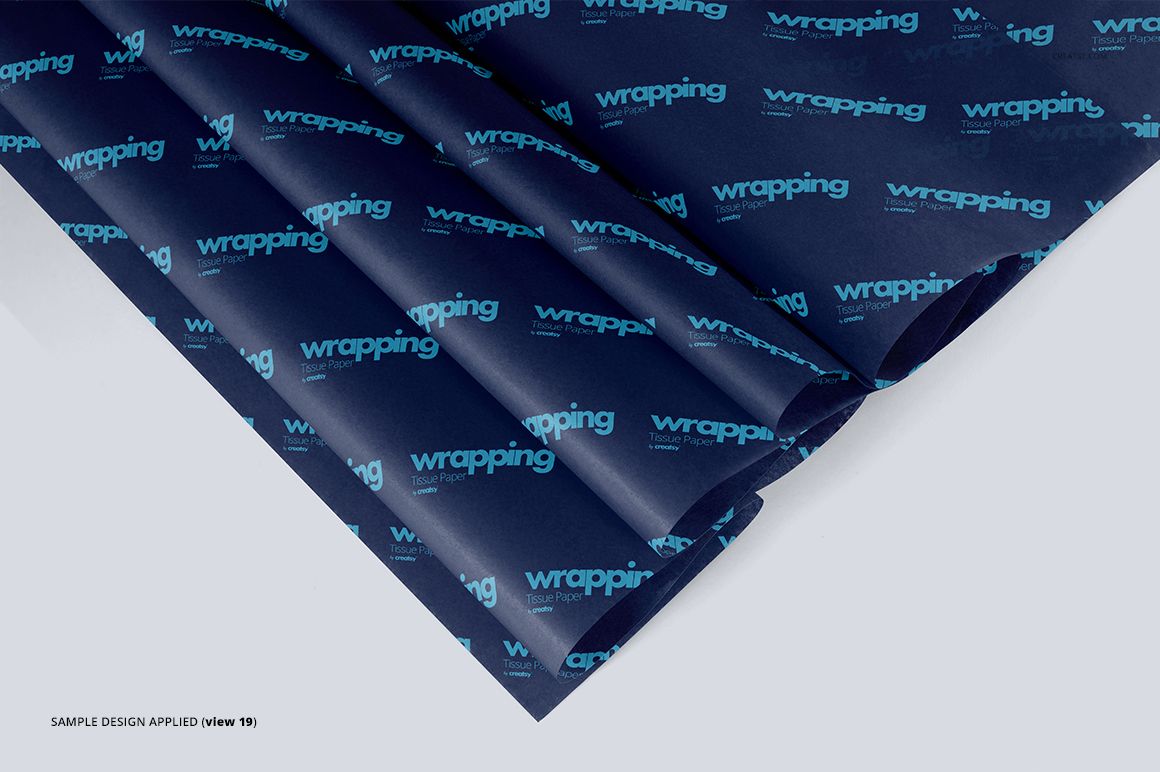
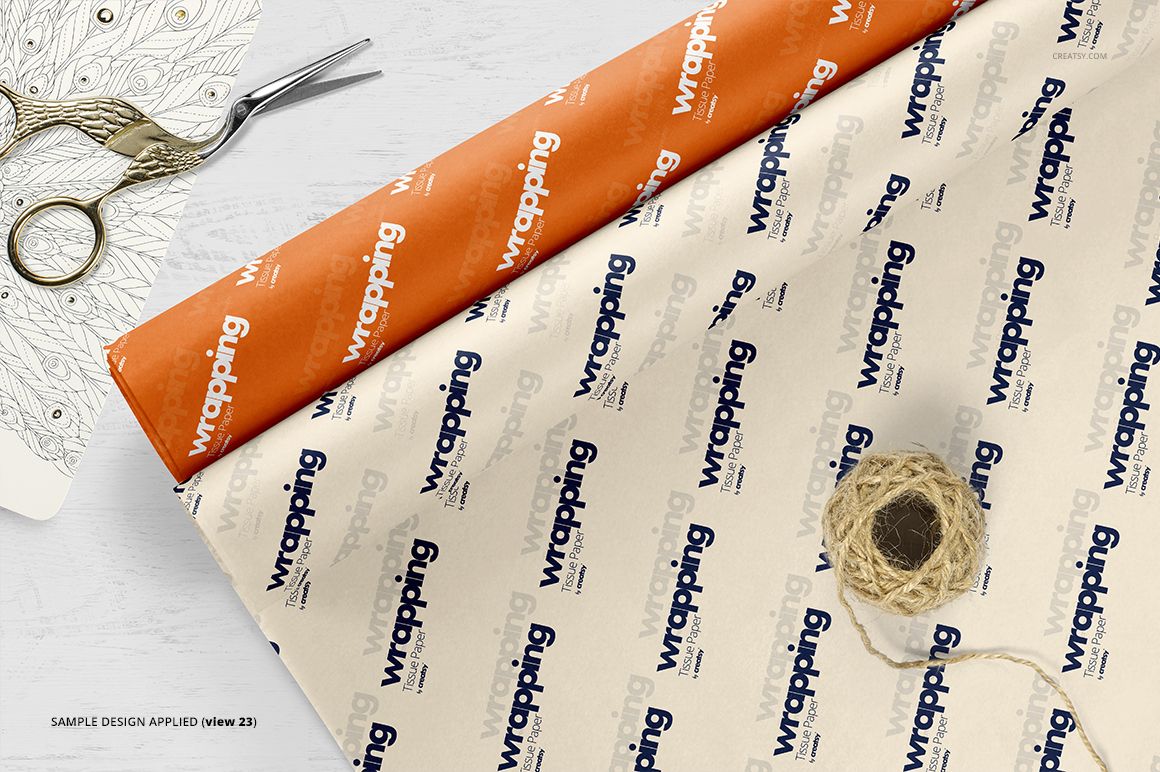
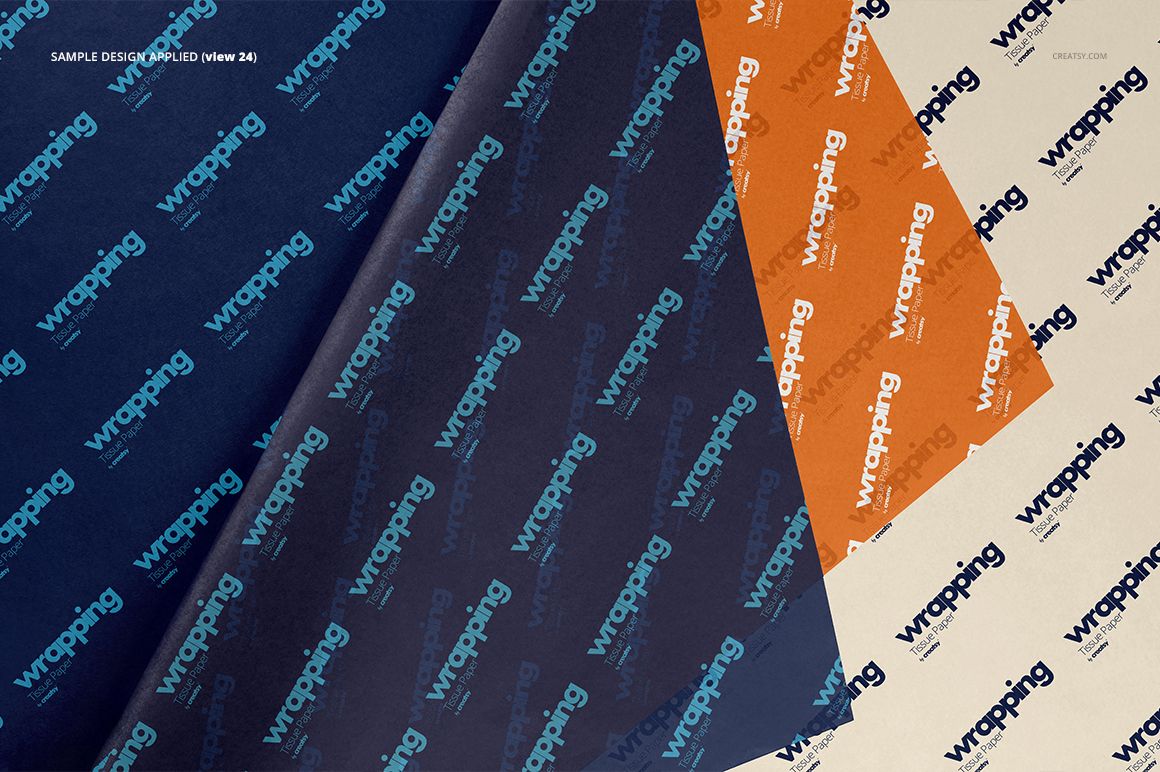
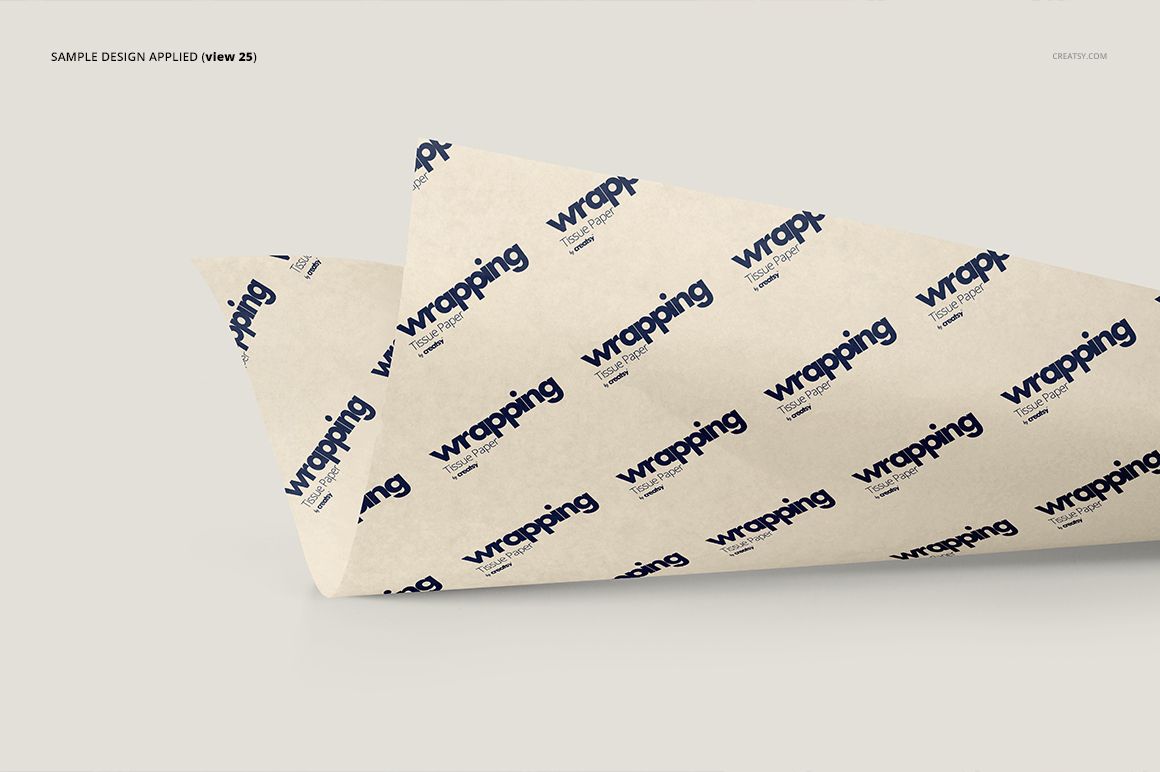
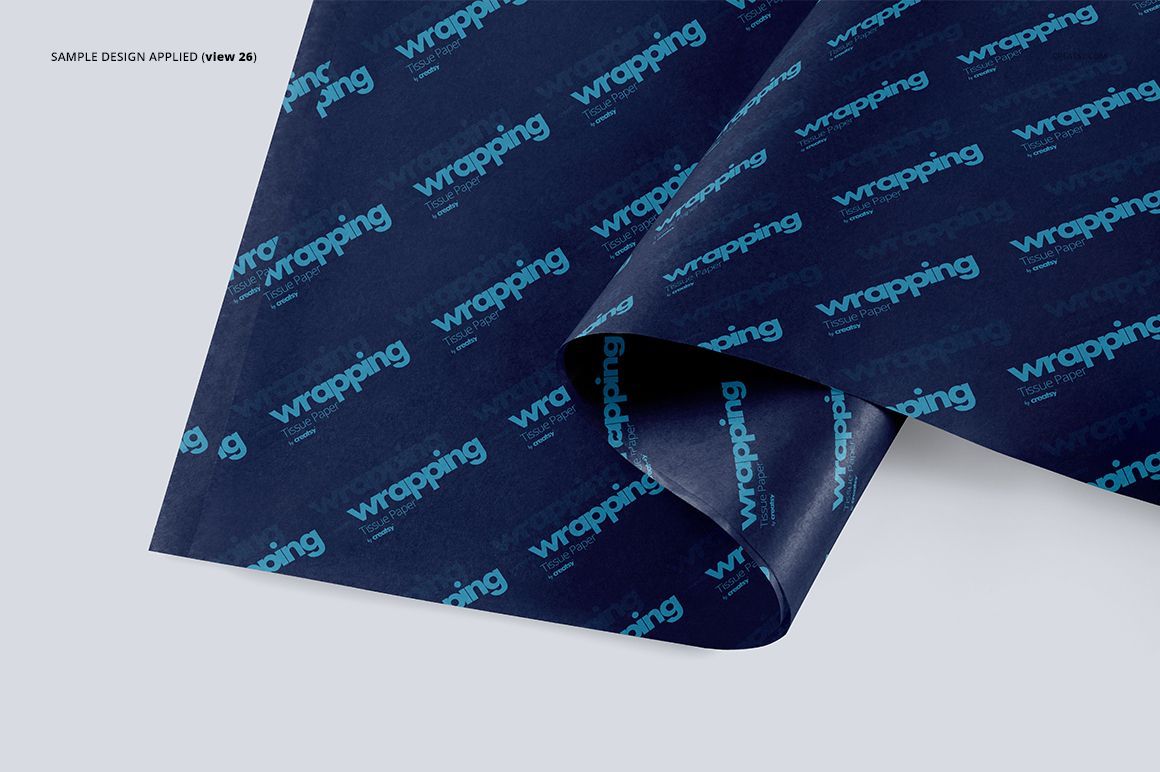
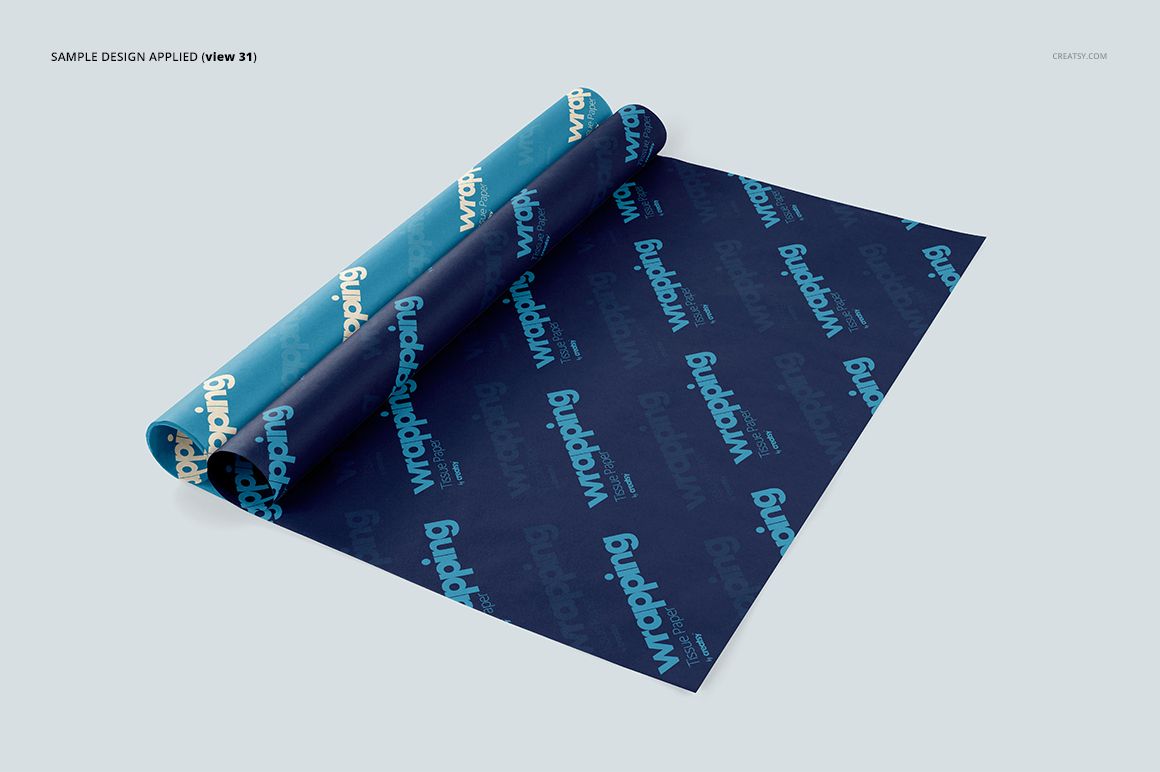
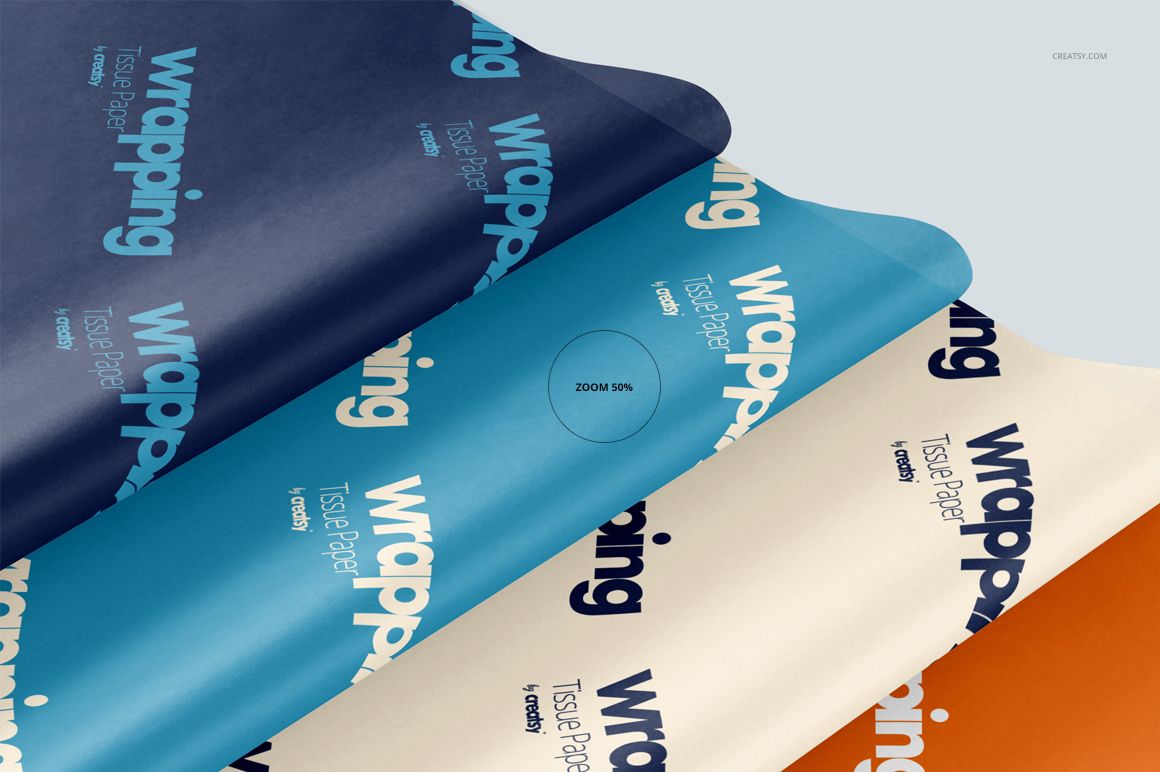
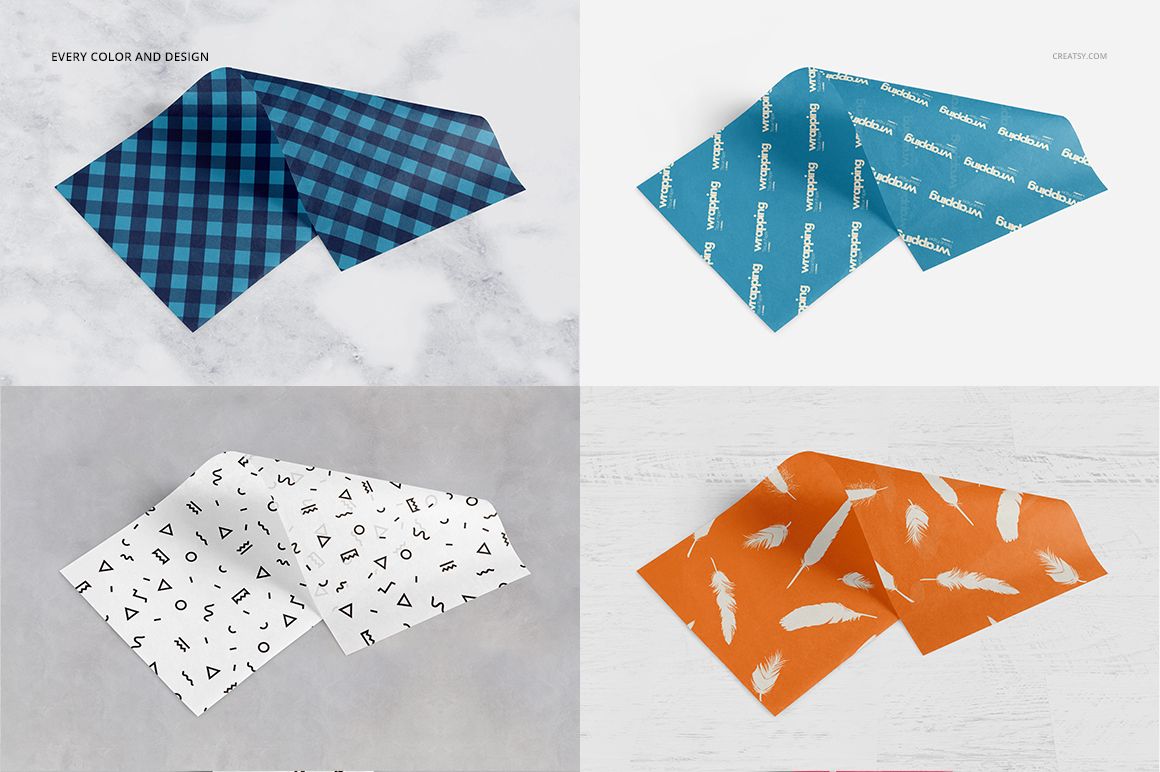
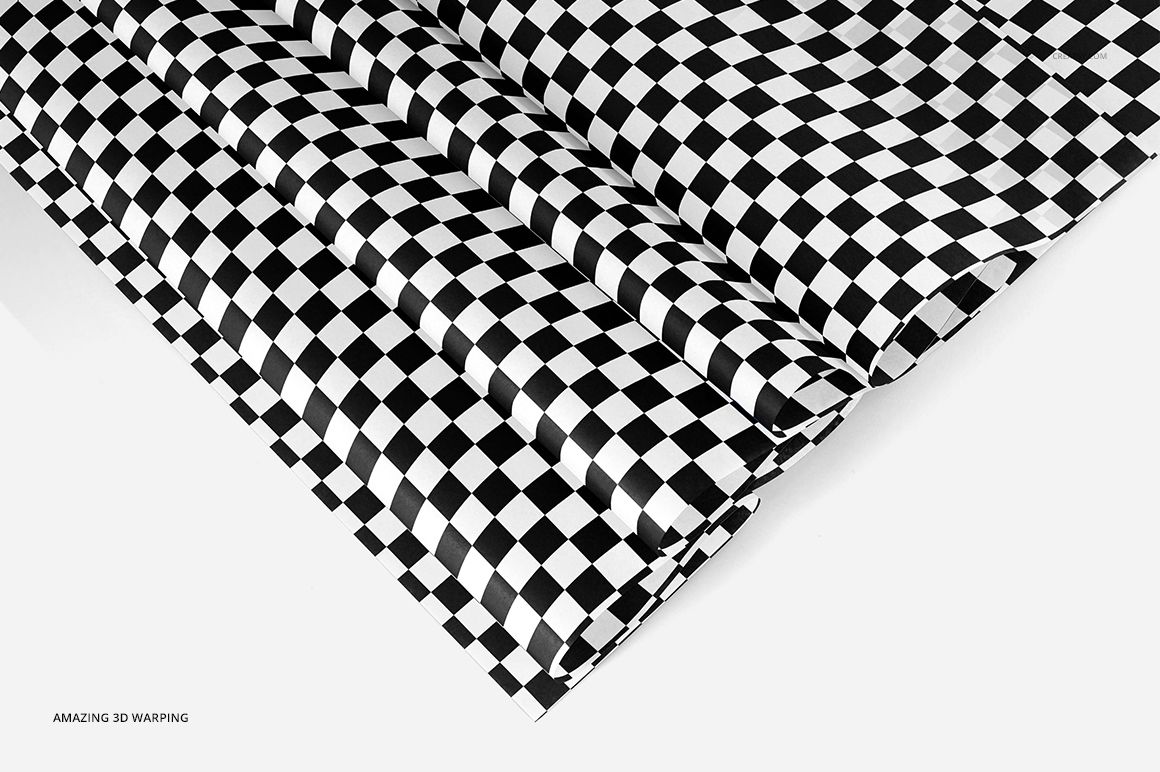
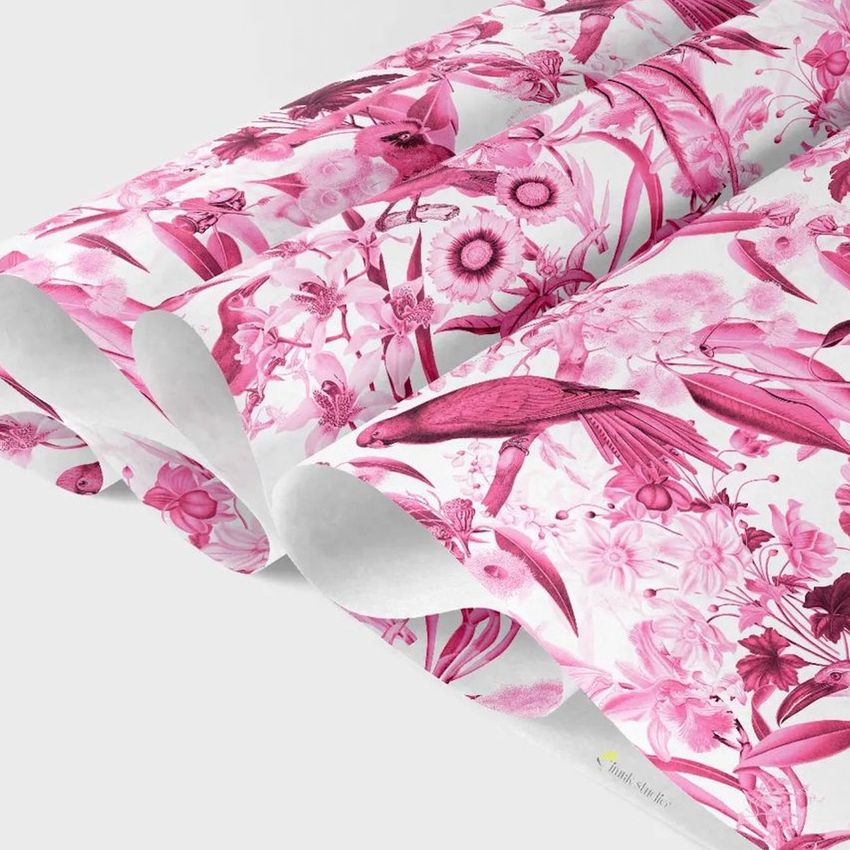
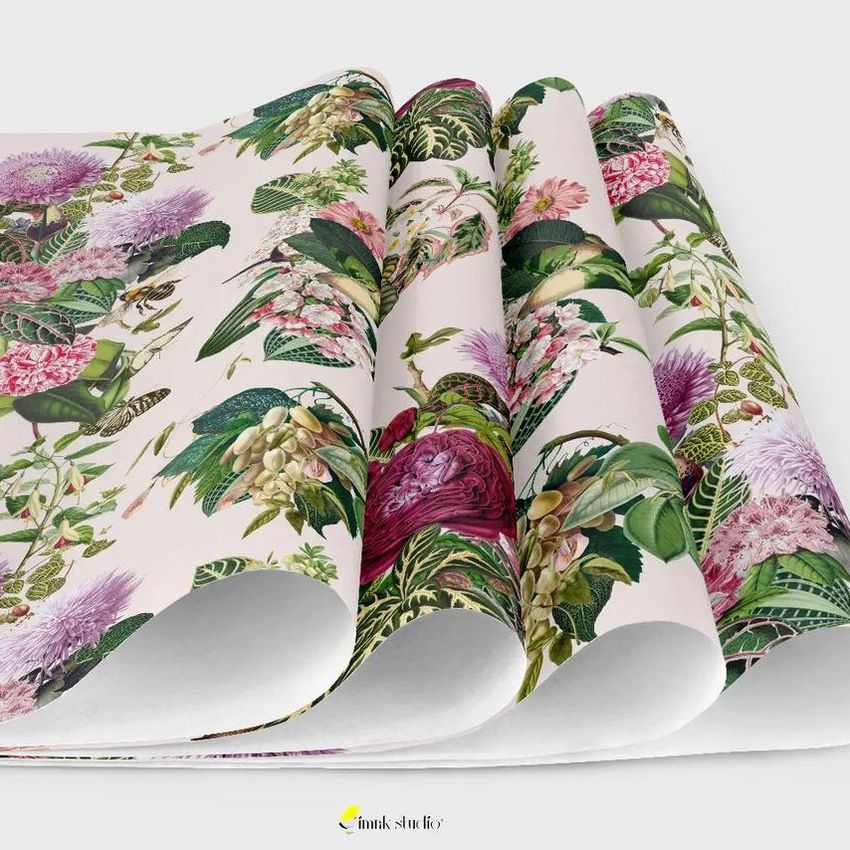
Show how a repeating pattern looks across a whole sheet, a curled edge and a layered stack with this tissue paper mockup bundle. The 41 prepared PSD scenes focus on loose wrapping tissue, giving surface pattern designers and packaging studios a way to present coordinated prints without hiding the artwork around a finished package.
What Is Included
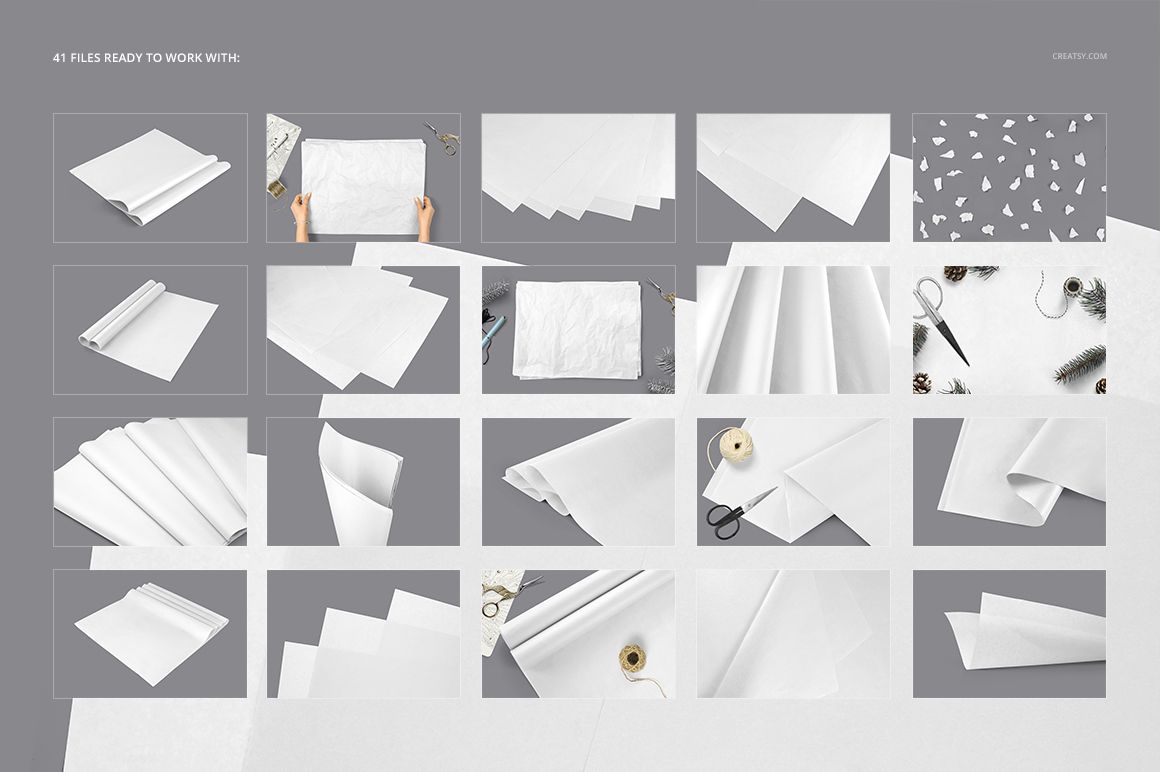
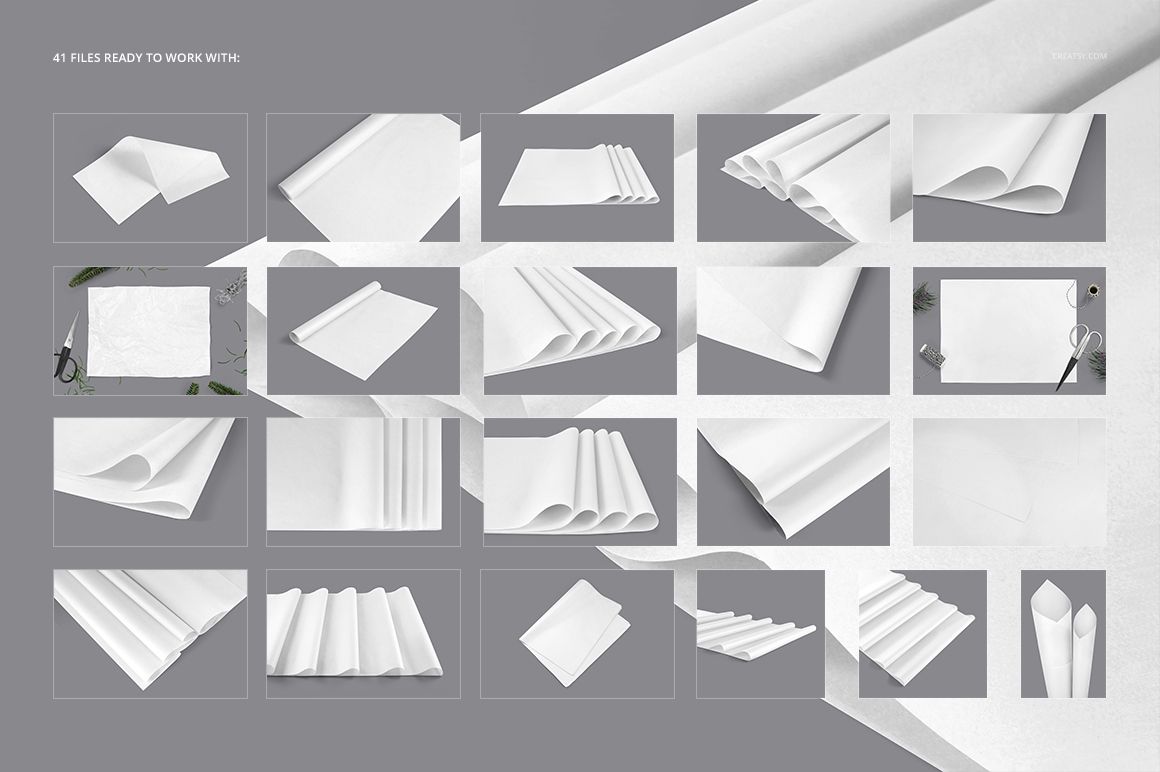
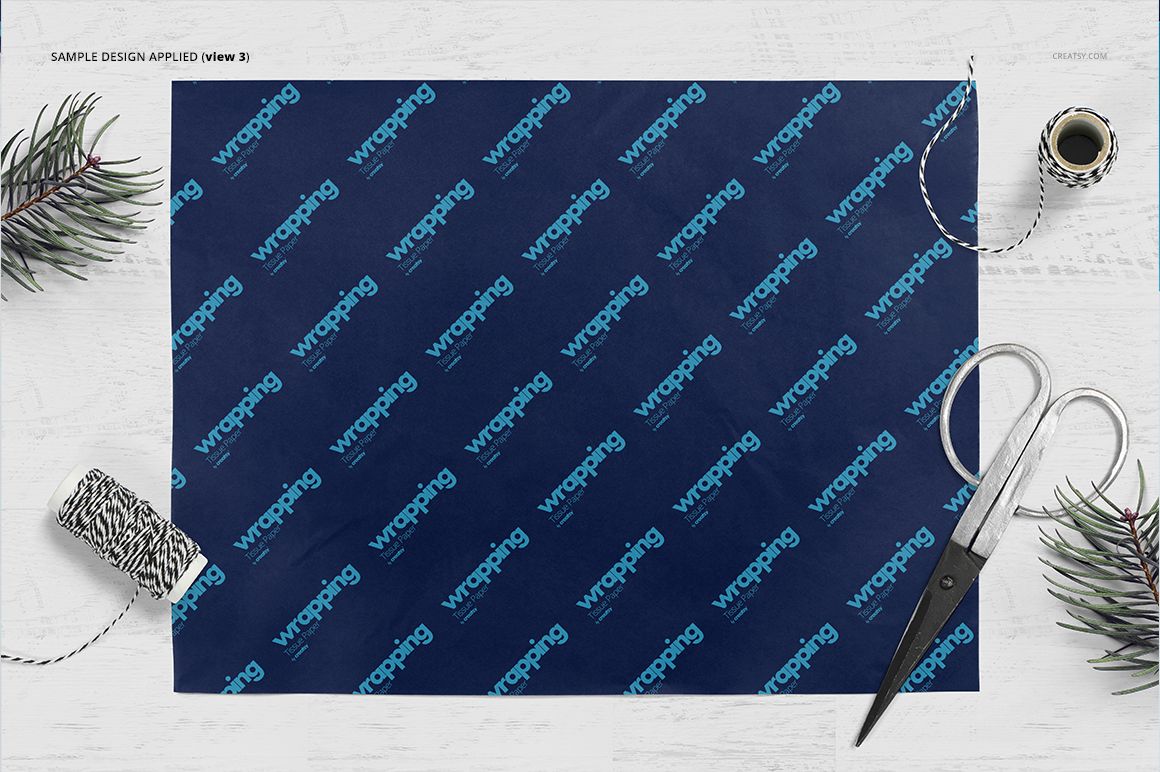
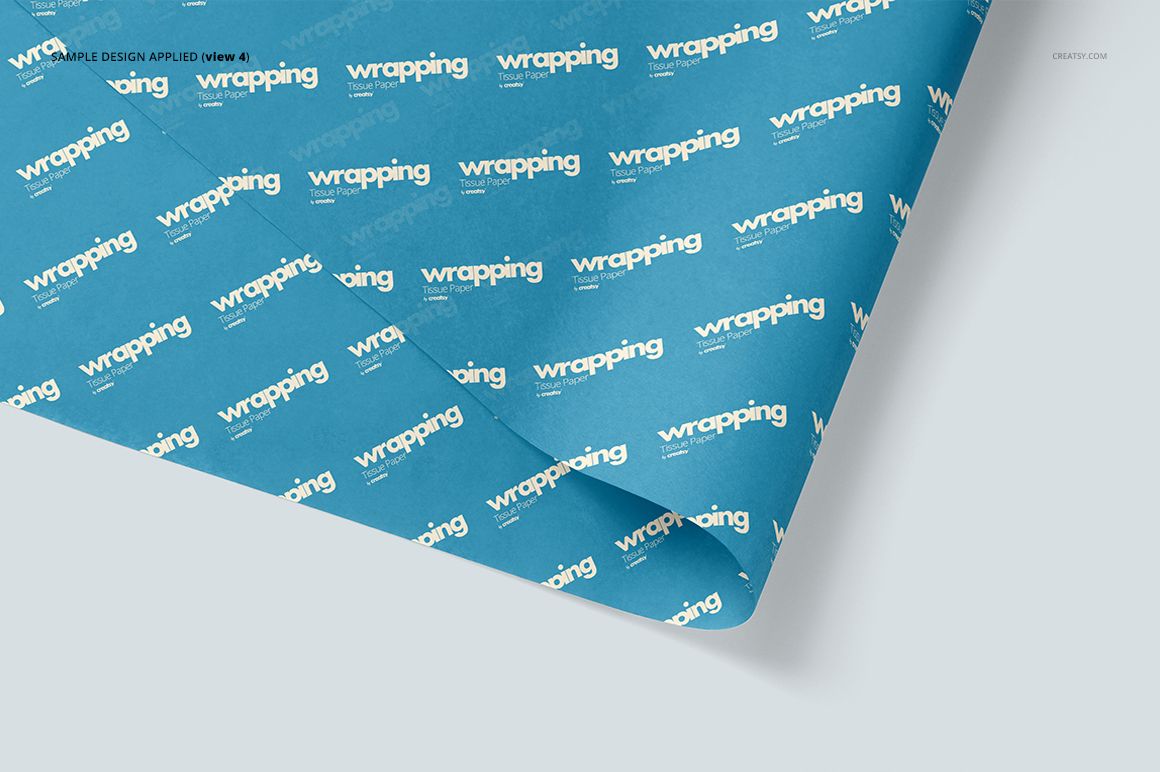
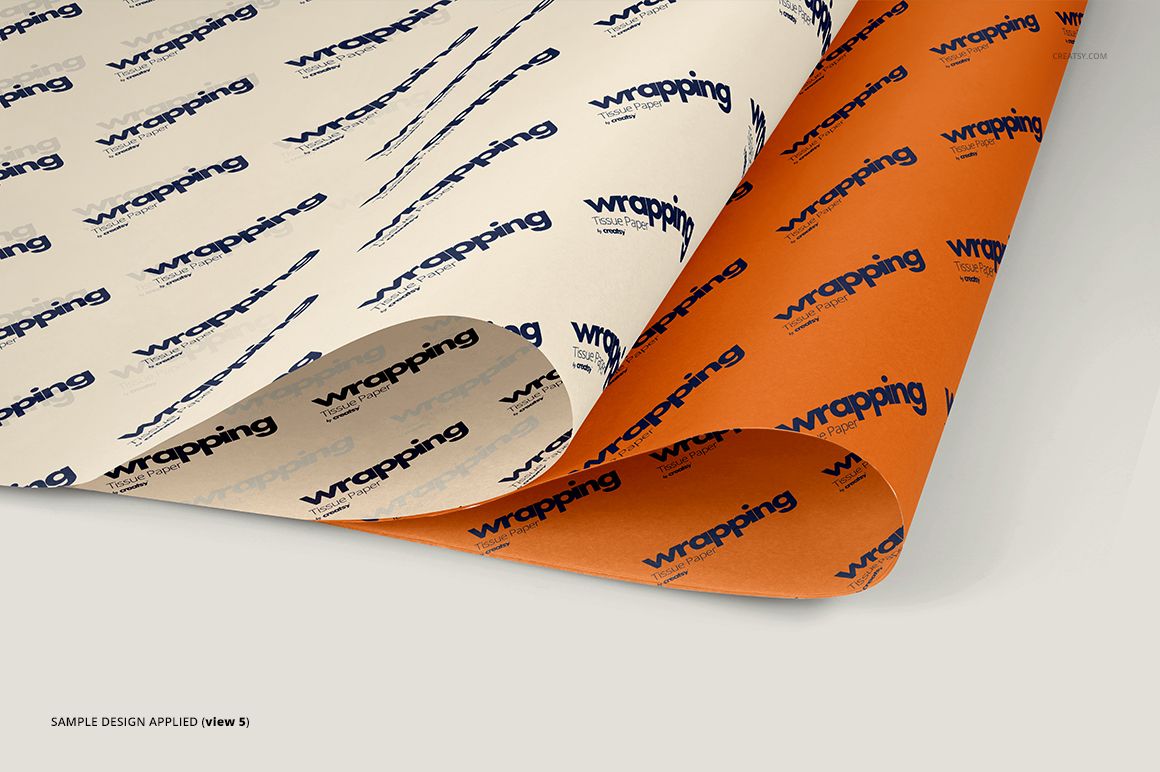
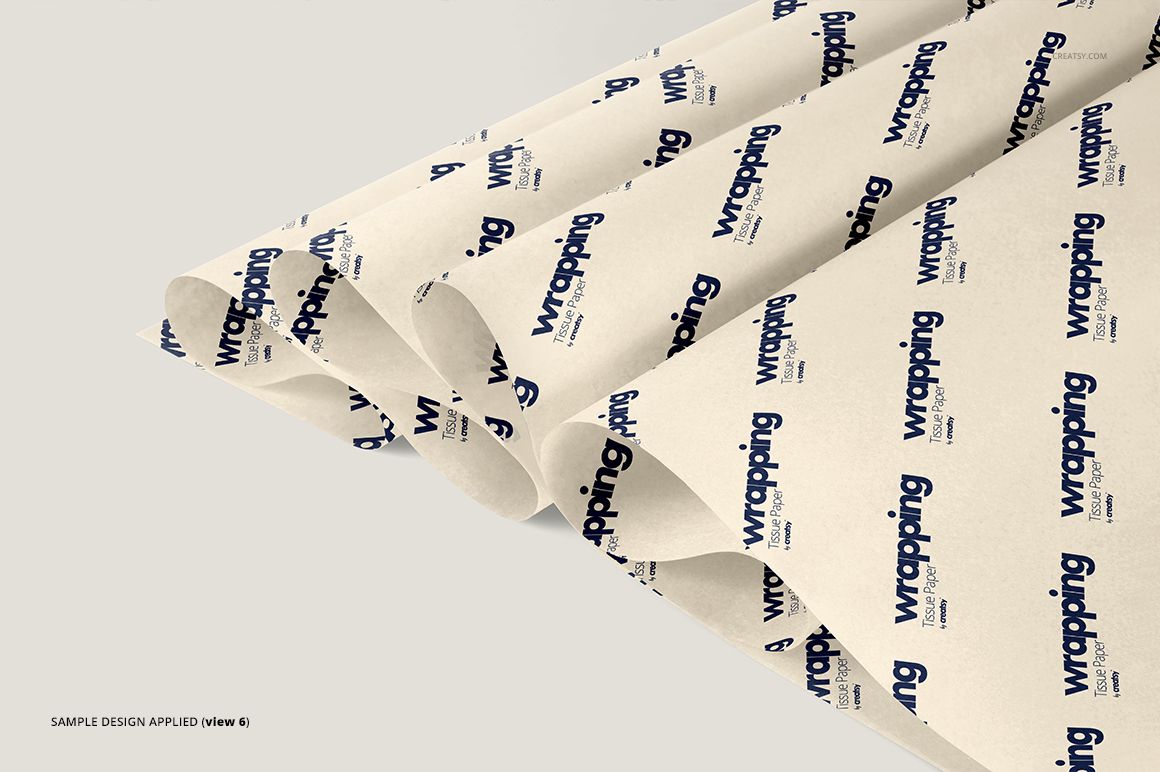
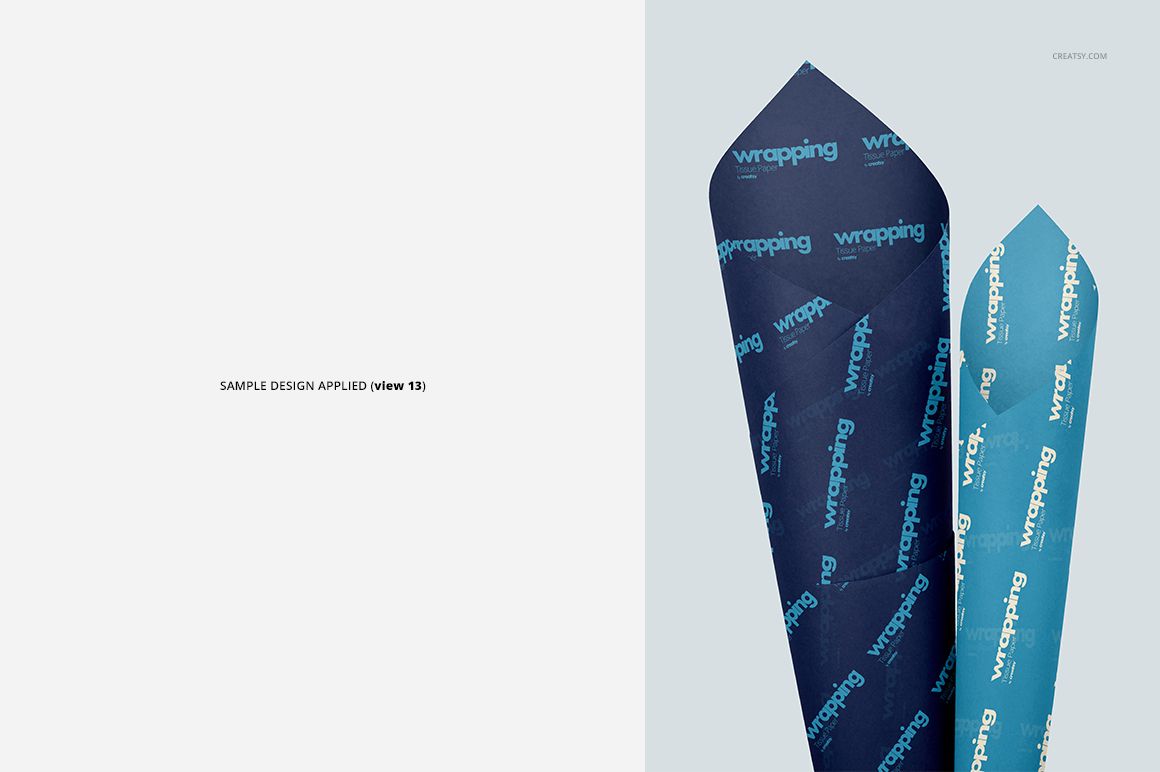
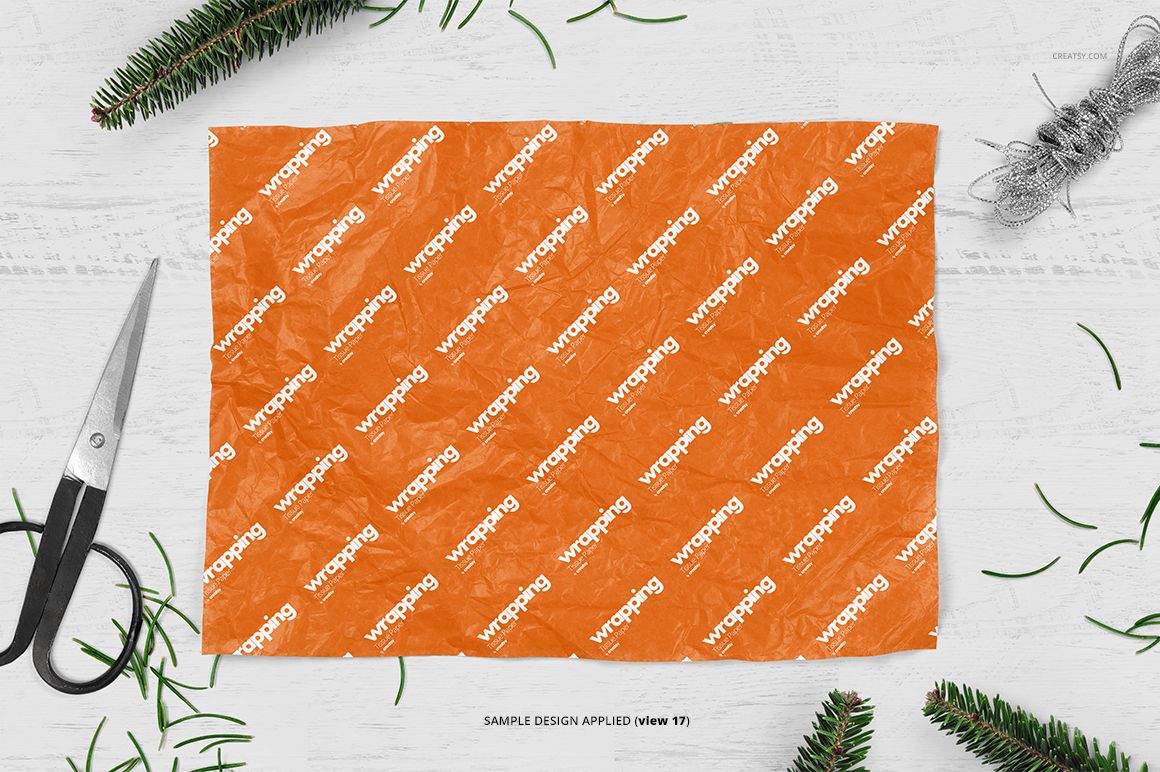
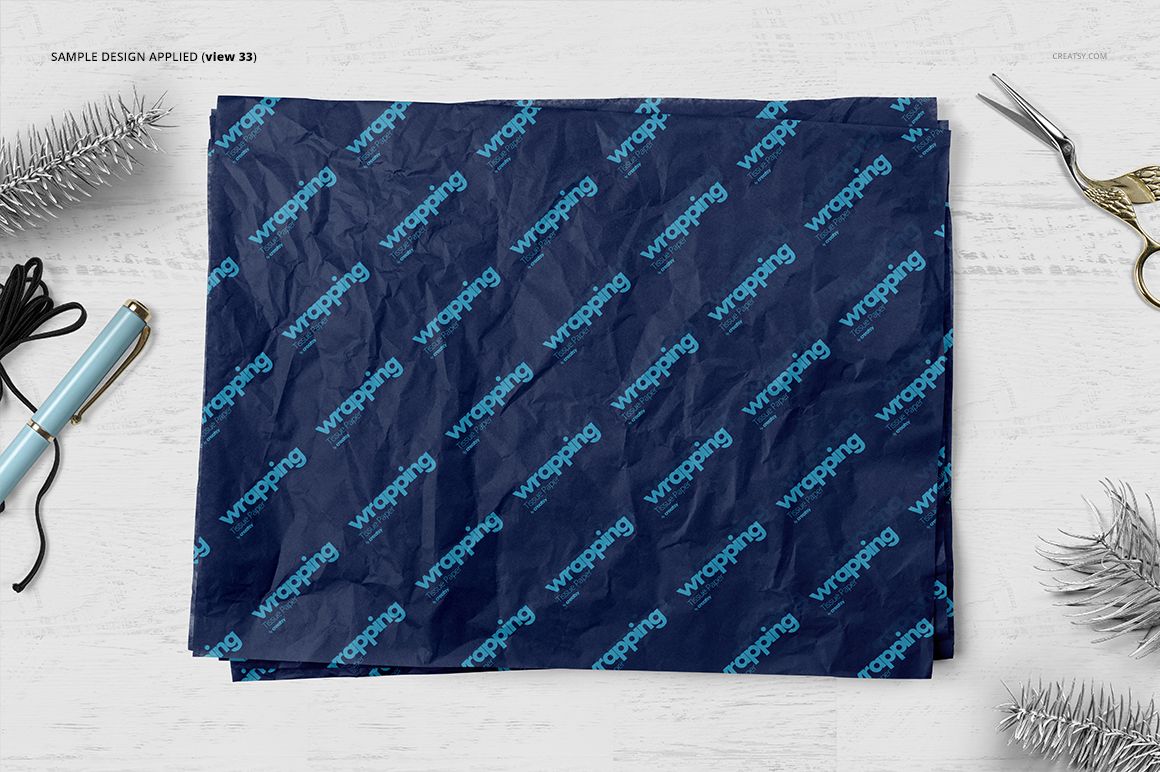
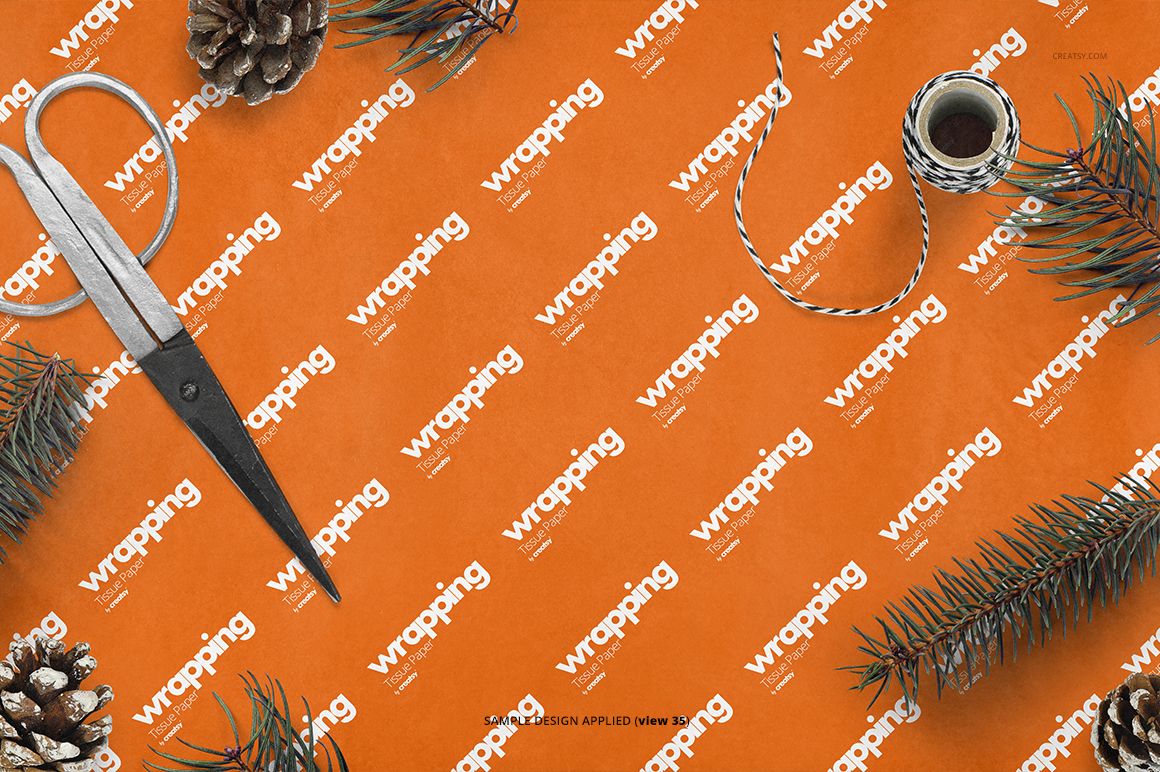
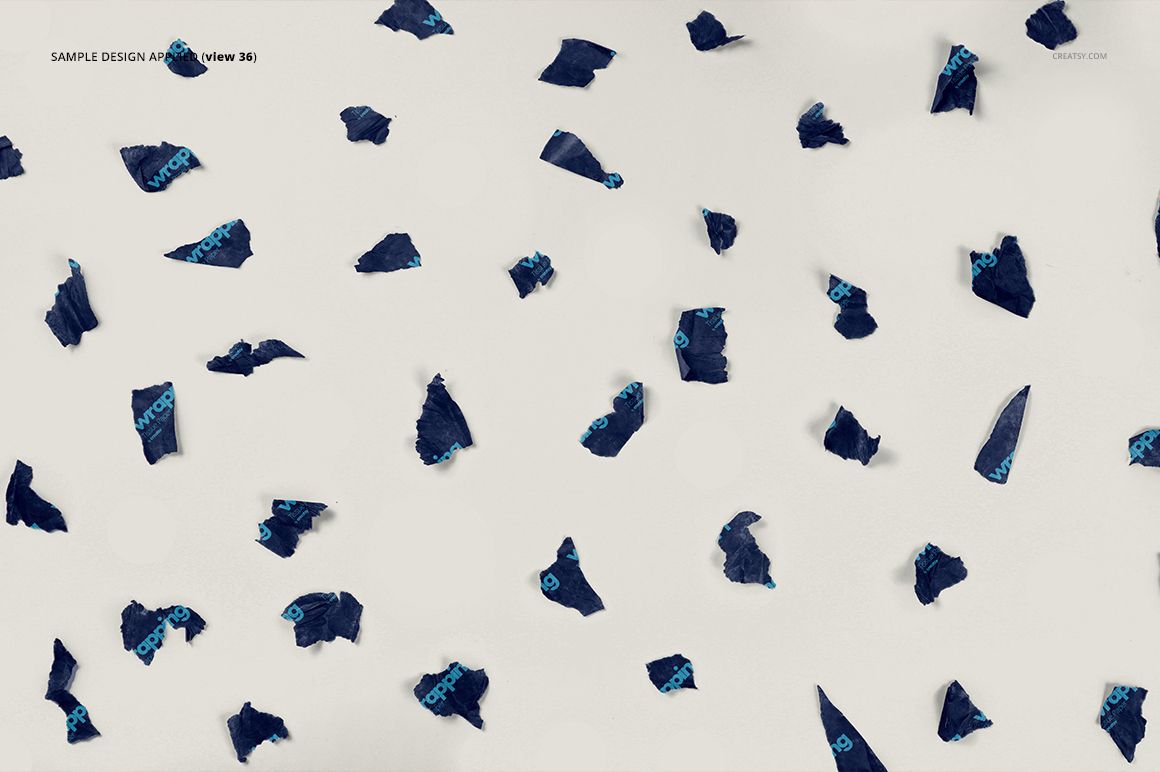
41 layered PSD mockup files featuring flat, folded, rolled, overlapping and crumpled tissue paper arrangements, plus a scene with torn scraps.
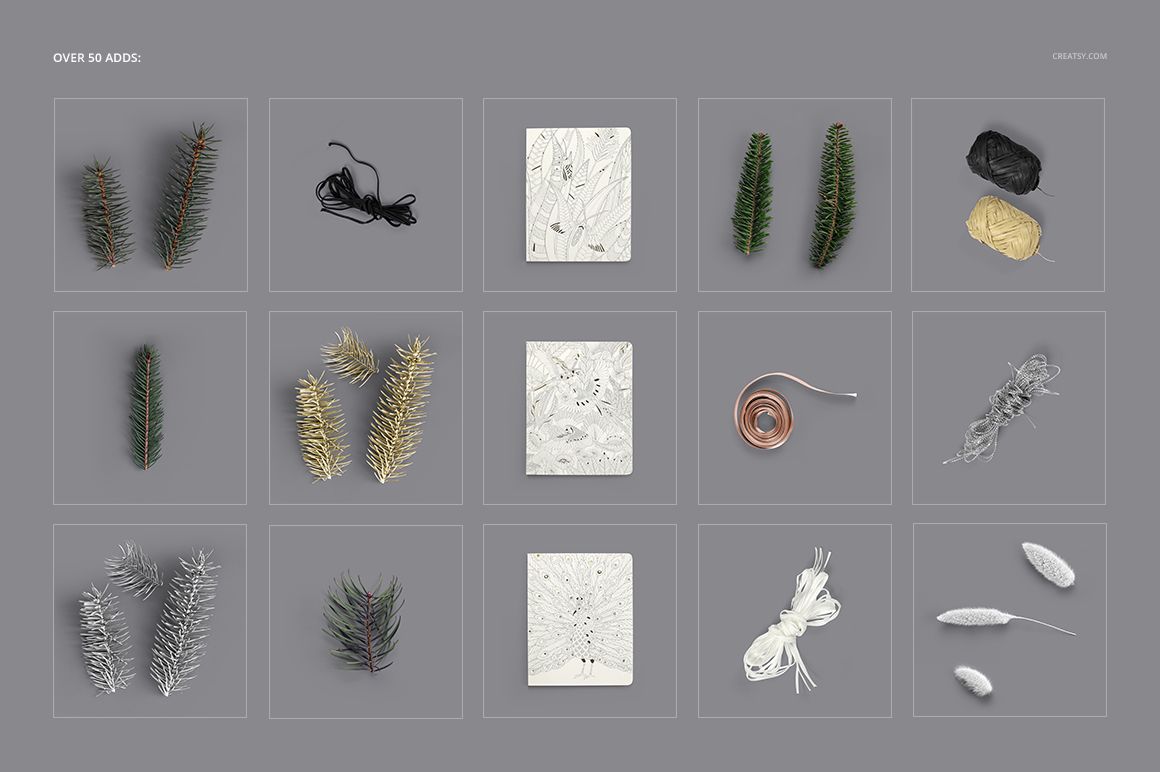
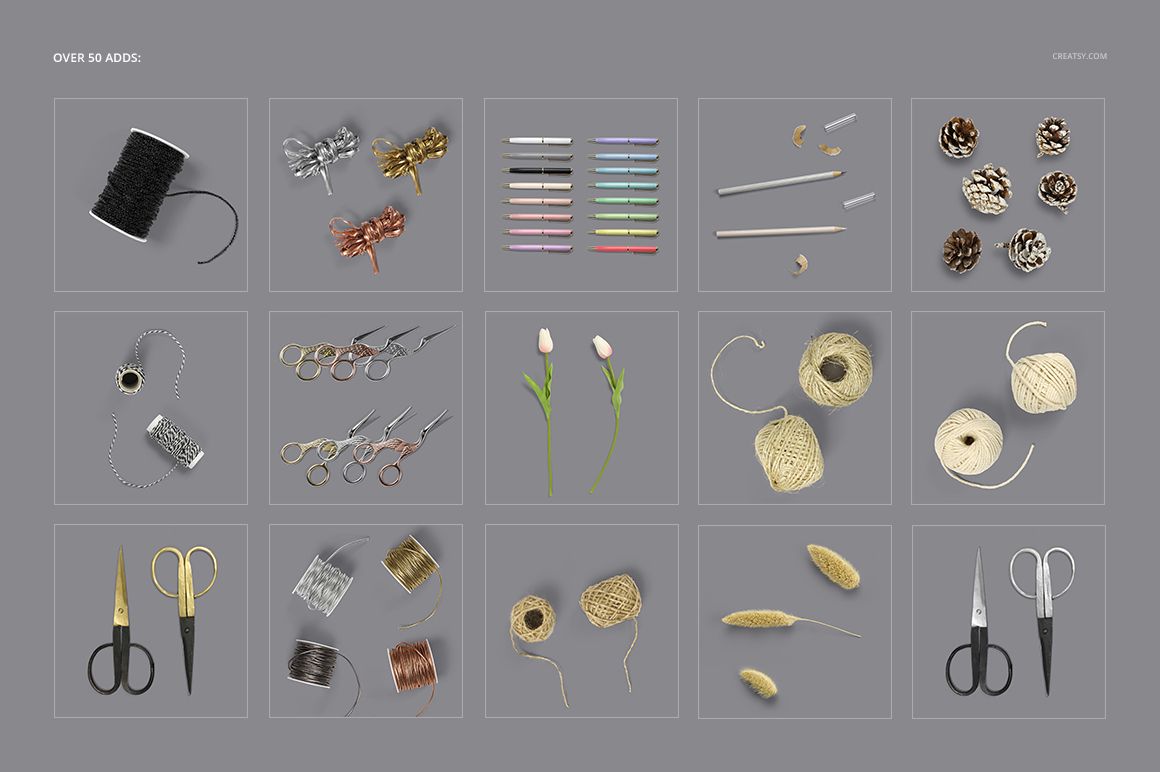
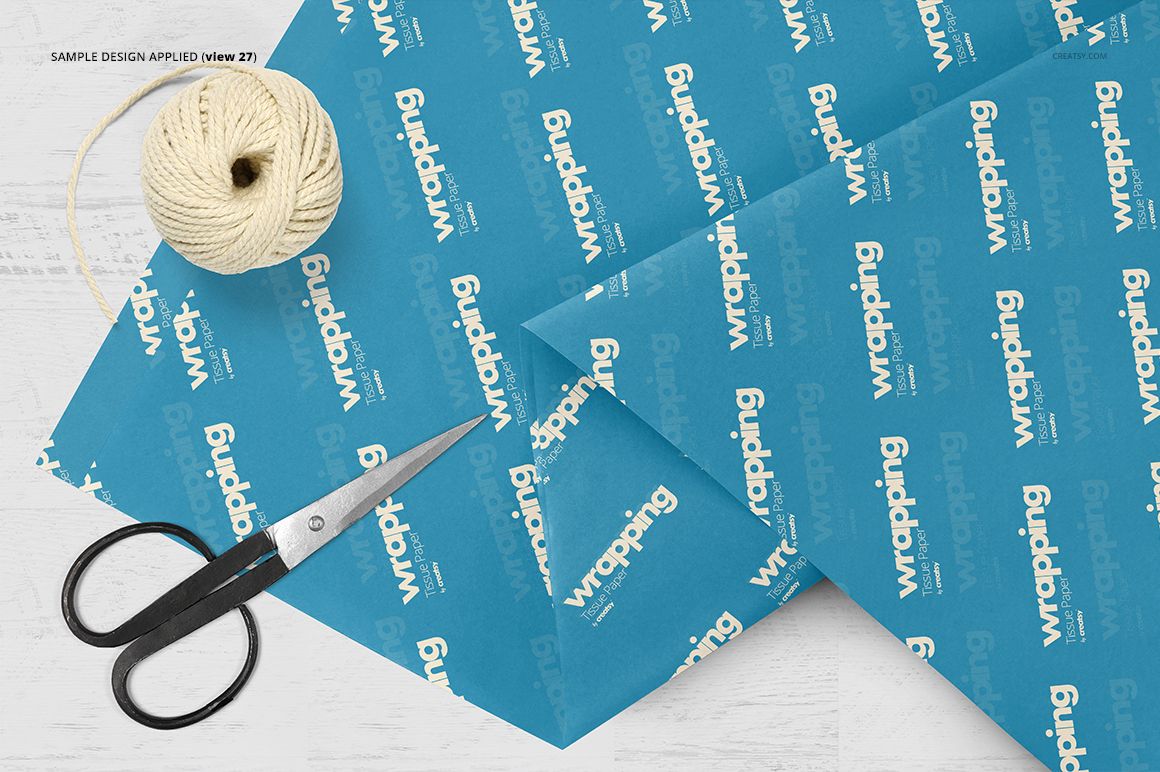
Over 50 styling props, including scissors, twine, stationery, botanical sprigs and seasonal decorations.
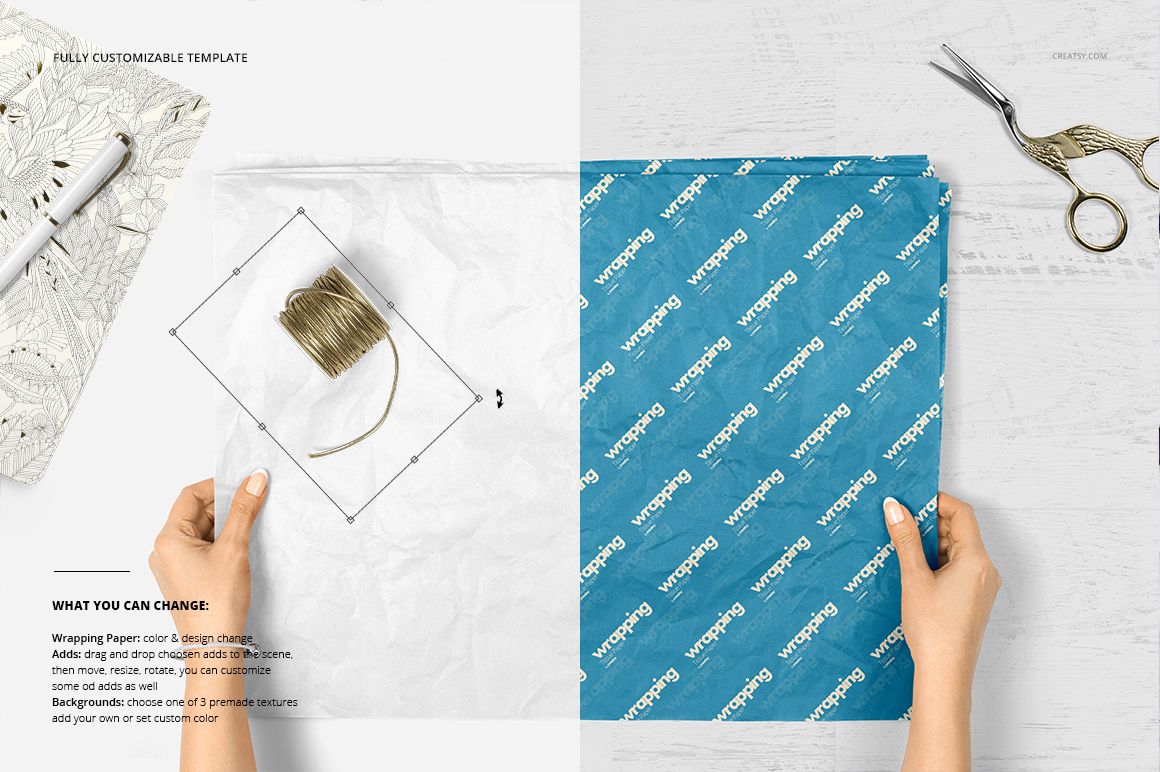
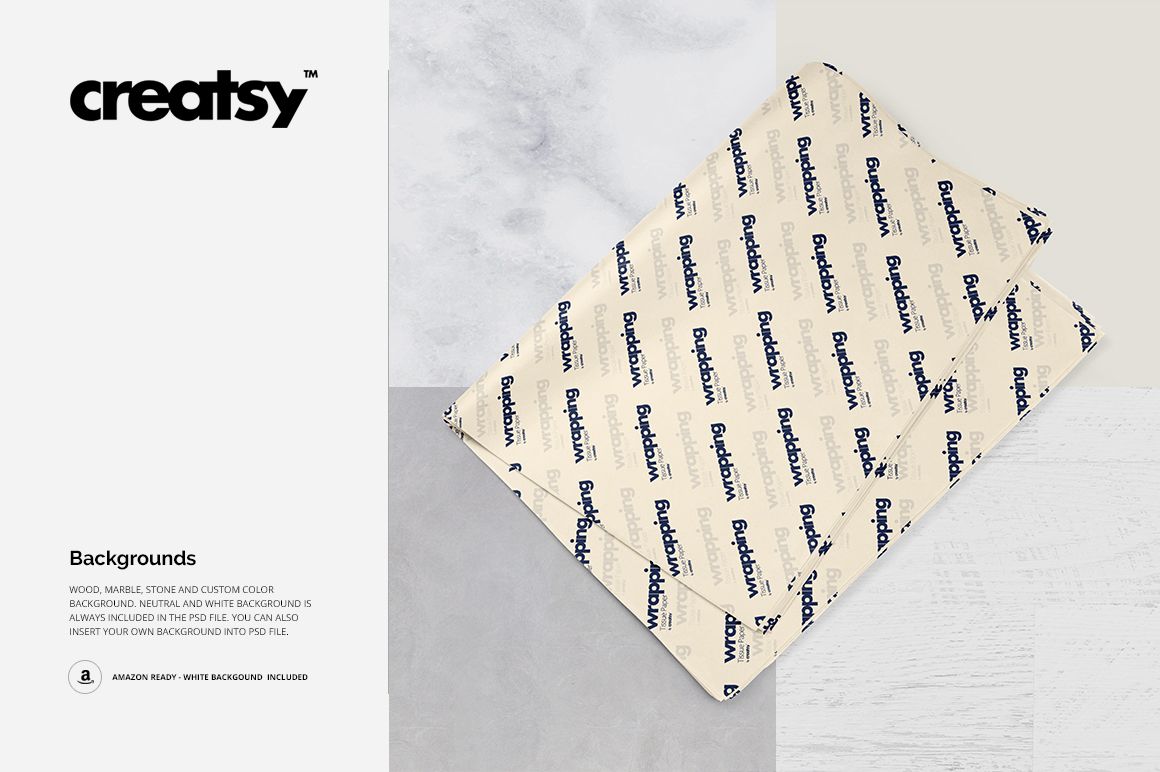
Three premade background textures, with options to add your own background or set a custom color.
41 JPG preview images and three TIF guides alongside the editable mockups.
Let the Paper Show the Pattern
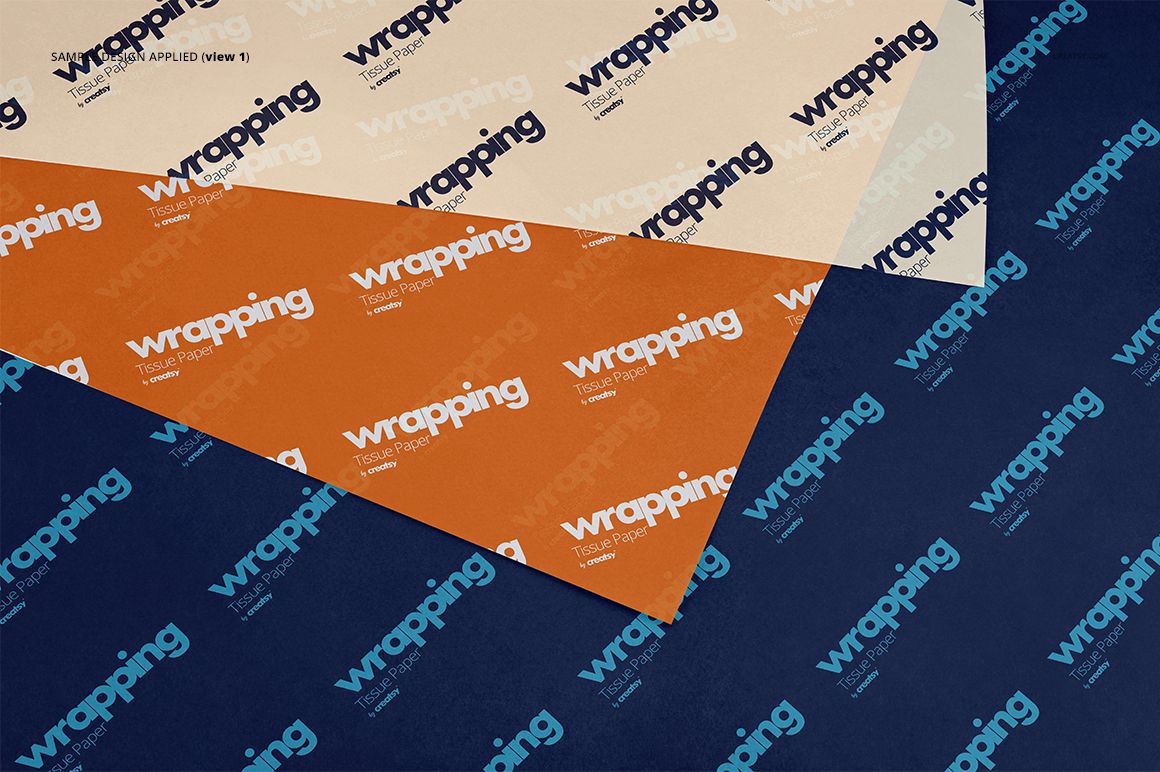
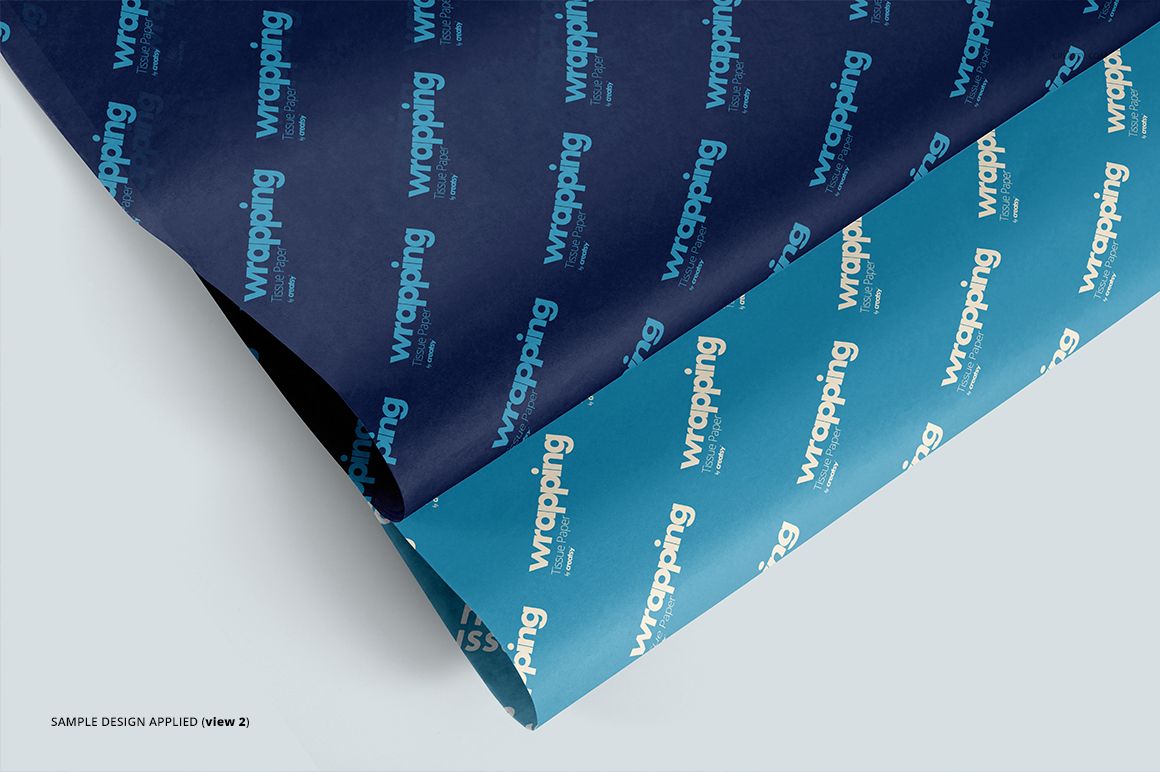
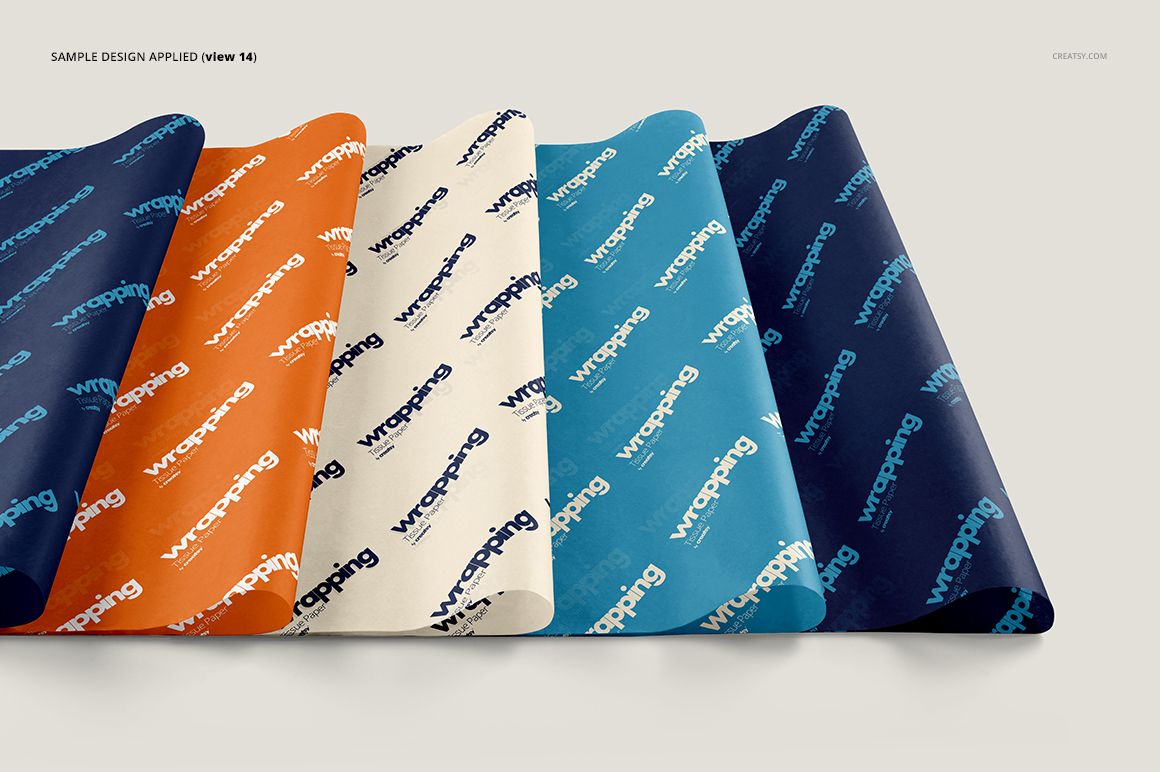
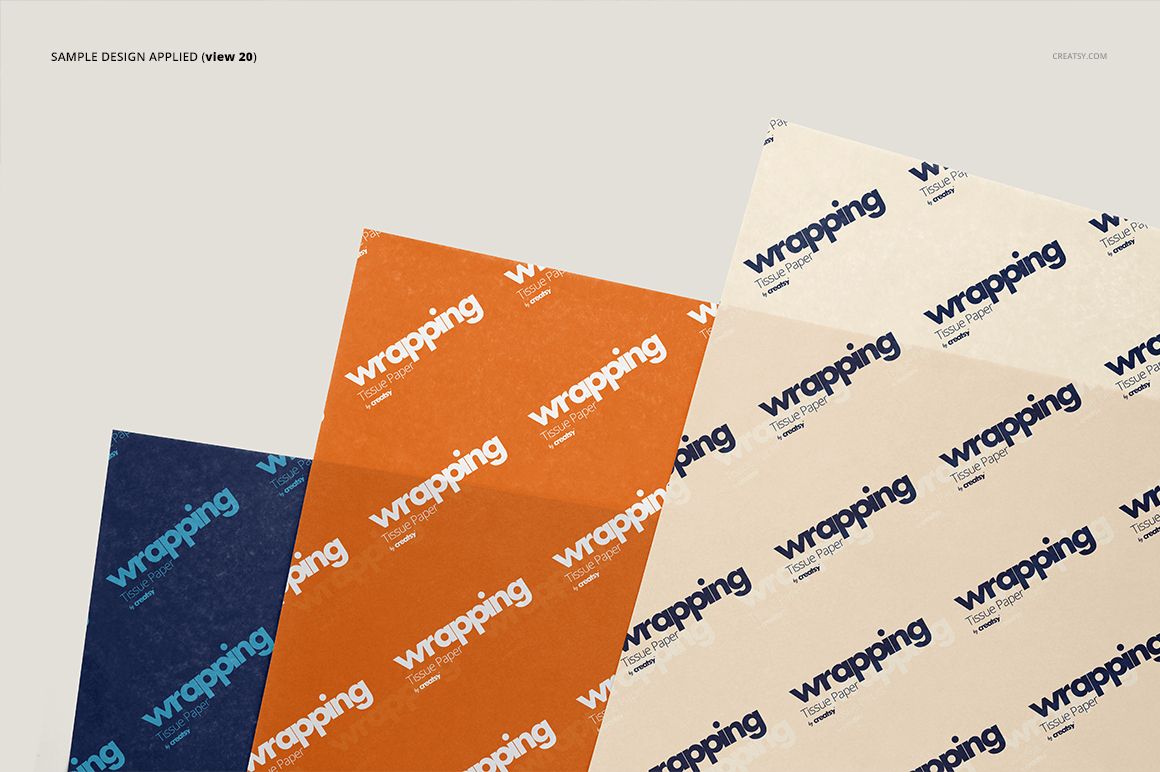
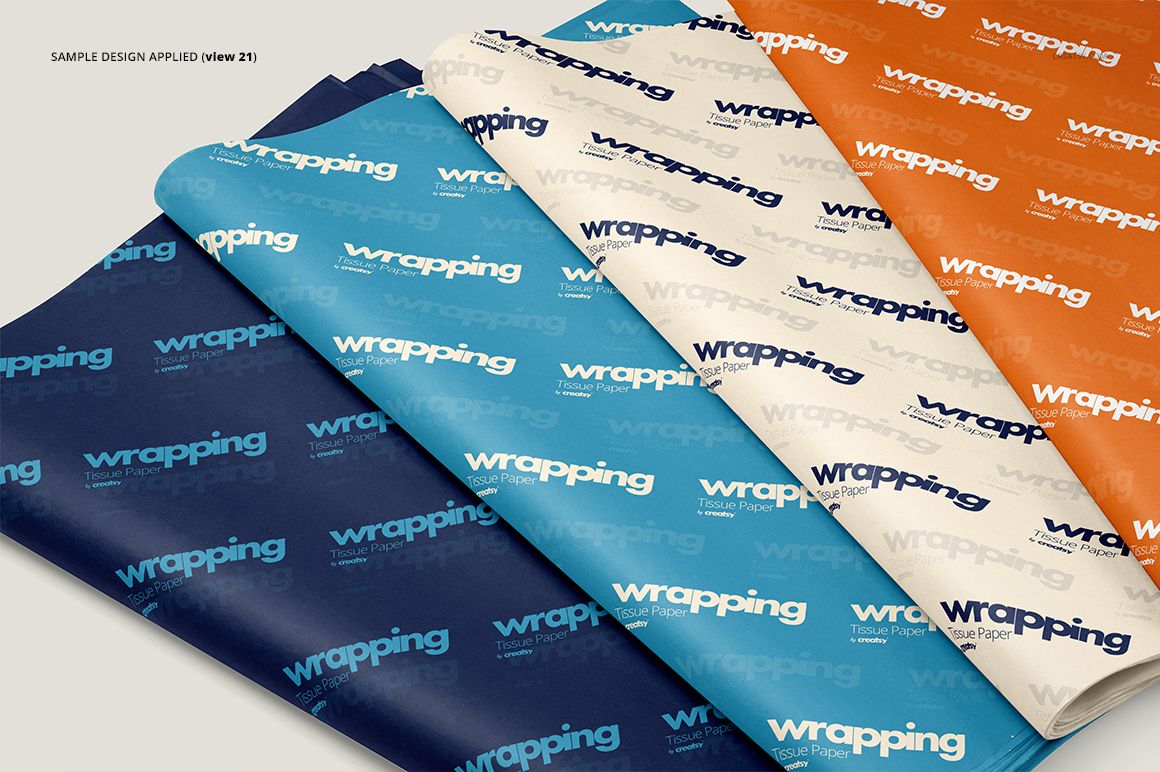
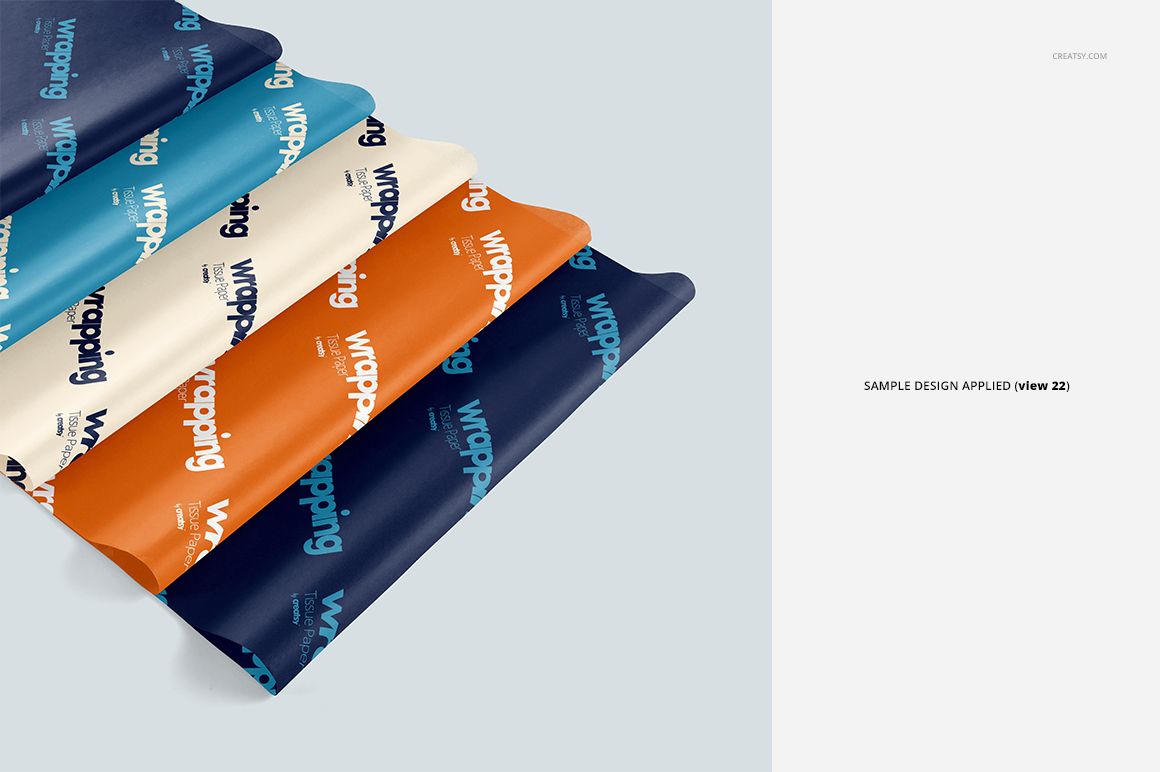
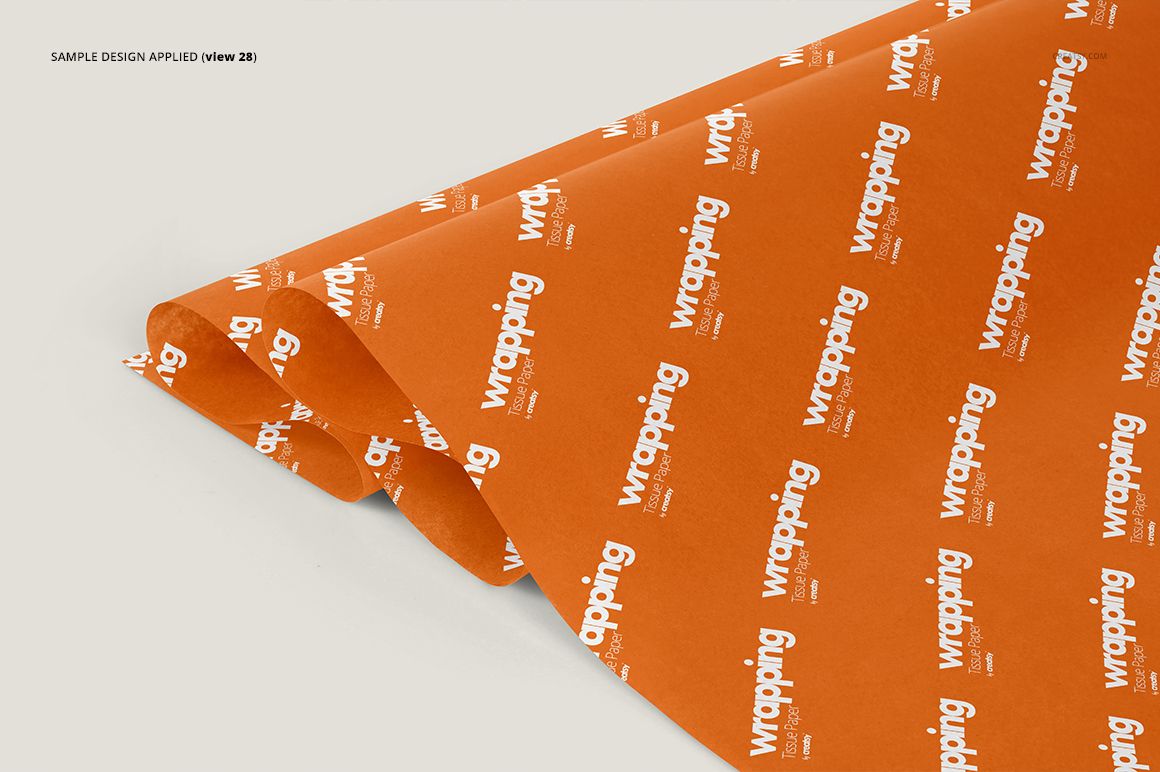
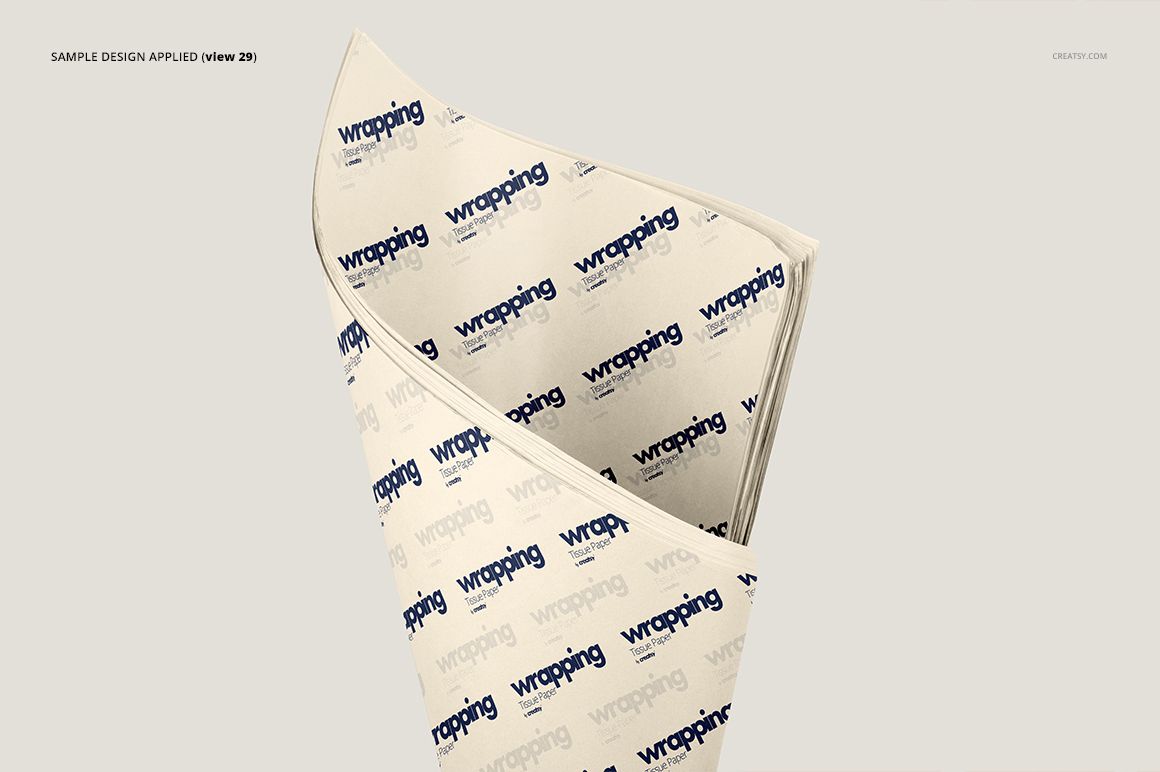
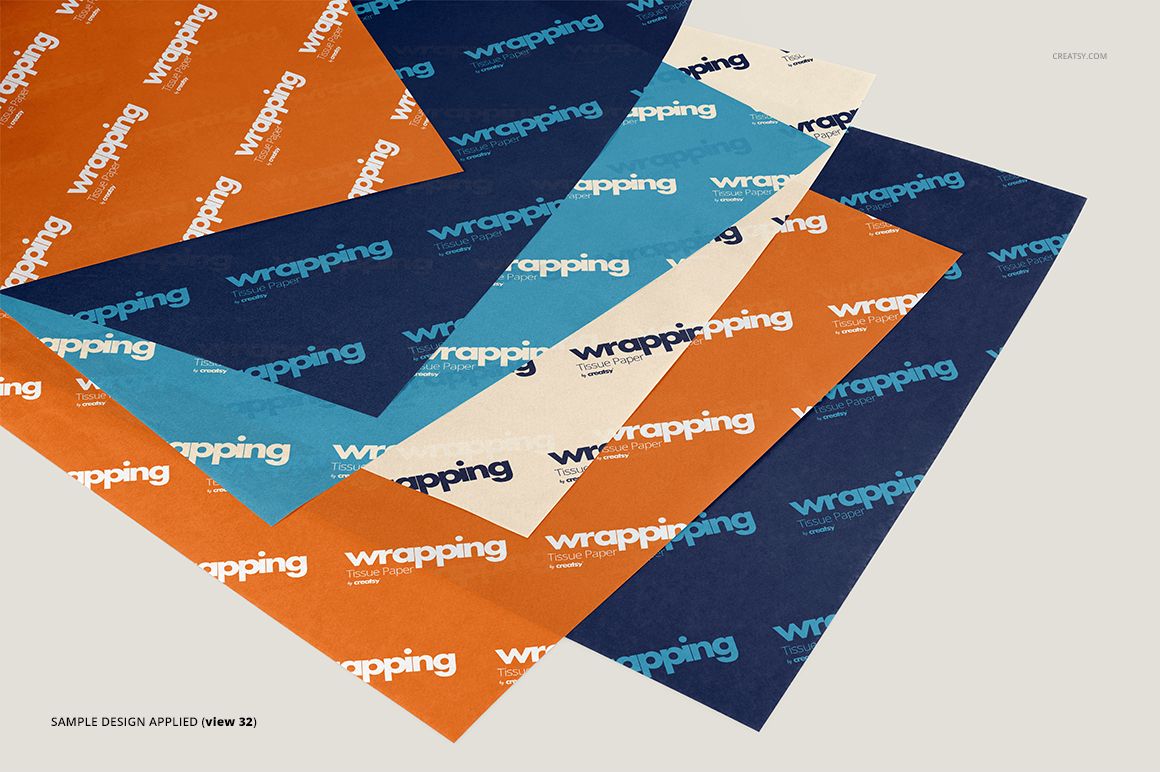
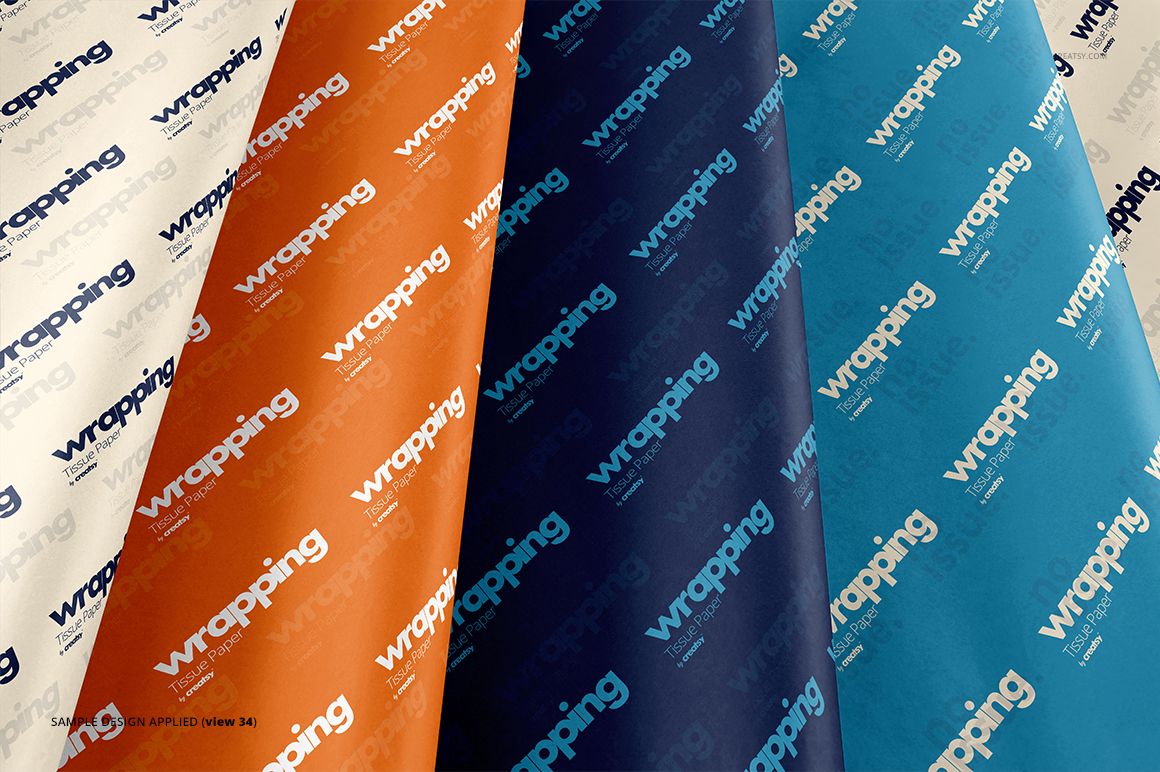
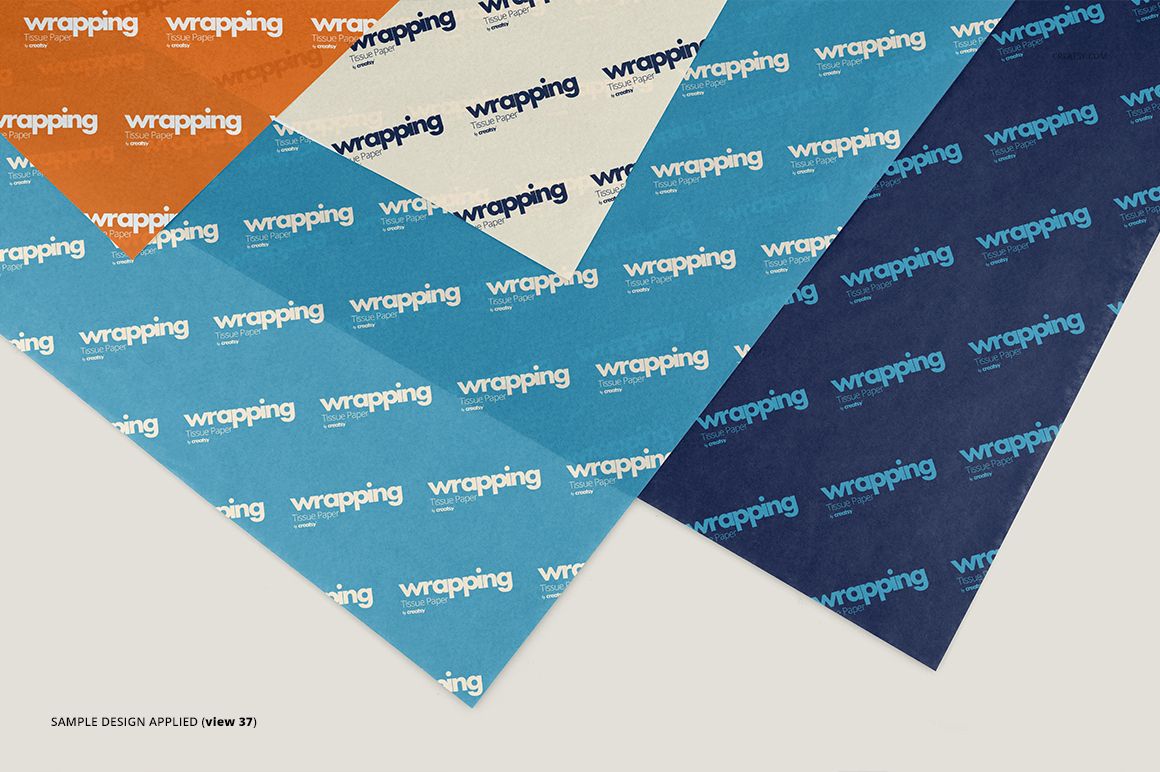
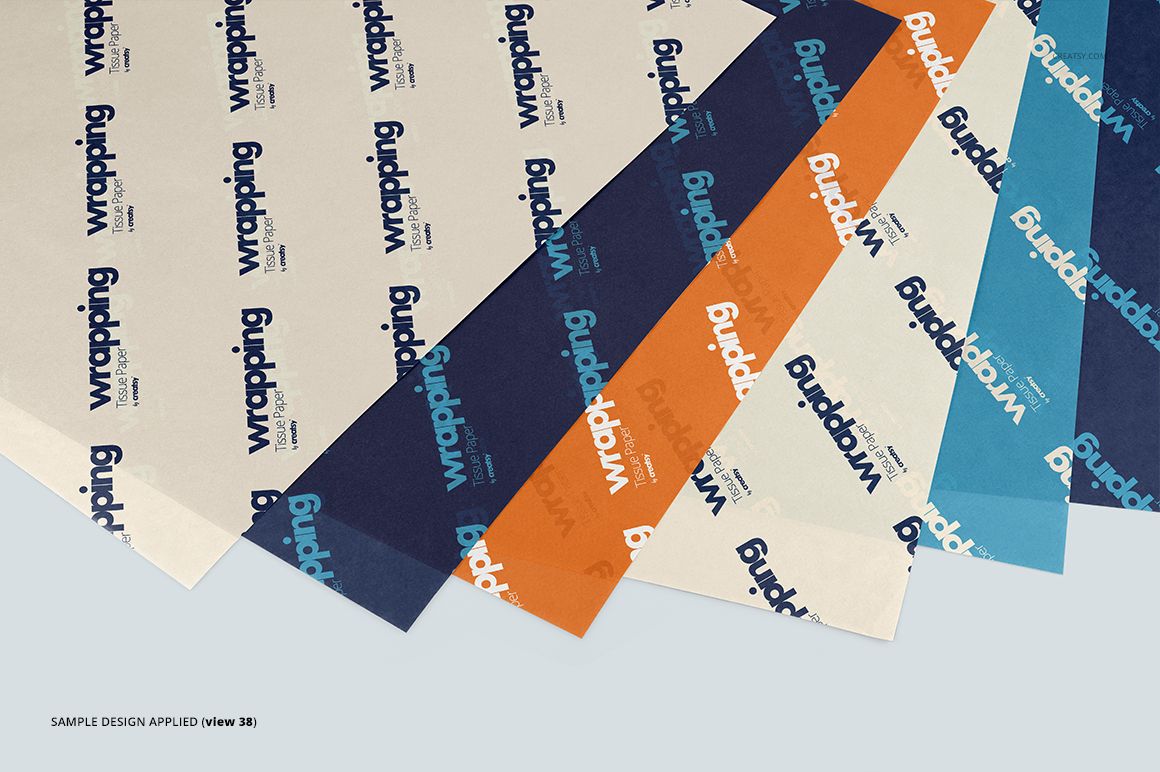
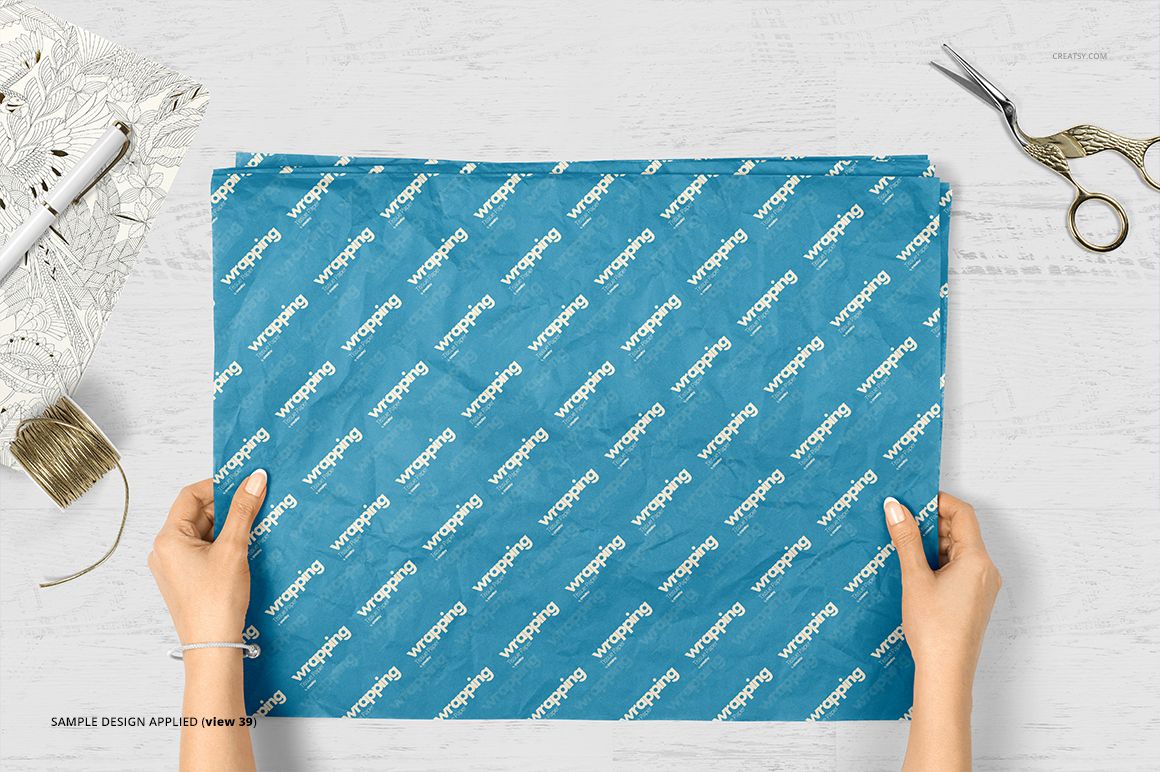
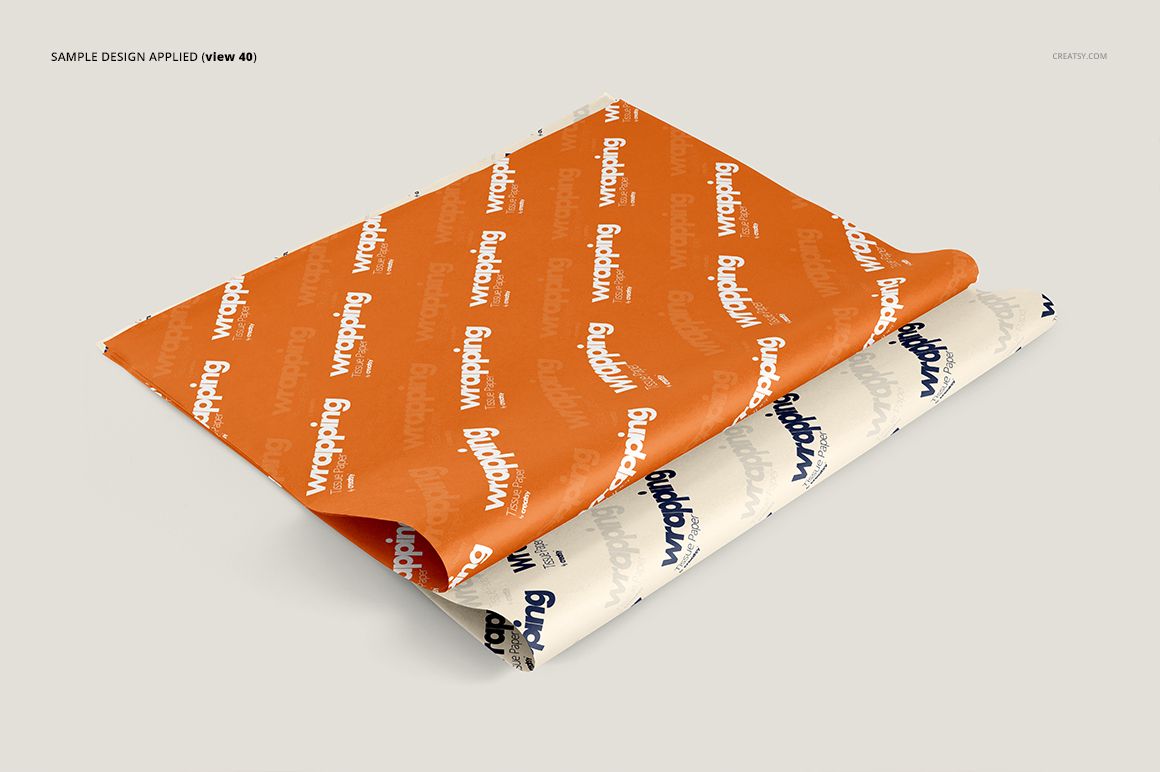
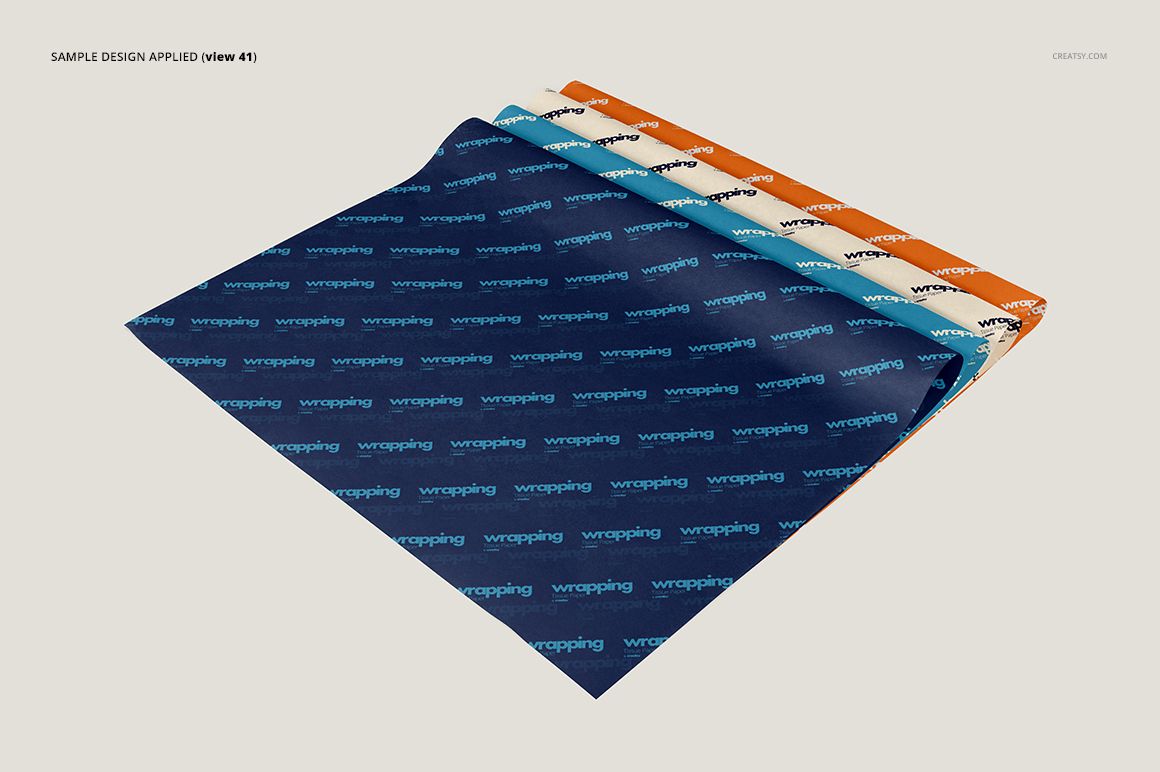
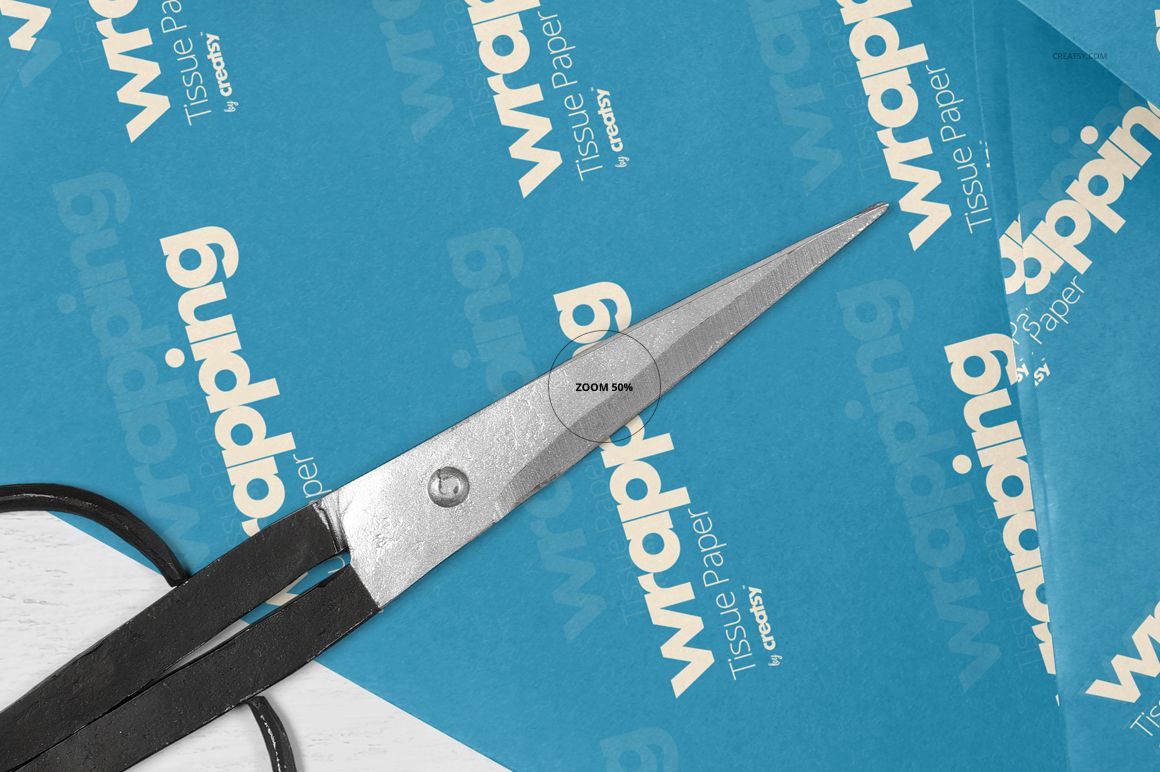
Use a flat sheet to introduce the repeat, then a curled or overlapping view to show the same design following the paper surface. The preview gallery includes both close-up details and wider arrangements, as well as a hand-held sheet and styled tabletop scenes. These choices help you build a pattern presentation with variety while keeping attention on the artwork.
Easy Smart Object Editing
Open a PSD in Adobe Photoshop CC 2015 or later, edit the relevant Smart Object, place your artwork and save the Smart Object to update the scene. Change the tissue color and design using the organized layers. Drag chosen props into the composition, then move, resize or rotate them; selected props also offer customization. Keep a copy of the original file when preparing alternative designs.
Perfect For
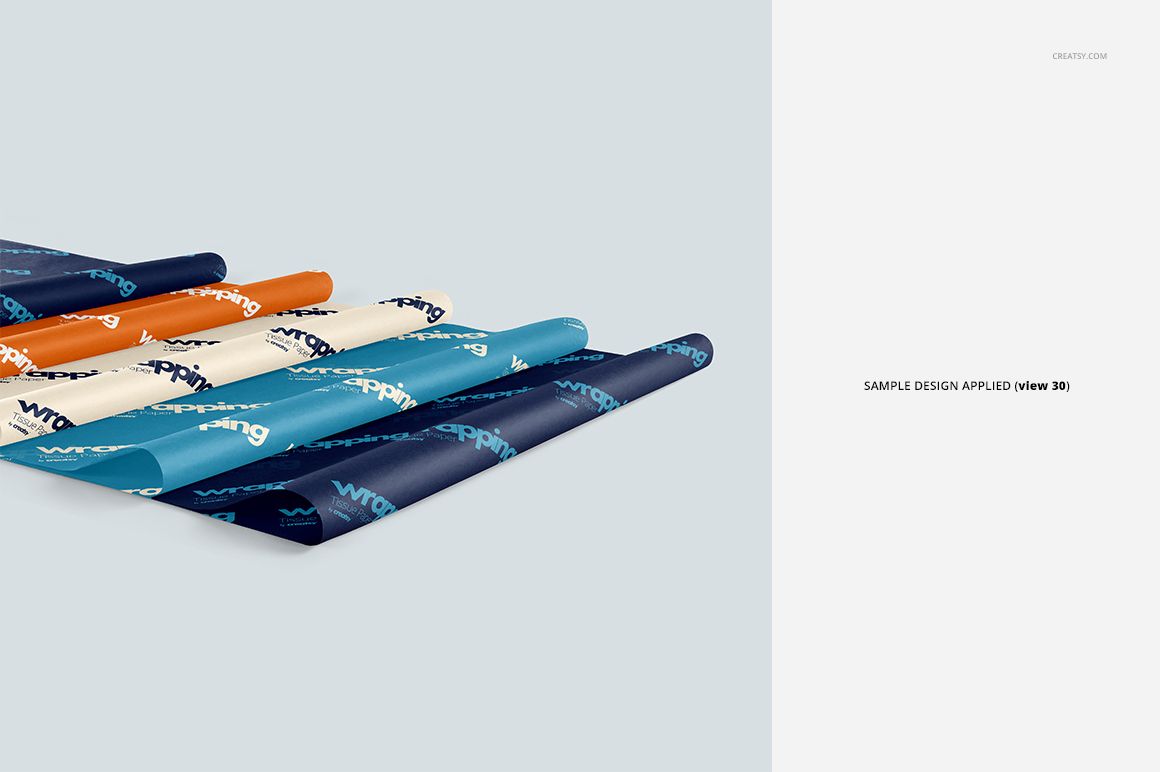
Create branded tissue paper concepts, surface pattern portfolios, boutique packaging proposals and seasonal gift wrap presentations. Multi-sheet scenes are especially useful for showing a main print beside a quieter coordinating pattern, while the simpler compositions give a single logo repeat more room.
This is a digital mockup product. No physical tissue paper, printing service or finished pattern collection is included. Sample patterns shown in the previews are not included; add your own artwork.