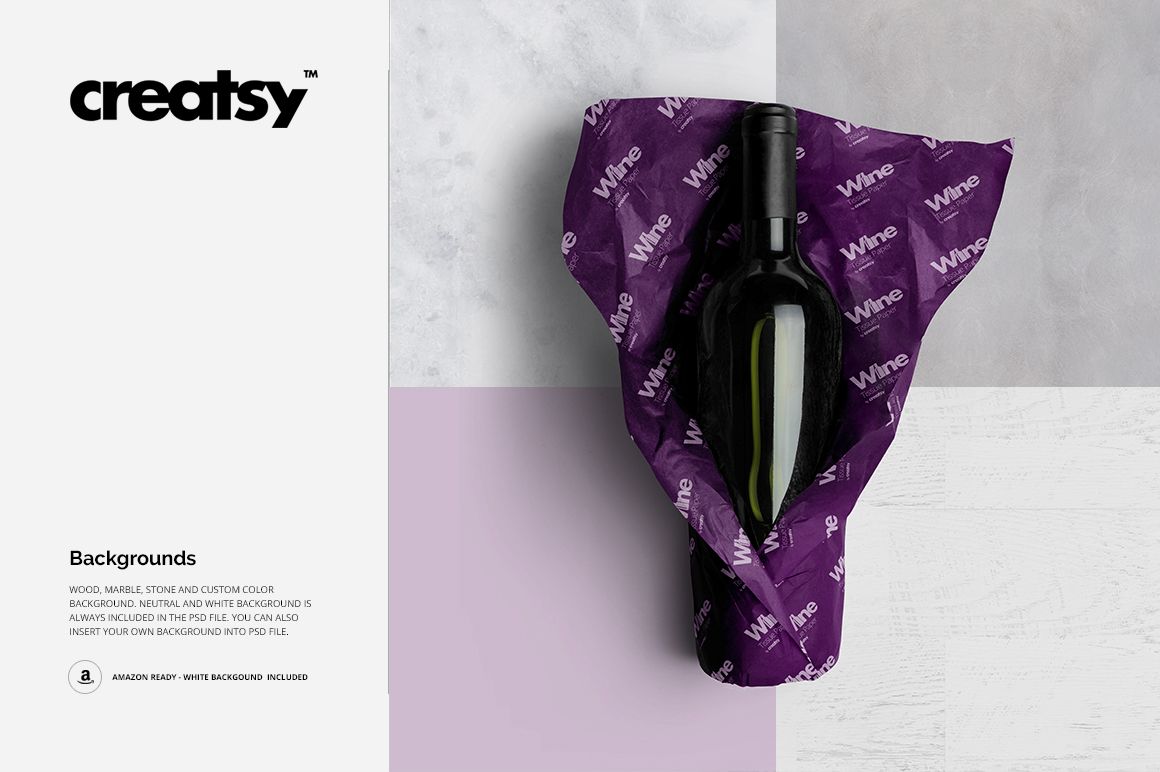
Wine Wrapping Tissue Paper Mockup Set
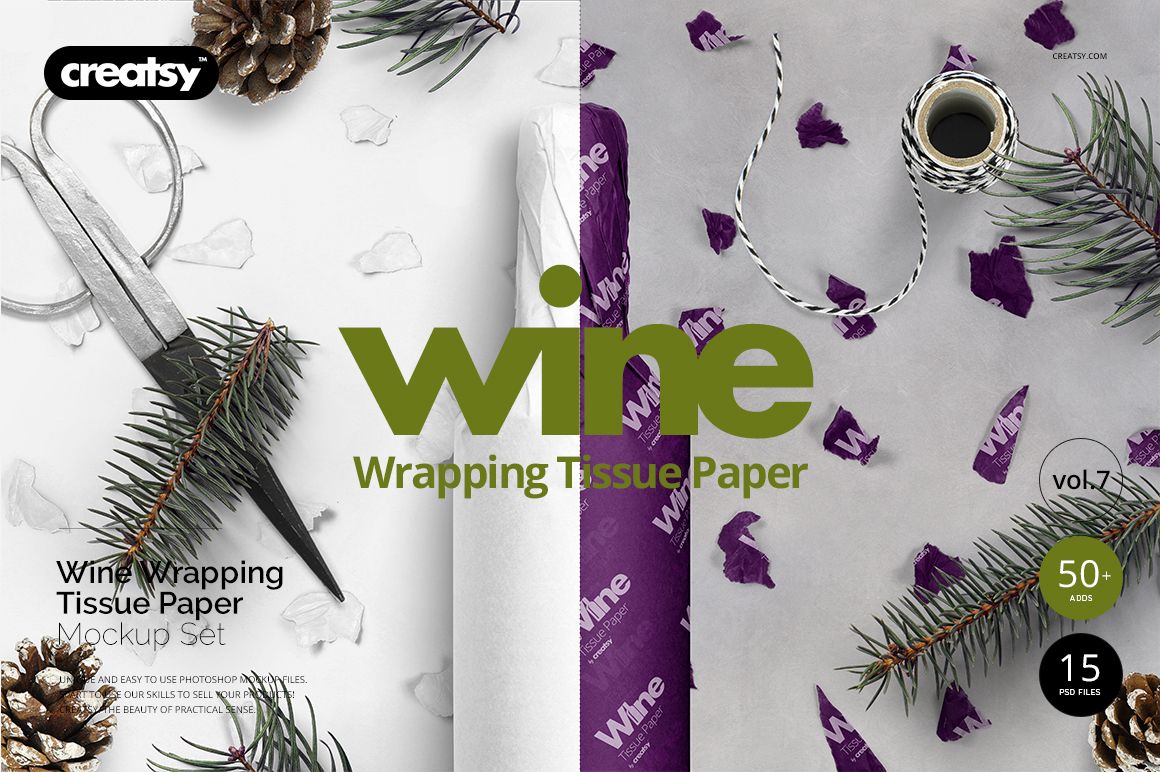
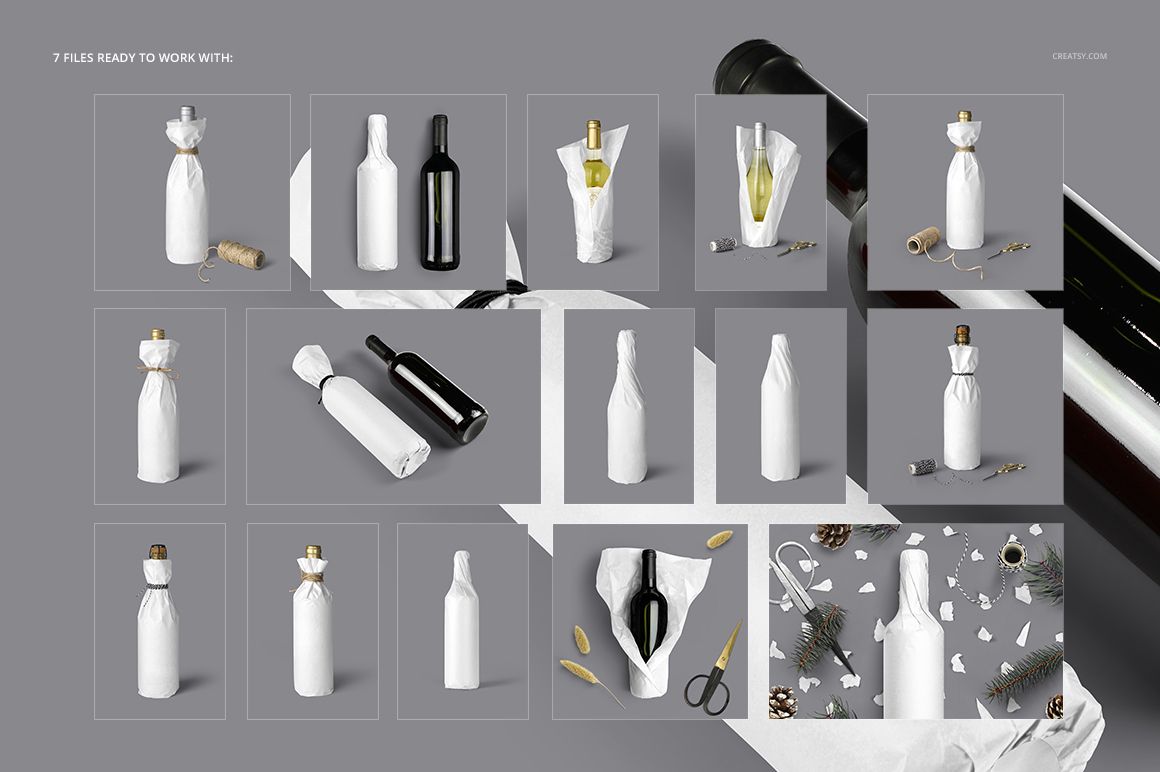
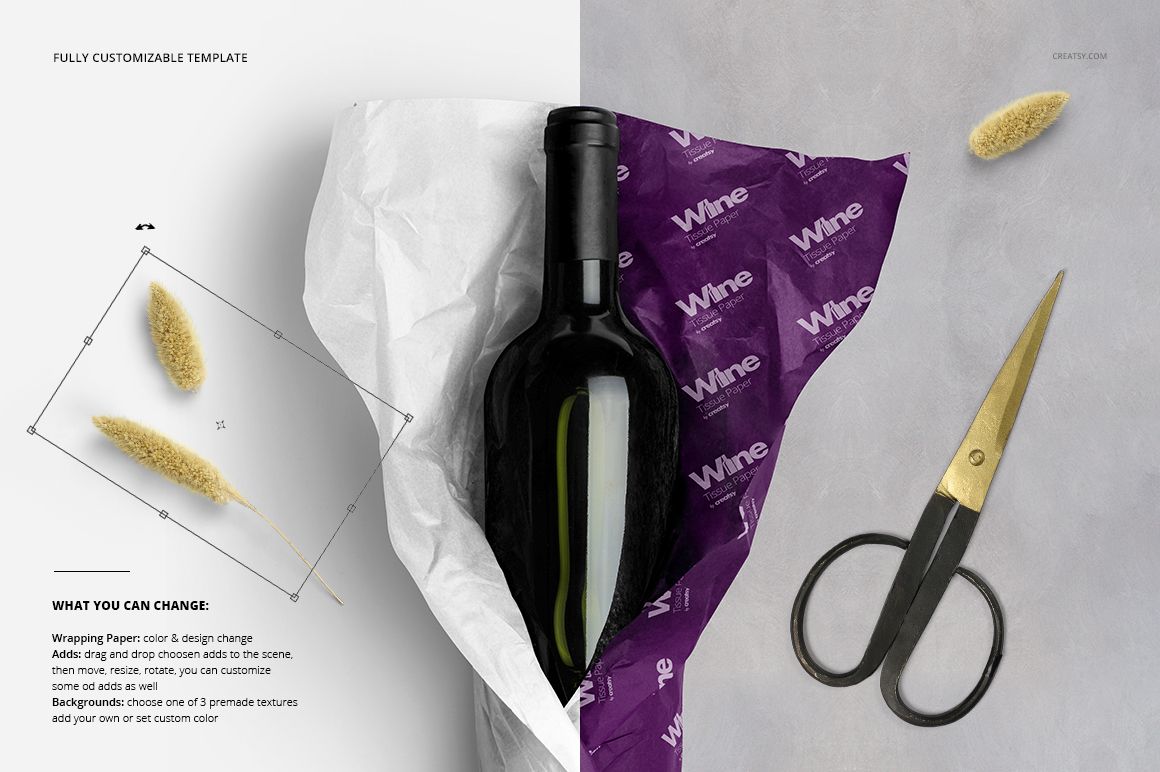
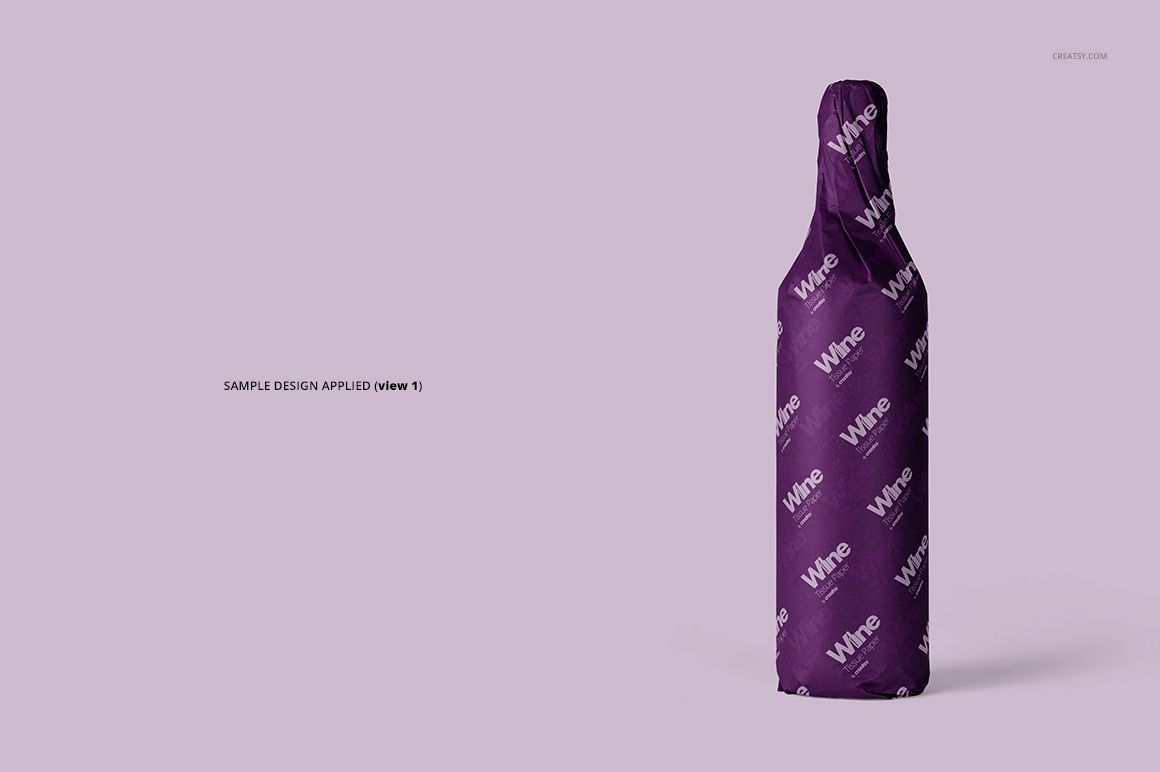
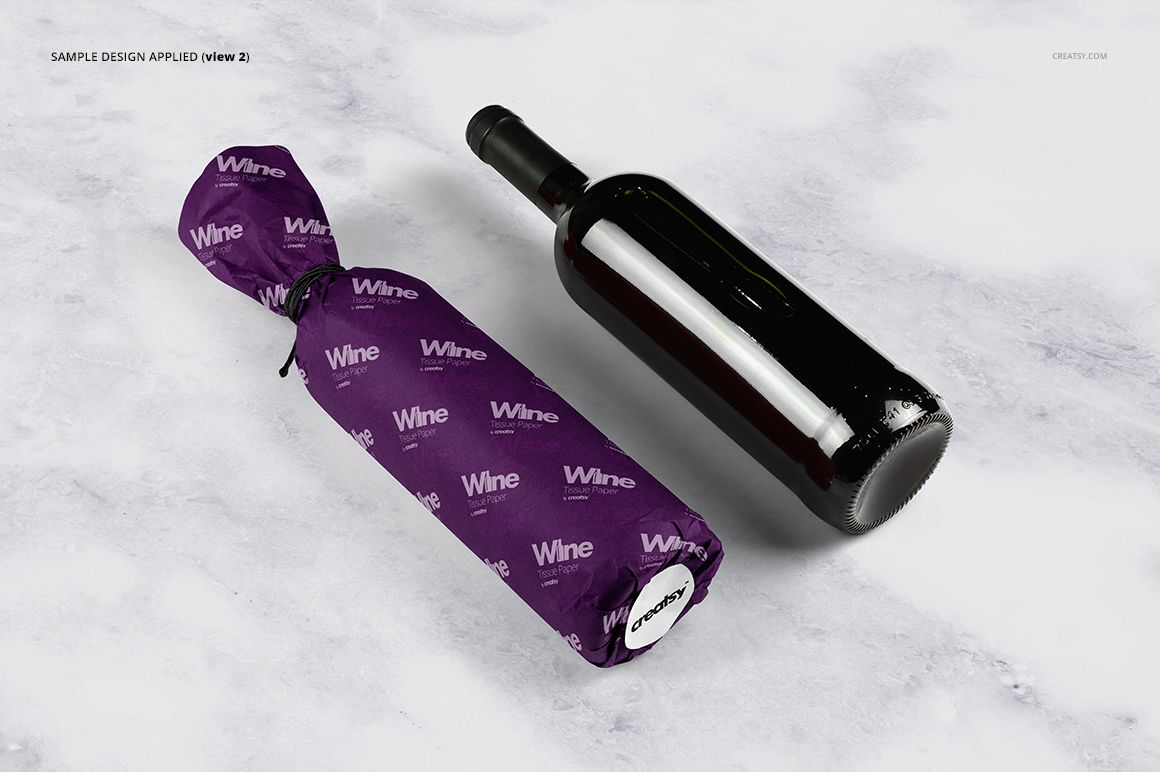
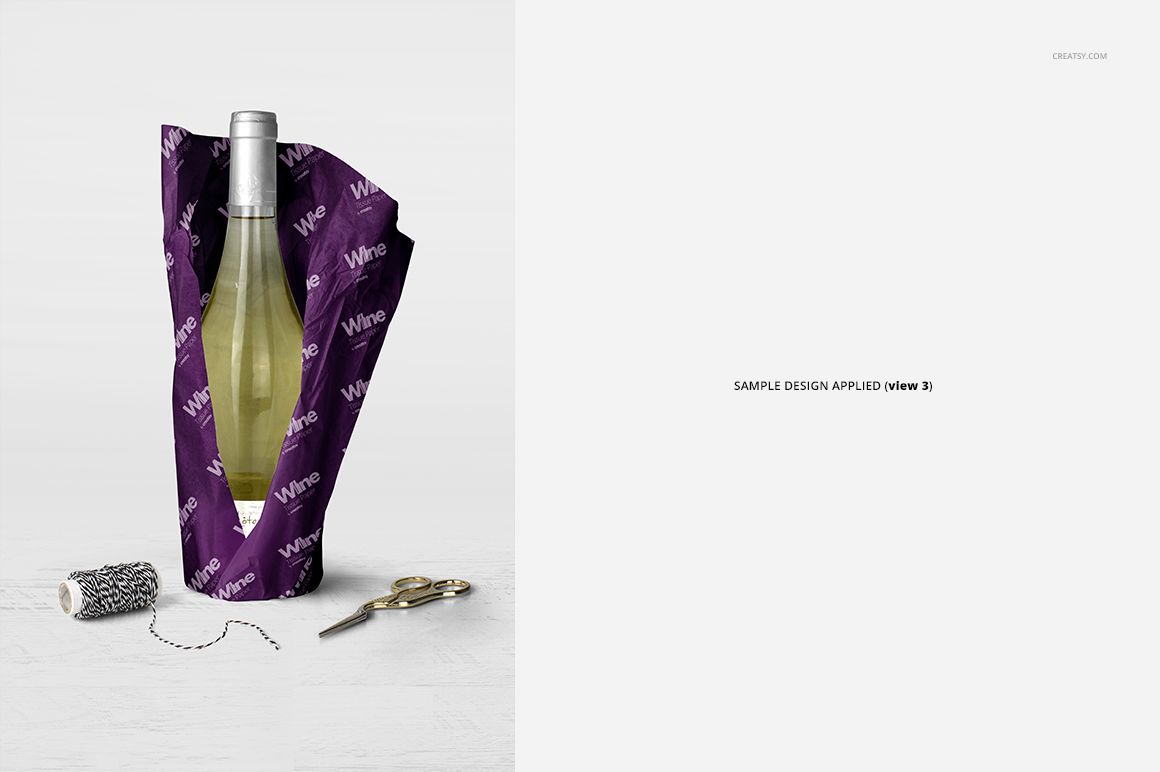
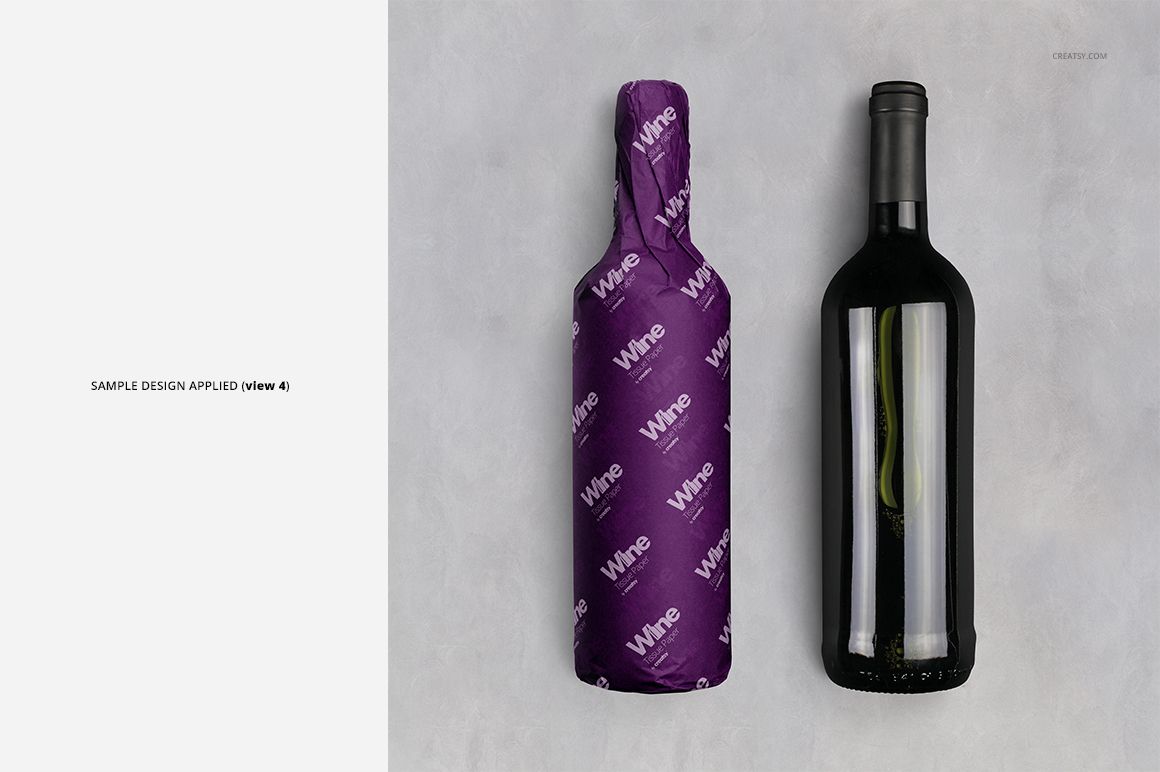
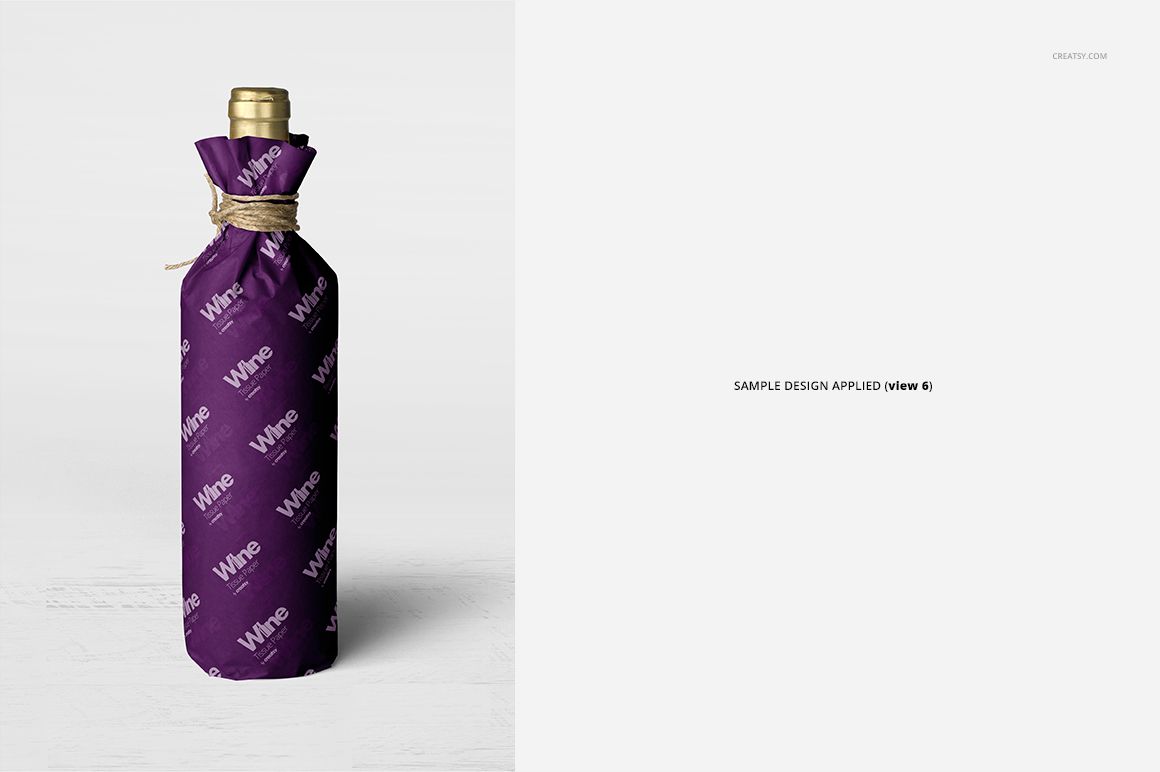
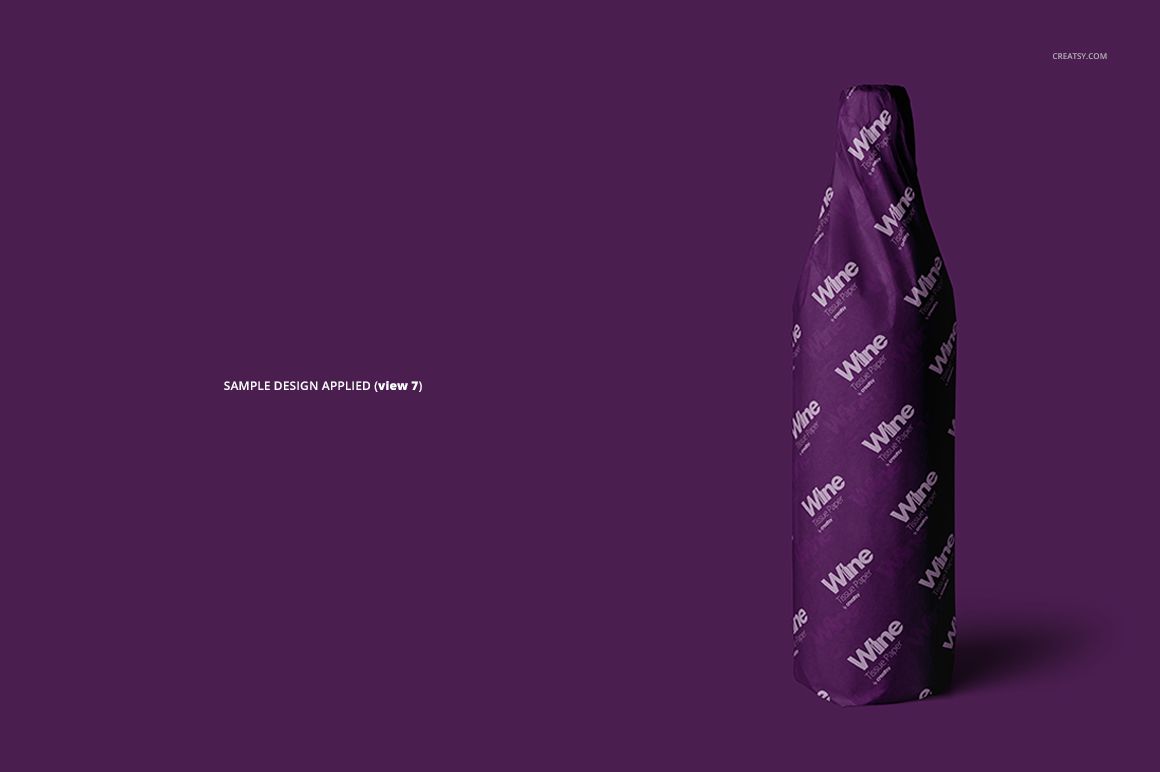
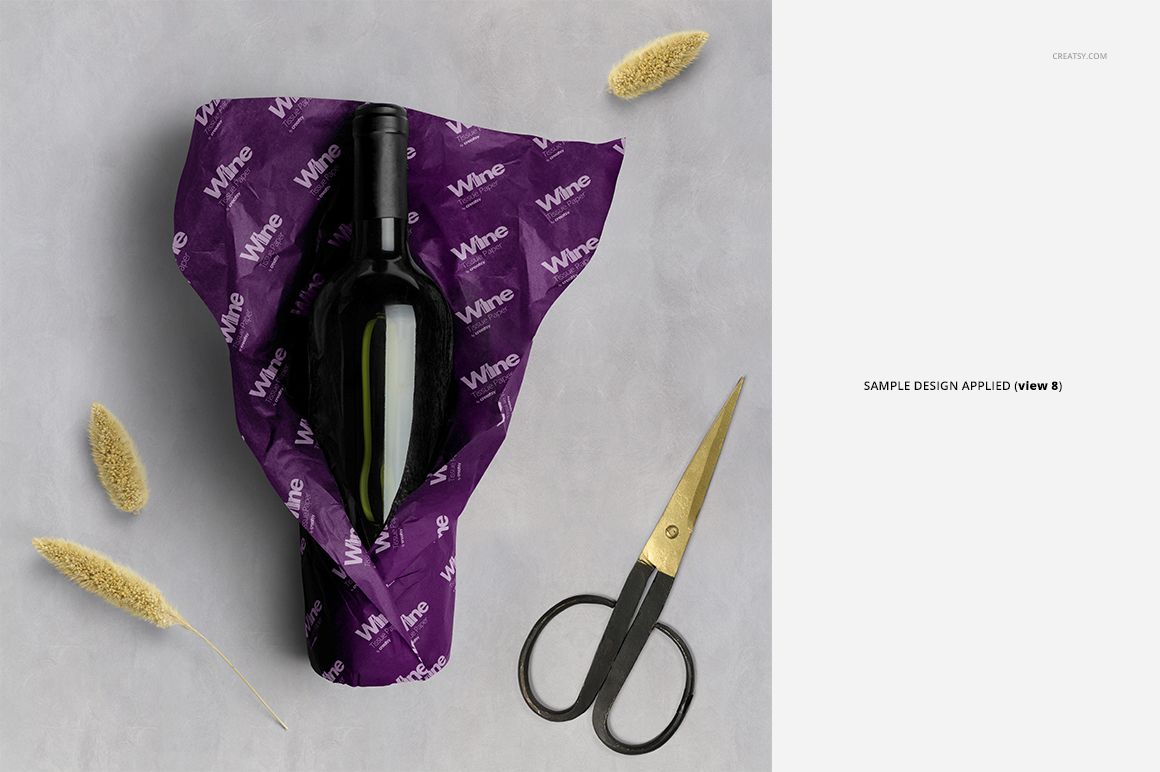
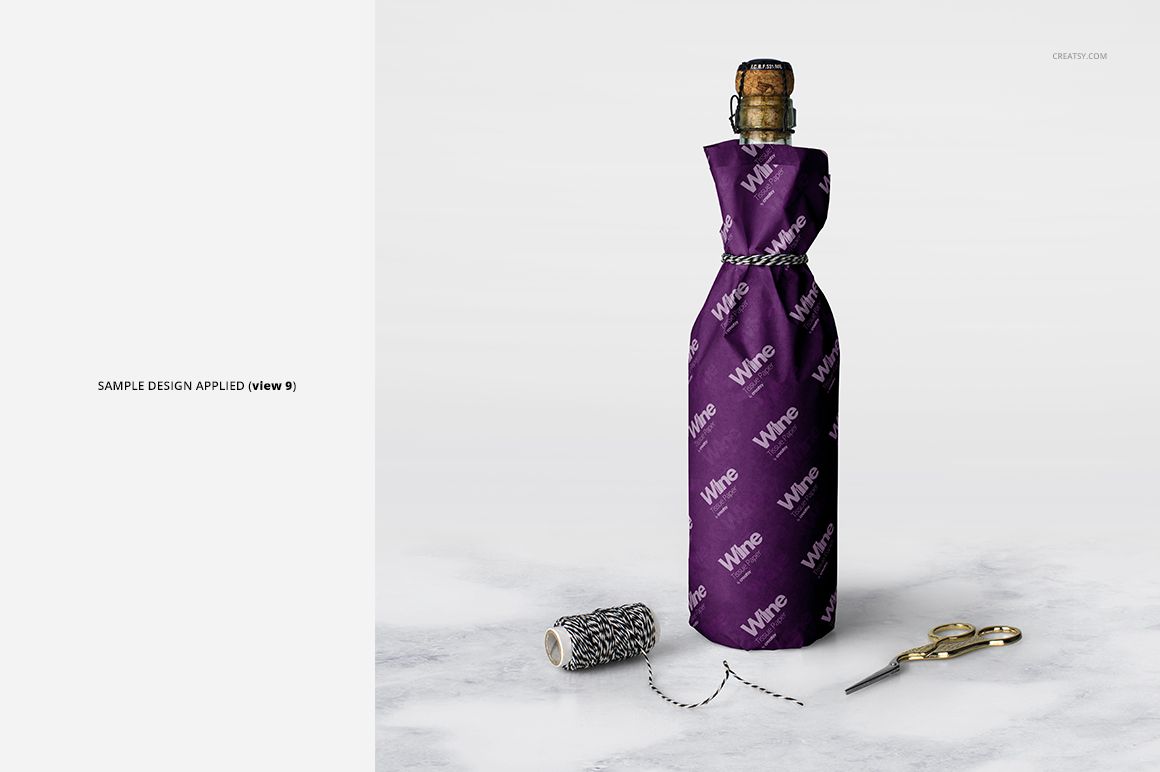
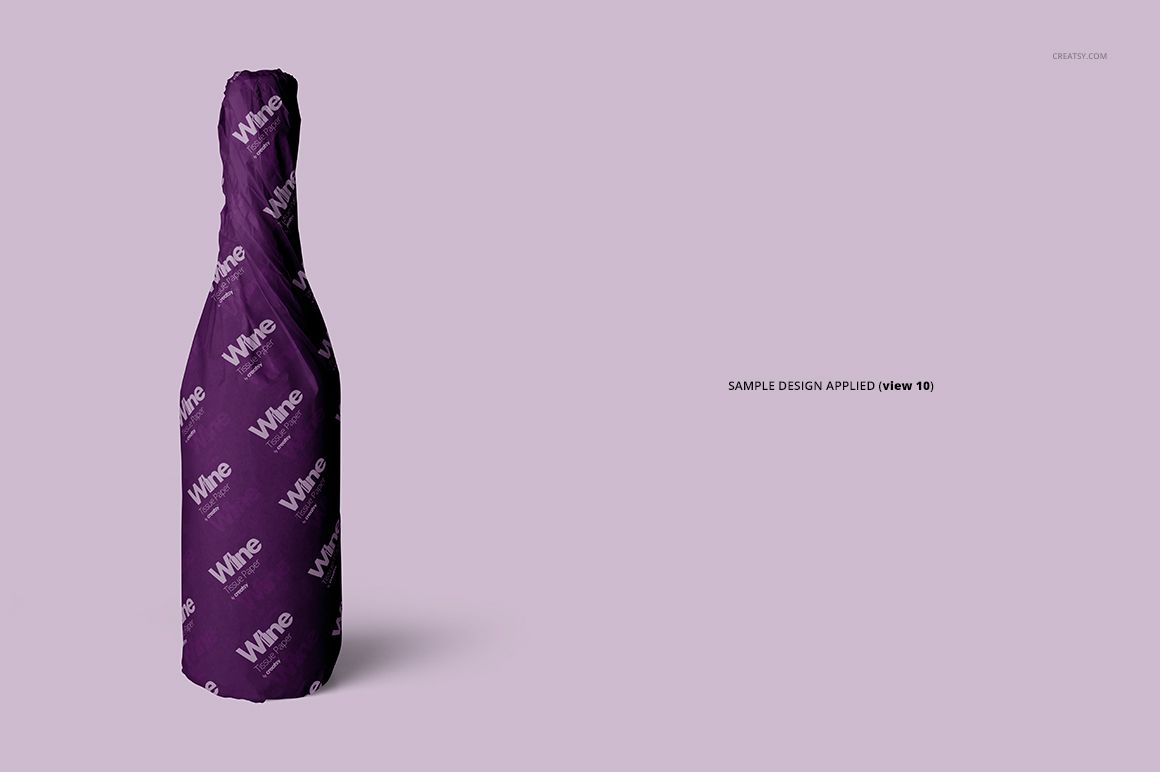
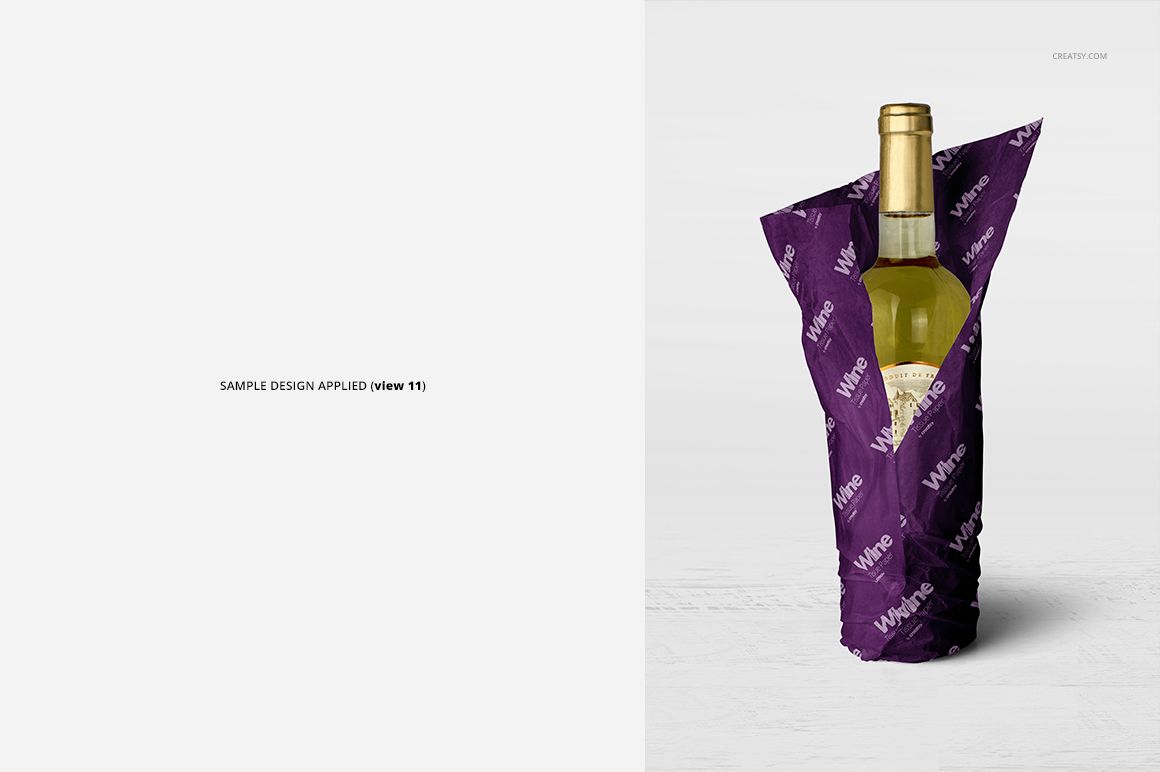
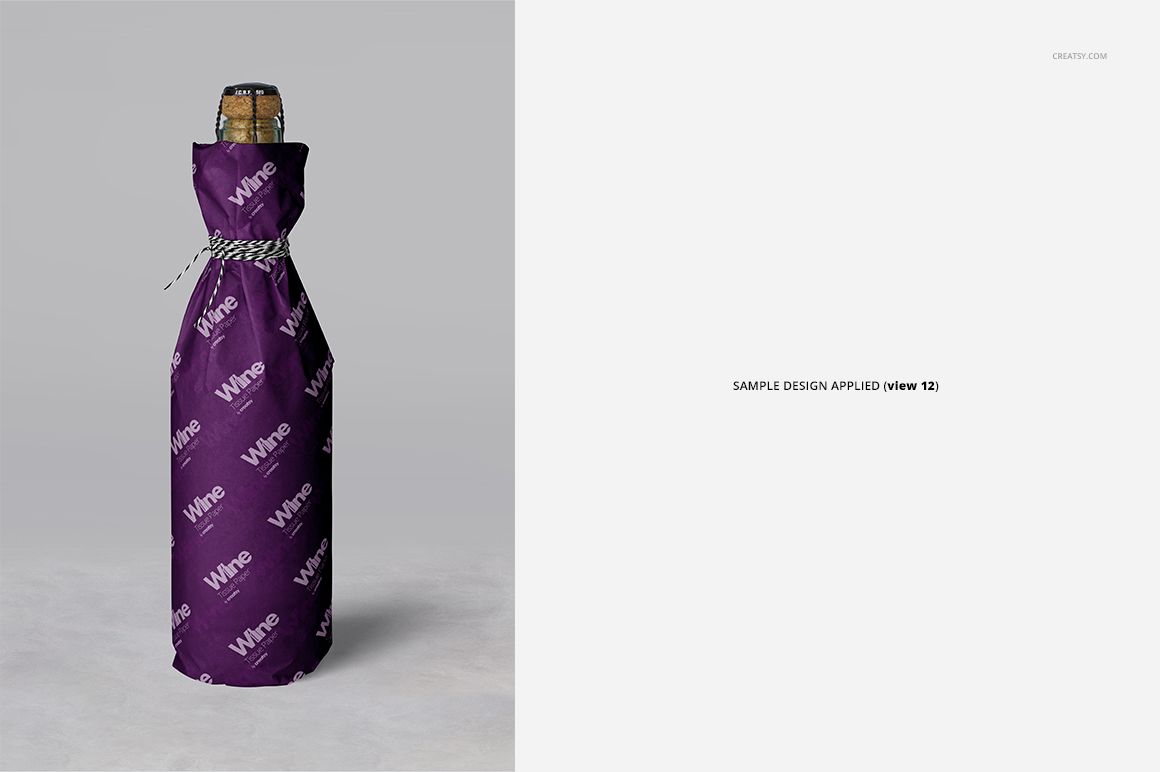
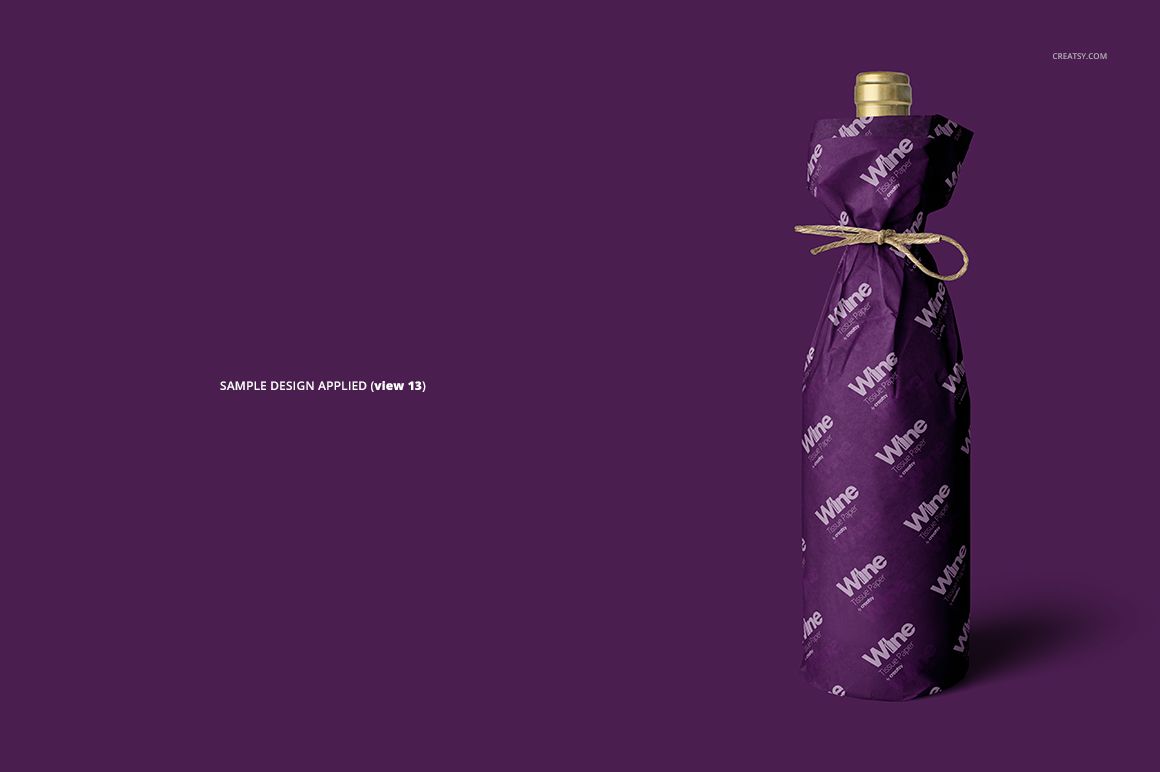
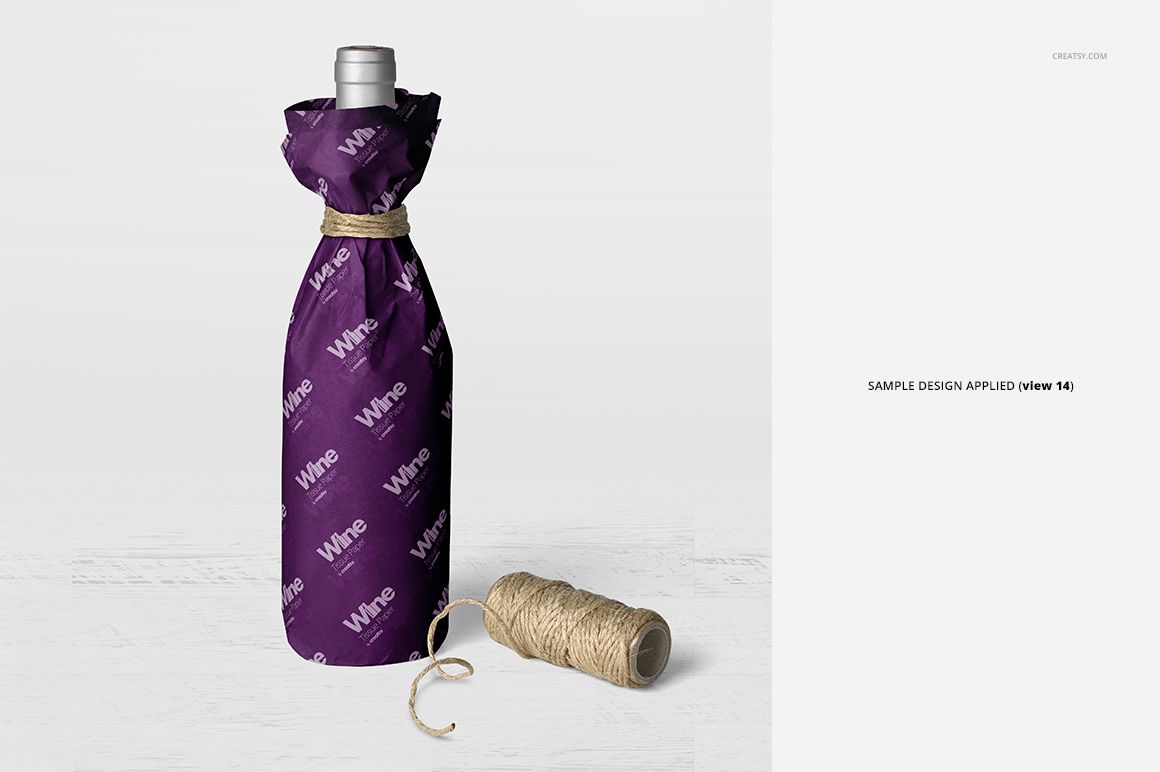
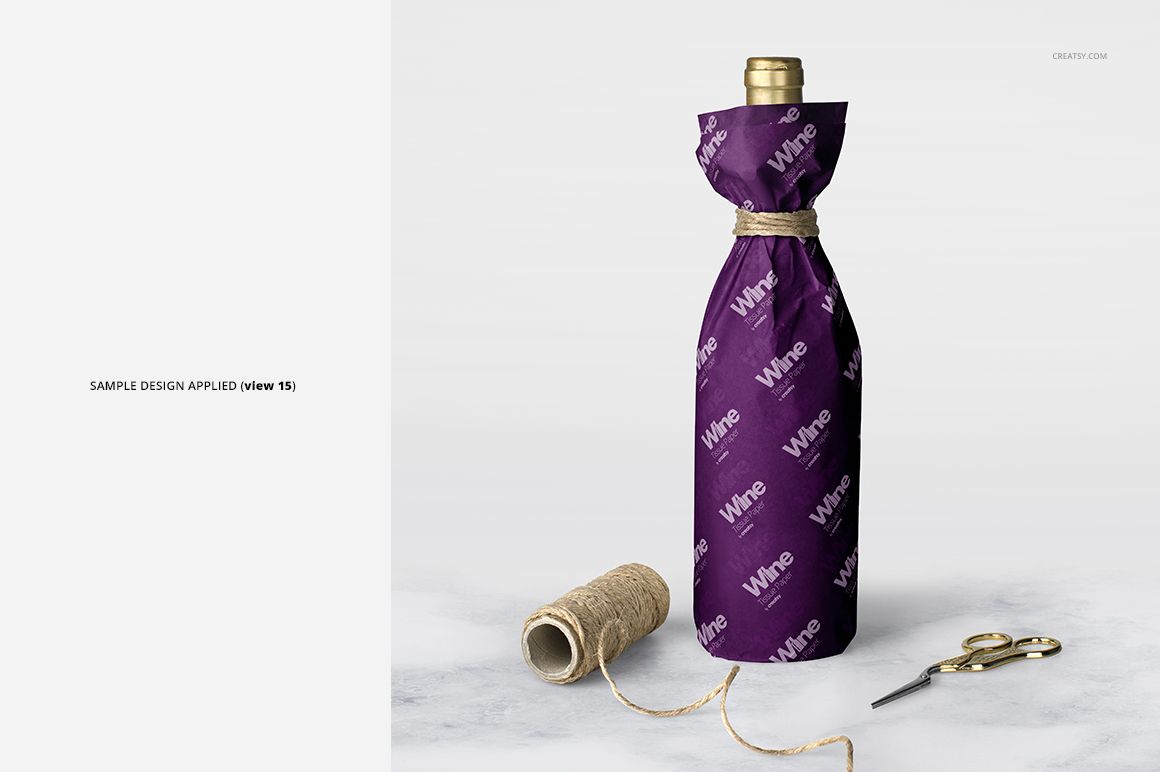
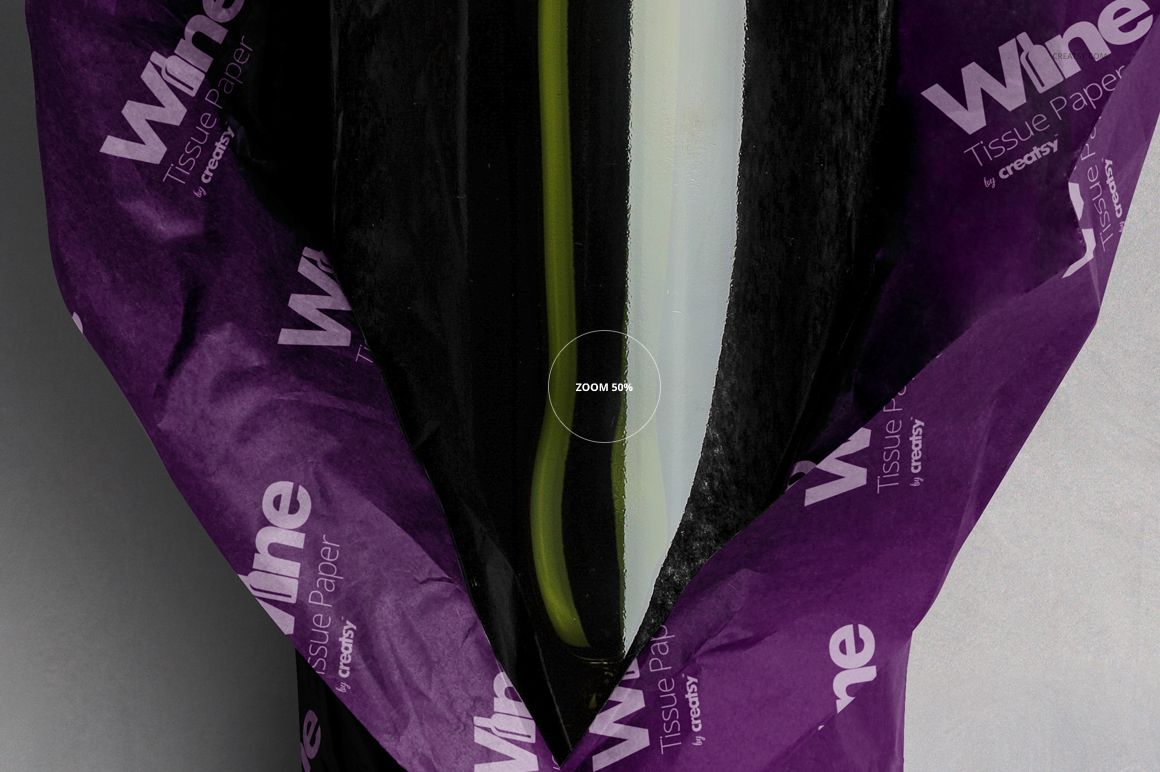
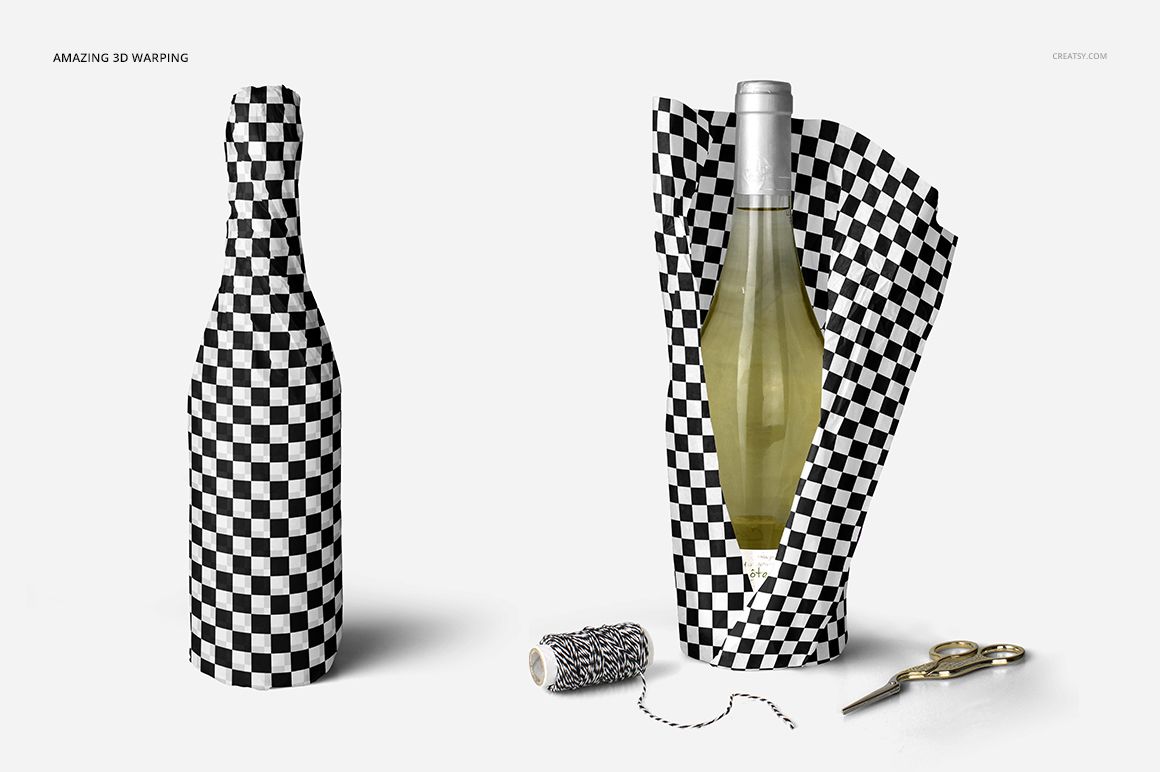
How much of the bottle should the wrapping reveal? This wine wrapping tissue paper mockup set lets you compare a fully covered silhouette, gathered paper tied around the neck, and open folds that leave the bottle visible. Fifteen prepared views turn one tissue pattern into a varied bottle-gifting presentation, from upright arrangements to overhead scenes.
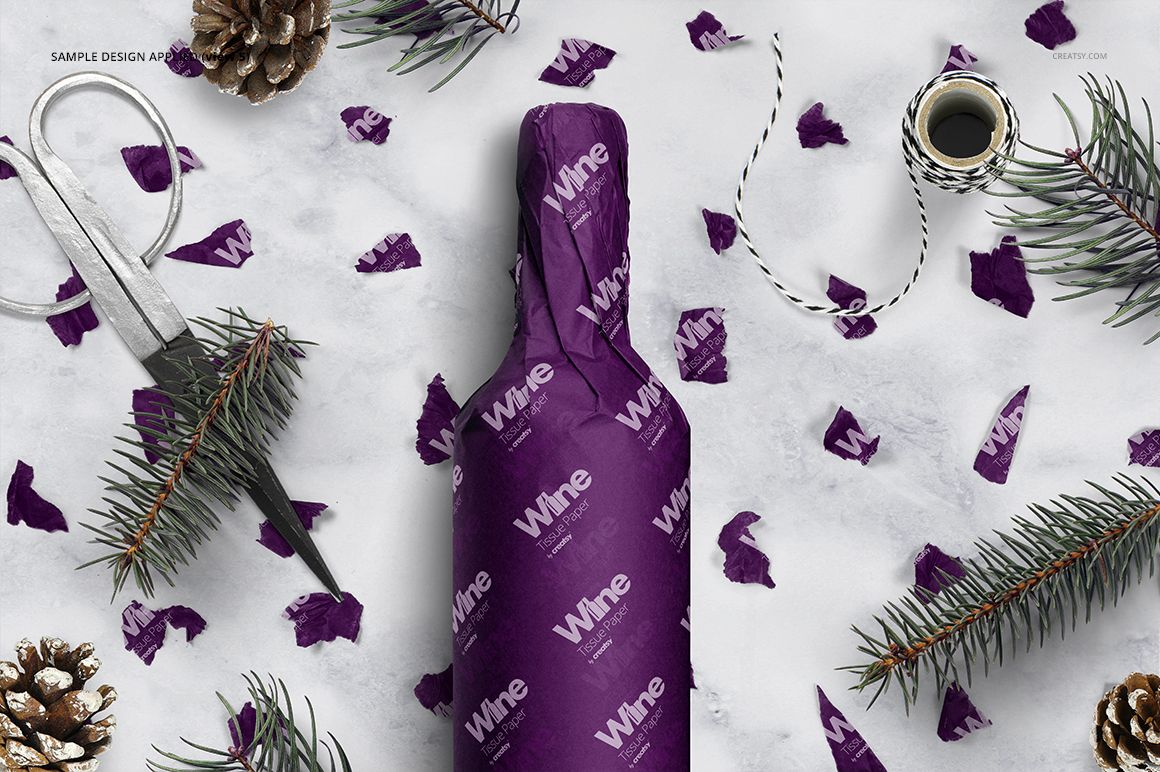
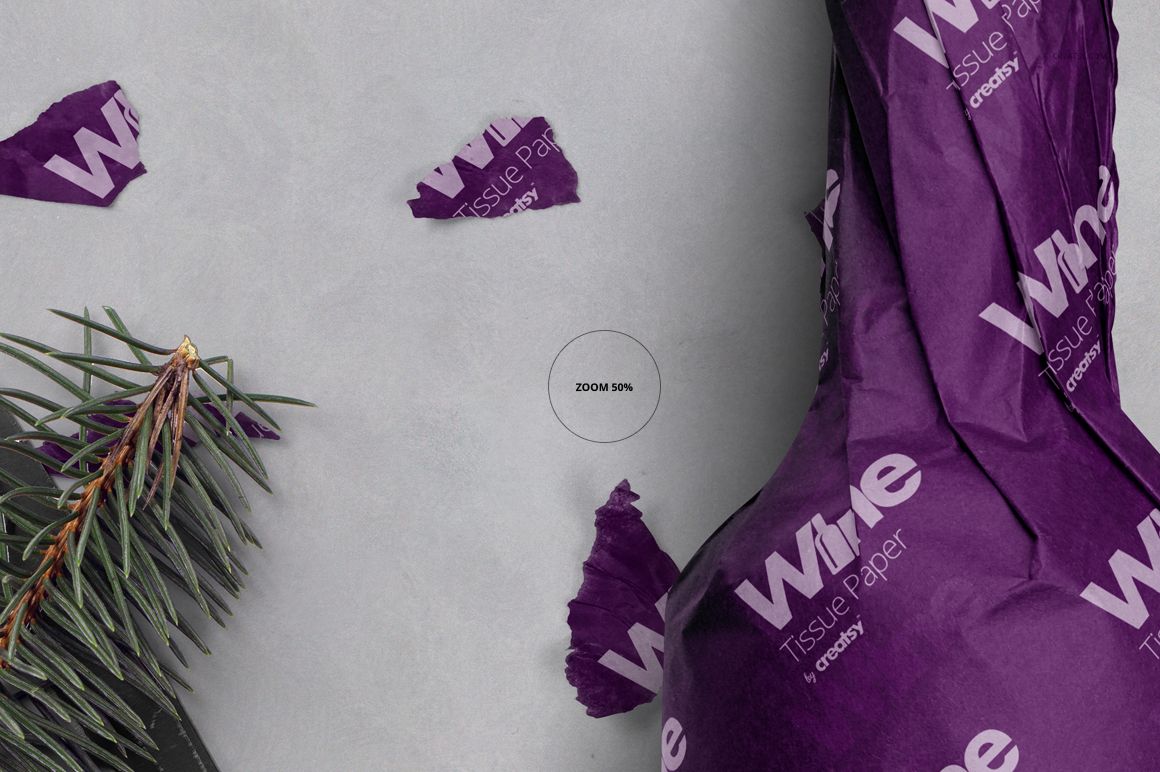
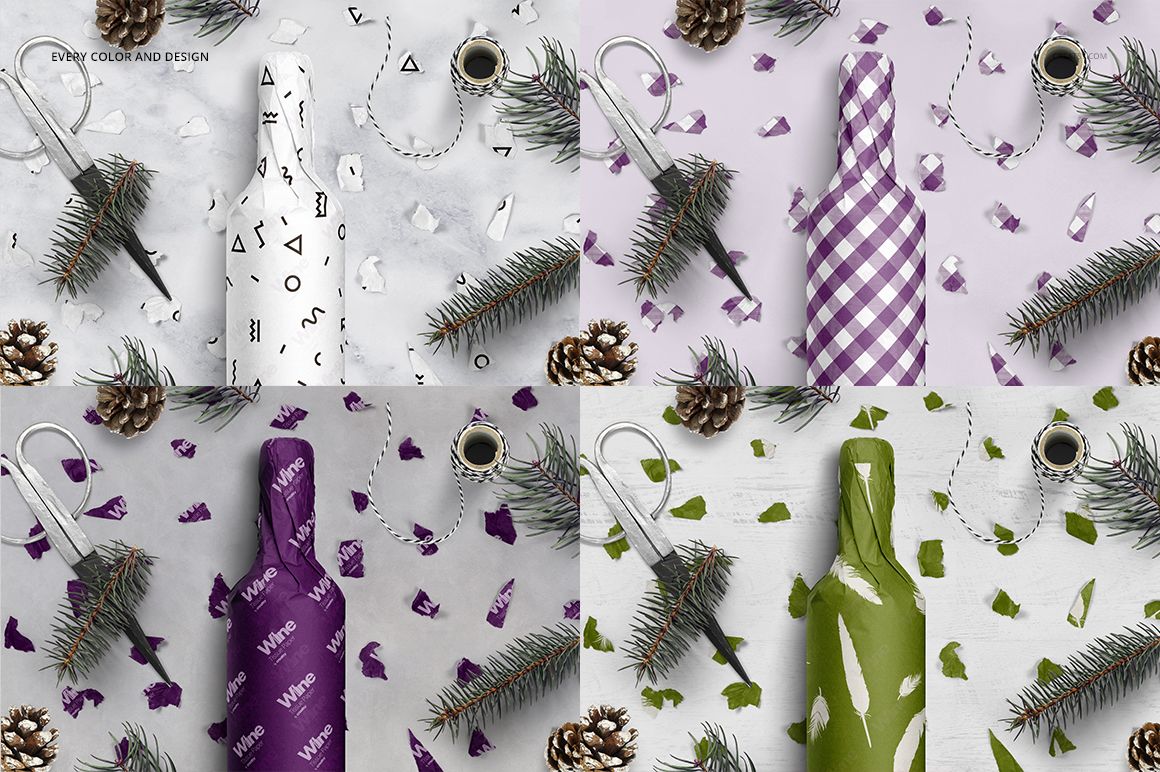
The paper follows the shoulders, neck and base of the bottle, making this a useful place to test a repeating logo, botanical print or geometric pattern. Pair a clean individual view with a wrapping-table composition to show both the artwork and the gift-giving context.
What Is Included
15 layered PSD mockup files with wine bottle wrapping scenes.
15 JPG files and 3 TIFF guides, 33 files in total.
Square, portrait and landscape formats, with listed PSD sizes of 6000 × 6000, 4000 × 6000, 6000 × 4000 and 4000 × 4000 px at 300 DPI.
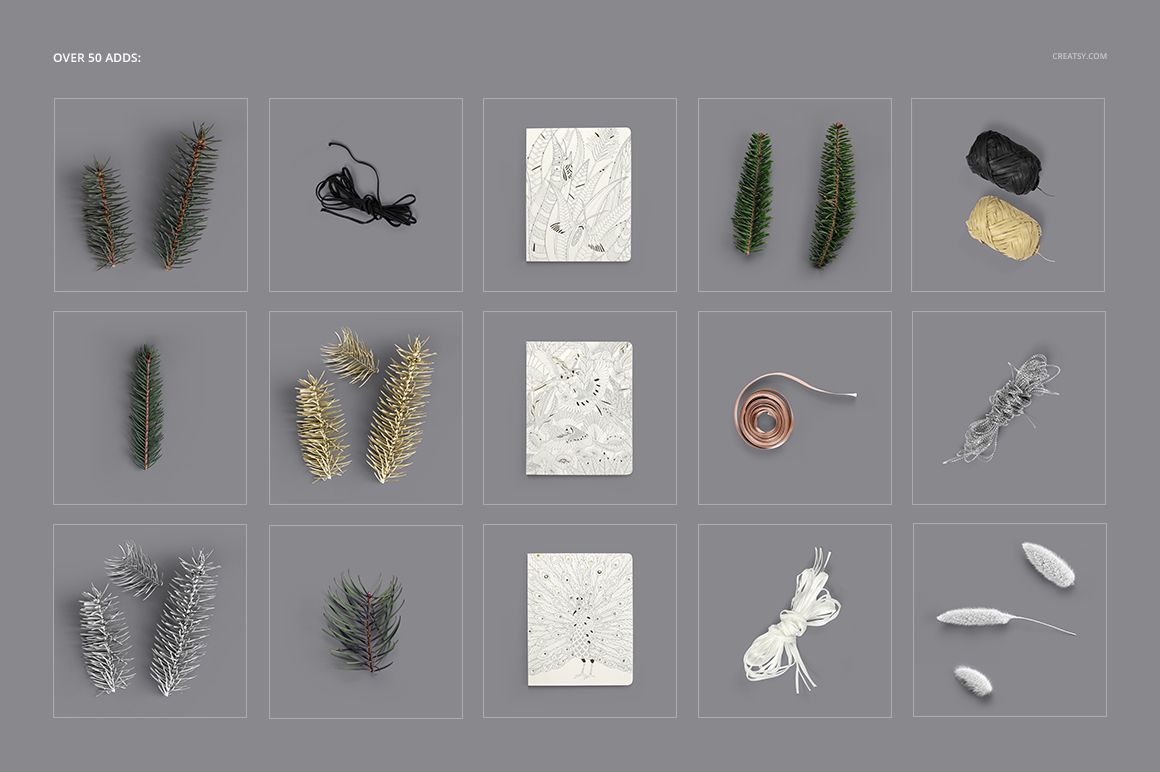
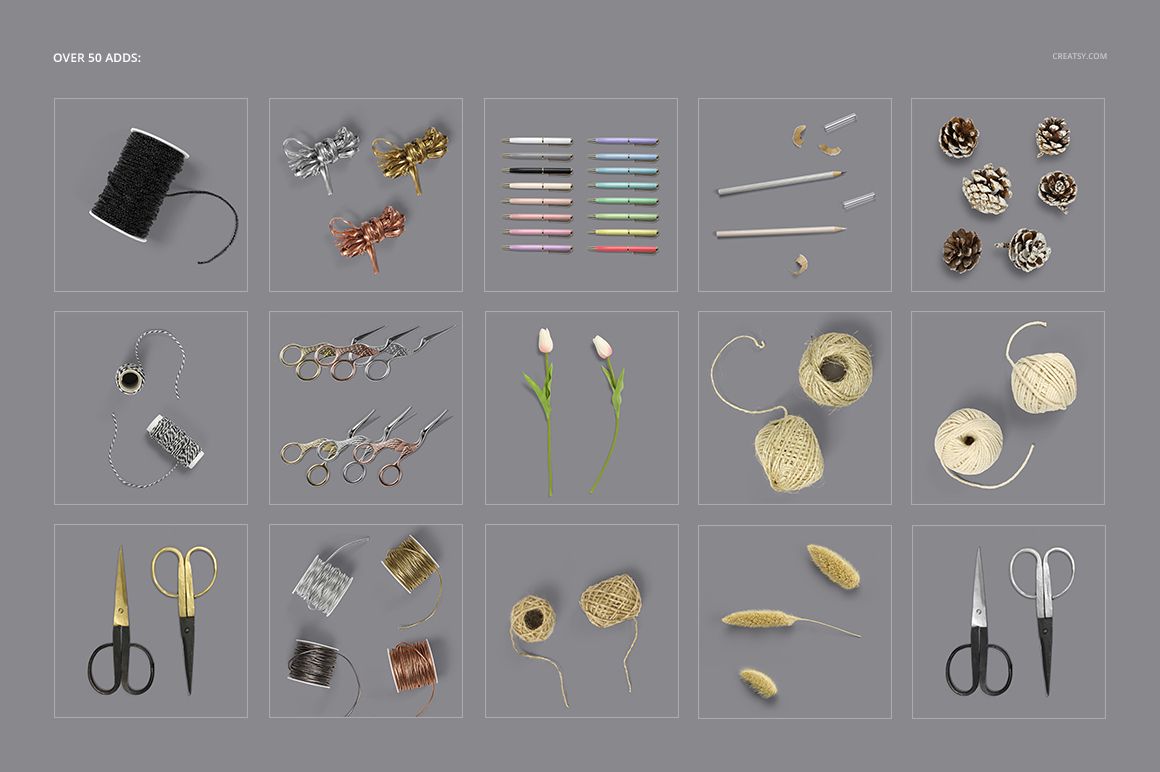
Over 50 decorative additions shown in the product previews, including twine, scissors, branches, pine cones and stationery accents.
Three prepared background textures, plus neutral, white, custom-color and your own background options.
Follow the Pattern Around the Bottle
A repeat that looks balanced on a flat sheet can become crowded where tissue gathers at the neck. Compare a small repeat with a more spacious version, then inspect the shoulder and tied section. Keep the most important wordmark visible on the broader body area instead of relying on the narrow folds to carry detailed information.
Easy Smart Object Editing
Replace the tissue artwork through Smart Objects and adjust its color using the organized layers. Add selected decorative elements to the scene, then move, resize or rotate them to suit the composition. The product supports Adobe Photoshop CC2015 or newer and Photopea.
For Wine Gifts and Packaging Portfolios
Use the scenes for winery gifting concepts, wine-shop packaging, seasonal collections and surface-pattern presentations. This is a digital mockup set, not physical wrapping paper or bottles. The sample patterns are for presentation only and are not included.