Square Box Mockup Set v.5
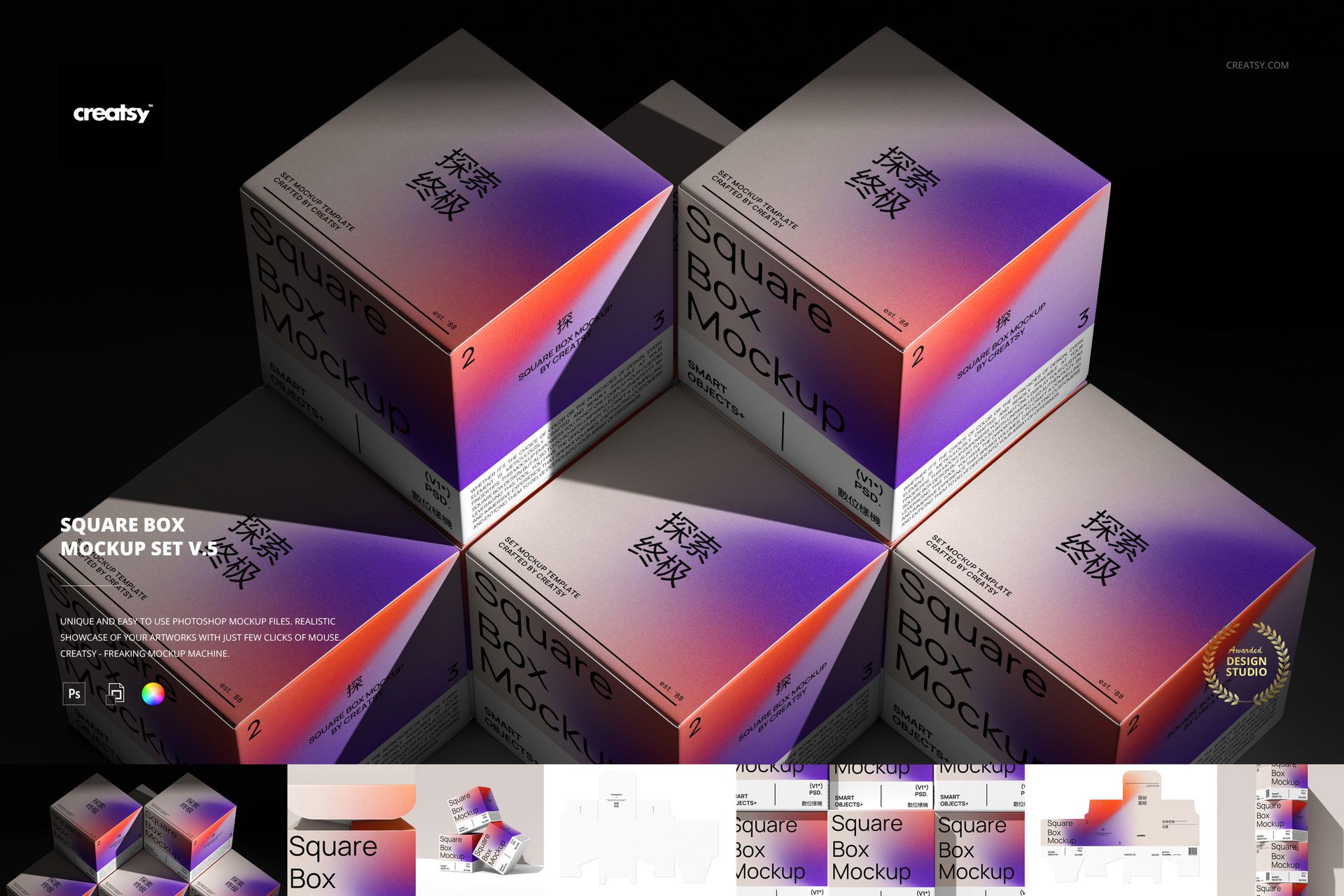
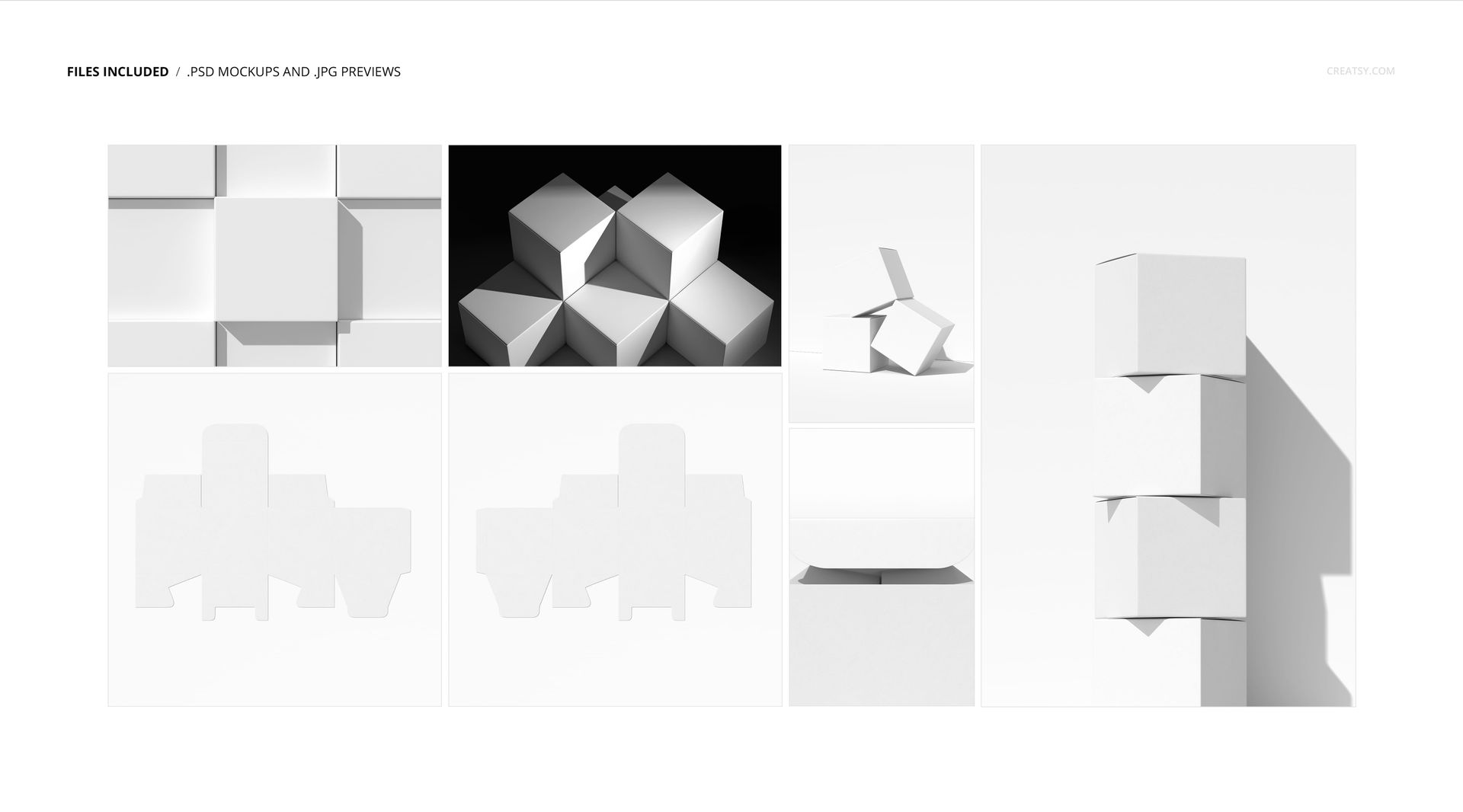
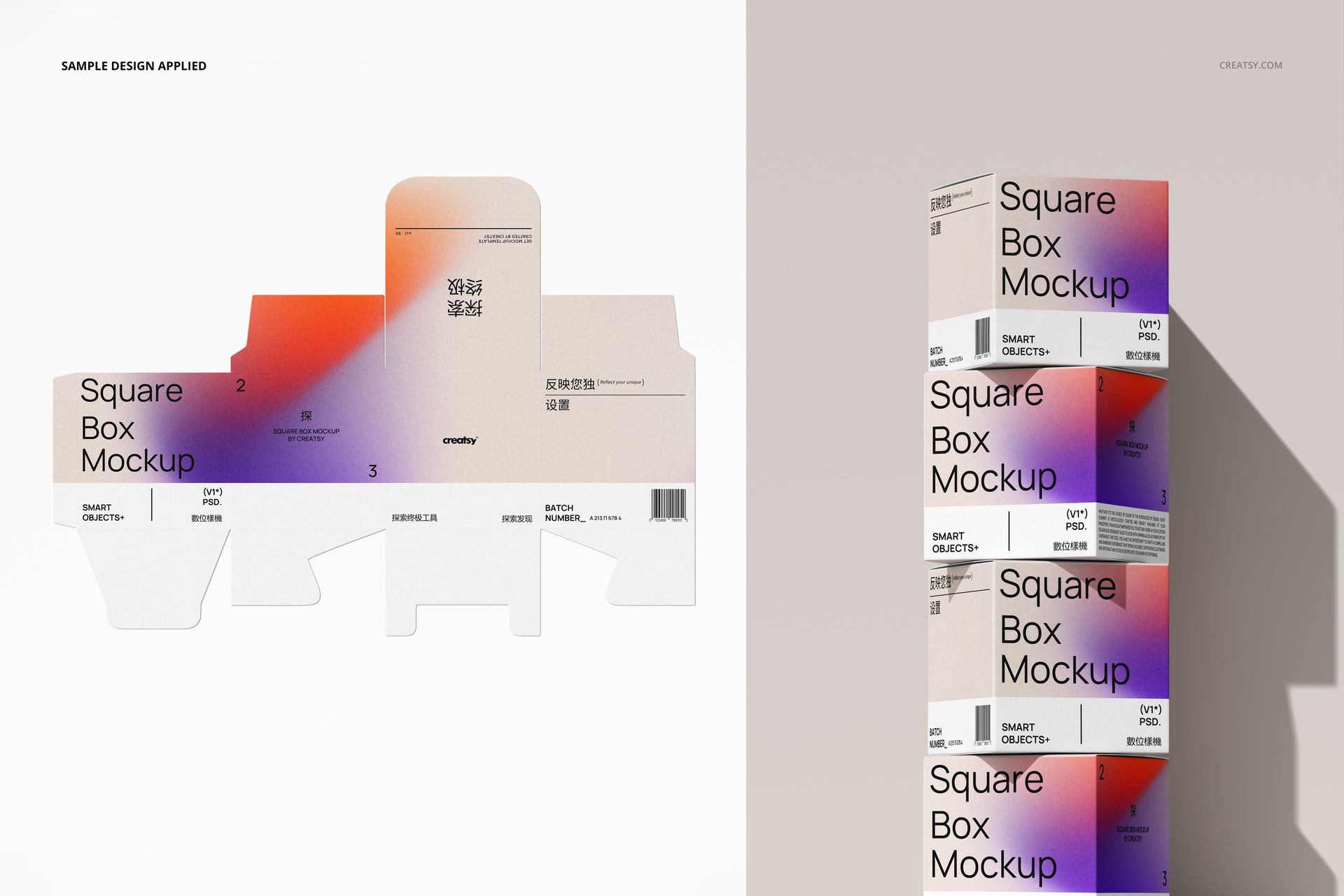
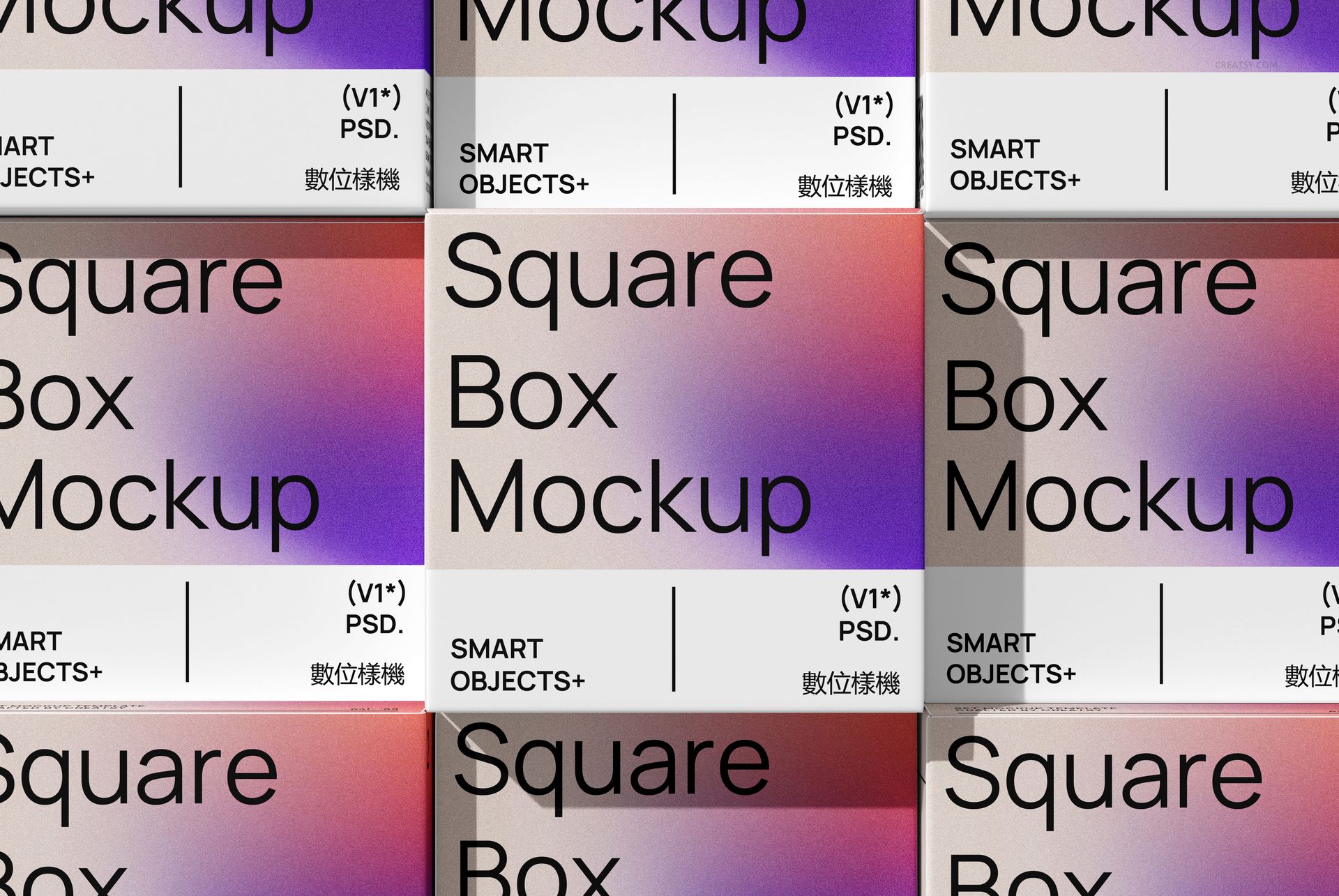
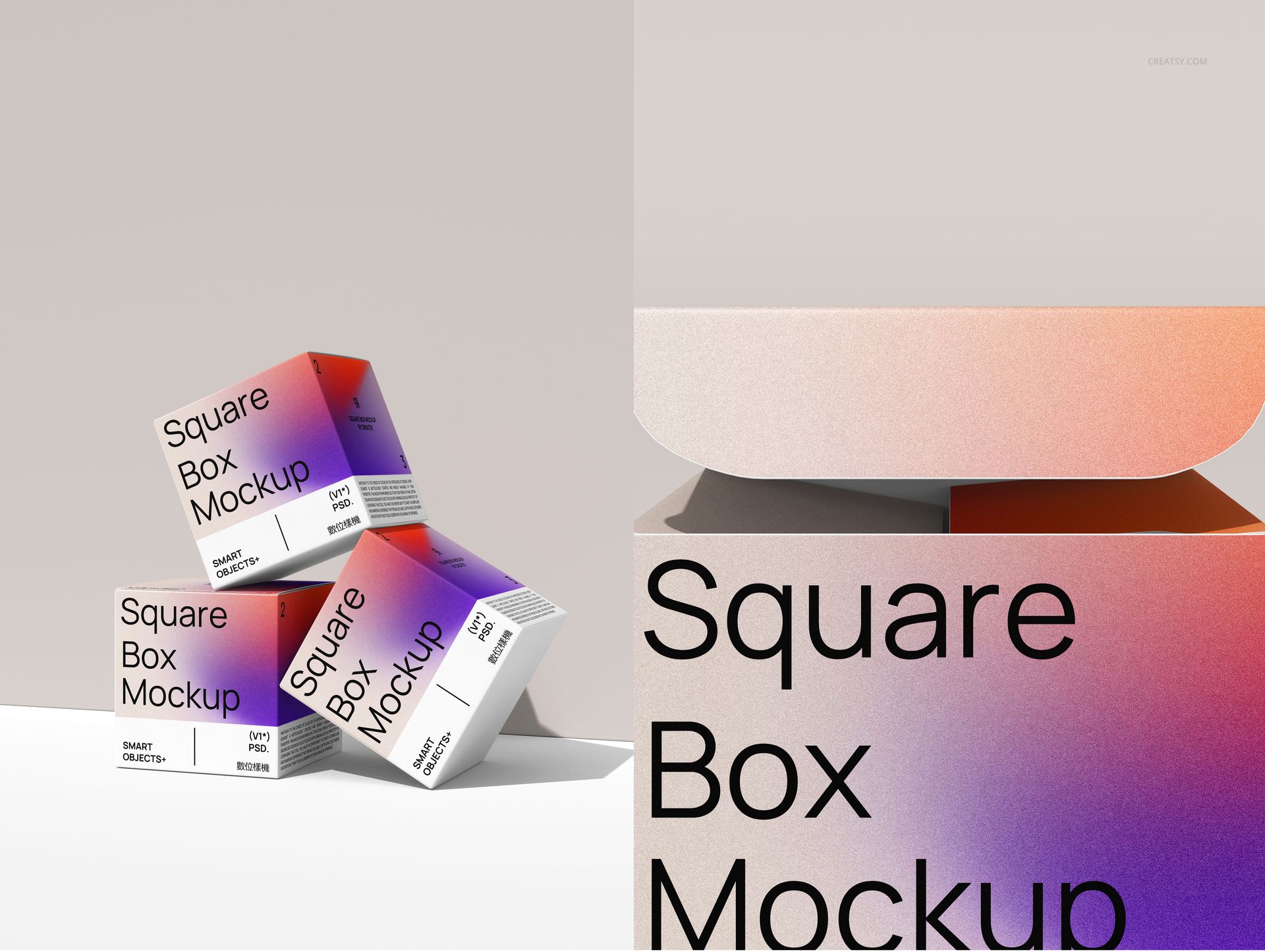
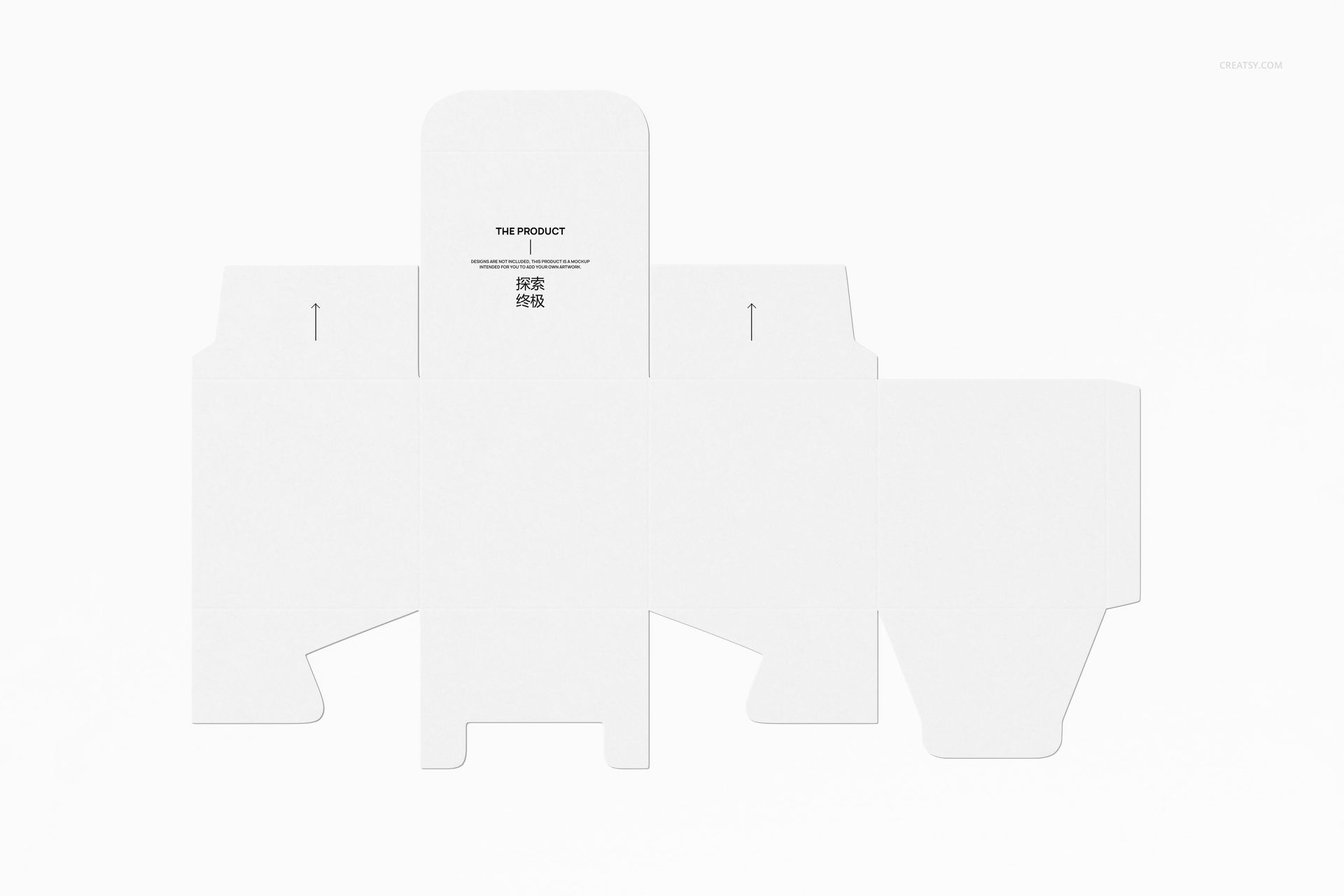
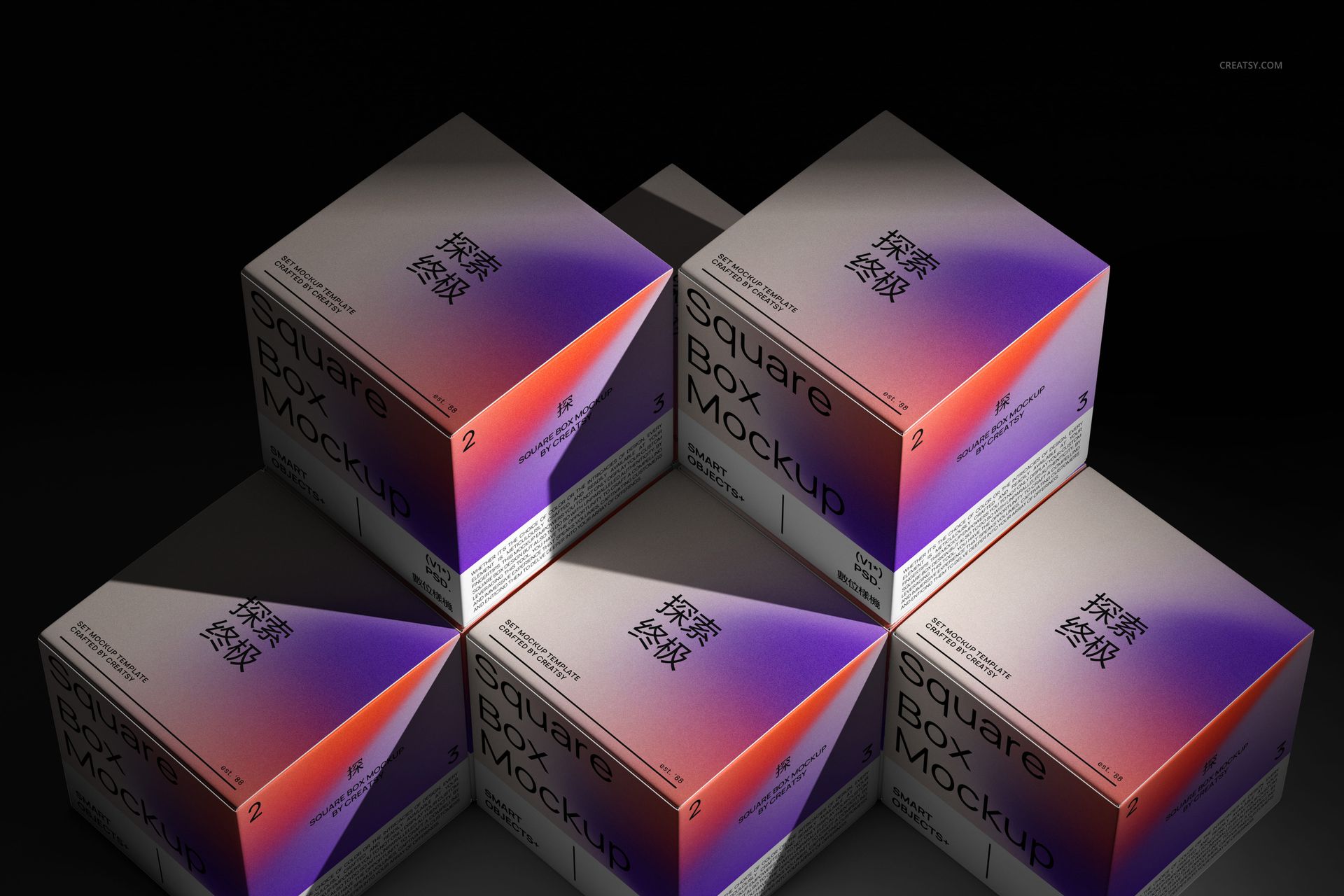
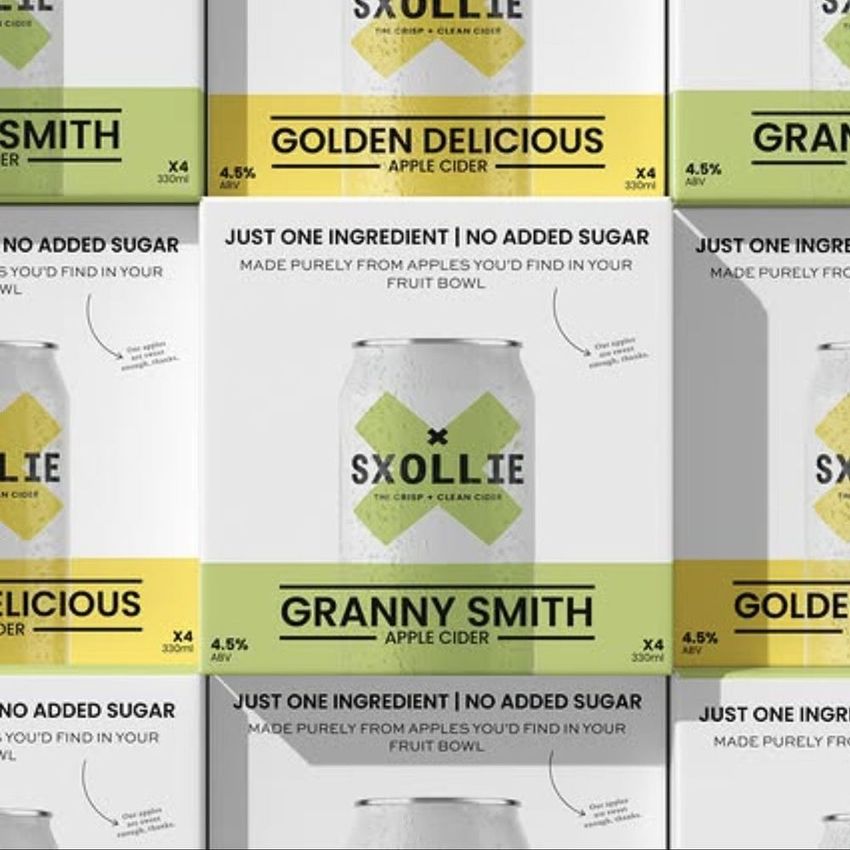
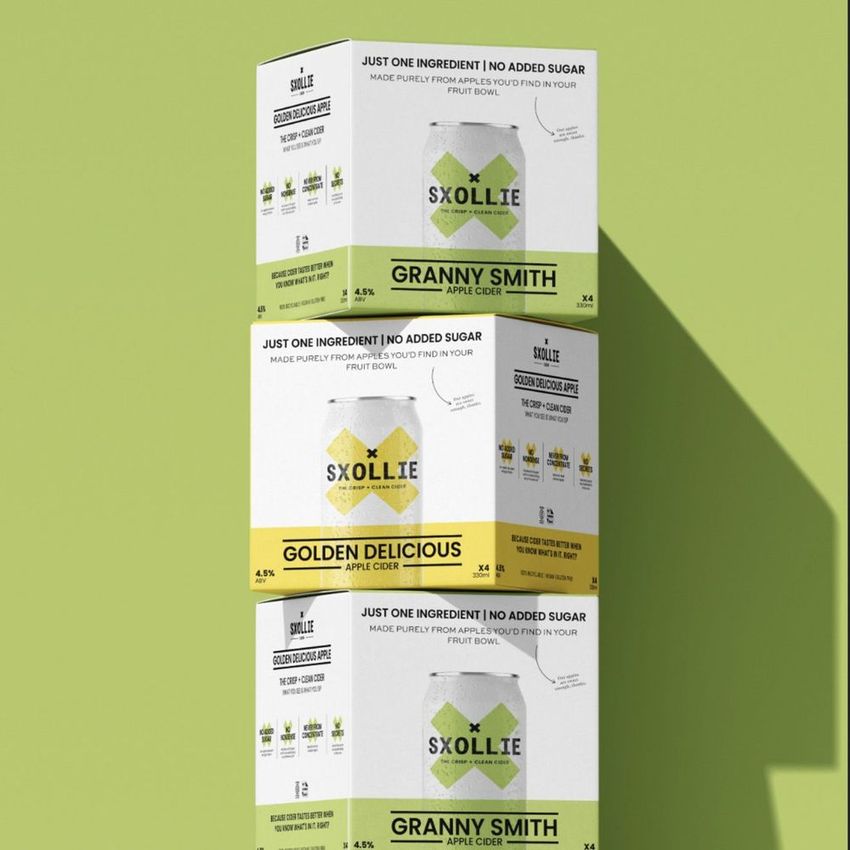
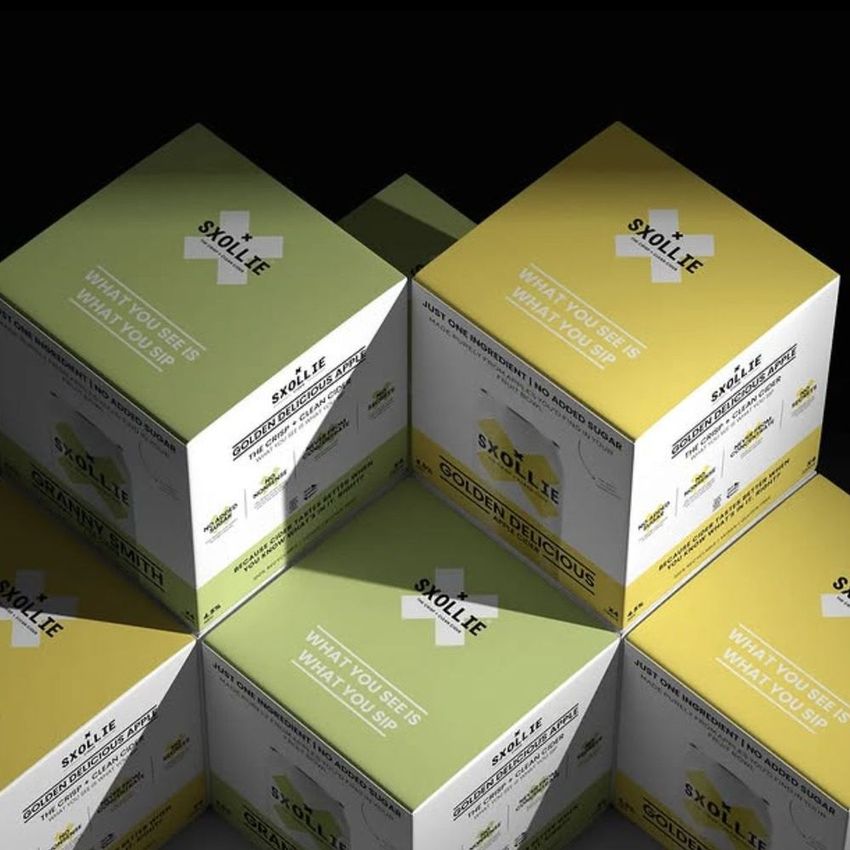
Show both the impact and the finer details of a square carton design. Square Box Mockup Set v.5 combines a dramatically lit group, a close-packed front grid, a tall stack, a balanced three-box composition, an open-lid close-up and two unfolded views. Nine PSD files cover seven compositions for a packaging story that moves from flat artwork to finished form.
What Is Included
9 layered PSD files covering 7 compositions, plus 7 JPG previews.
Scenes 1 and 5 each provide same-design and different-design PSD variants for the boxes shown together.
PSD dimensions: scenes 6 and 7 are 6000 × 6000 px; scenes 2, 3 and 4 are 4000 × 6000 px; scenes 1 and 5 are 6000 × 4000 px.
300 dpi files with organized layers and Smart Object editing.
Compatible with Adobe Photoshop CC2015 or later and Photopea.
Close-Up Details and Unfolded Views
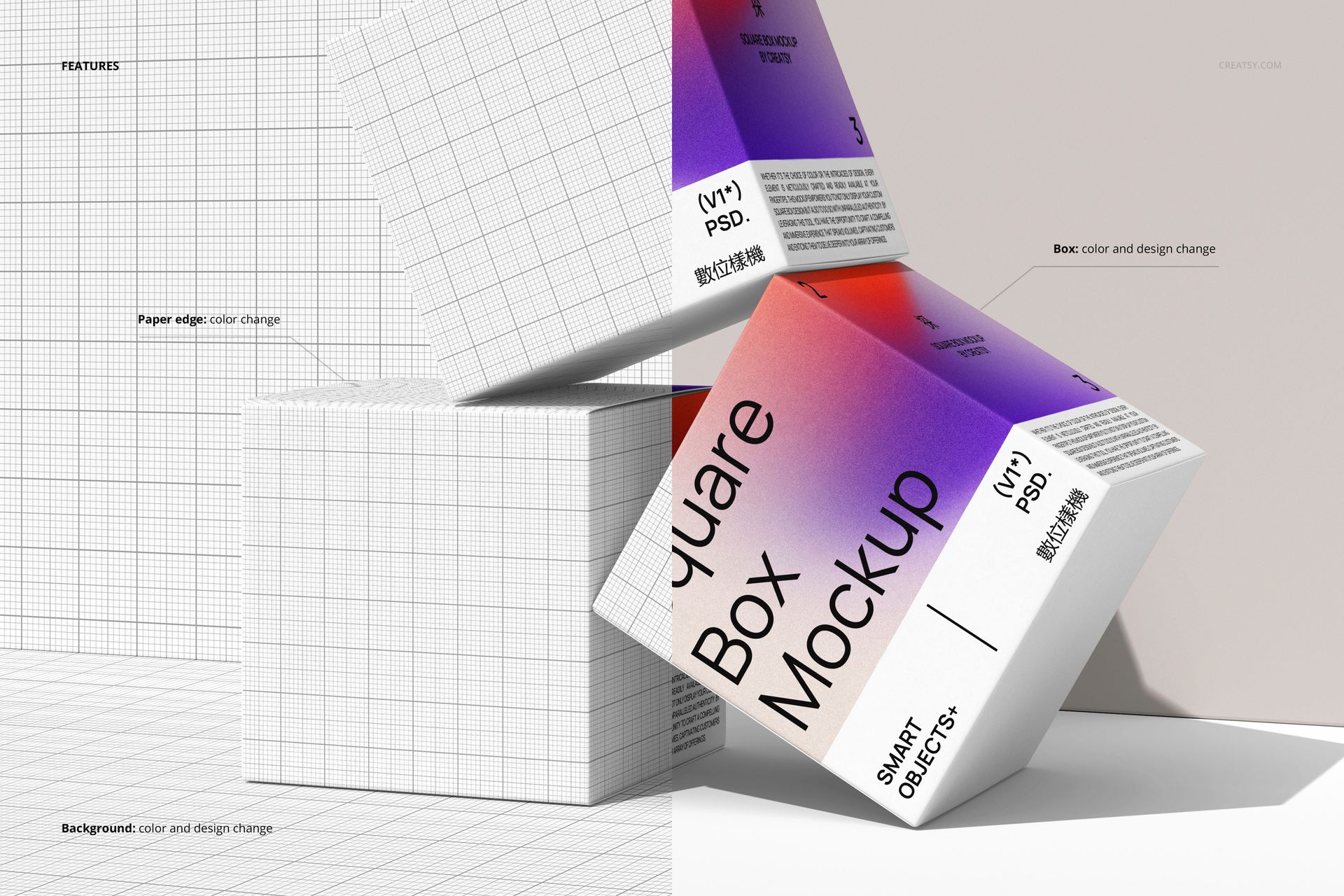
Use the repeating front panels to emphasize typography, the stacked and balanced boxes to reveal adjoining faces, and the open-lid close-up to highlight the carton closure. Two unfolded views offer another way to present the panel layout. Available controls let you change the box color and design, paper-edge color, and background color or design.
Smart Object Editing
Open your chosen PSD in Photoshop or Photopea. For scenes 1 and 5, select the file intended for a shared design or a different design on each box. Replace the artwork inside its Smart Objects, save them and return to the scene. Refine the available color settings and inspect the close-up views before exporting.
Perfect For
Typography-led packaging and pattern-based square carton concepts.
Packaging case studies showing both assembled and unfolded artwork.
Coordinated product-range presentations, campaign visuals and portfolio details.
This download contains digital mockup files, not physical packaging. Sample preview artwork is excluded, and the unfolded views are presentation mockups rather than production cutting templates.