Square Box Mockup Set v.3
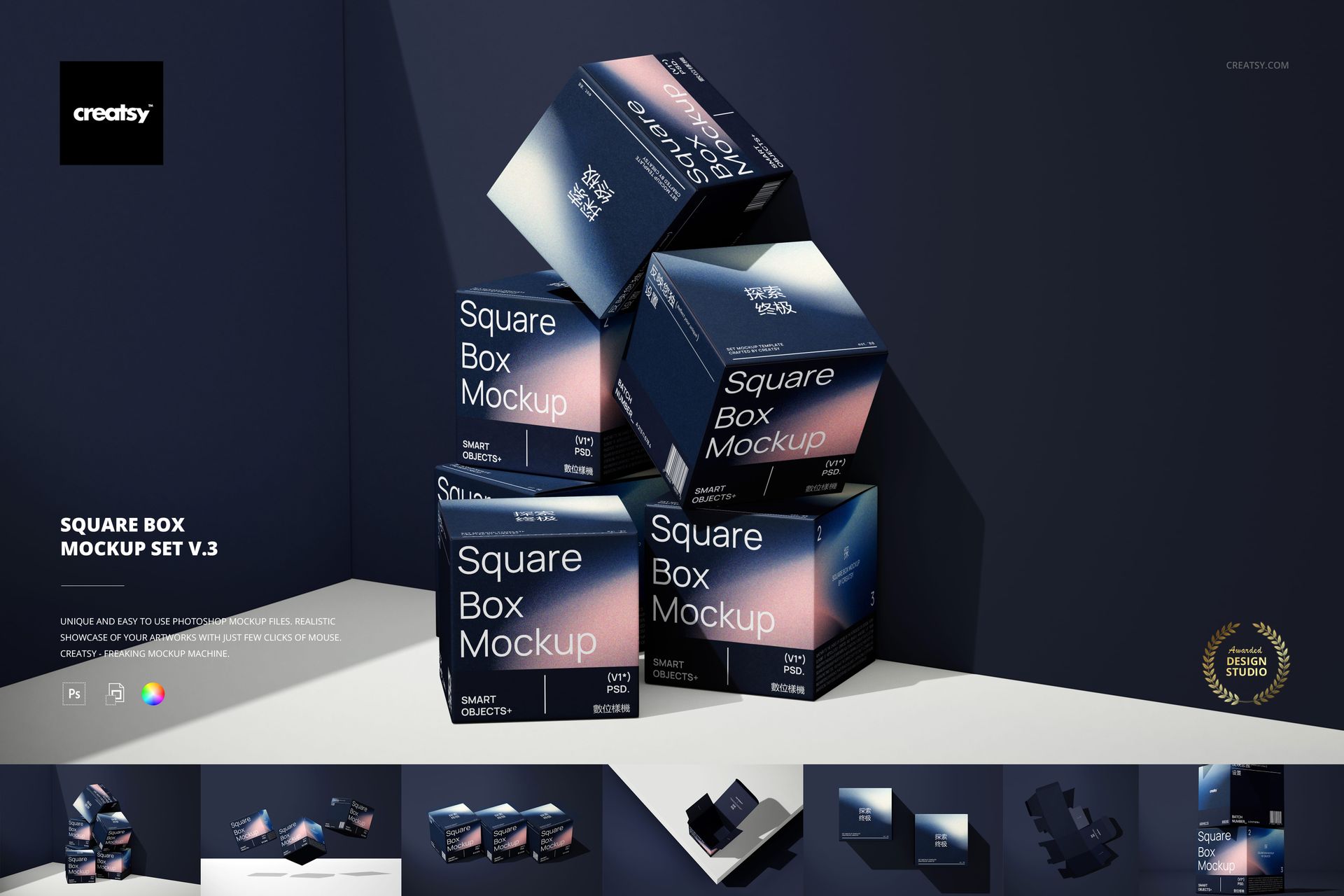
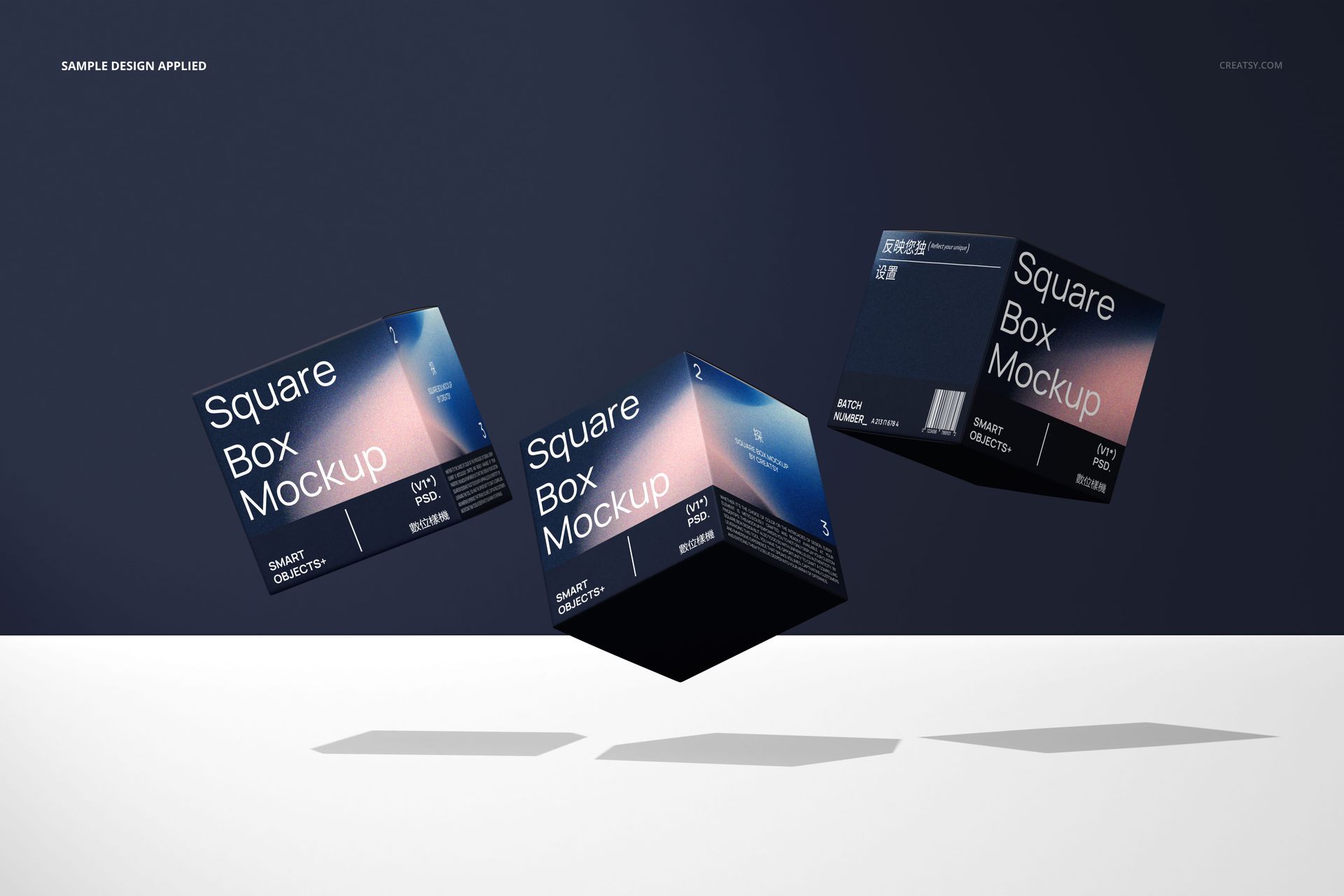
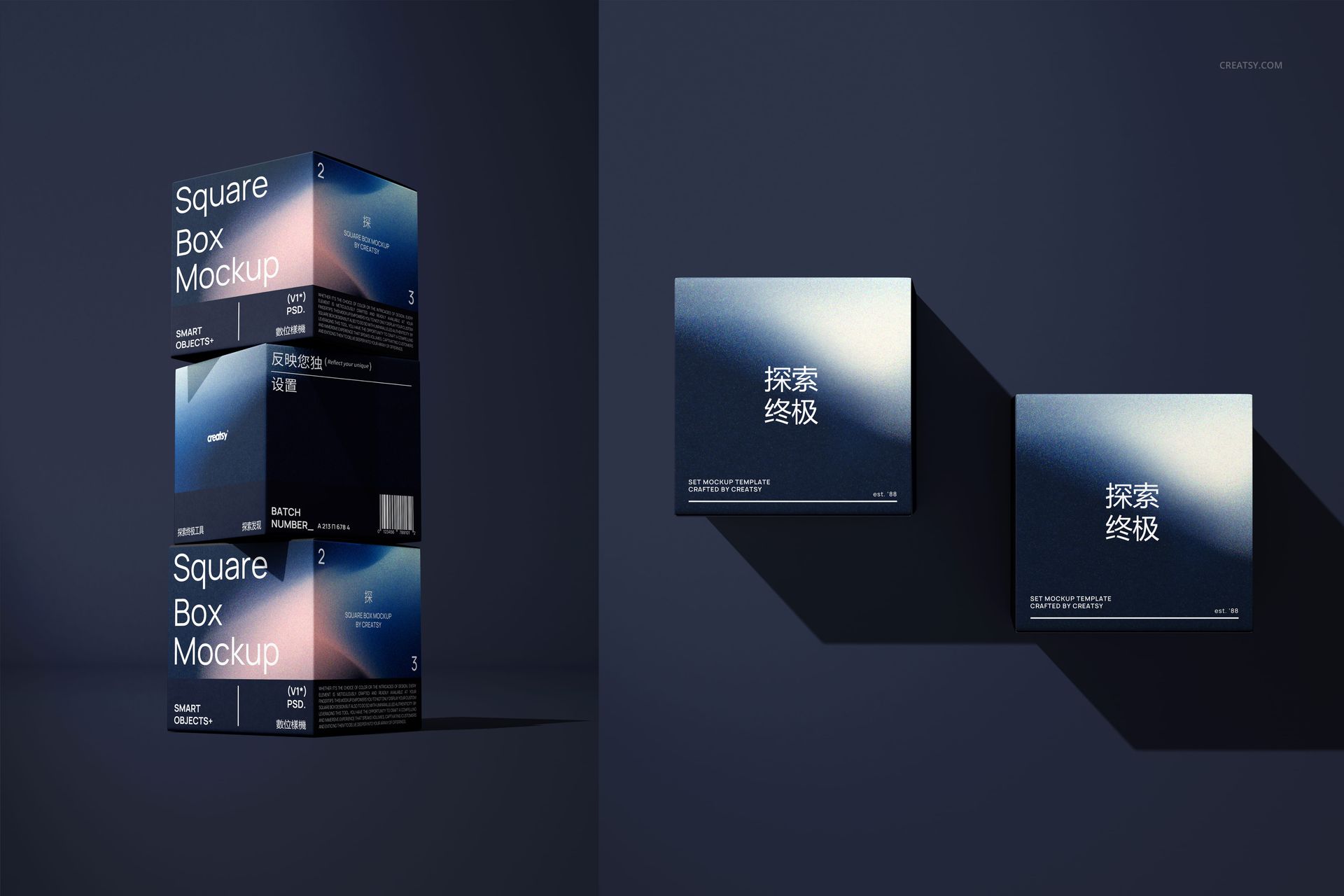
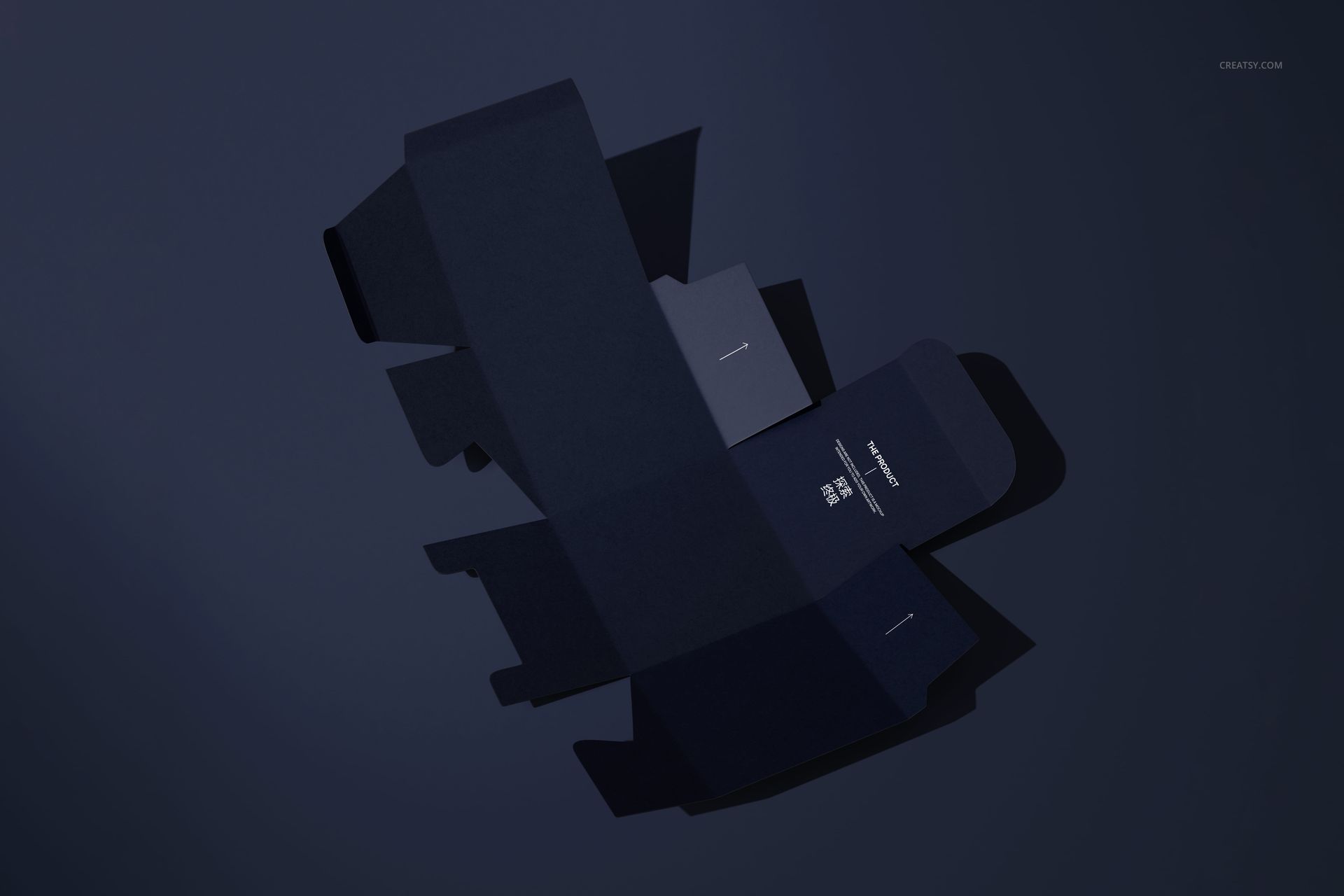
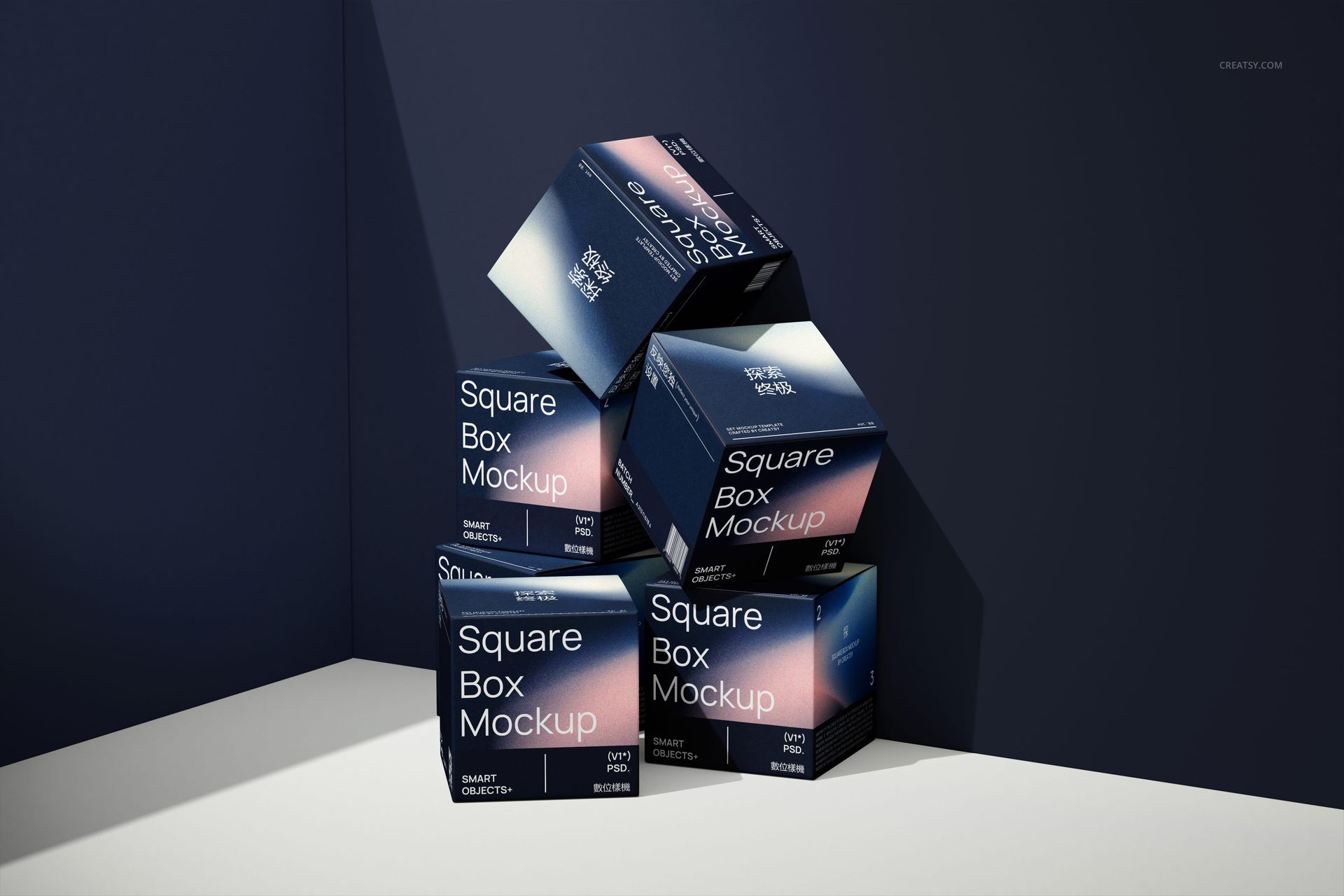
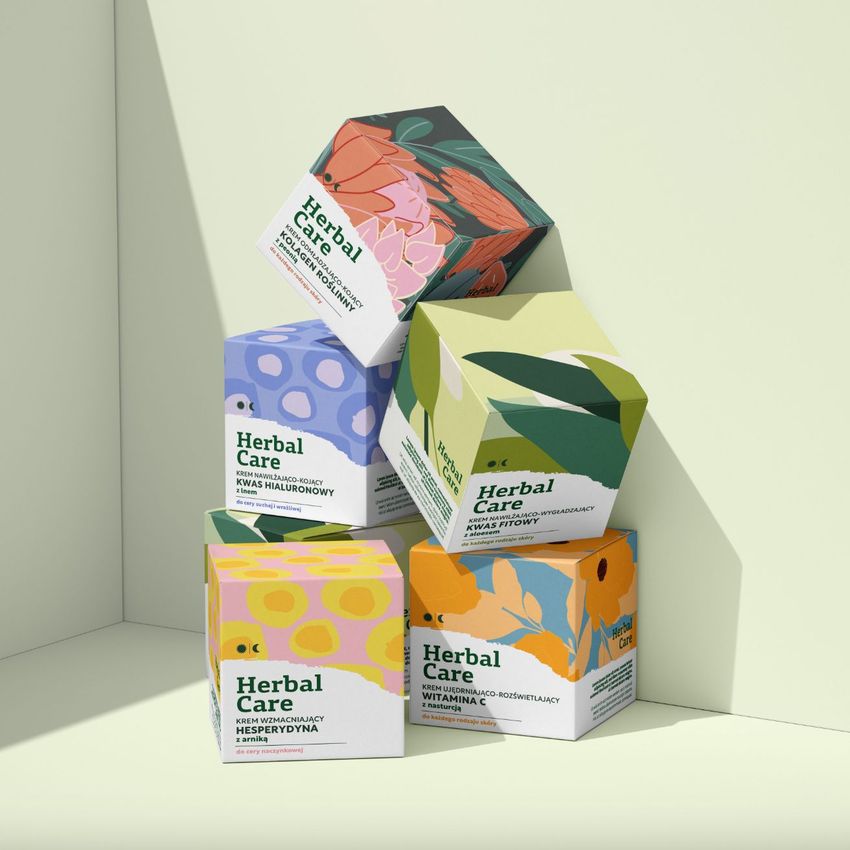
Give a square carton a more expressive presentation with floating boxes, balanced stacks and a fully unfolded view. Square Box Mockup Set v.3 combines seven studio compositions with directional shadows, helping packaging designers show how a visual identity moves from a flat layout to a finished box.
What Is Included
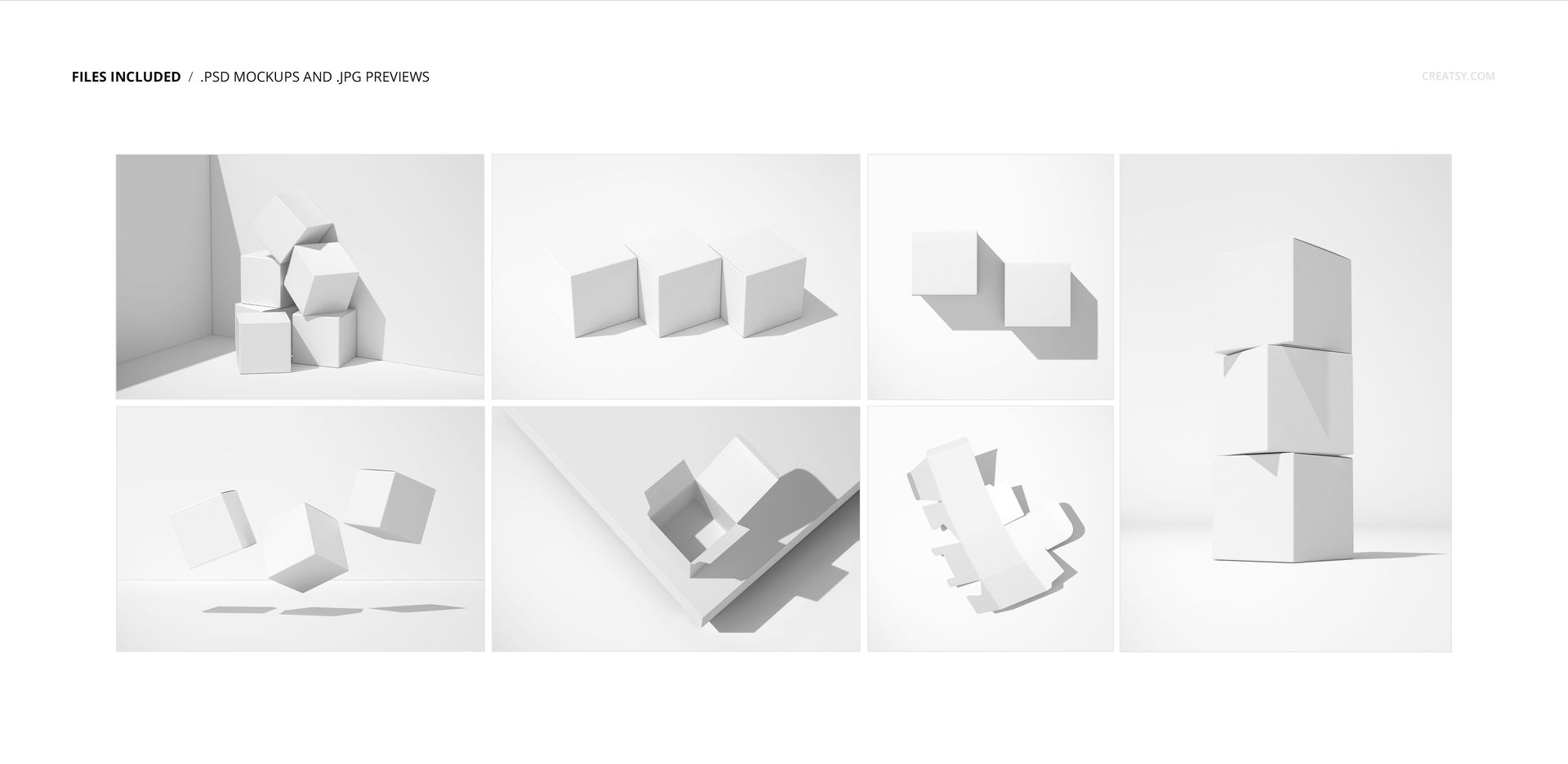
7 layered PSD mockups covering 7 scenes, plus 7 JPG previews.
PSD dimensions: scenes 4 and 5 are 6000 × 6000 px; scene 2 is 4000 × 6000 px; scenes 1, 3, 6 and 7 are 6000 × 4000 px. Files are supplied at 300 dpi.
Compatible with Adobe Photoshop CC2015 or later and Photopea.
Organized layers and Smart Objects for placing your own packaging artwork.
From Floating Cartons to an Open Box
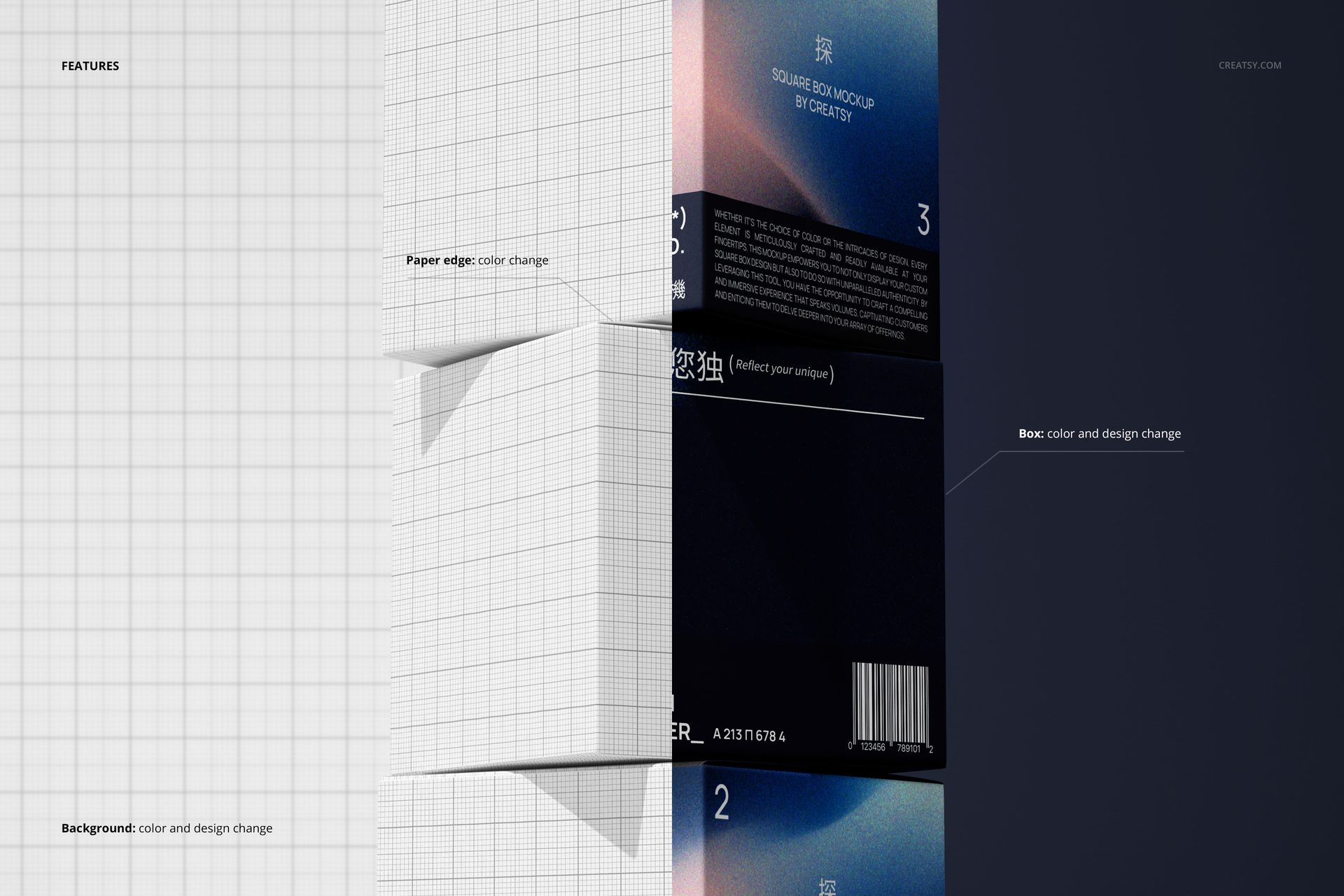
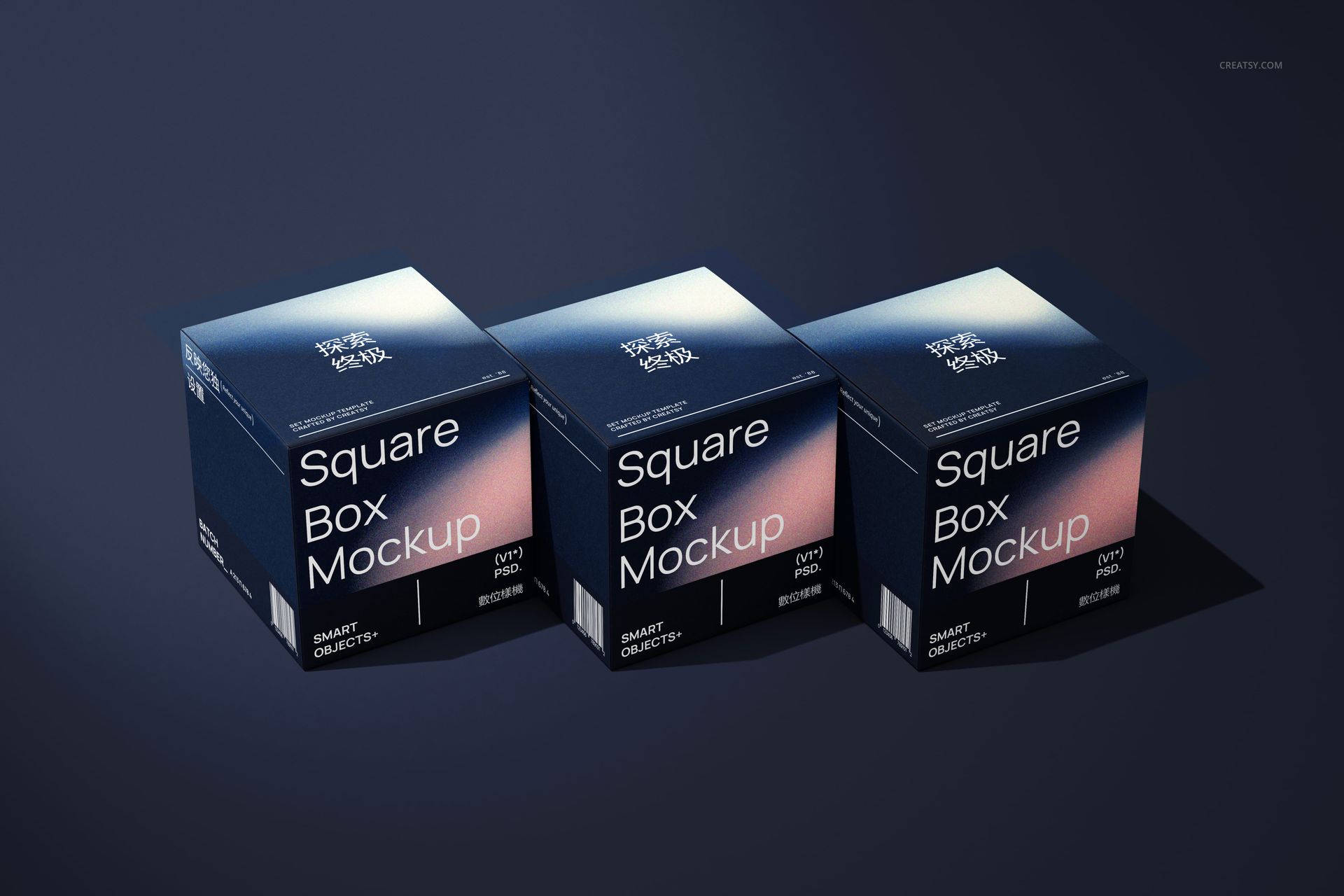
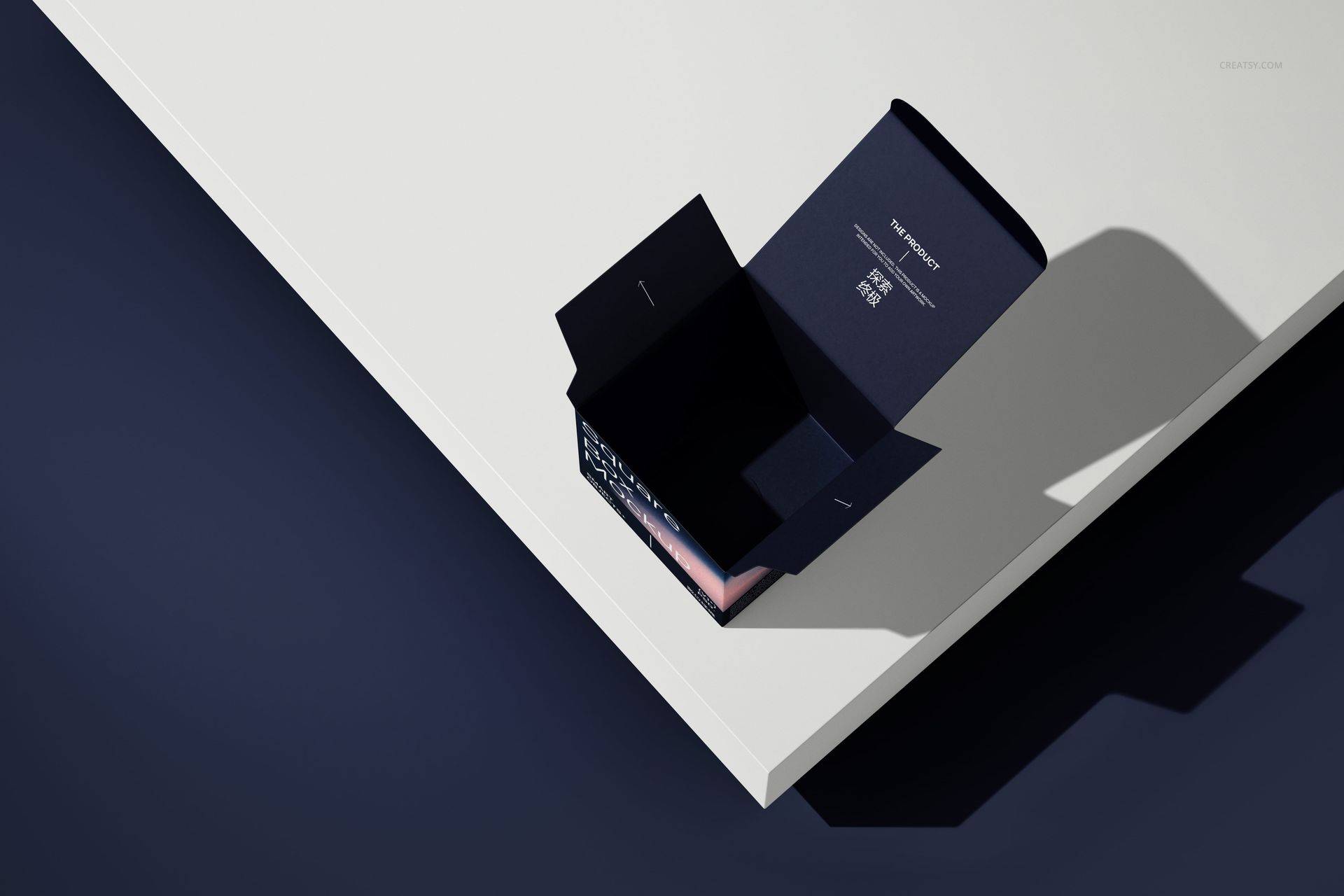
The set includes floating and stacked boxes, a three-box row, an overhead pair, an open carton on a raised surface and an unfolded carton. Change the box color and design, paper-edge color, and background color or design using the available controls. The varied viewpoints bring the front, side, top and opened packaging into the same presentation.
Smart Object Editing
Open a PSD in Photoshop or Photopea and locate its artwork Smart Objects. Replace the sample with your own design, save the Smart Object and return to the main scene. Review the visible panels, then adjust the supported color and background layers before exporting your presentation image.
Perfect For
Square carton branding concepts for cosmetics, candles and small retail products.
Packaging portfolio stories that connect an unfolded design with assembled views.
Client presentations, launch graphics and coordinated campaign images.
This is a digital mockup download, not a physical box or a production-ready cutting template. Sample artwork shown in the previews is not included.