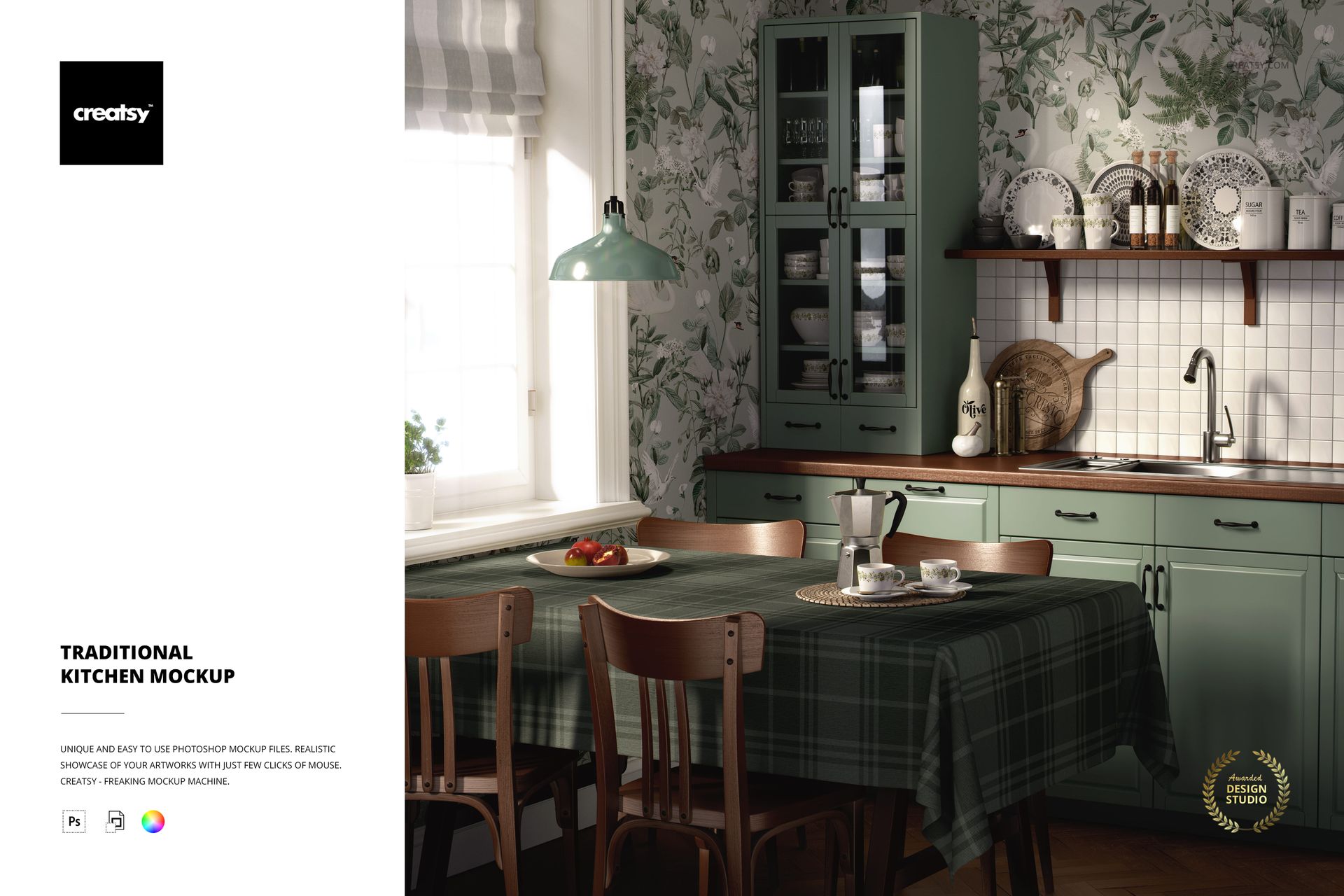
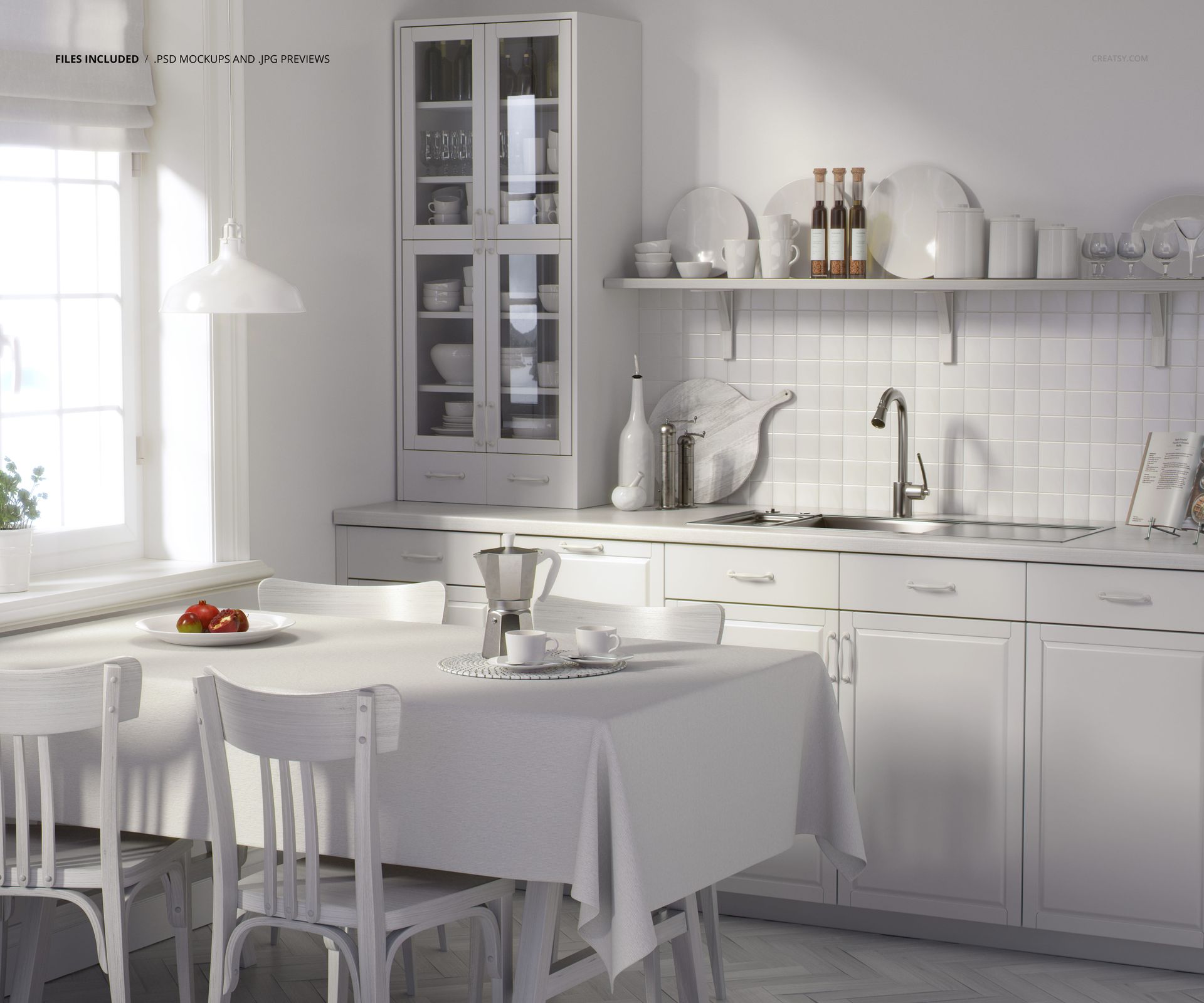
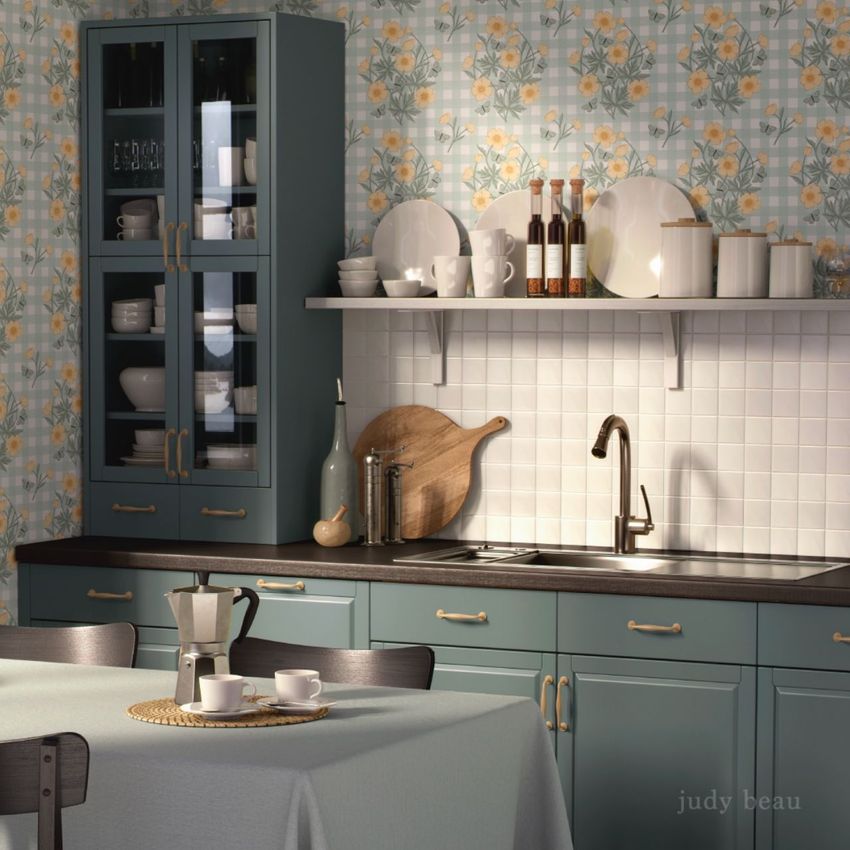
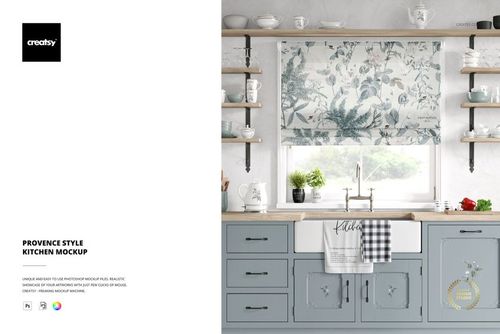
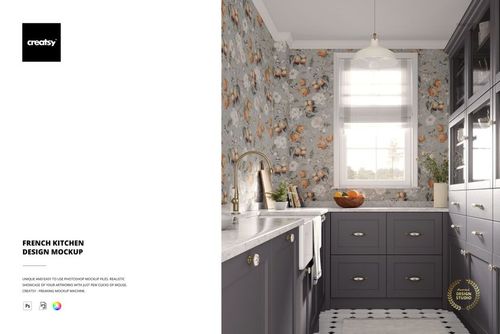
Traditional Kitchen Mockup
This product is a part of Fabric Factory v.3 Mockup Bundle (Upholsteries & Wallpapers)
Product Details
- file works in Photoshop (min. CC2020) and in Photopea (free online editor);
- pack includes 1 .psd file: 5000x6000 px, 300dpi;
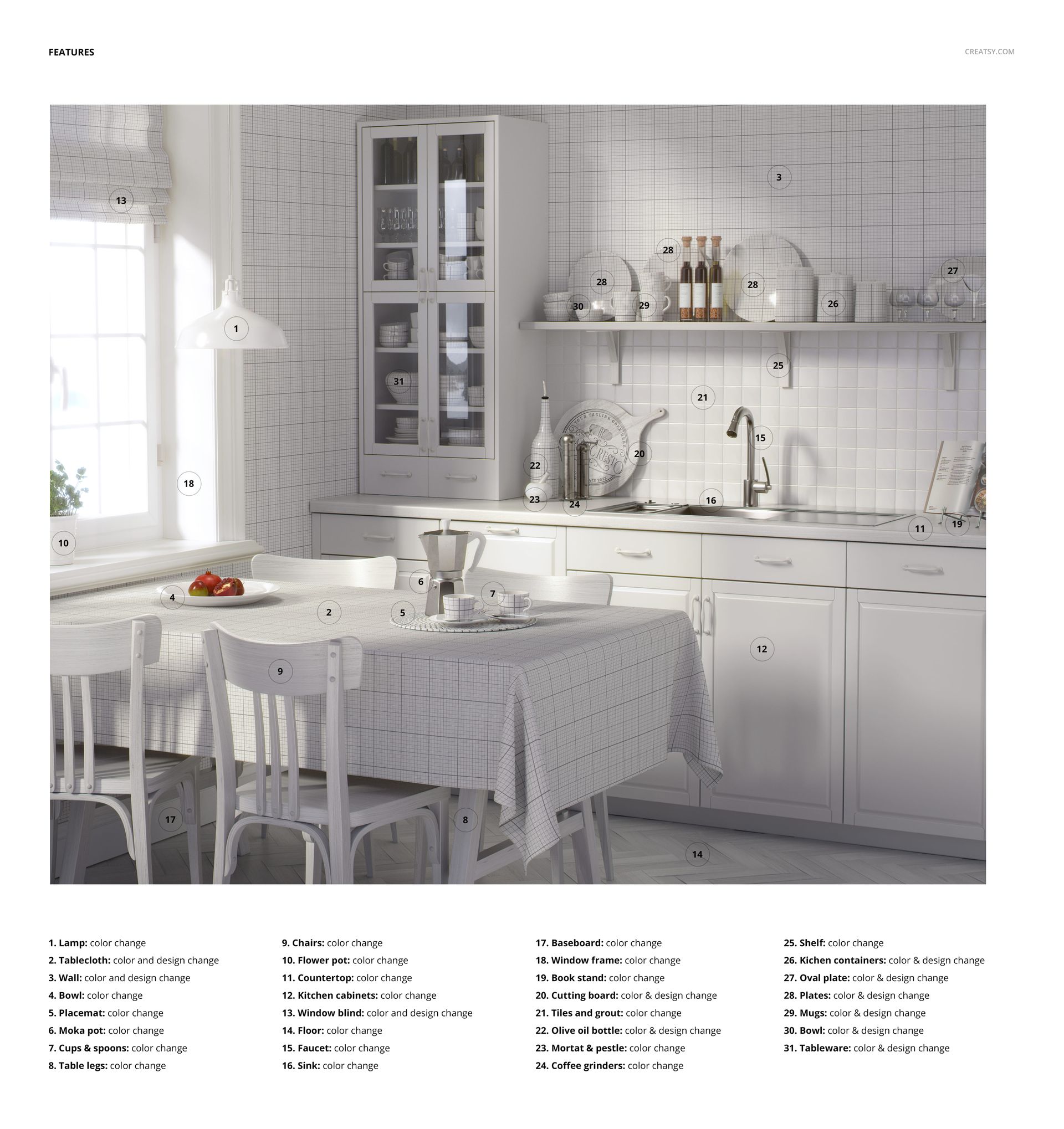
- check screenshots for all the features;
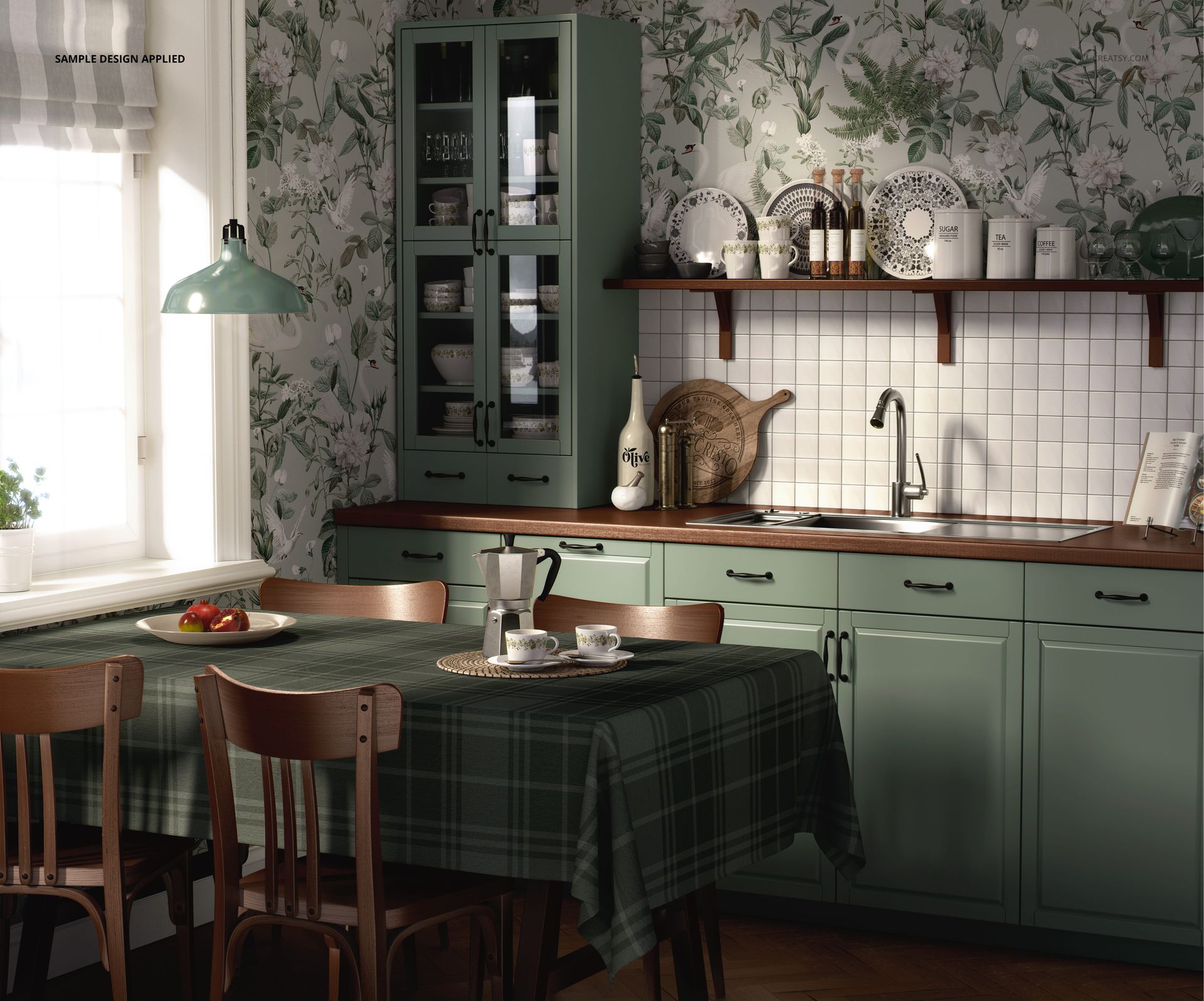
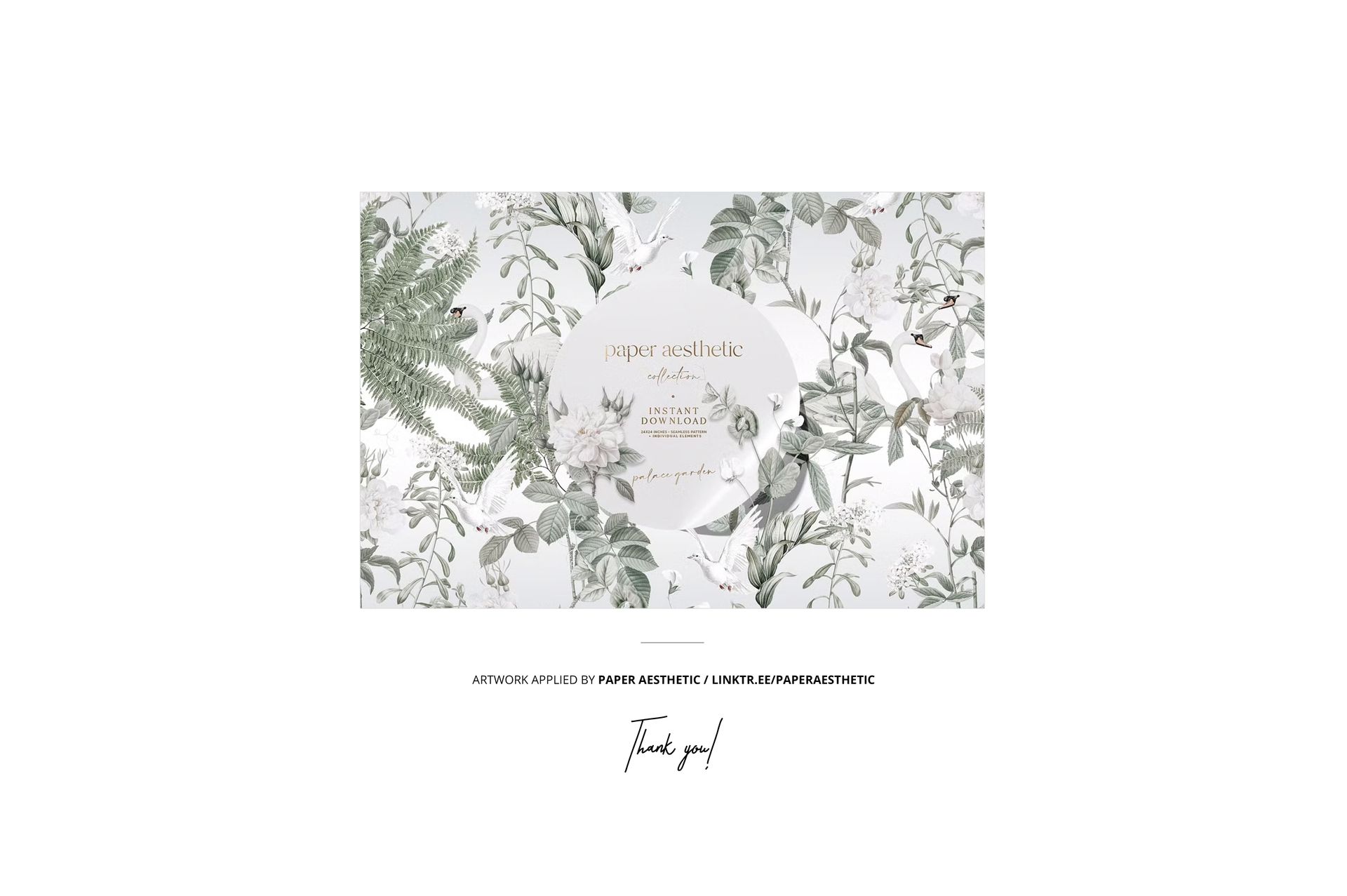
- pattern applied on mockups by Paper Aesthetic / linktr.ee/paperaesthetic (not included in the main zip file);
- well organized layers.
File details
- Compatibility
- Number of files included
- 2
- Package size
- 635 MB
|665 MB
- Files type
- .psd, .jpg
- Files size
- 6000x4000


Reviews
Professional PSD mockups built in-house - editable, realistic, high-resolution, and supported by real people.
Dosya indiriliyor ama zip halinden çıkarılamıyor
Hello, I apologize for this issue. We have tested all of these files, and they appear to be working properly. It seems that the issue may be related to incomplete downloads or incorrect extraction of the files. Please ensure that you fully download the files and extract them correctly: https://creatsy.com/help-center/troubleshooting-downloading-and-unzipping-issues This problem may also be caused by an error in the default zip file extraction tool. Please check this article for troubleshooting zip file extraction issues on Windows here: https://creatsy.com/help-center/troubleshooting-unzipping-ZIP-files-windows or on Mac here: https://creatsy.com/help-center/troubleshooting-unzipping-ZIP-files-mac As a workaround, I’m also sending these files unzipped via WeTransfer to provide an alternative delivery method. Once you open the WeTransfer link, click on “Preview” – a new panel will appear where you can download the unzipped PSD files directly. Please let me know if this resolves the problem for you. Thank you for your patience. Best regards, Jakub, Creatsy Team
Made with Creatsy
Real designs. Real customers. See how creatives use Creatsy mockups to turn their artwork, branding, and product ideas into polished visuals.
MEET THE SHOP

HOW IT WORKS
3 clicks. That's it.
No tutorial needed. If you can copy-paste, you can use this.
- 1OpenDouble-click the smart object inside the PSD - in Adobe Photoshop, or free in your browser with Photopea.
- 2PasteDrop in your pattern, print, or artwork. Any design, any style.
- 3SaveHit save and the mockup wraps it in for you - shadows, folds, and lighting included.
FROM IDEA TO IMAGE
Built for real workflows
Skip the photo shoot Show your artwork on the real product type for approvals or listings - no studio, no model, no sample.
See it on the product, not a swatch Drop your file into the smart object and the scene's lighting and folds wrap around it, so you judge the real thing before you commit.
Smart Objects
Edit once and you're done. Your artwork drops into a smart object and the mockup updates itself - no masking, no warping by hand.
Perfectly Organized
Named layers and folders you can actually navigate. Find what you need, change what you want, and get out fast.
Print-Ready
High-resolution files built to hold up on screen and in print. Exact size and DPI are in this product's Details above.


Creatsy make the best Mockups on the market, no matter what you need to showcase. These mockups are highly customizable, and the lighting in them makes everything look very realistic. You can keep or turn off many of the Items in the mockup, also a great feature giving control over the look you want. They have the most friendly and very helpful support. I highly recommend these mockups!
Thank you so much for this amazing review! We’re delighted to hear the mockup gives you so much control over the final look and that the lighting and details feel realistic. Thank you again for your support and recommendation.