ID: 2101565781 | Updated: Jun 12, 2024

Product Details

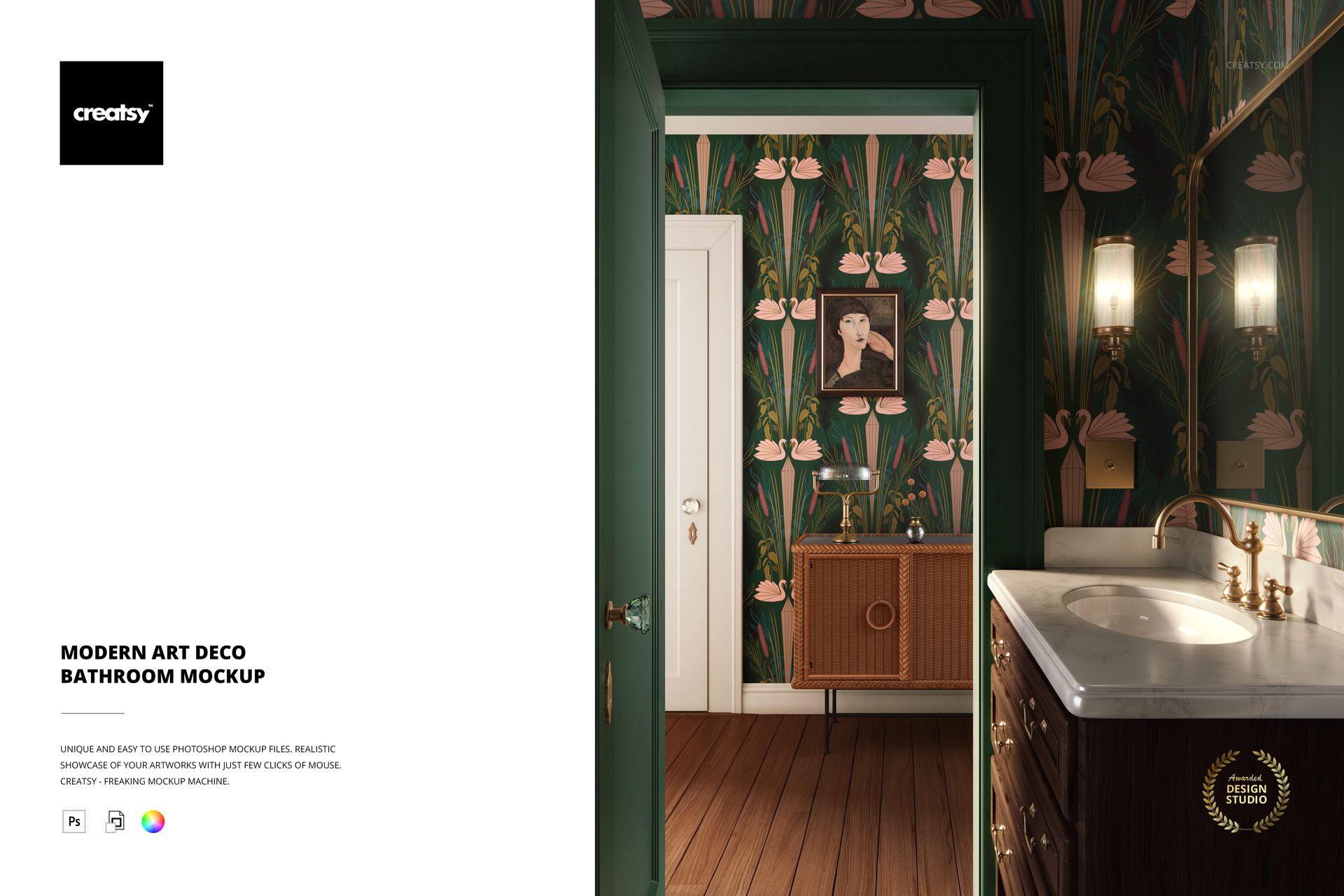
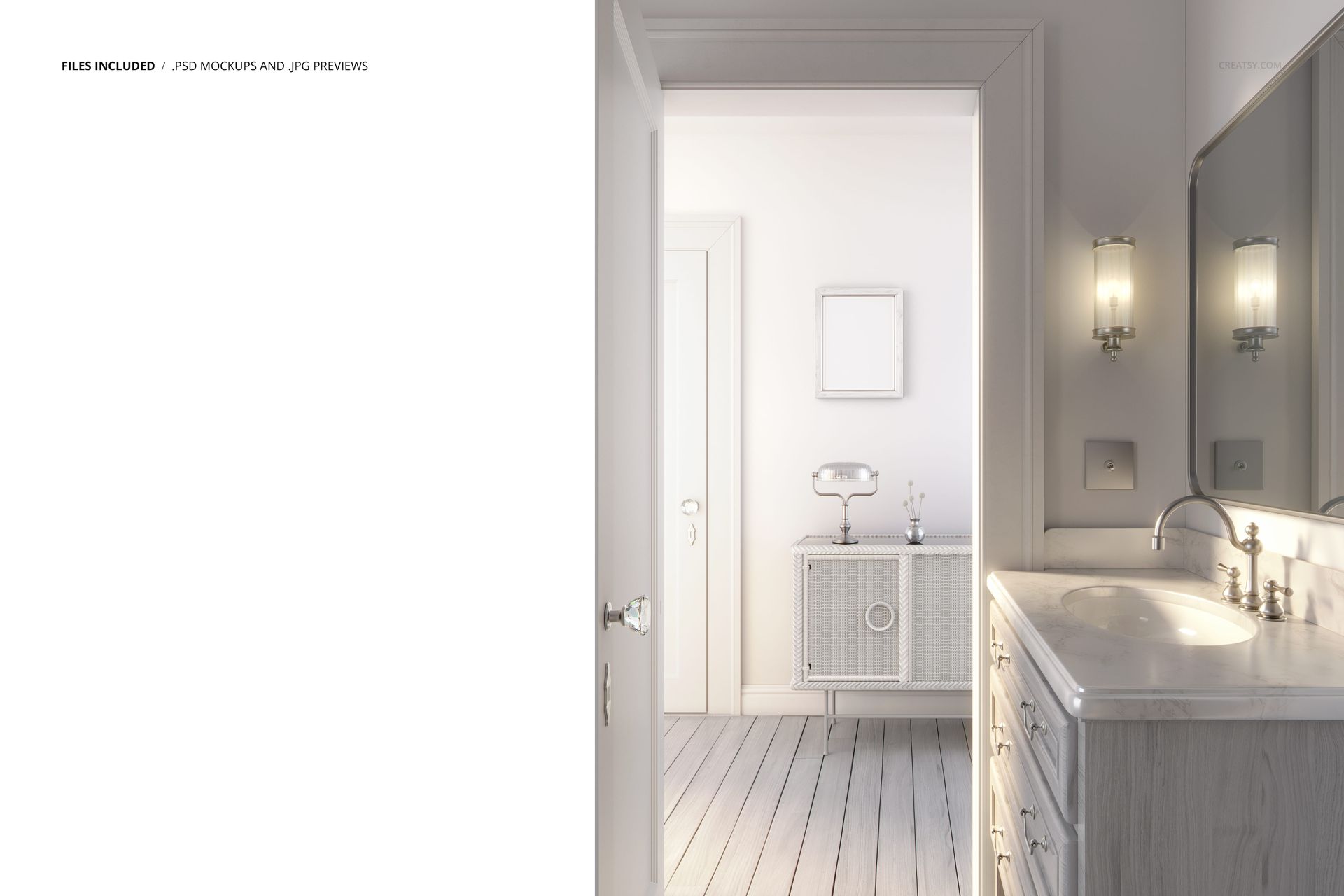
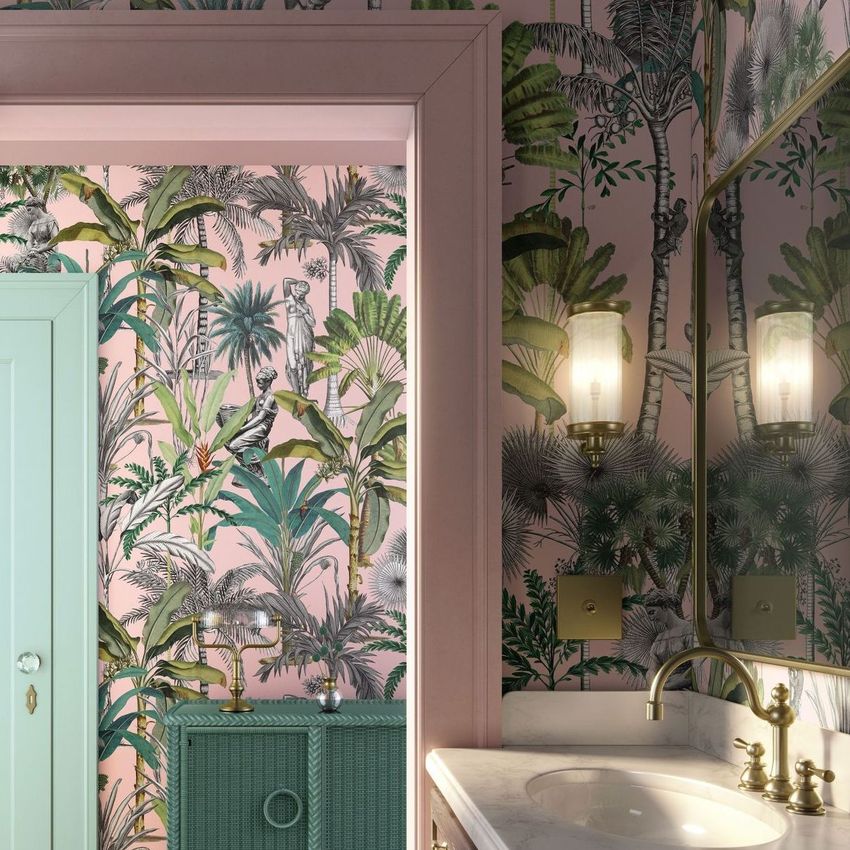
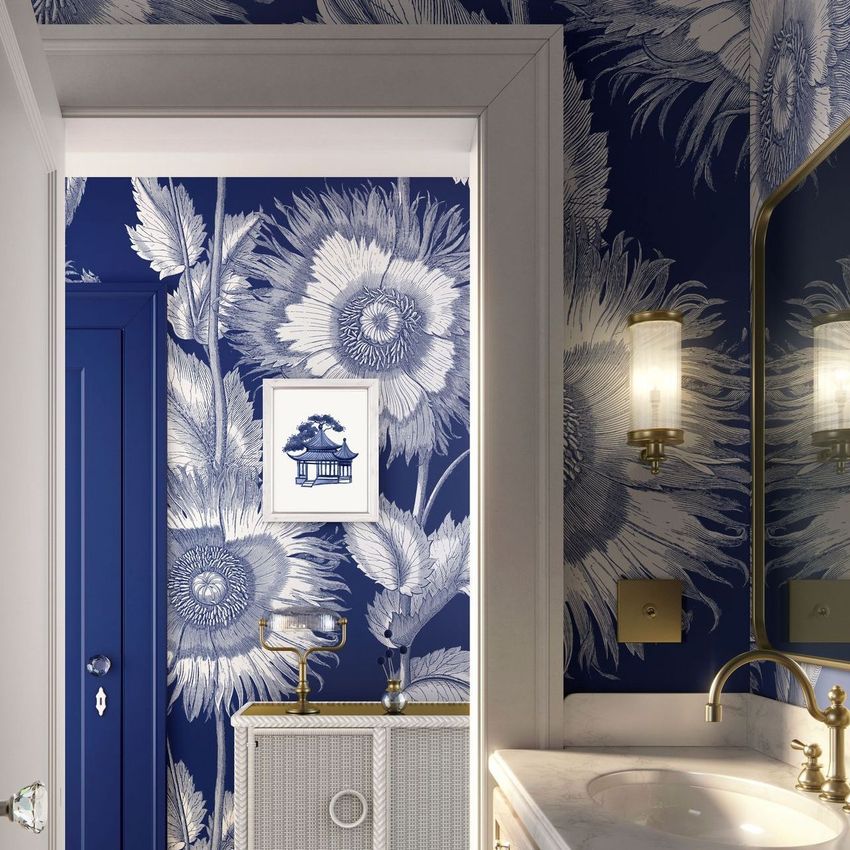
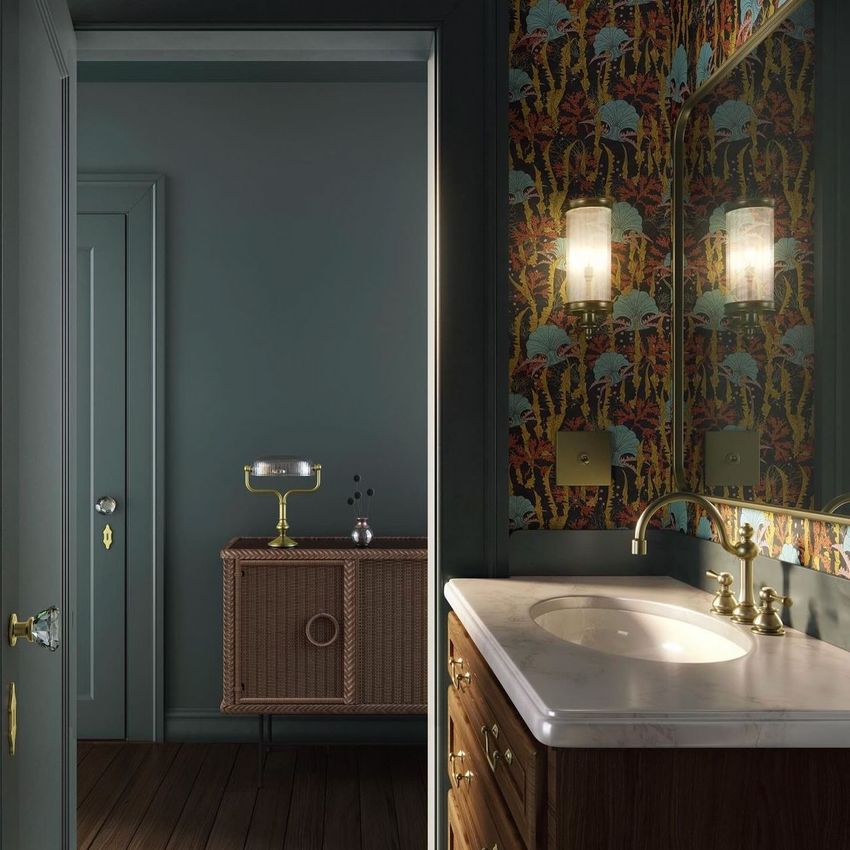
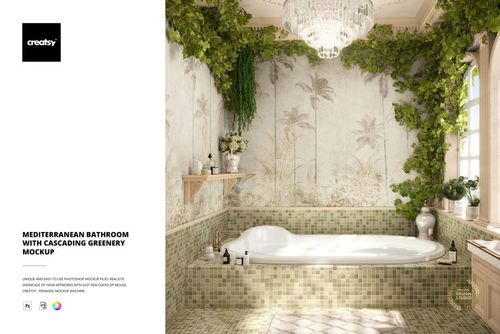
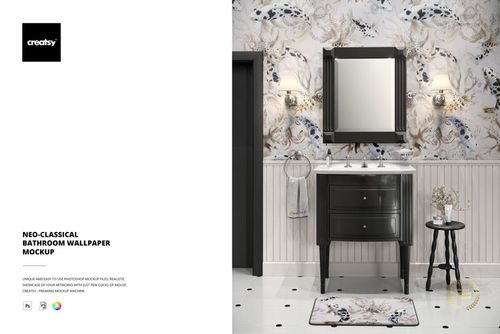
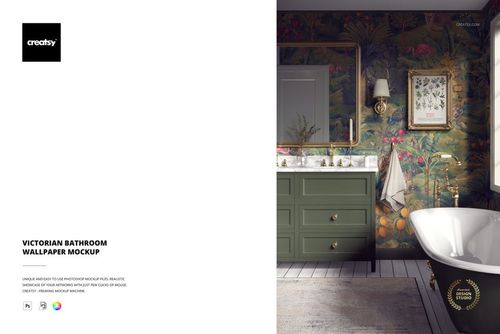
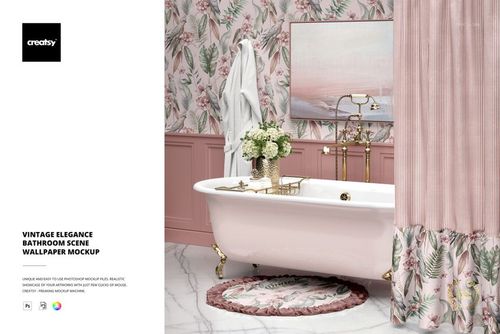
See your wallpaper or surface pattern styled in a finished Art Deco bathroom. This is a single high-resolution Photoshop scene of a luxury bathroom, built so you can drop a pattern onto the wall, place your art in the framed print, and recolor almost every fixture to match. The wall and the picture frame take both color and design through smart objects, and the rest of the room, from the marble vanity to the sconces, recolors so you can build the exact look you want without staging a photo of a real room.

You get one layered PSD at 6000 x 6000 px, 300 dpi, a large square scene that crops cleanly for shop listings, Pinterest and printed lookbooks. It is made for Adobe Photoshop, version CC2020 or newer, with named, well organized layers so each element is easy to find.

What you can change

Two surfaces take your own artwork, and almost everything else recolors:

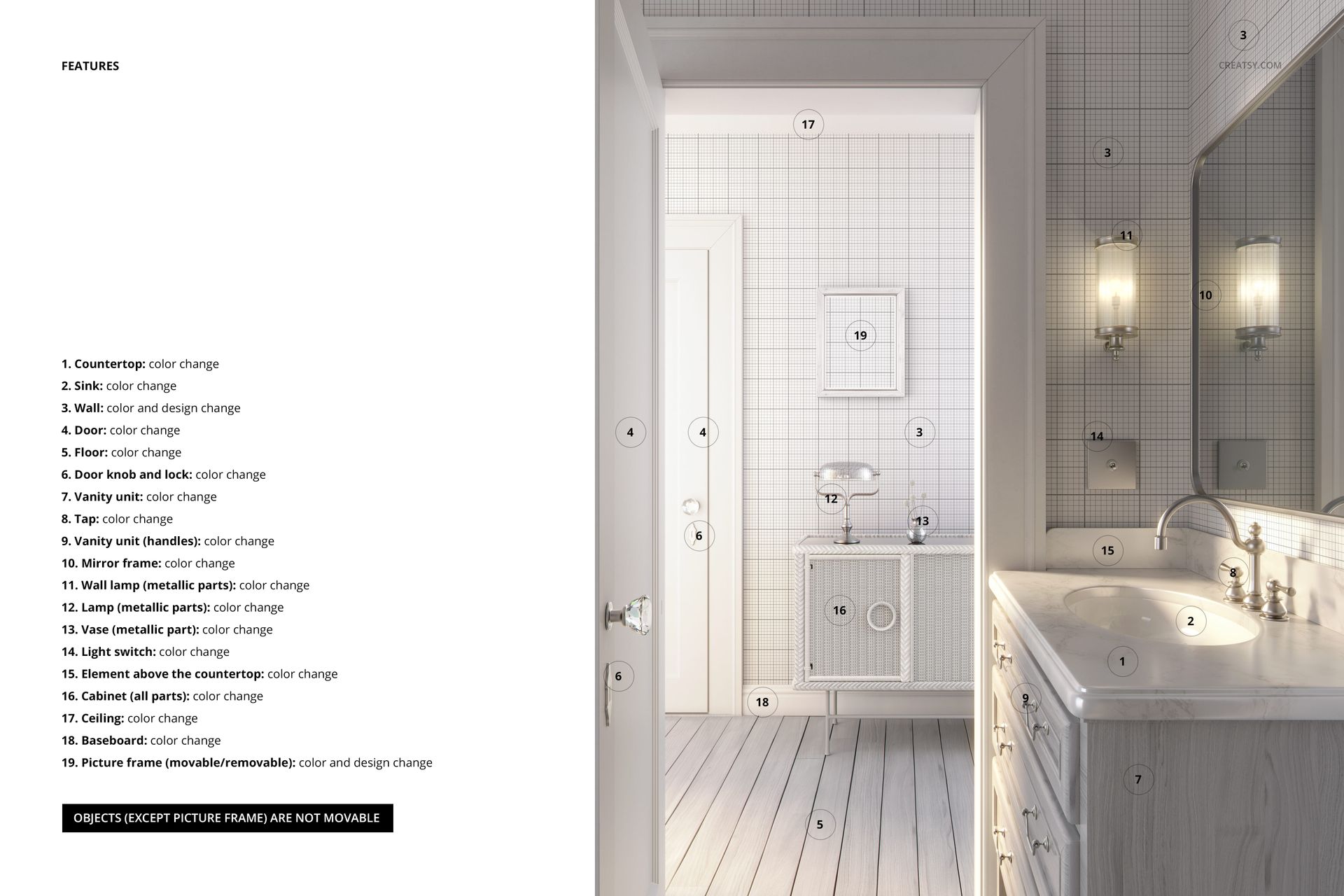
  • Wall: color and design. This is the main surface for your wallpaper or repeat pattern.

  • Picture frame: color and design, and it is the one object you can move or remove.

Color changes cover the rest of the room: the countertop, sink, vanity unit and its handles, the tap, the door and its knob, the floor, the ceiling, the baseboard, the mirror frame, the cabinet, the wall lamp and the table lamp, the vase, the light switch, and the element above the countertop. The fixtures stay fixed in place, so the layout stays balanced and only the picture frame moves.

How the edit works

Double-click the wall smart object, paste your pattern and save, and it appears across the wall with the room light and shadow already on it. Do the same for the framed print, then work through the color layers to set the fixtures. Because the scene is already lit and styled, you are dressing a finished room rather than building one from scratch, and a full room shot is ready in minutes.

Recolor the whole room

Nearly every surface and fixture has its own color control, so you can take the same wallpaper from a soft, pale scheme to a deep, dramatic one without touching the pattern itself. That makes it easy to show a single design in several room palettes, which is useful for a wallpaper range or a client presentation where the mood needs to shift from one image to the next.

Why a styled room, not a swatch

A flat wallpaper swatch tells a buyer very little about how a pattern will feel on a wall. Dropping the same design into a finished bathroom shows its scale, the way light falls across it and how it sits next to marble, metal and wood. That context is what helps a pattern sell, and it is the difference between a tile a shopper scrolls past and a room they want to recreate.

Who it is for

Wallpaper and surface pattern designers, interior and home decor brands, wall mural and print sellers, and Etsy or Shopify shops listing wallpaper or wall art. If you sell patterns or decor and want them shown in a real, styled room rather than flat on a swatch, this scene does the staging for you and keeps a consistent look across a whole collection.

What is in the download

One .psd scene plus .jpg previews in a single zip. Layers are named and grouped by element, with smart objects for the wall and the frame, so every edit stays reversible and you can revisit a look later.

File and software details

  • 1 layered PSD file

  • 6000 x 6000 px, 300 dpi

  • Adobe Photoshop CC2020 or newer

  • wall and picture frame take color and design via smart objects

  • color change on 17 more fixtures and surfaces

  • objects fixed except the movable picture frame

  • well organized, named layers

Artwork credit

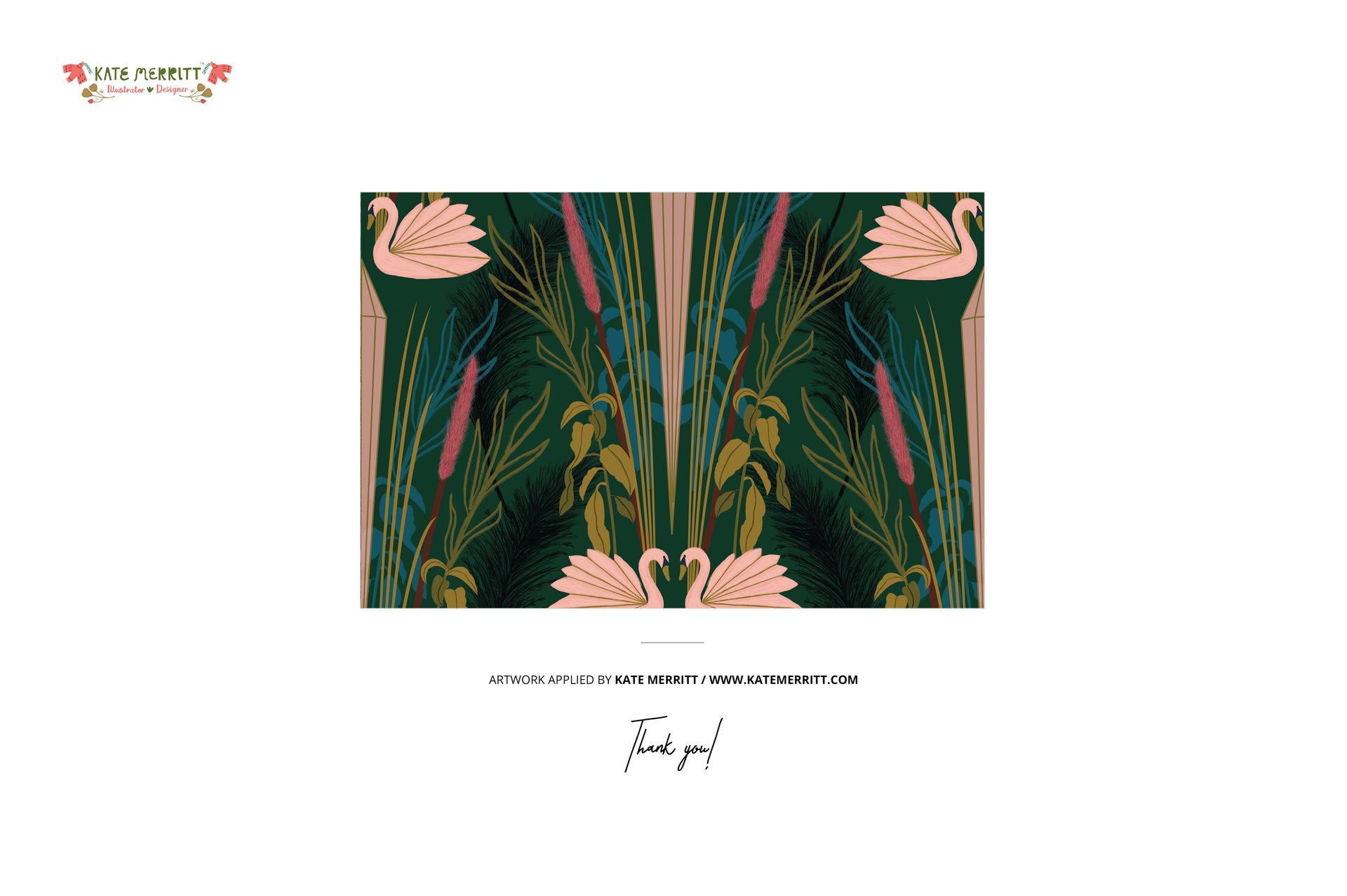
The pattern shown on the wall and the art in the frame in the previews are example work by Kate Merritt (katemerritt.com). They are used to style the scene and are not included in the download. You add your own design.

File details

Compatibility
PhotopeaAdobe Photoshop
Number of files included
2
Package size
377 MB377 MB|395 MB395 MB
Files type
.psd, .jpg
Files size
6000x4000
TEST FOR FREE

Reviews

Professional PSD mockups built in-house - editable, realistic, high-resolution, and supported by real people.

5 (1 rating)
Sort by:

annet avatar
annet
Dec 13, 2025

Creatsy make the best Mockups on the market, no matter what you need to showcase. These mockups are highly customizable, and the lighting in them makes everything look very realistic. You can keep or turn off many of the Items in the mockup, also a great feature giving control over the look you want. They have the most friendly and very helpful support. I highly recommend these mockups!

Malgorzata Hapon avatar
Malgorzata Hapon Author
Jun 8, 2026

Thank you, annet 🧡


Made with Creatsy

Real designs. Real customers. See how creatives use Creatsy mockups to turn their artwork, branding, and product ideas into polished visuals.

MEET THE SHOP

Creatsy logo

Creatsy

Poland
4.7 (664)

Bring your ideas to life.

We're a family-run studio in Katowice, Poland, making PSD mockups by hand since 2016. Everything in this shop starts in our own studio. We shoot the photography, build the 3D, and put together every Smart Object PSD ourselves - then we test it, organize the layers, and only ship it once it actually works...
GO TO SHOP

HOW IT WORKS

3 clicks. That's it.

No tutorial needed. If you can copy-paste, you can use this.

  1. 1OpenDouble-click the smart object inside the PSD - in Adobe Photoshop, or free in your browser with Photopea.
  2. 2PasteDrop in your pattern, print, or artwork. Any design, any style.
  3. 3SaveHit save and the mockup wraps it in for you - shadows, folds, and lighting included.
FROM IDEA TO IMAGE

Built for real workflows

Skip the photo shoot Show your artwork on the real product type for approvals or listings - no studio, no model, no sample.

See it on the product, not a swatch Drop your file into the smart object and the scene's lighting and folds wrap around it, so you judge the real thing before you commit.

Smart Objects

Edit once and you're done. Your artwork drops into a smart object and the mockup updates itself - no masking, no warping by hand.

Perfectly Organized

Named layers and folders you can actually navigate. Find what you need, change what you want, and get out fast.

Print-Ready

High-resolution files built to hold up on screen and in print. Exact size and DPI are in this product's Details above.