Winter Paper Cup Mockup Set v.6
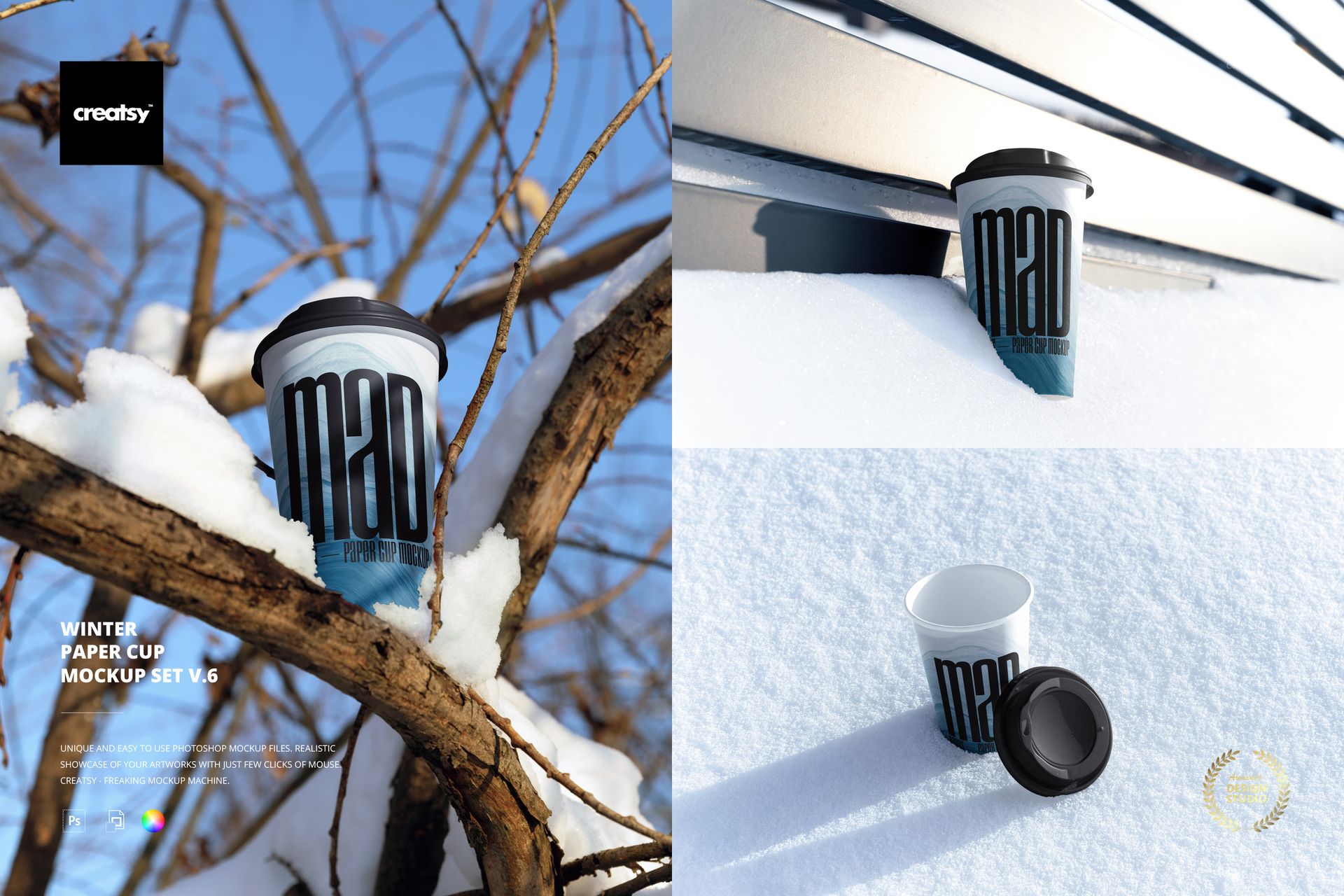
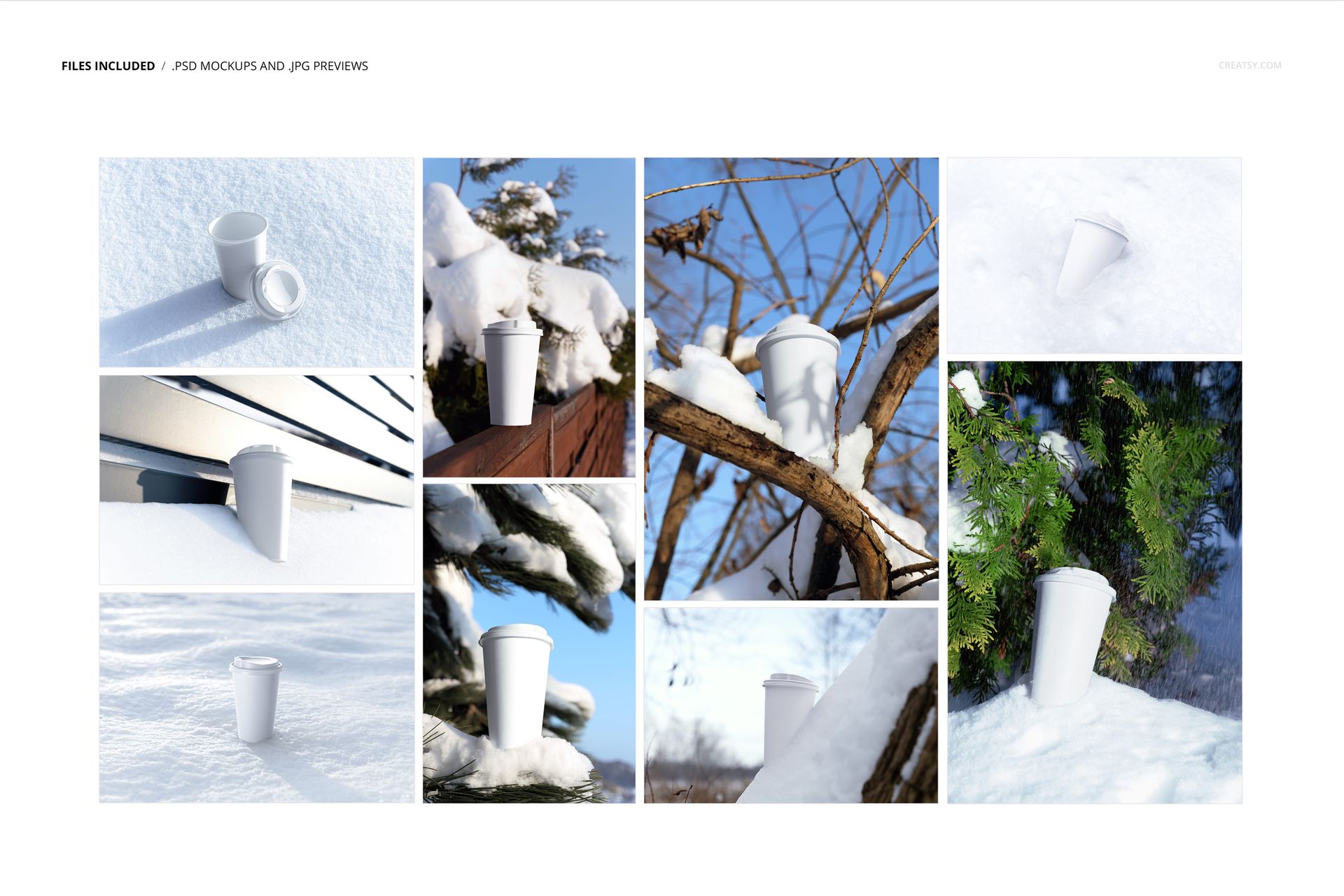
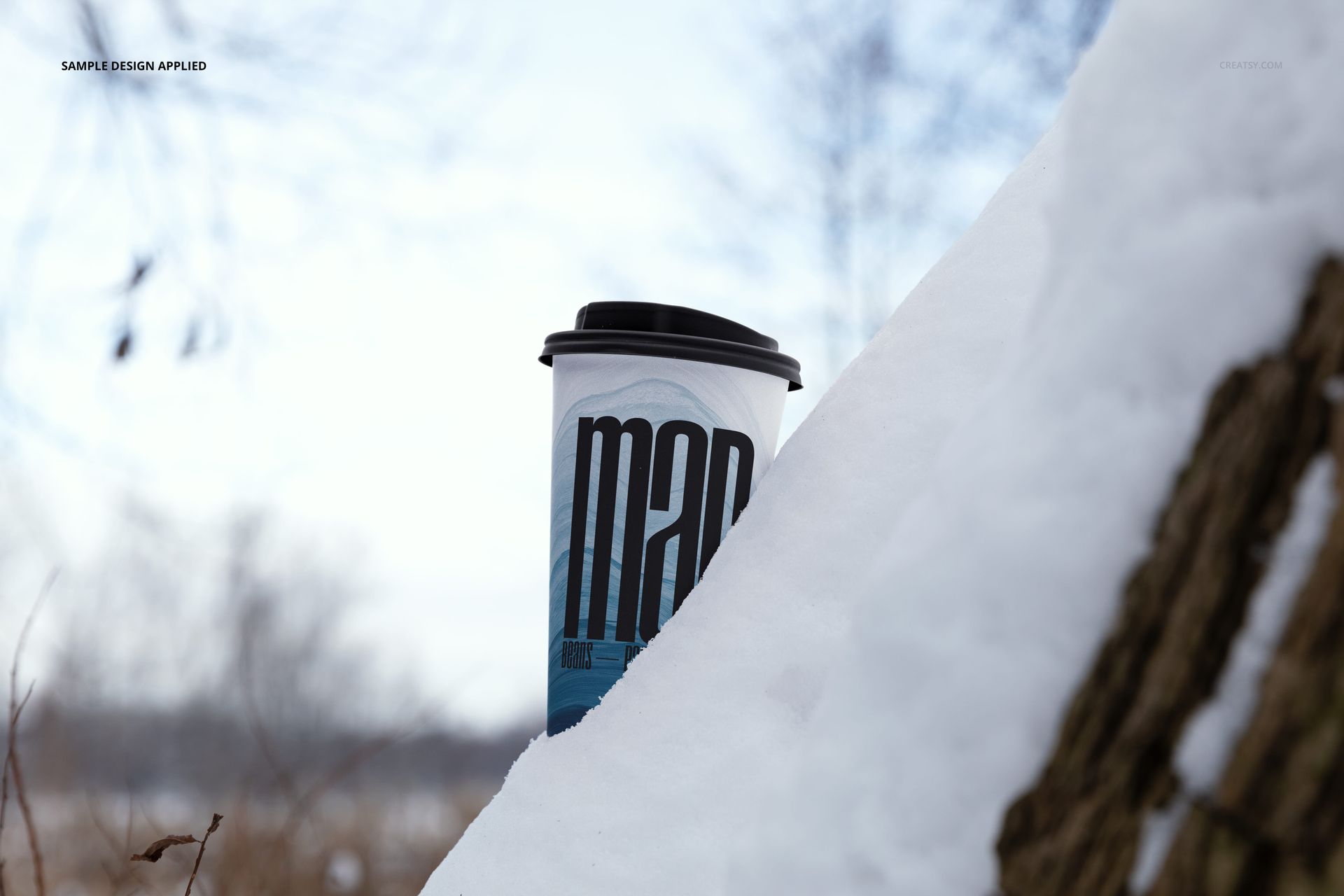
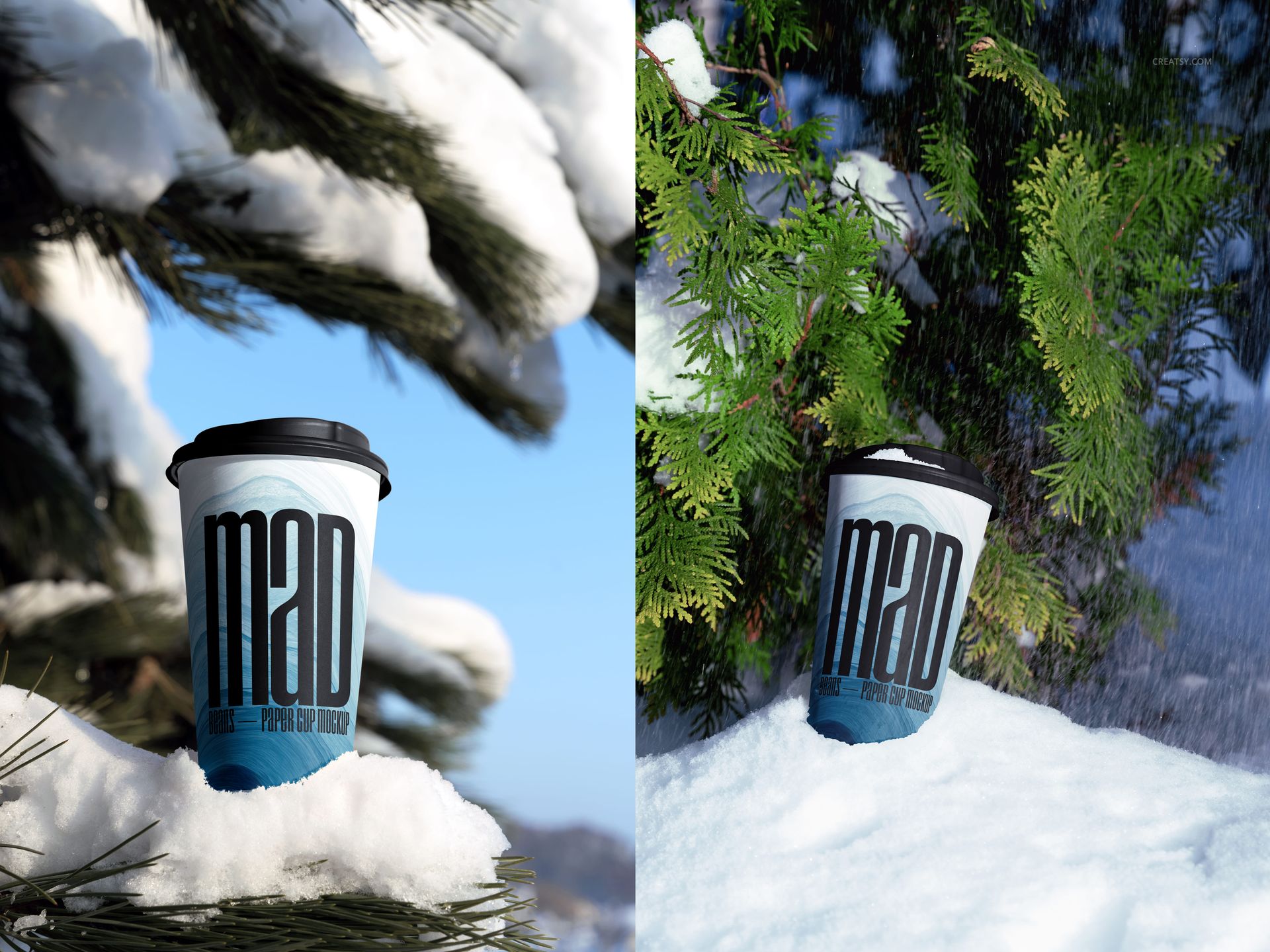
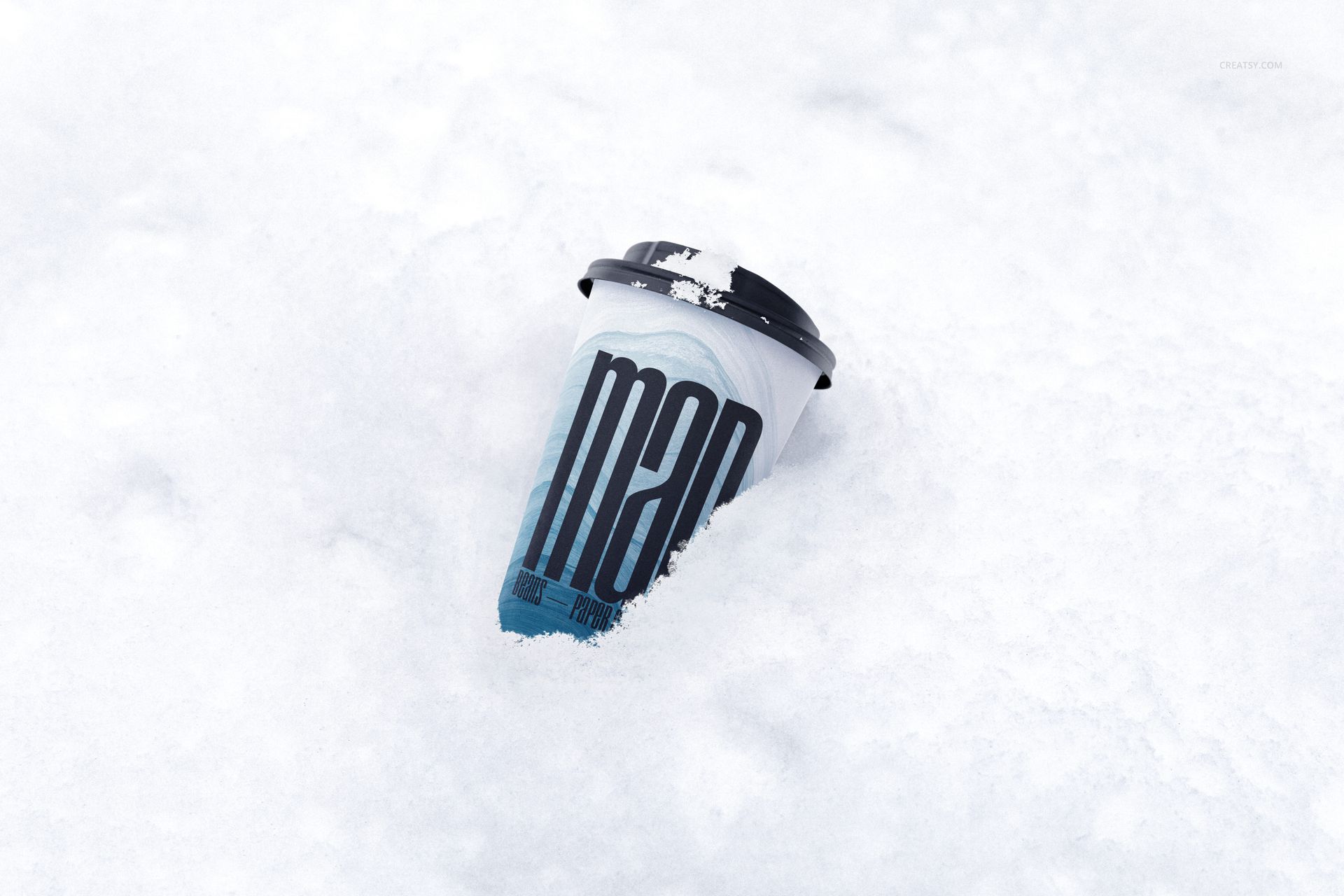
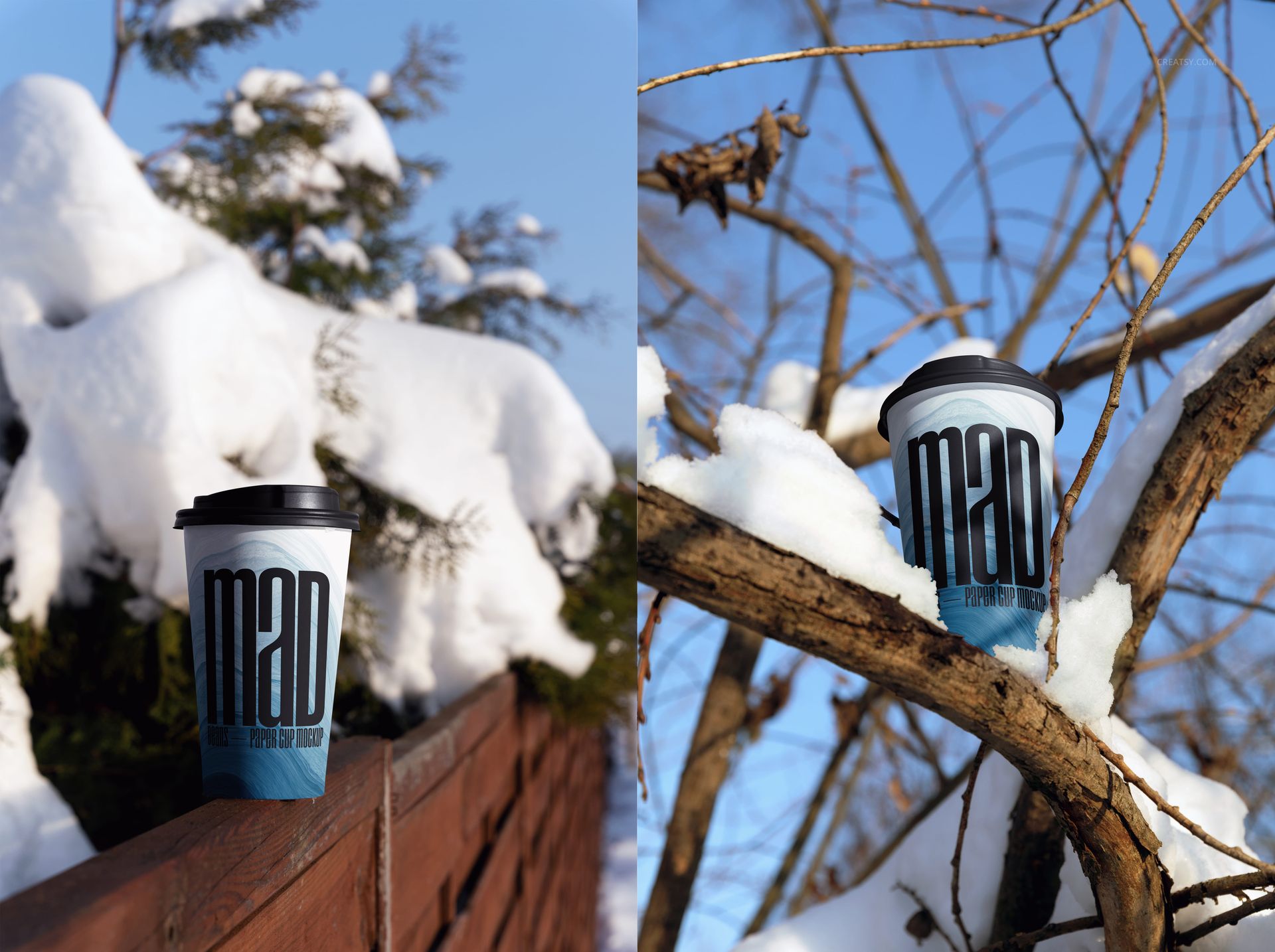
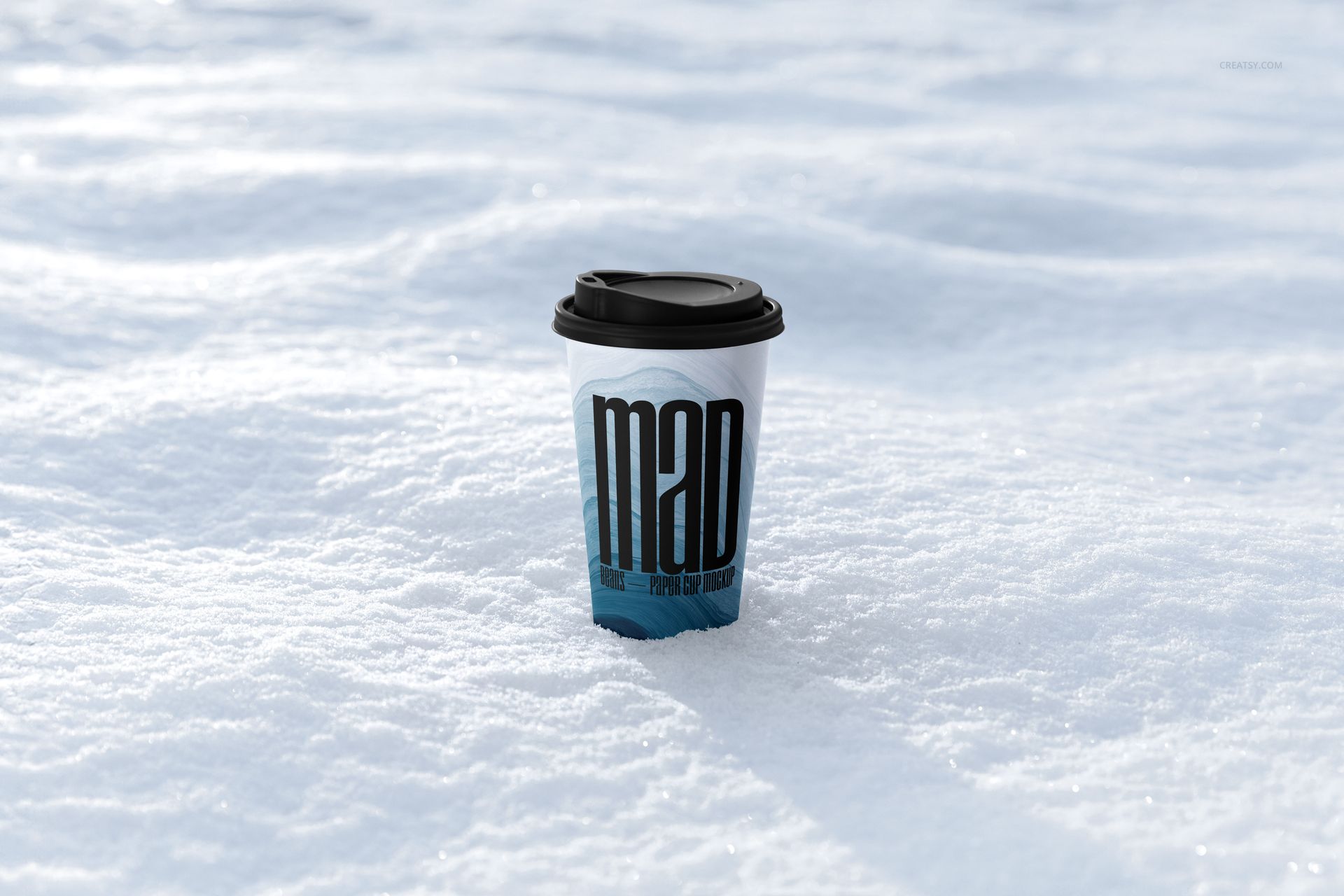
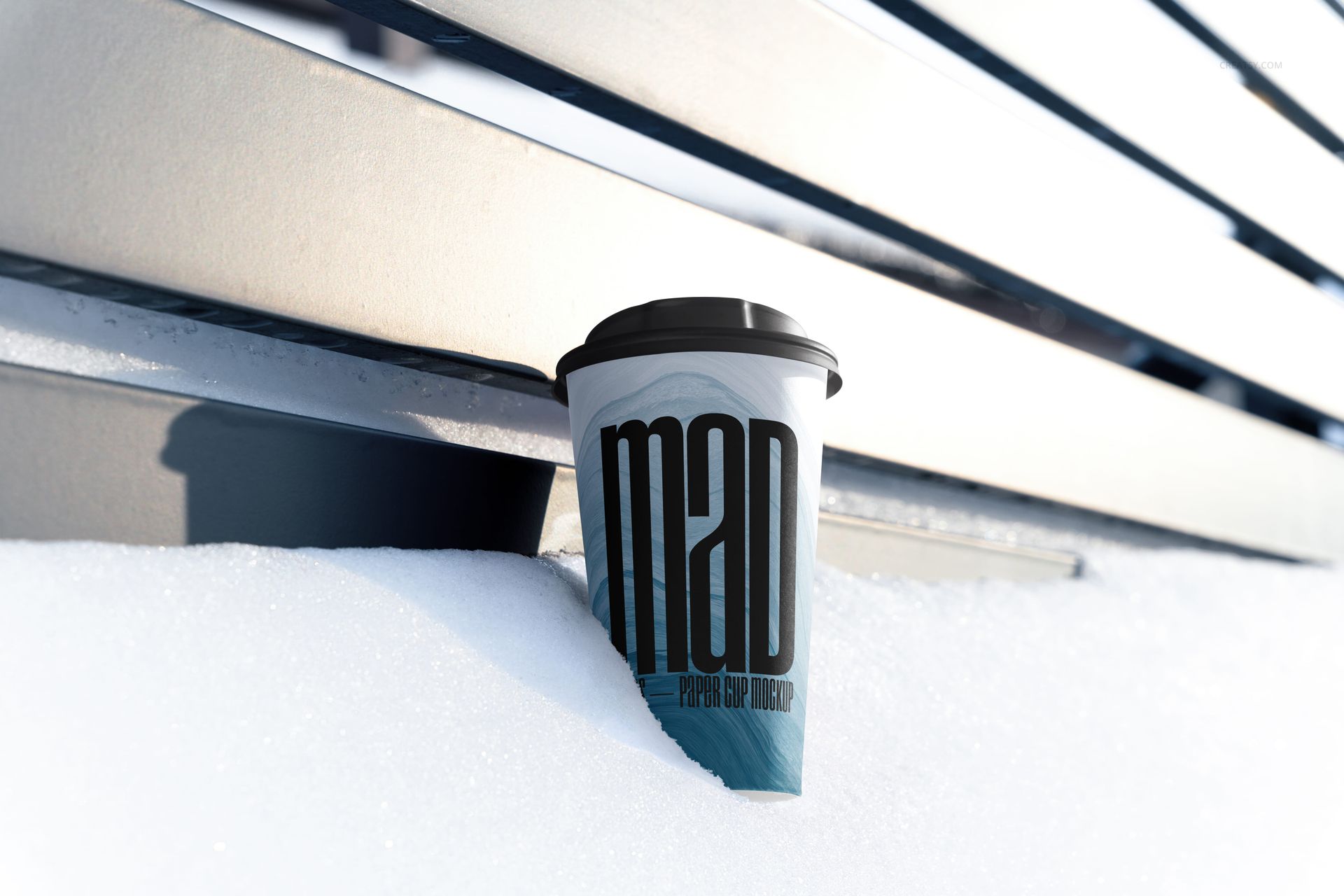
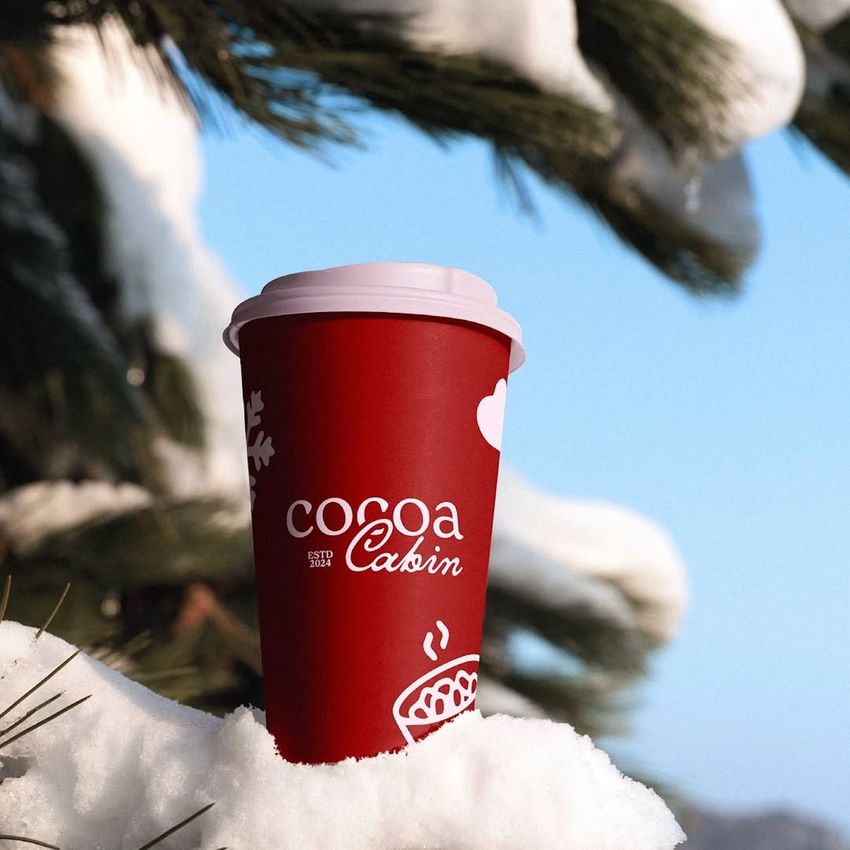
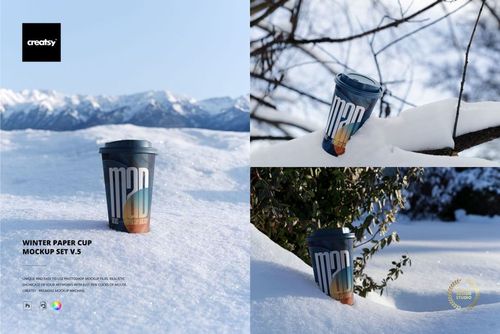
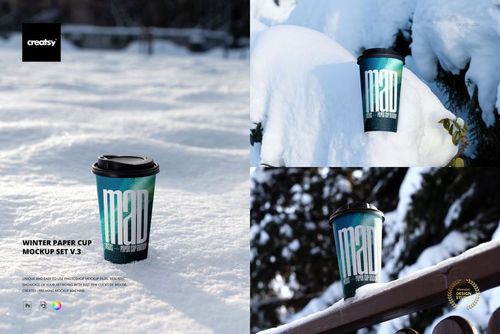
Turn a single takeaway cup into a varied cold-weather campaign across nine real outdoor scenes. The cup appears on open snow, between bare branches, beneath evergreen foliage, beside a wooden fence and near a silver metal bench, giving one brand several distinct settings without losing the winter theme.
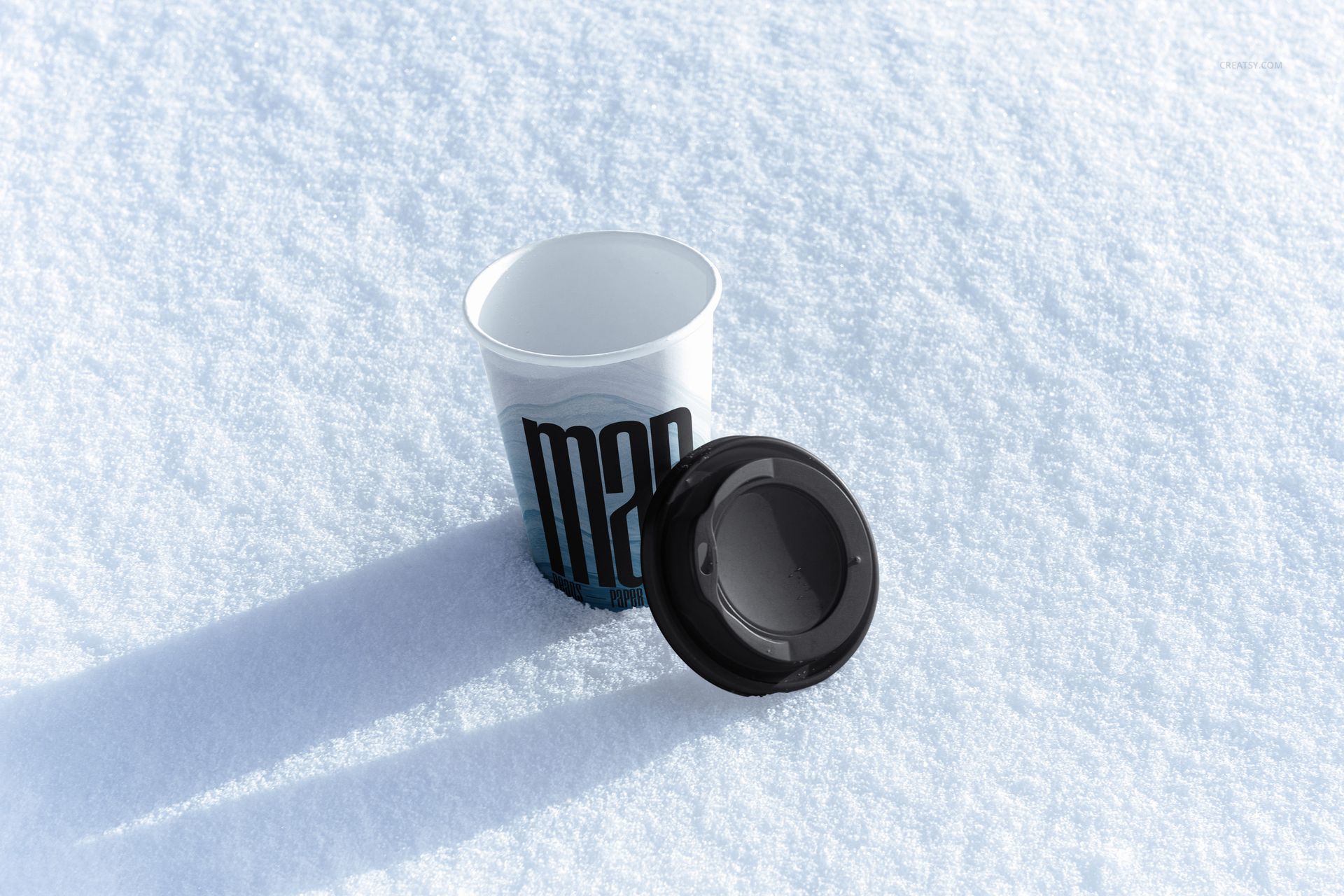
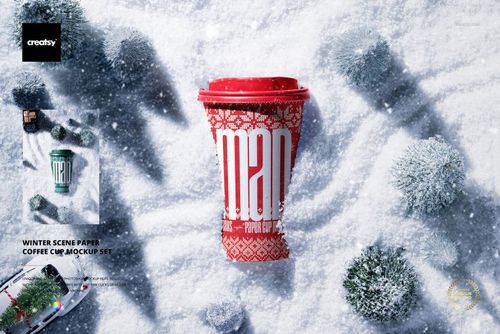
Most compositions feature a tapered paper cup with a black sip lid, while one high-angle view shows the open cup with its lid placed separately. Direct sunlight, crisp blue sky, granular snow and generous negative space create options for close product visuals, vertical social layouts and wider campaign graphics.
What Is Included
9 layered PSD mockup files
9 JPG reference previews, for 18 files in total
Five landscape and four portrait JPG references
Working dimensions listed as approximately 6000 x 4000 px at 300 DPI
Product-specific support for Adobe Photoshop CS6 or newer and Photopea
Nine Distinct Winter Compositions
Choose a cup perched among branches for a nature-led image, a fence or bench setting for an urban outdoor context, the centered snowfield view for a clean product focus, or a scene with broad white space for headlines and campaign copy. The separate-lid composition also provides a clearer look at the cup opening and packaging structure.
Easy Smart Object Editing
Place logos, lettering, illustrations or patterns through Smart Objects, then adjust the paper cup and lid colors to suit the identity. Organized layers support an efficient workflow, while the photographed snow, branches, fence and bench remain fixed backgrounds.
Perfect For
The set suits cafes, roasters, beverage brands and packaging designers creating winter menus, seasonal launches, cold-weather promotions, client presentations, portfolio stories and coordinated social content.
Preview Artwork Credit
Product preview imagery is credited to Creatsy®. This is a digital mockup product, and the sample graphics, cups, lids and outdoor props shown in the previews are not included.