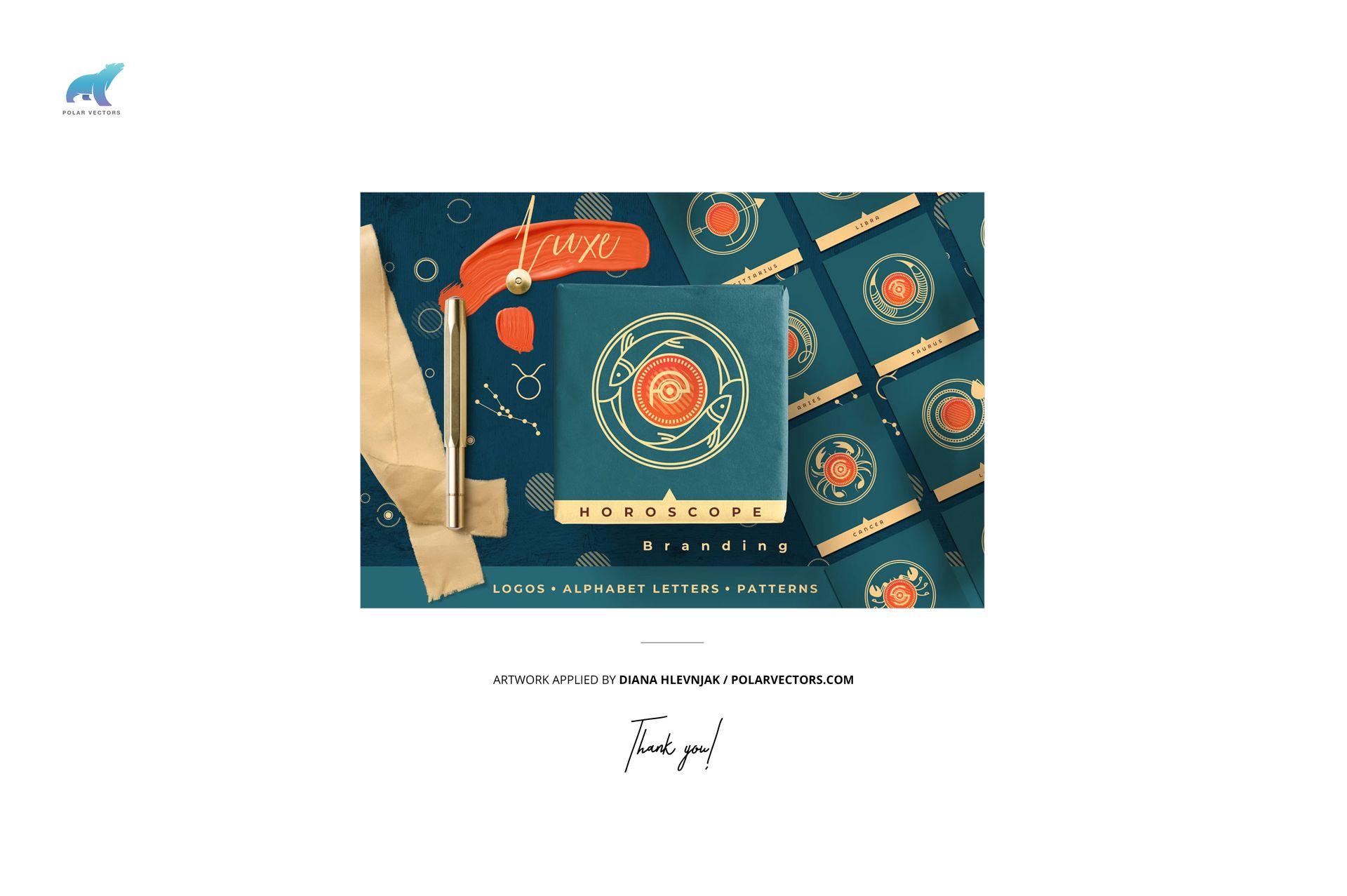
Jewelry Box & Bag Wrapping Tissue Paper Mockup Set
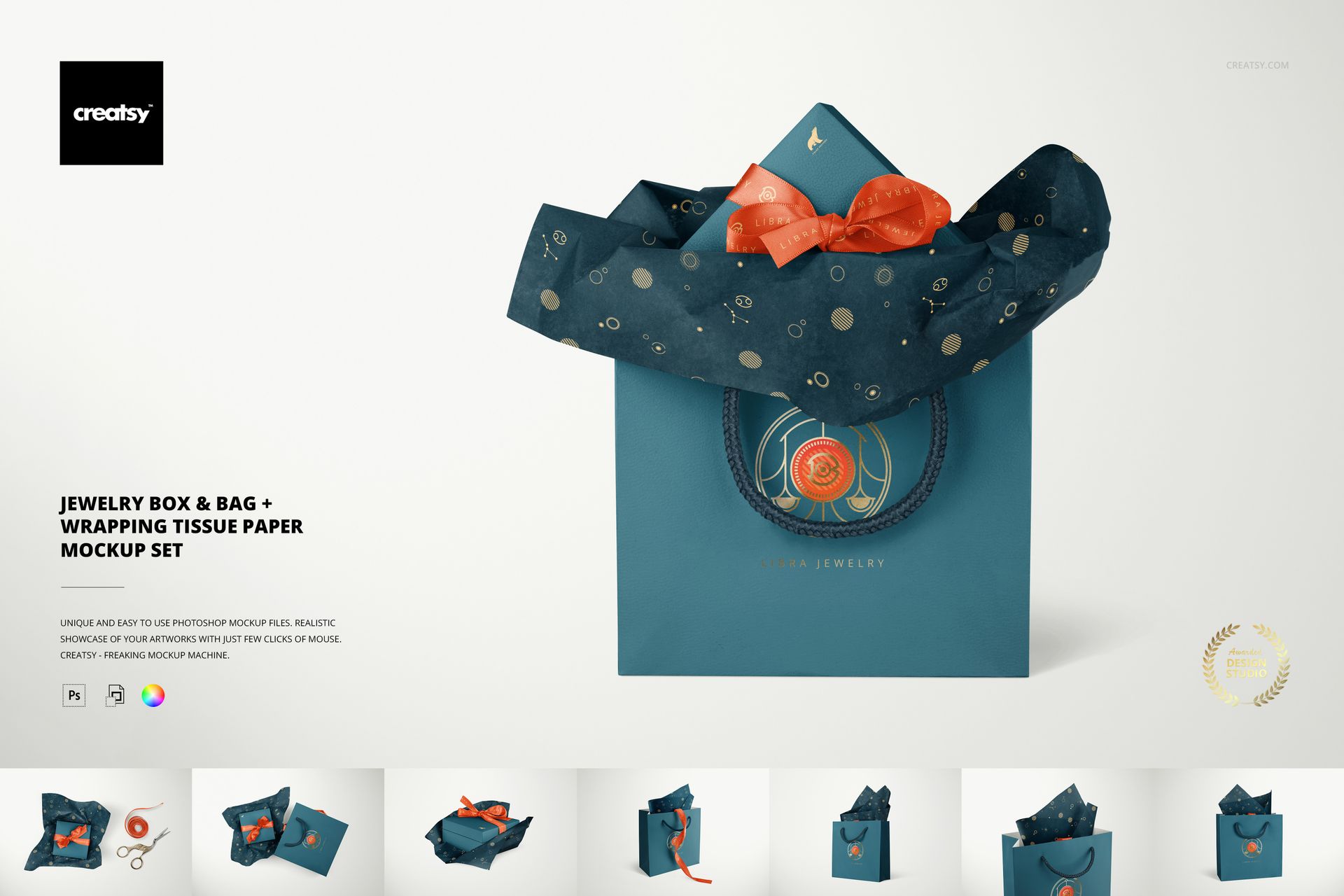
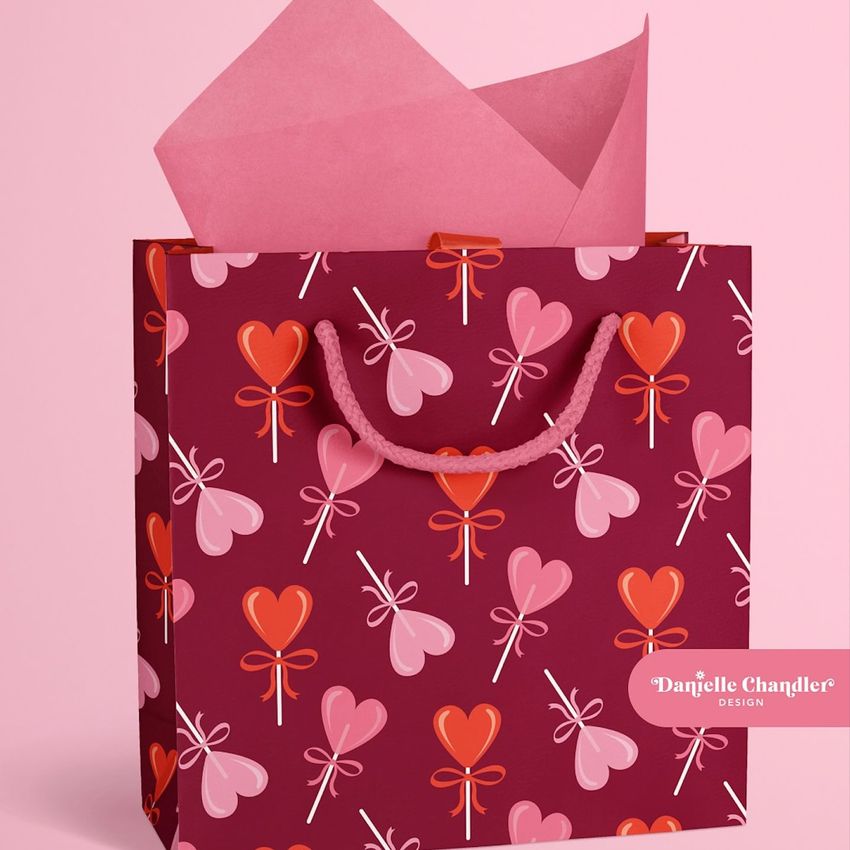
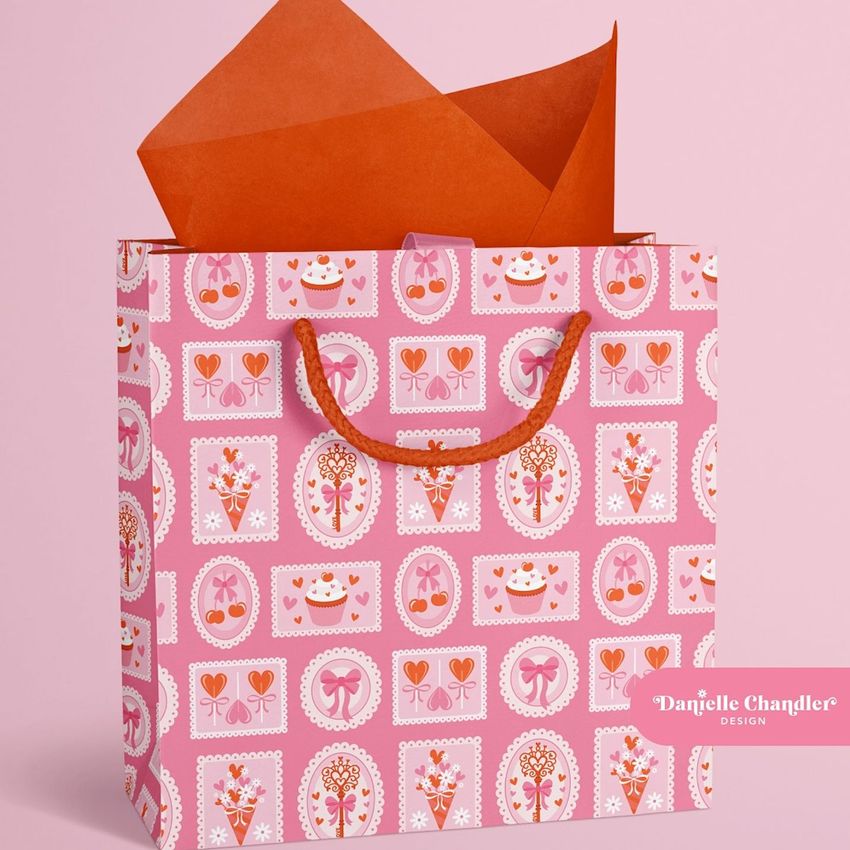
A jewelry gift has more than one branded surface: the bag on the counter, the tissue at its opening and the ribbon around the box. This set brings those parts together in eight scenes, helping you present a coordinated packaging concept without relying on a single front view.
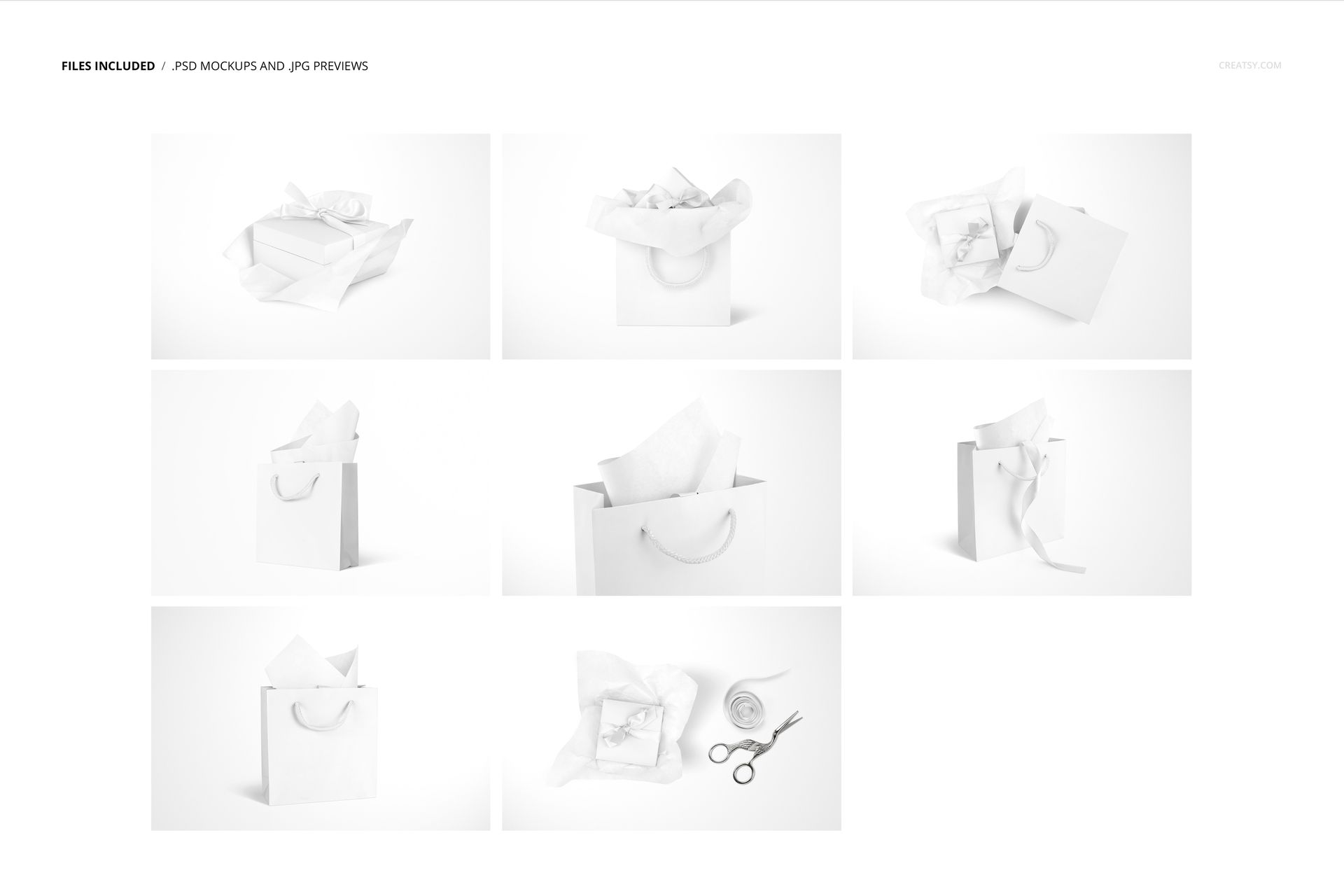
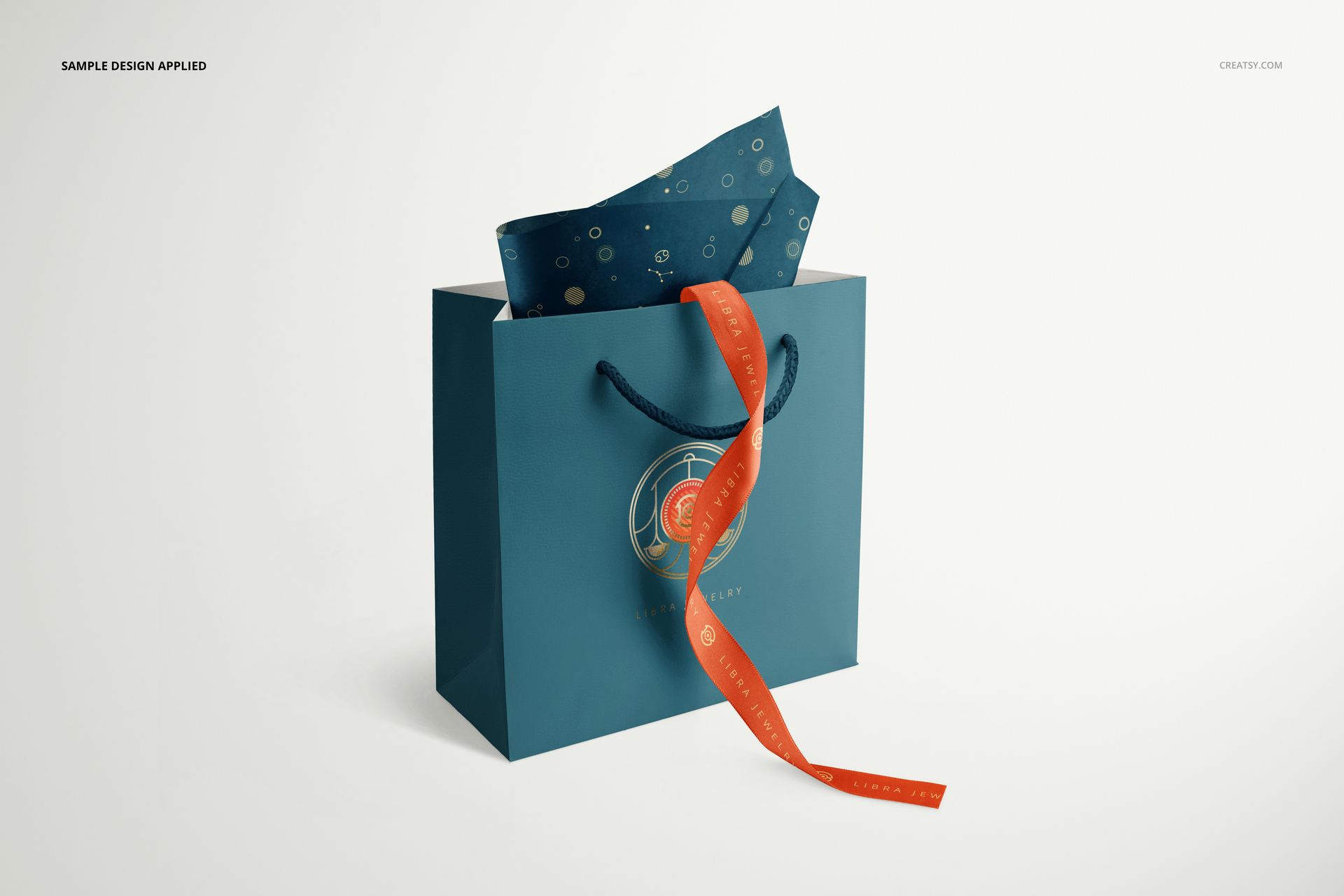
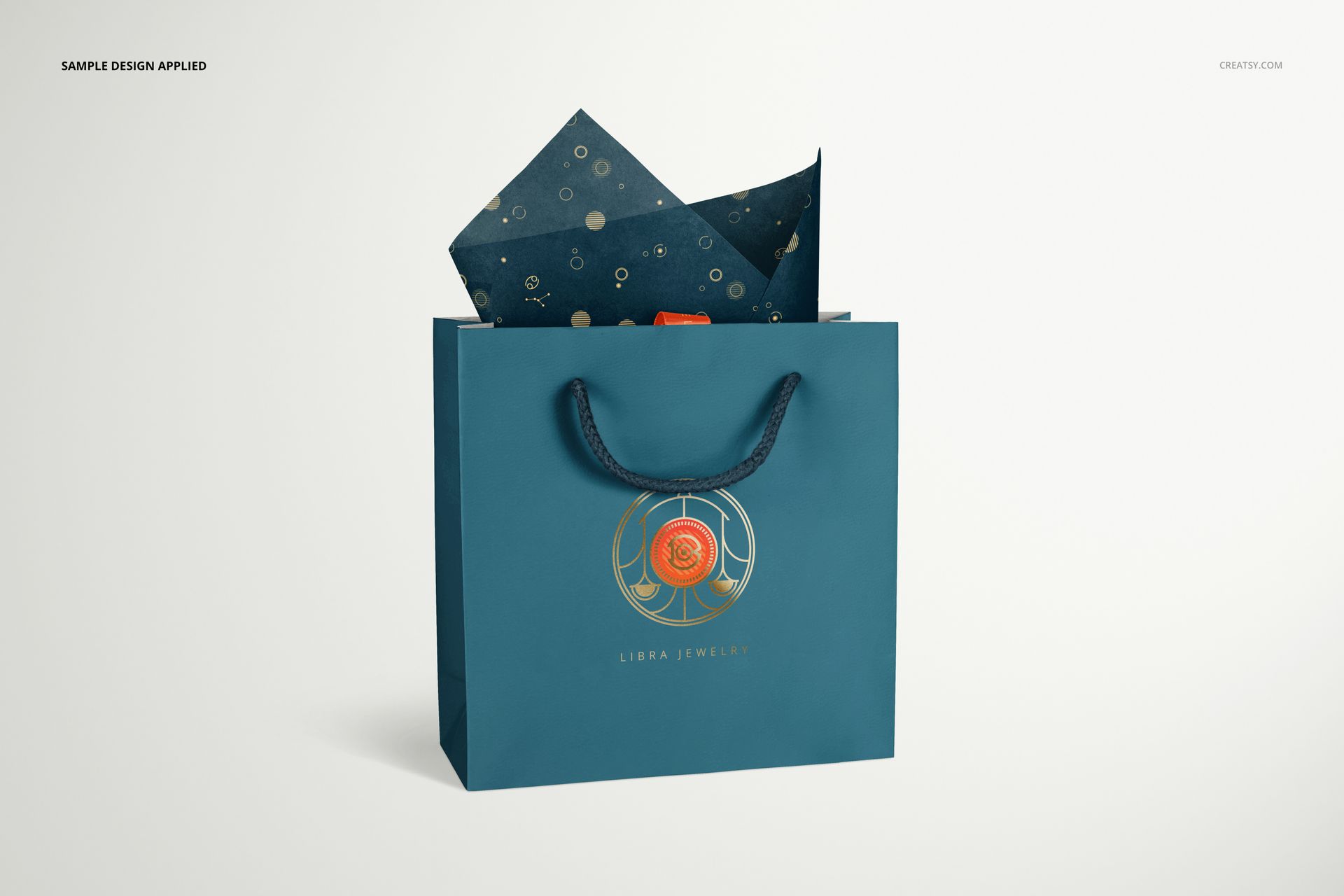
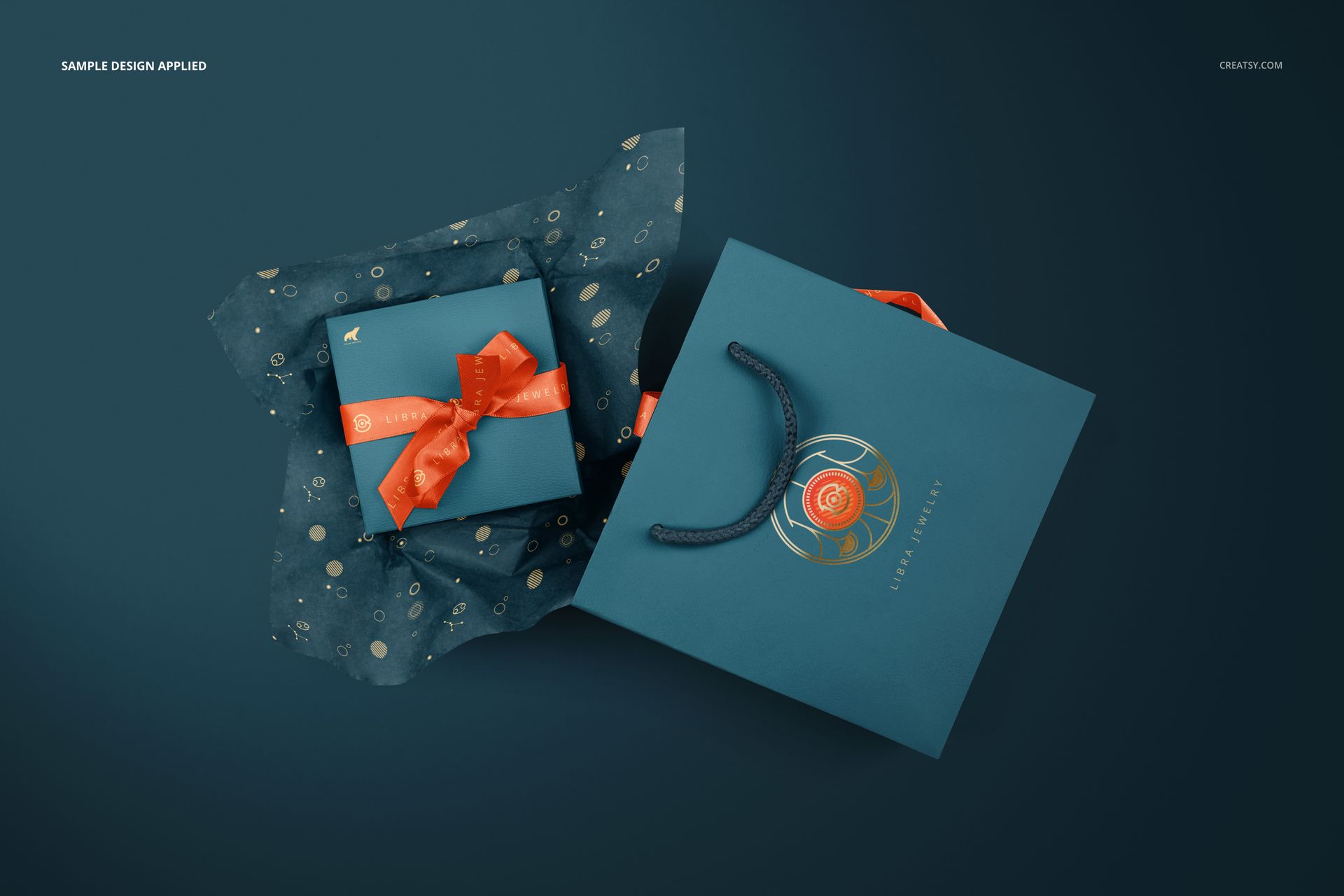
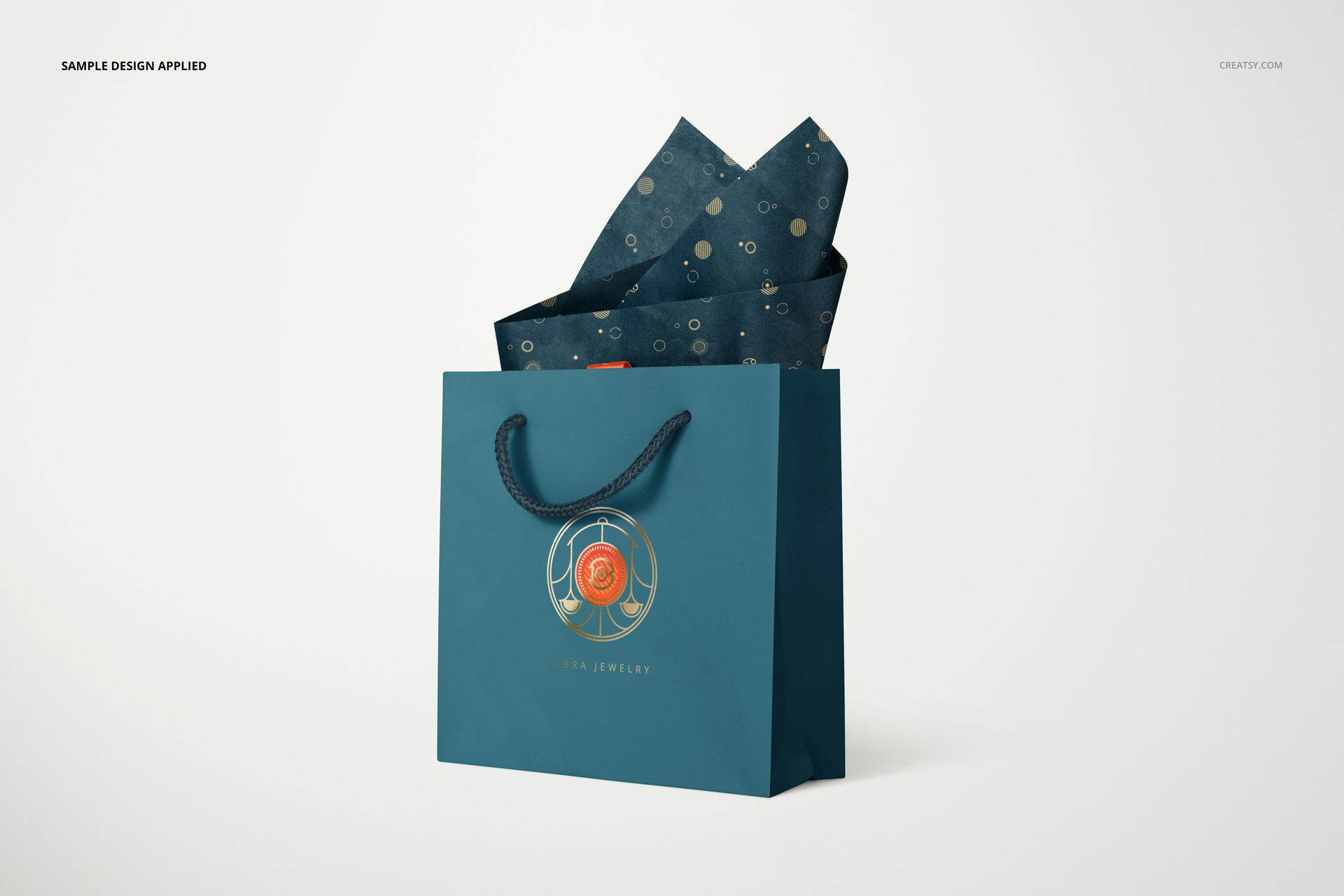
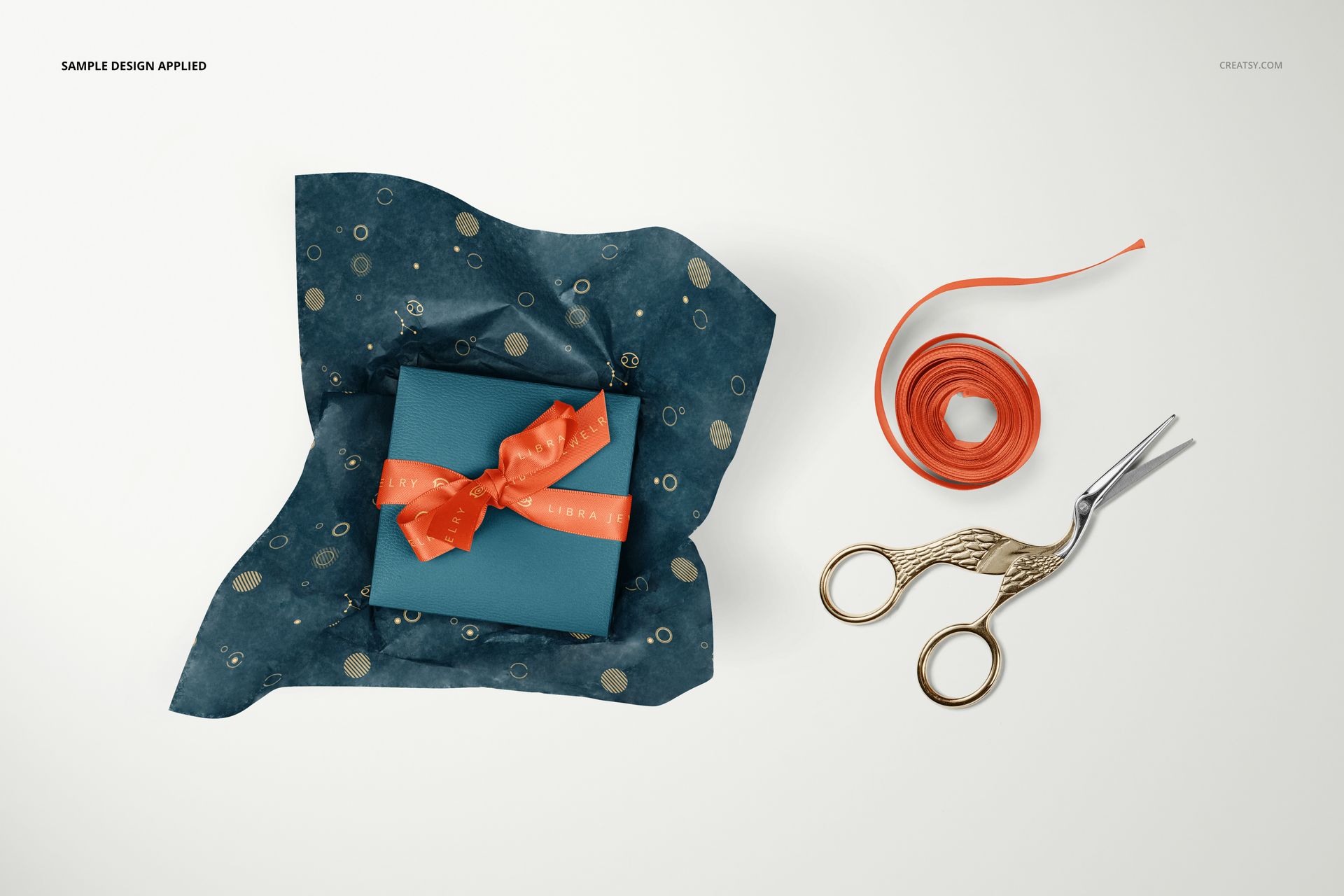
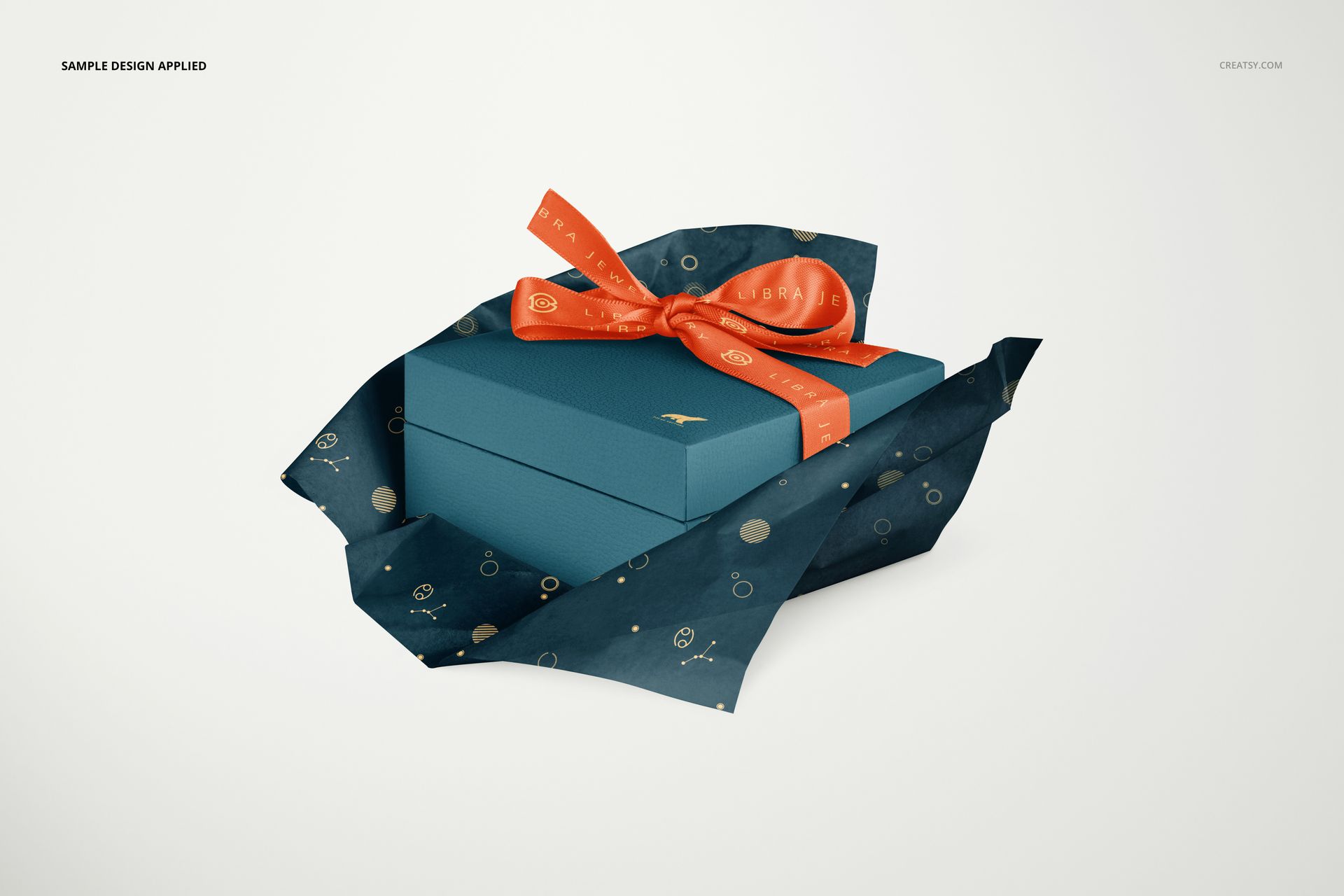
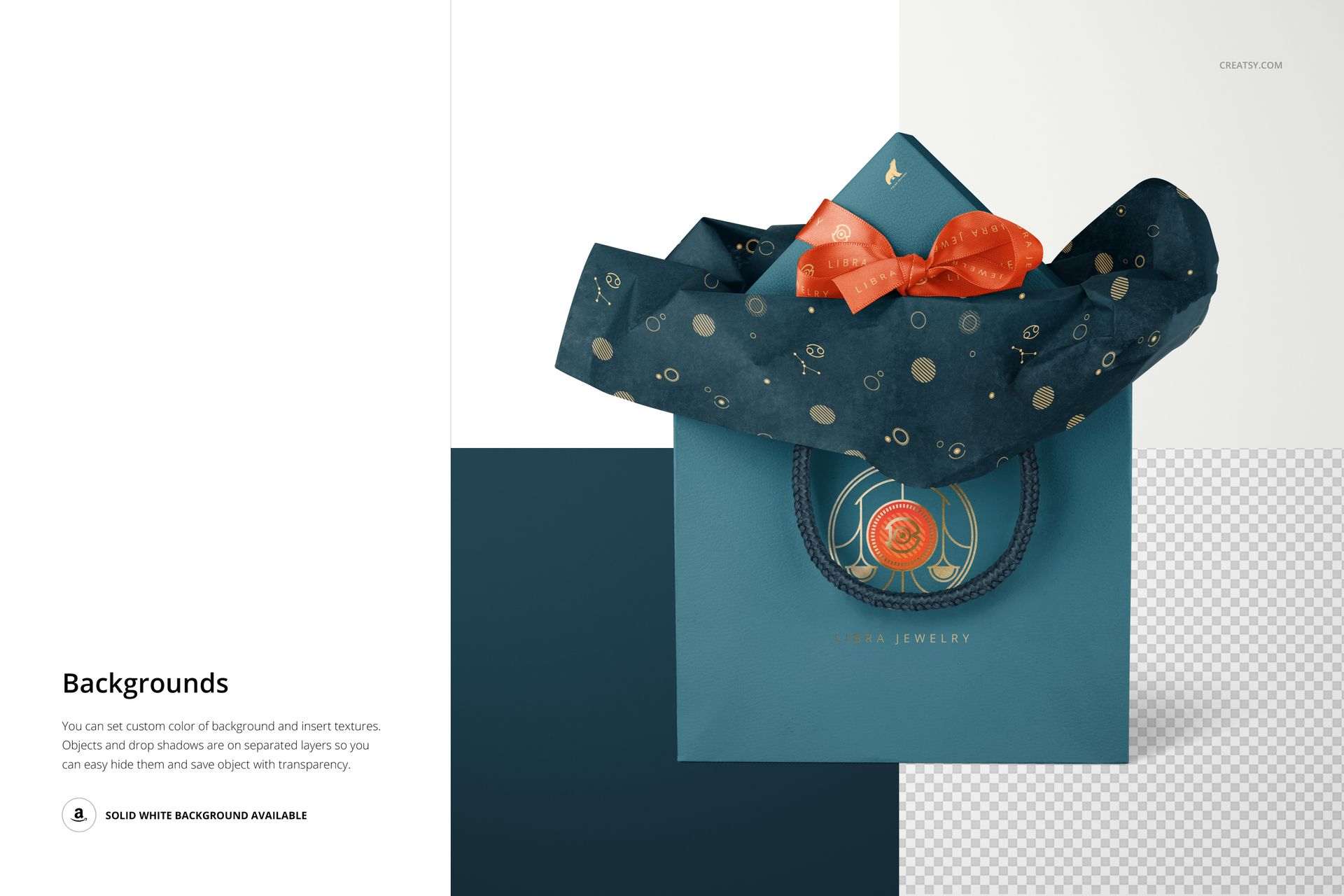
Rope-handle bags appear with different arrangements of tissue, a ribbon trails down the front in one view, and a bow-tied box is shown both beside the bag and on its own. A top-down wrapping scene adds a ribbon roll and decorative scissors. These views suit jewelry branding proposals, boutique gift packaging and surface pattern presentations.
What Is Included
8 layered PSD mockups covering the jewelry box, bag and tissue paper arrangements.
8 JPG previews and a PDF user manual, 17 files in total.
6000 × 4000 px scenes at 300 DPI, with Smart Objects and organized layers.
One Packaging Concept, Several Points of View
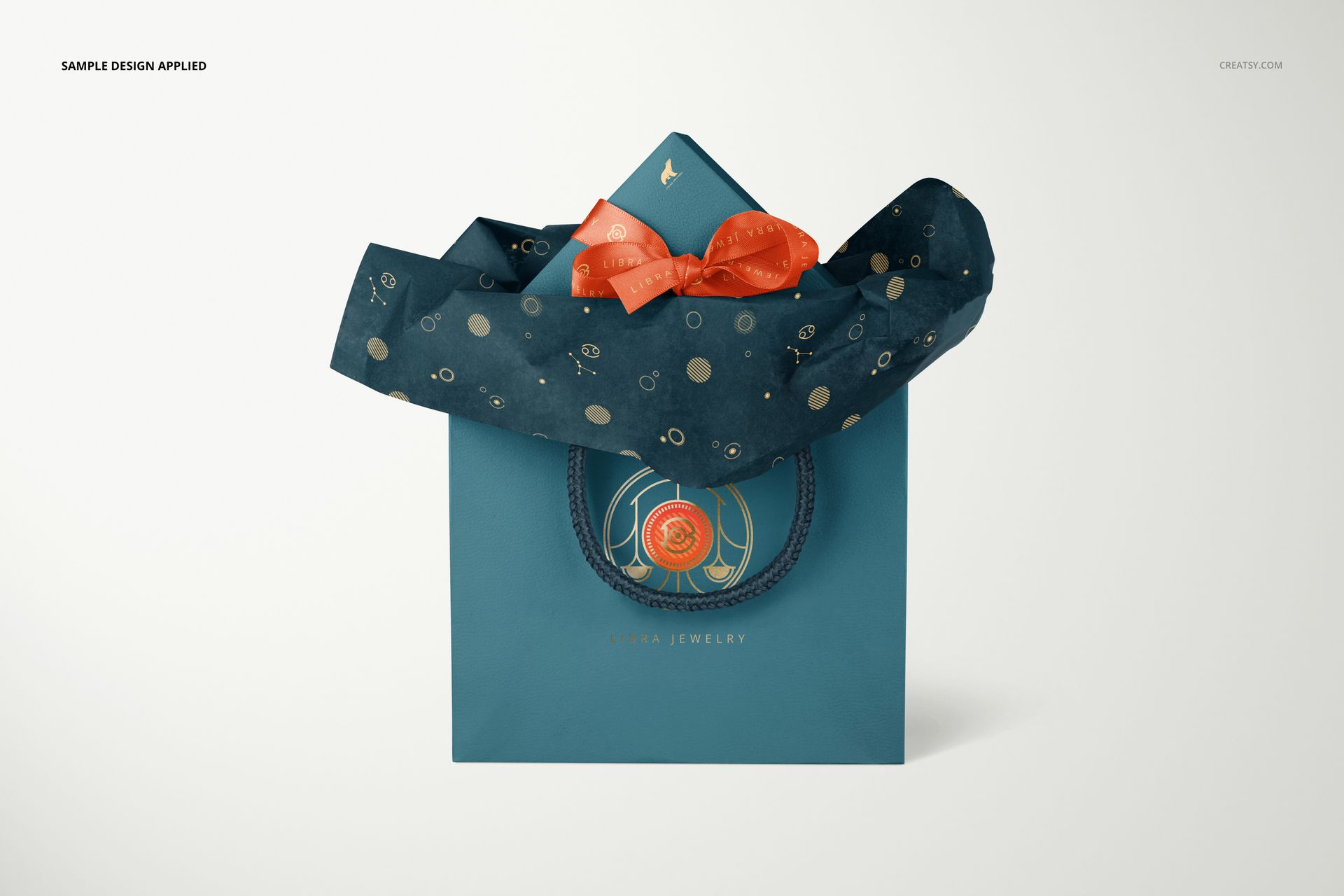
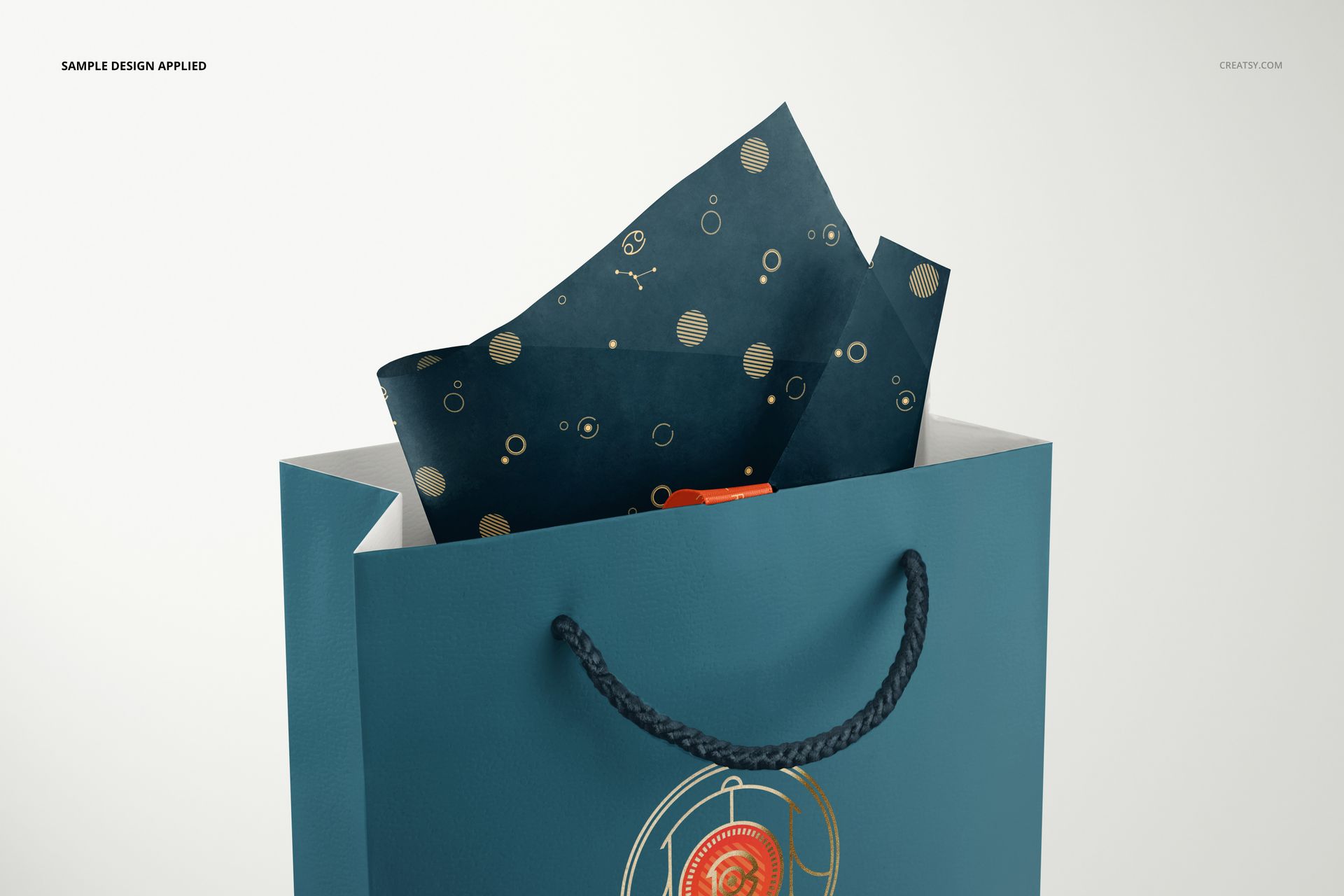
Use the paired box-and-bag composition to introduce the complete look, then show a bag detail to reveal the relationship between the rope handle, logo and tissue pattern. The separate box view gives its lid and bow room to be seen without the bag taking attention away.
Artwork, Color and Foil Details
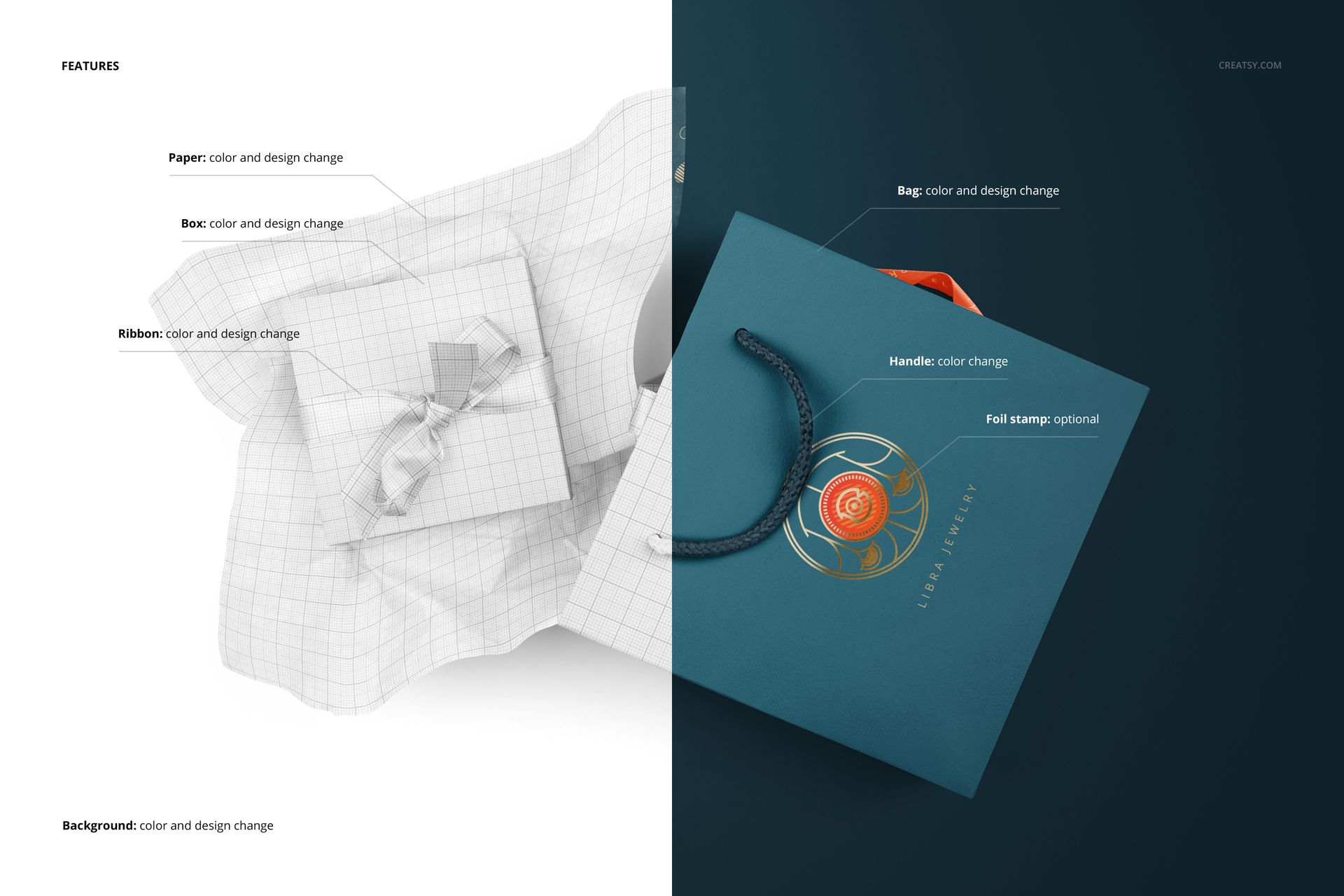
Edit the paper, box, bag and ribbon artwork and colors. Change the handle color and use the optional foil stamp effect for a finishing accent. Background colors and textures can be changed, while objects and drop shadows sit on separate layers.
Smart Object Editing
Open the files in Adobe Photoshop CC 2018 or newer, or Photopea. Add your designs through Smart Objects and adjust the available color layers. This is a digital mockup set; physical packaging and the example artwork are not included.