Open Gift Box with Tissue Paper on Sunlit Rock Mockup
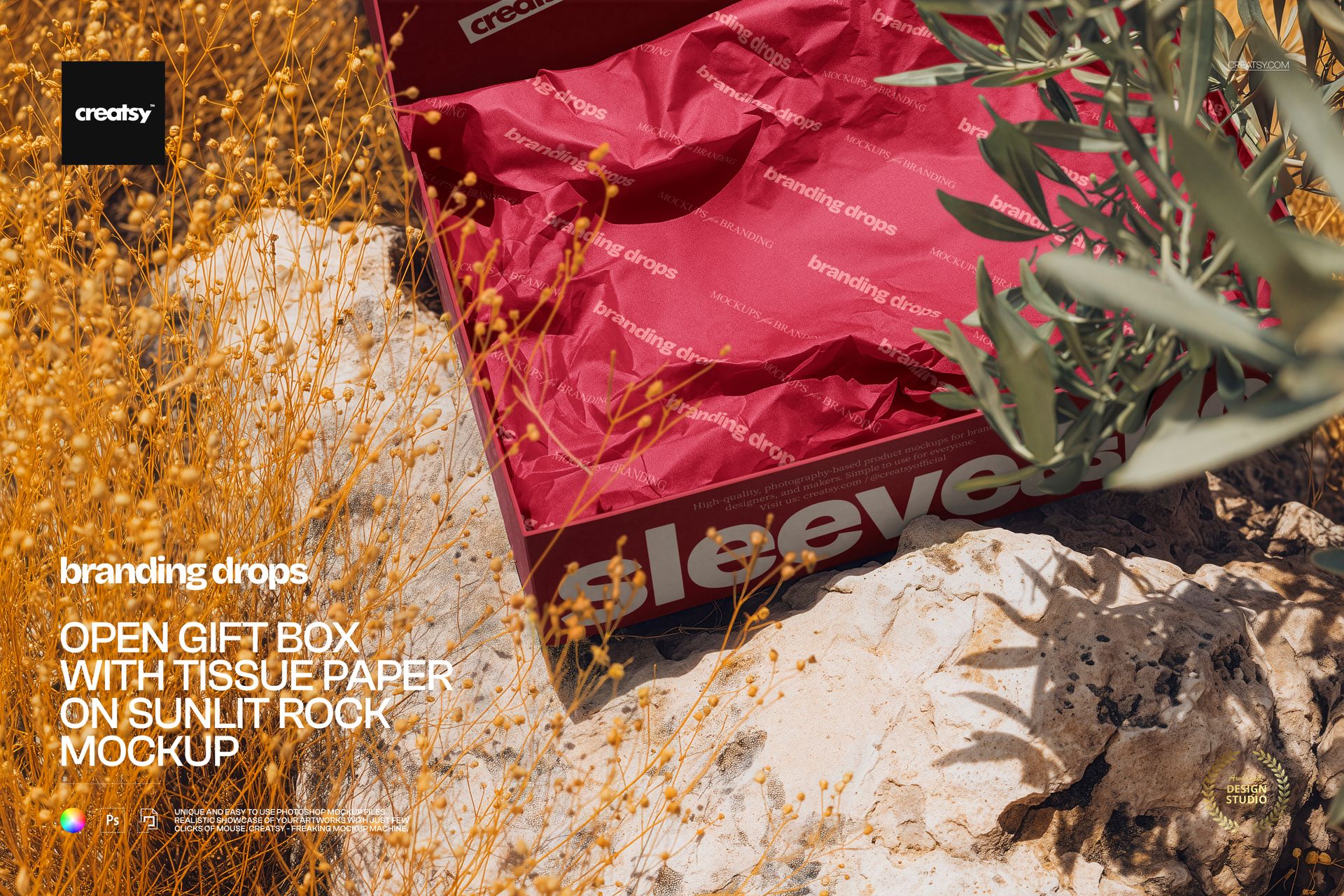
The first impression of an unboxing can start with the paper inside. This open gift box sits on a pale, sunlit rock, framed by dry stems and leafy branches, with crumpled tissue paper clearly visible across its interior. Present a coordinated box and tissue design in a natural setting with distinct folds, shadows and surface texture.
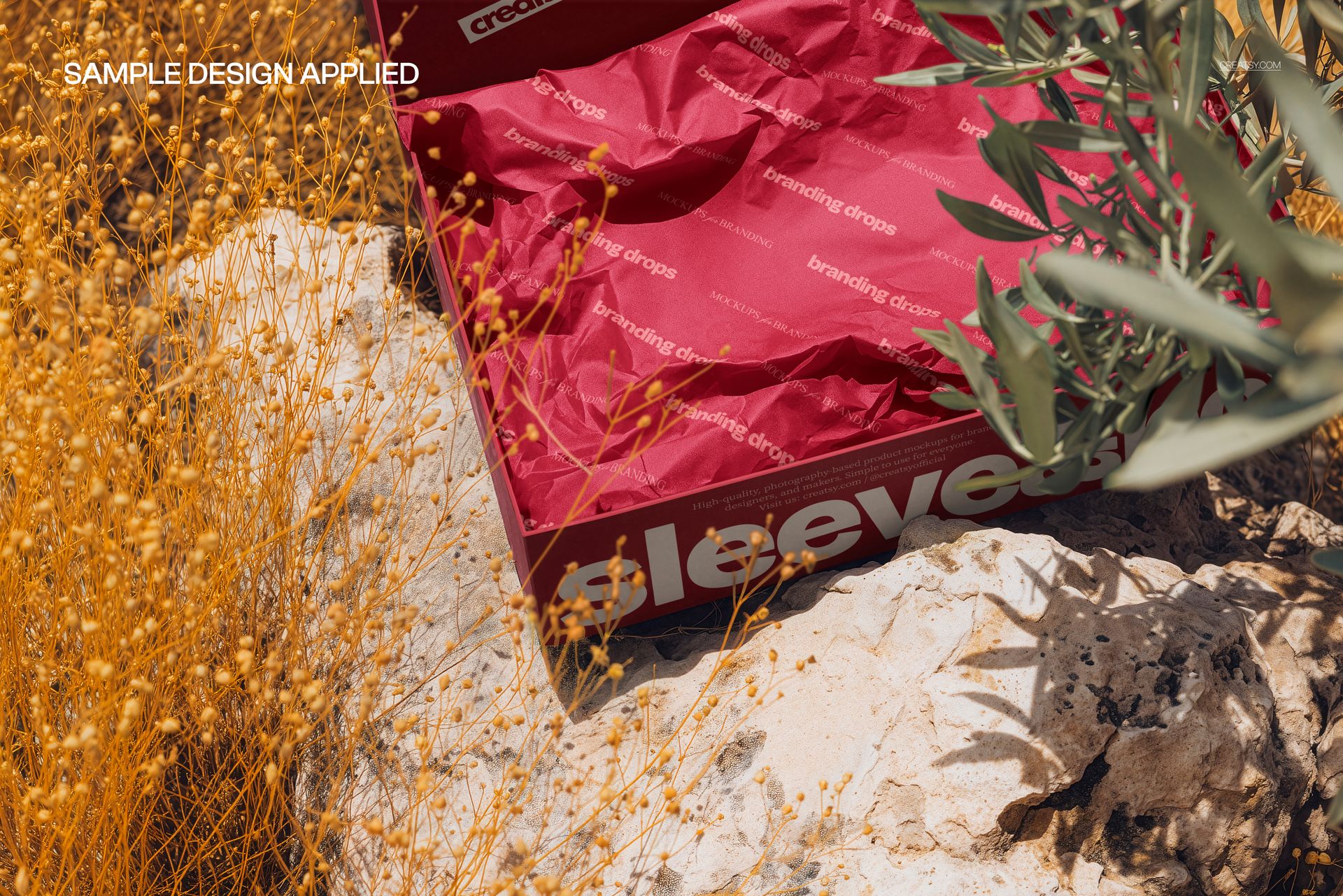
The open view is especially useful when the inner wrapping carries part of the brand identity. See how a repeated logo or illustration reads across creased tissue, while the box provides a firmer surface for a larger message or a quieter companion design.
What Is Included
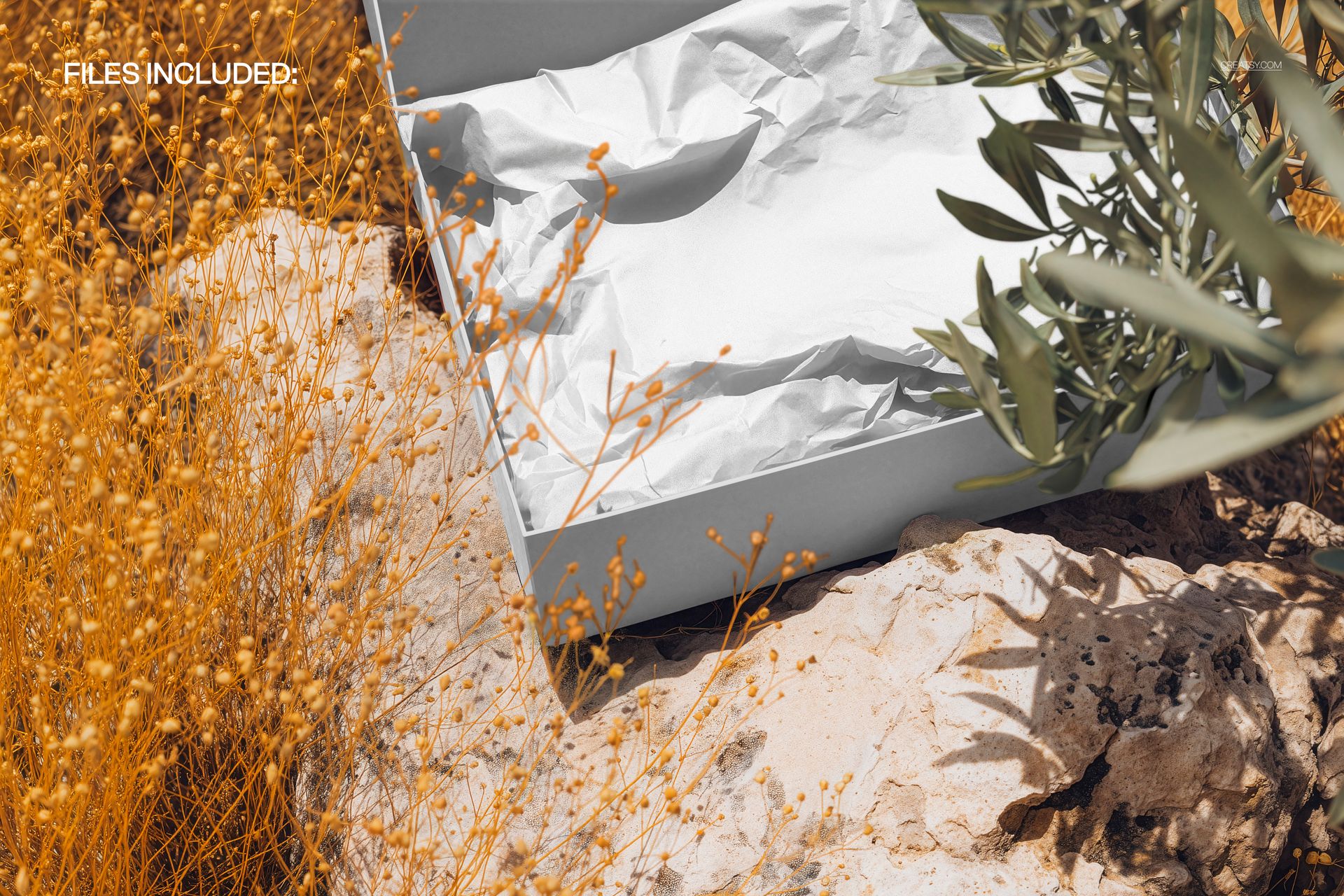
1 layered PSD mockup containing one open-box scene.
PSD dimensions: 5400 × 3500 px at 300 DPI.
1 JPG preview, 2 files in total.
Support for Adobe Photoshop CC2020 or newer and Photopea.
A Branded Box and Tissue Paper in One View
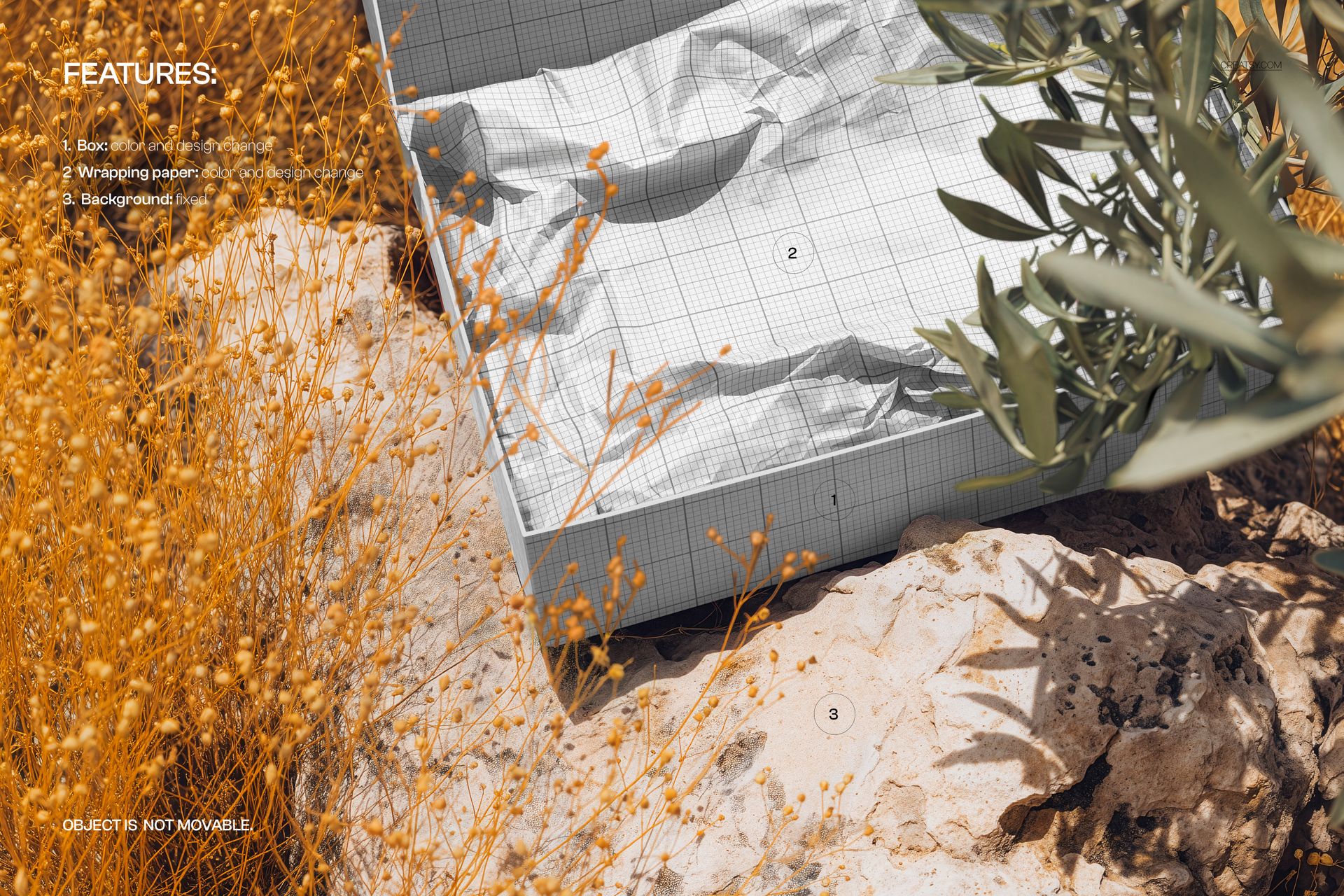
Change the color and design of the gift box.
Change the color and design of the tissue wrapping paper.
The outdoor background is fixed, including the rock and surrounding plants.
The box cannot be moved within the scene.
Easy Smart Object Editing
Open the PSD and locate the box and paper artwork Smart Objects. Open the relevant Smart Object, place your design, set its scale and save it to update the scene. Work through the two surfaces, adjust their available color controls and export the completed image. Organized layers help keep these edits easy to follow in Photoshop or Photopea.
Perfect For
A useful presentation for packaging designers, boutique retail brands and surface pattern artists developing branded tissue, gift-box graphics or a coordinated unboxing concept. The sunlit setting also suits visual identities built around earthy colors, botanical motifs and tactile materials.
Digital mockup only. No physical packaging is supplied, and the example artwork in the previews is not included.