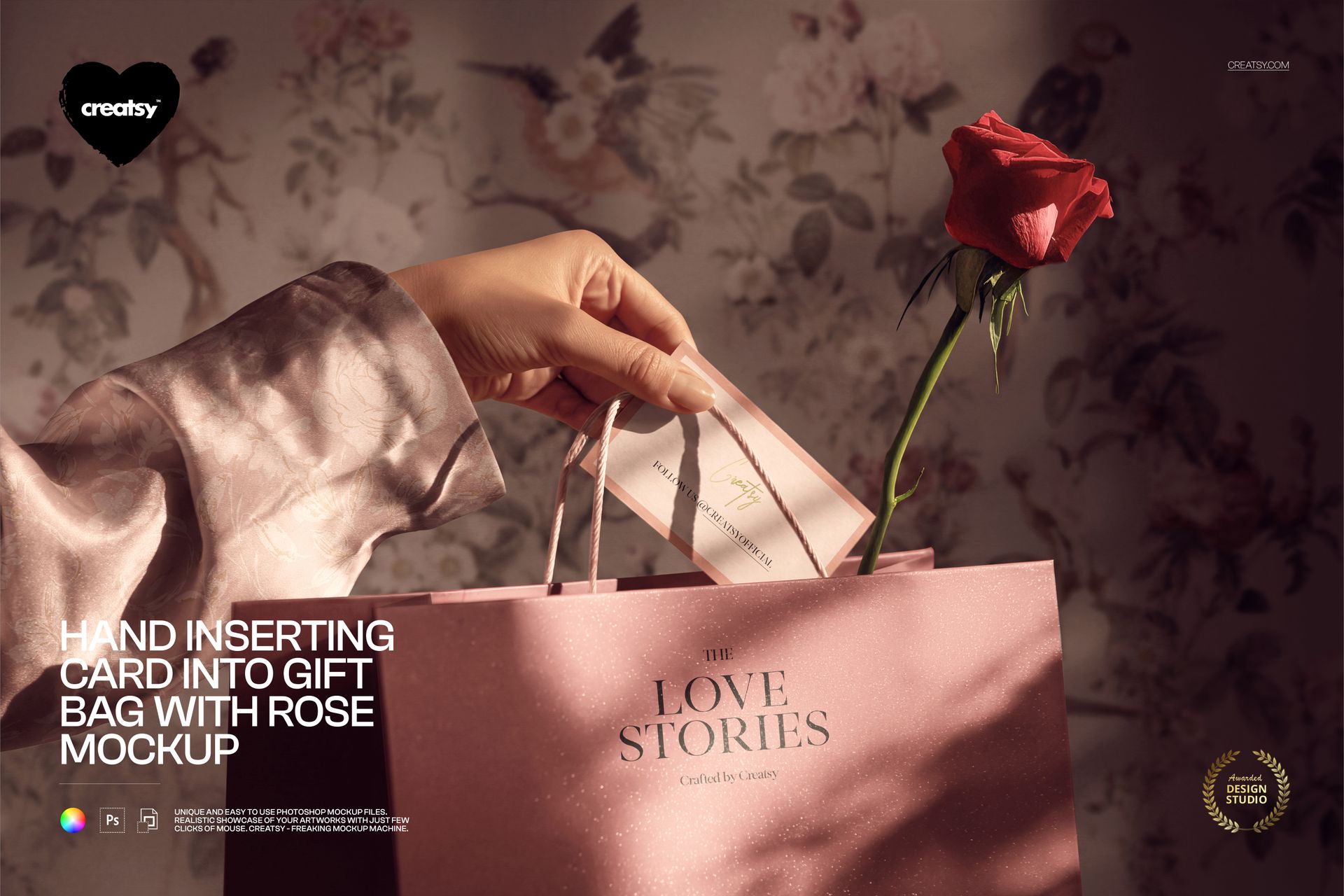
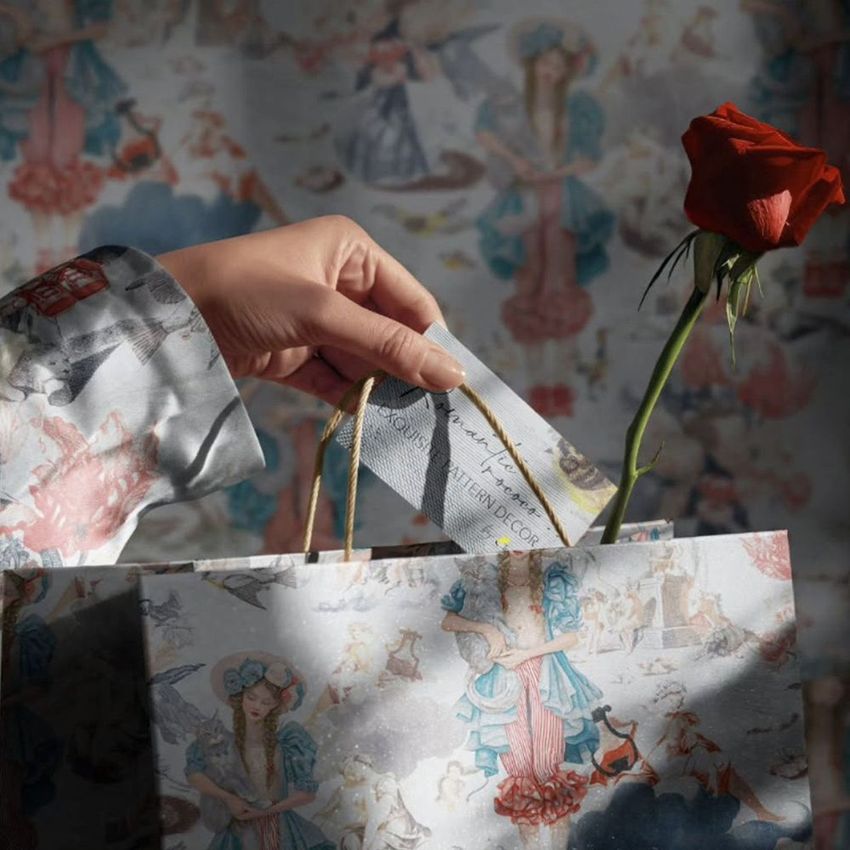
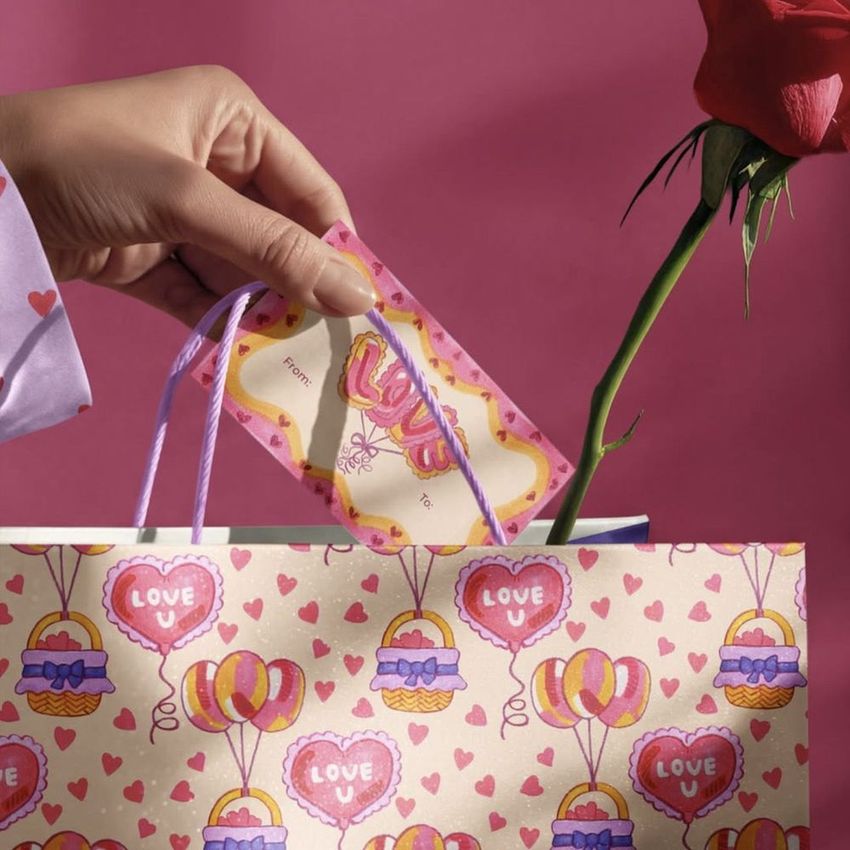
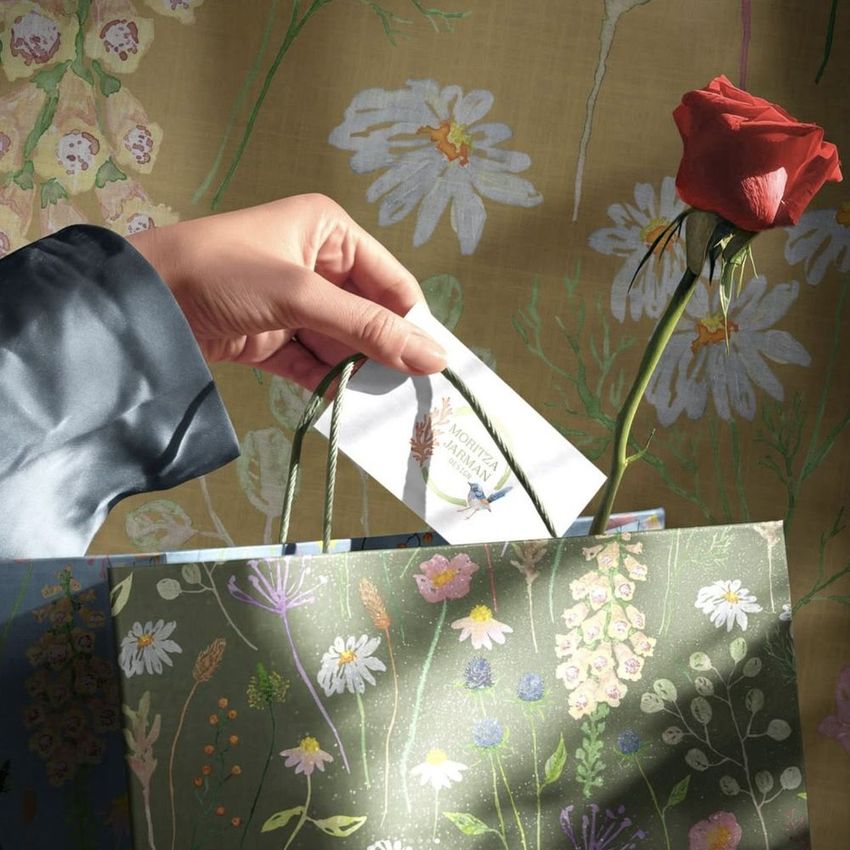
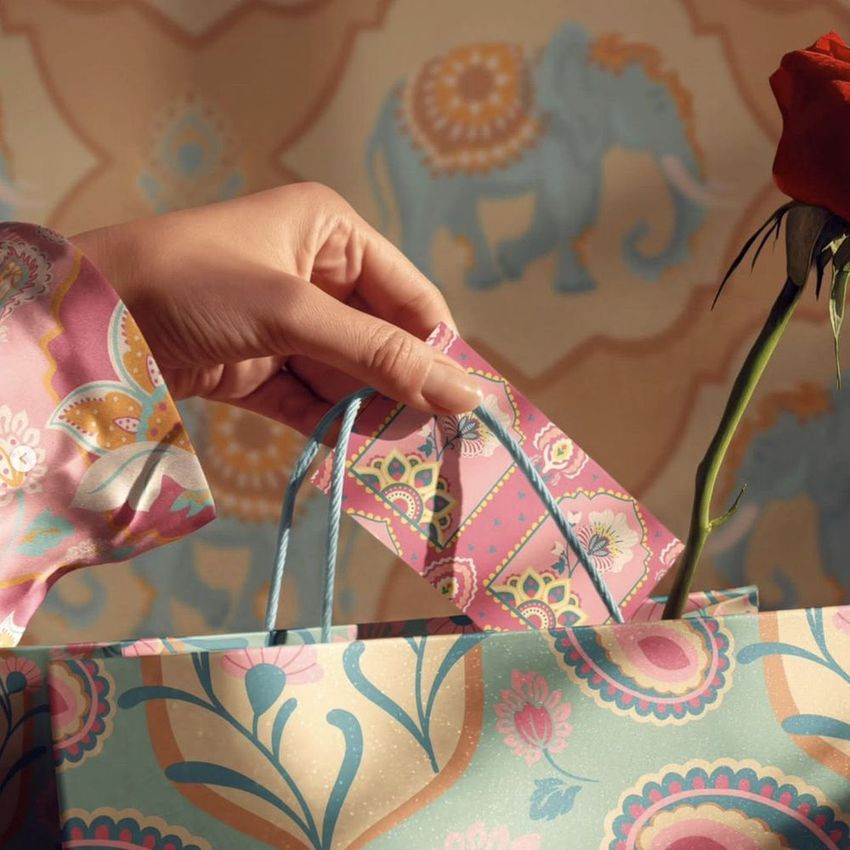
Hand Inserting Card into Gift Bag with Rose Mockup
A hand slips a card into a gift bag beside a single rose, capturing the finishing touch before a present is handed over. This scene brings packaging and stationery into the same frame, so a bag design and its accompanying message can be presented as one considered gesture.
The visible blouse sleeve and background provide additional design areas around the bag and card. Coordinate them with the main artwork or keep them restrained to let the greeting stand out. The close view, paper texture and directional light give clients context for the design without needing a separate photo shoot.
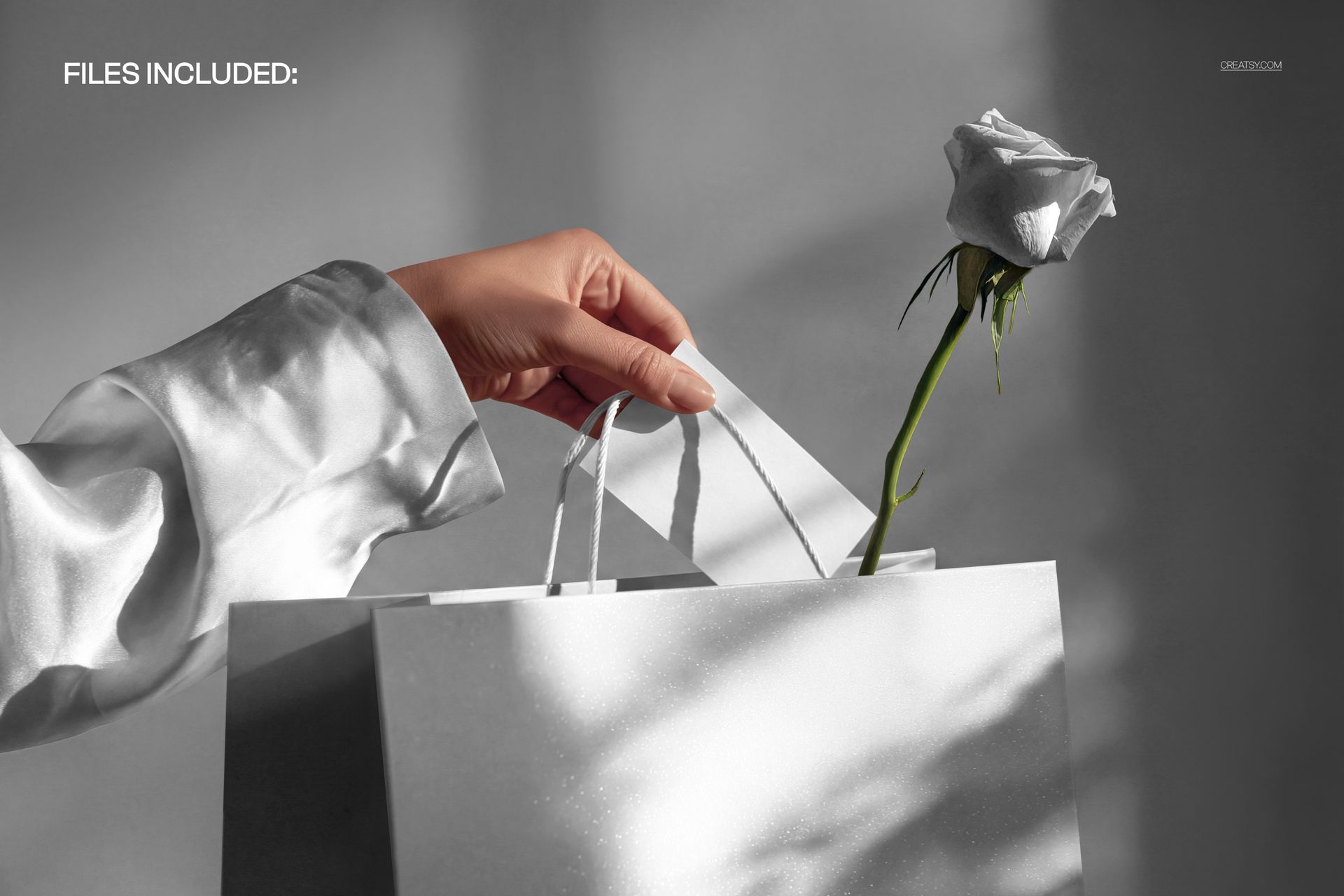
What Is Included
1 layered PSD mockup with one fixed gift-bag-and-card scene.
PSD dimensions: 5000 × 3300 px at 300 DPI.
1 JPG preview, 2 files in total.
Compatible with Adobe Photoshop CC2020 or newer and Photopea.
Coordinate the Card, Bag and Surroundings
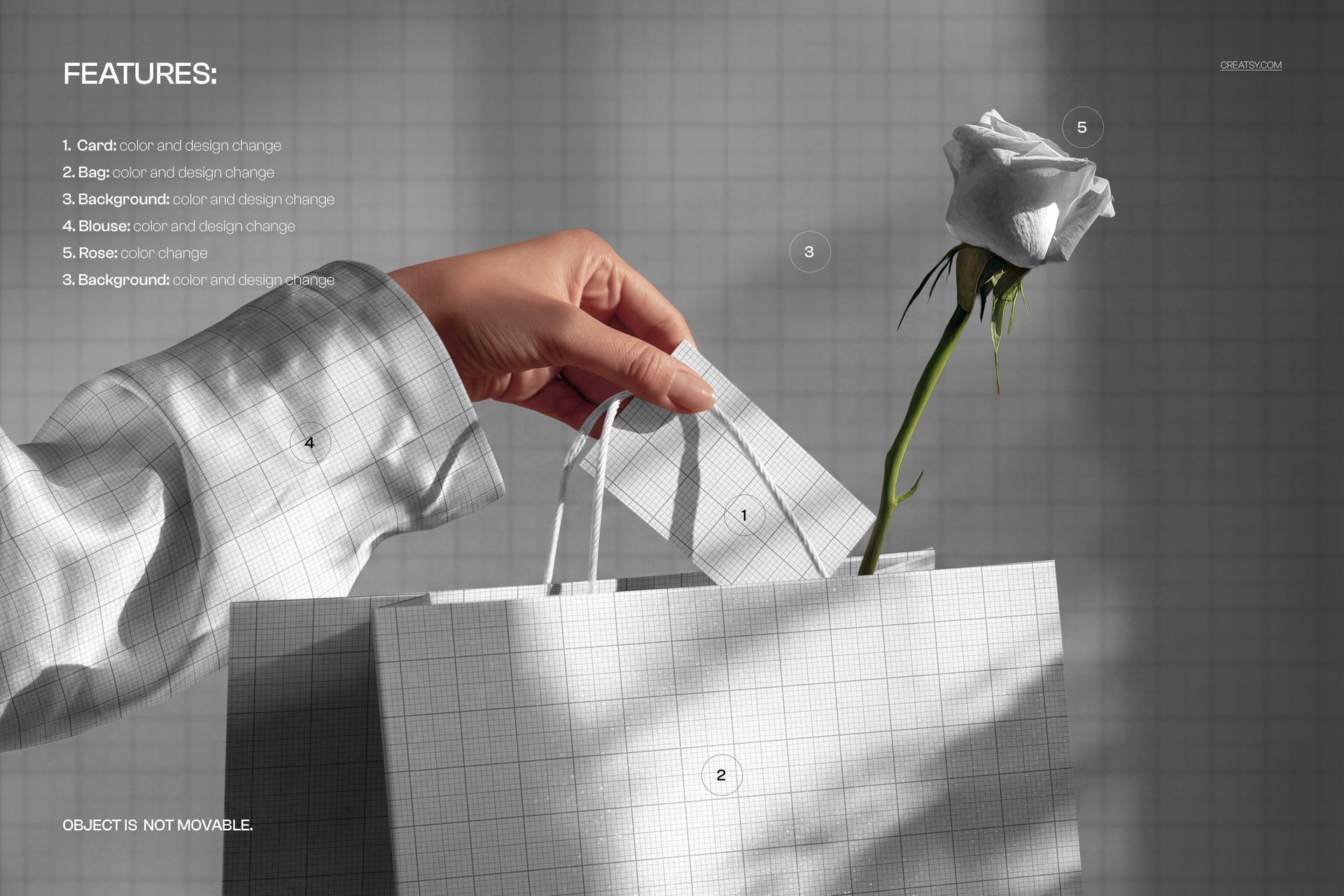
Change the color and design of the card and gift bag.
Change the color and design of the background and visible blouse.
Change the rose color to complement your palette.
The objects and hand remain in the fixed scene arrangement.
Easy Smart Object Editing
Start with the card artwork Smart Object, add your message or illustration and save the change. Update the bag Smart Object next, then customize the background and blouse artwork if needed. Adjust the available colors and return to the main scene to check the relationship between the card, handles and bag before exporting your image.
Perfect For
An expressive setting for greeting card designers, stationery brands, boutique packaging designers and florists planning gifting visuals. Use it for Valentine messages, anniversary gifts, thank-you cards or coordinated packaging concepts for a personal occasion.
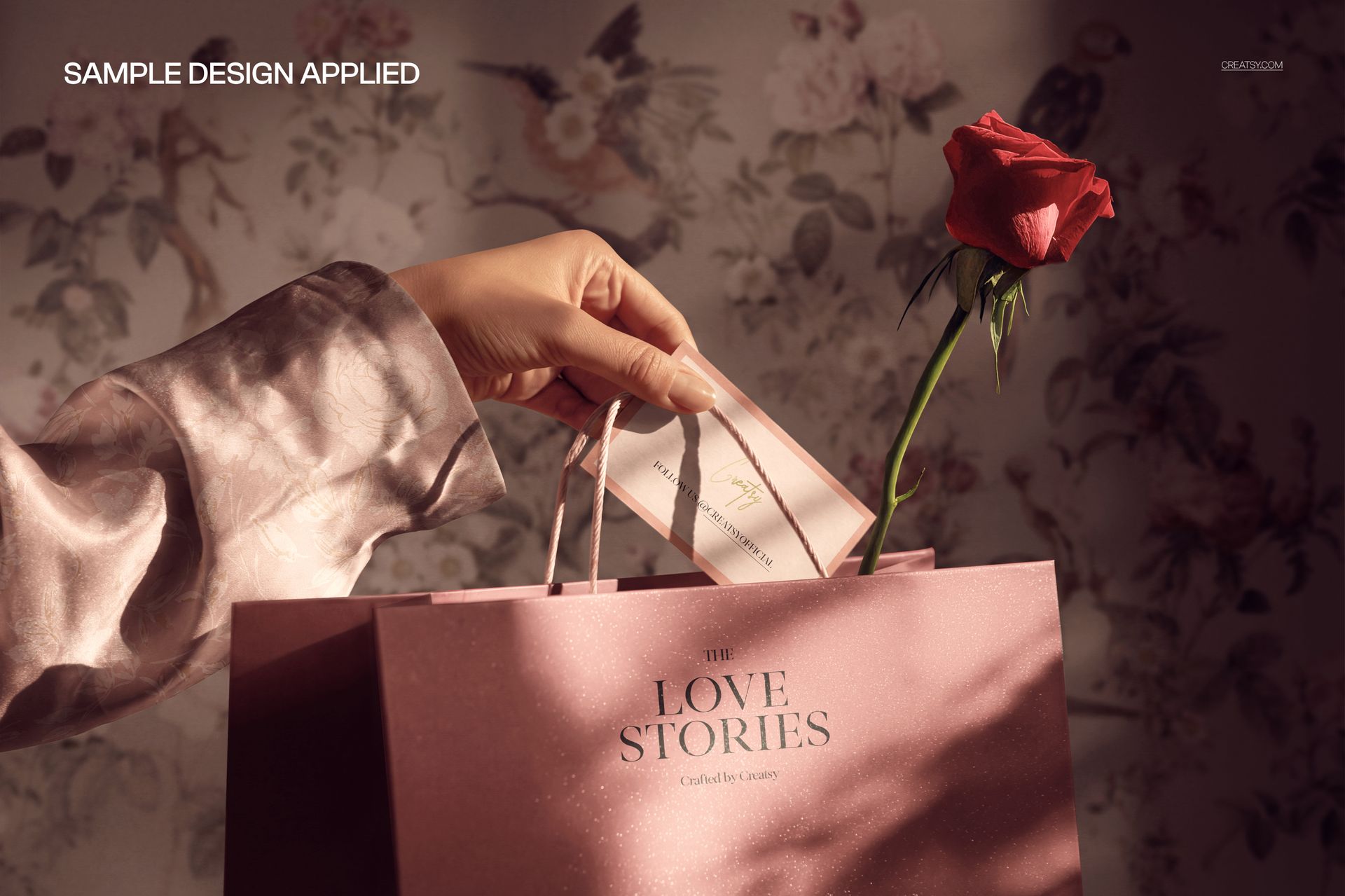
This is a digital mockup, not a physical bag, card, rose or print-production template. Preview artwork is shown for illustration and is not included.