Modern Bohemian Bedroom Bedding Mockup

Product Details
Modern Bohemian Bedroom Bedding Mockup
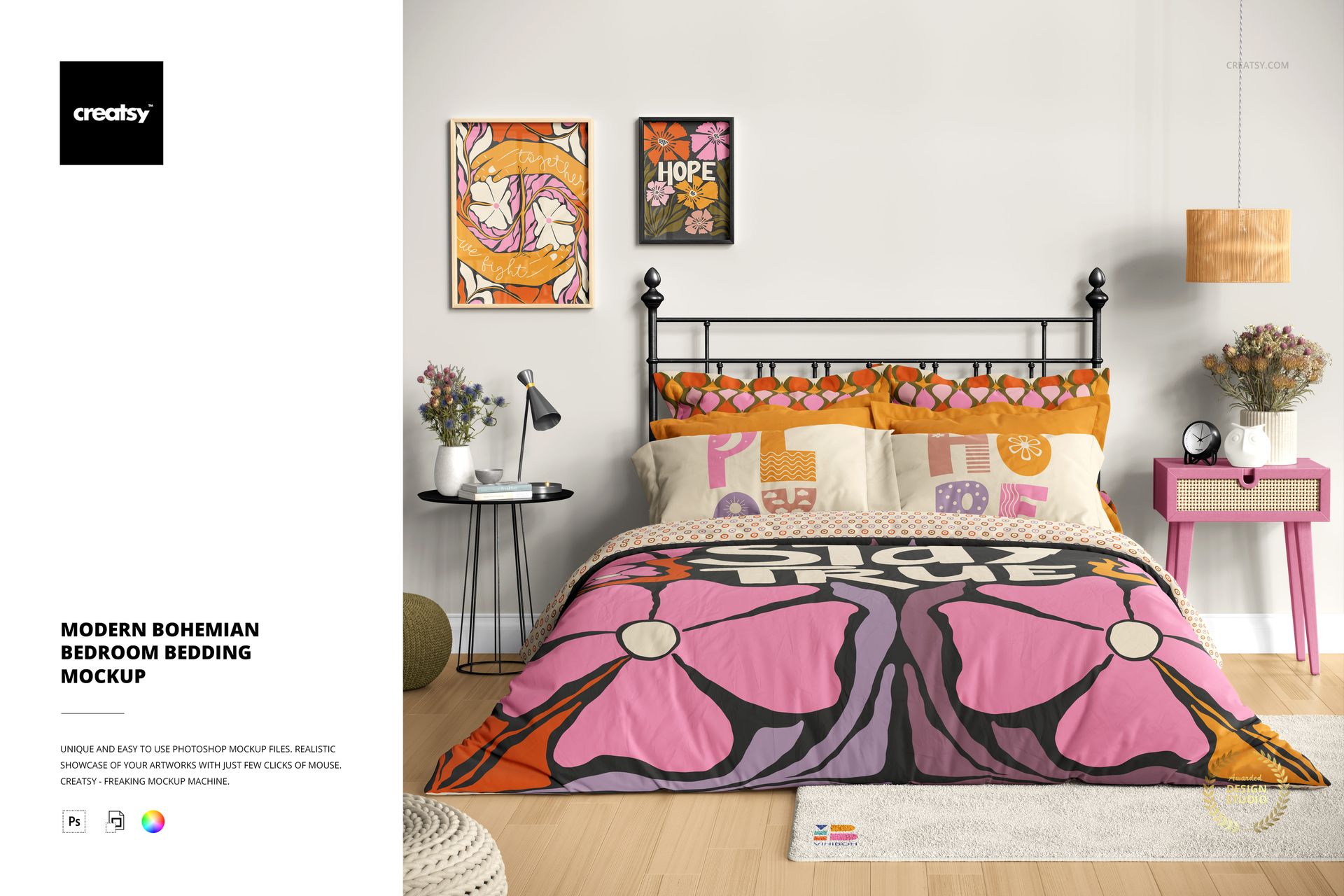
Looking to create a soft, inviting atmosphere in your next presentation or product preview? The Modern Bohemian Bedroom Bedding Mockup is designed to help you bring your vision to life with ease and style. This scene captures the essence of a cozy, light-filled bedroom – perfect for showcasing designs that lean into comfort, creativity, and seasonal charm.
Fully Editable. Infinitely Inspiring
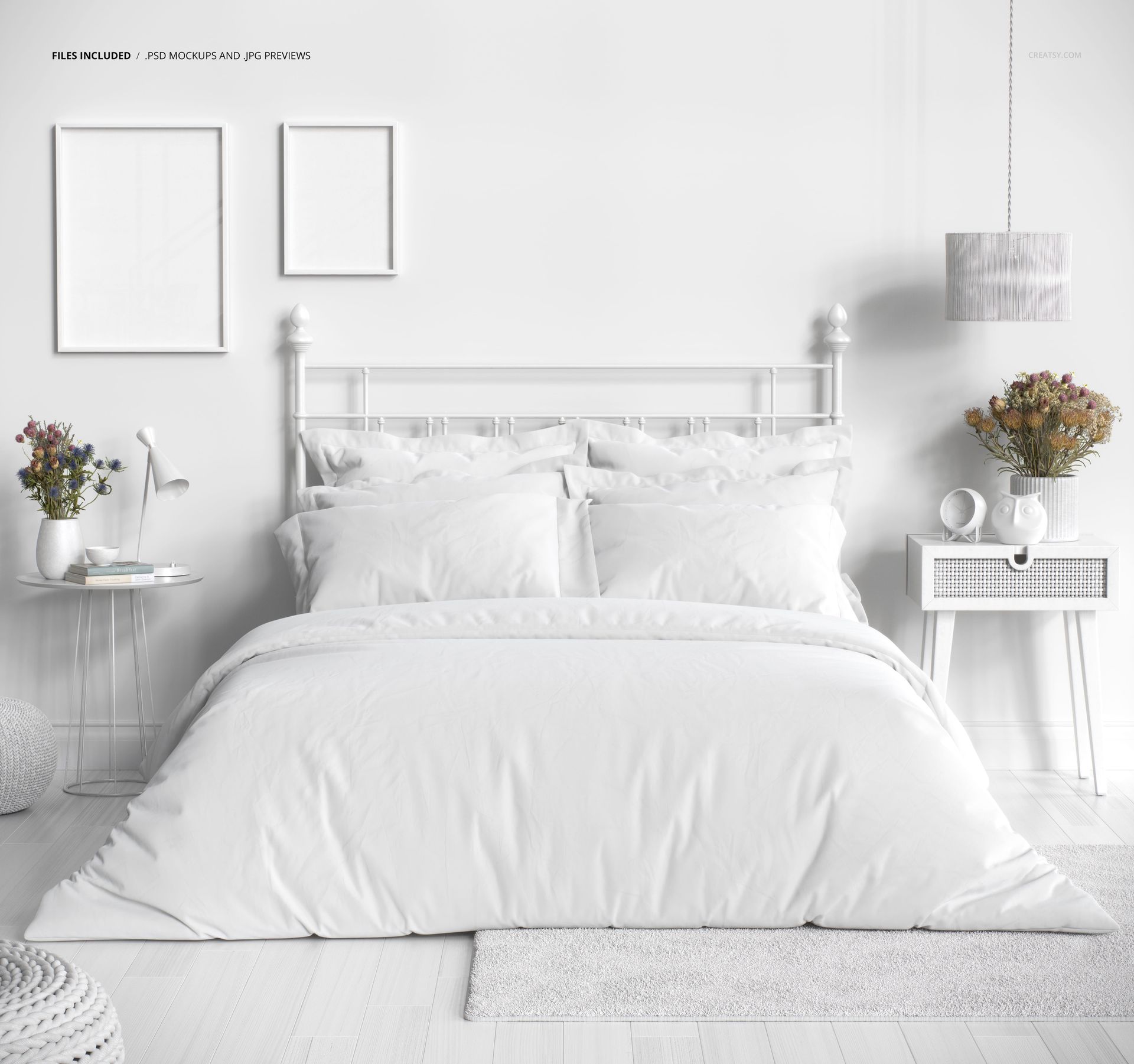
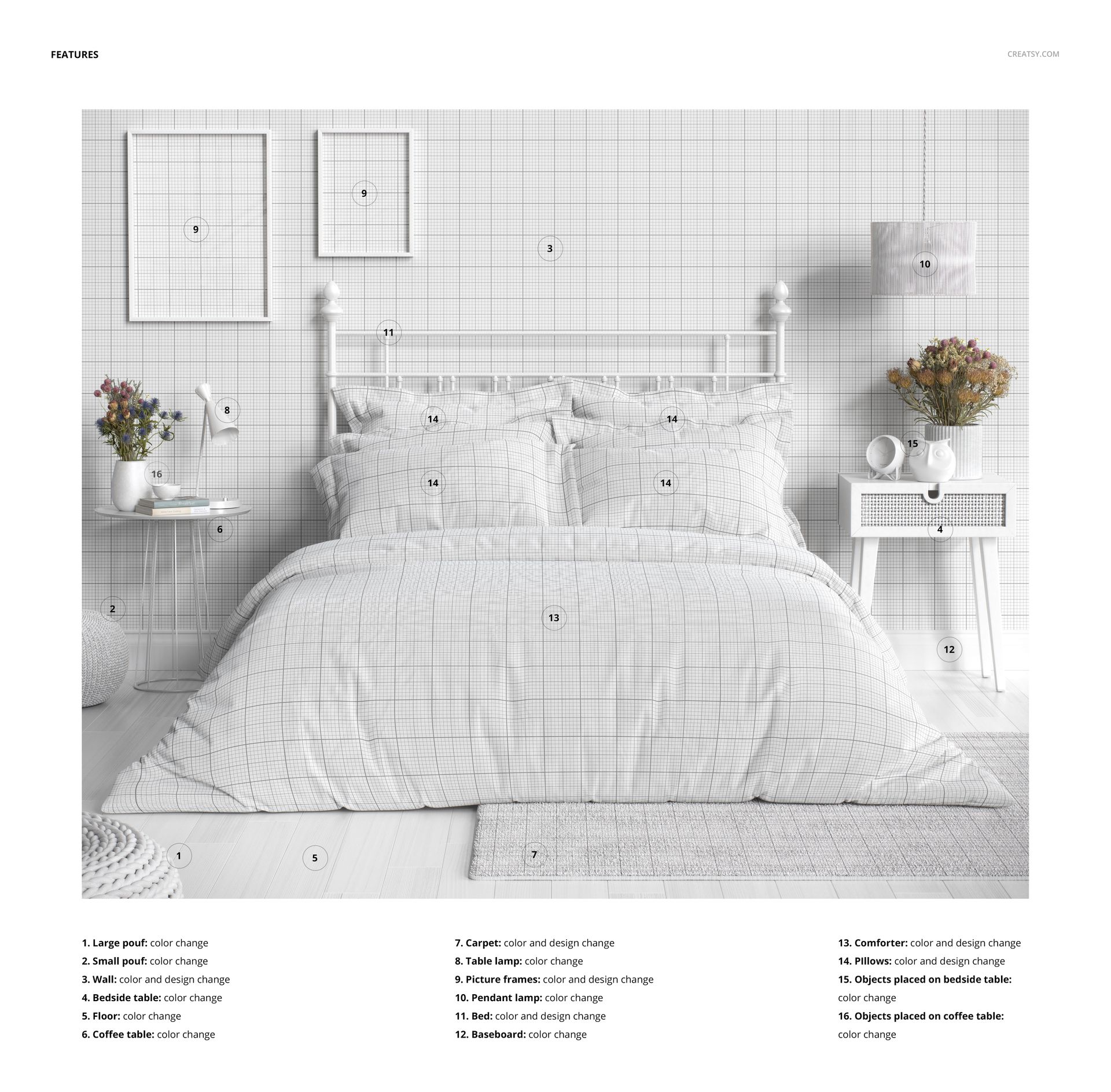
Despite containing just one high-quality PSD file, this mockup offers an impressive 12 customizable elements to make your designs truly shine. Apply your own patterns and colors to the wallpaper and bathroom floor, or personalize the framed canvas artwork — you can even remove it entirely for a minimalist look. Adjust the bathtub’s color, as well as the vase and glass cosmetic containers placed elegantly on its edge. Modify the bathtub rug and curtain to match your aesthetic, or take the curtain away for an open, airy feel. For the final touches, you can fully customize the hanging bathrobe and the wall paneling to create a harmonious, polished design.
Designed for Creators Who Love the Details
Every element in the room is thoughtfully styled, from the floral decorations to the woven poufs and natural accents. Customization extends to bedside tables, flower pots, vases, lamps, clocks, coffee mugs, and even the floor and baseboard. This level of flexibility makes the mockup ideal for showcasing textiles, home decor products, or lifestyle content that thrives on atmosphere and storytelling.
- File works only in Photoshop (min. CC2020);
- Pack includes 1 .psd file: 6000x6000 px, 300dpi;
- Check screenshots for all the features;
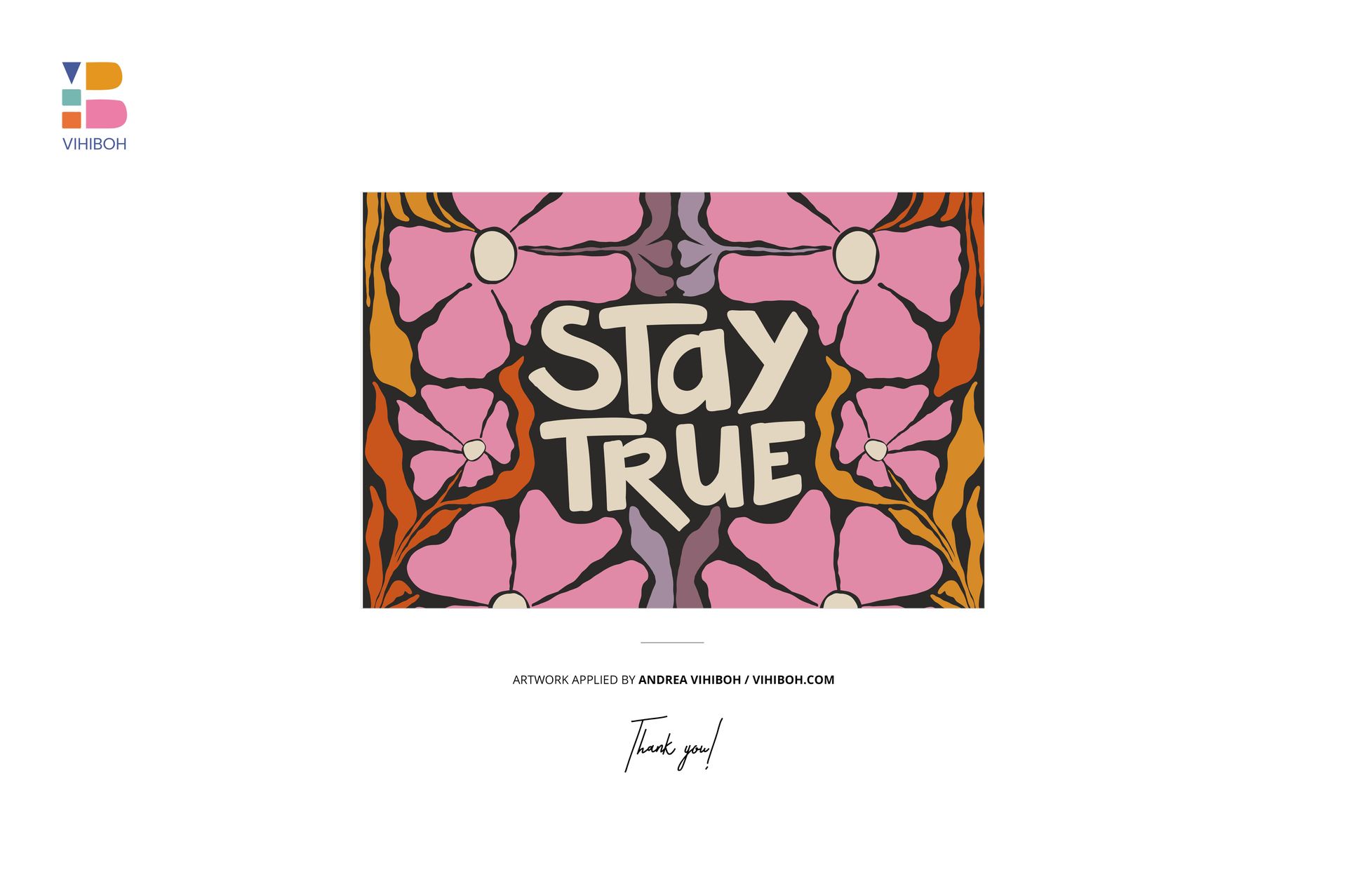
- Patterns applied on mockups by Andrea Vihiboh: vihiboh.com (not included in the main zip file);
- Well organized layers.
File details
- Compatibility
- Number of files included
- 2
- Package size
- 326 MB
|342 MB
- Files type
- .psd, .jpg
- Files size
- 6000x6000


MEET THE SHOP

HOW IT WORKS
3 clicks. That's it.
No tutorial needed. If you can copy-paste, you can use this.
- 1OpenDouble-click the smart object inside the PSD - in Adobe Photoshop, or free in your browser with Photopea.
- 2PasteDrop in your pattern, print, or artwork. Any design, any style.
- 3SaveHit save and the mockup wraps it in for you - shadows, folds, and lighting included.
FROM IDEA TO IMAGE
Built for real workflows
You just finished a print collection and need portfolio-ready shots - without booking a $2,000 photo shoot or waiting two weeks.
Your client wants to see the pattern on a real dress before approving. Send them a photorealistic mockup, not a flat swatch and a "trust me."
You're launching a summer drop on Etsy or Shopify and need listing images that actually convert.
You're pitching resort wear to a brand and your lookbook needs to feel like a million bucks. This gets you there for the price of lunch.
Smart Objects
Edit once and you're done. Your artwork drops into a smart object and the mockup updates itself - no masking, no warping by hand.
Perfectly Organized
Named layers and folders you can actually navigate. Find what you need, change what you want, and get out fast.
Print-Ready
High-resolution files built to hold up on screen and in print. Exact size and DPI are in this product's Details above.