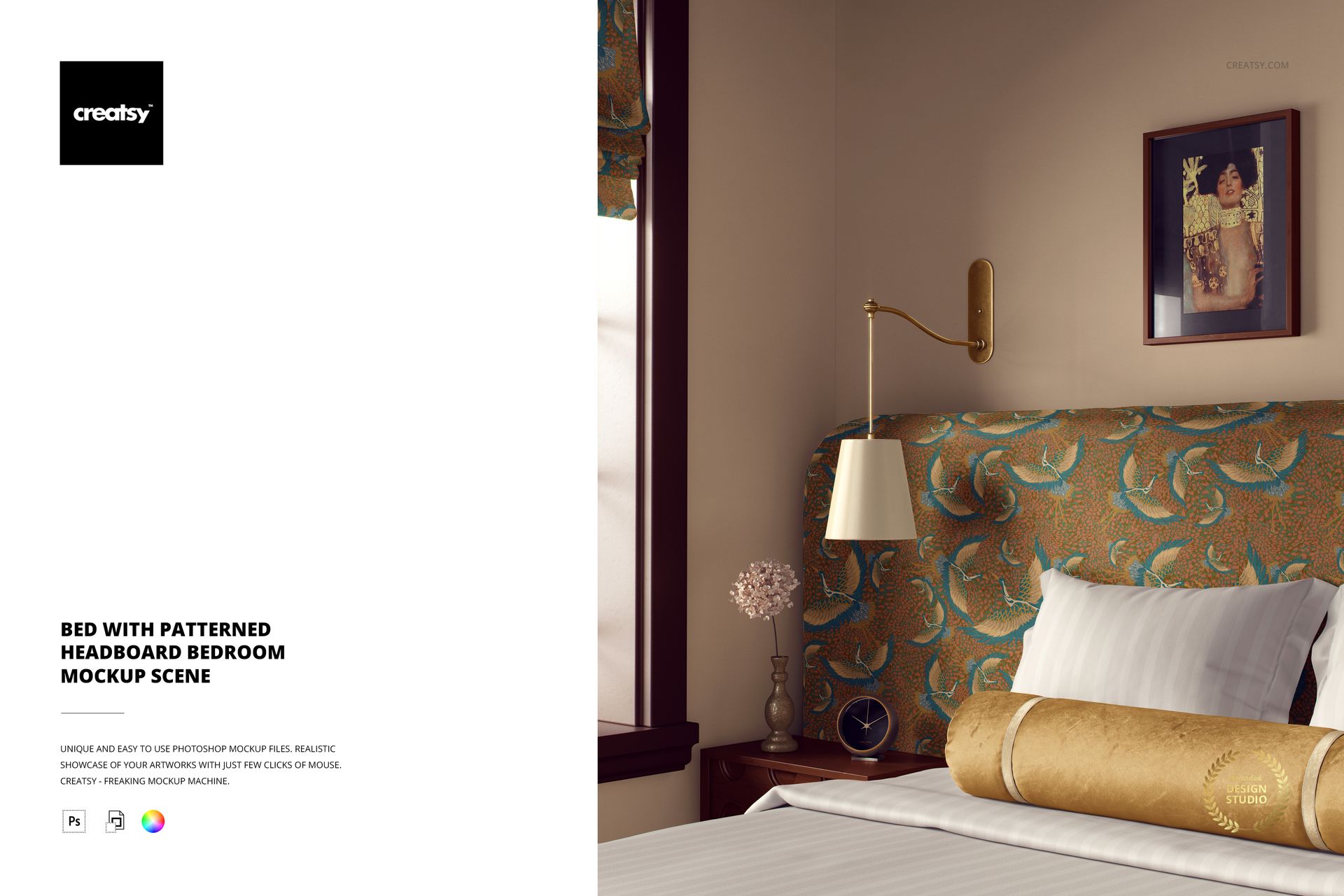
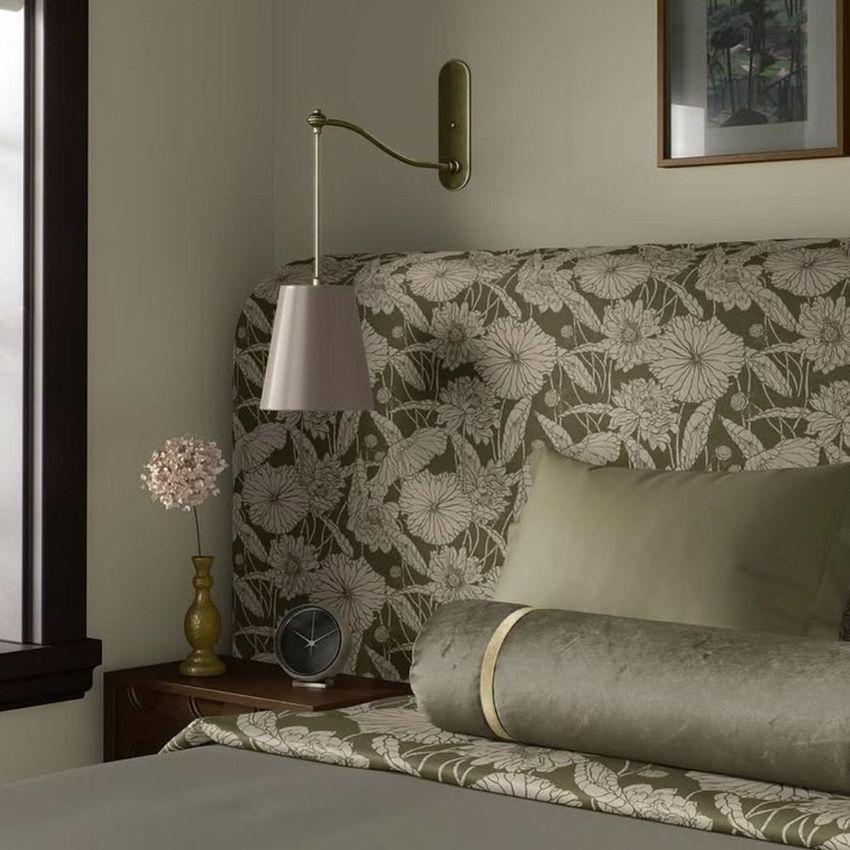
Bed with Patterned Headboard Bedroom Mockup Scene
This product is a part of Fabric Factory v.5 Mockup Bundle
Product Details
Bed with Patterned Headboard Bedroom Mockup Scene
Bring elegance and tranquility into your creative process with the Bed with Patterned Headboard Bedroom Mockup Scene – a refined and versatile setting designed to highlight your surface patterns, home décor concepts, and textile designs in the most luxurious way. This cozy, stylish mockup offers a warm and cohesive space, perfect for showcasing everything from bold prints to timeless textures.
Dress Your Bedroom in Design
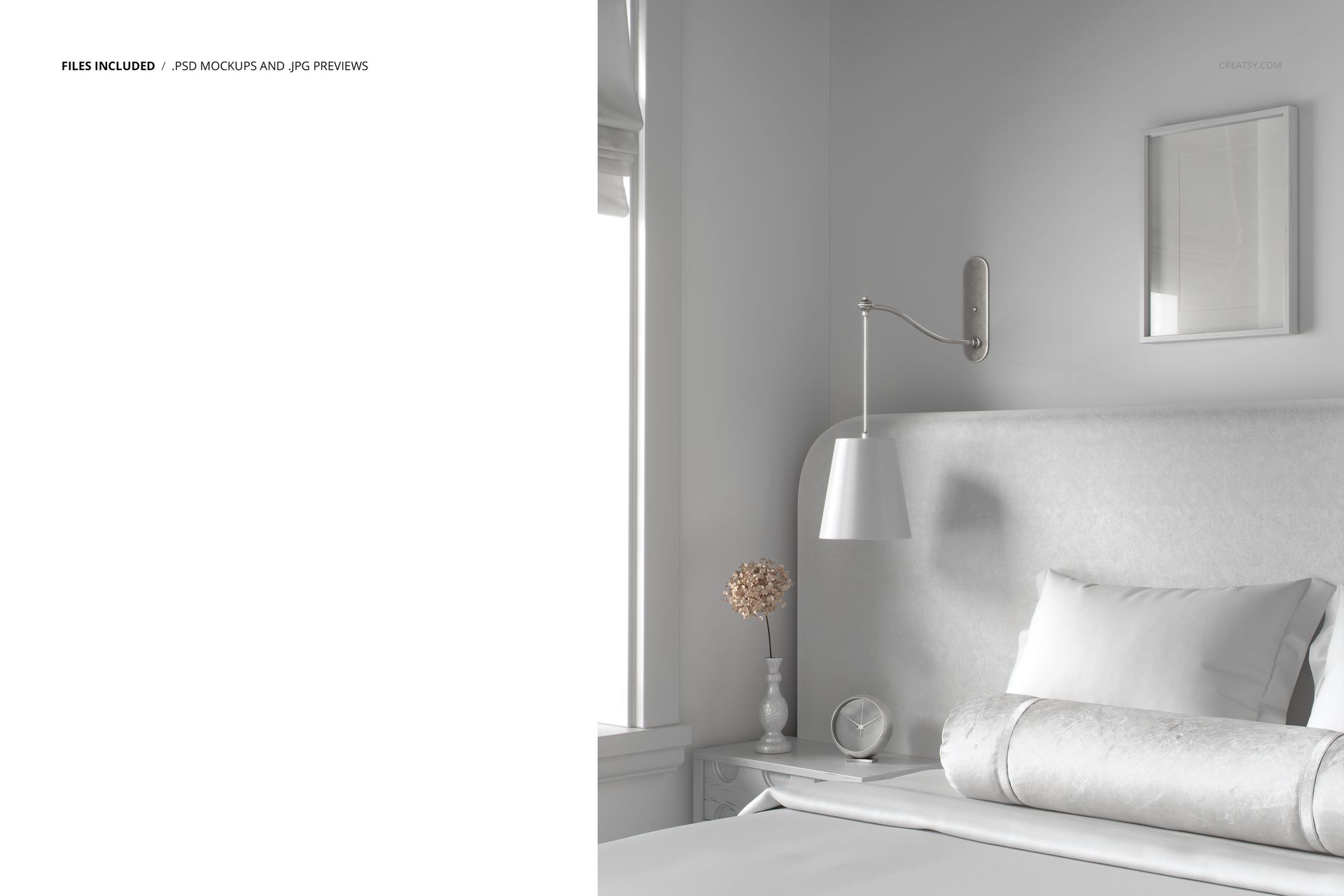
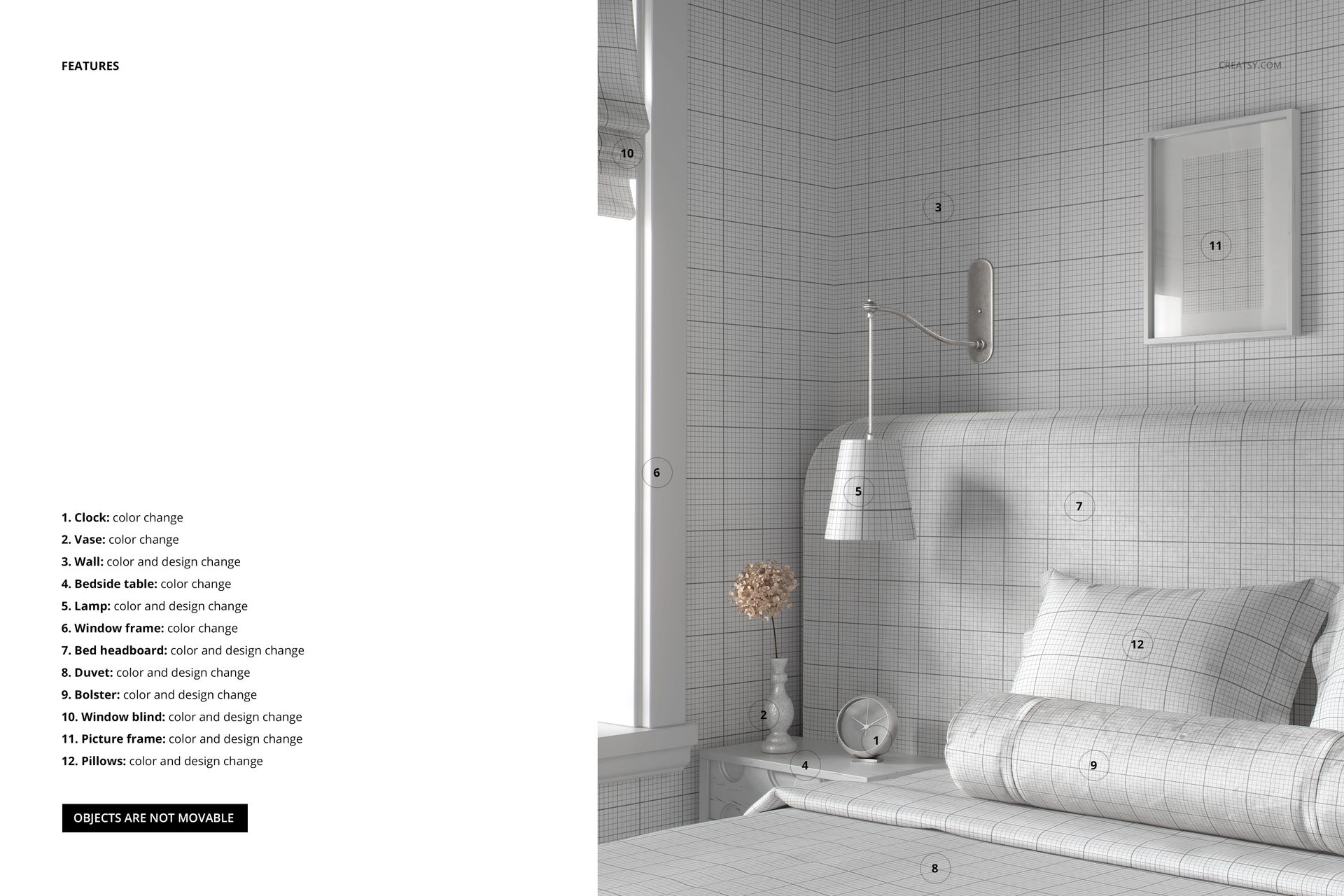
This thoughtfully composed scene comes in one fully editable PSD file, featuring clean layers and smart objects to simplify the customization process. Apply your own designs to the duvet, headboard, pillows, and velvet bolster, and personalize the picture frame, wall, and window shade with your artwork or branding. Every element has been considered – from the lamp and vase to the clock, nightstand, and window frame – allowing you to refine the ambiance down to the smallest detail. The soft lighting, deep tones, and upscale styling of this interior create the ideal canvas for designers looking to craft premium presentations. It’s an excellent choice for those working on lookbooks, portfolio pieces, or client visuals in the home décor and textile space.
File works only in Photoshop (min. CC2020);
Pack includes 1 .psd file: 6000x5000 px, 300dpi;
Check screenshots for all the features;
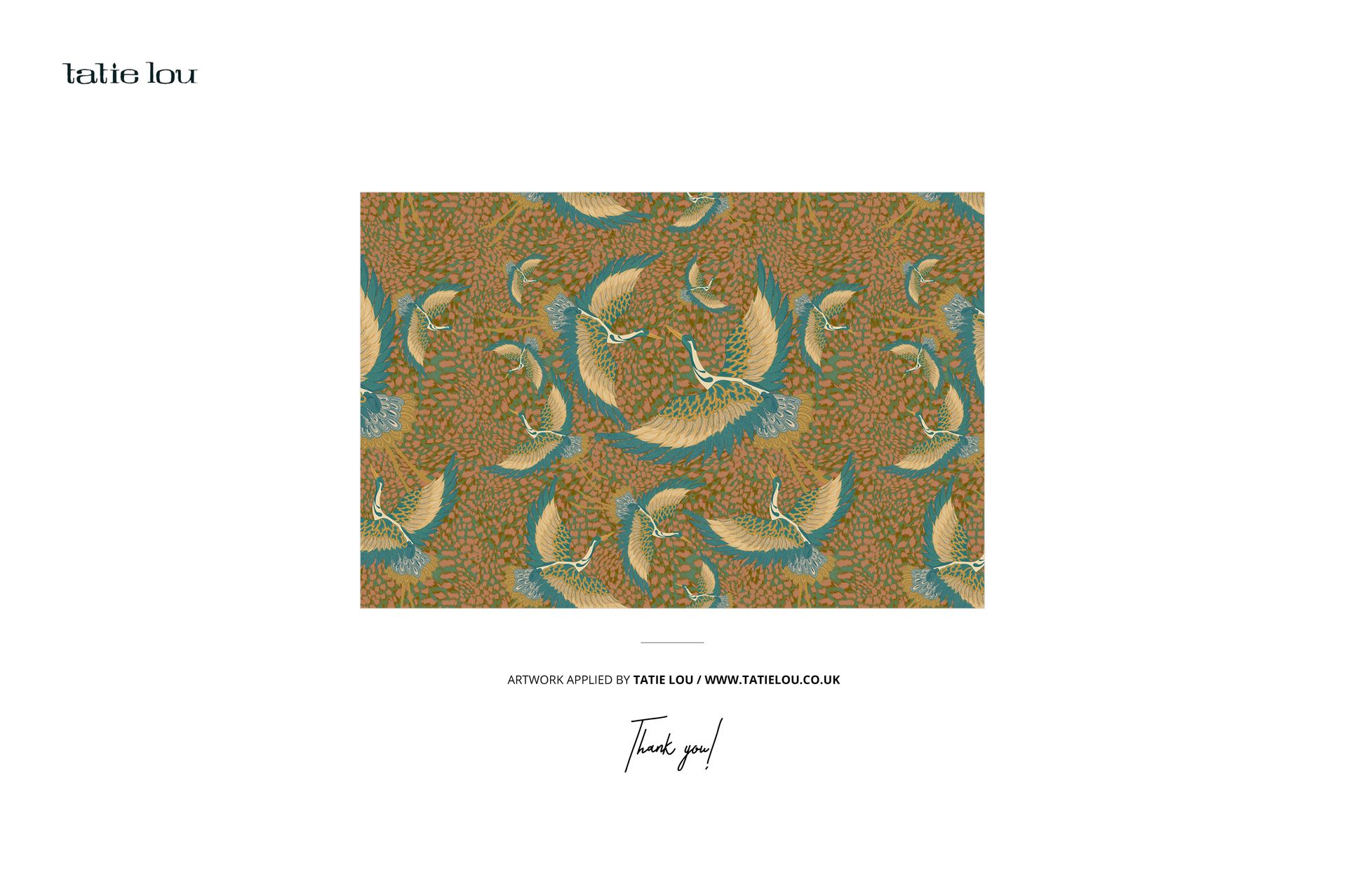
Design applied on mockups by Tatie Lou: tatielou.co.uk (not included in the main zip file);
Well organized layers.
File details
- Compatibility
- Number of files included
- 2
- Package size
- 352 MB
|369 MB
- Files type
- .psd, .jpg
- Files size
- 6000x5000


Made with Creatsy
Real designs. Real customers. See how creatives use Creatsy mockups to turn their artwork, branding, and product ideas into polished visuals.
MEET THE SHOP

HOW IT WORKS
3 clicks. That's it.
No tutorial needed. If you can copy-paste, you can use this.
- 1OpenDouble-click the smart object inside the PSD - in Adobe Photoshop, or free in your browser with Photopea.
- 2PasteDrop in your pattern, print, or artwork. Any design, any style.
- 3SaveHit save and the mockup wraps it in for you - shadows, folds, and lighting included.
FROM IDEA TO IMAGE
Built for real workflows
Skip the photo shoot Show your artwork on the real product type for approvals or listings - no studio, no model, no sample.
See it on the product, not a swatch Drop your file into the smart object and the scene's lighting and folds wrap around it, so you judge the real thing before you commit.
Smart Objects
Edit once and you're done. Your artwork drops into a smart object and the mockup updates itself - no masking, no warping by hand.
Perfectly Organized
Named layers and folders you can actually navigate. Find what you need, change what you want, and get out fast.
Print-Ready
High-resolution files built to hold up on screen and in print. Exact size and DPI are in this product's Details above.