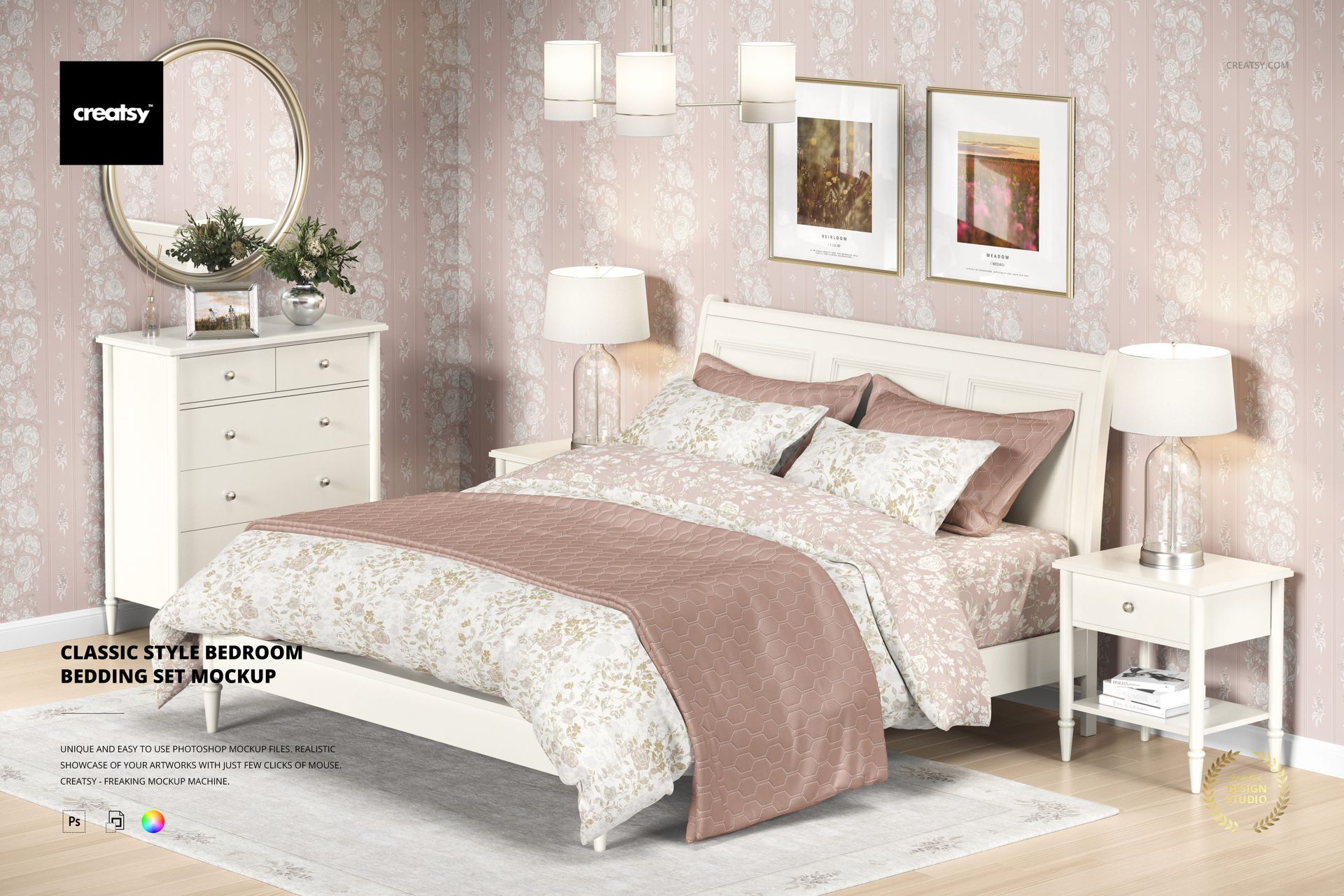
Classic Style Bedroom Bedding Set Mockup
This product is a part of Fabric Factory v.5 Mockup Bundle
Product Details
Classic Style Bedroom Bedding Set Mockup
Bring your patterns to life in a cozy, timeless bedroom scene designed for surface designers, bedding brands, and interior stylists. This mockup helps you present a full bedding set in a realistic setting – perfect for lookbooks, client pitches, shop visuals, and portfolio shots.
Product highlights
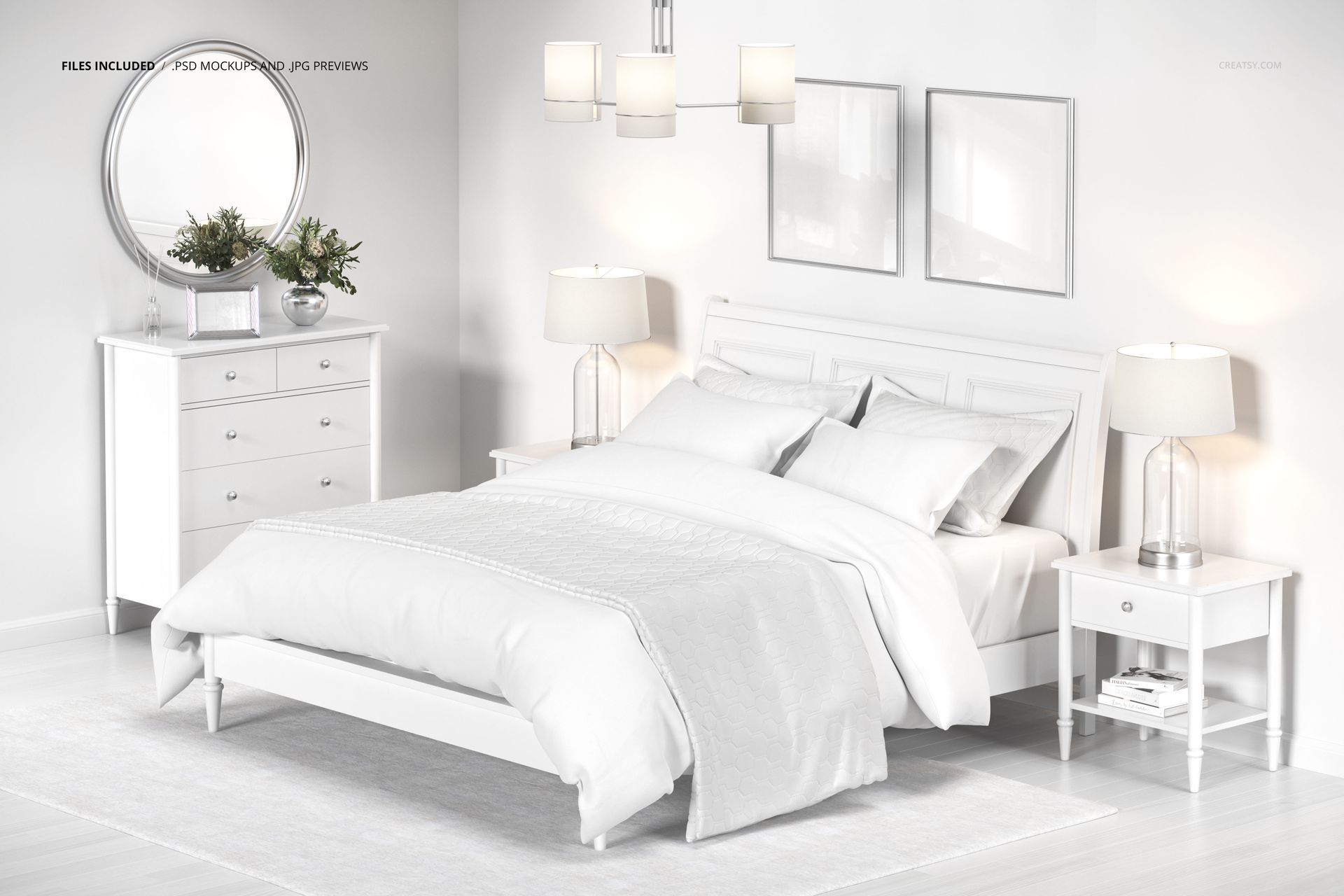
Includes: 1 PSD • 6000 × 4000 px • 300 DPI • well-organized layers
Photoshop: CC 2020+ (single-file, fast variation workflow) and Photopea.com
Cozy, timeless bedroom scene for showcasing bedding + surface patterns
Present a full, coordinated bedding collection in one realistic interior
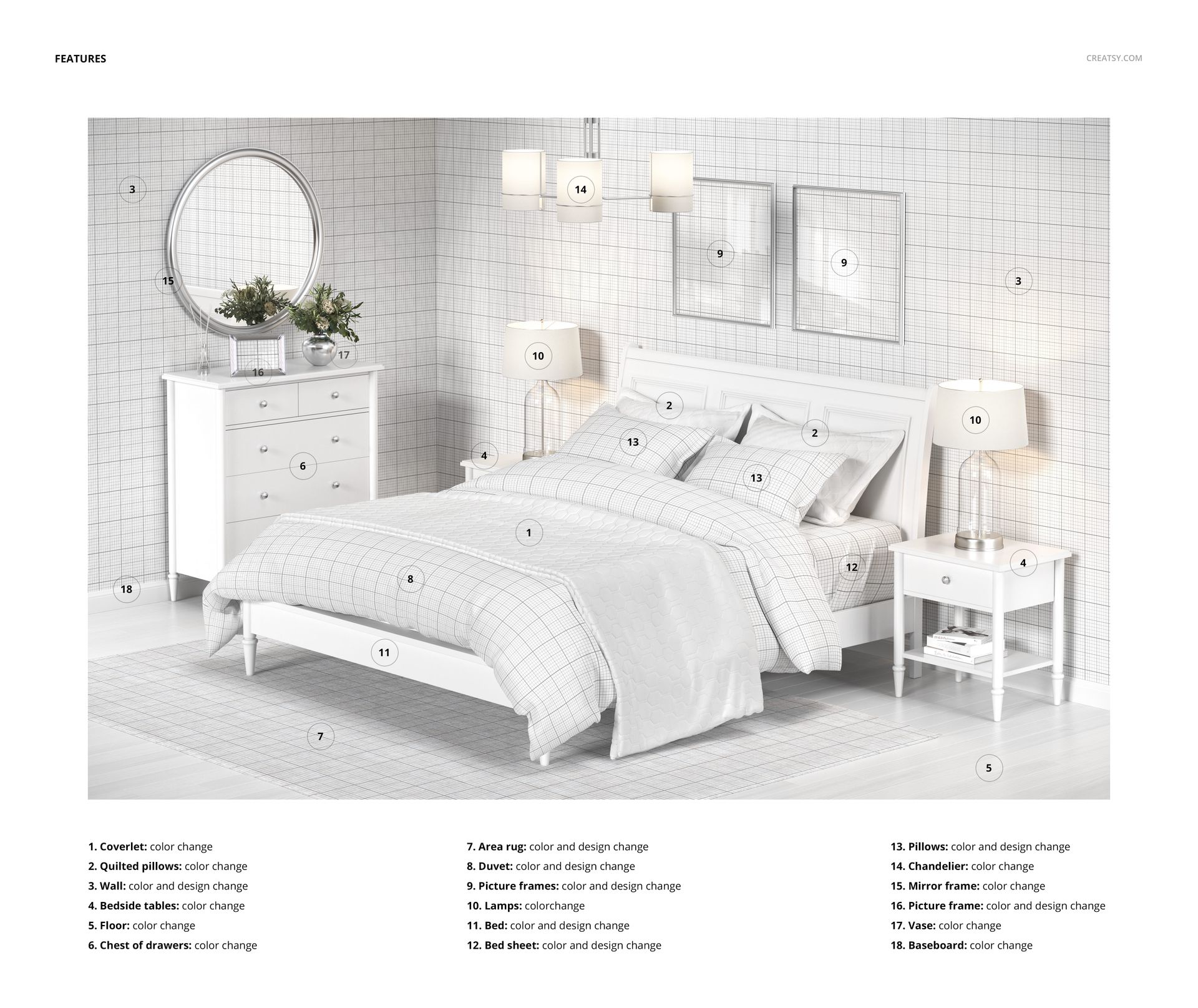
Fully customizable room styling: wallpaper, rug, framed art, furniture colors + more
Bedding edits: duvet, sheet, pillows (design + color), plus coverlet + quilted pillows (color)
Why you’ll love it
A complete bedding story in one scene. Showcase a coordinated collection (or mix bold contrasts) across multiple bedding layers – then finish the look with wallpaper, framed art, and soft decor.
Made for mood-building. You can fine-tune the entire room palette, so your designs always feel “at home,” from airy neutrals to rich, romantic colorways.
Clean, practical workflow. Well-organized layers and a single scene make it easy to create multiple variations quickly.
File details
- Compatibility
- Number of files included
- 2
- Package size
- 373 MB
|391 MB
- Files type
- .psd, .jpg
- Files size
- 6000x4000


MEET THE SHOP

HOW IT WORKS
3 clicks. That's it.
No tutorial needed. If you can copy-paste, you can use this.
- 1OpenDouble-click the smart object inside the PSD - in Adobe Photoshop, or free in your browser with Photopea.
- 2PasteDrop in your pattern, print, or artwork. Any design, any style.
- 3SaveHit save and the mockup wraps it in for you - shadows, folds, and lighting included.
FROM IDEA TO IMAGE
Built for real workflows
Skip the photo shoot Show your artwork on the real product type for approvals or listings - no studio, no model, no sample.
See it on the product, not a swatch Drop your file into the smart object and the scene's lighting and folds wrap around it, so you judge the real thing before you commit.
Smart Objects
Edit once and you're done. Your artwork drops into a smart object and the mockup updates itself - no masking, no warping by hand.
Perfectly Organized
Named layers and folders you can actually navigate. Find what you need, change what you want, and get out fast.
Print-Ready
High-resolution files built to hold up on screen and in print. Exact size and DPI are in this product's Details above.