What Is the Jewelry Box & Gift Bag with Foil Stamp Mockup Set?
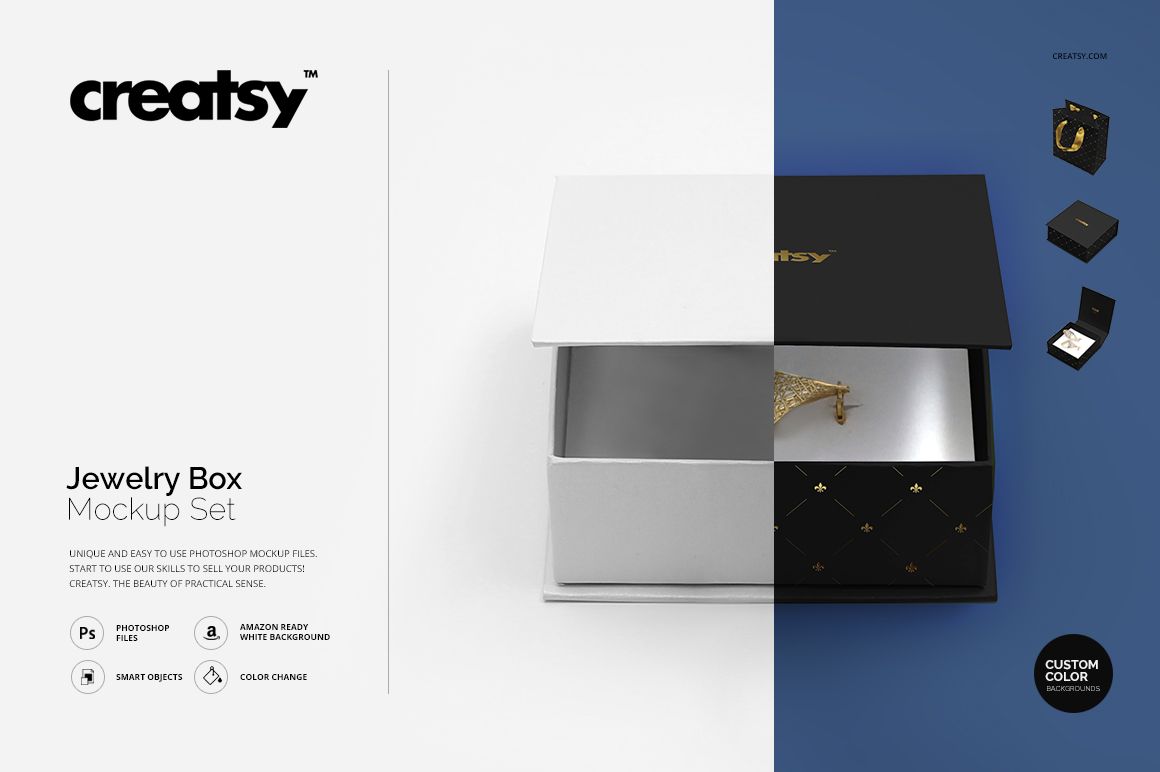
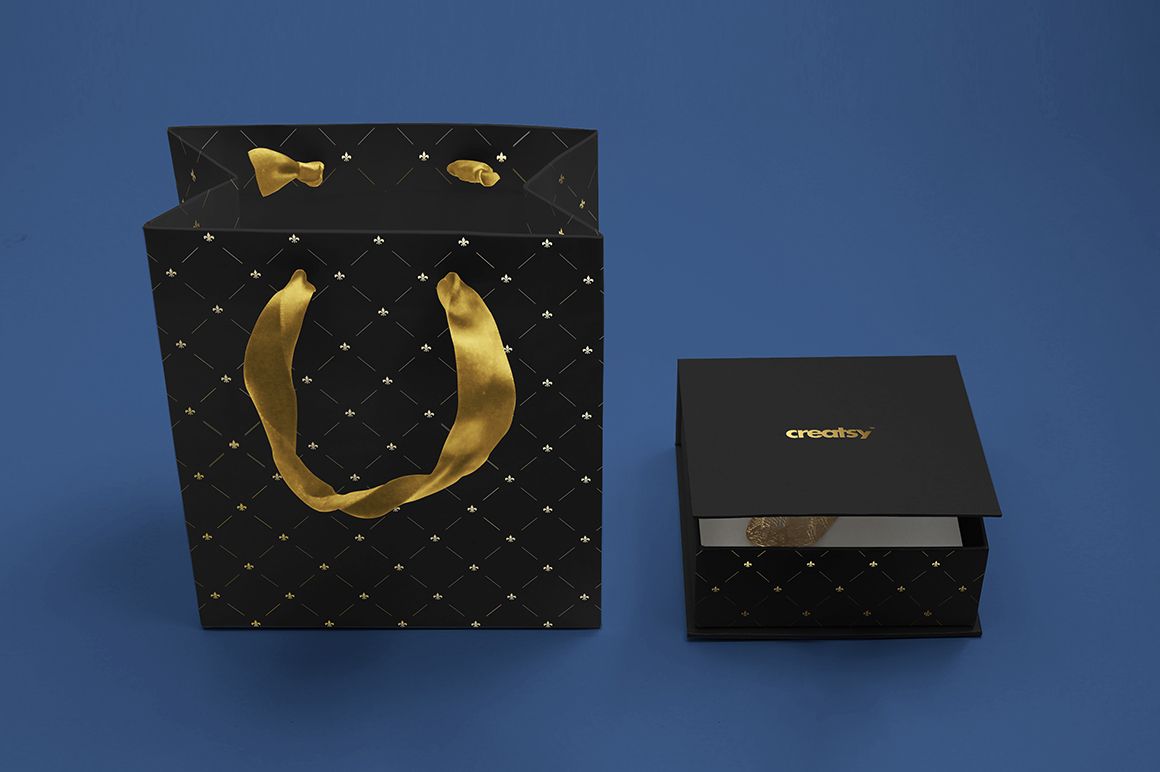
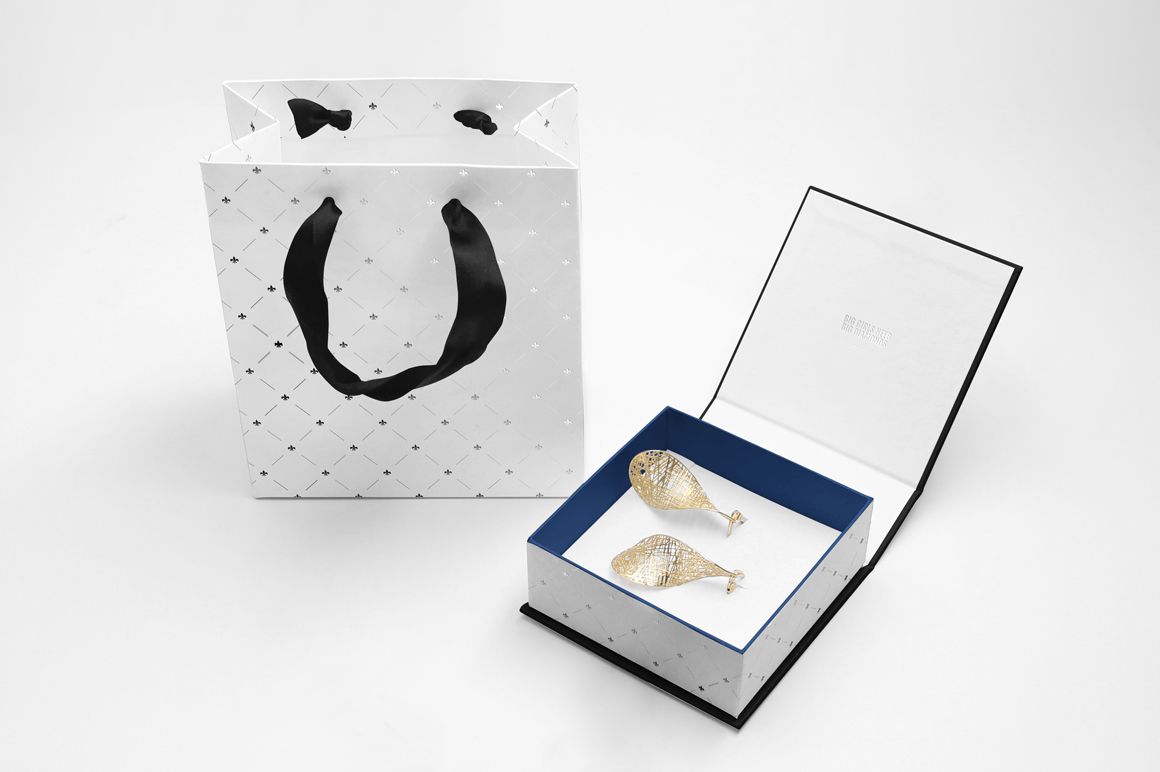
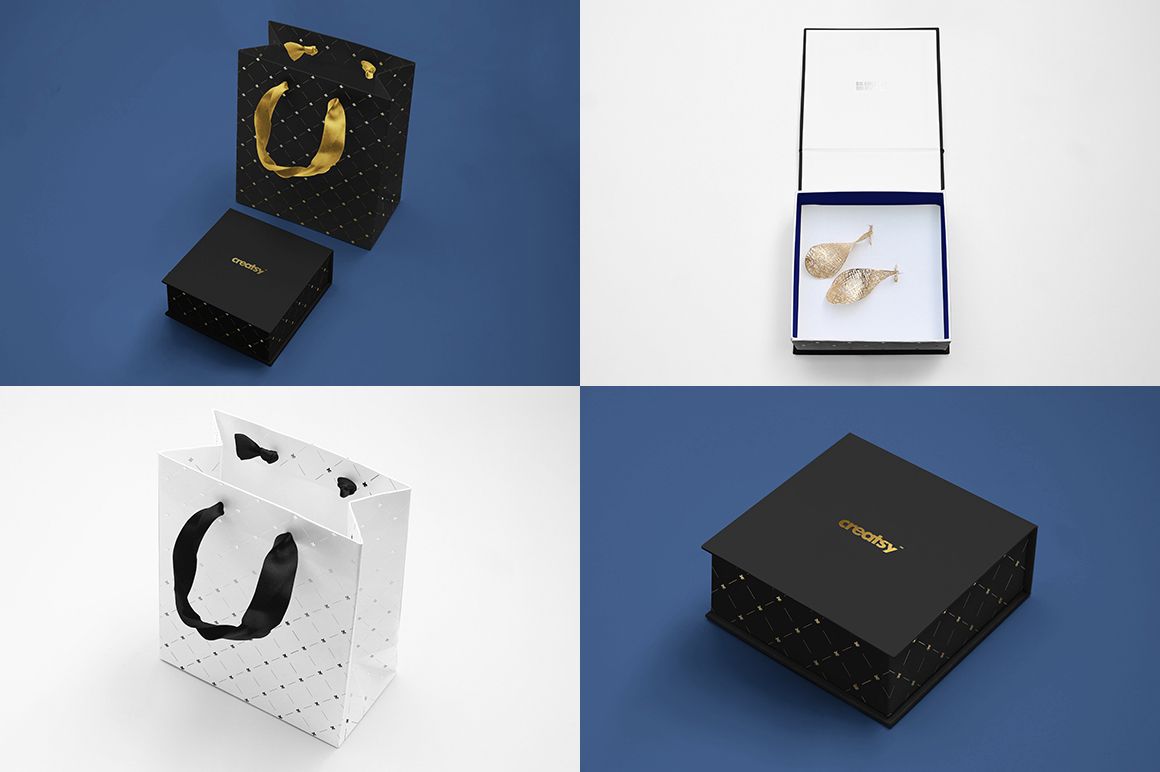
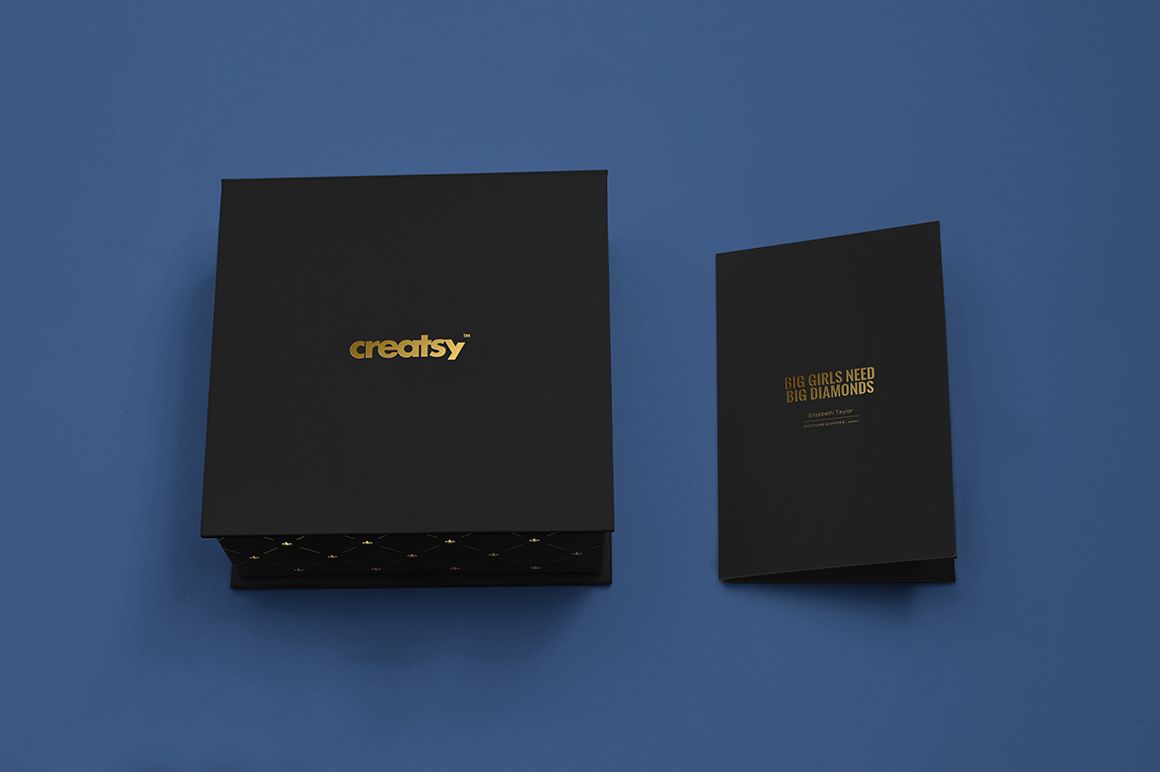
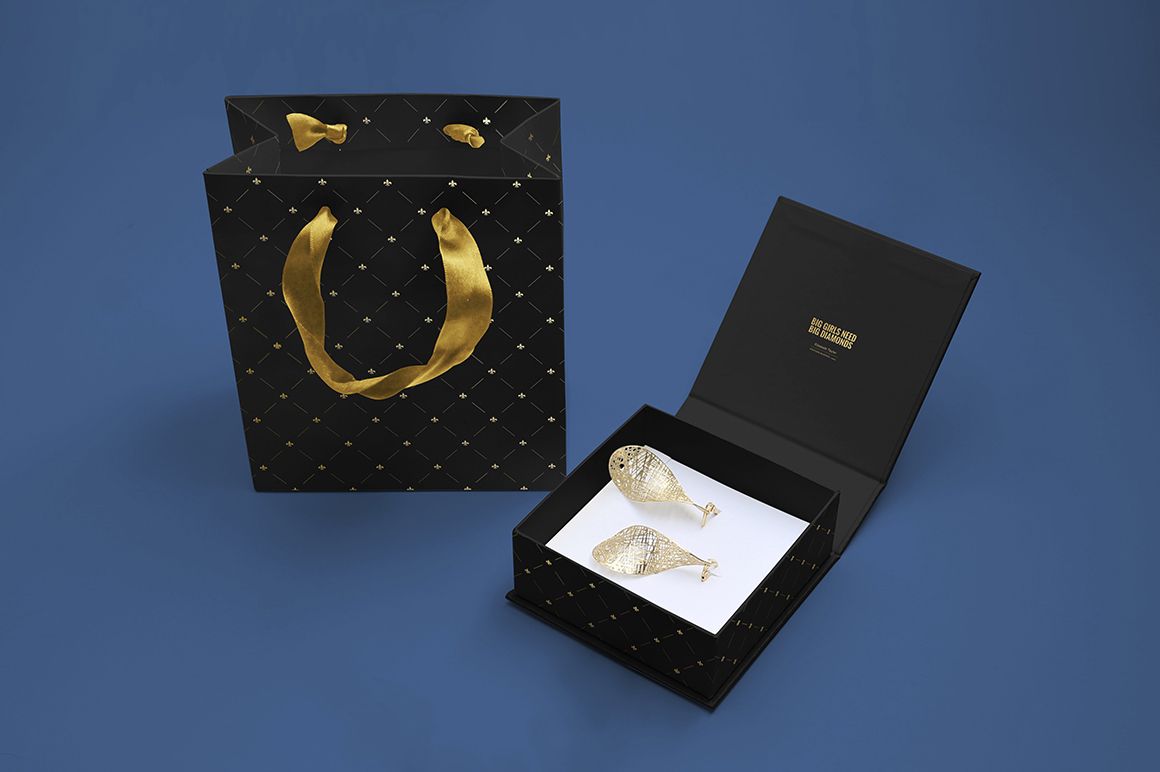
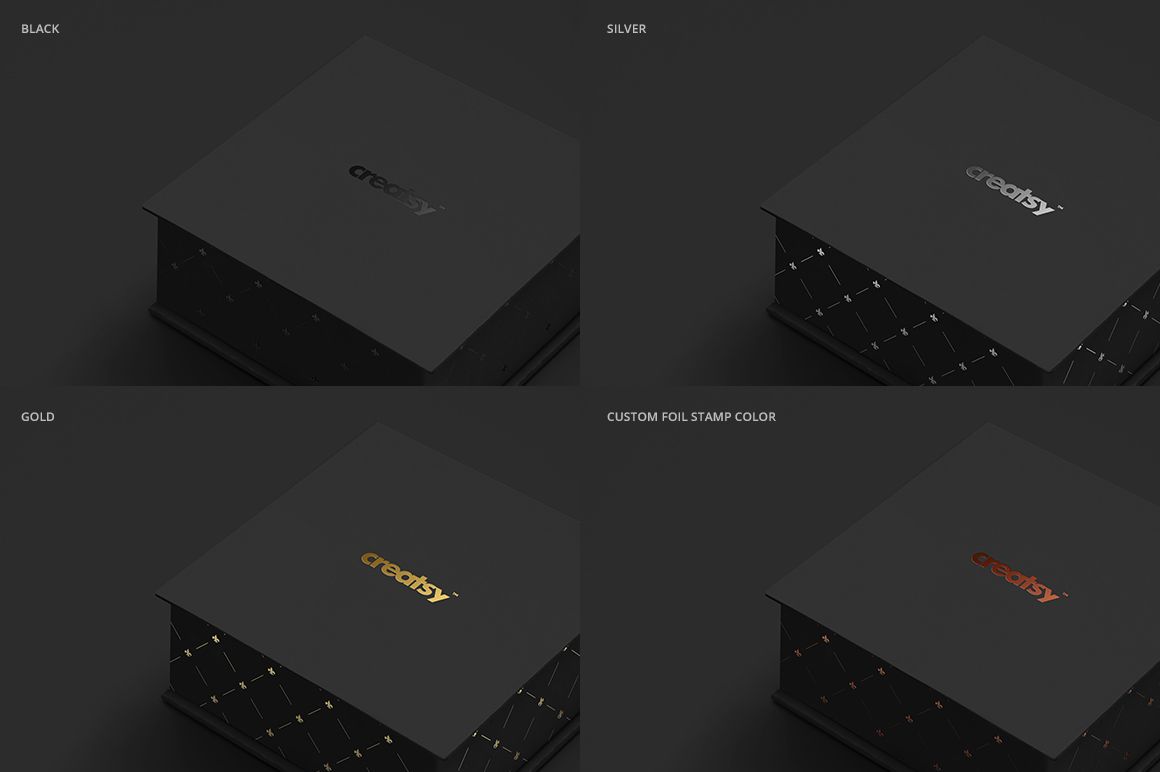
The Jewelry Box & Gift Bag with Foil Stamp Mockup Set by Creatsy is a digital PSD mockup set for presenting logos, monograms, brand patterns and typography on a lidded jewelry box, a matching gift bag and a card, finished with a foil stamp in a color you choose.
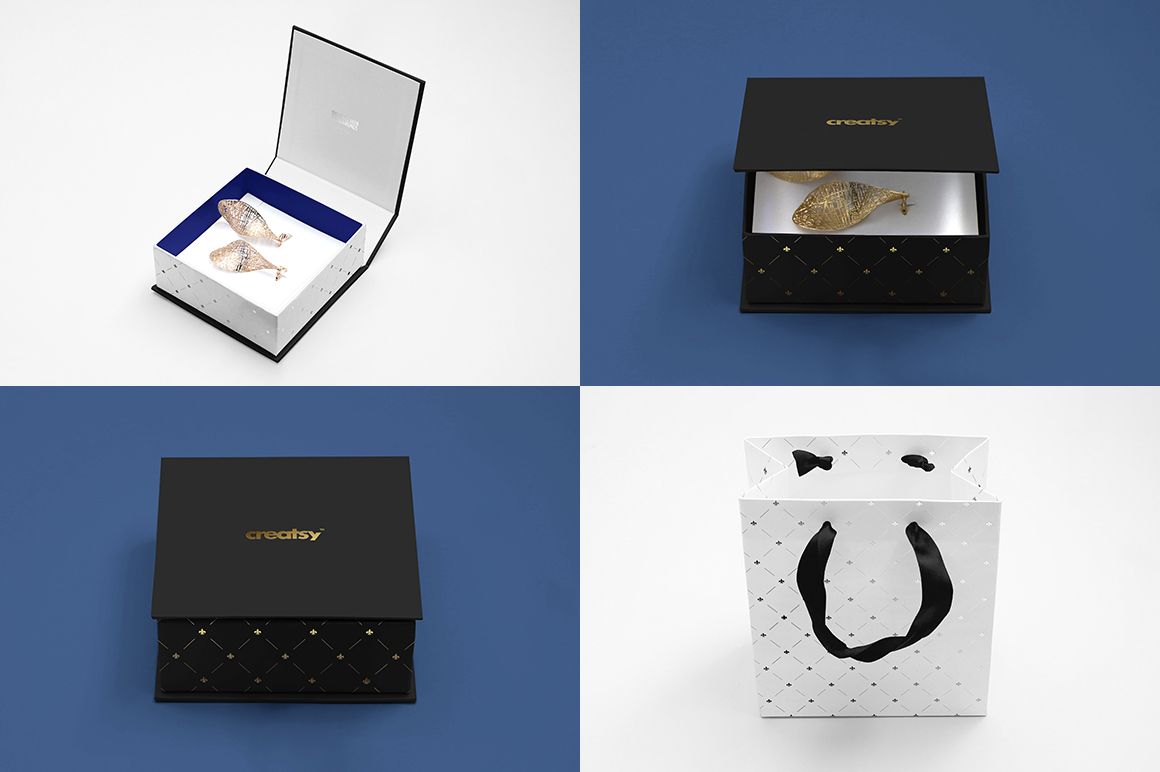
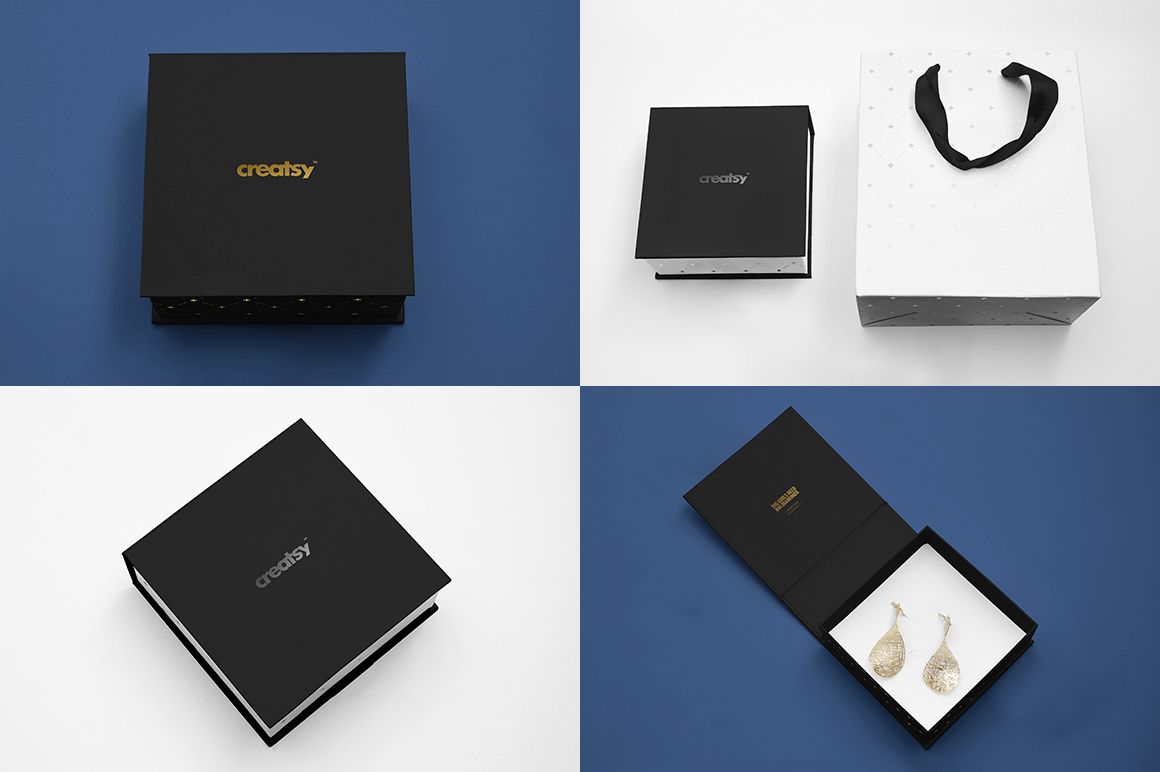
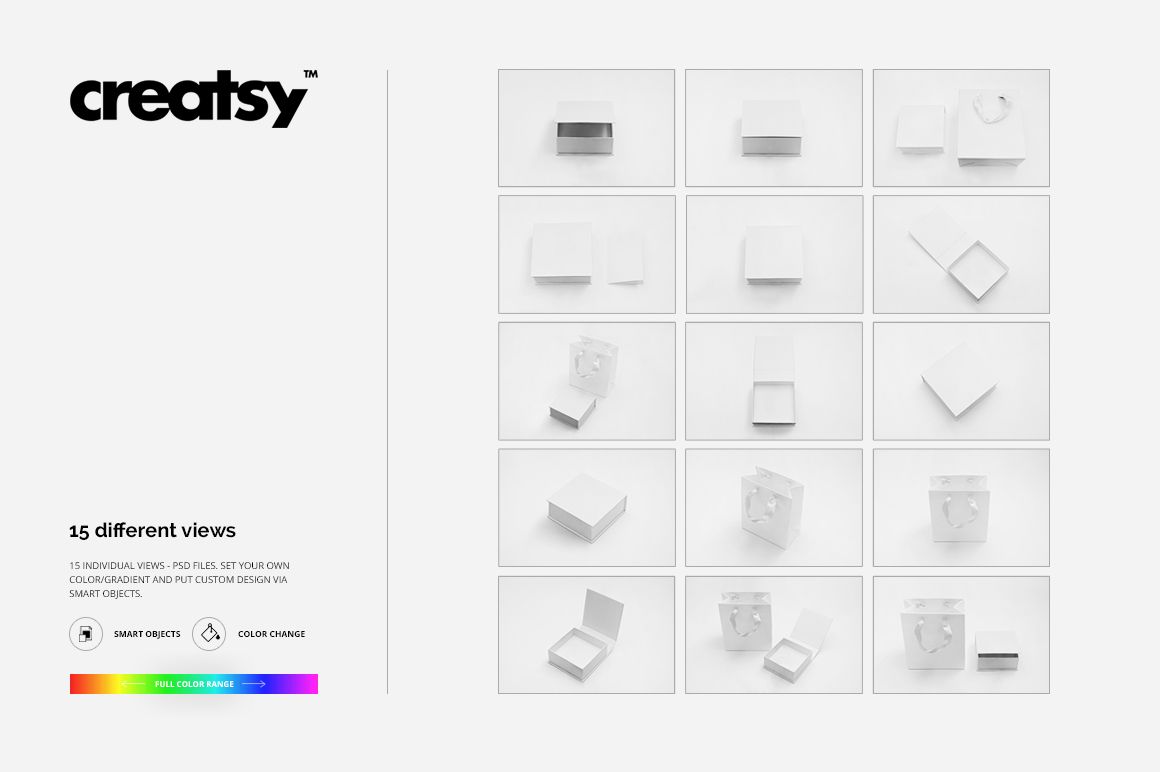
The set includes fifteen layered PSD files, one view per file, each 4200 × 2800 px at 300 DPI. The views mix solo shots of the box, open and closed, solo shots of the bag and combined arrangements with the card, a consistent format for shop listings, product galleries, brand presentations, client proposals and social media content.
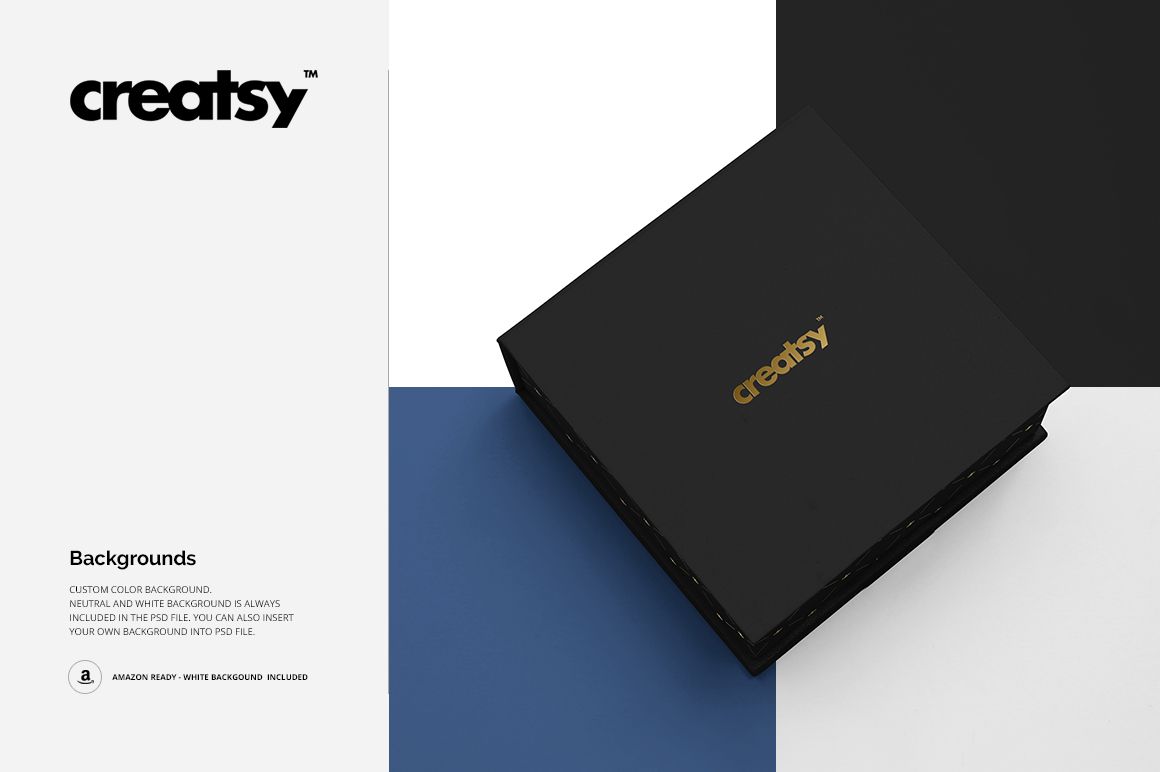
Use the solo views for hero and detail shots, and the combined views when you want the full packaging line in one frame. Backgrounds switch between custom color, neutral and white, the white version follows Amazon's plain-white style, and you can also place your own design into the background.
Add your artwork through the Smart Objects, adjust its scale and position, and save. The mockup keeps the photographed perspective, the paper texture and the natural lighting and shadows, so you can judge stamp placement, logo scale and how the branding carries across the box, the bag and the card before ordering printed samples.
This is a digital product. No physical box, bag or card will be shipped.
In the Download
15 layered PSD mockup files, 4200 × 2800 px at 300 DPI per PSD
solo box views, open and closed, solo bag views and combined sets with the card
editable design on every piece via Smart Objects
custom foil stamp color plus flat colors and gradients across the full range
custom, neutral and white backgrounds, the white one Amazon-ready
well-organized layers for fast and straightforward editing
compatible with Adobe Photoshop CS6 or newer and Photopea
sample artwork shown in the previews is not included
Who Is It For?
The set is designed for jewelry brands, packaging and branding designers, boutique and gift shops, print studios quoting foil-stamped packaging, and Etsy sellers who need the box, the bag and the card photographed in one consistent style without booking a product shoot.
How to Use It
Open one of the PSD files in Adobe Photoshop (CS6 or newer) or Photopea.
Double-click the Smart Object of the box, the bag or the card.
Paste your logo, pattern or typography and adjust its scale and position.
Save the Smart Object, then set the foil stamp color and the background.
Return to the main scene and export the finished image.