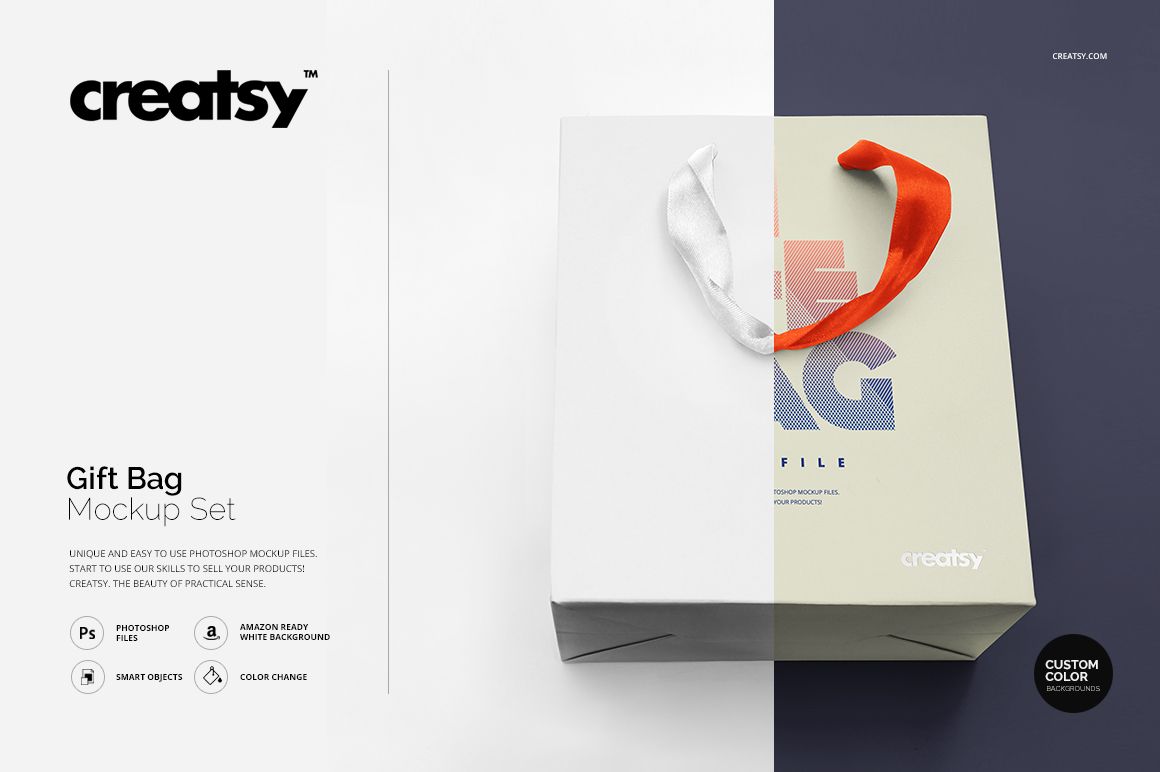
Gift Bag Mockup Set
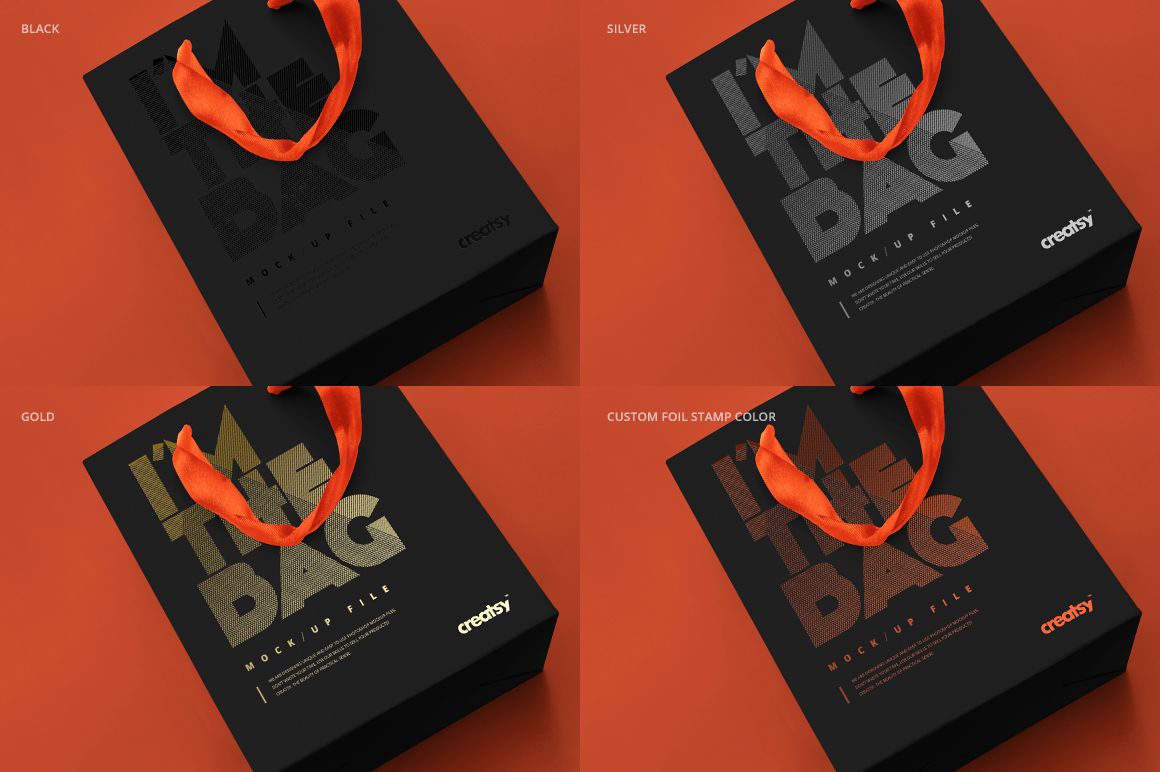
A ribbon handle and a foil-stamped mark can change the character of a paper gift bag before you add a full pattern. This three-view gift bag mockup set lets you develop those details together, with editable bag artwork, separate handle colors and a customizable foil stamp effect.
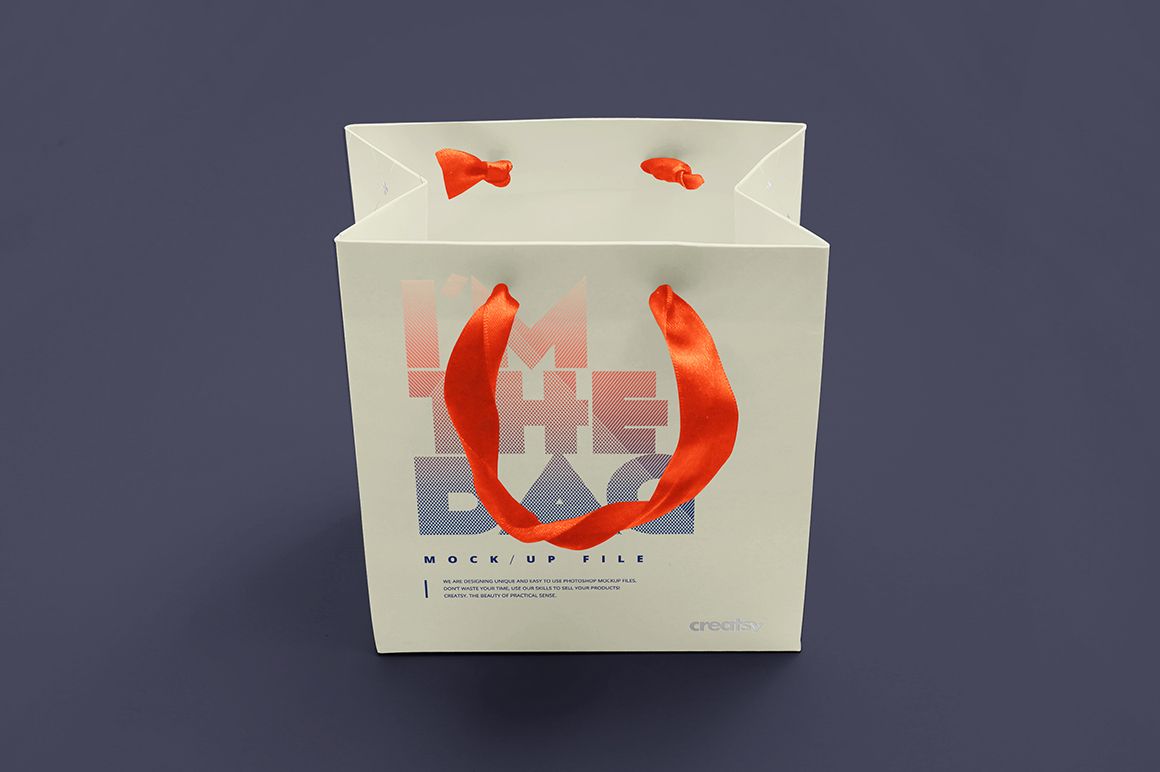
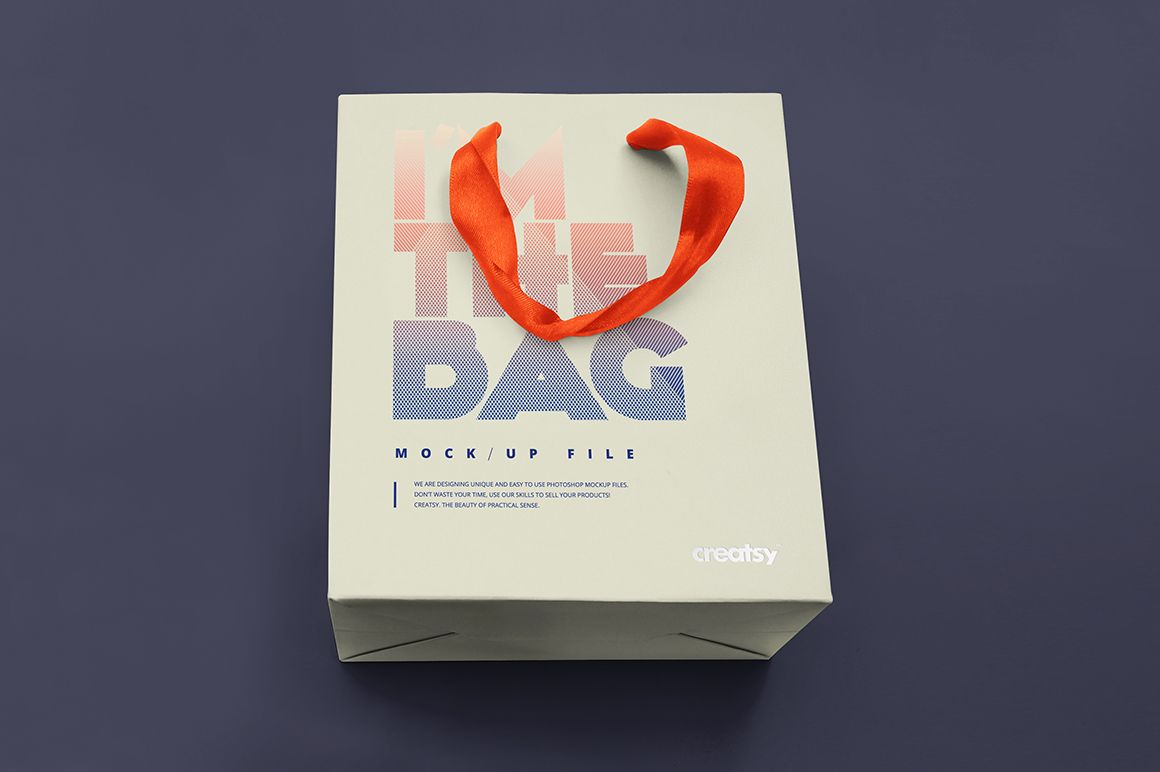
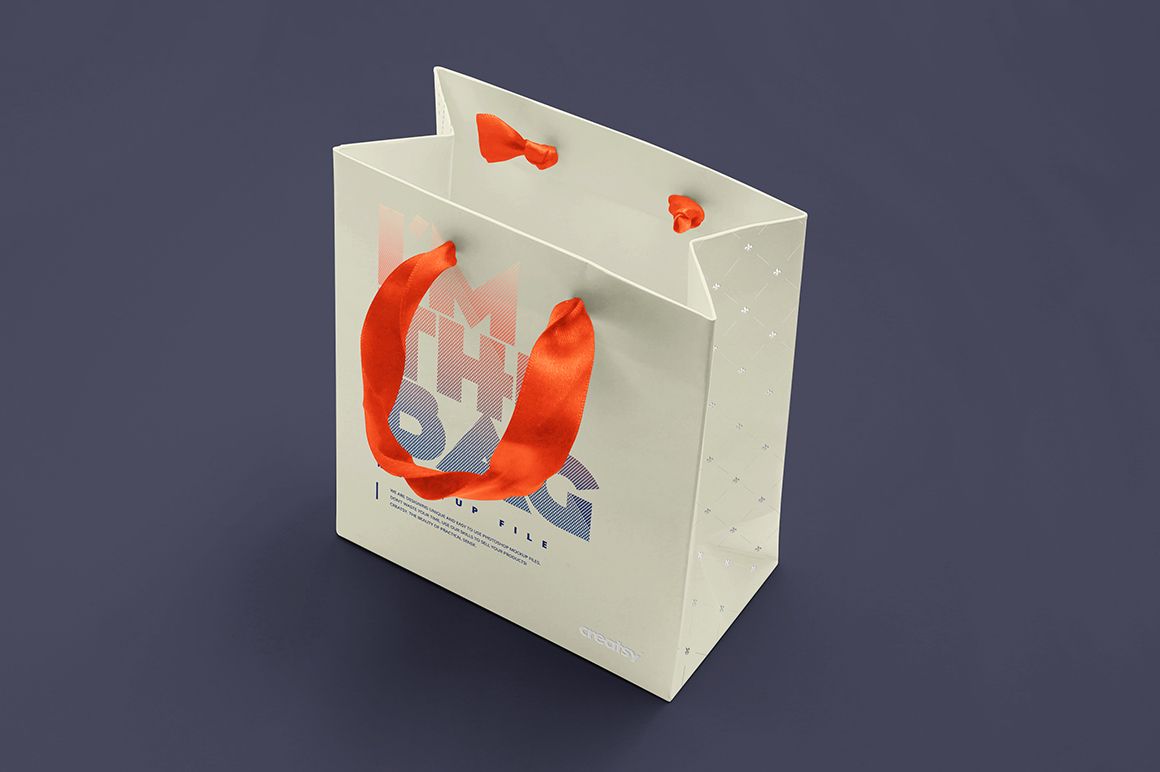
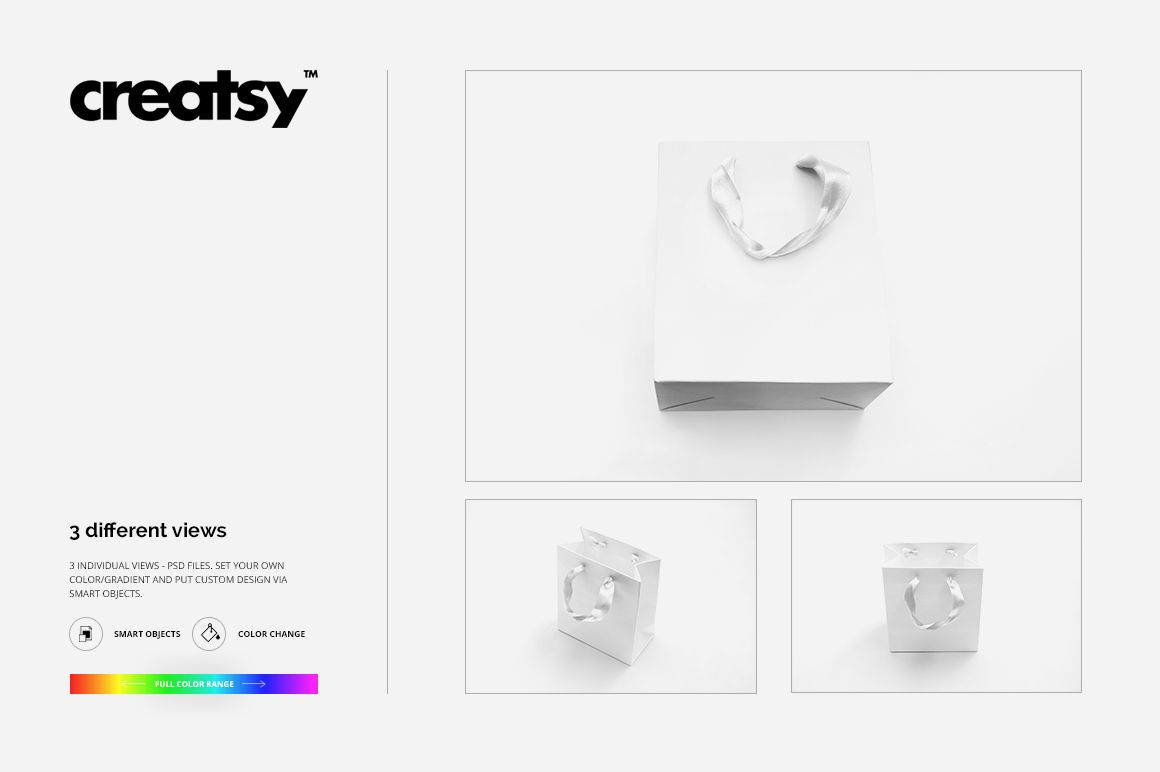
Show your design in an overhead view and two standing views, including an angle that reveals the side panel. Each composition has its own layered PSD, so you can build a coordinated presentation of one design or compare several colorways.
What Is Included
3 layered PSD mockup files, one for each bag view.
3 matching JPG previews and 1 TIF guide, 7 files in total.
Smart Object artwork editing and well-organized layers.
Compatibility with Adobe Photoshop CS6 or newer and Photopea.
Coordinate Paper, Ribbon and Foil
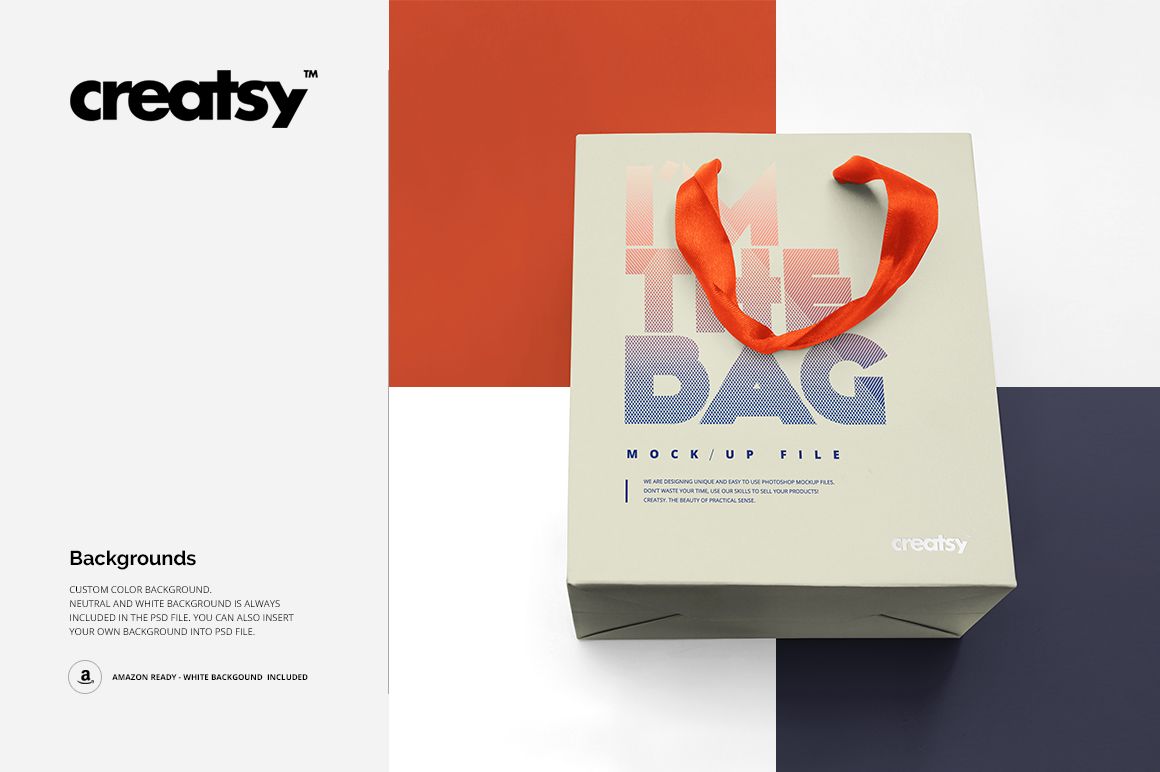
Apply your artwork, a flat color or a gradient to the bag, then recolor the ribbon handles separately. Preview gold, silver, black or a custom foil stamp color to see how a logo or typographic mark works with the rest of the design. Choose a custom-color, neutral or white background, or insert your own background.
Easy Smart Object Editing
Open a PSD and double-click its artwork Smart Object. Place your design, adjust its scale and position, then save the Smart Object to update the view. Set the handle, foil and background colors, and repeat the artwork placement in the other PSDs for a consistent three-image presentation.
For Gift and Boutique Branding
Use the set for gift shop identities, boutique packaging proposals, seasonal paper bag collections and surface pattern presentations. The different views help you review the design beyond a flat front panel.
Digital product only. No physical gift bag is supplied. The sample designs shown in the previews are not included.