Halloween Desk Stationery and Drinkware Mockup

ID: 1262909781 | Updated: Oct 28, 2025

Product Details

Halloween Desk Stationery and Drinkware Mockup

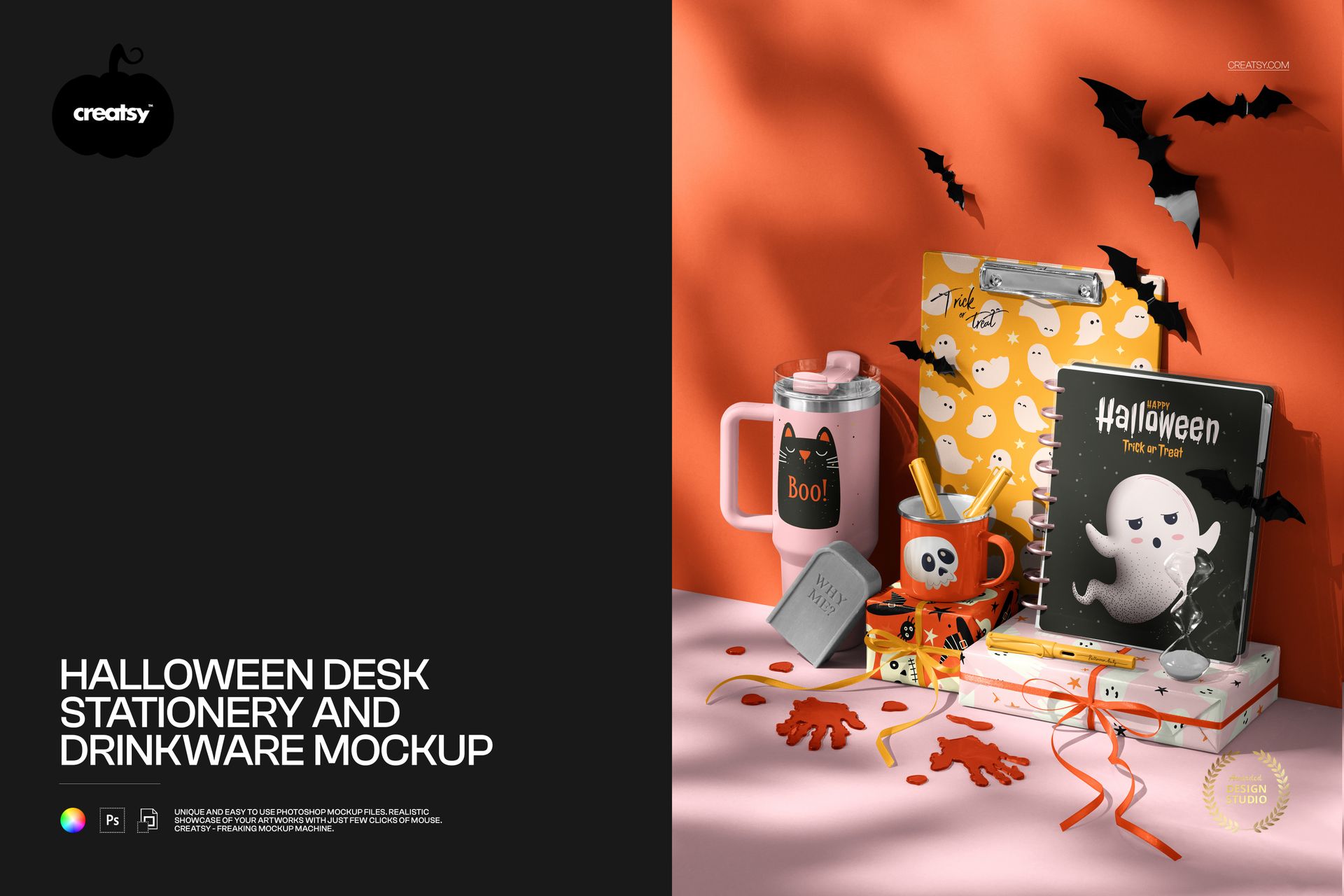
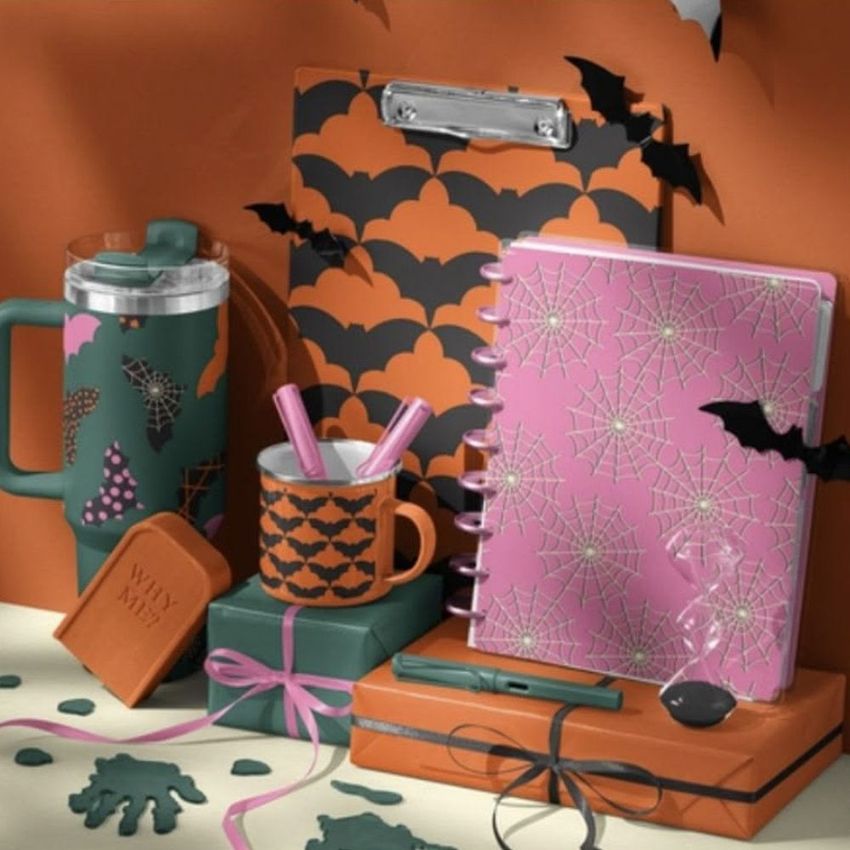
Show a coordinated Halloween collection in one styled desk scene, with a disc-bound planner, clipboard, handled tumbler, enamel mug and wrapped gifts. Bats, a miniature tombstone and hand-shaped decorations give the presentation its seasonal setting.

What's included

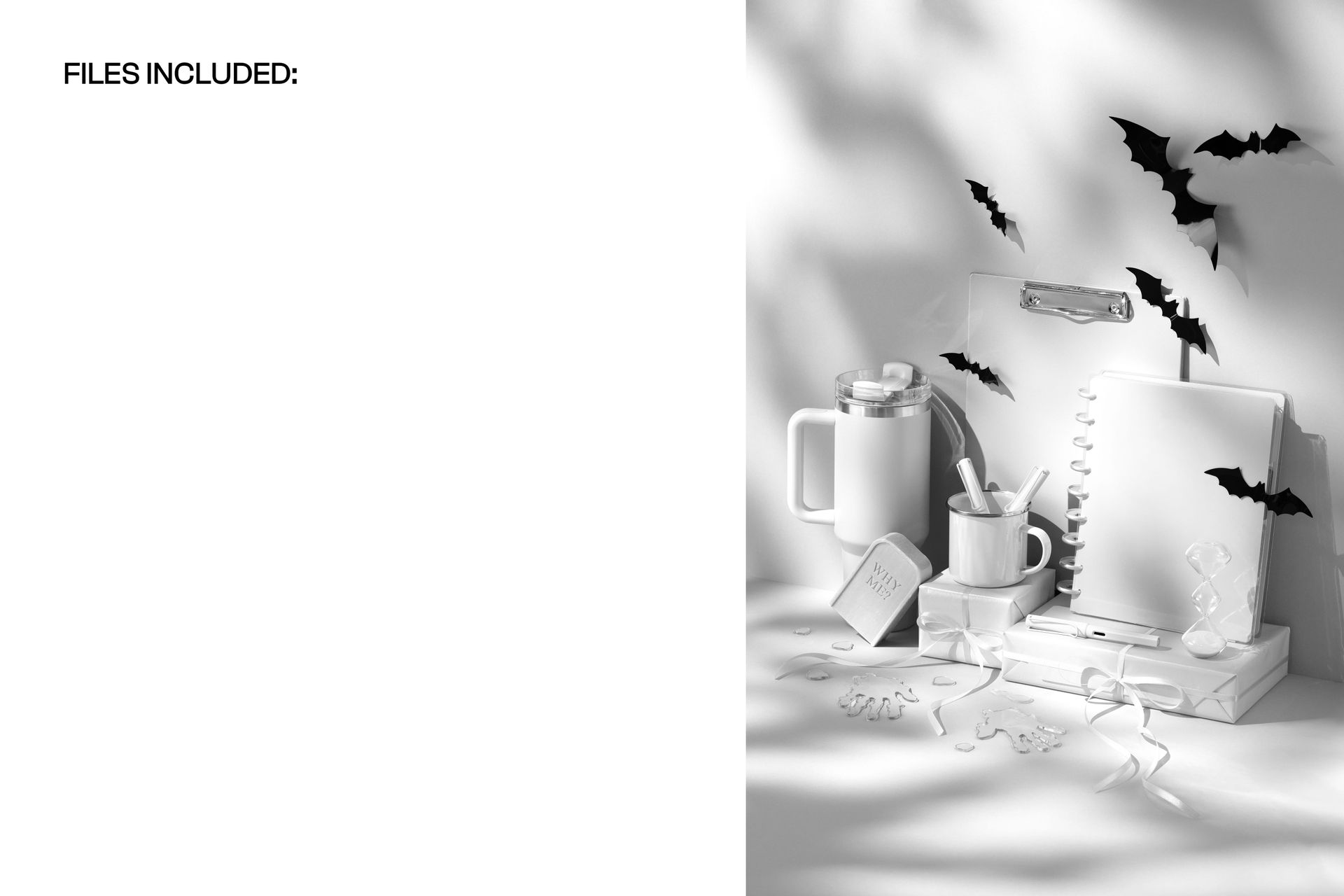
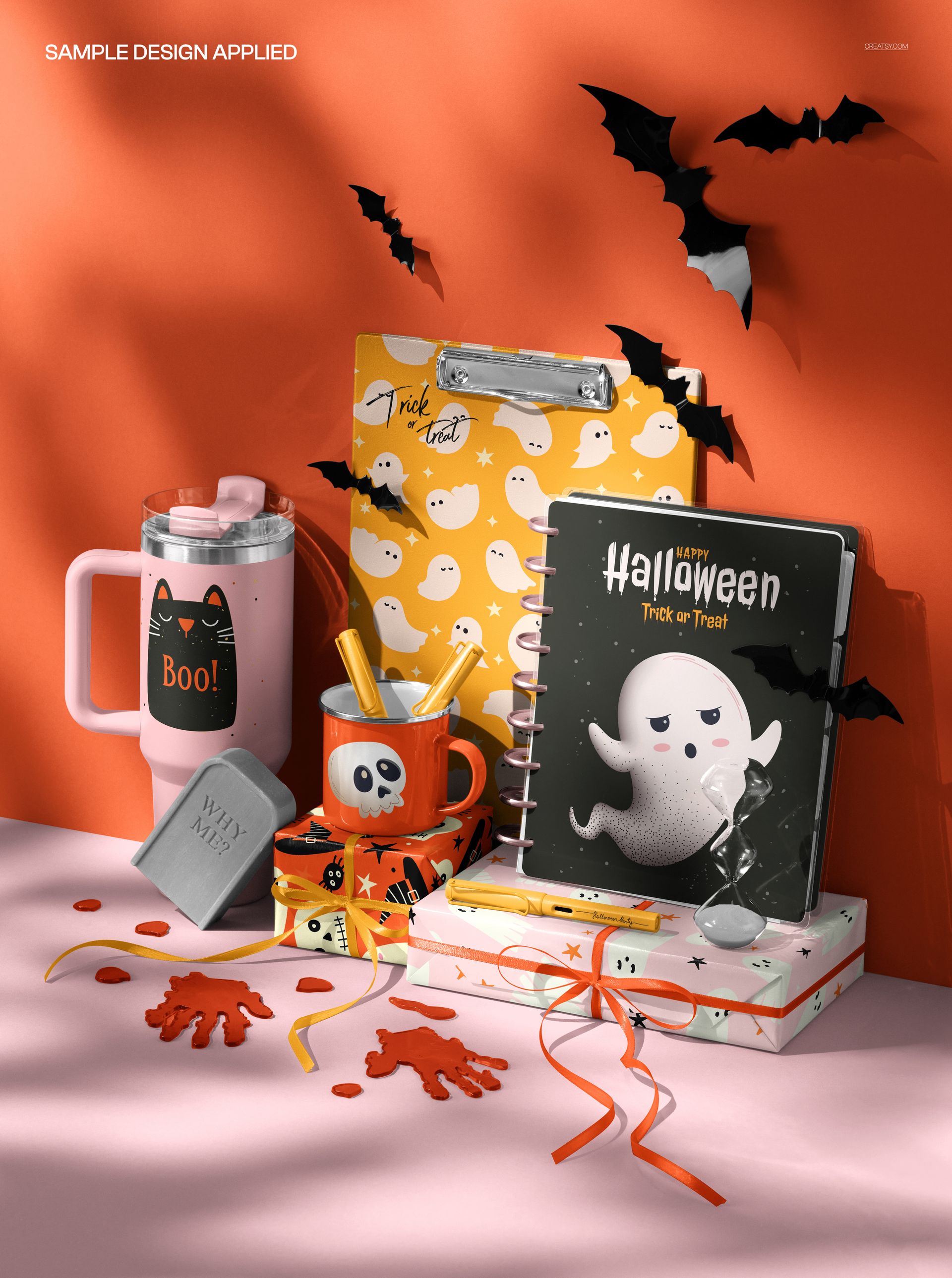
1 layered PSD mockup, 4000 × 6000 px at 300 DPI, and 1 JPG preview. The different gallery examples show the same scene with different designs applied.

What you can customize

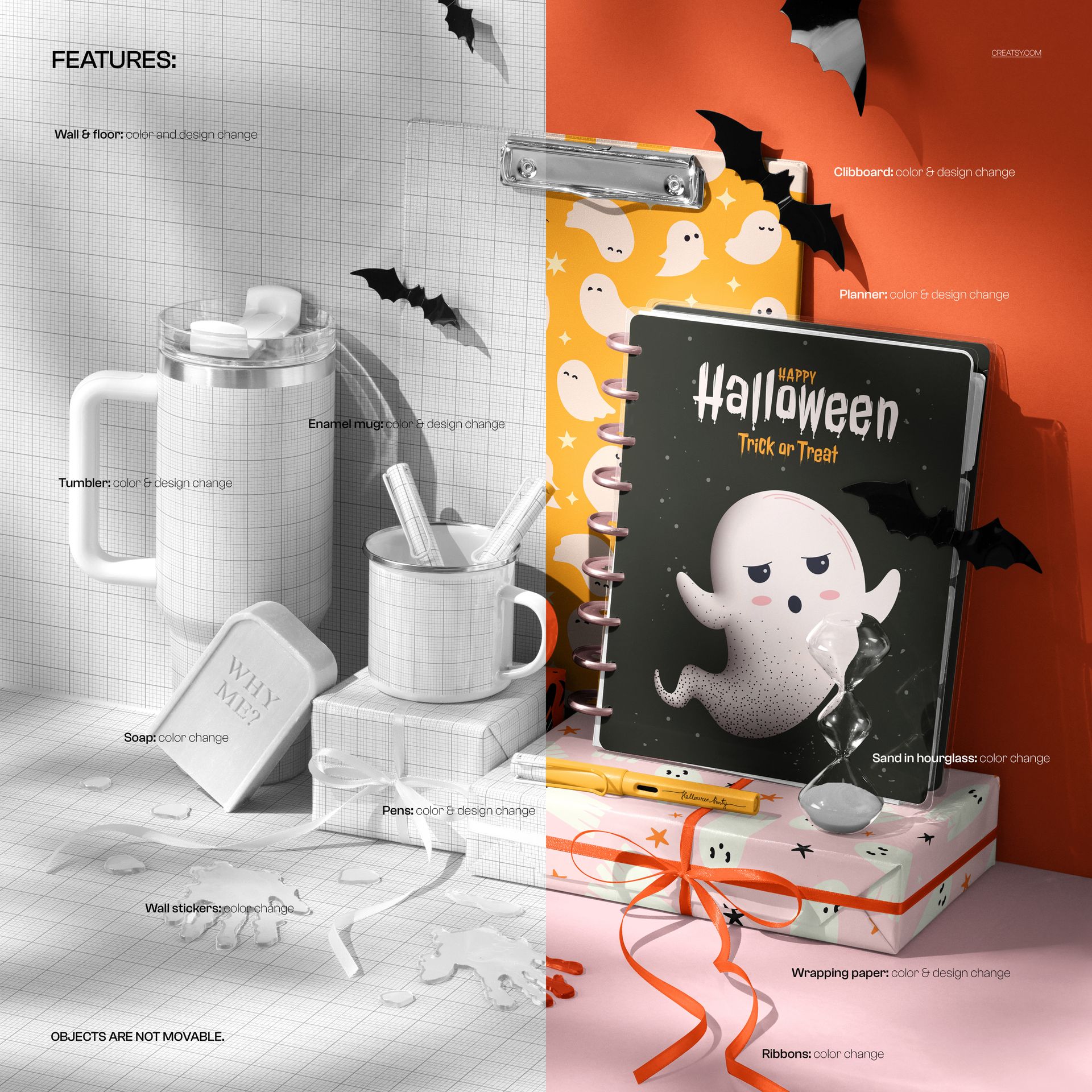
Use Smart Objects to replace artwork on the planner, clipboard, tumbler, enamel mug, pens and wrapping paper. Change colors and designs on the wall and tabletop to coordinate the whole scene.

Color controls also cover the soap, wall decorations and sand in the hourglass. These elements are shown with color changes, rather than replaceable artwork, in the feature preview.

The composition is fixed. No objects can be moved or hidden, including the bats, hand-shaped decorations and miniature tombstone.

Create seasonal product previews, surface pattern portfolios, gift collection presentations and promotional images with matching designs across stationery and drinkware.

This is a digital mockup. No physical products are included. Sample artwork shown in the previews is not included.


File details

Compatibility
PhotopeaAdobe Photoshop
Package size
326 MB326 MB|342 MB342 MB
Files type
.psd, .jpg
Files size
4000x6000
TEST FOR FREE

Reviews

Professional PSD mockups built in-house - editable, realistic, high-resolution, and supported by real people.

5 (4 ratings)
Sort by:

annet avatar
annet
Dec 13, 2025

Creatsy make the best Mockups on the market, no matter what you need to showcase. These mockups are highly customizable, and the lighting in them makes everything look very realistic. You can keep or turn off many of the Items in the mockup, also a great feature giving control over the look you want. They have the most friendly and very helpful support. I highly recommend these mockups!

Malgorzata Hapon avatar
Malgorzata Hapon Author
Oct 12, 2026

Thank you, Annet! We're happy you enjoy the realistic look of the scene and appreciate your kind words about our support.


christel avatar
christel
Nov 13, 2025

I love almost all mock-ups from Creatsy! And this one is great as well. I love how realistic they look and how many surfaces can be changed to add a pattern/design/image or a colour (and often both!). I do wish, though, that Creatsy would give the customer a chance to also leave out some layers in each mock-up. In this case, the mock-up would be so much more versatile if the hands, bats and tombstone were layers that can be turned off. So I can use the mock-up outside of the Halloween period as well. Amazing mock-ups nonetheless!

Malgorzata Hapon avatar
Malgorzata Hapon Author
Oct 12, 2026

Thank you for your thoughtful feedback, Christel! We're glad you enjoy the realism and editable surfaces. In this scene, the hands, bats and tombstone are fixed and cannot be hidden or moved. We understand how optional props would make it more useful beyond Halloween, and appreciate you sharing this suggestion.


Angela_Sbandelli avatar
Angela_Sbandelli
Nov 10, 2025

Love it!

Malgorzata Hapon avatar
Malgorzata Hapon Author
Oct 12, 2026

Thank you, Angela! We're happy you love the scene.


anagl avatar
anagl
Oct 30, 2025

Amazing mockup for showing multiple designs. As always,well done!!

Malgorzata Hapon avatar
Malgorzata Hapon Author
Oct 12, 2026

Thank you! We're glad the scene helps you present several designs together.


Made with Creatsy

Real designs. Real customers. See how creatives use Creatsy mockups to turn their artwork, branding, and product ideas into polished visuals.

MEET THE SHOP

Creatsy logo

Creatsy

Poland
4.8 (693)

Bring your ideas to life.

We're a family-run studio in Katowice, Poland, making PSD mockups by hand since 2016. Everything in this shop starts in our own studio. We shoot the photography, build the 3D, and put together every Smart Object PSD ourselves - then we test it, organize the layers, and only ship it once it actually works...
GO TO SHOP

HOW IT WORKS

3 clicks. That's it.

No tutorial needed. If you can copy-paste, you can use this.

  1. 1OpenDouble-click the smart object inside the PSD - in Adobe Photoshop, or free in your browser with Photopea.
  2. 2PasteDrop in your pattern, print, or artwork. Any design, any style.
  3. 3SaveHit save and the mockup wraps it in for you - shadows, folds, and lighting included.
FROM IDEA TO IMAGE

Built for real workflows

Skip the photo shoot Show your artwork on the real product type for approvals or listings - no studio, no model, no sample.

See it on the product, not a swatch Drop your file into the smart object and the scene's lighting and folds wrap around it, so you judge the real thing before you commit.

Smart Objects

Edit once and you're done. Your artwork drops into a smart object and the mockup updates itself - no masking, no warping by hand.

Perfectly Organized

Named layers and folders you can actually navigate. Find what you need, change what you want, and get out fast.

Print-Ready

High-resolution files built to hold up on screen and in print. Exact size and DPI are in this product's Details above.