Coffee Bag Mockup Set (glossy)
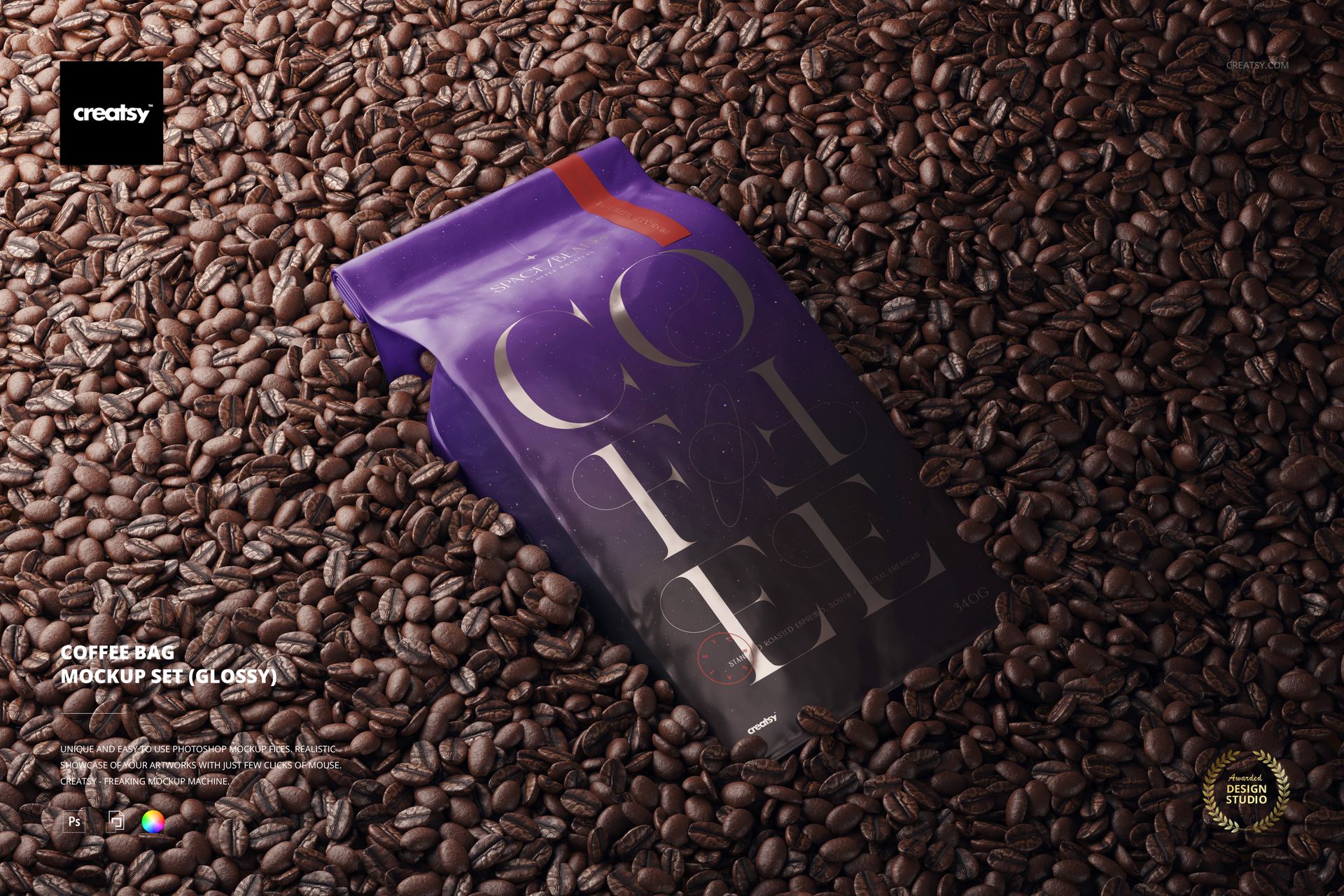
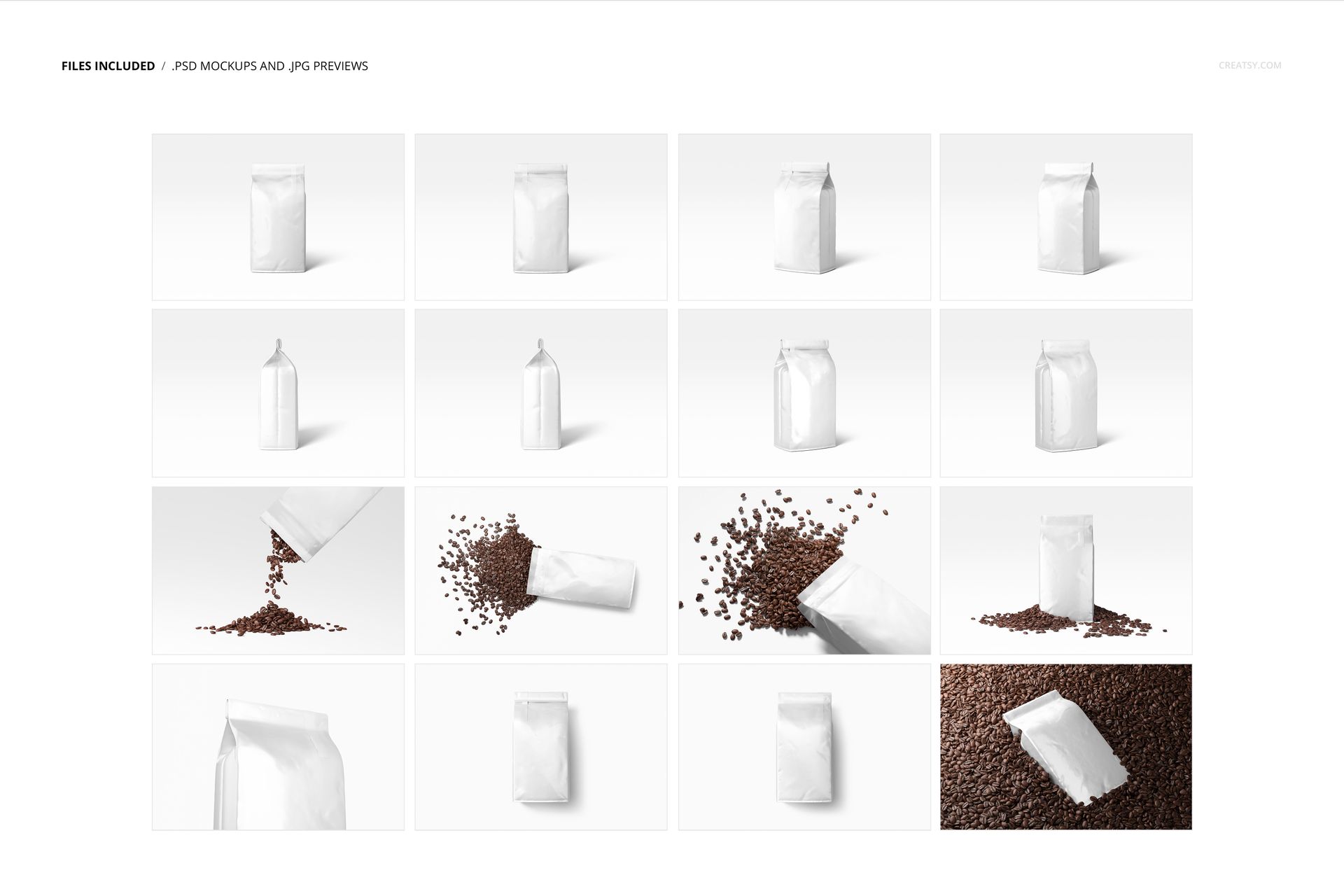
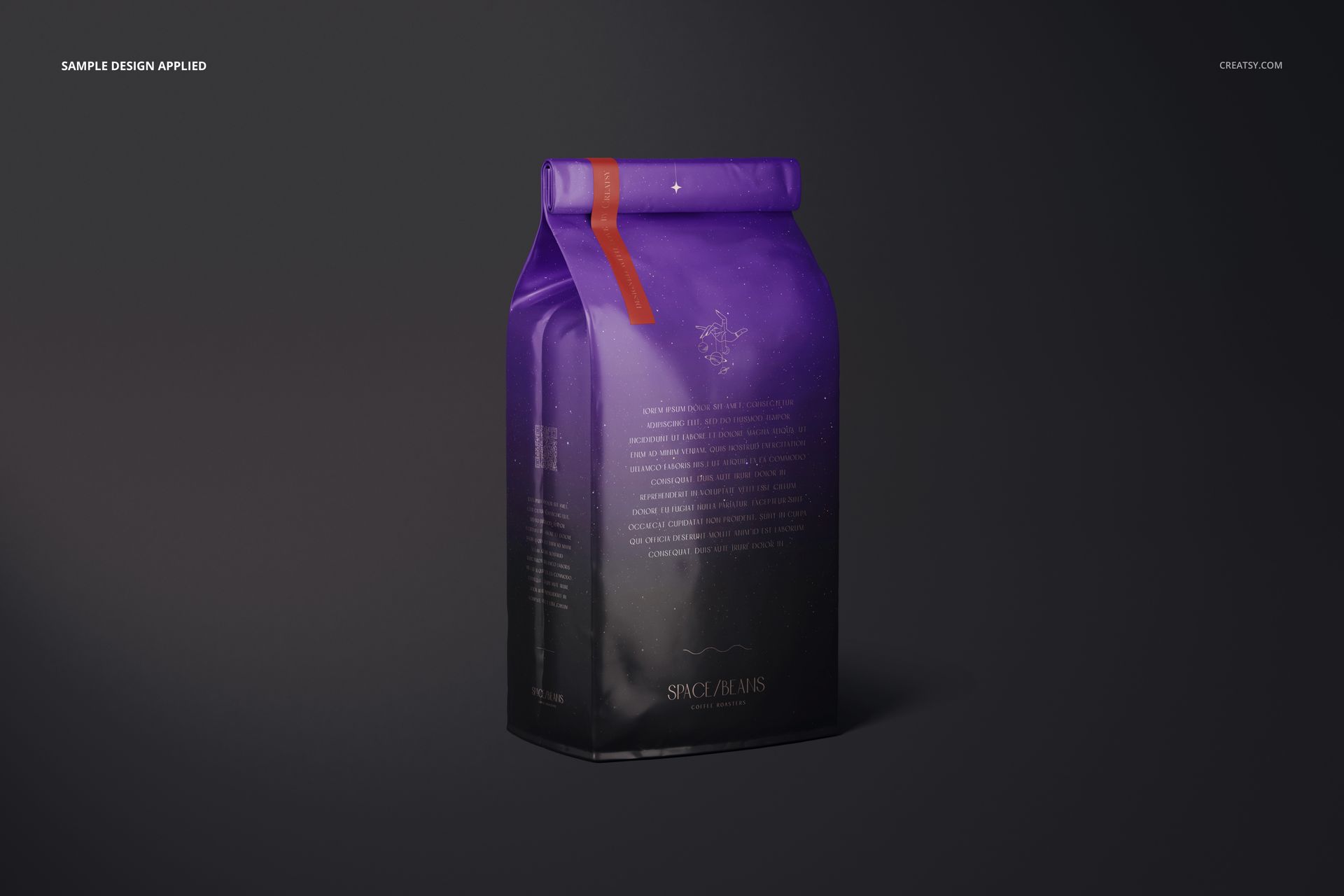
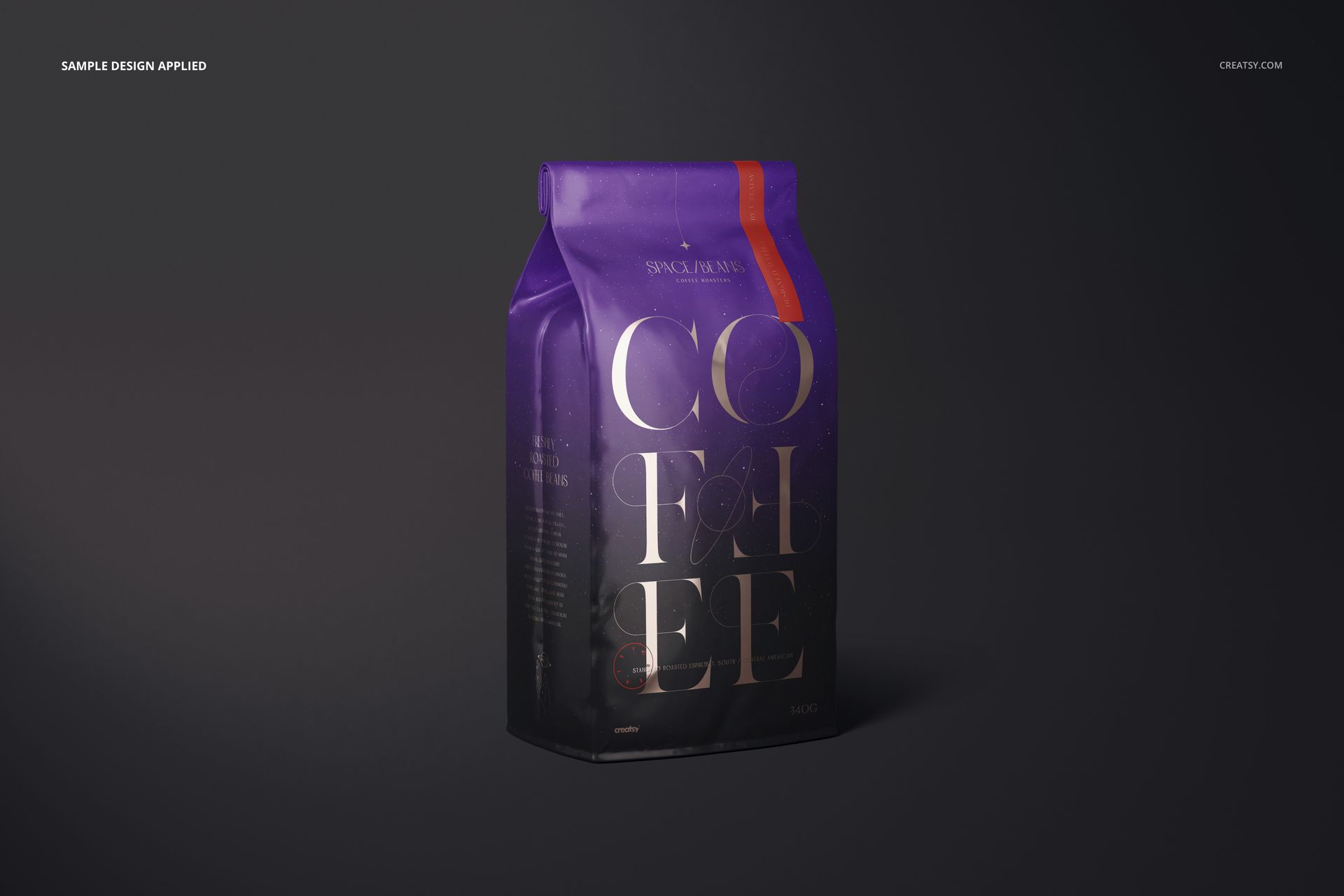
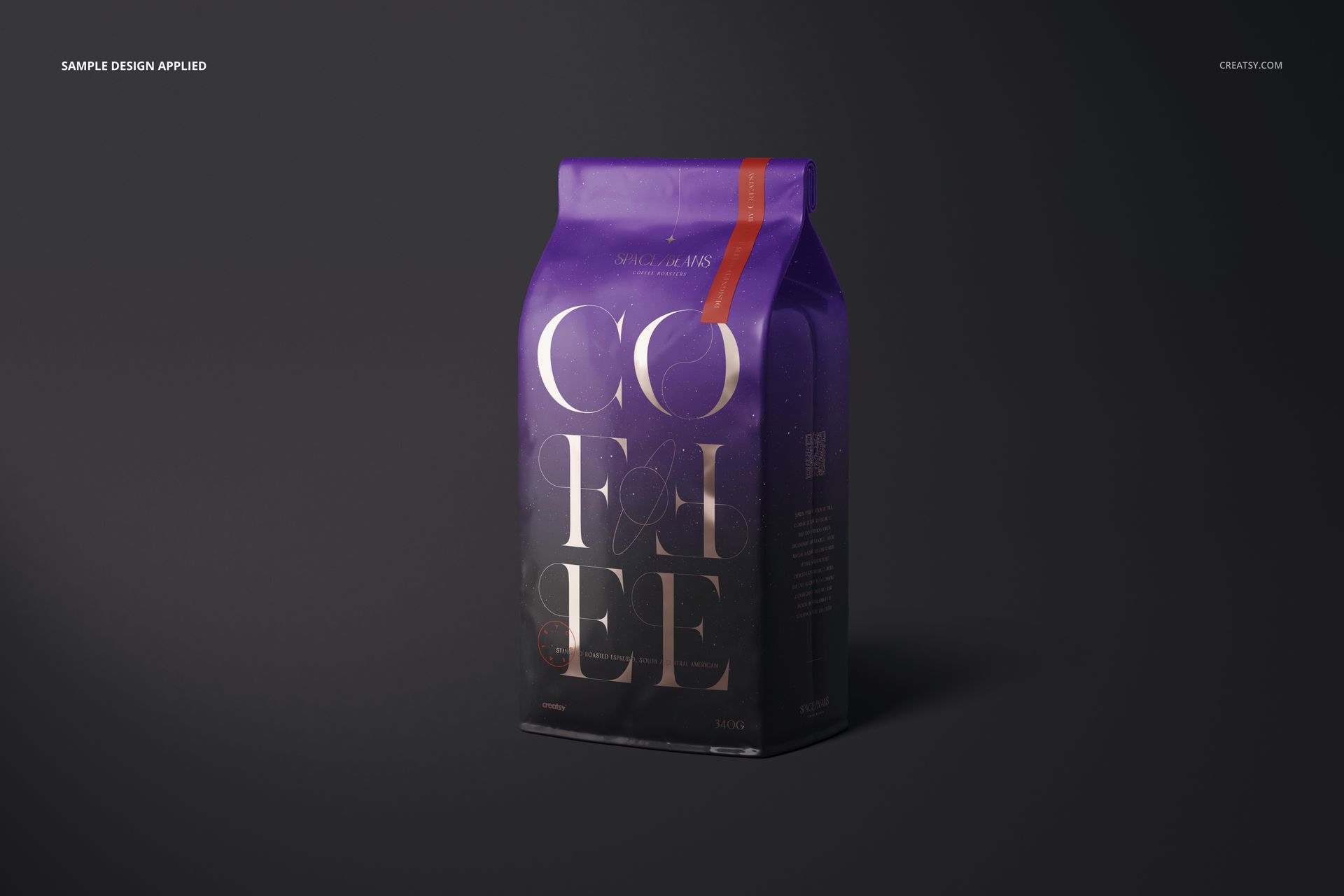
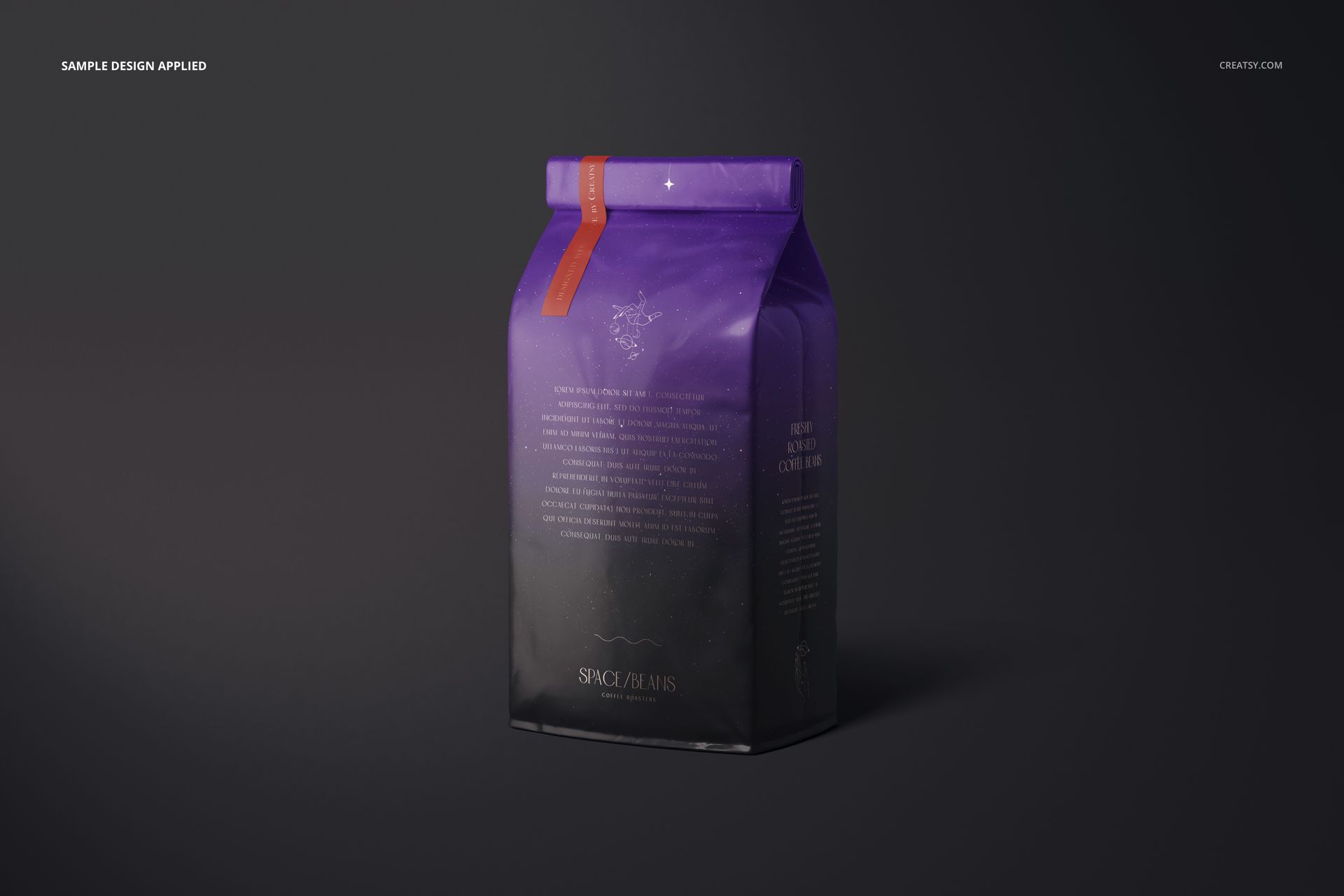
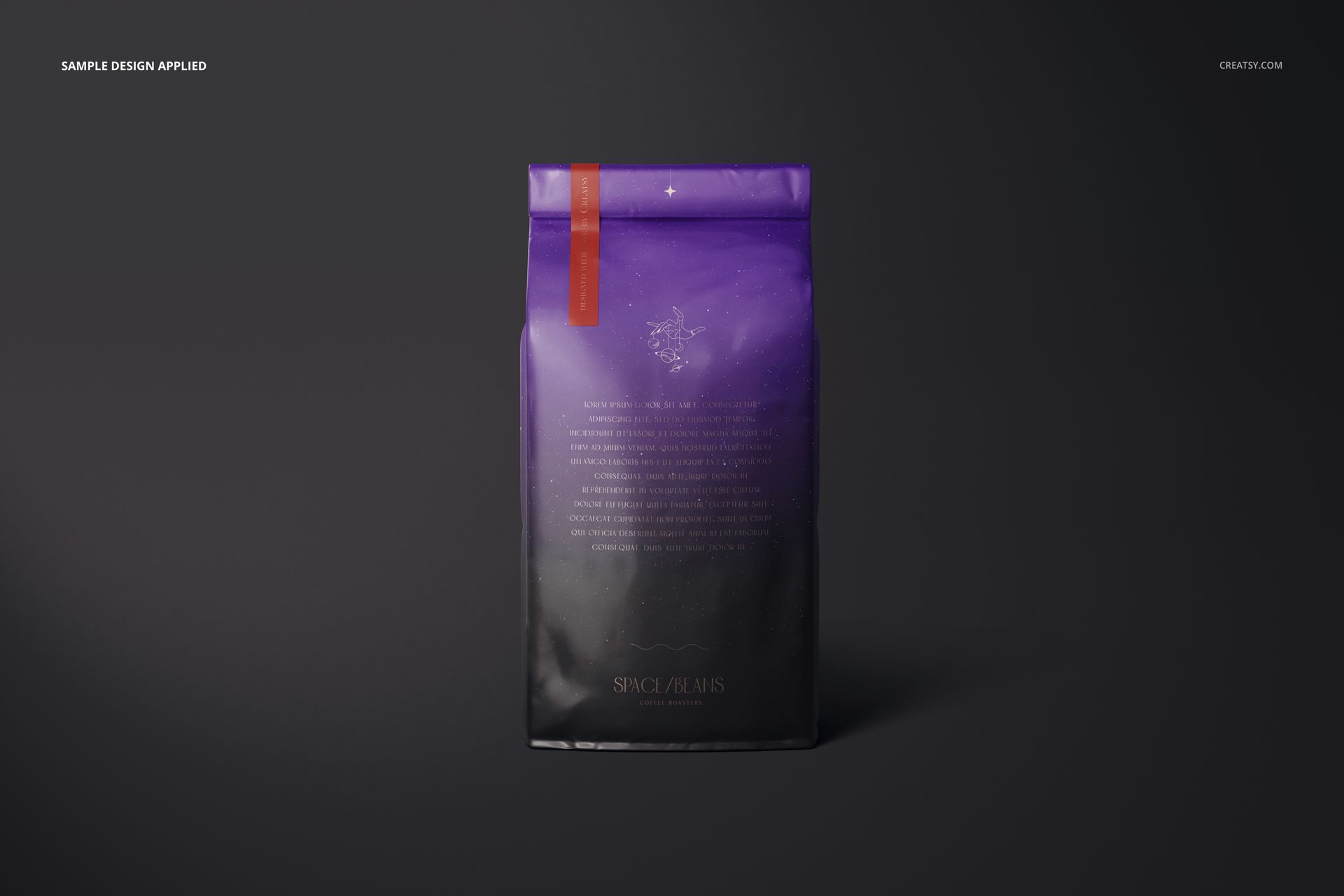
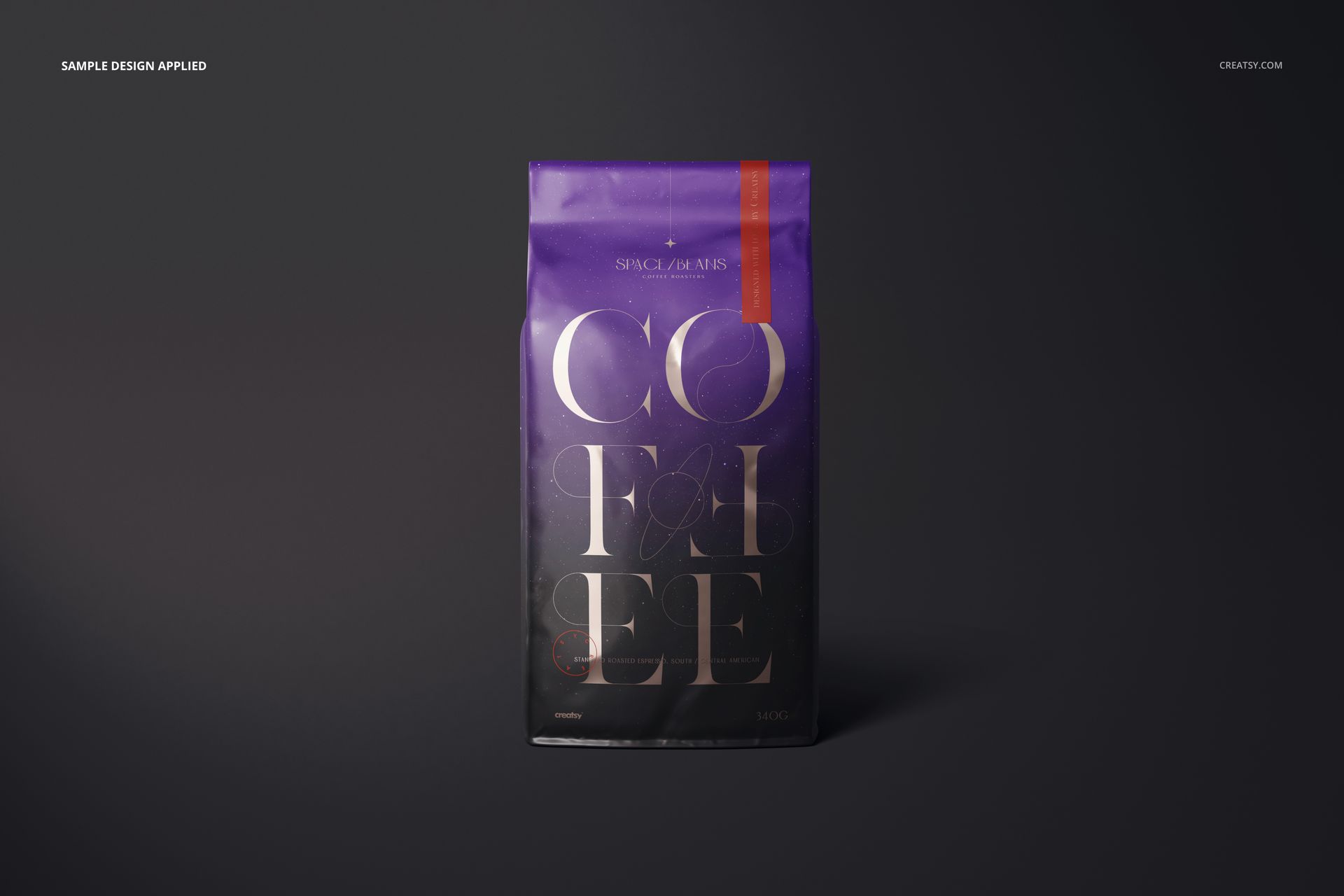
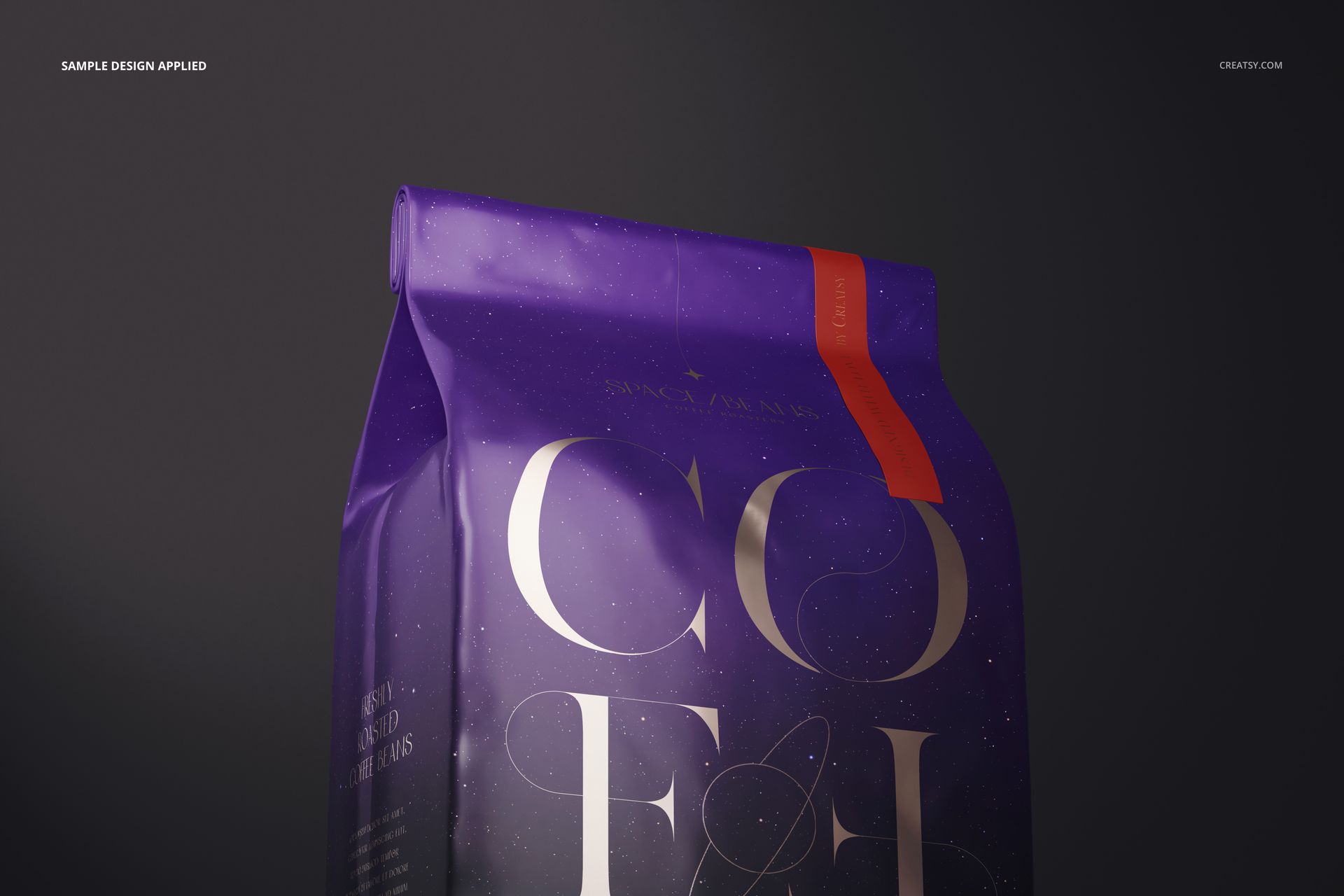
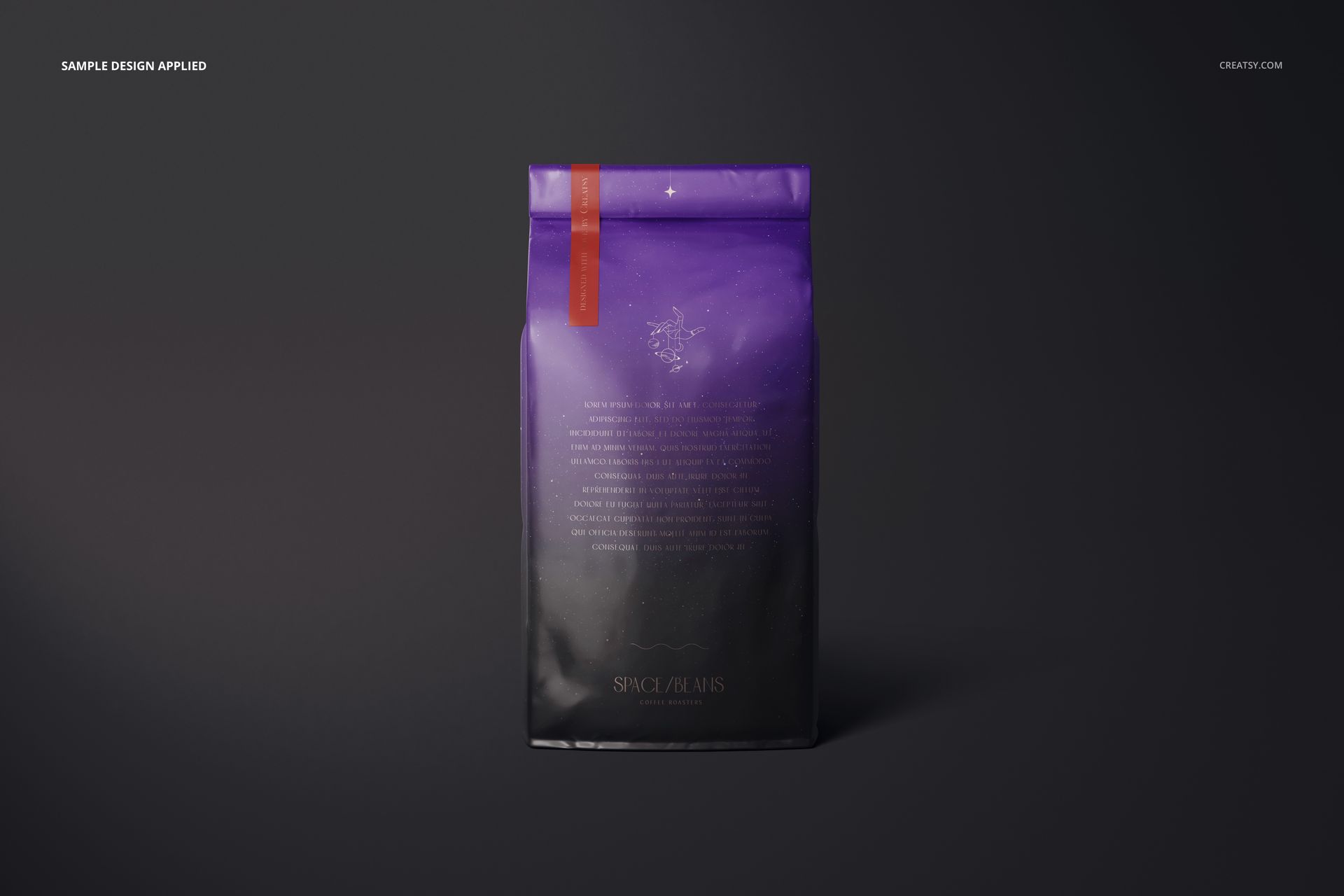
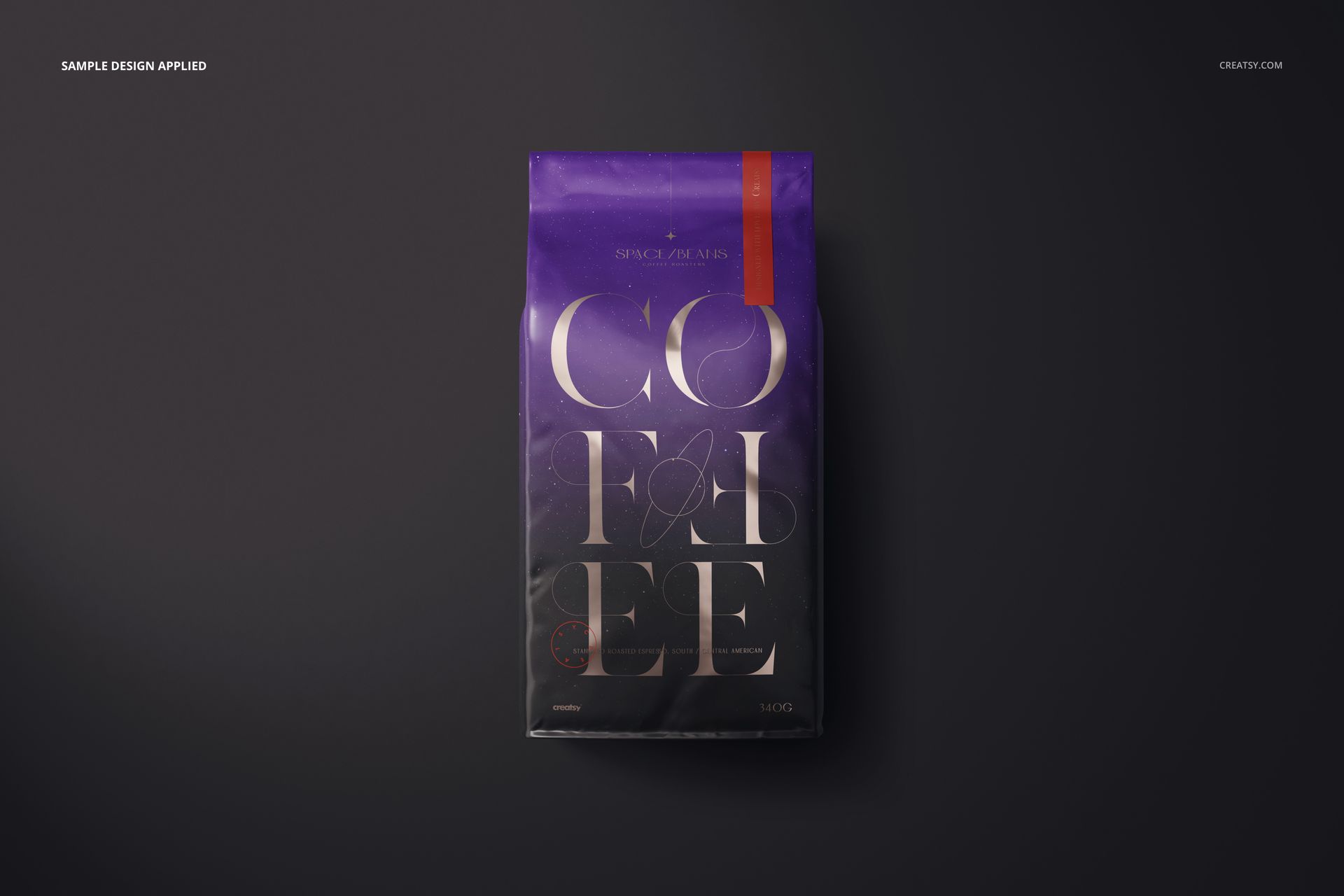
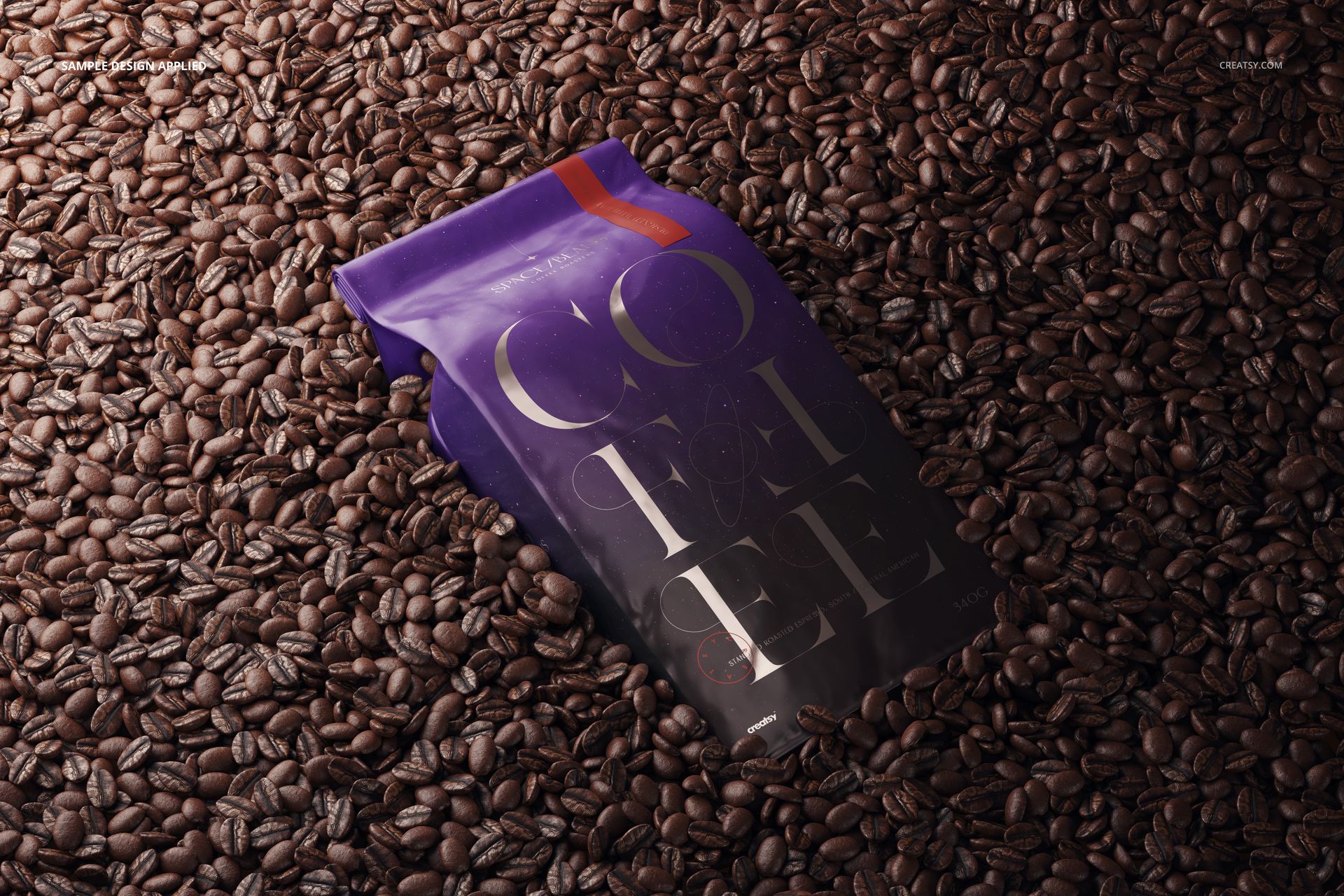
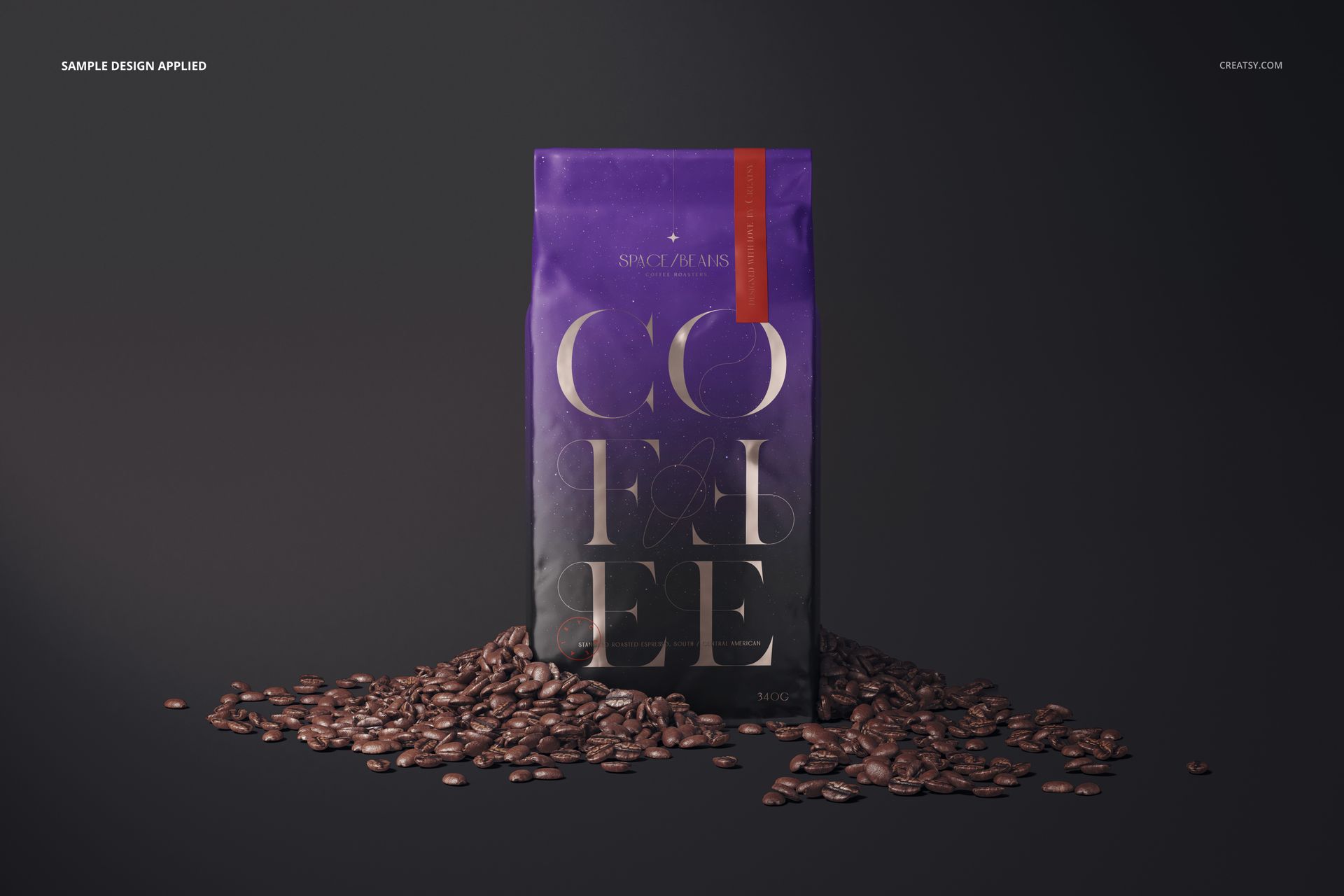
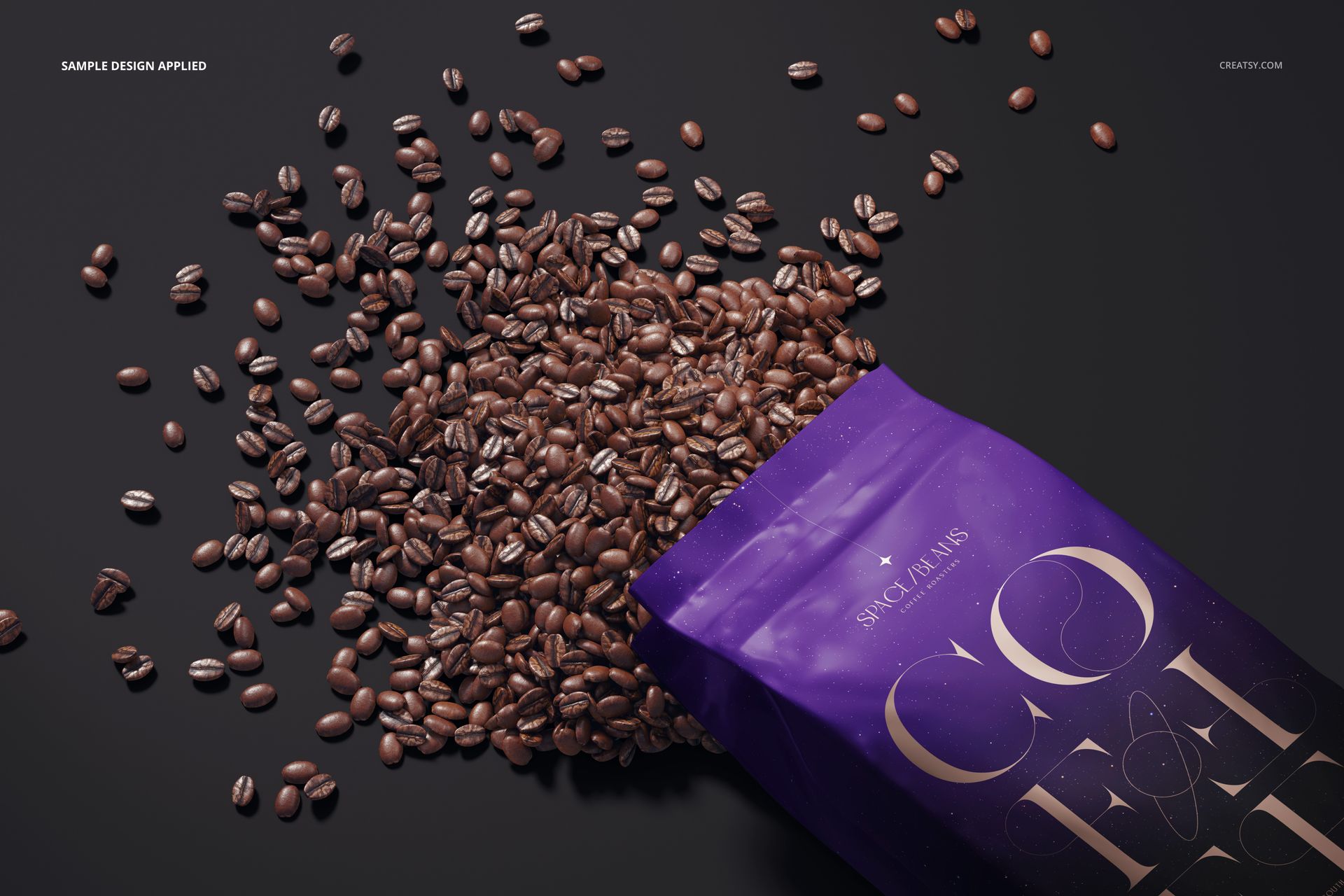
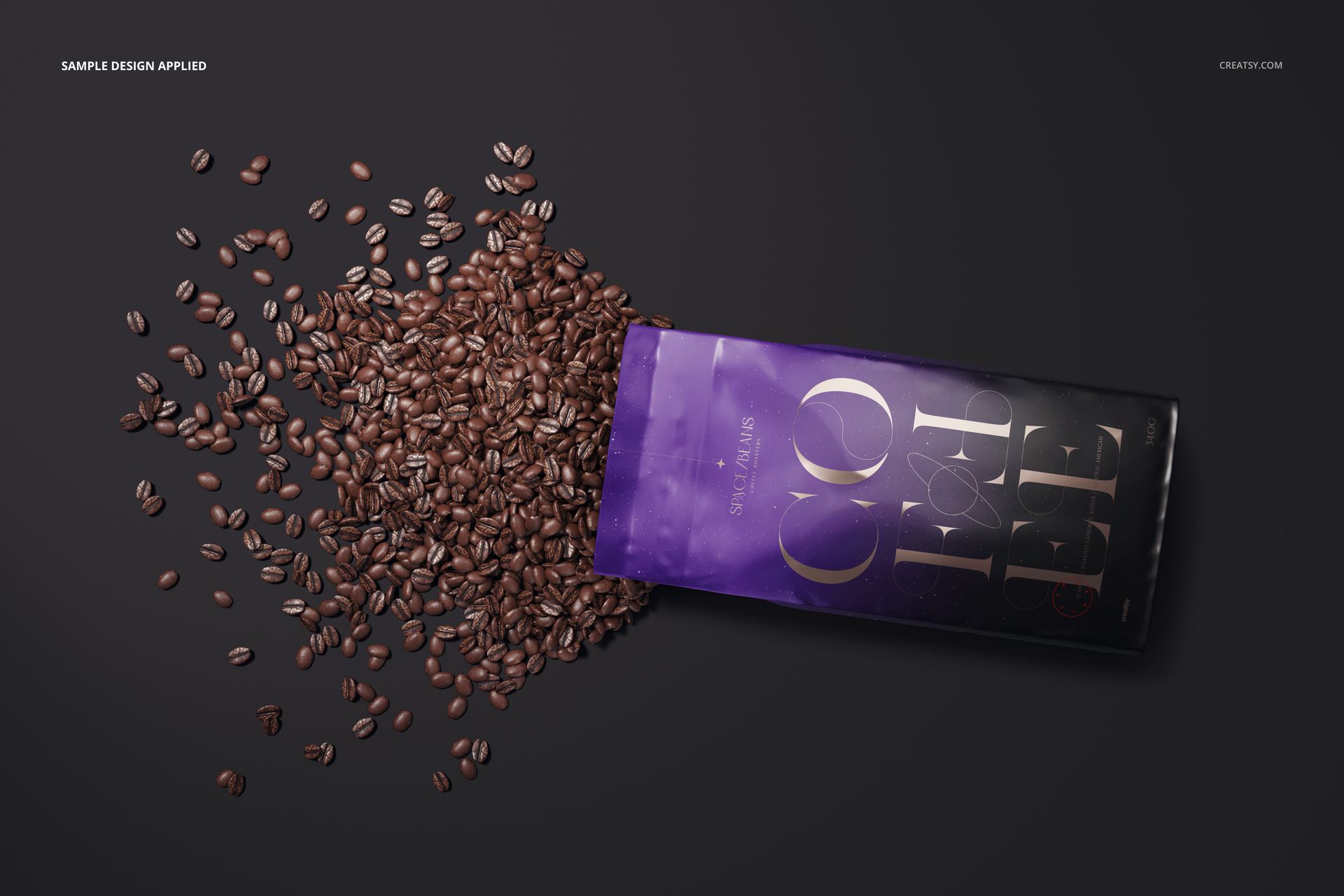
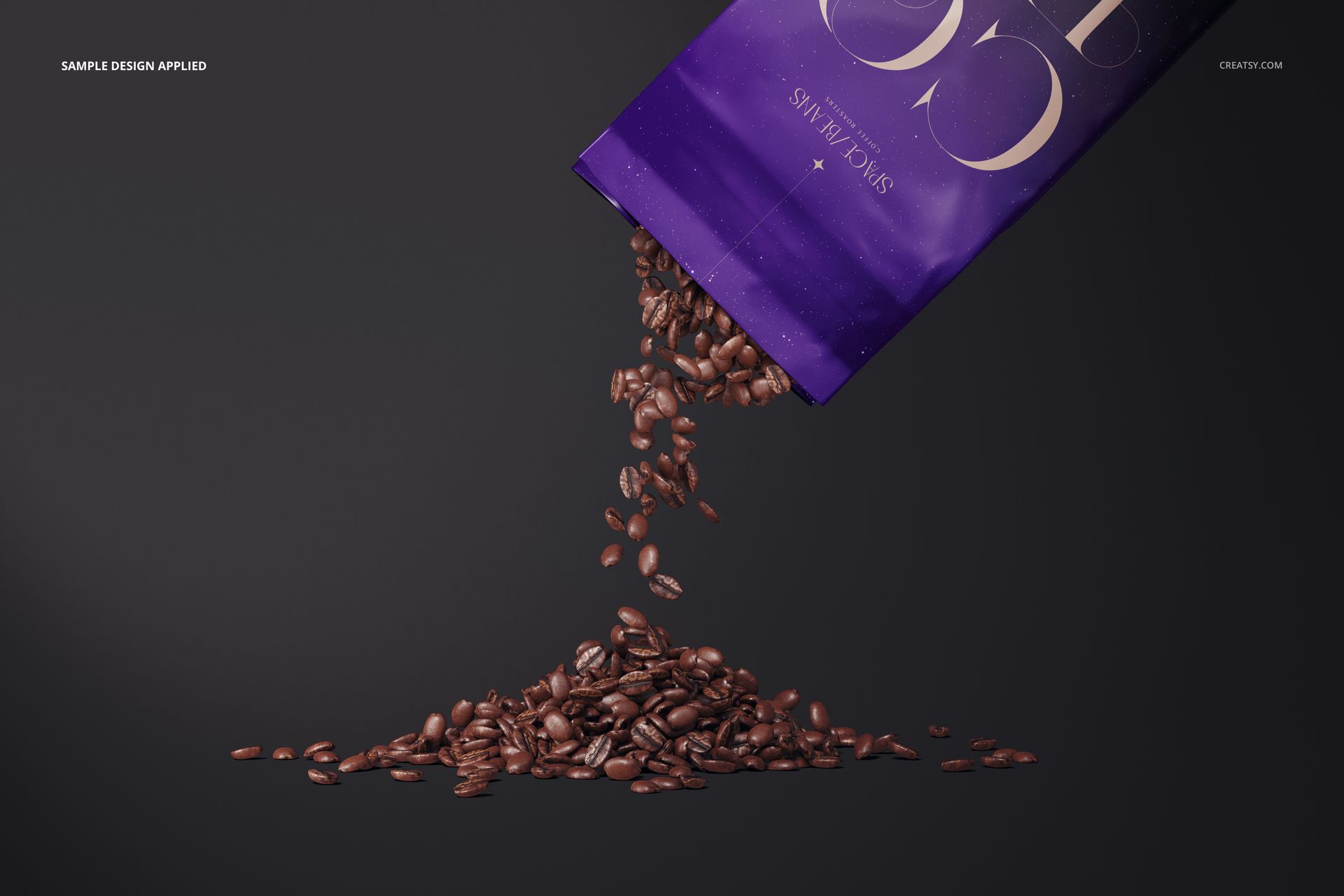
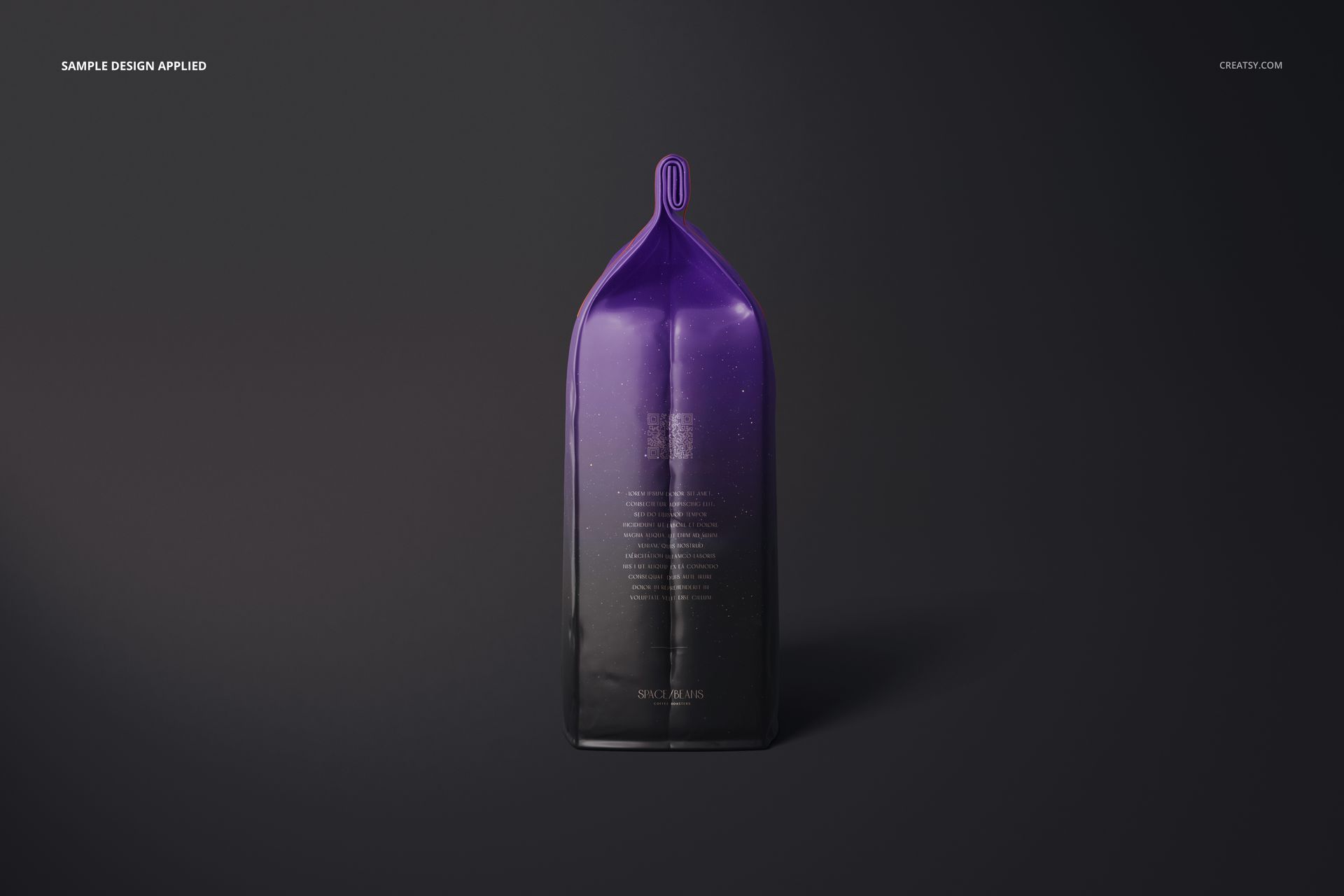
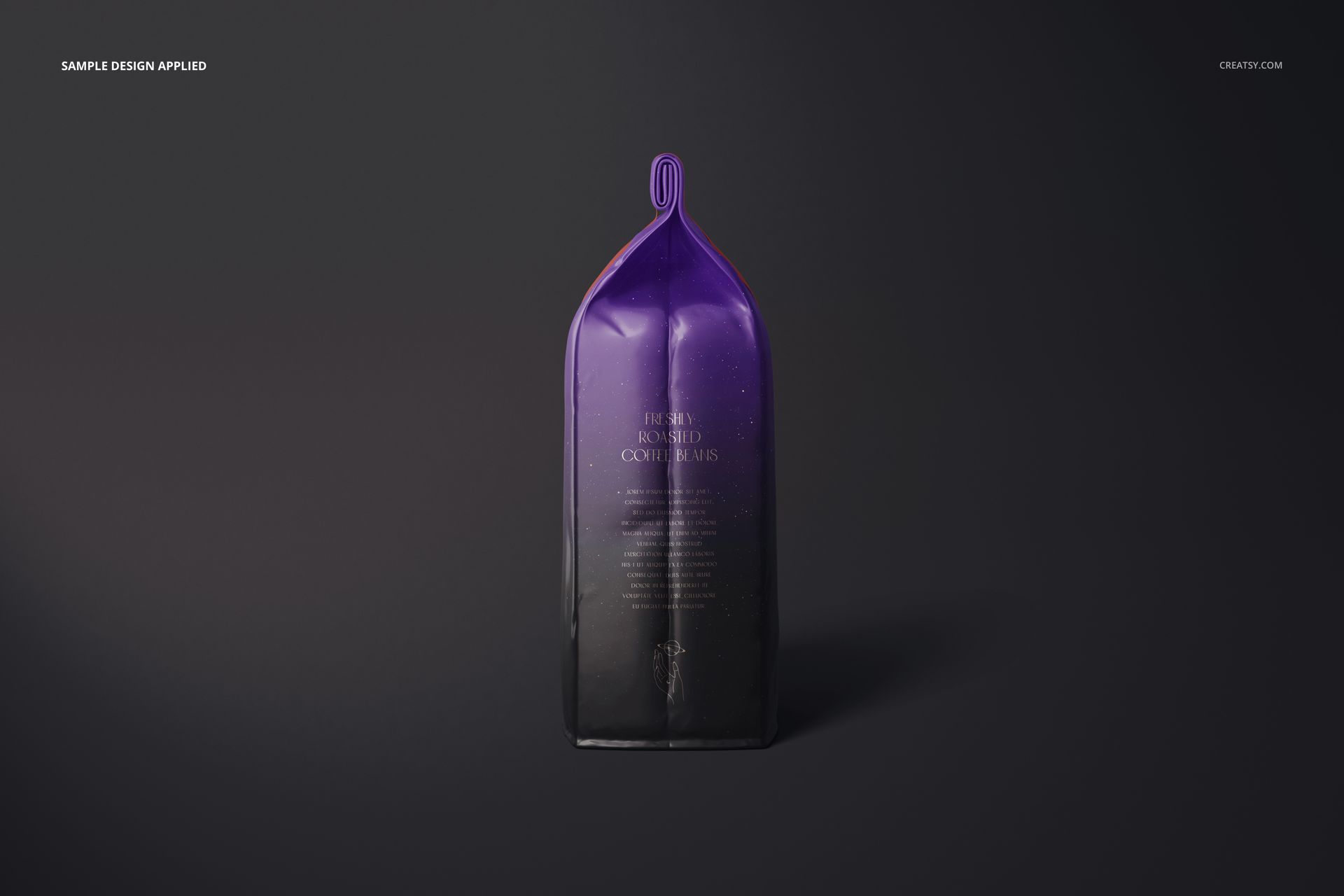
Show a coffee brand on glossy folded-top bags through sixteen scenes. Front, back and side views are joined by close-ups and coffee-bean compositions, giving you a practical mix of clear packaging views and campaign imagery. Reflective surfaces and an available metallic artwork effect bring attention to the finish as well as the design.
What Is Included
16 PSD mockup files, 16 JPG files and a PDF user manual.
16 scenes at 6000 × 4000 px and 300 DPI.
Individual bag angles, top and detail views, plus scenes with scattered, spilled and pouring coffee beans.
Glossy Surfaces and Metallic Artwork
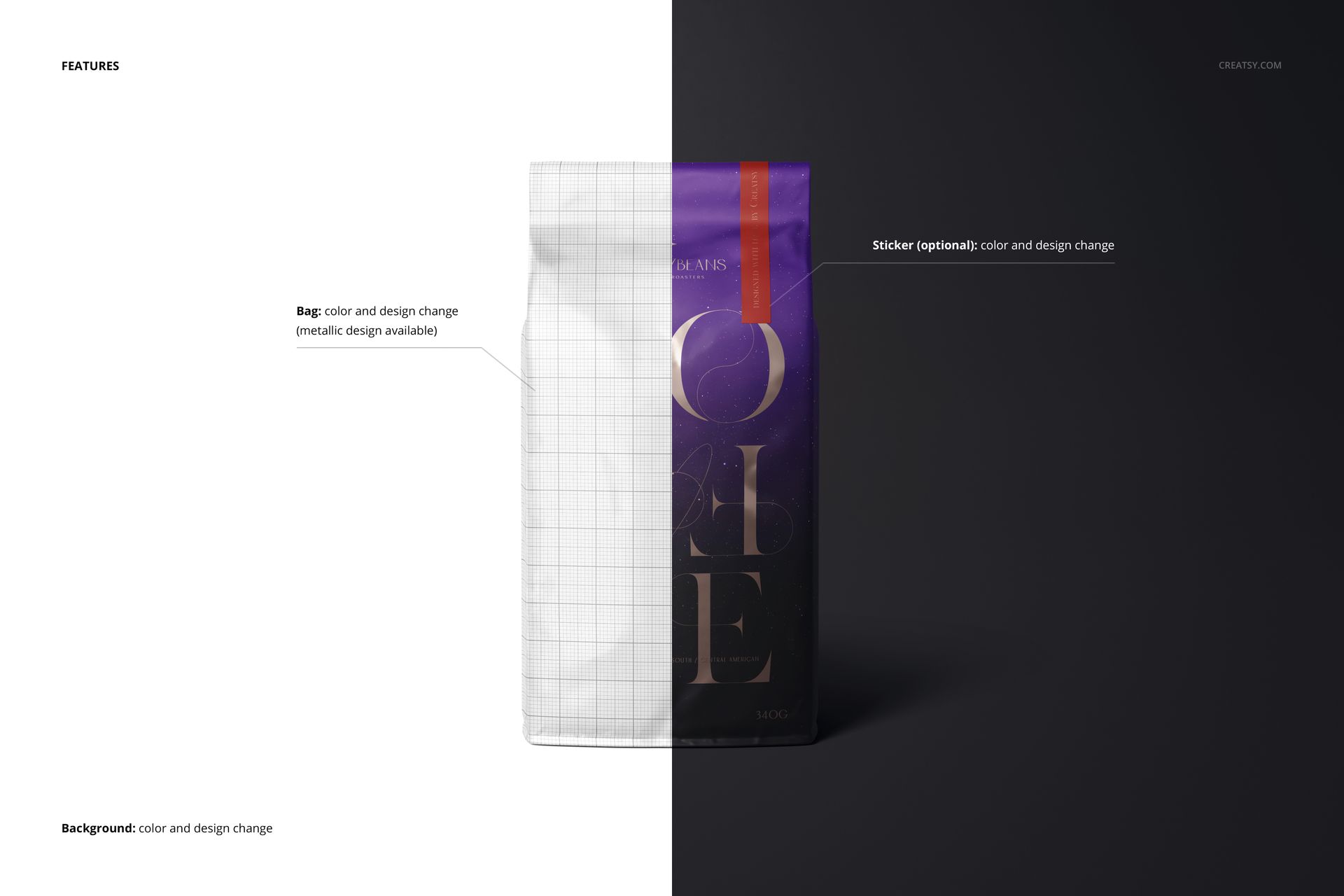
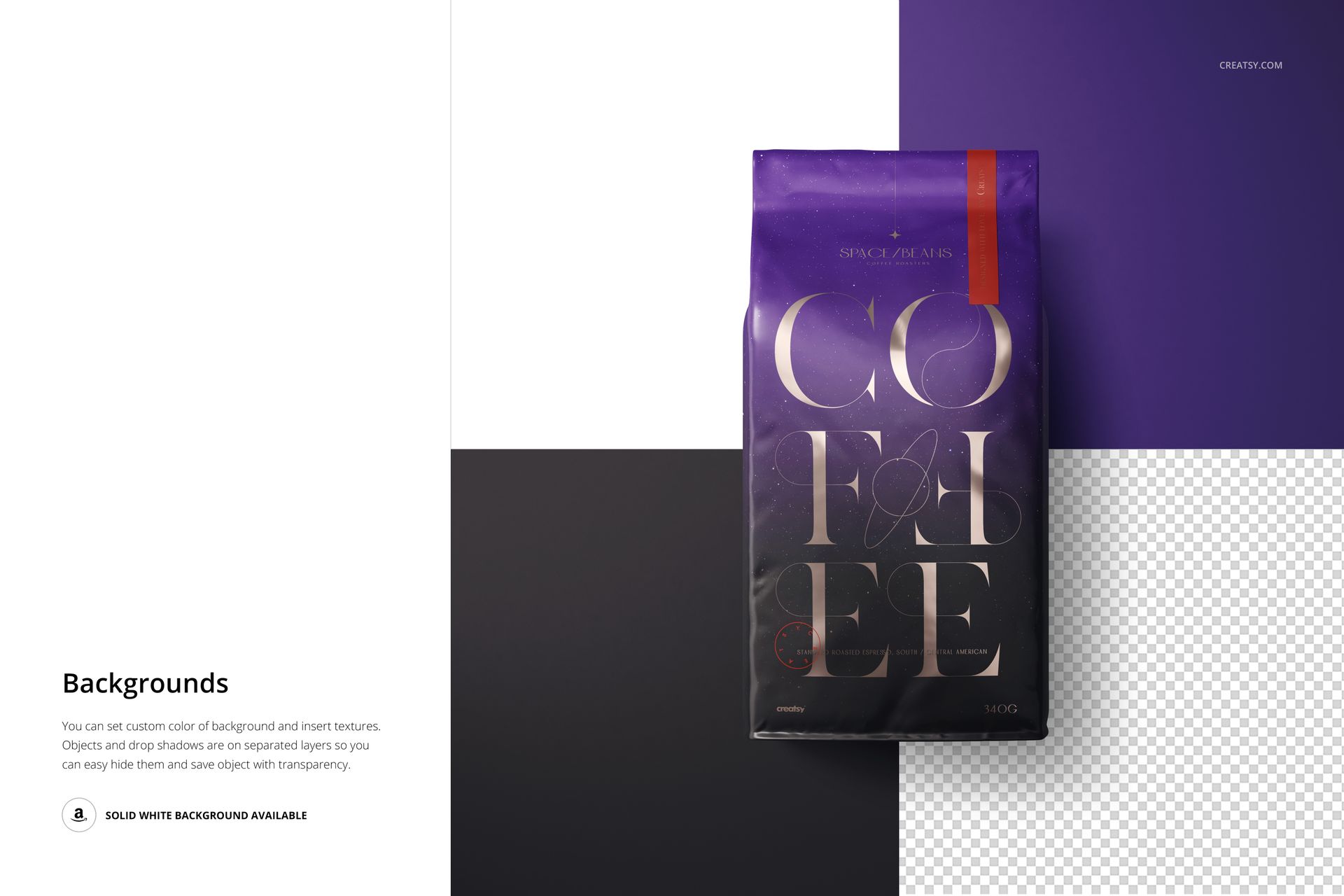
Change the bag color and design, customize the optional sticker and use the metallic design option for your artwork. Background color and texture can be changed to match the brand palette. Separate object and shadow layers support background adjustments, including transparent-background presentations.
Easy Smart Object Editing
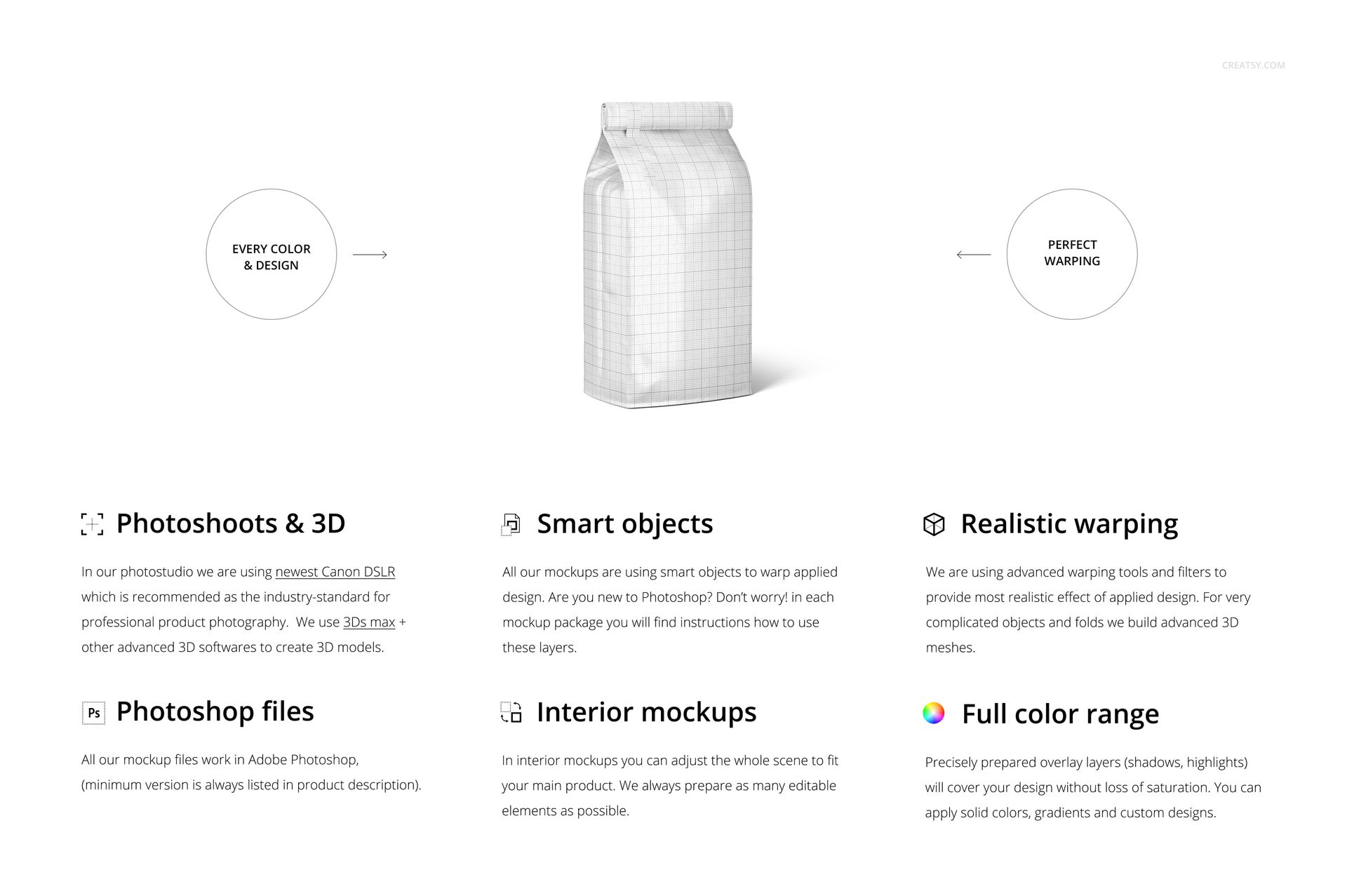
Use Adobe Photoshop CC 2020 (version 21) or later, or Photopea. Open the chosen PSD, replace the design inside its Smart Object and save the object to update the scene. Refine the available color and background layers, then export the image for your layout.
Perfect For
Specialty coffee packaging and roaster rebranding concepts.
Glossy bag artwork, metallic graphic treatments and label presentations.
Product galleries, client presentations and coffee launch campaigns.
A digital mockup for presenting your own artwork. Physical coffee bags, coffee and the sample designs shown in the previews are not included.