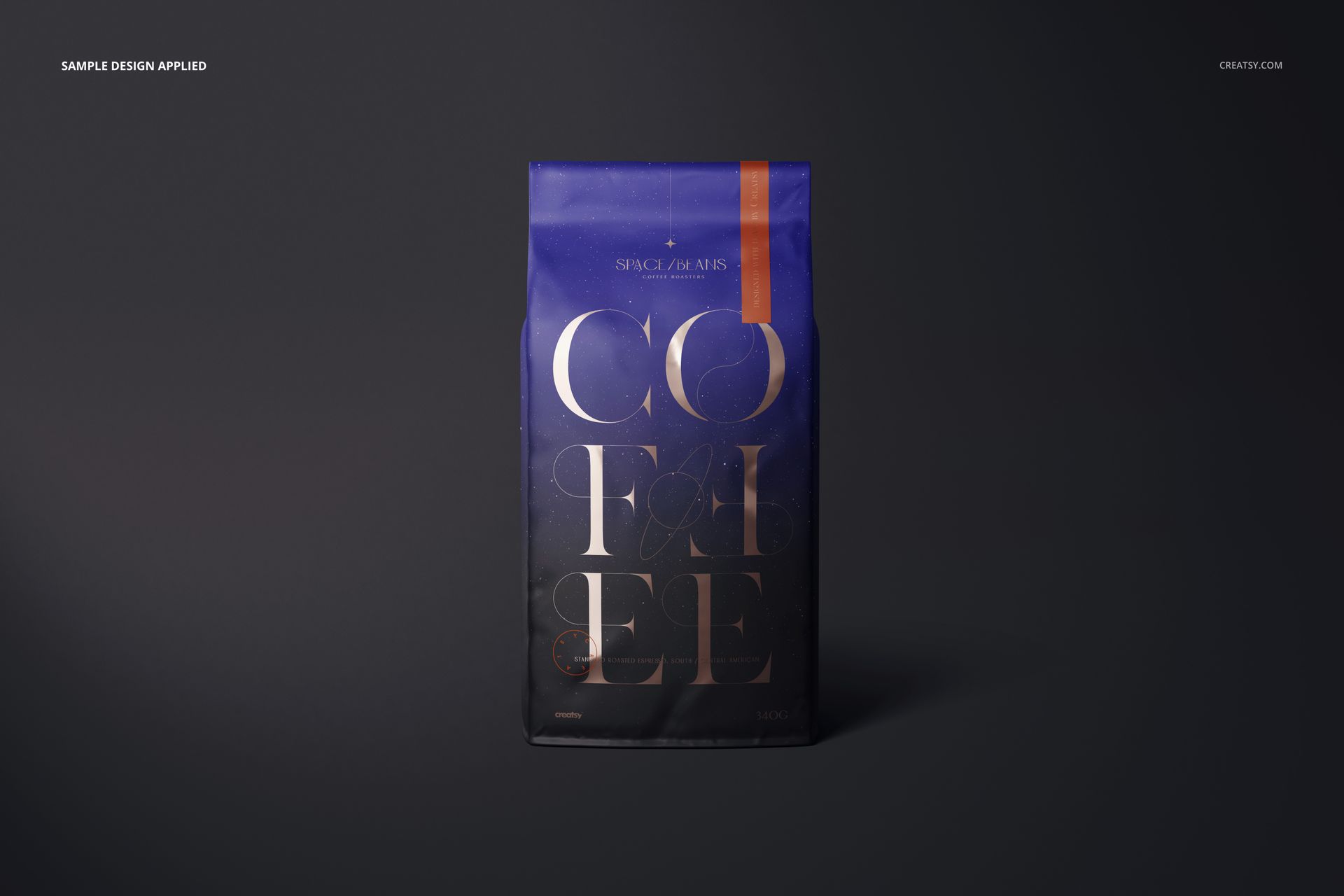
Coffee Bag Mockup Set (matte finish)
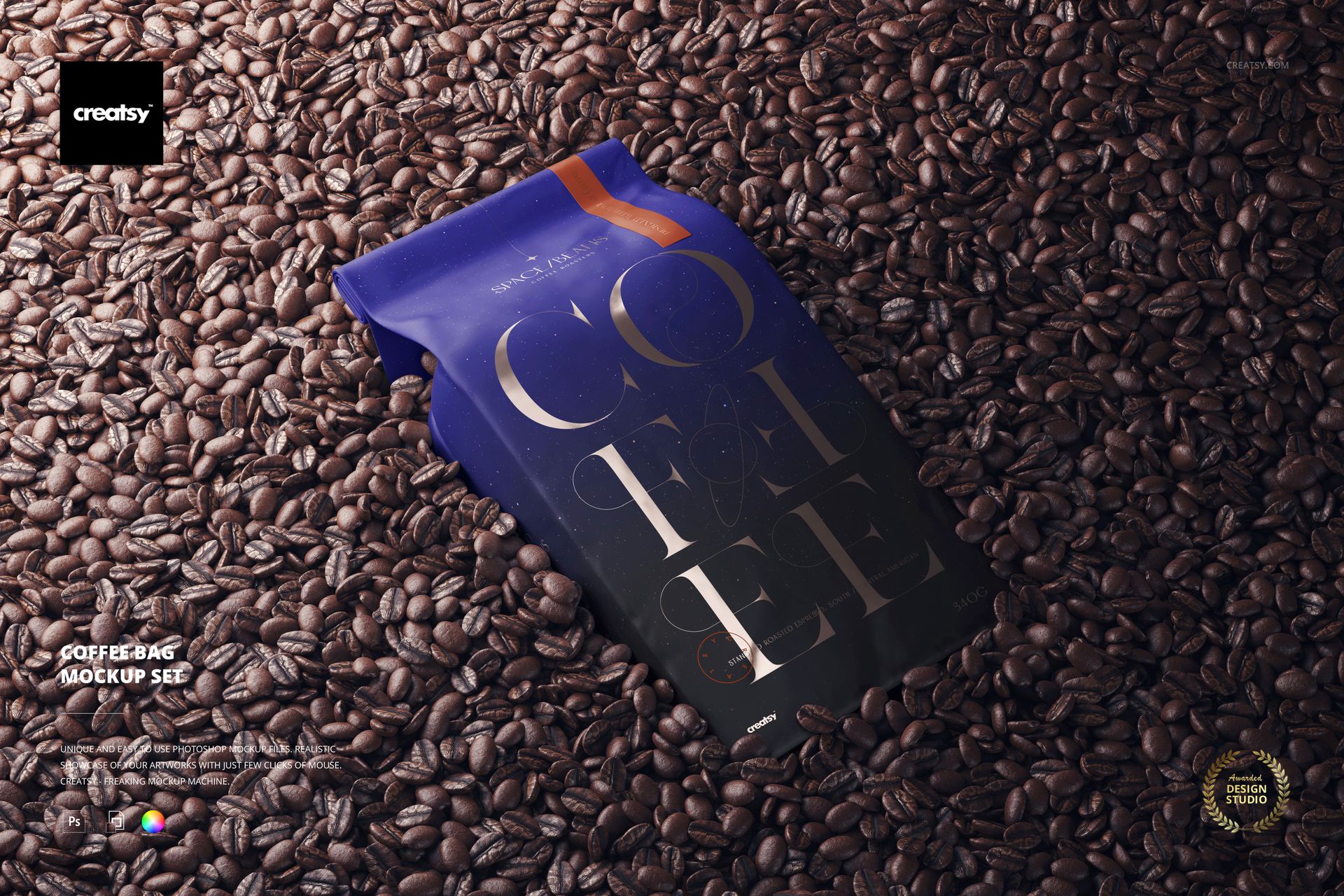
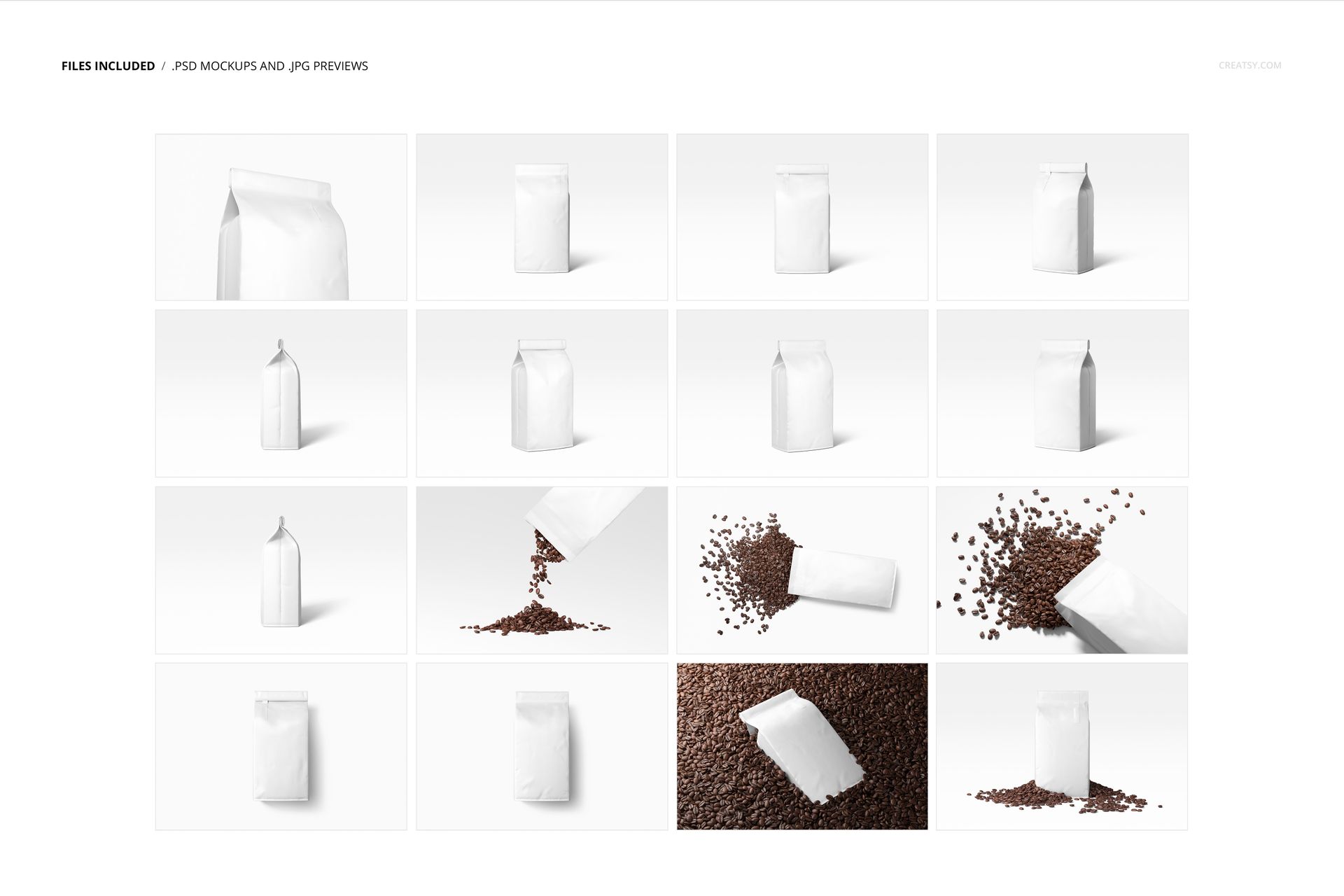
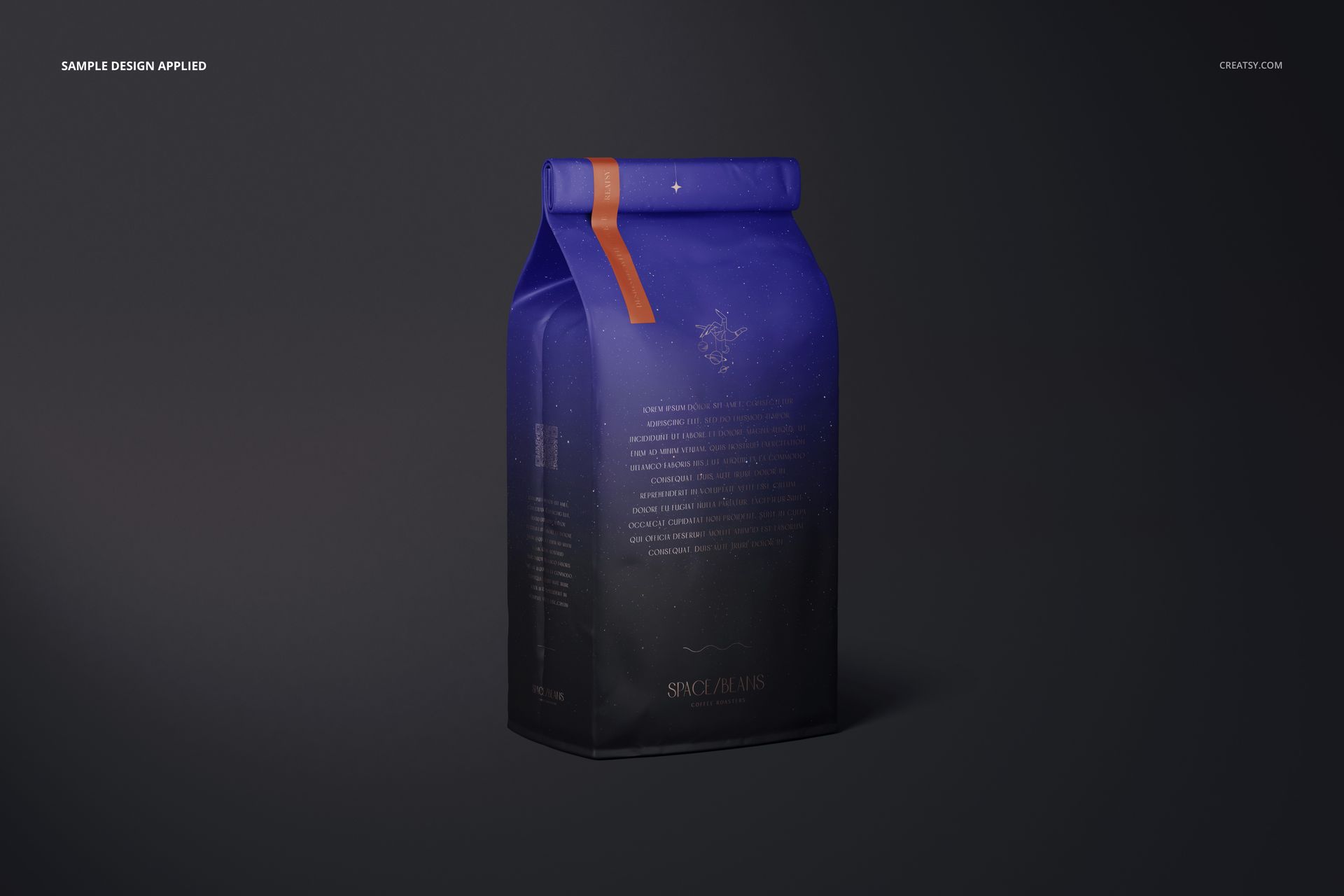
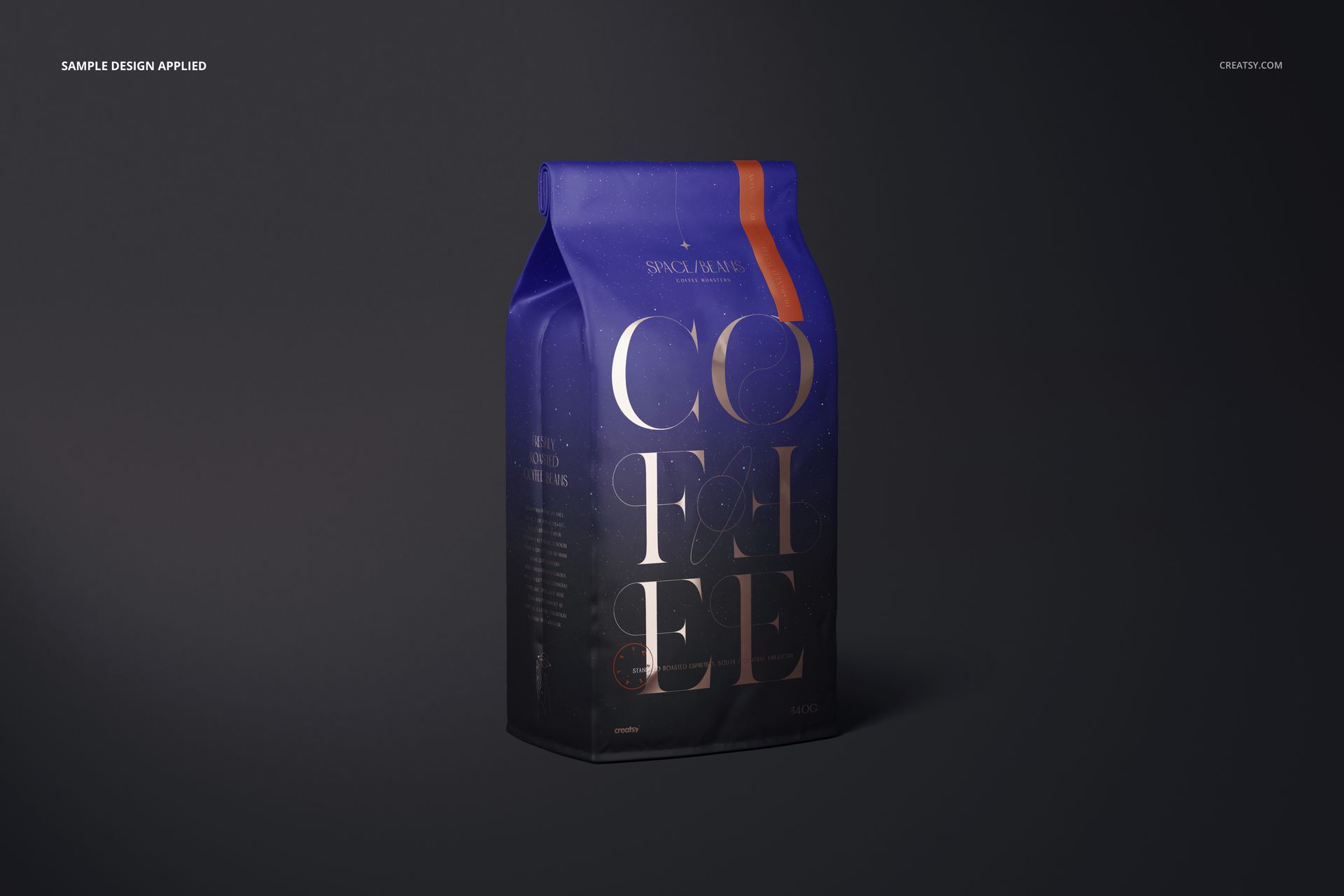
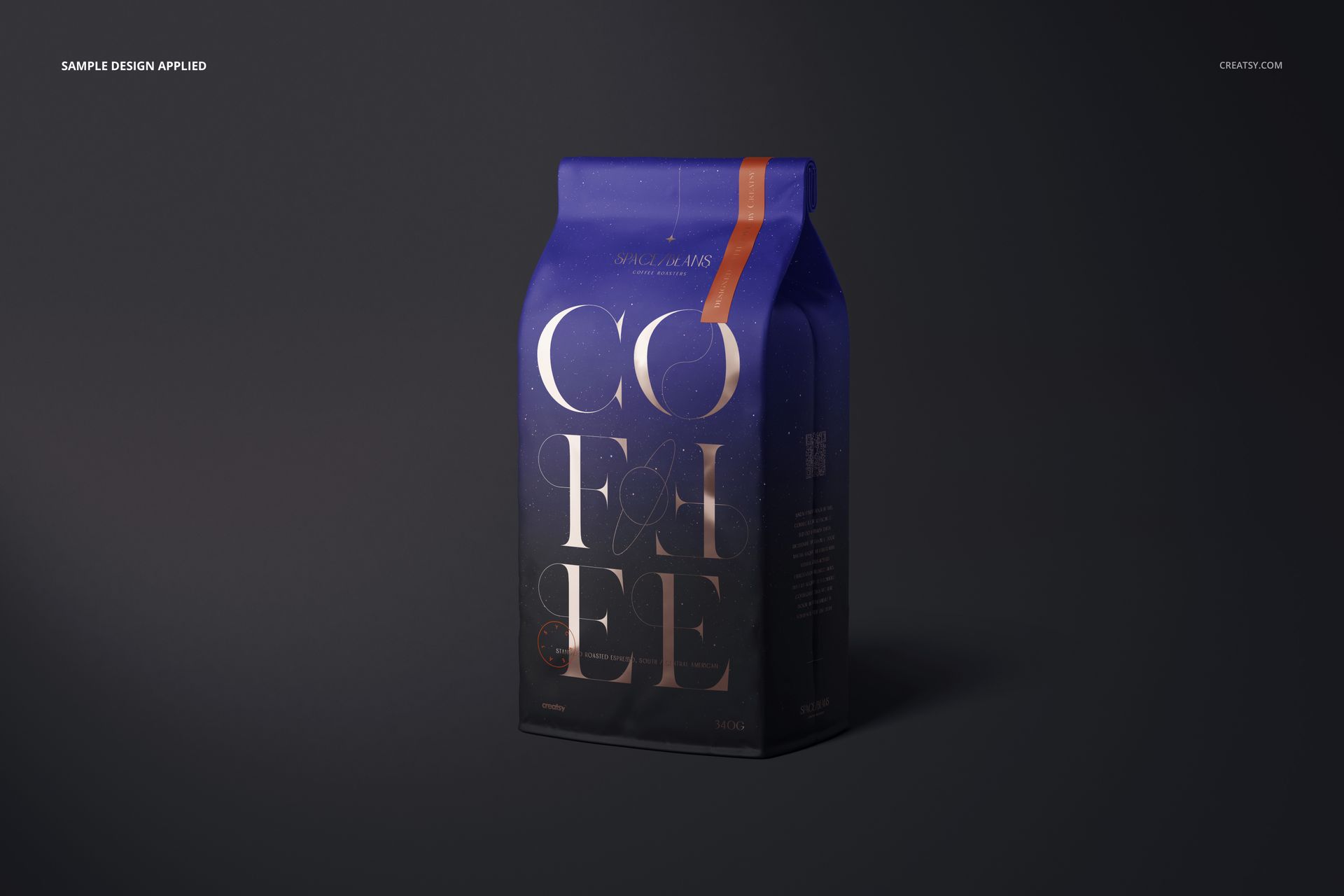
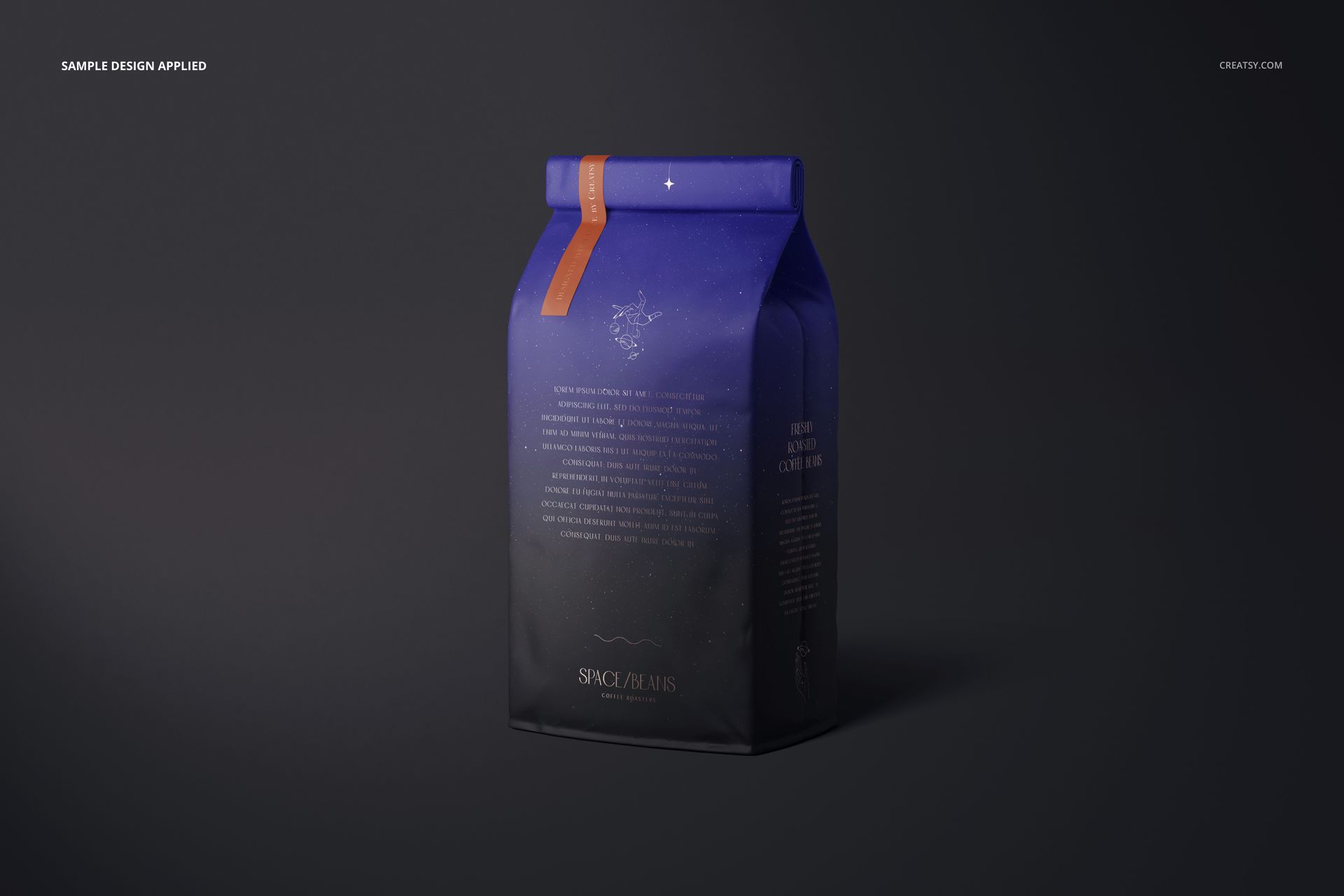
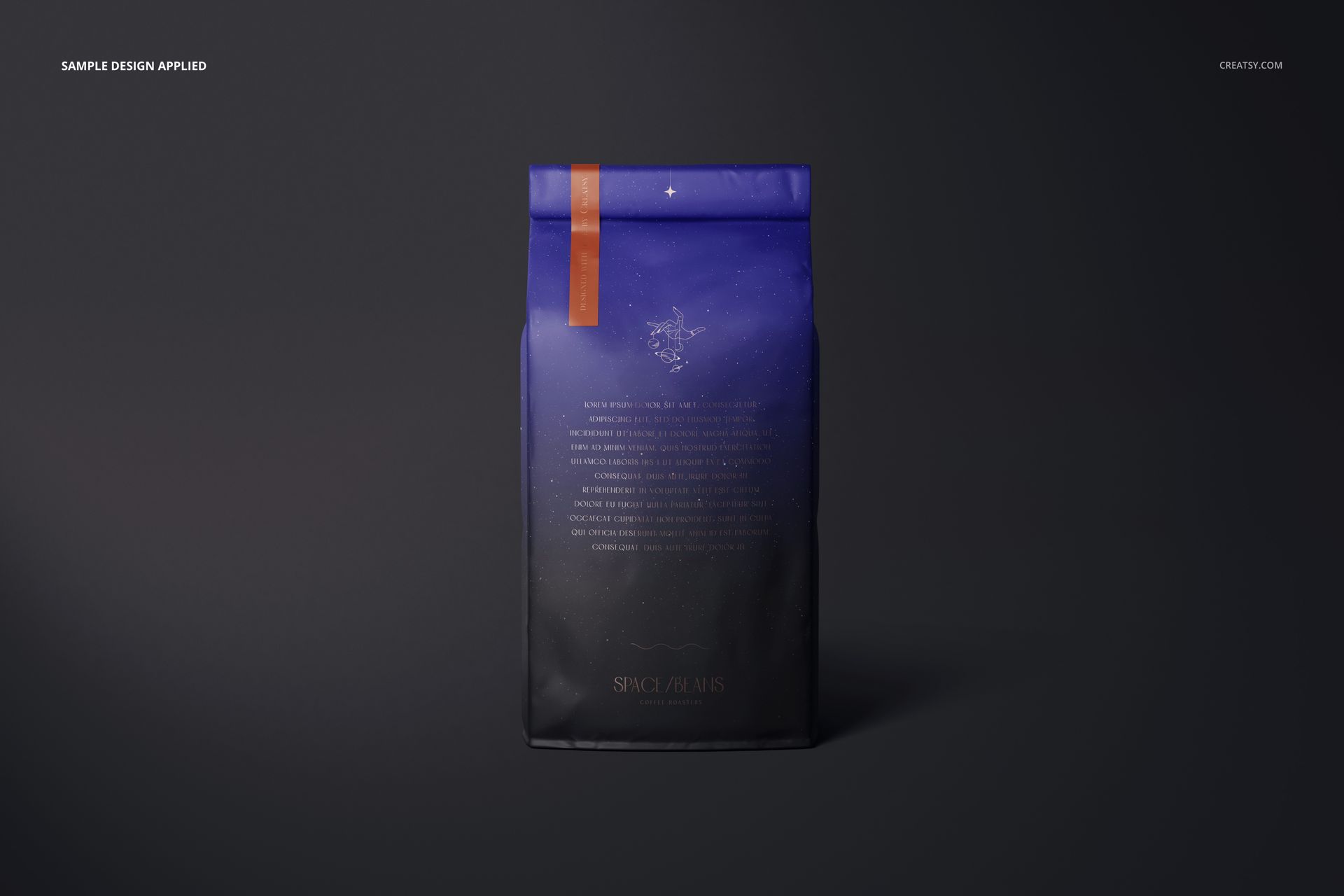
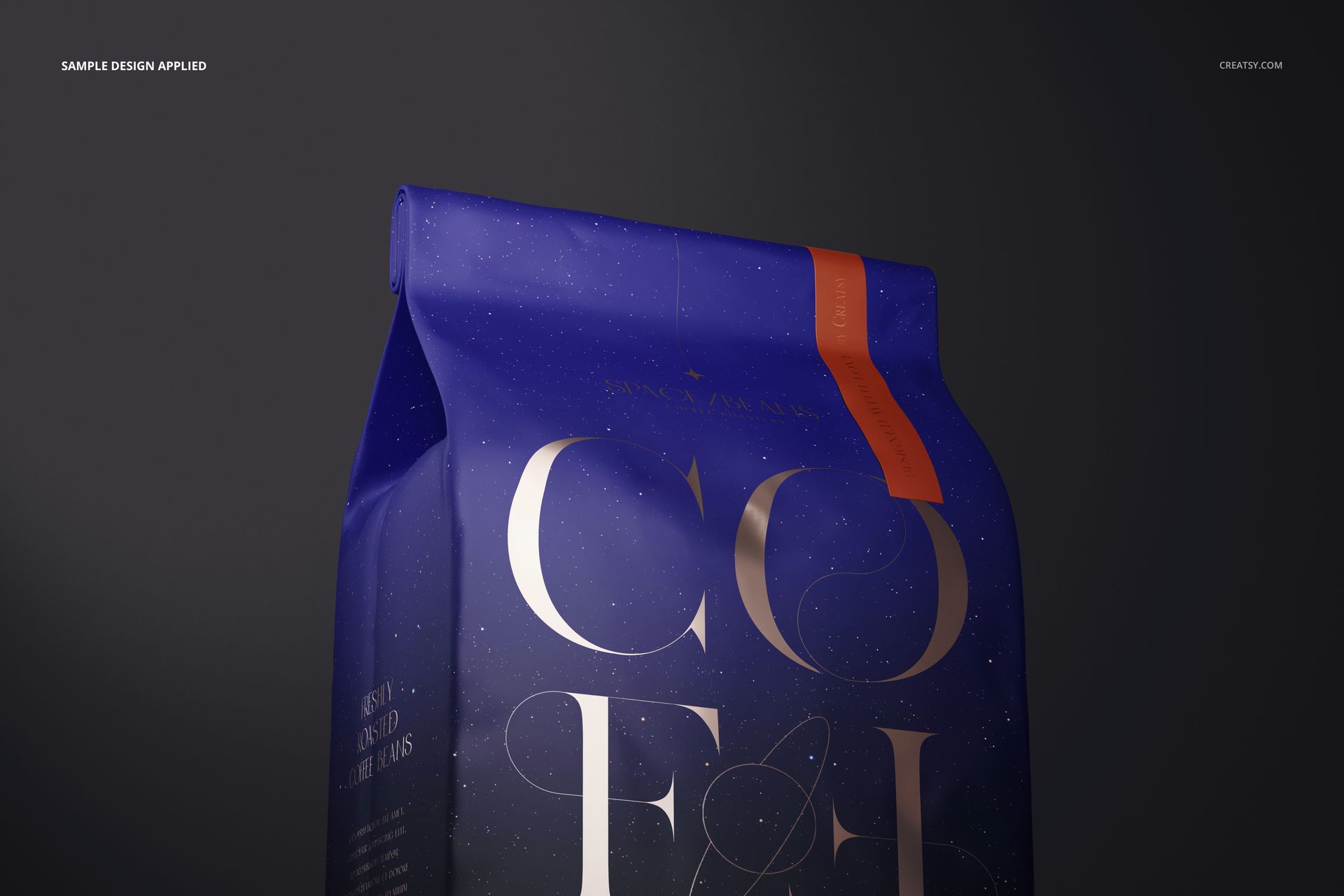
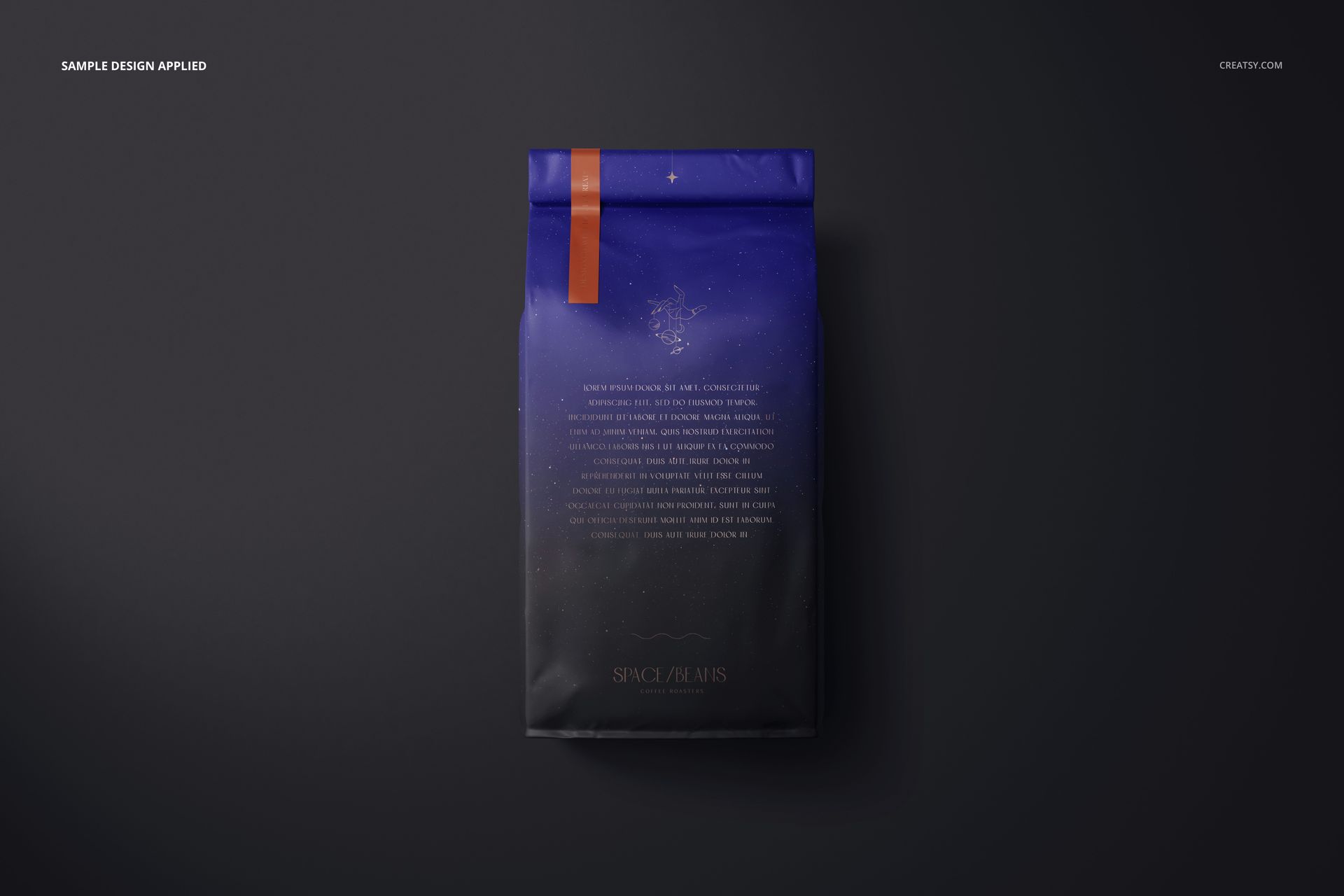
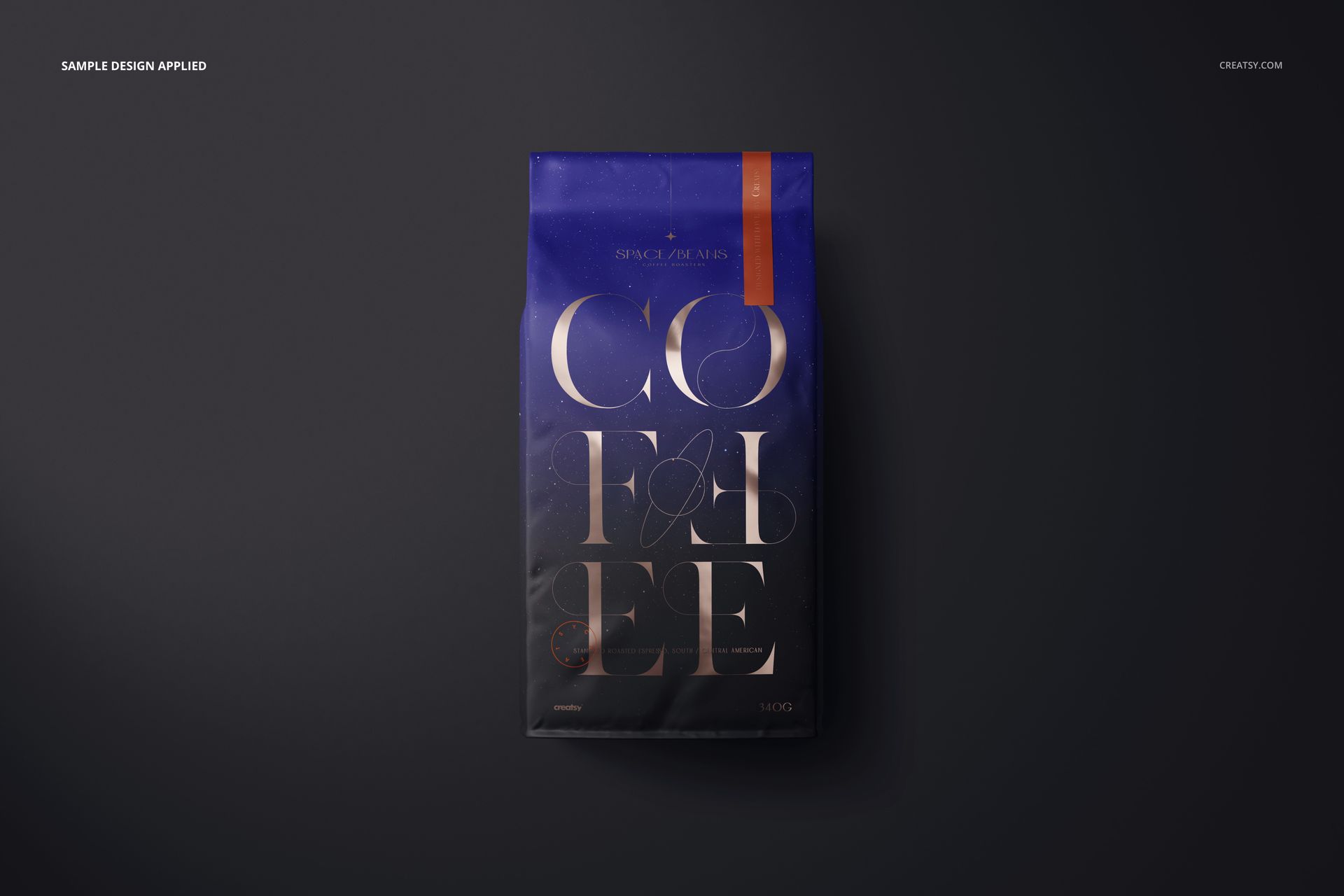
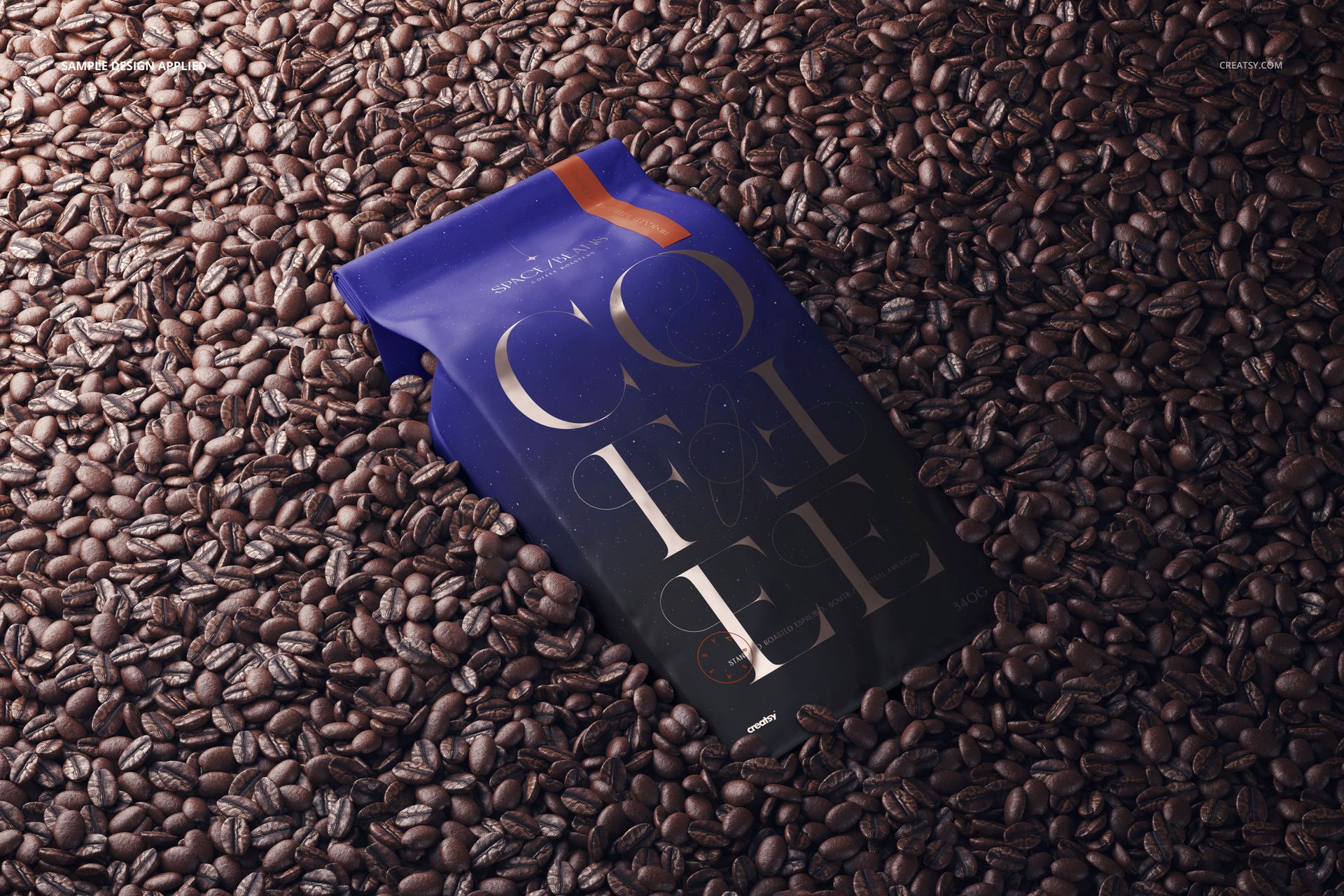
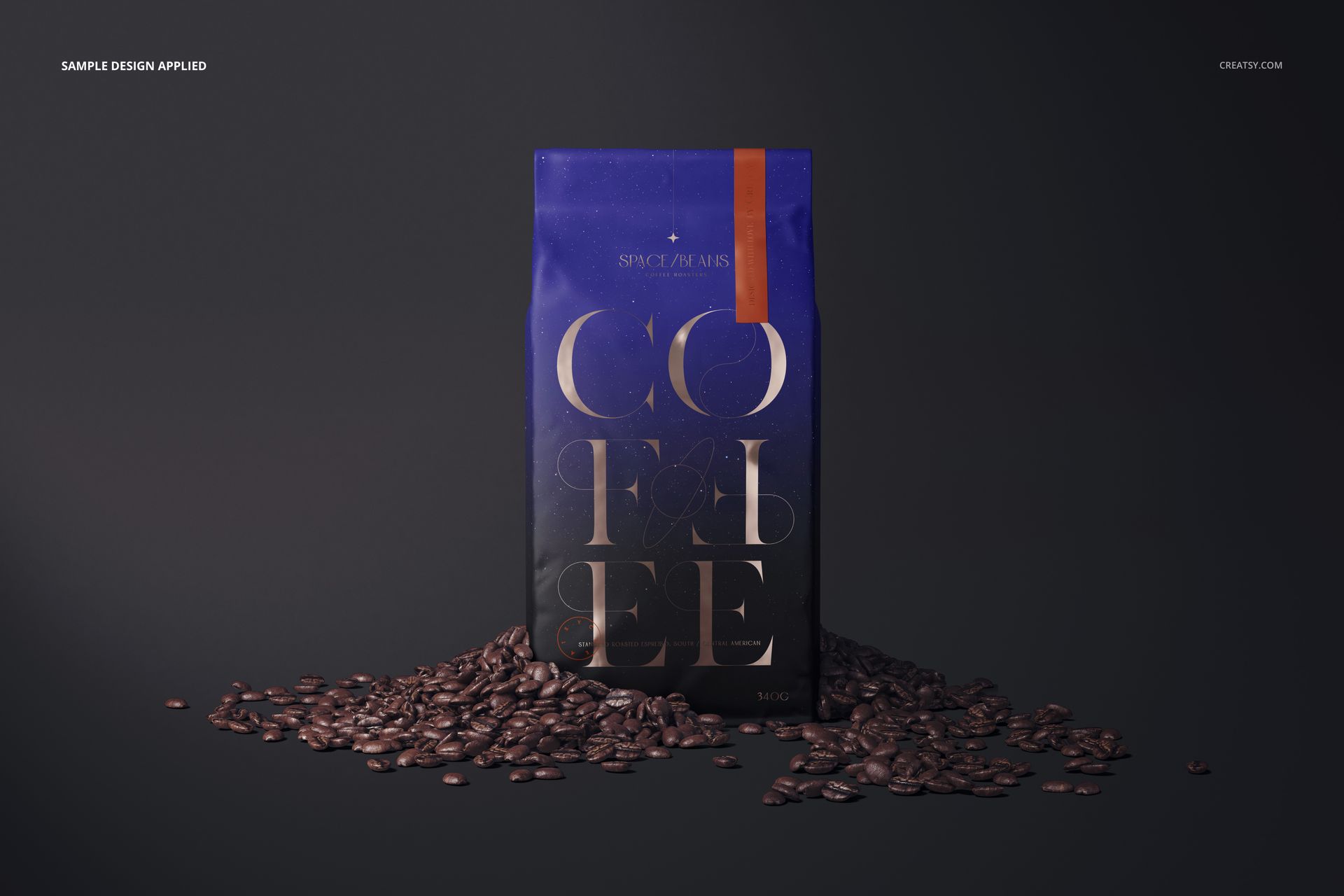
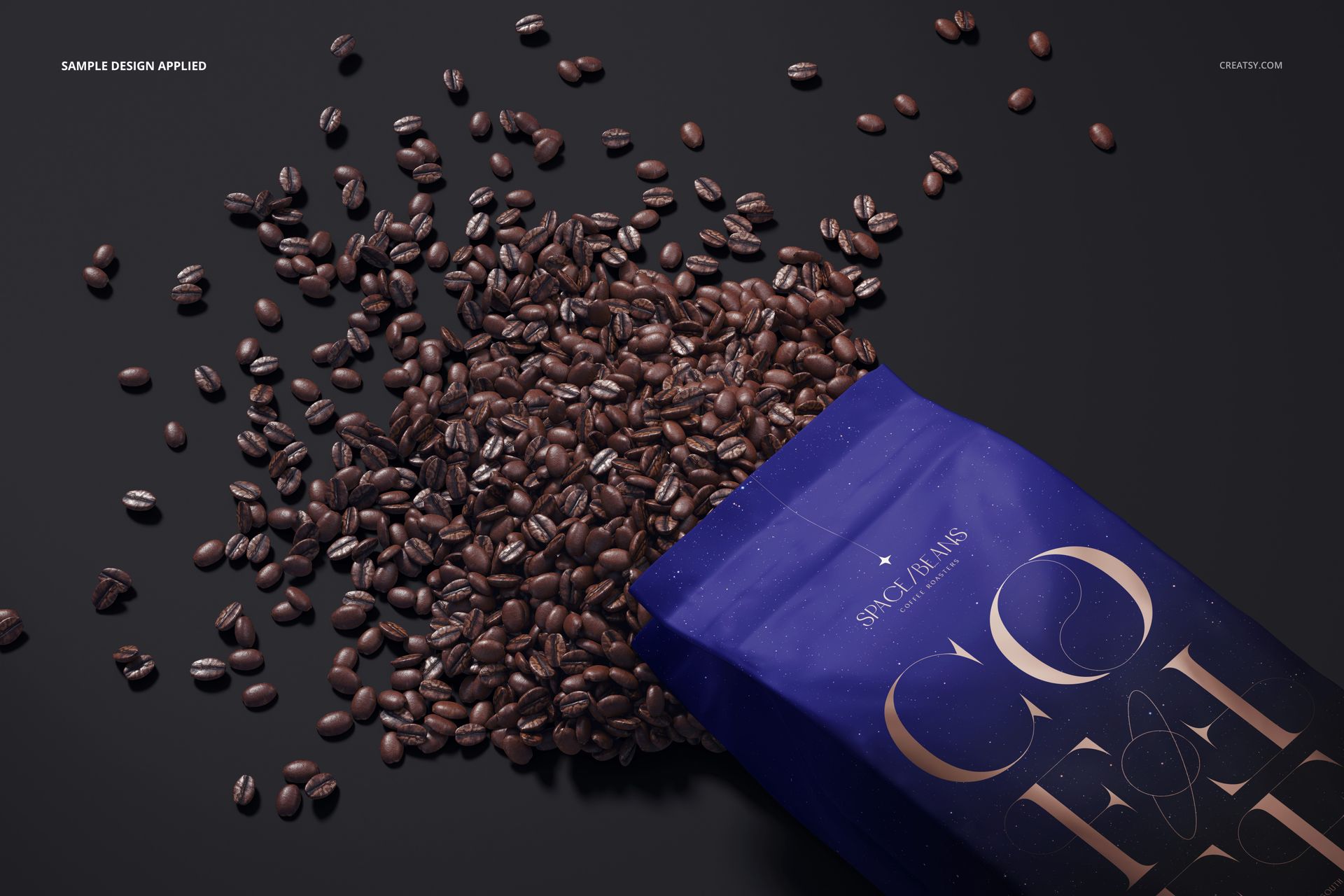
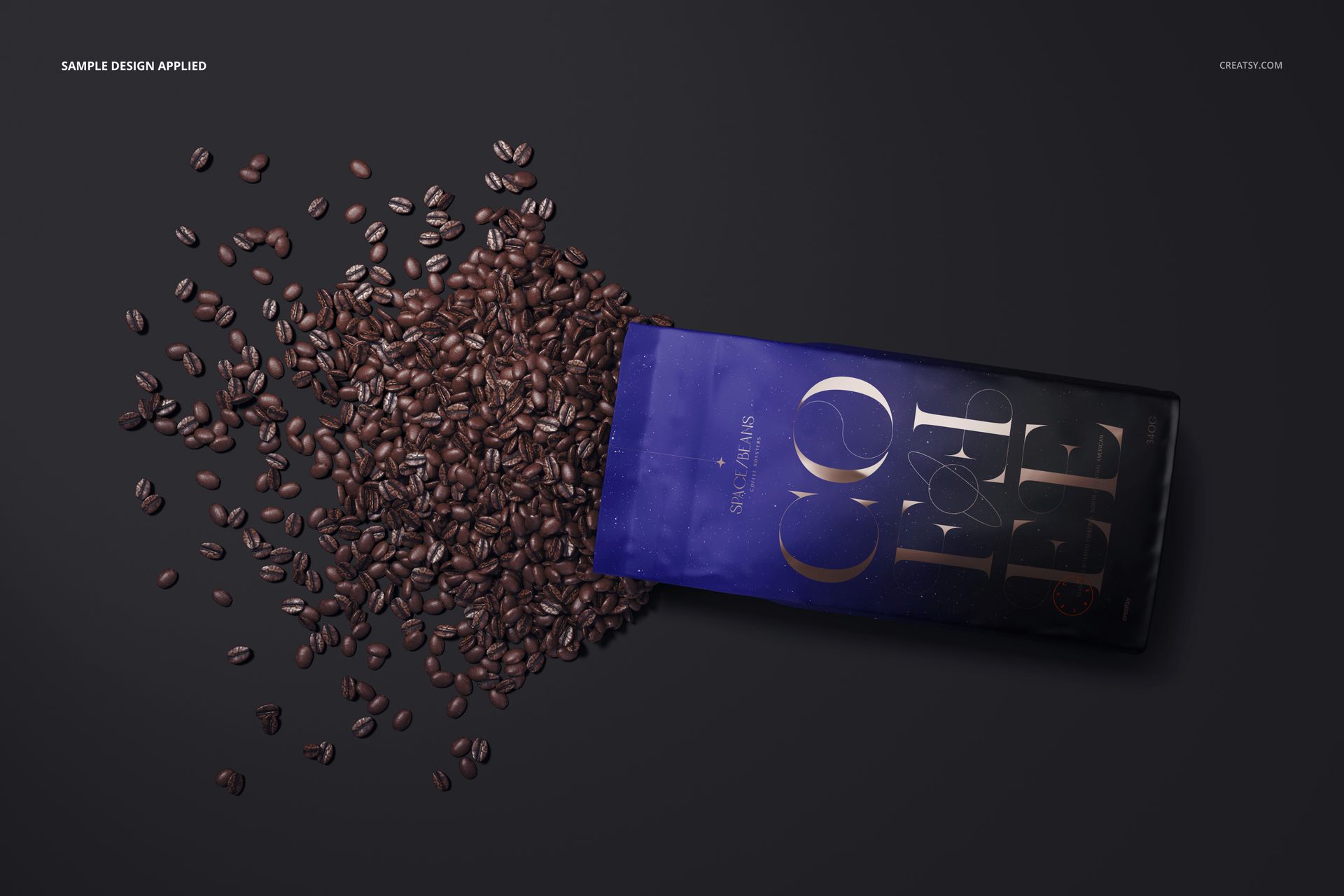
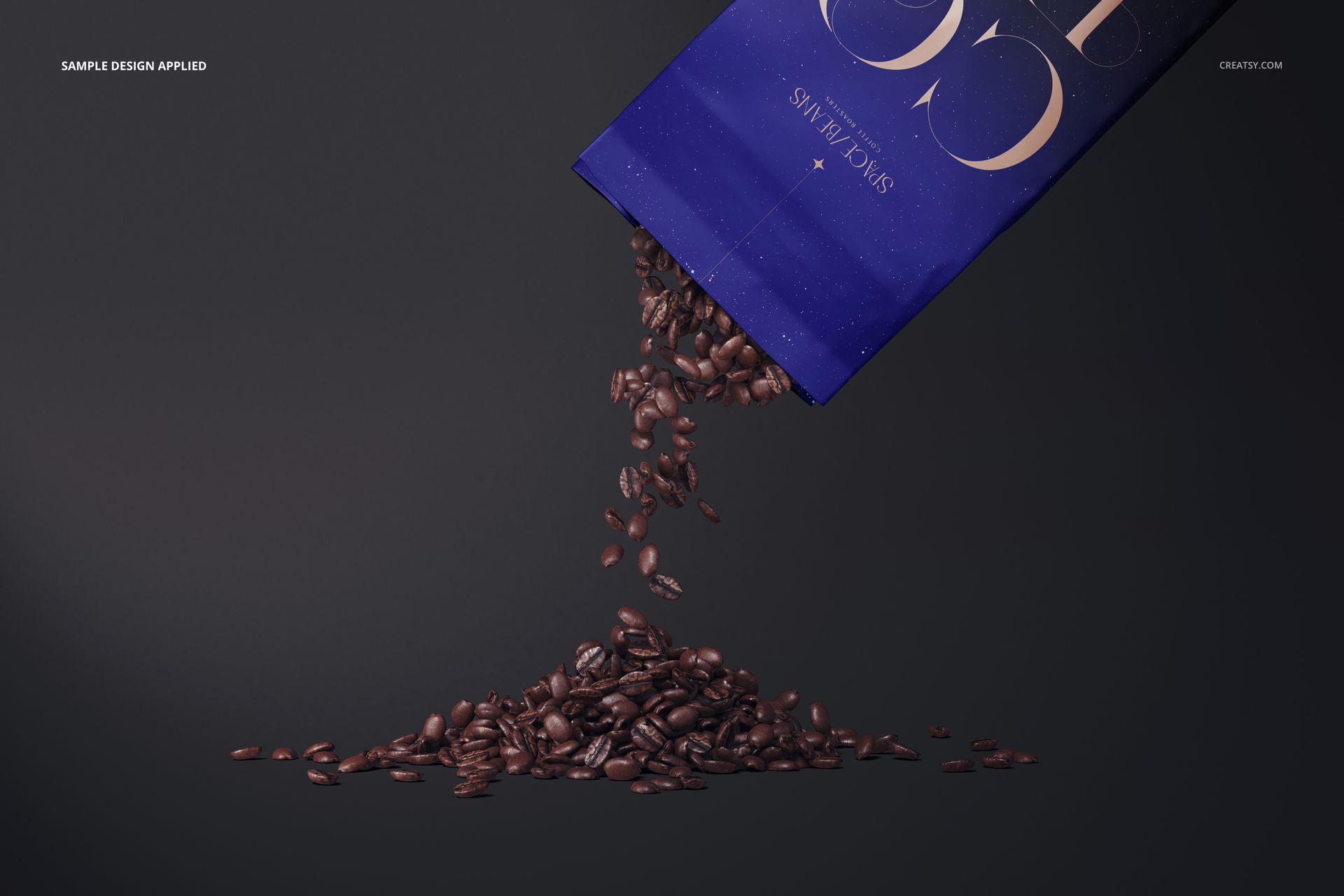
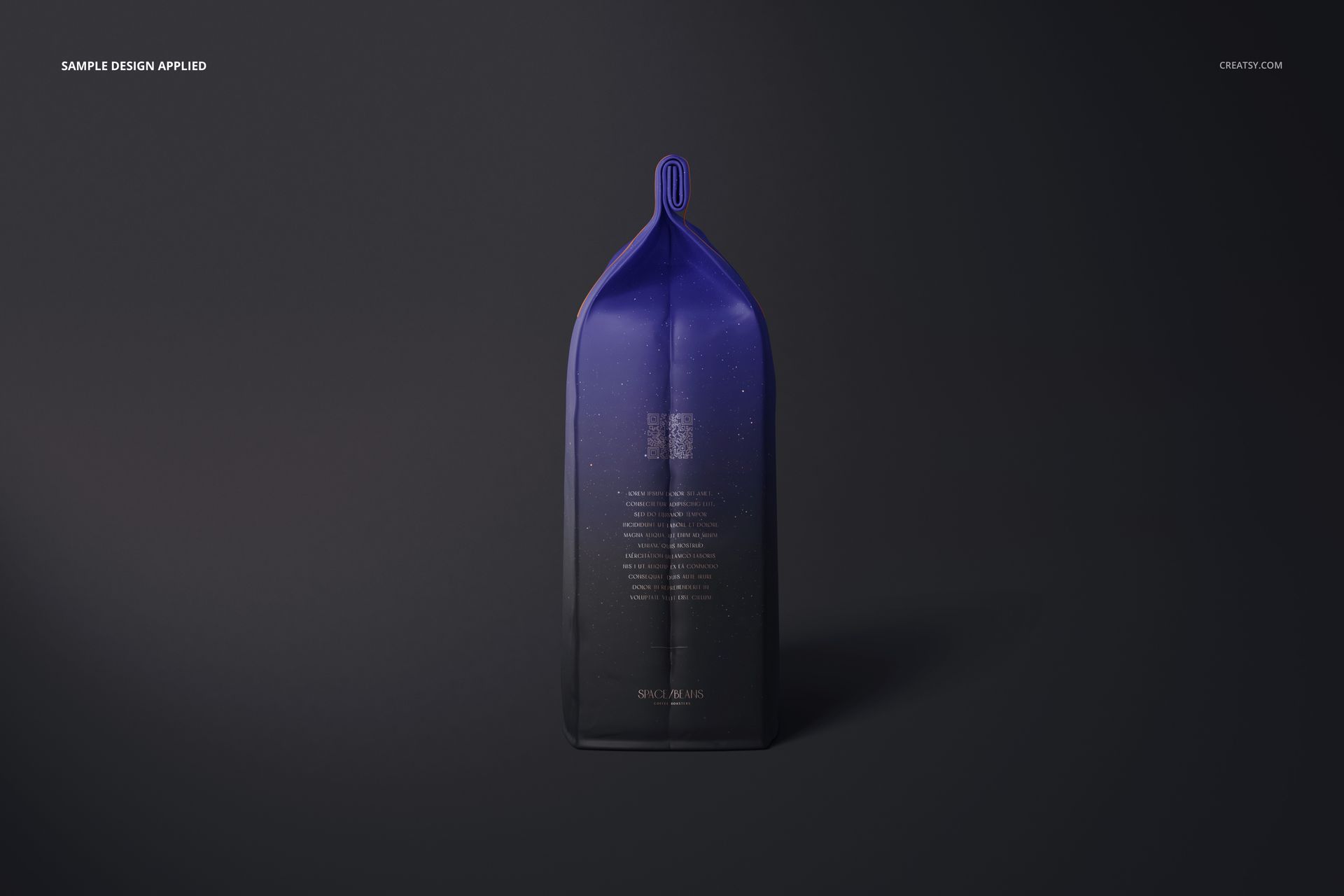
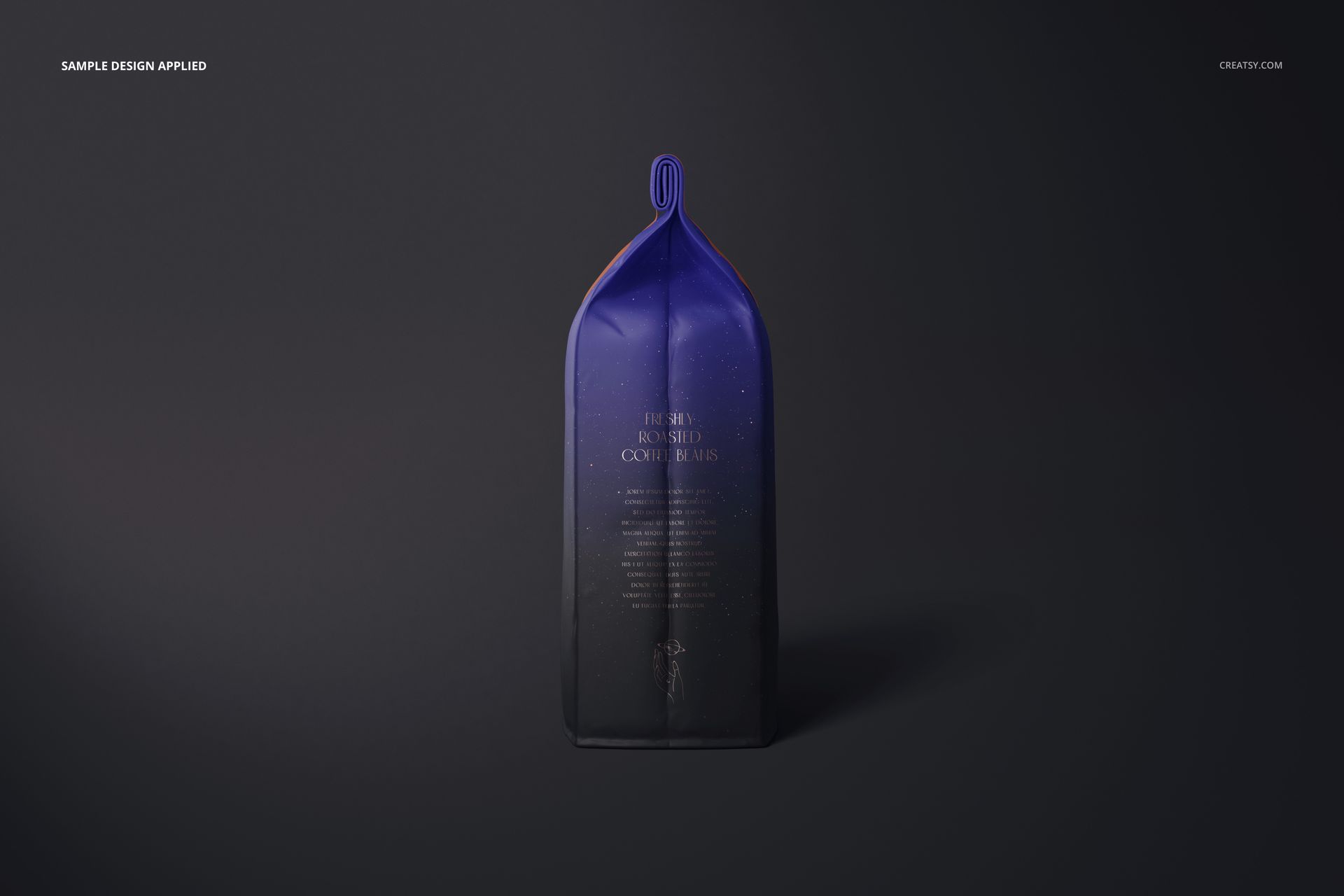
Show coffee packaging in sixteen Photoshop scenes built around a matte, folded-top bag. The collection moves from clean product angles and close-up details to open bags and coffee-bean arrangements, giving a roaster or design studio a varied presentation of one packaging concept.
What Is Included
16 layered PSD scenes at 6000 × 4000 px and 300 DPI
16 JPG previews and 1 PDF user manual, 33 files in total
Front, back, angled, close-up and coffee-bean compositions
Adobe Photoshop CC2020, version 21, or newer
Matte Packaging with a Distinctive Closure Detail
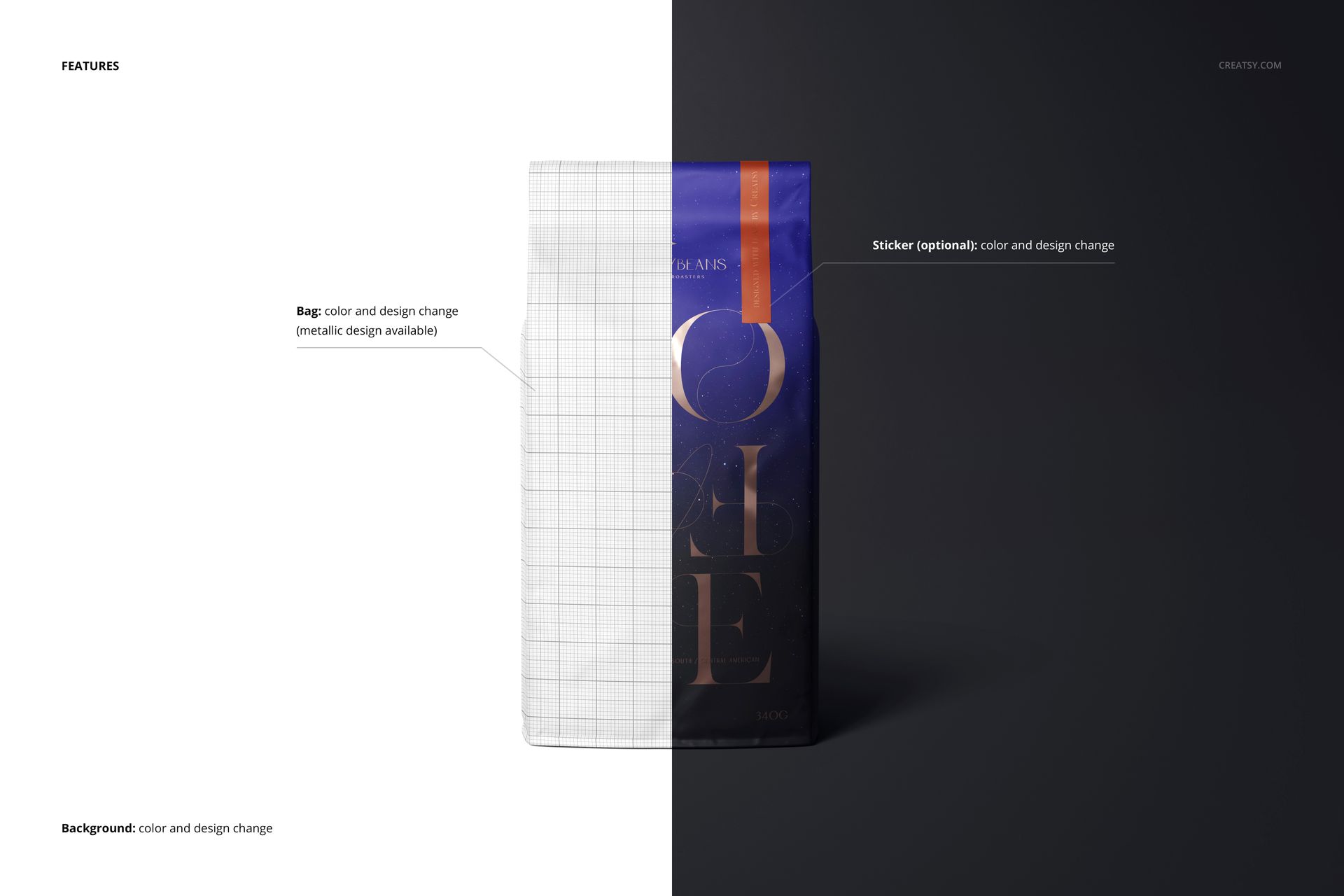
The tall side-gusseted bag has a folded top, giving the artwork a different shape from a straight-top resealable pouch. Change the bag color and design, add a metallic effect to the artwork, and customize the optional sticker’s color and design. The metallic artwork option is a print-effect treatment on the matte bag, not a change to an entirely glossy package.
Easy Smart Object Editing
Open a scene in Photoshop and replace the artwork through its Smart Objects. Save the Smart Object to update the bag, then adjust the available color controls, sticker and background color or design. Use the supplied user manual as a guide to the layer setup.
Perfect For
Coffee roasters comparing blends, origins and seasonal packaging
Brand studios presenting bag artwork and closure-sticker concepts
Ecommerce galleries, launch campaigns and packaging portfolios
Digital mockup files only. No physical bags, beans or printed stickers are supplied. Sample artwork and patterns shown in the previews are not included.