Coffee Bag Flat Lay Mockup Set
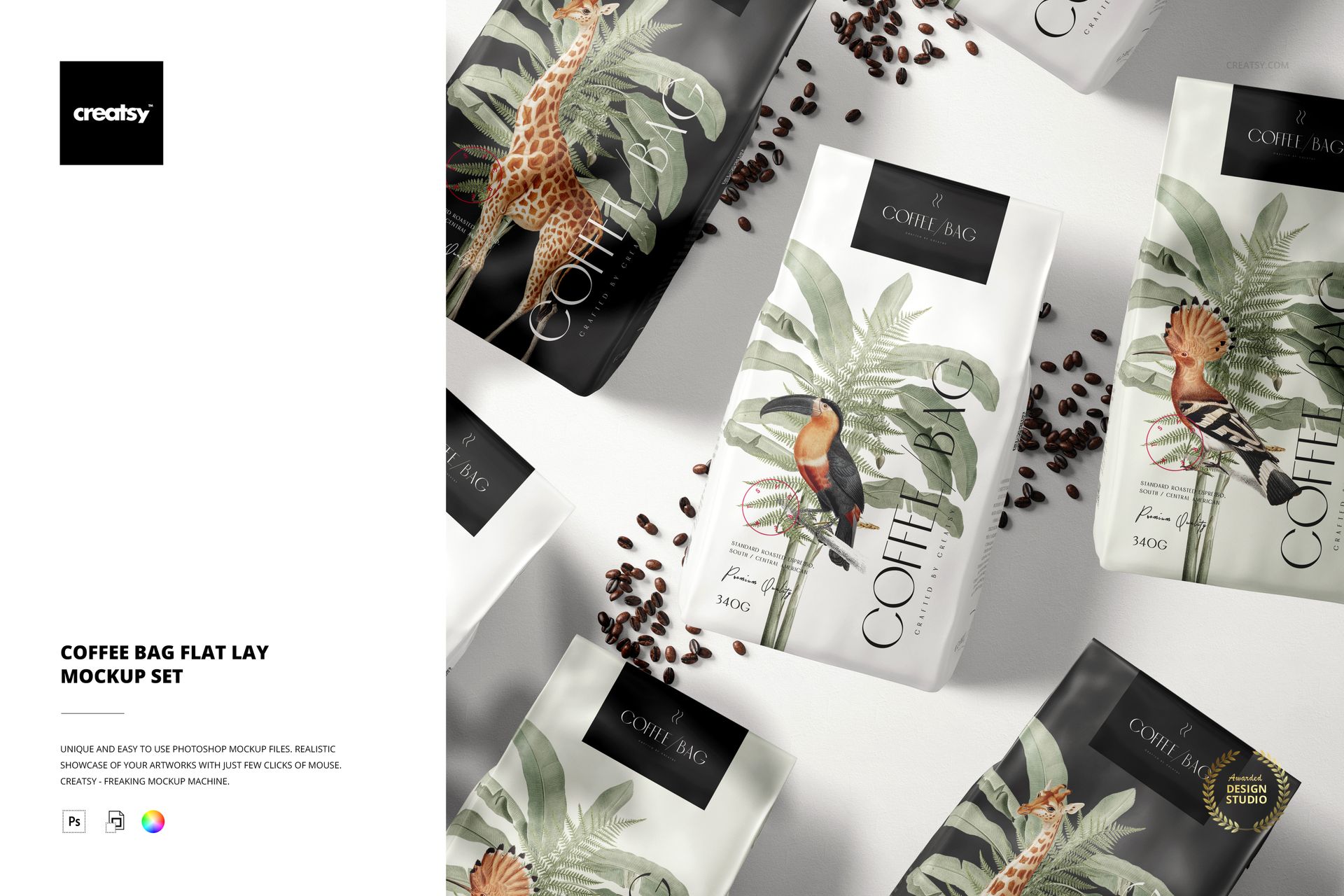
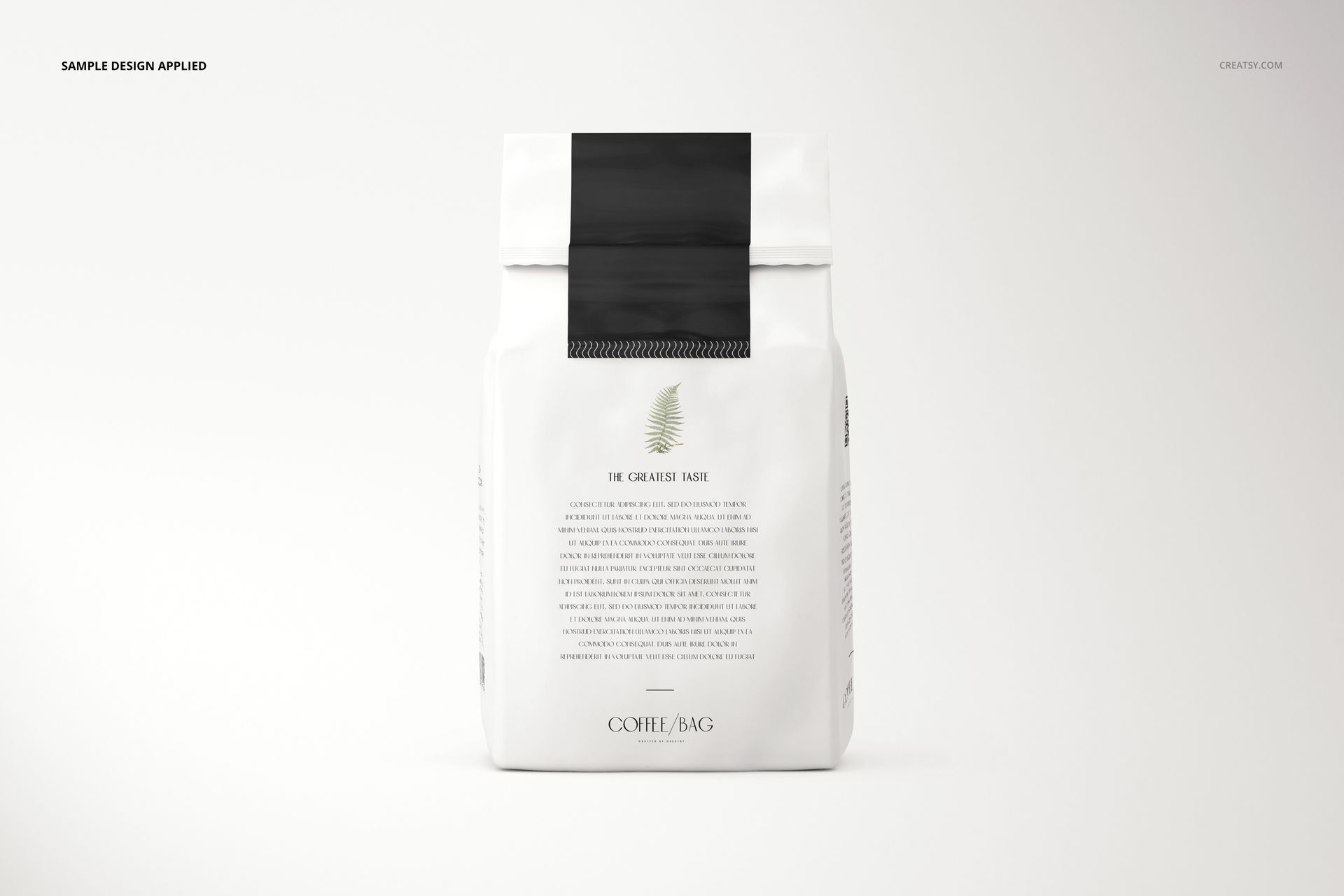
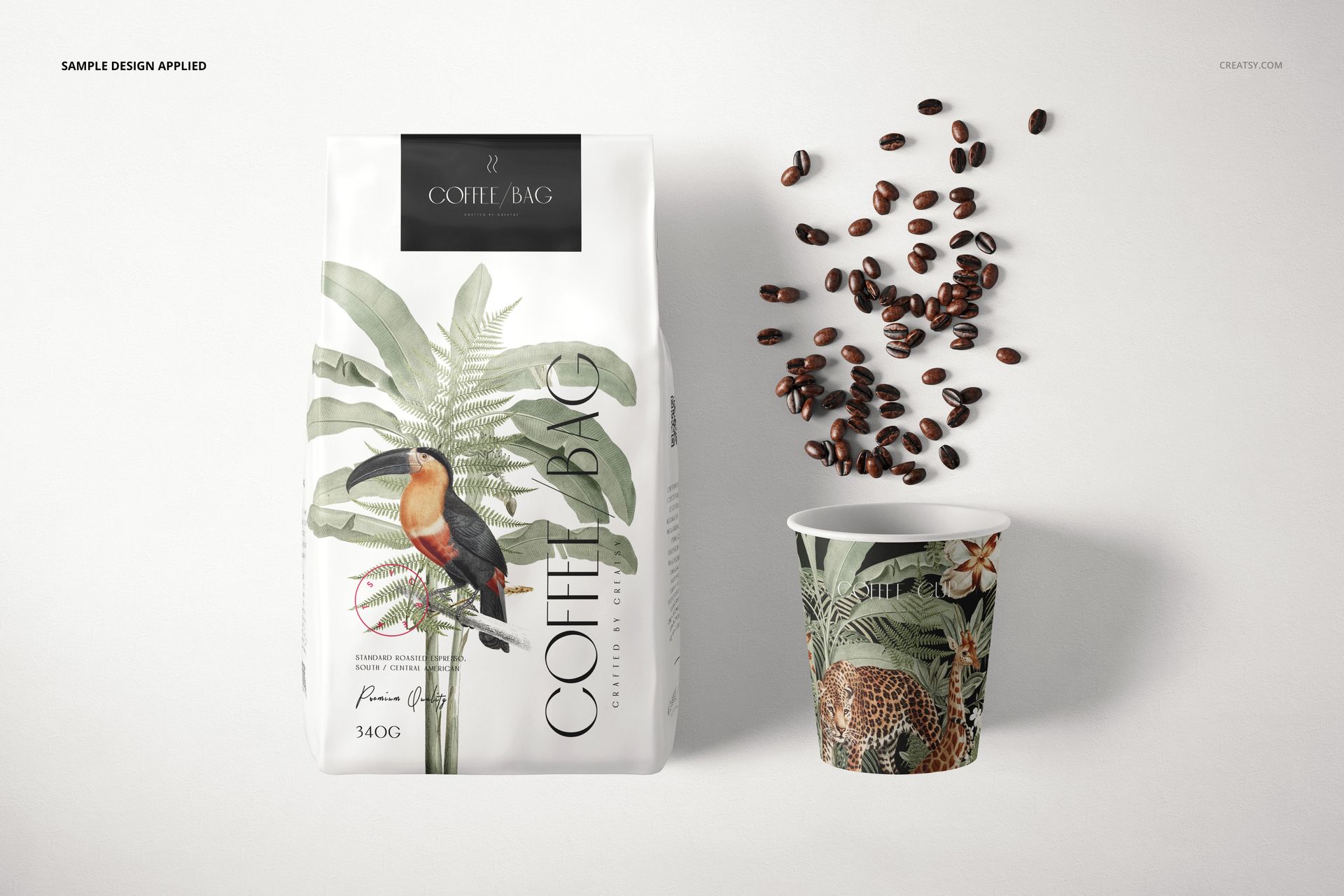
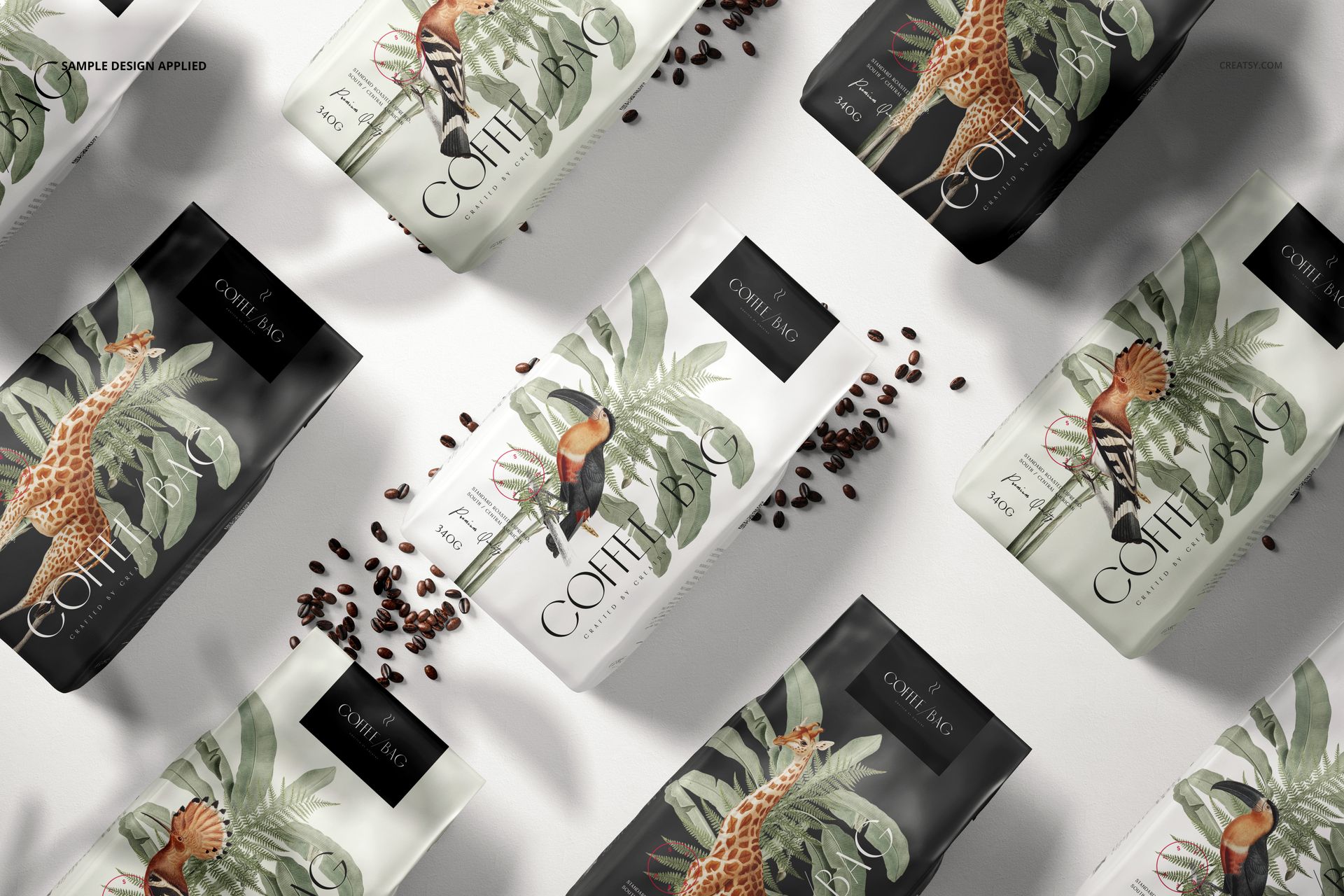
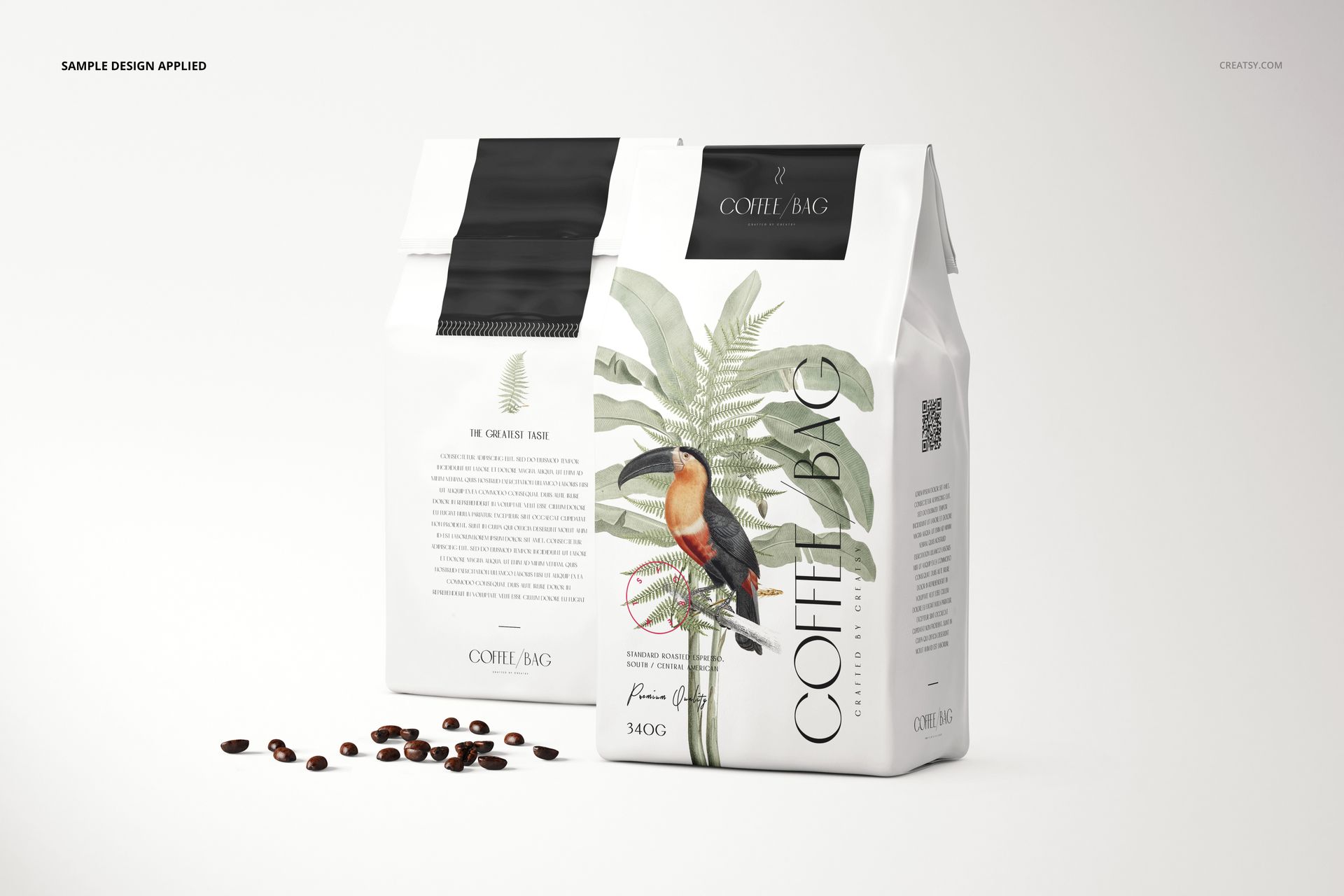
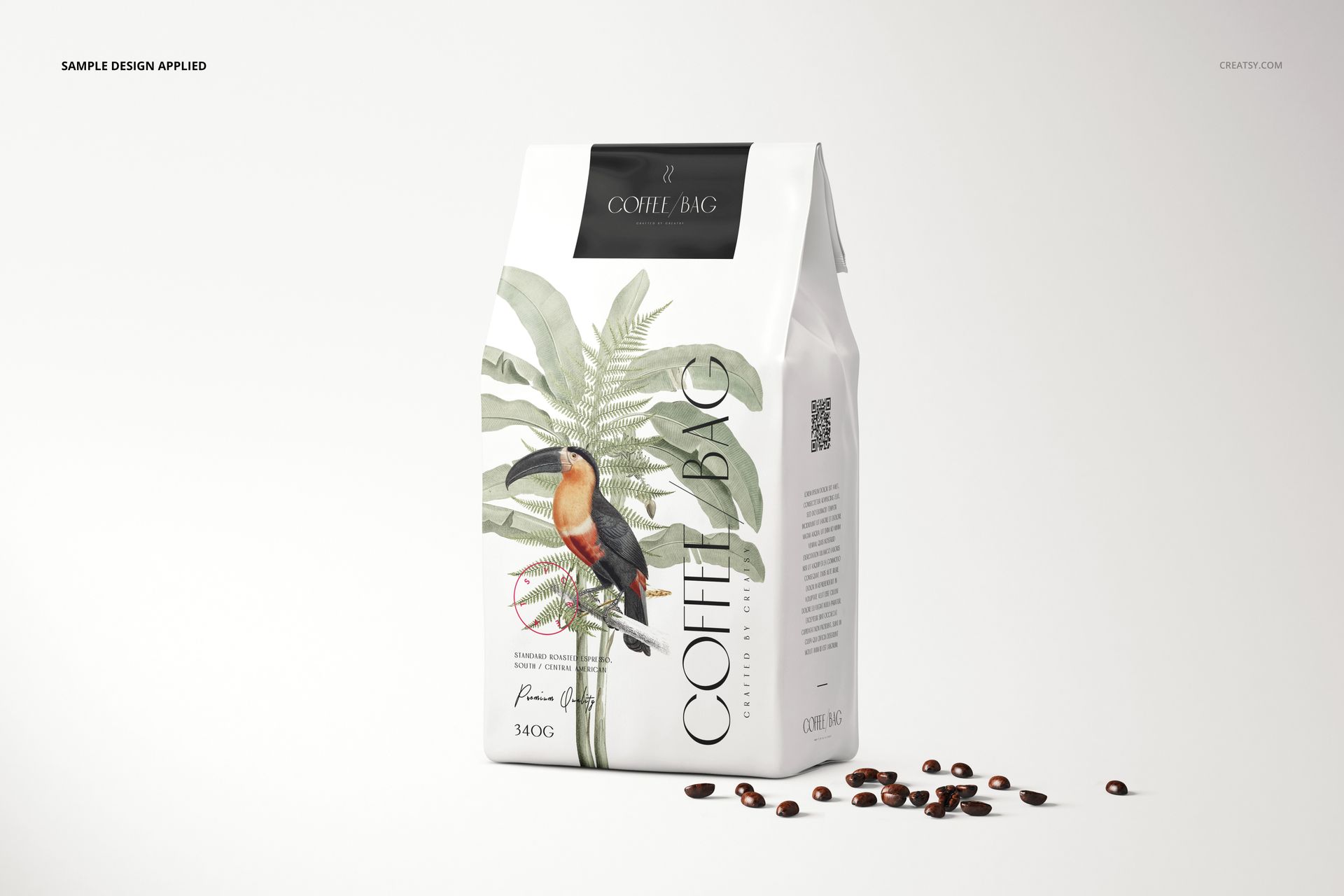
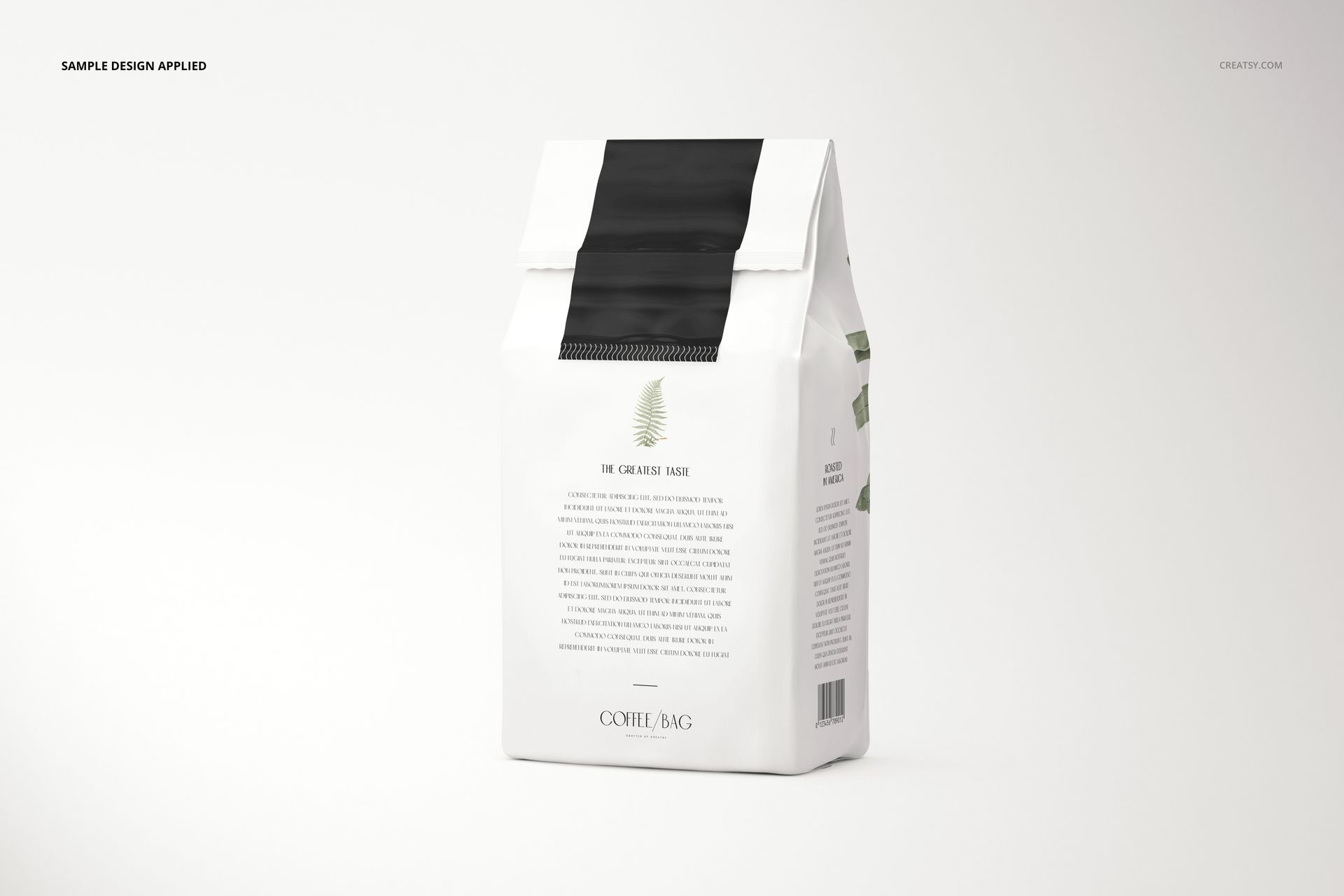
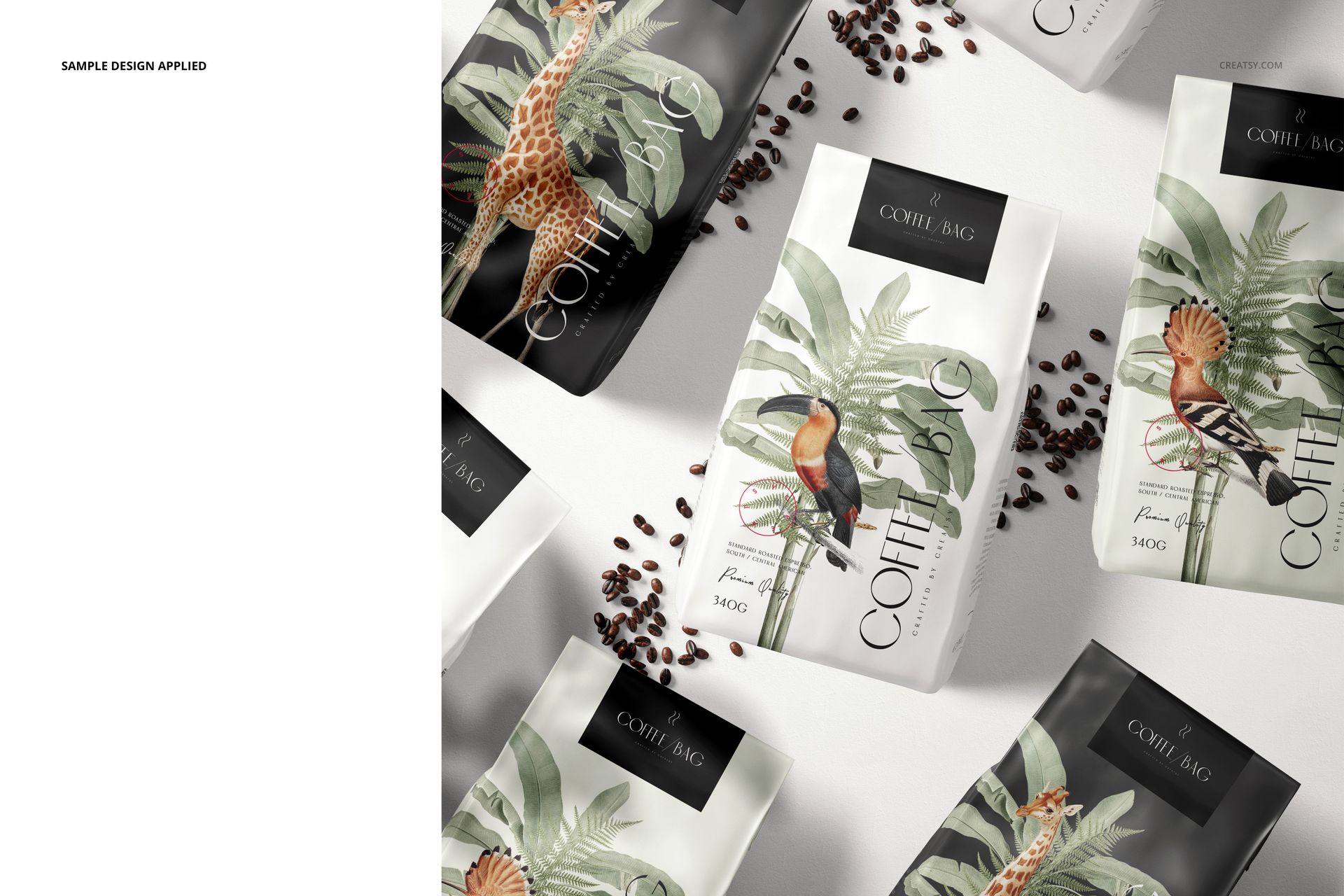
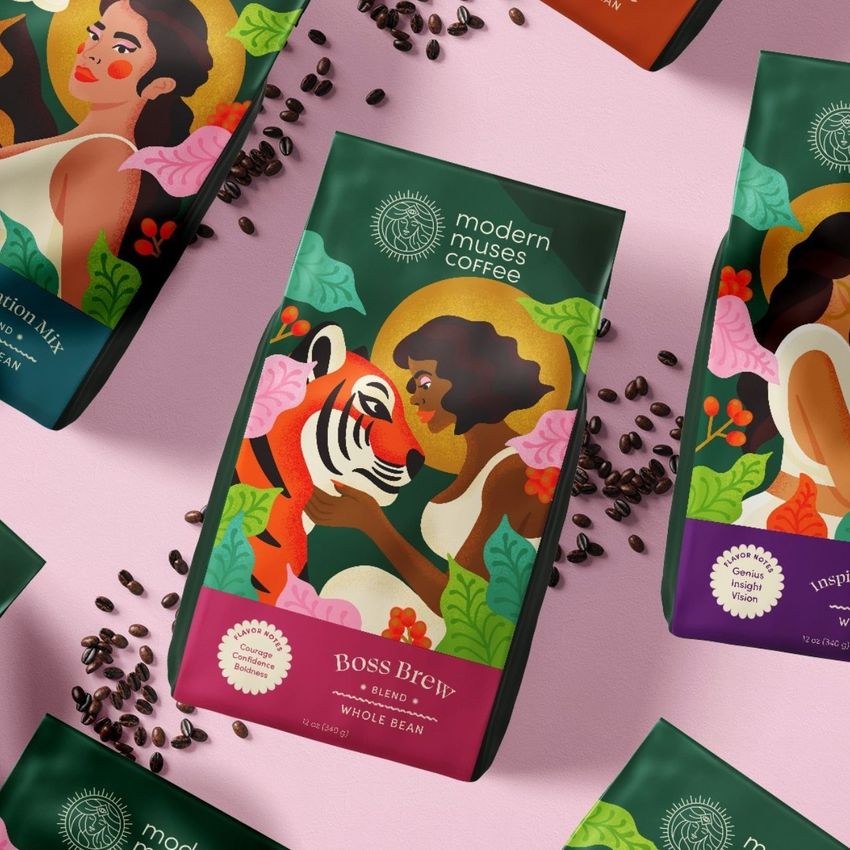
Present a coffee packaging range through eight editable scenes, from individual front and back views to multi-bag flat lays and a coordinated bag-and-cup composition. This PSD mockup set brings folded paper bags, coffee beans and everyday cafe context together so you can show both the packaging details and the wider brand identity.
What Is Included
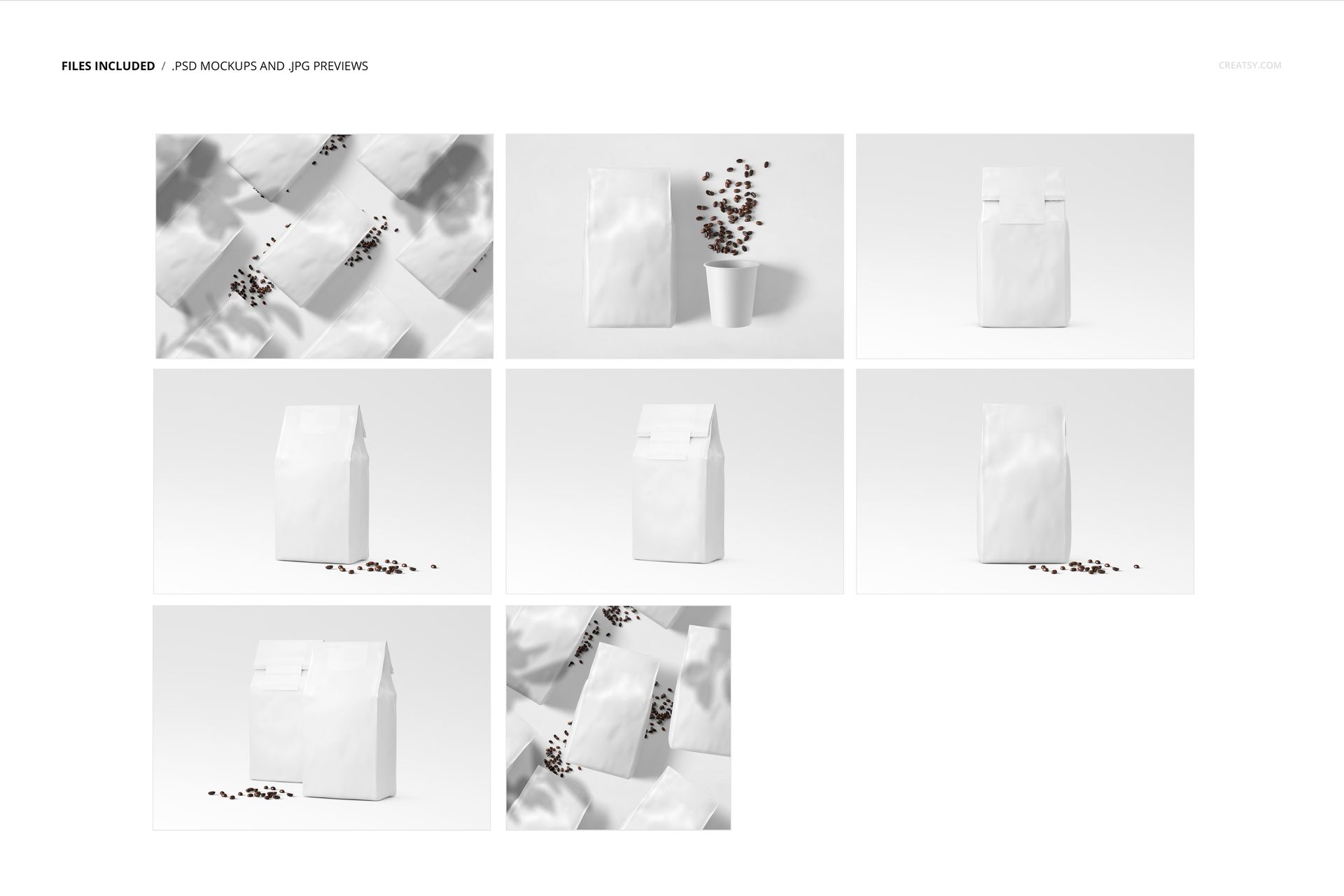
8 PSD mockup files covering 8 scenes, plus 8 JPG files and a PDF user manual.
Seven scenes at 6000 × 4000 px and one square scene at 4000 × 4000 px, at 300 DPI.
Individual, paired and multi-bag arrangements, including a scene with a paper coffee cup and beans.
A Coffee Identity Beyond the Bag
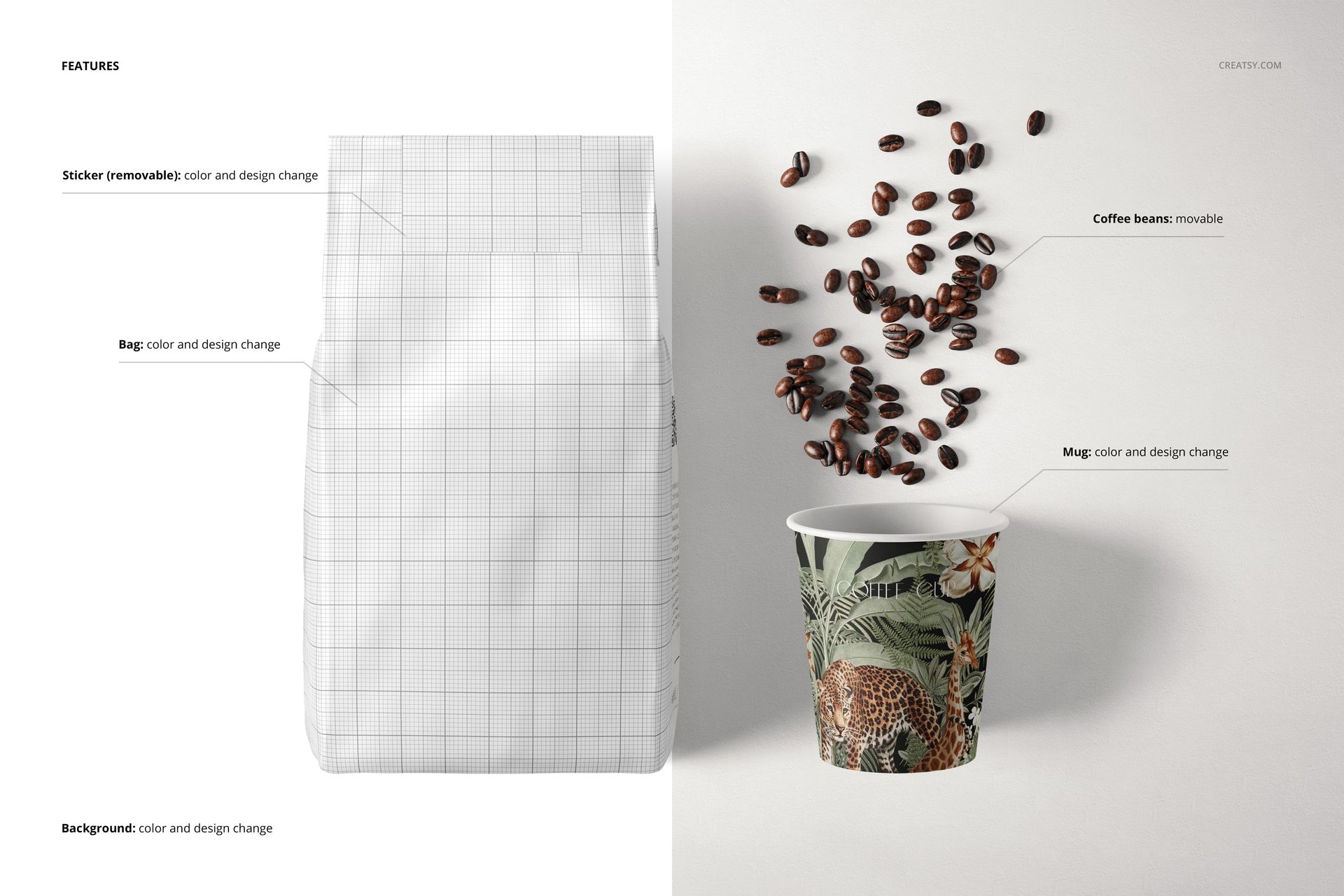
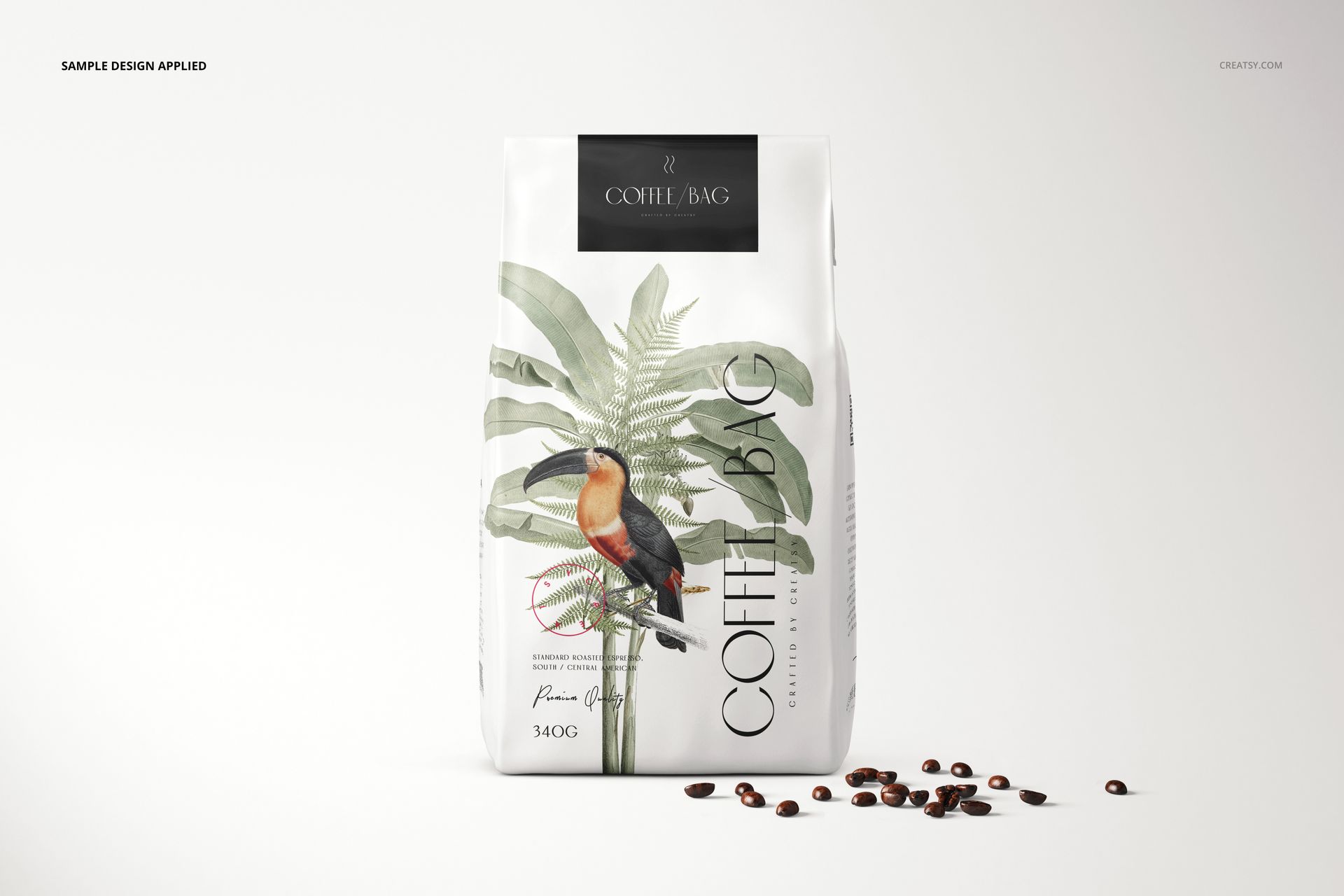
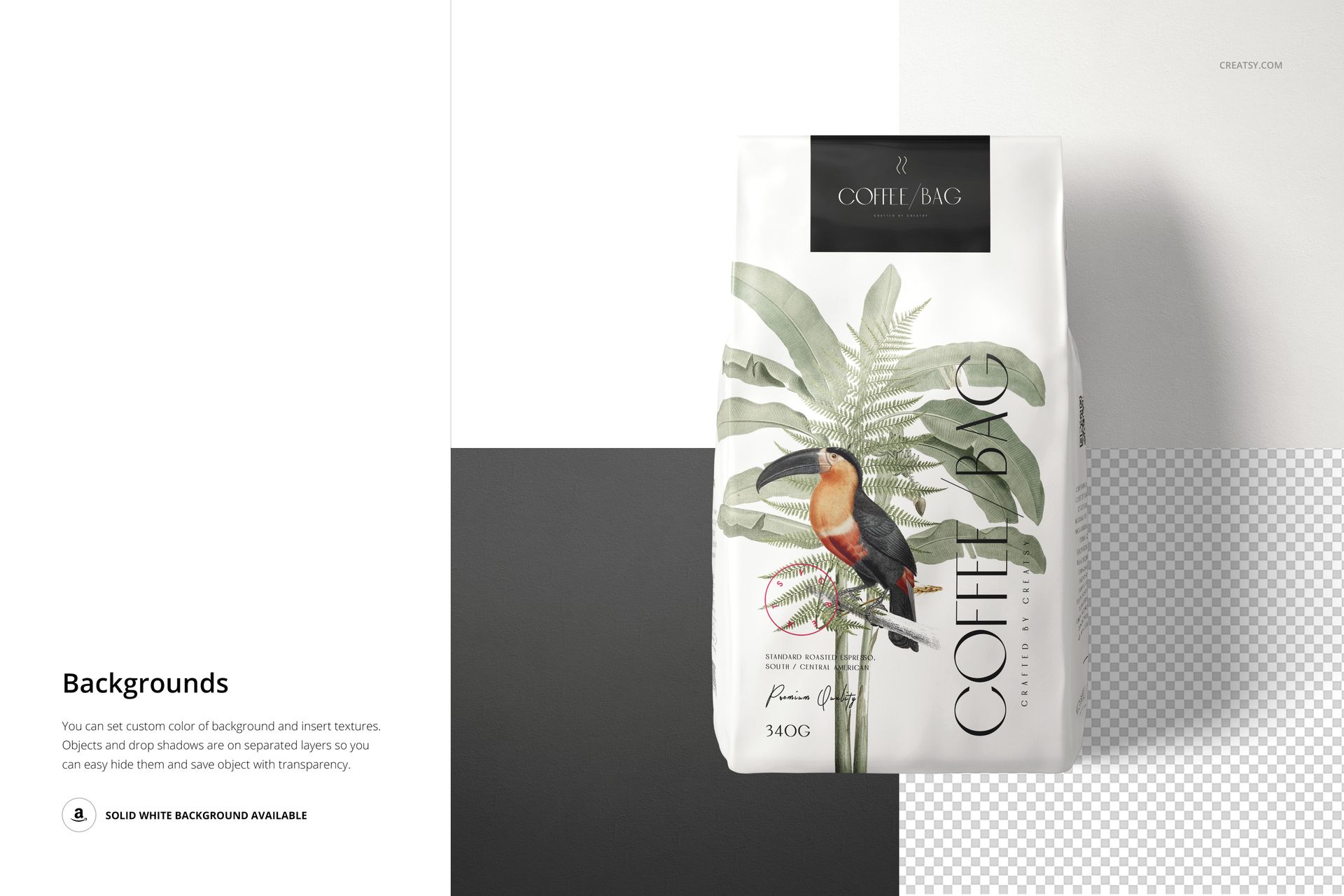
Customize the bag color and artwork, edit or remove the sticker, and coordinate the cup color and design in the relevant scene. Movable coffee beans and editable backgrounds help shape the composition. Add your own background texture or use a transparent background for placement in a wider layout.
Easy Smart Object Editing
Open a PSD in Adobe Photoshop CC 2020 (version 21) or later, or Photopea. Replace the artwork inside the relevant Smart Object, save that object and return to the scene. Adjust the color layers and background to suit your presentation.
Perfect For
Coffee roaster identities and single-origin packaging ranges.
Cafe branding presentations that connect retail bags with takeaway cups.
Packaging portfolios, product-page imagery and coordinated social campaigns.
This is a digital mockup product, not physical packaging. Sample artwork and patterns are not included; add your own designs.