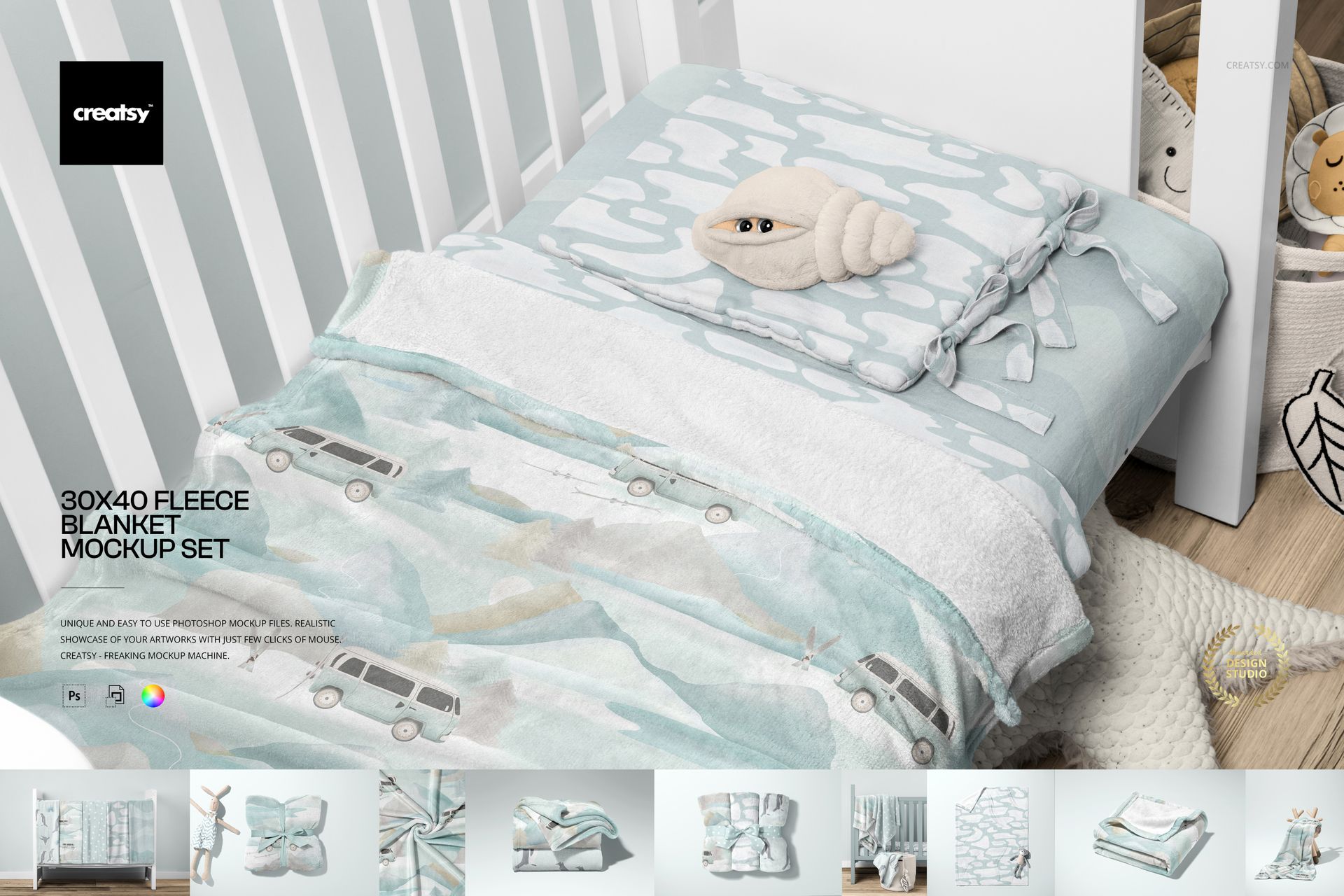
30x40 Fleece Blanket Mockup Set
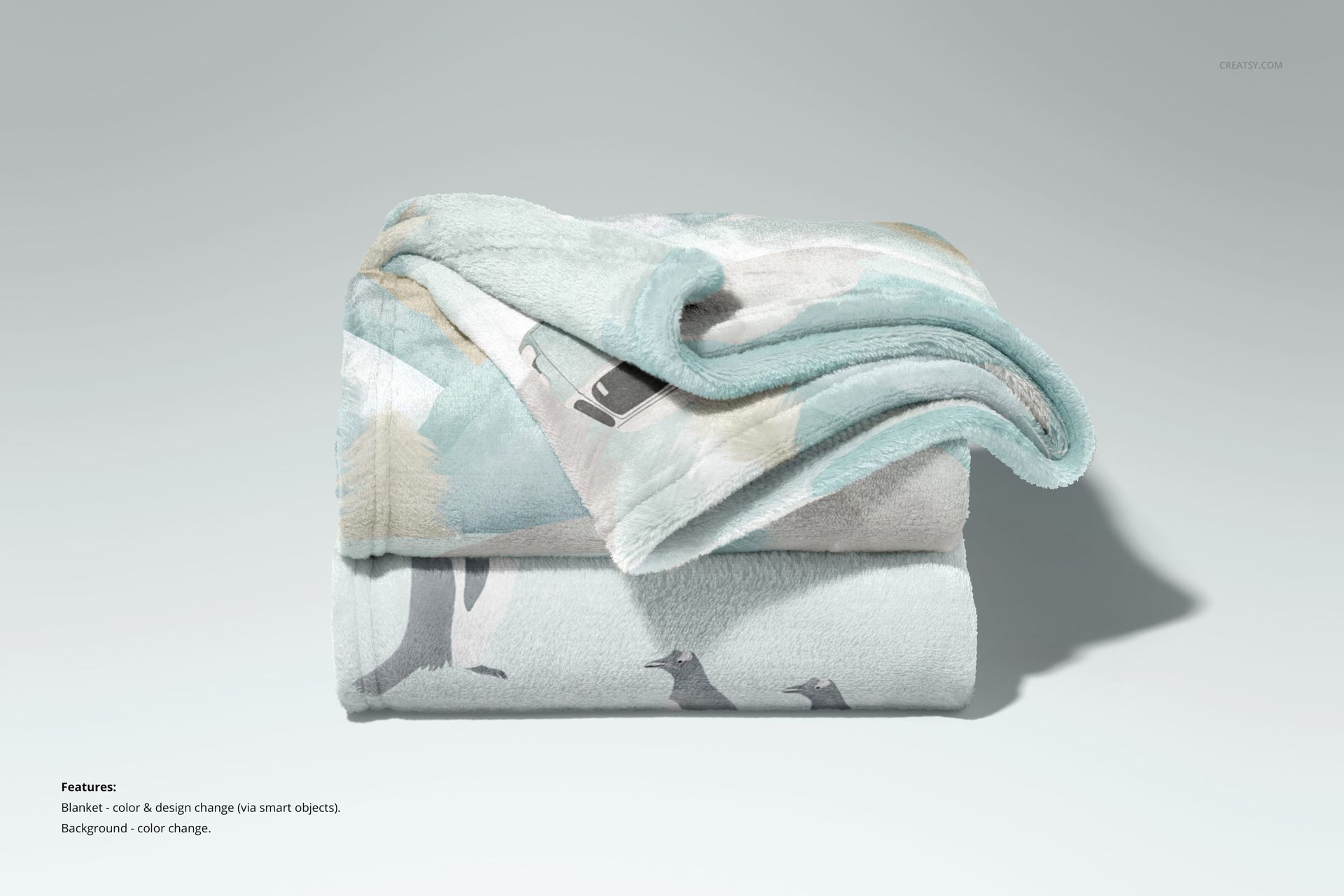
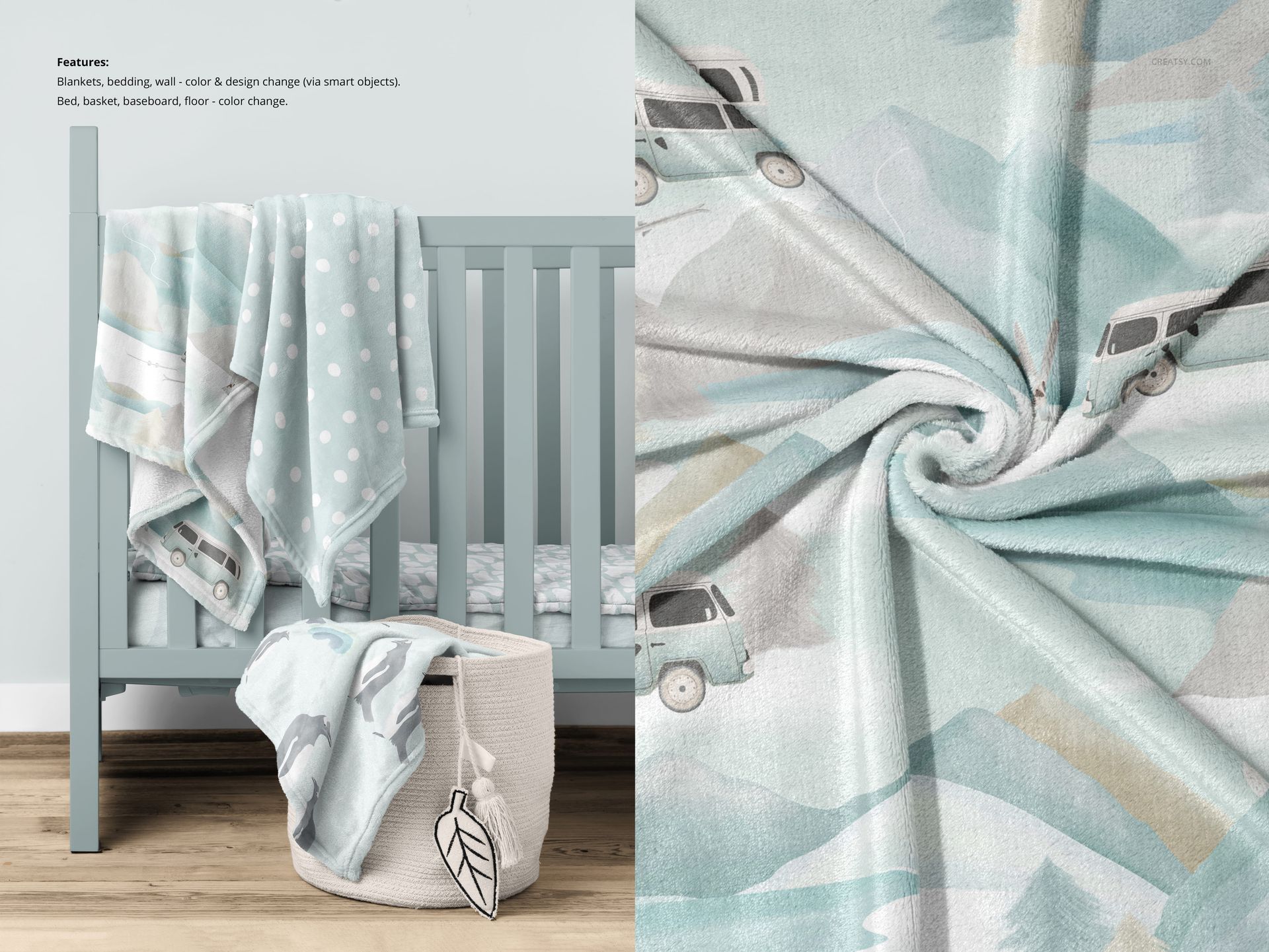
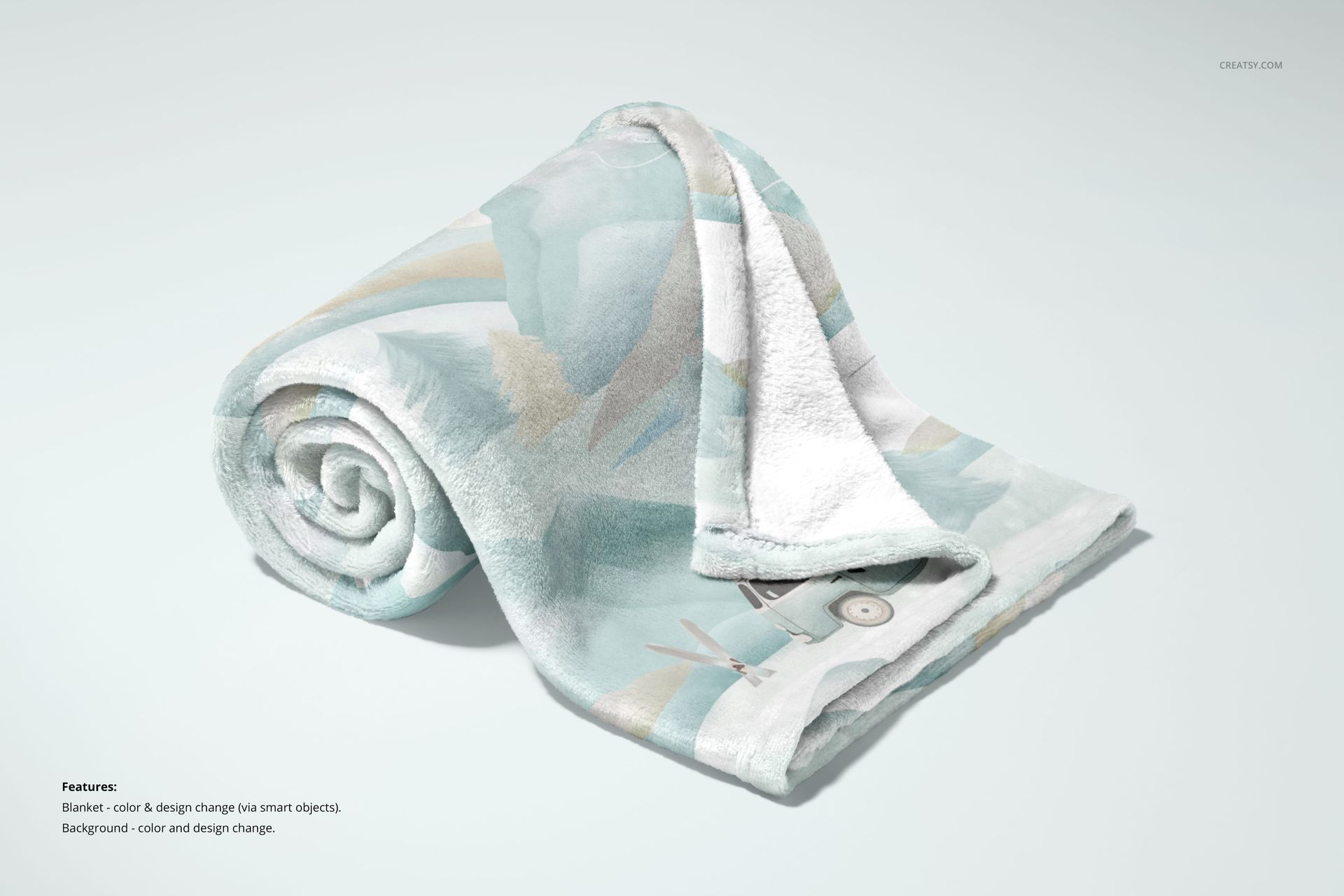
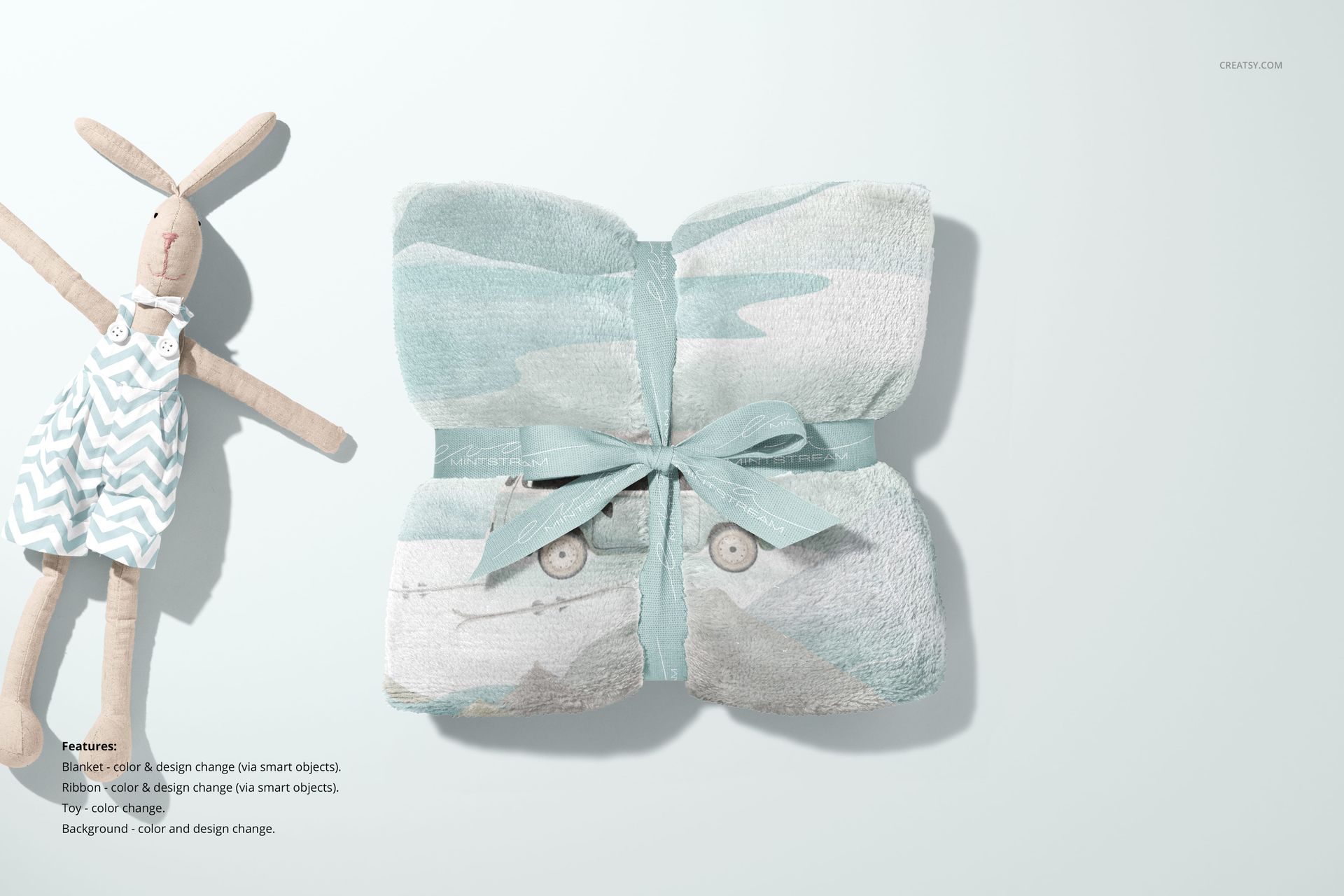
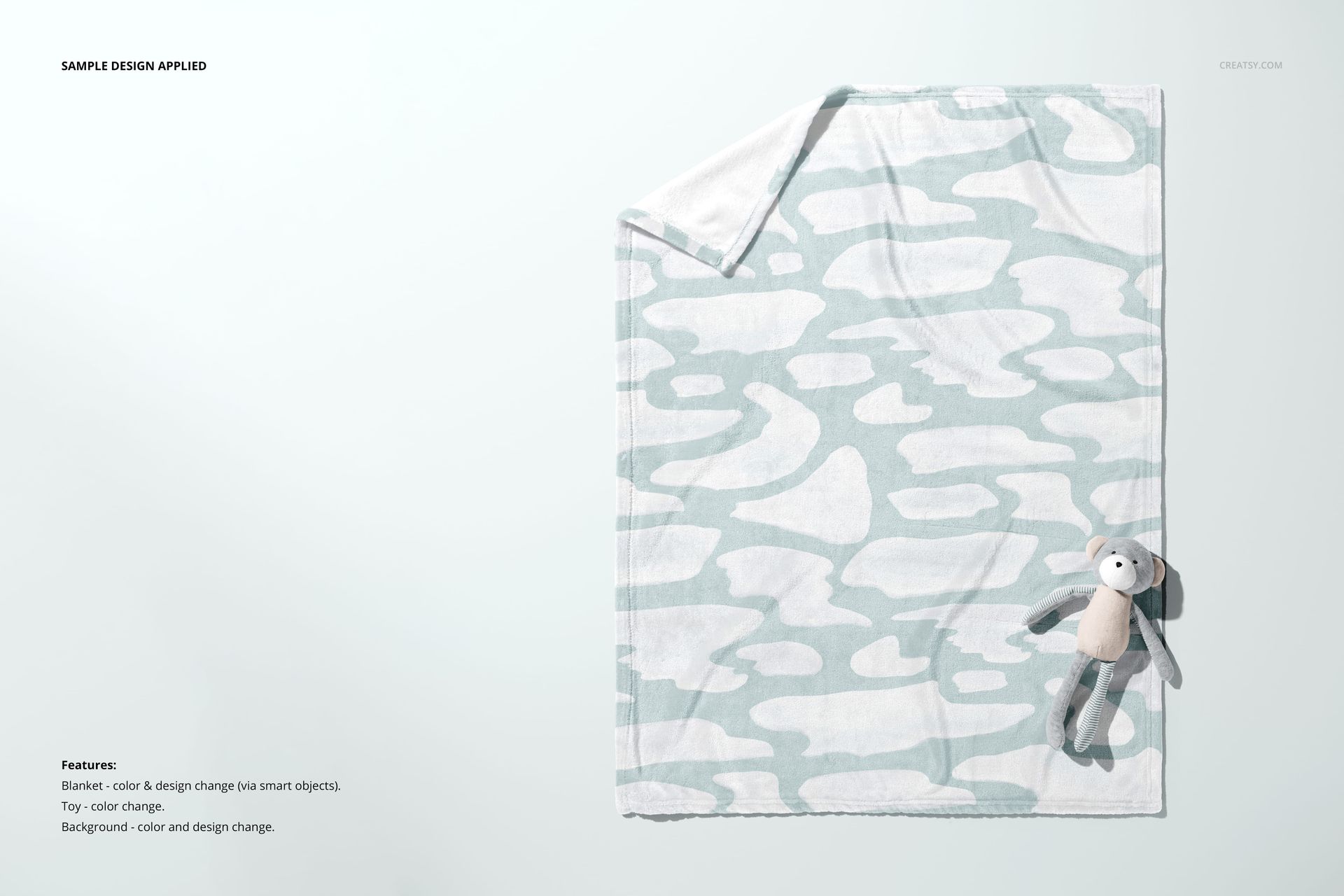
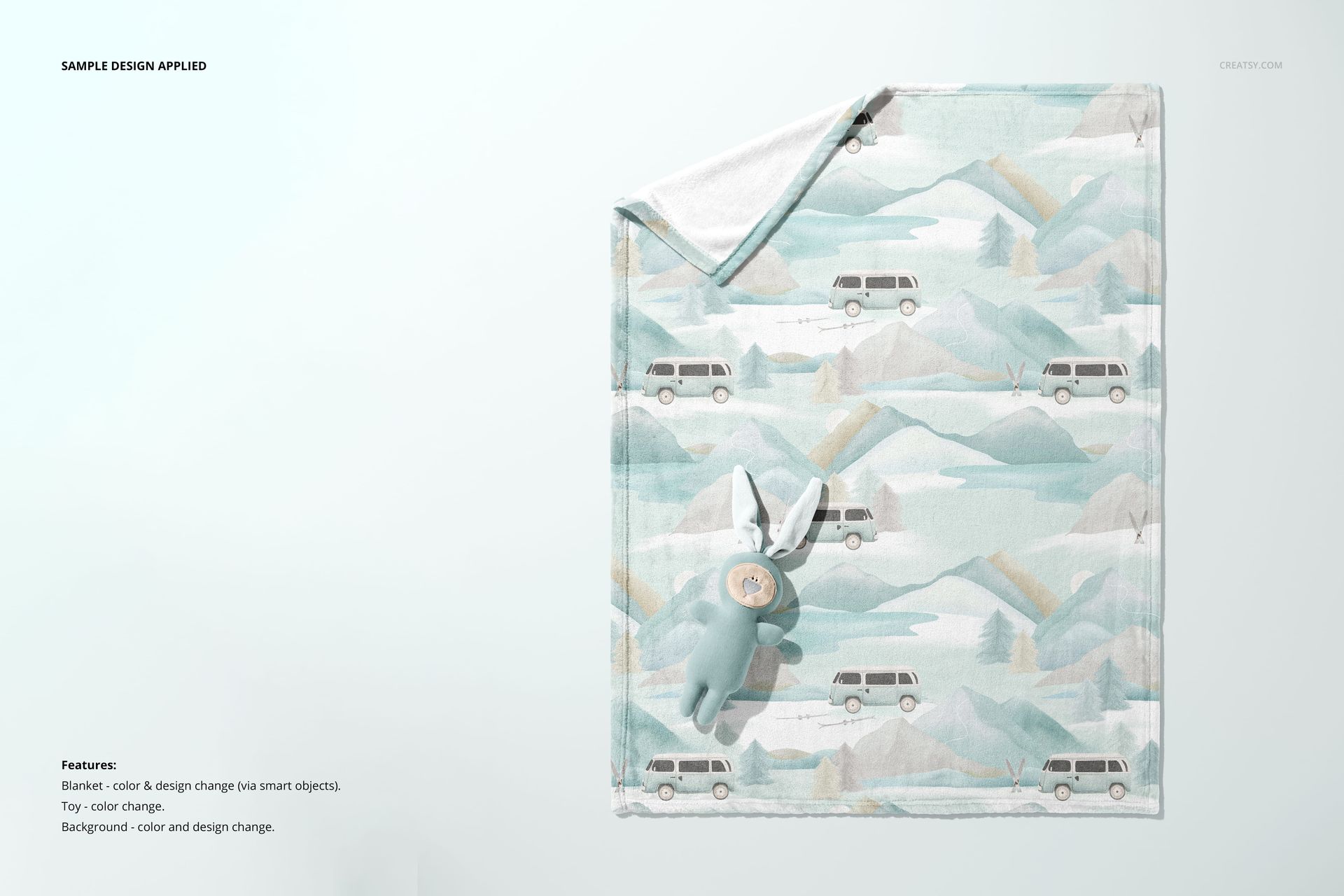
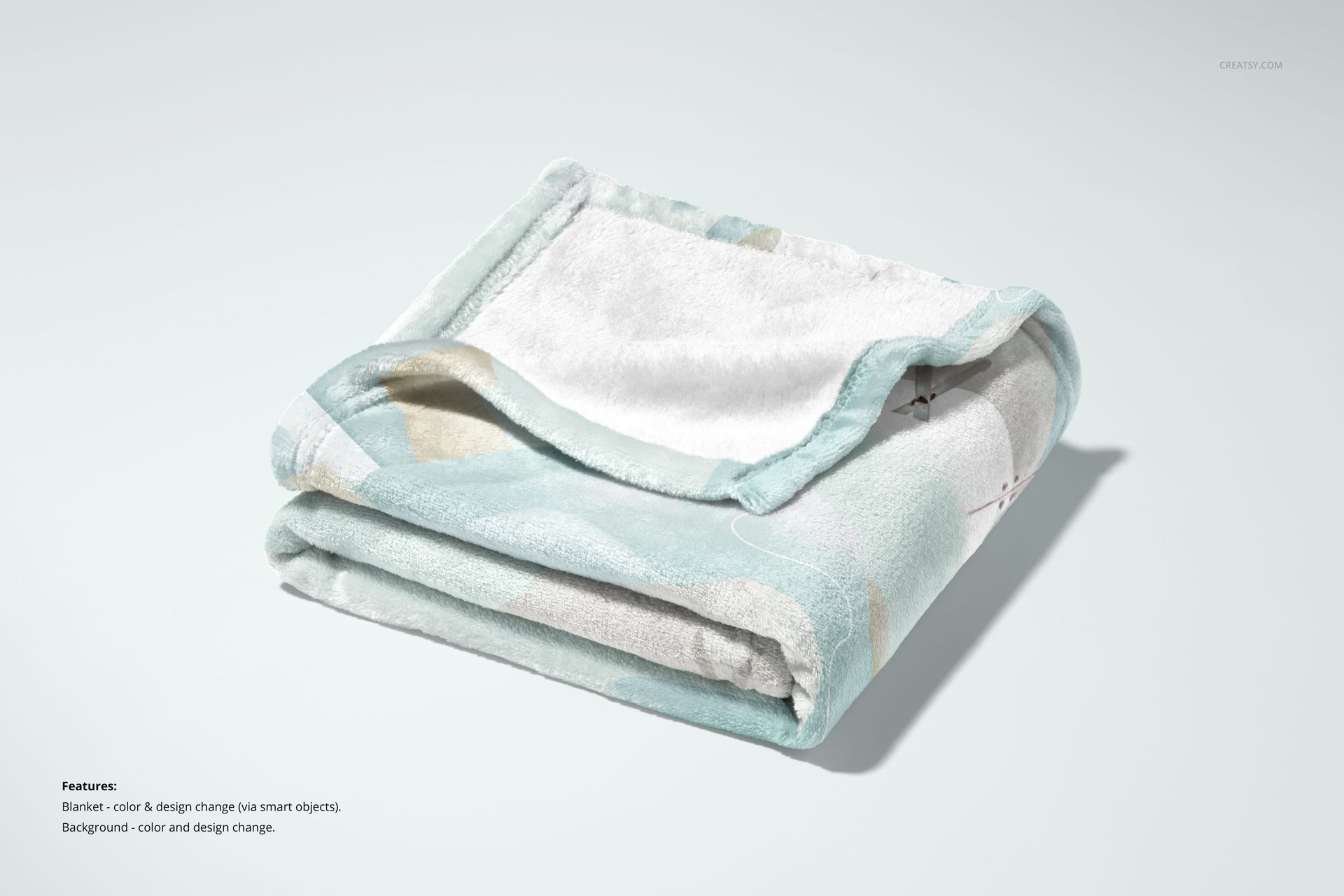
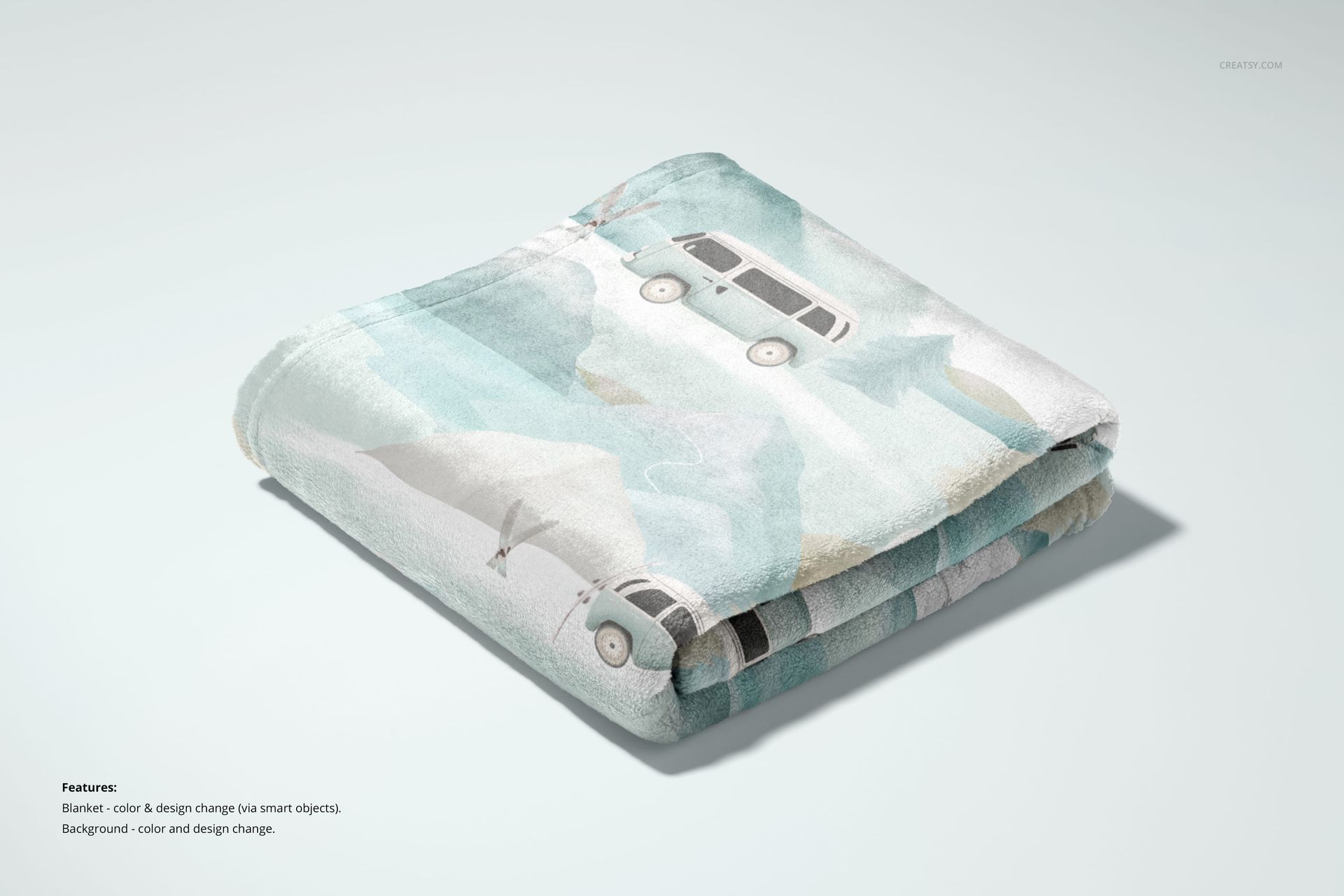
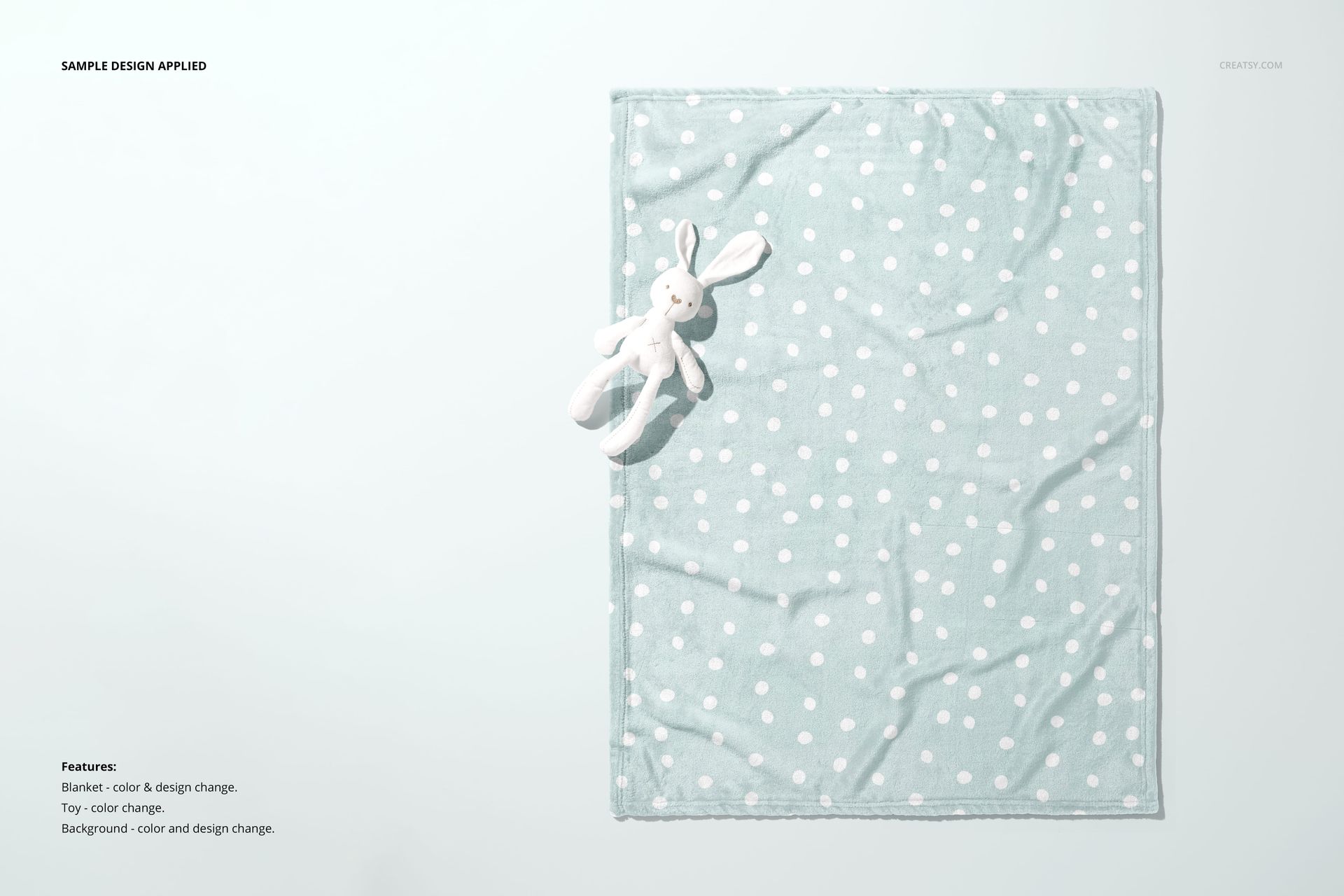
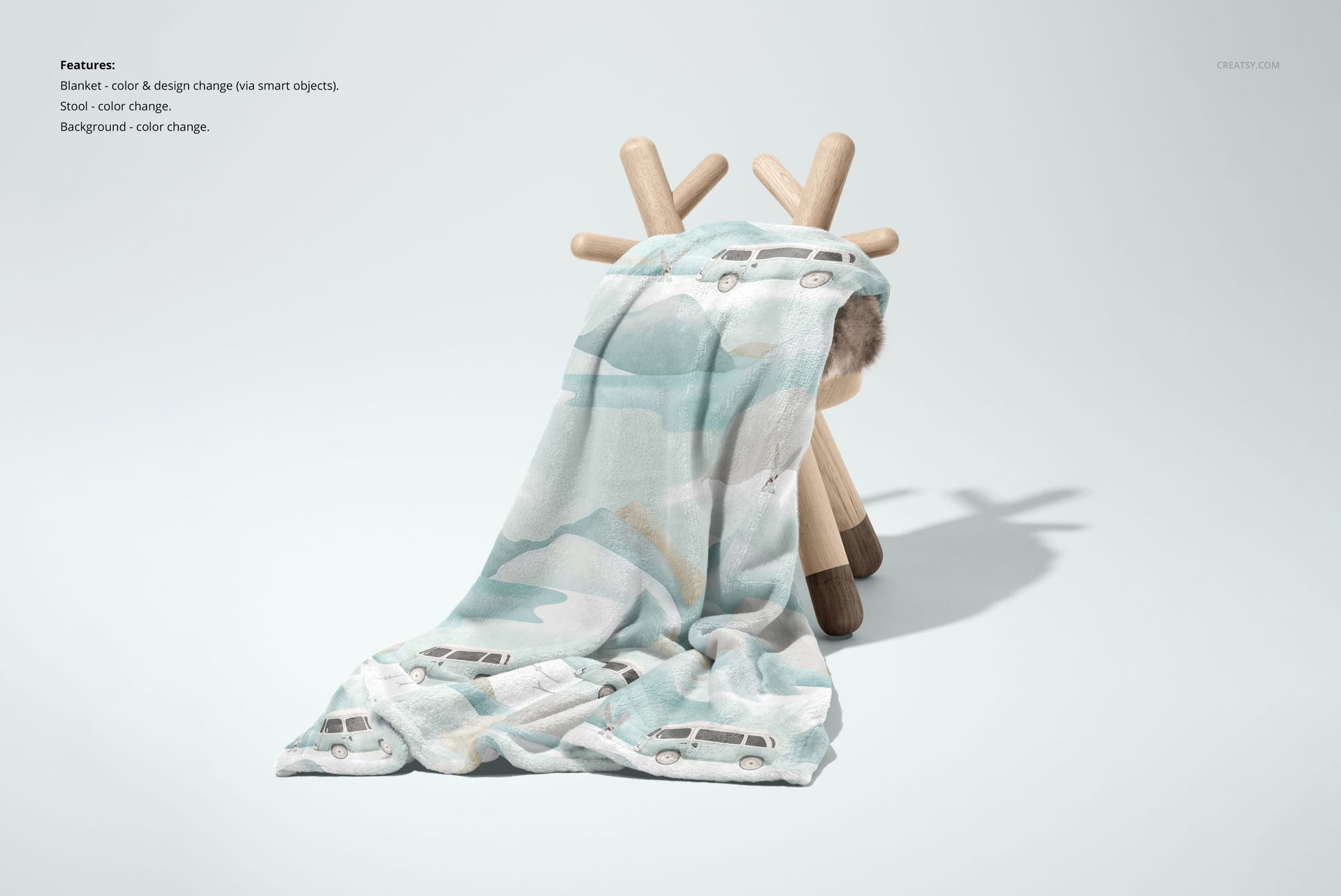
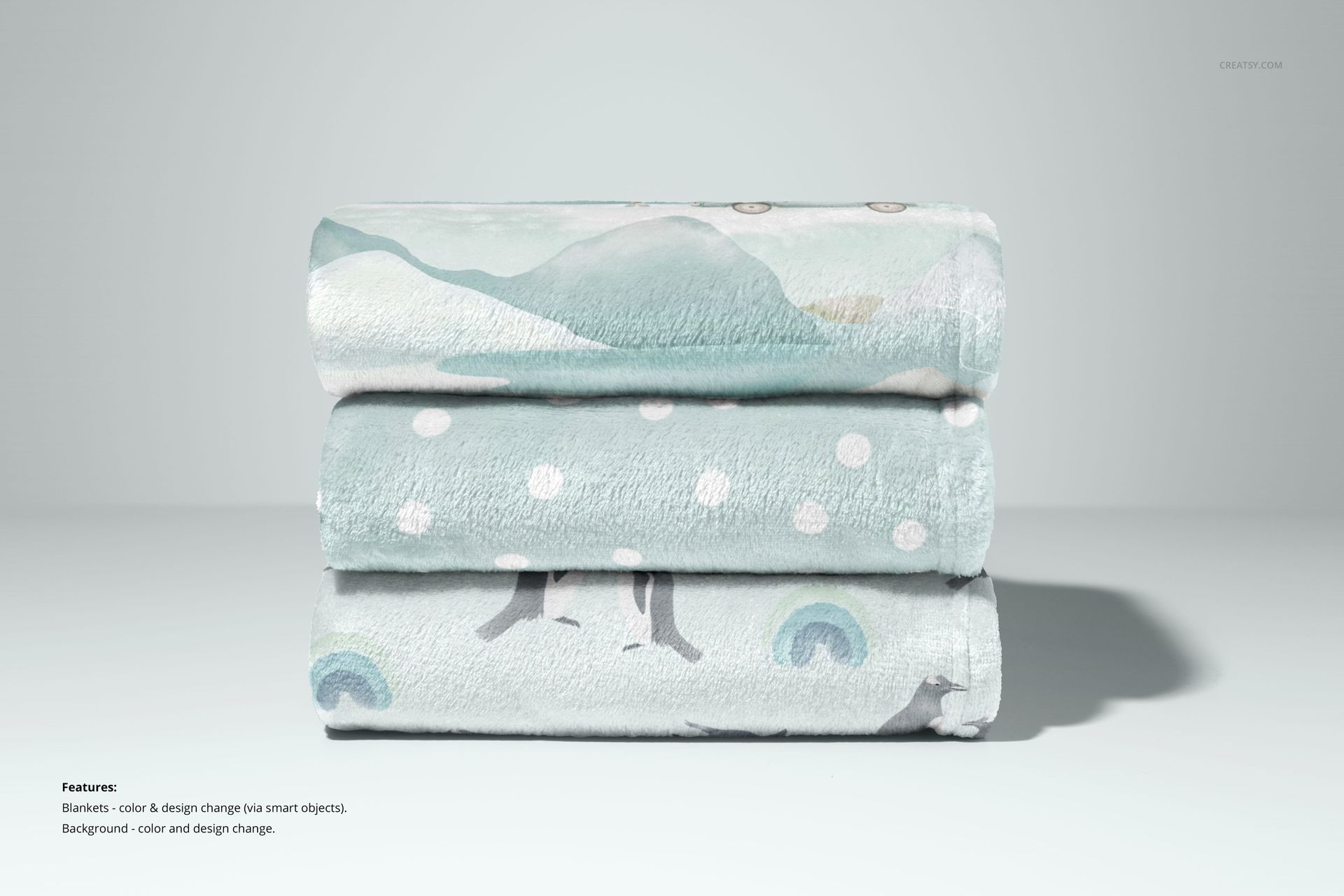
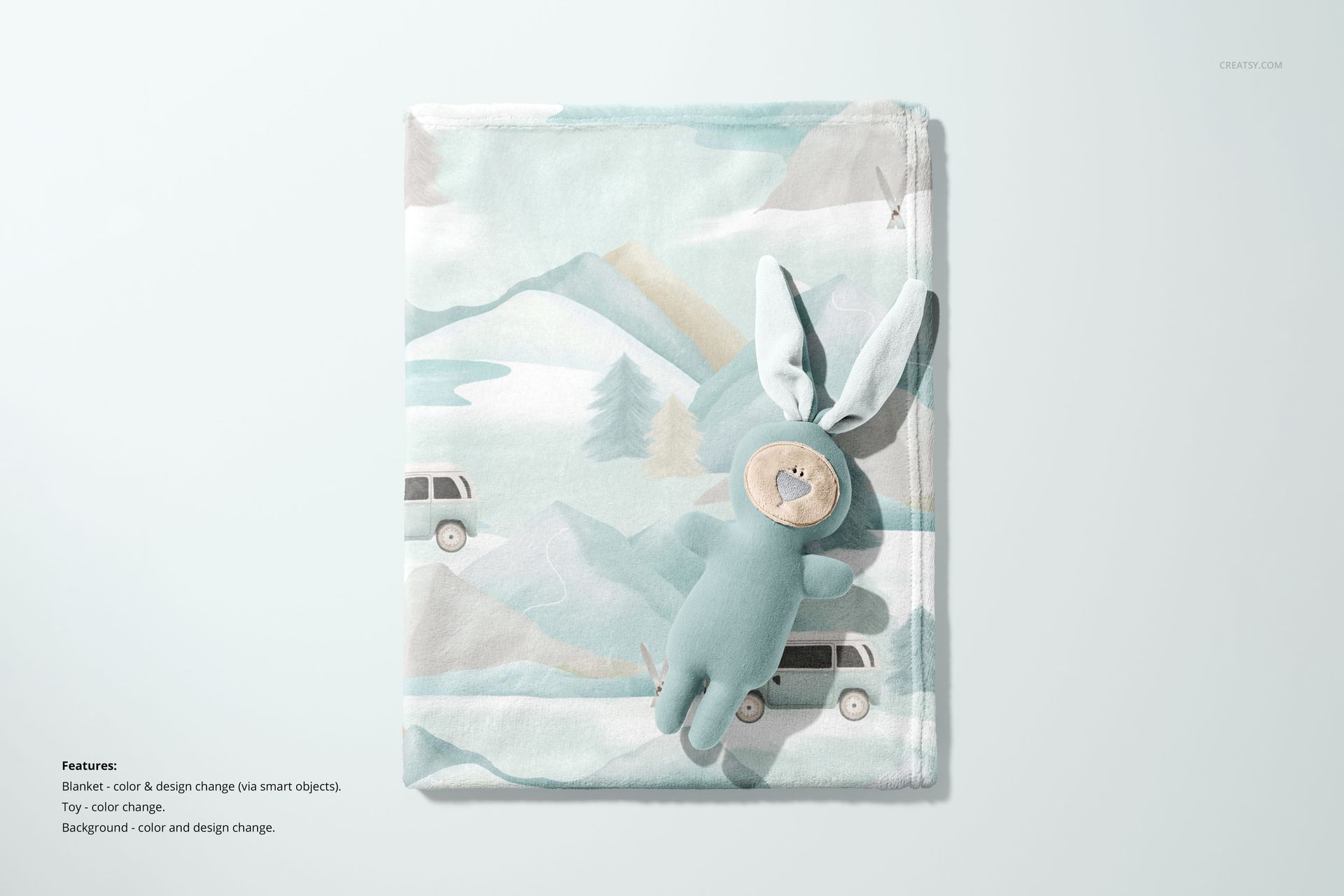
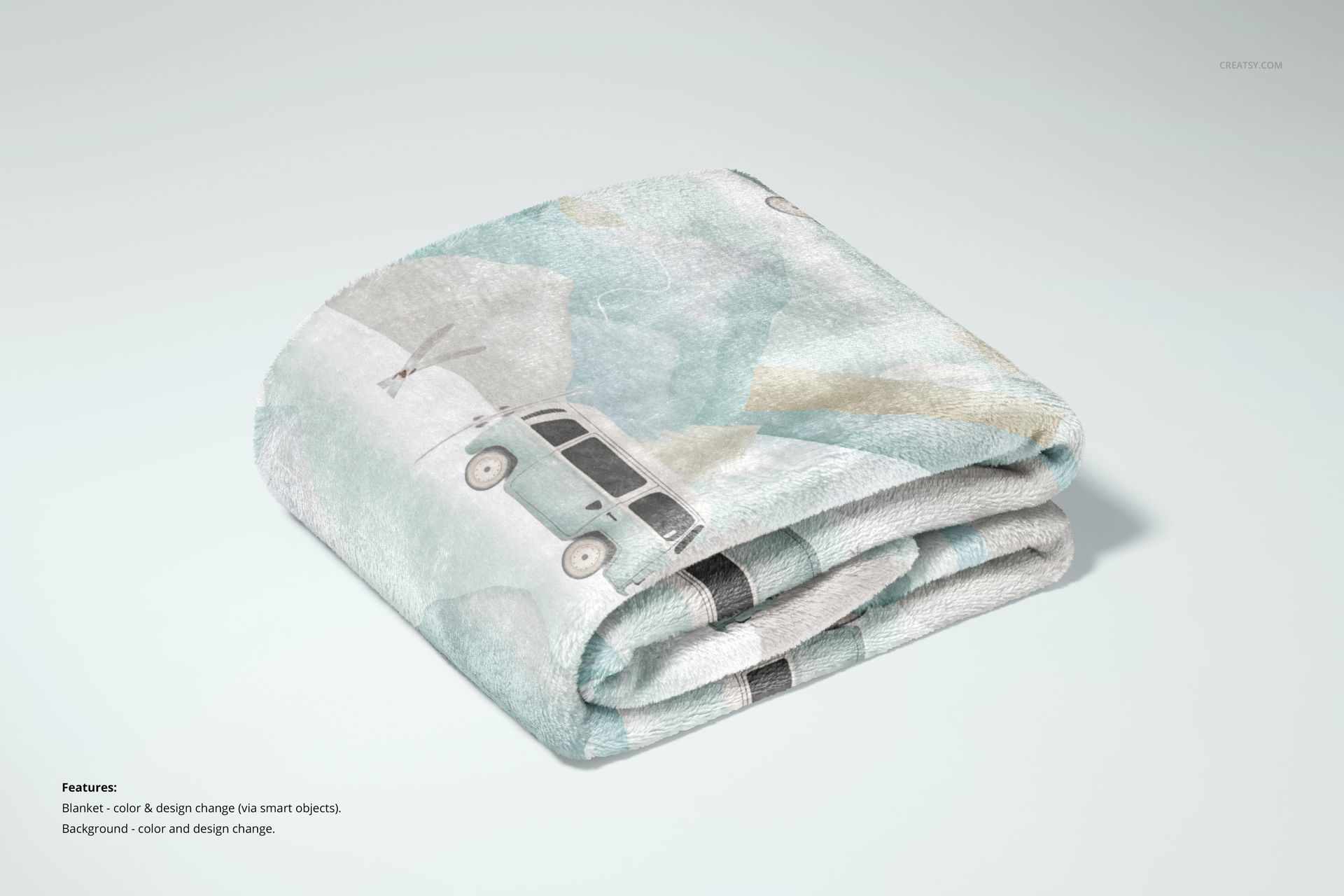
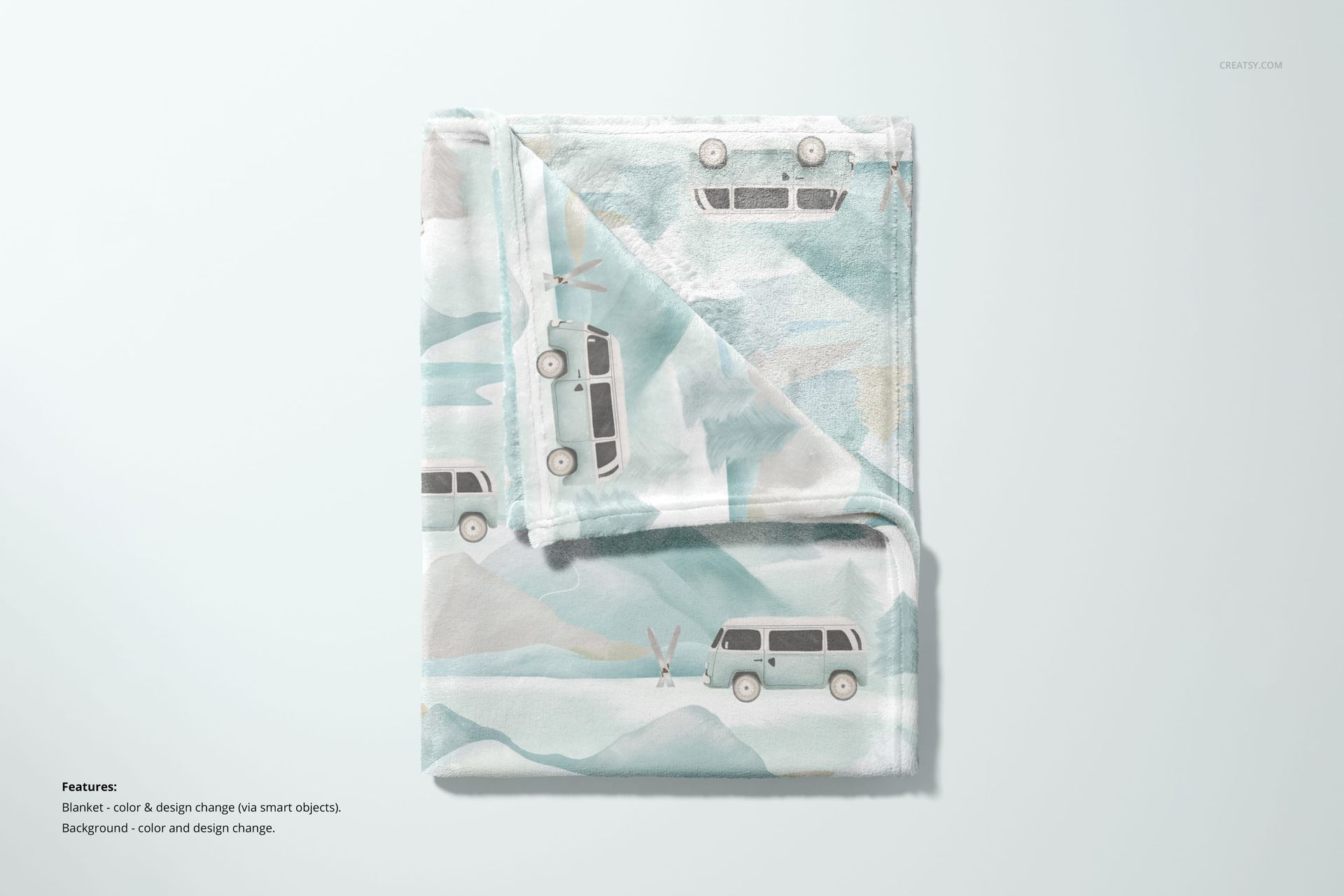
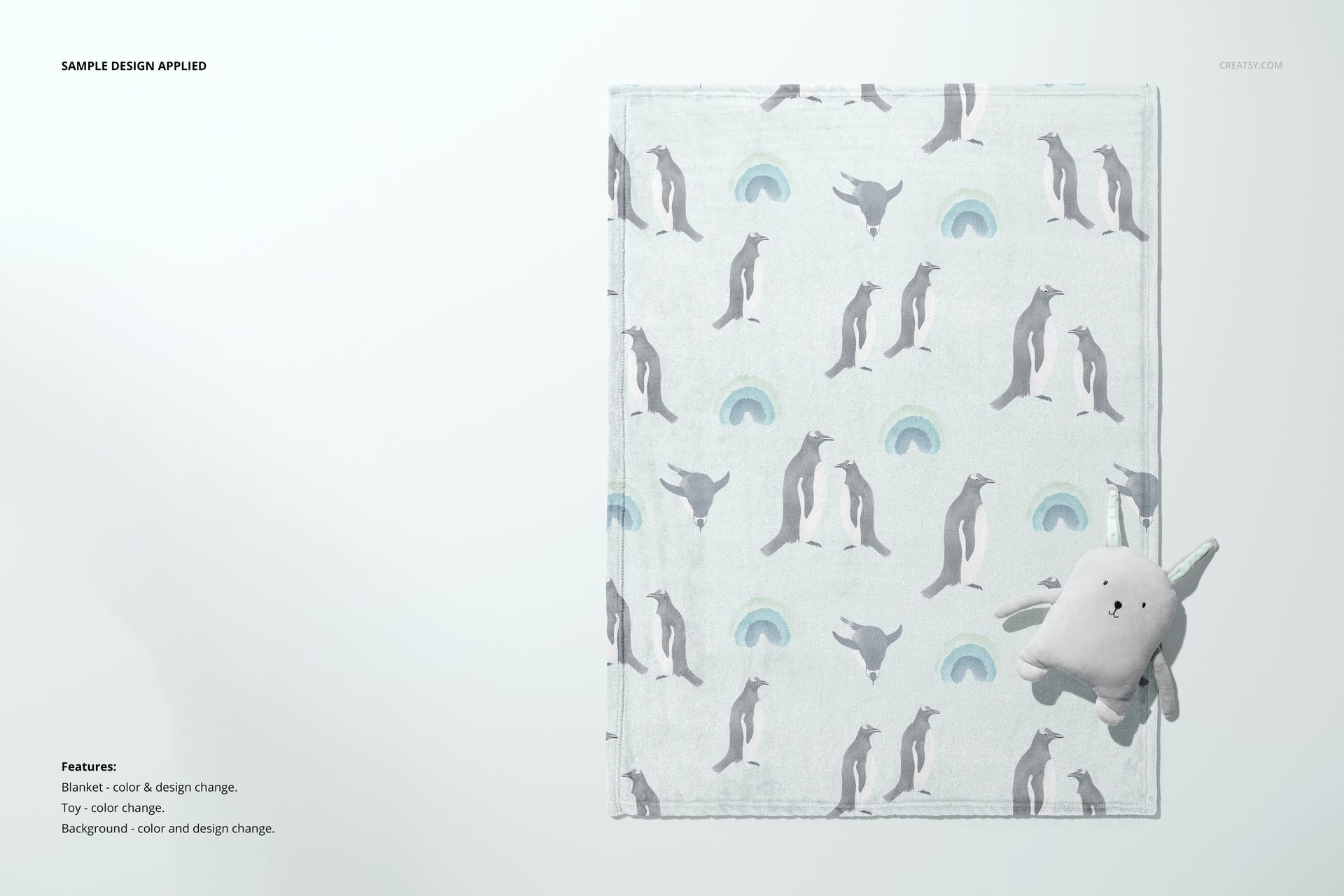
Build a blanket collection gallery that moves from a clear flat view to folded, rolled, ribbon-tied and nursery-room presentations. With 21 PSD scenes, this fleece blanket mockup set lets you show both the print itself and the way it looks across soft folds, stacked colorways and styled interiors.
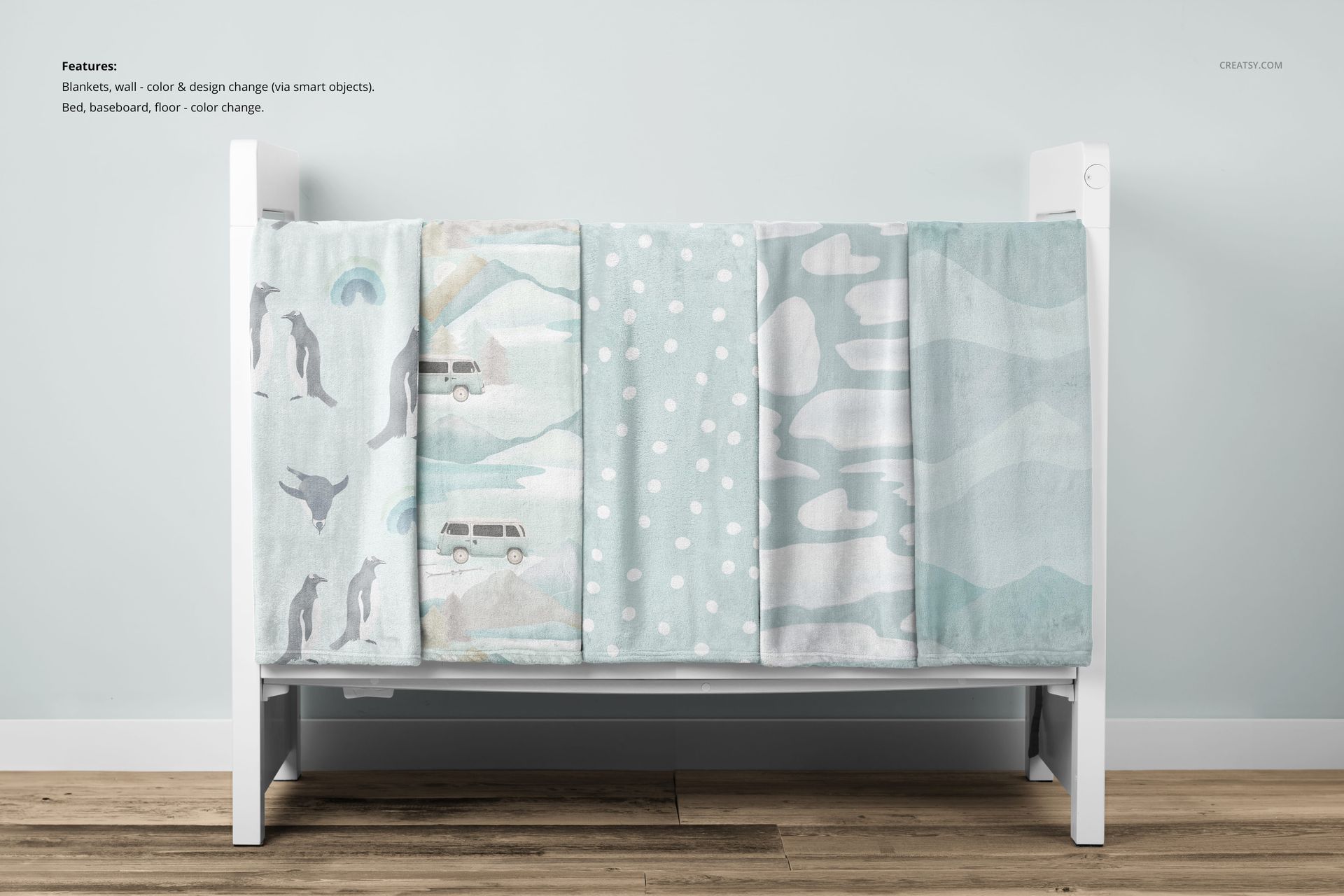
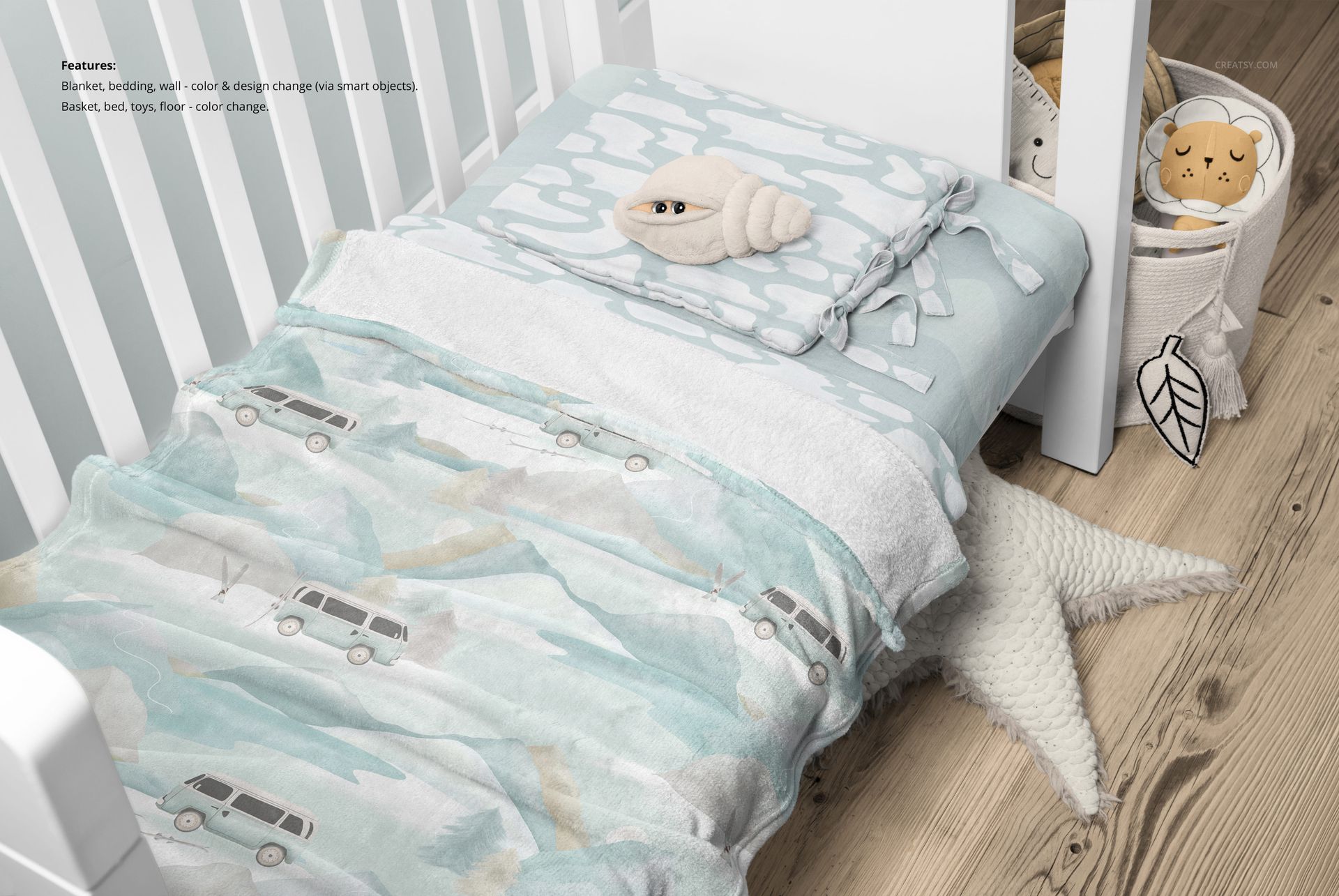
Choose a simple studio composition when the pattern needs to lead, or use a crib and bedding scene to present coordinated nursery textiles. The variety makes it possible to give each image a different job instead of repeating the same angle with a new background.
What Is Included
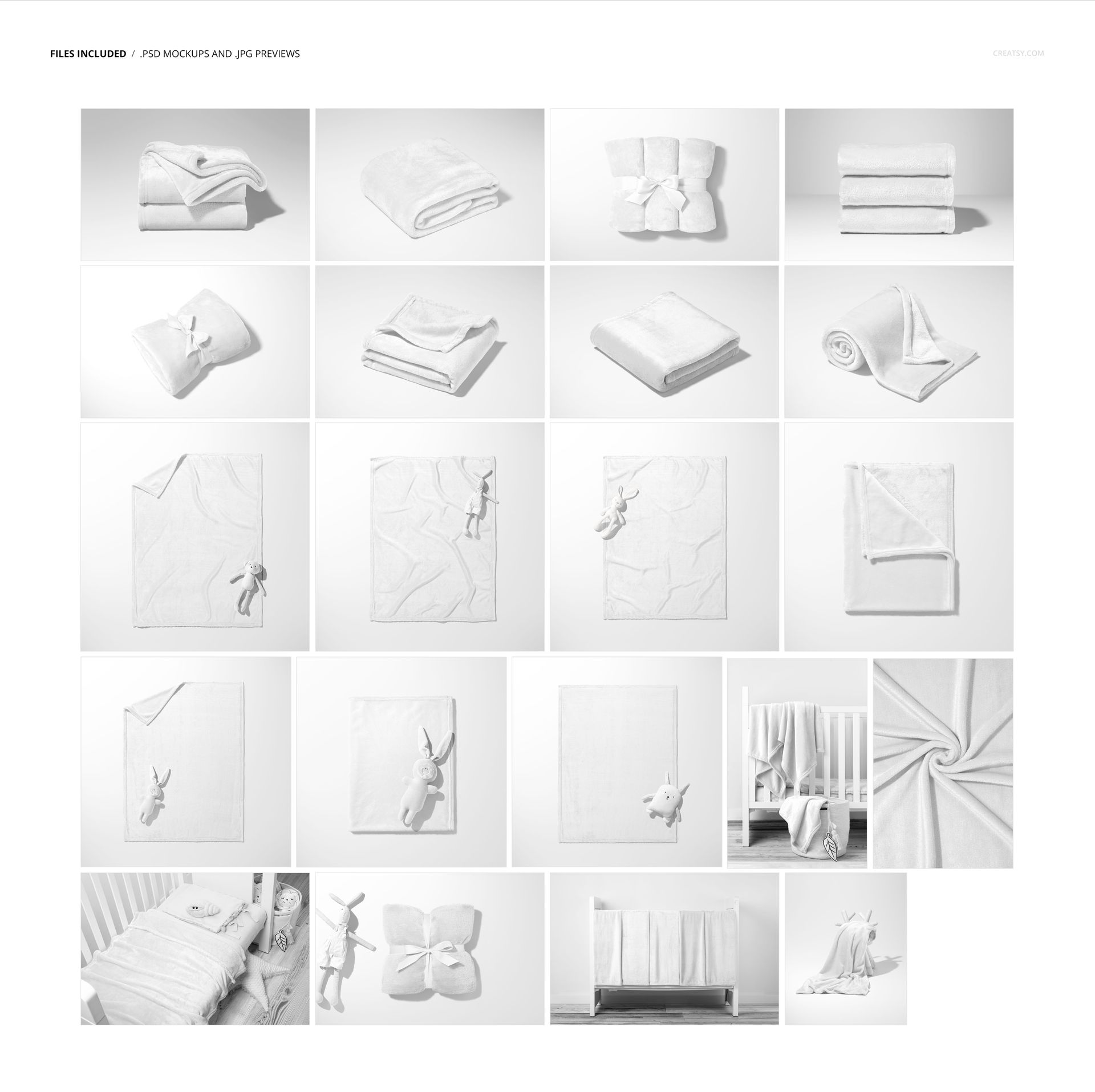
21 layered PSD mockups with studio and nursery compositions.
21 JPG previews, 42 files in total.
Landscape 6000 × 4000 px, portrait 4000 × 6000 px and square 6000 × 6000 px scenes, all at 300 DPI.
More Than a Blanket Print
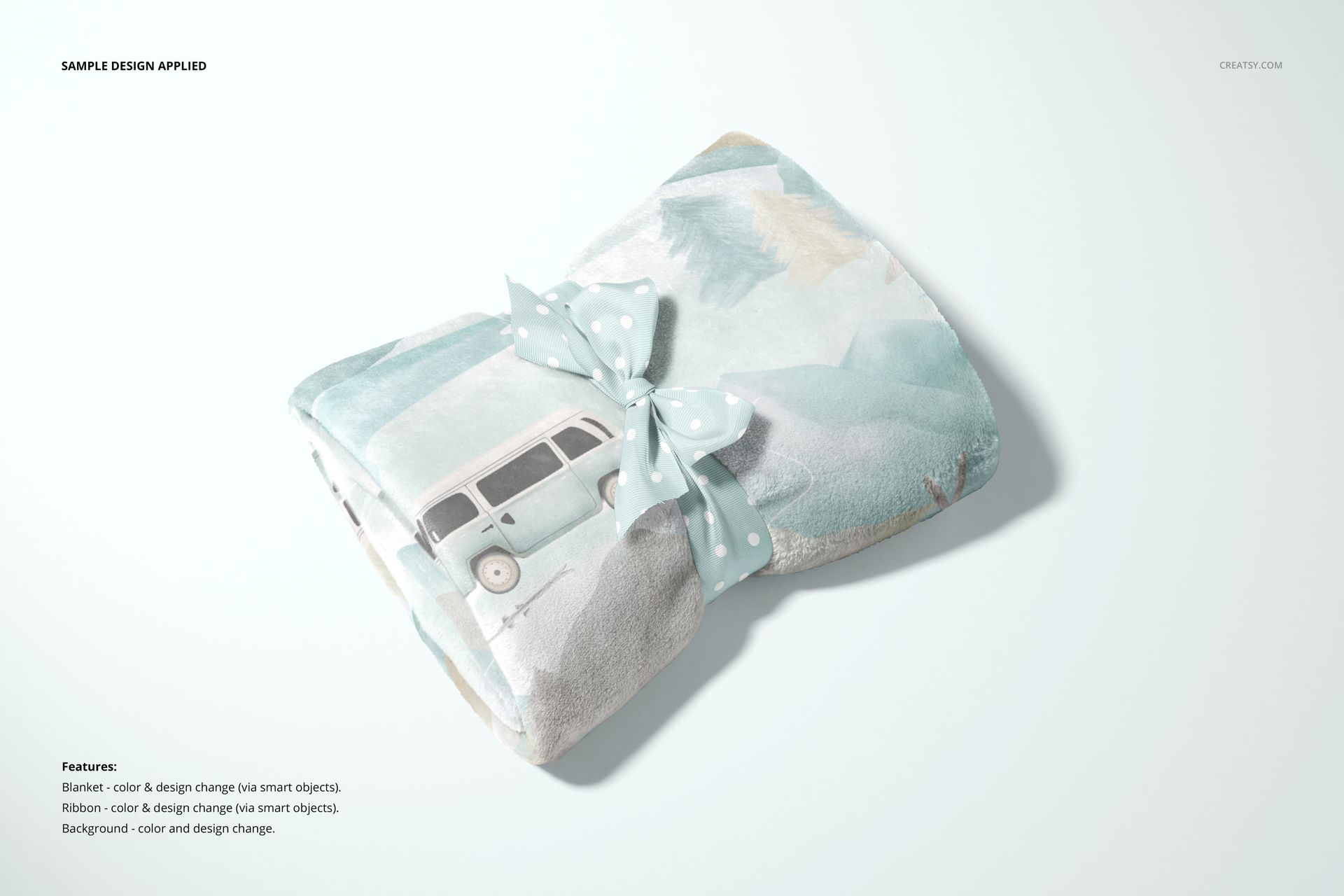
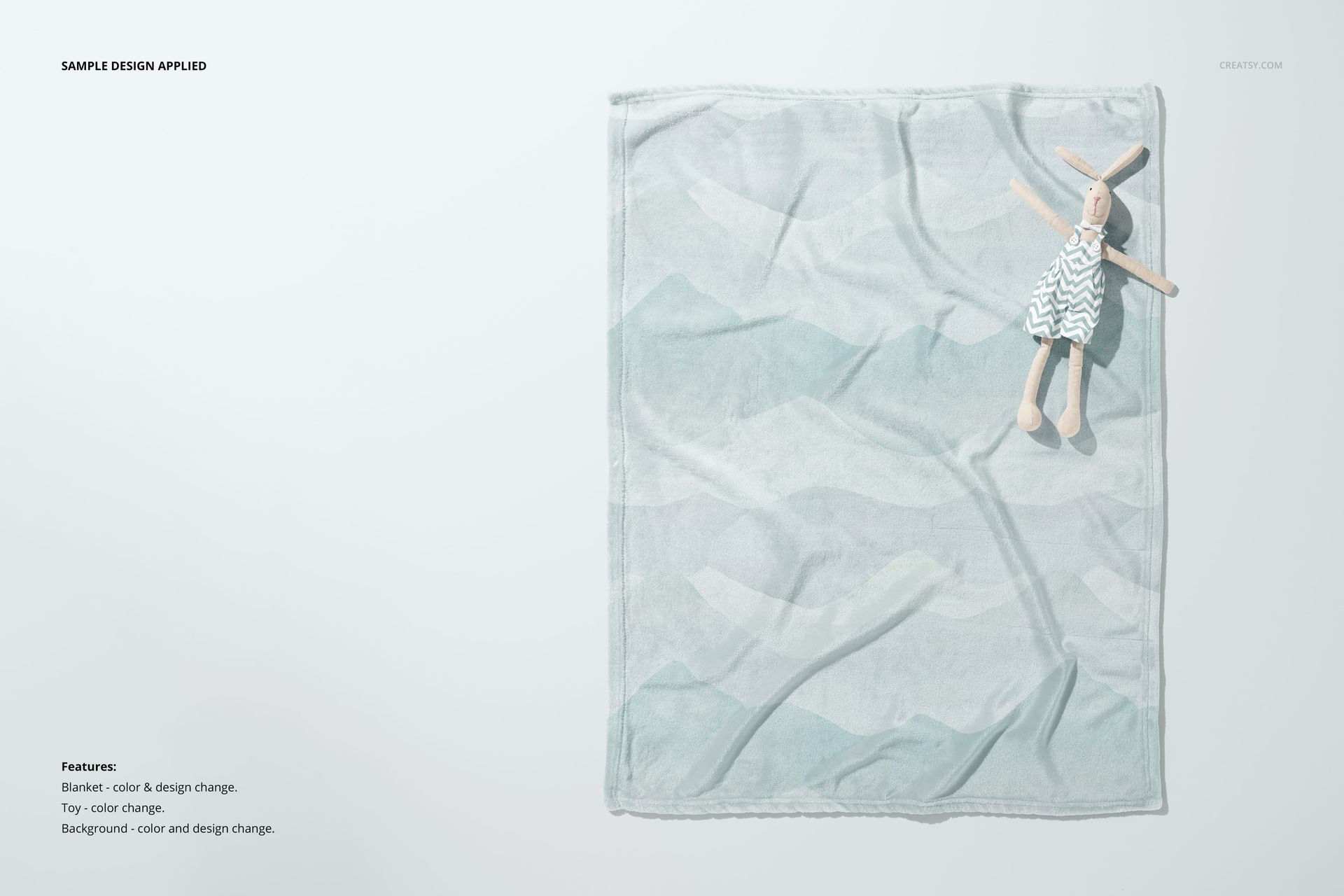
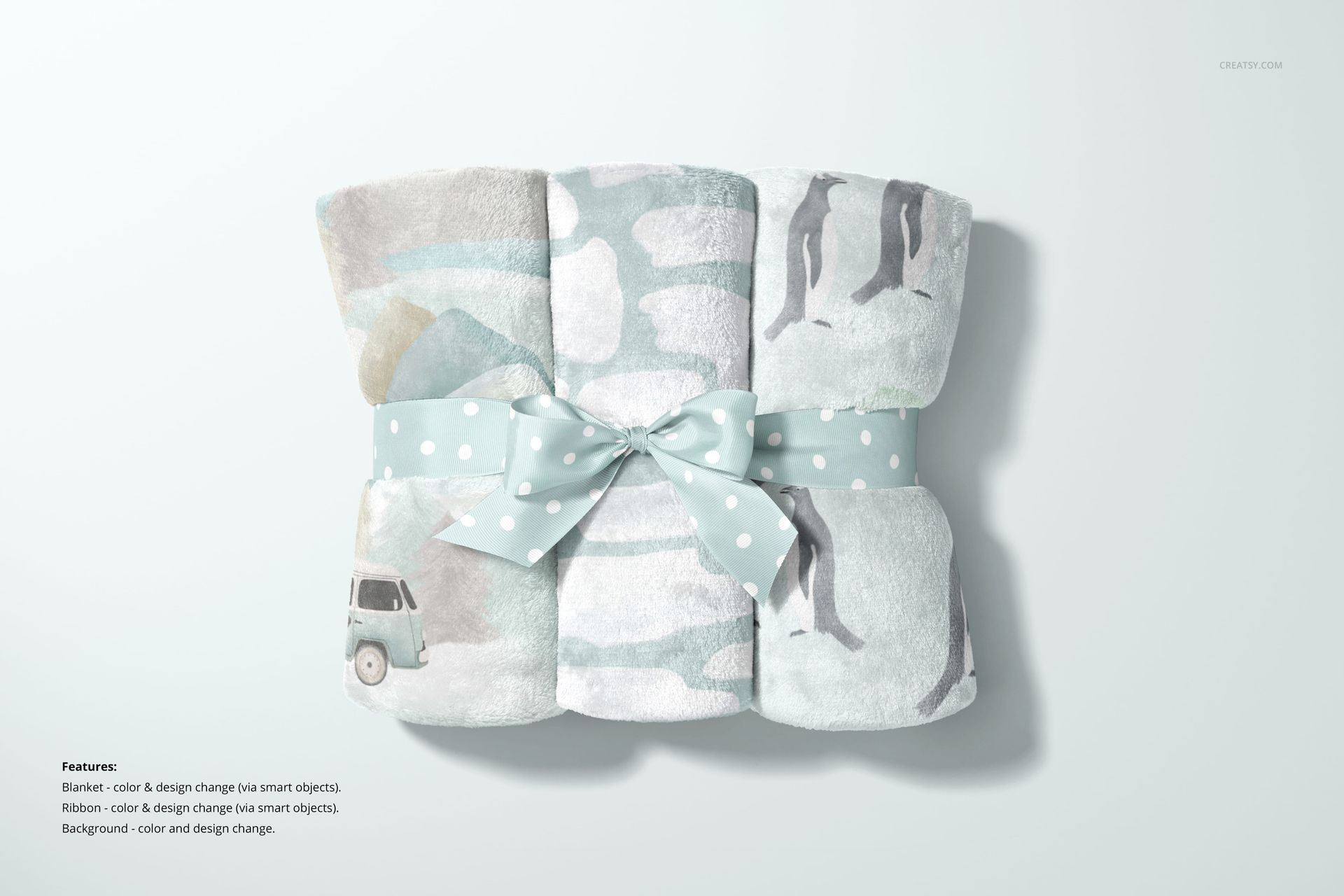
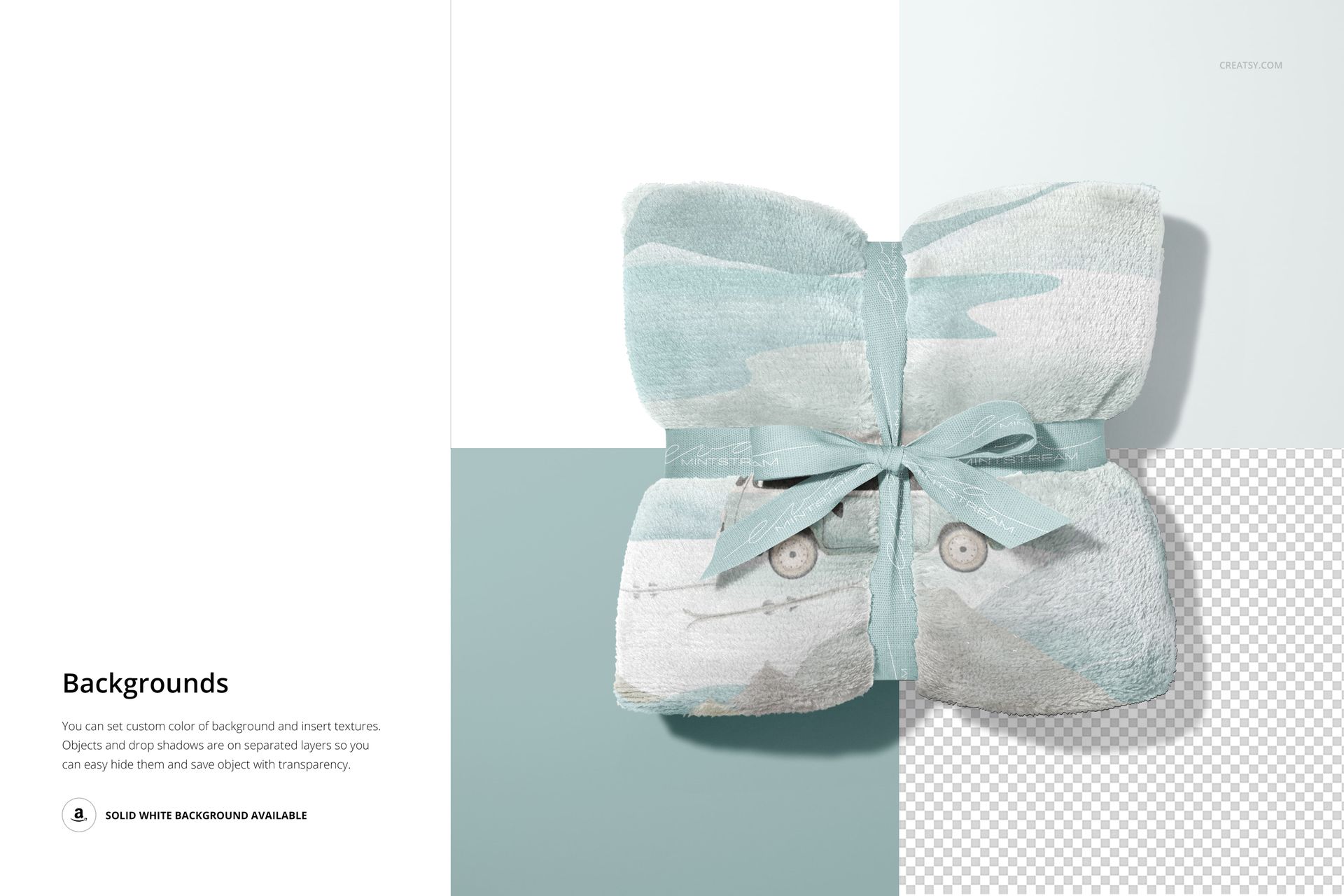
Change the blanket color and design. Ribbon scenes also allow both ribbon color and artwork changes, so a gift presentation can carry a matching pattern or brand mark. Depending on the scene, controls include background color and design, bedding and wall artwork, and colors for toys, beds, baskets, floors or the stool. Check each feature preview for its specific options.
Easy Smart Object Editing
Use Adobe Photoshop CC2020 or newer, or Photopea. Open the relevant Smart Object, place your design and save it to update the folds and fabric presentation. Adjust the available scene colors to support the print, then export images for a lookbook, shop gallery or client review.
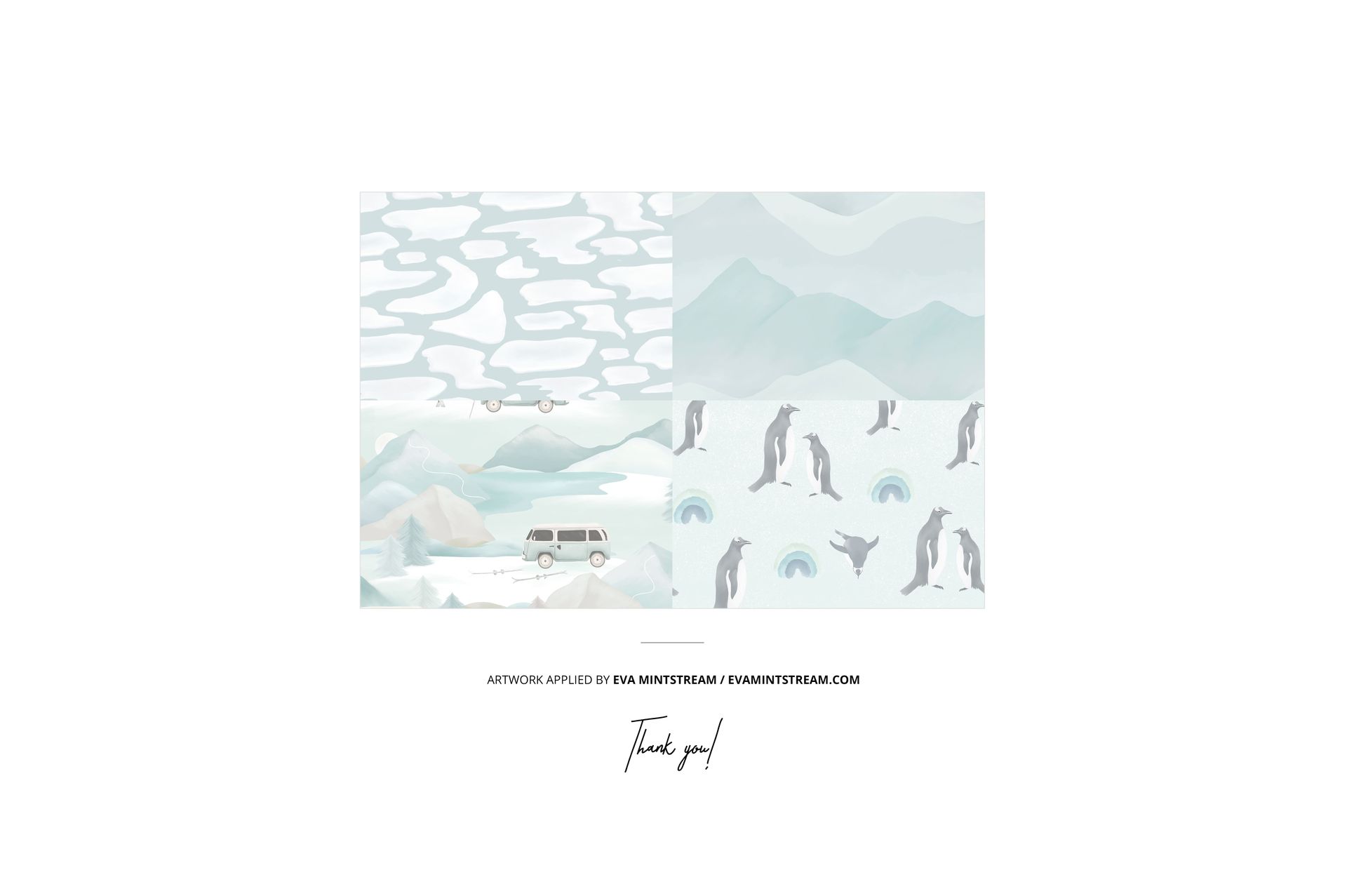
Designed for surface pattern designers, blanket brands and nursery textile collections. Digital mockup files only; no physical blanket or sample artwork is included.