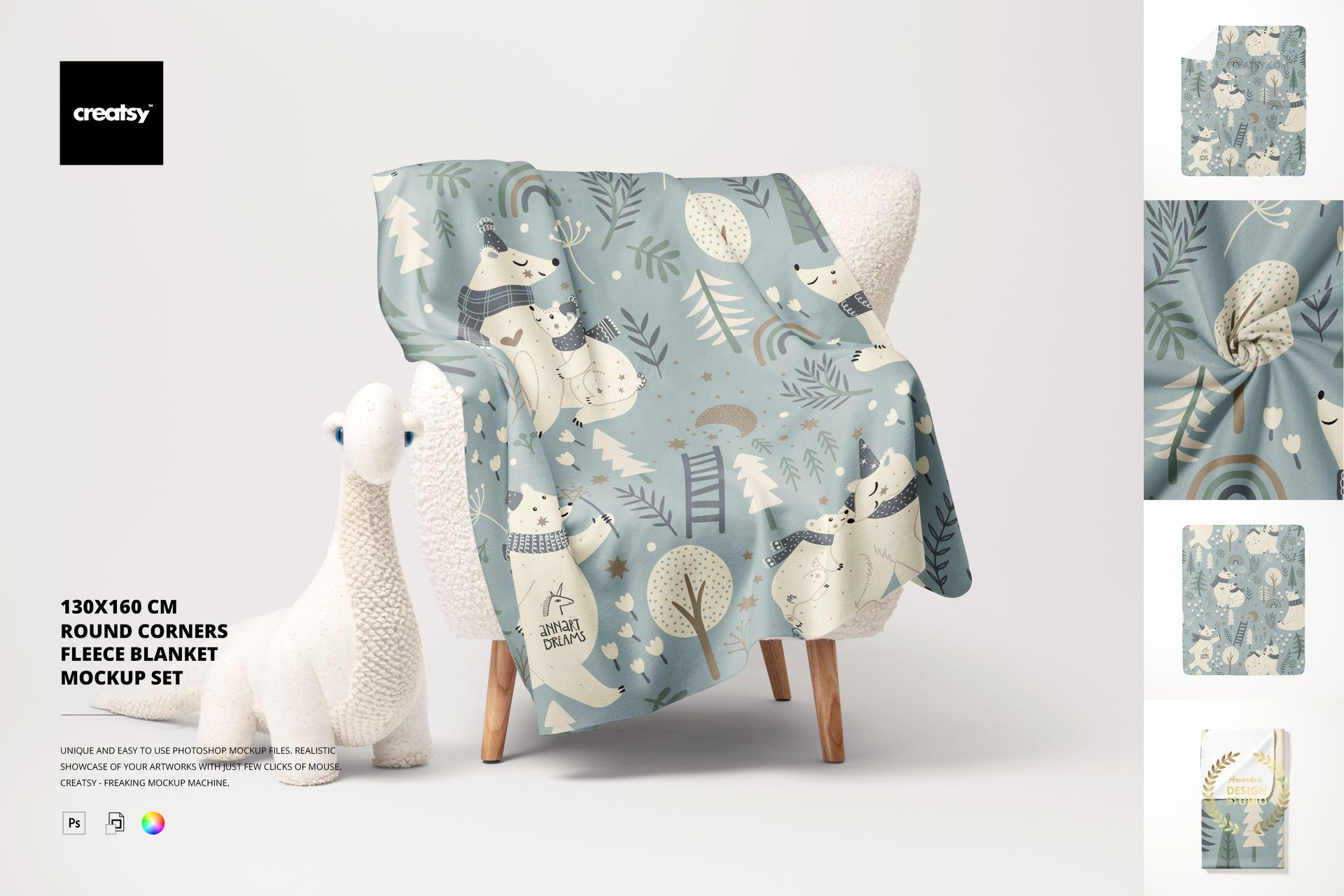
130x160 cm Round Corners Fleece Blanket Mockup Set
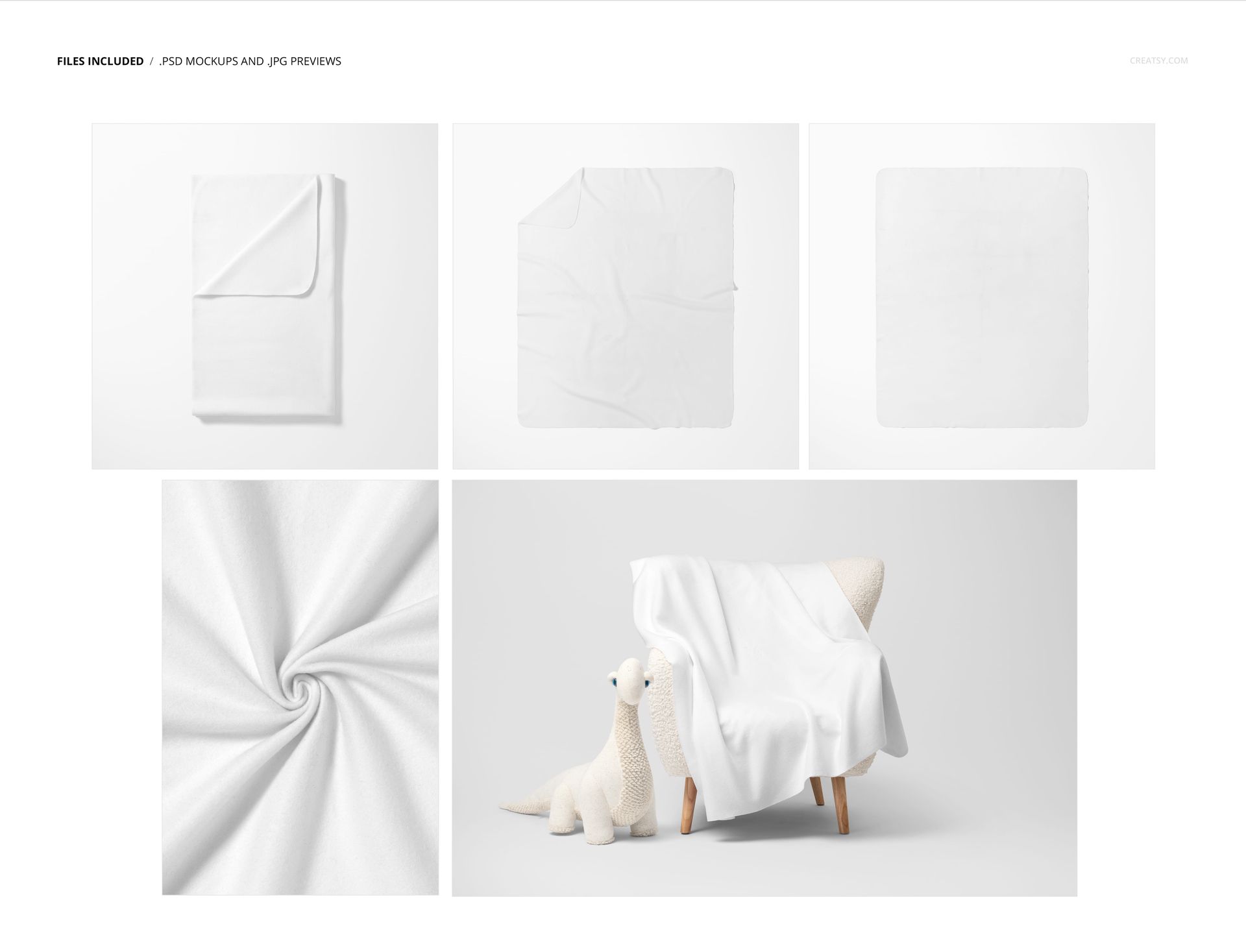
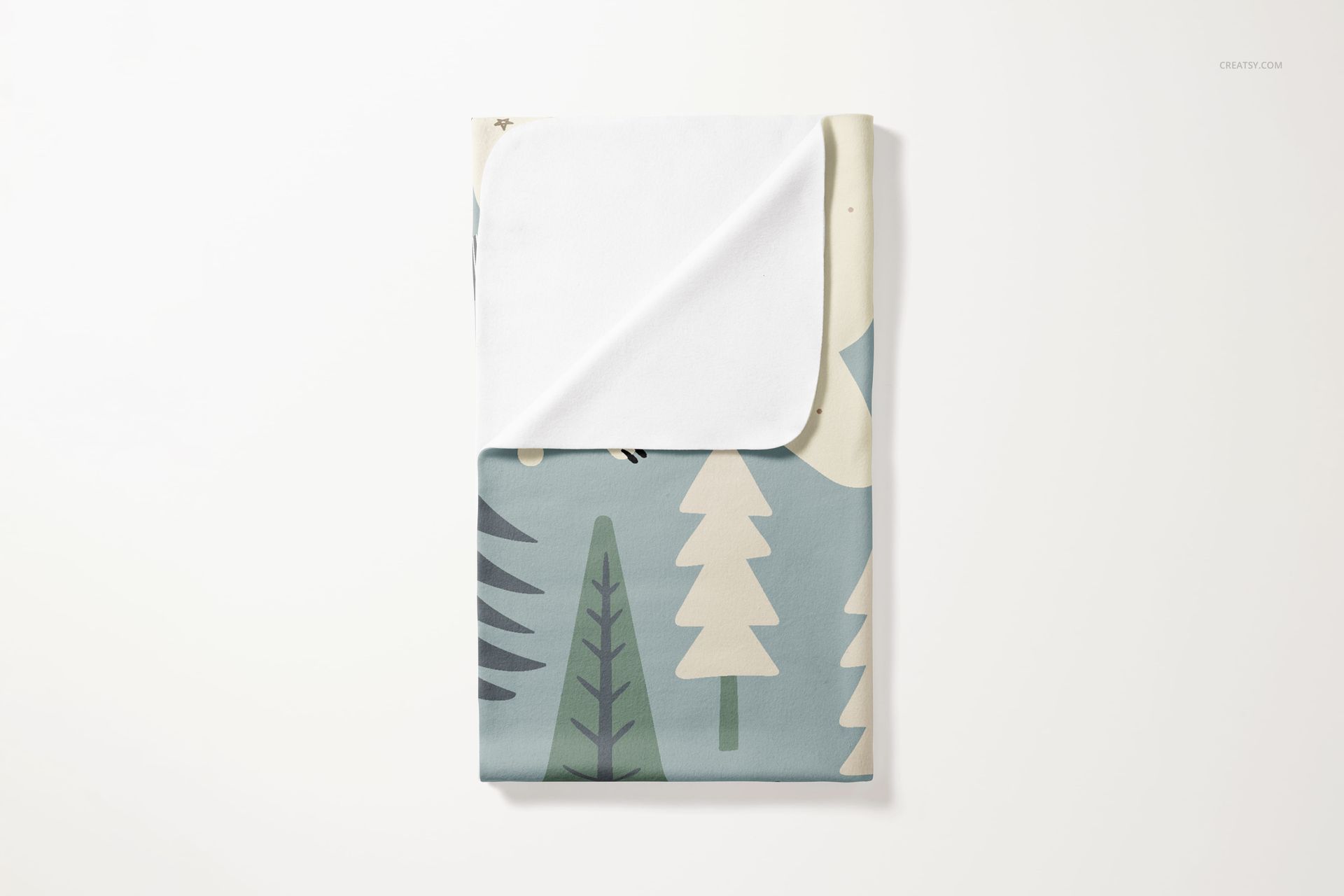
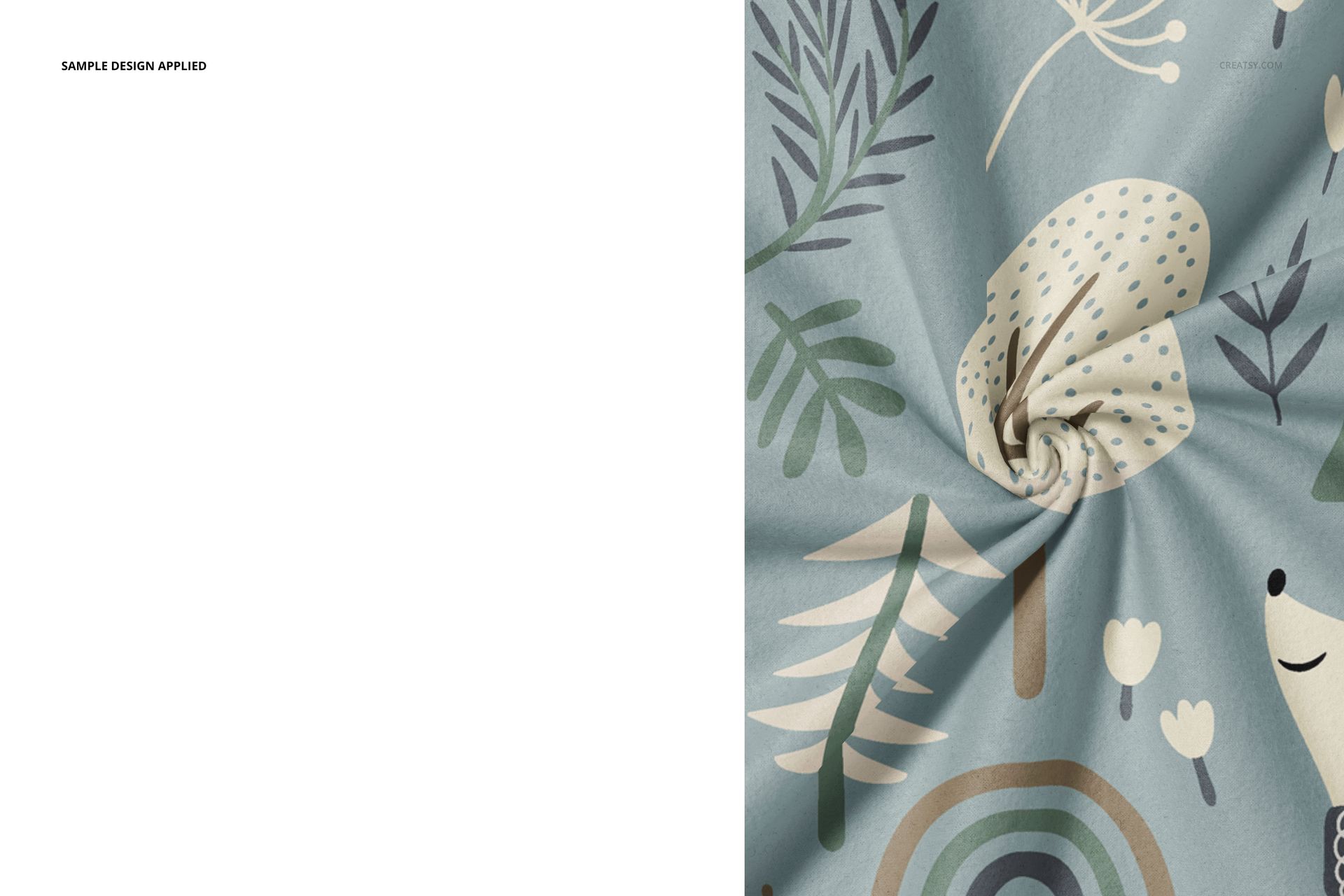
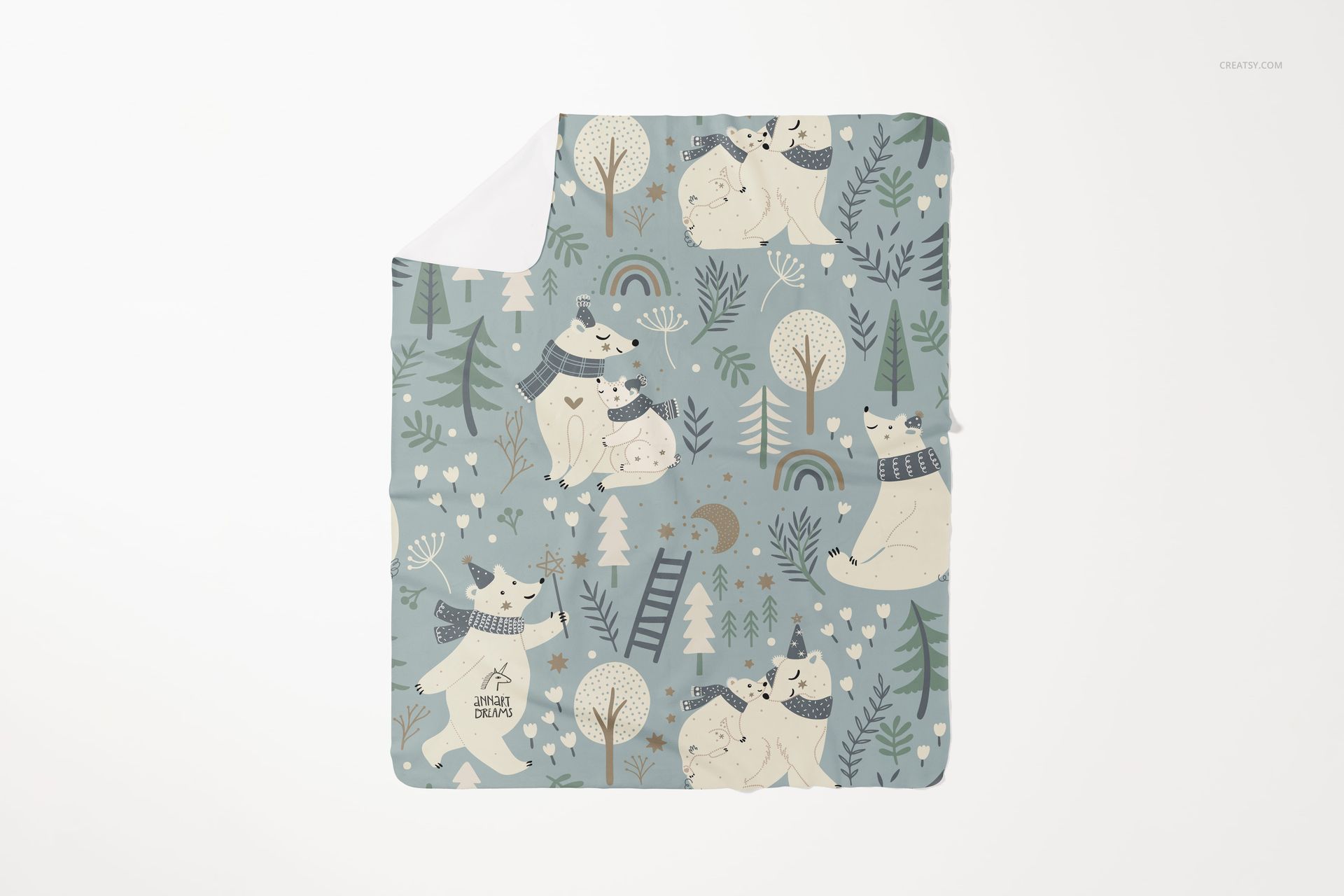
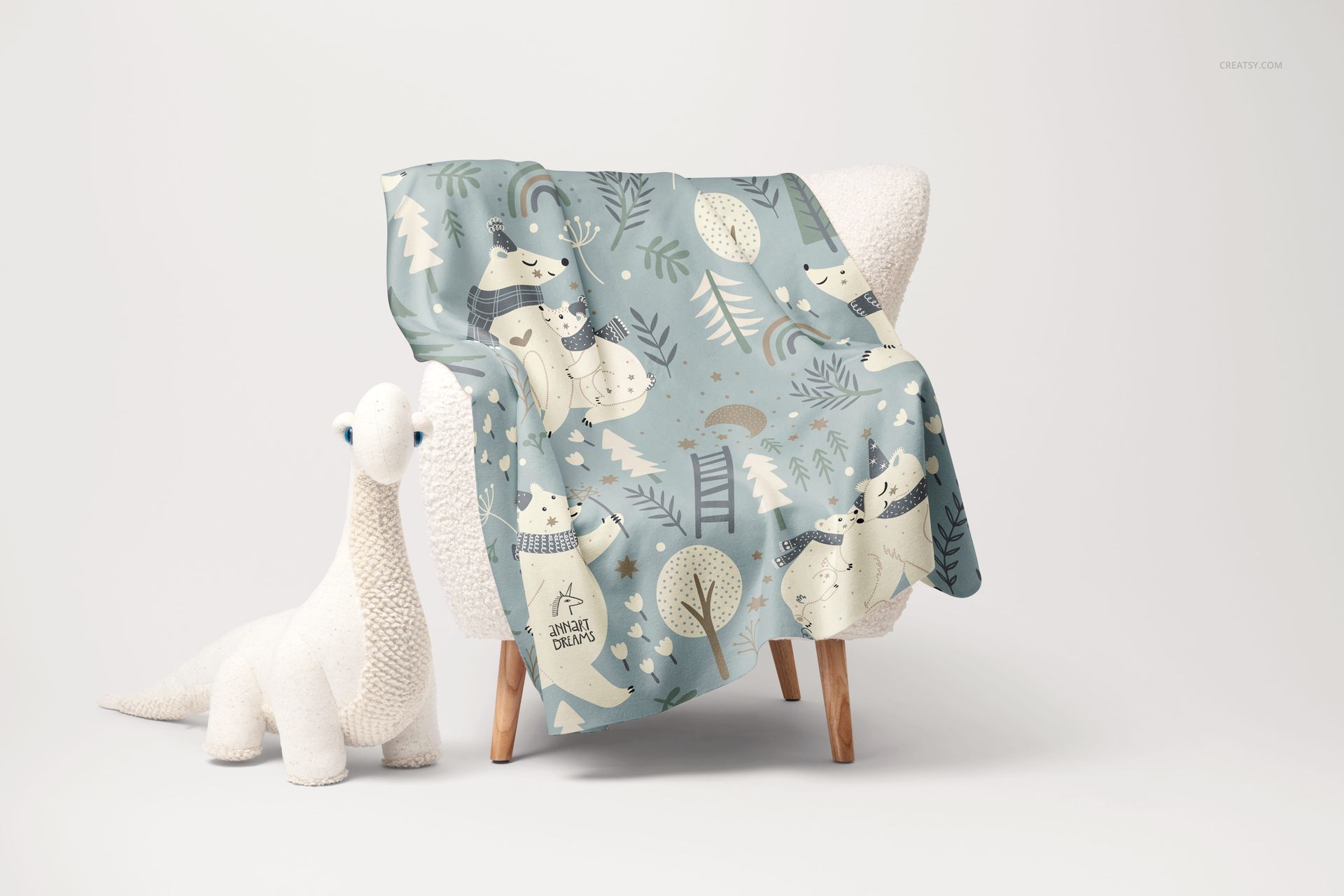
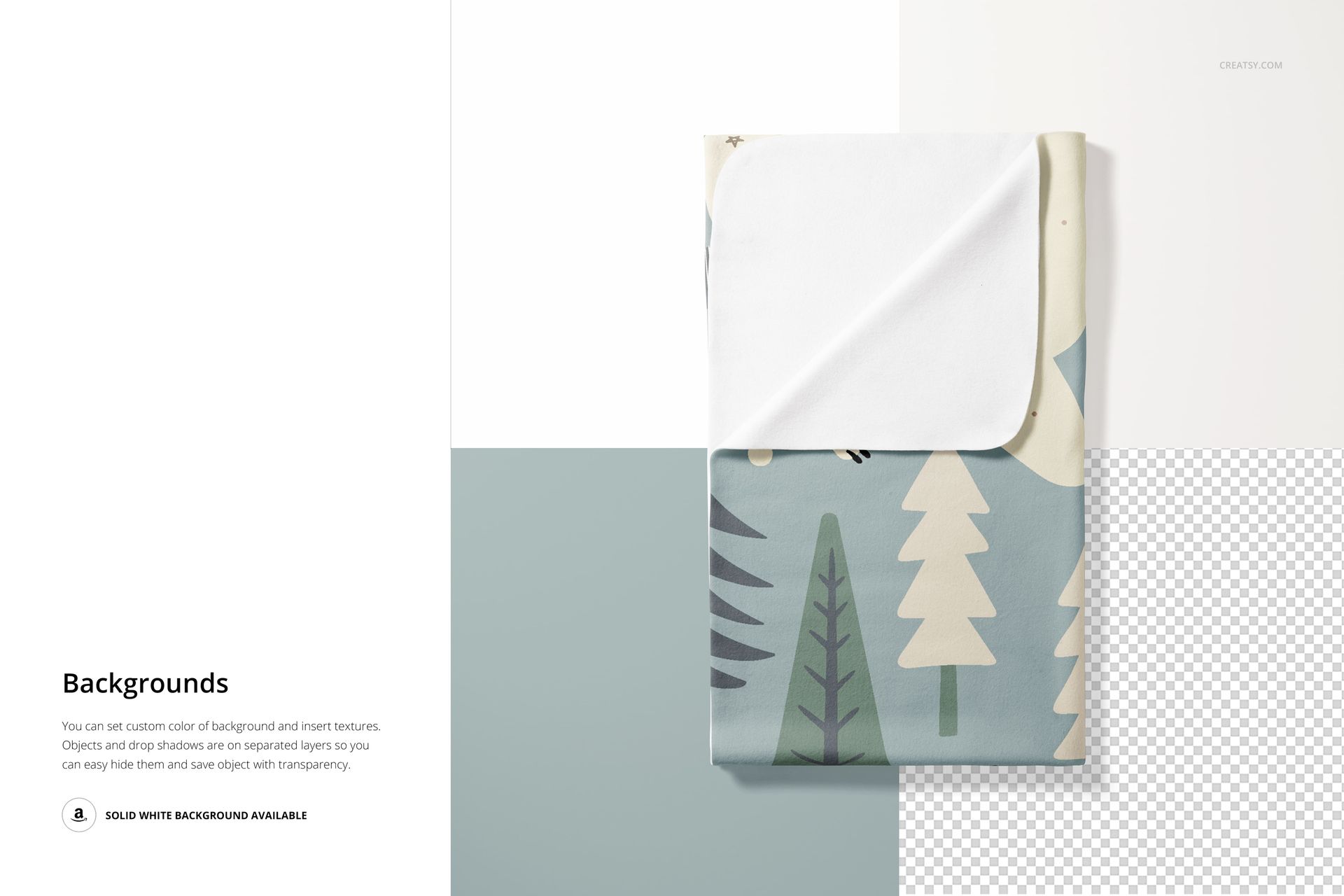
Rounded corners change the silhouette of a blanket and the way a border or repeat meets its edges. This five-scene set presents a 130 × 160 cm fleece blanket in flat, folded, turned-corner, twisted-detail and armchair compositions, giving you complementary views of the same textile design.
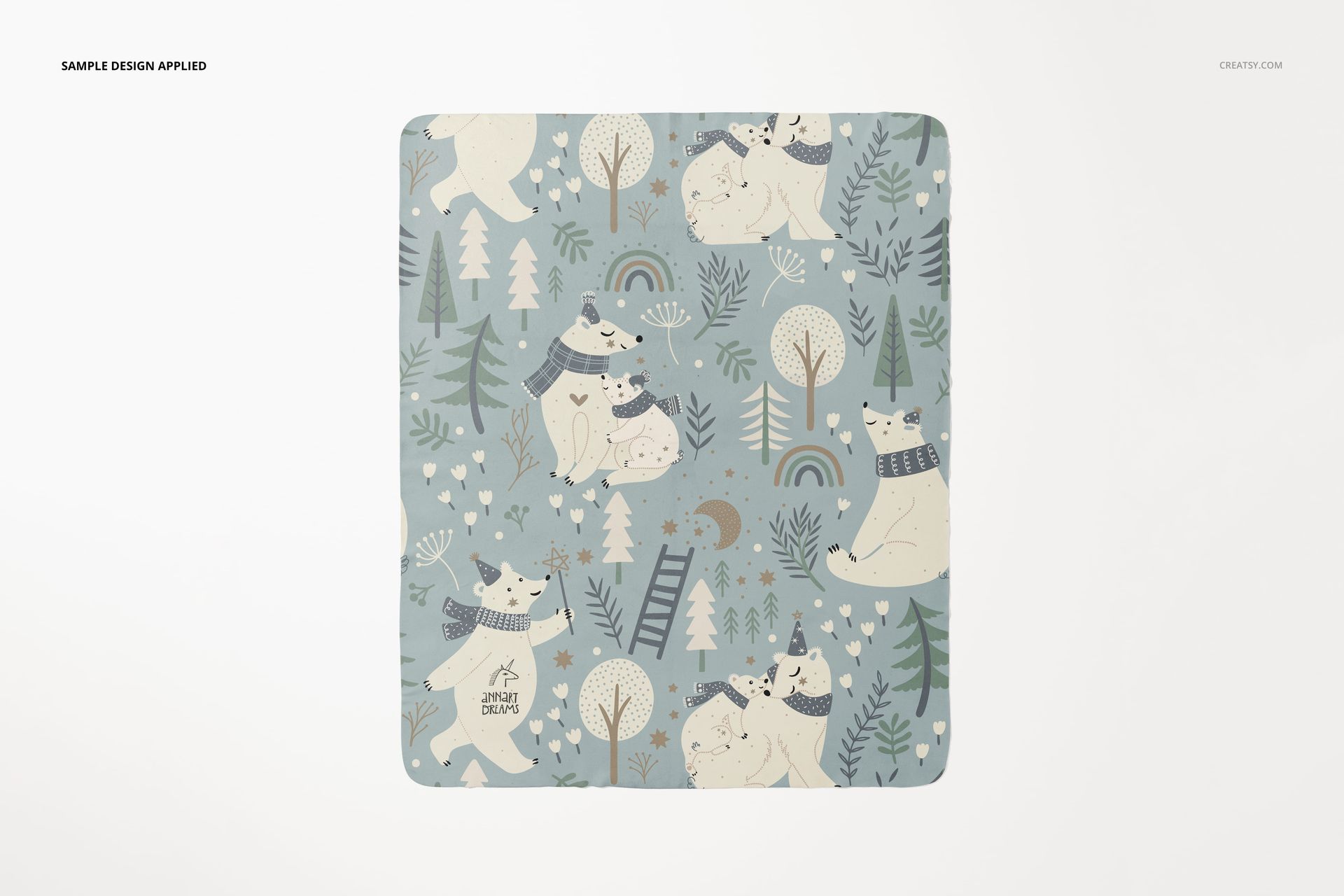
The full blanket view makes a placement print easy to read. Folded and turned-corner scenes reveal the reverse, while the draped armchair scene adds soft furnishings context. Use the set for children's room collections, illustrated throws or seasonal home textile presentations.
What Is Included
5 layered PSD mockups with distinct blanket arrangements.
5 JPG previews, 10 files in total.
6000 × 4000 px landscape, 4000 × 6000 px portrait and 6000 × 6000 px square scenes, all at 300 DPI.
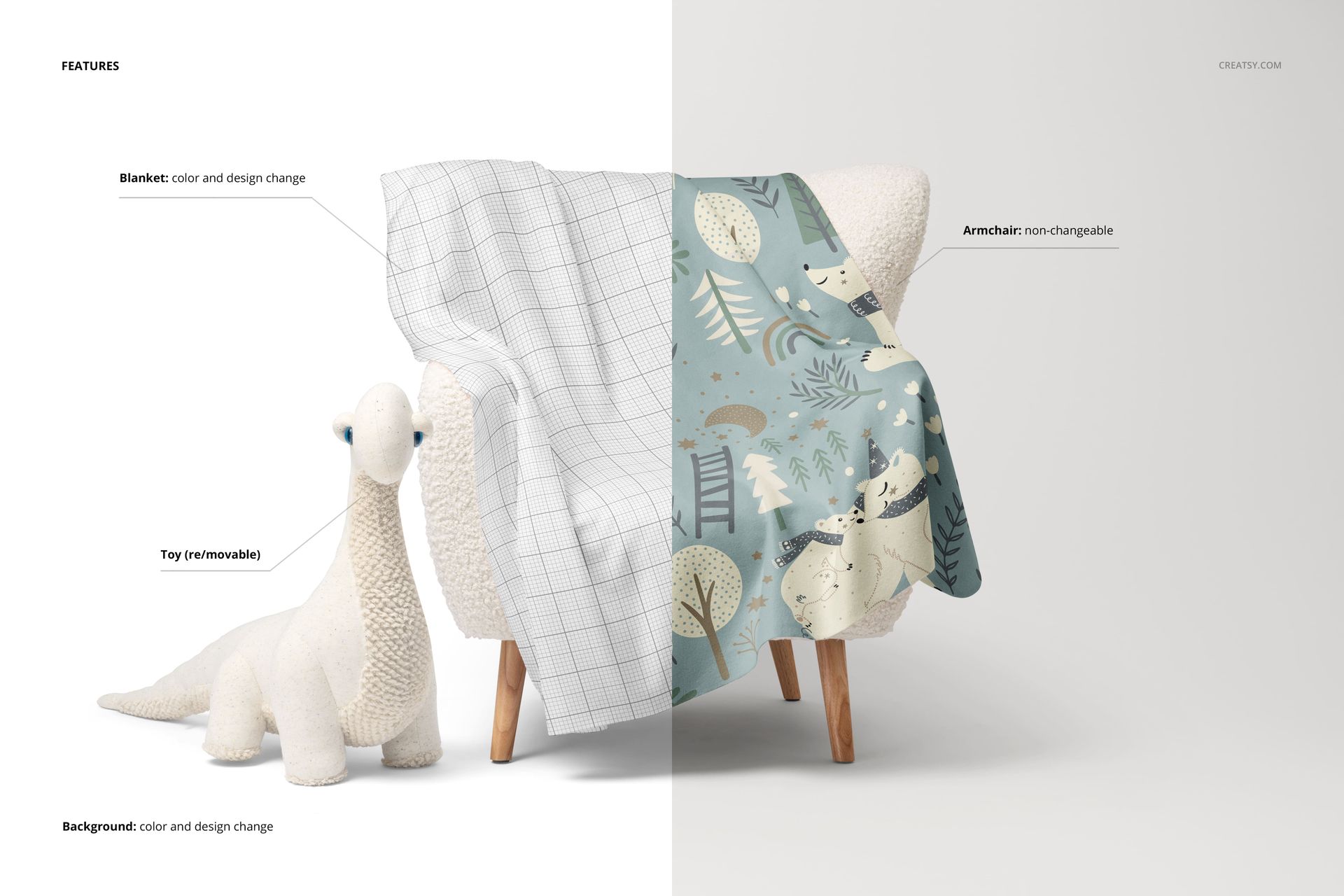
Clear Controls and Realistic Limits
Apply color and artwork to the blanket, including both sides where visible. Change the background color or design and use the provided object and shadow separation for clean studio exports. In the armchair scene, the plush dinosaur can be moved or hidden; the armchair itself is not editable.
Easy Smart Object Editing
Open a scene in Adobe Photoshop CC2020 or newer, or Photopea. Replace the blanket artwork through Smart Objects, save to update the mockup, then adjust the available background and prop settings to match the collection.
Created for surface pattern designers, illustrators and blanket brands. This is a digital presentation product, not a physical 130 × 160 cm blanket or a manufacturing template. Sample artwork is not included.