Nursery Wall Banner with Fringes Mockup Set

Product Details
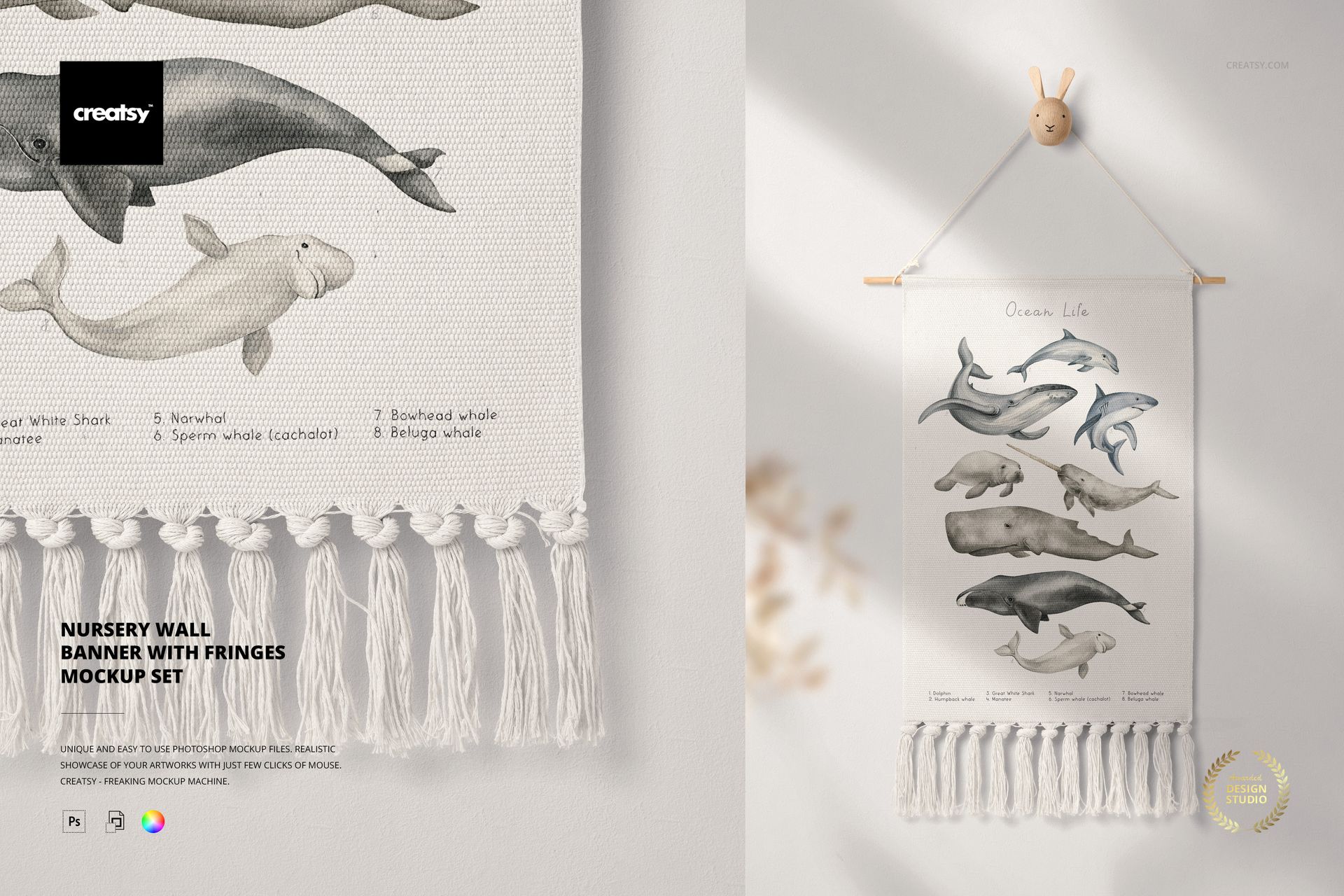
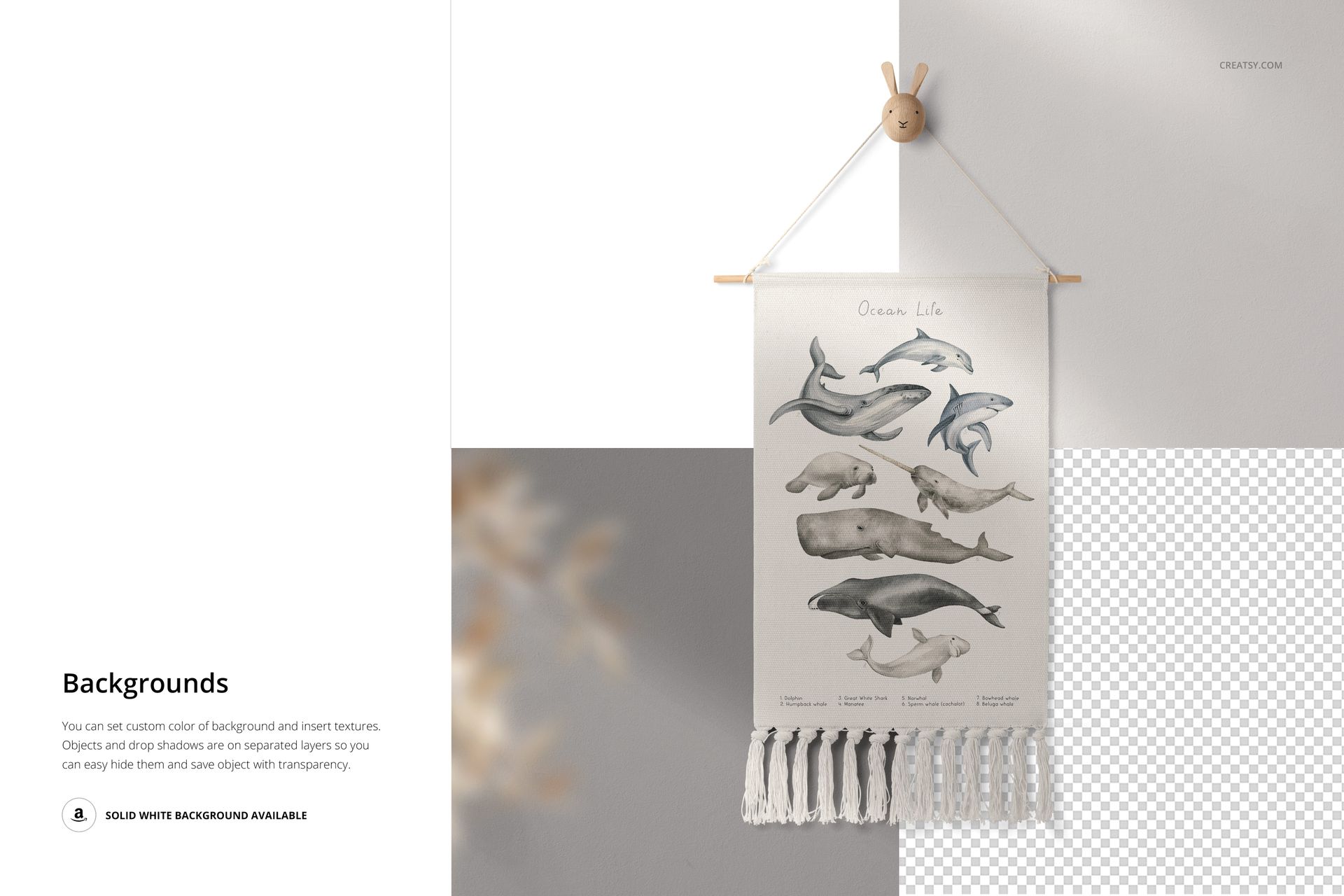
Show your nursery print on a fringed fabric wall banner. This is a set of two Photoshop mockups of a boho nursery wall hanging, held on a wooden dowel with a rope and a small wall hook, with tassel fringes along the bottom. Drop your artwork into the banner smart object and it appears on the fabric with the soft room light and shadow, so a kids print or pattern looks like it is really hanging on the wall rather than sitting flat on a screen.
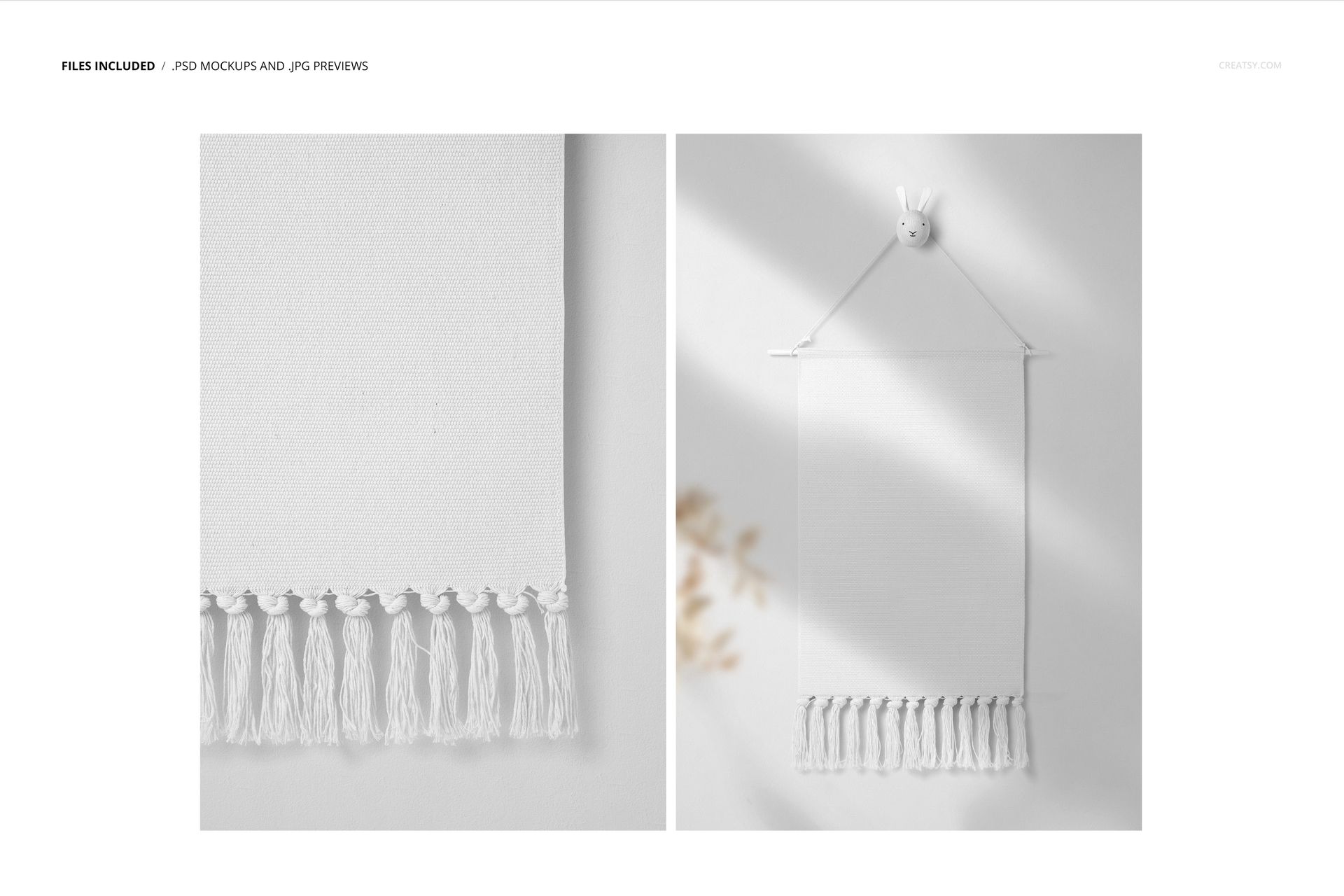
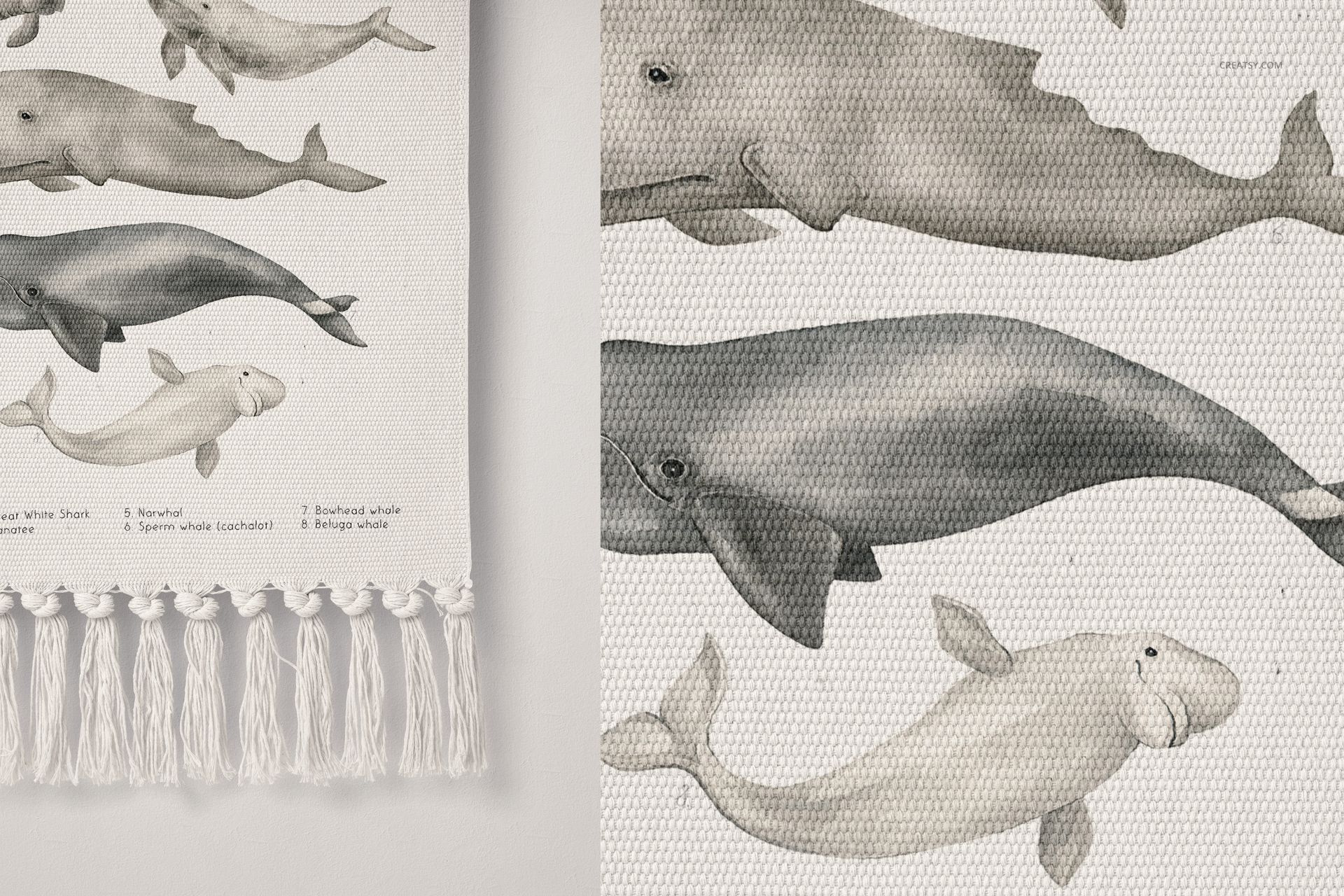
You get 2 PSD files at 6000 x 4000 px, 300 dpi: one full styled shot of the hanging banner and one close detail of the fabric and fringes. They are made for Adobe Photoshop, version CC2020 or newer, with named, well organized layers so each part is easy to find.
What you can change
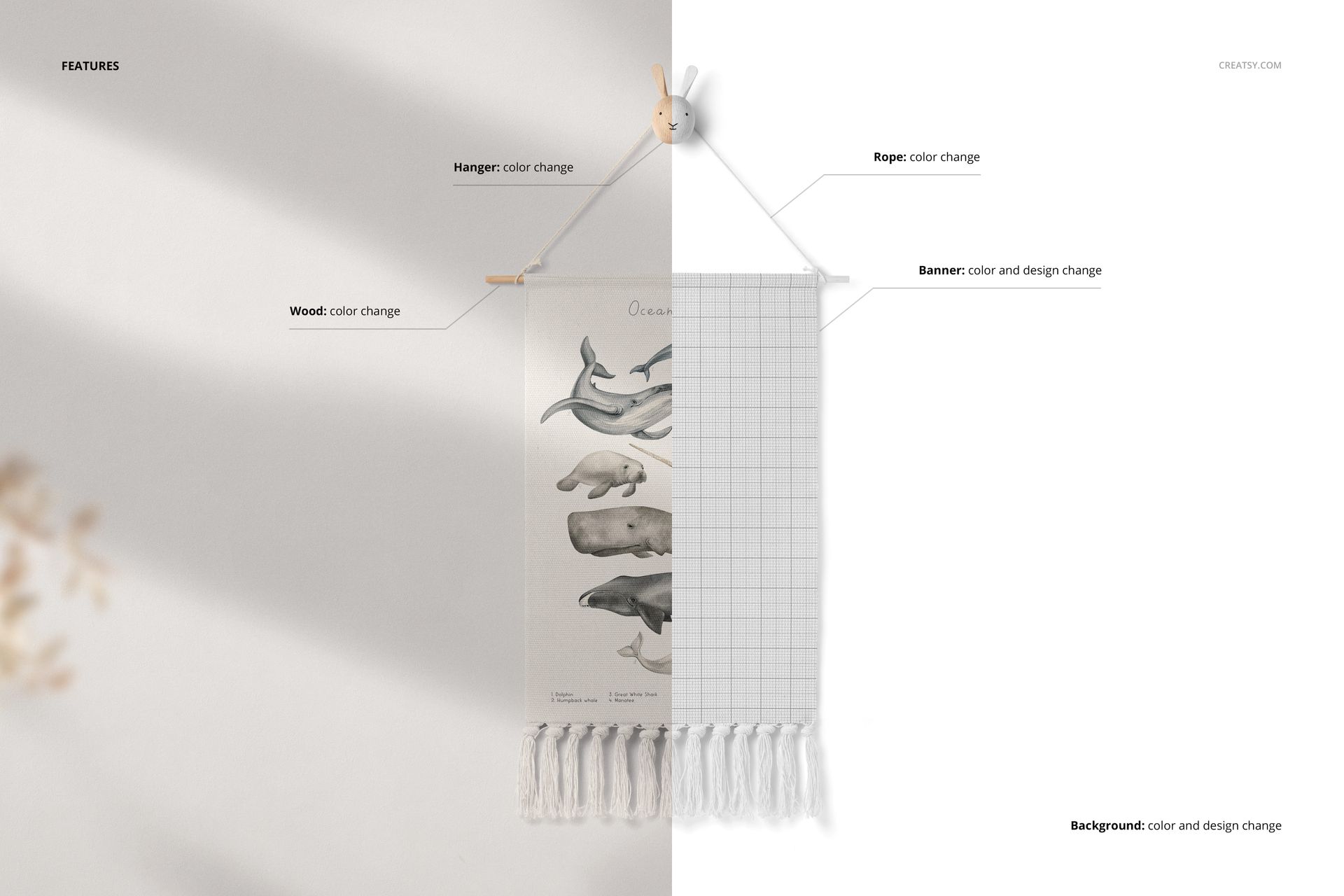
Two surfaces take your own artwork, and the hardware recolors:
Banner: color and design. Your print or pattern goes here, and the color covers the fabric along with the tassel fringes.
Background: color and design, so you can change the wall behind the banner or place your own backdrop.
Hanger: color, for the small wall hook the banner hangs from.
Rope: color, for the cord that holds it up.
Wood: color, for the dowel across the top of the banner.
How the edit works
Double-click the banner smart object, paste your design and save, and it appears on the fabric with the weave, the folds and the shadows already there. Set the banner color, adjust the background, and recolor the wood, rope and hook to suit the room. Because the scene is styled and lit, you are placing a design rather than building a shot from scratch, so a finished image is ready in minutes.
Two scenes from one design
The set gives you a full hanging shot and a close-up of the fabric and fringes, so one design produces both a hero image and a detail image for a listing. That pairing, the whole product plus a texture close-up, is what a nursery shop page usually needs to show a print properly and answer the questions a buyer has before they order.
No sewing, no photo shoot
Sampling a fabric banner and photographing it well takes time, props and a tidy corner with good light. This mockup skips all of that: you place a design, set the colors and export a clean, styled shot, then repeat for the detail scene. It is a quick way to test a print or fill a nursery listing before anything is made.
Who it is for
Nursery and kids room decor brands, childrens art print and poster sellers, surface and pattern designers with a baby or kids collection, and Etsy or Shopify shops listing wall hangings or nursery prints. The soft, boho styling suits Scandinavian and natural nursery looks, and puts your design in a real room rather than flat on a page, which helps a decor listing feel finished.
What is in the download
Two .psd mockups plus .jpg previews in a single zip. Layers are named and grouped, with a smart object for your banner design, so every edit stays reversible and you can revisit a look later.
File and software details
2 layered PSD files
6000 x 4000 px, 300 dpi
Adobe Photoshop CC2020 or newer
banner and background take color and design via smart objects
color change on the hanger, rope and wooden dowel
well organized, named layers
Artwork credit
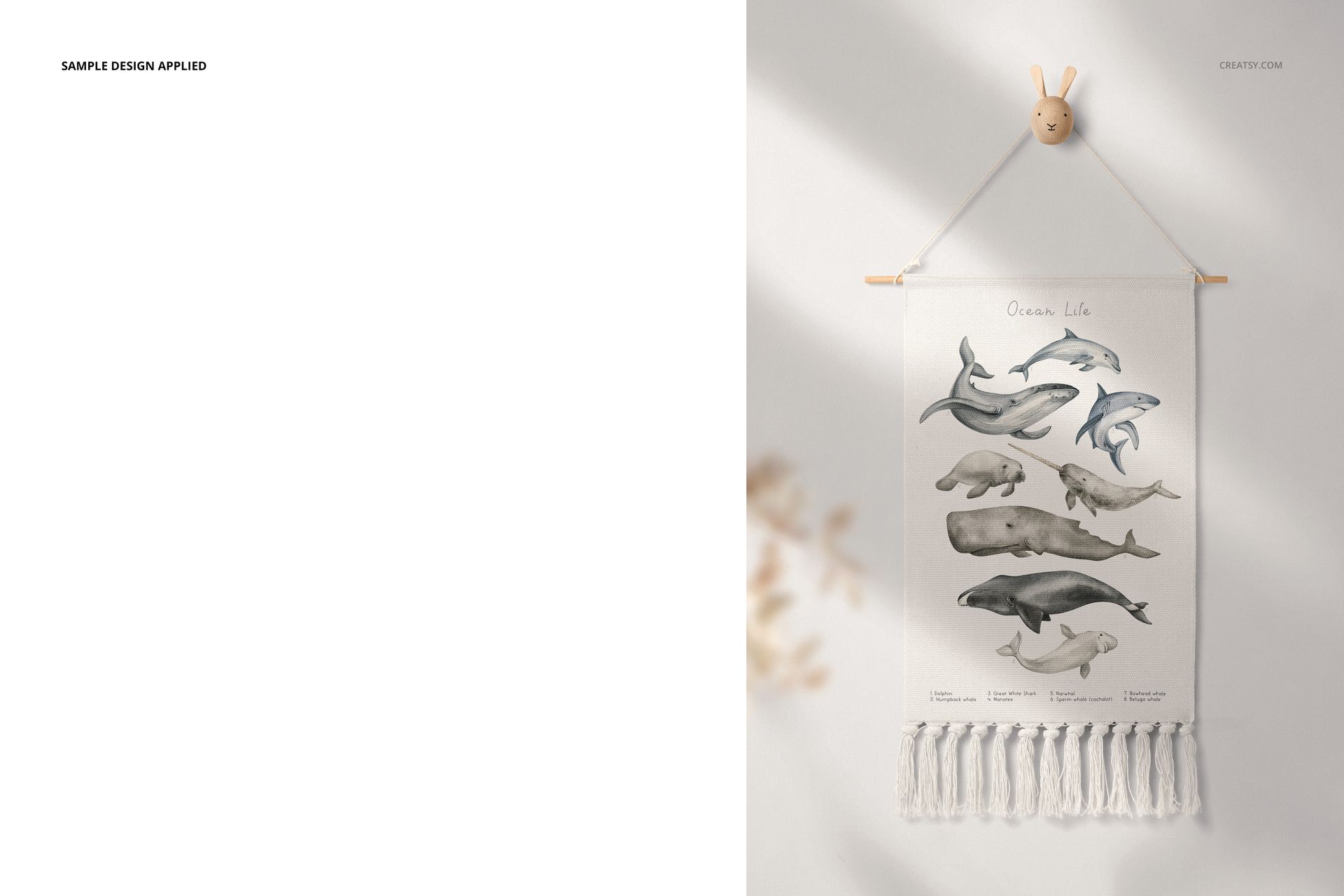
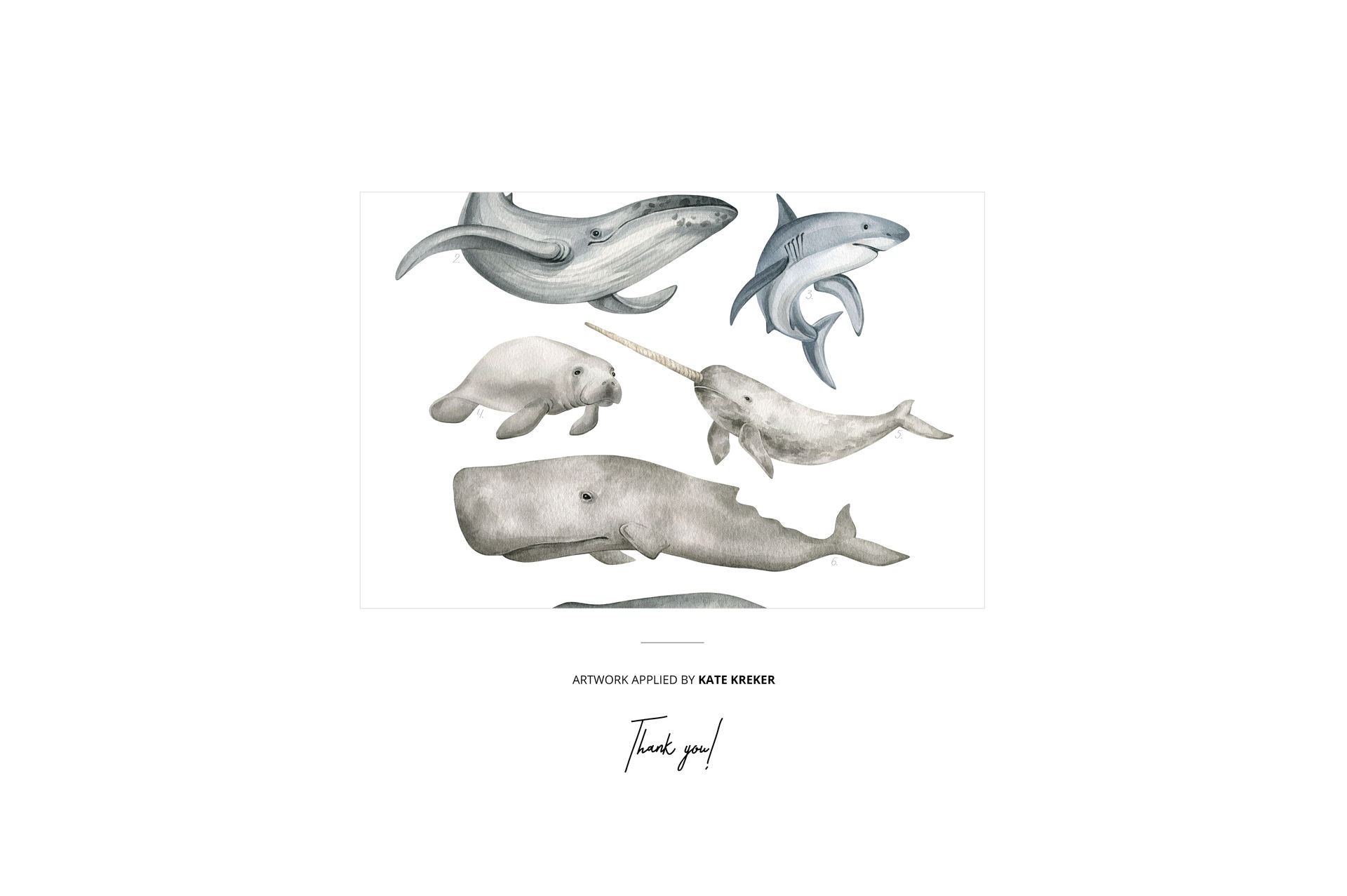
The ocean design shown on the banner in the previews is example artwork by Kate Kreker. It is used to style the mockup and is not included in the download. You add your own design.
File details
- Compatibility
- Package size
- 158 MB
|165 MB
- Files type
- .psd, .jpg
- Files size
- 6000x4000


MEET THE SHOP
- $1615$19.00
- $1870$22.00
- $1615$19.00
- $2125$25.00

HOW IT WORKS
3 clicks. That's it.
No tutorial needed. If you can copy-paste, you can use this.
- 1OpenDouble-click the smart object inside the PSD - in Adobe Photoshop, or free in your browser with Photopea.
- 2PasteDrop in your pattern, print, or artwork. Any design, any style.
- 3SaveHit save and the mockup wraps it in for you - shadows, folds, and lighting included.
FROM IDEA TO IMAGE
Built for real workflows
Skip the photo shoot Show your artwork on the real product type for approvals or listings - no studio, no model, no sample.
See it on the product, not a swatch Drop your file into the smart object and the scene's lighting and folds wrap around it, so you judge the real thing before you commit.
Smart Objects
Edit once and you're done. Your artwork drops into a smart object and the mockup updates itself - no masking, no warping by hand.
Perfectly Organized
Named layers and folders you can actually navigate. Find what you need, change what you want, and get out fast.
Print-Ready
High-resolution files built to hold up on screen and in print. Exact size and DPI are in this product's Details above.