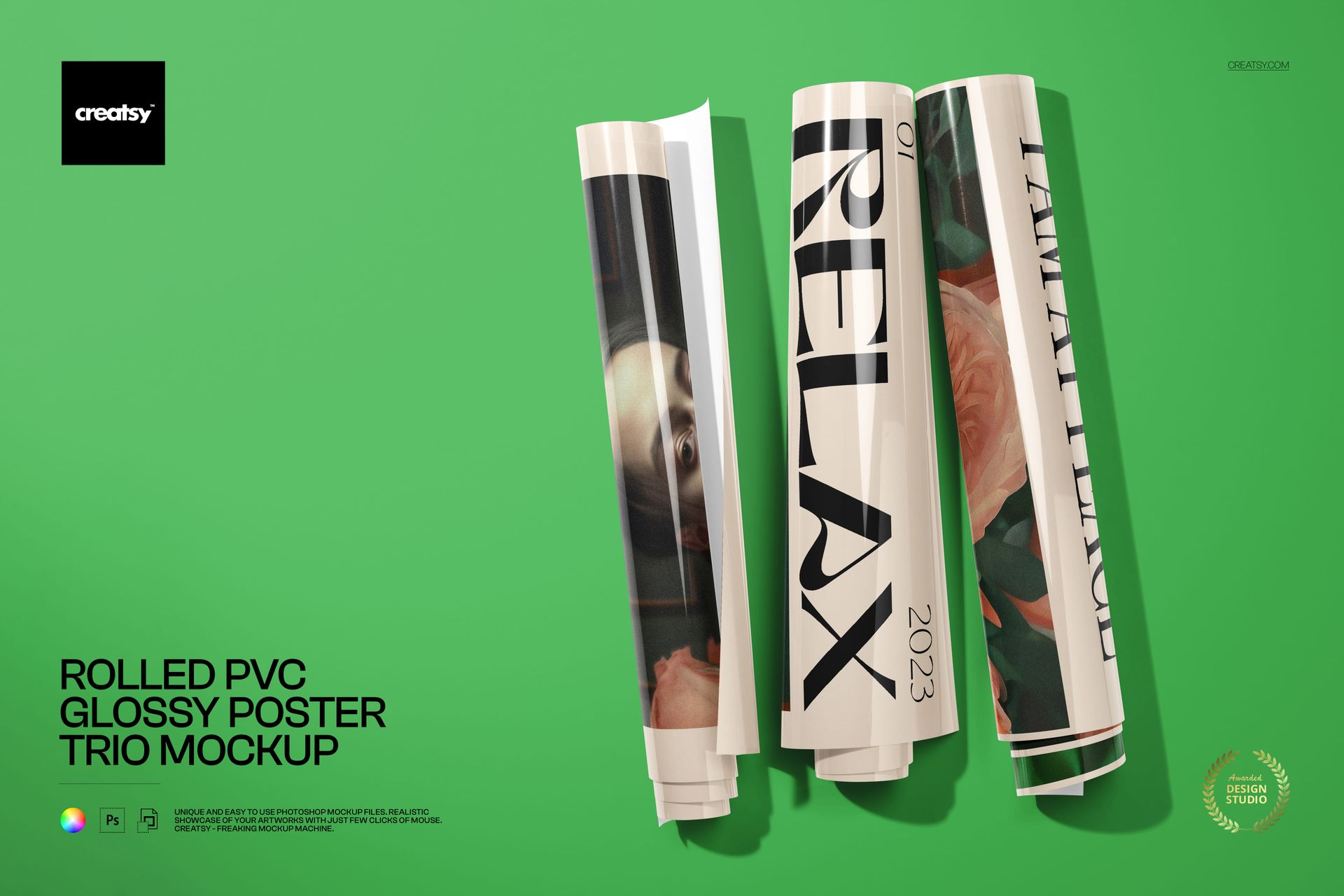
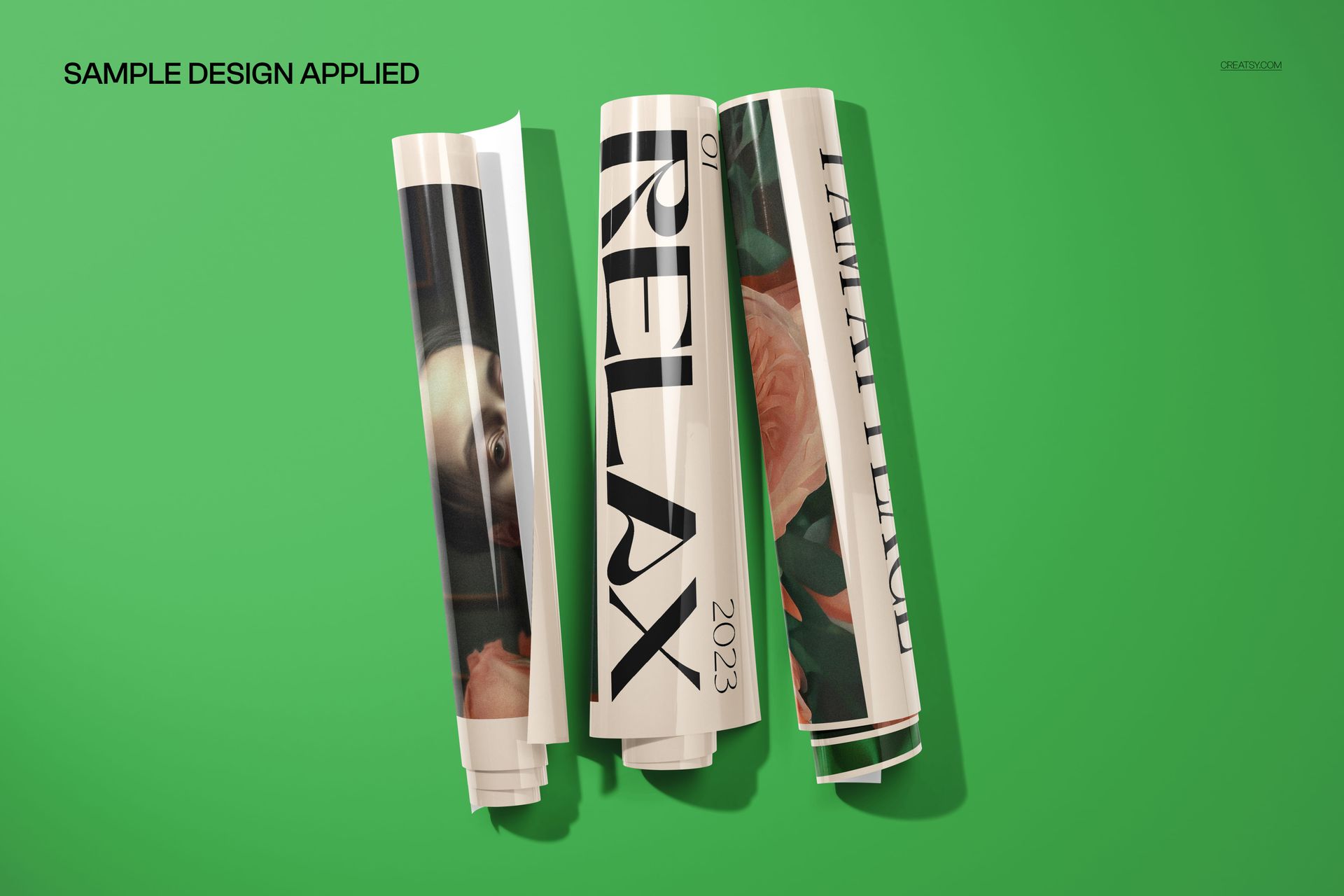
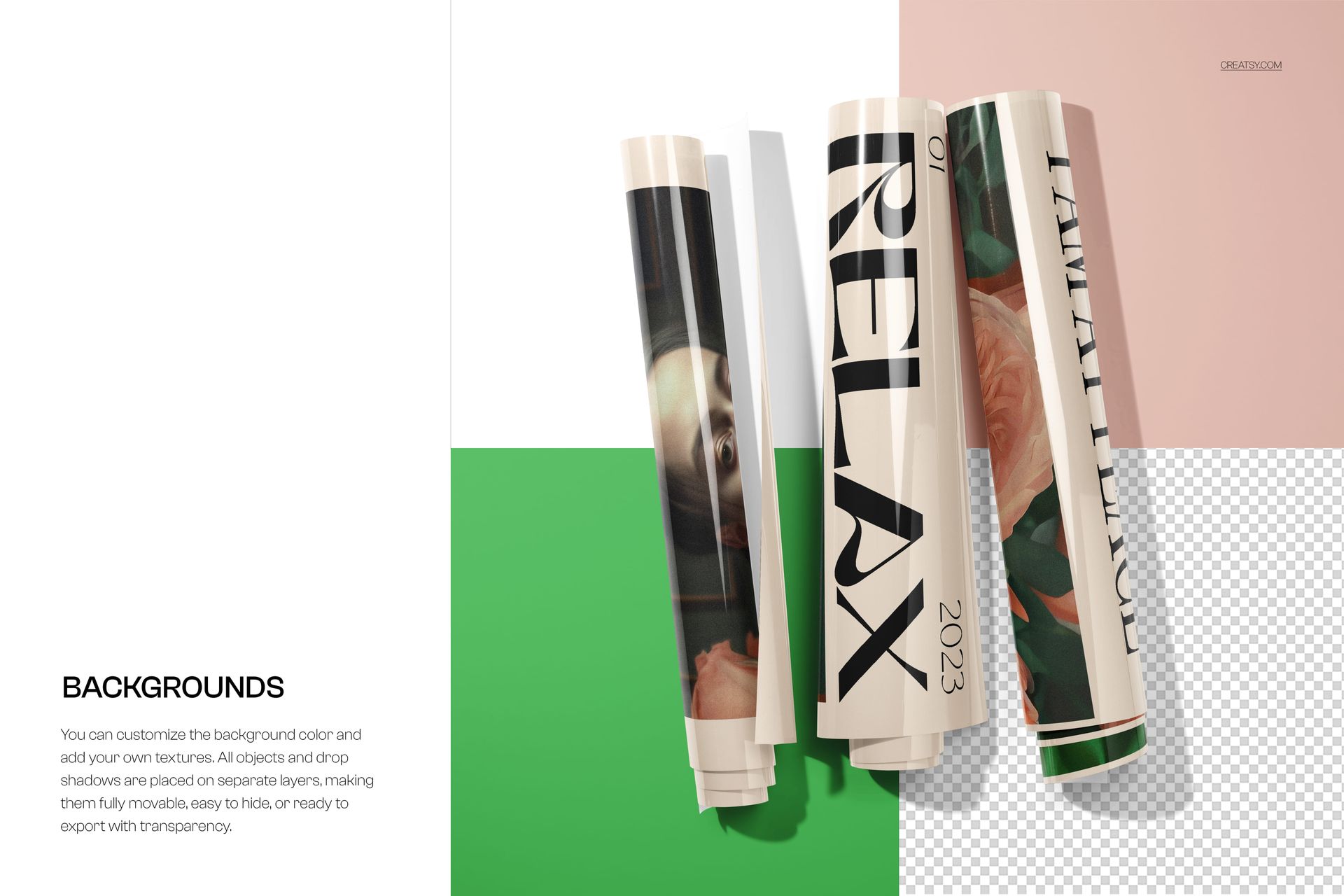
Present bold, gallery-ready artwork with this free Rolled PVC Glossy Poster Trio Mockup. Place your designs into three separate Smart Objects to see them printed on glossy PVC posters, rolled and stacked against a clean background. Adjust poster colors, tweak the background color or swap it for your own graphic, and export high-impact visuals for campaigns, portfolios, or online shops. Free for commercial use (see license for details).
Highlights
- Format: 1× PSD, 6000×4000 px, 300 dpi
- Workflow: Smart Objects; well-organized layers
- Apps: Photoshop (min. CC 2020) + Photopea (free online editor)
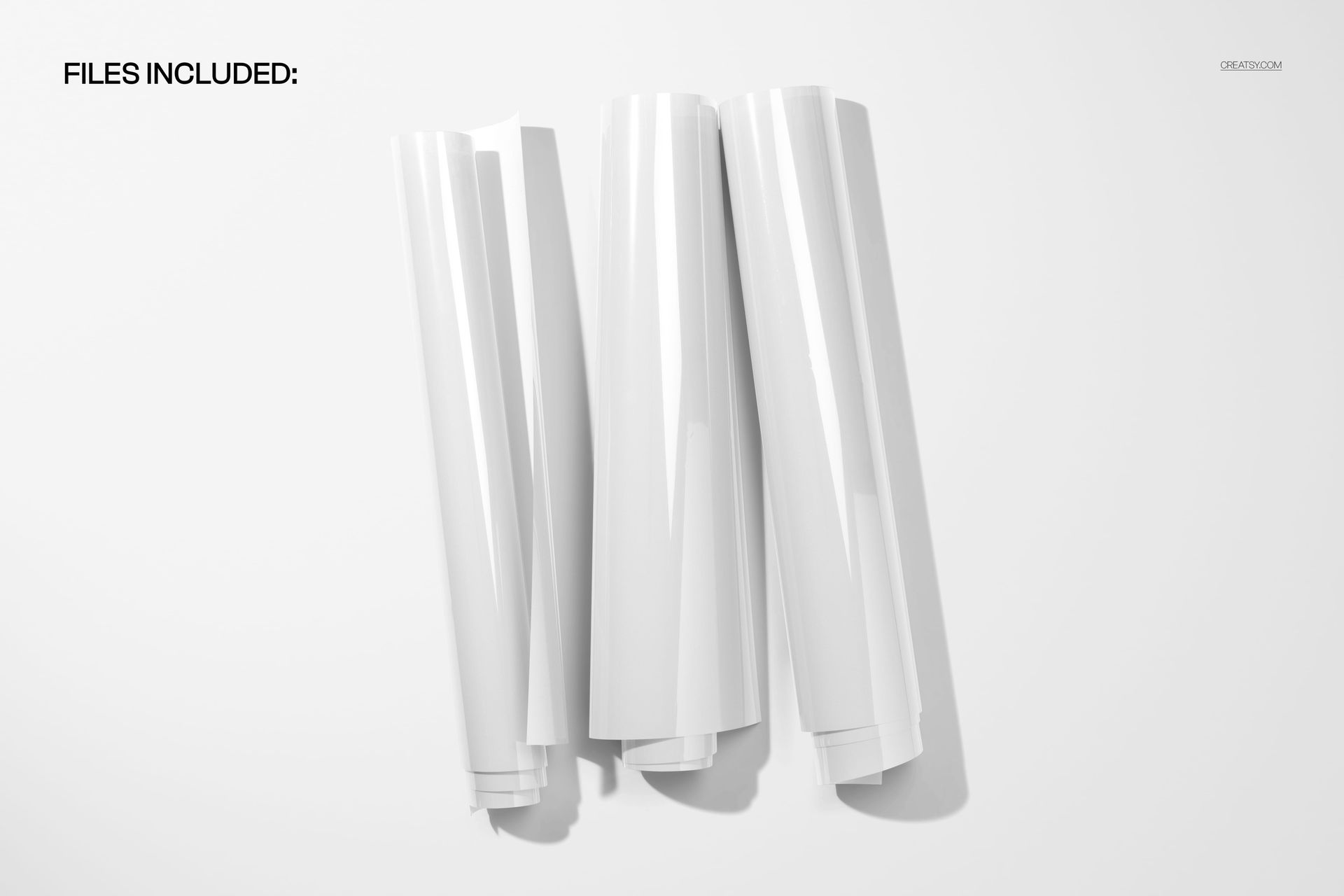
- Scene: Trio of rolled glossy PVC posters casting soft shadows on a solid background
- Use cases: gallery prints, event posters, editorial graphics, interior decor previews, ecommerce visuals
What’s inside / Specs
- Files: 1× PSD (+ JPG preview)
- Canvas: 6000×4000 px, 300 dpi
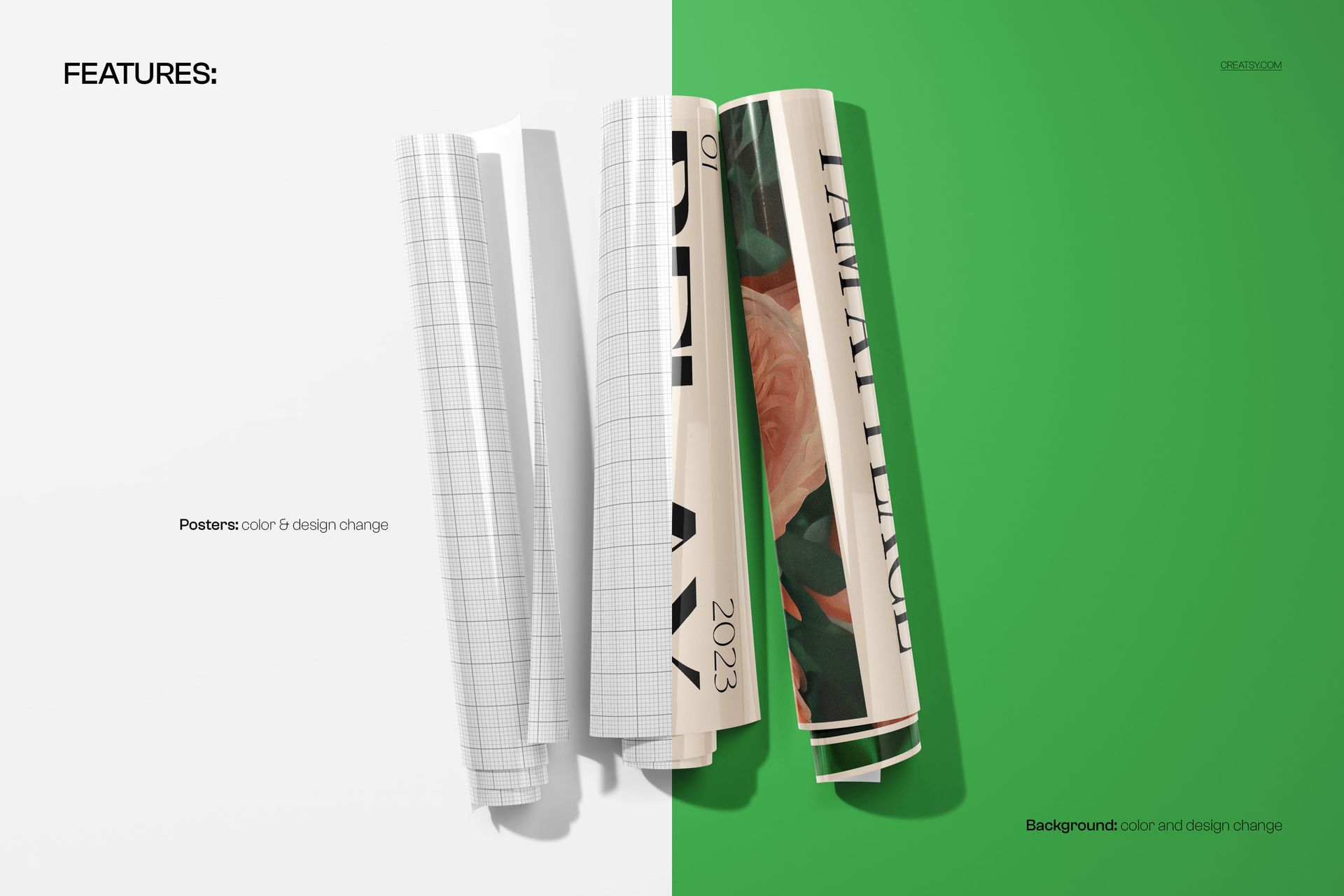
- Editable elements: Each poster’s artwork (three separate Smart Objects); poster base colors; background color and background design
- Effects & details: realistic gloss, reflections, folds, and shadows for PVC material
- Compatibility: Photoshop CC 2020 or newer; works in Photopea
- Approx. size: ~233–244 MB (archive may vary by compression)
How-to (Photoshop & Photopea)
- Open the PSD in Photoshop (CC2020+) or Photopea.
- Double-click each poster Smart Object, paste your designs, save, and return to the main file.
- Use color adjustment layers to fine-tune poster tones and the background.
- Optionally customize contrast, shadows, and highlights for the perfect finish.
- Export high-resolution JPG/PNG/WebP for print, web, or client presentations.
License & usage
Free for personal & commercial use (for 1 business, up to 5,000 end products). Source files may not be resold, shared, or redistributed in any form. See the full license on the product page – check the “Freebie” row for complete details.













jkljk
Thank you for your 5-star rating! We hope the Rolled PVC Glossy Poster Trio Mockup helps you create bold, realistic and polished poster presentations.