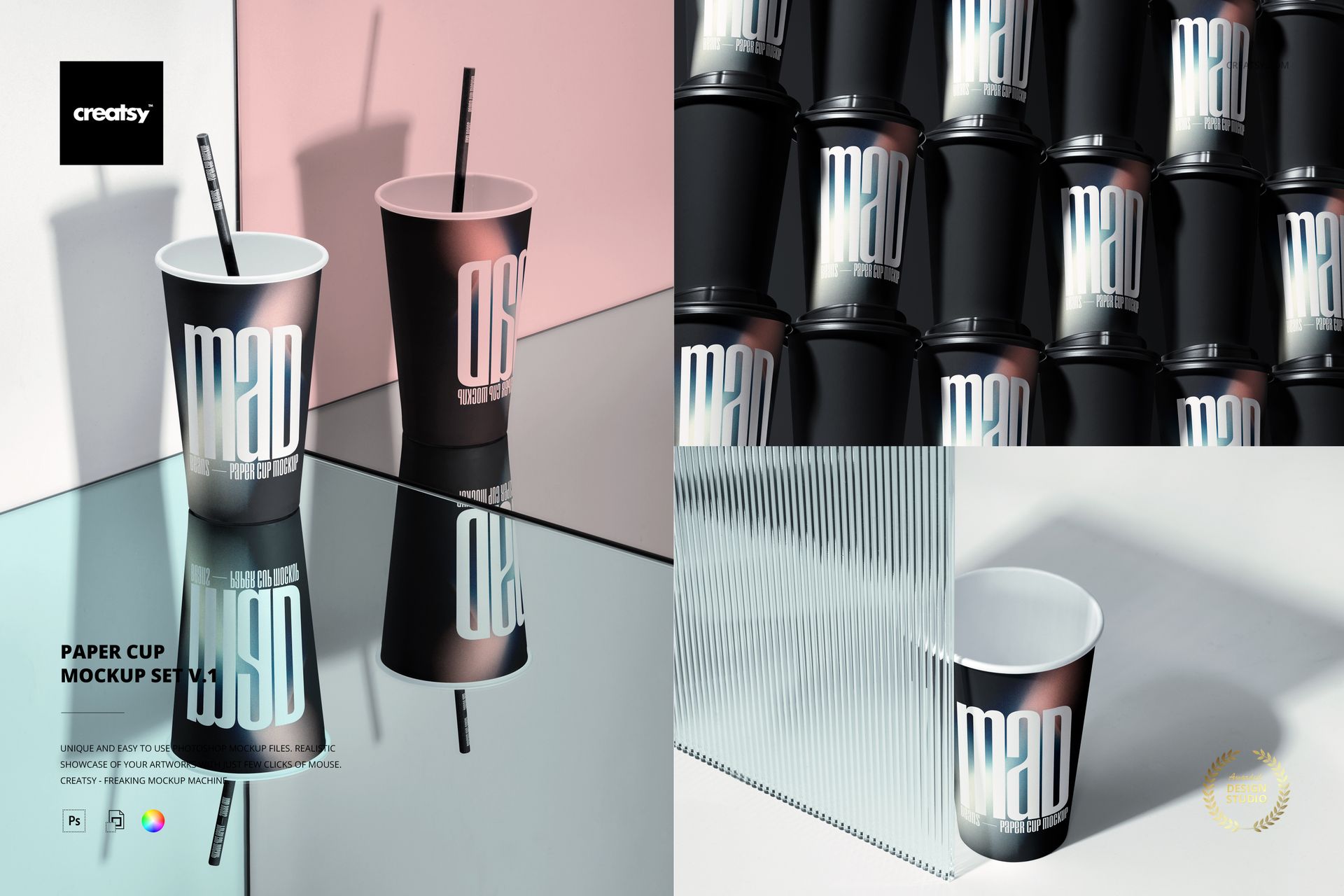
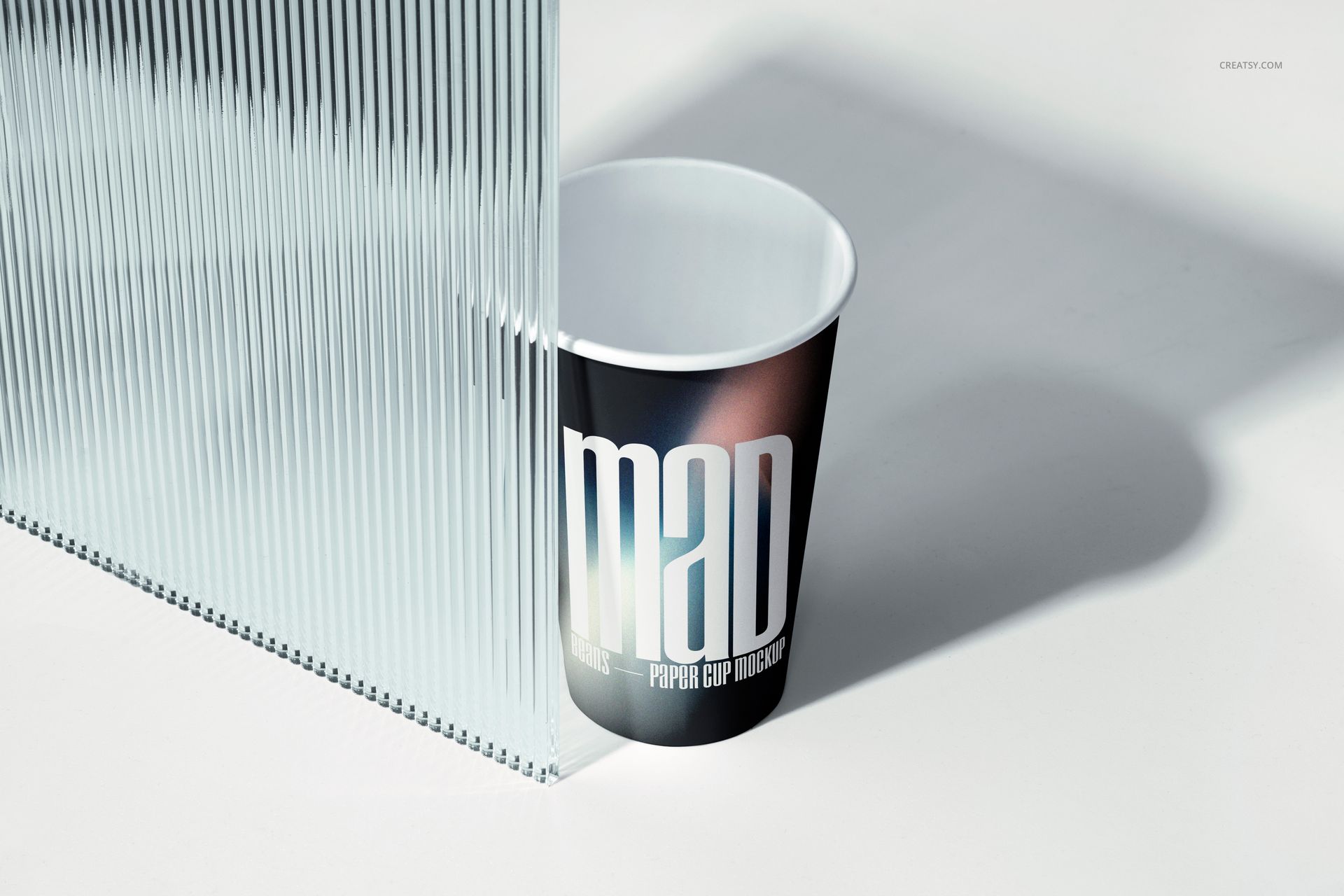
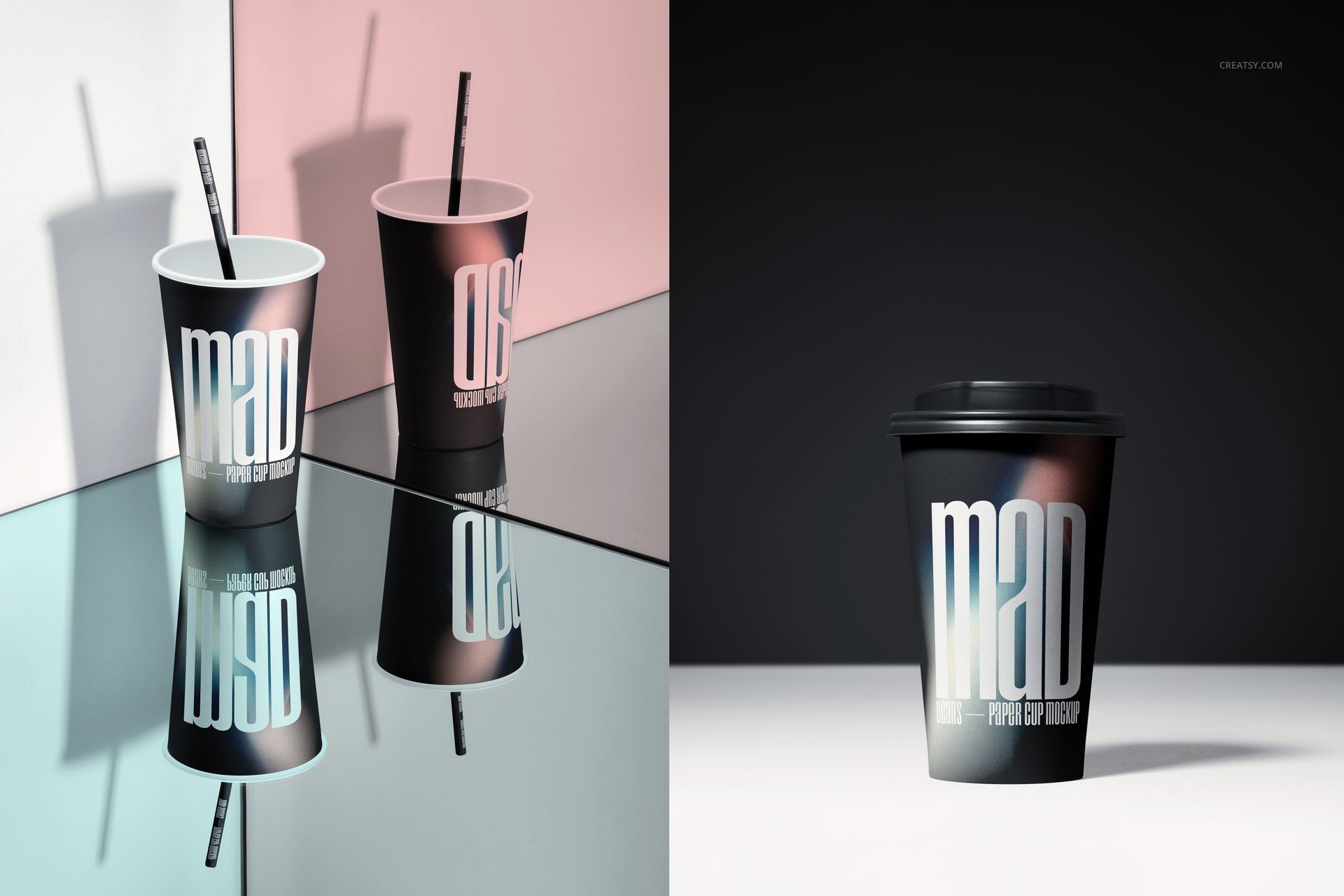
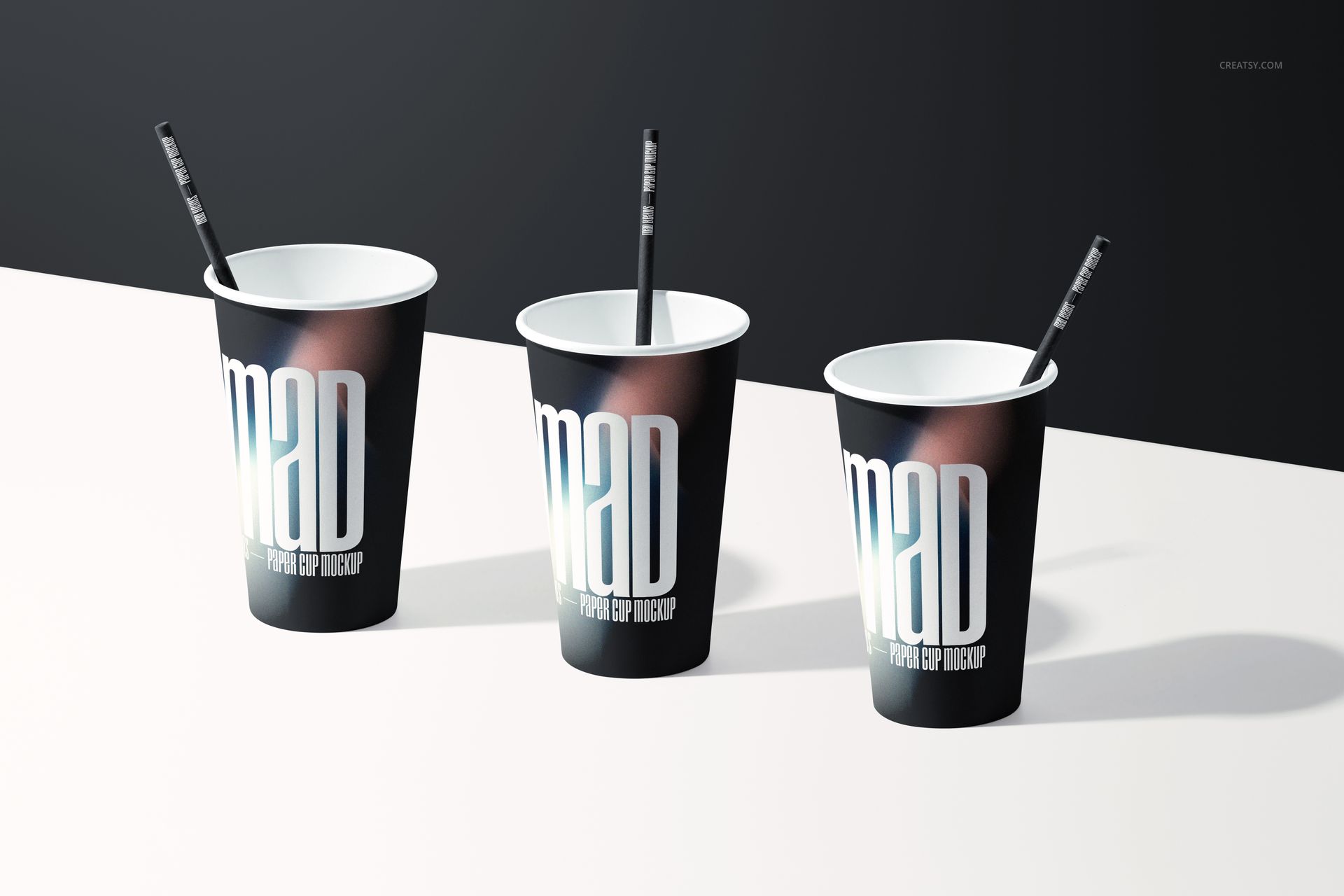
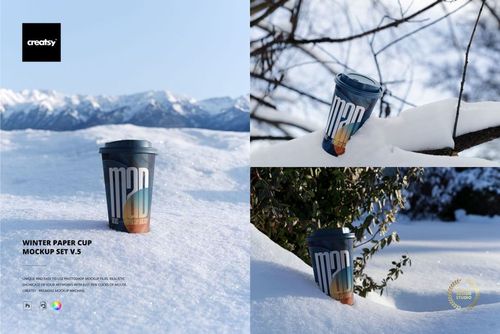
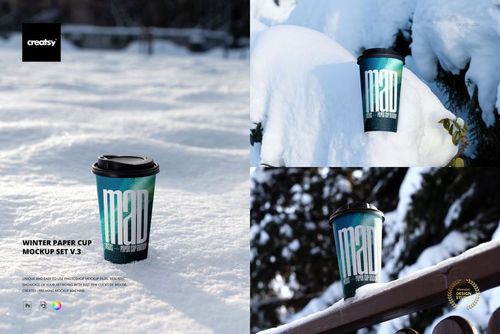
The Paper Cup Mockup Set v.1 lets you present coffee cup branding, packaging designs, and takeaway cup artwork across 10 different compositions photographed in creative studio arrangements. This collection of layered PSD files gives you control over the cup body surface, lid color, and background for each scene - producing a complete product image library from a single download that covers every angle and context your branding project needs.
Why This Mockup Set Works
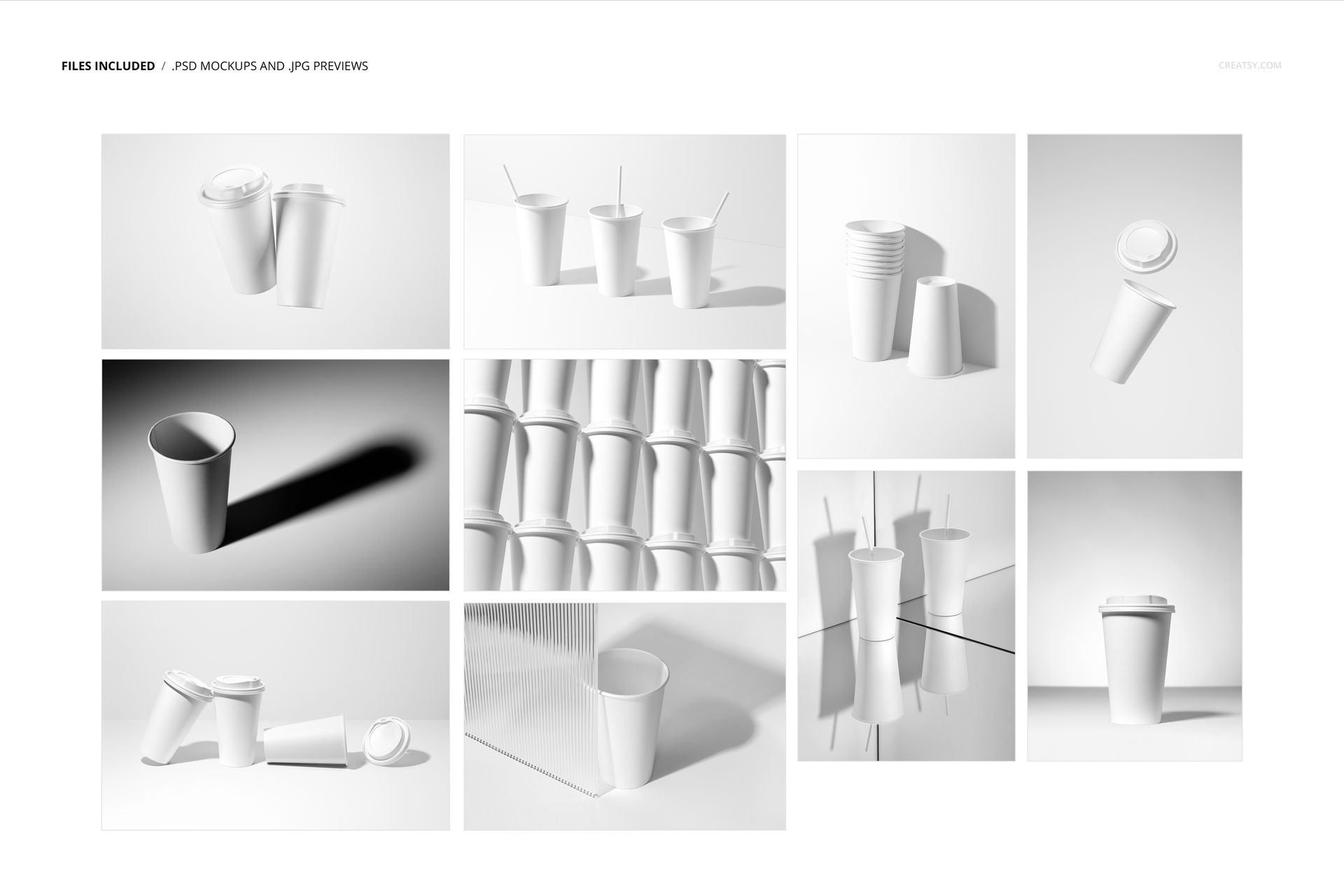
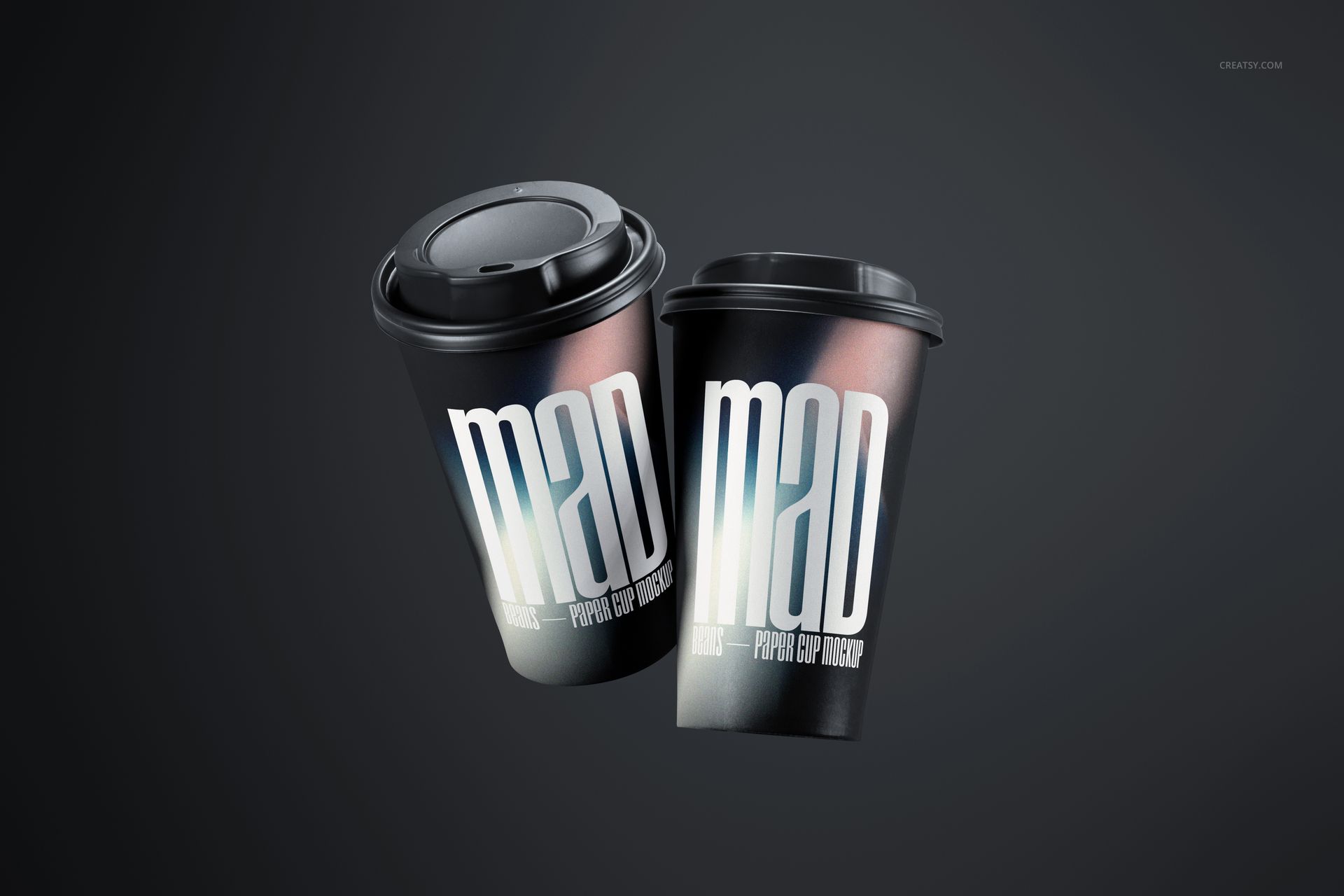
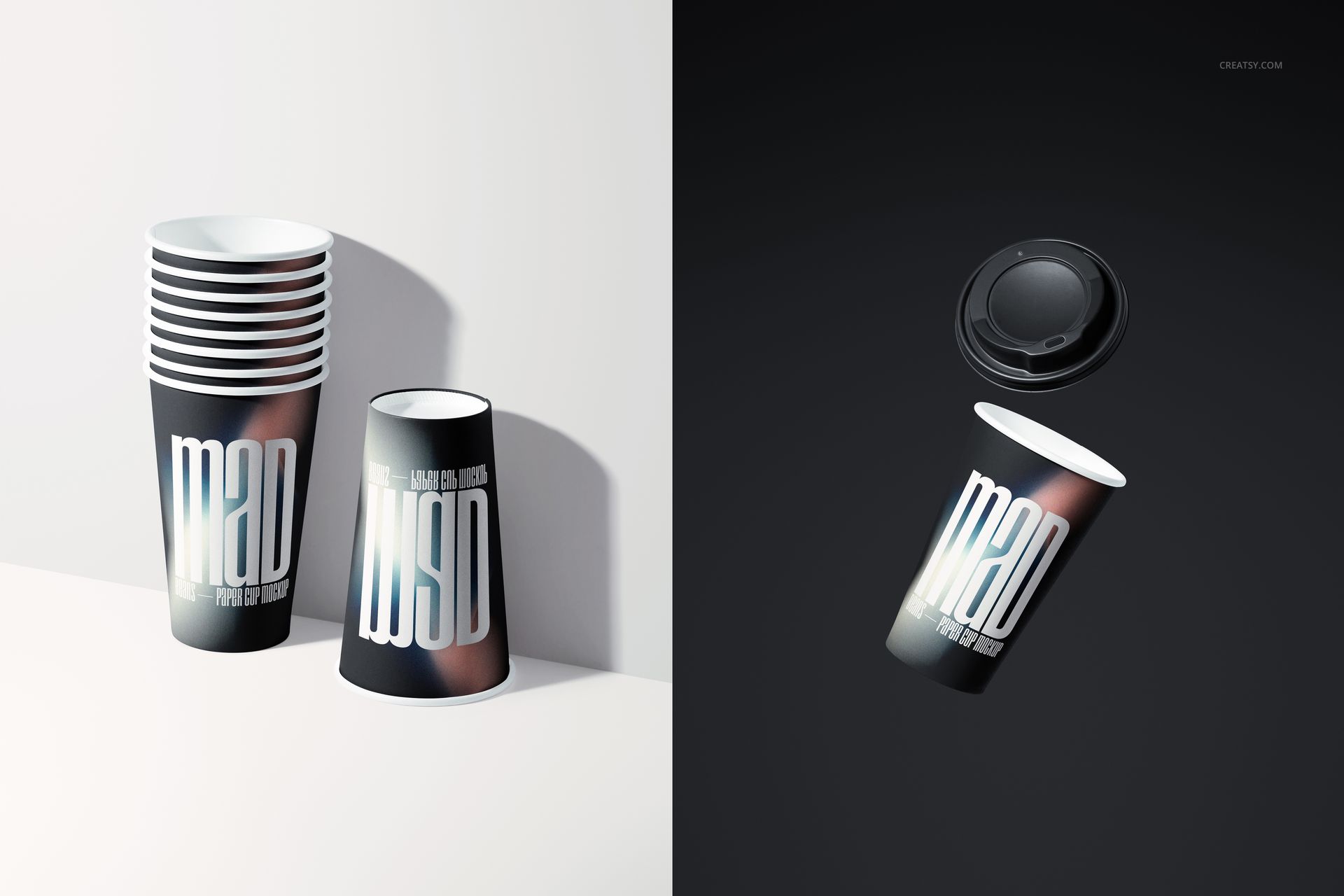
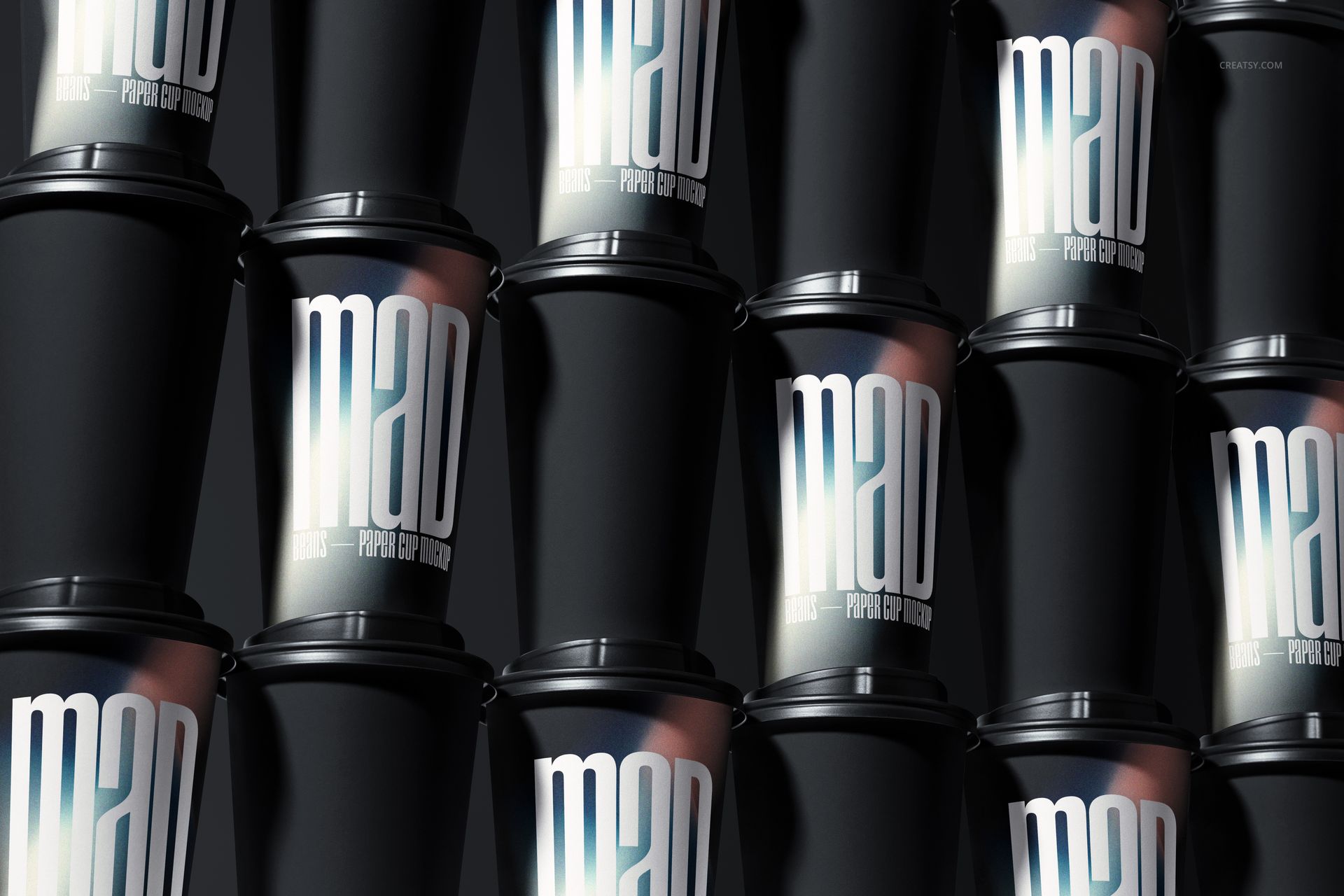
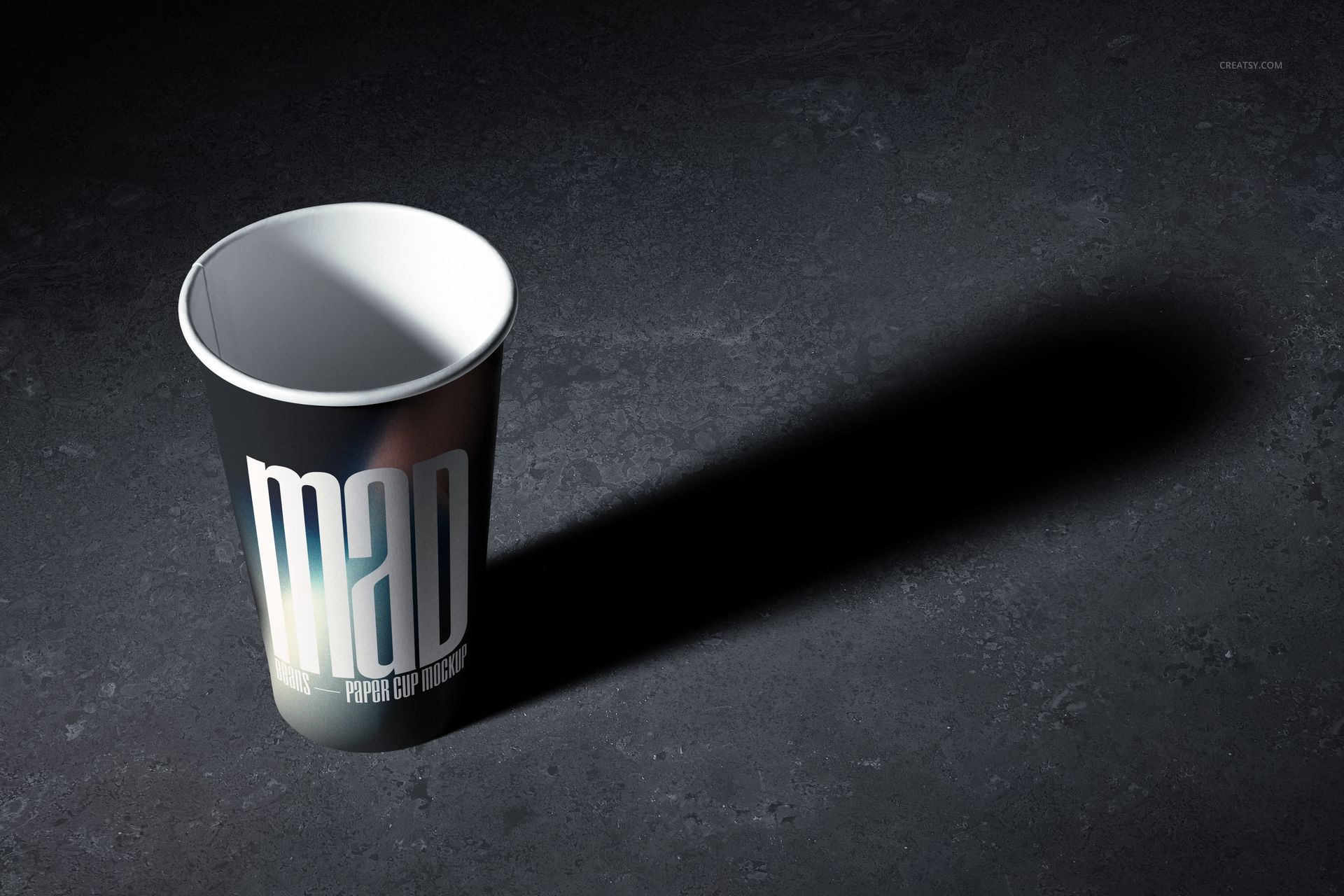
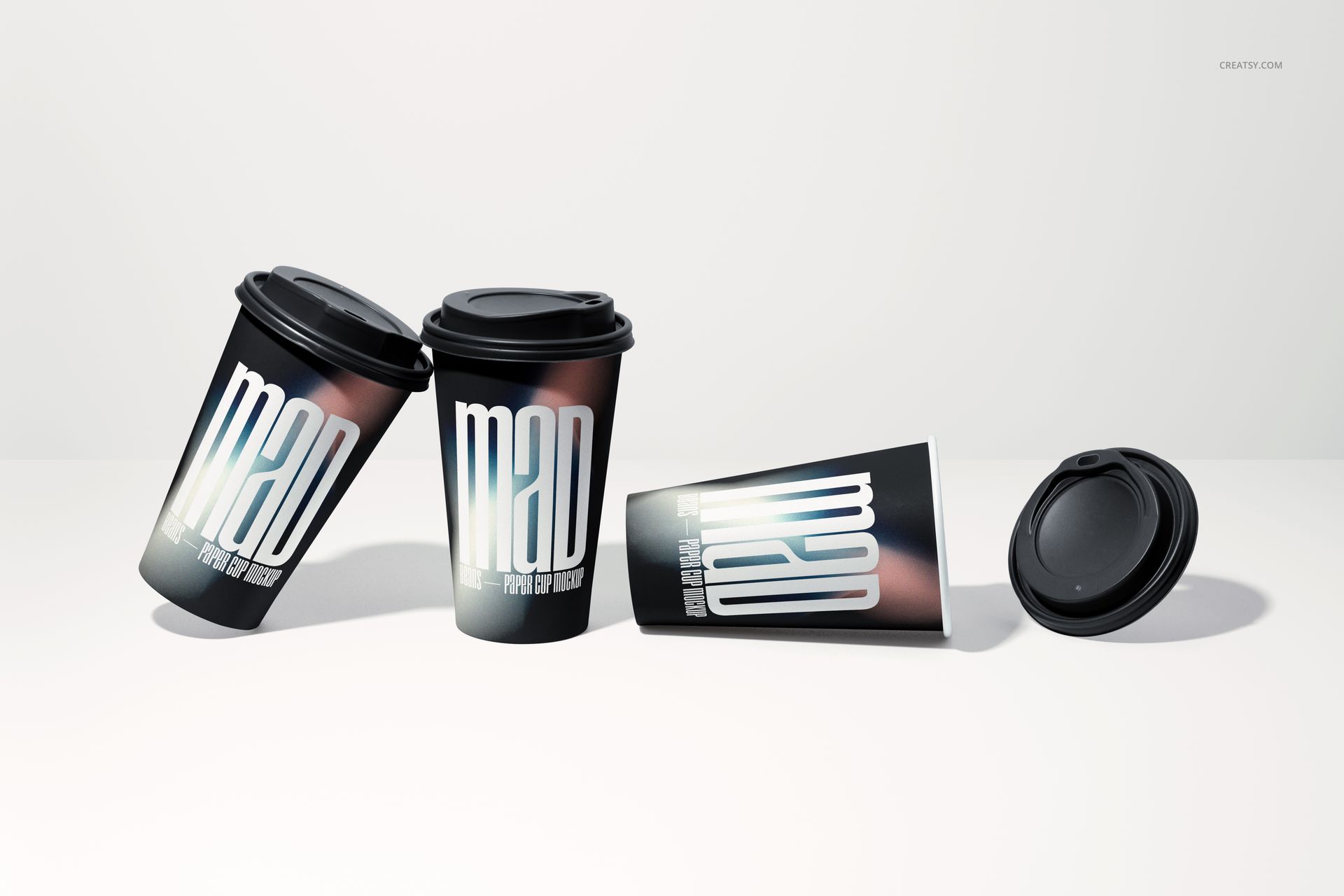
A single paper cup photo is not enough to sell a branding concept or build a complete product listing. This set includes 10 distinct compositions - floating cups, stacked arrangements, shadow studies, grouped displays, and perspective shots - giving you the visual variety that professional branding presentations and e-commerce listings require. Each scene shows your design from a different angle and context, so clients and customers understand how the printed cup looks from every viewpoint. The creative compositions like mid-air floating cups and wall arrangements add visual interest that stops scrolling on social media and makes your brand pitch deck memorable.
What Is Included
You receive 10 high-resolution PSD files, each containing a different paper cup composition at 6000 x 4000 px and 300 DPI. The scenes range from single cup hero shots to multi-cup arrangements including floating compositions, stacked groups, shadow silhouettes, and wall displays. Each PSD file contains well-organized smart object layers for the cup body surface, lid color customization, and background adjustment. All 10 files follow the same layer naming structure, so once you learn the editing workflow on one file, every other scene works identically.
What You Can Customize
Open any PSD file in Adobe Photoshop CS6 or newer and double-click the cup body smart object to place your design. Your artwork wraps around the paper cup surface with realistic curvature, paper texture, and accurate print rendering applied automatically. Change the lid color to match your brand palette or the beverage type (black for coffee, white for cold drinks, colored for seasonal promotions). Adjust the background color or gradient for each scene to create consistent branding across all 10 compositions or create variation between product listing images and social media posts.
Who This Mockup Set Is For
This set serves packaging designers presenting coffee cup branding to cafes and restaurant chains, graphic designers building brand identity packages for food service clients, coffee shop and cafe owners previewing branded takeaway cups before ordering production runs, marketing agencies creating social media content campaigns for beverage brands, catering and event companies previewing custom cup designs for conferences and weddings, and print-on-demand sellers listing custom paper cups on Etsy and Shopify. The 10-file variety makes this set particularly useful for branding agencies who need to fill entire pitch decks with diverse product imagery from a single design concept.
File Specifications
Format: 10 layered PSD files with organized smart object layers. Dimensions: 6000 x 4000 px at 300 DPI per file - suitable for web product listings, social media posts, and print-quality marketing materials. Compatibility: Adobe Photoshop CS6 or newer. Total file size: 2.44 GB. Editable elements: cup body surface, lid color, background. Compositions include: floating cup, dual floating cups, shadow study, stacked cups, grouped display, wall arrangement, and additional perspective shots.