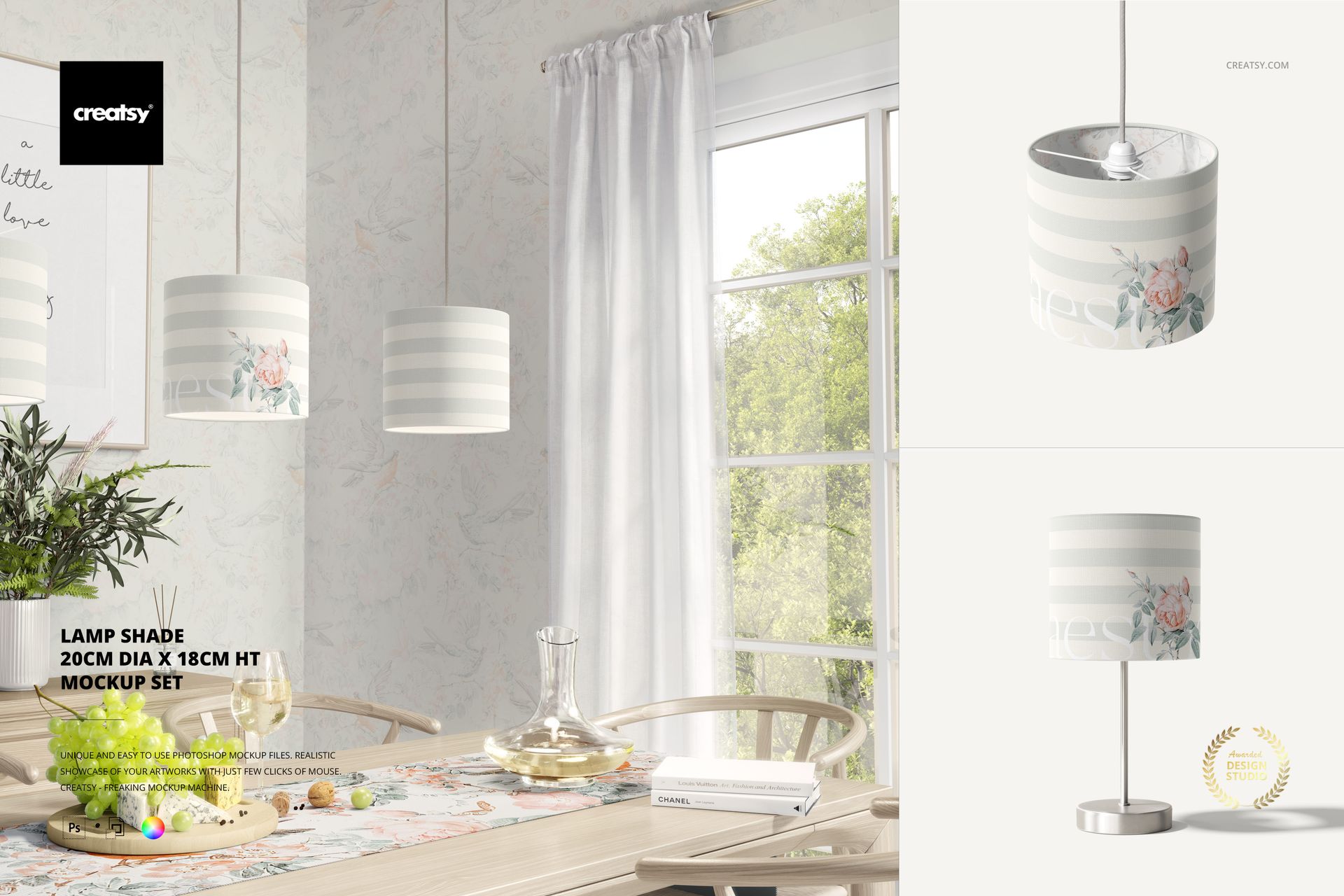
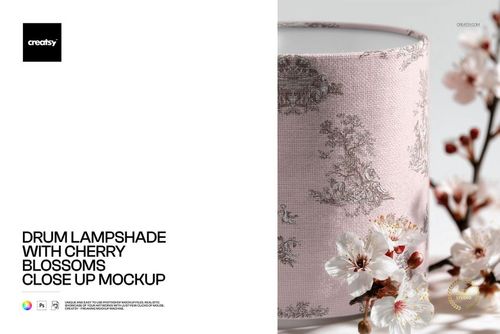
Lamp Shade Mockup Set (20cm diameter x 18cm height)

ID: 2104238421 | Updated: Sep 17, 2023

Product Details

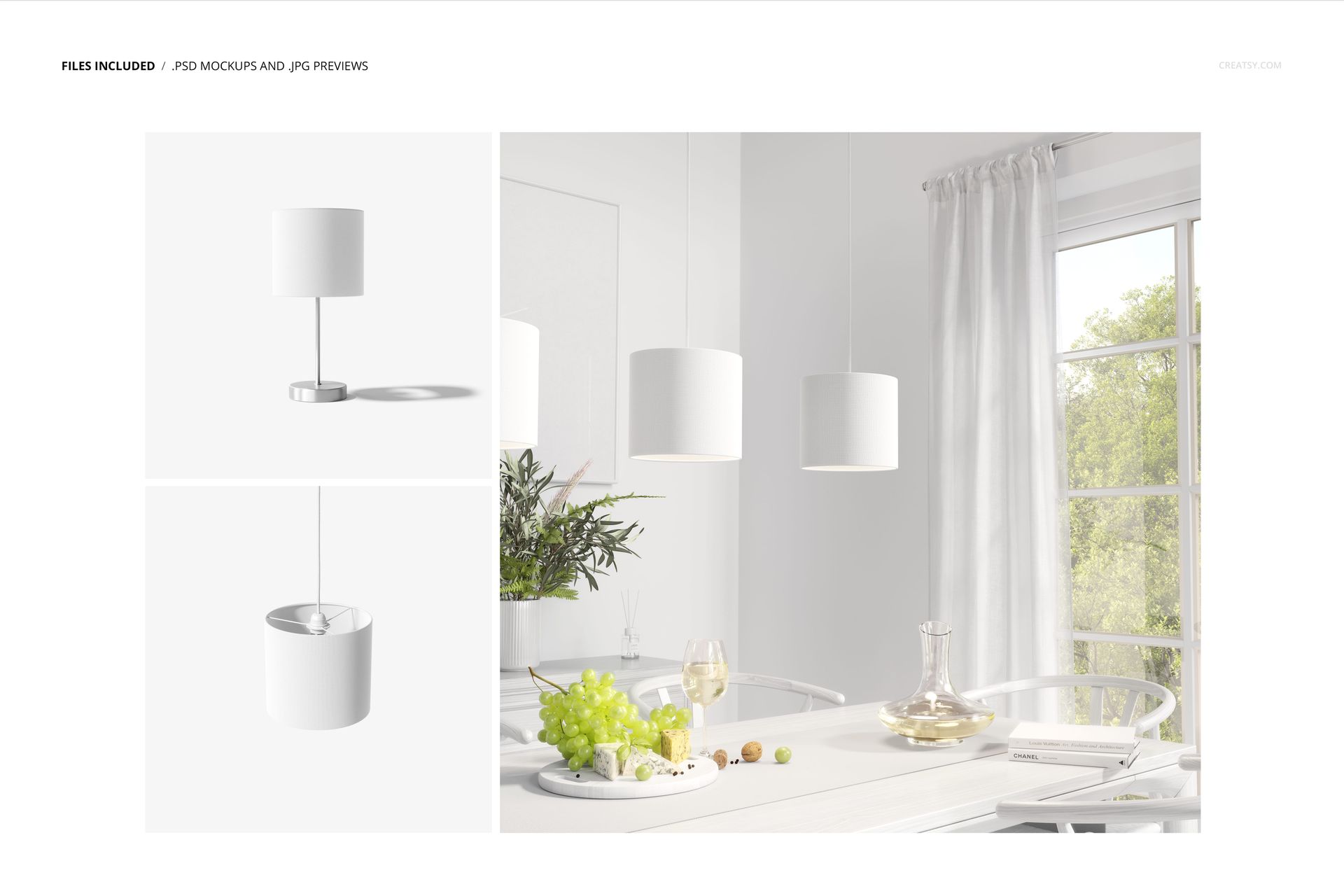
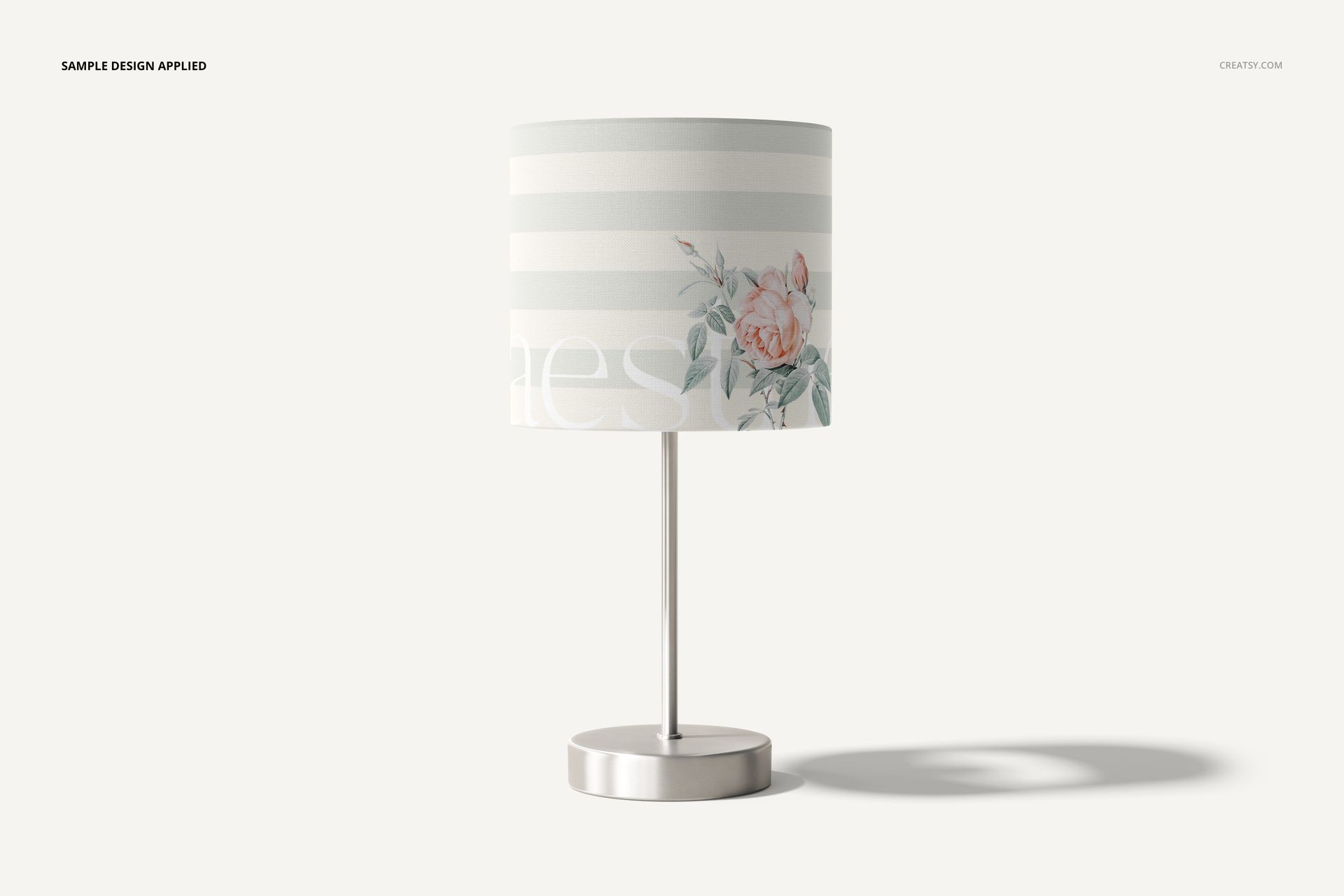
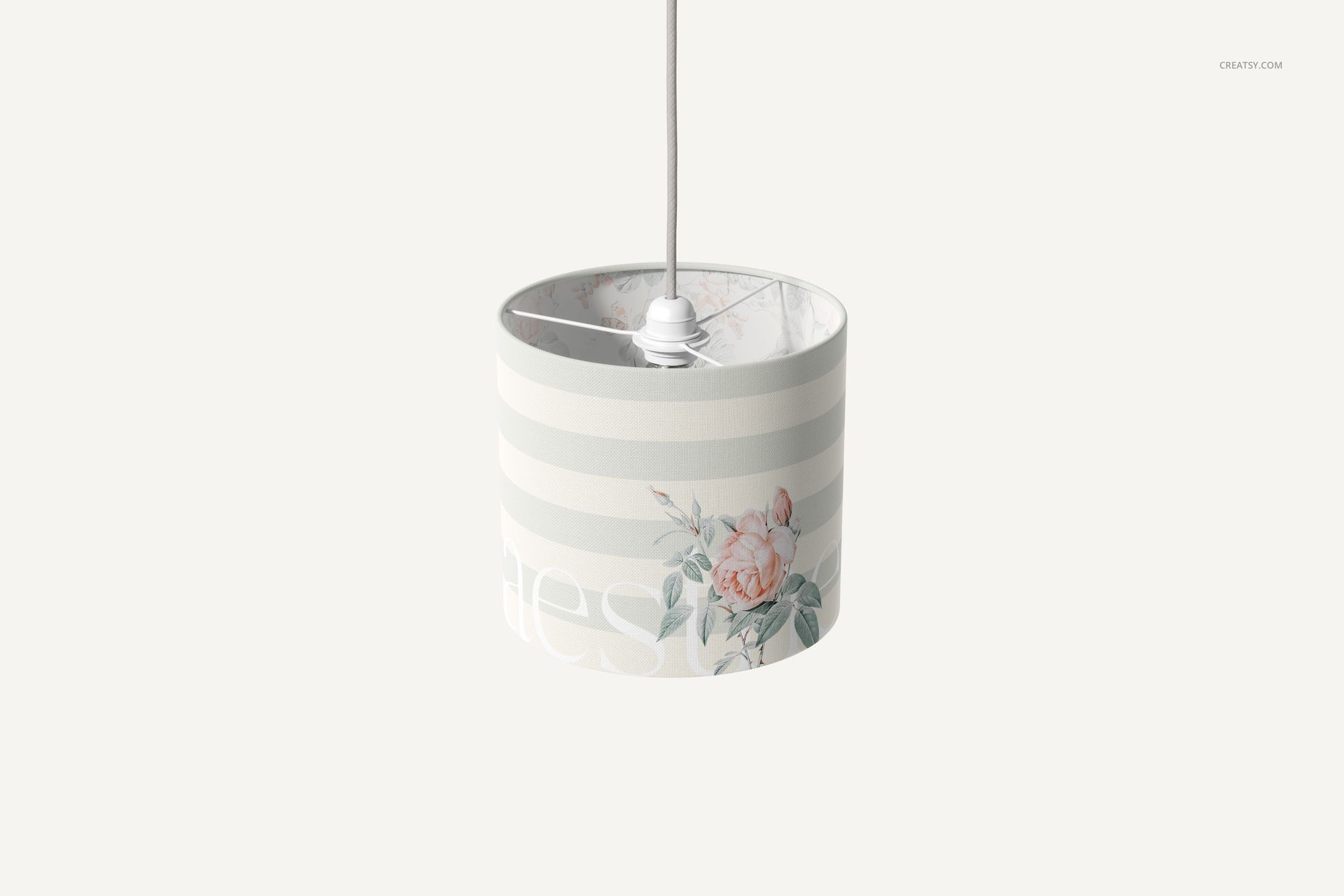
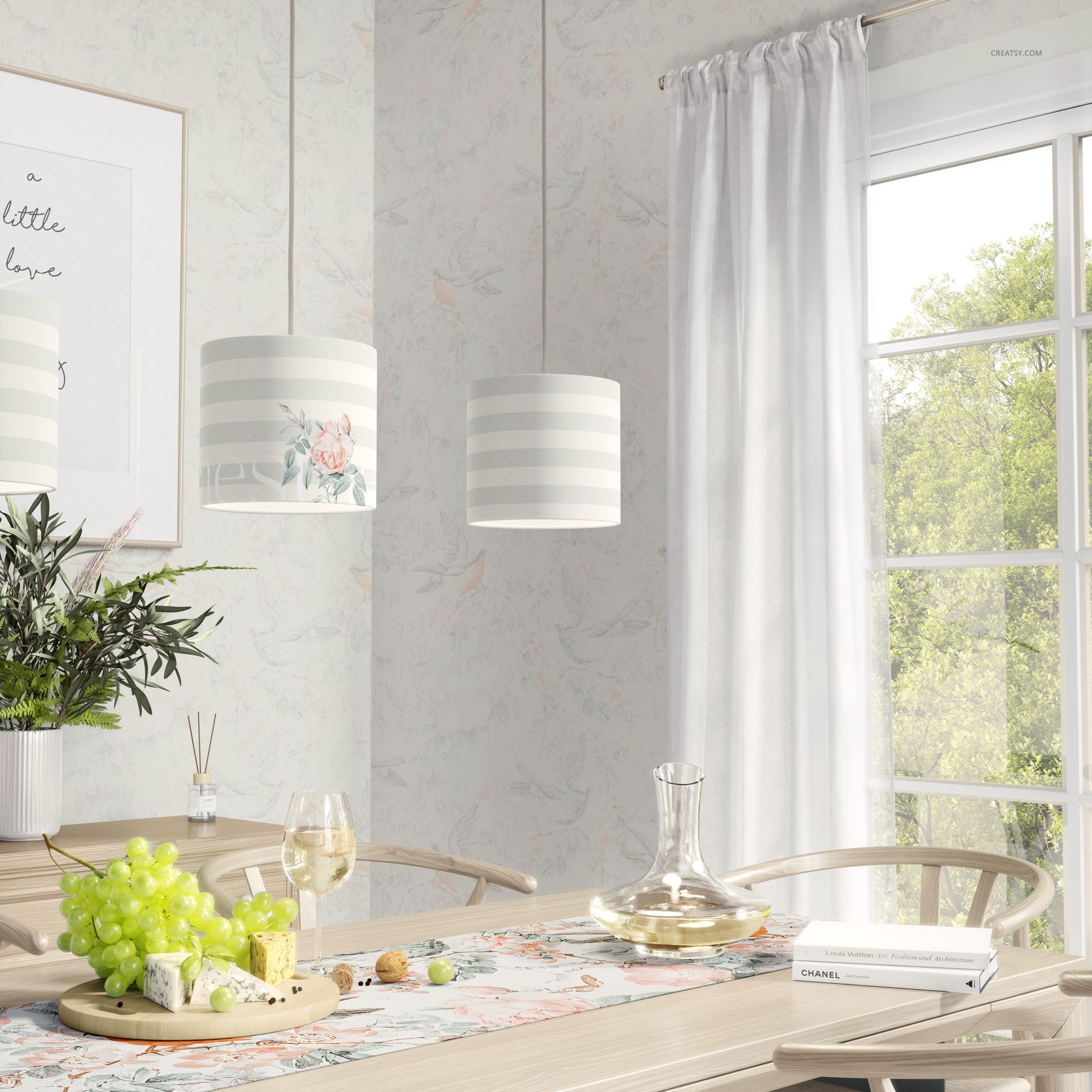
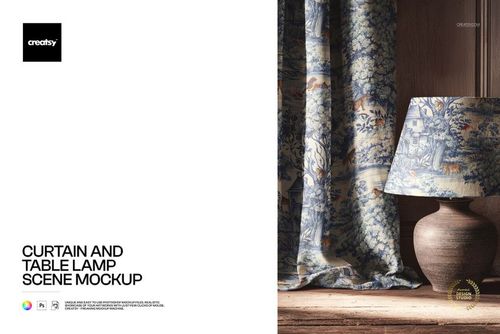
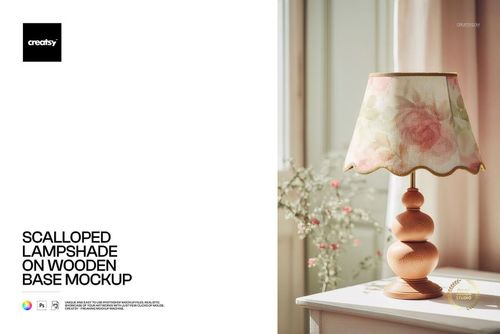
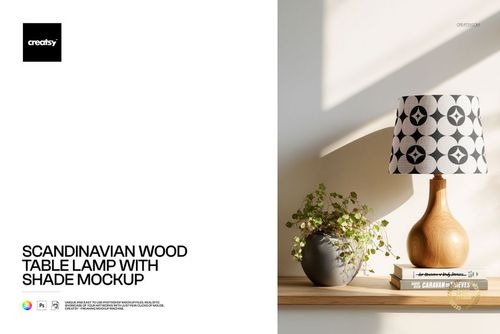
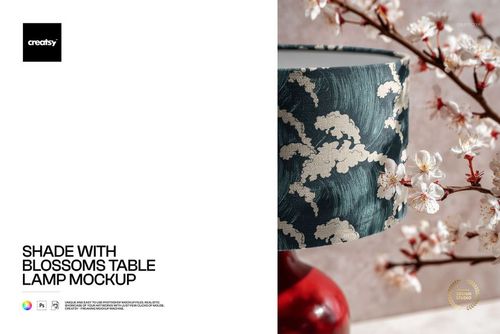
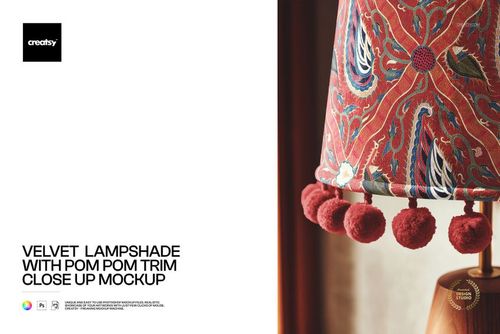
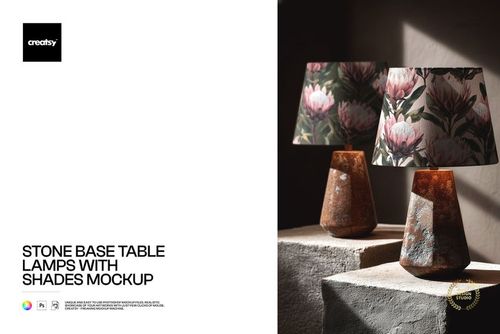
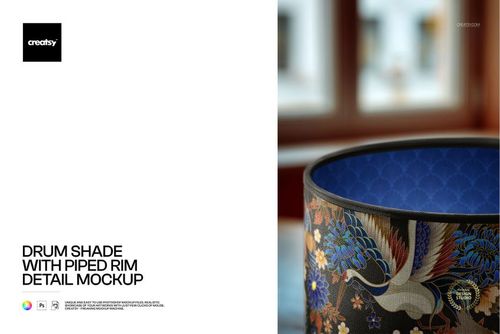
The Lamp Shade Mockup Set delivers three PSD files showing a drum-shaped lampshade measuring 20 cm in diameter and 18 cm in height. Each file presents the shade from a different angle in a bright, modern interior setting with natural light and green foliage accents. All three PSDs are rendered at 300 DPI with organized layers and smart object placement, giving surface pattern designers, textile artists, and home decor brands a complete multi-angle presentation toolkit for lampshade designs.

Why This Mockup Set Works

A single-angle mockup limits how your design is perceived. This set covers front view, side angle, and detail perspectives, allowing you to show a complete product story in one collection. The bright lifestyle setting with plants and clean surfaces creates a contemporary home environment that appeals to modern decor buyers. The specific shade dimensions of 20 cm diameter by 18 cm height match a standard drum shade size used in table lamps and pendant fixtures, so your design previews are proportionally accurate to what manufacturers and retailers expect.

What Is Included

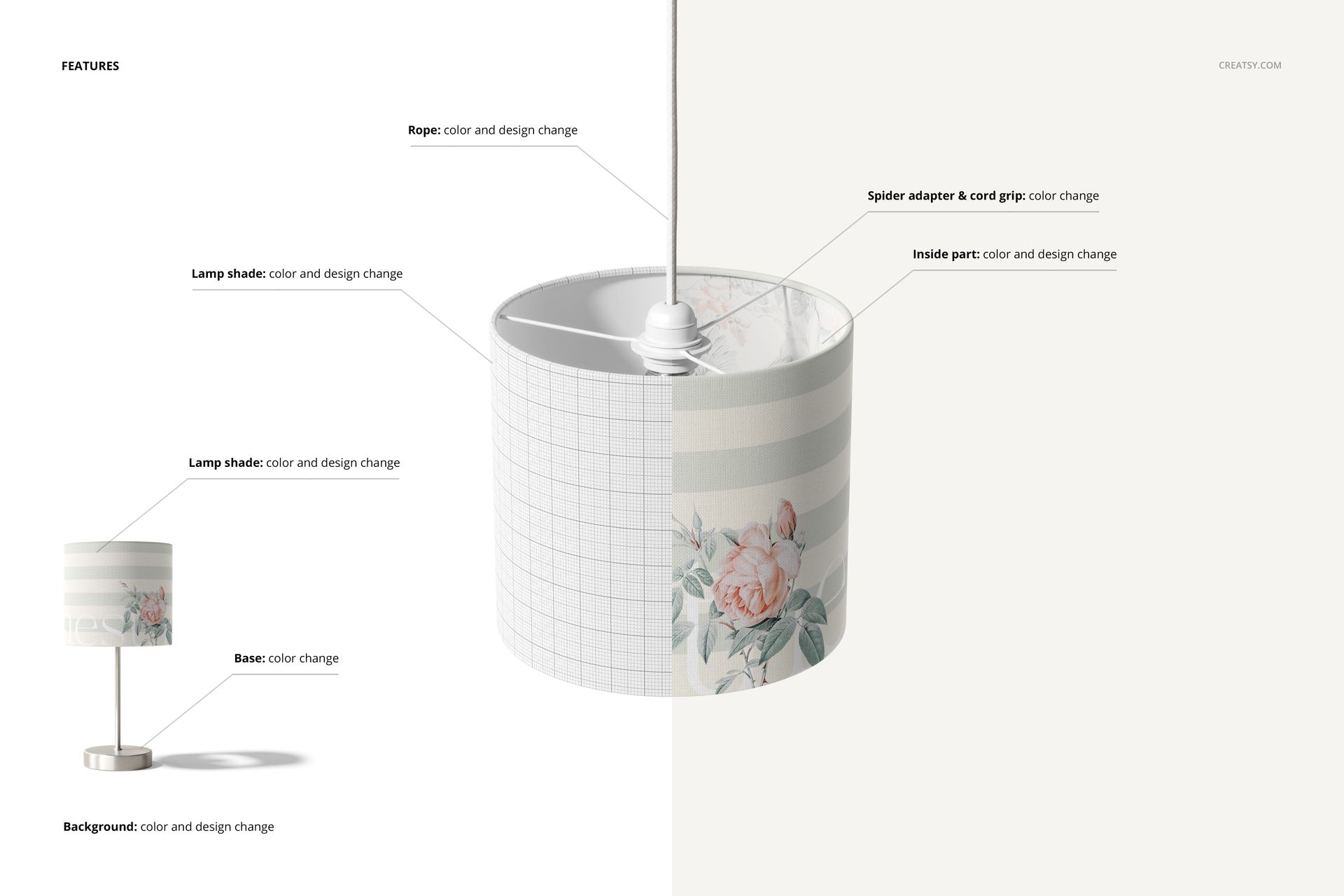
You receive three layered PSD files, each containing a different view of the same drum lampshade in a styled interior scene. Every file uses smart object layers that accept your pattern or artwork via drag-and-drop or paste. Built-in displacement mapping wraps your design around the curved drum surface, preserving fabric texture, light gradients, and shadow depth automatically. The organized layer structure keeps editing efficient even for users who are new to Photoshop mockups. All three files require Adobe Photoshop CC 2020 or later with the new warp tool for full compatibility.

What You Can Customize

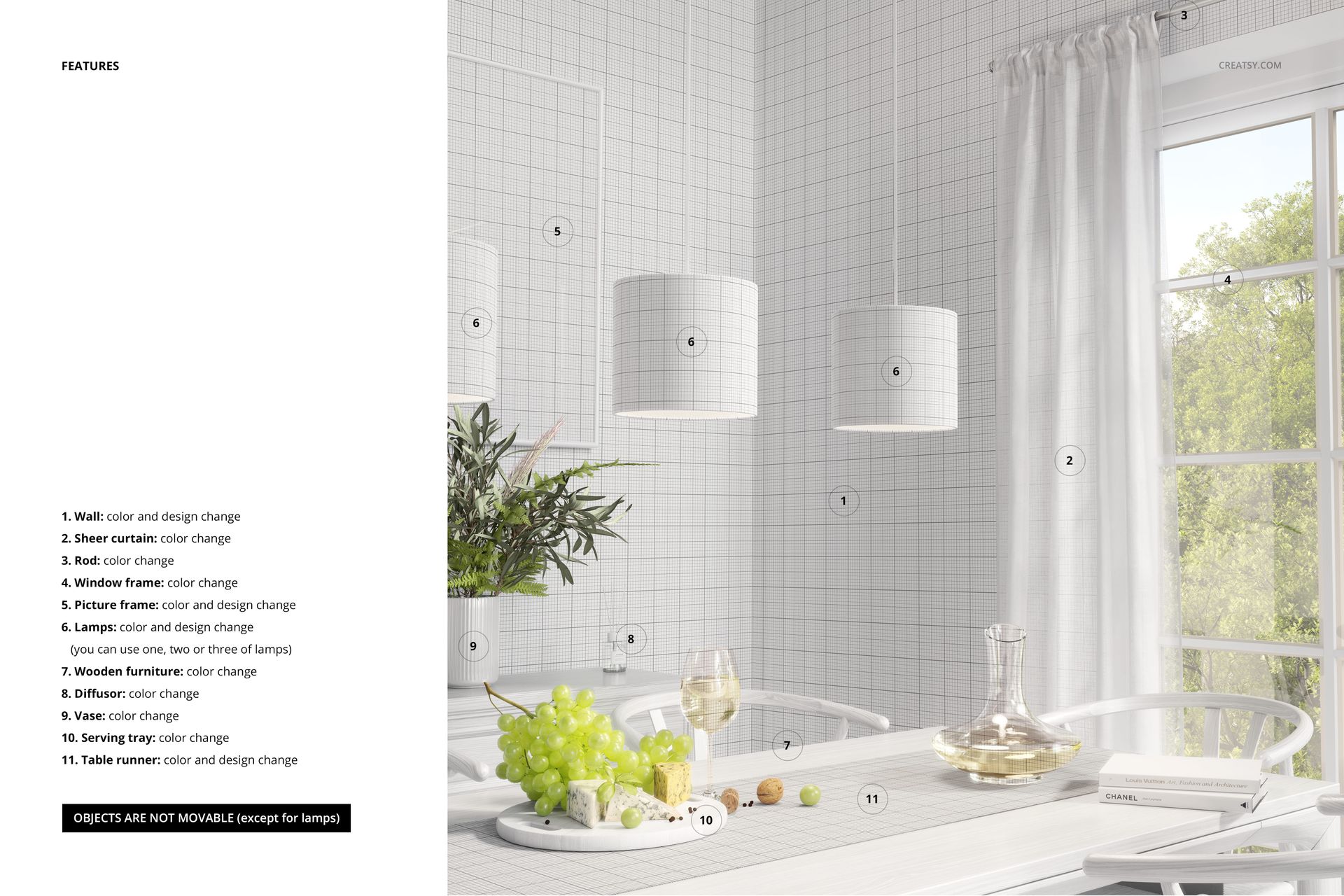
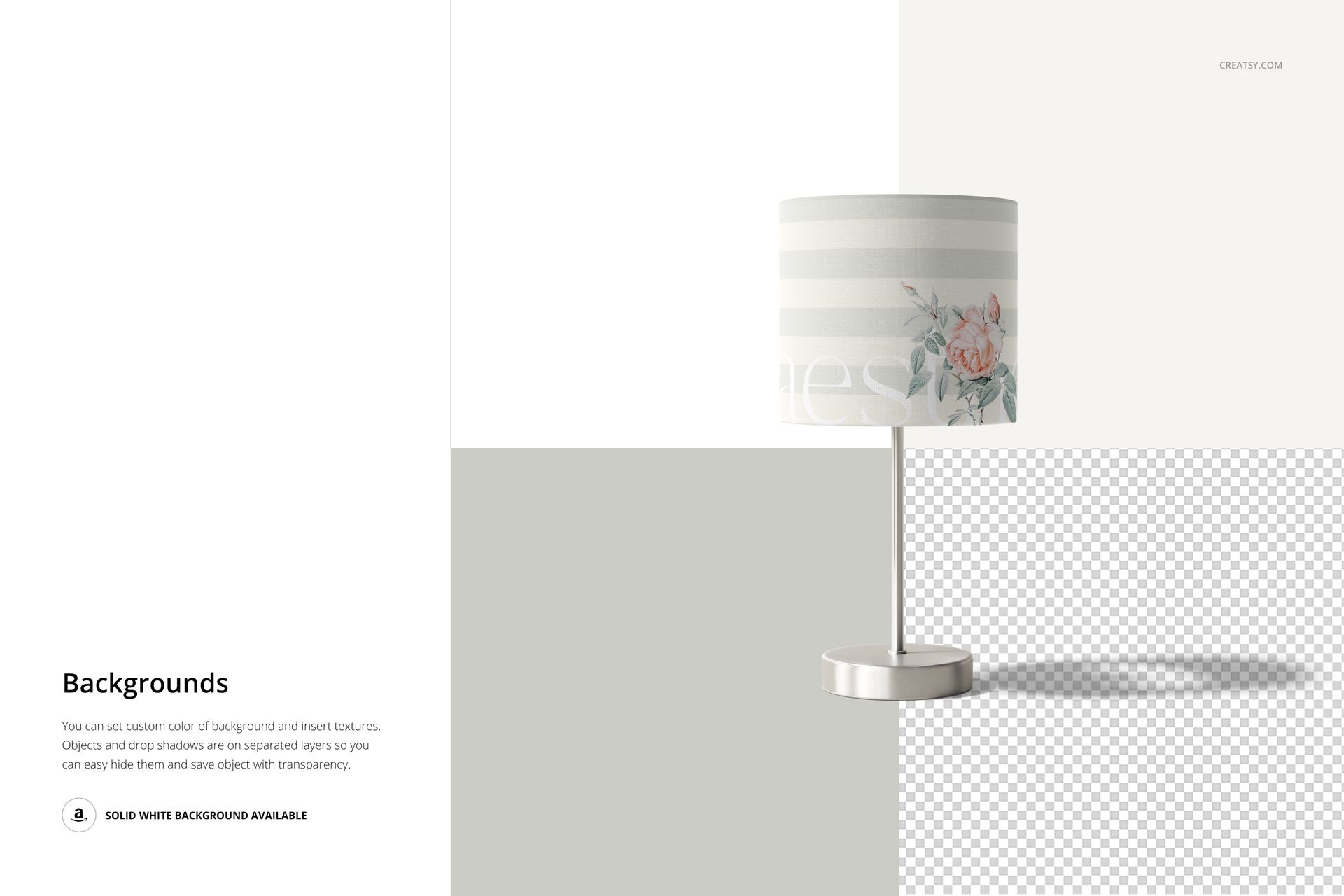
Place any seamless or non-seamless pattern, illustration, or solid color into the smart object layer of each PSD. The mockup engine handles surface curvature and repeat alignment on the drum shade form automatically. Swap designs across all three files to create a matched set of product images with consistent design placement. Adjust backgrounds or keep the existing bright interior setting. Export at full resolution for print portfolios and large displays, or resize for web, social media, and marketplace listing images.

Who This Mockup Set Is For

Surface pattern designers use this set to present lampshade designs from multiple angles in a single client pitch or portfolio page. Textile artists showcase how hand-painted or digital motifs look on a real drum shade in a styled home environment. Home decor brands and manufacturers preview new shade collections at accurate scale before committing to production. E-commerce sellers on Etsy, Shopify, and Amazon create multi-image product listings that show the shade from every angle, increasing buyer confidence and conversion rates. Interior designers include these visuals in mood boards and client proposals to demonstrate how a shade design fits a modern living space.

File Specifications

Format: PSD (Adobe Photoshop). Files: 3 PSD files with different viewing angles. Shade dimensions: 20 cm diameter x 18 cm height (drum shape). Resolution: 300 DPI. Organized layers with smart object placement. Requires Adobe Photoshop CC 2020+ with the new warp tool.

File details

Compatibility
PhotopeaAdobe Photoshop
Number of files included
6
Package size
232 MB232 MB|244 MB244 MB
Files type
.psd, .jpg
Files size
6000x4000
TEST FOR FREE

MEET THE SHOP

Creatsy logo

Creatsy

Poland
4.7 (648)

Bring your ideas to life.

We're a family-run studio in Katowice, Poland, making PSD mockups by hand since 2016. Everything in this shop starts in our own studio. We shoot the photography, build the 3D, and put together every Smart Object PSD ourselves - then we test it, organize the layers, and only ship it once it actually works...
GO TO SHOP

HOW IT WORKS

3 clicks. That's it.

No tutorial needed. If you can copy-paste, you can use this.

  1. 1OpenDouble-click the smart object inside the PSD - in Adobe Photoshop, or free in your browser with Photopea.
  2. 2PasteDrop in your pattern, print, or artwork. Any design, any style.
  3. 3SaveHit save and the mockup wraps it in for you - shadows, folds, and lighting included.

FROM IDEA TO IMAGE

Built for real workflows

Skip the photo shoot Show your artwork on the real product type for approvals or listings - no studio, no model, no sample.

See it on the product, not a swatch Drop your file into the smart object and the scene's lighting and folds wrap around it, so you judge the real thing before you commit.

Smart Objects

Edit once and you're done. Your artwork drops into a smart object and the mockup updates itself - no masking, no warping by hand.

Perfectly Organized

Named layers and folders you can actually navigate. Find what you need, change what you want, and get out fast.

Print-Ready

High-resolution files built to hold up on screen and in print. Exact size and DPI are in this product's Details above.