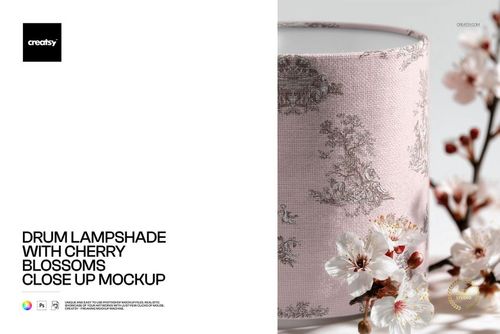
Lamp Shade Mockup Set (30cm diameter x 21cm height)
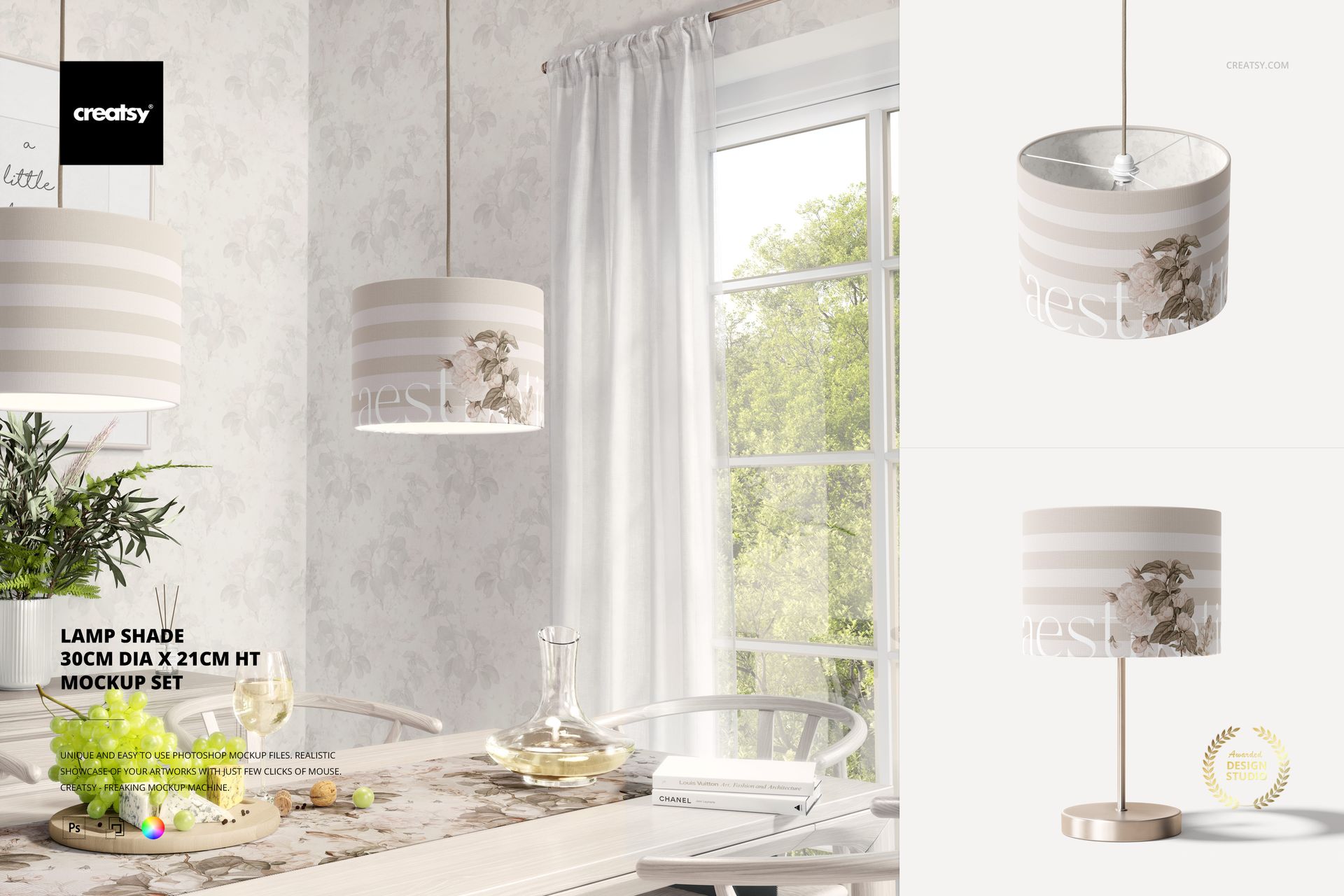
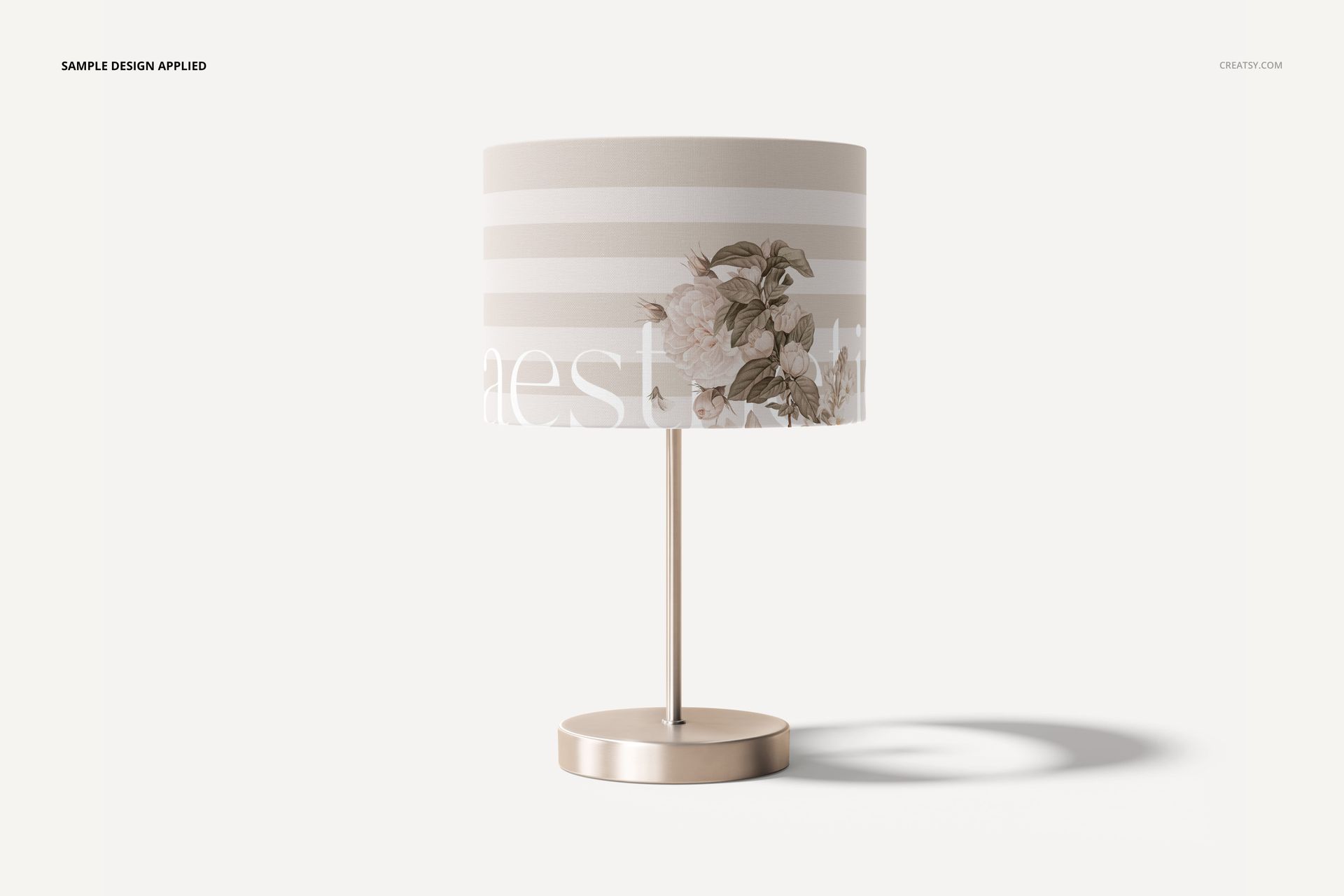
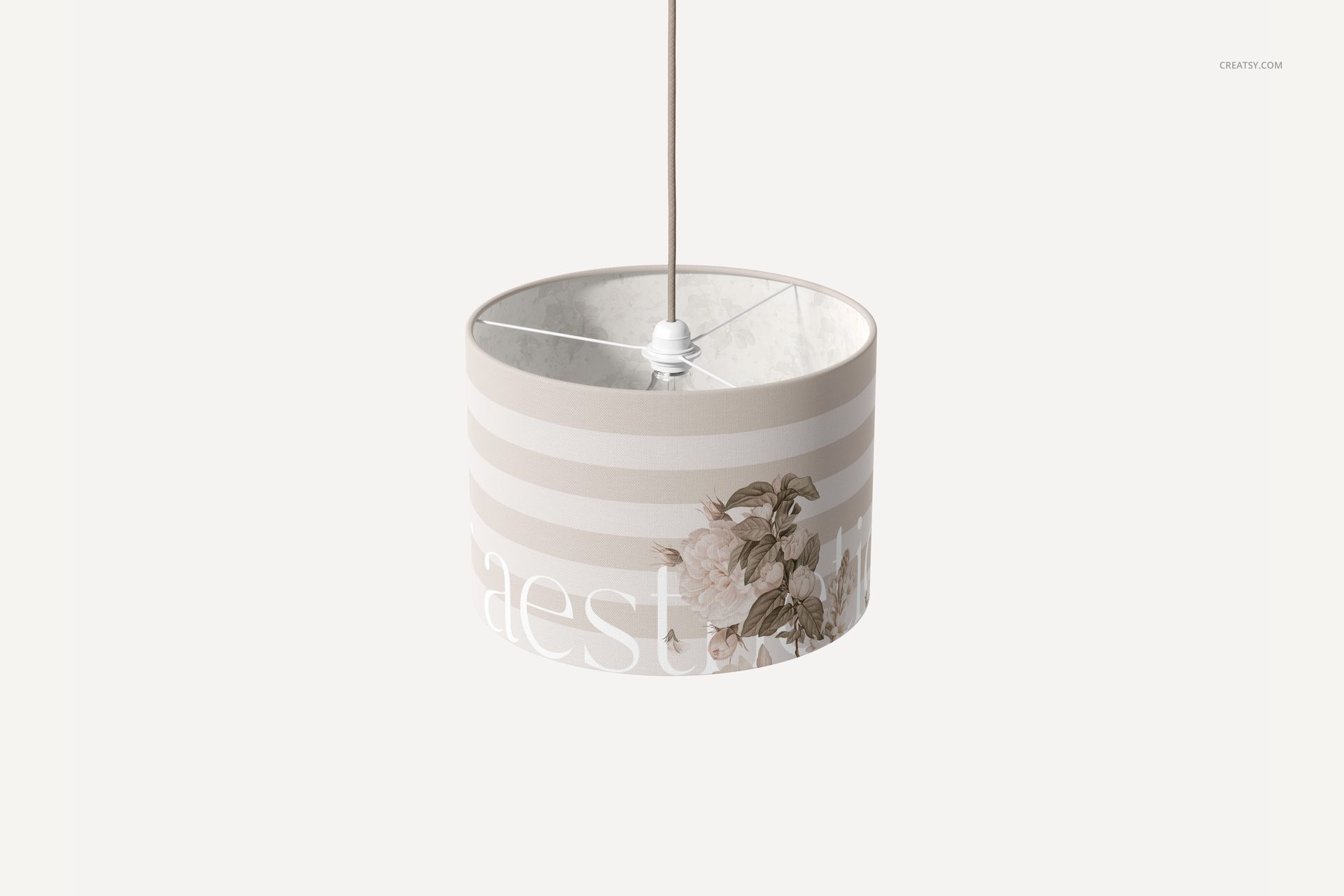
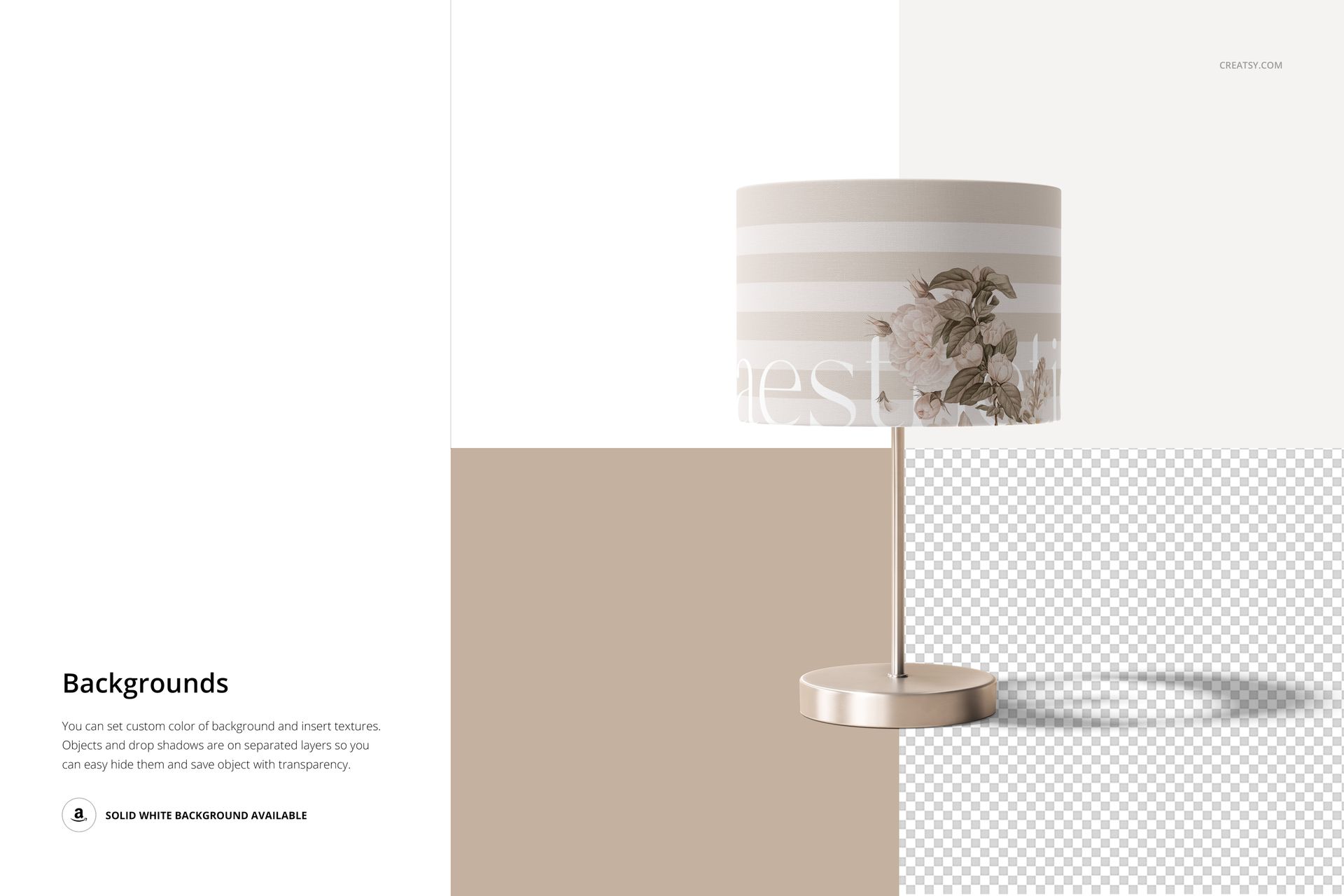
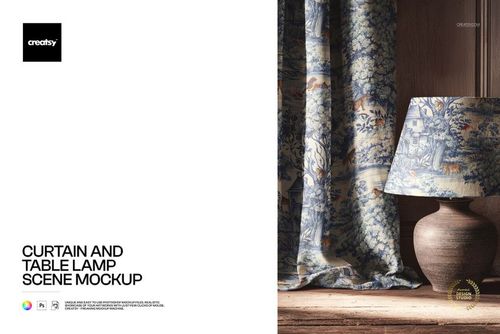
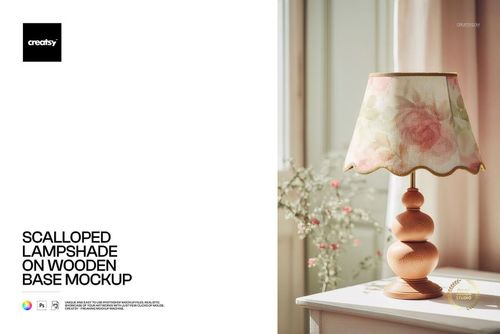
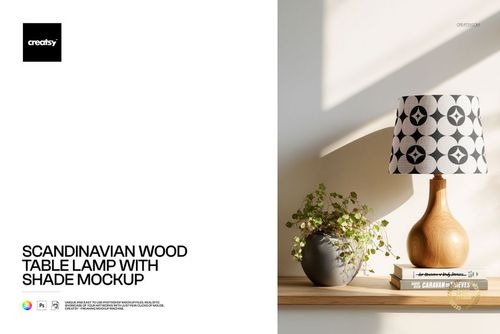
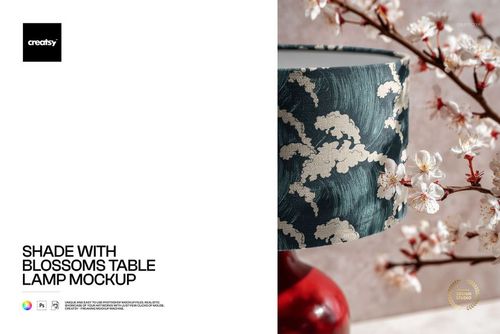
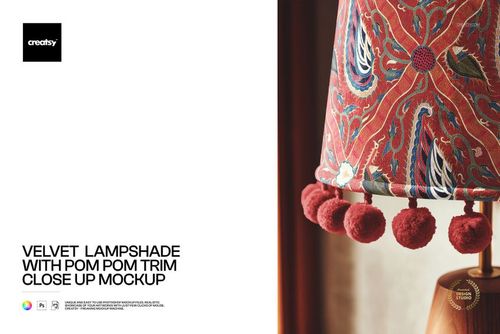
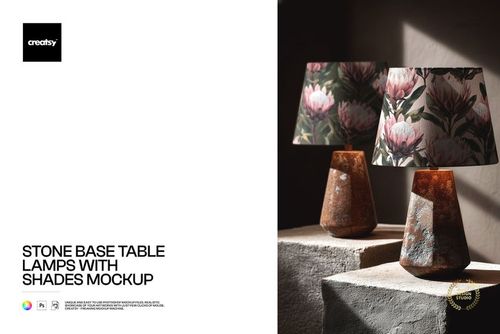
Present fabric patterns and custom lampshade designs on a cylindrical shade measuring 30 cm in diameter and 21 cm in height. This set of three editable PSD mockups shows the same lampshade size in different settings, including a hanging pendant shade, a table lamp presentation and a furnished dining room scene.
The defined dimensions make this set particularly useful for designers preparing artwork previews for medium-sized lampshades.
Three presentations of a 30 × 21 cm lampshade
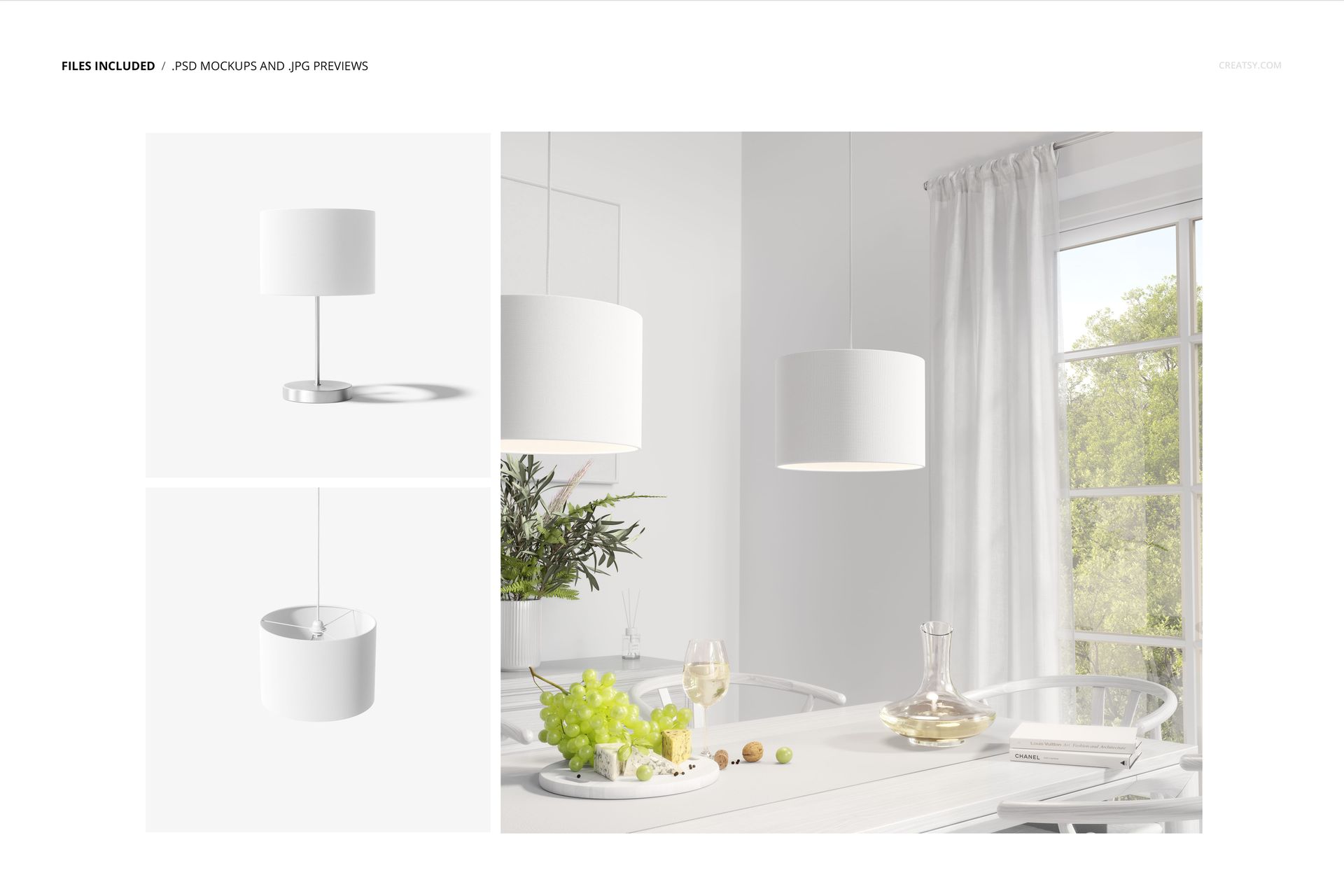
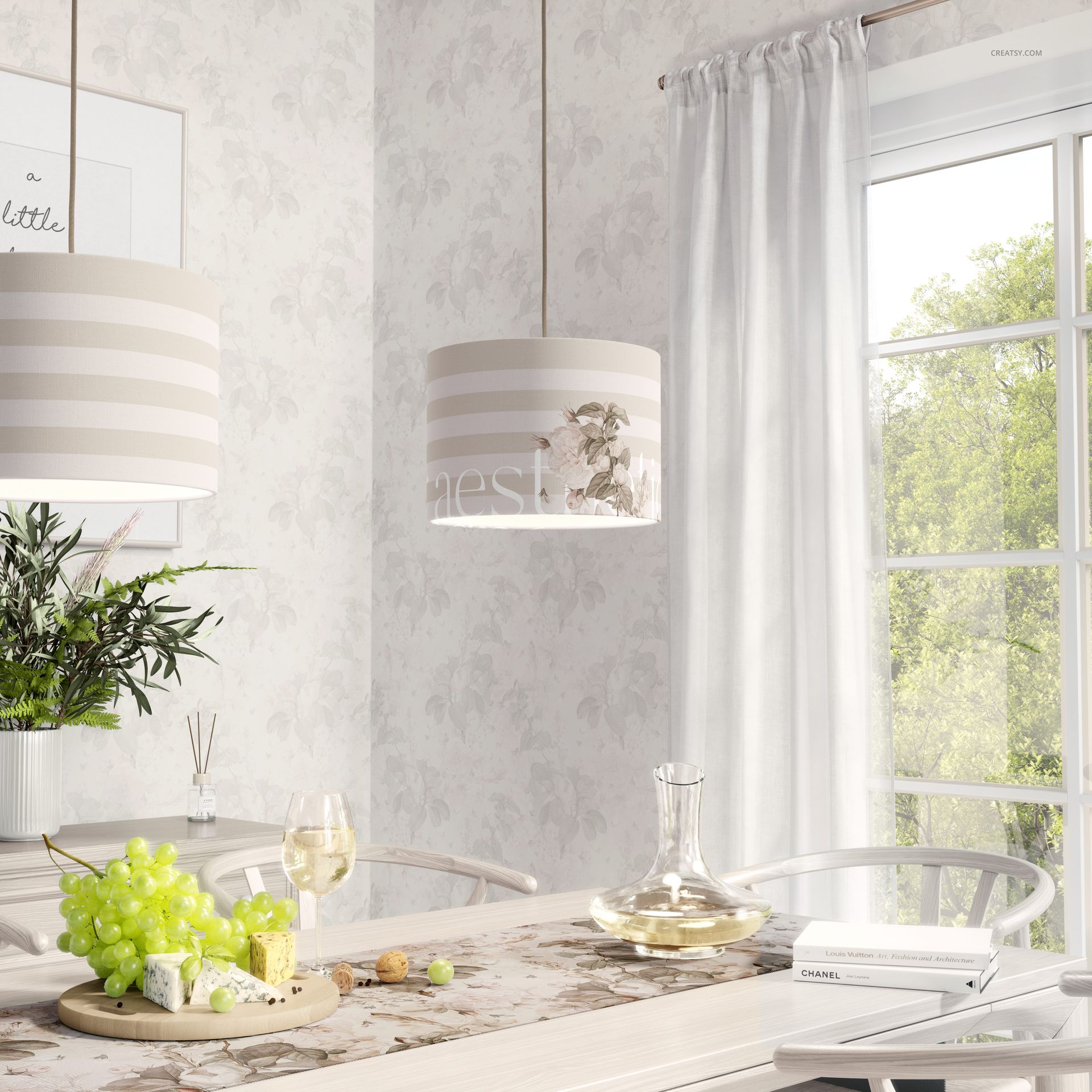
The set includes three Photoshop mockups with different compositions. Display your pattern on an individual lampshade, show the shade on a lamp base or present it suspended above a dining table.
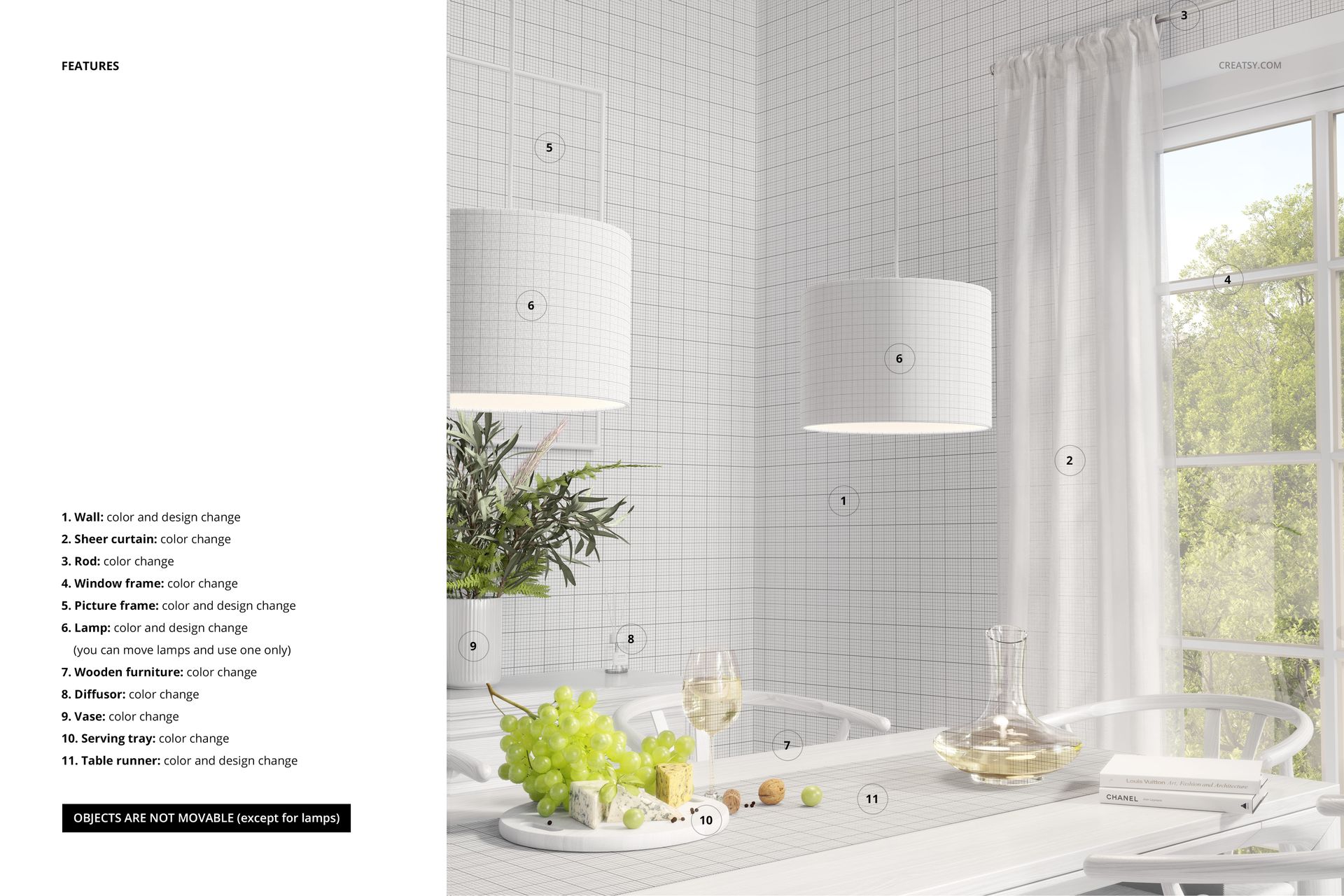
The dining room scene places the design alongside furniture, tableware and natural window light, providing a realistic setting for decorative lighting collections.
These different views allow you to present one fabric design in several contexts without changing the lampshade dimensions.
Show repeating patterns on a curved surface
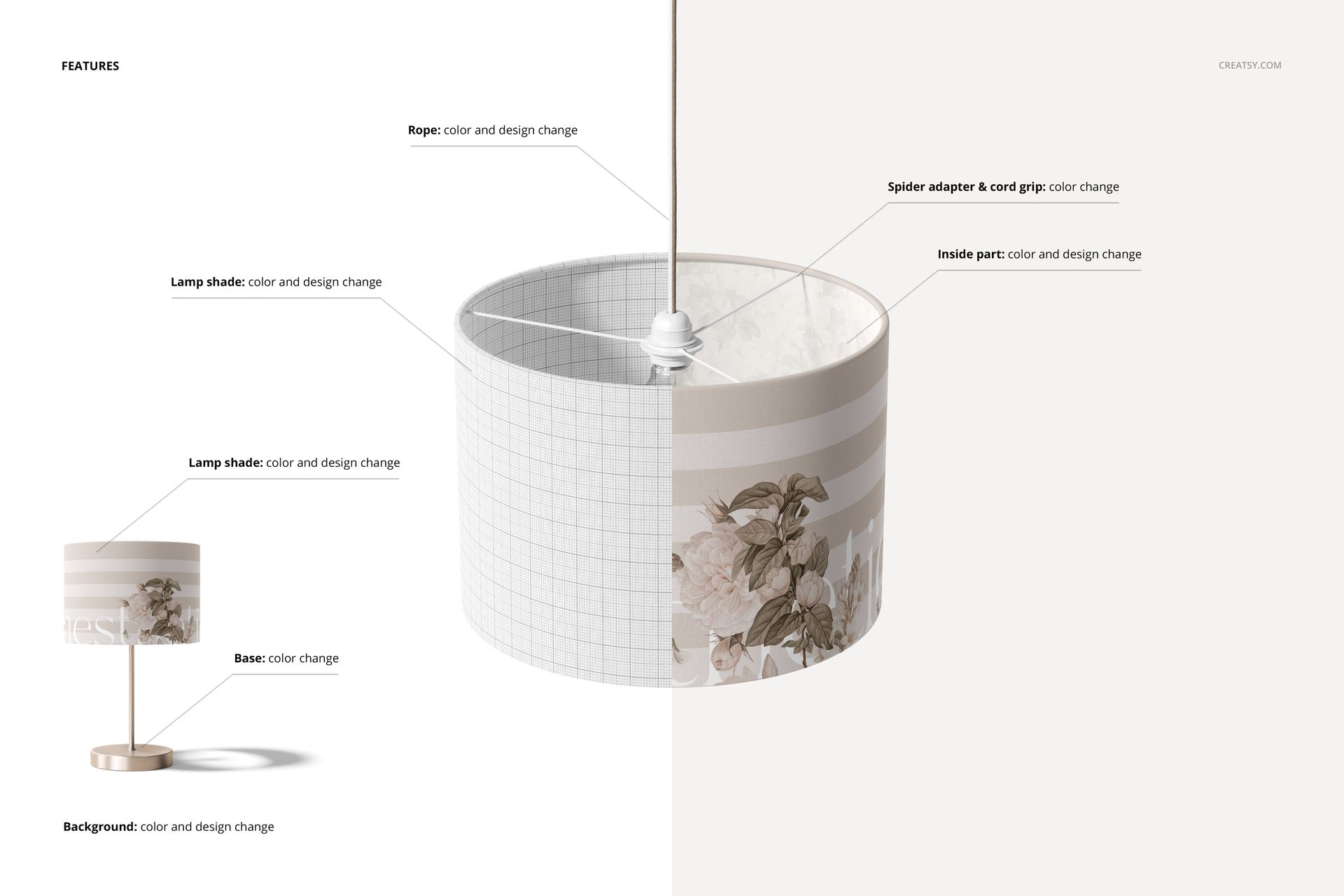
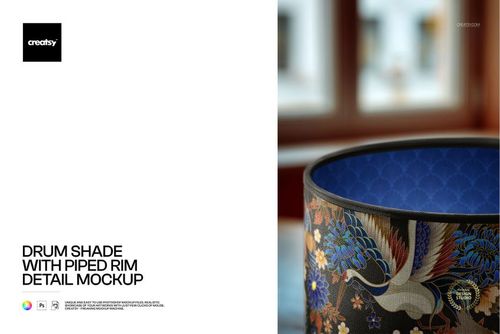
A cylindrical shade provides a continuous surface for decorative fabric prints. Use the mockups to examine the visual scale of your pattern, compare different colorways and see how illustrations wrap around the lampshade.
The 30 cm diameter and 21 cm height are especially useful when presenting designs intended for this particular lampshade format.
Floral prints, botanical artwork, horizontal stripes and geometric repeats can be displayed on the same shade shape.
For lighting brands and surface pattern designers
Use the mockups for custom lampshade product listings, textile licensing portfolios, decorative lighting catalogs and home decor presentations.
The combination of isolated and interior views helps show both the printed design and how the lampshade looks in a furnished room.
Three high-resolution PSD files
The package contains 3 layered PSD files: two at 6000 × 4000 px and one at 6000 × 6000 px, all at 300 DPI.
The files include organized layers and are designed for Adobe Photoshop CC 2020 or newer, using the updated Warp functionality. Photopea also appears in the product compatibility panel.
This is a digital mockup set. No physical lampshade or printed fabric is included. The sample artwork is used for demonstration purposes only.