Tissue Paper Mockup Set
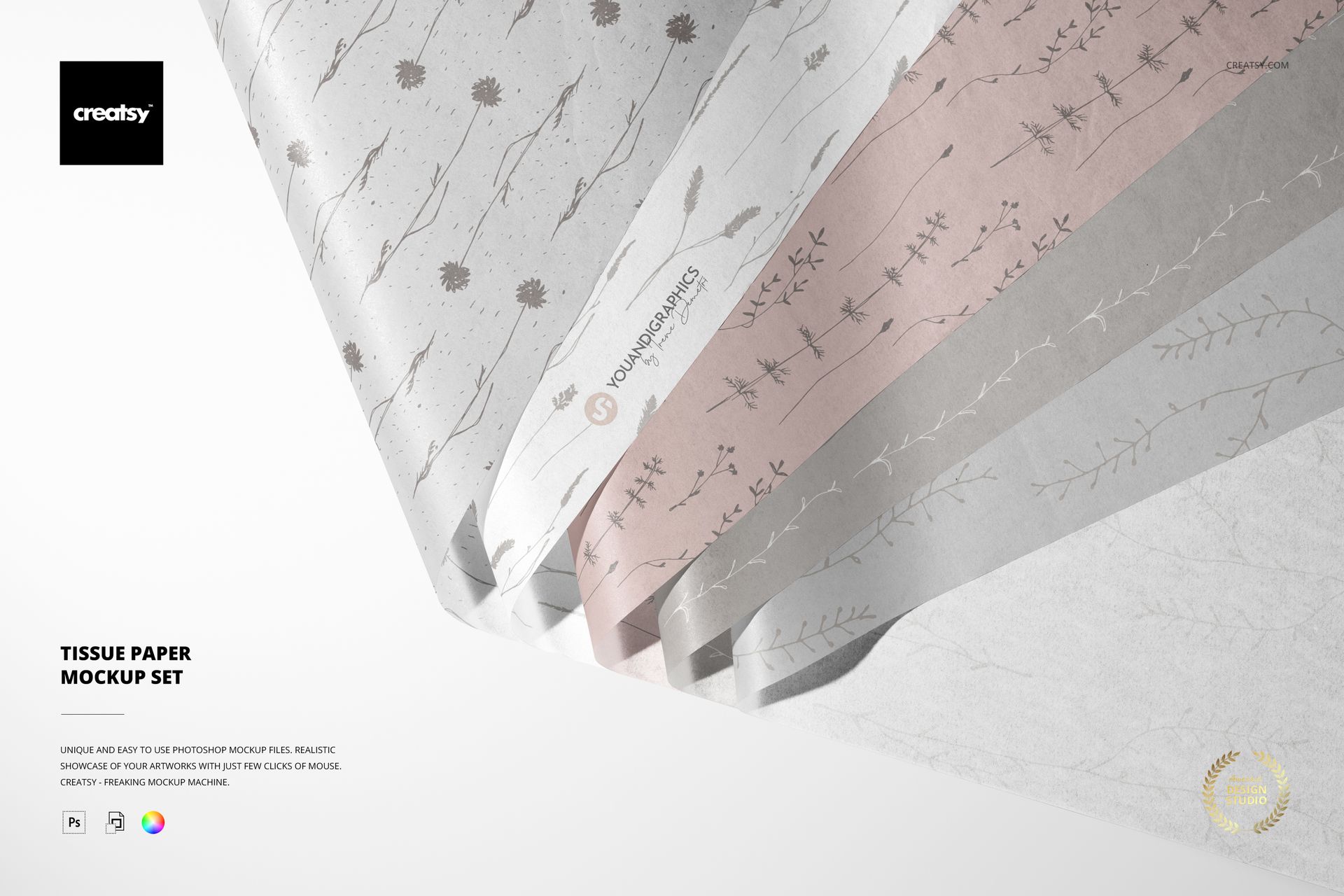
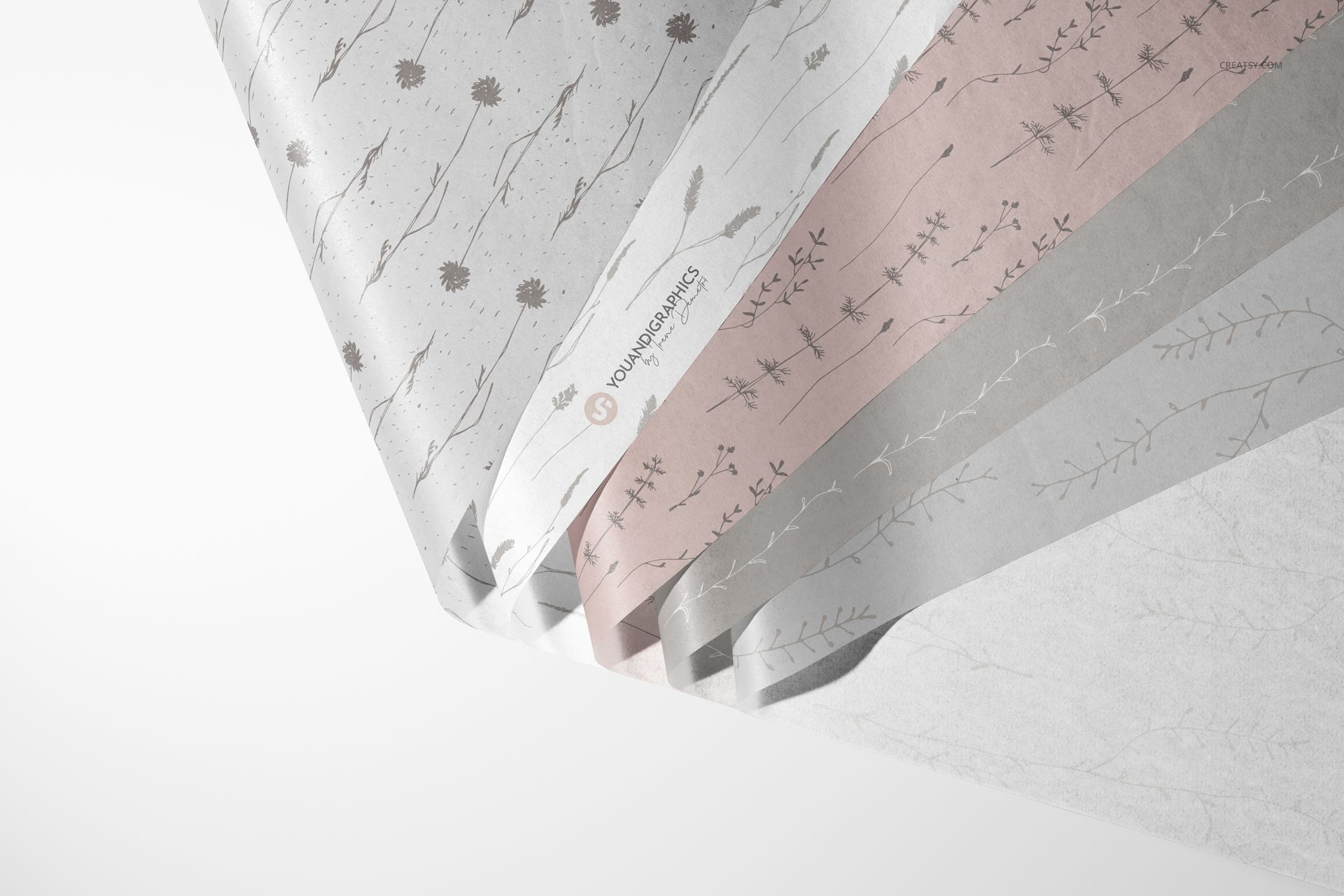
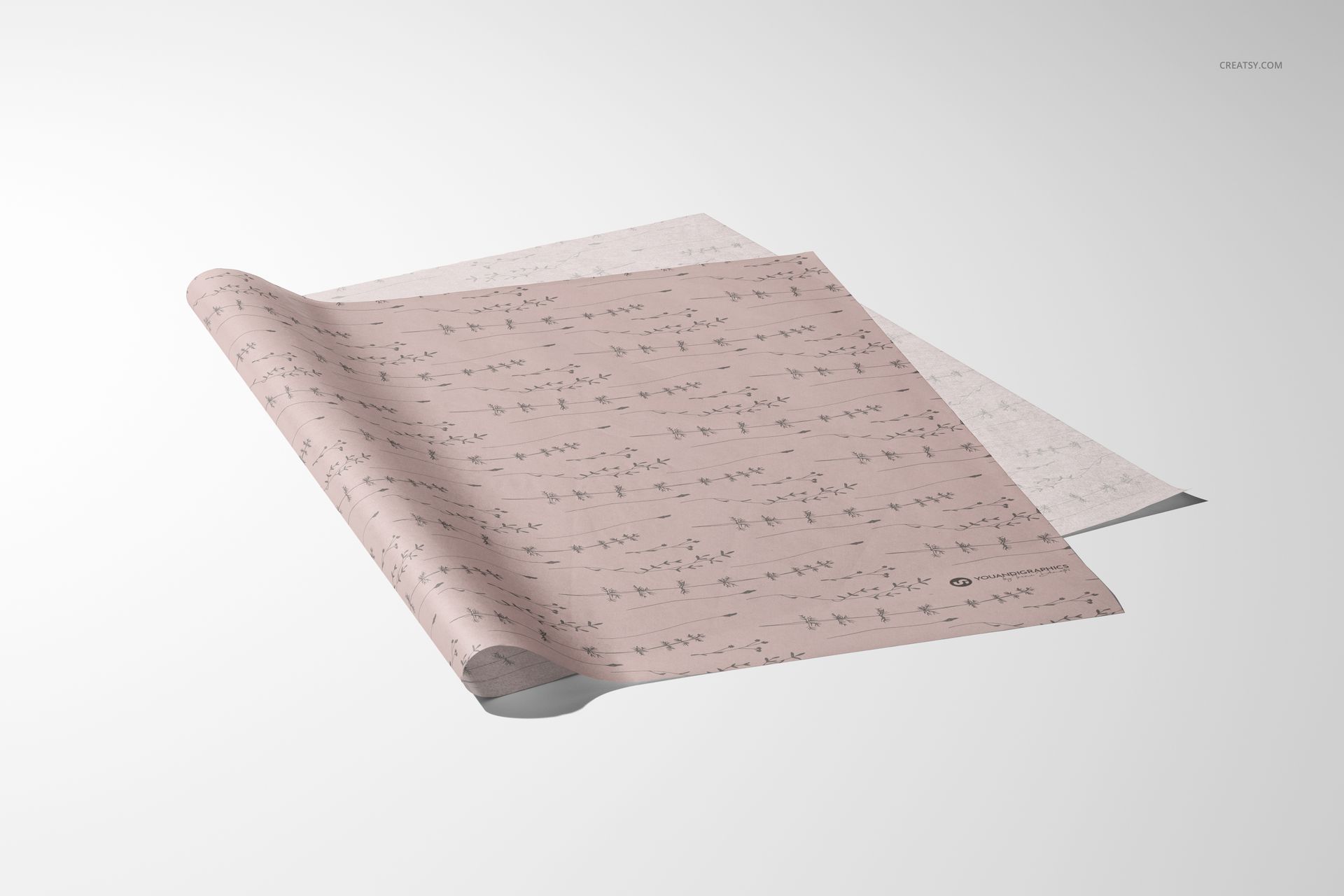
A curled edge reveals more than the front of a pattern. This three-scene tissue paper mockup set lets you present printed sheets and adjust how strongly the design remains visible on the reverse. Use it to explore fine linework, small logos and repeat patterns where the backturned paper is part of the presentation.
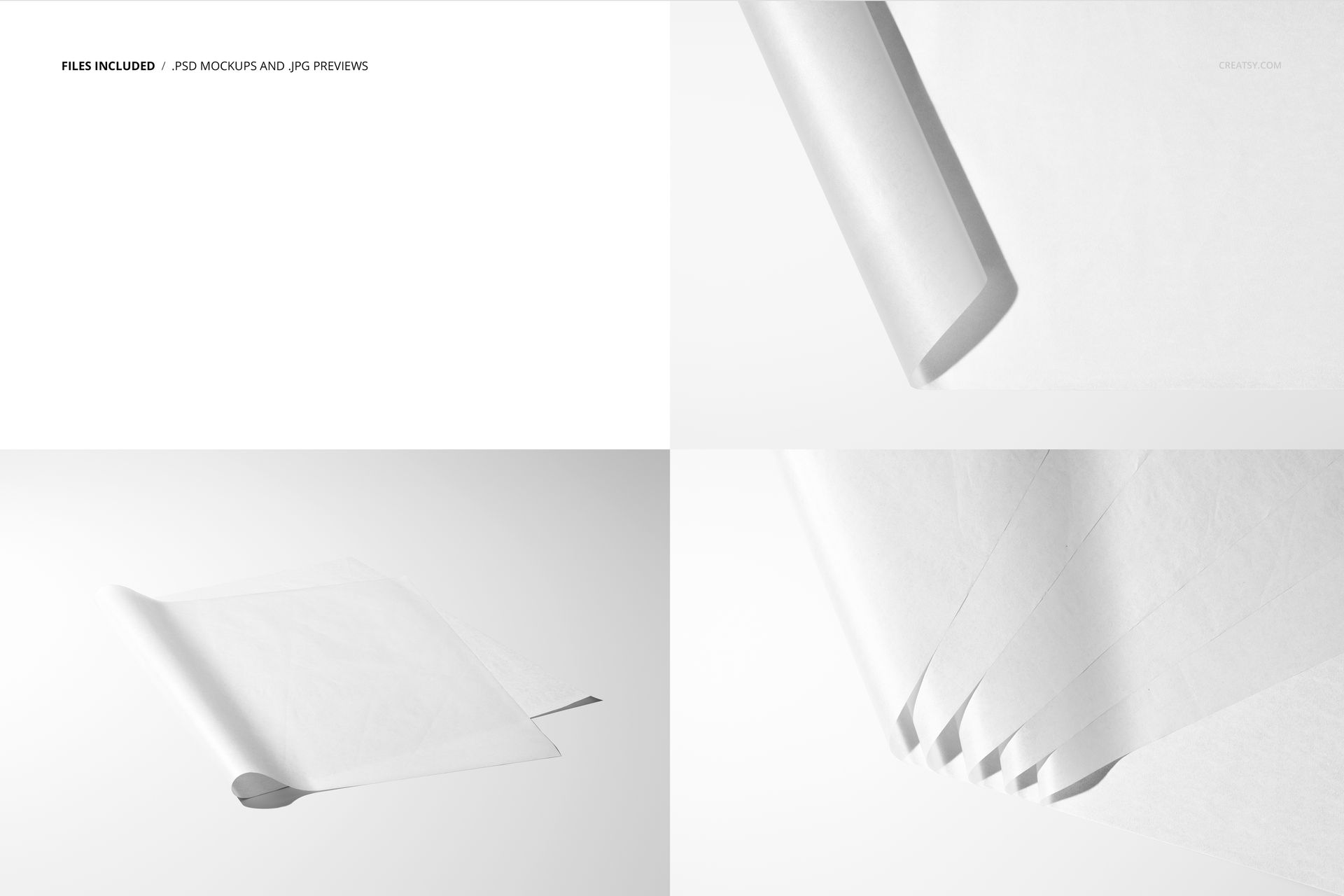
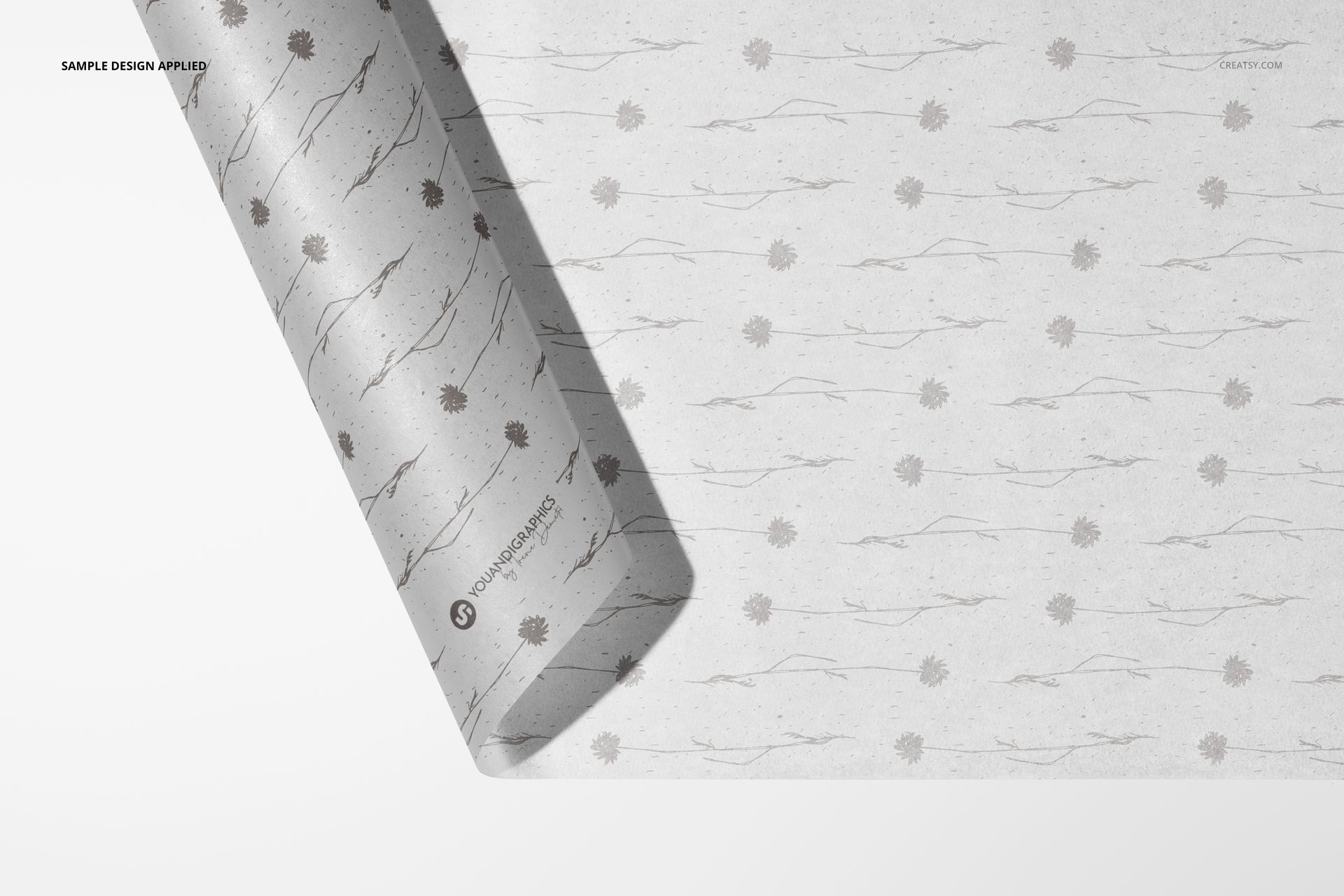
The prepared views move from a close-up sheet with a curled edge to overlapping and layered sheets. That gives a packaging proposal both a detail view and a wider view of the artwork, without introducing a box or bag that might distract from the tissue itself.
What Is Included
3 layered PSD mockup files with three prepared tissue paper scenes.
3 JPG preview files showing the supplied compositions.
1 PDF user manual, for 7 files in total.
Control the Design on the Reverse
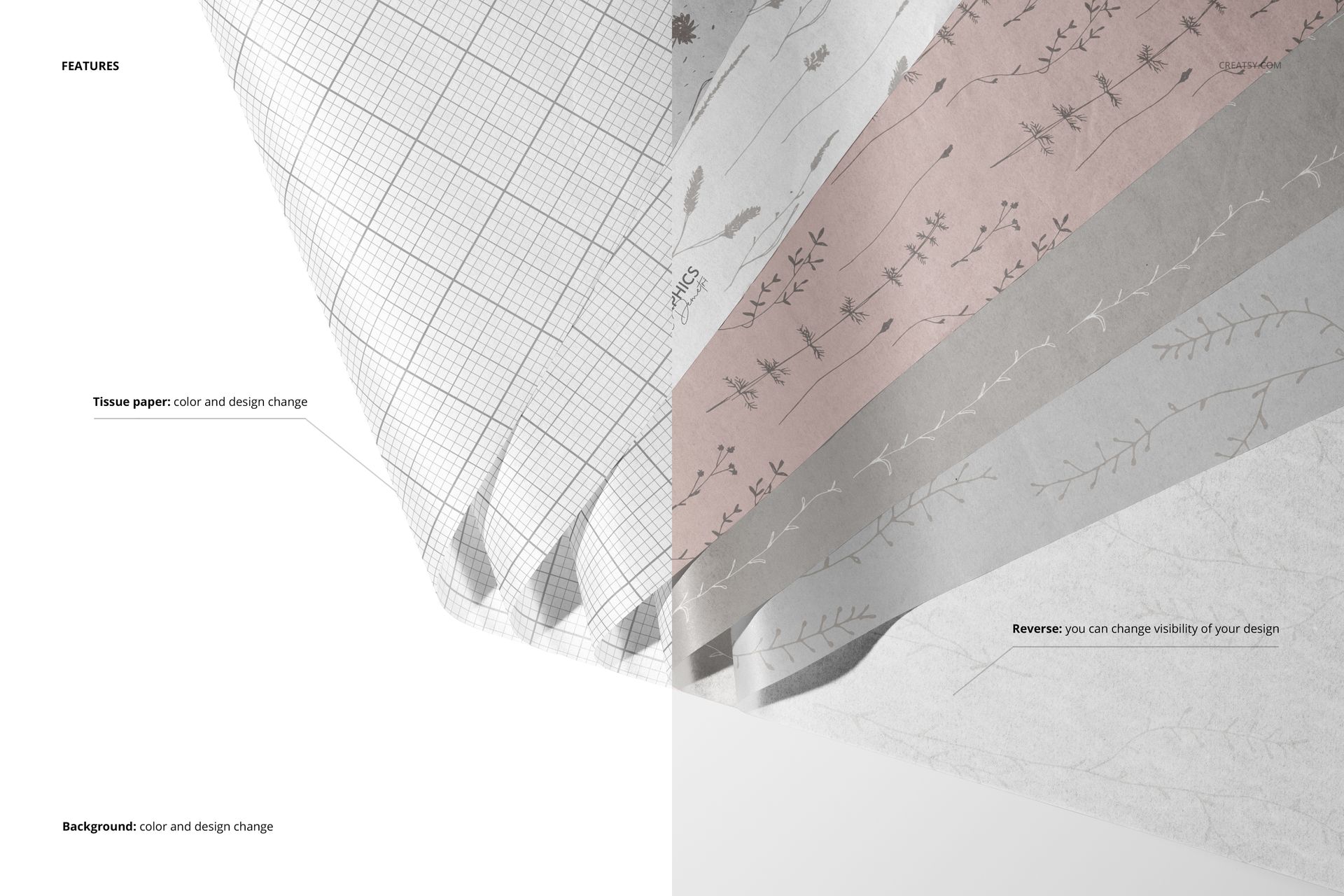
Change the tissue paper color and artwork, then adjust the visibility of the design on the reverse. At a curled edge, this lets you compare a subtle trace of the print with a more noticeable reverse-side appearance. It is a visual control for the mockup, not a specification of paper opacity or a promise of separate artwork on each side.
Background Options for a Clear Presentation
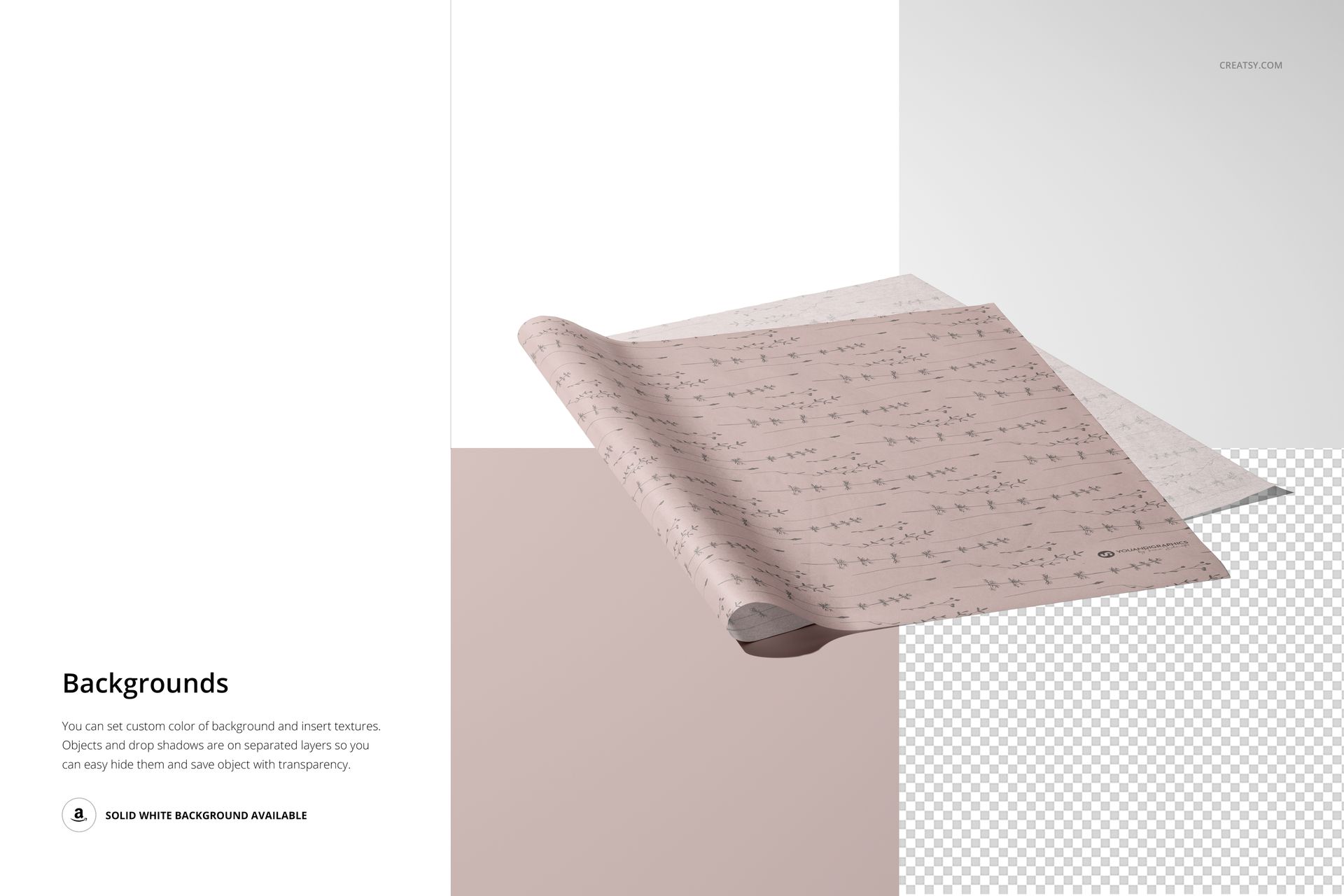
Change the background color or insert a background design or texture. Objects and drop shadows are on separate layers, and a transparent-background option is available for placing the finished tissue paper visual into a presentation layout.
Easy Smart Object Editing
Open a PSD in Adobe Photoshop CC2020 or later. Add your artwork through the Smart Object layers, save the edited Smart Object and return to the mockup to review the result. Check the front-facing sheet and the exposed reverse before preparing the final image.
Perfect For
Surface pattern designers, packaging designers and boutique brands can use these paper-only scenes for tissue print proposals, seasonal wrapping concepts and client presentations. They are especially useful when the artwork needs to be judged on its own before it is paired with outer packaging.
This is a digital mockup product. No physical tissue paper is supplied, and the sample artwork shown in the previews is not included.
Preview Artwork Credit
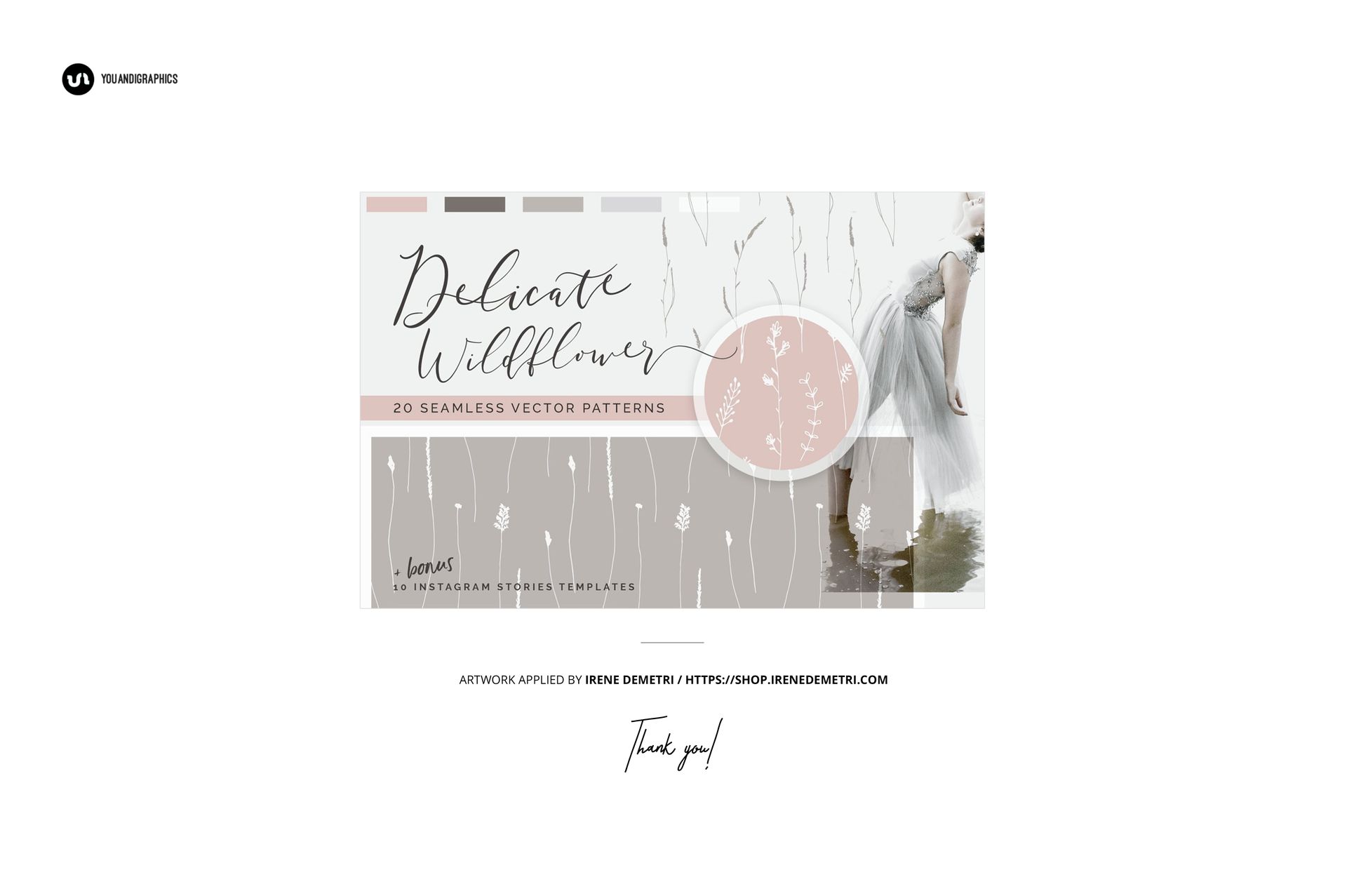
Irene Demetri created the example artwork used in the product previews. Visit her shop to explore her work. The preview designs are shown for presentation purposes only and are not included with the mockup files.