Tissue Paper Mockup Set 2
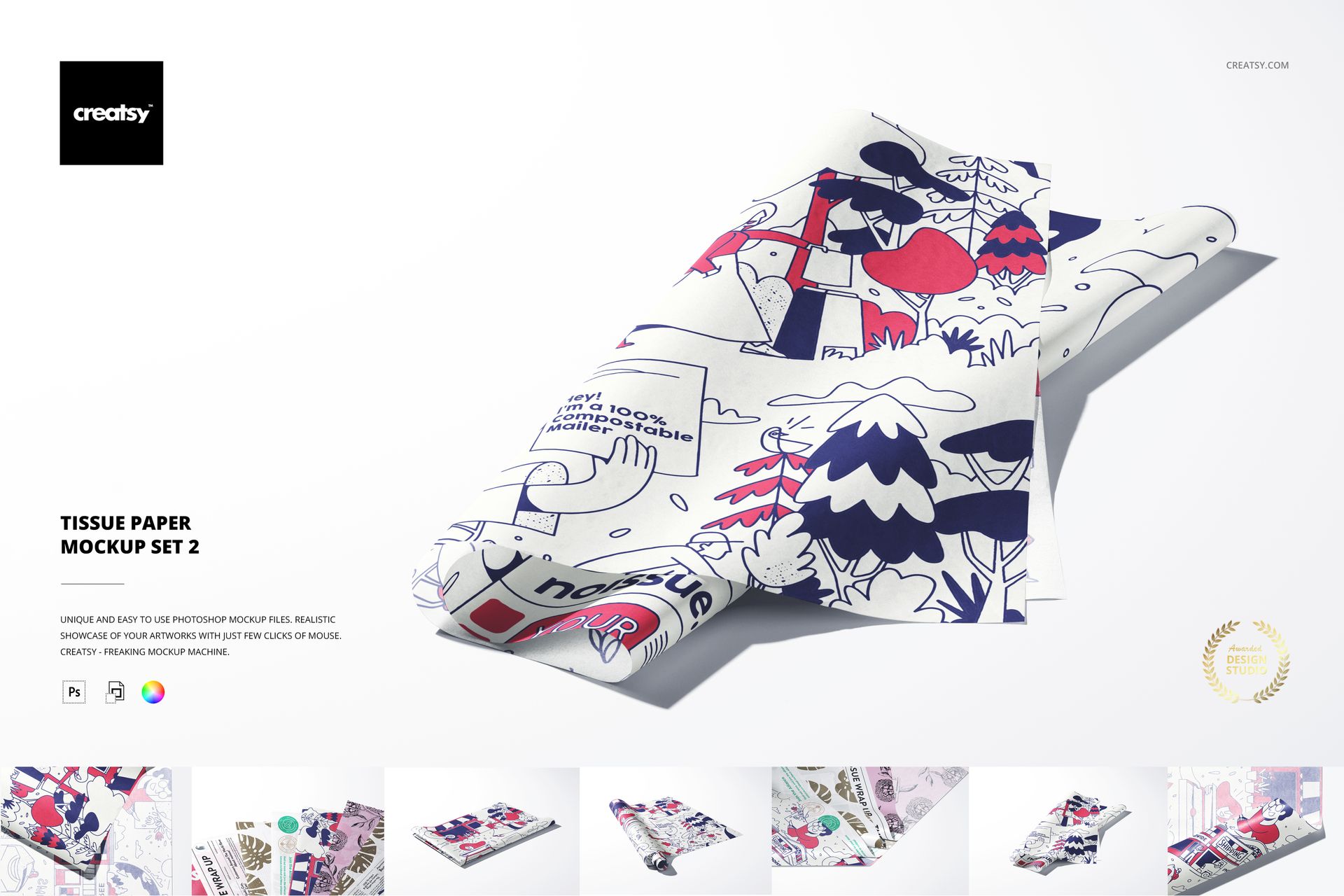
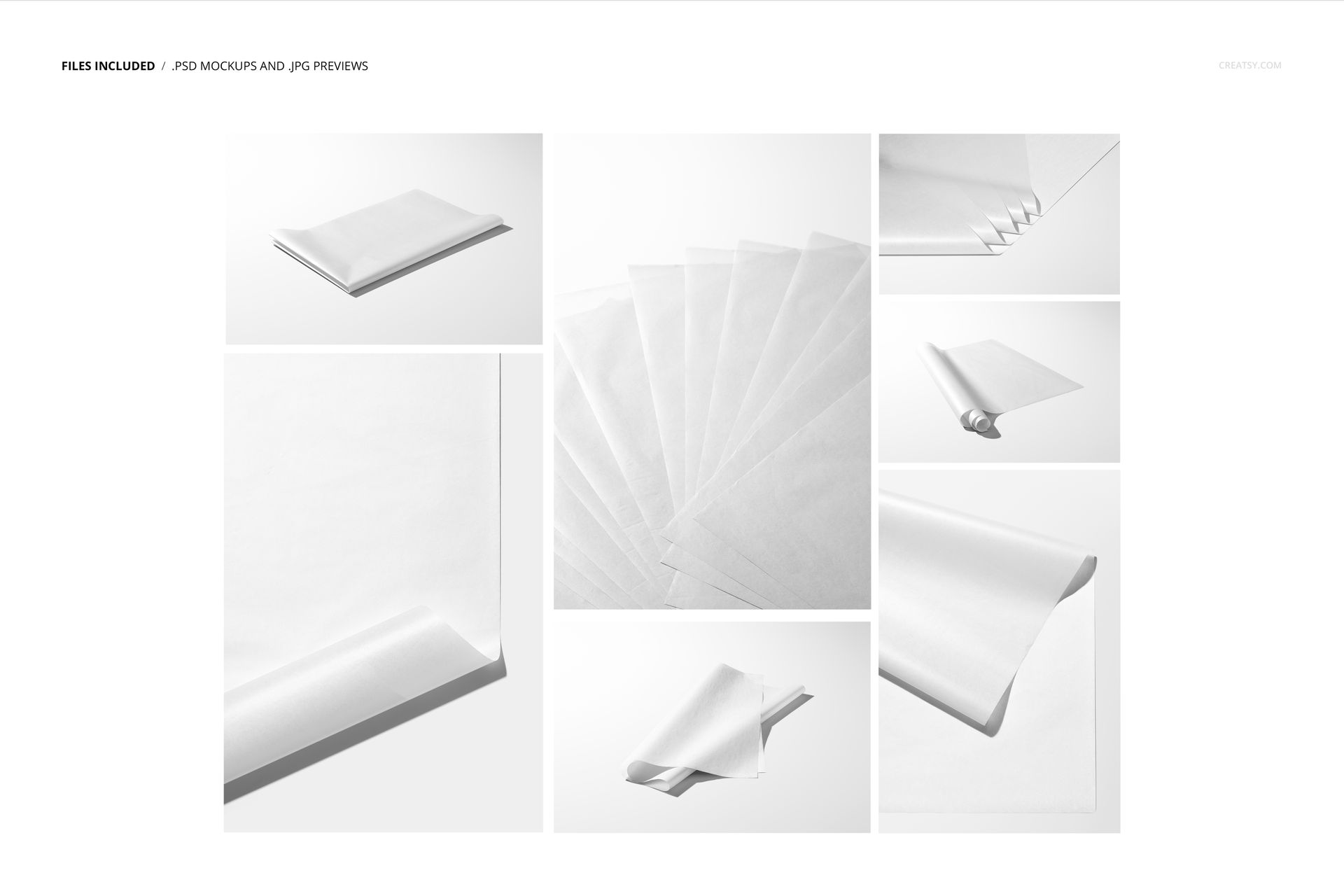
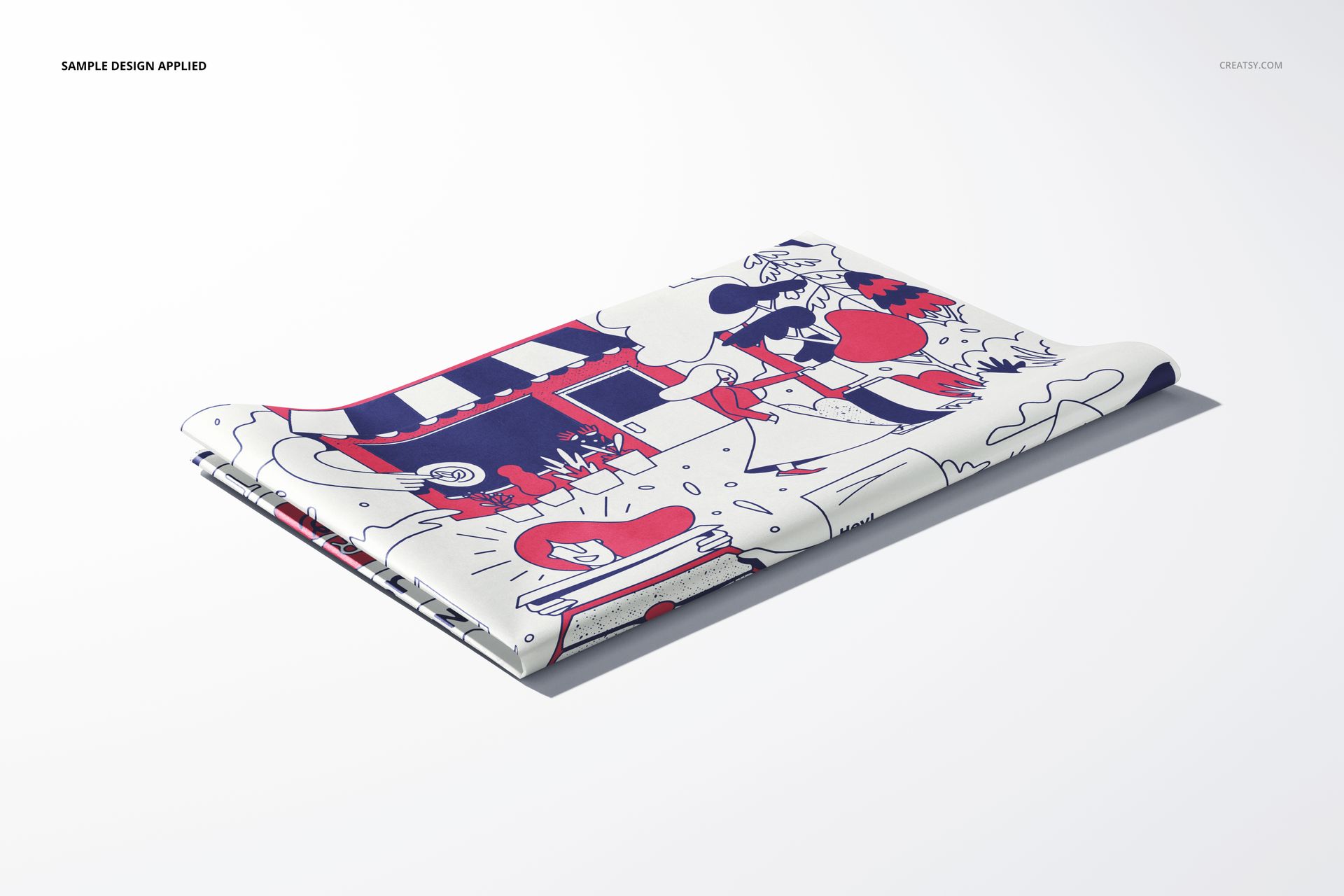
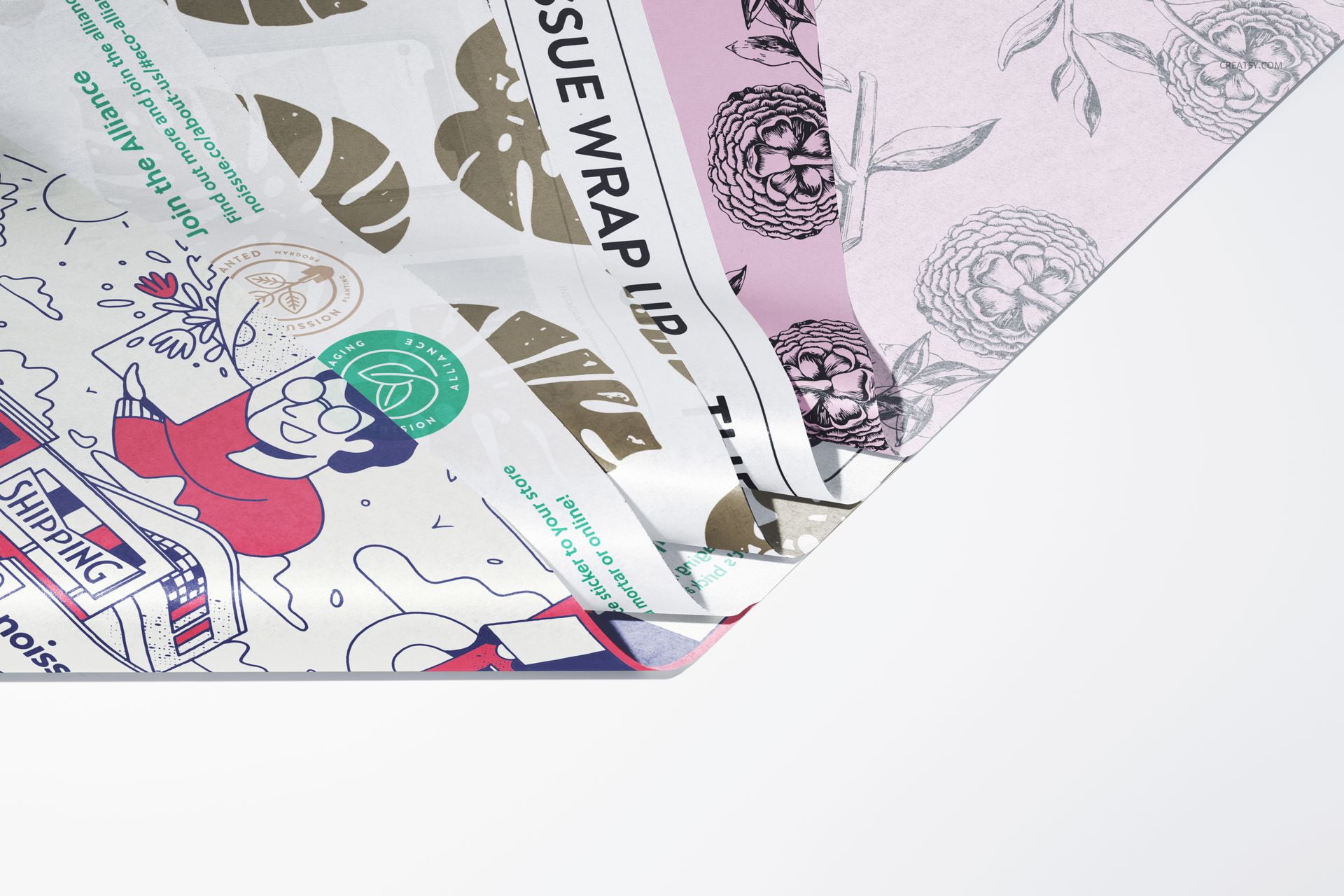
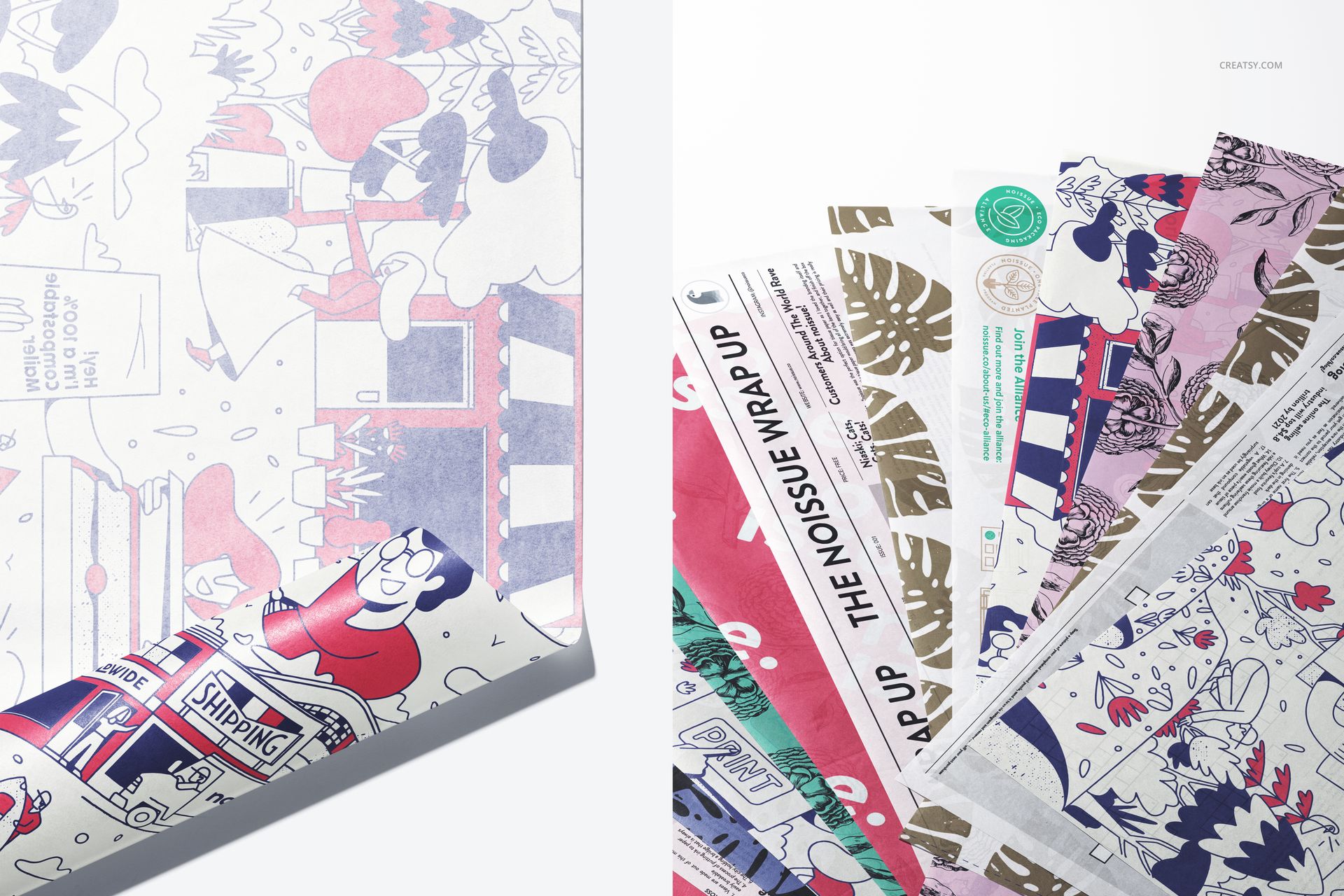
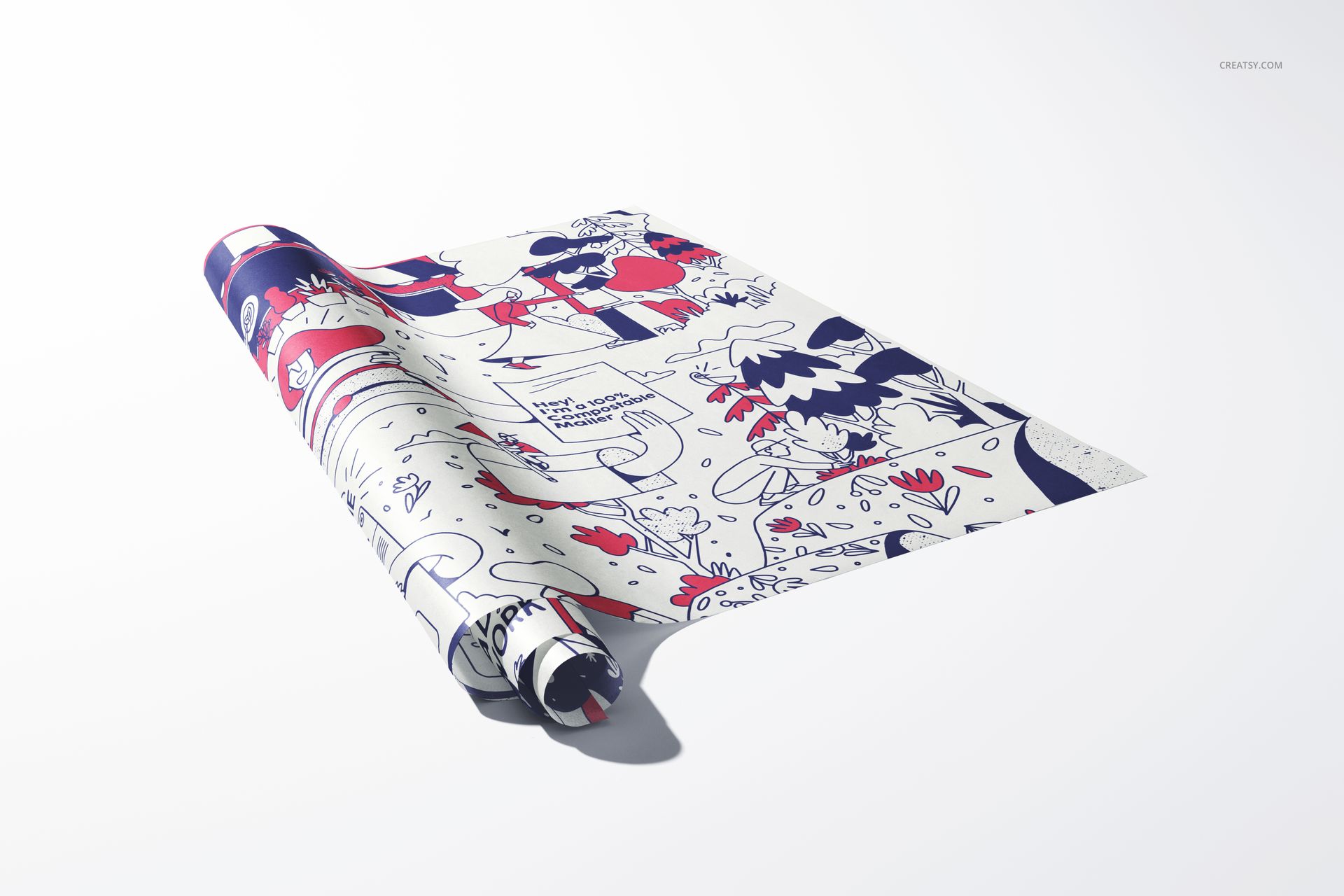
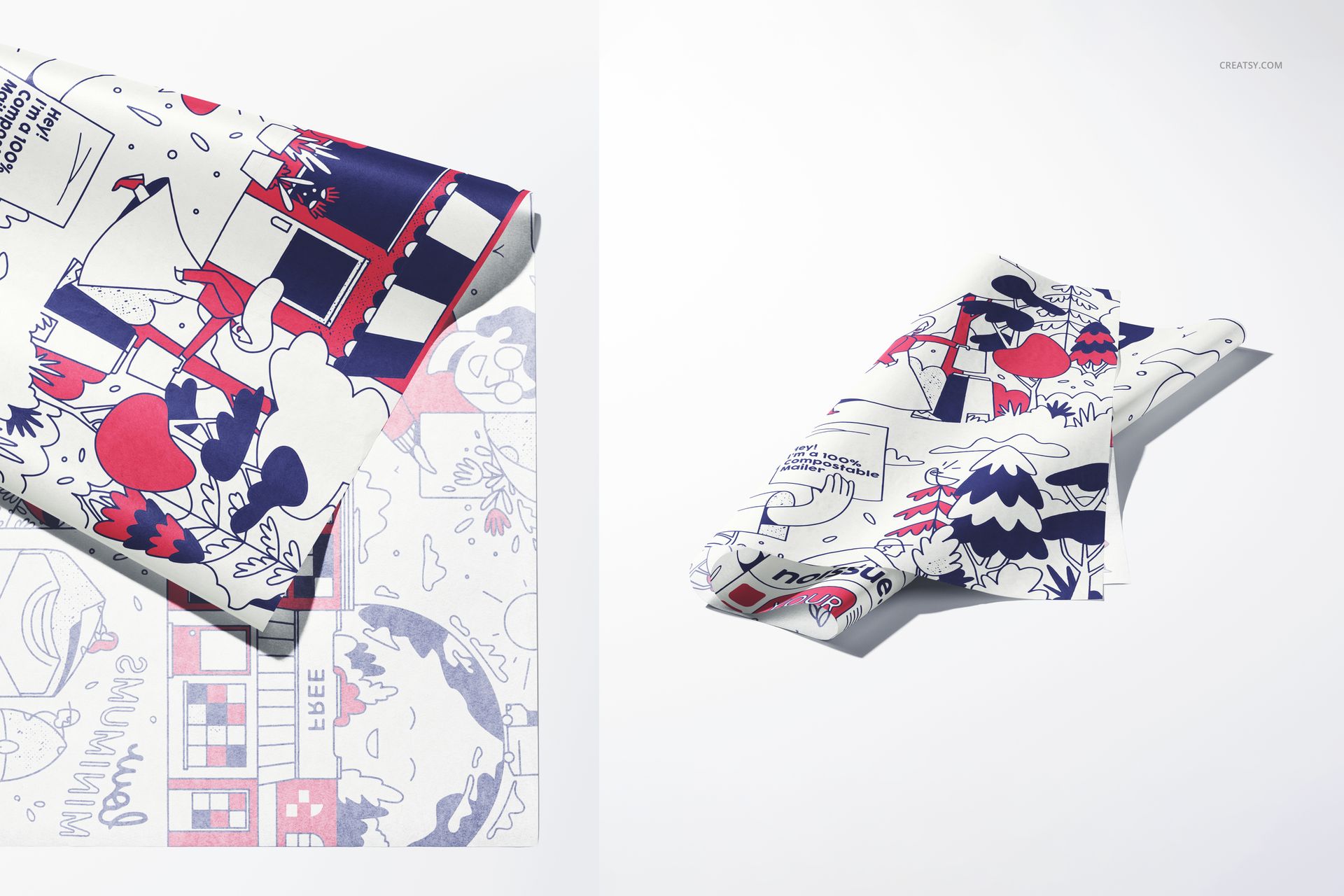
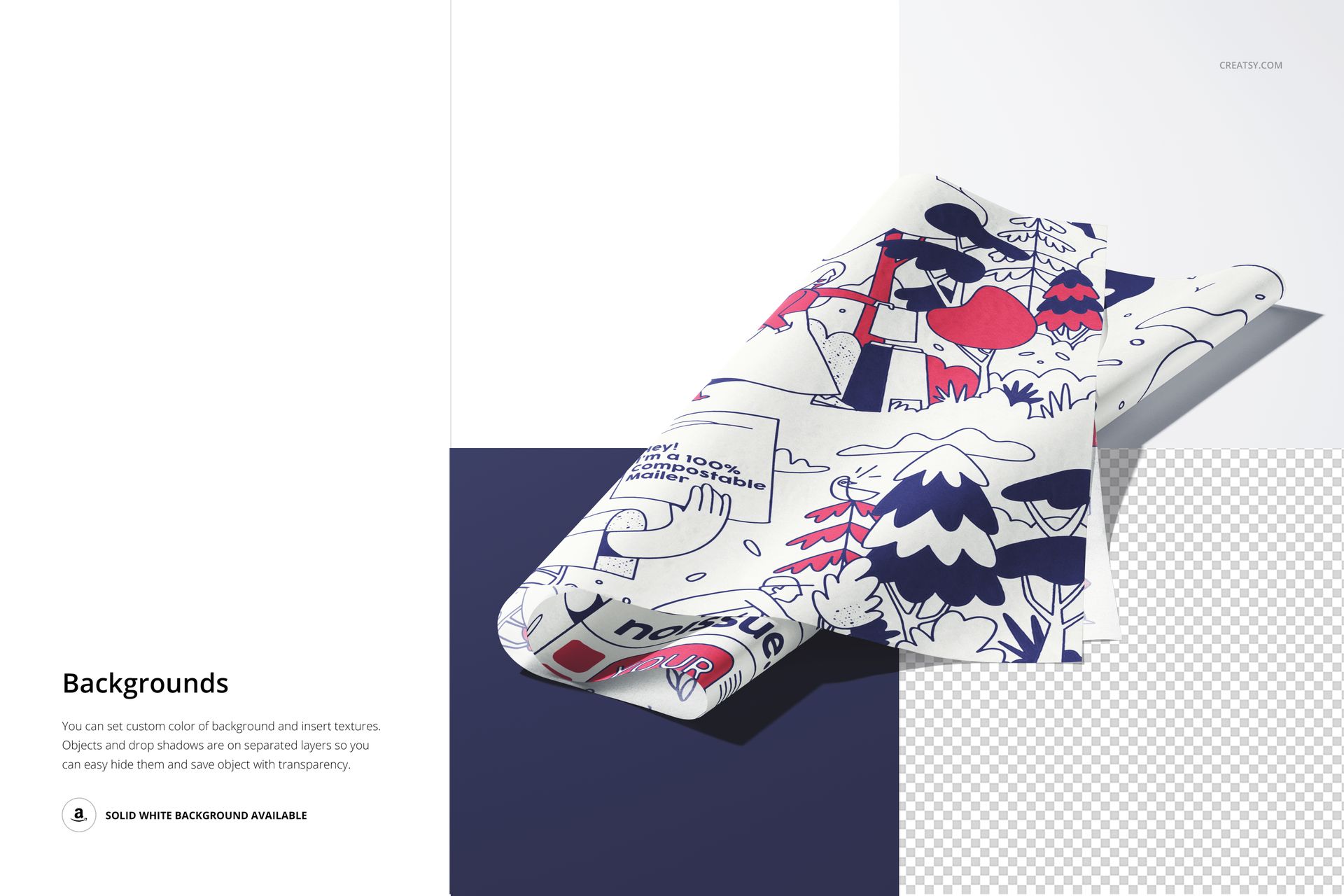
A folded sample highlights one print; a fan of overlapping sheets introduces a whole range. Tissue Paper Mockup Set 2 brings both approaches into seven Photoshop scenes, combining folded stacks, loosely curled sheets and close-up views with a multi-design paper arrangement. The focus stays on the tissue itself, without a box, bag or ribbon competing for attention.
What Is Included
7 layered PSD mockups with different tissue paper arrangements.
7 JPG previews: four landscape images at 6000 × 4000 px and three portrait images at 4000 × 6000 px.
1 PDF user manual, making 15 files in total.
Introduce the Collection, Then Show the Detail
Use the fanned sheets to put botanical prints, illustrated scenes, typography or coordinated colorways alongside one another. Follow with a folded or curling sheet to give an individual design more space. The close-ups reveal the light paper texture, lifted edges and overlapping layers, so the presentation communicates more than a flat digital pattern tile.
Custom Paper and Backgrounds
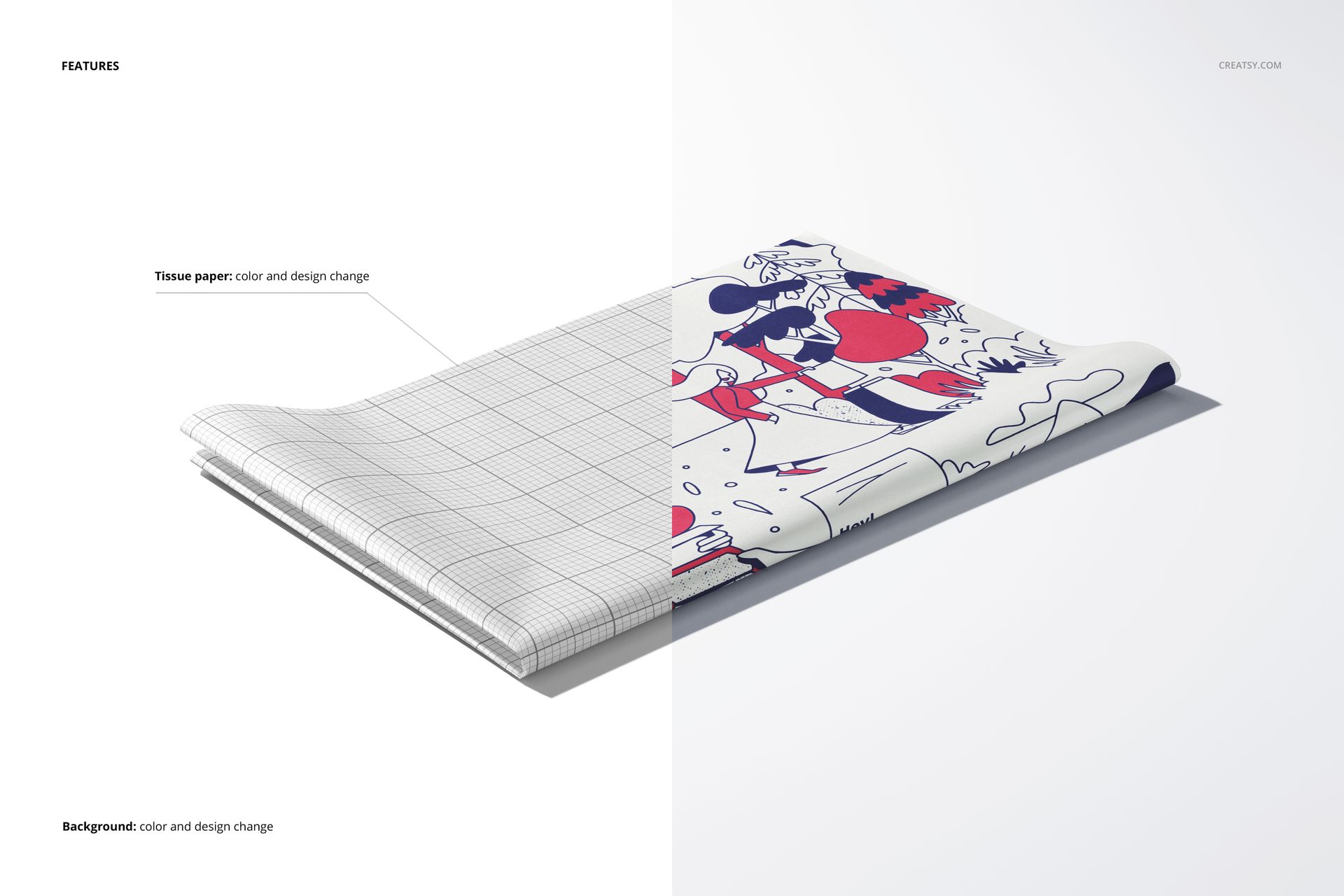
Change the tissue paper color and artwork, then choose a background color or insert your own background design or texture. Smart Objects and organized layers support artwork replacement in Adobe Photoshop CC2020 or newer. Objects and drop shadows are on separate layers, and the background can be hidden for a transparent export.
For Paper Collections and Packaging Concepts
Surface pattern designers, packaging studios and brands developing custom printed tissue can use these scenes for collection previews, client presentations and portfolio pages. A clean sheet view is useful when the print is the product being discussed, rather than the outer packaging. This is a digital mockup set; no physical tissue paper or example artwork is included.