Pet Bandana Mockup Set (type 2)
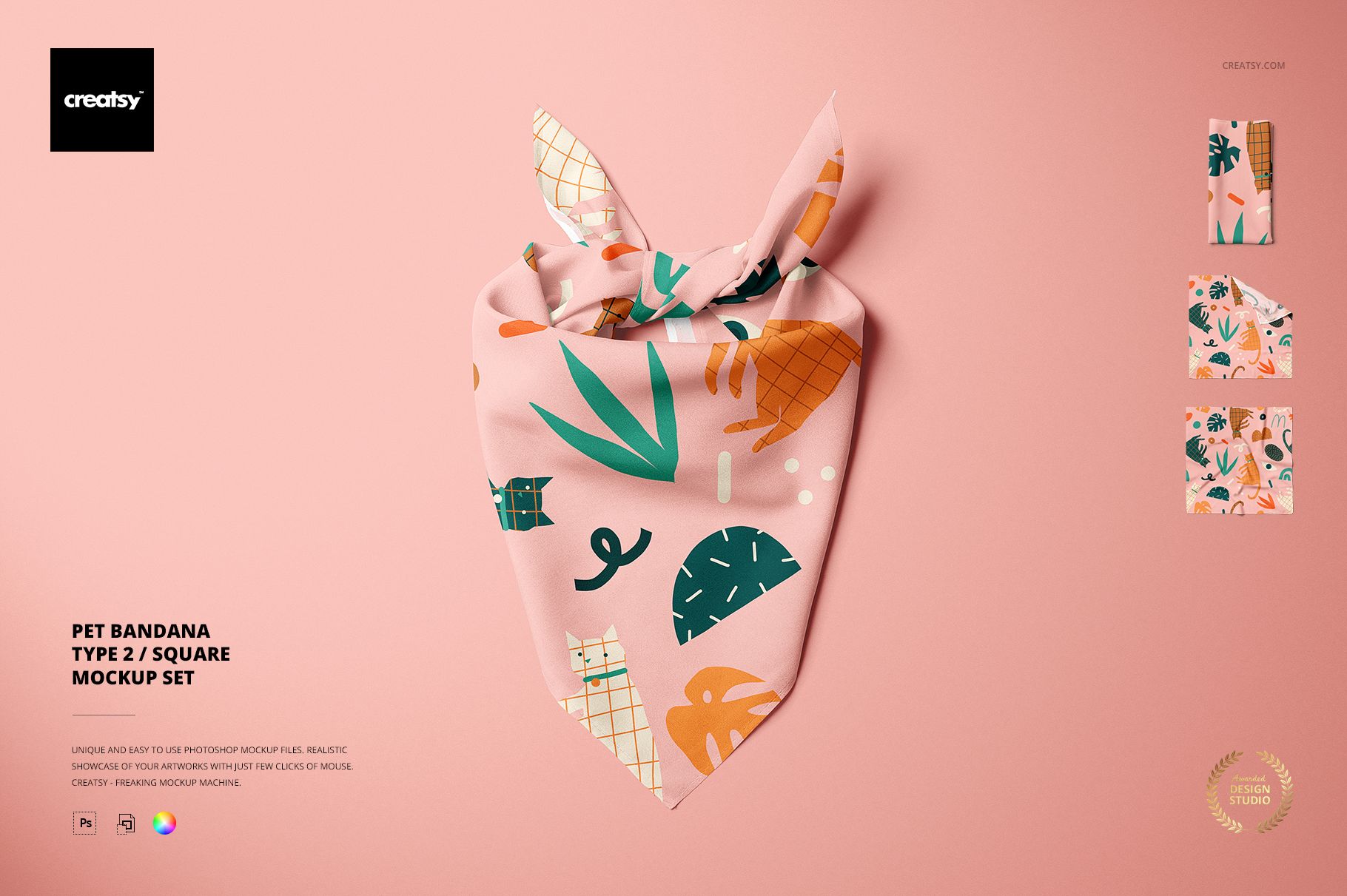
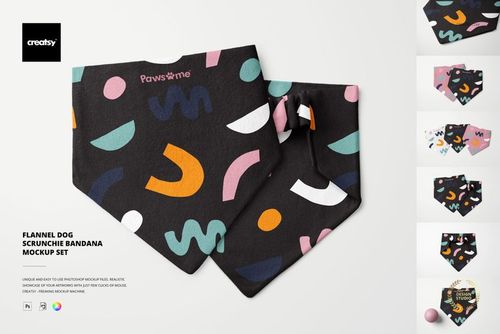
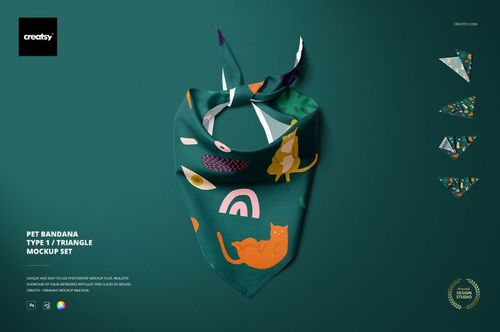
Present a pet bandana pattern through five complementary Photoshop scenes without sewing a sample or organizing a product shoot. Tied, close-up, overhead and folded views reveal how artwork behaves across knots, corners, fabric layers and the full printable surface.
Use the set to refine pattern scale, compare colorways and build a coherent gallery for a client presentation, licensing portfolio or online product page.
Five Scenes, Five Presentation Roles
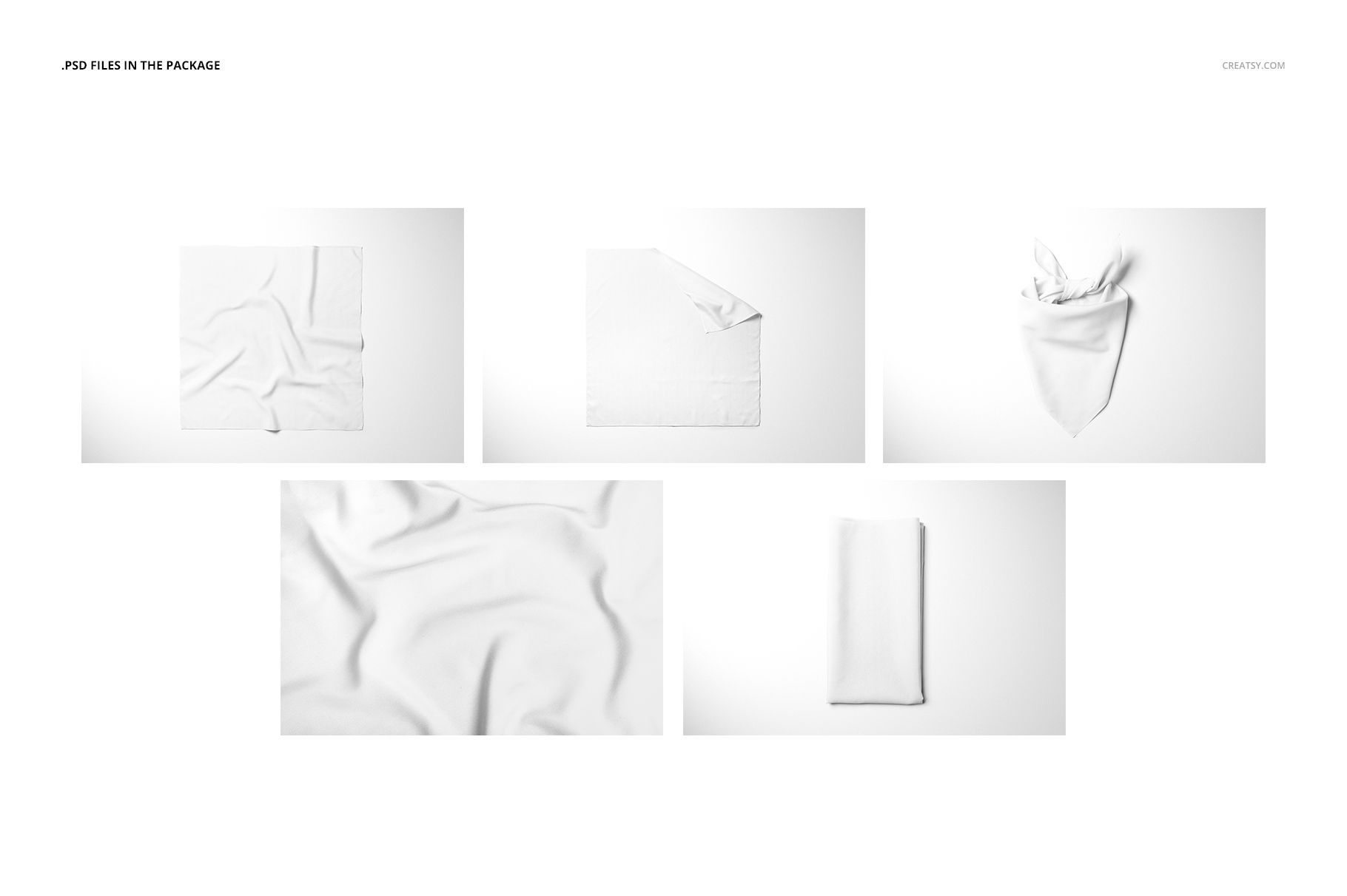
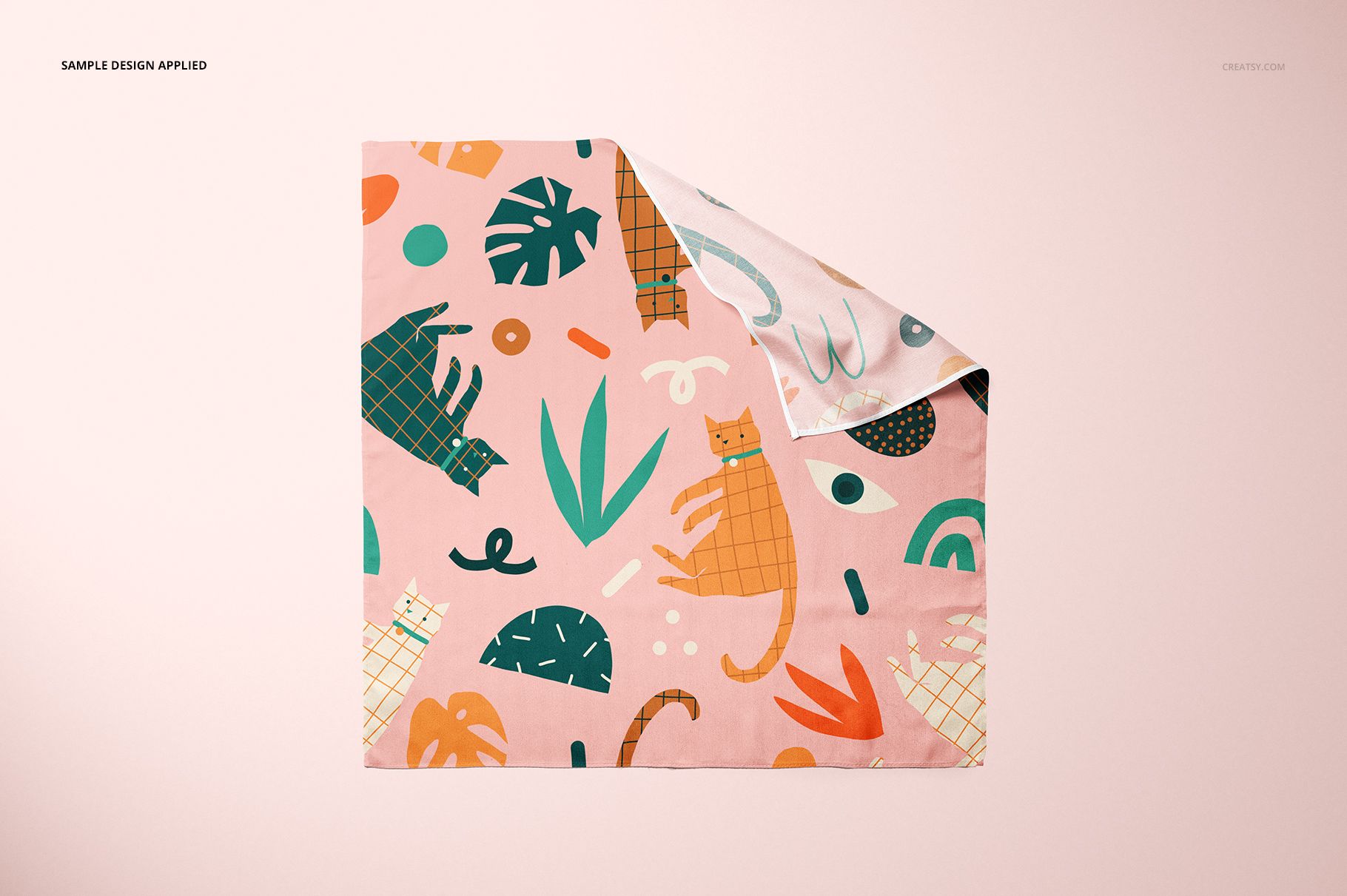
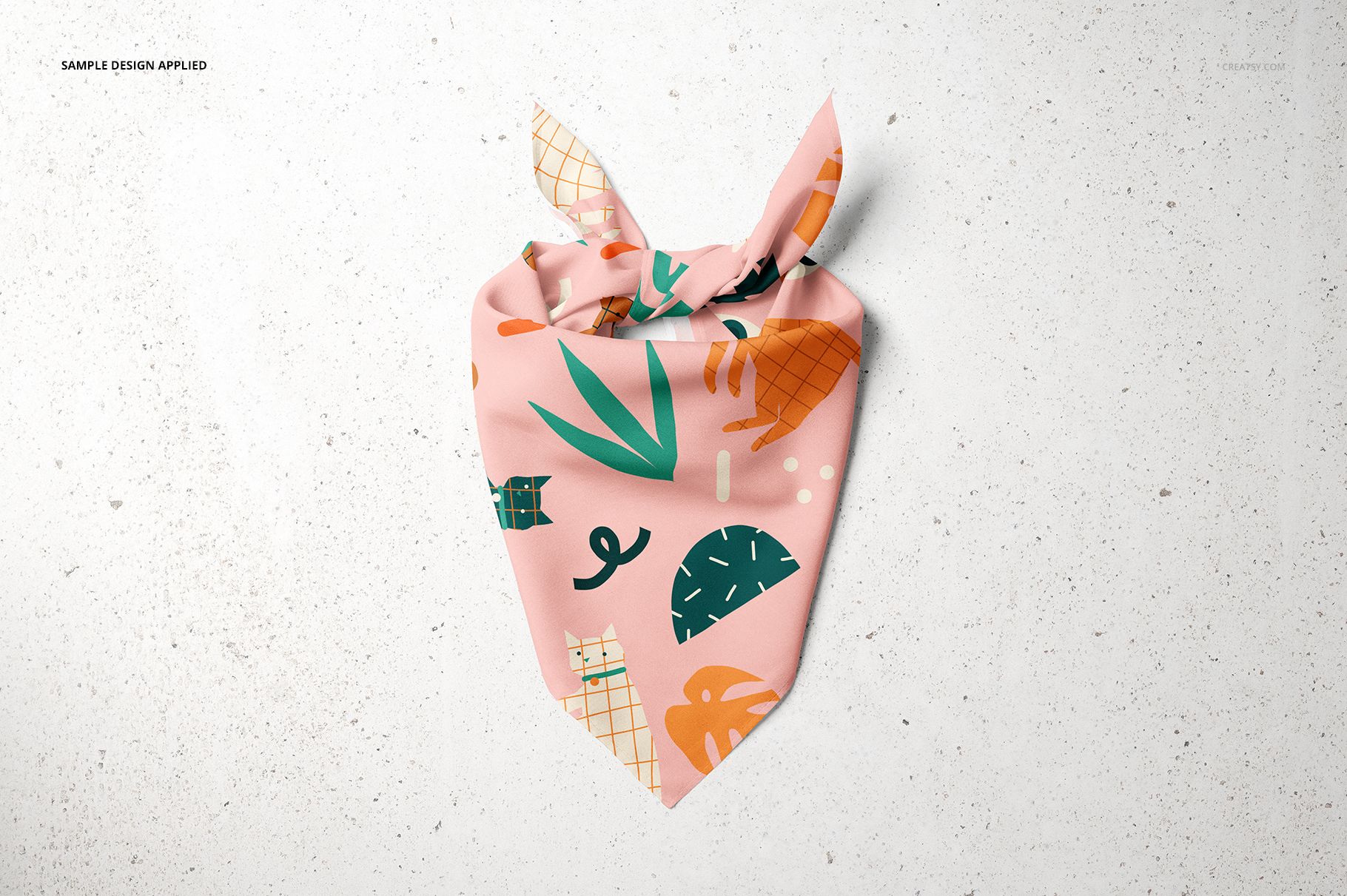
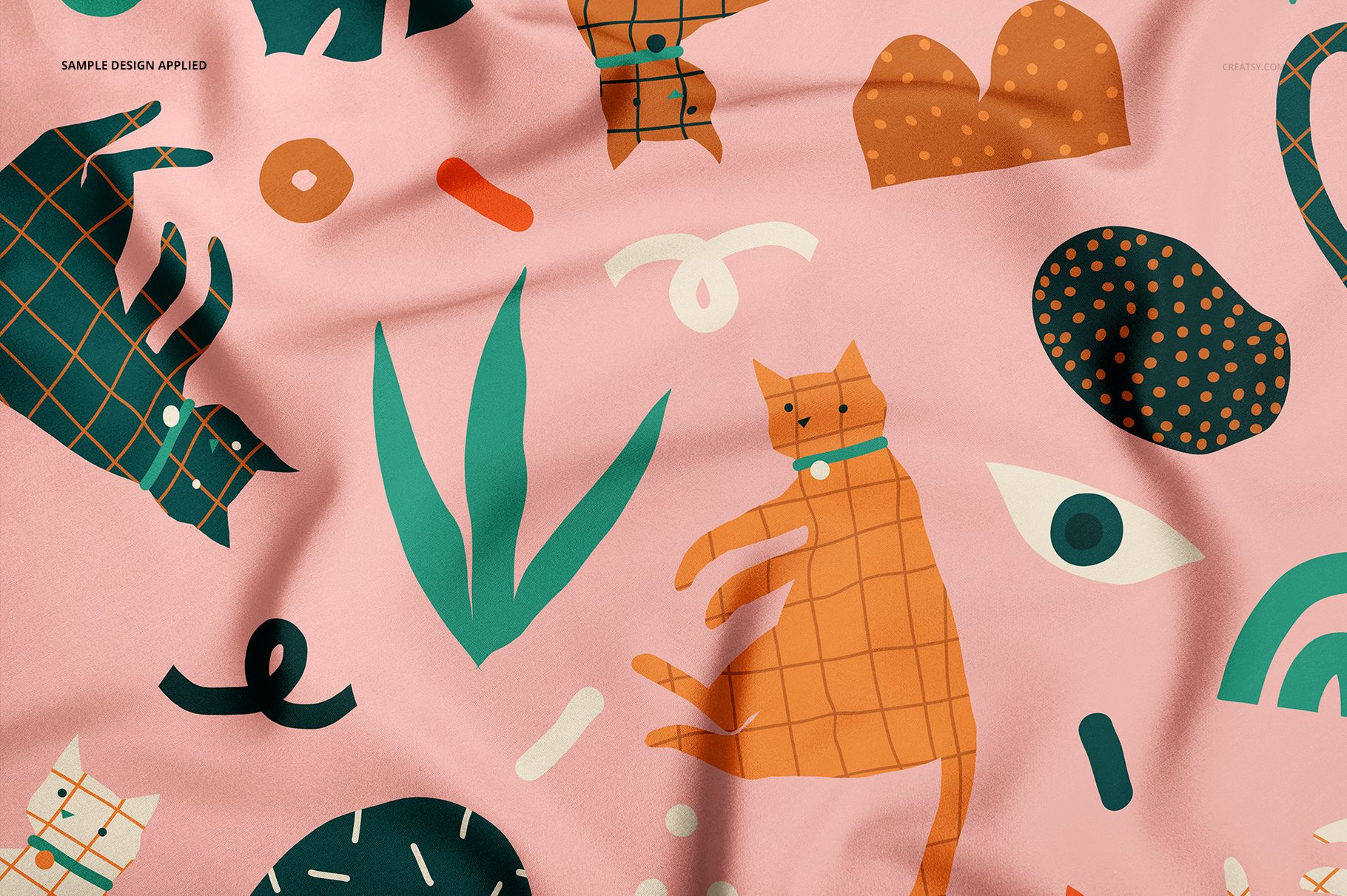
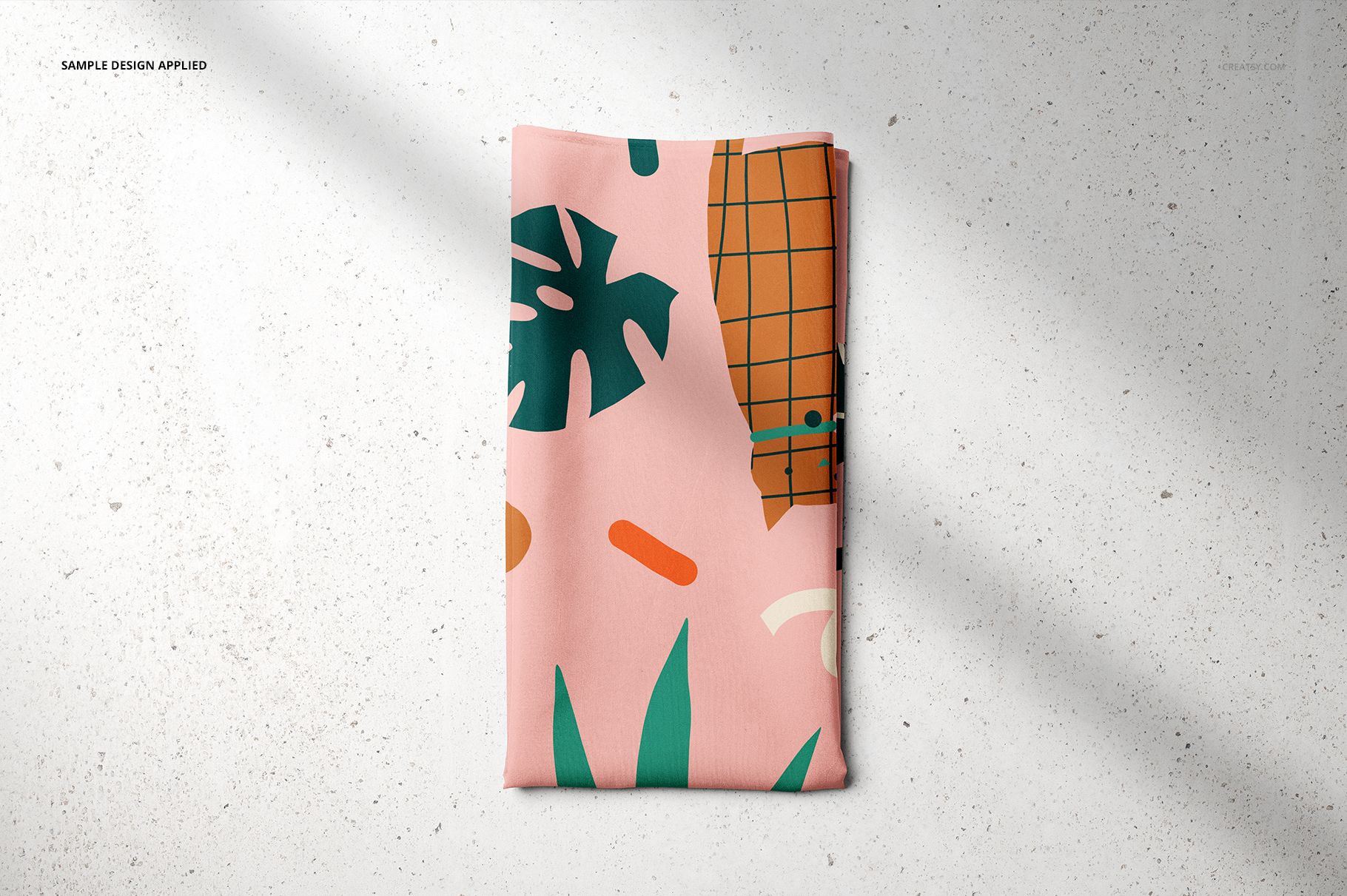
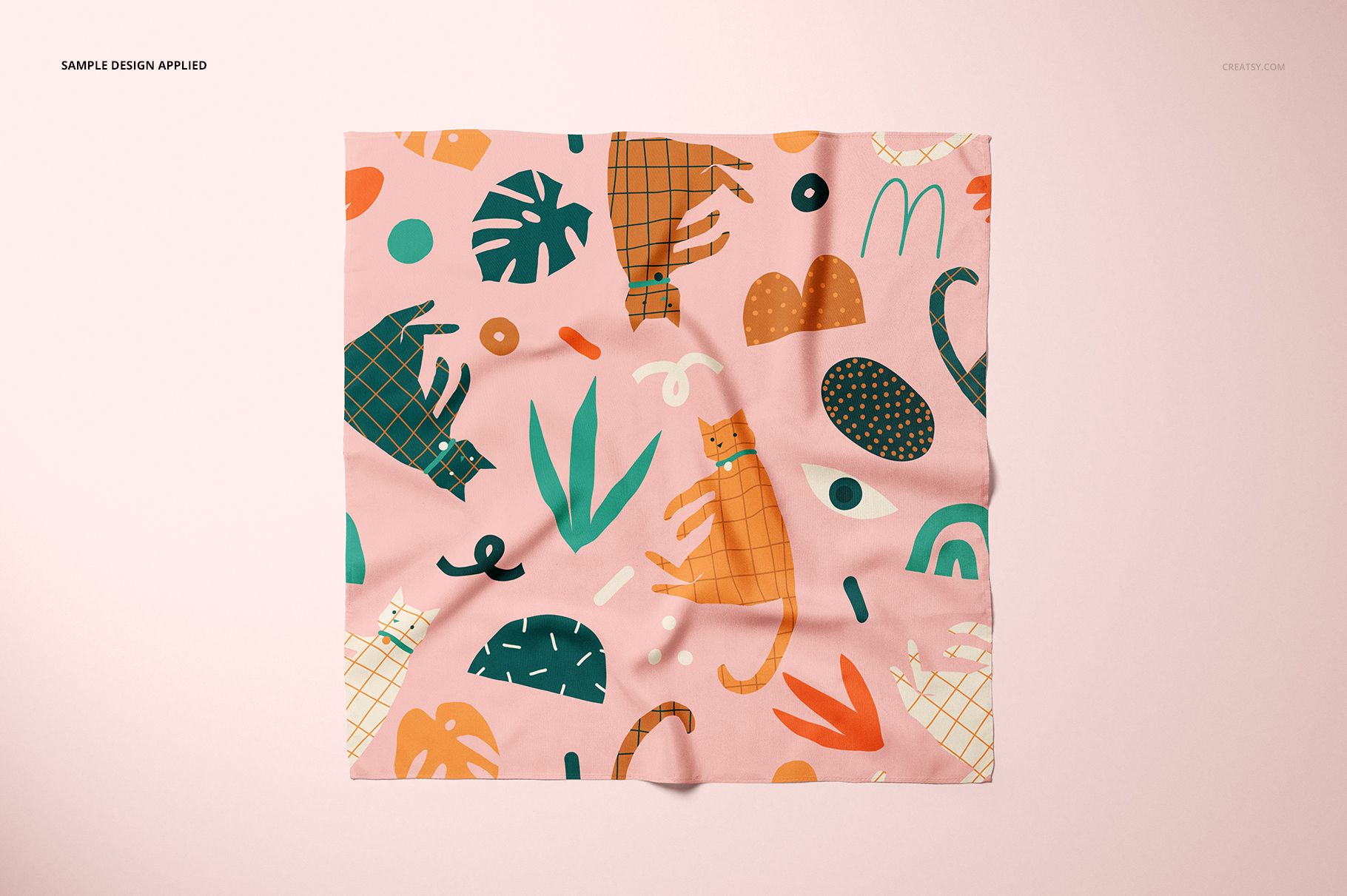
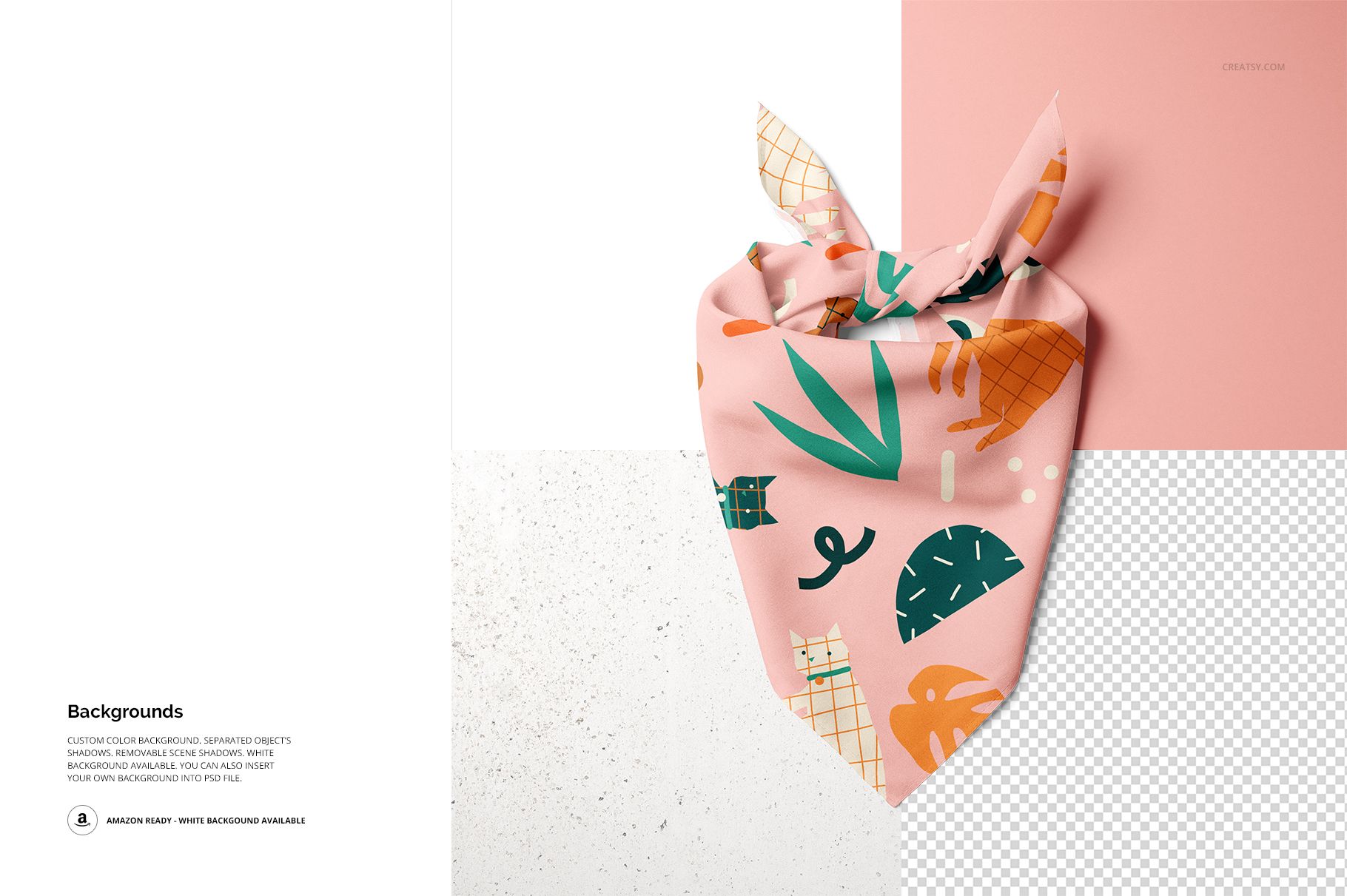
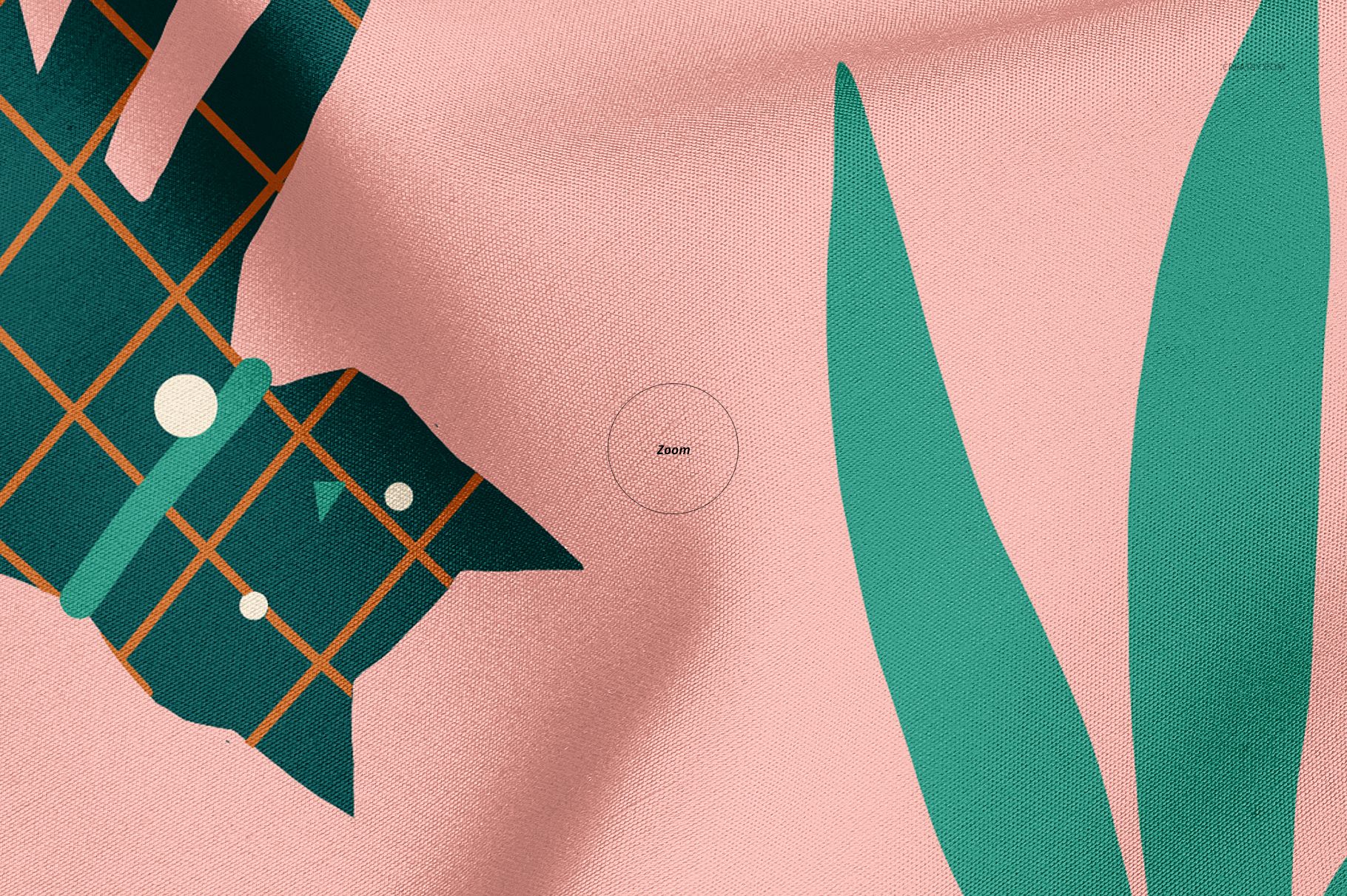
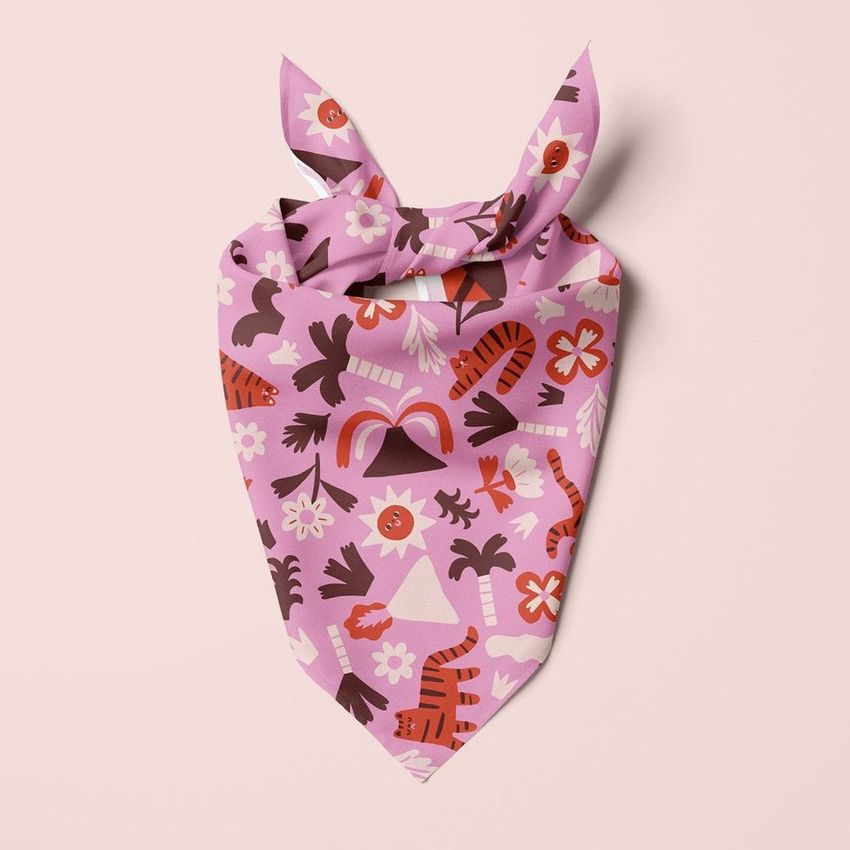
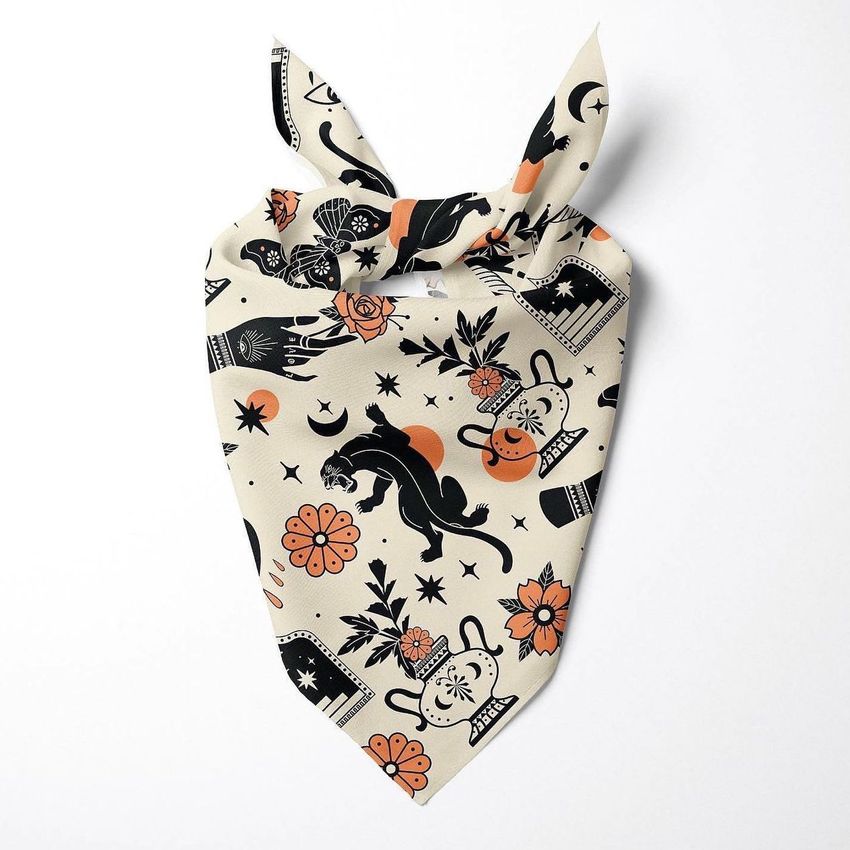
The tied scene adds recognizable product context, the close-up highlights print and fabric detail, two top views show the overall shape and folded corner, and the folded composition gives the gallery a compact packaging-style image.
What Is Included
5 layered PSD mockup scenes
5 high-resolution JPG scene previews
1 additional JPG guide image
11 files in total
6000 x 4000 px for the five scene previews
300 DPI according to the current product notes
Adobe Photoshop CC2018 or newer
Confirmed Editing Controls
Change the bandana color or apply your own design
Set a custom background color
Insert your own background image
Use the included solid white background
Hide separated objects or scene shadows when needed
Prepare a transparent-background export
Show the Pattern Through Realistic Folds
A repeat can look balanced on a flat tile yet change once it meets a knot, diagonal edge or layered fold. Comparing all five views helps you check focal motifs, direction, spacing and the visibility of important illustrated details before approval.
A Focused Photoshop Workflow
Place the artwork in the editable design area, review it in the tied and flat scenes, then adjust the background for the intended channel. Keep a clean white version for marketplace use and prepare a transparent version when the bandana must fit a wider campaign layout.
Preview Artwork Credit
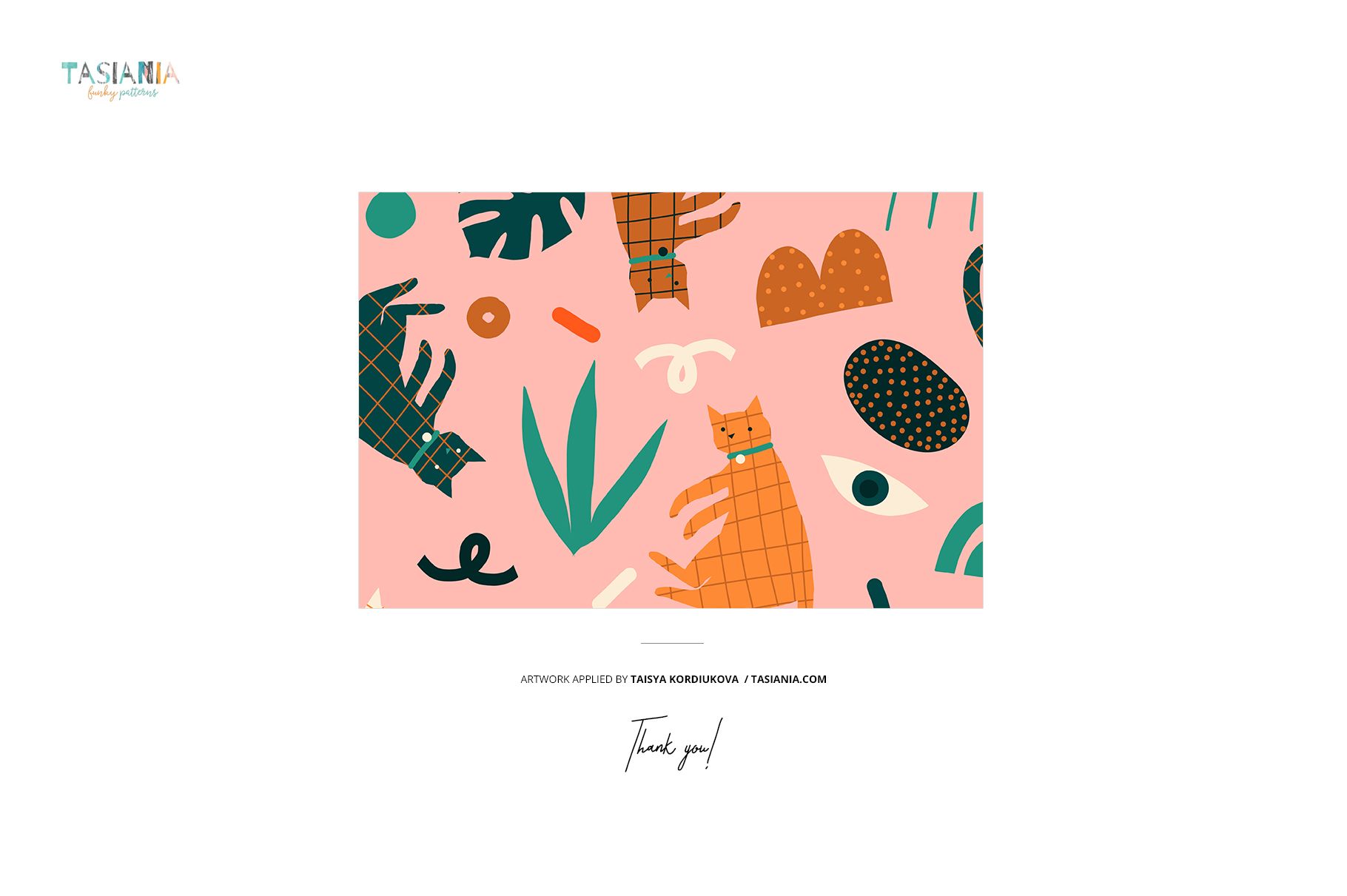
Preview artwork: Taisya Kordiukova of Kookumbra.
The sample illustrations demonstrate the mockup and are not included in the downloadable product.
Perfect For
Surface pattern and textile designers
Pet accessory and pet clothing brands
Dog boutiques and independent makers
Licensing presentations and client approvals
Ecommerce, catalog and social media imagery
This is a digital visualization product. Add your own artwork to create an original pet bandana presentation.