Flannel Dog Scrunchie Bandana Mockup Set
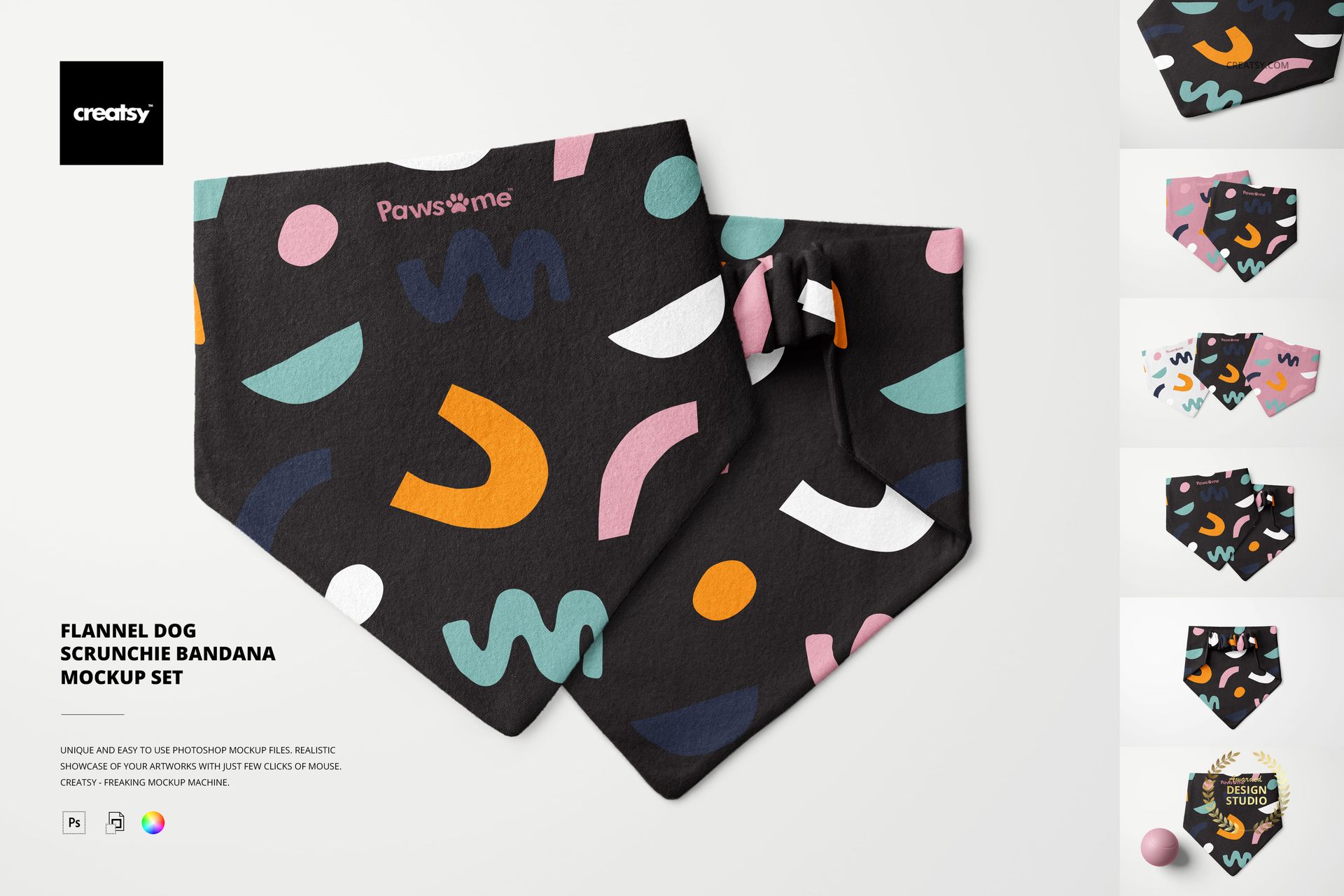
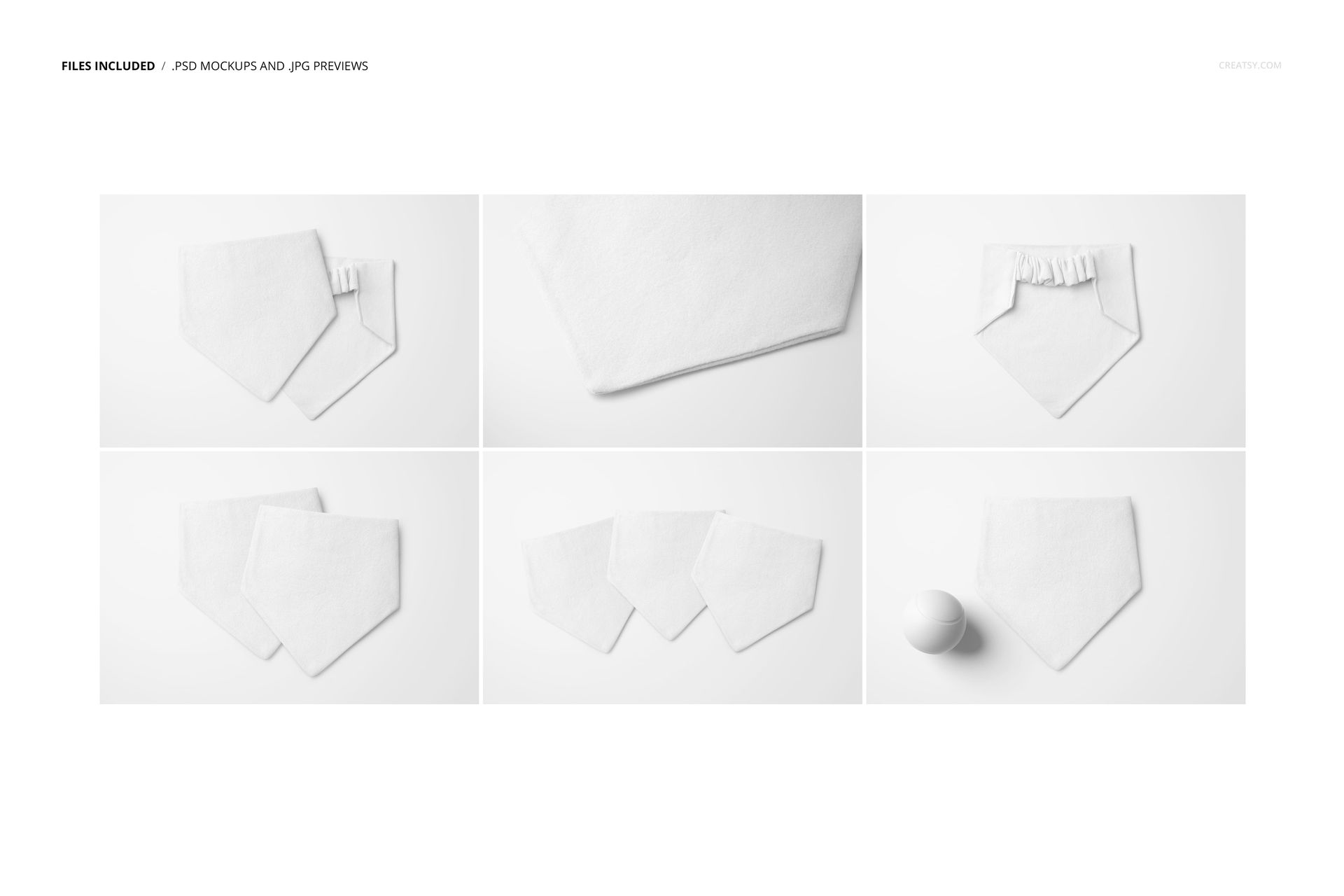
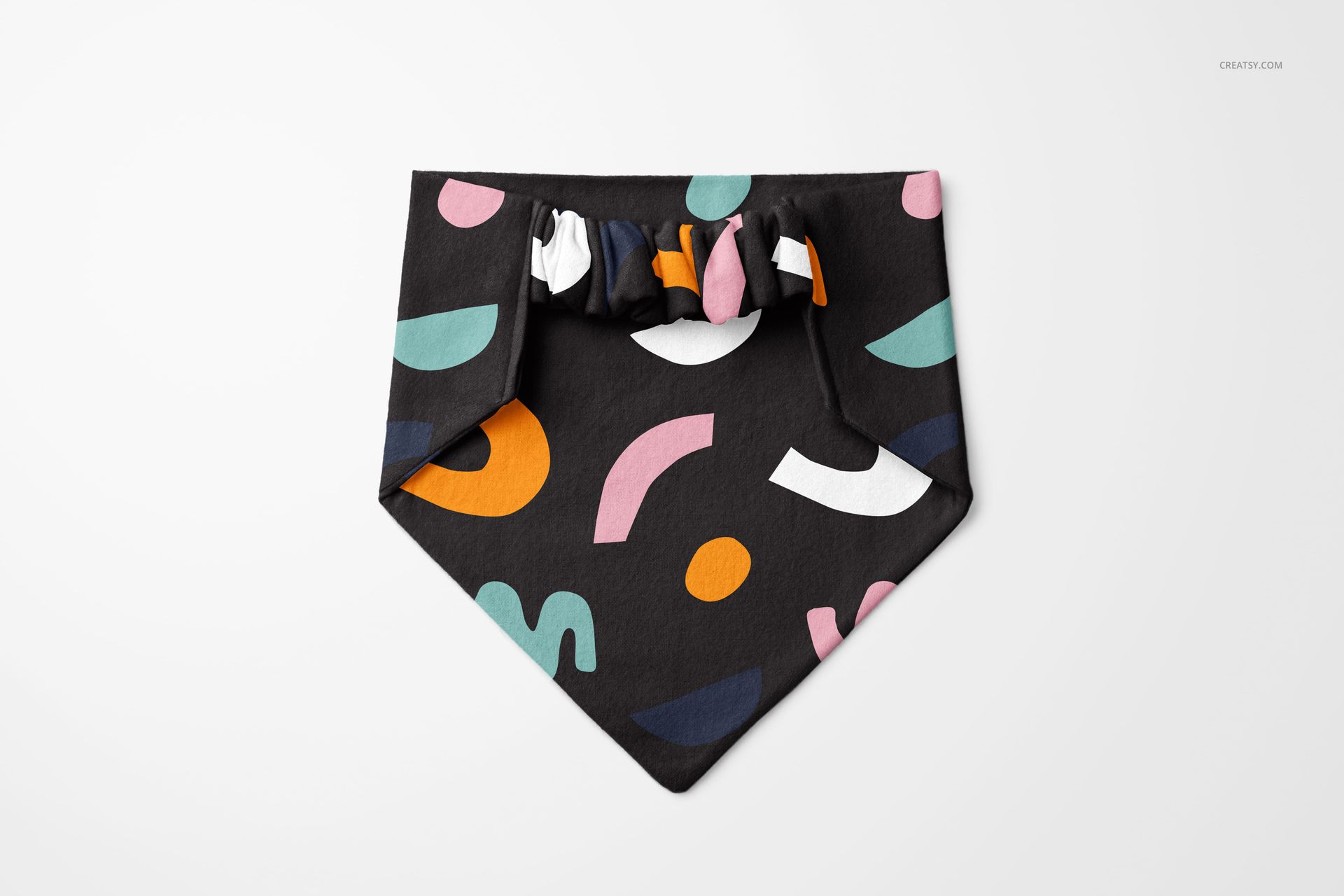
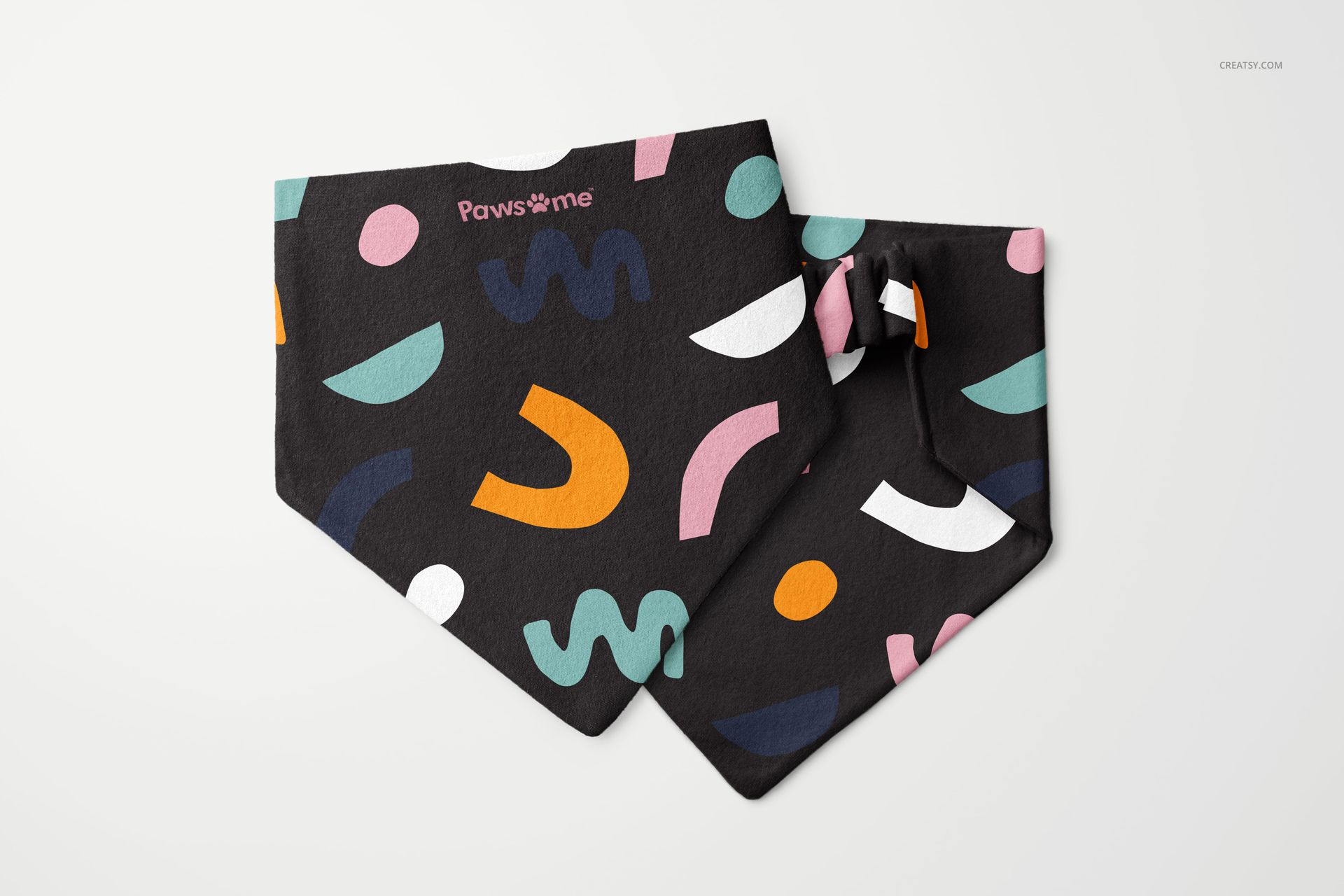
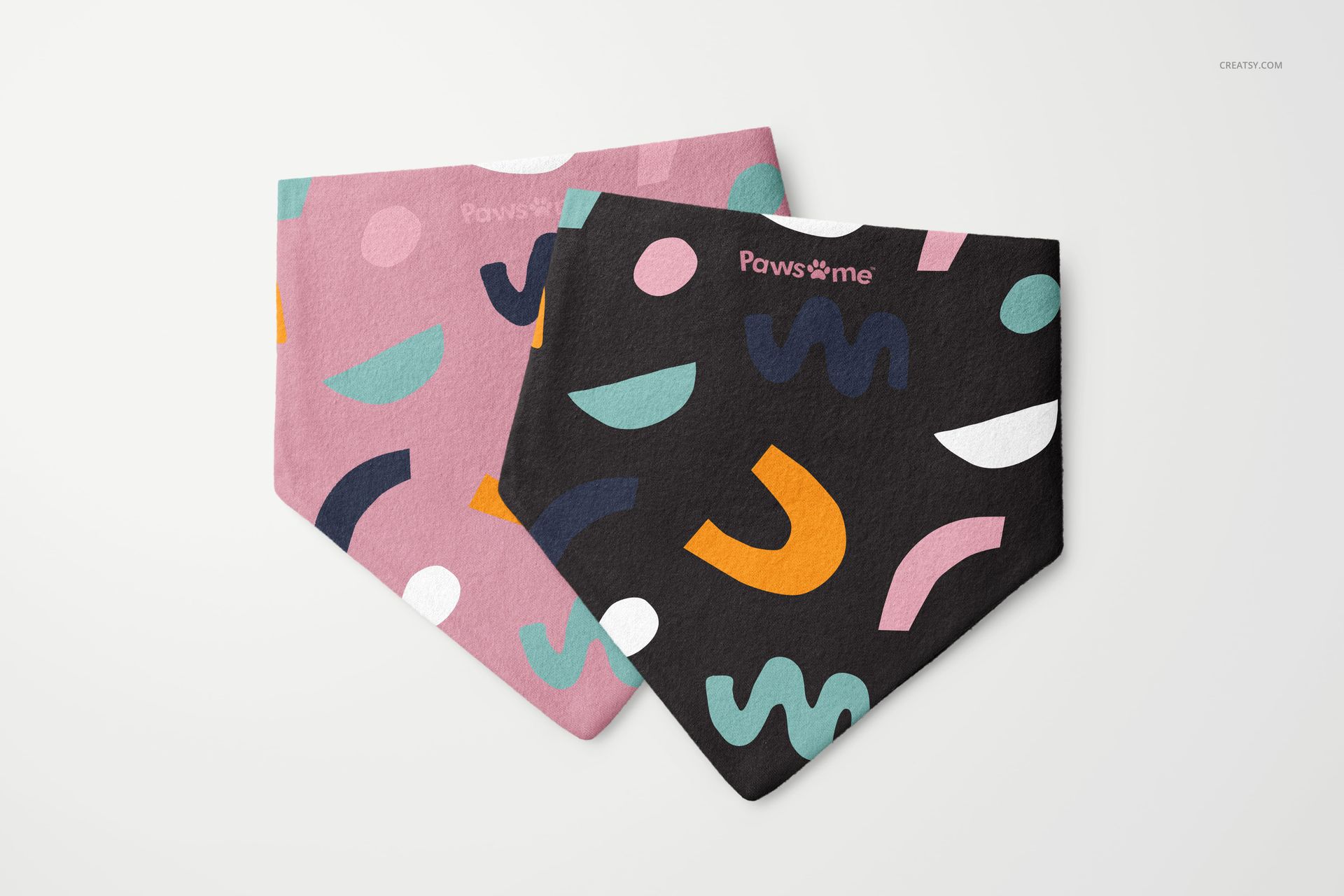
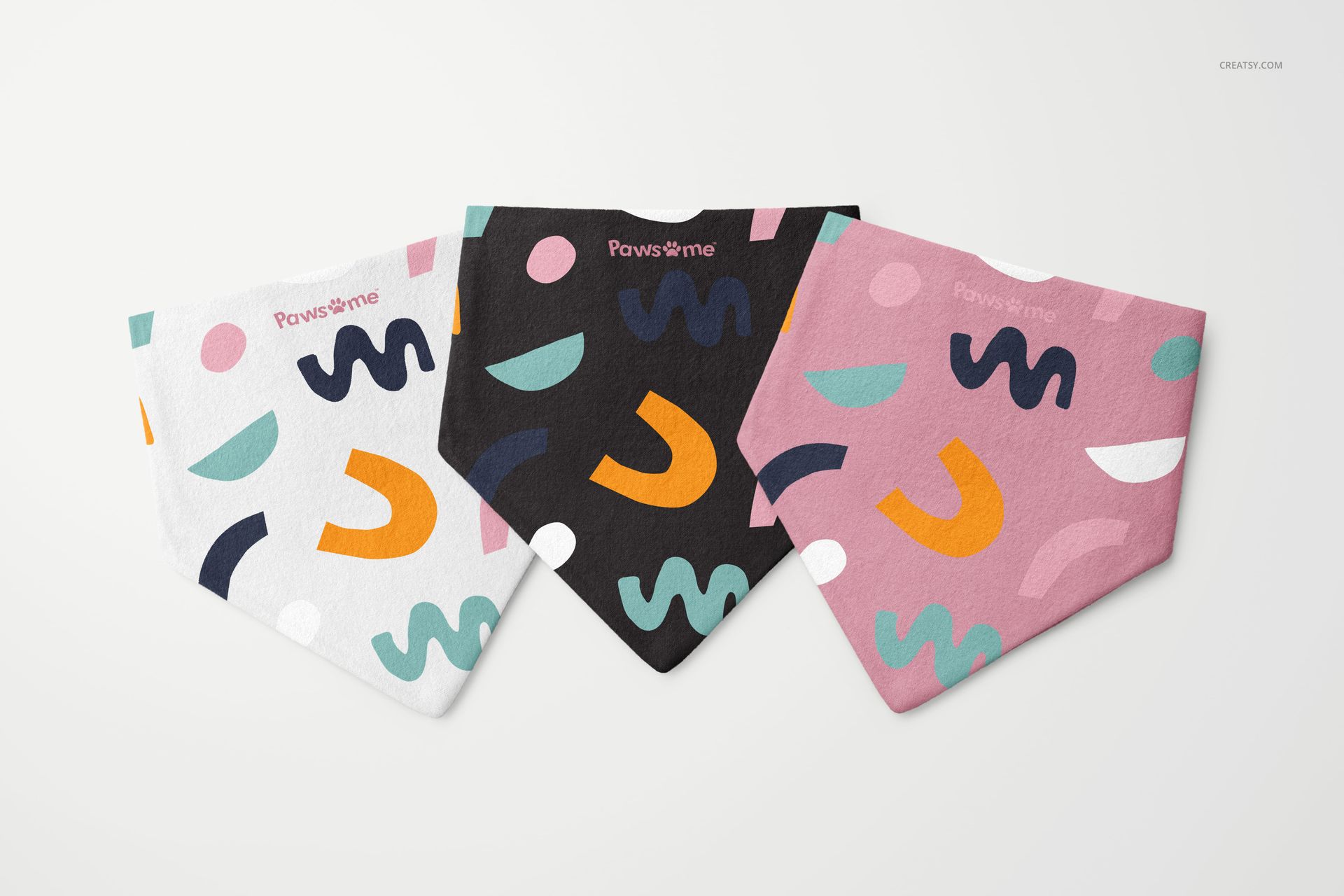
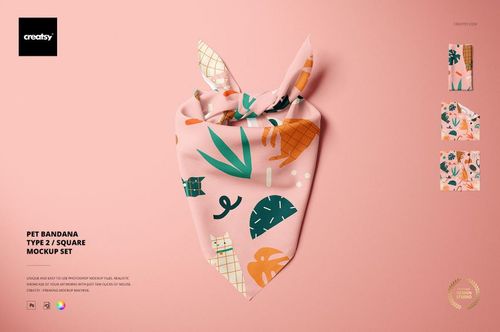
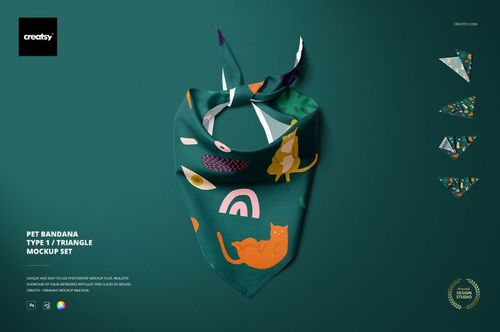
Turn one pet textile concept into a complete presentation with six complementary PSD scenes. The set shows a flannel scrunchie bandana in single, close-up, paired, stacked and three-item arrangements, including one scene with a ball prop. Together, the views help you judge pattern scale, placement and color consistency across smooth and gathered areas of the fabric.
Six Scenes from Detail to Collection
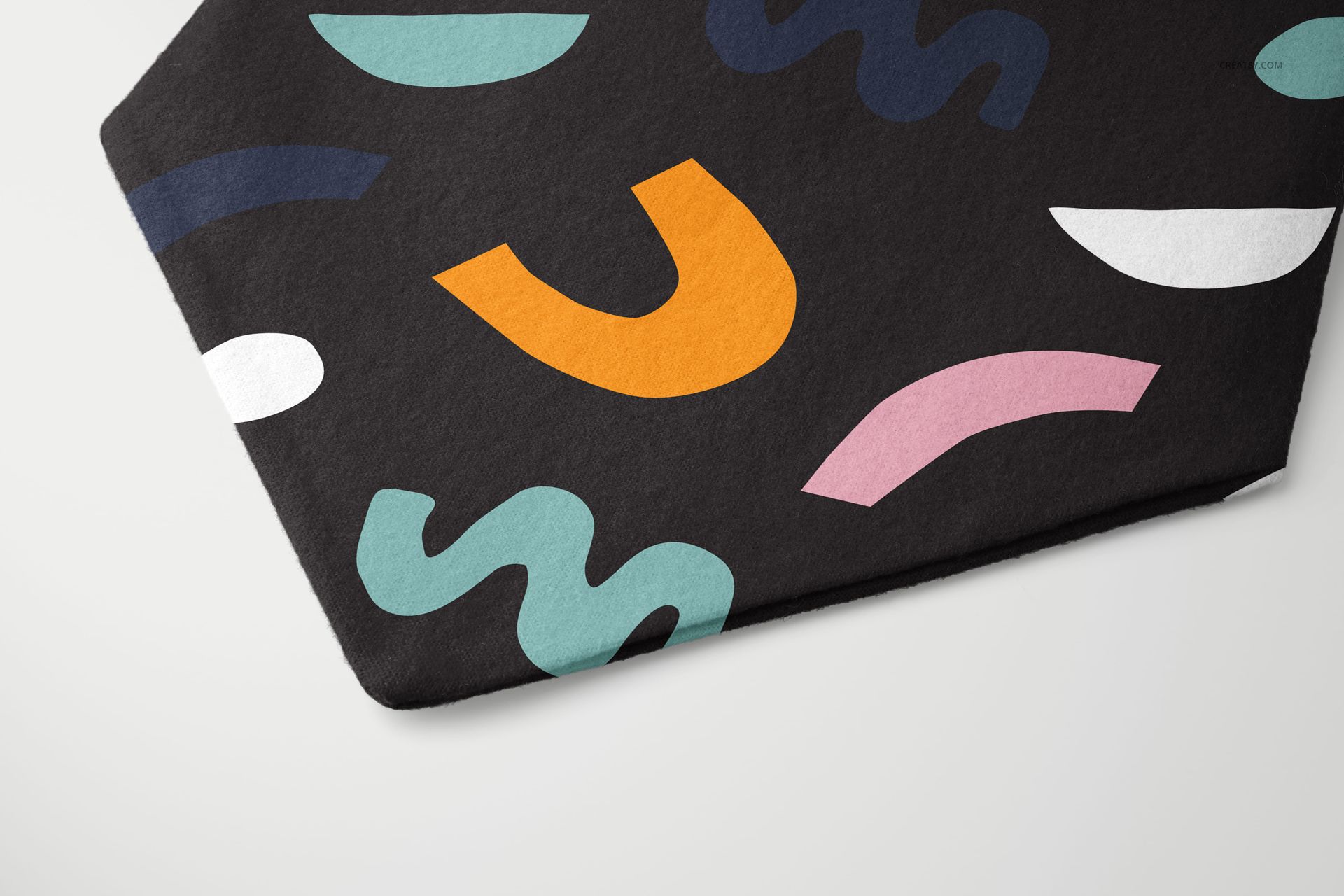
Use the material close-up to inspect small motifs and print texture, then move to paired and grouped compositions to present a coordinated range. Because the scenes vary in scale and arrangement, each gallery image can answer a different customer question instead of repeating the same product view.
What Is Included
6 editable, layered PSD mockup files
6 JPG reference previews
12 files in total
Landscape-format scenes at 300 DPI
Standard PSD files with no PSB
Single, close-up, paired, stacked, grouped and ball-prop compositions
Fabric and Scene Controls
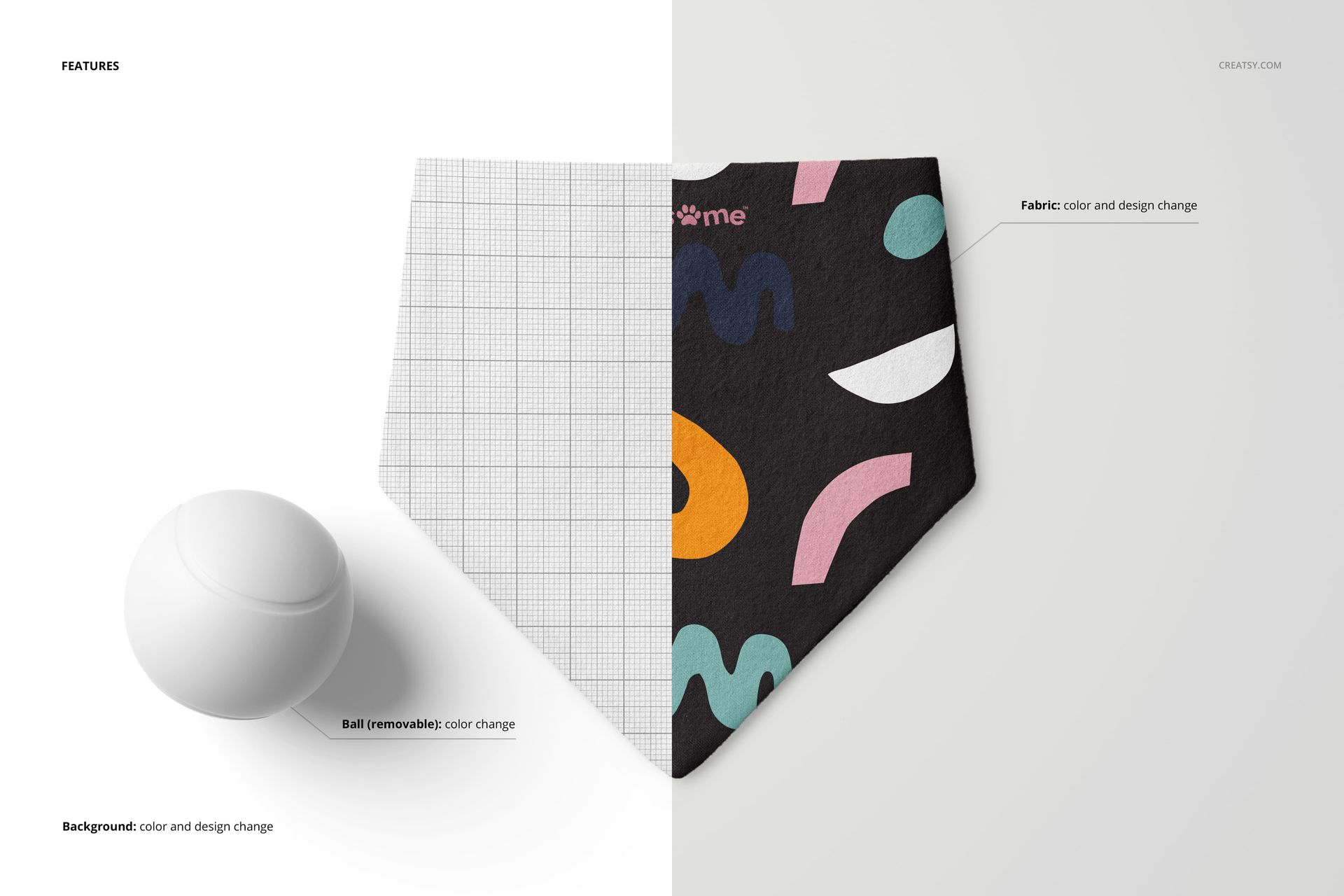
Change the flannel fabric color and design
Recolor or remove the ball in its scene
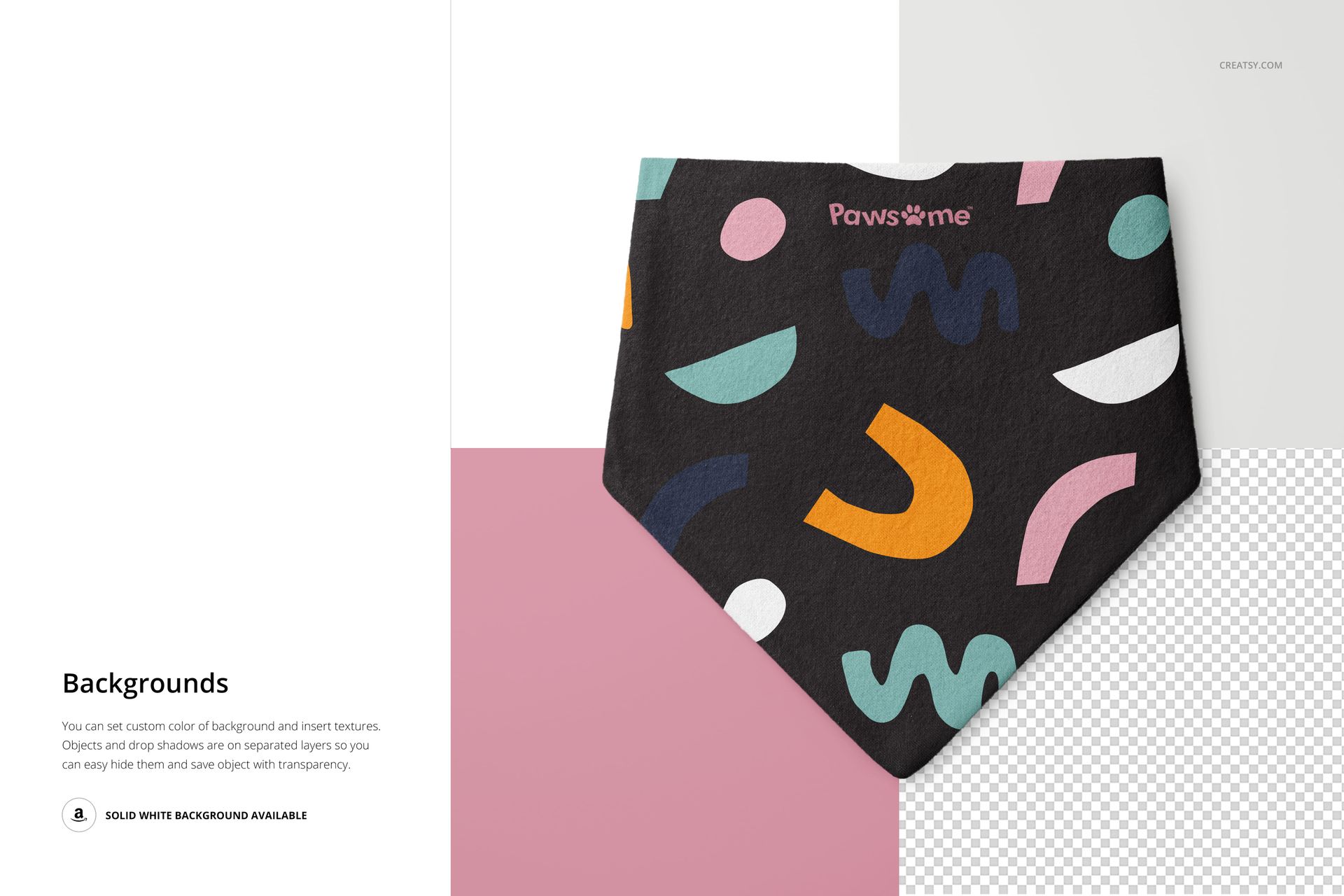
Change the background color and design
Add a custom background texture
Use the supplied solid white background
Hide separate objects and drop shadows for a transparent export
Easy Smart Object Editing
Place artwork through Smart Objects while the layered files preserve the fabric character, folds and shadows. Organized layers make it practical to prepare several colorways, alternate backgrounds and clean product cutouts without rebuilding the scene.
Designed for Collection Decisions
Compare a hero print with supporting colorways, check how directional artwork behaves near the pointed edge and gathered top, and use the group scenes to show how several variants belong to one pet accessory collection.
Perfect For
Surface pattern designers developing pet accessories
Dog boutiques and independent pet brands
Illustrators and branding studios preparing client presentations
Ecommerce teams building coordinated product galleries
Seasonal colorway and collection reviews
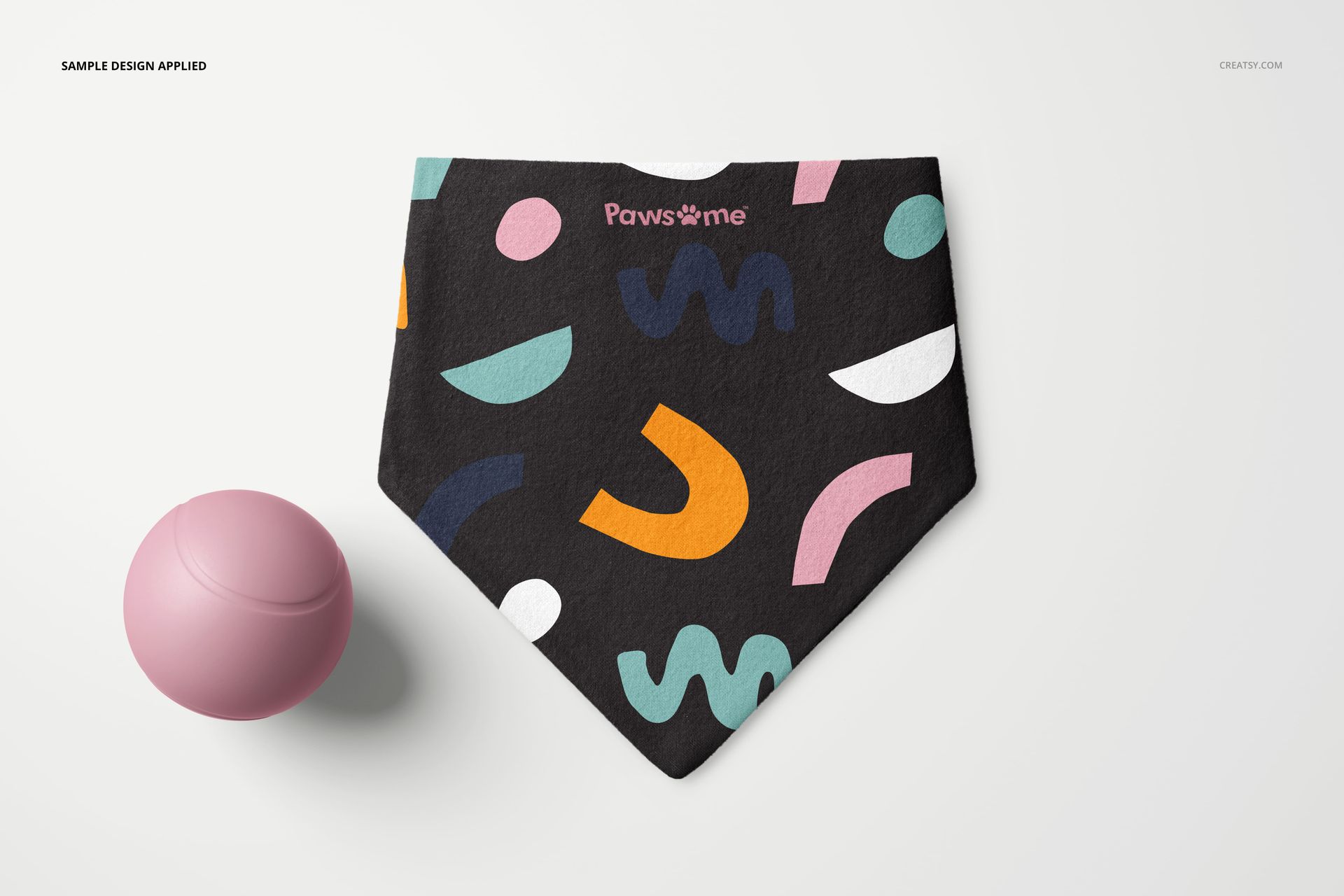
This is a digital mockup product. The sample artwork shown in the previews is for presentation only and is not included.