Pet Bowl Mockup Set
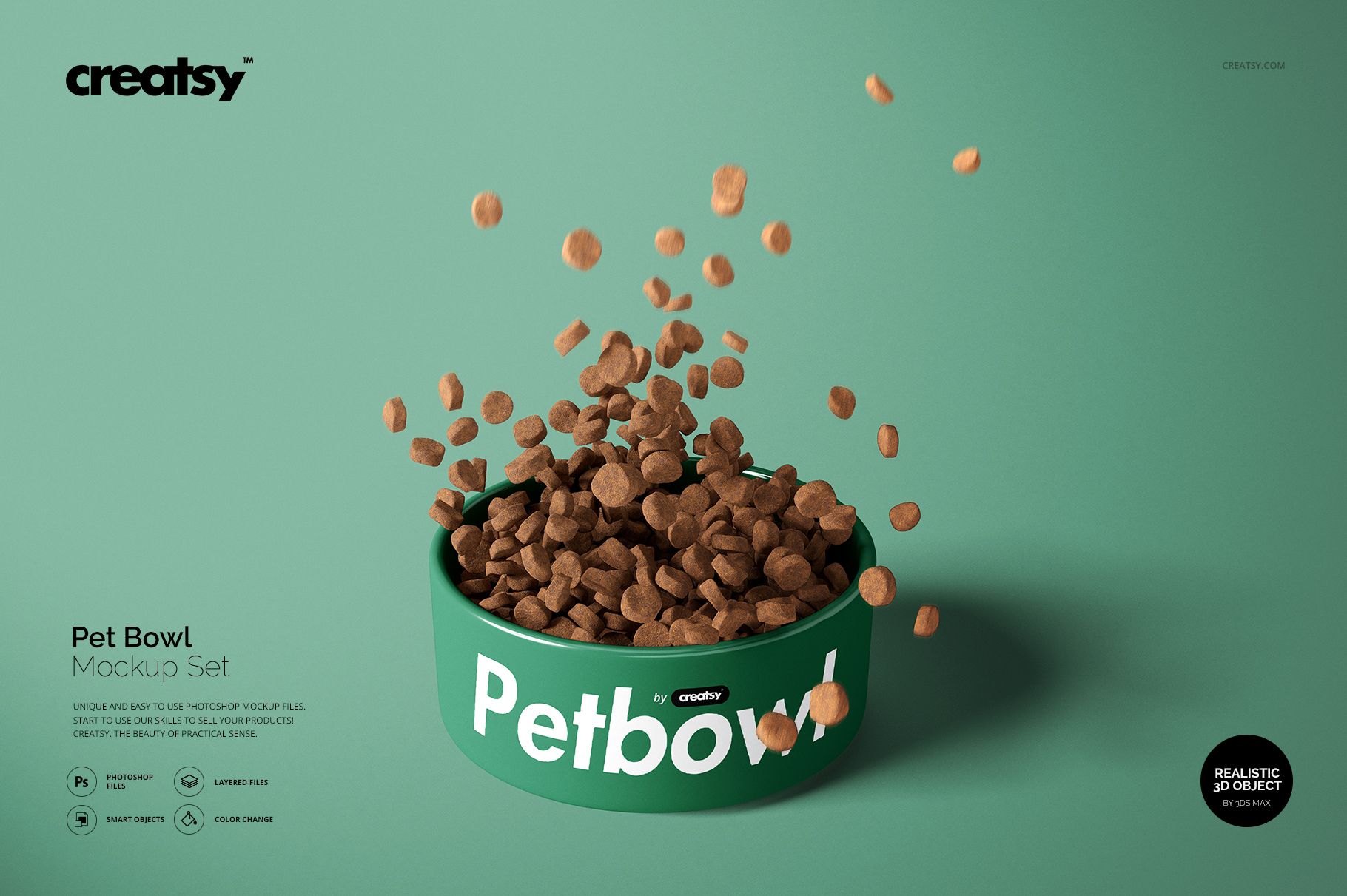
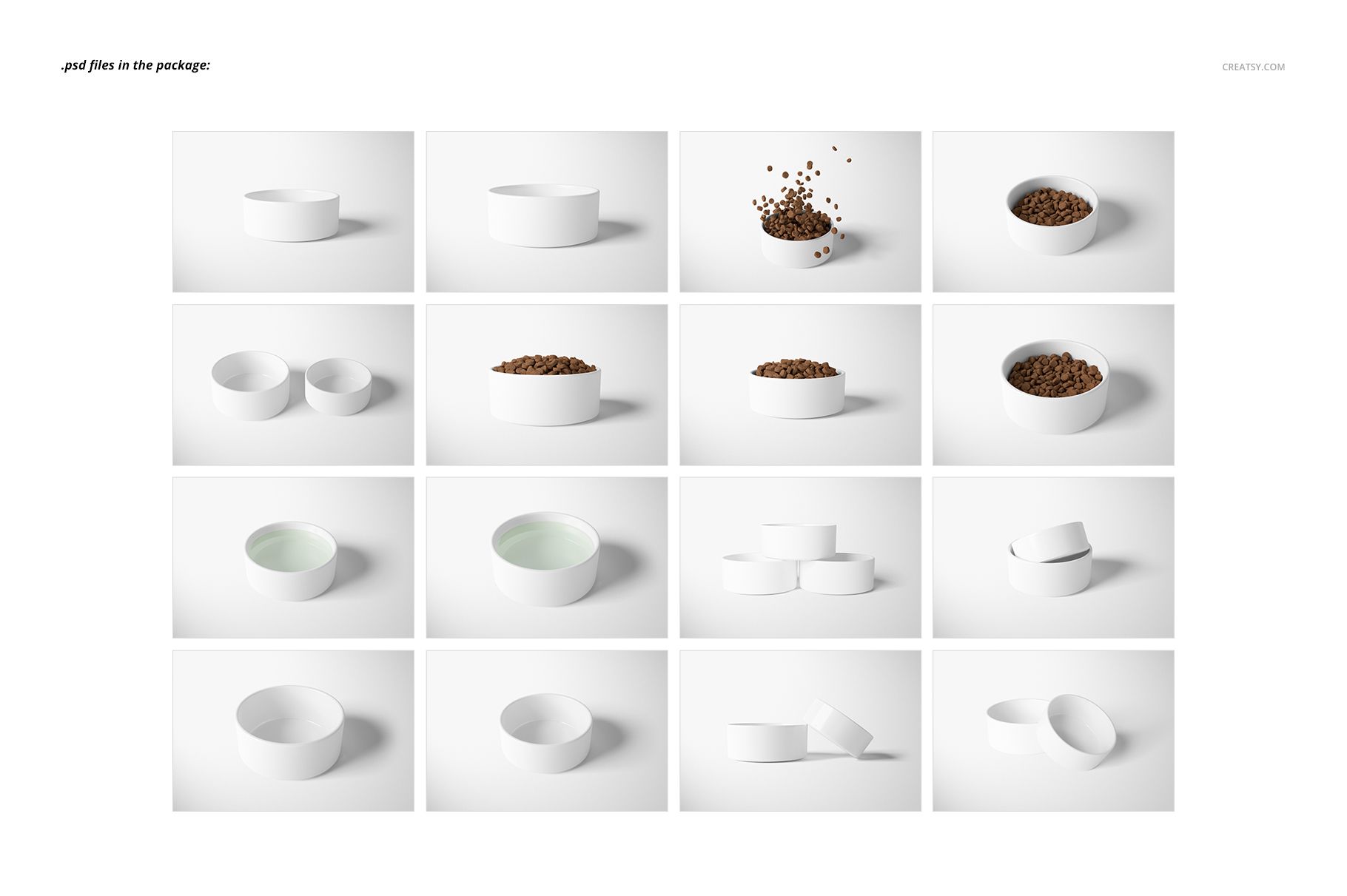
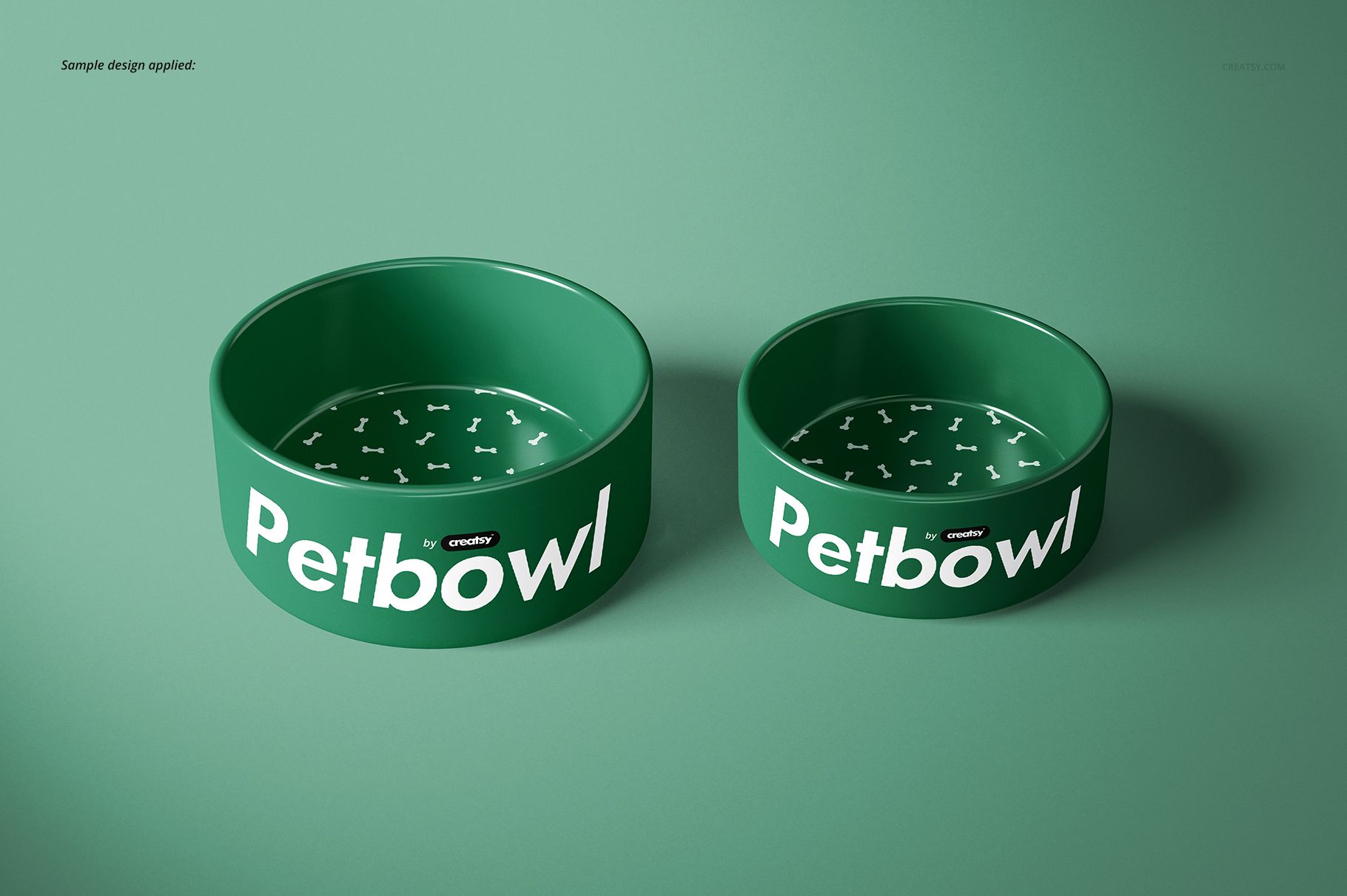
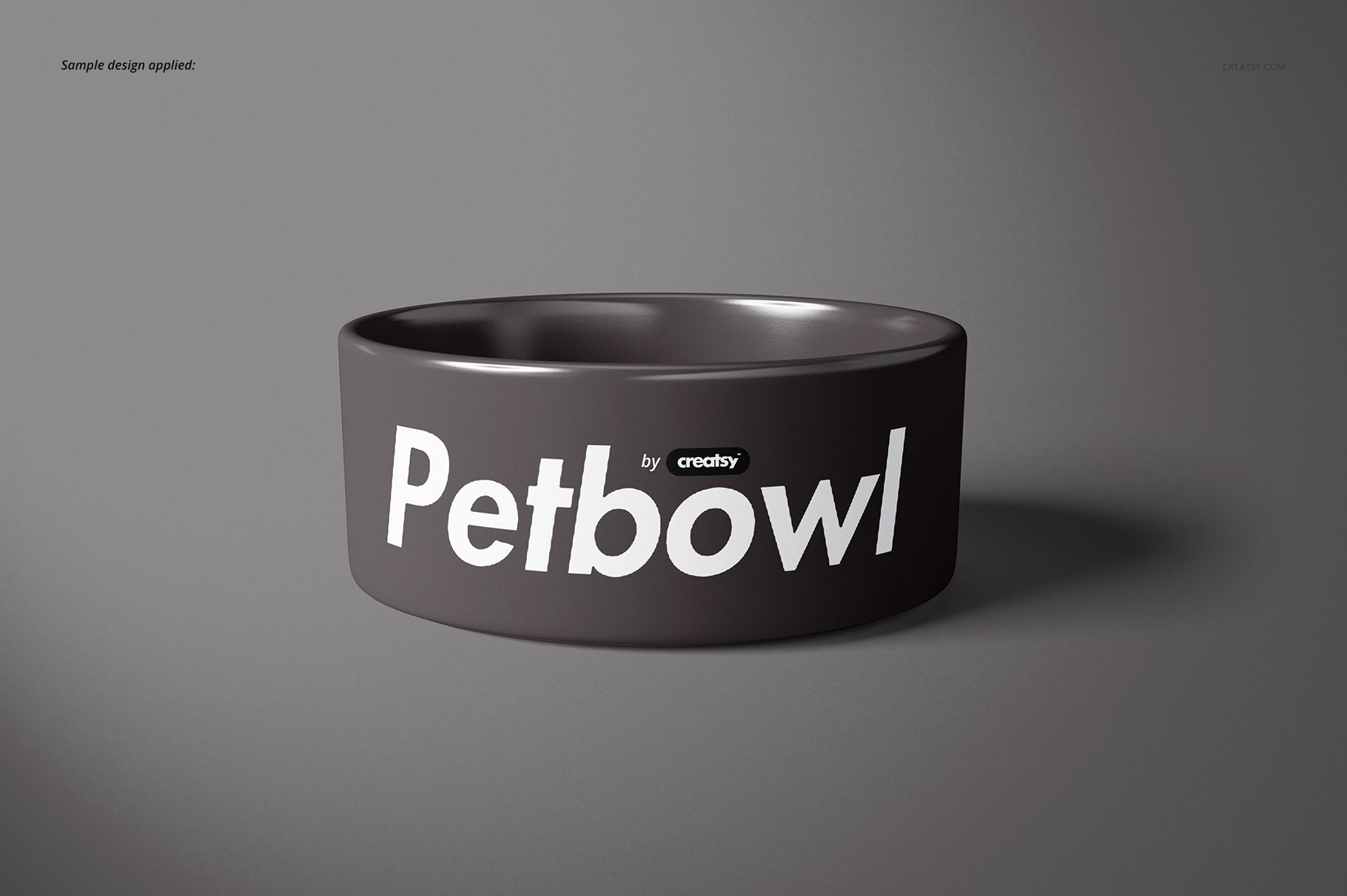
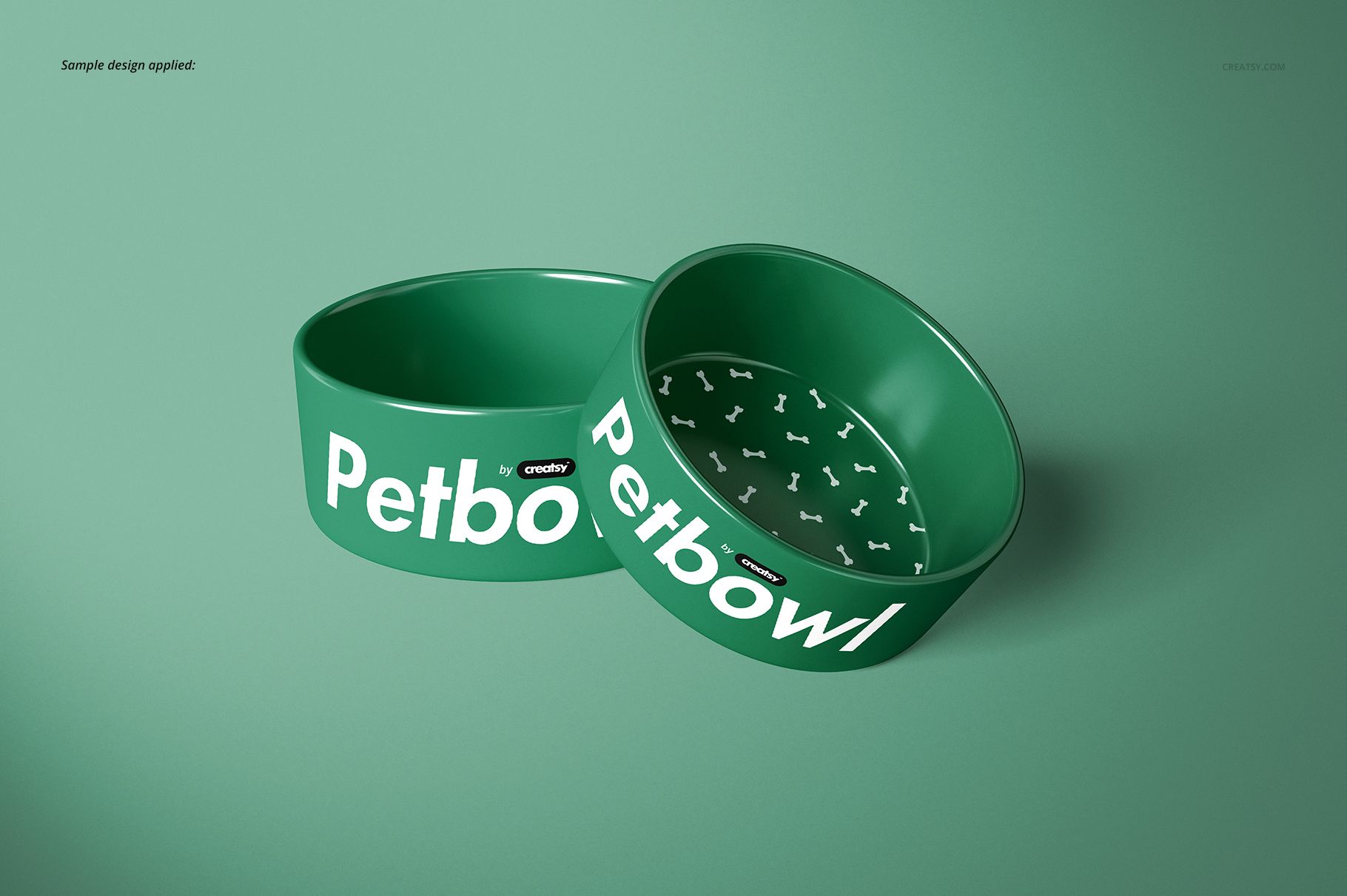
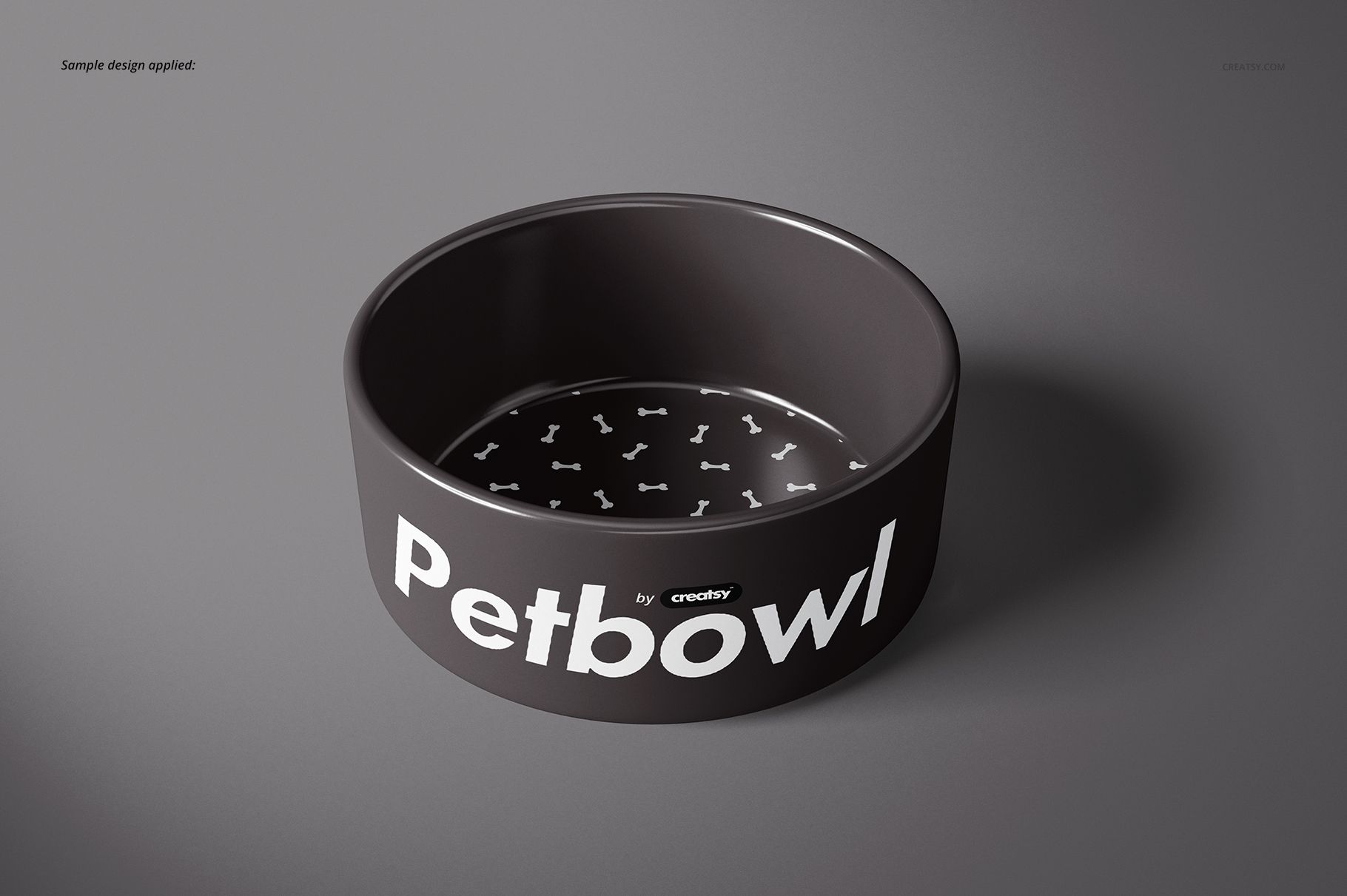
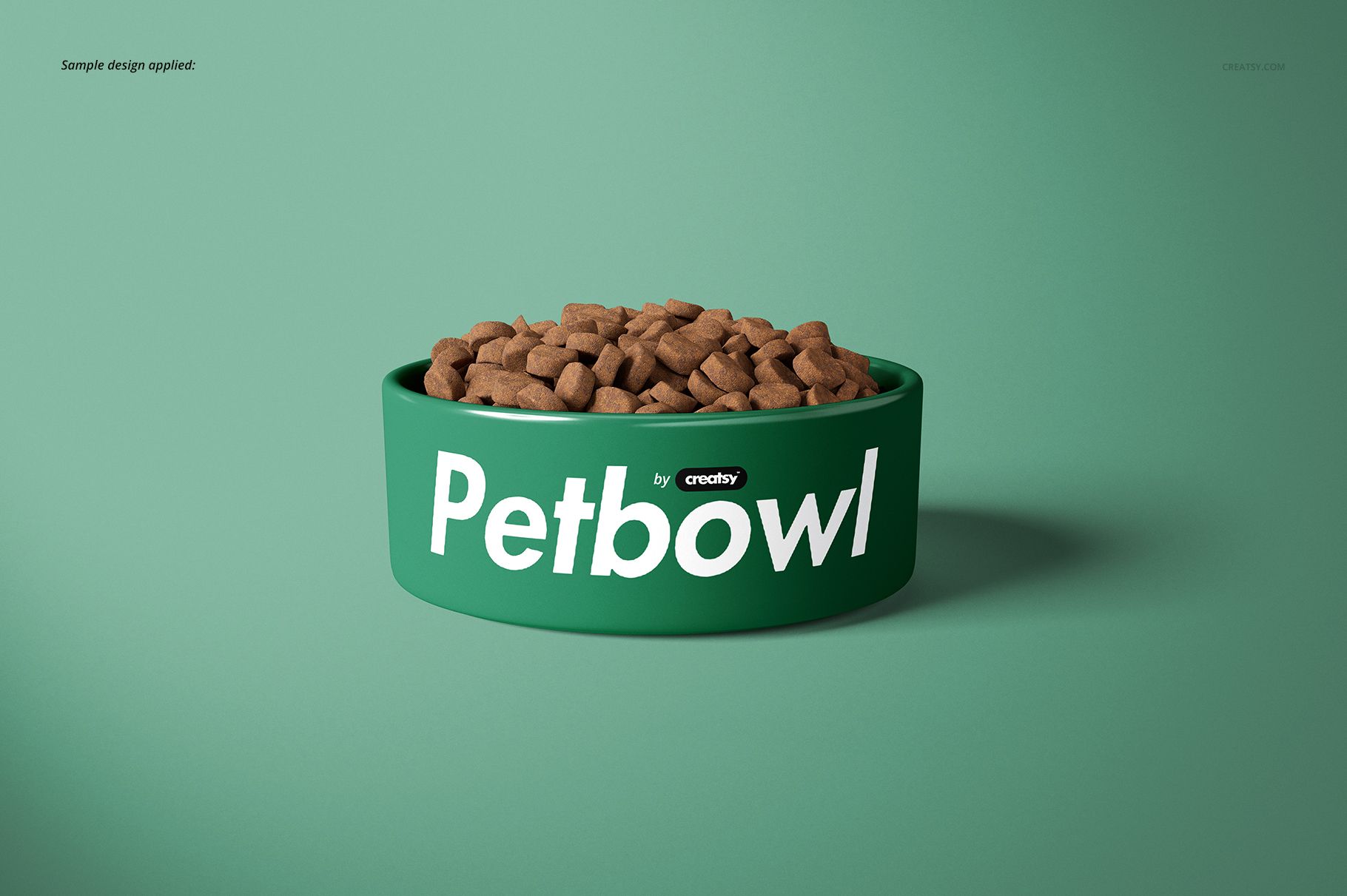
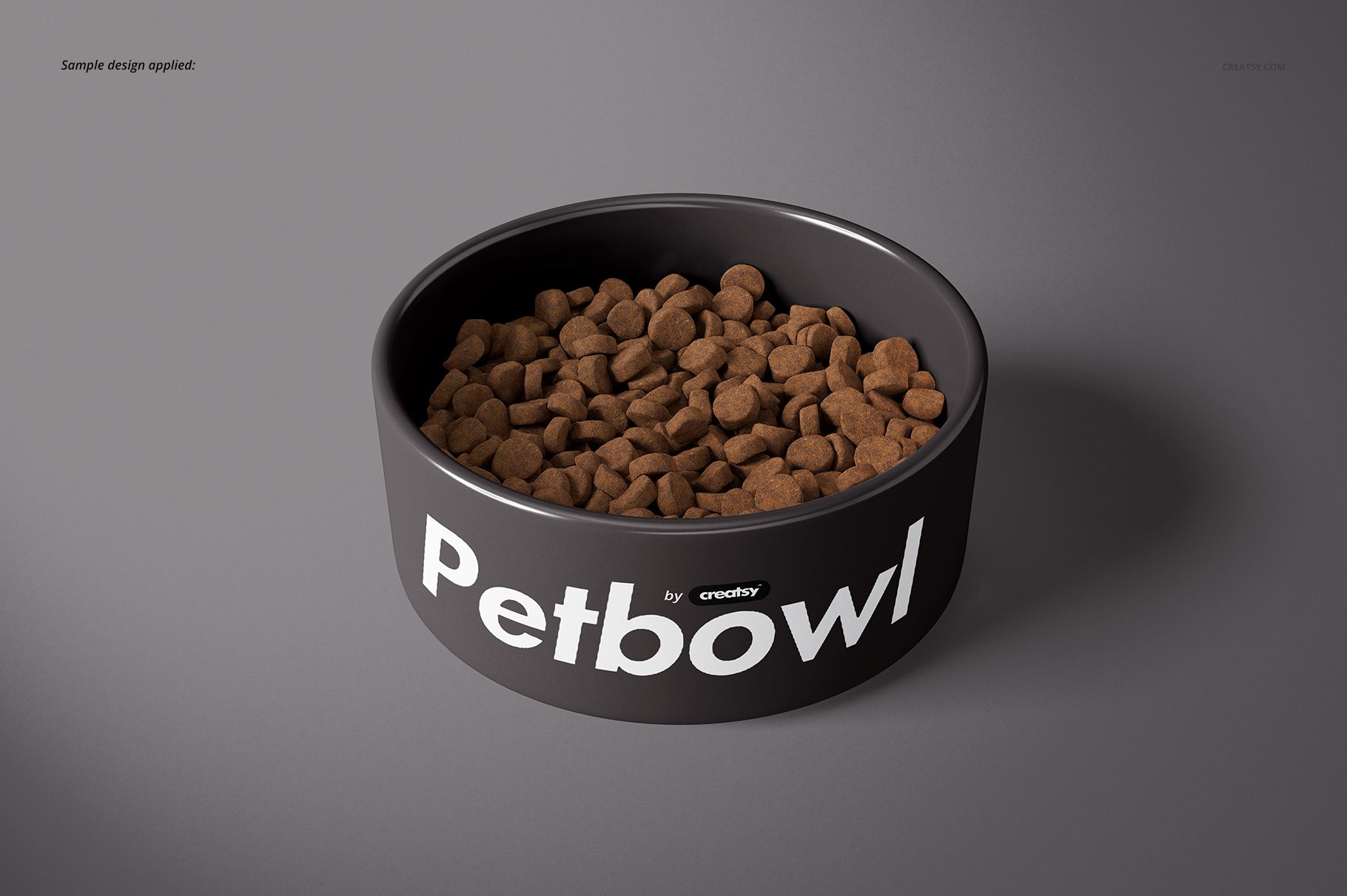
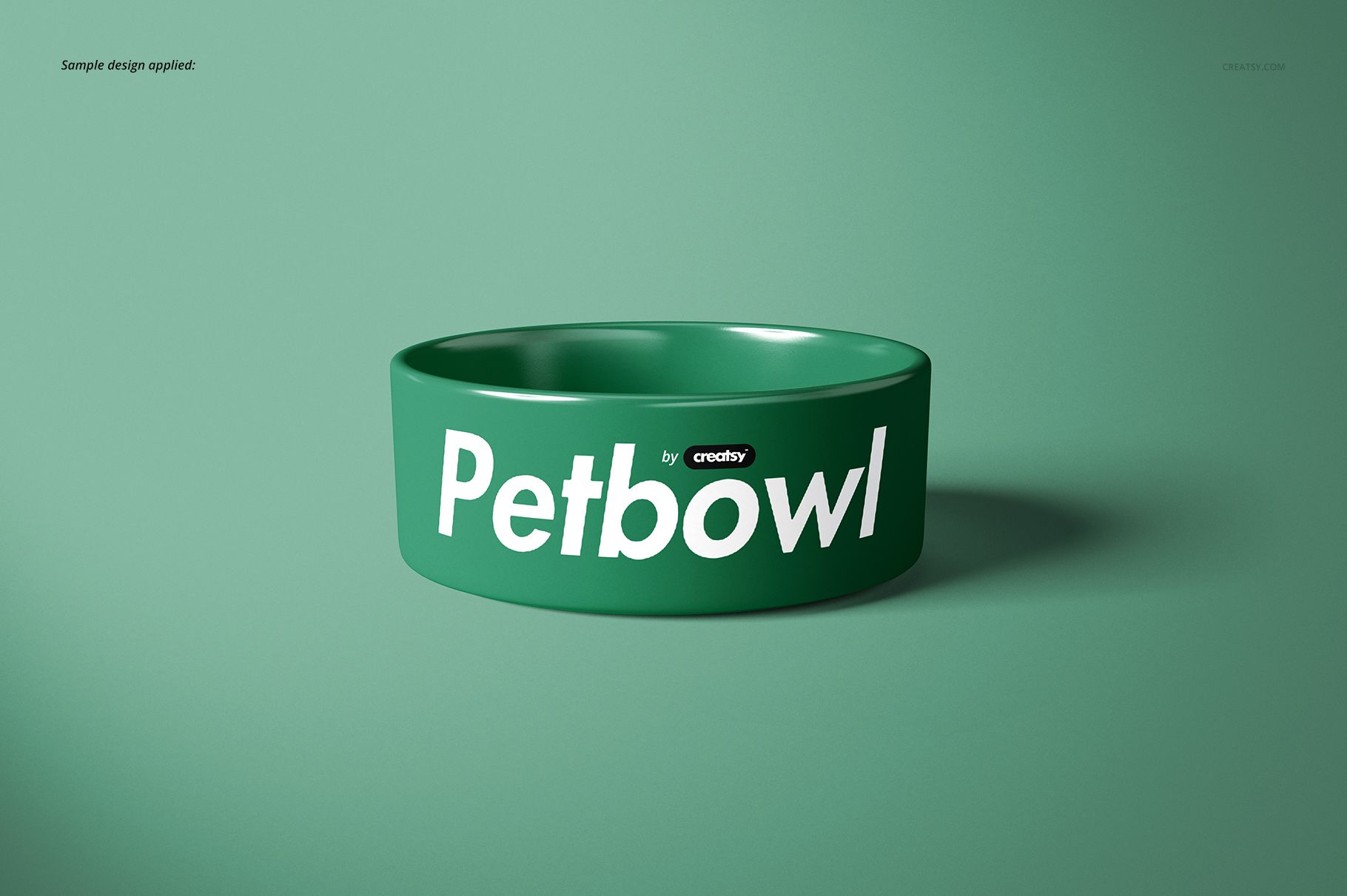
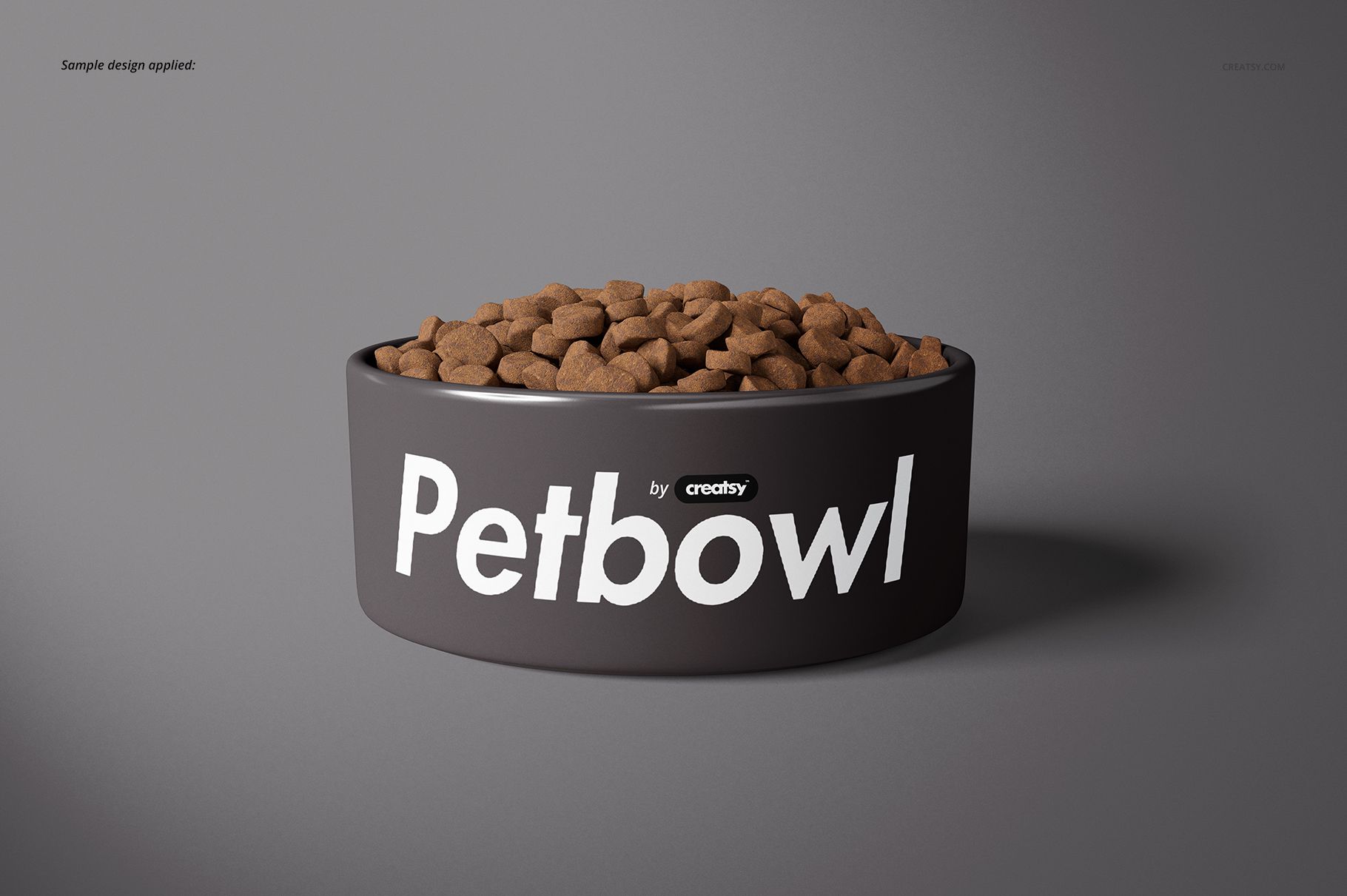
Turn pet bowl branding, surface patterns and personalized artwork into a varied product presentation with 16 layered PSD scenes. Two bowl sizes and a mix of empty, food-filled, water-filled, paired, stacked and tilted compositions help you build a cohesive marketplace gallery, client proof or portfolio case study without arranging a physical photo shoot.
What Is Included
16 layered PSD mockup scenes
16 matching JPG scene previews plus 1 JPG guide, 33 files in total
Size 1: 2.375 x 6.0 x 6.0 inches
Size 2: 3.0 x 7.0 x 7.0 inches
High-resolution files at 300 DPI
Adobe Photoshop CC2015 or newer
Photopea compatibility confirmed on the public product page
A Scene Library Built for Comparison
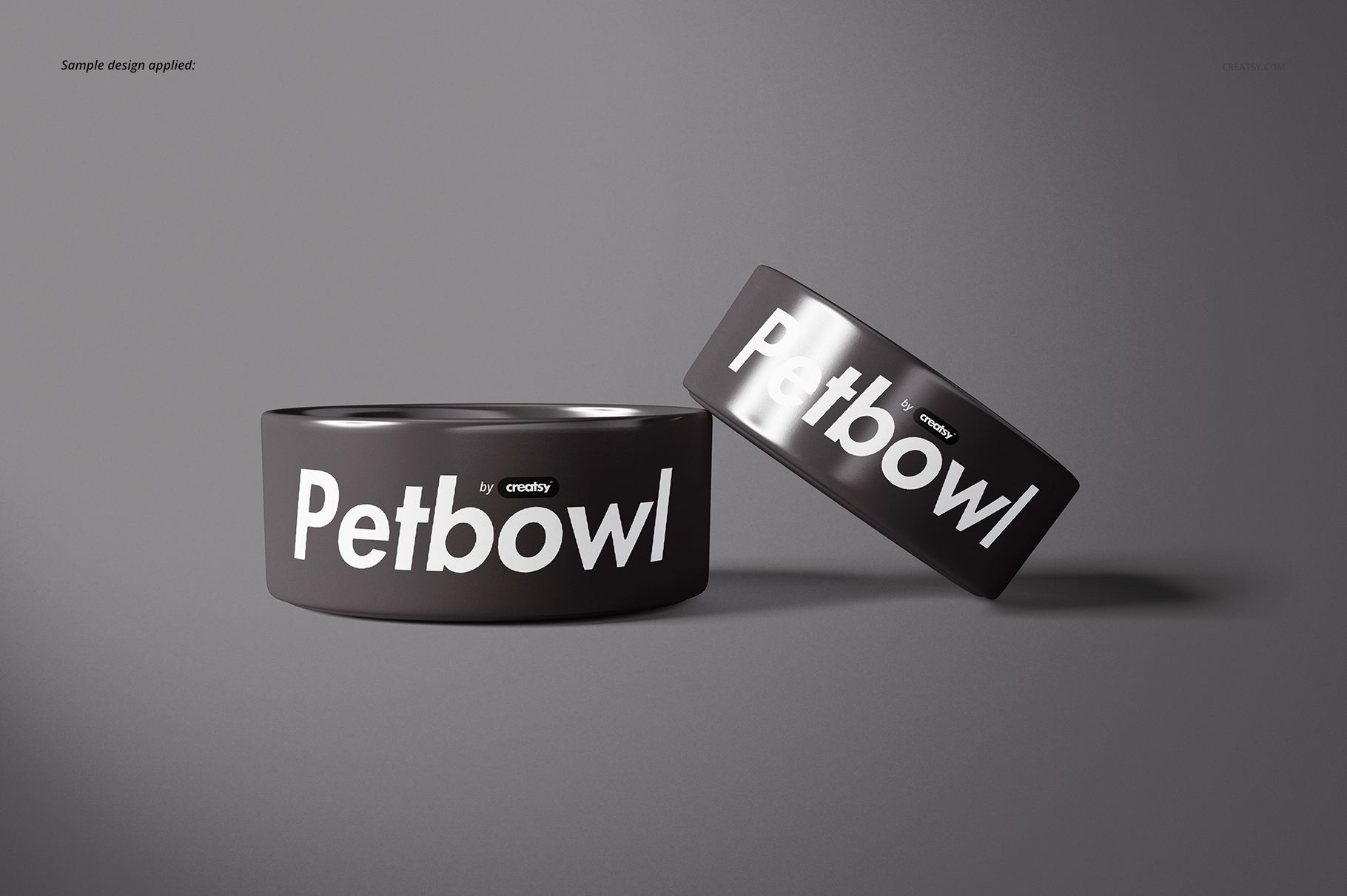
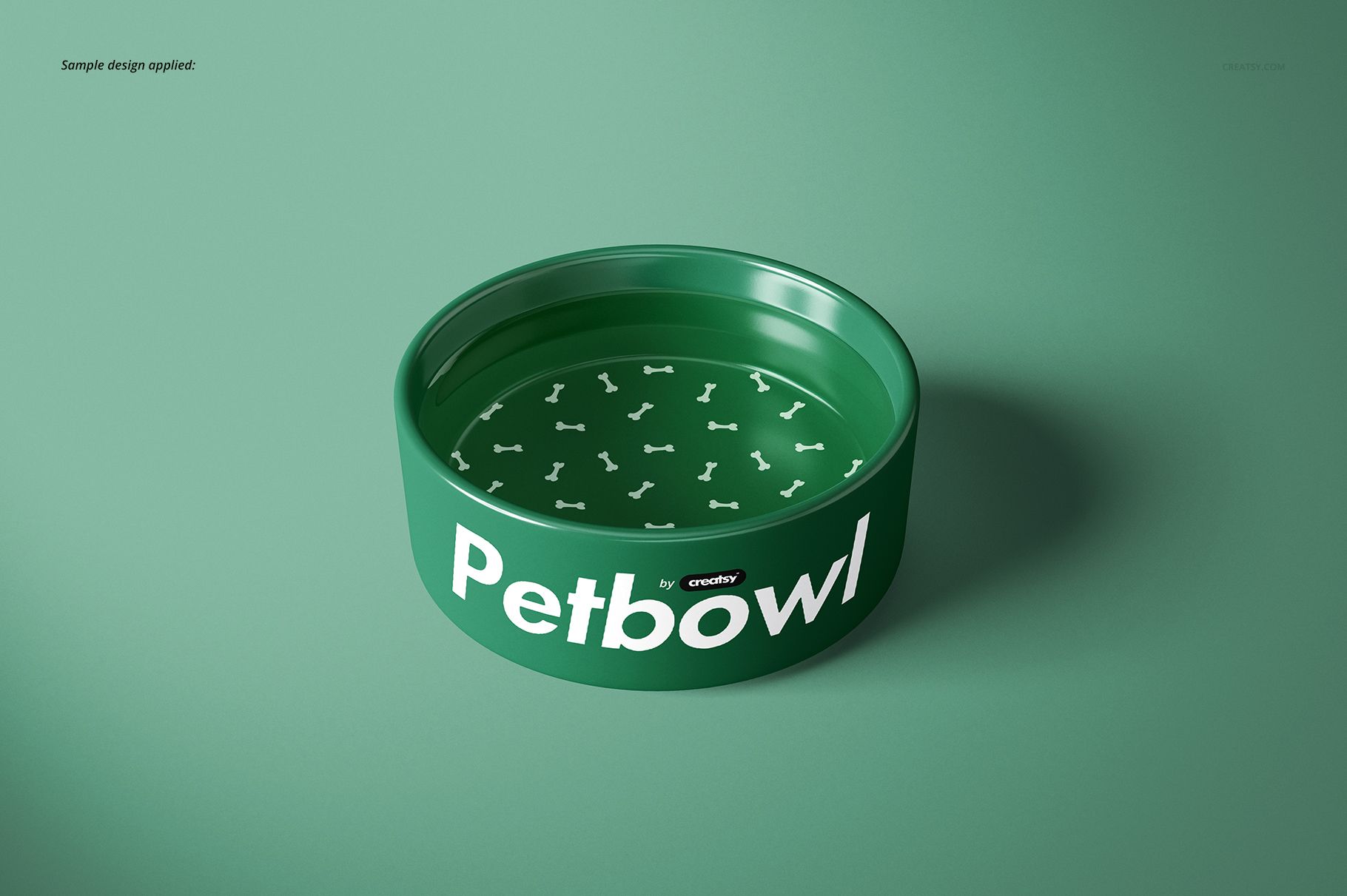
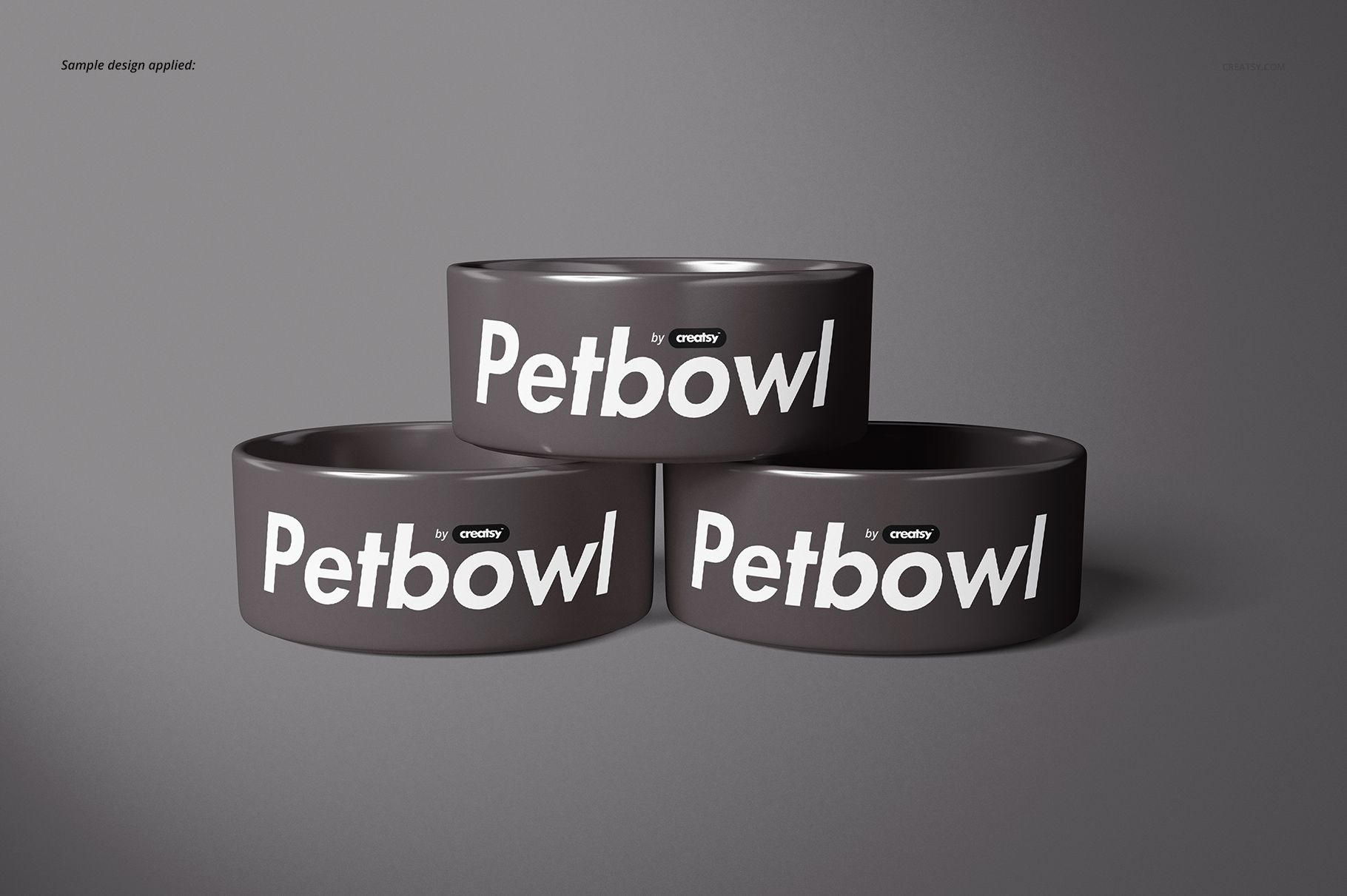
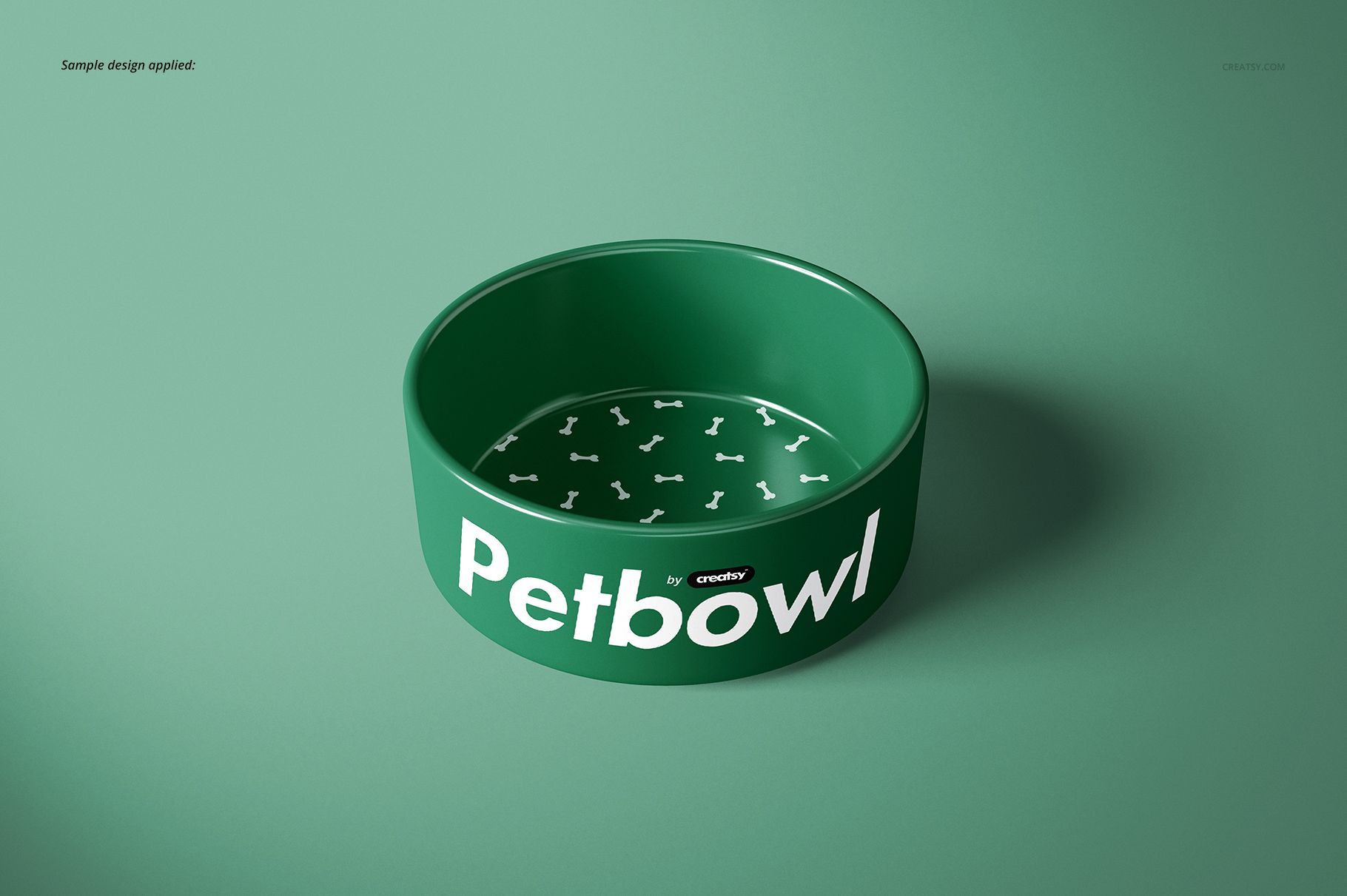
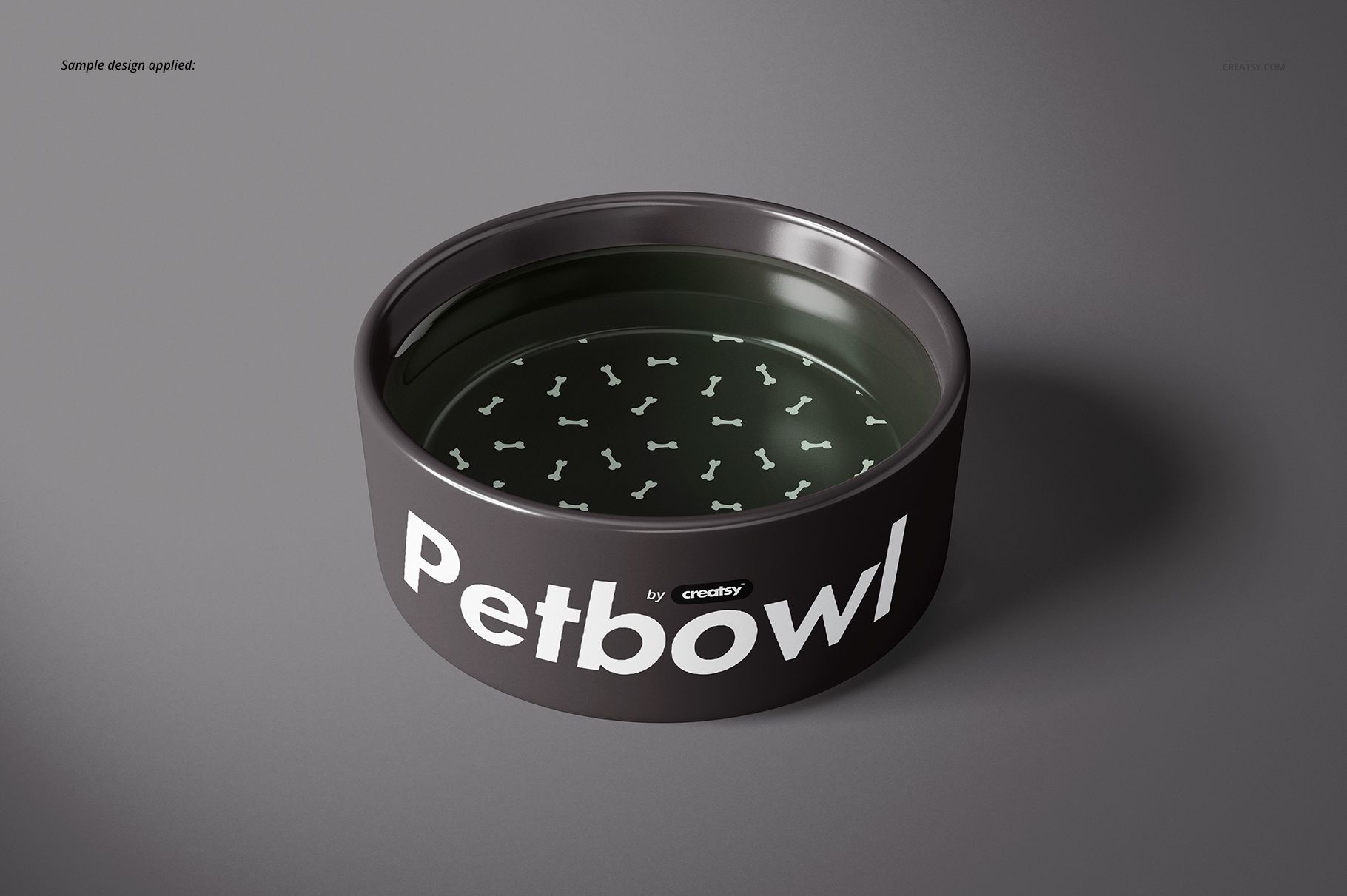
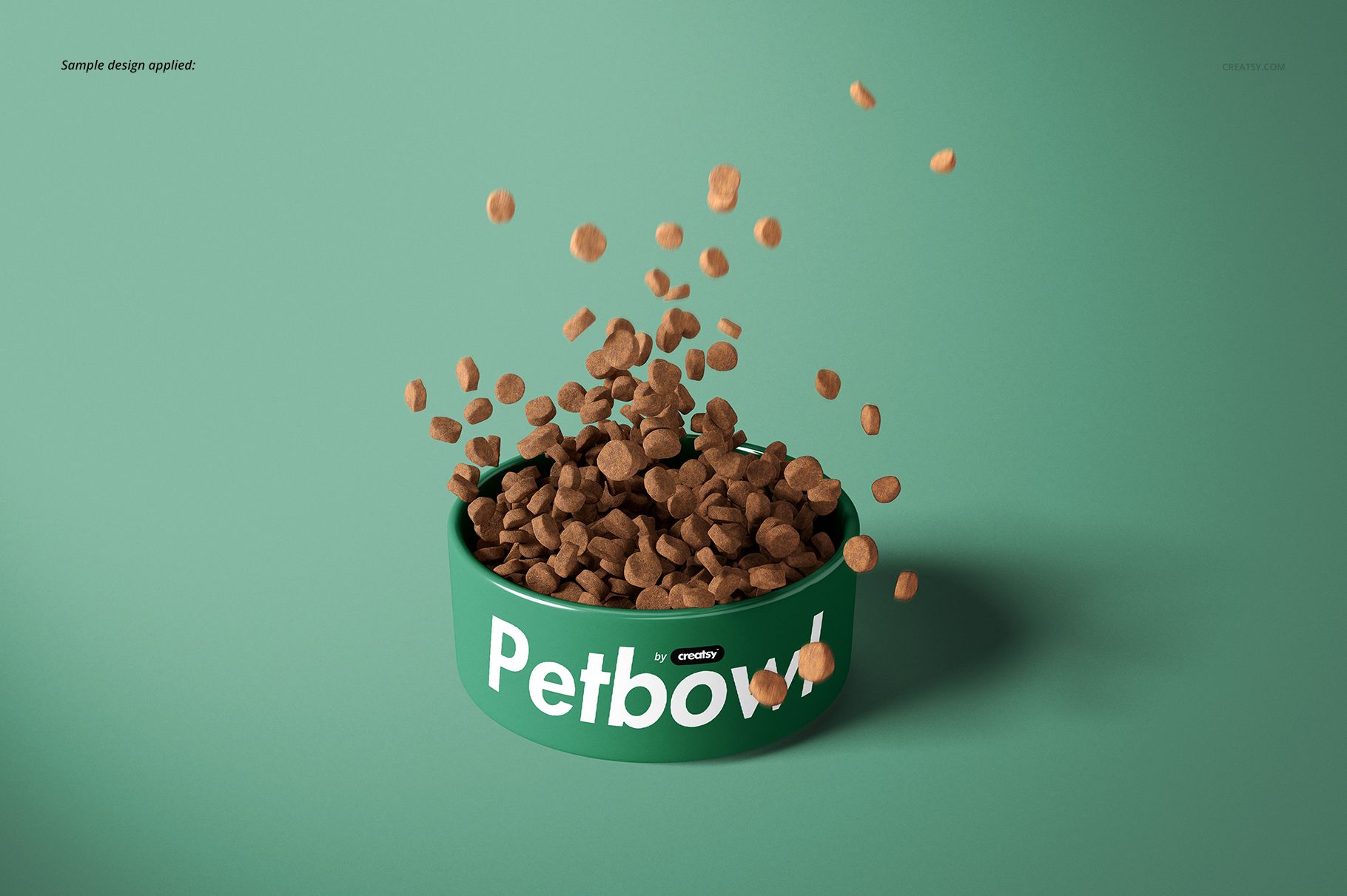
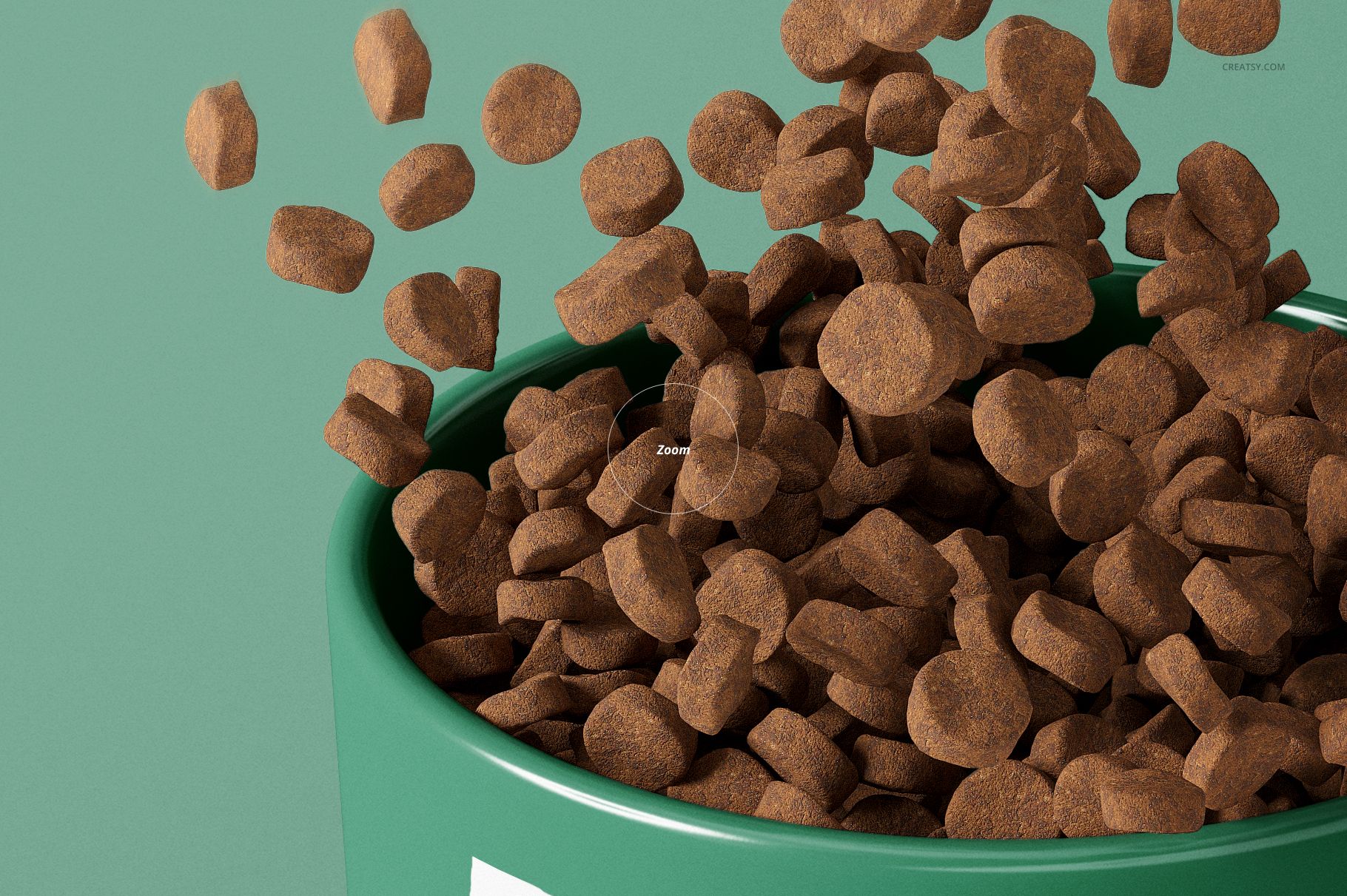
Use clean single-bowl views to establish the design, front and top angles to explain placement around the curved form, and paired or stacked scenes to present coordinated colorways. Empty, kibble, falling-kibble and water compositions add practical context while keeping the bowl design easy to evaluate.
Confirmed Editing Controls
Replace visible artwork through Smart Objects
Change the bowl color
Add a pattern, illustration, logo or personalized design
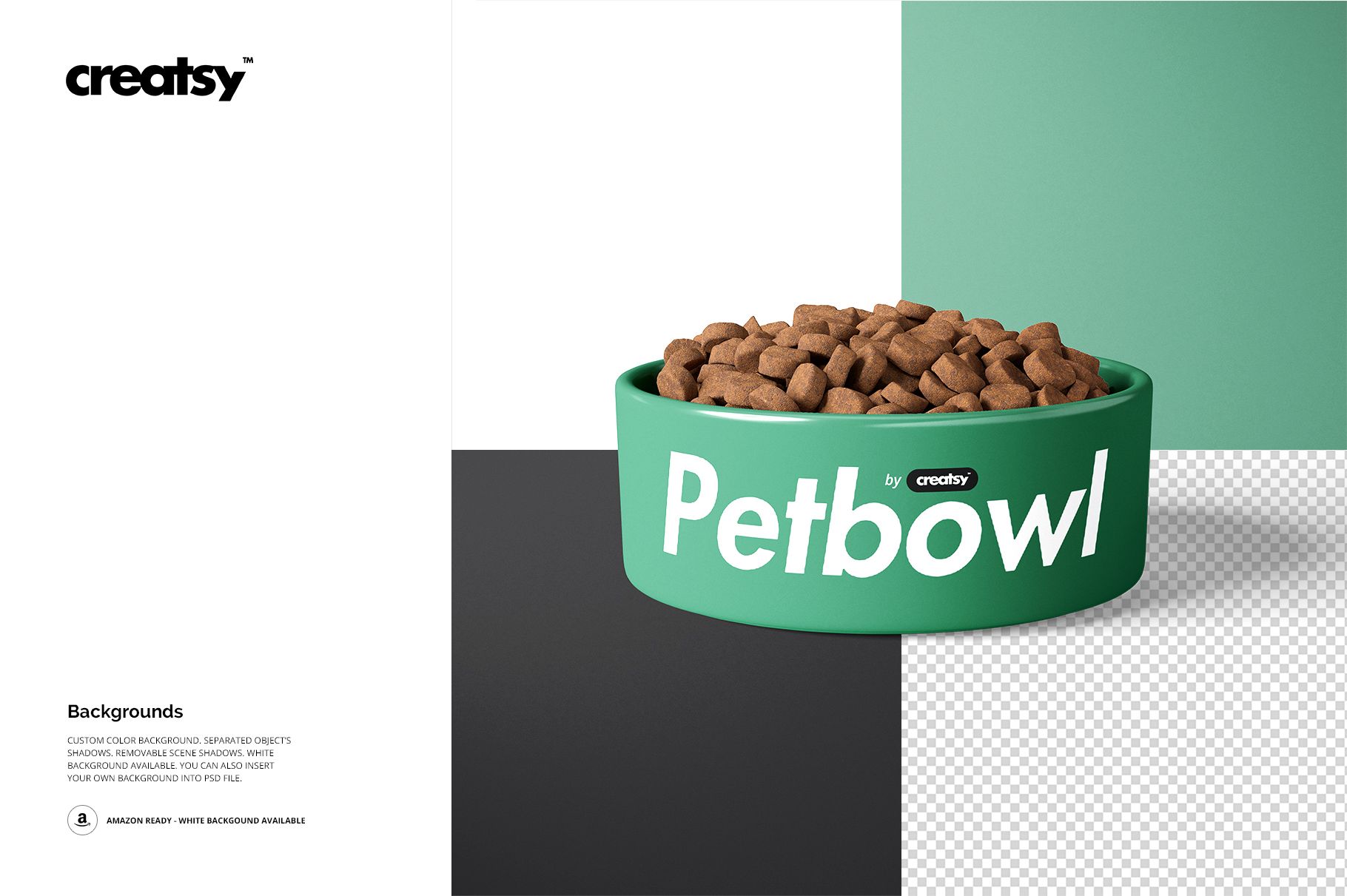
Set a custom background color or insert your own background design
Work with organized object and shadow layers
Why Curved Surface Views Matter
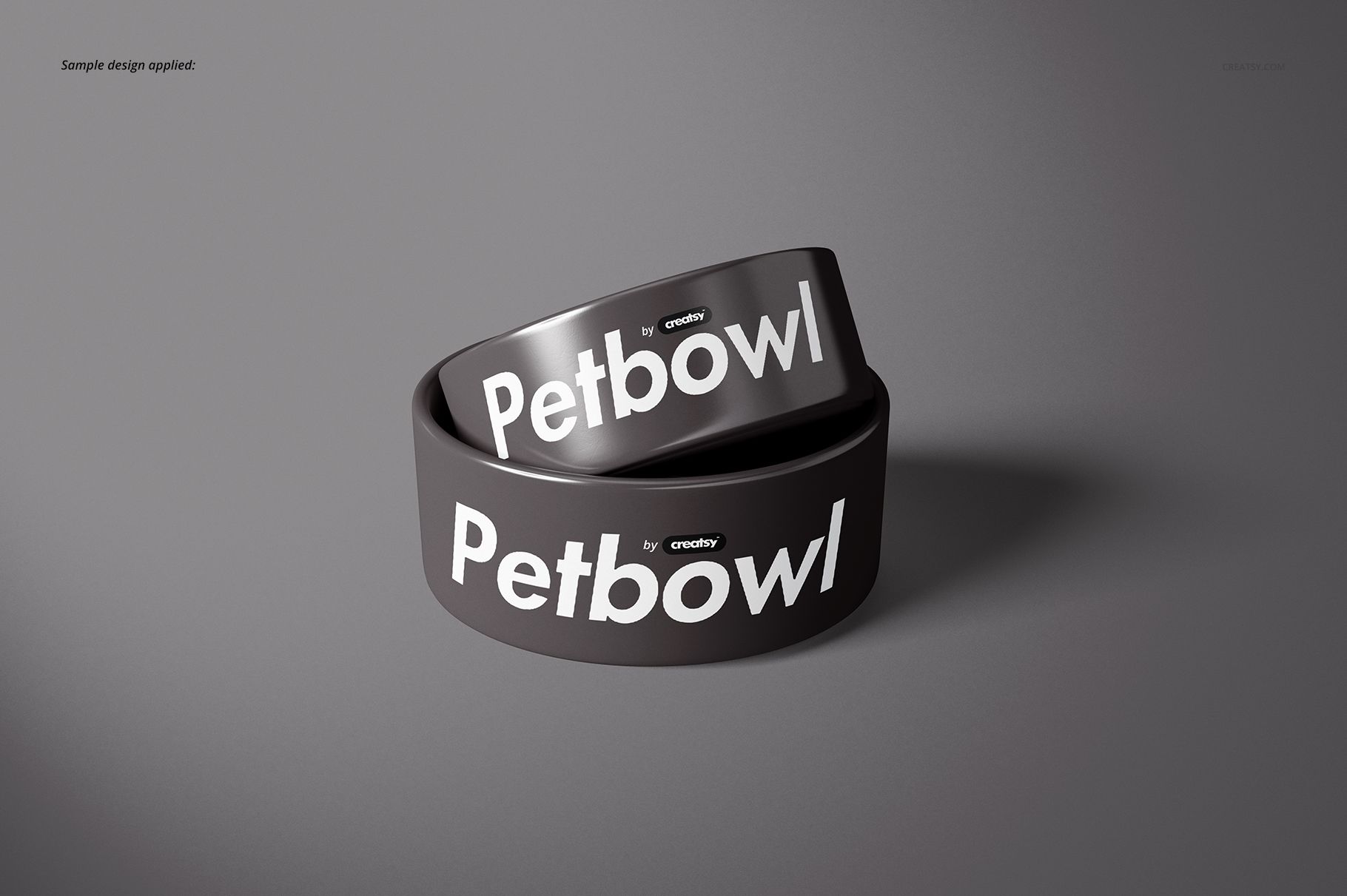
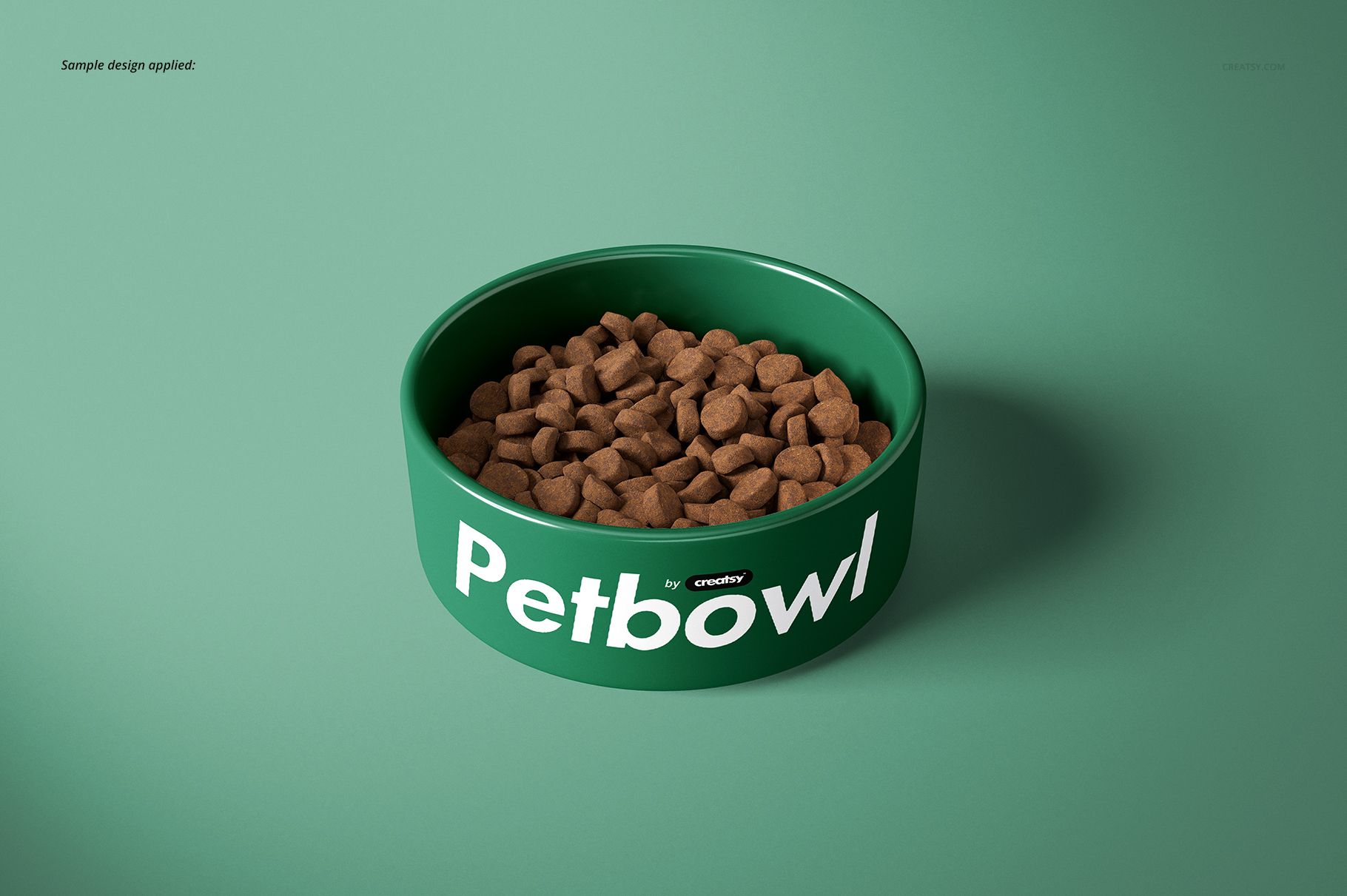
A flat artwork file cannot show how a logo, repeat or border behaves on a rounded bowl wall. Multiple perspectives make it easier to check legibility, motif scale and spacing before presenting a concept to a client or publishing a product listing.
Ideal For
Surface pattern and graphic designers
Pet accessory brands and independent makers
Personalized gift sellers
Ecommerce teams preparing product imagery
Designers creating client approval decks and portfolios
The patterns shown in the previews are not included. This is a digital mockup for adding your own artwork; no physical bowl is supplied.