Pet Pillow Mockup Set
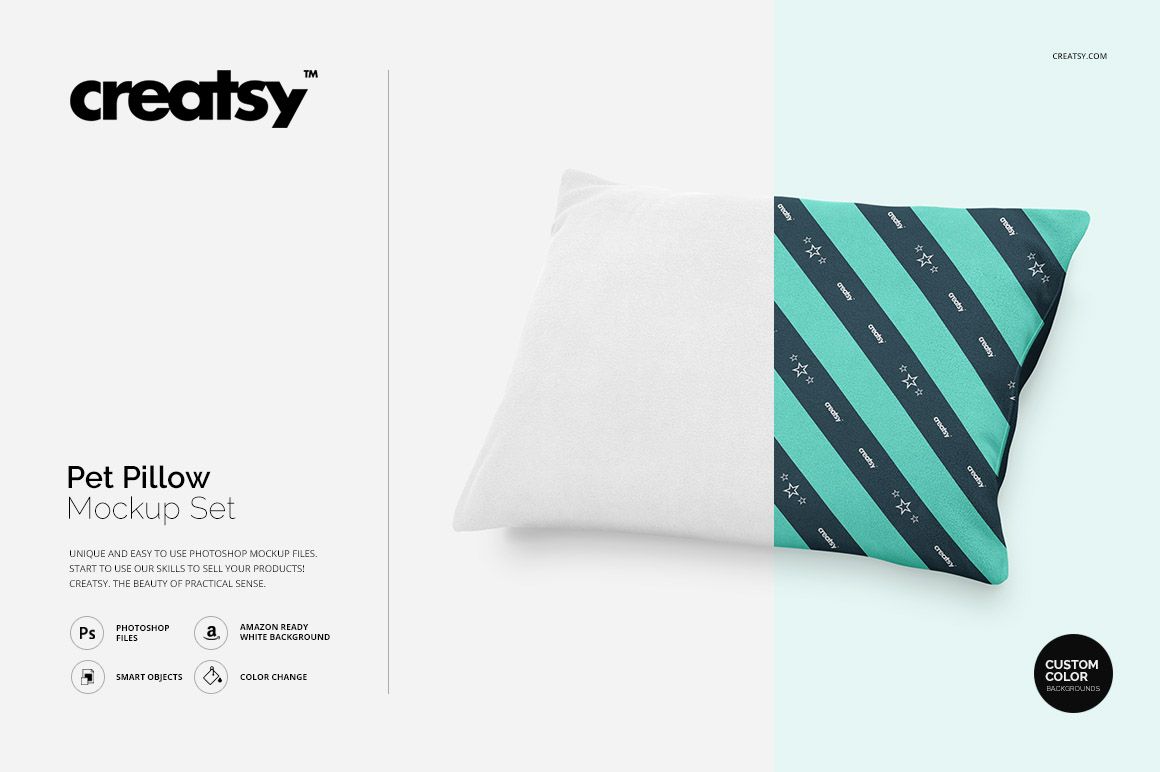
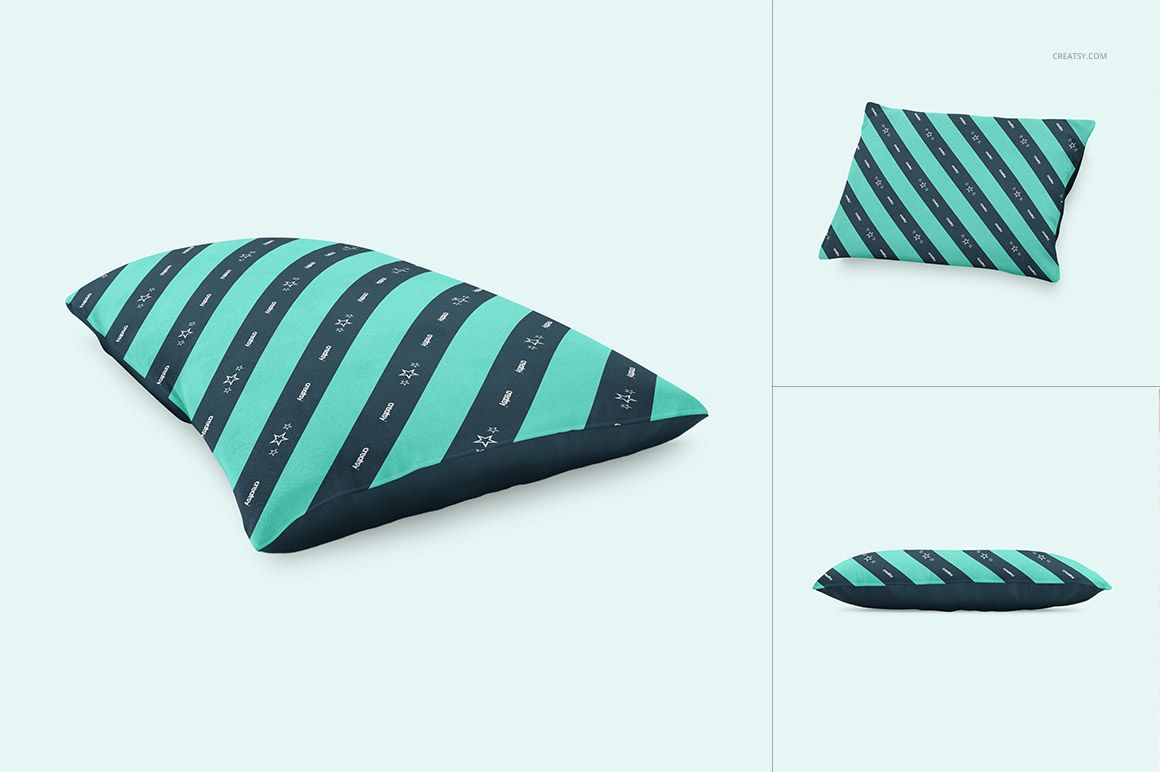
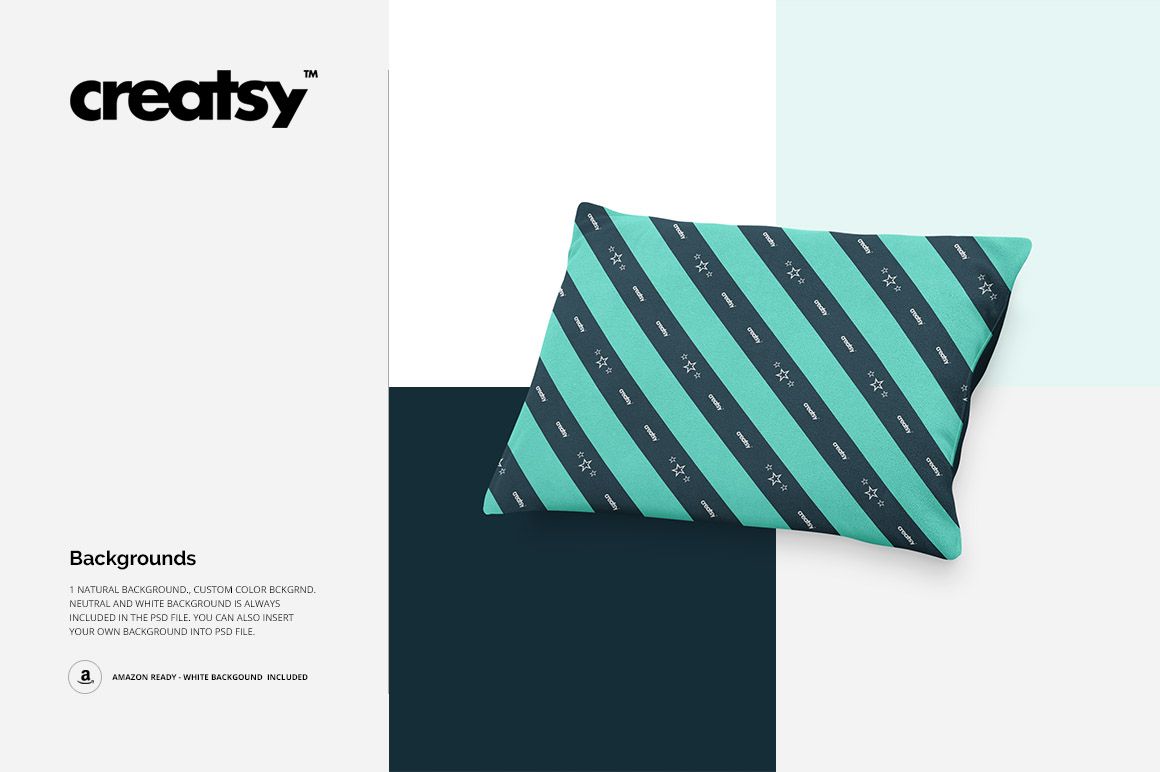
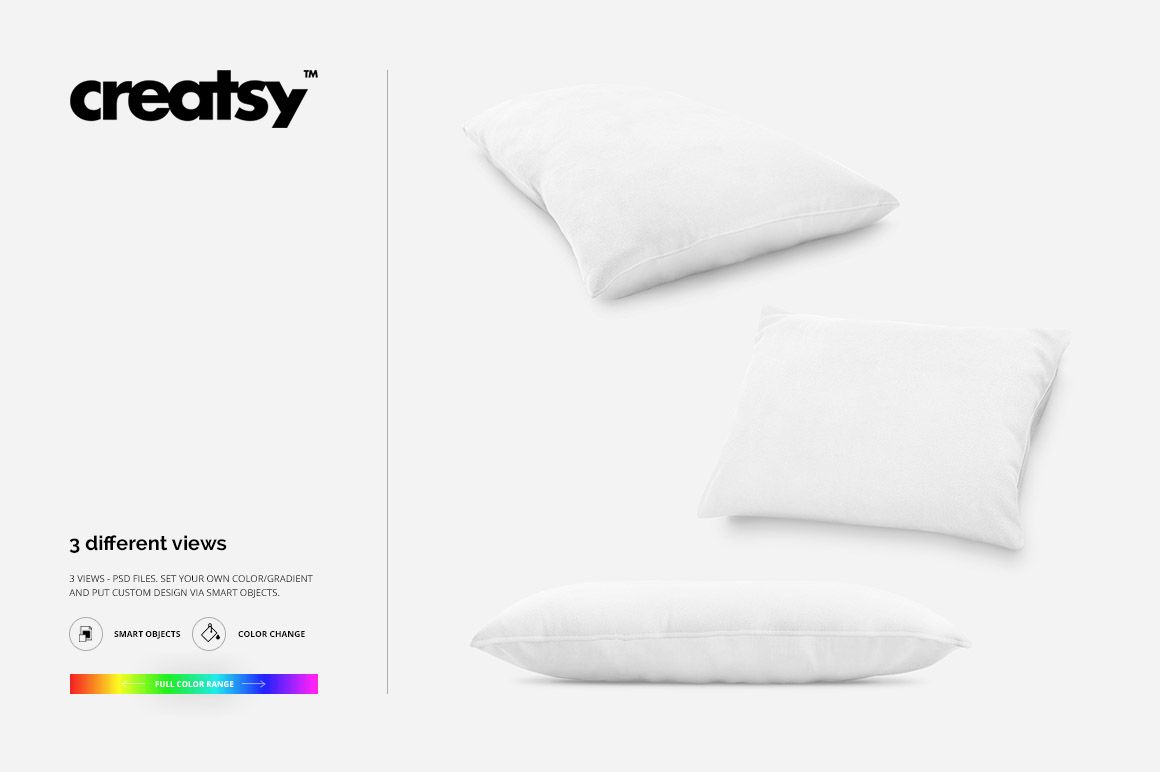
Present pet pillow patterns, illustrations and branded artwork in three focused PSD scenes. The compact set covers a raised three-quarter view, an upright presentation and a low side profile, giving customers a quick sense of the rectangular pillow's shape, print placement and finished volume.
What Is Included
3 layered PSD mockup scenes
3 matching JPG scene previews
1 TIF guide, 7 files in total
2200x2200 px scene format
High-resolution files at 300 DPI
Adobe Photoshop CS4 or newer
Photopea compatibility confirmed on the public product page
Three Angles with Distinct Jobs
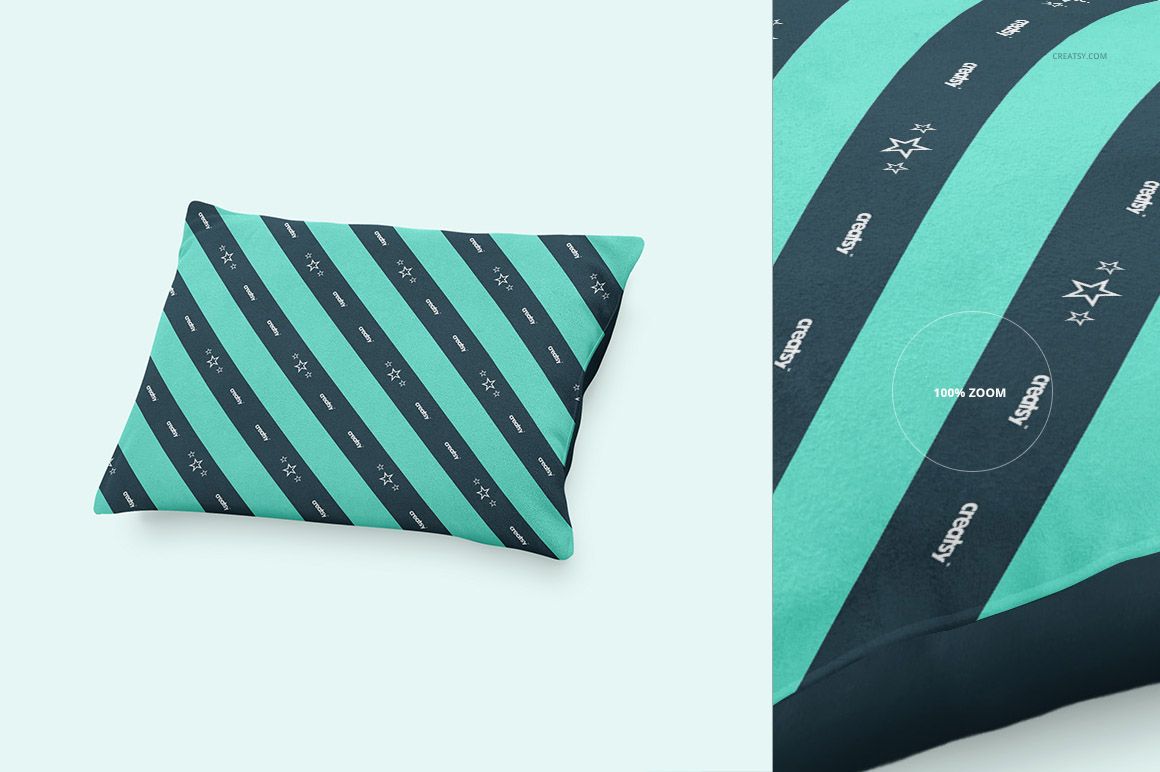
Use the raised perspective as a strong lead image, the upright view to check centered artwork, and the low side angle to show thickness and edge behavior. Together, the scenes tell a more complete product story than a repeated front view.
Confirmed Editing Controls
Replace pillow artwork through Smart Objects
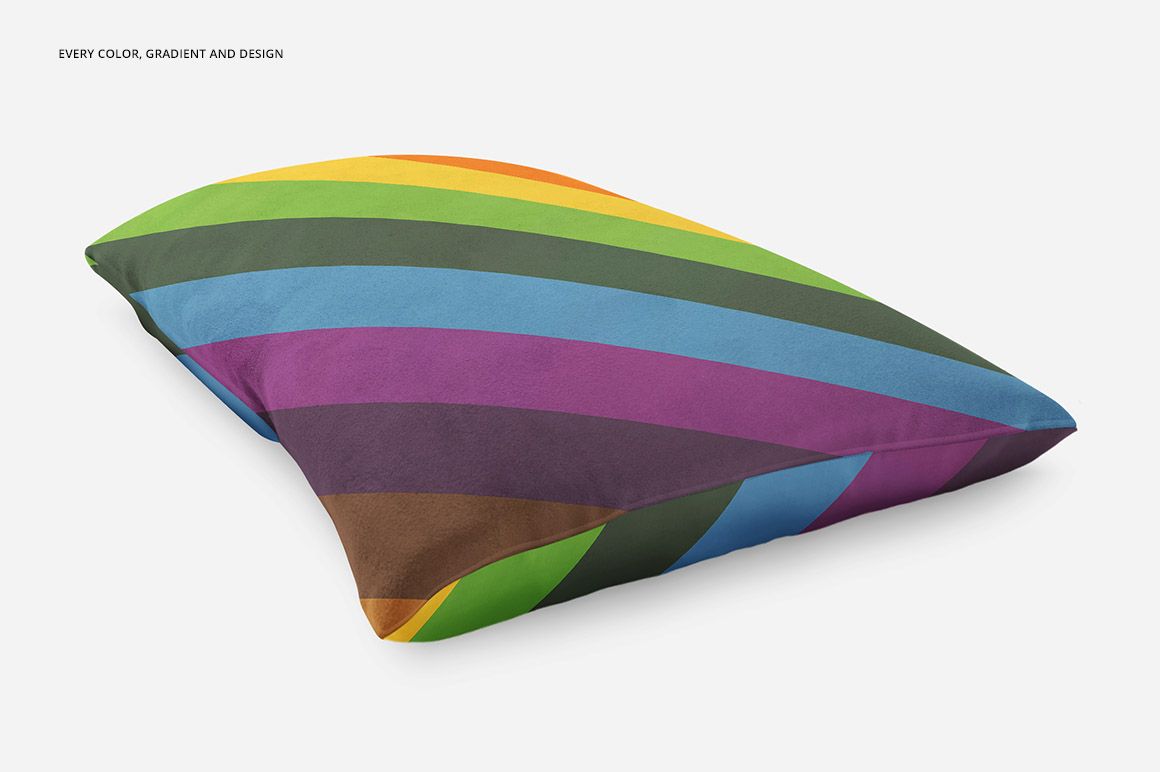
Change the pillow color
Create a soft color gradient
Choose a custom background color or insert your own backdrop
Prepare natural, neutral or clean white presentation styles
Useful for Pattern Scale Decisions
The uncluttered pillow surface makes this mockup especially useful for comparing large motifs, dense repeats and centered graphics. Preview several scale options before choosing the version that reads best in a store thumbnail or client presentation.
Ideal For
Surface pattern and textile designers
Pet lifestyle and accessory brands
Personalized pet gift sellers
Ecommerce product galleries
Licensing portfolios and client approvals
Preview artwork credit: Creatsy.
The sample designs are not included. This is a digital mockup product; no physical pillow is supplied.