Dog Harness Mockup Set
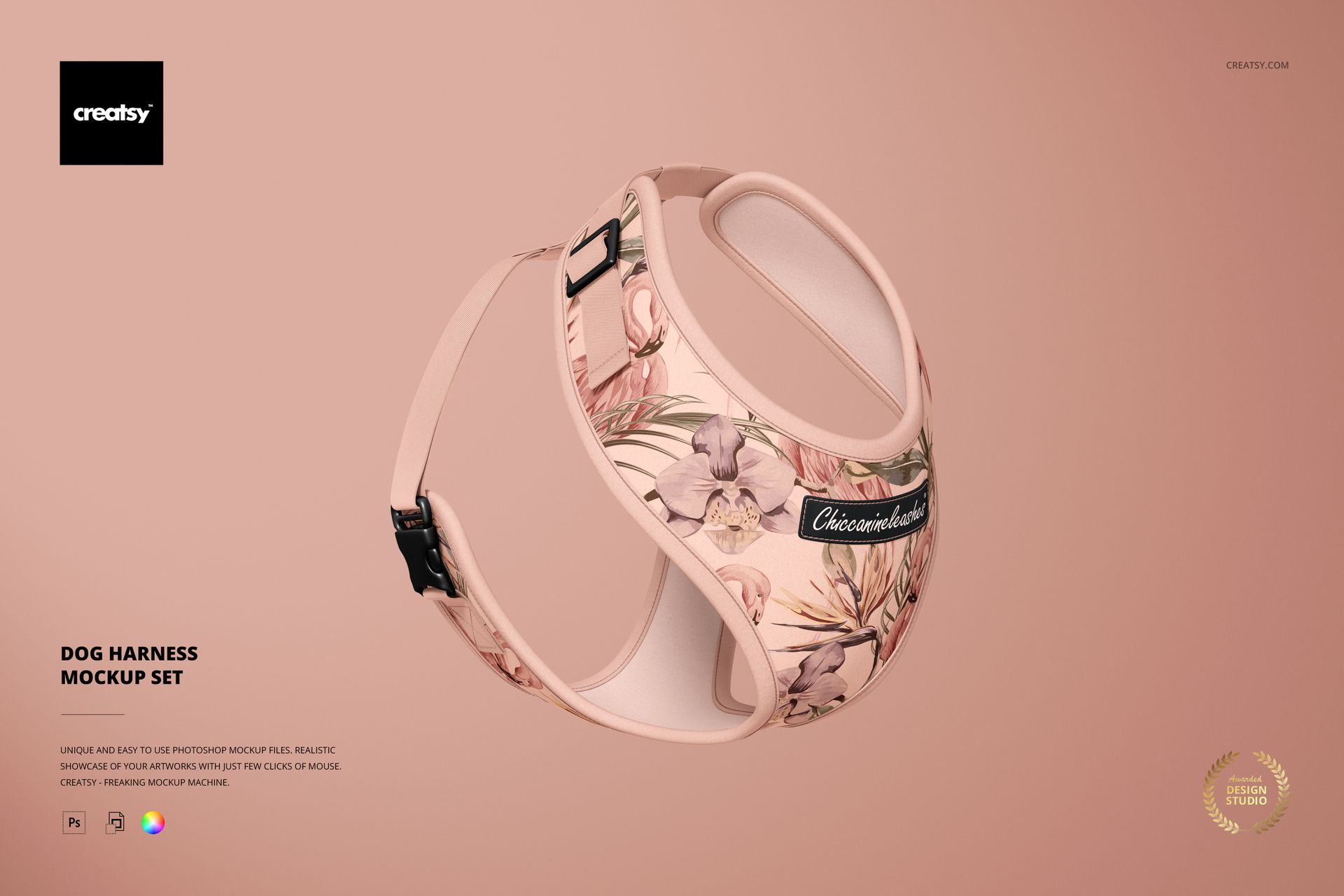
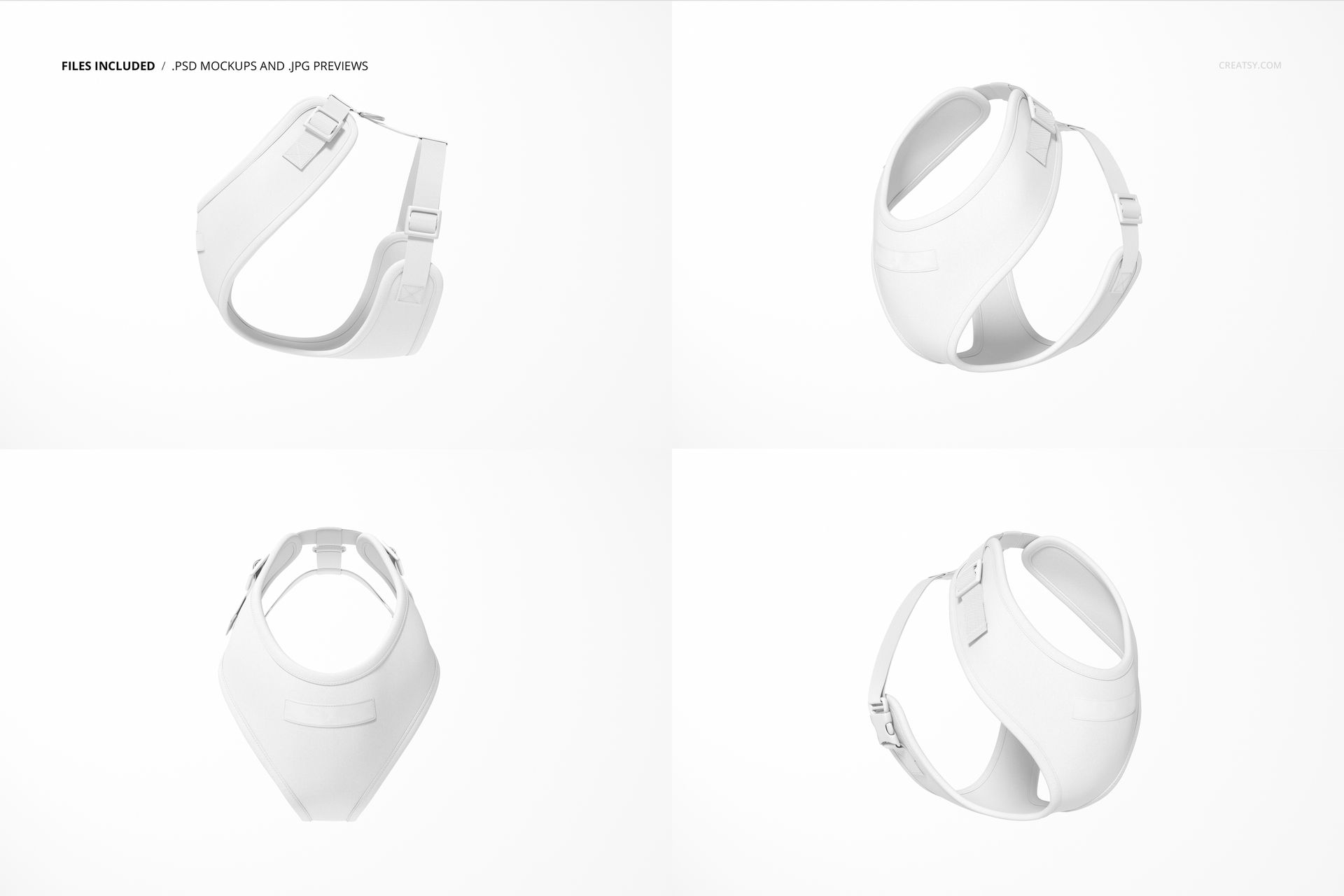
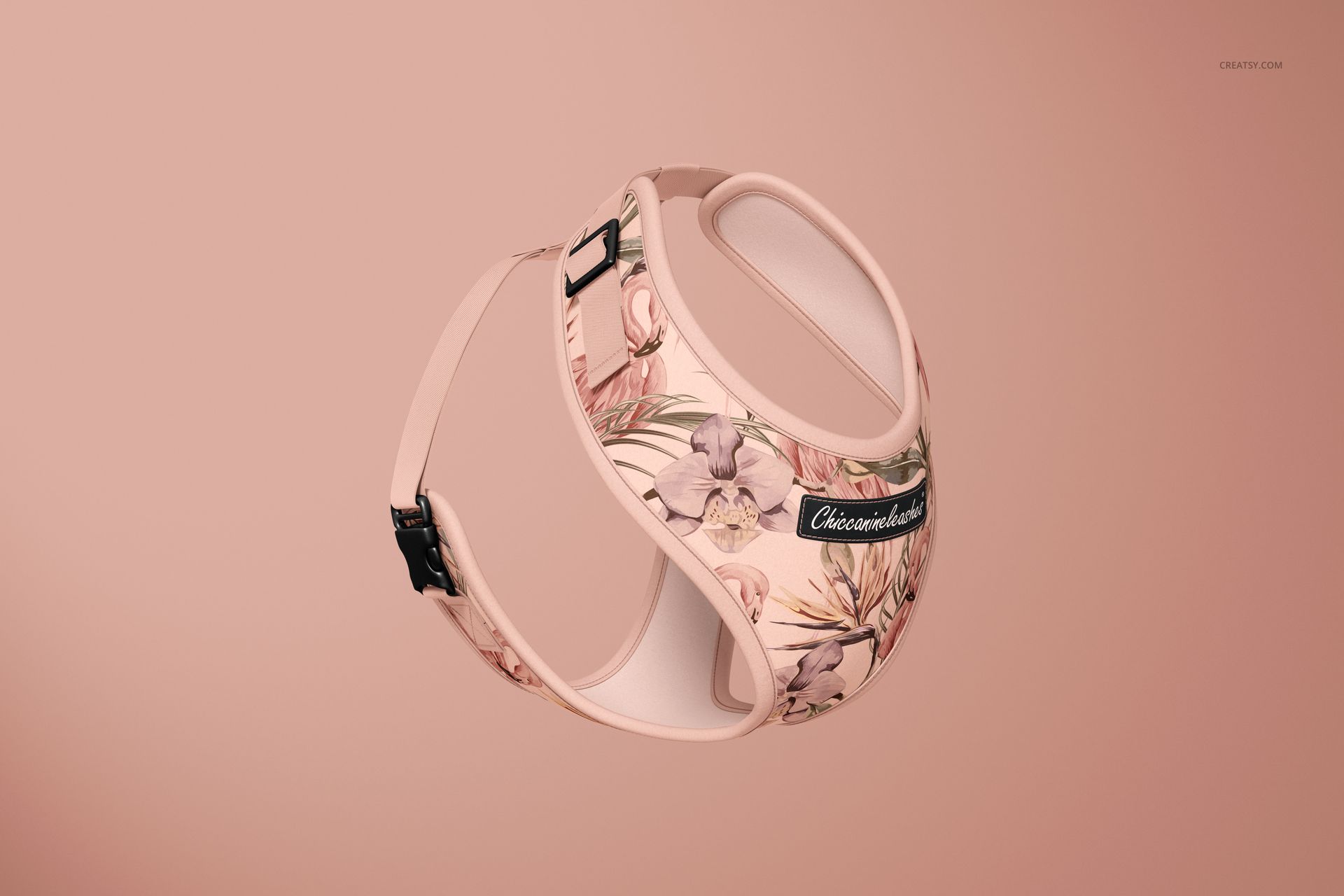
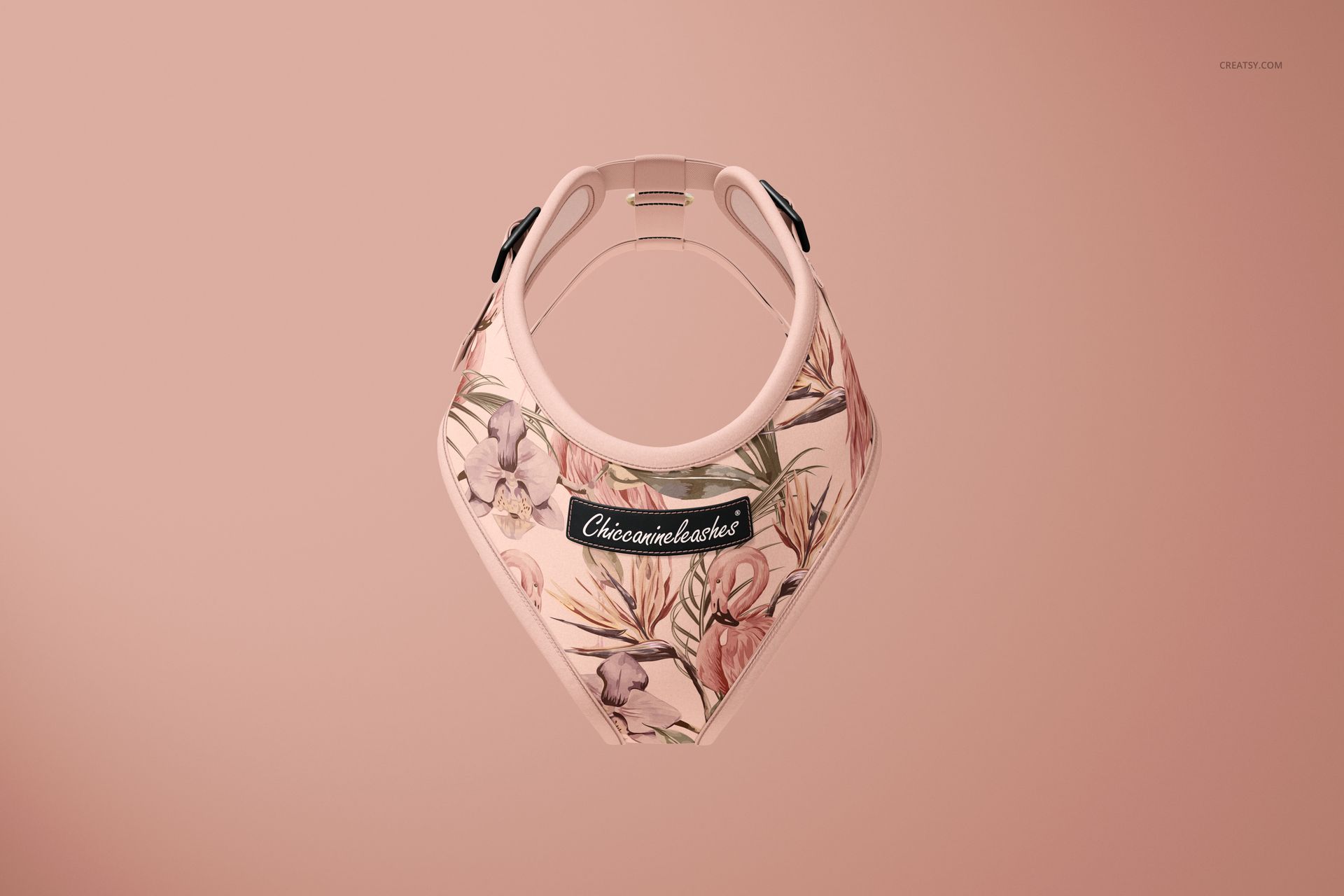
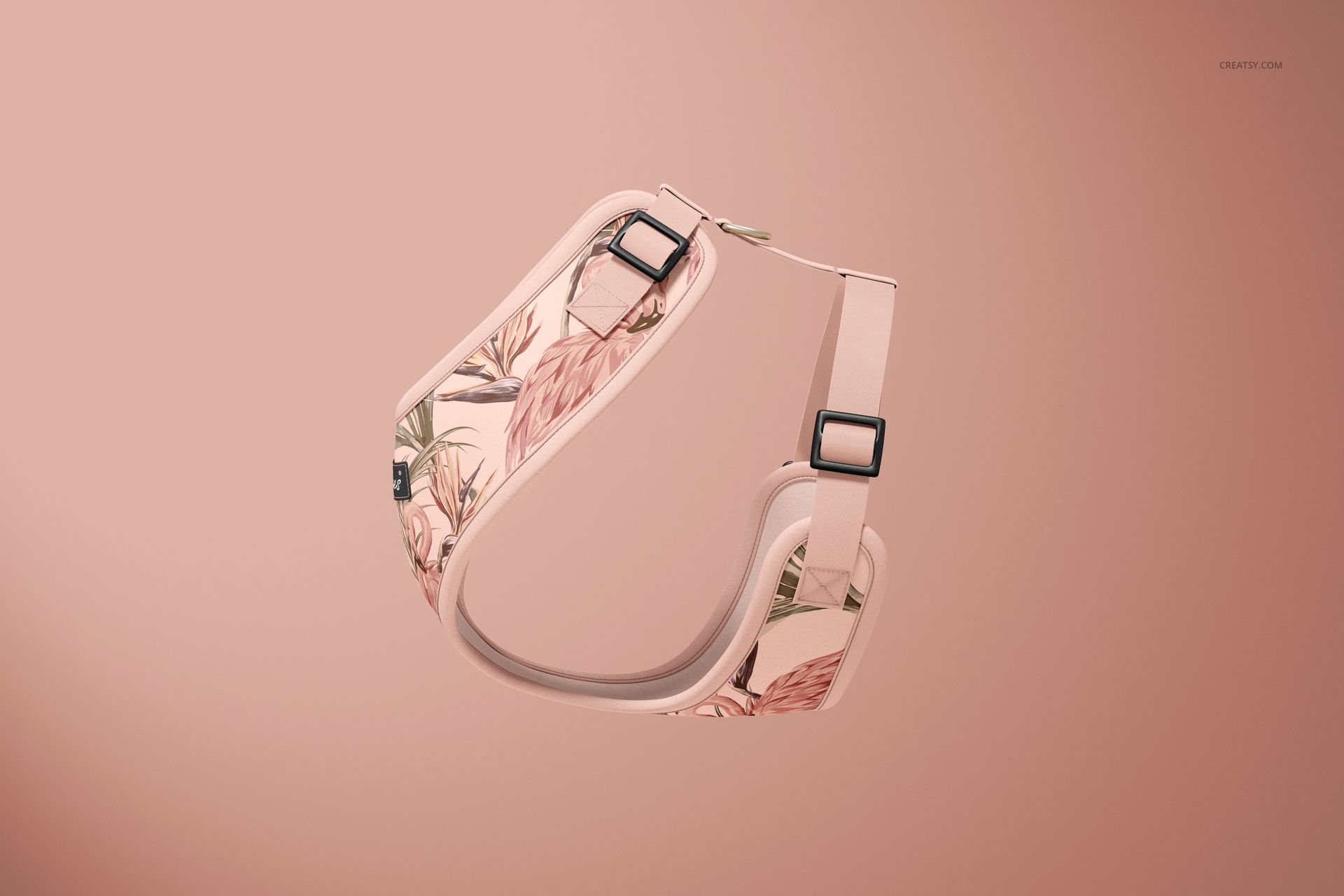
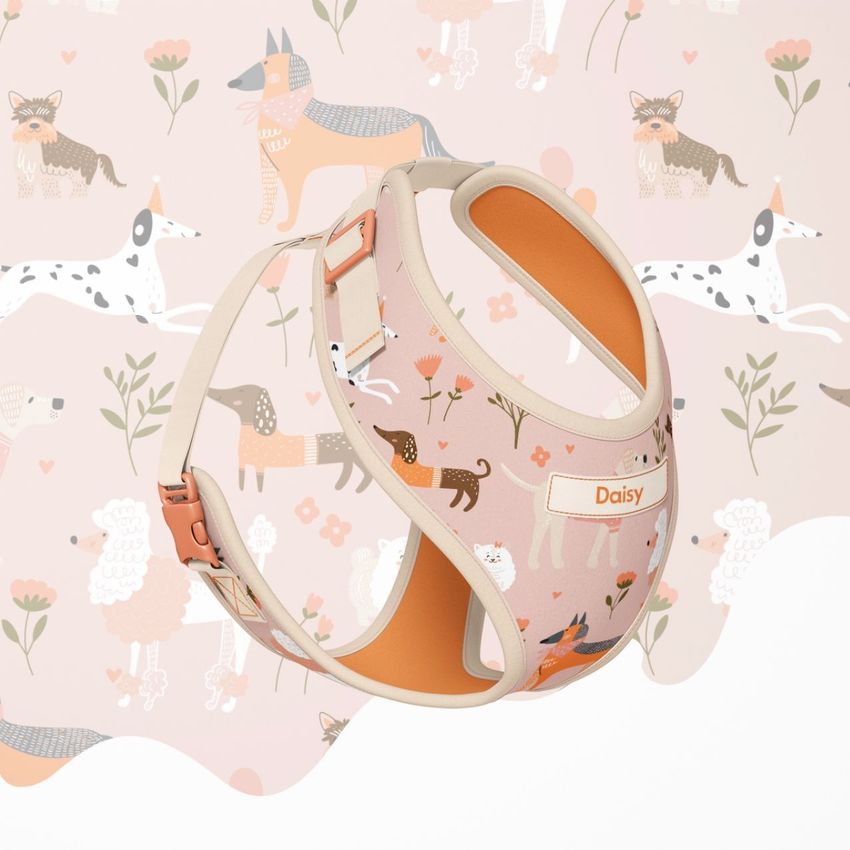
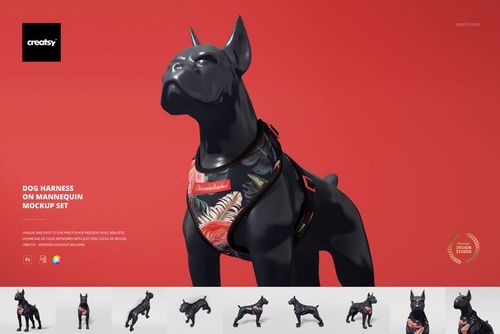
Turn a harness pattern into a focused four-angle product presentation without arranging a physical sample. Four isolated studio scenes show the same harness shape from front and angled perspectives, making it easier to compare artwork placement, trim colors, hardware and overall balance.
Each layered PSD uses a Smart Object workflow, so you can apply artwork to the main harness panel and build a consistent sequence of images for one pet accessory collection.
What Is Included
4 layered PSD mockup scenes
4 JPG reference previews
1 PDF User Manual
9 files in total
300 DPI according to the product details
Well-organized layers
Standard PSD files with no PSB
Adobe Photoshop CC2020 or newer
Photopea compatibility listed on the public product page
Four Angles for One Consistent Product Story
Use the different perspectives to show the harness shape, main artwork area, trim, straps and buckles without changing the visual language of the collection. The isolated setup keeps attention on the product and makes colorway comparisons easier.
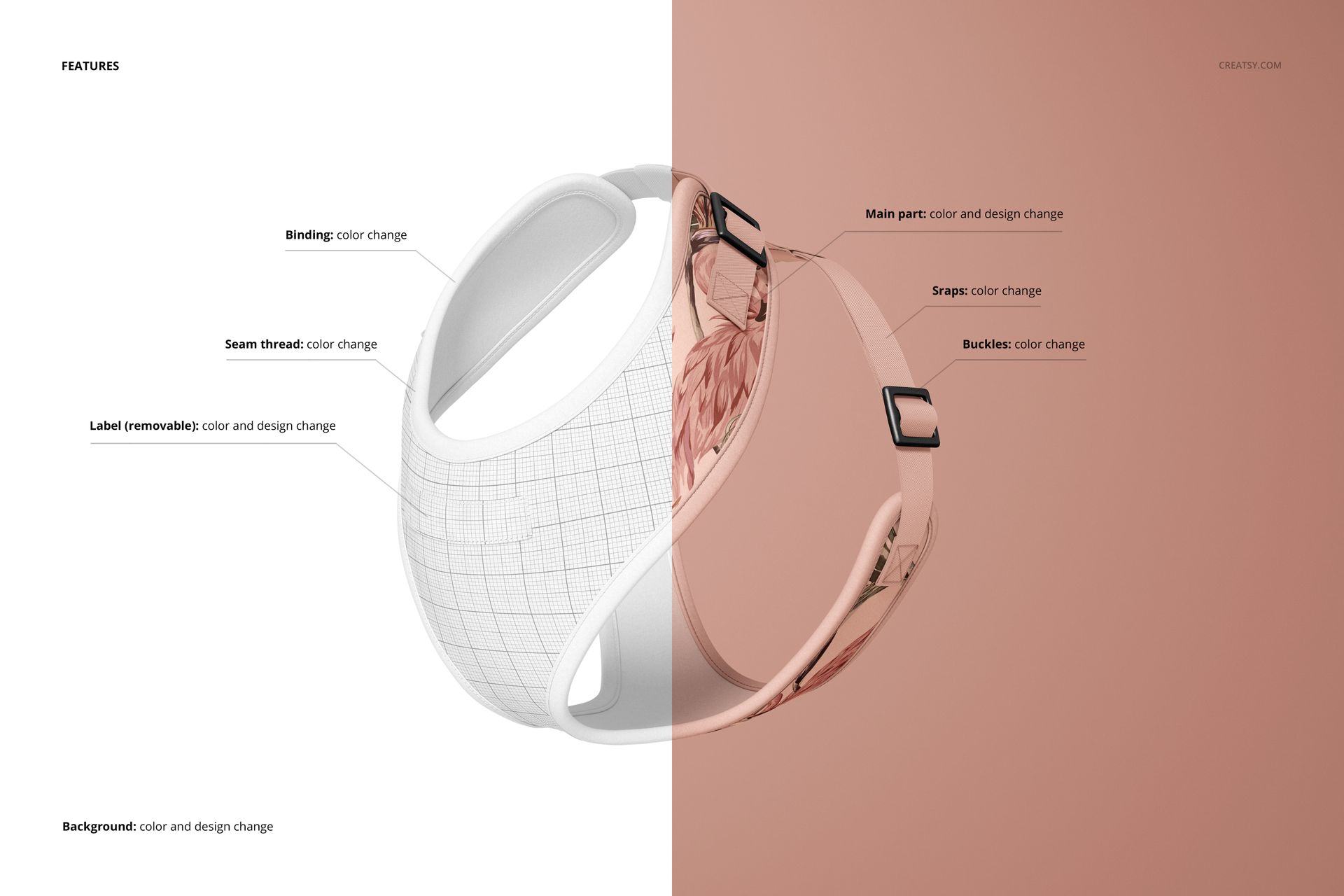
Control the Key Harness Components
Change the color and design of the main harness panel
Change the binding color
Change the seam thread color
Change the strap colors
Change the buckle colors
Change the removable label color and design
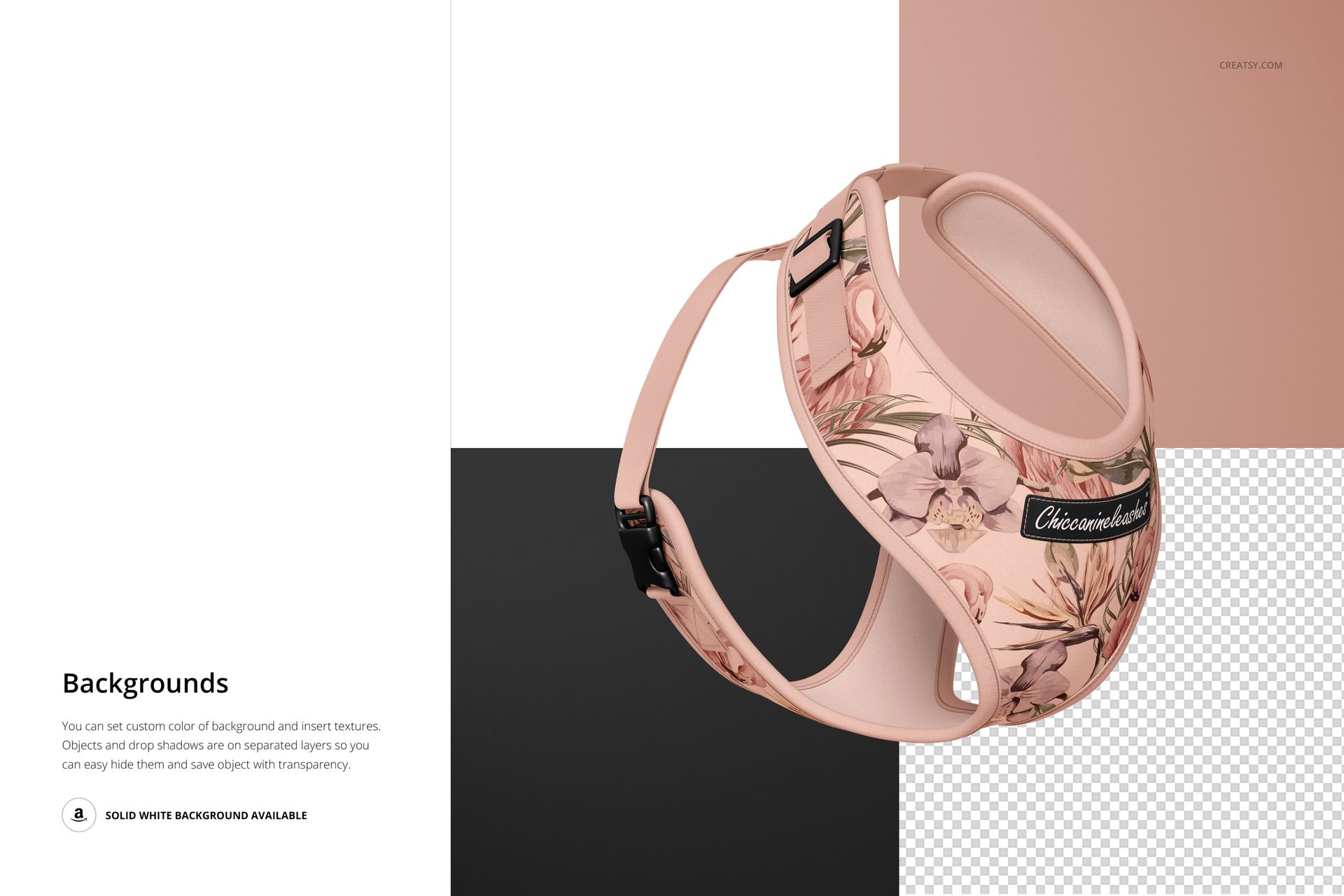
Change the background color and design
Easy Smart Object Editing
Open the relevant Smart Object, place your pattern or branding, save the change and return to the main PSD. The supplied color controls help coordinate the artwork with the binding, stitching, straps, buckles and label.
Perfect For
Pet accessory and dog gear brands
Surface pattern designers and illustrators
Pet product branding presentations
Client colorway reviews
Portfolio and ecommerce product graphics
Preview Artwork Credit
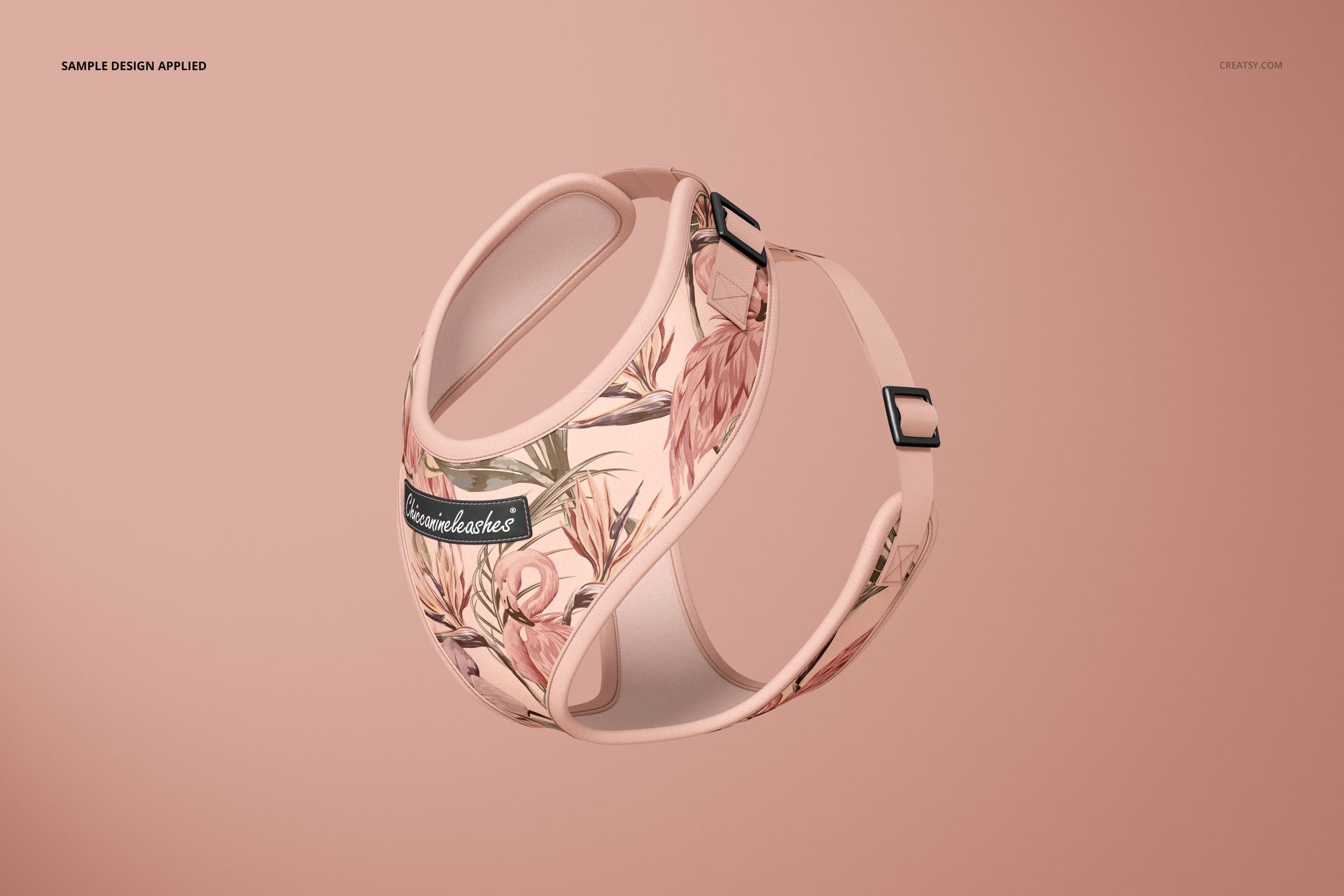
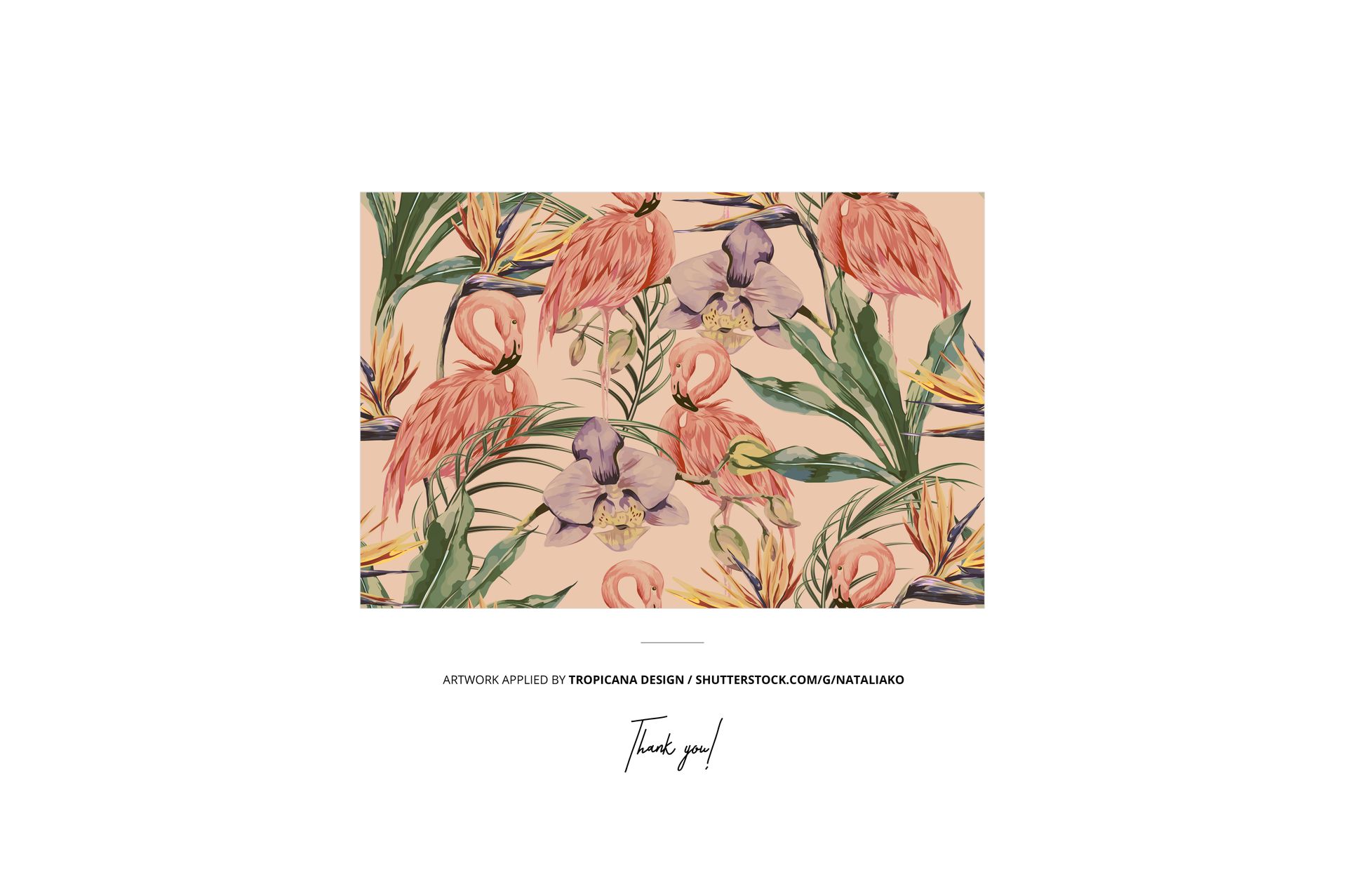
The tropical example design featured in the previews is by Tropicana Design. The artwork is used for presentation purposes only and is not included with the mockup files.
Tropicana Design
This is a digital presentation mockup. Add your own artwork and branding to create original product visuals.