Dog Harness on Mannequin Mockup Set
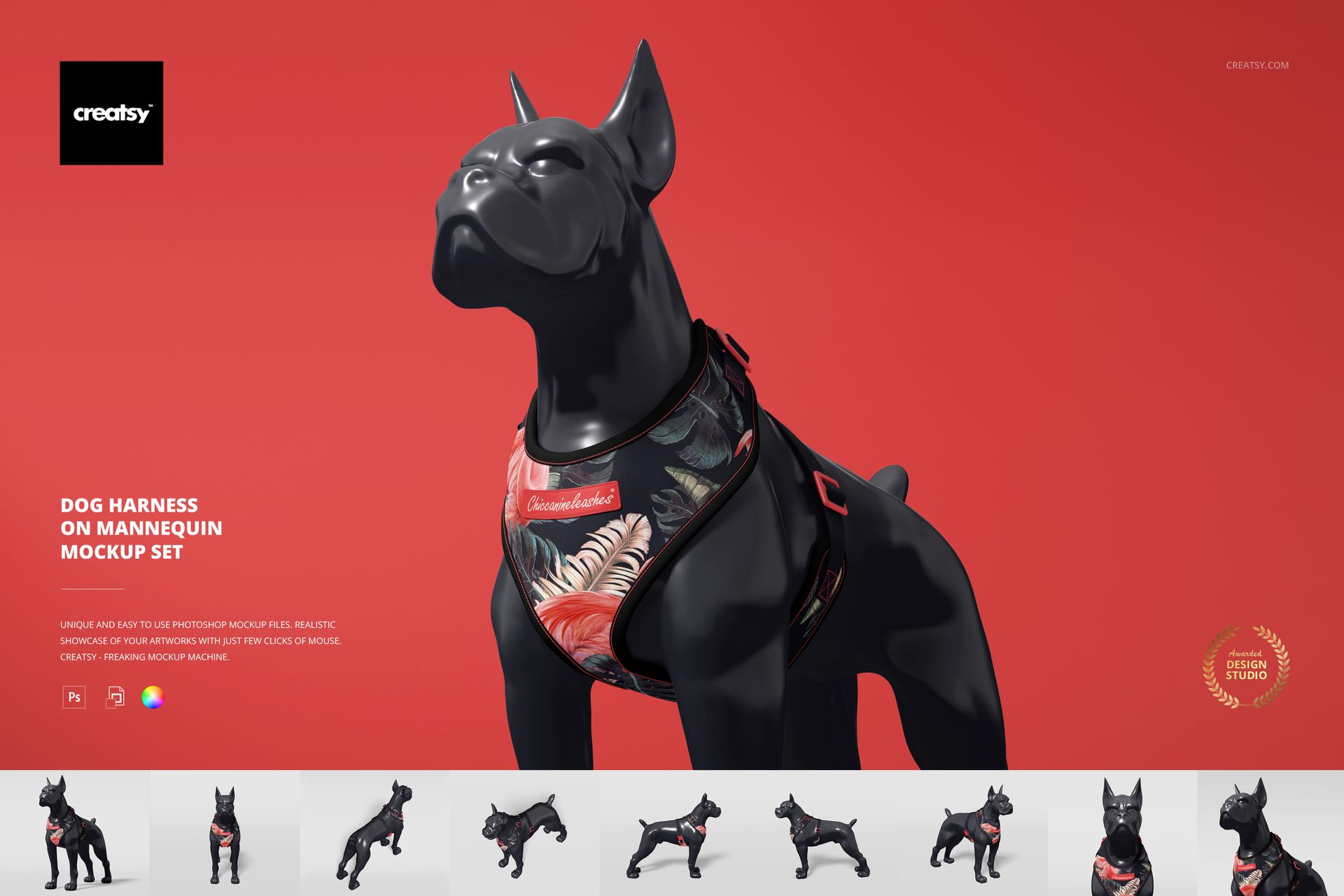
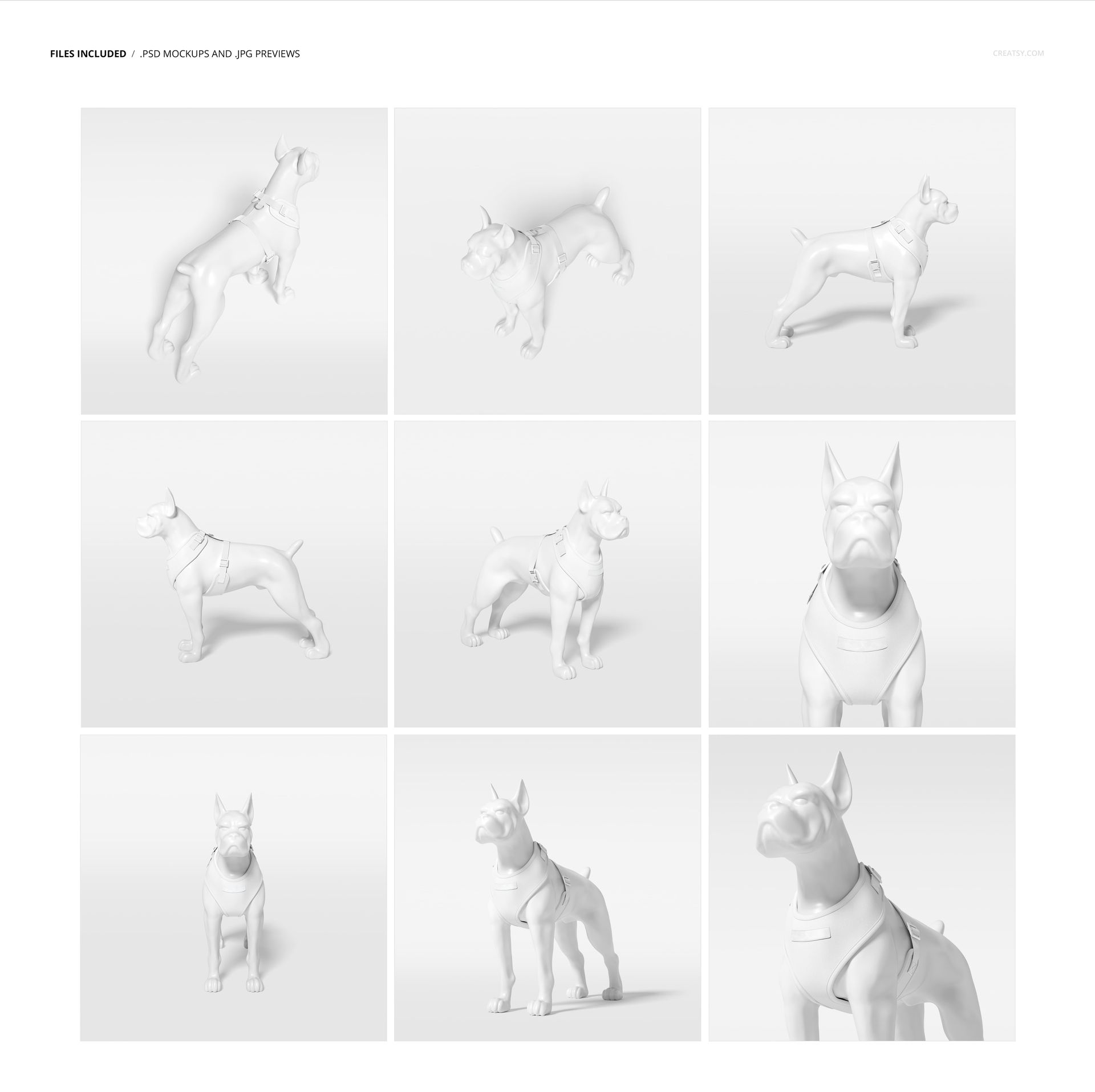
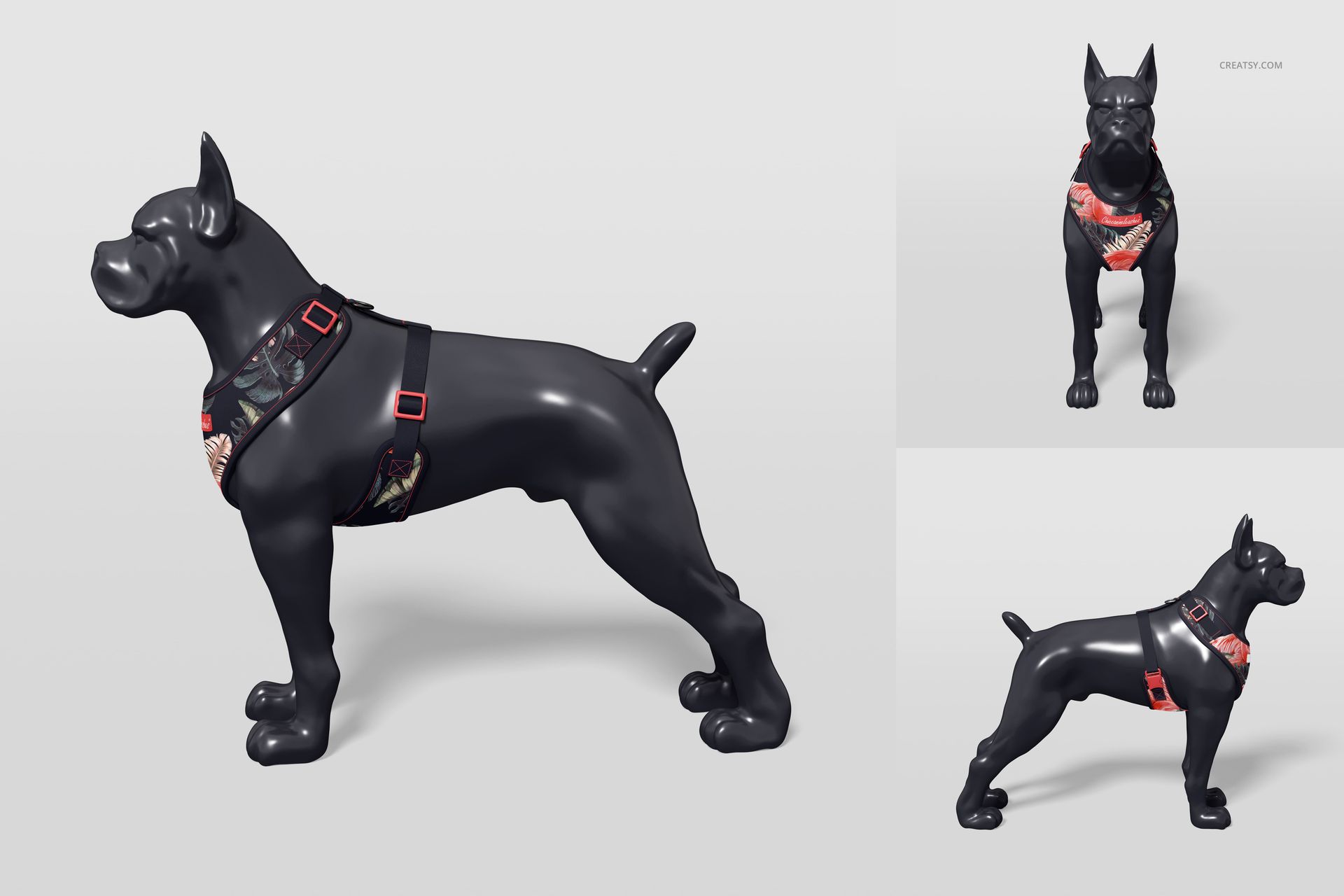
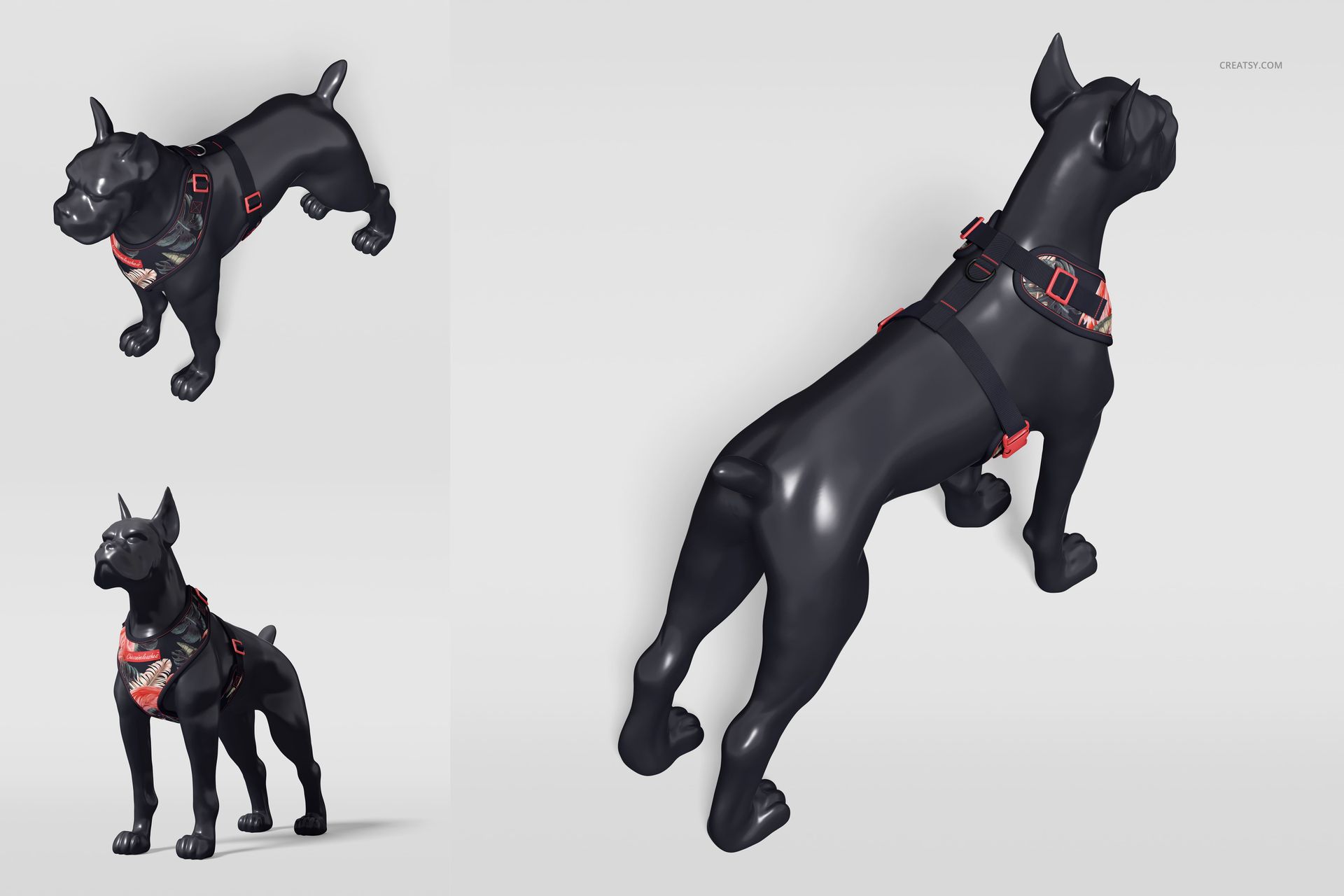
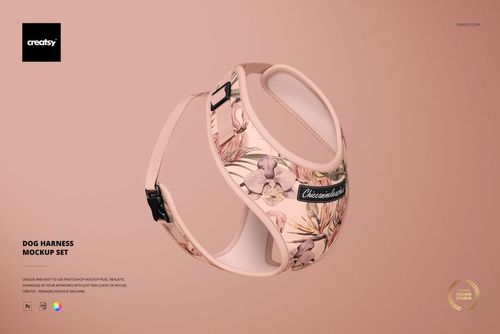
Present a finished dog harness on a sculptural canine mannequin from nine distinct viewpoints. The varied front, side, elevated and close-up perspectives show how artwork follows the harness shape while giving straps, hardware, stitching and label details enough visual context for a complete product story.
Nine Angles, One Consistent Harness
Use the full sequence to move from an overall silhouette to closer construction details without arranging a physical sample. A consistent mannequin, lighting setup and studio treatment make pattern scale and colorway comparisons easier across a lookbook, ecommerce gallery or client presentation.
What Is Included
9 layered PSD mockup scenes
9 JPG reference previews
18 files in total
300 DPI according to the product details
Standard PSD format with no PSB files
Well-organized layers
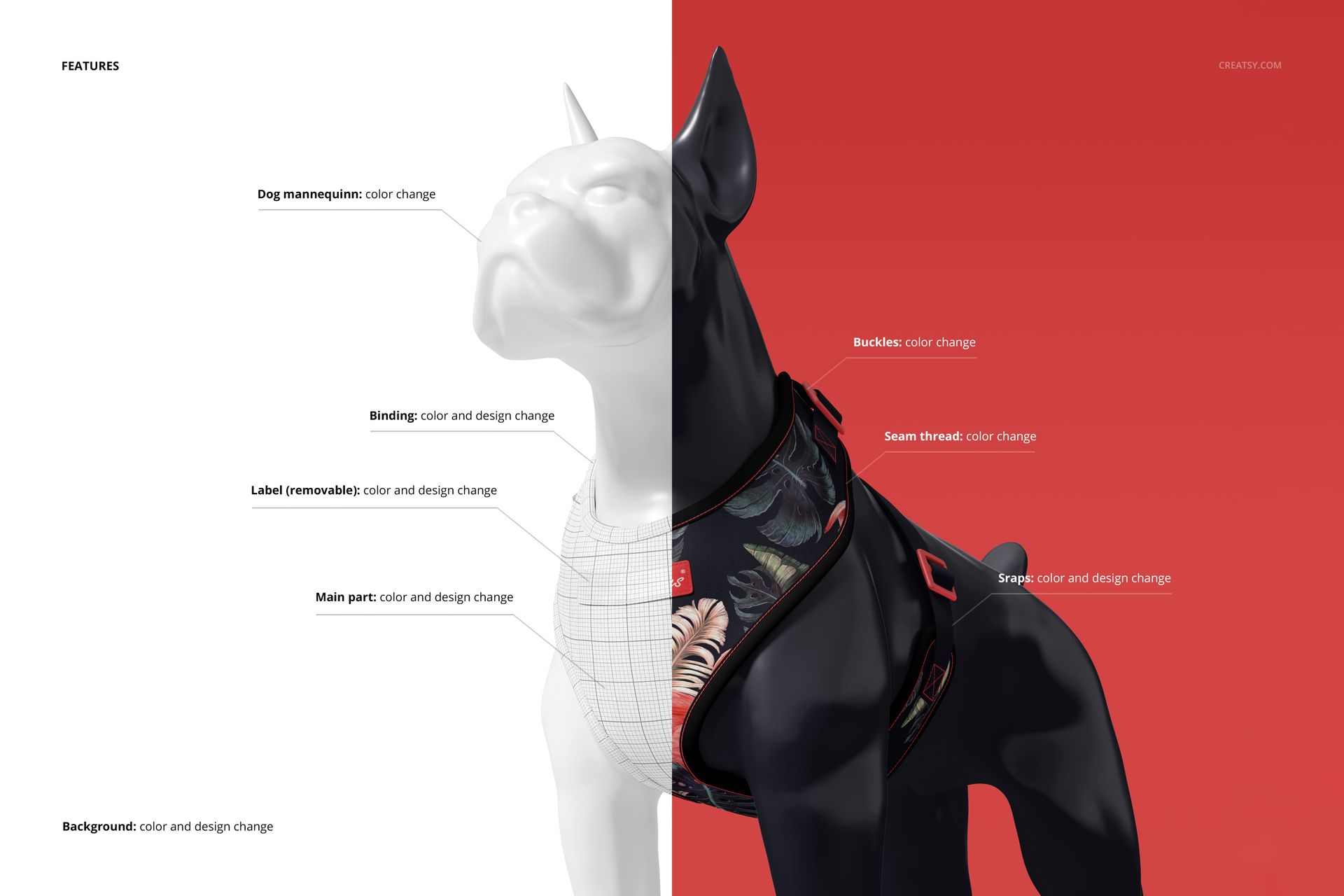
Confirmed Harness and Scene Controls
Change the color and design of the main harness panel
Change the binding color and design
Change the strap colors and designs
Change the buckle colors
Change the seam thread color
Add, remove, recolor or redesign the label
Change the dog mannequin color
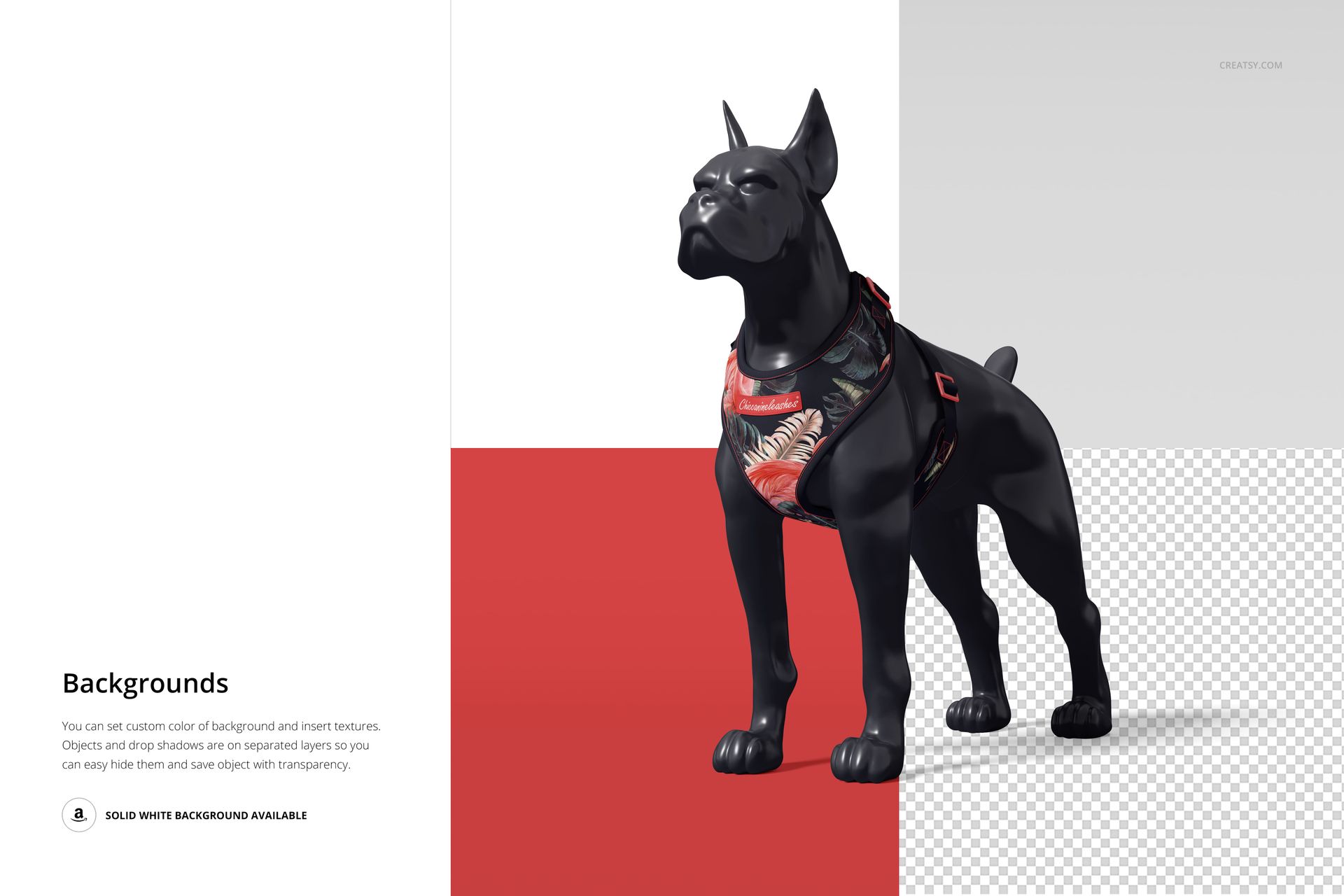
Change the background color and design
A Mannequin View for Product Context
The canine form helps customers understand how the harness wraps around a body and where the main artwork, binding and straps meet. It is a presentation aid rather than a sizing or production template, so final construction measurements should still be checked separately.
Photoshop and Photopea Workflow
The product notes specify Adobe Photoshop CC2020 or newer, while the current public compatibility panel also lists Photopea. Place artwork through Smart Objects, then coordinate the dedicated color and design controls. Because individual PSD files are large, browser performance depends on available device memory.
Perfect For
Dog harness and pet accessory brands
Surface pattern designers and illustrators
Pet product branding presentations
Client reviews of pattern placement and color
Ecommerce galleries and seasonal lookbooks
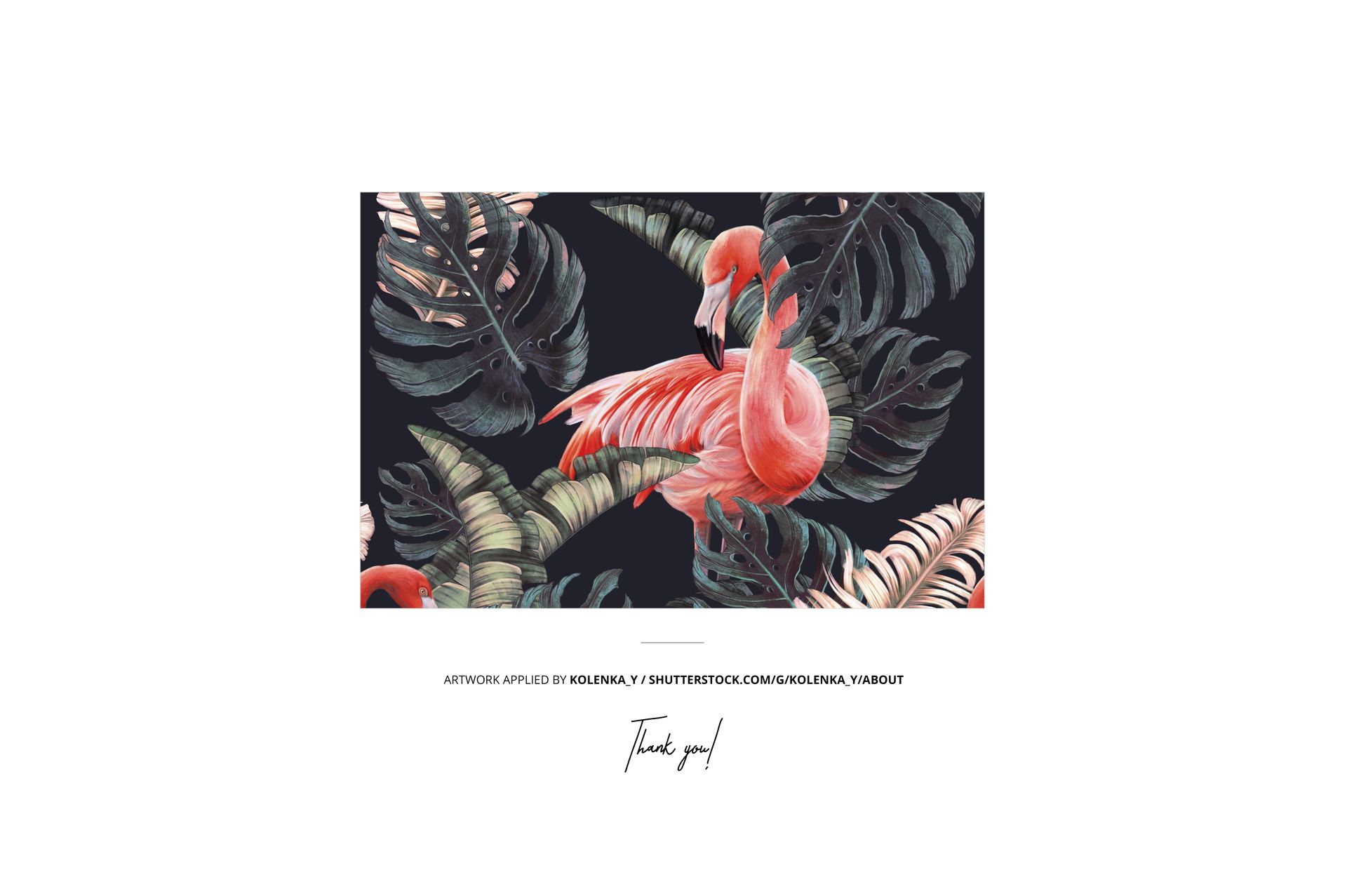
Preview Artwork Credit
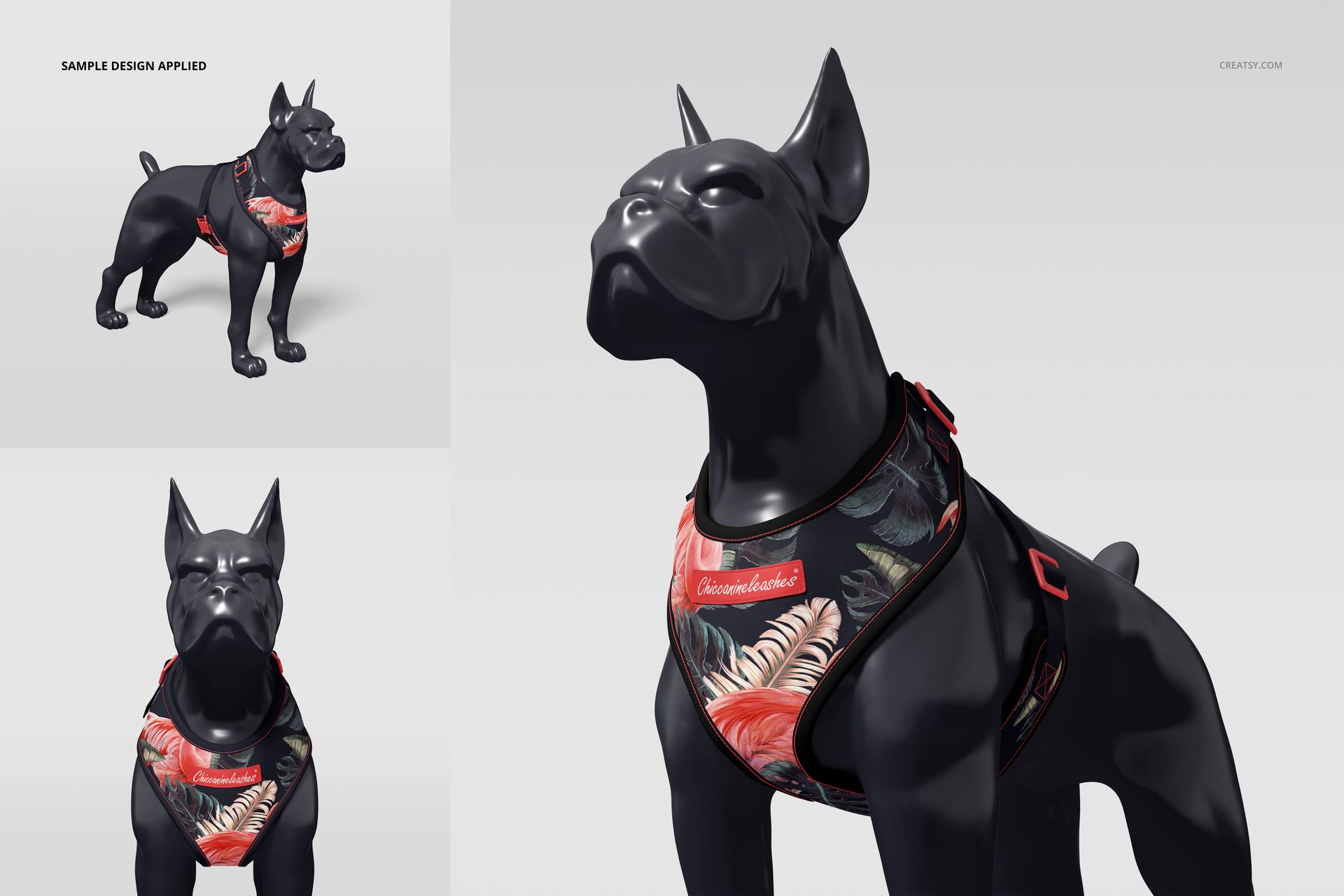
The tropical flamingo artwork shown in the previews is by Kolenka_y. The example design is used for presentation only and is not included with the mockup The tropical flamingo artwork shown in the previews is credited to:
Kolenka_y
The example design is used for presentation only and is not included with the mockup files.
This is a digital mockup product. No physical harness or mannequin is included.