Square Jewelry Box Mockup
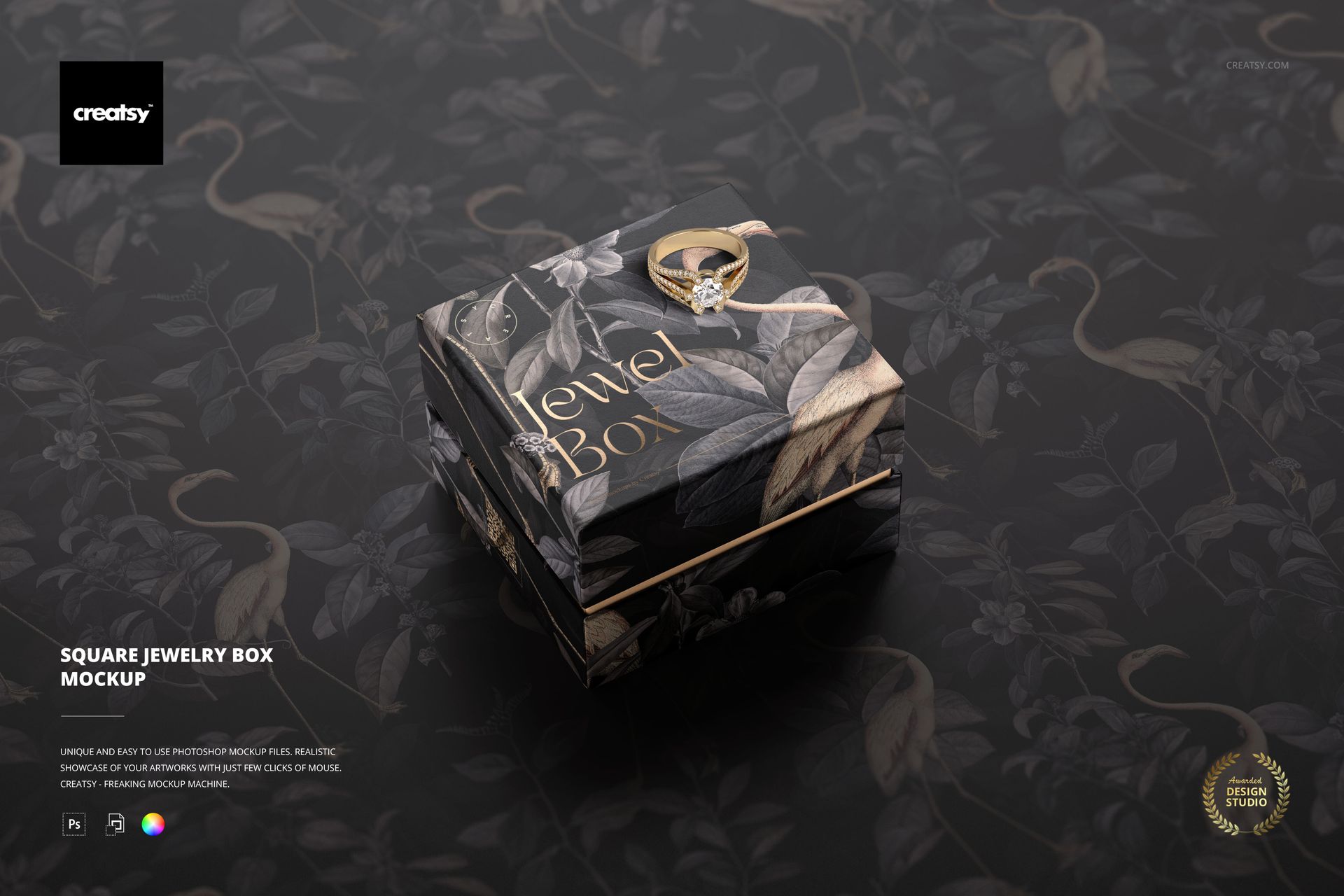
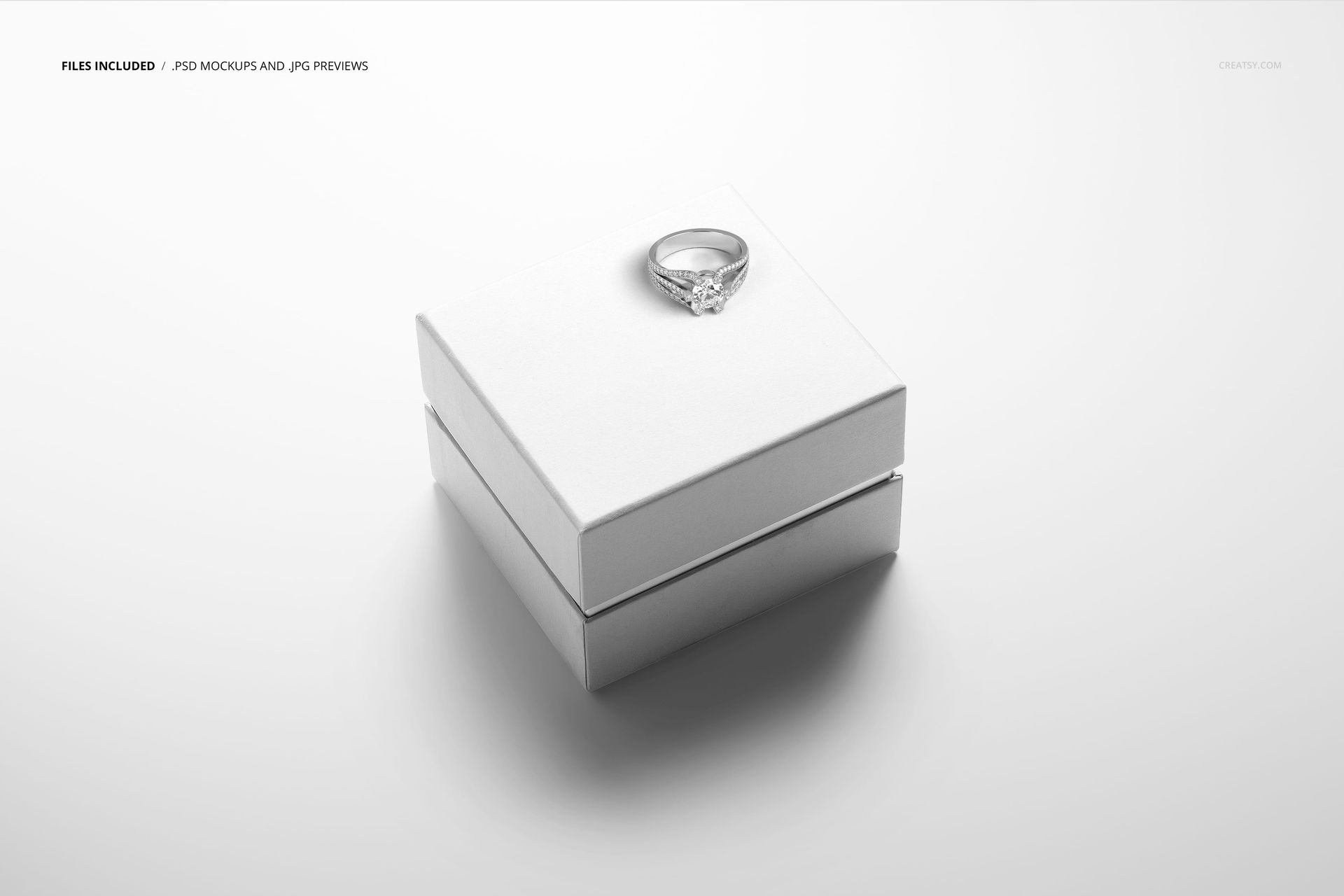
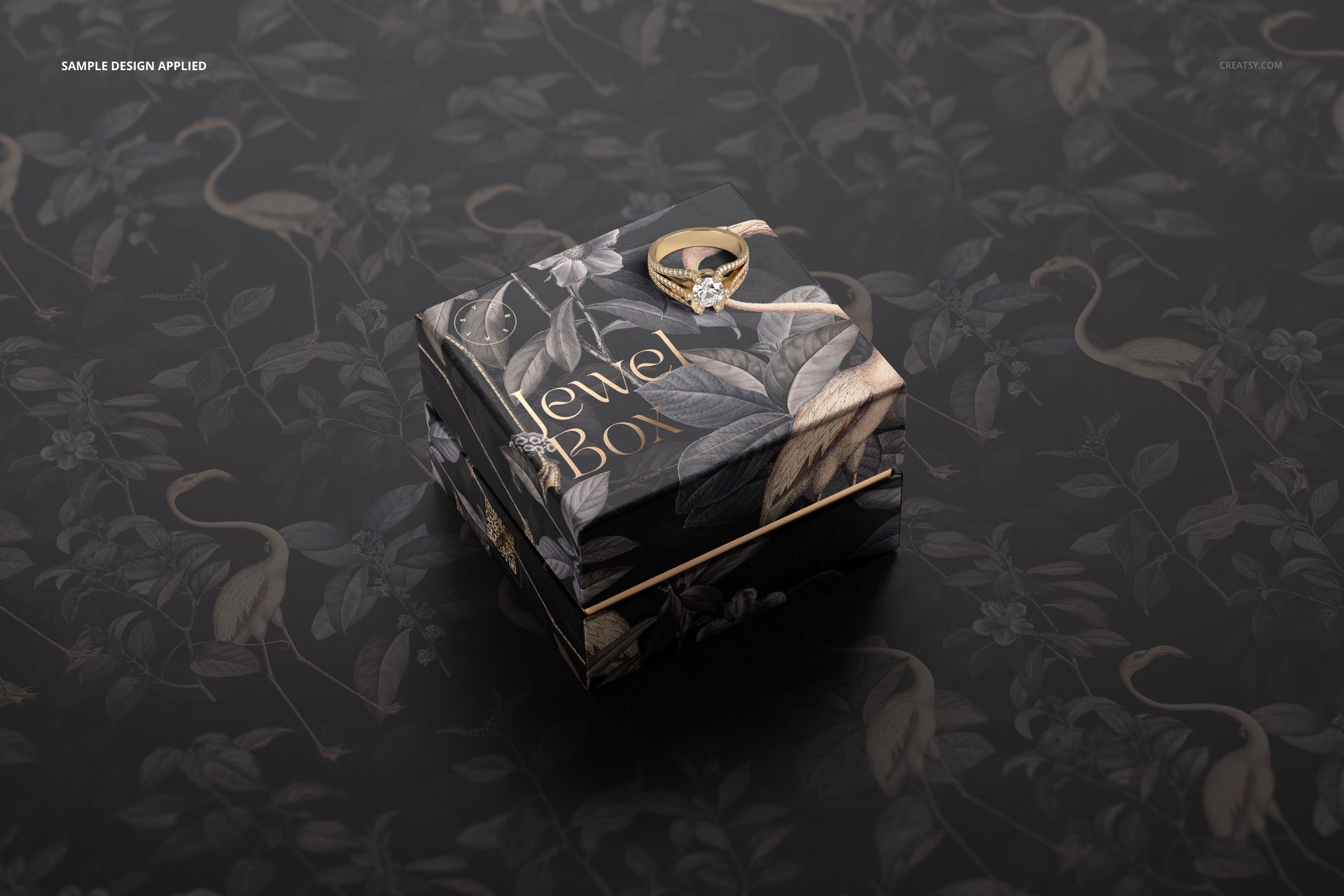
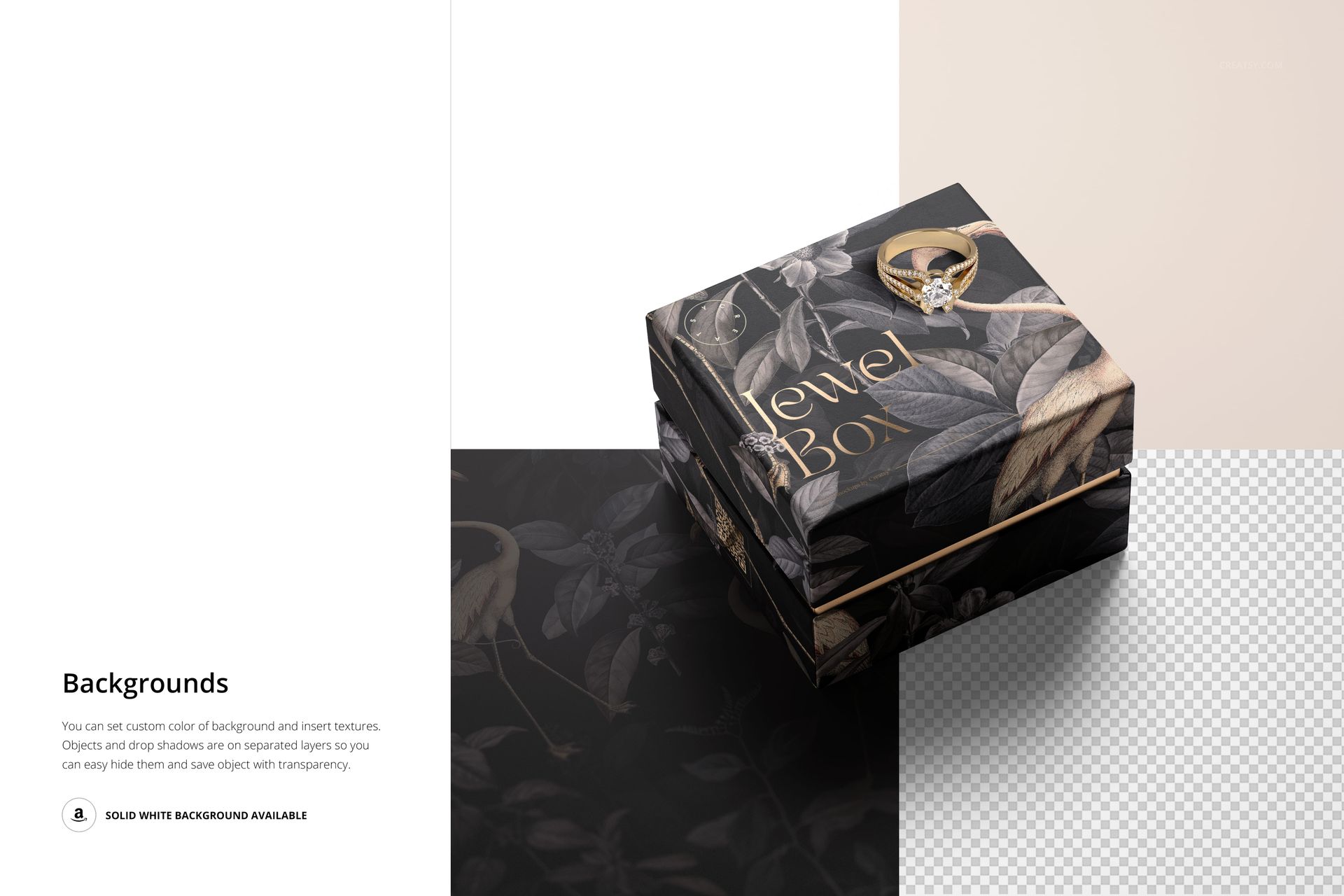
A closed square box, a fine contrasting middle band and a ring resting on the lid create a focused stage for jewelry branding. Square Jewelry Box Mockup gives you one angled scene in which the lid artwork and two visible sides can be considered together.
Try a restrained logo, an illustrated wrap or a foil-stamped brand mark while retaining the box texture and photographed lighting. The ring can be hidden or shown in gold or silver, so the same composition can emphasize either the packaging alone or its jewelry context.
What Is Included
1 layered PSD mockup with one editable scene.
1 JPG preview, 2 files in total.
6000 × 4000 px landscape canvas at 300 DPI.
Support for Adobe Photoshop CC2020 (version 21) or newer and Photopea.
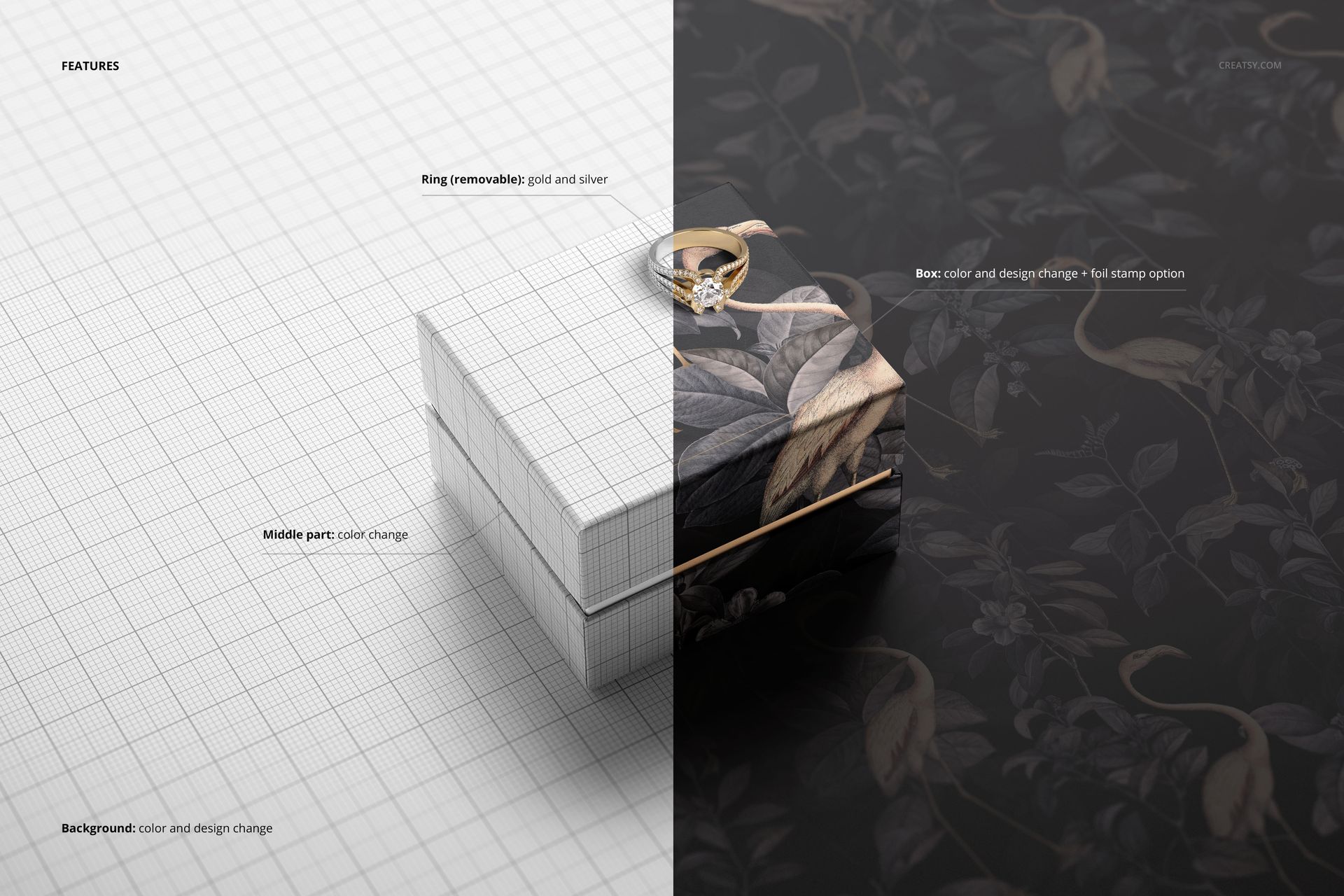
Foil Details and a Removable Ring
Customize the box color and design, apply the foil stamp option and change the color of the middle section. Match the background to your identity with a new color or design. Separate object and drop-shadow layers allow transparent-background exports when you need to place the packaging into a wider presentation.
Easy Smart Object Editing
Insert your artwork through the PSD Smart Objects and save the edited objects to refresh the scene. Adjust the available color and foil controls, then choose a gold ring, silver ring or a packaging-only view. The organized layers keep these decisions separate.
Perfect For
Jewelry brand identities and boutique packaging pitches.
Engagement-ring and special-occasion campaign concepts.
Foil-logo studies and packaging-design portfolio images.
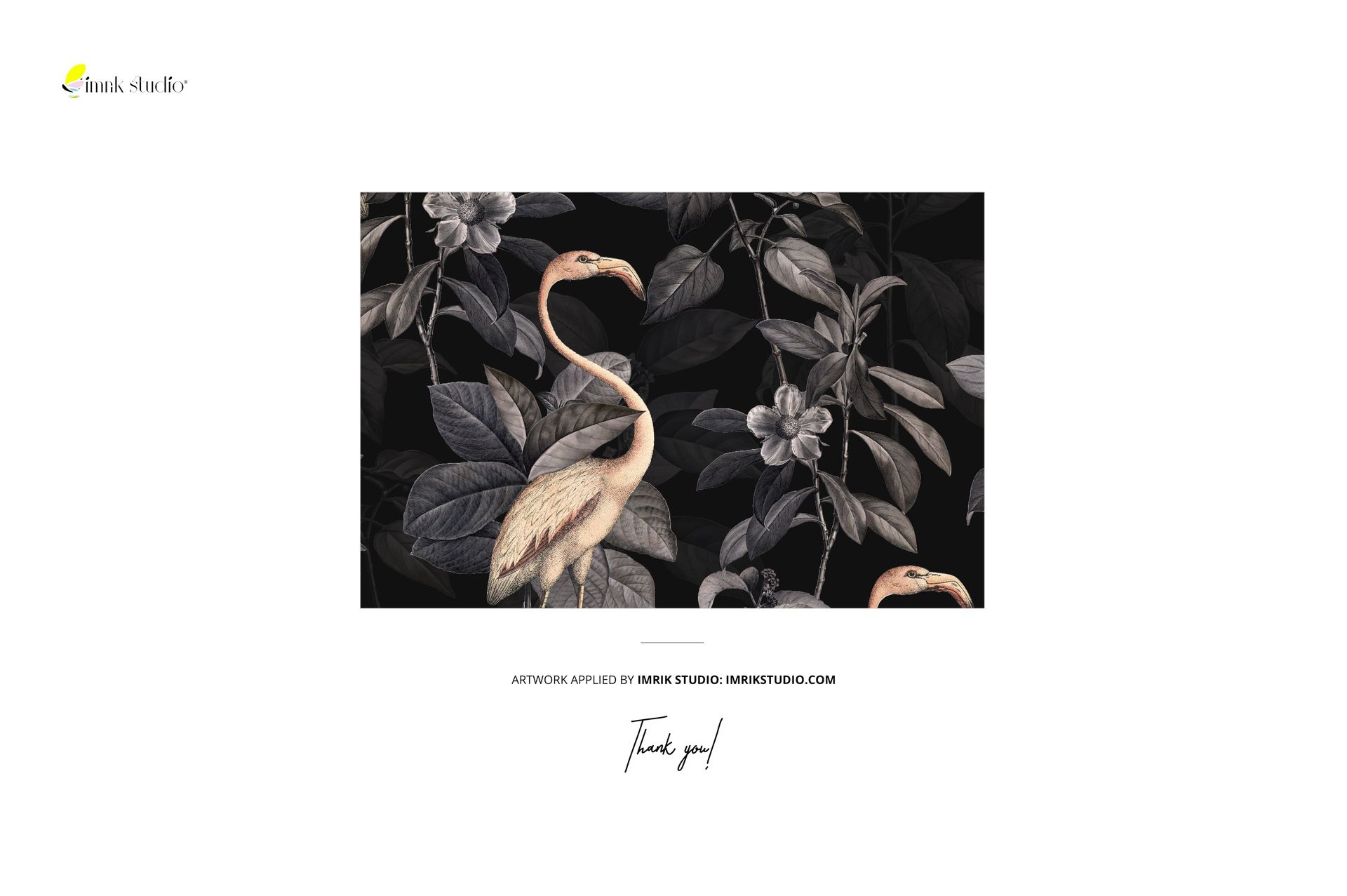
A digital mockup only. No physical jewelry or box is supplied, and the sample botanical artwork is not included.