Premium Box Insert Tray Mockup Set
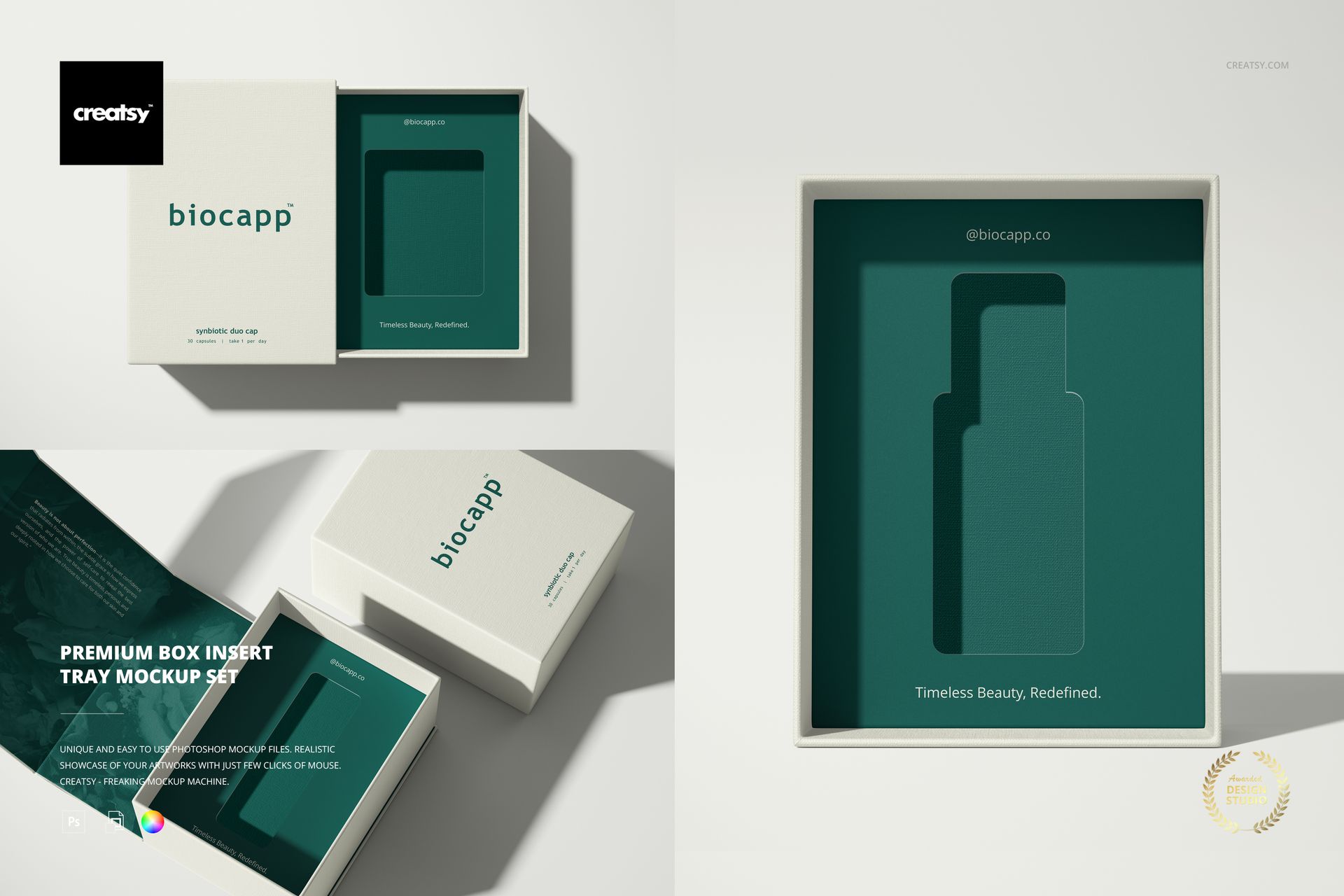
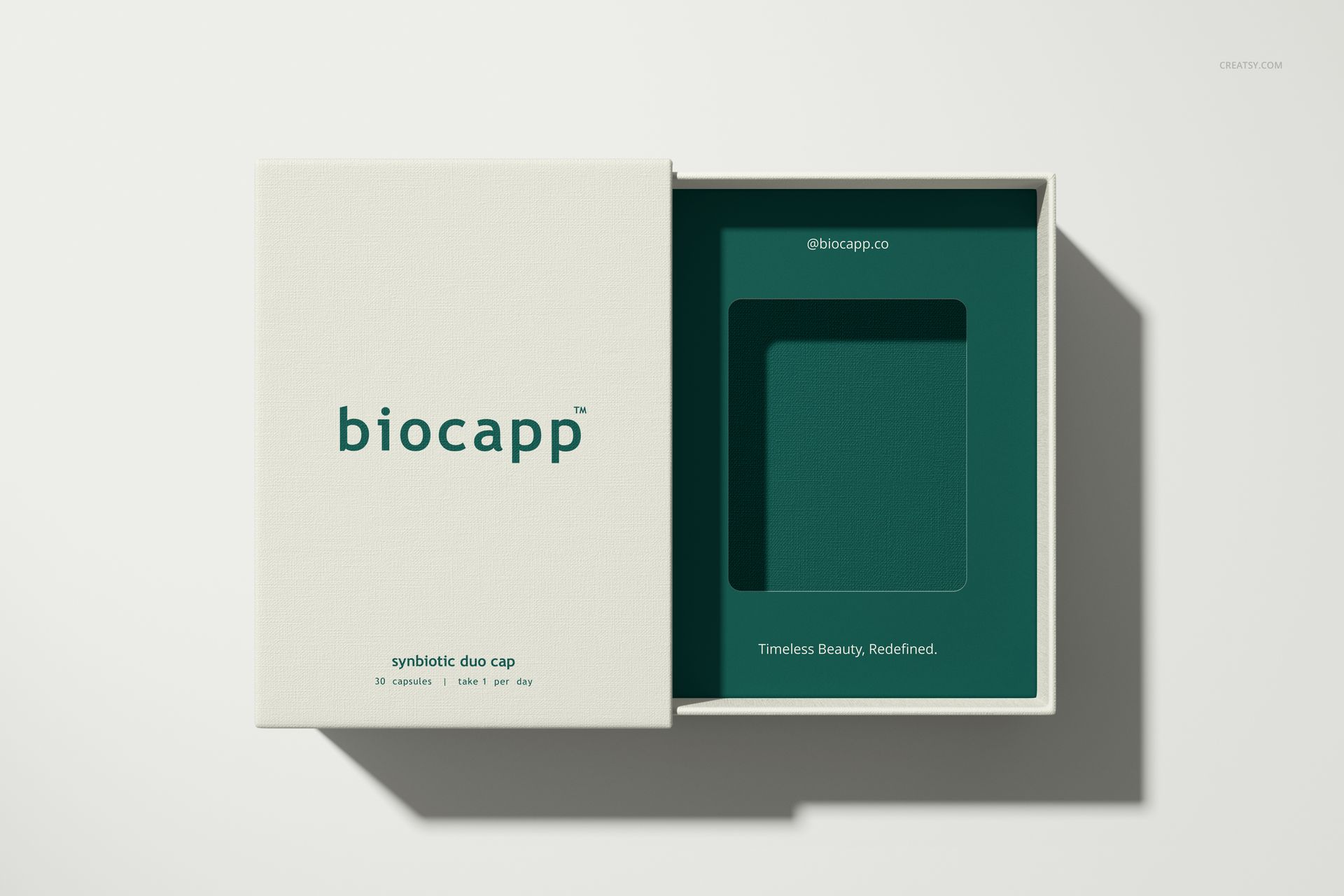
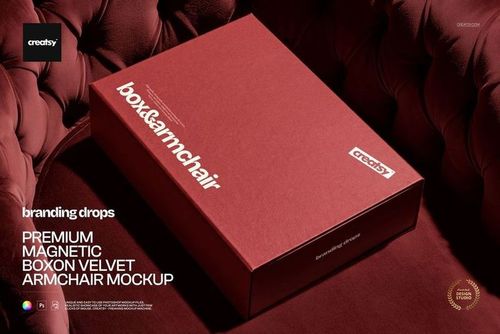
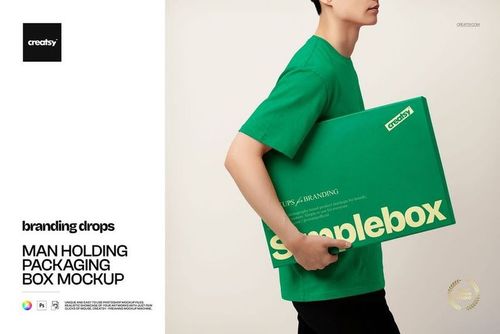
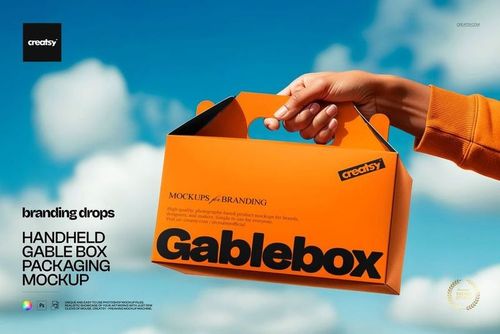
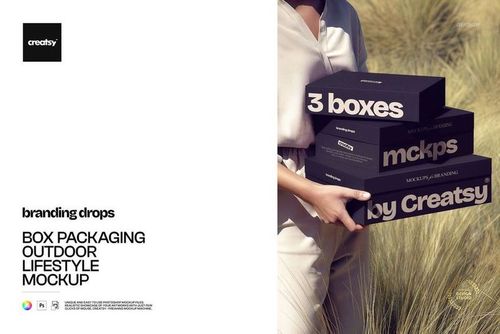
Make the inside of the package part of the brand presentation. Premium Box Insert Tray Mockup Set focuses on a fitted tray with a customizable cut-out, shown in three compositions that reveal both the packaging exterior and the space around the intended product.
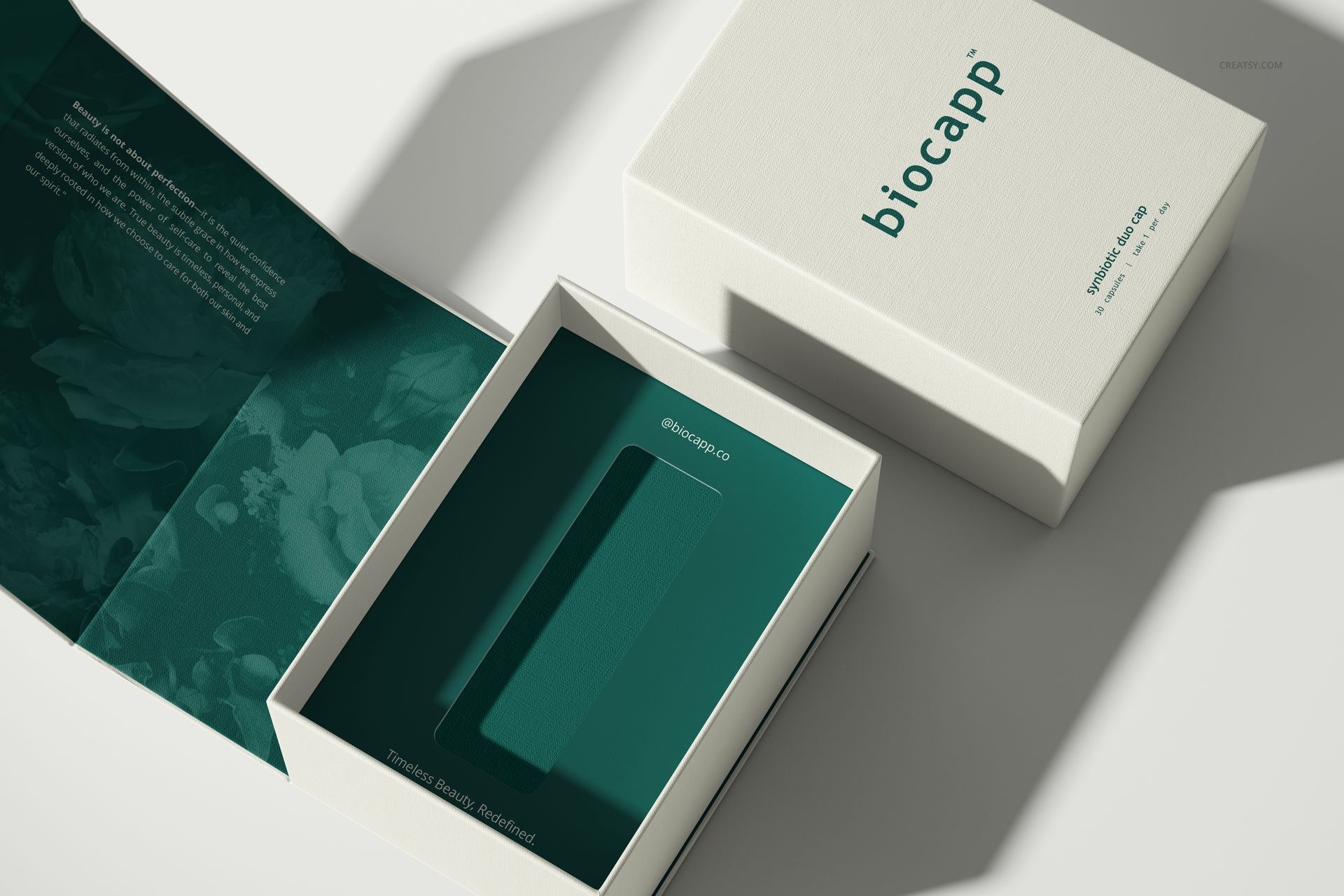
The set combines an overhead open-box view, a partially revealed tray and an angled arrangement with open and closed packaging. Use these views to explain how the exterior identity continues inside, from the lid graphics to the tray color and the edge of the cut-out.
What Is Included
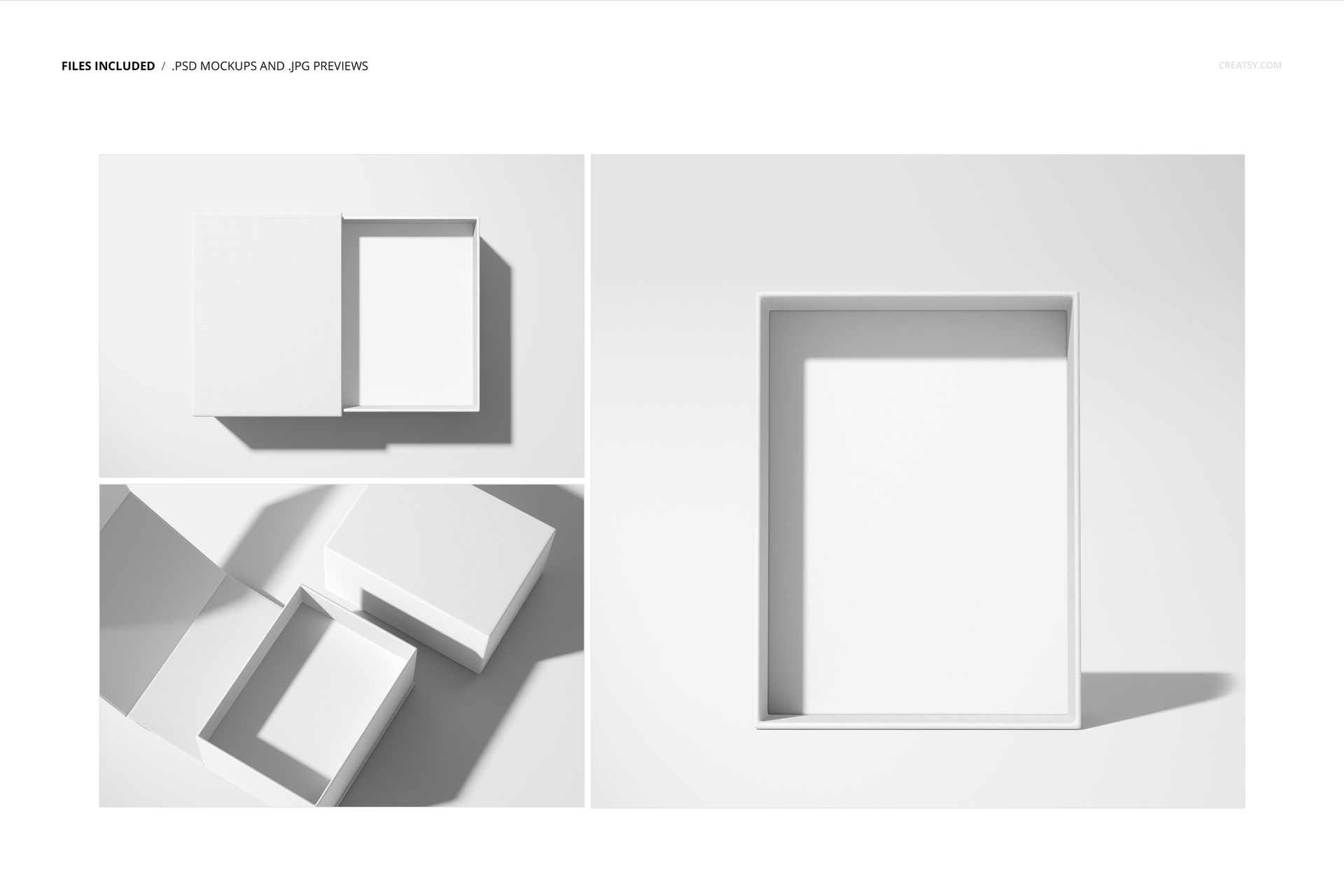
3 layered PSD mockup files with three packaging scenes.
3 JPG previews, 6 files in total.
PSD scenes at approximately 6000 × 4000 px and 300 DPI.
Compatibility with Adobe Photoshop CC2020 or newer and Photopea.
Customize the Cut-Out and the Surrounding Design
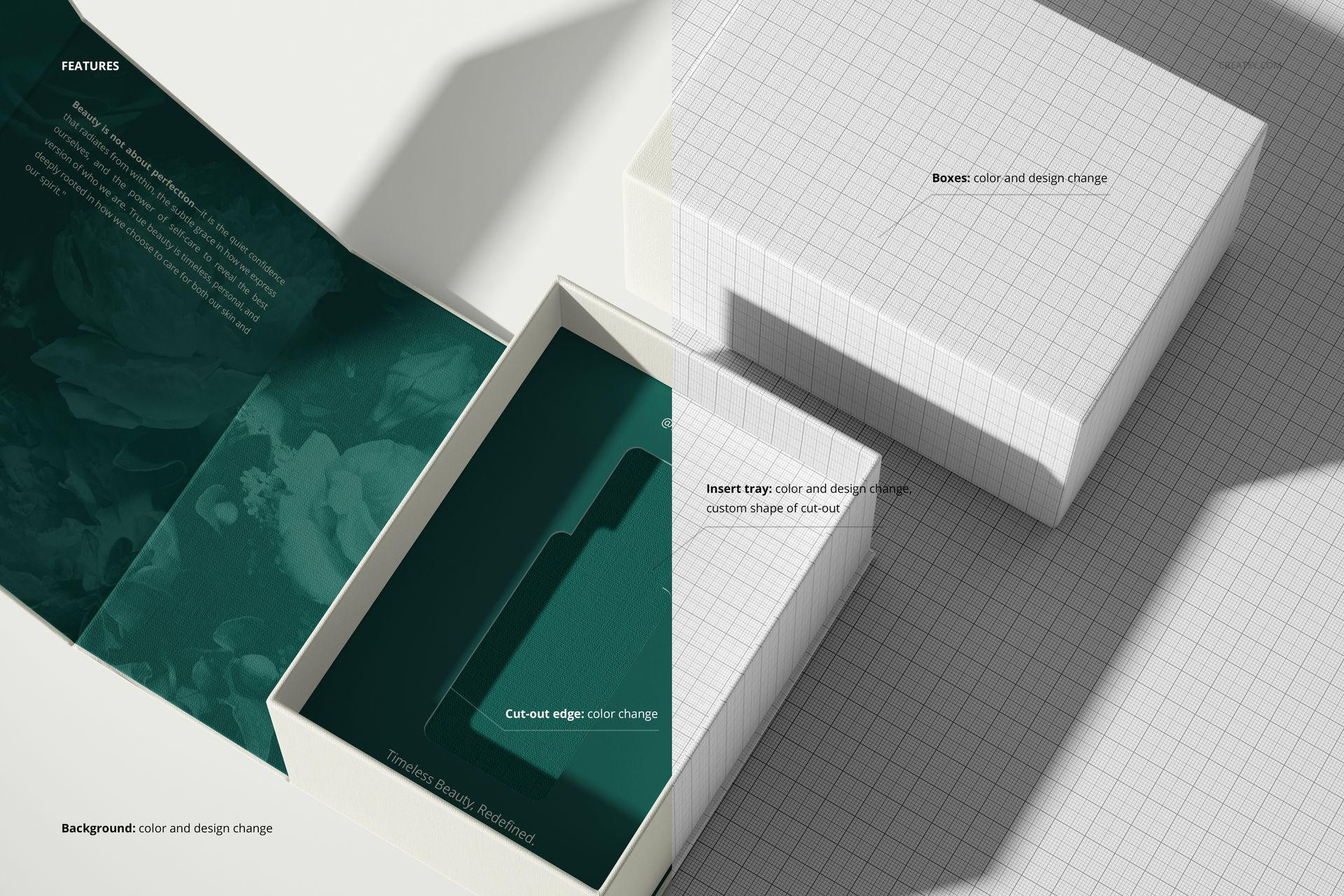
Change the box and insert-tray colors and artwork, customize the cut-out shape, and adjust its edge color. The background also supports color and design changes. These controls let you compare a quiet, coordinated interior with a contrasting tray that makes the opening more prominent.
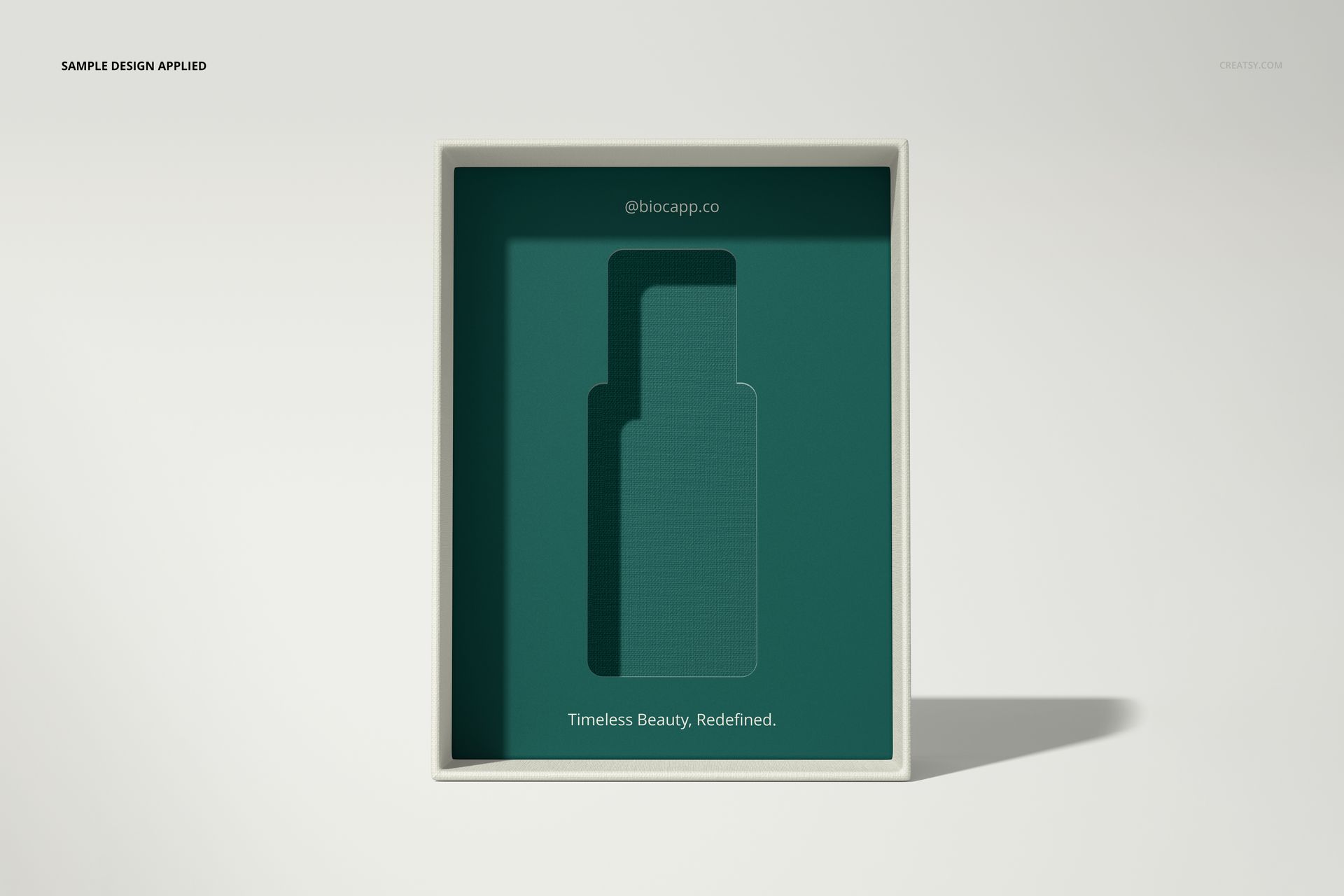
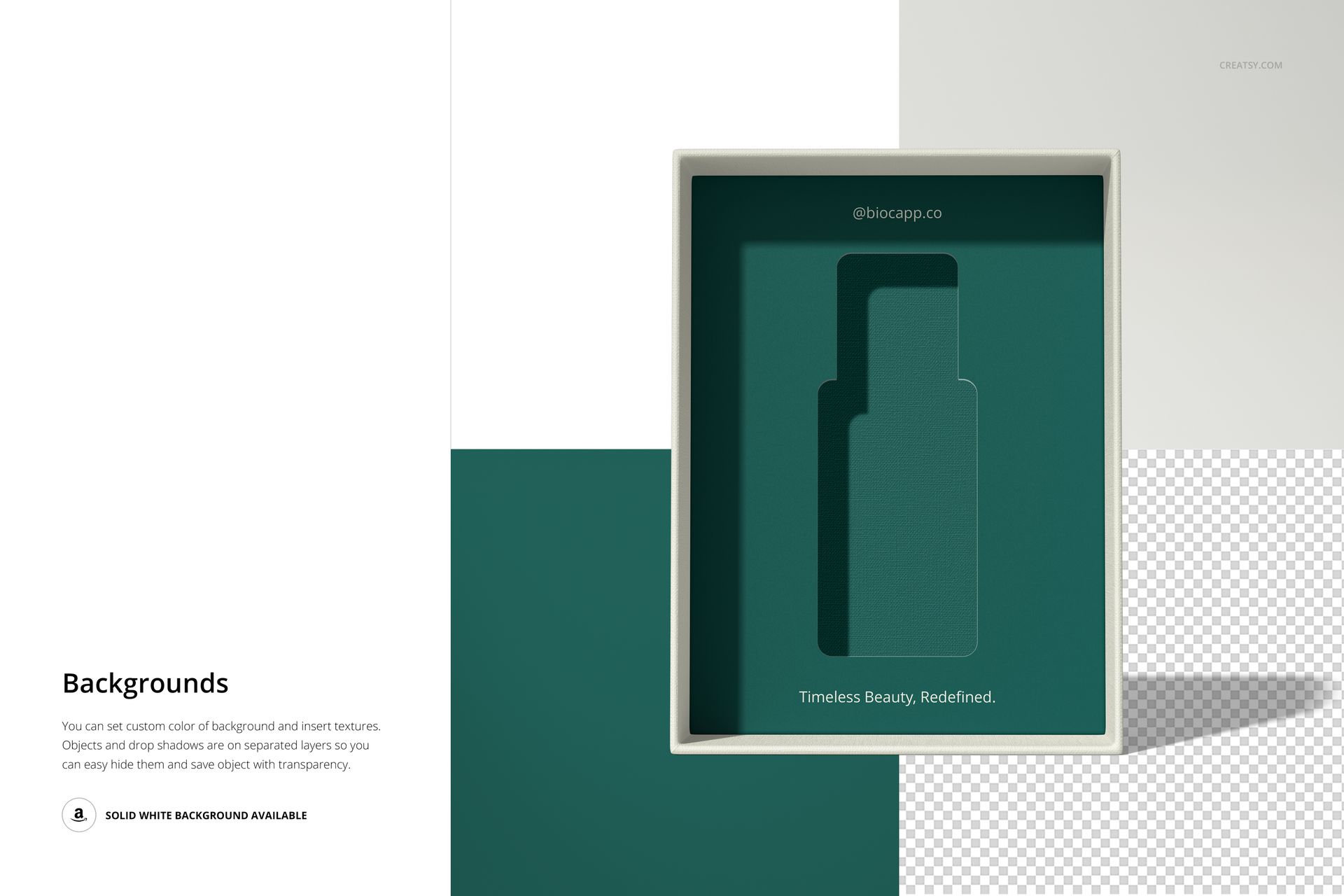
The previews demonstrate rectangular and bottle-shaped openings. This is a packaging visualization tool: it helps communicate an insert concept without claiming to engineer the fit or protection of a physical product.
Easy Smart Object Editing
Place your graphics into the appropriate PSD Smart Objects and save them to update the photographed surfaces. Coordinate the separate color controls, customize the tray opening and review the concept across all three scenes. Object and drop-shadow layers can be hidden separately for transparent-background exports.
Perfect For
Skincare, fragrance and wellness packaging presentations.
Premium gift-box and small-accessory branding concepts.
Client reviews of tray graphics, color systems and unboxing layouts.
This is a digital mockup set, not a physical box, insert or manufacturing dieline. Sample branding and artwork shown in the previews are not included.